Upgrade to Pro — share decks privately, control downloads, hide ads and more …

React with Meteor Backend

Sponsored · SiteGround - Reliable hosting with speed, security, and support you can count on. →

React with Meteor Backend

What makes Meteor great in conjunction with React.

Hold that talk at the HSR in Rapperswil, Switzerland

Avatar for Valentin Uhrmeister

Valentin Uhrmeister

November 07, 2018

More Decks by Valentin Uhrmeister

Other Decks in Programming

Transcript

  1. That’s me … • Javascript / Frontend Developer • Co-Founder

    at nemms • Formerly worked at HolidayCheck, Namics, innoQ • CAS-FEE since 2015 • Passionate in creating great web experiences • Experience with Meteor since 2015 • I like Material Design :) Valentin Uhrmeister Twitter / Github: @vuhrmeister
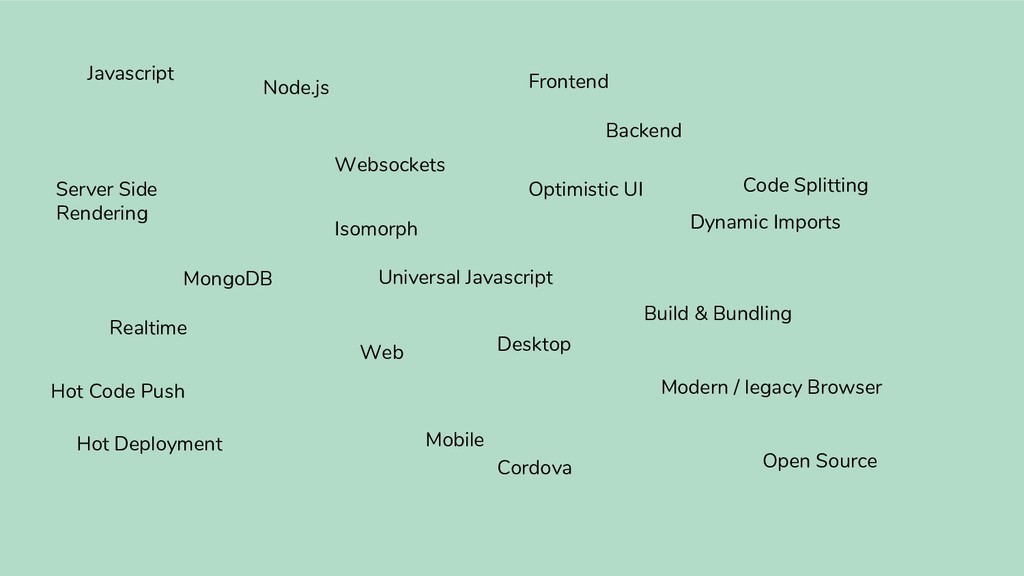
  2. Javascript Node.js MongoDB Websockets Optimistic UI Frontend Backend Web Mobile

    Desktop Cordova Dynamic Imports Server Side Rendering Realtime Hot Deployment Hot Code Push Open Source Build & Bundling Modern / legacy Browser Code Splitting Isomorph Universal Javascript
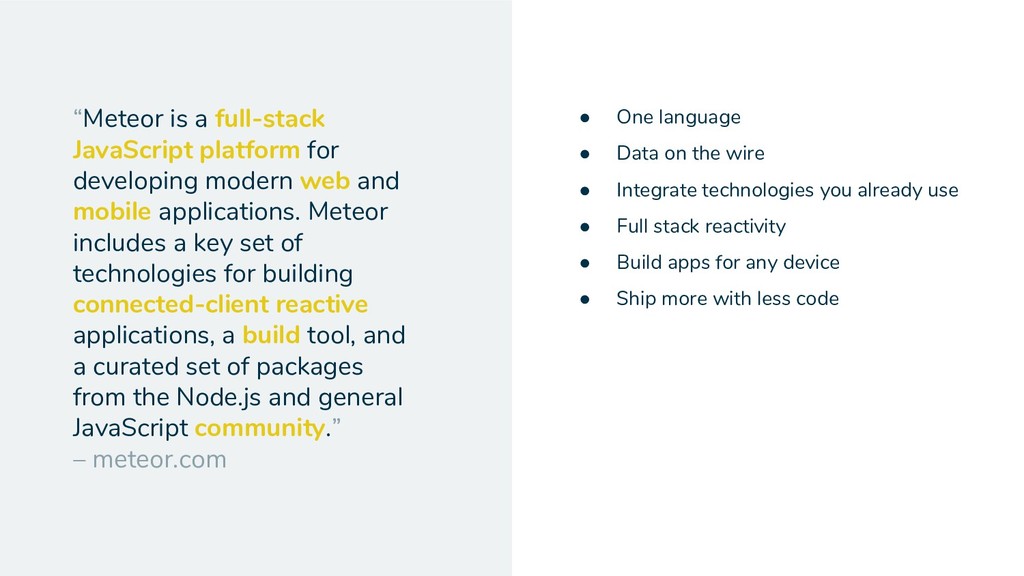
  3. “Meteor is a full-stack JavaScript platform for developing modern web

    and mobile applications. Meteor includes a key set of technologies for building connected-client reactive applications, a build tool, and a curated set of packages from the Node.js and general JavaScript community.” – meteor.com • One language • Data on the wire • Integrate technologies you already use • Full stack reactivity • Build apps for any device • Ship more with less code
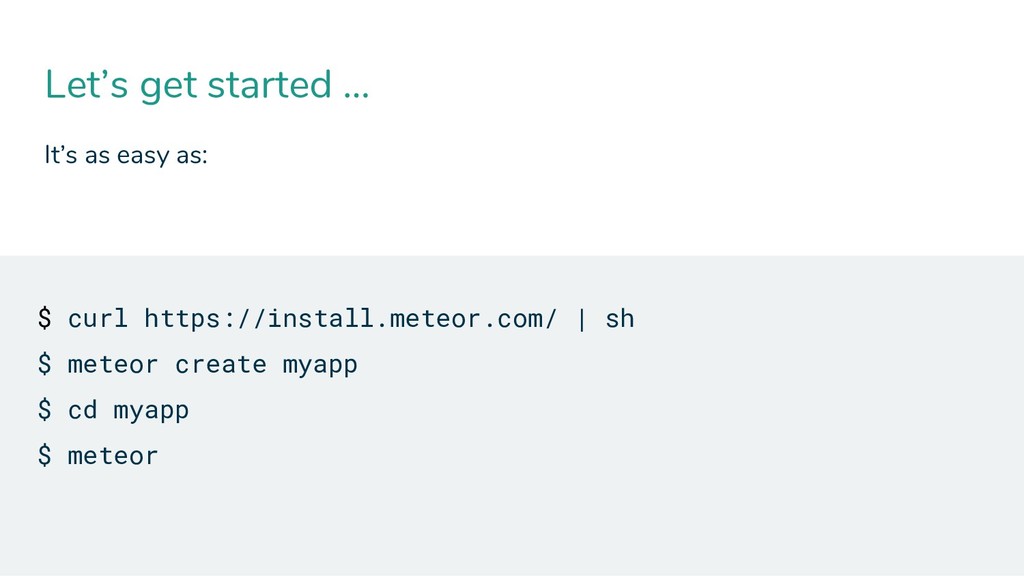
  4. Let’s get started … It’s as easy as: $ curl

    https://install.meteor.com/ | sh $ meteor create myapp $ cd myapp $ meteor
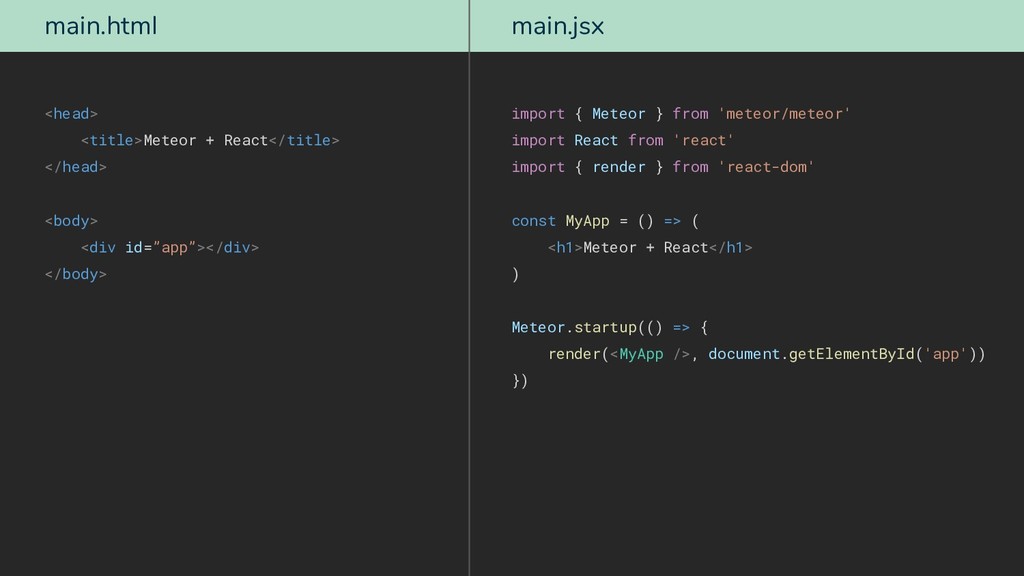
  5. main.html <head> <title>Meteor + React</title> </head> <body> <div id=”app”></div> </body>

    main.jsx import { Meteor } from 'meteor/meteor' import React from 'react' import { render } from 'react-dom' const MyApp = () => ( <h1>Meteor + React</h1> ) Meteor.startup(() => { render(<MyApp />, document.getElementById('app')) })
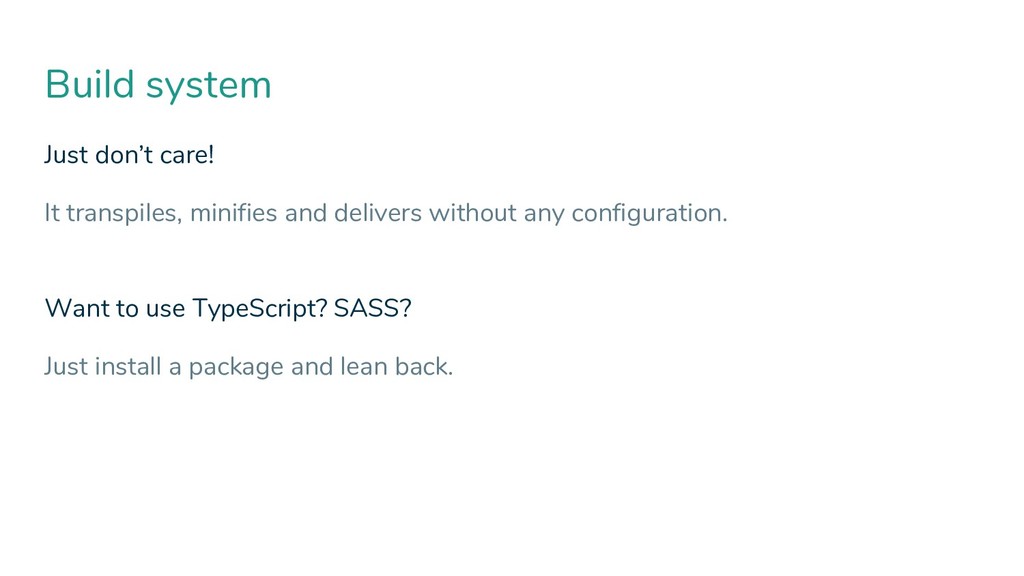
  6. Build system Just don’t care! It transpiles, minifies and delivers

    without any configuration. Want to use TypeScript? SASS? Just install a package and lean back.
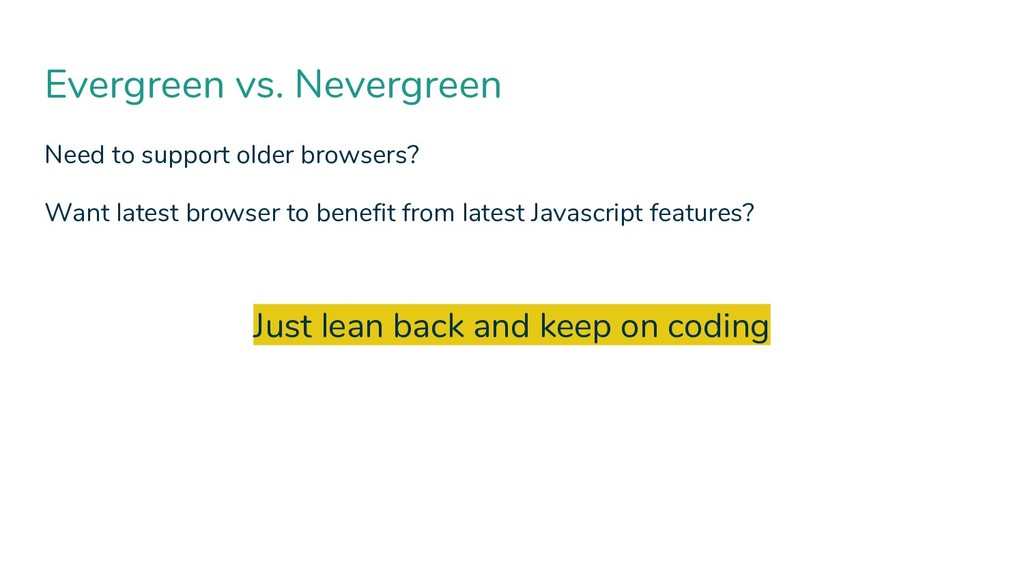
  7. Evergreen vs. Nevergreen Need to support older browsers? Want latest

    browser to benefit from latest Javascript features? Just lean back and keep on coding
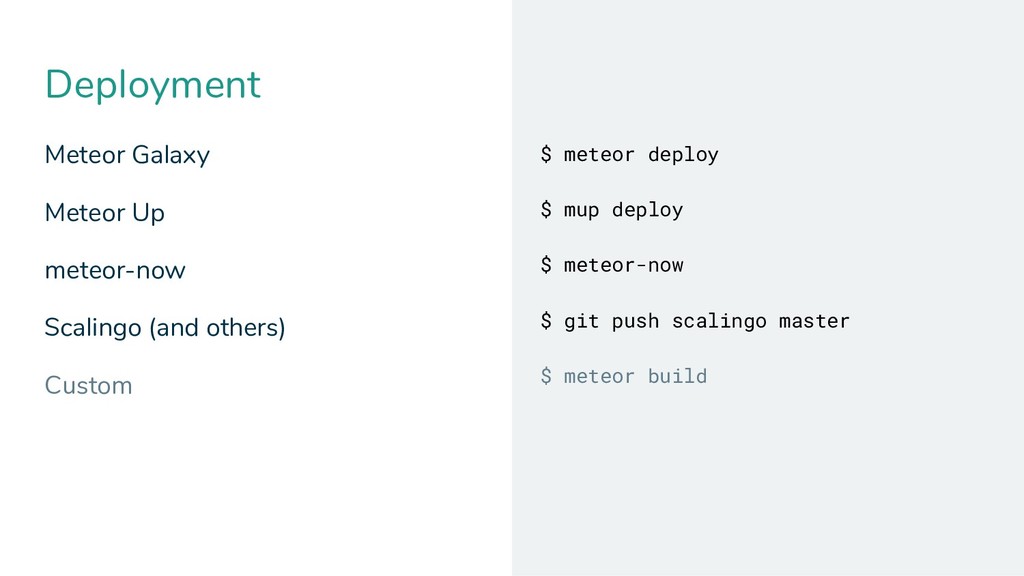
  8. Deployment Meteor Galaxy Meteor Up meteor-now Scalingo (and others) Custom

    $ meteor deploy $ mup deploy $ meteor-now $ git push scalingo master $ meteor build
  9. Hot Deployment Hot code push (during development) – of course!

    Instant update of connected clients – nice!
  10. What we’ll cover Working with data Code splitting Server Side

    Rendering The rest is just … nothing special
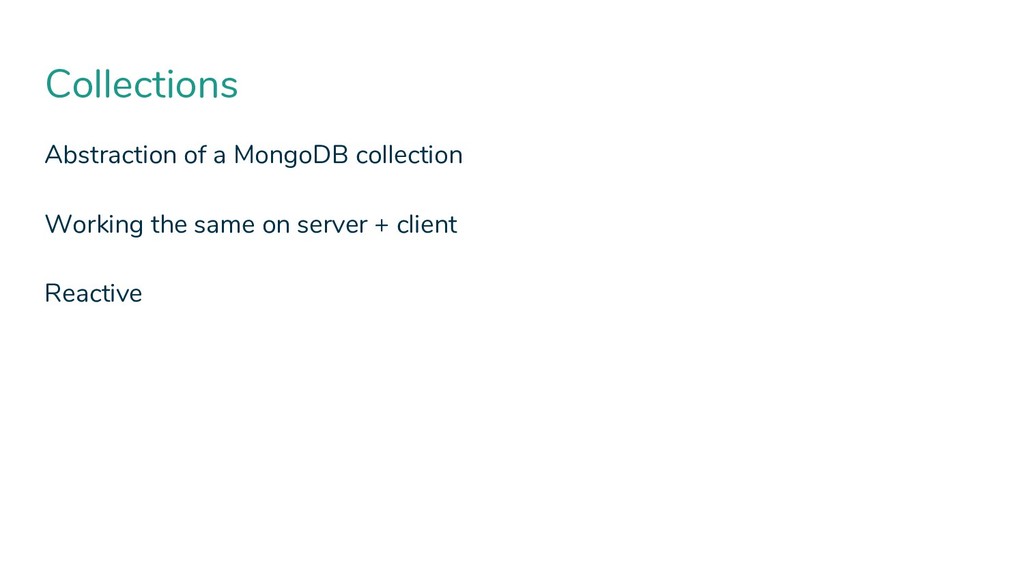
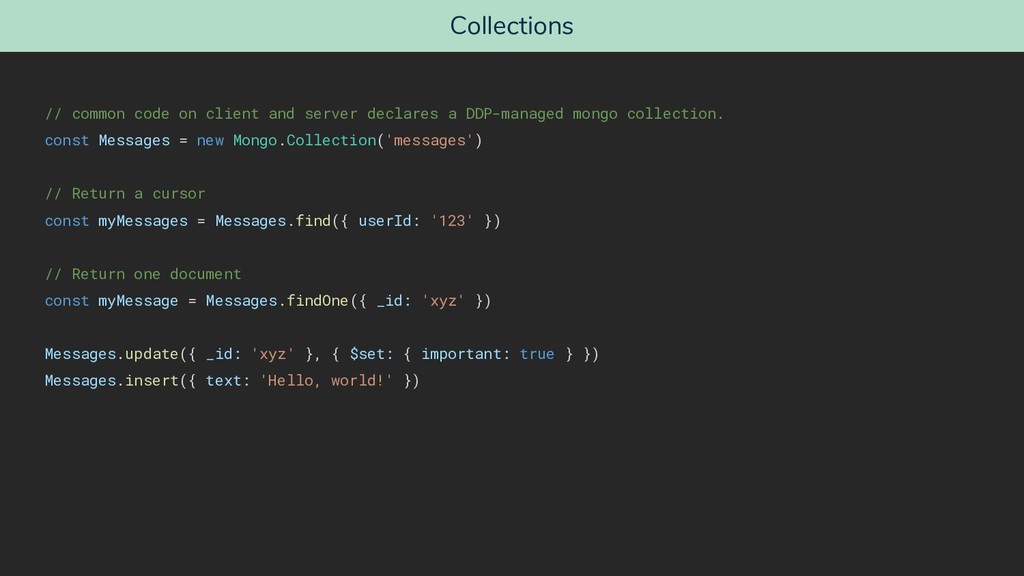
  11. Collections // common code on client and server declares a

    DDP-managed mongo collection. const Messages = new Mongo.Collection('messages') // Return a cursor const myMessages = Messages.find({ userId: '123' }) // Return one document const myMessage = Messages.findOne({ _id: 'xyz' }) Messages.update({ _id: 'xyz' }, { $set: { important: true } }) Messages.insert({ text: 'Hello, world!' })
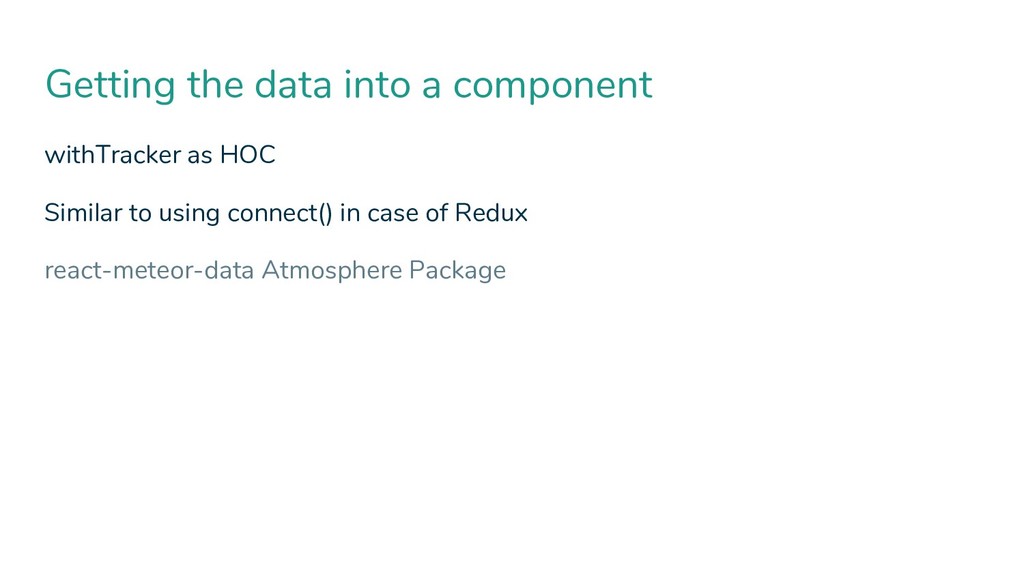
  12. Getting the data into a component withTracker as HOC Similar

    to using connect() in case of Redux react-meteor-data Atmosphere Package
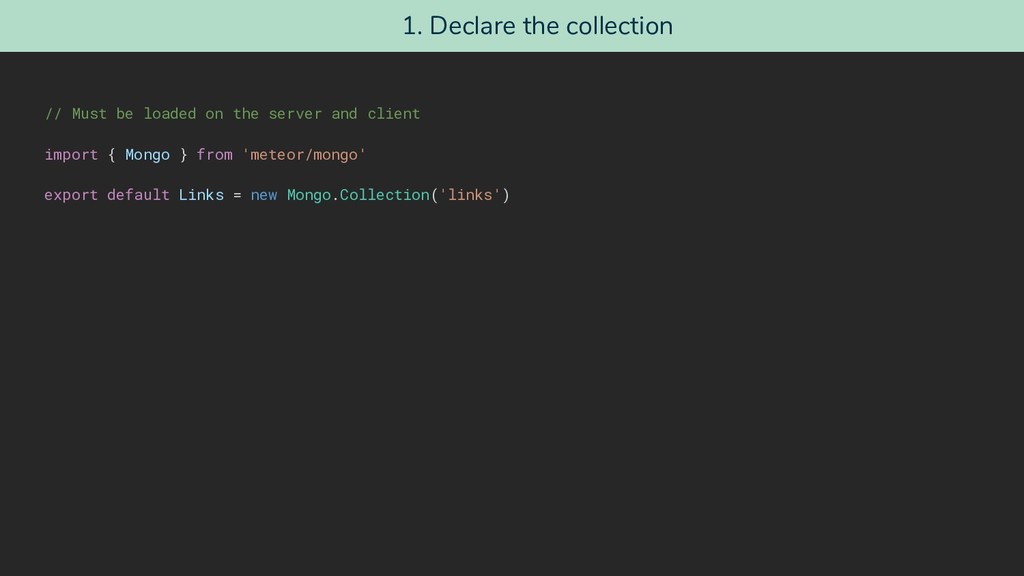
  13. 1. Declare the collection // Must be loaded on the

    server and client import { Mongo } from 'meteor/mongo' export default Links = new Mongo.Collection('links')
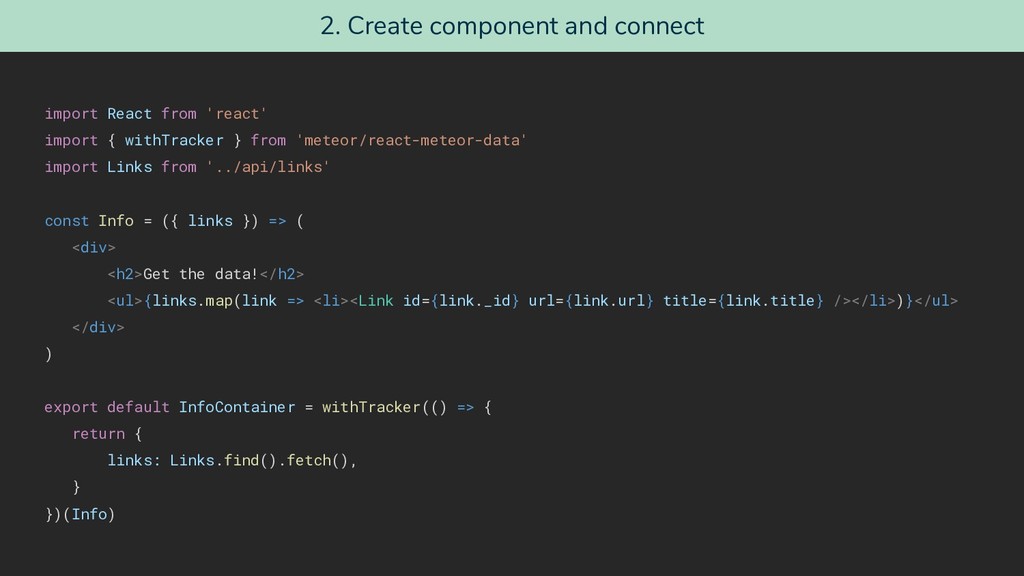
  14. 2. Create component and connect import React from 'react' import

    { withTracker } from 'meteor/react-meteor-data' import Links from '../api/links' const Info = ({ links }) => ( <div> <h2>Get the data!</h2> <ul>{links.map(link => <li><Link id={link._id} url={link.url} title={link.title} /></li>)}</ul> </div> ) export default InfoContainer = withTracker(() => { return { links: Links.find().fetch(), } })(Info)
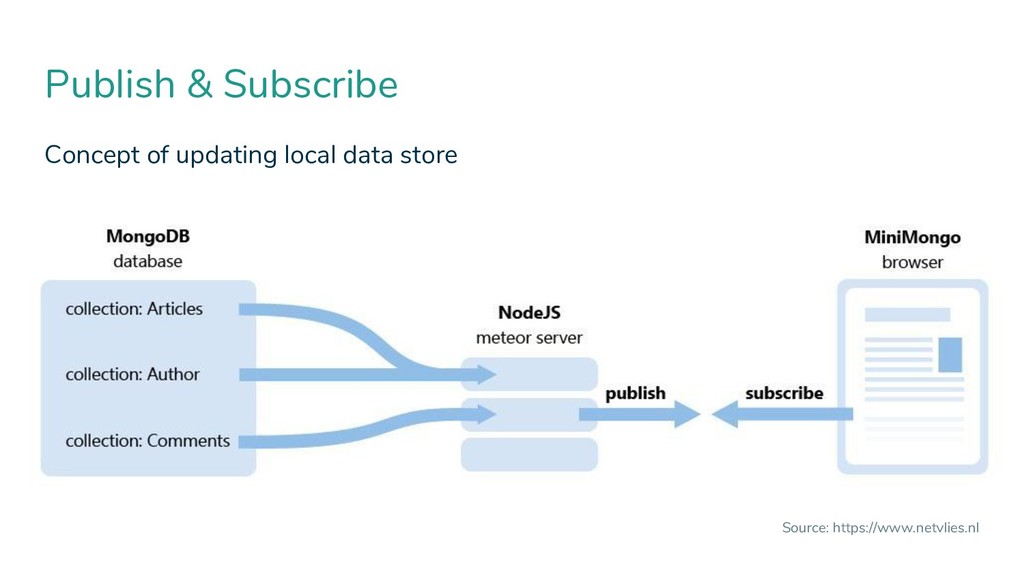
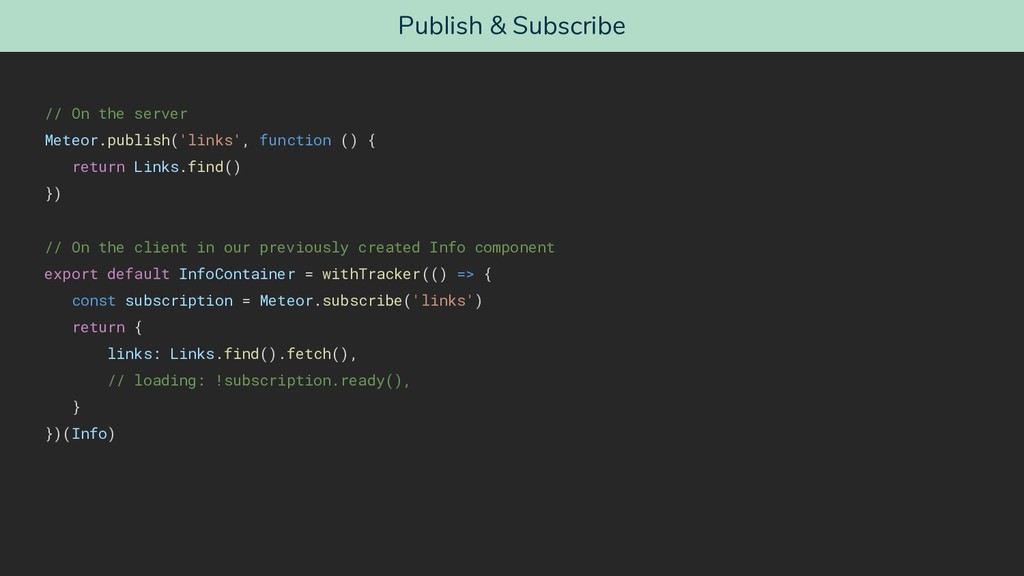
  15. Publish & Subscribe // On the server Meteor.publish('links', function ()

    { return Links.find() }) // On the client in our previously created Info component export default InfoContainer = withTracker(() => { const subscription = Meteor.subscribe('links') return { links: Links.find().fetch(), // loading: !subscription.ready(), } })(Info)
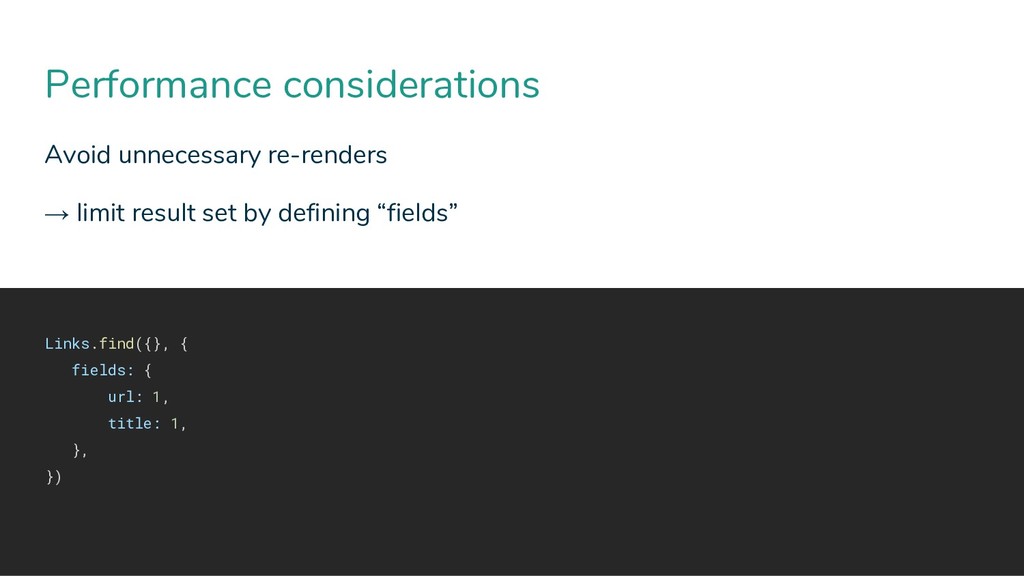
  16. Performance considerations Avoid unnecessary re-renders → limit result set by

    defining “fields” Links.find({}, { fields: { url: 1, title: 1, }, })
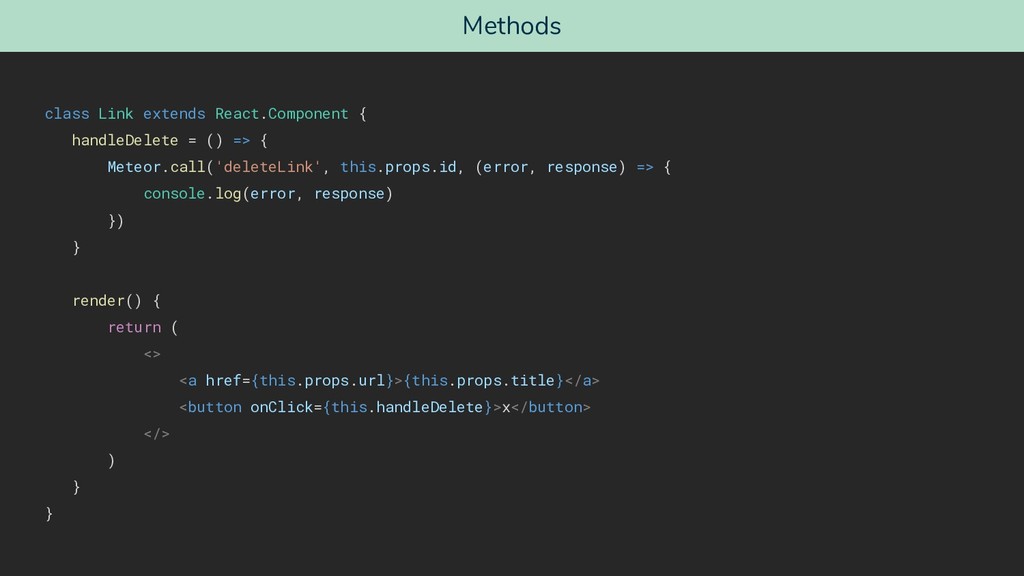
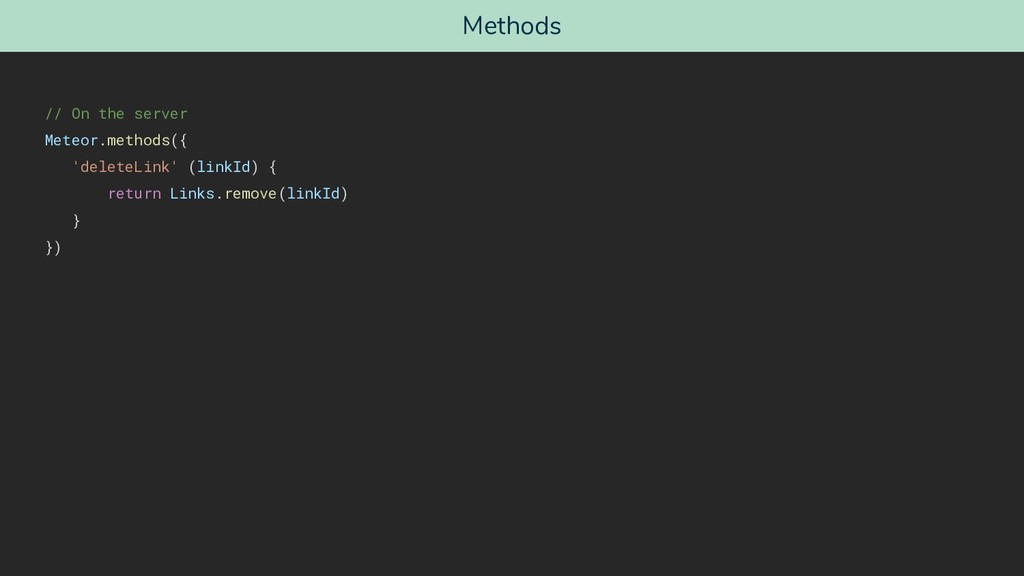
  17. Methods class Link extends React.Component { handleDelete = () =>

    { Meteor.call('deleteLink', this.props.id, (error, response) => { console.log(error, response) }) } render() { return ( <> <a href={this.props.url}>{this.props.title}</a> <button onClick={this.handleDelete}>x</button> </> ) } }
  18. Want to use Redux? It’s a pretty different approach Why

    might it be a good idea? Why should you want to use it?
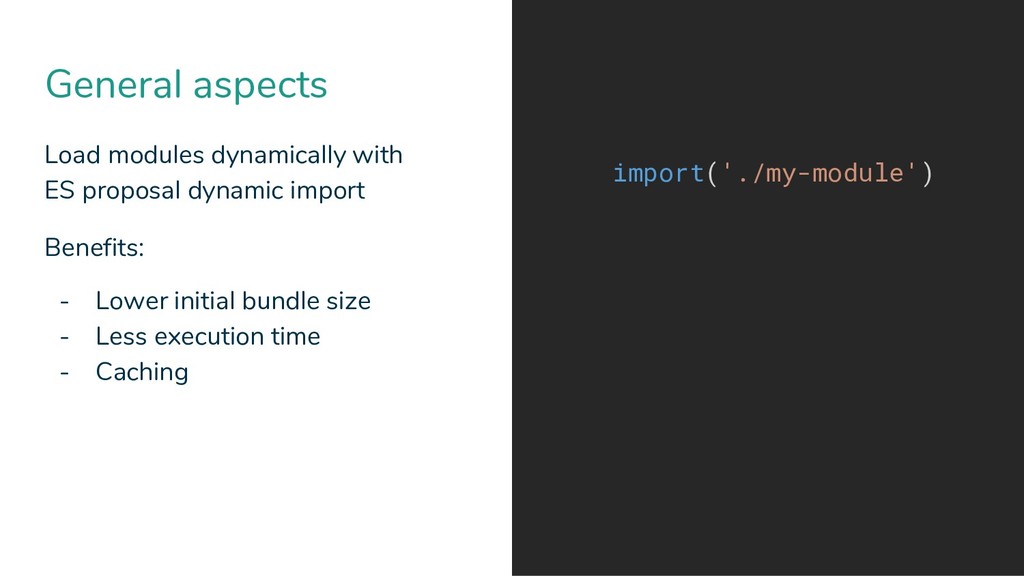
  19. General aspects Load modules dynamically with ES proposal dynamic import

    Benefits: - Lower initial bundle size - Less execution time - Caching import('./my-module')
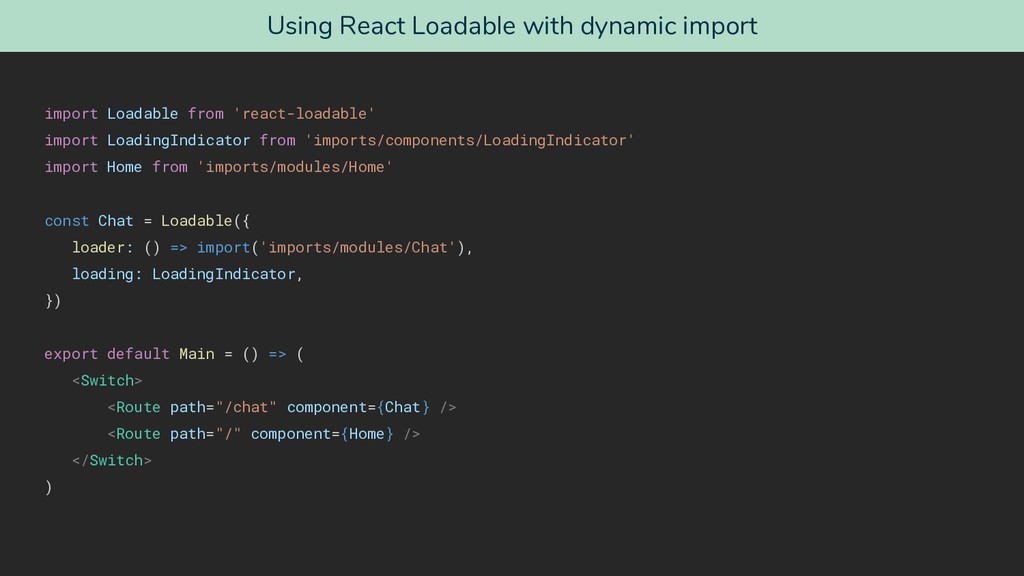
  20. Using React Loadable with dynamic import import Loadable from 'react-loadable'

    import LoadingIndicator from 'imports/components/LoadingIndicator' import Home from 'imports/modules/Home' const Chat = Loadable({ loader: () => import('imports/modules/Chat'), loading: LoadingIndicator, }) export default Main = () => ( <Switch> <Route path="/chat" component={Chat} /> <Route path="/" component={Home} /> </Switch> )
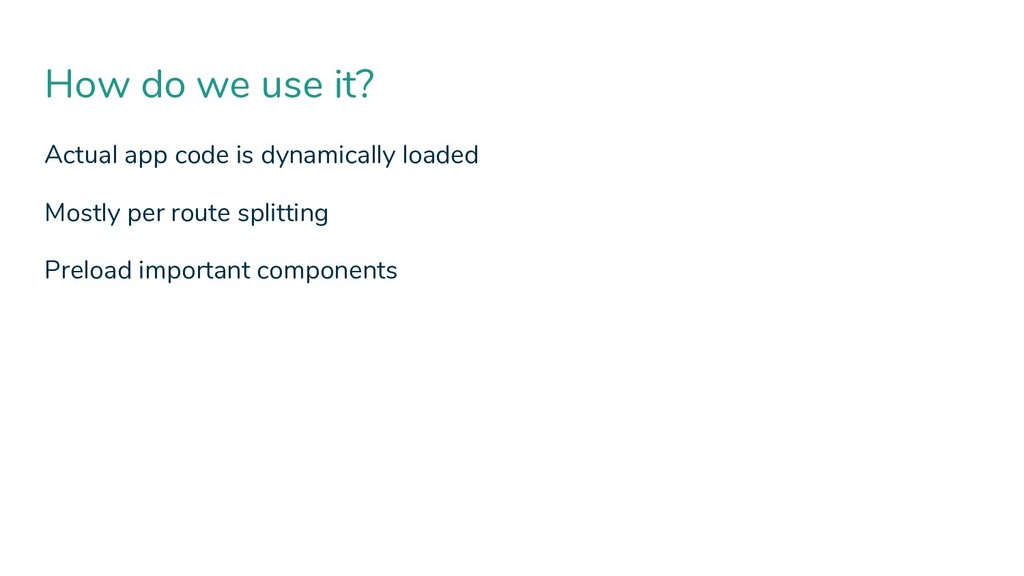
  21. How do we use it? Actual app code is dynamically

    loaded Mostly per route splitting Preload important components
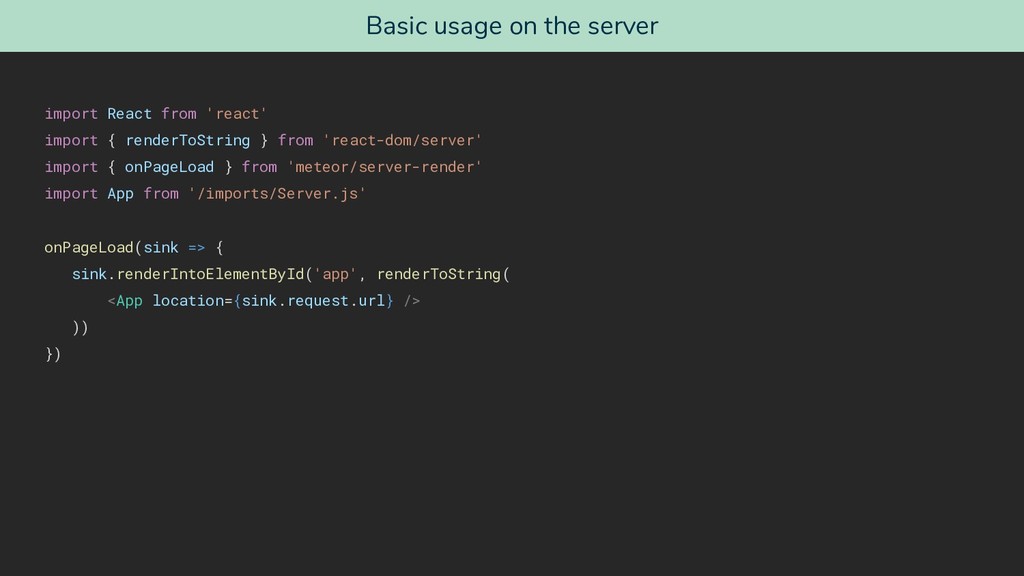
  22. Basic usage on the server import React from 'react' import

    { renderToString } from 'react-dom/server' import { onPageLoad } from 'meteor/server-render' import App from '/imports/Server.js' onPageLoad(sink => { sink.renderIntoElementById('app', renderToString( <App location={sink.request.url} /> )) })
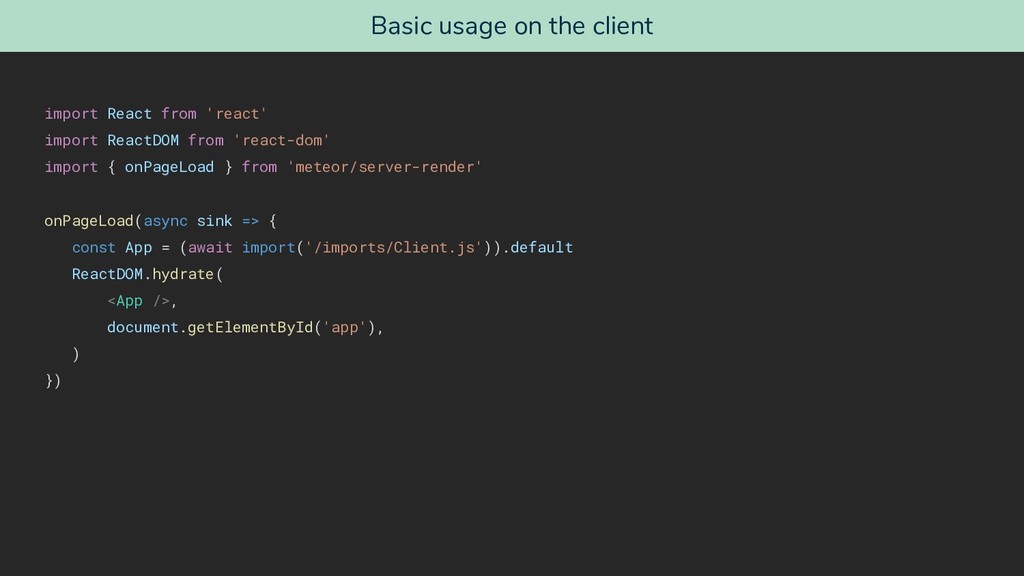
  23. Basic usage on the client import React from 'react' import

    ReactDOM from 'react-dom' import { onPageLoad } from 'meteor/server-render' onPageLoad(async sink => { const App = (await import('/imports/Client.js')).default ReactDOM.hydrate( <App />, document.getElementById('app'), ) })
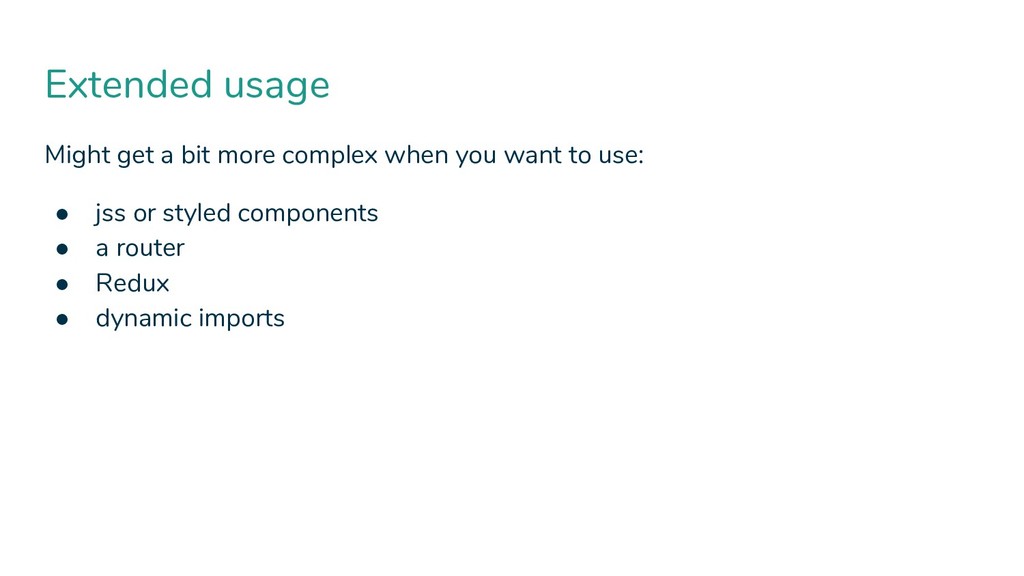
  24. Might get a bit more complex when you want to

    use: • jss or styled components • a router • Redux • dynamic imports Extended usage
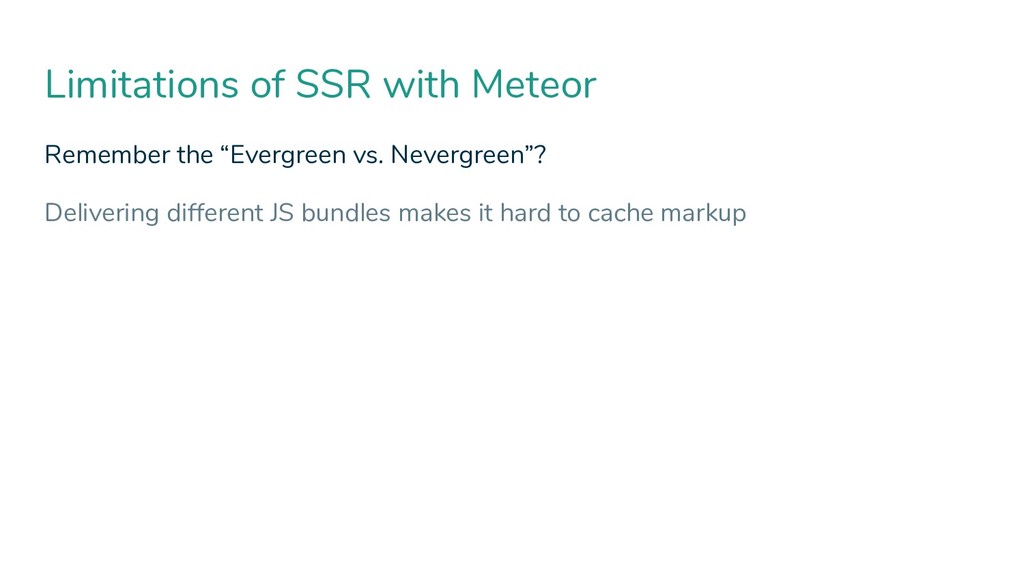
  25. Limitations of SSR with Meteor Remember the “Evergreen vs. Nevergreen”?

    Delivering different JS bundles makes it hard to cache markup
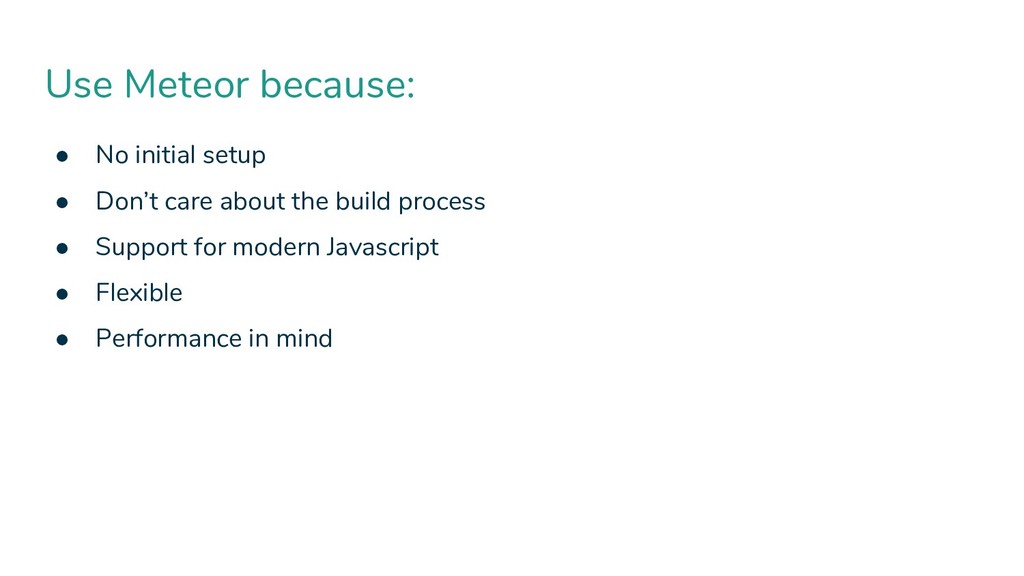
  26. Use Meteor because: • No initial setup • Don’t care

    about the build process • Support for modern Javascript • Flexible • Performance in mind
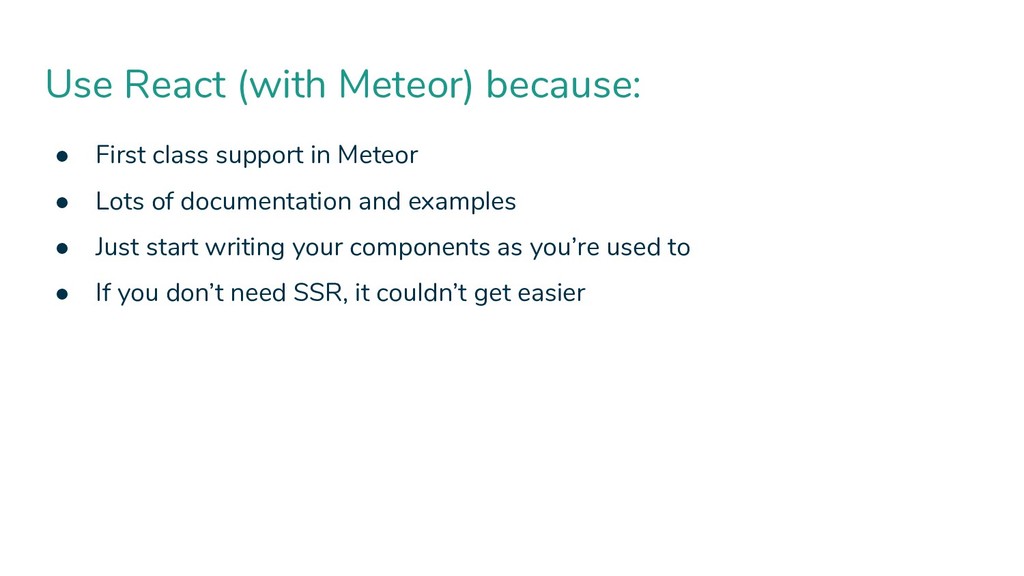
  27. Use React (with Meteor) because: • First class support in

    Meteor • Lots of documentation and examples • Just start writing your components as you’re used to • If you don’t need SSR, it couldn’t get easier