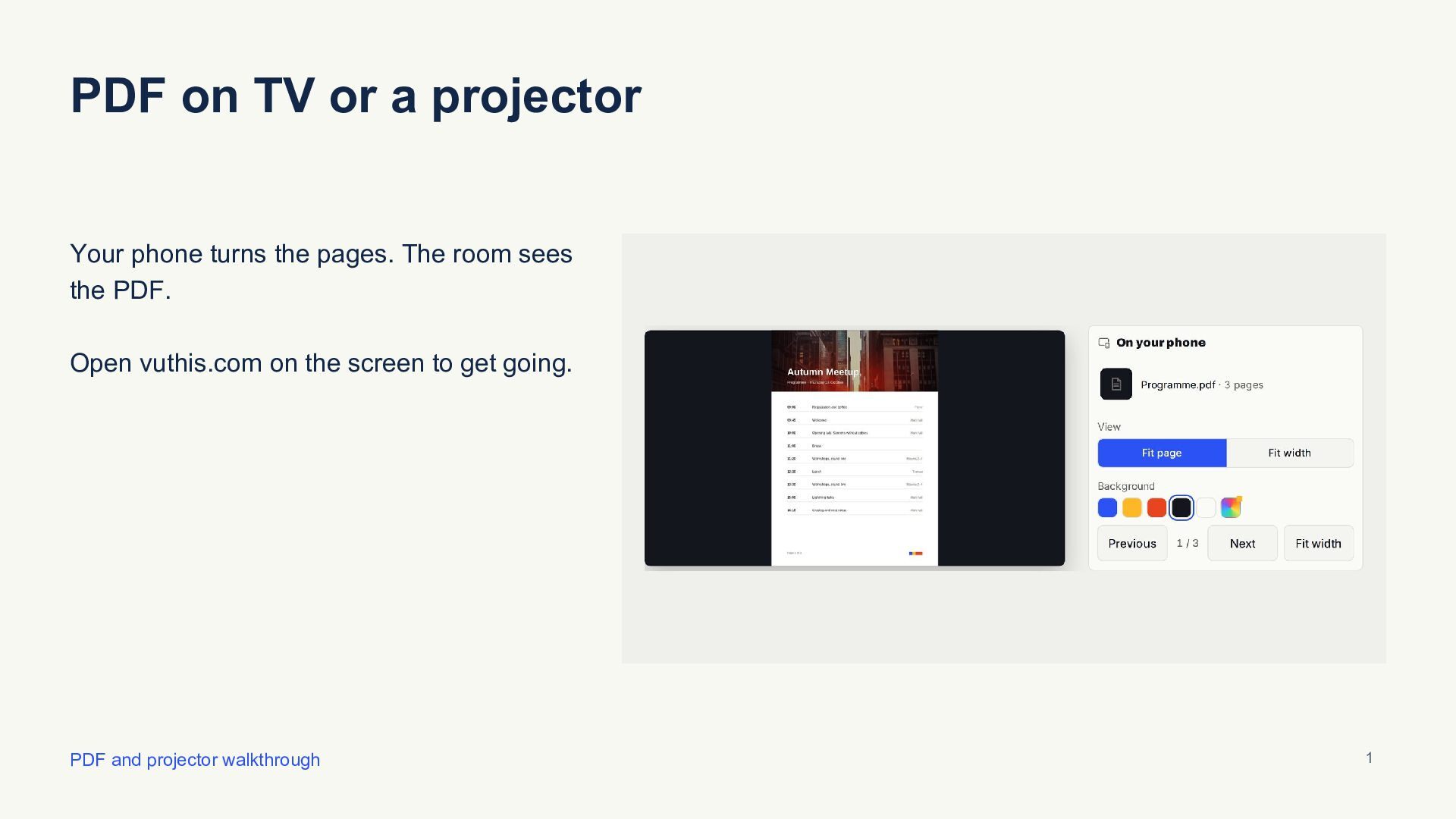
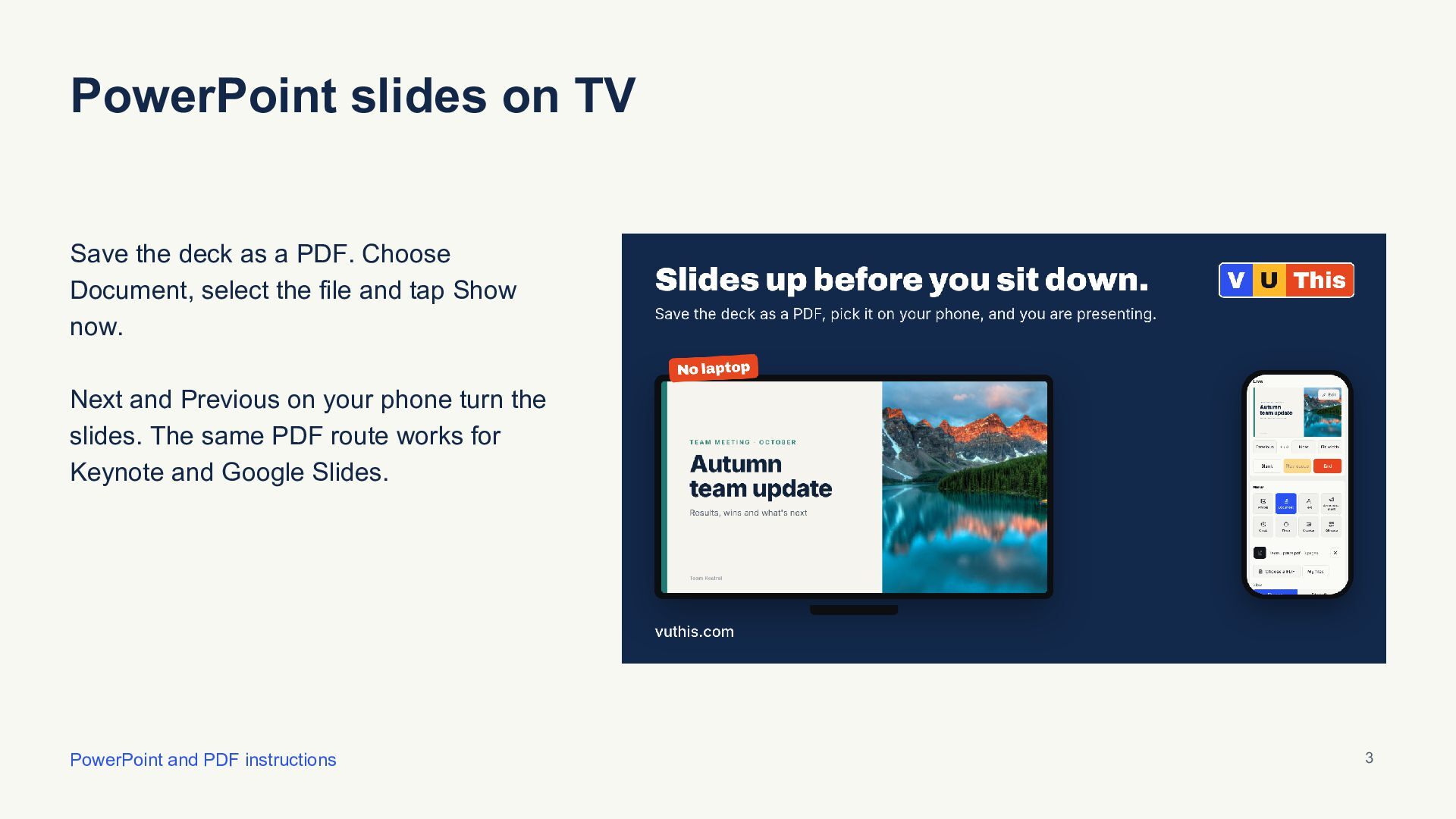
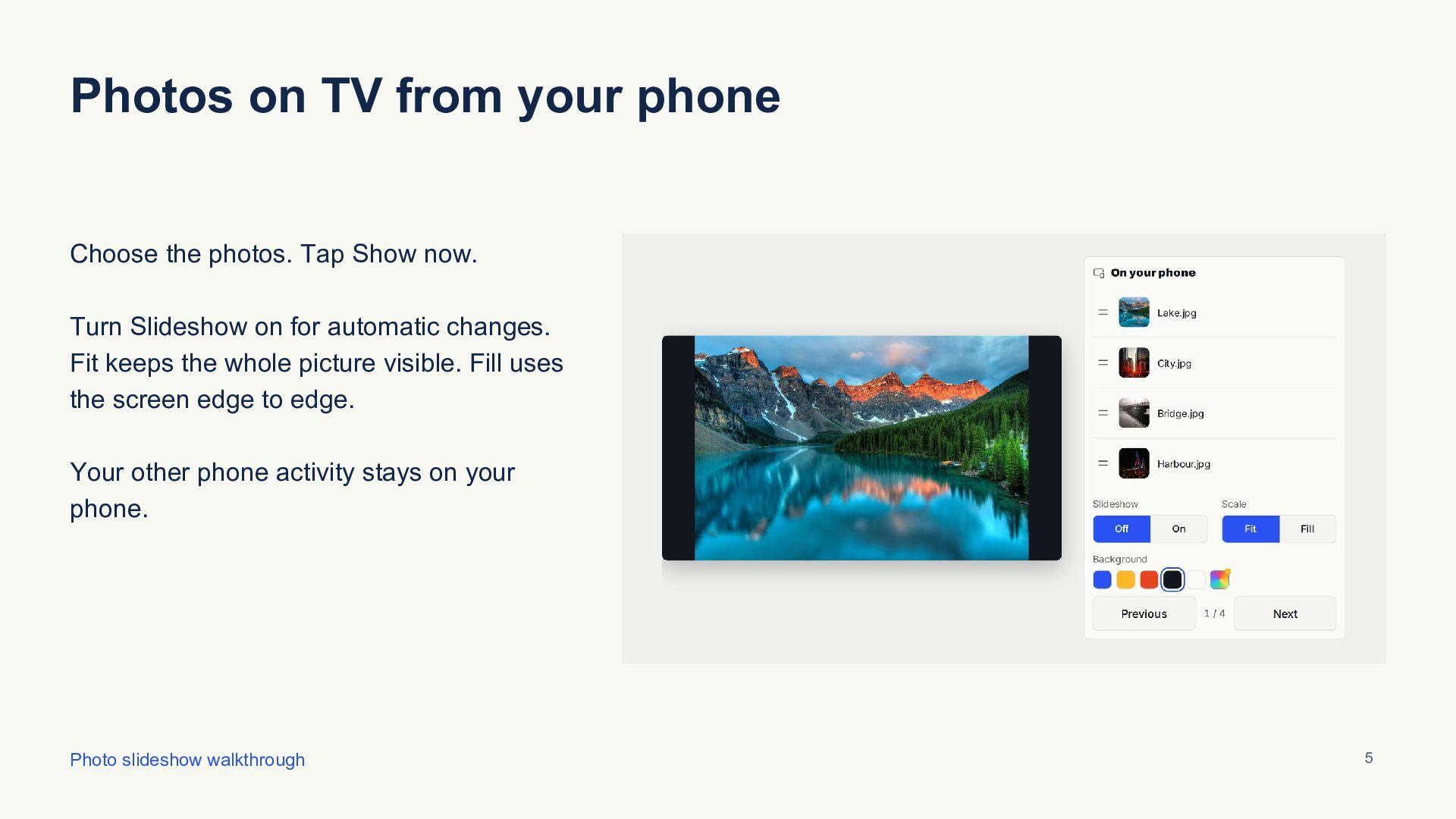
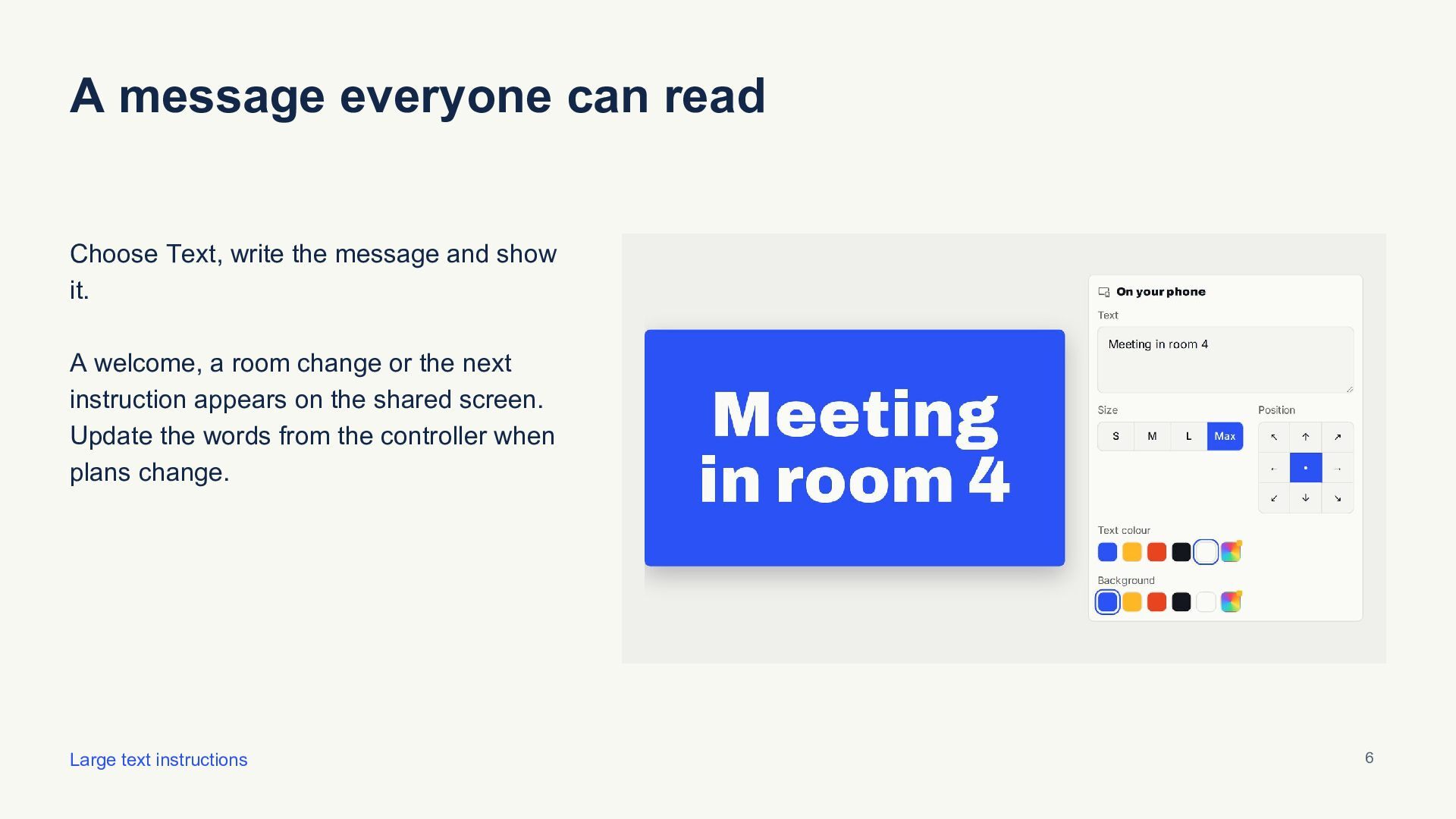
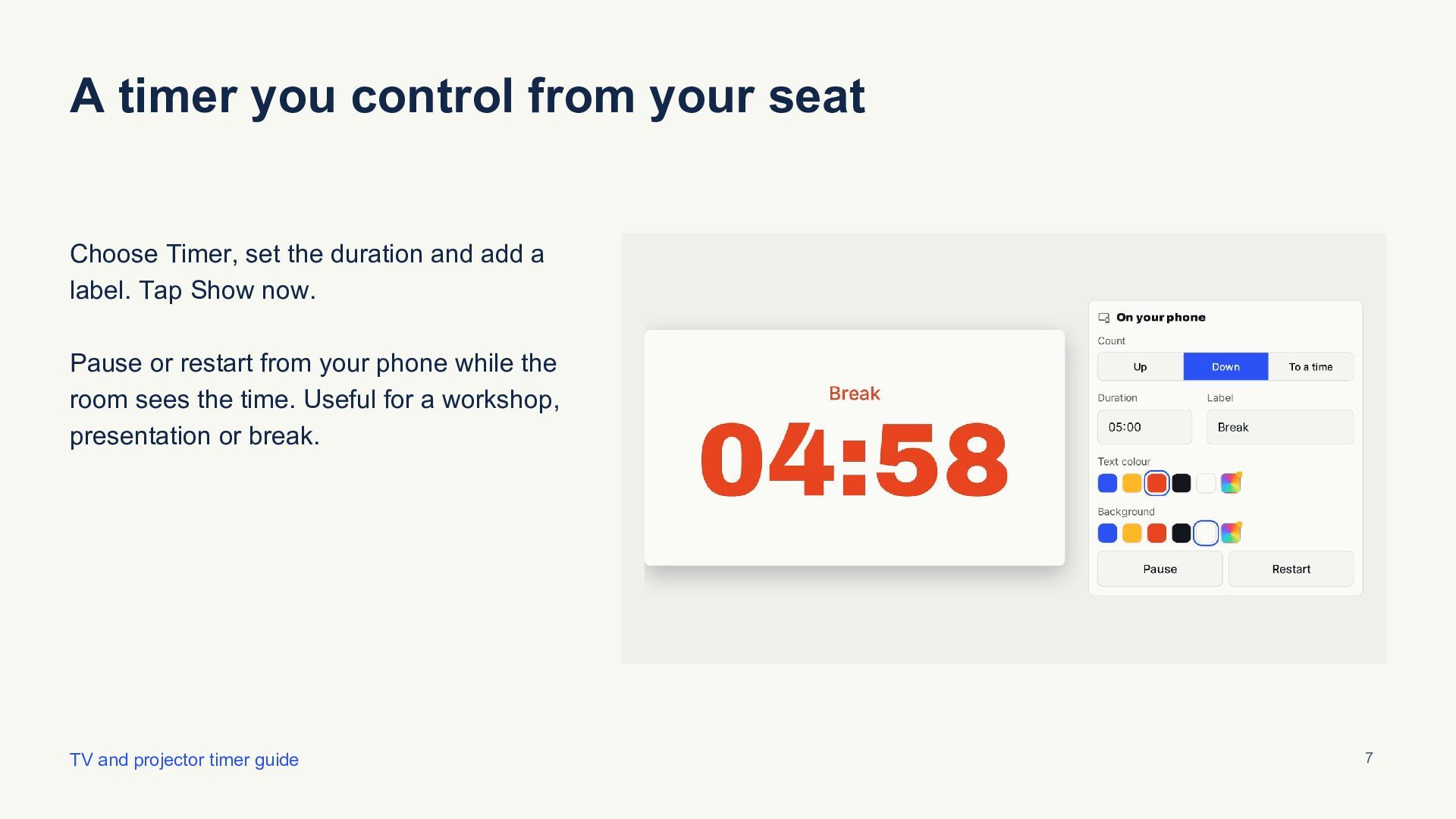
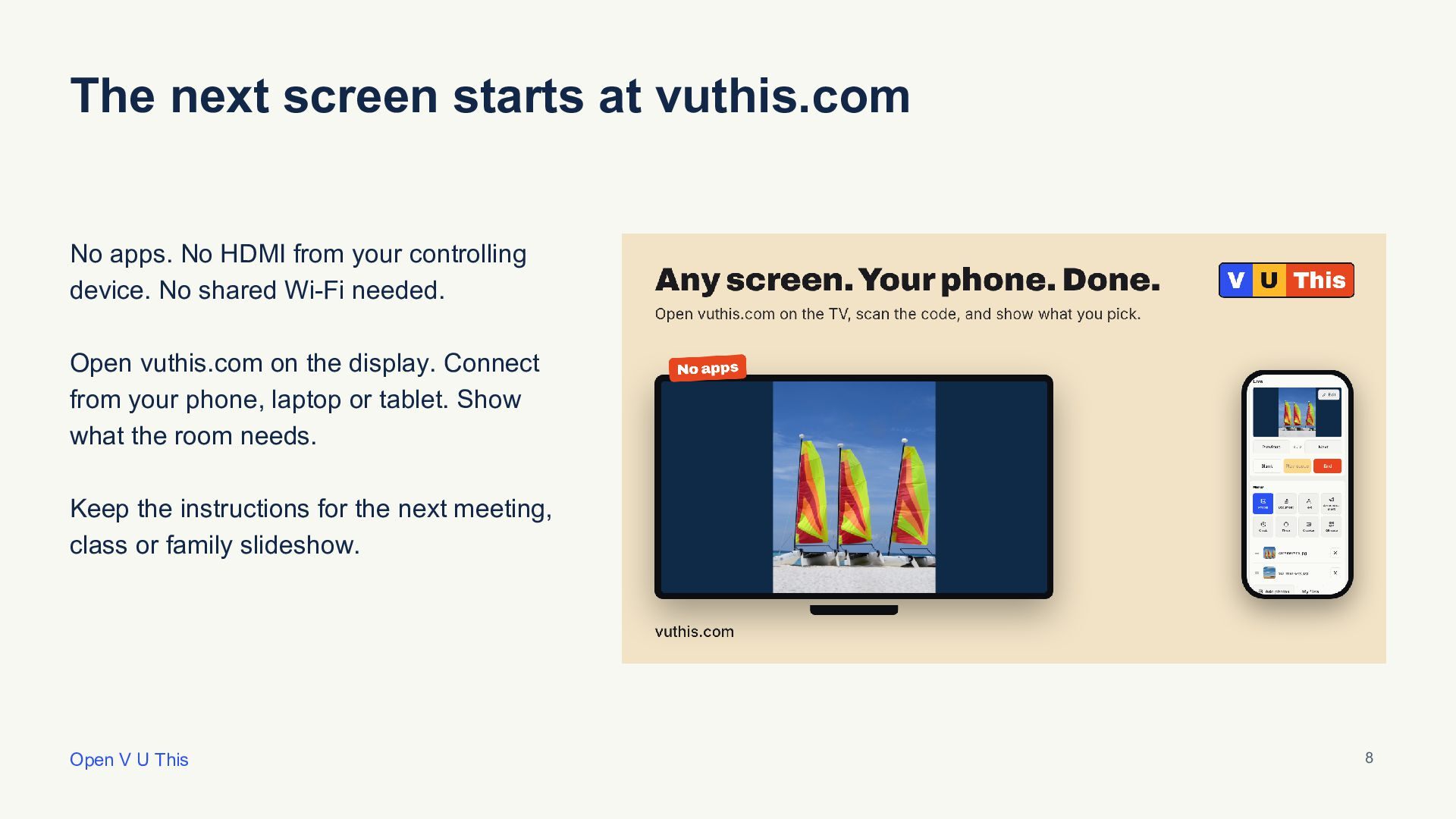
Your PDF on the room’s screen. Page controls on your phone or laptop. This eight-slide visual walkthrough shows the result first, then the browser connection, PDF controls and presentation workflow.
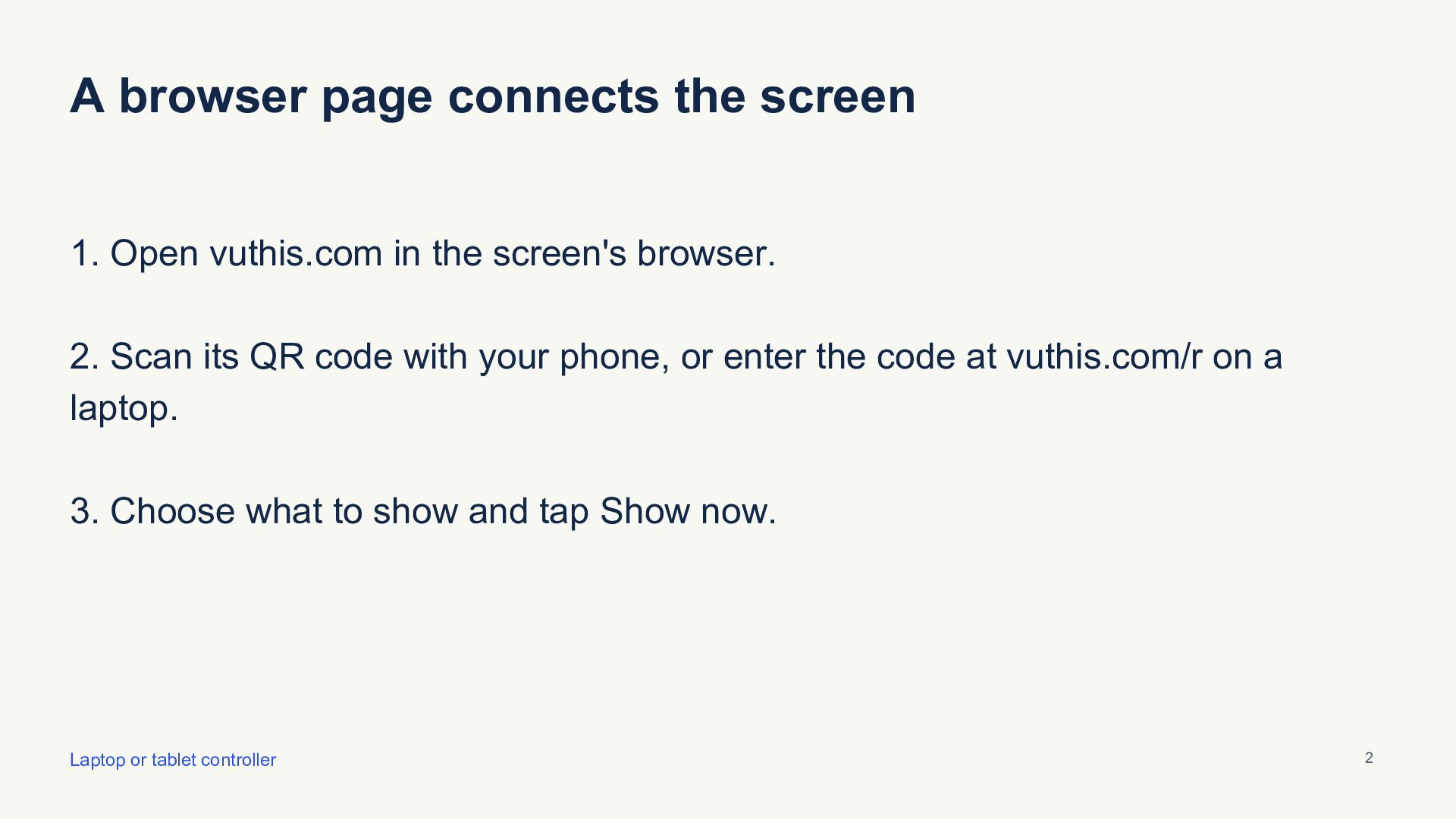
Open https://vuthis.com on the TV or projector browser. Connect a phone, tablet or laptop using the display code, choose Document and show the PDF. Use Previous/Next and Fit page or Fit width. Export PowerPoint, Keynote or Google Slides decks as PDF first. Both devices need internet access; they can use different networks.
Step-by-step PDF/projector guide: https://vuthis.com/display-pdf-on-tv
Illustrated downloadable handbook: https://archive.org/details/pdfs-slides-photos-on-tv-without-hdmi-handbook
Editable slides and presentation checklists: https://github.com/vuthis/vuthis-screen-guides
Created by the V U This team for meeting-room screens, classroom projectors and home TVs.


 izawa
 aokiplayer
 subroh0508
 awsjcpm
 covao
 neotag
 rooty19
 frievea
 maepu
 tammyeverts
 62gerente
 tamaranovitovic
 addyosmani
 bkeepers
 mkilby
 greggifford
 rkaga
 dougneiner
 konakalab
 marktimemedia
 garrettdimon