Upgrade to Pro — share decks privately, control downloads, hide ads and more …

VQA - A New Window Into Pixel Pushing

Sponsored · Ship Features Fearlessly Turn features on and off without deploys. Used by thousands of Ruby developers. →

VQA - A New Window Into Pixel Pushing

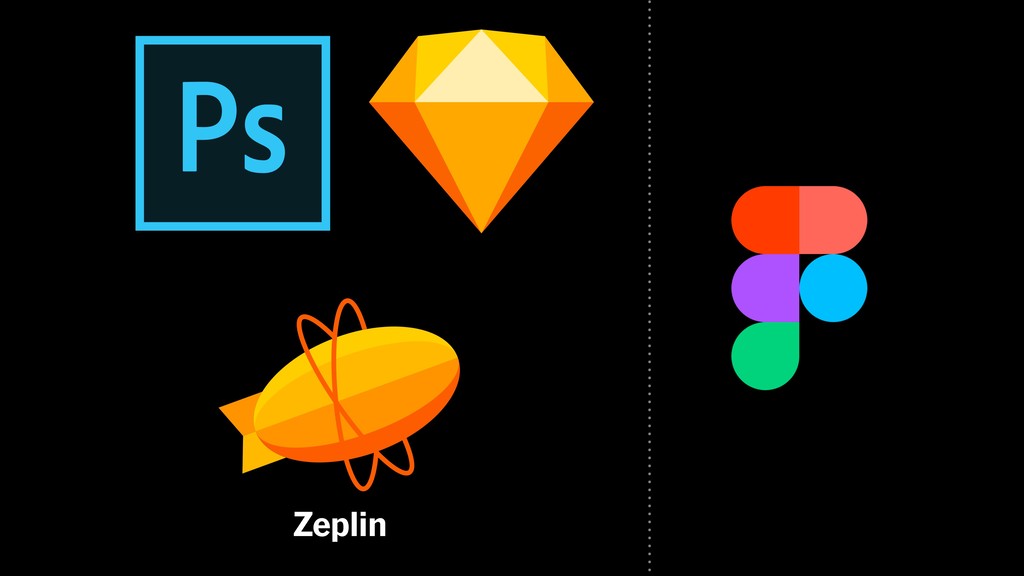
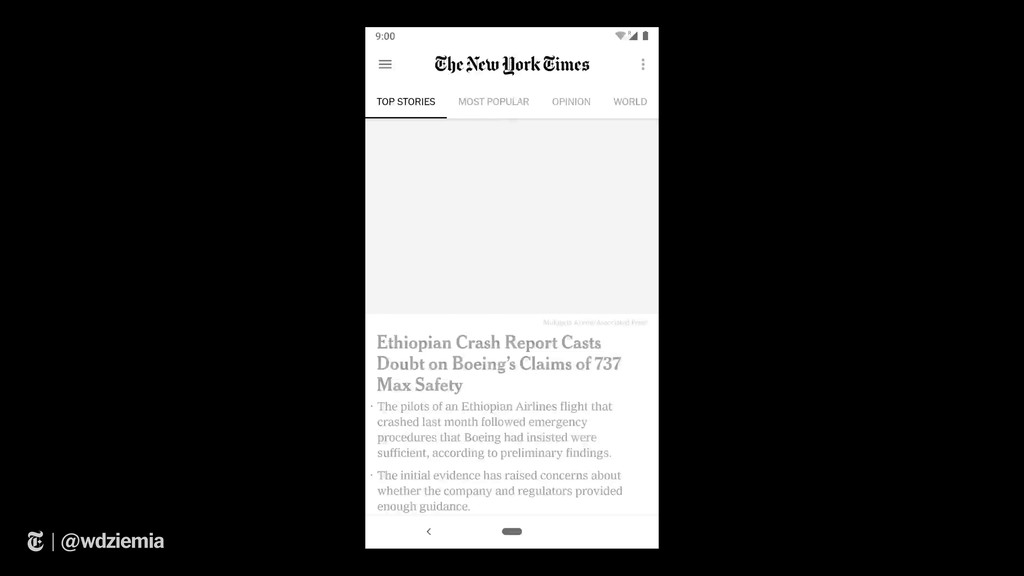
Developer tools for pixel pushing are one of the more under-developed areas when it comes to Android. Pixel pushing itself is such a tedious process that eats up a lot of development time. Some teams are lucky enough to utilize tools like Figma and Zeplin, which help reduce time when translating designs into something tangible. Others still use the tried and true method of using redlines, screenshots, and photoshop!

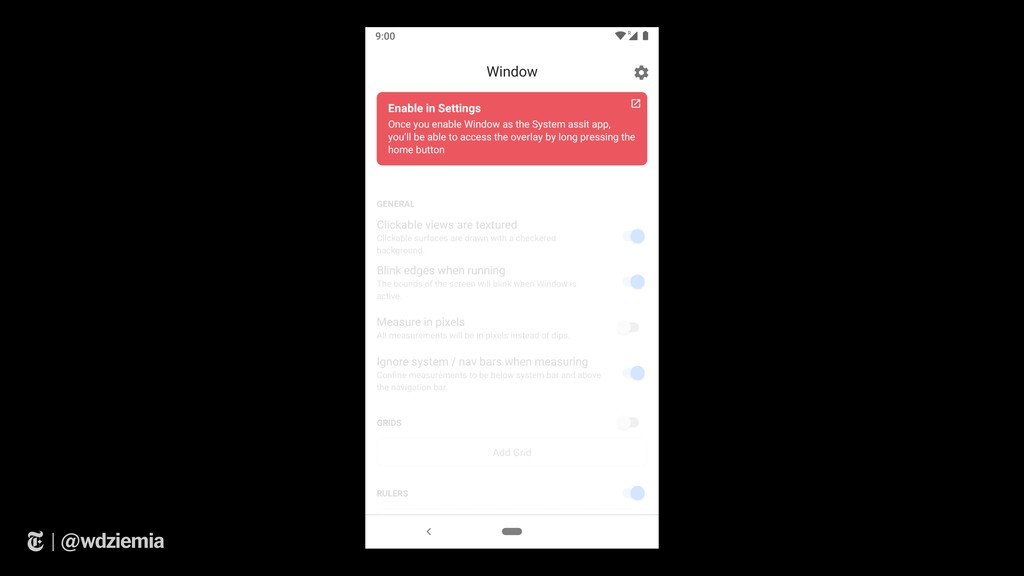
In this talk we'll go through the journey of pixel pushing, the pain points, and some tips and tricks to help developers and designers speed things up. We'll then talk about Window, a new tool to help you master the art of pixel pushing. Window is a new free open source tool with the goal of enhancing the process of pixel pushing.

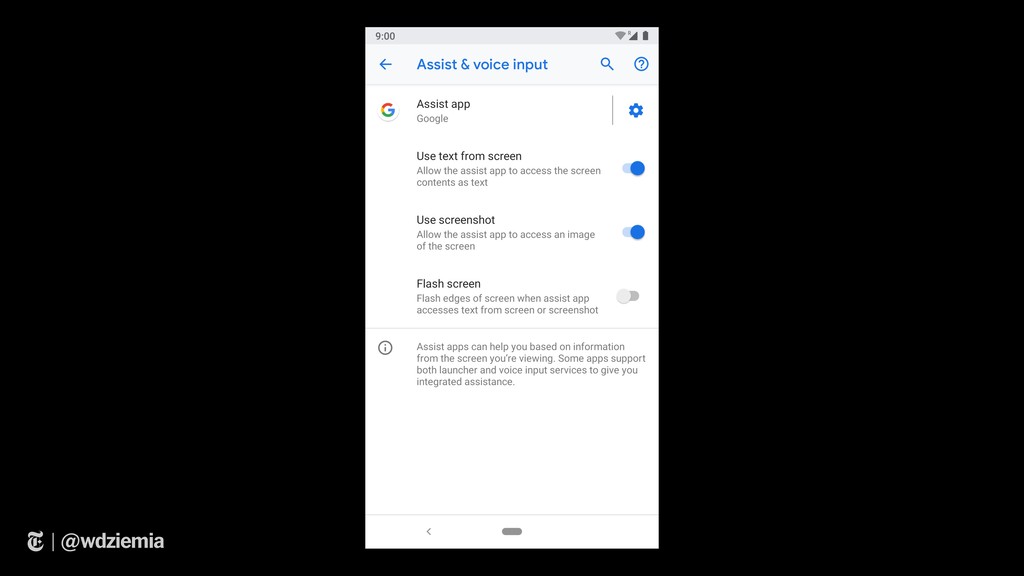
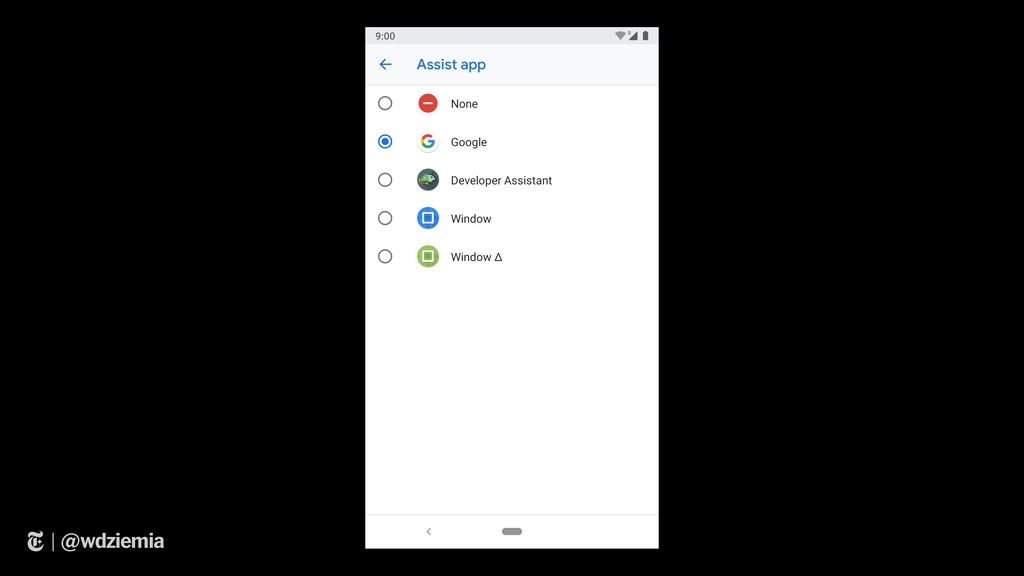
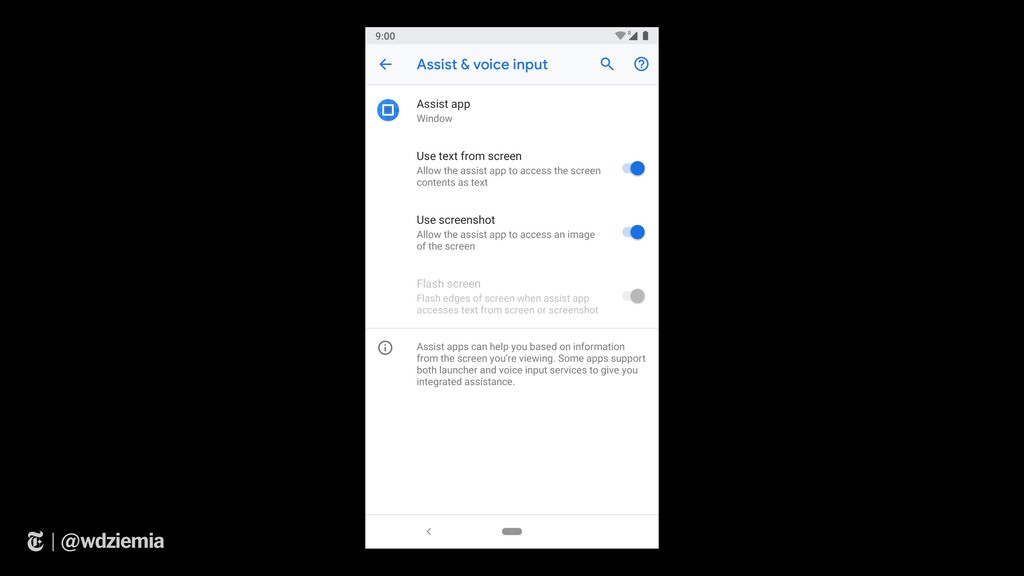
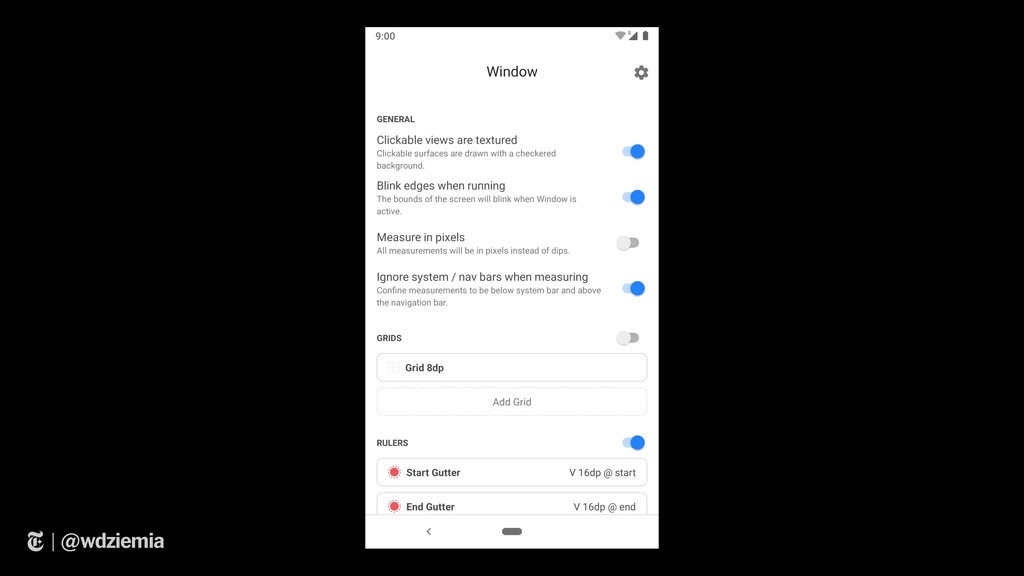
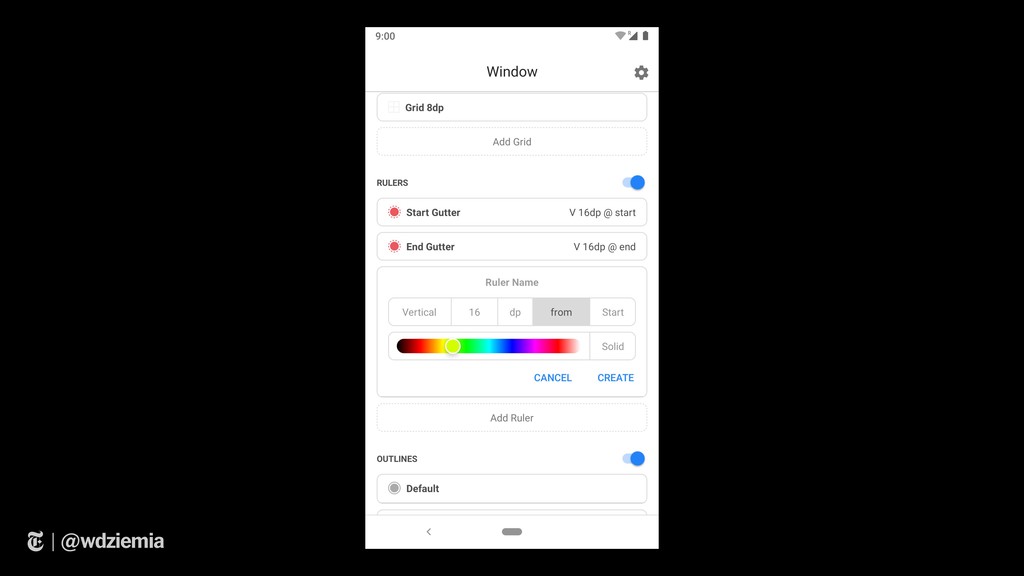
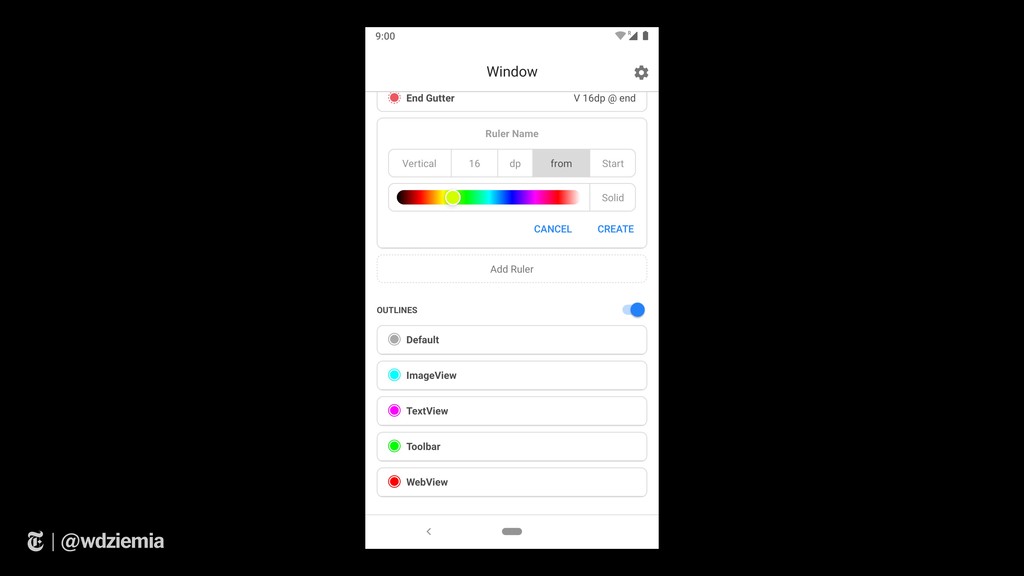
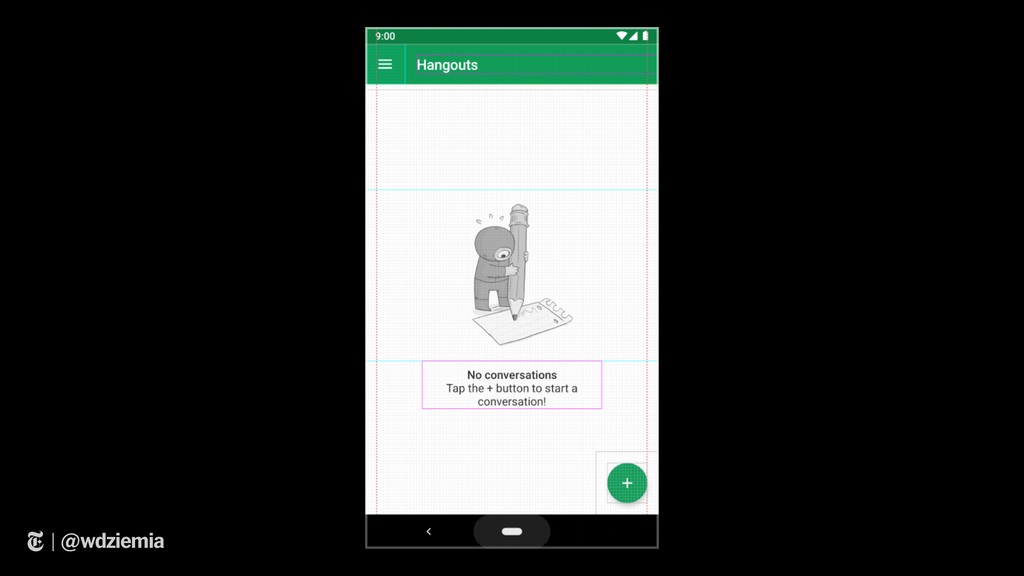
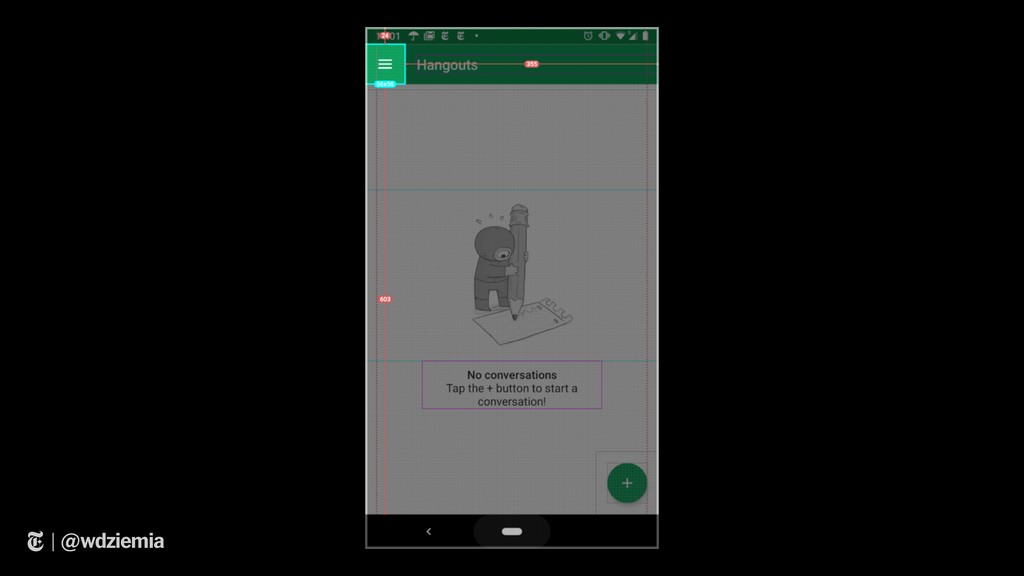
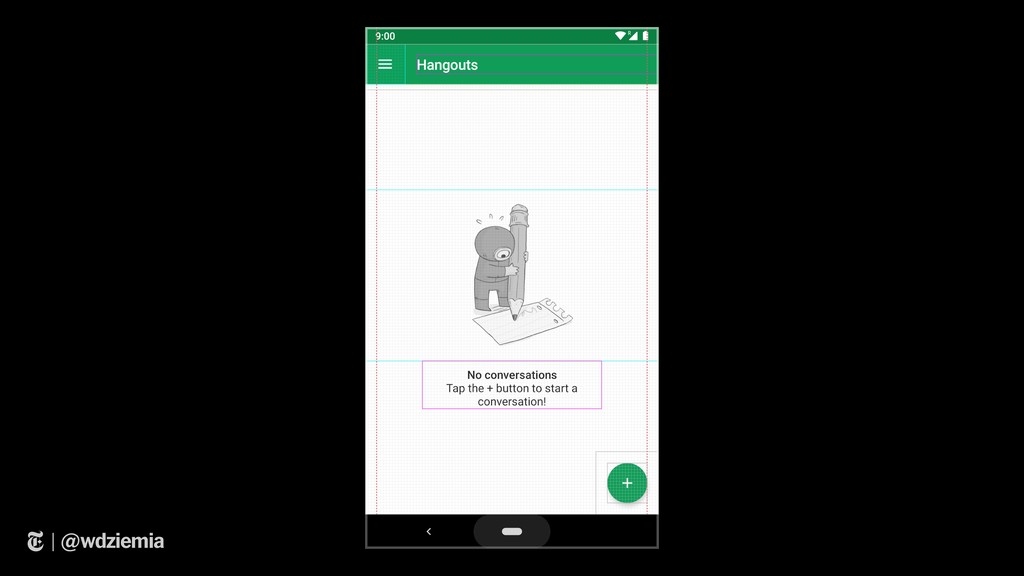
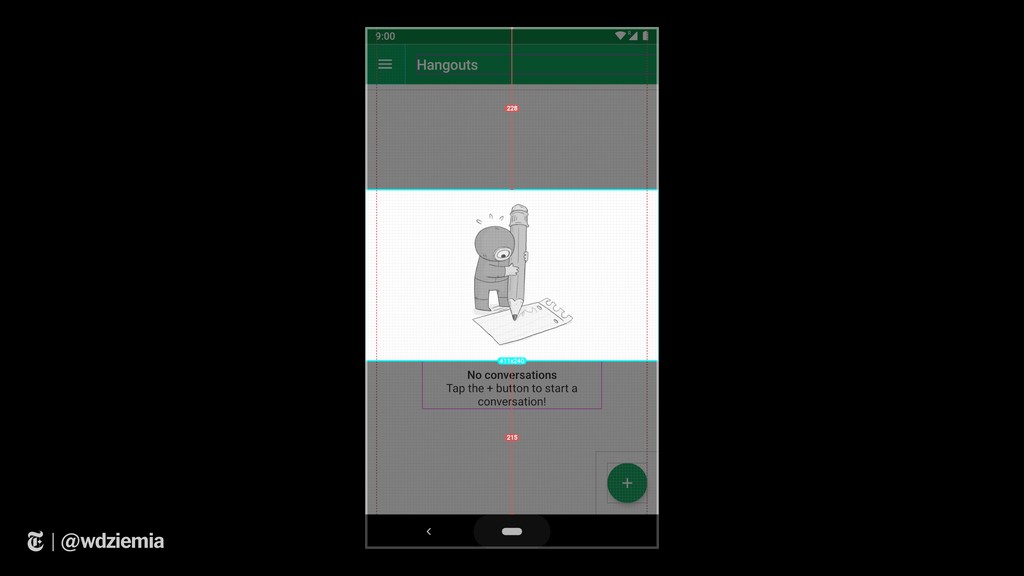
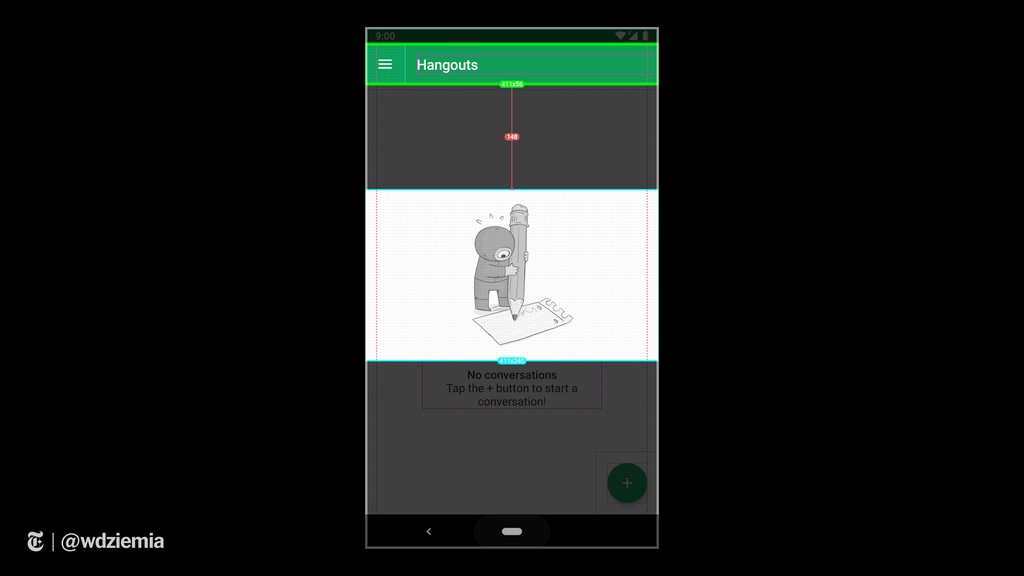
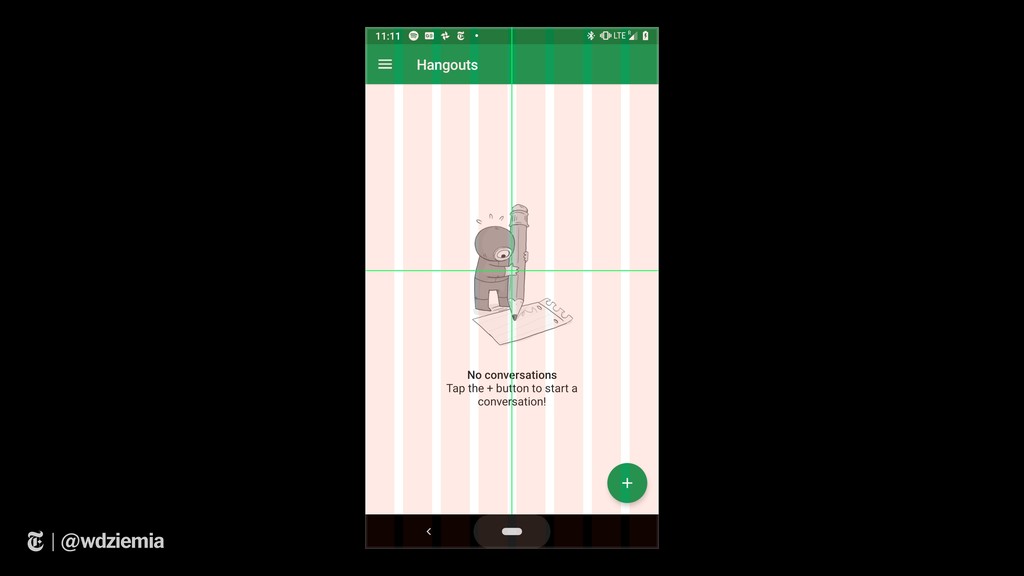
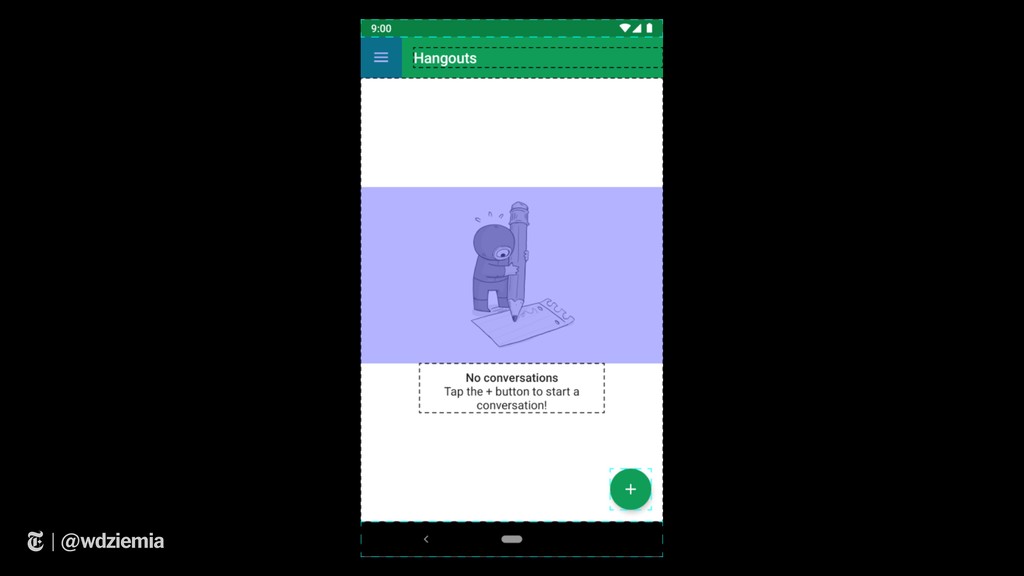
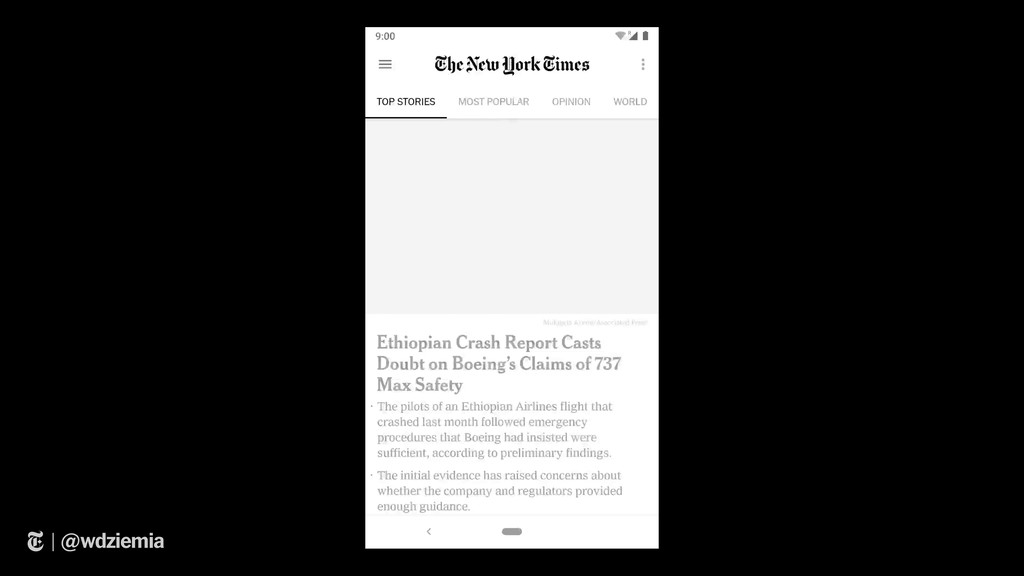
First is the Window Android App. It lets developers and designers measure, add rulers / grids, and verify placement of what you're seeing on screen.

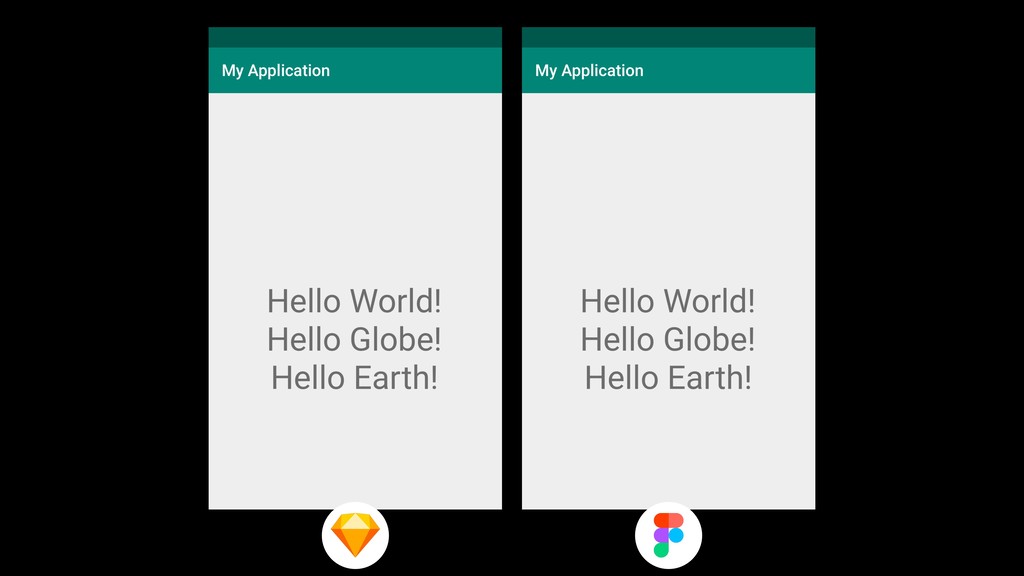
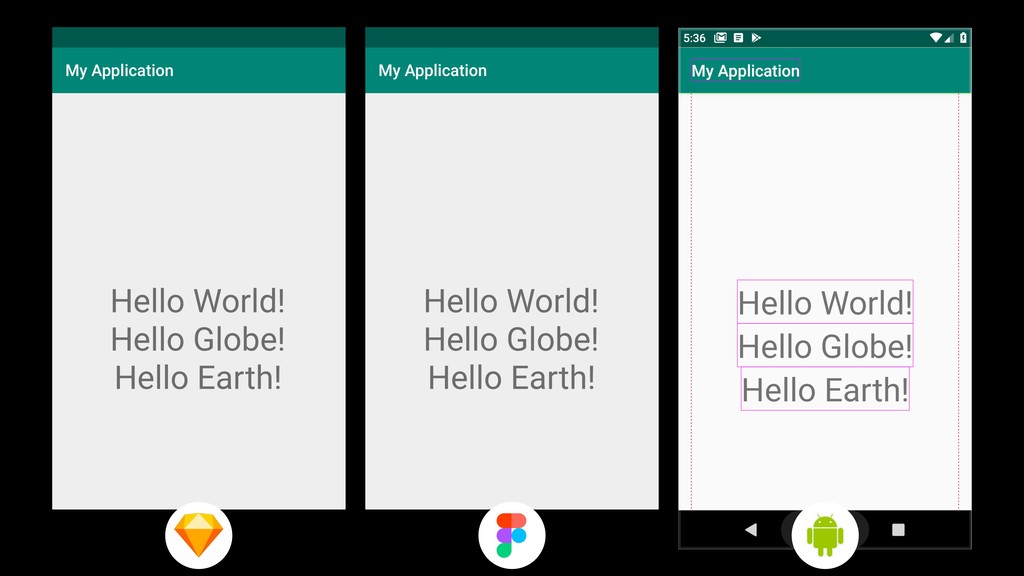
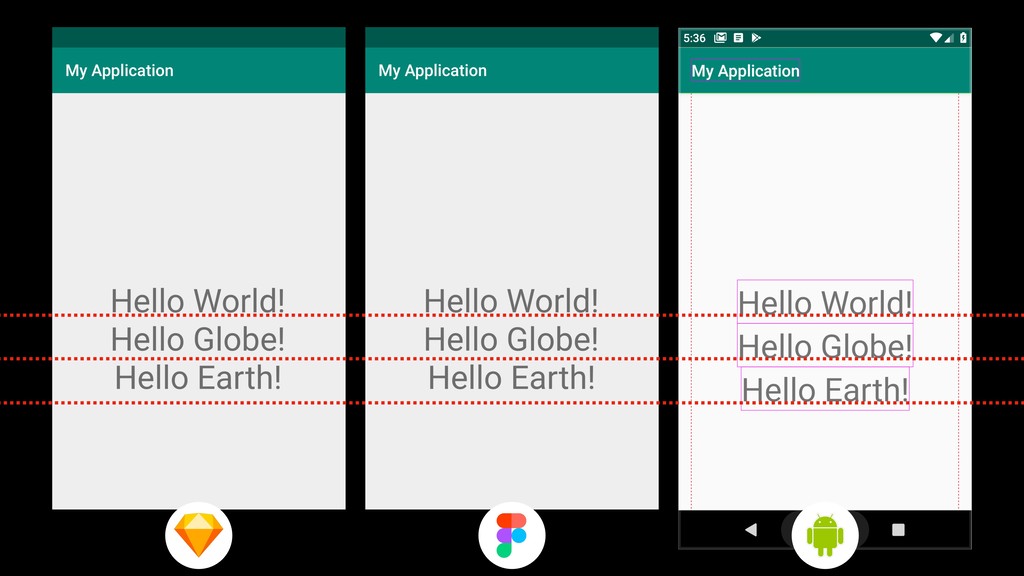
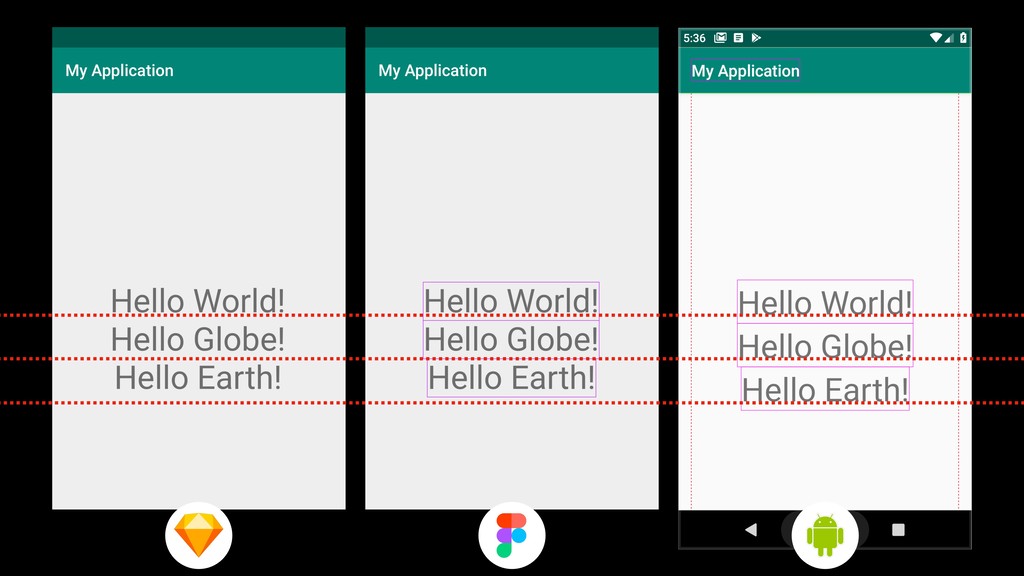
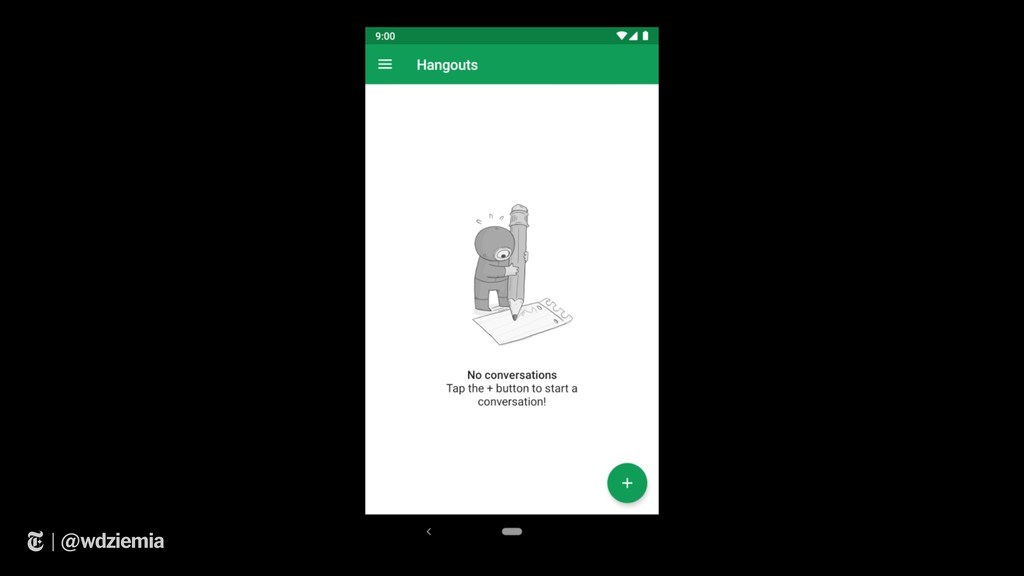
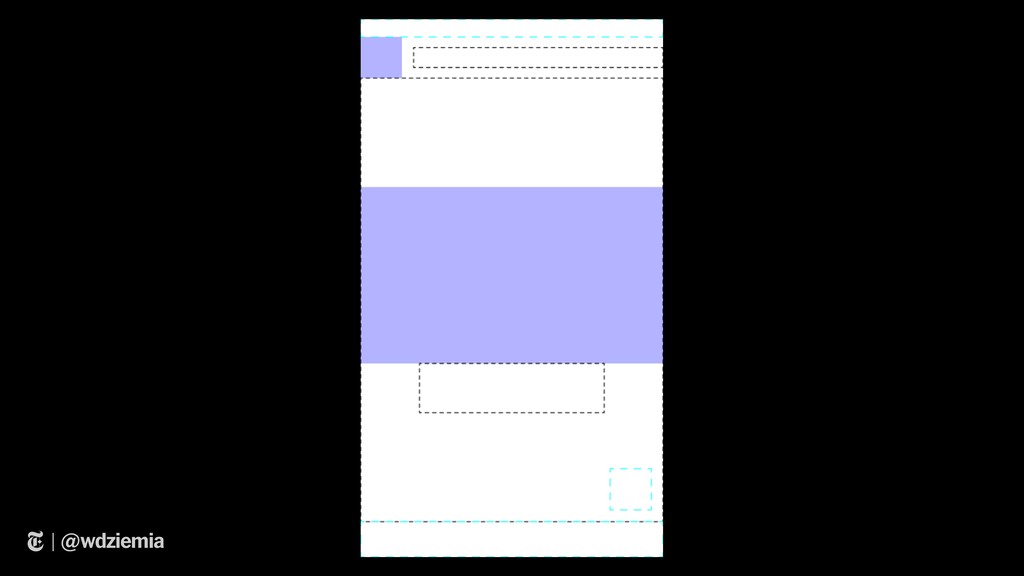
The second is the Window Android library, to integrate into your projects. This library lets you export your Android UI and view it tools like Figma & Sketch.

We'll talk about how you can integrate two tools to help you simplify your workload and speed up development time!

Avatar for Wojciech Dziemianczyk

Wojciech Dziemianczyk

April 23, 2019

Other Decks in Technology

Transcript

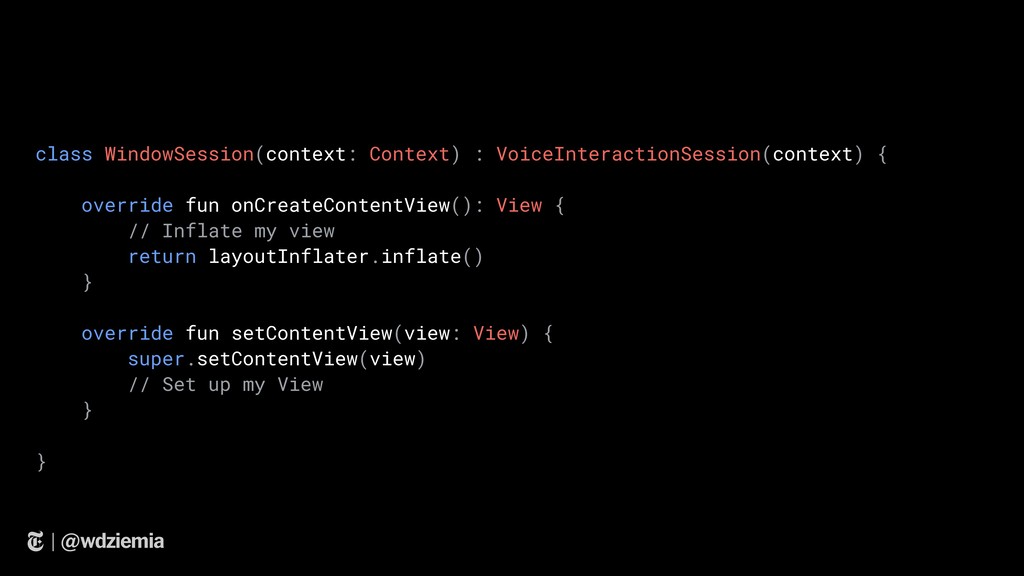
  1. | @wdziemia class WindowSession(context: Context) : VoiceInteractionSession(context) { override fun

    onCreateContentView(): View { // Inflate my view return layoutInflater.inflate() } override fun setContentView(view: View) { super.setContentView(view) // Set up my View } }

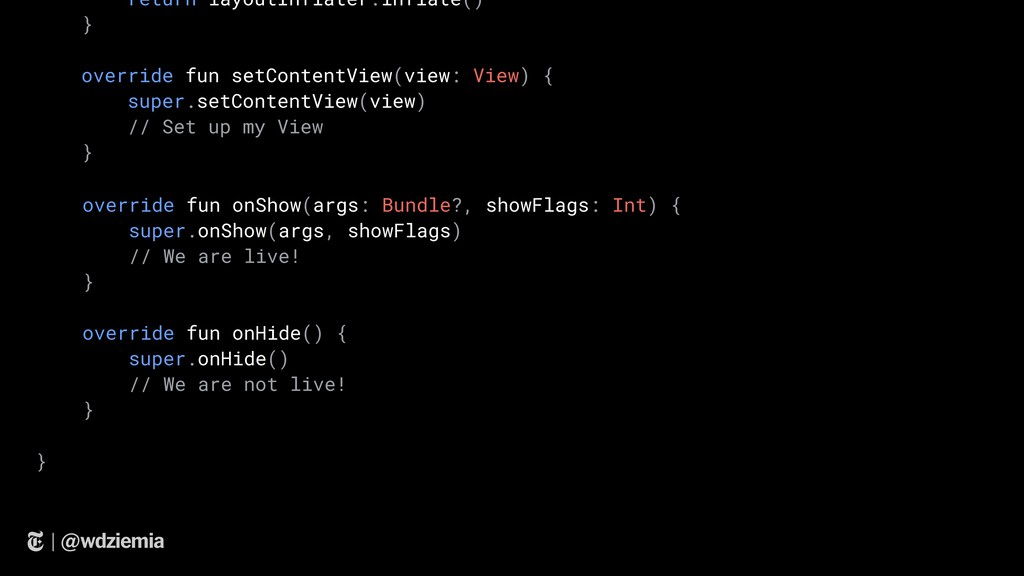
  2. | @wdziemia return layoutInflater.inflate() } override fun setContentView(view: View) {

    super.setContentView(view) // Set up my View } override fun onShow(args: Bundle?, showFlags: Int) { super.onShow(args, showFlags) // We are live! } override fun onHide() { super.onHide() // We are not live! } }
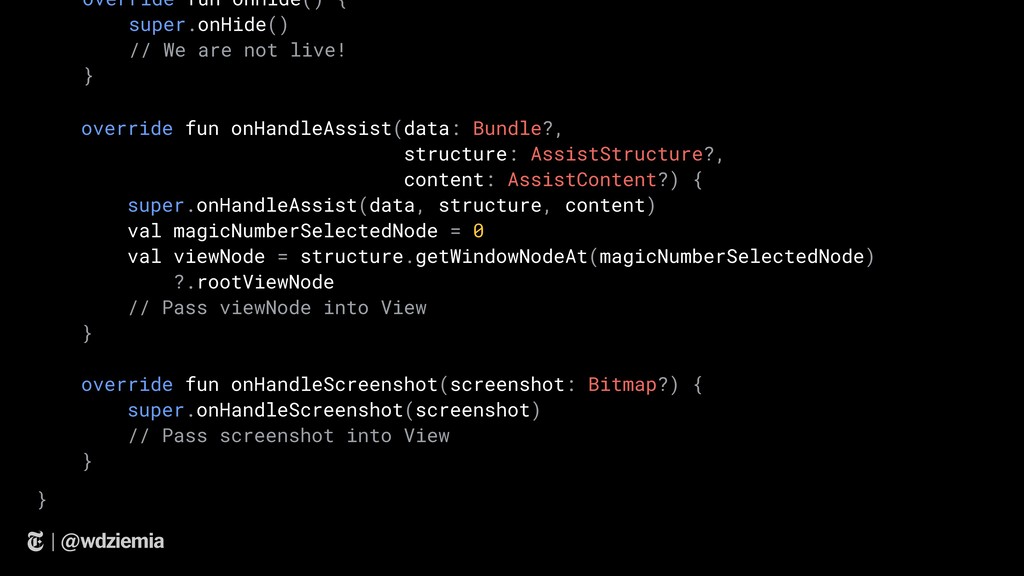
  3. | @wdziemia override fun onHandleAssist(data: Bundle?, structure: AssistStructure?, content: AssistContent?)

    { super.onHandleAssist(data, structure, content) val magicNumberSelectedNode = 0 val viewNode = structure.getWindowNodeAt(magicNumberSelectedNode) ?.rootViewNode // Pass viewNode into View } override fun onHandleScreenshot(screenshot: Bitmap?) { super.onHandleScreenshot(screenshot) // Pass screenshot into View } override fun onHide() { super.onHide() // We are not live! } }
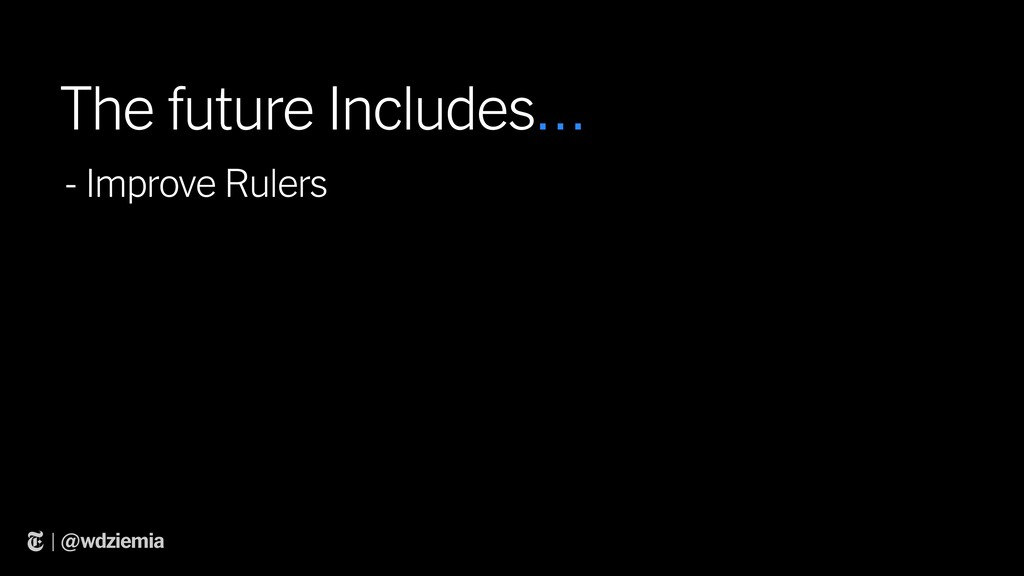
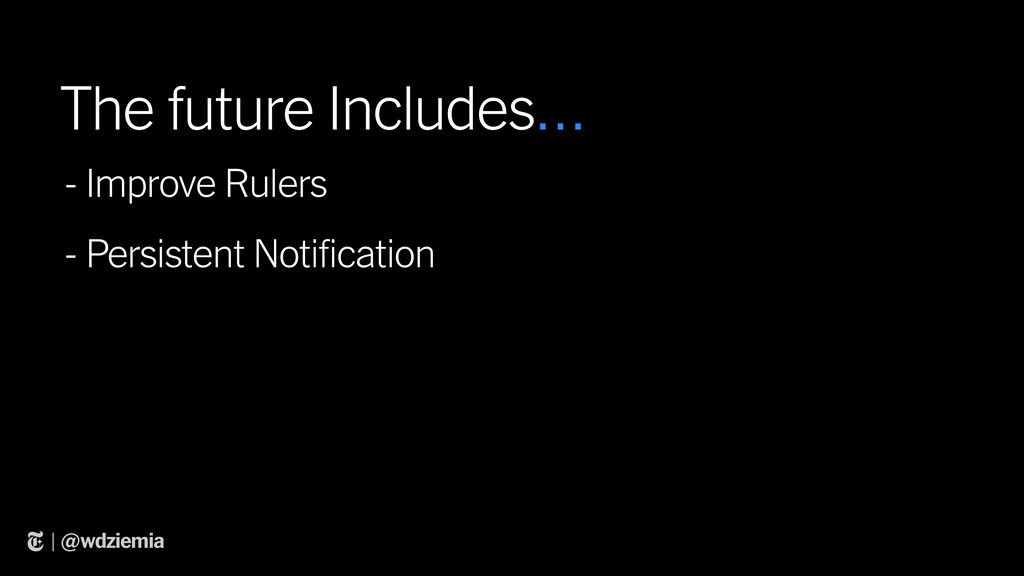
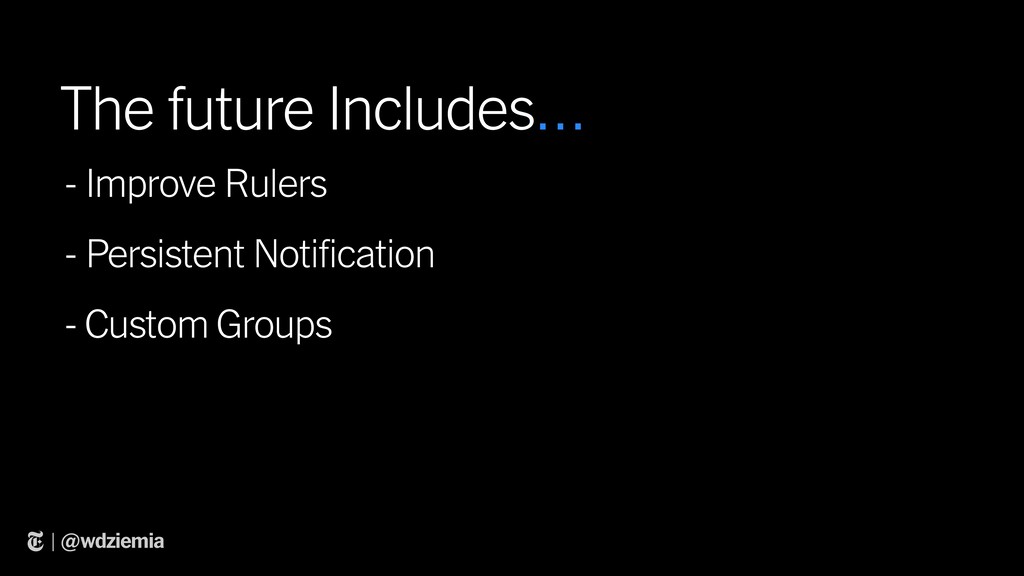
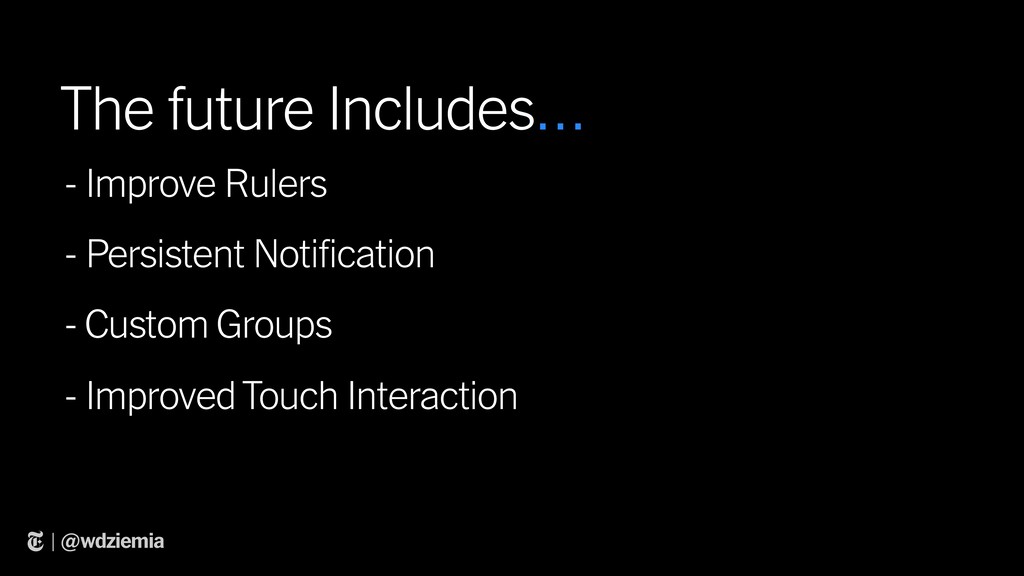
  4. | @wdziemia - Improve Rulers The future Includes… - Persistent

    Notification - Custom Groups - Improved Touch Interaction
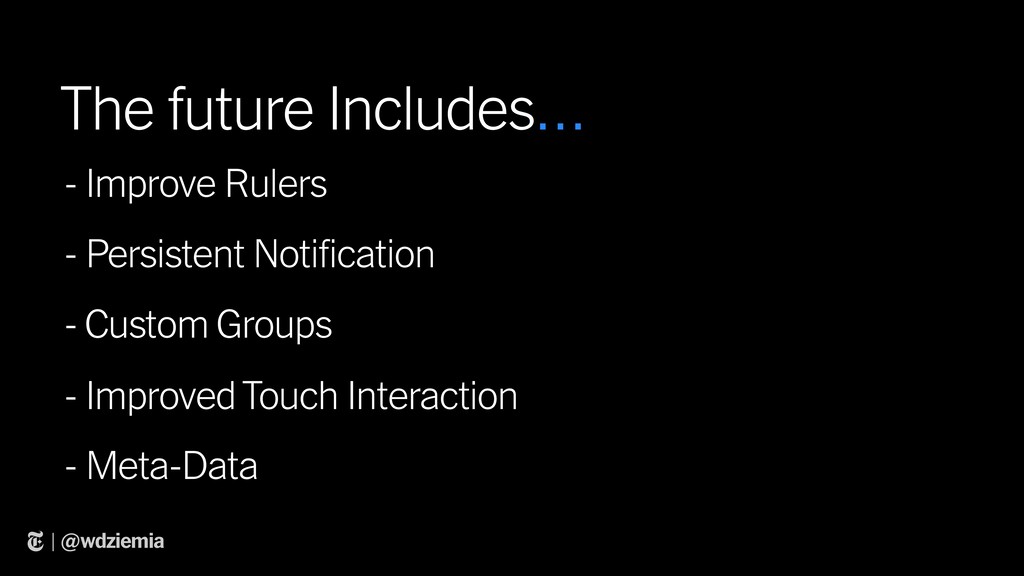
  5. | @wdziemia - Improve Rulers The future Includes… - Persistent

    Notification - Custom Groups - Improved Touch Interaction - Meta-Data
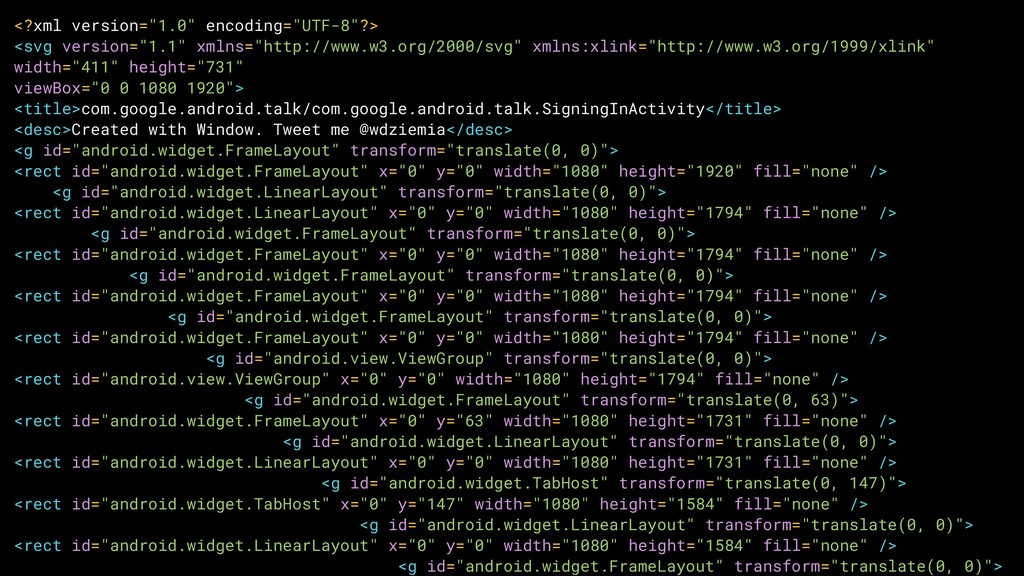
  6. | @wdziemia <?xml version="1.0" encoding="UTF-8"?> <svg version="1.1" xmlns="http://www.w3.org/2000/svg" xmlns:xlink="http://www.w3.org/1999/xlink" width="411"

    height="731" viewBox="0 0 1080 1920"> <title>com.google.android.talk/com.google.android.talk.SigningInActivity</title> <desc>Created with Window. Tweet me @wdziemia</desc> <g id="android.widget.FrameLayout" transform="translate(0, 0)"> <rect id="android.widget.FrameLayout" x="0" y="0" width="1080" height="1920" fill="none" /> <g id="android.widget.LinearLayout" transform="translate(0, 0)"> <rect id="android.widget.LinearLayout" x="0" y="0" width="1080" height="1794" fill="none" /> <g id="android.widget.FrameLayout" transform="translate(0, 0)"> <rect id="android.widget.FrameLayout" x="0" y="0" width="1080" height="1794" fill="none" /> <g id="android.widget.FrameLayout" transform="translate(0, 0)"> <rect id="android.widget.FrameLayout" x="0" y="0" width="1080" height="1794" fill="none" /> <g id="android.widget.FrameLayout" transform="translate(0, 0)"> <rect id="android.widget.FrameLayout" x="0" y="0" width="1080" height="1794" fill="none" /> <g id="android.view.ViewGroup" transform="translate(0, 0)"> <rect id="android.view.ViewGroup" x="0" y="0" width="1080" height="1794" fill="none" /> <g id="android.widget.FrameLayout" transform="translate(0, 63)"> <rect id="android.widget.FrameLayout" x="0" y="63" width="1080" height="1731" fill="none" /> <g id="android.widget.LinearLayout" transform="translate(0, 0)"> <rect id="android.widget.LinearLayout" x="0" y="0" width="1080" height="1731" fill="none" /> <g id="android.widget.TabHost" transform="translate(0, 147)"> <rect id="android.widget.TabHost" x="0" y="147" width="1080" height="1584" fill="none" /> <g id="android.widget.LinearLayout" transform="translate(0, 0)"> <rect id="android.widget.LinearLayout" x="0" y="0" width="1080" height="1584" fill="none" /> <g id="android.widget.FrameLayout" transform="translate(0, 0)">
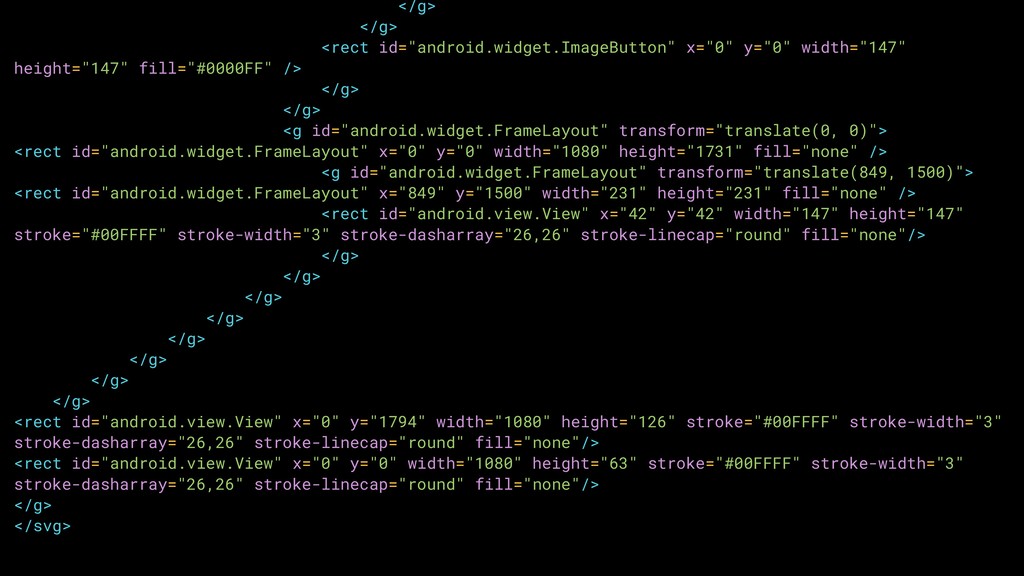
  7. | @wdziemia </g> </g> <rect id="android.widget.ImageButton" x="0" y="0" width="147" height="147"

    fill="#0000FF" /> </g> </g> <g id="android.widget.FrameLayout" transform="translate(0, 0)"> <rect id="android.widget.FrameLayout" x="0" y="0" width="1080" height="1731" fill="none" /> <g id="android.widget.FrameLayout" transform="translate(849, 1500)"> <rect id="android.widget.FrameLayout" x="849" y="1500" width="231" height="231" fill="none" /> <rect id="android.view.View" x="42" y="42" width="147" height="147" stroke="#00FFFF" stroke-width="3" stroke-dasharray="26,26" stroke-linecap="round" fill="none"/> </g> </g> </g> </g> </g> </g> </g> </g> <rect id="android.view.View" x="0" y="1794" width="1080" height="126" stroke="#00FFFF" stroke-width="3" stroke-dasharray="26,26" stroke-linecap="round" fill="none"/> <rect id="android.view.View" x="0" y="0" width="1080" height="63" stroke="#00FFFF" stroke-width="3" stroke-dasharray="26,26" stroke-linecap="round" fill="none"/> </g> </svg>