Upgrade to Pro
— share decks privately, control downloads, hide ads and more …
Speaker Deck
Sign up for free
Menu
Search
Features
All features
Private URLs
Password Protection
Custom URLS
Scheduled publishing
Remove Branding
Restrict embedding
Deck Collections
Notes
Features
All features
Private URLs
Password Protection
Custom URLS
Scheduled publishing
Remove Branding
Restrict embedding
Deck Collections
Notes
Explore
Featured decks
Featured speakers
Programming
Technology
Storyboards
Explore
Featured decks
Featured speakers
Programming
Technology
Storyboards
Pricing
Search
Sign in
Sign up for free
Plasmoの紹介
Search
Yohei Iino
May 14, 2023
Technology
130
0
Share
Embed
Copy iframe code
Copy JS code
Copy link
Start on current slide
Plasmoの紹介
Plasmoの紹介
Yohei Iino
May 14, 2023
More Decks by Yohei Iino
See All by Yohei Iino
1年半放置したExpo製アプリを最新化してみた
wheatandcat
0
120
作成中のFlutterアプリの中間発表
wheatandcat
0
99
最近読んだ技術書を簡単紹介
wheatandcat
0
120
ユニバーサルリンク/アプリリンクを使ってQRコードでゲストログインできるようにする
wheatandcat
0
400
Firebase App Checkを実装したので紹介
wheatandcat
0
380
PlanetScaleの無料プランがなくなるので、NeonとTiDBを試してみた
wheatandcat
0
450
Flutter HooksとRiverpodの解説
wheatandcat
0
610
T3 Stack(応用編: Next Auth & SSRの実装紹介)
wheatandcat
1
430
App Routerの紹介
wheatandcat
0
170
Other Decks in Technology
See All in Technology
Let's Change Our World—Again
snoozer05
PRO
3
250
Metadata - Section 1: HTML Basics
mohab1
0
140
How to Design Configuration for Rails Applications
willnet
1
980
こんにちは!SORACOM です & IoT とは【SORACOM UG 東北 in 八戸】
soracom
PRO
0
150
PagerDuty Tech Hub-鳴らすけれど、人は動かない
ezaki
0
190
DBについての基礎説明(MySQL編) - コロプラ 2026年度 新卒研修
colopl
0
160
小規模OSSモデルは サイバーセキュリティ業務に どこまで使えるか
bbrbbq
0
140
20261017福岡devIO 「AIは"良いダッシュボード"を作れるか?
jtakeda
0
220
ストレスなくAIと付き合いたい!こんなときどうしてる?
namiki64
4
650
M5Stackで作る BLEマウス GPSログの世界
tomokusaba
PRO
0
450
AI コーディングと人間の認知スループット / CTO Night & Day 2026 Morning Session / AI Coding and Human Cognitive Throughput
prog893
5
1.4k
オントロジーって 結局なにもの? AI エージェントに「意味」を渡す知識設計の話
greenmidori
0
250
Featured
See All Featured
技術選定の審美眼(2025年版) / Understanding the Spiral of Technologies 2025 edition
twada
PRO
120
120k
職位にかかわらず全員がリーダーシップを発揮するチーム作り / Building a team where everyone can demonstrate leadership regardless of position
madoxten
69
67k
The Illustrated Guide to Node.js - THAT Conference 2024
reverentgeek
1
570
Stewardship and Sustainability of Urban and Community Forests
pwiseman
0
560
Six Lessons from altMBA
skipperchong
29
4.5k
Building Flexible Design Systems
yeseniaperezcruz
330
41k
Google's AI Overviews - The New Search
badams
0
1.6k
[RailsConf 2023] Rails as a piece of cake
palkan
59
7.1k
How to train your dragon (web standard)
notwaldorf
96
6.9k
Game over? The fight for quality and originality in the time of robots
wayneb77
1
310
Marketing to machines
jonoalderson
1
5.9k
GraphQLの誤解/rethinking-graphql
sonatard
75
12k
Transcript
Plasmo の紹介 Press Space for next page
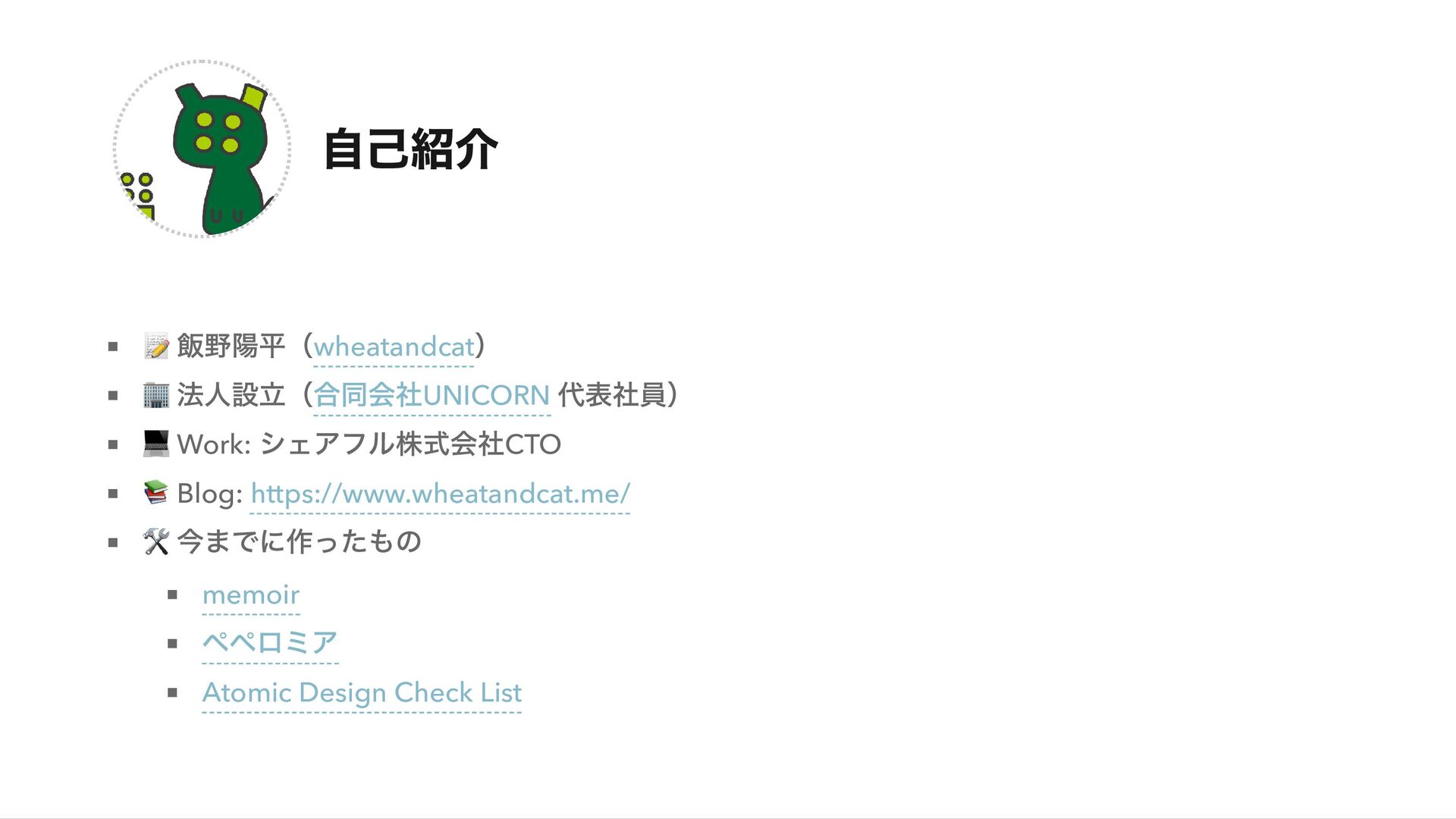
自己紹介 📝 飯野陽平(wheatandcat ) 🏢 法人設立(合同会社UNICORN 代表社員) 💻 Work: シェアフル株式会社CTO
📚 Blog: https://www.wheatandcat.me/ 🛠 今までに作ったもの memoir ペペロミア Atomic Design Check List
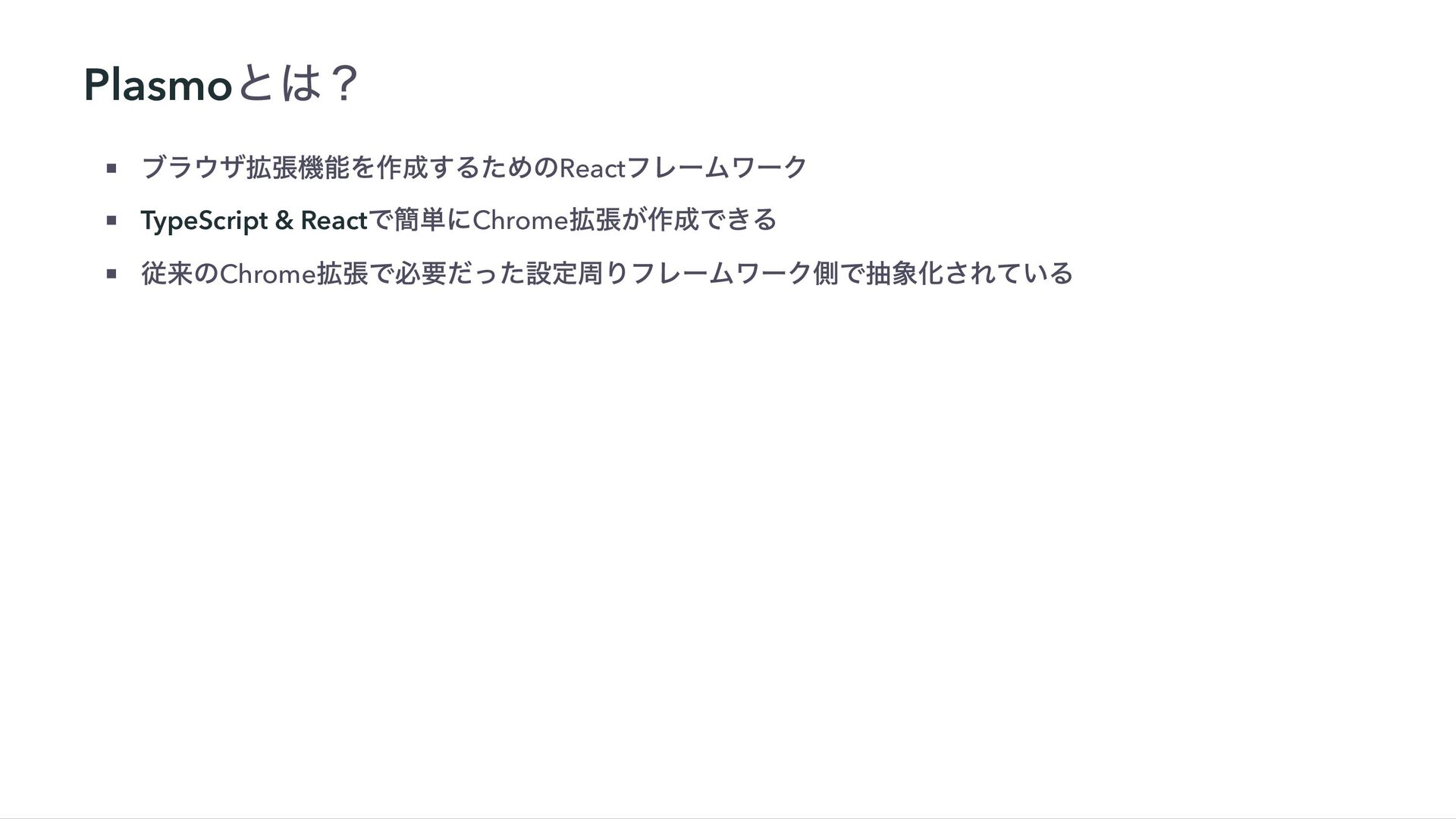
Plasmo とは? ブラウザ拡張機能を作成するためのReact フレームワーク TypeScript & React で簡単にChrome 拡張が作成できる 従来のChrome
拡張で必要だった設定周りフレームワーク側で抽象化されている
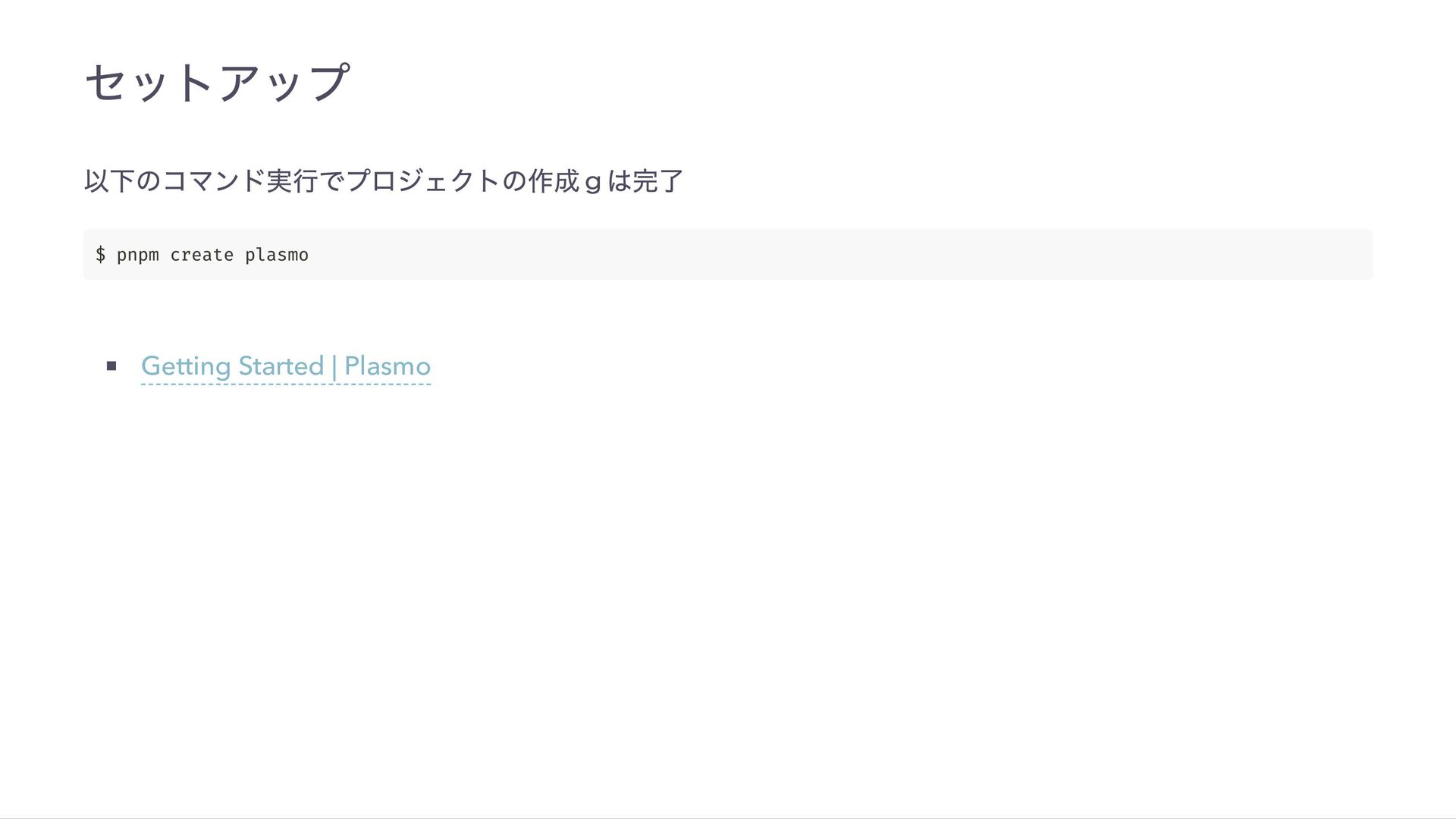
セットアップ 以下のコマンド実行でプロジェクトの作成gは完了 Getting Started | Plasmo $ pnpm create plasmo
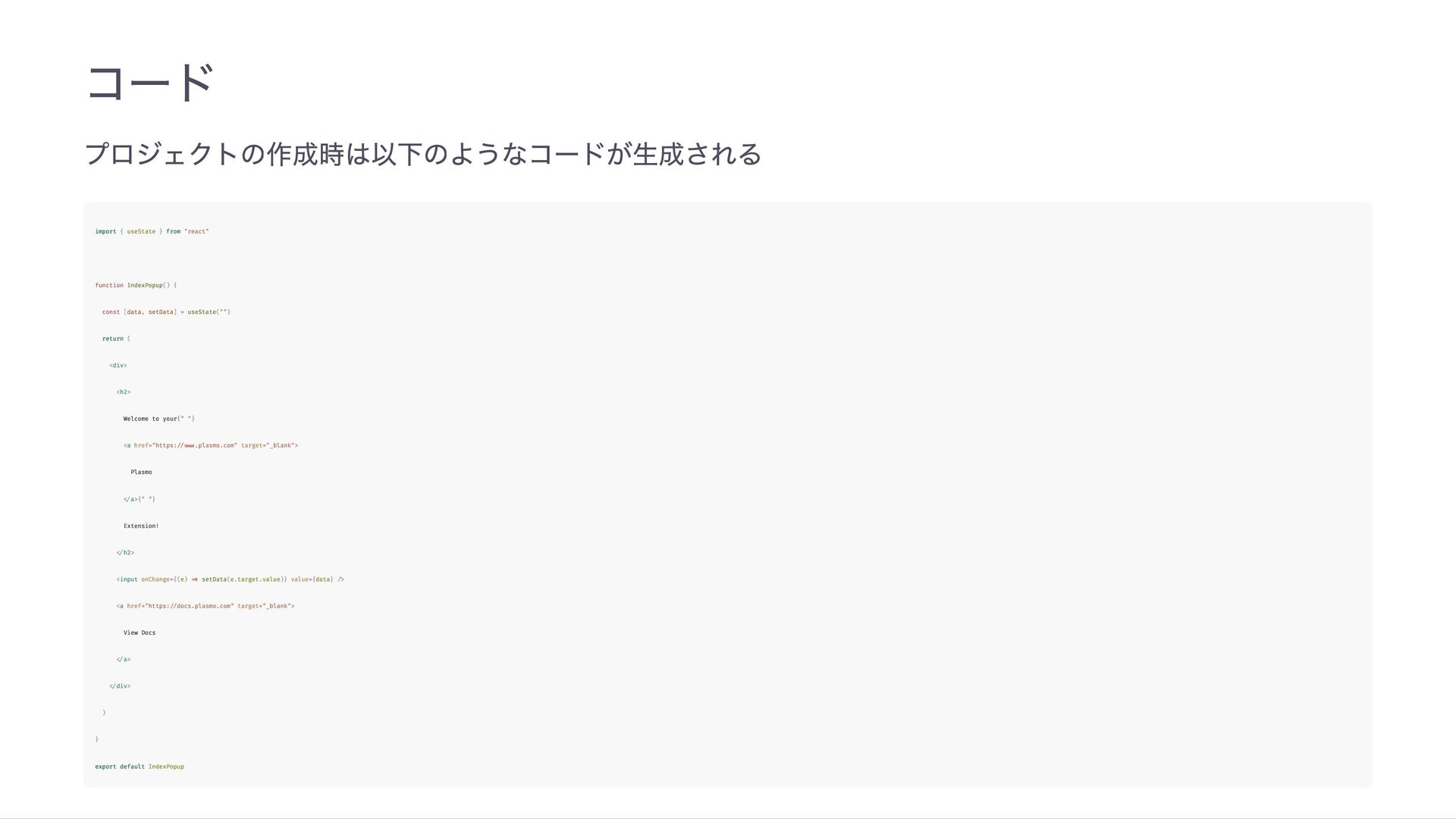
コード プロジェクトの作成時は以下のようなコードが生成される import { useState } from "react" function IndexPopup()
{ const [data, setData] = useState("") return ( <div> <h2> Welcome to your{" "} <a href="https://www.plasmo.com" target="_blank"> Plasmo </a>{" "} Extension! </h2> <input onChange={(e) => setData(e.target.value)} value={data} /> <a href="https://docs.plasmo.com" target="_blank"> View Docs </a> </div> ) } export default IndexPopup
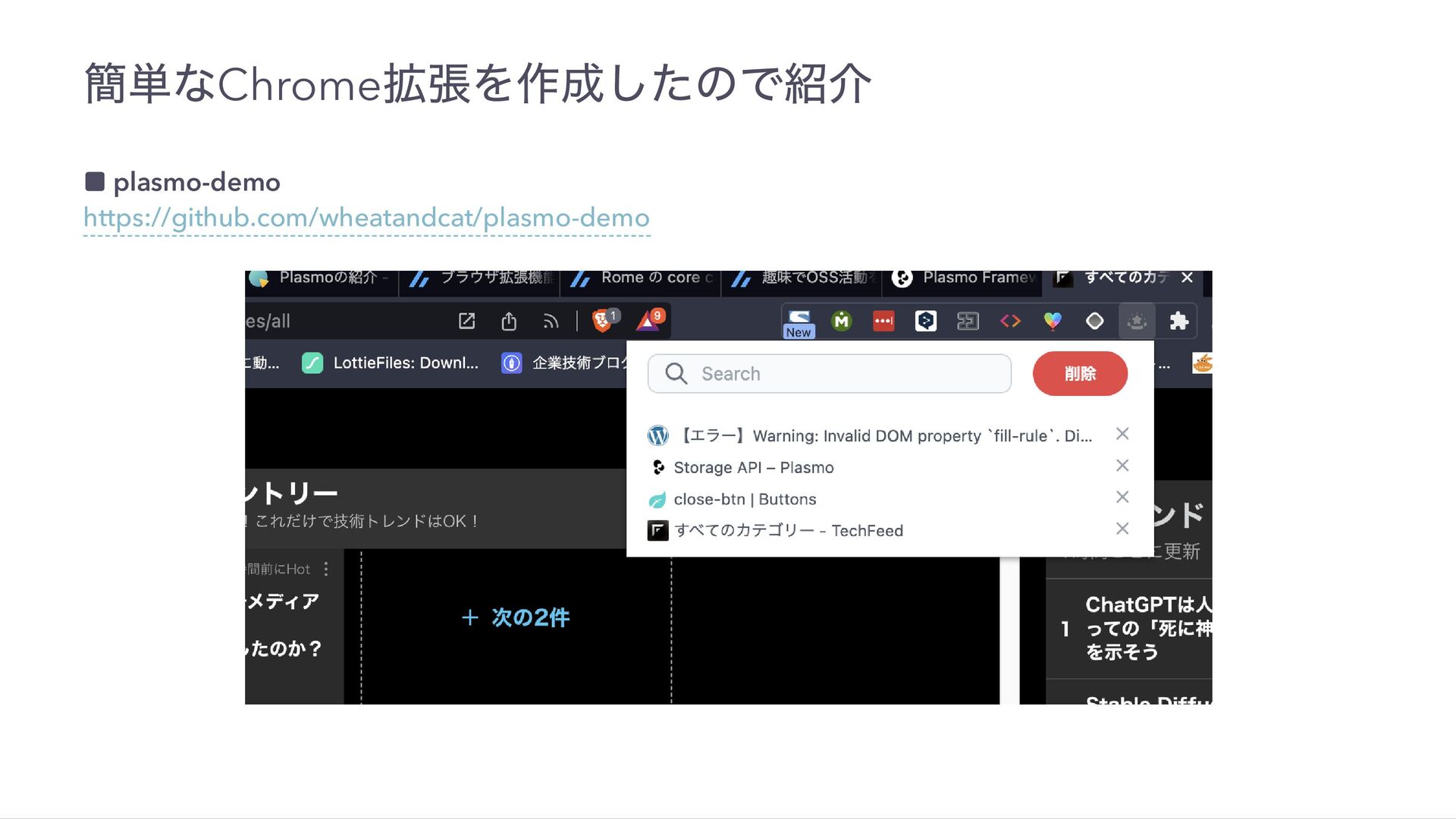
簡単なChrome 拡張を作成したので紹介 ▪ plasmo-demo https://github.com/wheatandcat/plasmo-demo
モチベーション 技術系記事をストックする機能が欲しかった ブラウザのブックマークやGoogle Keep だと、見返した時にどこに保存したか忘れるケースが多い 大体のケースは読み終わったら削除してOK だが、既存だと削除が手間なシステムが多い まだ開発中なので、ここから自分好みにカスタマイズしていく予定
デモ 以下は動かしながら紹介する コード https://github.com/wheatandcat/plasmo-demo/blob/main/popup.tsx データの保存はPlasmo のStorage API を使用 デザインはTailwindCSS を使用
右クリックのMenu に追加はBackground Service Worker を使えば可能 コード
まとめ かなり簡単にChrome 拡張が作れるのでオススメ デバッグツールとか作っても良いかも Chrome 拡張特有の部分は抽象化しているので、React さえ知っていれば誰でも自作できる
ご清聴ありがとうございました 🎉


 wheatandcat
 snoozer05
 mohab1
 willnet
 soracom
 ezaki
ezaki
 colopl
 bbrbbq
 jtakeda
 namiki64
 tomokusaba
 prog893
 greenmidori
 twada
twada
 madoxten
 reverentgeek
 pwiseman
 skipperchong
 yeseniaperezcruz
 badams
 palkan
 notwaldorf
 wayneb77
 jonoalderson
 sonatard