Upgrade to Pro — share decks privately, control downloads, hide ads and more …

Why Rails is Hard

Sponsored · SiteGround - Reliable hosting with speed, security, and support you can count on.

Why Rails is Hard

Avatar for Yehuda Katz

Yehuda Katz

April 30, 2012
Tweet

More Decks by Yehuda Katz

Other Decks in Technology

Transcript

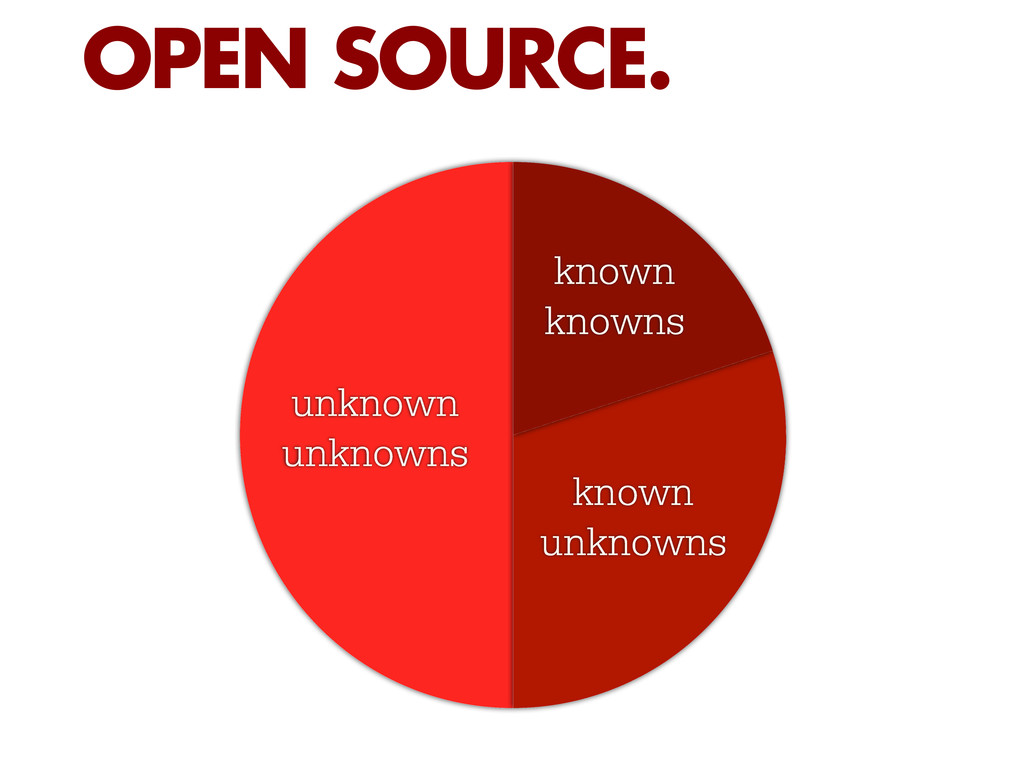
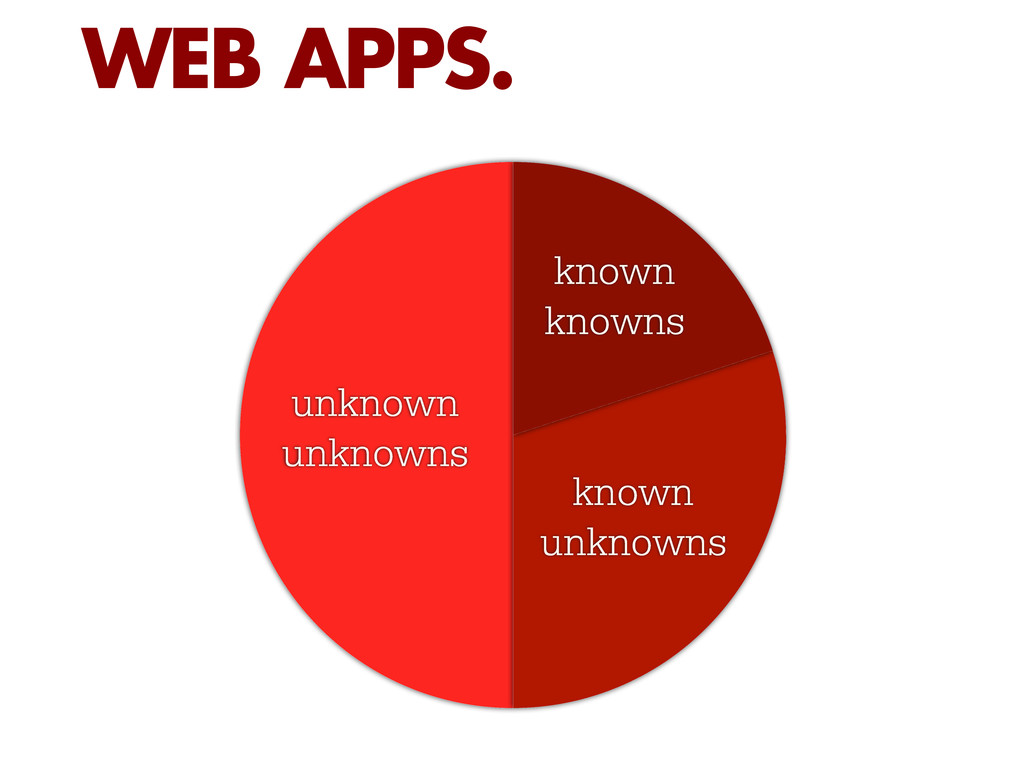
  1. [T]here are known knowns; there are things we know we

    know. We also know there are known unknowns; that is to say we know there are some things we do not know. But there are also unknown unknowns – there are things we do not know we don't know. “ DONALD RUMSFELD
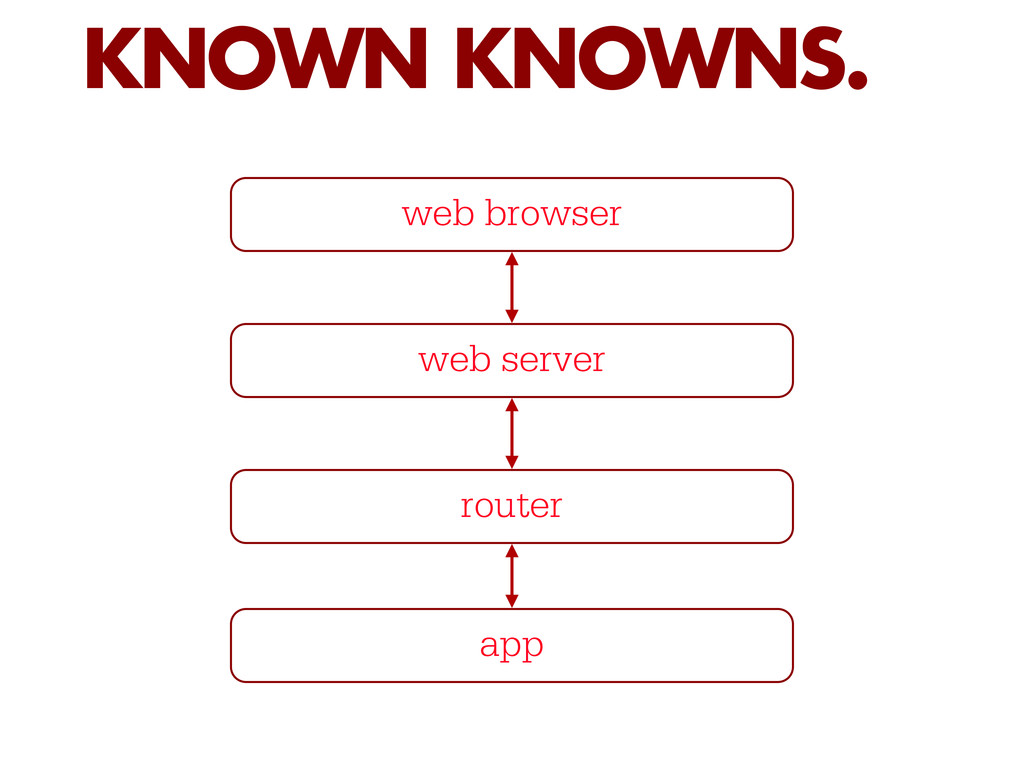
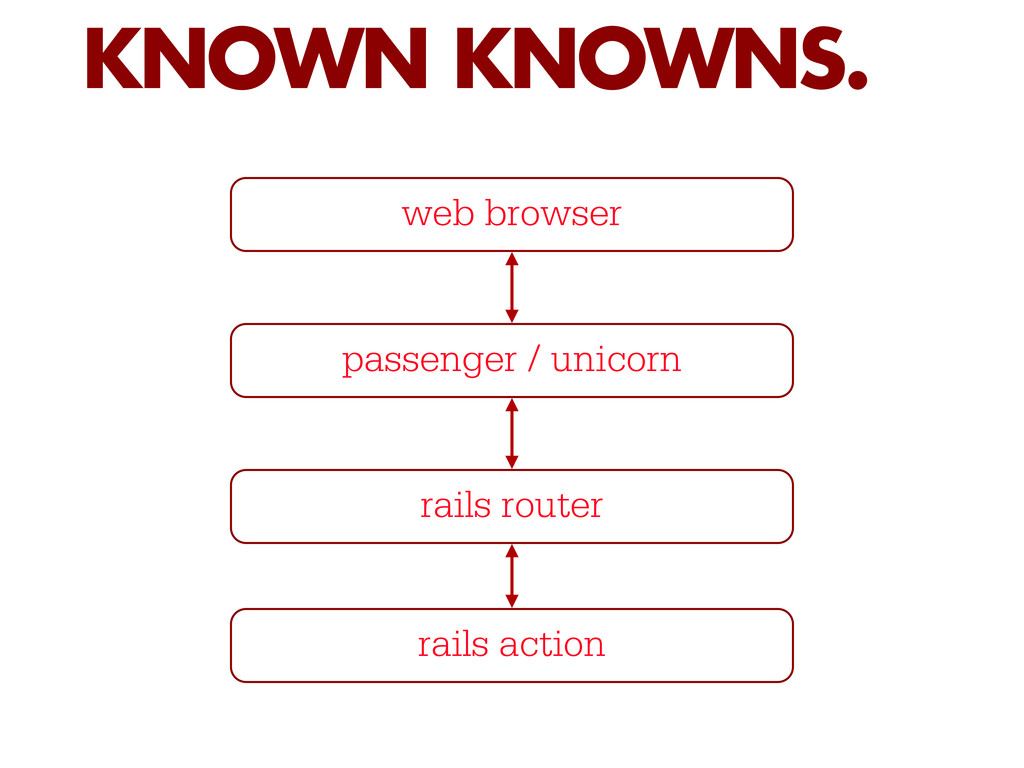
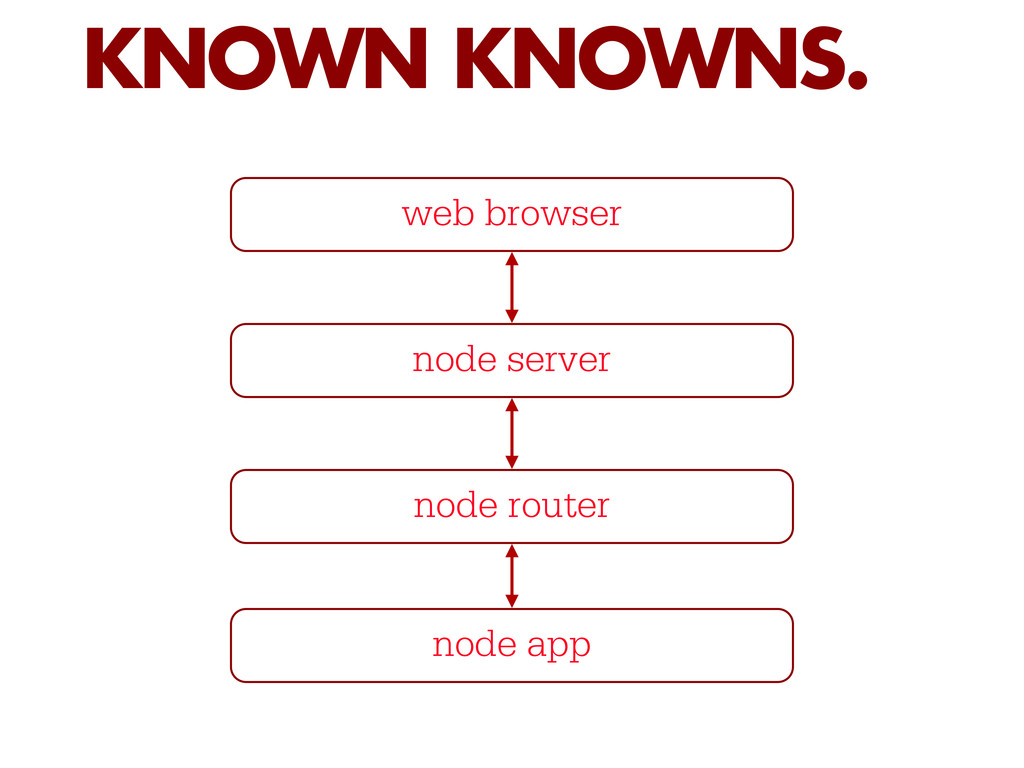
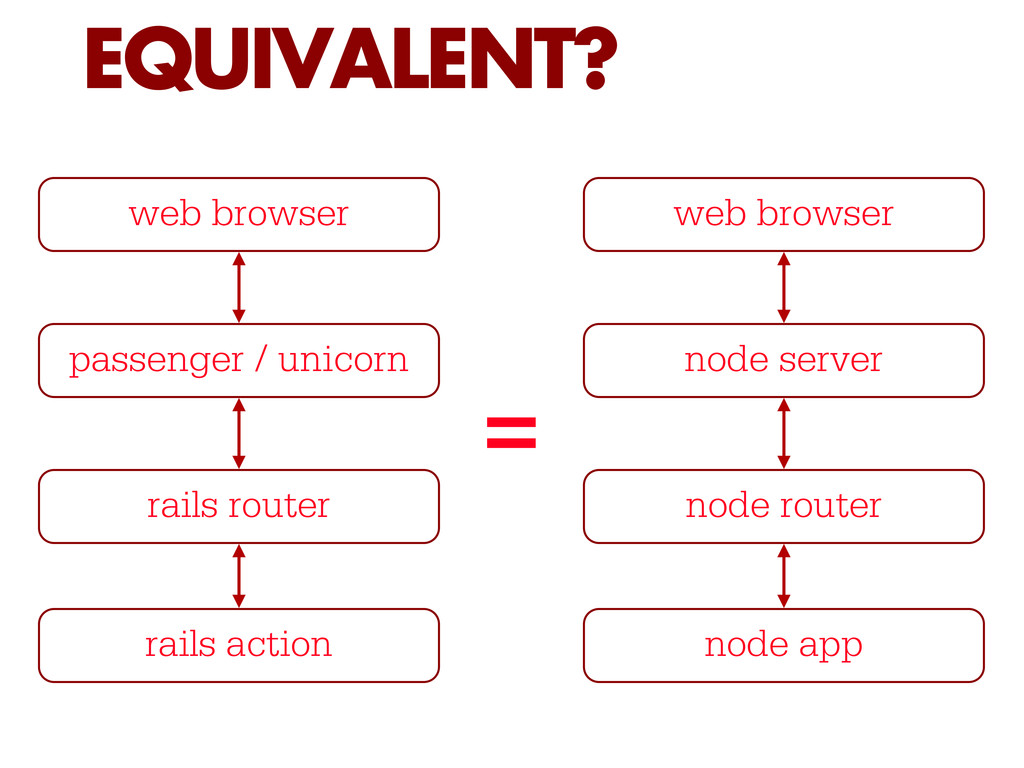
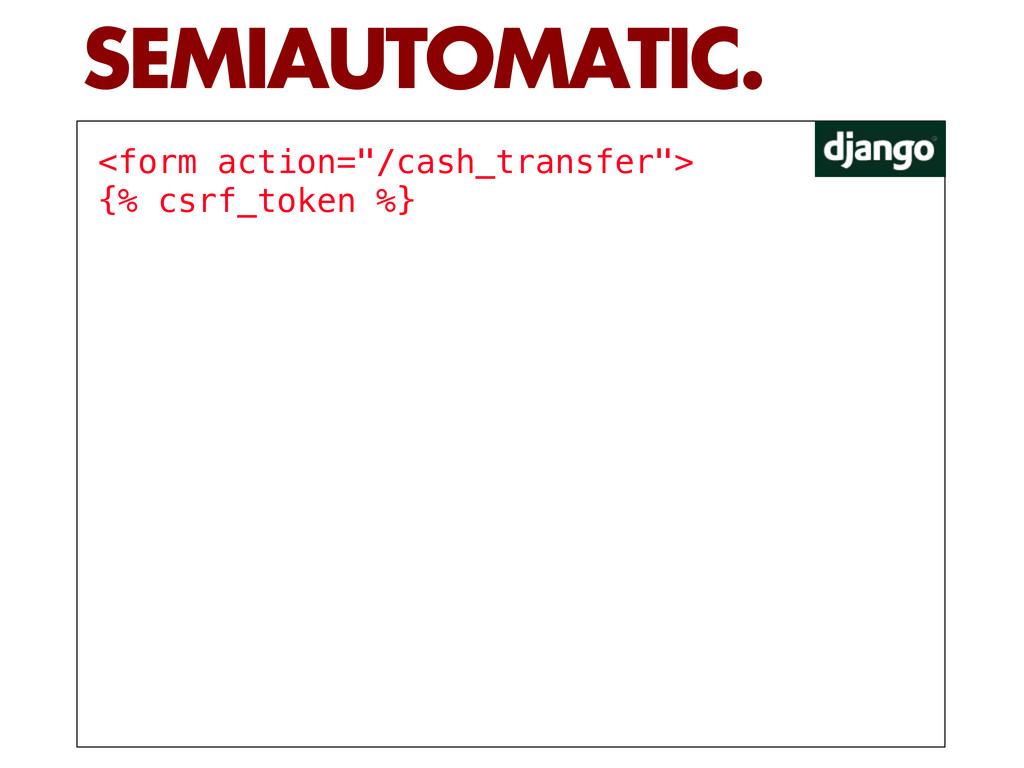
  2. EQUIVALENT? web browser passenger / unicorn rails router rails action

    web browser node server node router node app =
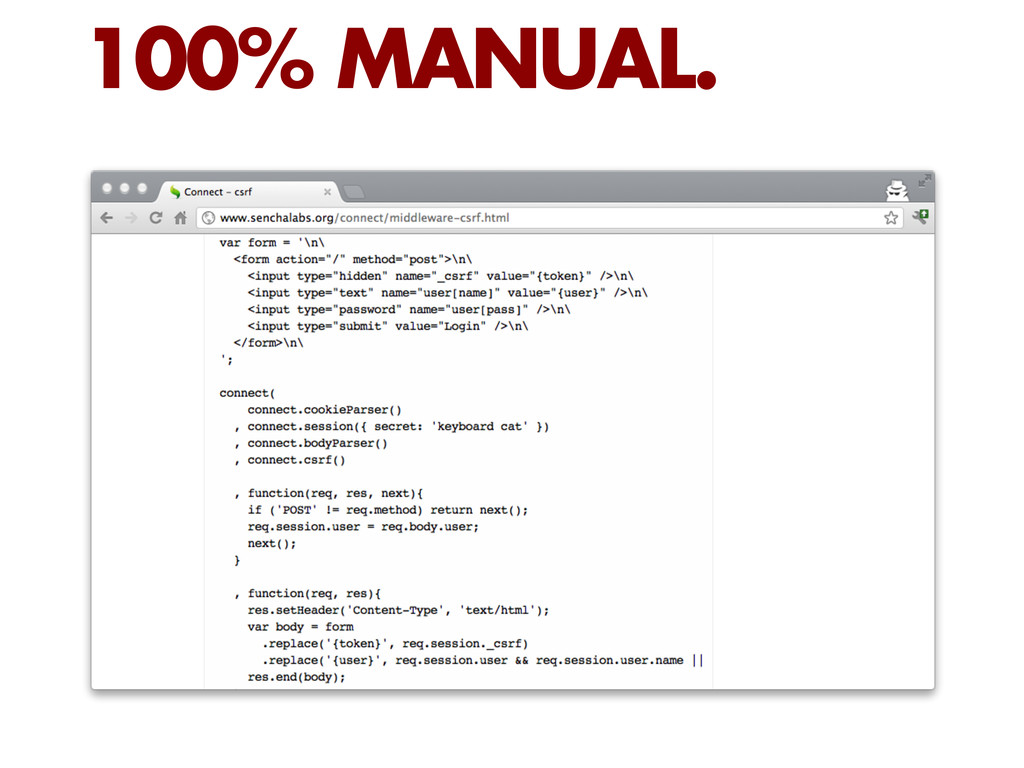
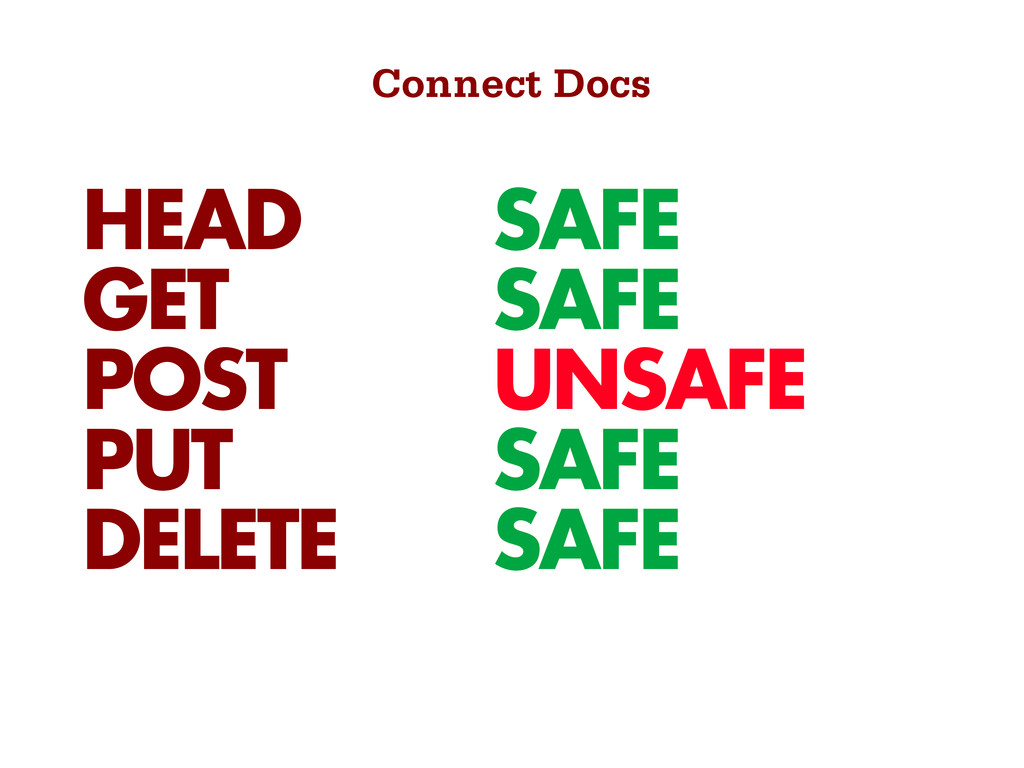
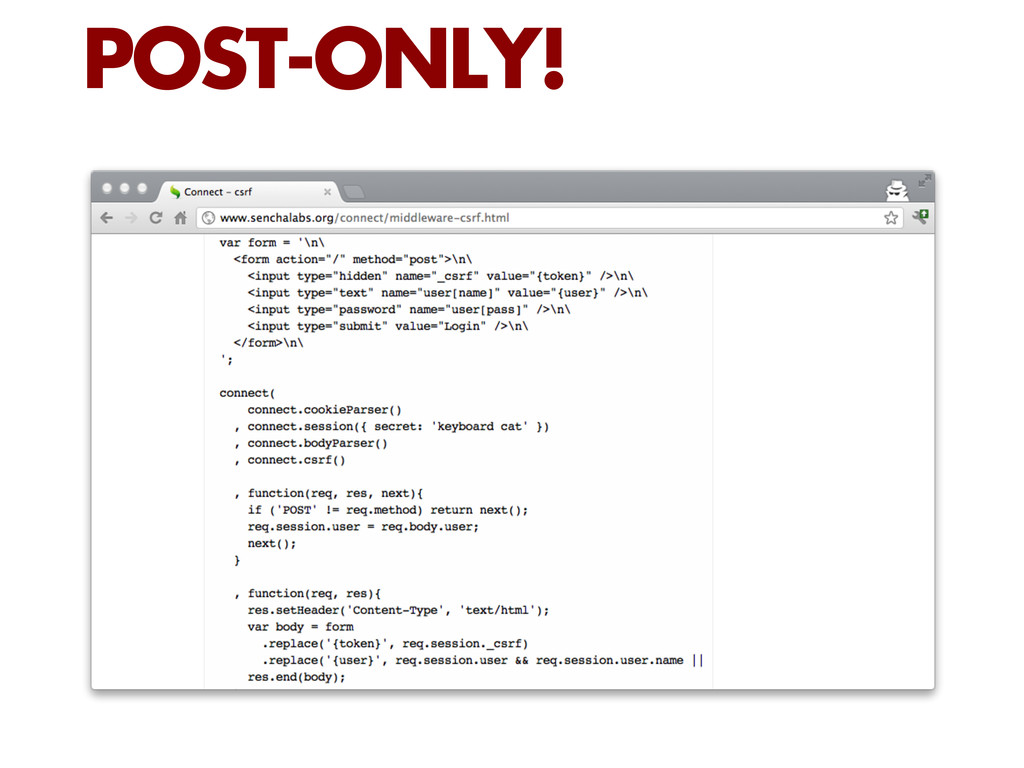
  3. This middleware requires session support, thus should be added somewhere

    below session() and cookieParser(). “ CONNECT DOCS
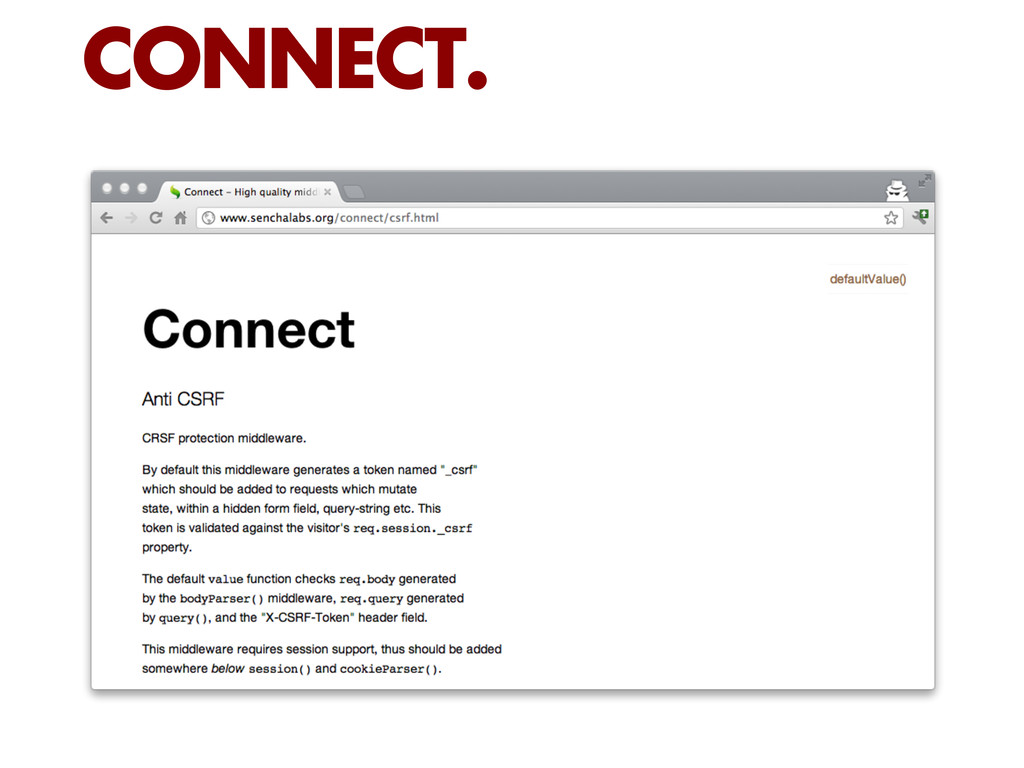
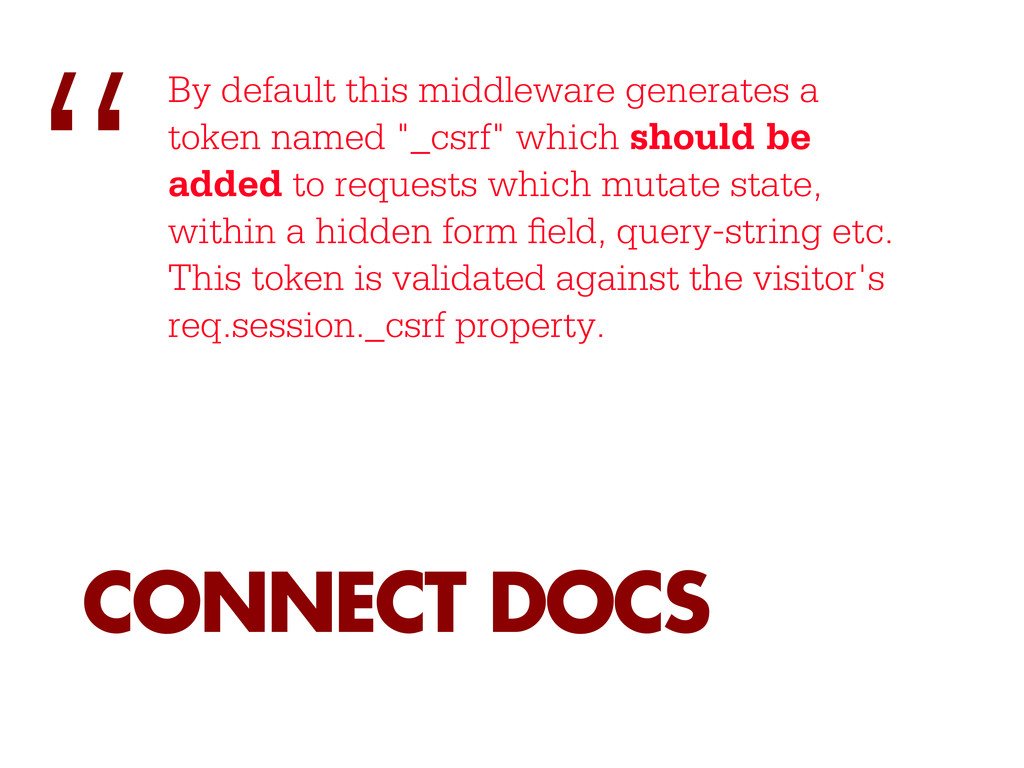
  4. By default this middleware generates a token named "_csrf" which

    should be added to requests which mutate state, within a hidden form eld, query-string etc. This token is validated against the visitor's req.session._csrf property. “ CONNECT DOCS
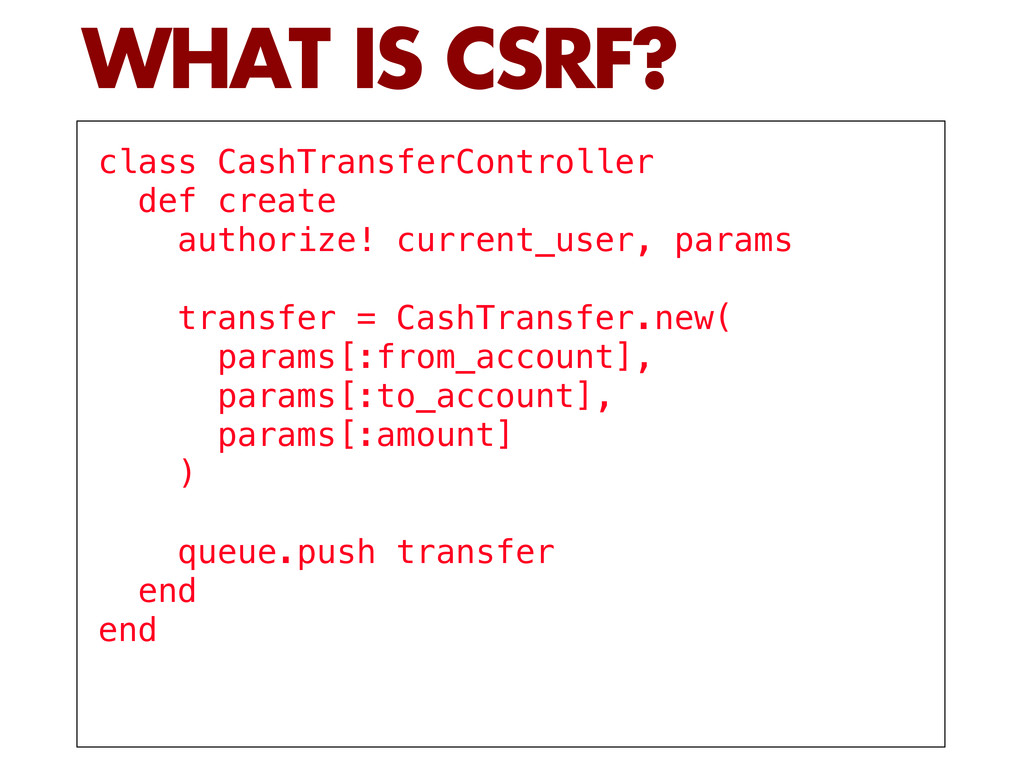
  5. class CashTransferController def create authorize! current_user, params transfer = CashTransfer.new(

    params[:from_account], params[:to_account], params[:amount] ) queue.push transfer end end WHAT IS CSRF?
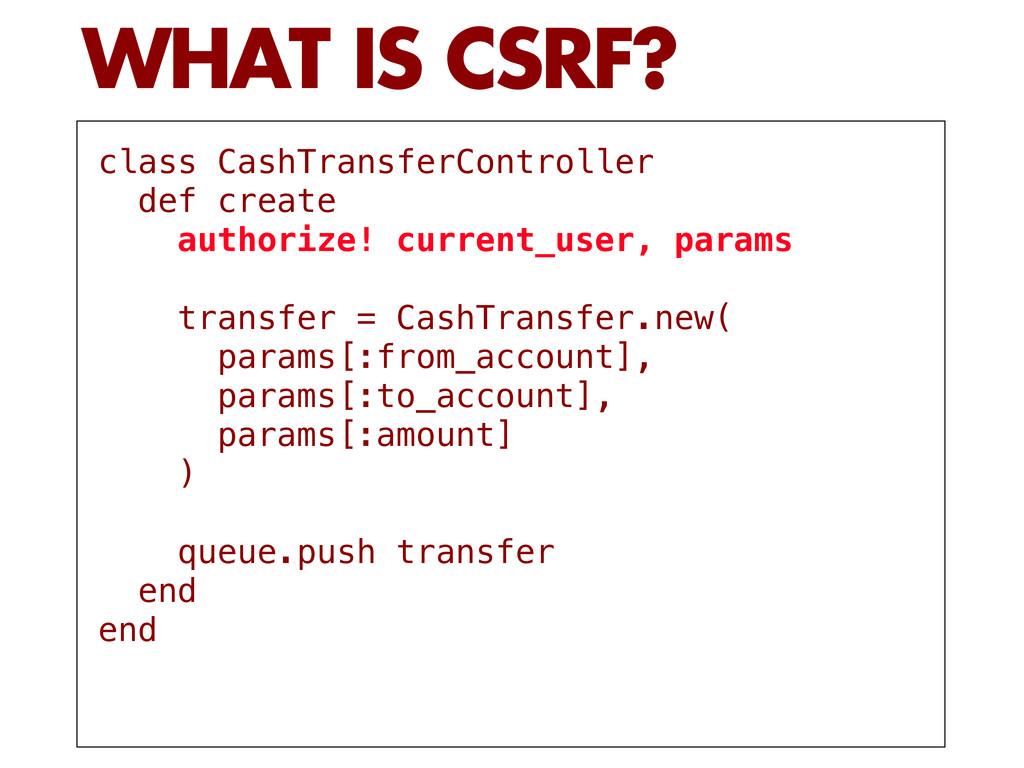
  6. class CashTransferController def create authorize! current_user, params transfer = CashTransfer.new(

    params[:from_account], params[:to_account], params[:amount] ) queue.push transfer end end WHAT IS CSRF?
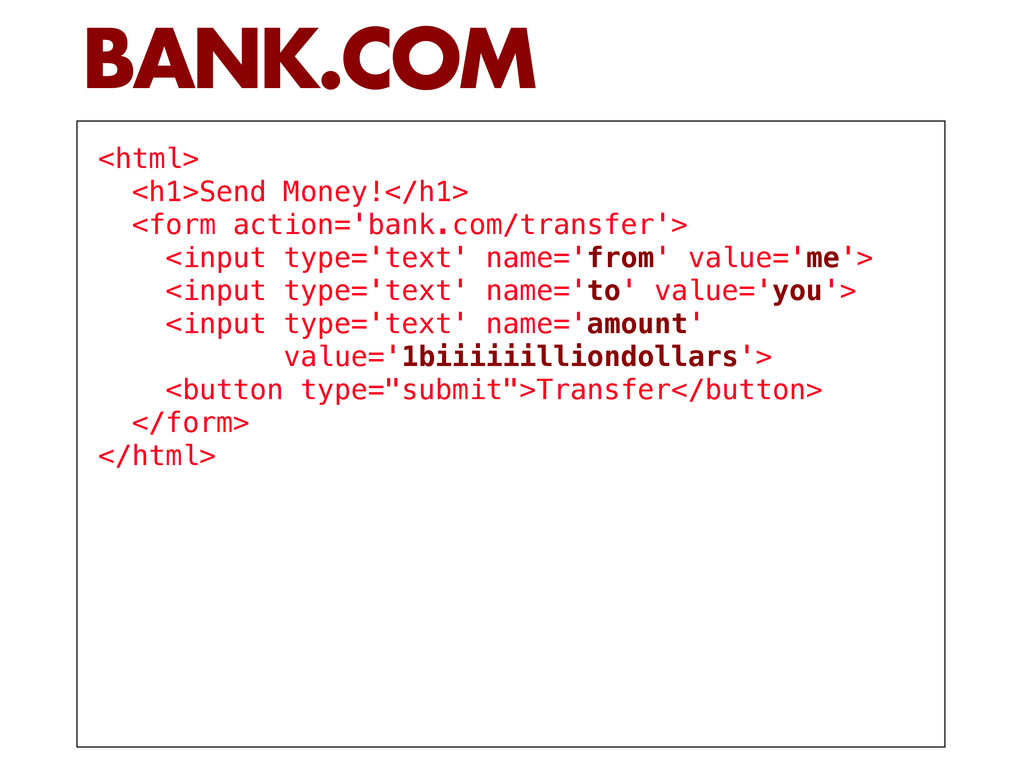
  7. <html> <h1>Send Money!</h1> <form action='bank.com/transfer'> <input type='text' name='from' value='me'> <input

    type='text' name='to' value='you'> <input type='text' name='amount' value='1biiiiiilliondollars'> <button type="submit">Transfer</button> </form> </html> BANK.COM
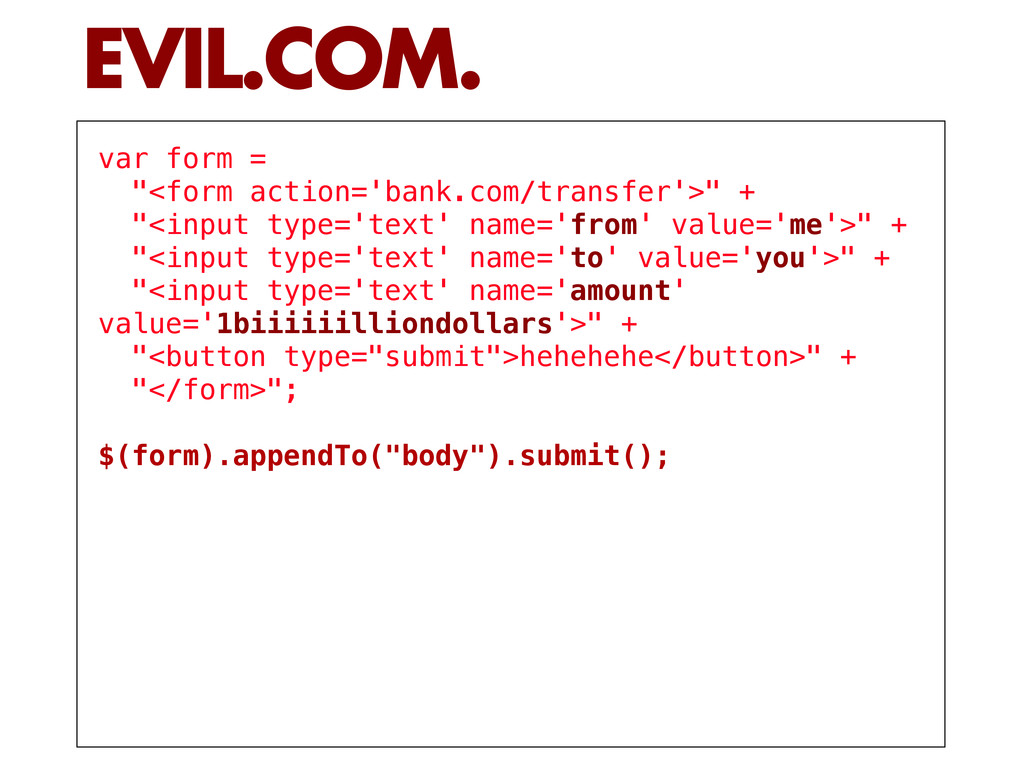
  8. var form = "<form action='bank.com/transfer'>" + "<input type='text' name='from' value='me'>"

    + "<input type='text' name='to' value='you'>" + "<input type='text' name='amount' value='1biiiiiilliondollars'>" + "<button type="submit">hehehehe</button>" + "</form>"; $(form).appendTo("body").submit(); EVIL.COM.
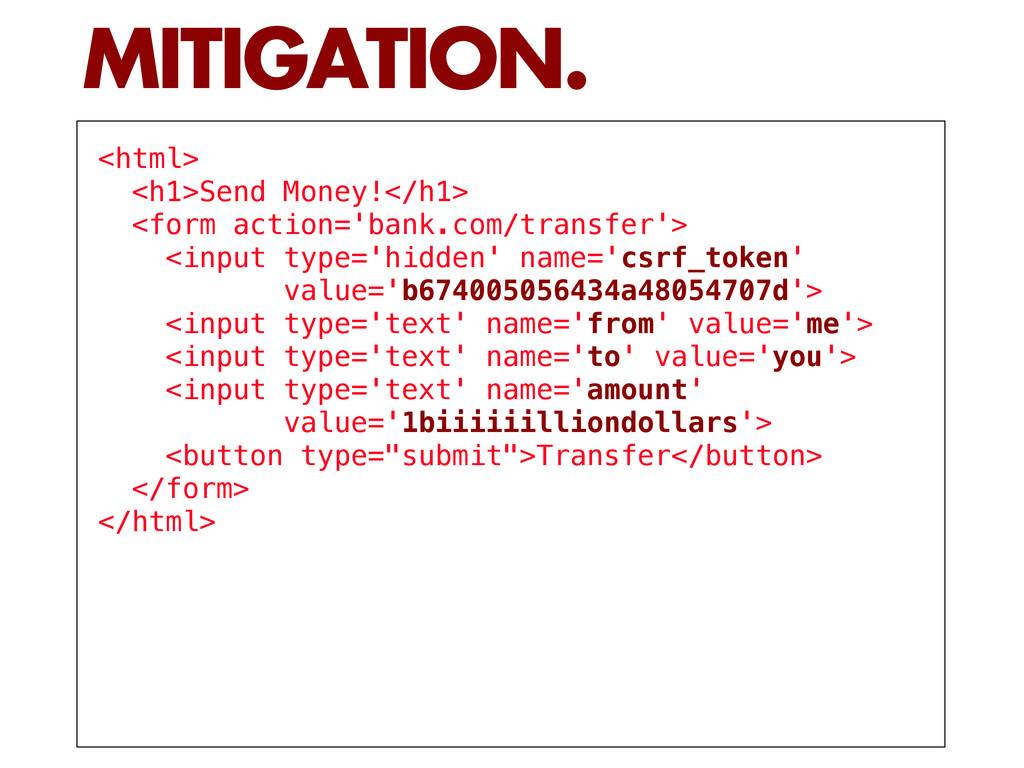
  9. <html> <h1>Send Money!</h1> <form action='bank.com/transfer'> <input type='hidden' name='csrf_token' value='b674005056434a48054707d'> <input

    type='text' name='from' value='me'> <input type='text' name='to' value='you'> <input type='text' name='amount' value='1biiiiiilliondollars'> <button type="submit">Transfer</button> </form> </html> MITIGATION.
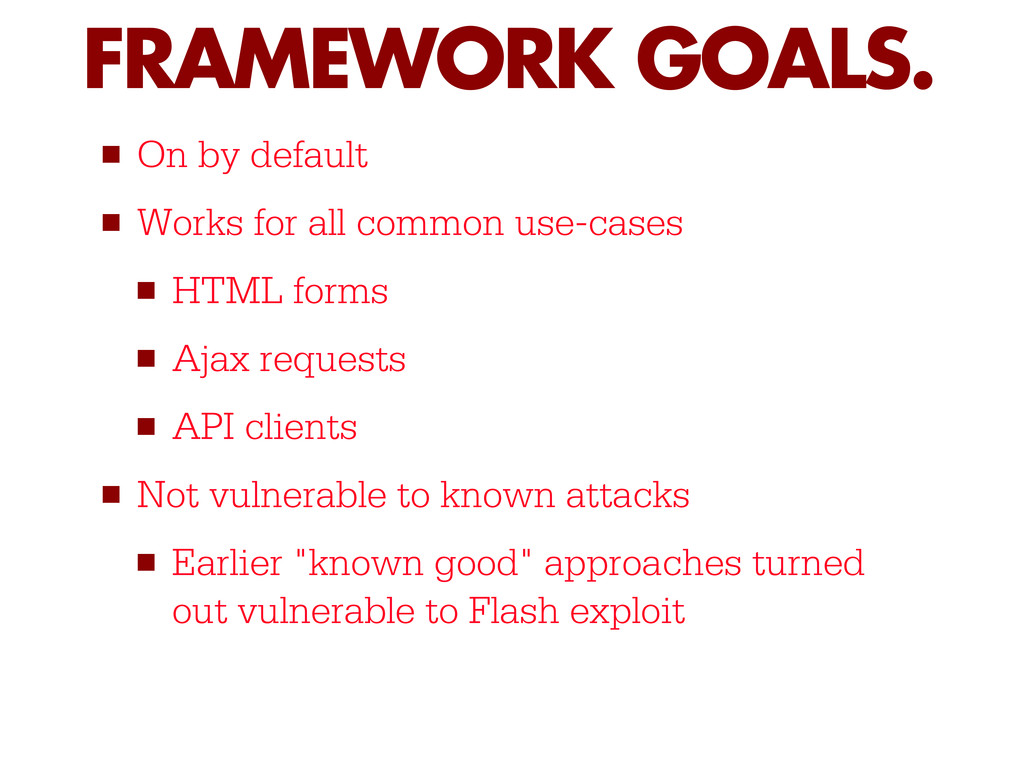
  10. ▪ On by default ▪ Works for all common use-cases

    ▪ HTML forms ▪ Ajax requests ▪ API clients ▪ Not vulnerable to known attacks ▪ Earlier "known good" approaches turned out vulnerable to Flash exploit FRAMEWORK GOALS.
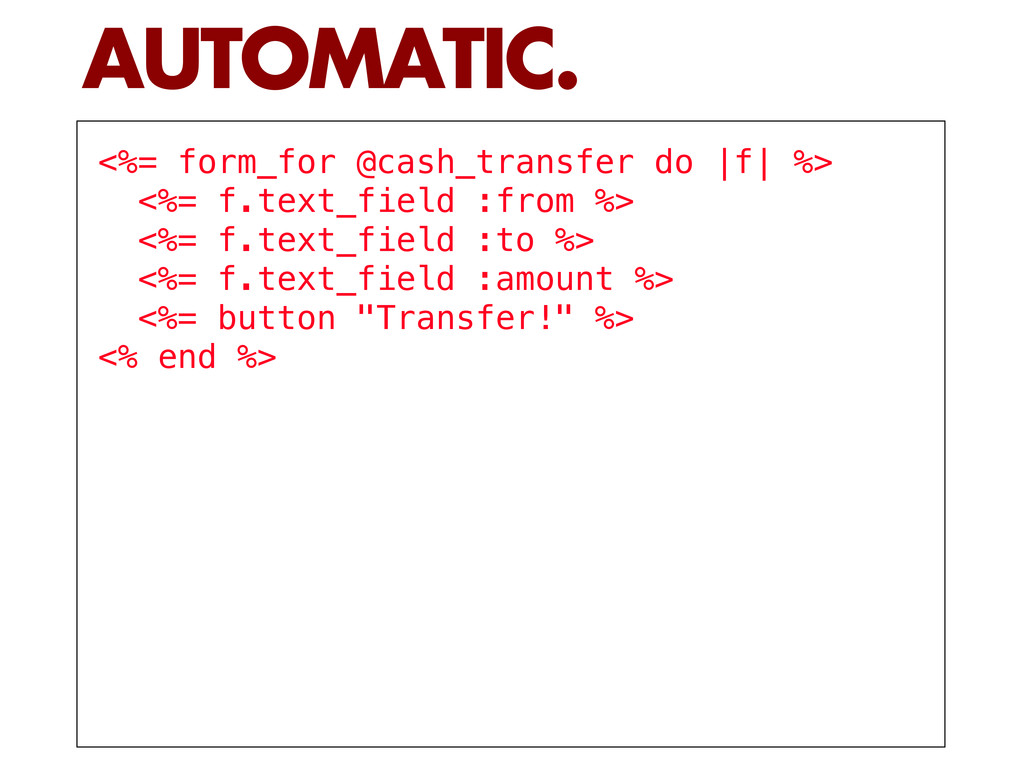
  11. <%= form_for @cash_transfer do |f| %> <%= f.text_field :from %>

    <%= f.text_field :to %> <%= f.text_field :amount %> <%= button "Transfer!" %> <% end %> AUTOMATIC.
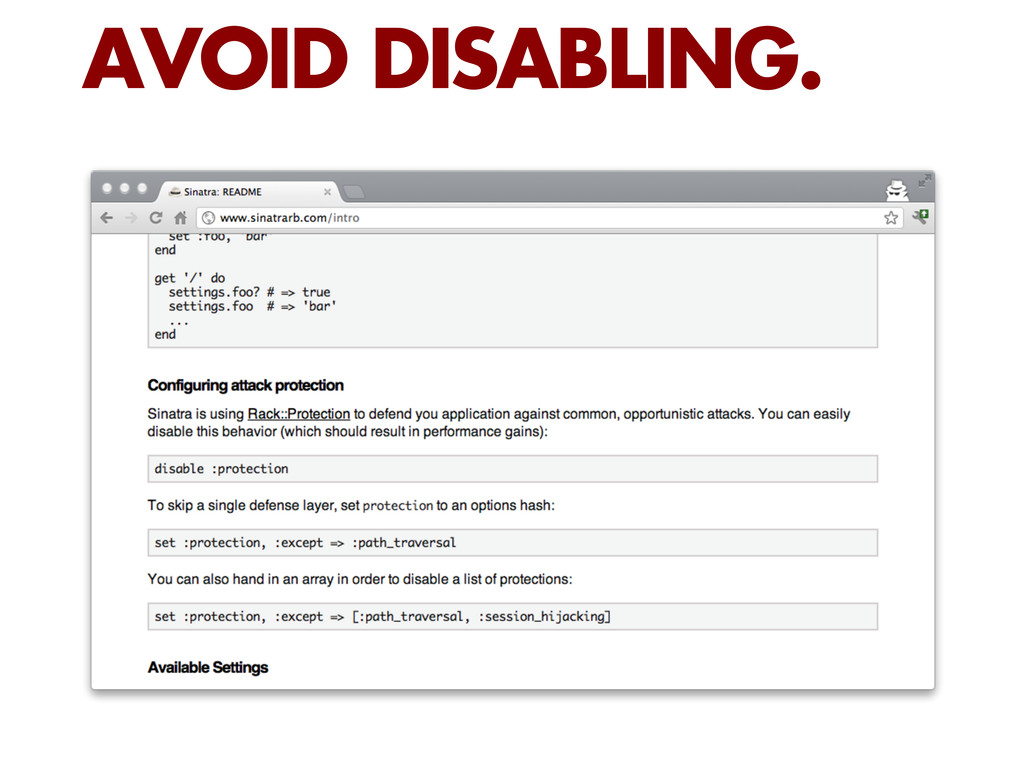
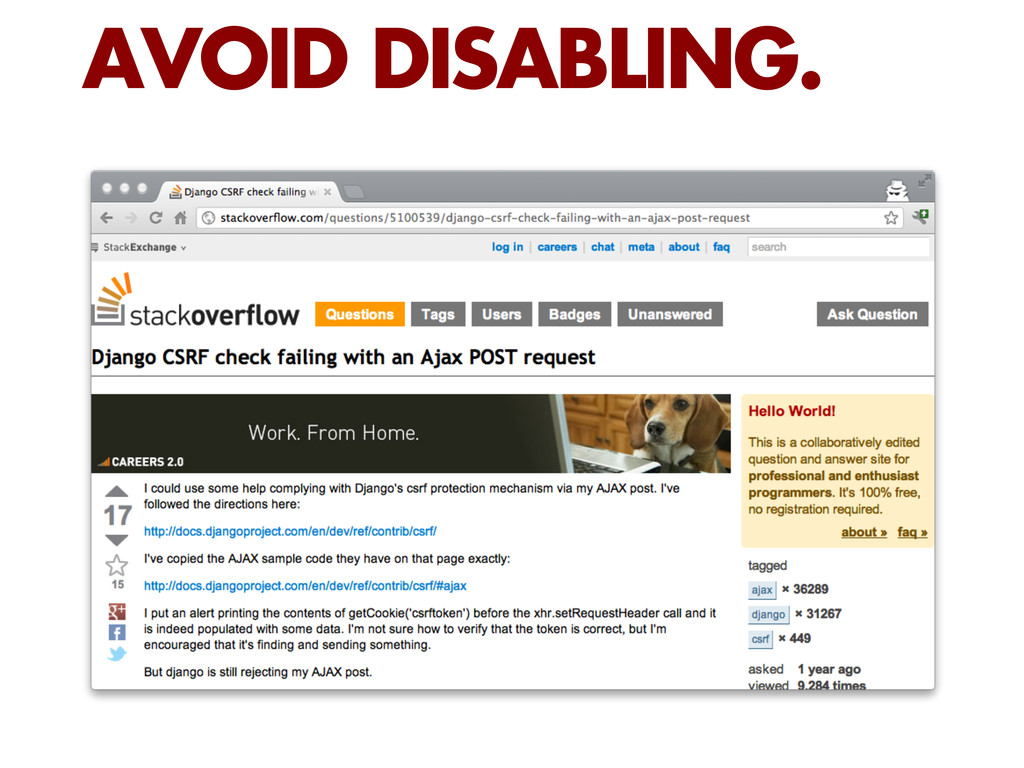
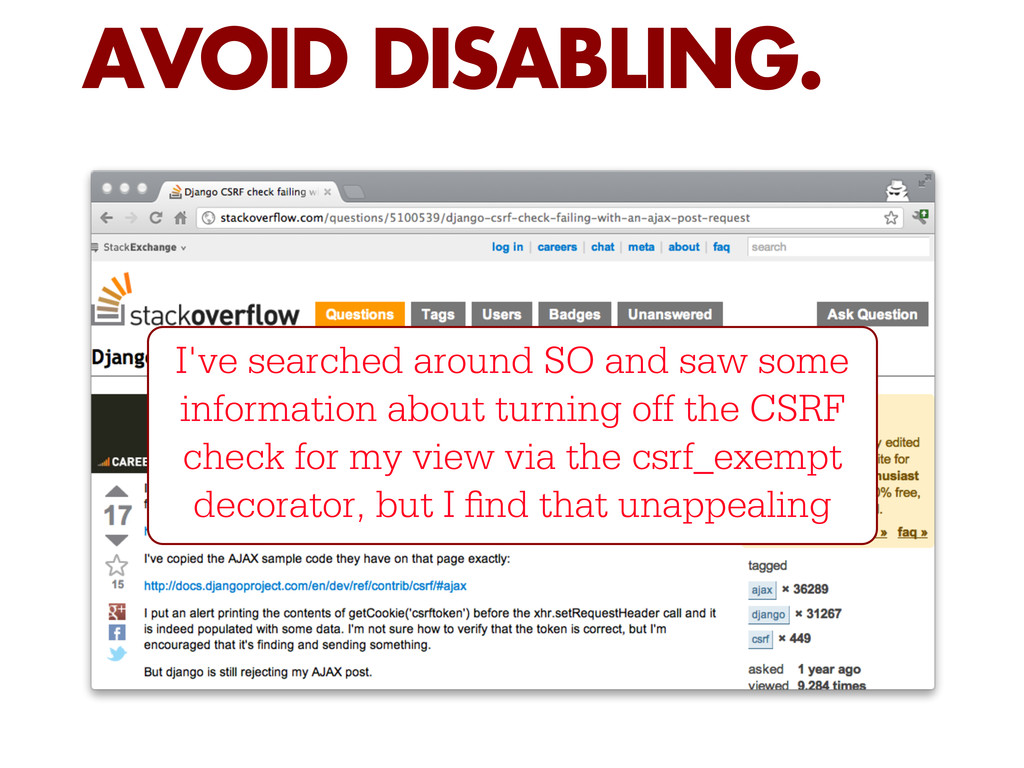
  12. AVOID DISABLING. I've searched around SO and saw some information

    about turning off the CSRF check for my view via the csrf_exempt decorator, but I nd that unappealing
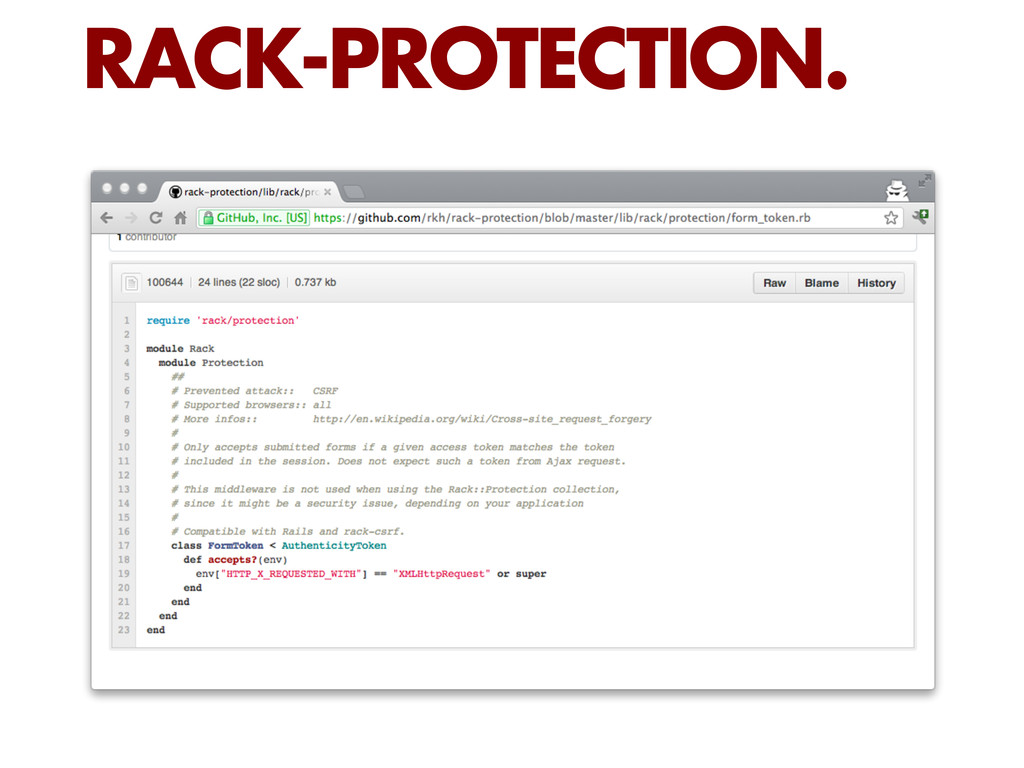
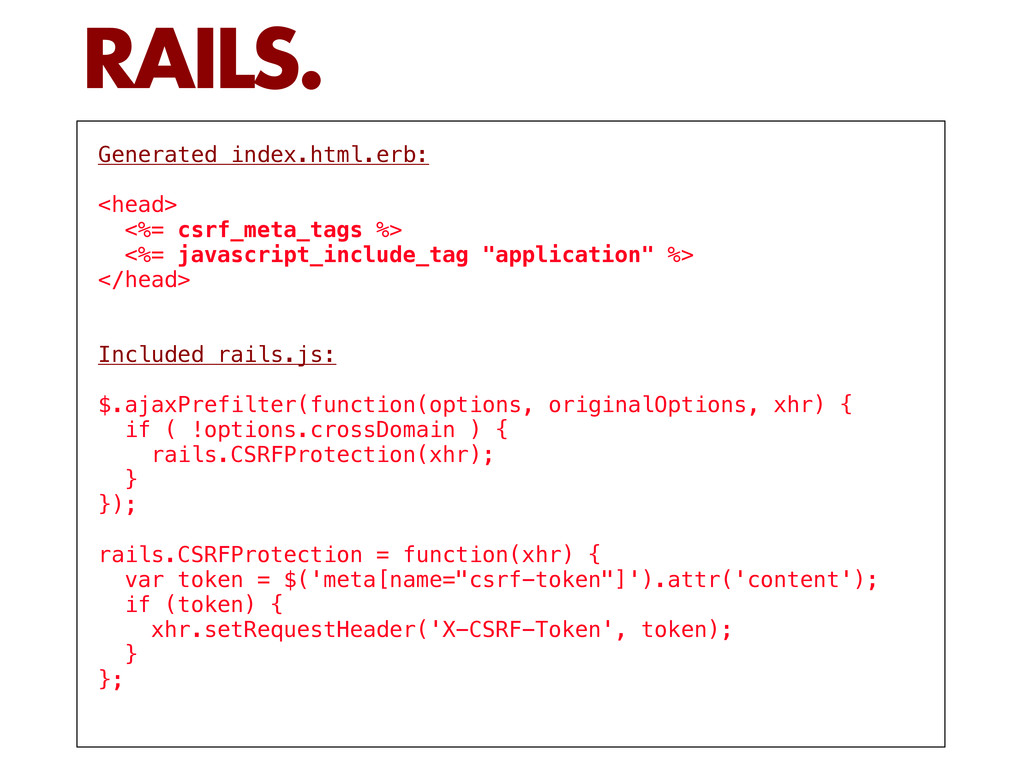
  13. Generated index.html.erb: <head> <%= csrf_meta_tags %> <%= javascript_include_tag "application" %>

    </head> Included rails.js: $.ajaxPrefilter(function(options, originalOptions, xhr) { if ( !options.crossDomain ) { rails.CSRFProtection(xhr); } }); rails.CSRFProtection = function(xhr) { var token = $('meta[name="csrf-token"]').attr('content'); if (token) { xhr.setRequestHeader('X-CSRF-Token', token); } }; RAILS.
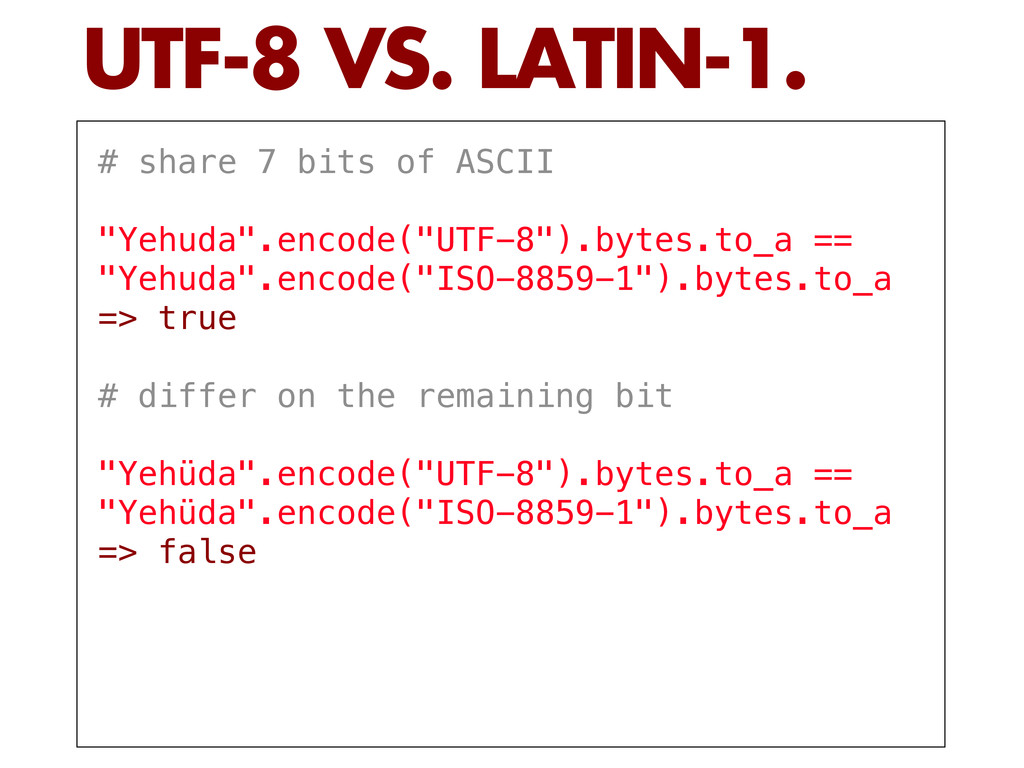
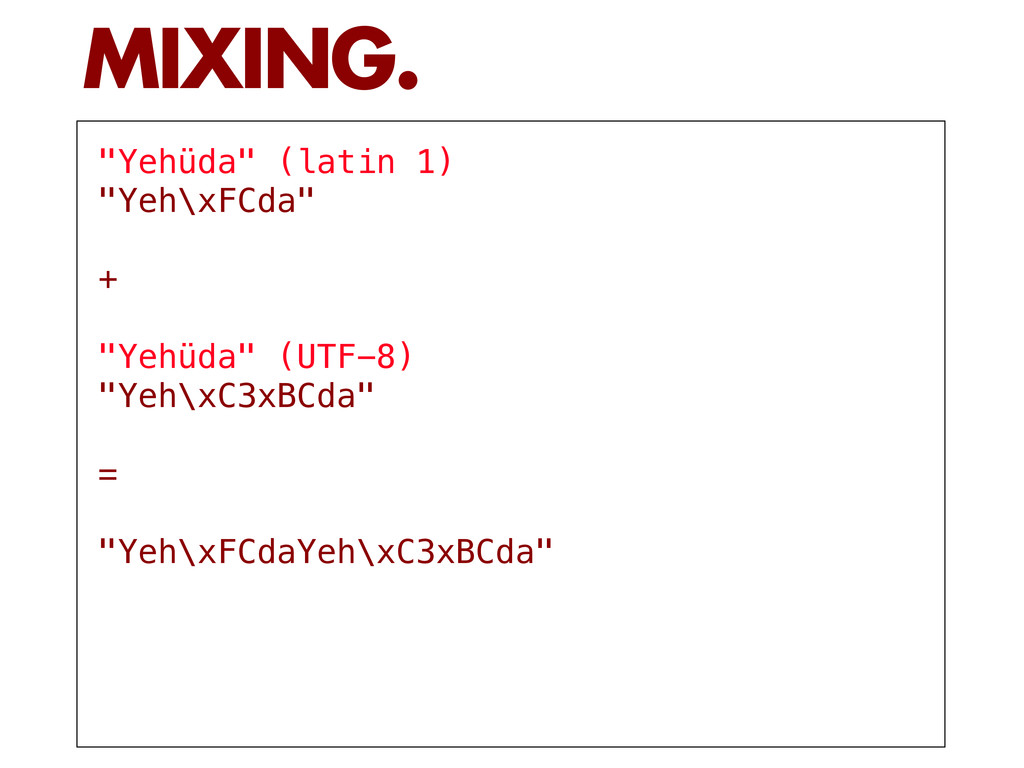
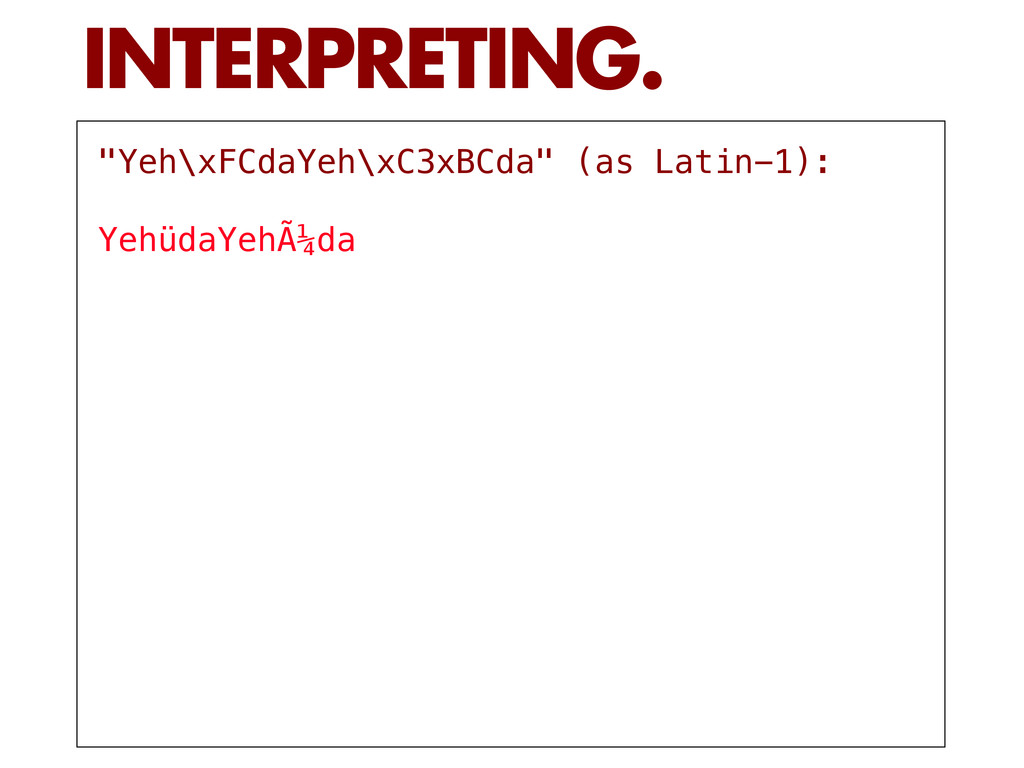
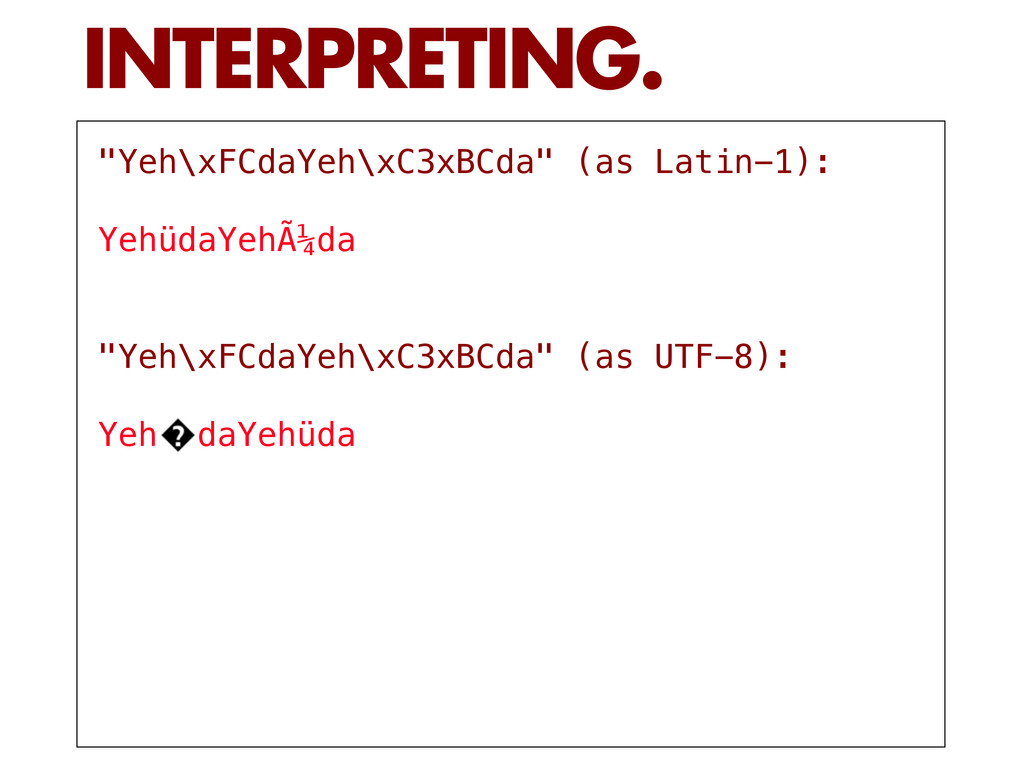
  14. # share 7 bits of ASCII "Yehuda".encode("UTF-8").bytes.to_a == "Yehuda".encode("ISO-8859-1").bytes.to_a =>

    true # differ on the remaining bit "Yehüda".encode("UTF-8").bytes.to_a == "Yehüda".encode("ISO-8859-1").bytes.to_a => false UTF-8 VS. LATIN-1.
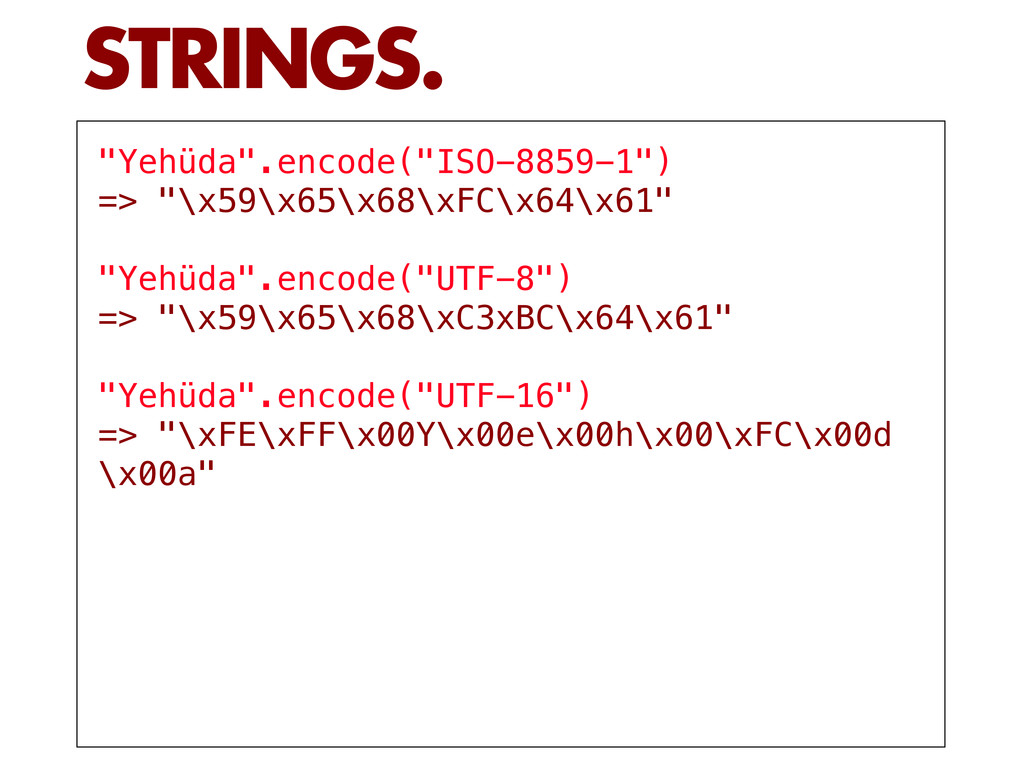
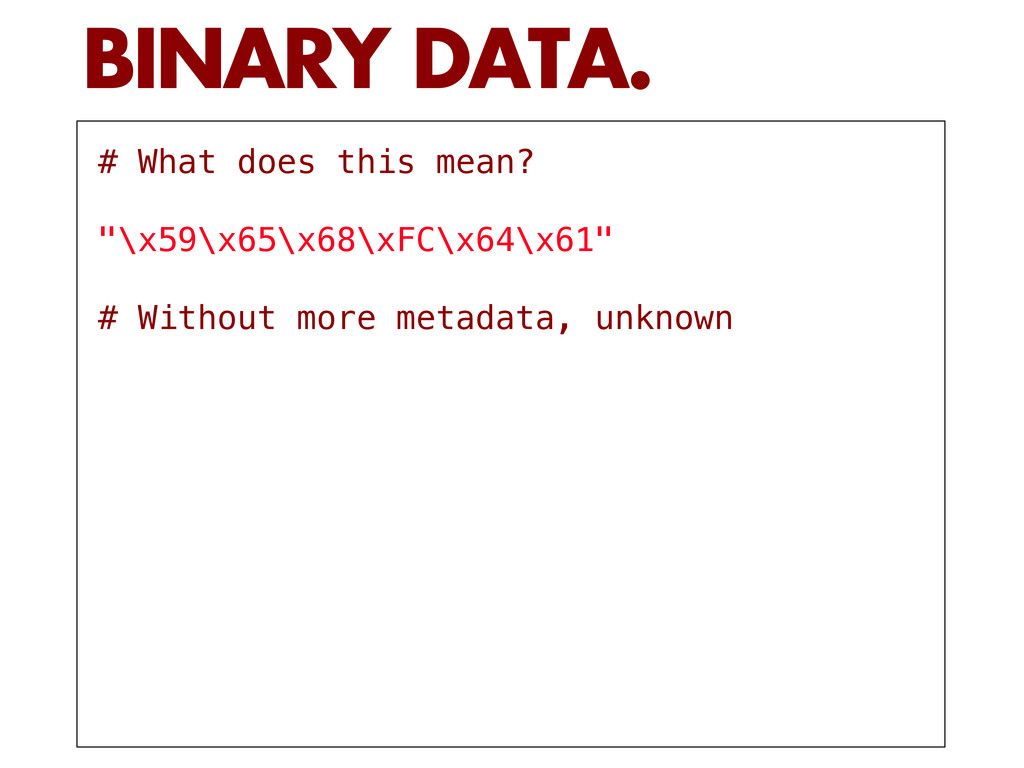
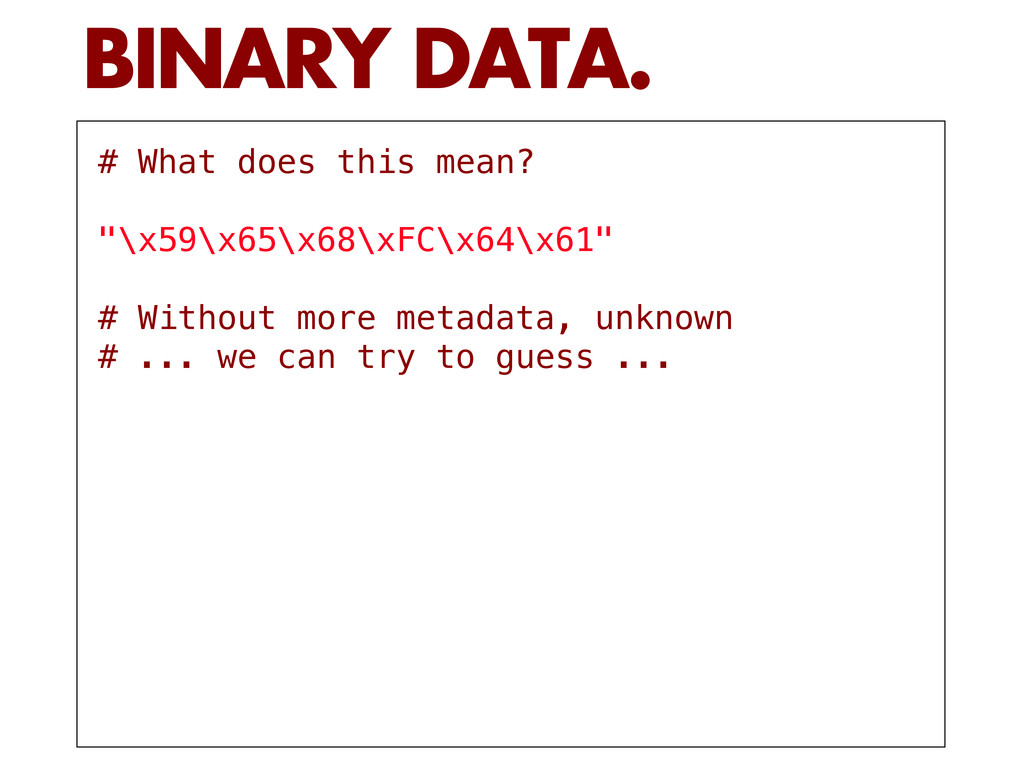
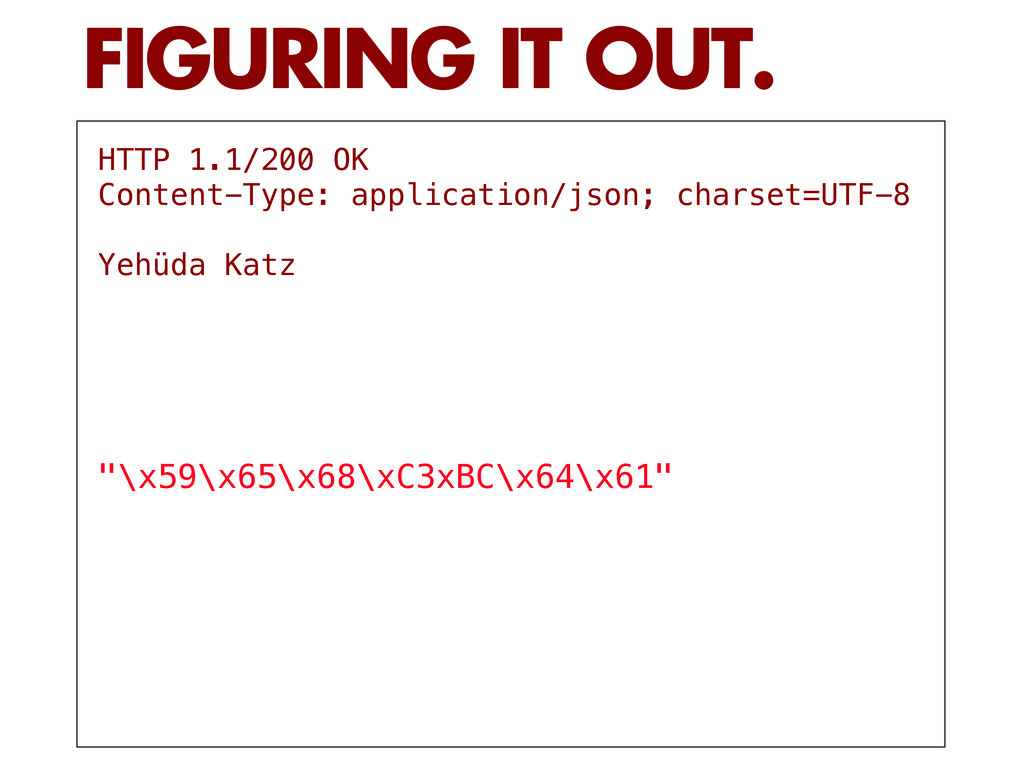
  15. # What does this mean? "\x59\x65\x68\xFC\x64\x61" # Without more metadata,

    unknown # ... we can try to guess ... BINARY DATA.
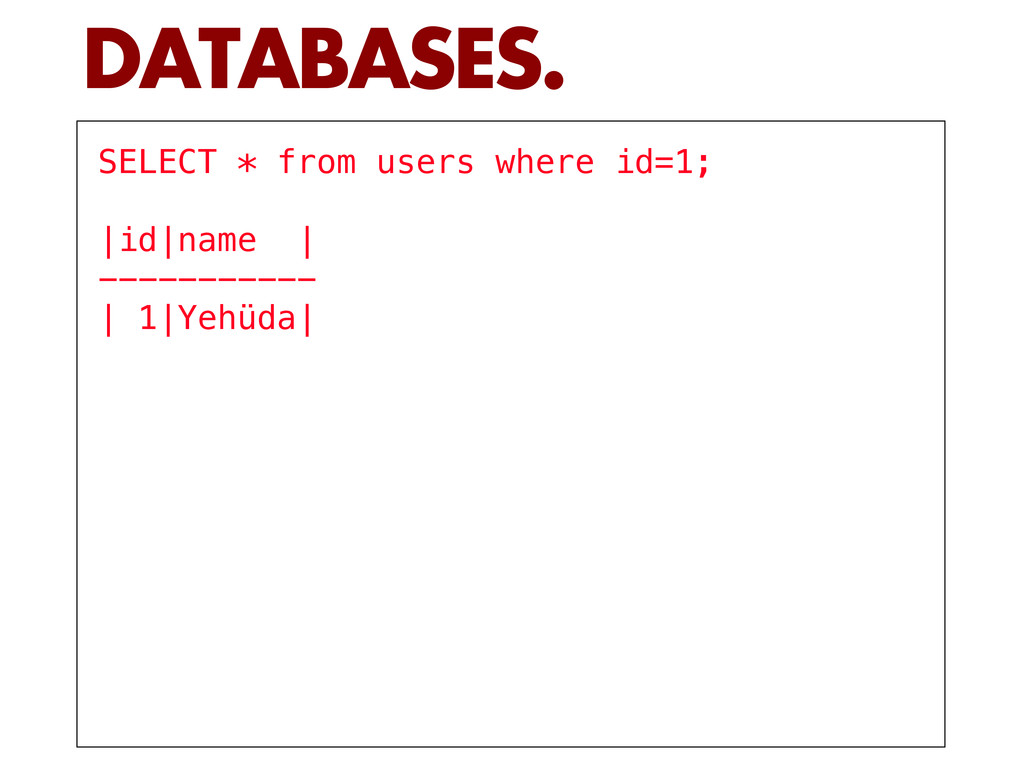
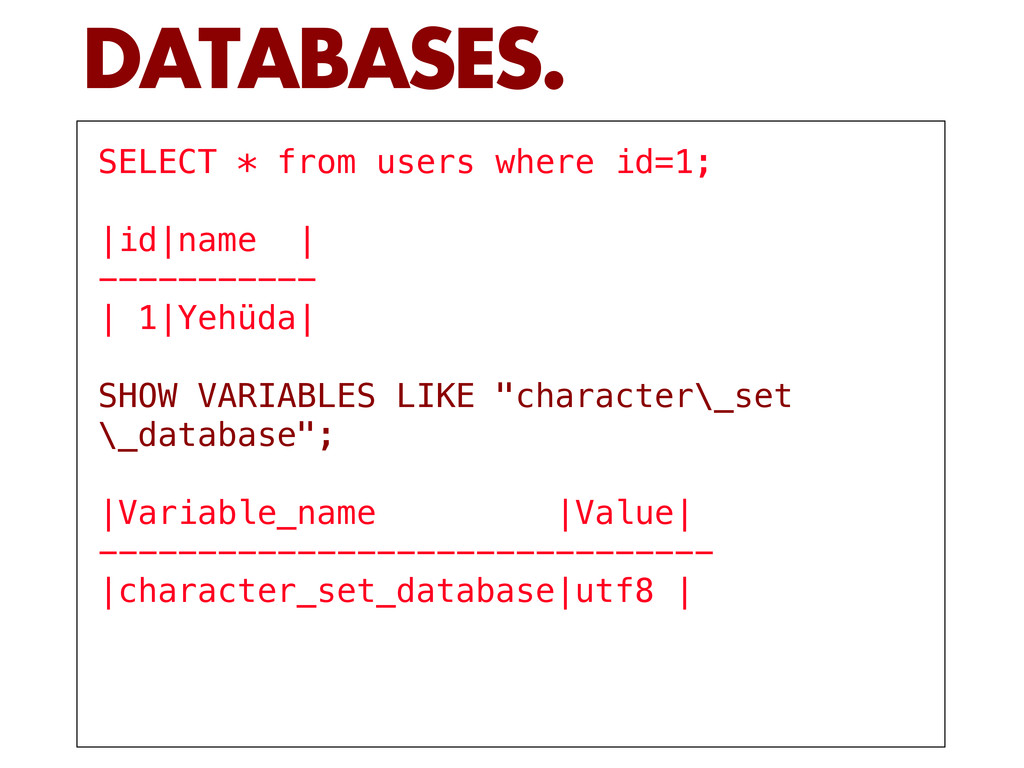
  16. SELECT * from users where id=1; |id|name | ----------- |

    1|Yehüda| SHOW VARIABLES LIKE "character\_set \_database"; |Variable_name |Value| ------------------------------- |character_set_database|utf8 | DATABASES.
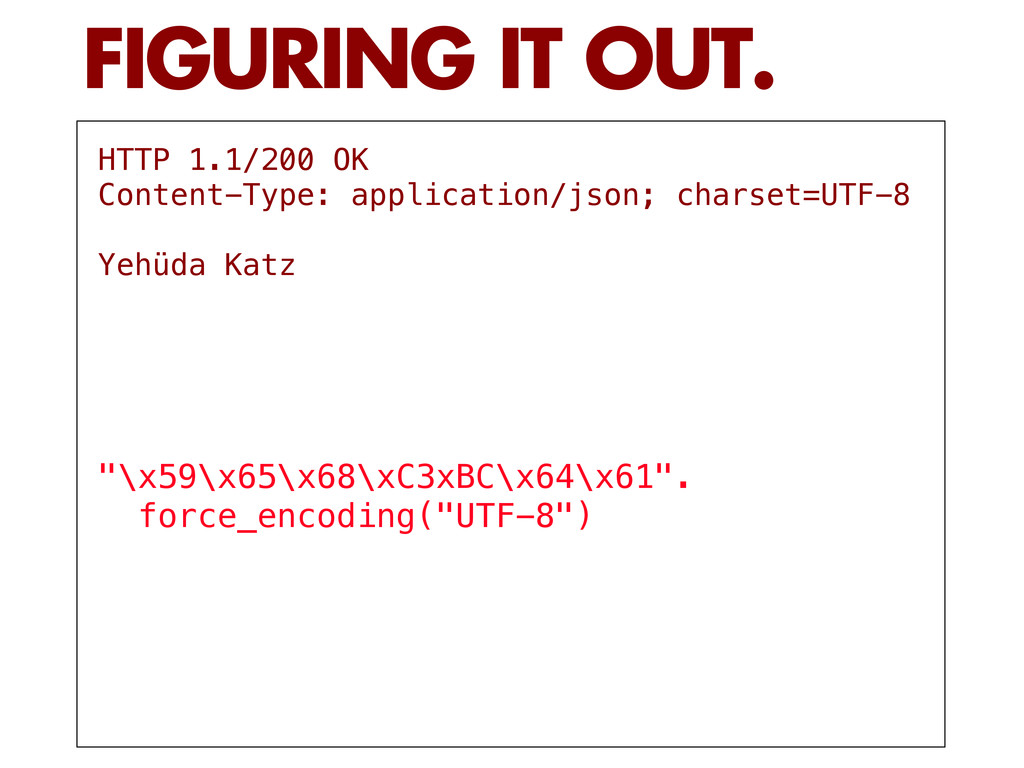
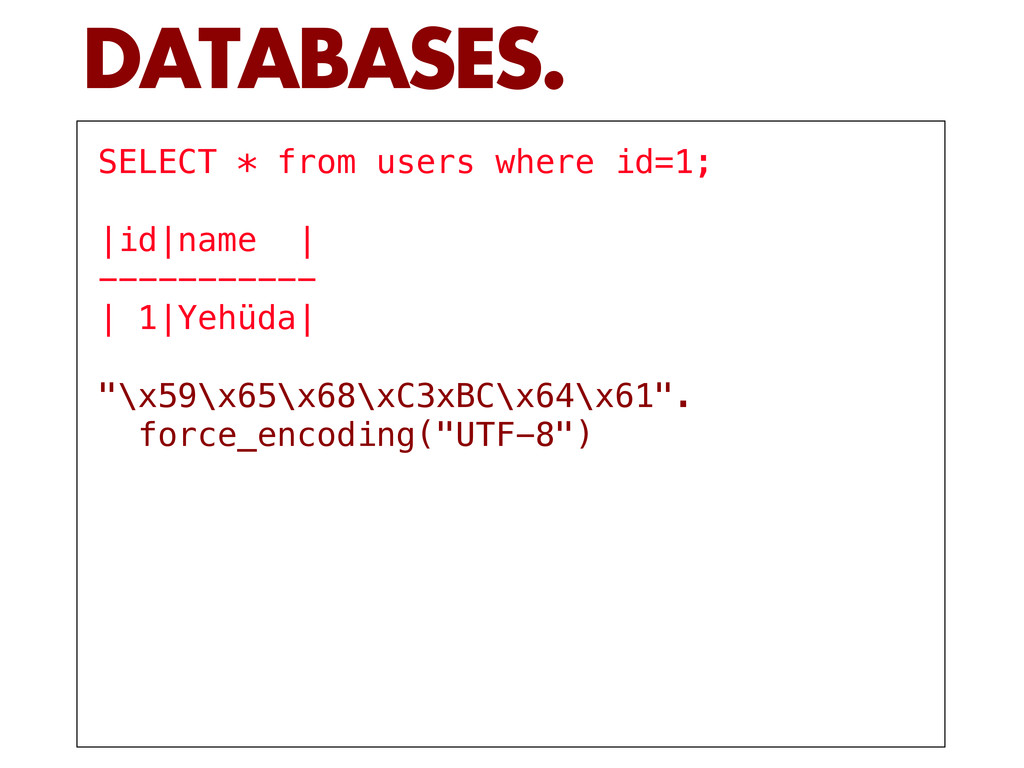
  17. SELECT * from users where id=1; |id|name | ----------- |

    1|Yehüda| "\x59\x65\x68\xC3xBC\x64\x61". force_encoding("UTF-8") DATABASES.
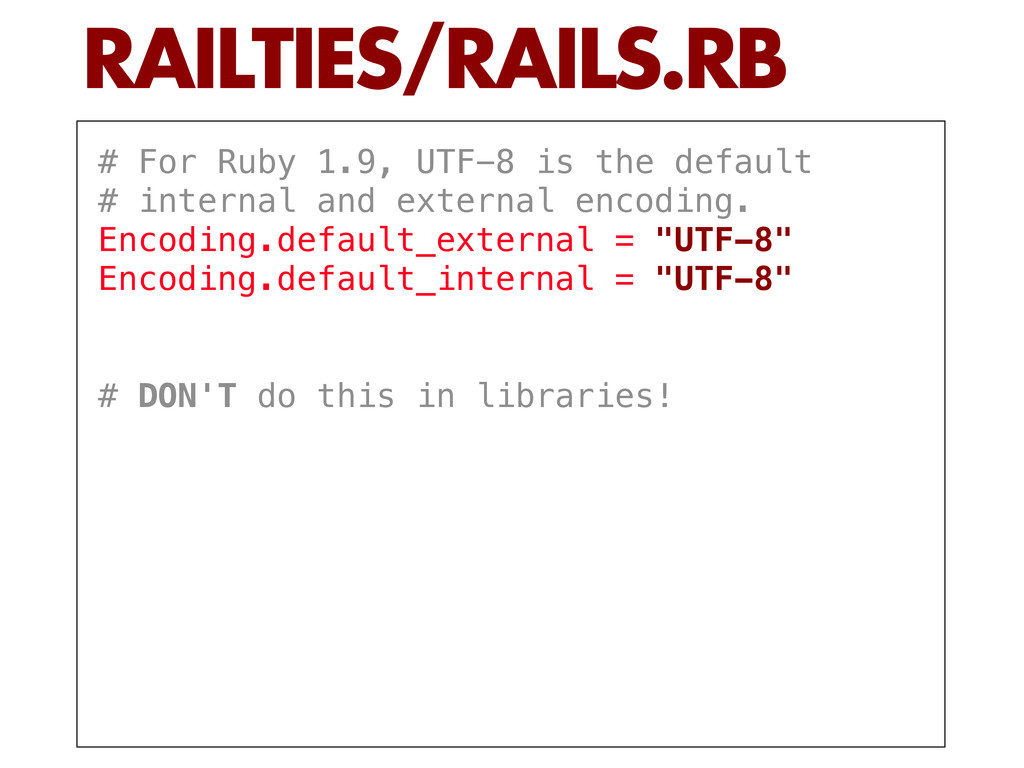
  18. # For Ruby 1.9, UTF-8 is the default # internal

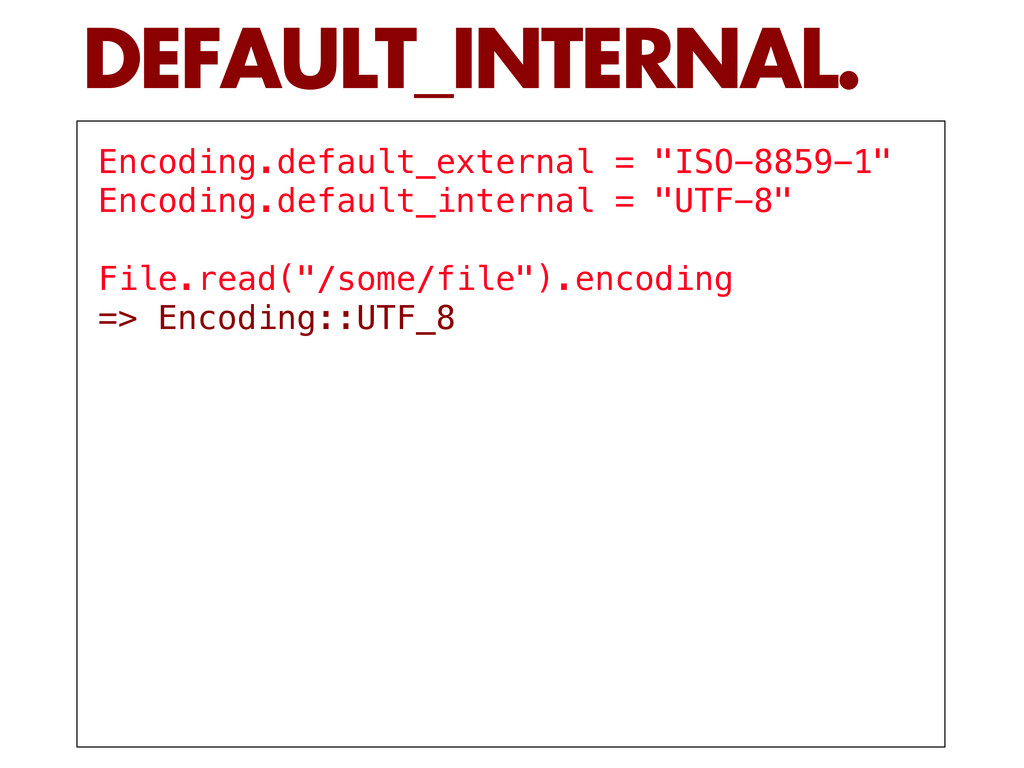
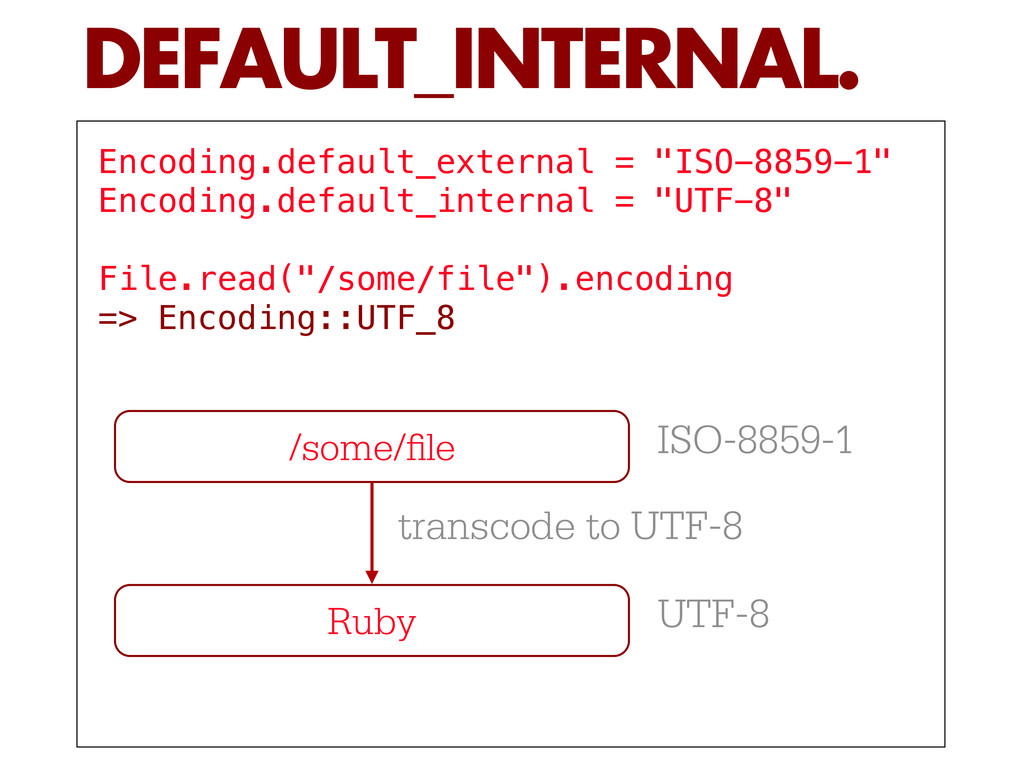
    and external encoding. Encoding.default_external = "UTF-8" Encoding.default_internal = "UTF-8" # DON'T do this in libraries! RAILTIES/RAILS.RB
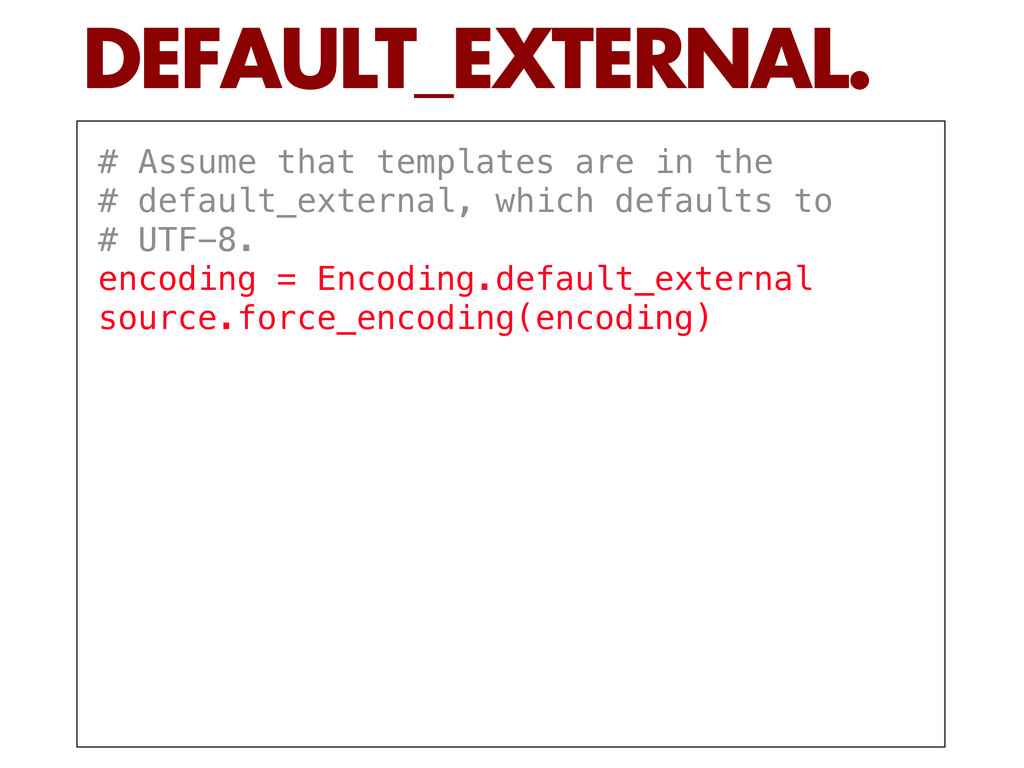
  19. # Assume that templates are in the # default_external, which

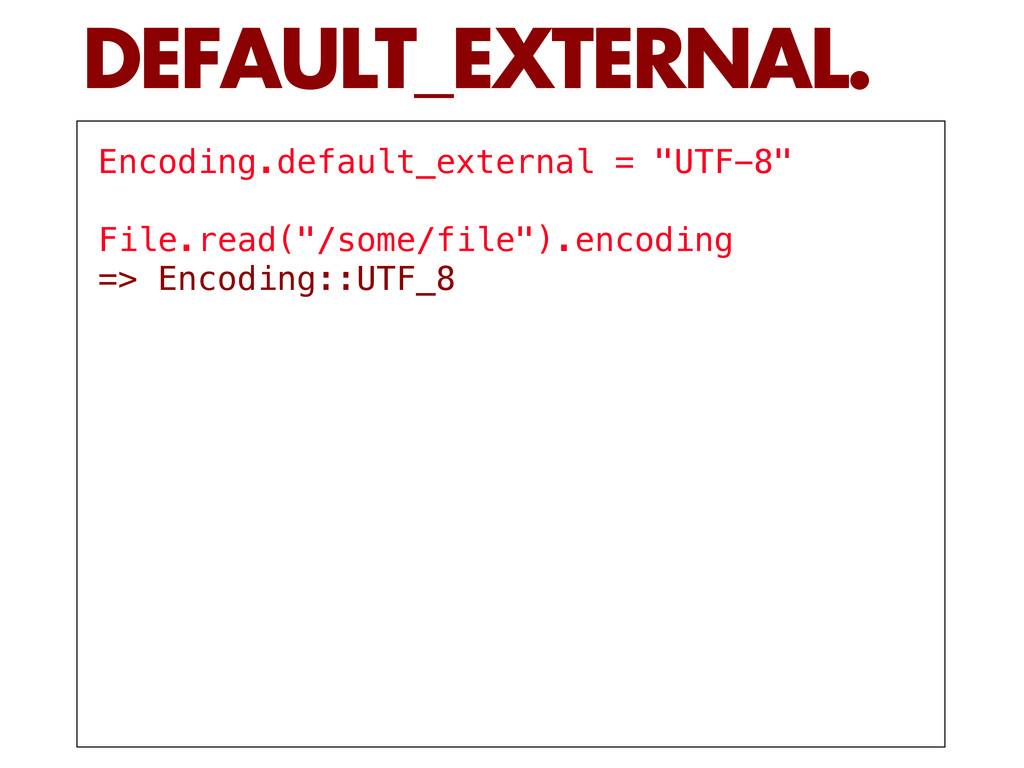
    defaults to # UTF-8. encoding = Encoding.default_external source.force_encoding(encoding) DEFAULT_EXTERNAL.
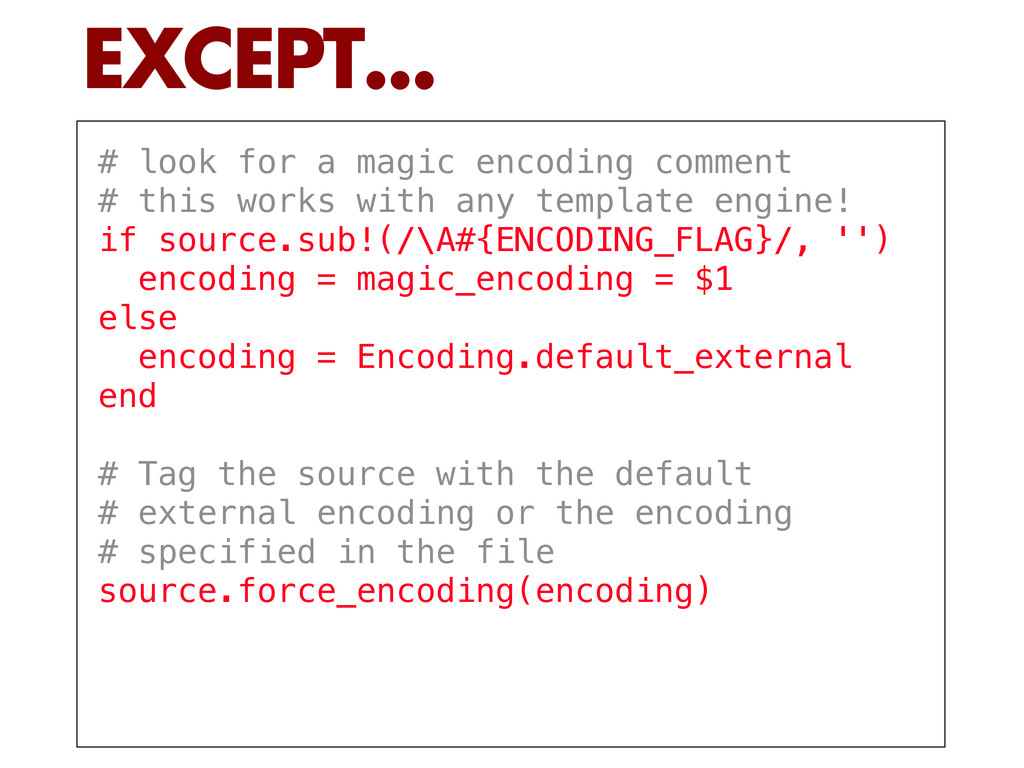
  20. # look for a magic encoding comment # this works

    with any template engine! if source.sub!(/\A#{ENCODING_FLAG}/, '') encoding = magic_encoding = $1 else encoding = Encoding.default_external end # Tag the source with the default # external encoding or the encoding # specified in the file source.force_encoding(encoding) EXCEPT...
  21. ENCODING_TAG = Regexp.new( "\\A(<%#{ENCODING_FLAG}-?%>)[ \\t]*") # the handler has its

    own magic comment format def handles_encoding? true end template_source = template.source.dup.force_encoding("BINARY") # find any magic comment and extract the encoding erb = template_source.gsub(ENCODING_TAG, '') encoding = $2 # confirm that the encoding provided is valid and flag it erb.force_encoding valid_encoding( template.source.dup, encoding) # Always make sure we return a String # in the default_internal erb.encode! AND EXCEPT...
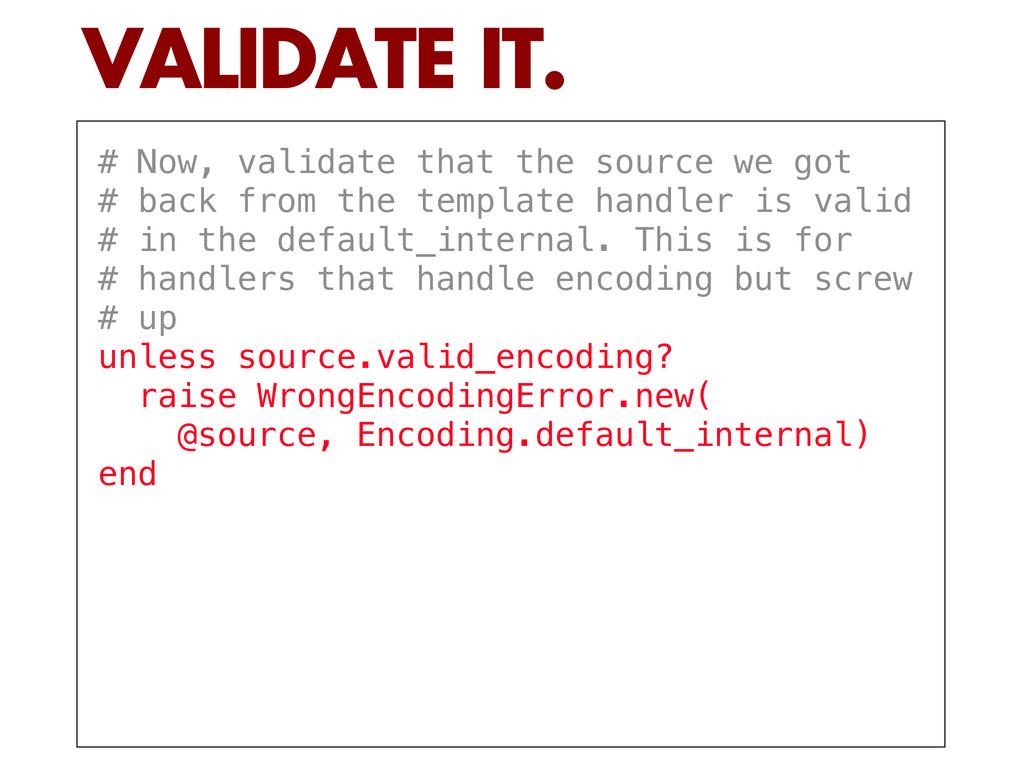
  22. # Now, validate that the source we got # back

    from the template handler is valid # in the default_internal. This is for # handlers that handle encoding but screw # up unless source.valid_encoding? raise WrongEncodingError.new( @source, Encoding.default_internal) end VALIDATE IT.
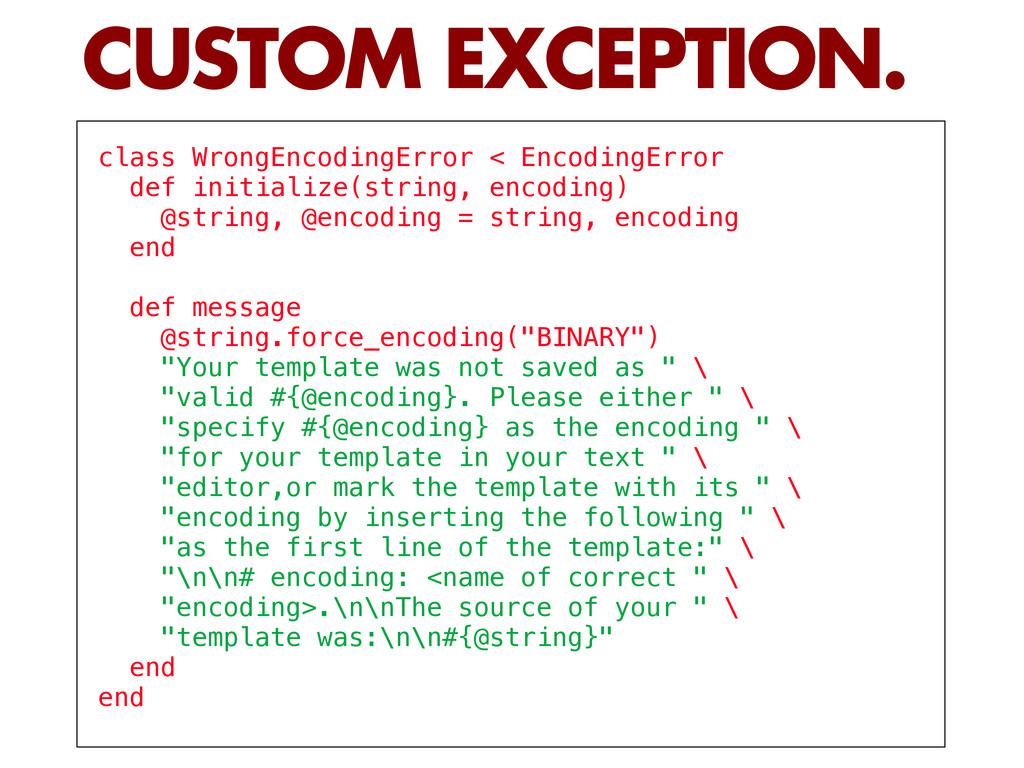
  23. class WrongEncodingError < EncodingError def initialize(string, encoding) @string, @encoding =

    string, encoding end def message @string.force_encoding("BINARY") "Your template was not saved as " \ "valid #{@encoding}. Please either " \ "specify #{@encoding} as the encoding " \ "for your template in your text " \ "editor,or mark the template with its " \ "encoding by inserting the following " \ "as the first line of the template:" \ "\n\n# encoding: <name of correct " \ "encoding>.\n\nThe source of your " \ "template was:\n\n#{@string}" end end CUSTOM EXCEPTION.
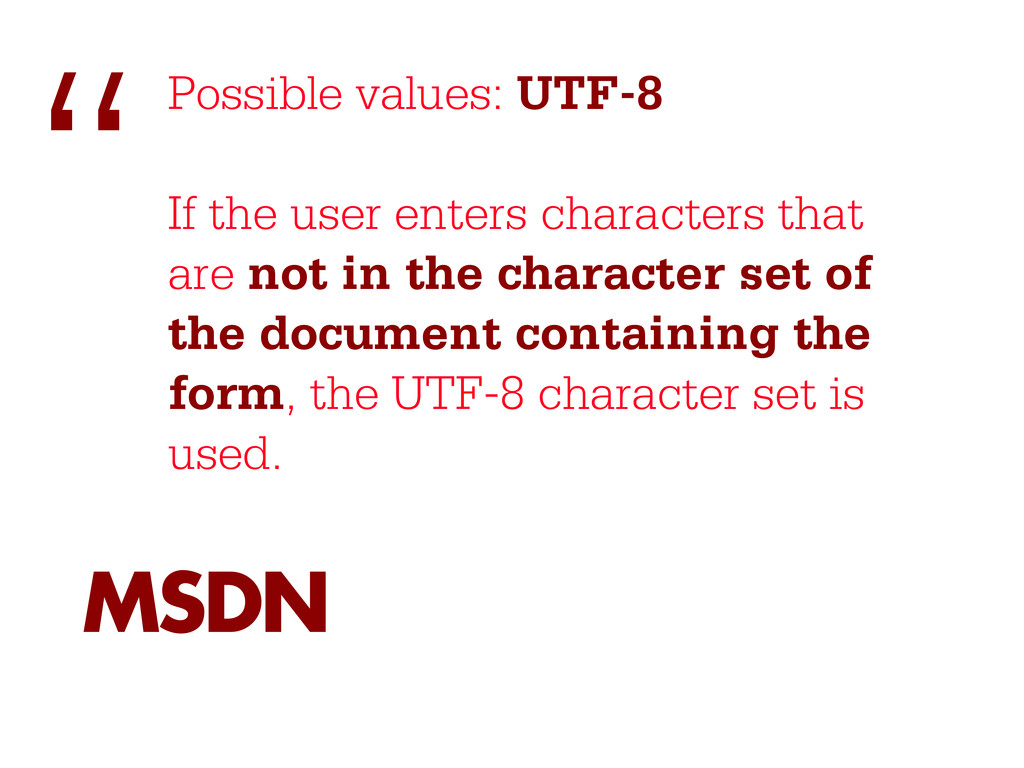
  24. Possible values: UTF-8 If the user enters characters that are

    not in the character set of the document containing the form, the UTF-8 character set is used. “ MSDN
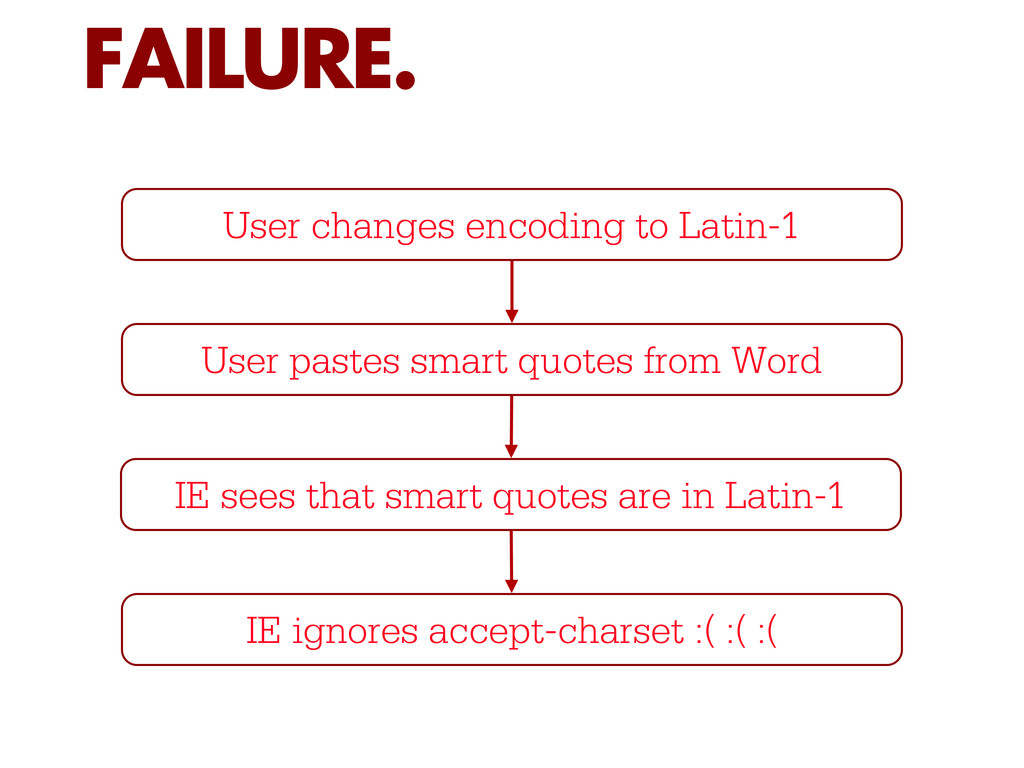
  25. FAILURE. User changes encoding to Latin-1 User pastes smart quotes

    from Word IE sees that smart quotes are in Latin-1 IE ignores accept-charset :( :( :(
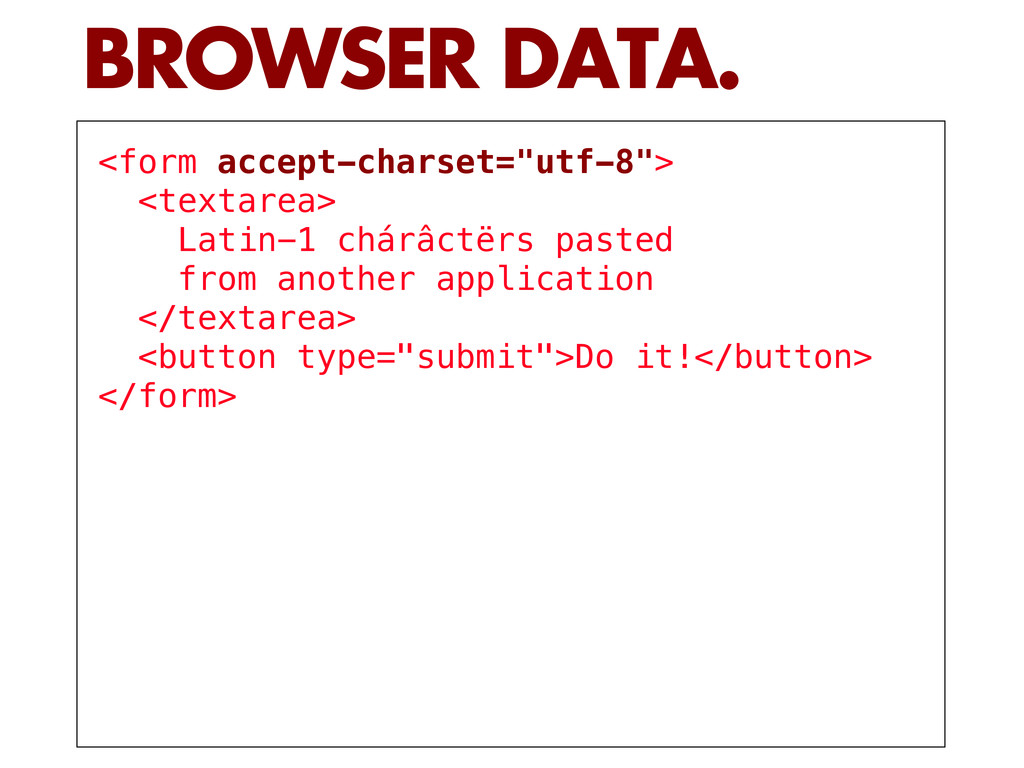
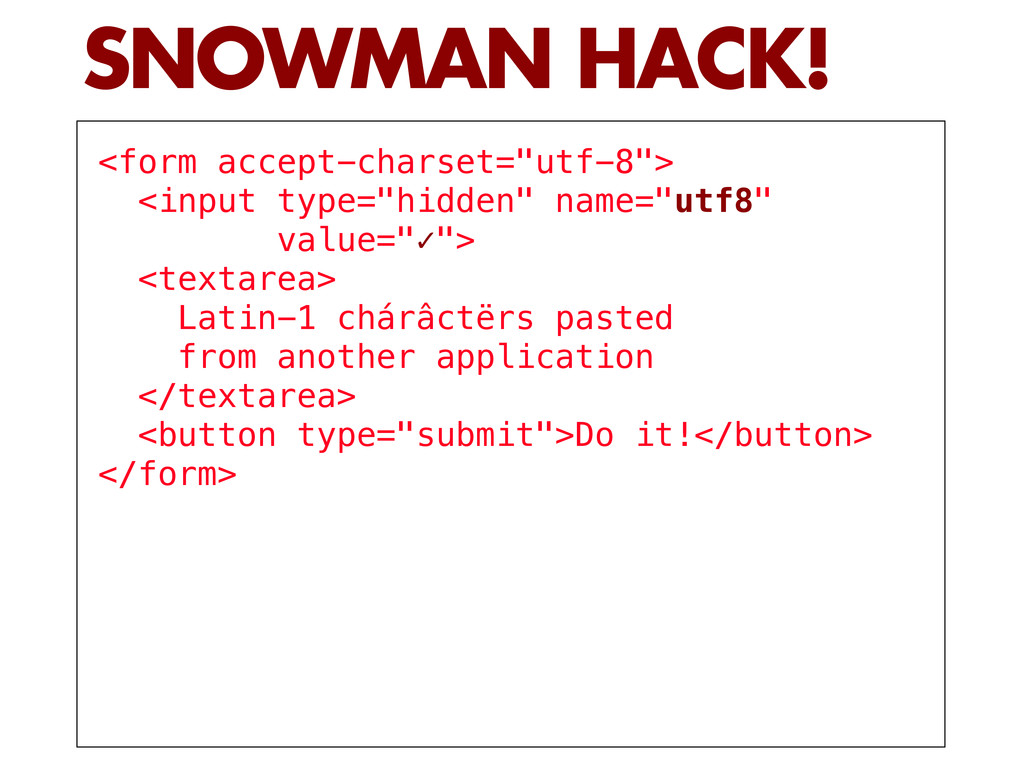
  26. <form accept-charset="utf-8"> <input type="hidden" name="utf8" value="✓"> <textarea> Latin-1 chárâctërs pasted

    from another application </textarea> <button type="submit">Do it!</button> </form> SNOWMAN HACK!
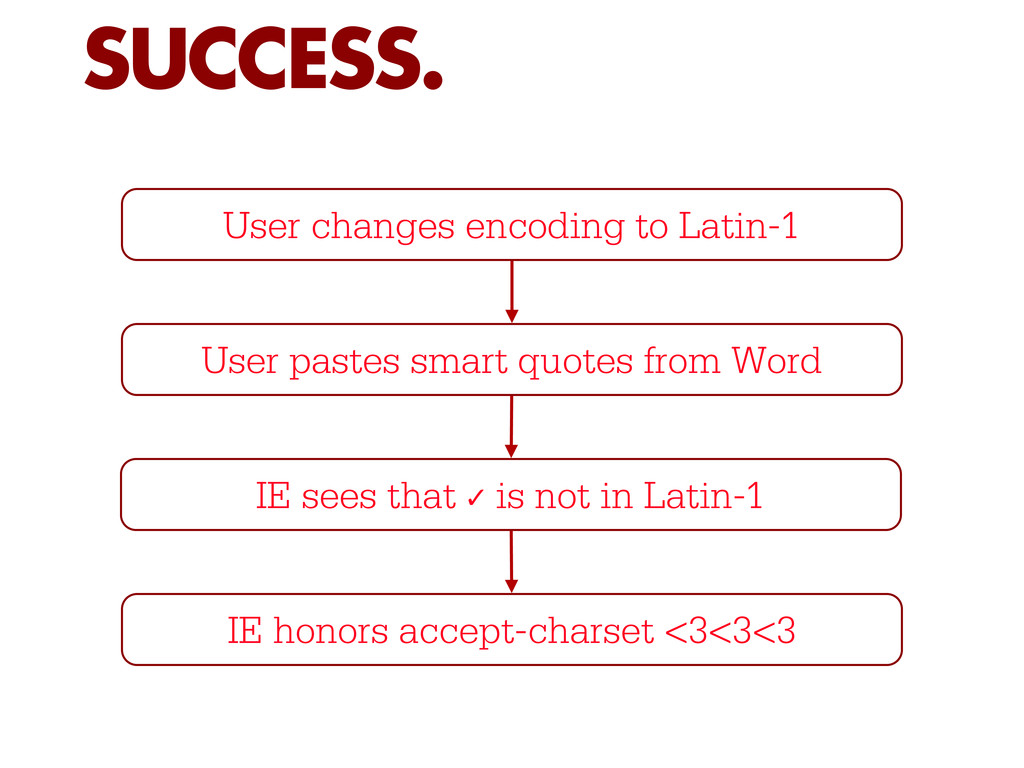
  27. SUCCESS. User changes encoding to Latin-1 User pastes smart quotes

    from Word IE sees that ✓ is not in Latin-1 IE honors accept-charset <3<3<3