Upgrade to Pro — share decks privately, control downloads, hide ads and more …

The Four Basic Principles of Accessibility

Sponsored · Your Podcast. Everywhere. Effortlessly. Share. Educate. Inspire. Entertain. You do you. We'll handle the rest. →

The Four Basic Principles of Accessibility

This talk on "The Four Basic Principles of Accessibility" is an informative presentation meant to shine a light on the benefits of building inclusive products and explain the four basic principles that serve as the foundation for accessibility. These four areas specifically target areas where users have the most trouble when accessing digital products and provide guidelines for understanding how to think and approach accessibility.

Avatar for Homer Gaines

Homer Gaines

October 17, 2019

Other Decks in Programming

Transcript

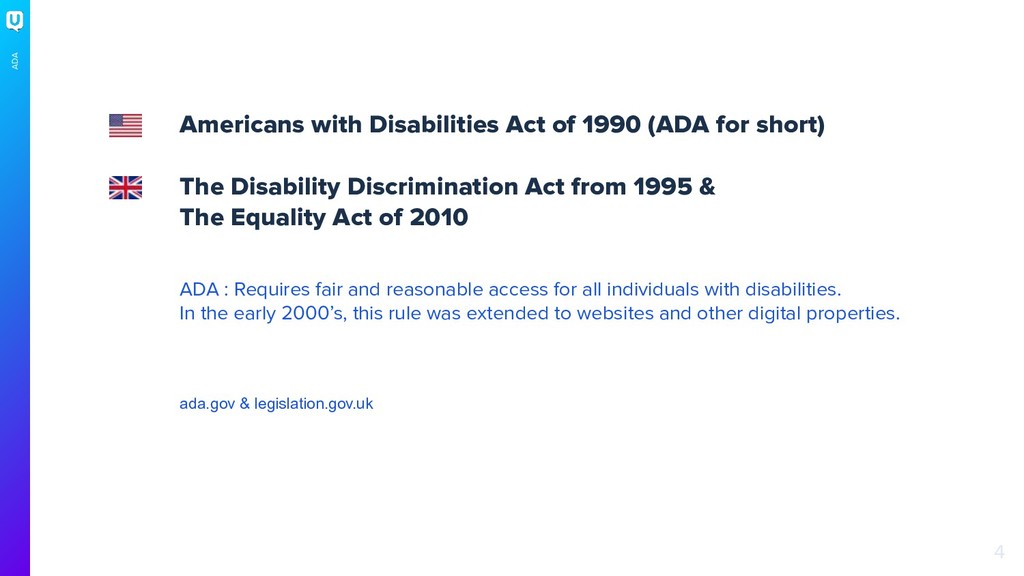
  1. 4 ADA Americans with Disabilities Act of 1990 (ADA for

    short) The Disability Discrimination Act from 1995 & The Equality Act of 2010 ADA : Requires fair and reasonable access for all individuals with disabilities. In the early 2000’s, this rule was extended to websites and other digital properties. ada.gov & legislation.gov.uk
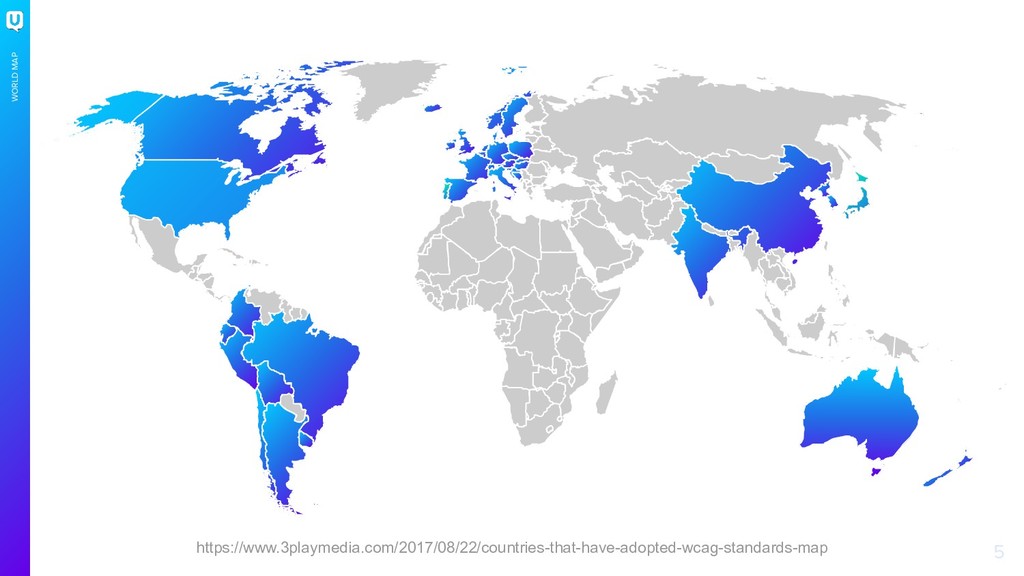
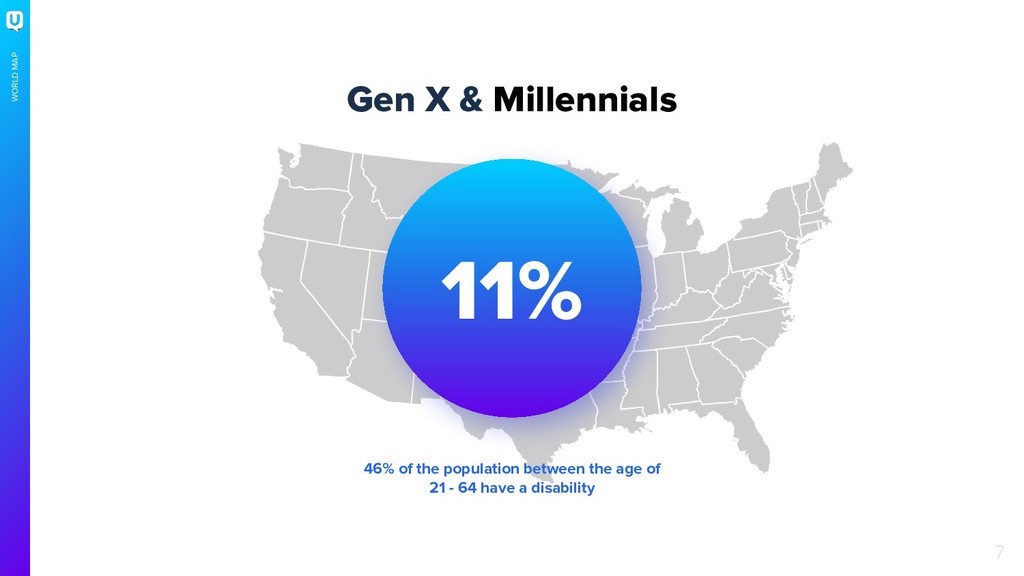
  2. 7 WORLD MAP Gen X & Millennials 11% 46% of

    the population between the age of 21 - 64 have a disability
  3. 14

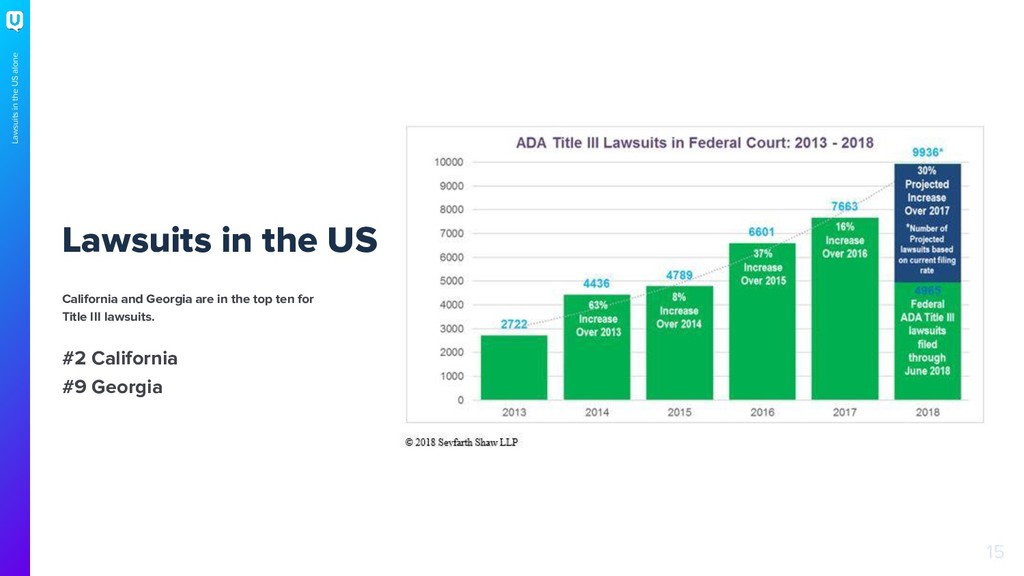
  4. 15 Lawsuits in the US alone Lawsuits in the US

    California and Georgia are in the top ten for Title III lawsuits. #2 California #9 Georgia
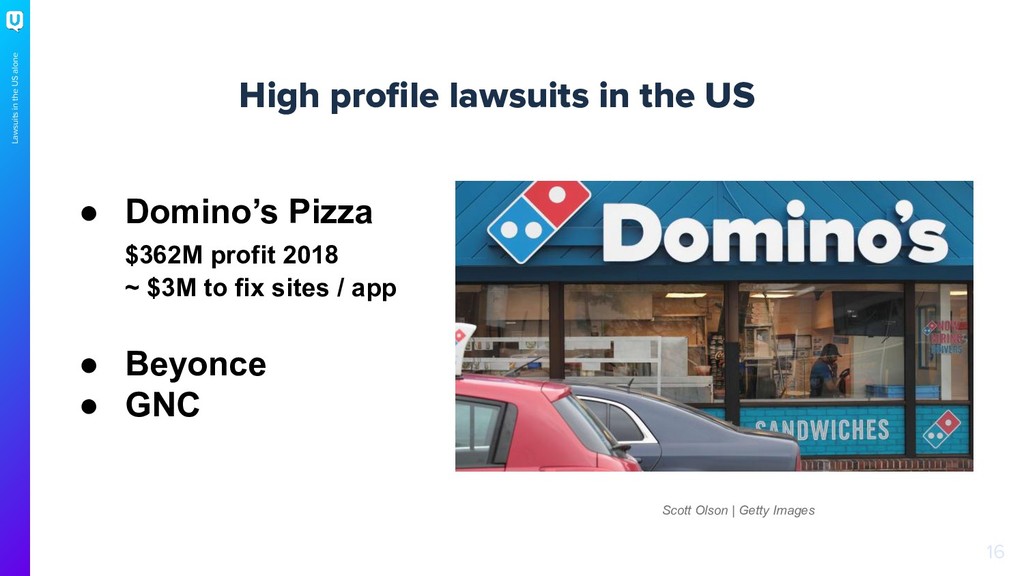
  5. 16 Lawsuits in the US alone High profile lawsuits in

    the US • Domino’s Pizza $362M profit 2018 ~ $3M to fix sites / app • Beyonce • GNC Scott Olson | Getty Images
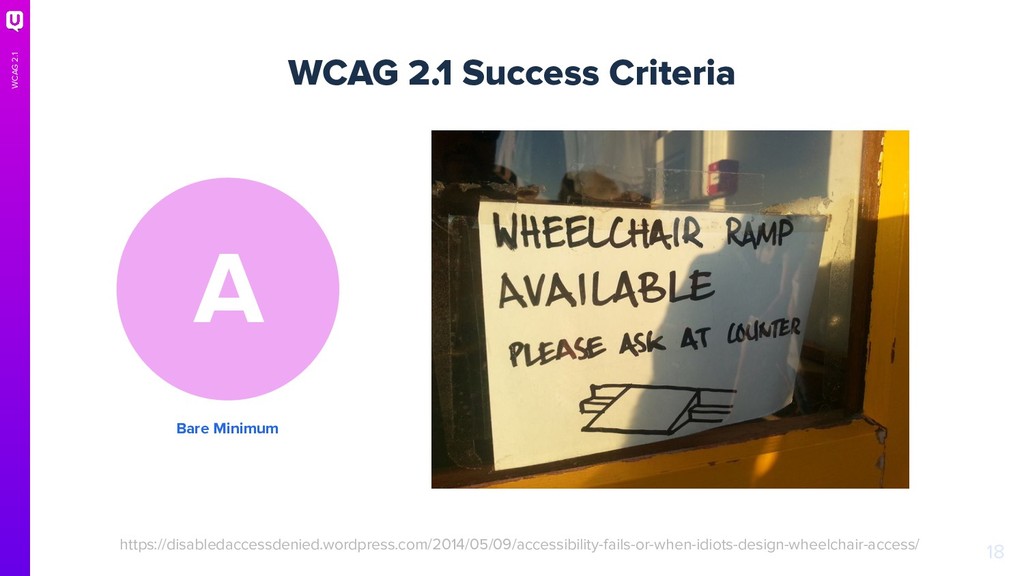
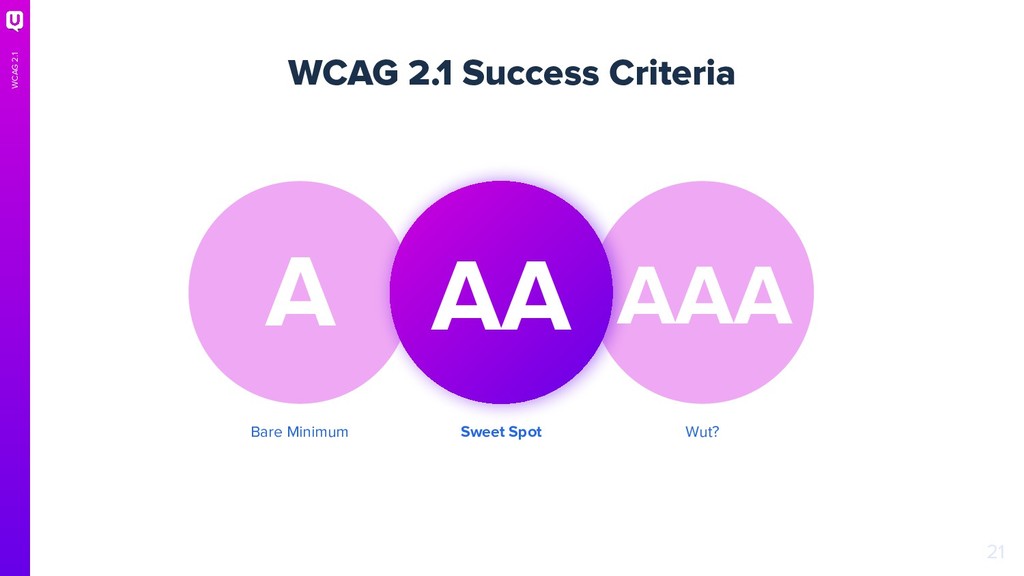
  6. 18 WCAG 2.1 WCAG 2.1 Success Criteria Bare Minimum A

    https://disabledaccessdenied.wordpress.com/2014/05/09/accessibility-fails-or-when-idiots-design-wheelchair-access/
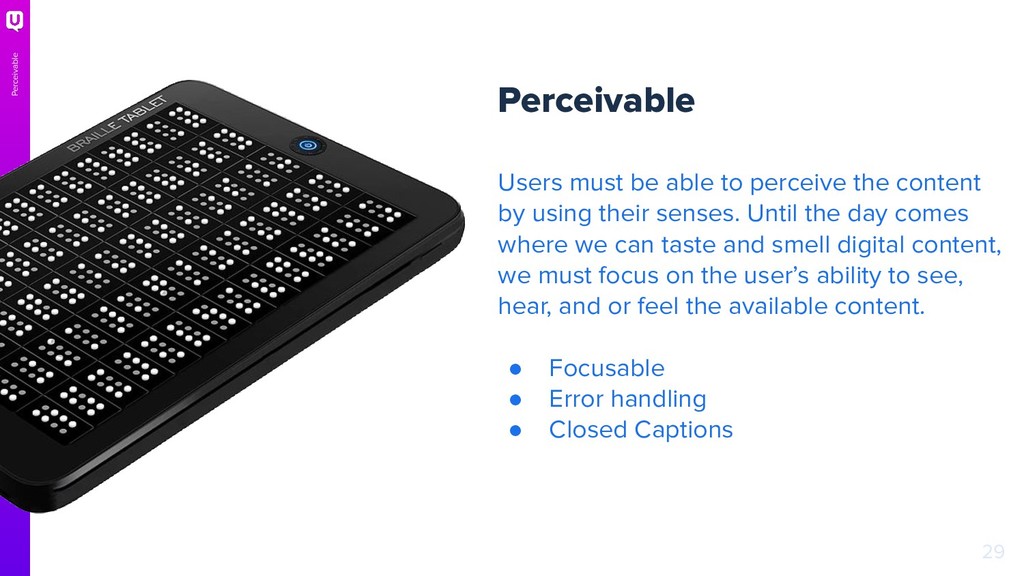
  7. 29 Perceivable Users must be able to perceive the content

    by using their senses. Until the day comes where we can taste and smell digital content, we must focus on the user’s ability to see, hear, and or feel the available content. • Focusable • Error handling • Closed Captions Perceivable
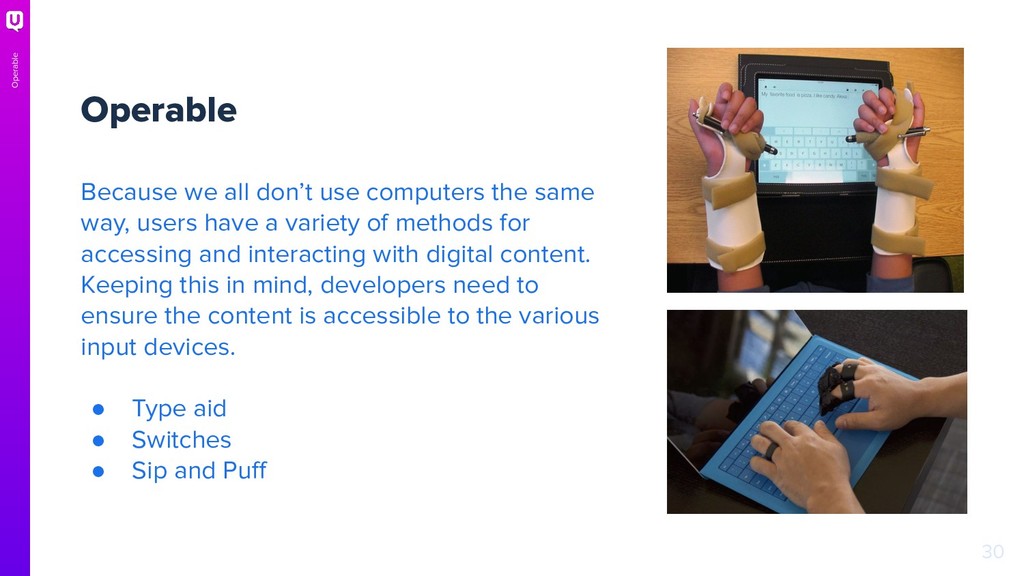
  8. 30 Operable Because we all don’t use computers the same

    way, users have a variety of methods for accessing and interacting with digital content. Keeping this in mind, developers need to ensure the content is accessible to the various input devices. • Type aid • Switches • Sip and Puff Operable
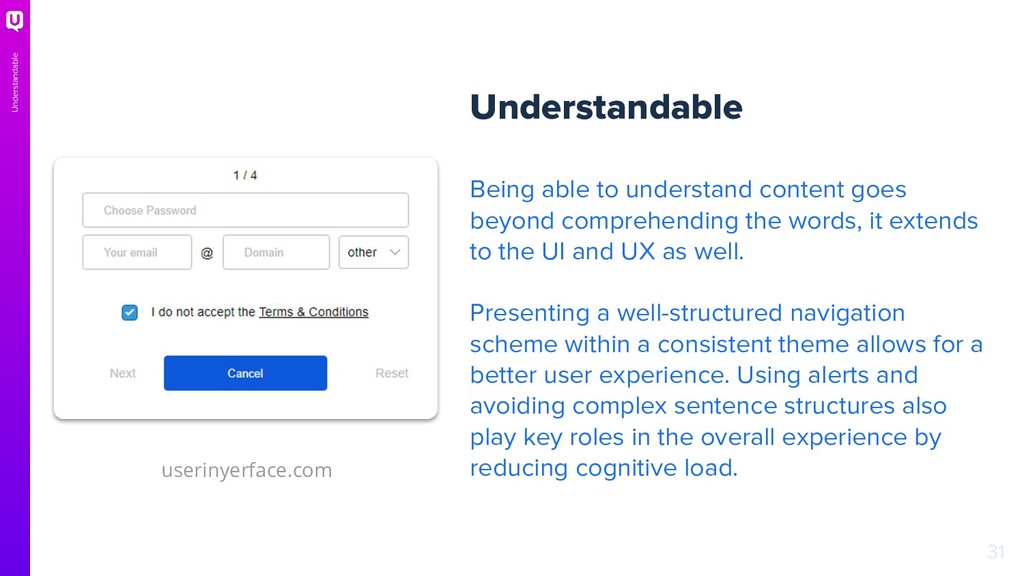
  9. 31 Understandable Understandable Being able to understand content goes beyond

    comprehending the words, it extends to the UI and UX as well. Presenting a well-structured navigation scheme within a consistent theme allows for a better user experience. Using alerts and avoiding complex sentence structures also play key roles in the overall experience by reducing cognitive load. userinyerface.com
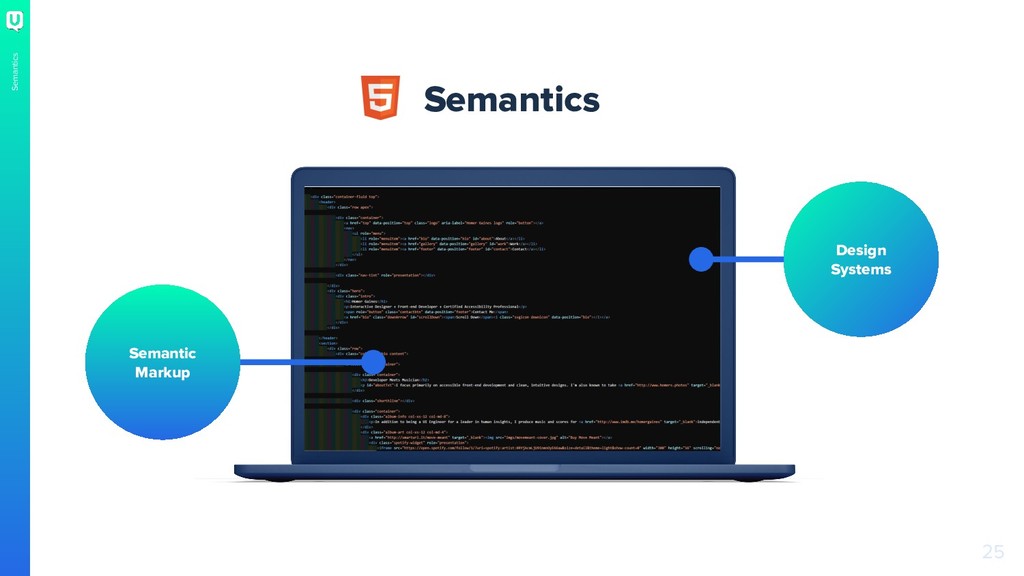
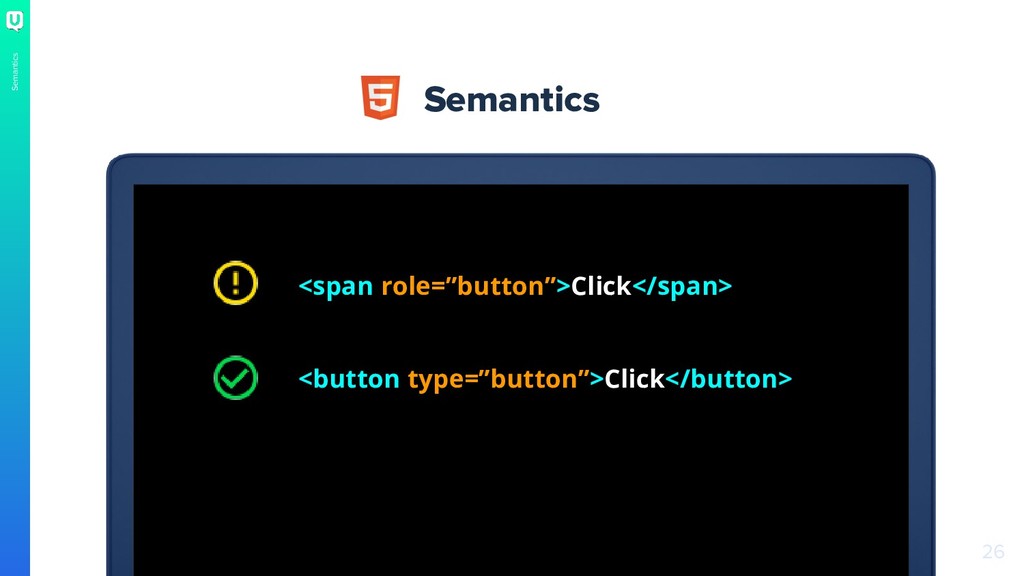
  10. 32 Robust Robust Providing accessible content begins with semantically correct

    markup. Doing so ensures the content will be compatible with the range of devices used to consume digital content.
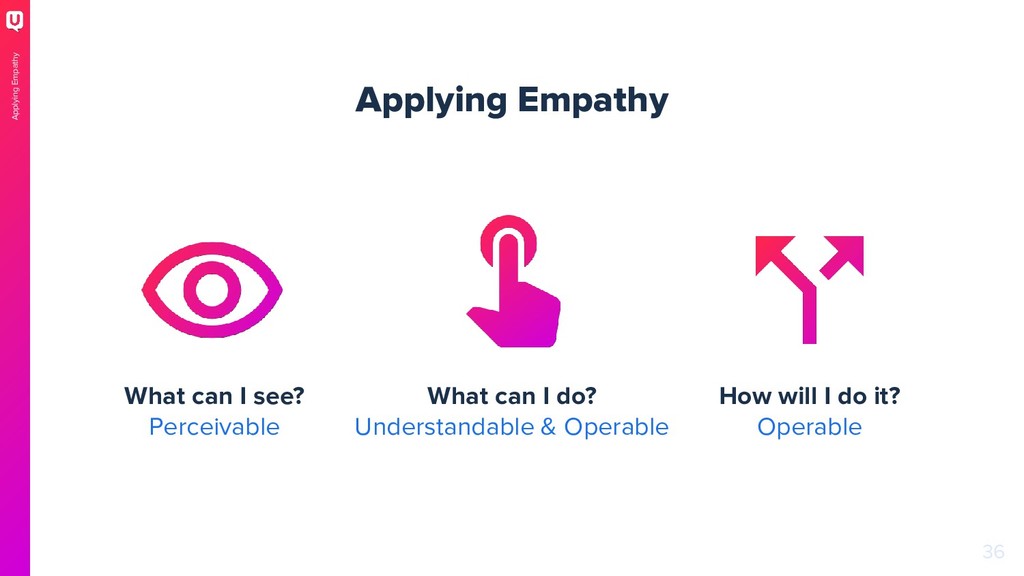
  11. 36 Applying Empathy Applying Empathy What can I see? Perceivable

    What can I do? Understandable & Operable How will I do it? Operable
  12. Turn the brightness or contrast down on your monitor. Navigate

    your site / app without a mouse. Turn on a screen reader and close your eyes. 37 Try It Out Try It Out
  13. 41 I'm Homer Gaines, a Sr. UI Engineer at UserTesting

    and a Certified Accessibility Professional. @xirclebox
  14. 42 Resources WCAG 2.1 Quick Reference https://www.w3.org/WAI/WCAG21/quickref/#top WAI-ARIA https://www.w3.org/WAI/standards-guidelines/aria/ If

    you’re interested in getting certified https://www.accessibilityassociation.org/certification Run your own test https://www.deque.com/axe/