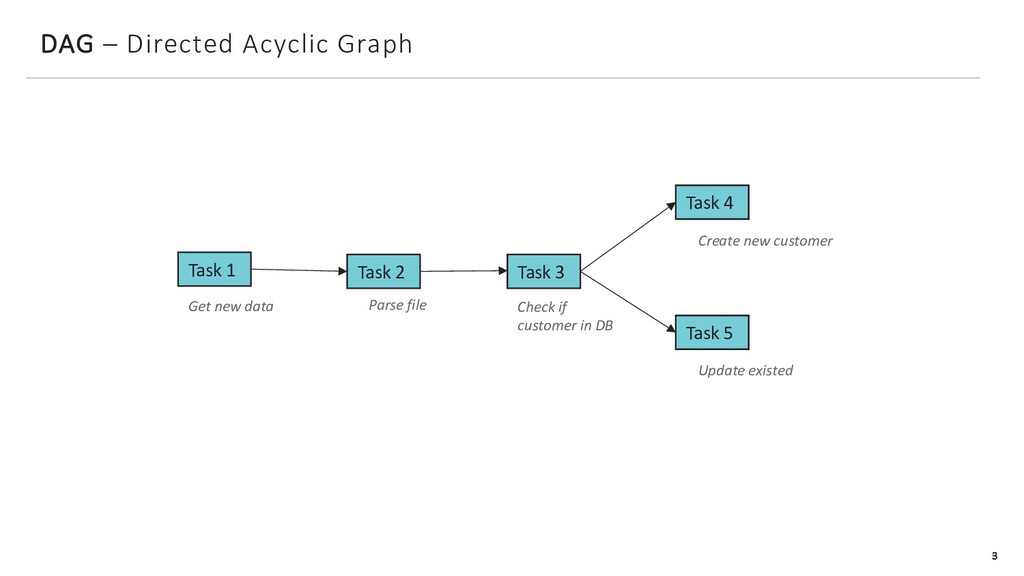
Systems, Inc. Task 1 DAG – Directed Acyclic Graph Task 2 Task 3 Get new data Parse file Check if customer in DB Create new customer Task 4 Update existed Task 5 3
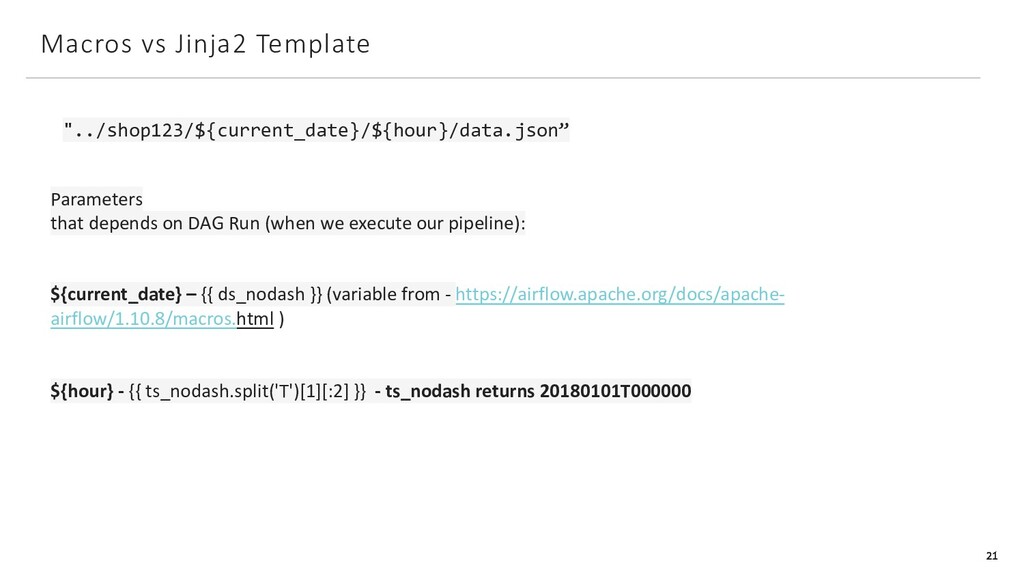
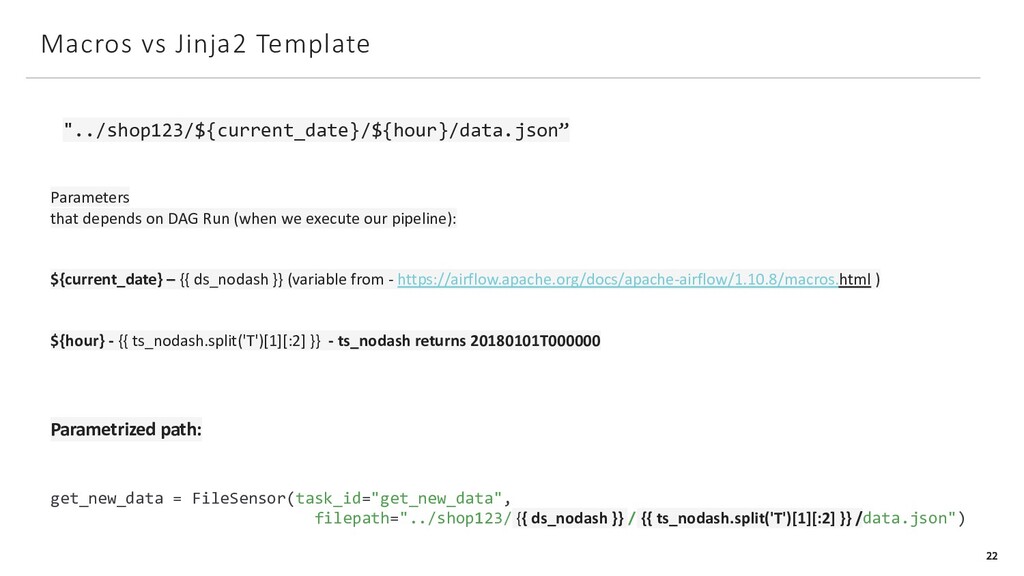
from airflow.operators.dummy_operator import DummyOperator from airflow.contrib.sensors.file_sensor import FileSensor with DAG( dag_id="consume_new_data_from_pos_read_and_parse", start_date=datetime(2020, 12, 1), schedule_interval="0 * * * *" ) as dag: get_new_data = FileSensor(task_id="get_new_data", filepath="../shop123/${current_date}/${hour}/data.json") If File ="../shop123/${current_date}/${hour}/data.json” was found – Run next task
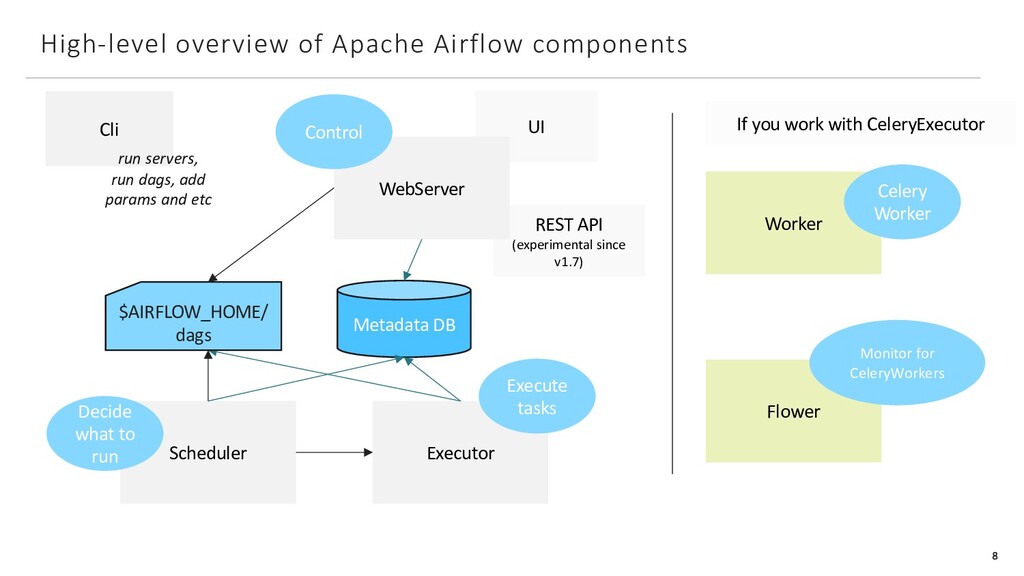
API (experimental since v1.7) WebServer Scheduler Worker Flower If you work with CeleryExecutor Control Decide what to run Celery Worker Monitor for CeleryWorkers Executor Execute tasks Cli run servers, run dags, add params and etc $AIRFLOW_HOME/ dags 8
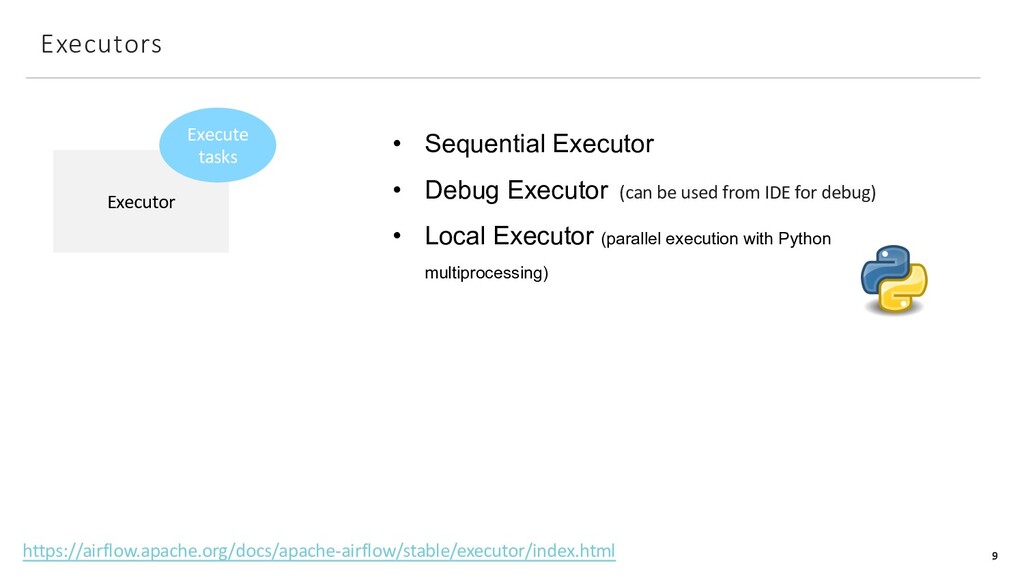
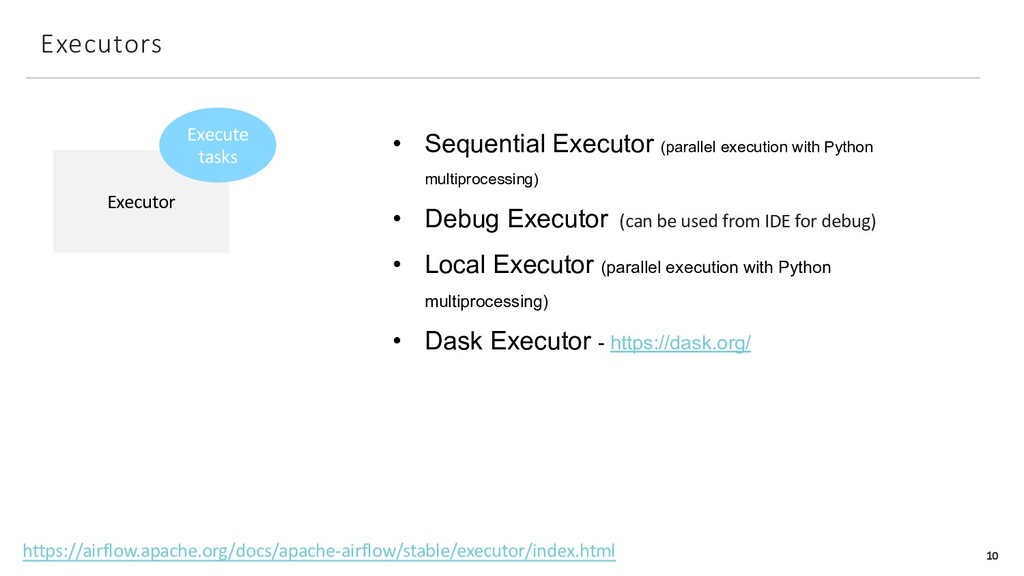
Executor (can be used from IDE for debug) • Local Executor (parallel execution with Python multiprocessing) https://airflow.apache.org/docs/apache-airflow/stable/executor/index.html
with Python multiprocessing) • Debug Executor (can be used from IDE for debug) • Local Executor (parallel execution with Python multiprocessing) • Dask Executor - https://dask.org/ https://airflow.apache.org/docs/apache-airflow/stable/executor/index.html
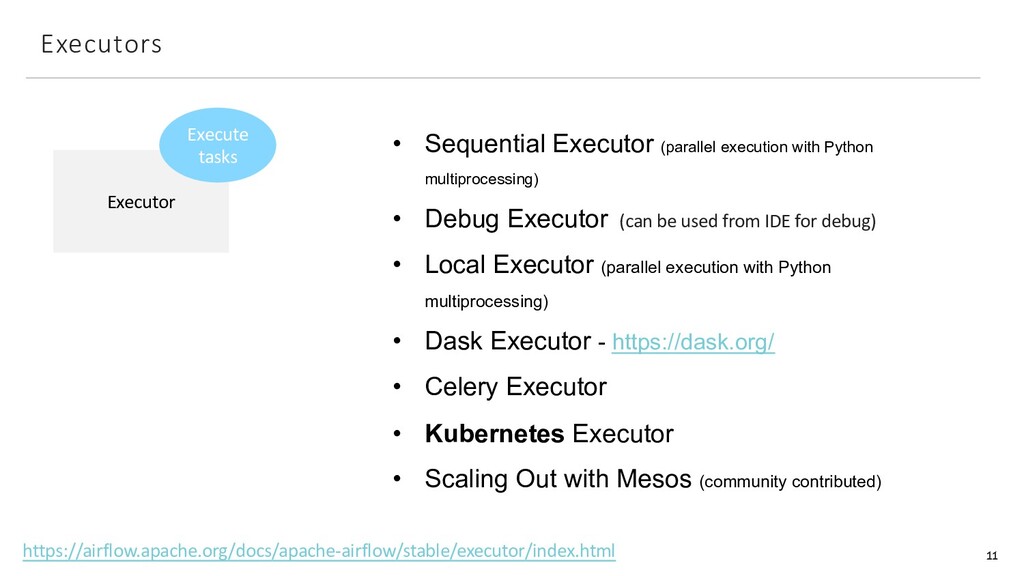
with Python multiprocessing) • Debug Executor (can be used from IDE for debug) • Local Executor (parallel execution with Python multiprocessing) • Dask Executor - https://dask.org/ • Celery Executor • Kubernetes Executor • Scaling Out with Mesos (community contributed) https://airflow.apache.org/docs/apache-airflow/stable/executor/index.html
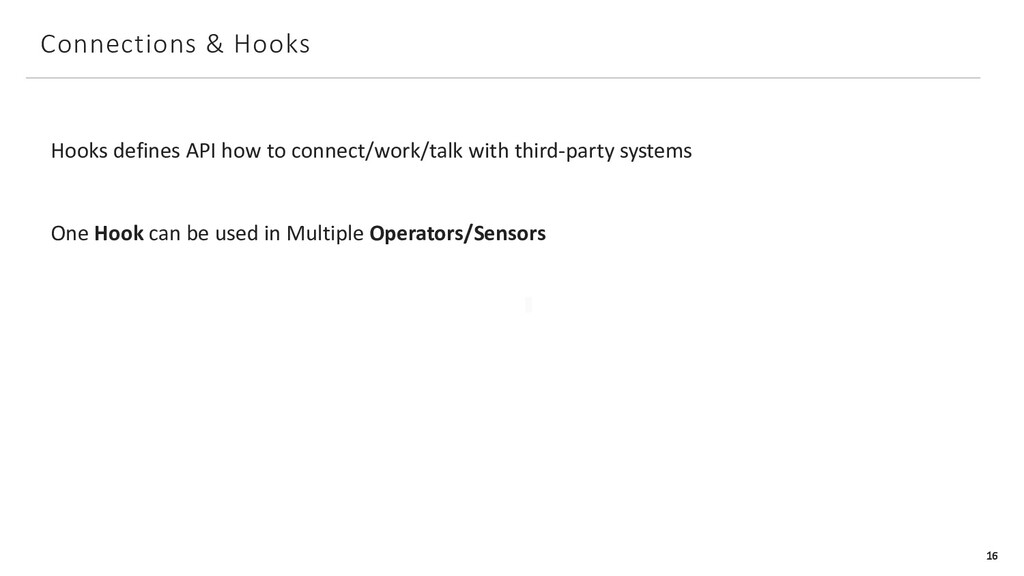
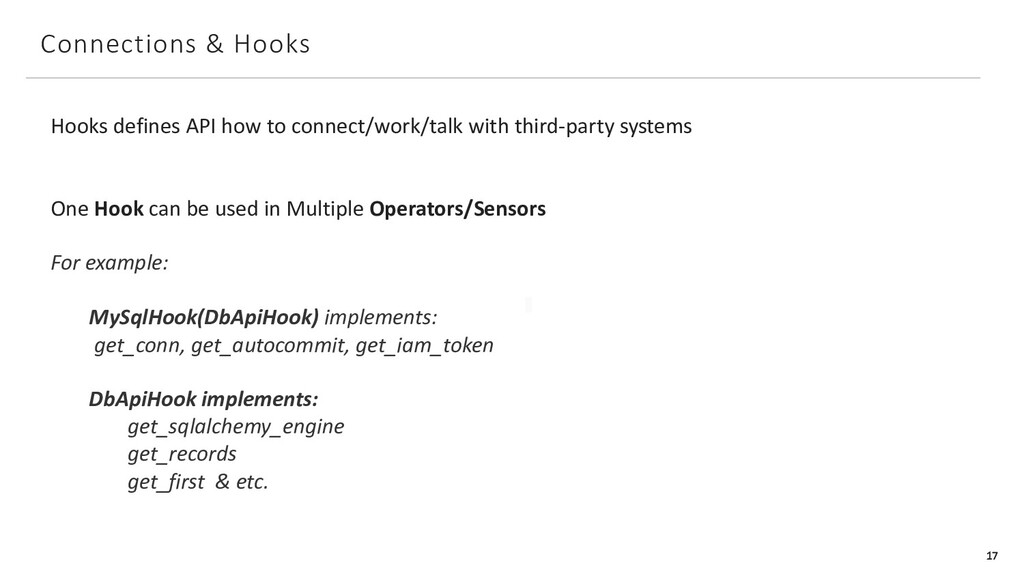
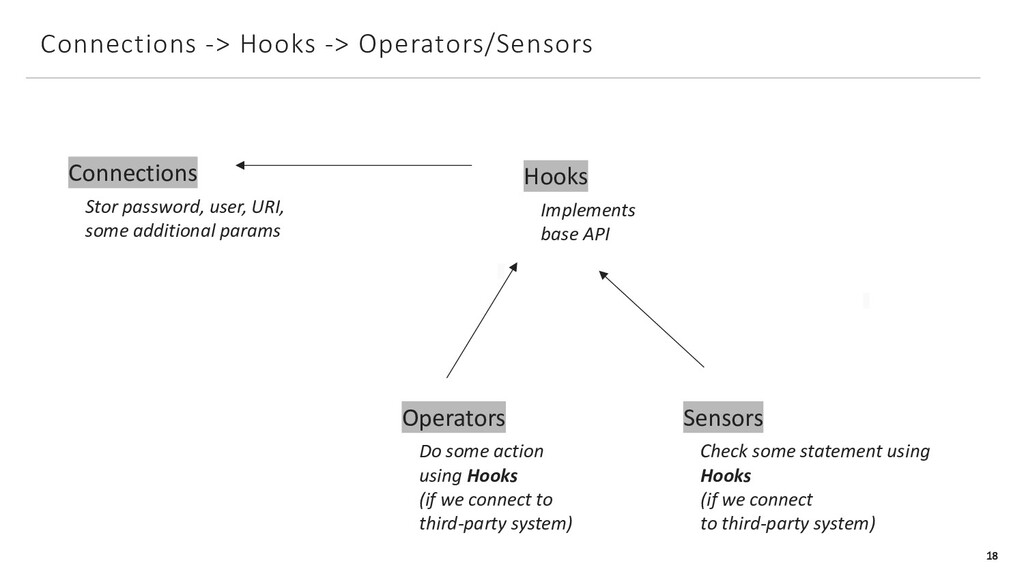
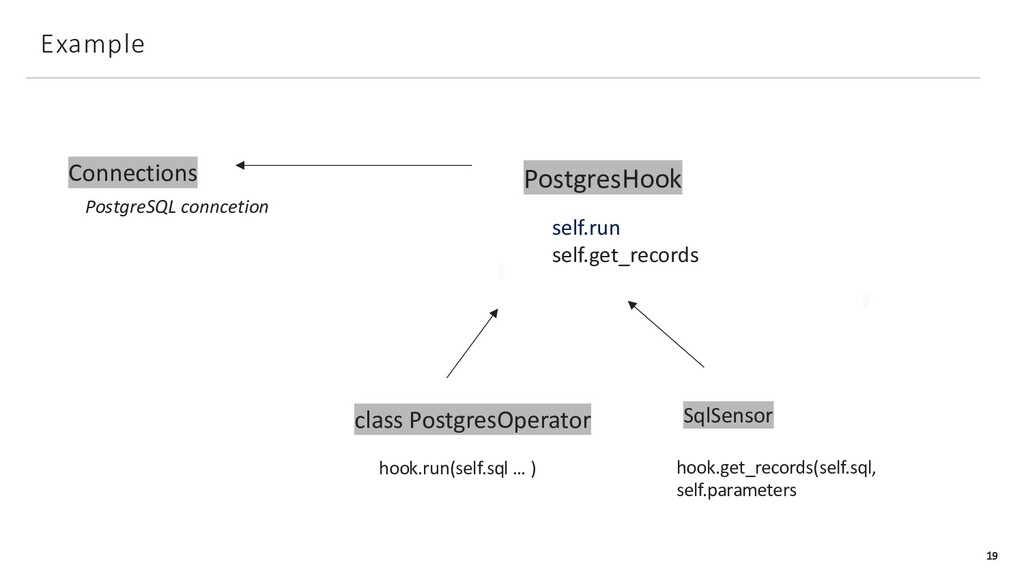
with third-party systems One Hook can be used in Multiple Operators/Sensors For example: MySqlHook(DbApiHook) implements: get_conn, get_autocommit, get_iam_token DbApiHook implements: get_sqlalchemy_engine get_records get_first & etc.
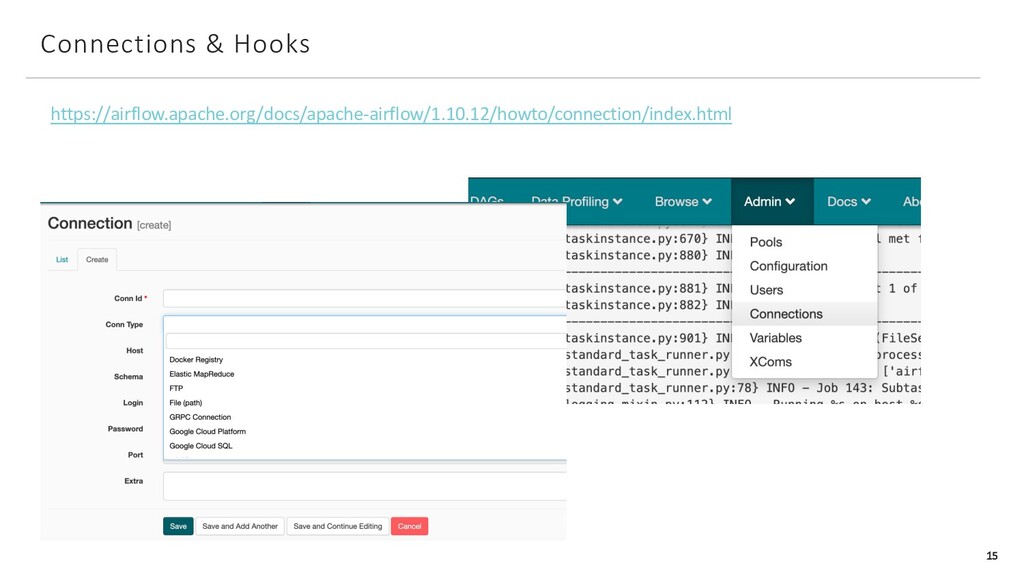
URI, some additional params Hooks Implements base API Operators Do some action using Hooks (if we connect to third-party system) Sensors Check some statement using Hooks (if we connect to third-party system)
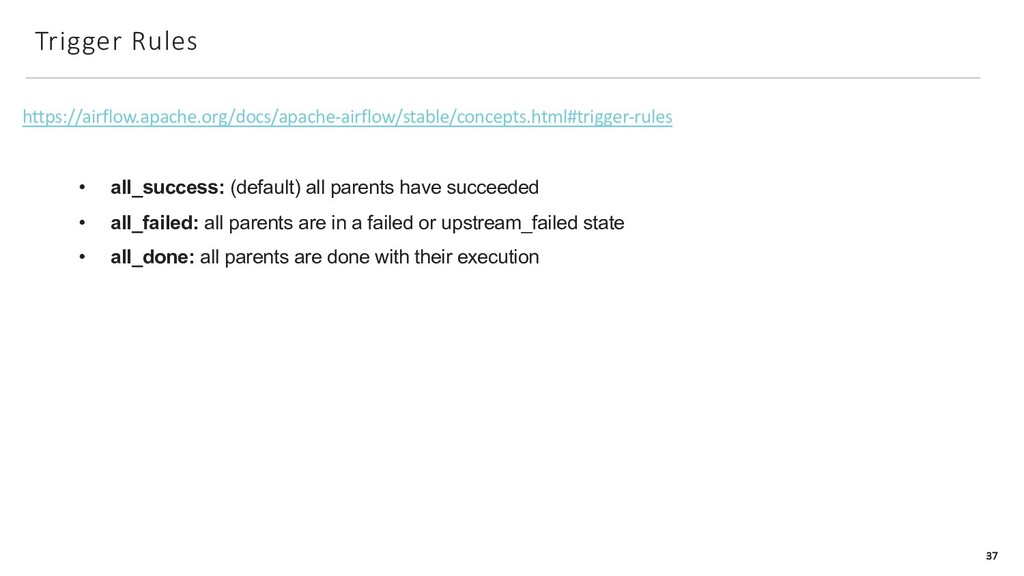
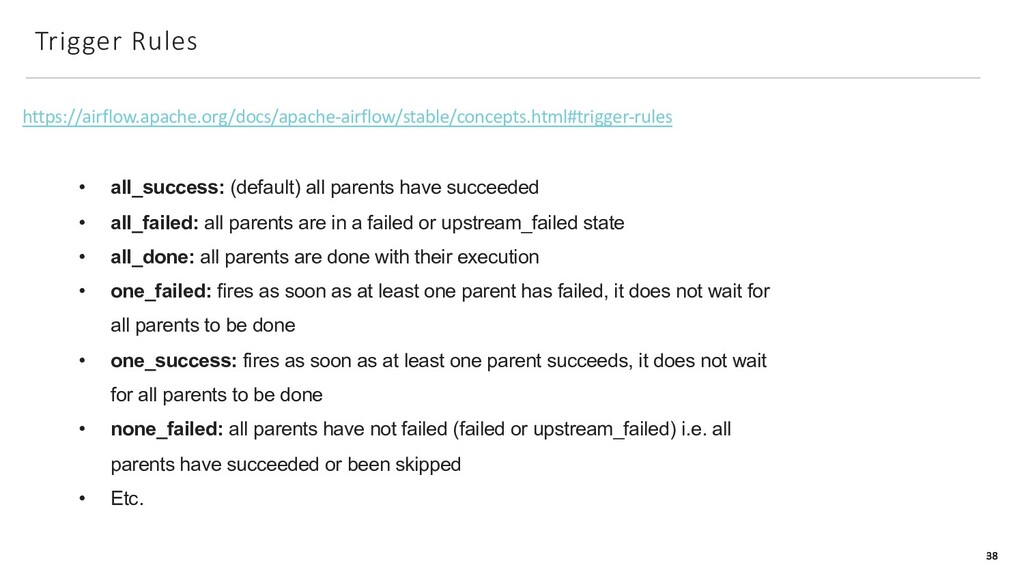
succeeded • all_failed: all parents are in a failed or upstream_failed state • all_done: all parents are done with their execution • one_failed: fires as soon as at least one parent has failed, it does not wait for all parents to be done • one_success: fires as soon as at least one parent succeeds, it does not wait for all parents to be done • none_failed: all parents have not failed (failed or upstream_failed) i.e. all parents have succeeded or been skipped • Etc.
succeeded • all_failed: all parents are in a failed or upstream_failed state • all_done: all parents are done with their execution • one_failed: fires as soon as at least one parent has failed, it does not wait for all parents to be done • one_success: fires as soon as at least one parent succeeds, it does not wait for all parents to be done • none_failed: all parents have not failed (failed or upstream_failed) i.e. all parents have succeeded or been skipped • Etc.


 xnuinside
 techseoconnect
 mza
mza
 kastner
 bkeepers
 chriscoyier
 inesmontani
 gurzu
gurzu
 eileencodes
 skipperchong
 smashingmag
![Apache Airflow, Day 2 Iuliia Volkova, [email protected] 1](https://files.speakerdeck.com/presentations/78ee33958935459fa212917541b012e6/slide_0.jpg)


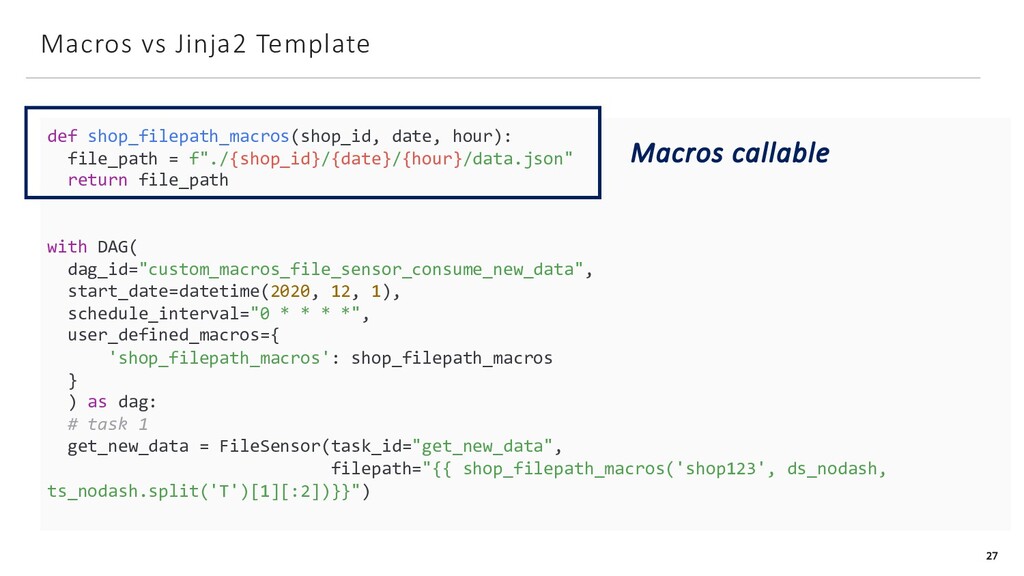

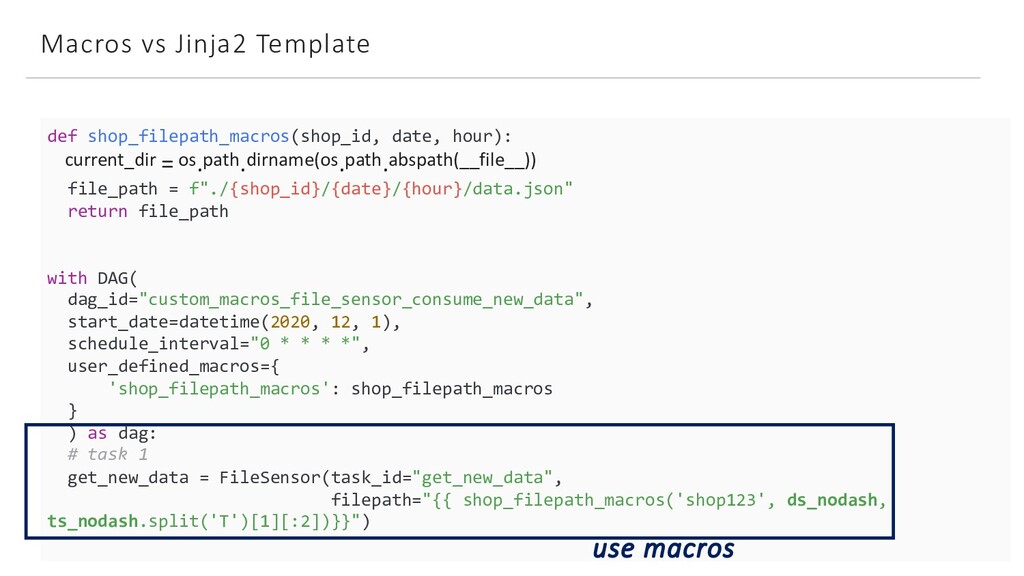
![DAGRun Config 30 get_new_data = FileSensor(task_id="get_new_data", filepath="{{ shop_filepath_macros('shop123', ds_nodash, ts_nodash.split('T')[1][:2])}}")](https://files.speakerdeck.com/presentations/78ee33958935459fa212917541b012e6/slide_29.jpg)
![DAGRun Config 31 get_new_data = FileSensor(task_id="get_new_data", filepath="{{ shop_filepath_macros('shop123', ds_nodash, ts_nodash.split('T')[1][:2])}}")](https://files.speakerdeck.com/presentations/78ee33958935459fa212917541b012e6/slide_30.jpg)