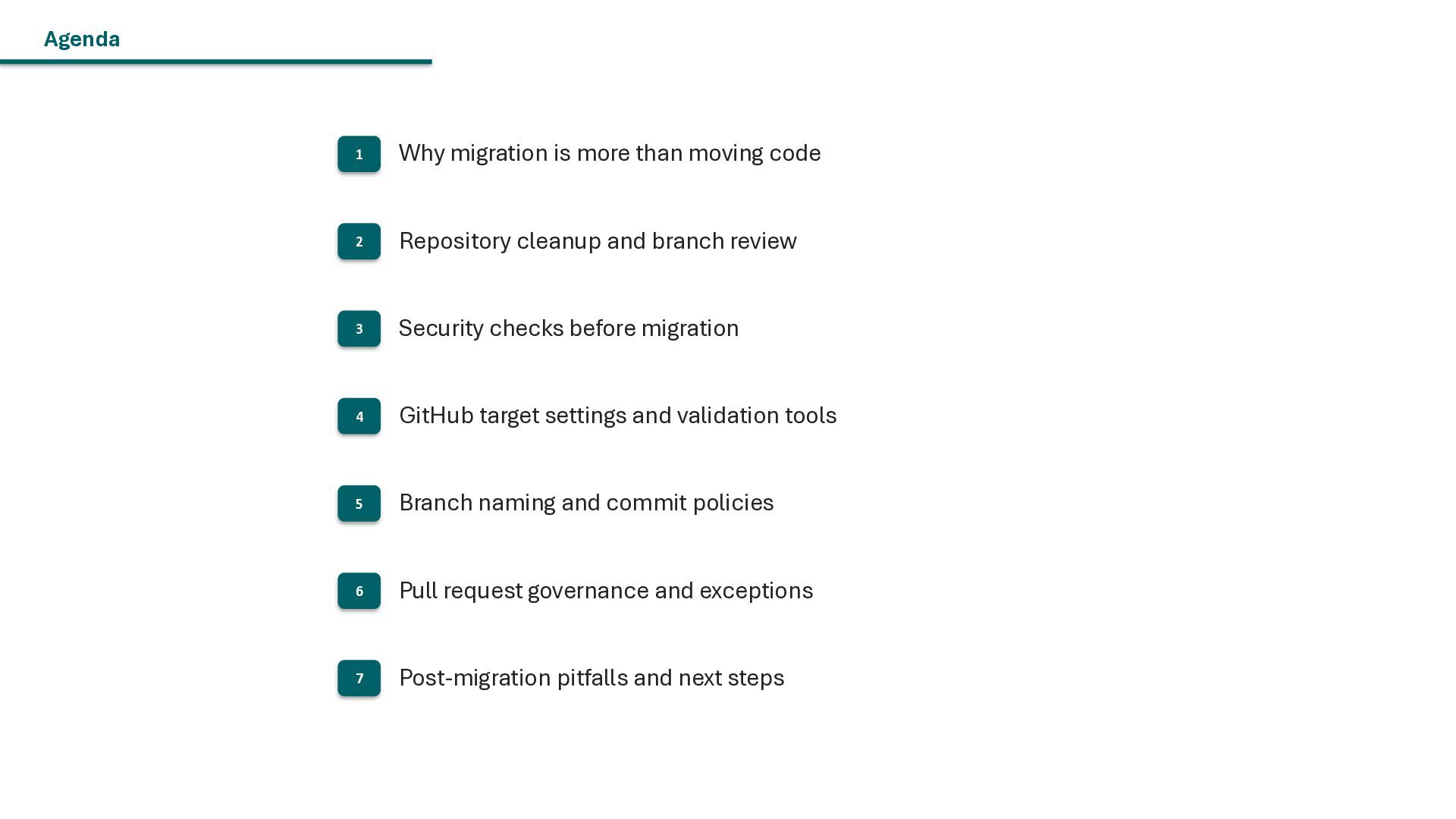
Repository cleanup and branch review 3 Security checks before migration 4 GitHub target settings and validation tools 5 Branch naming and commit policies 6 Pull request governance and exceptions 7 Post-migration pitfalls and next steps
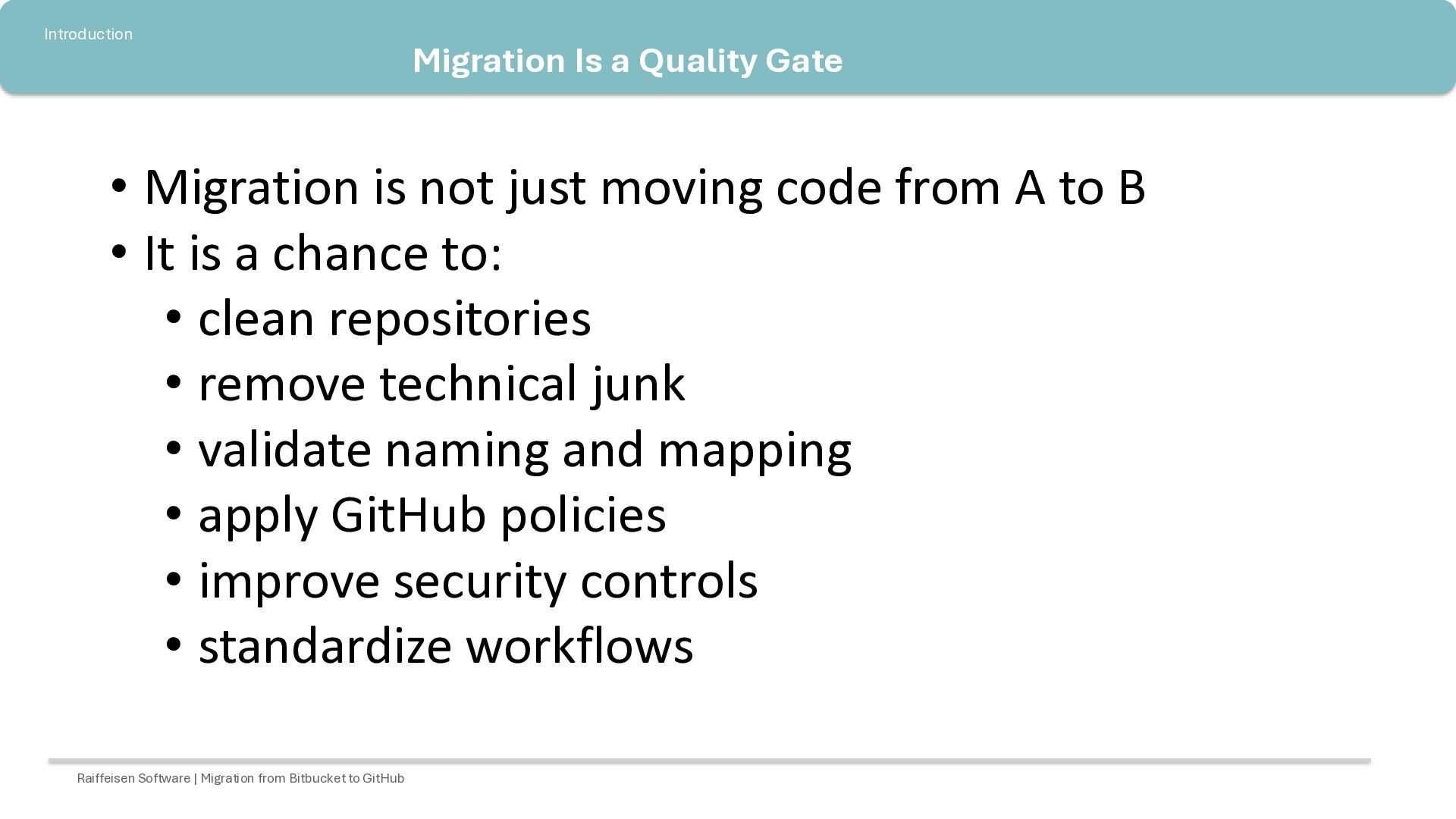
just moving code from A to B • It is a chance to: • clean repositories • remove technical junk • validate naming and mapping • apply GitHub policies • improve security controls • standardize workflows Raiffeisen Software | Migration from Bitbucket to GitHub
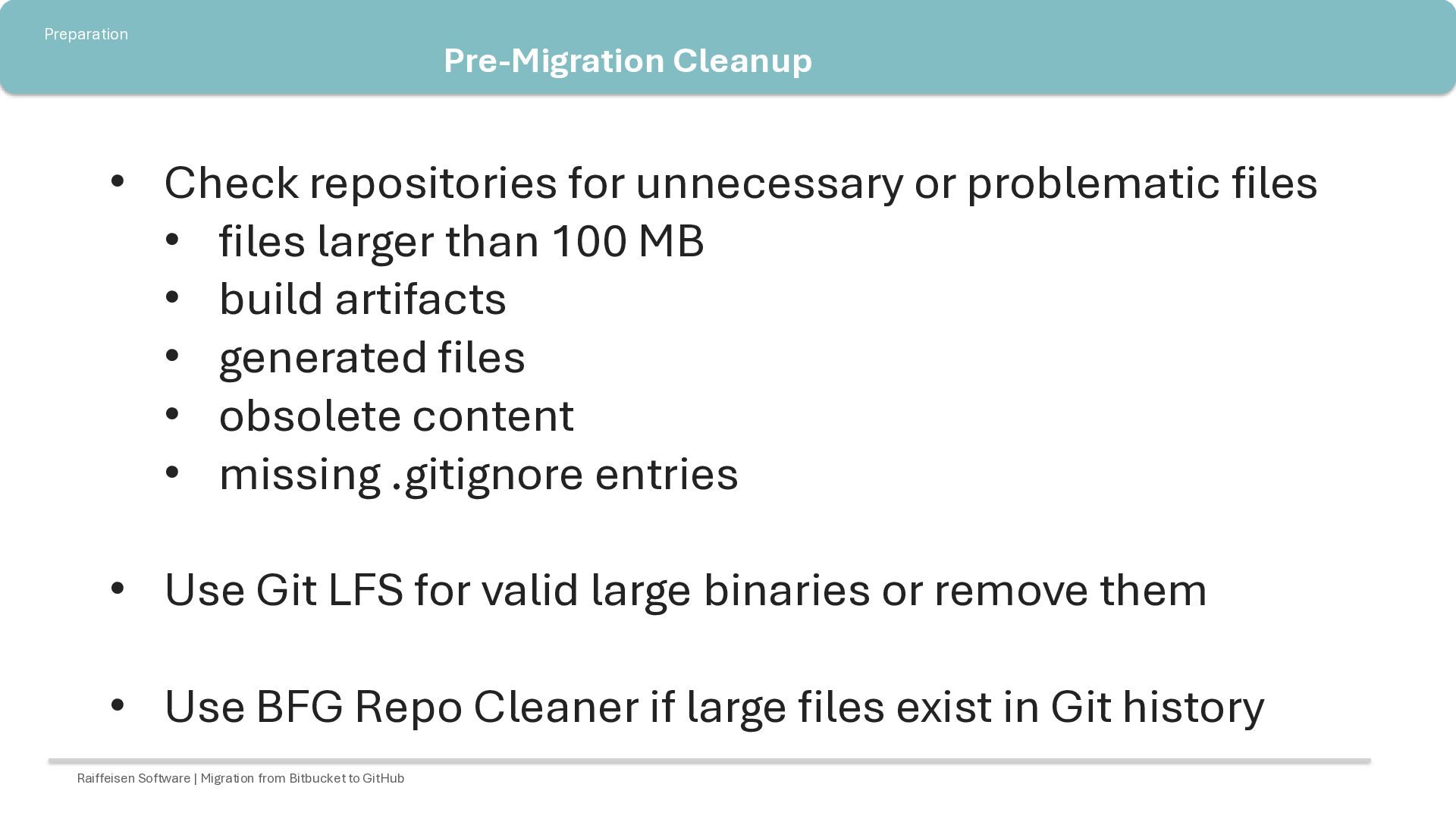
files • files larger than 100 MB • build artifacts • generated files • obsolete content • missing .gitignore entries • Use Git LFS for valid large binaries or remove them • Use BFG Repo Cleaner if large files exist in Git history Raiffeisen Software | Migration from Bitbucket to GitHub
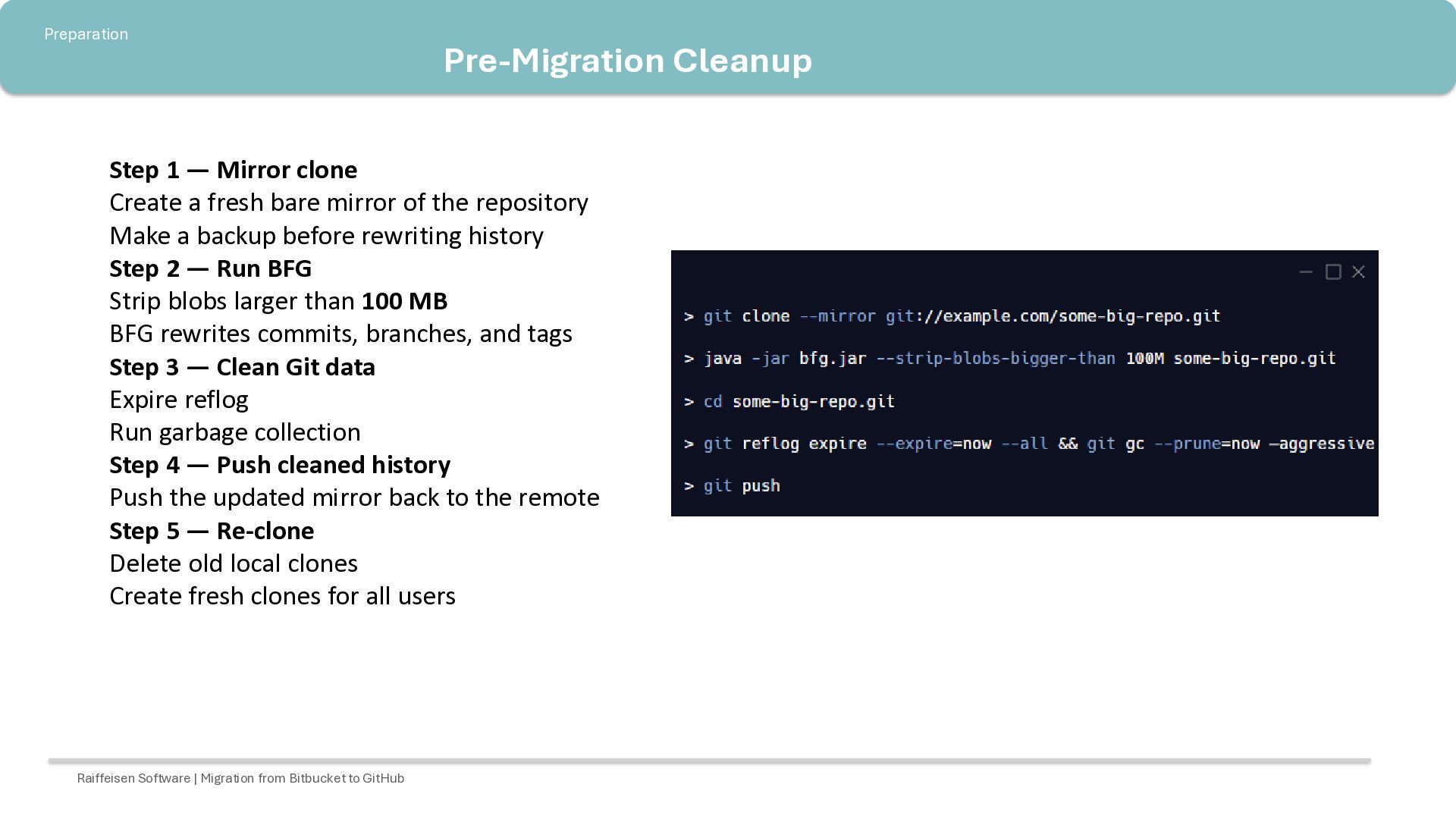
fresh bare mirror of the repository Make a backup before rewriting history Step 2 — Run BFG Strip blobs larger than 100 MB BFG rewrites commits, branches, and tags Step 3 — Clean Git data Expire reflog Run garbage collection Step 4 — Push cleaned history Push the updated mirror back to the remote Step 5 — Re-clone Delete old local clones Create fresh clones for all users Raiffeisen Software | Migration from Bitbucket to GitHub
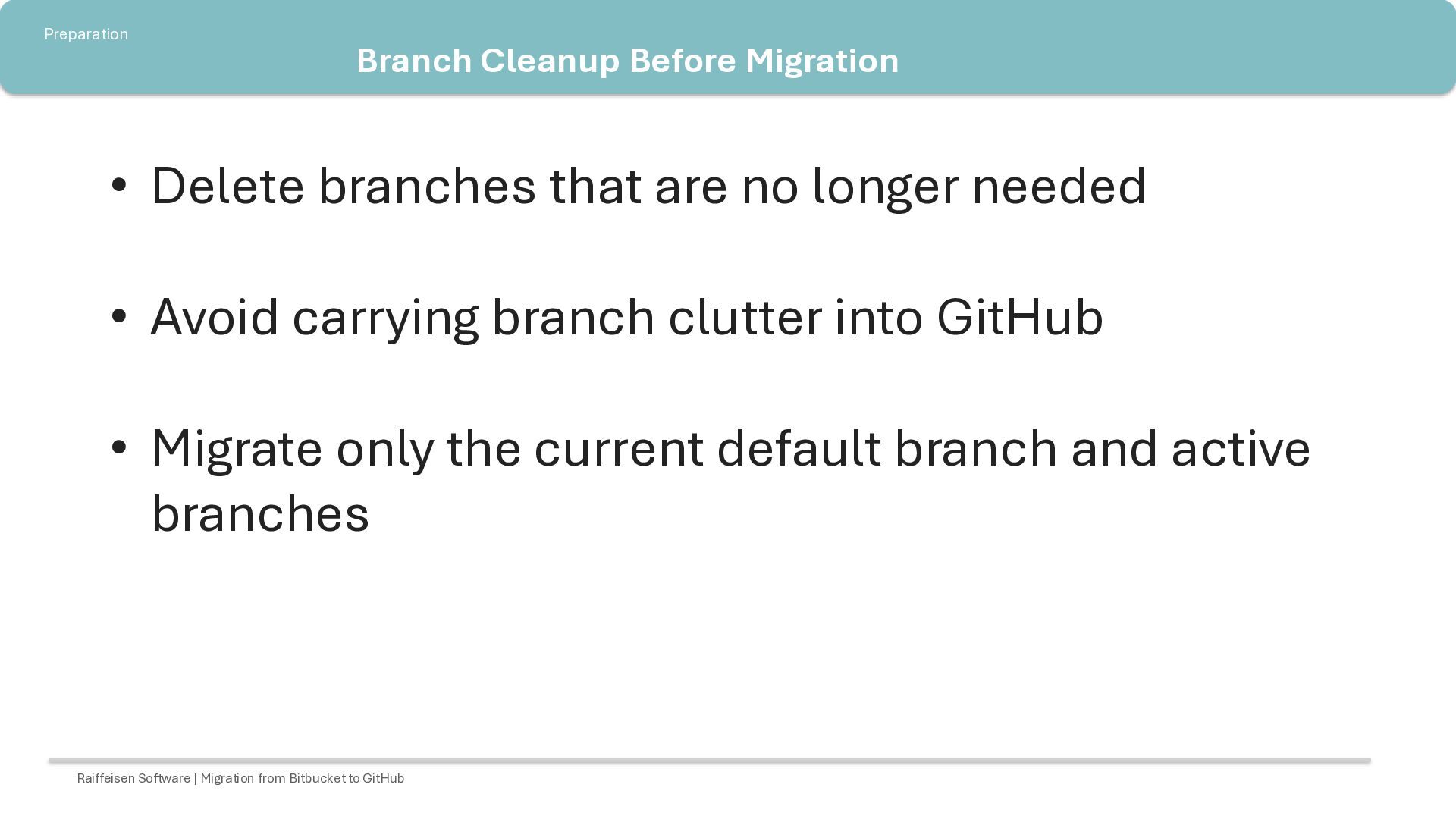
no longer needed • Avoid carrying branch clutter into GitHub • Migrate only the current default branch and active branches Raiffeisen Software | Migration from Bitbucket to GitHub
checked for vulnerabilities before migration • Run the DCRYPD GitHub Action • Security check for existing credentials • If cleanup is not possible, align with Security • The process creates an HTML report and a Jira ticket • The Jira ticket must be closed before migration Raiffeisen Software | Migration from Bitbucket to GitHub
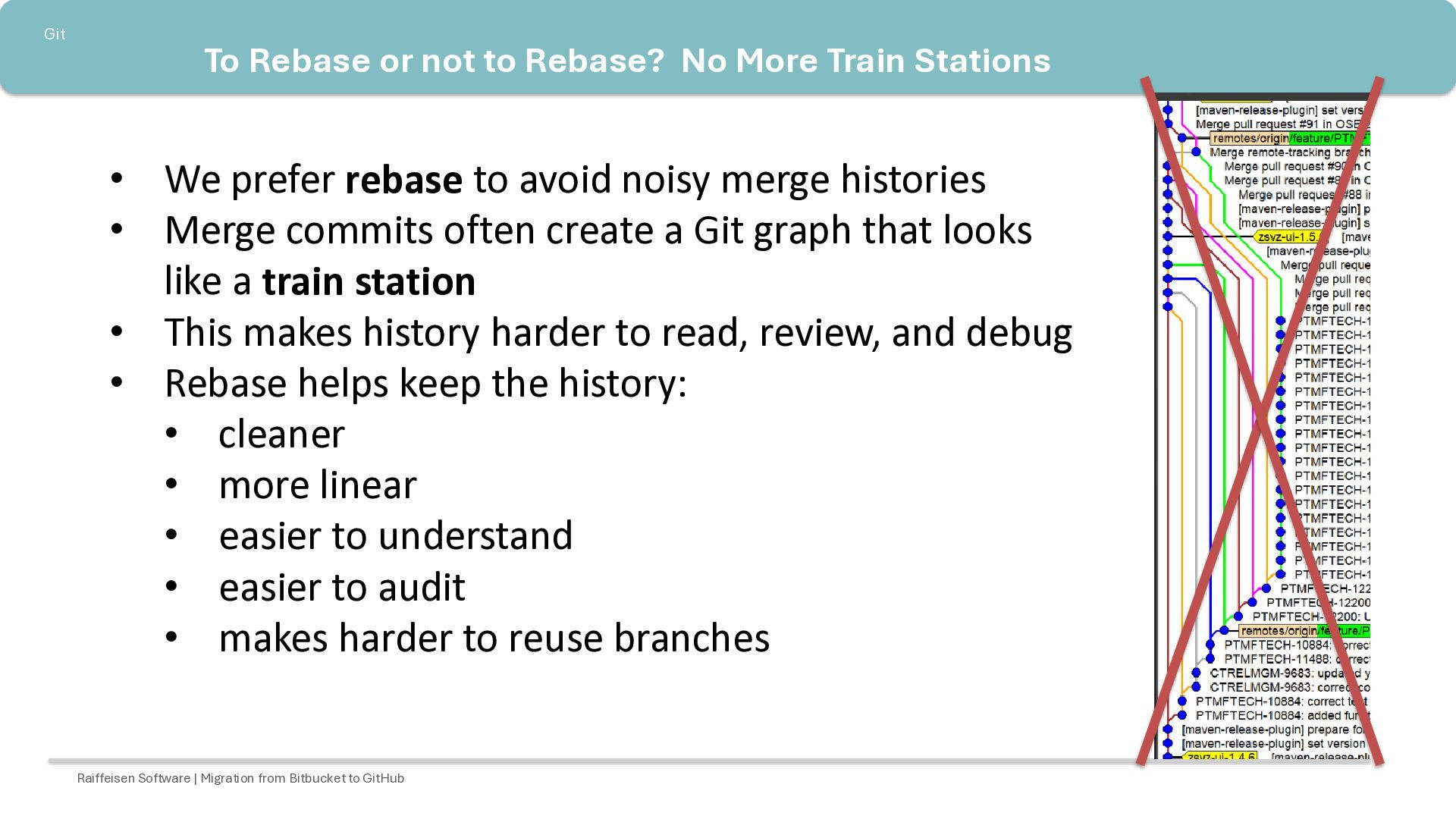
Stations • We prefer rebase to avoid noisy merge histories • Merge commits often create a Git graph that looks like a train station • This makes history harder to read, review, and debug • Rebase helps keep the history: • cleaner • more linear • easier to understand • easier to audit • makes harder to reuse branches Raiffeisen Software | Migration from Bitbucket to GitHub
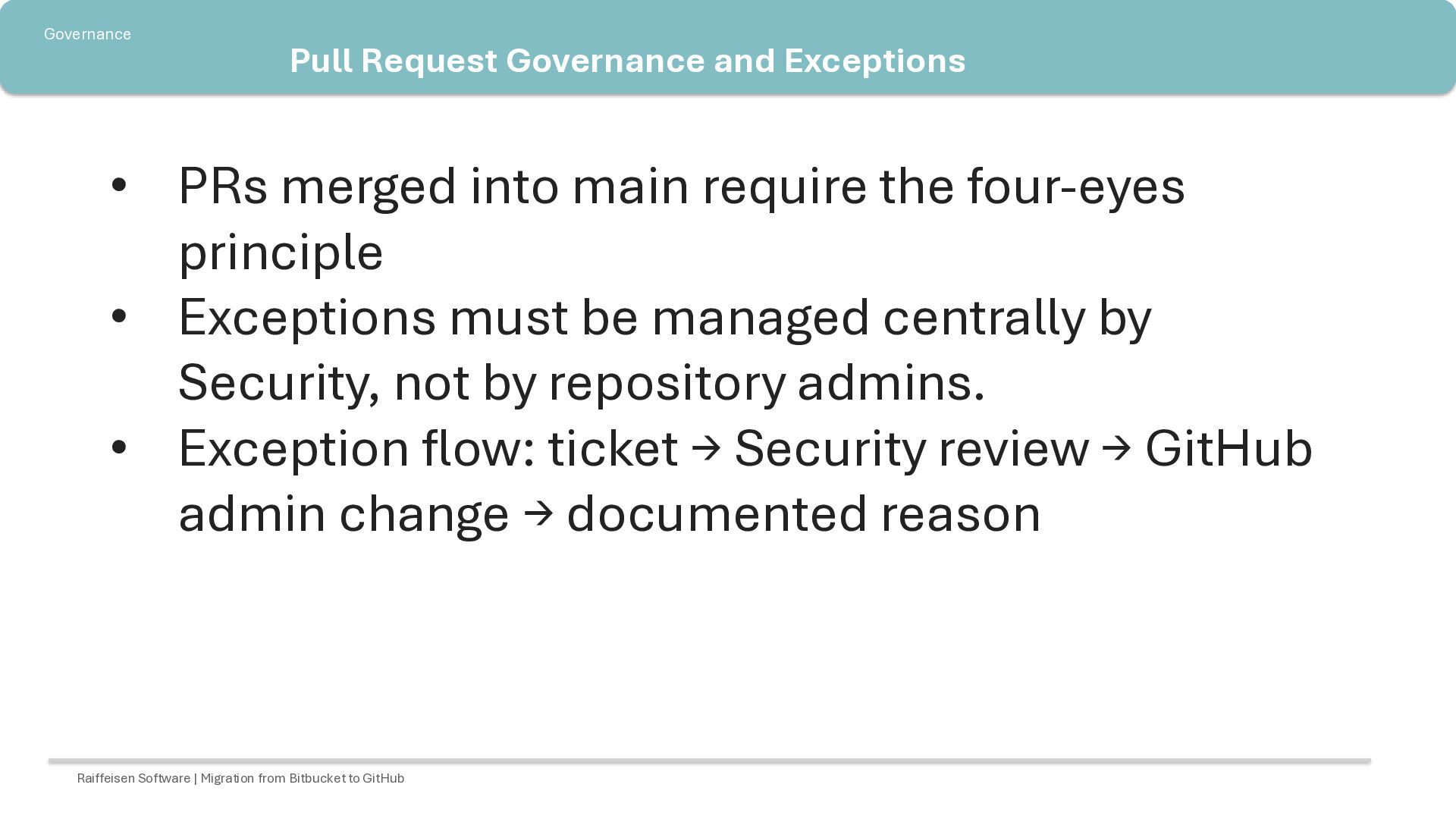
main require the four-eyes principle • Exceptions must be managed centrally by Security, not by repository admins. • Exception flow: ticket → Security review → GitHub admin change → documented reason Raiffeisen Software | Migration from Bitbucket to GitHub
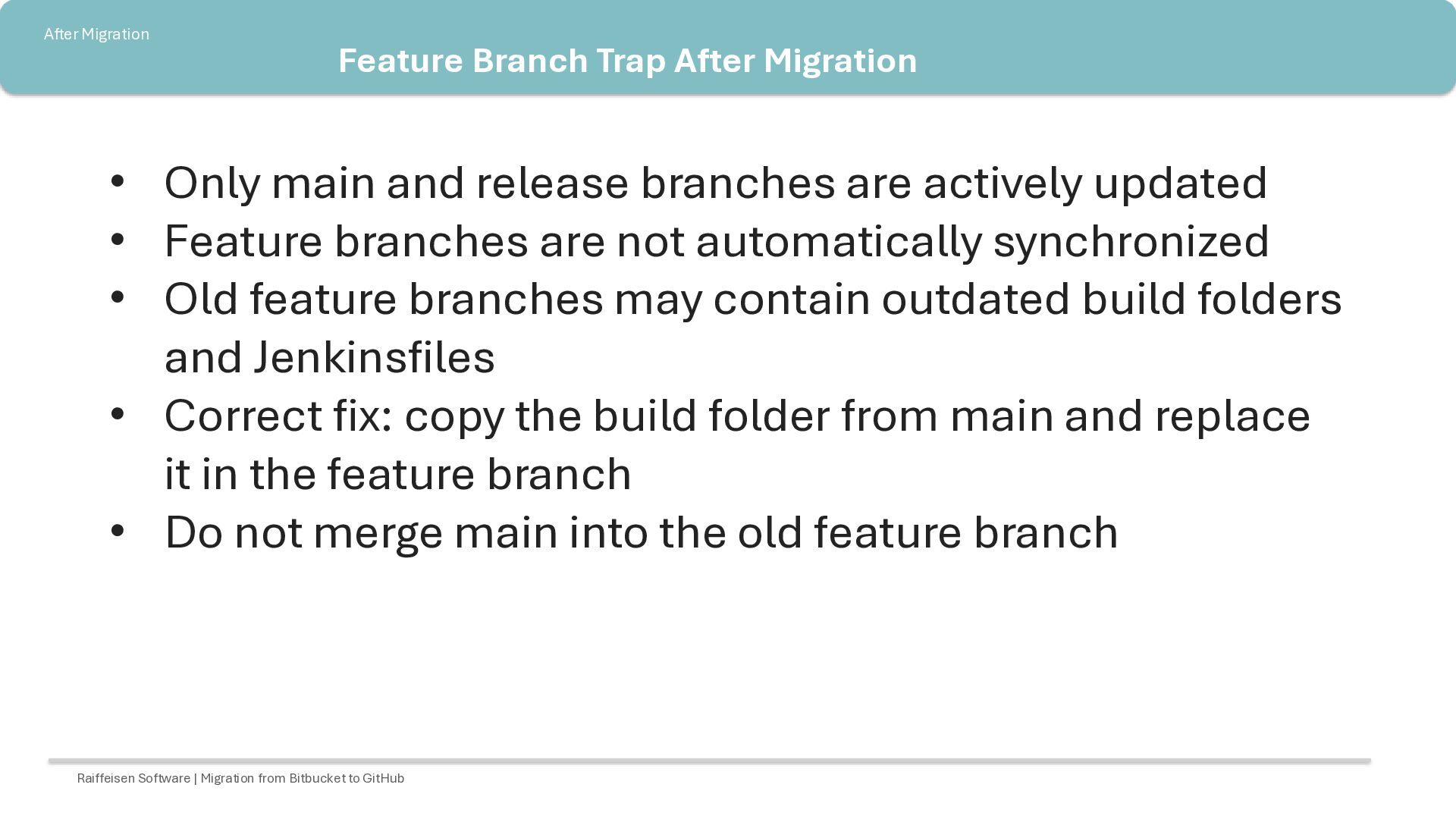
and release branches are actively updated • Feature branches are not automatically synchronized • Old feature branches may contain outdated build folders and Jenkinsfiles • Correct fix: copy the build folder from main and replace it in the feature branch • Do not merge main into the old feature branch Raiffeisen Software | Migration from Bitbucket to GitHub
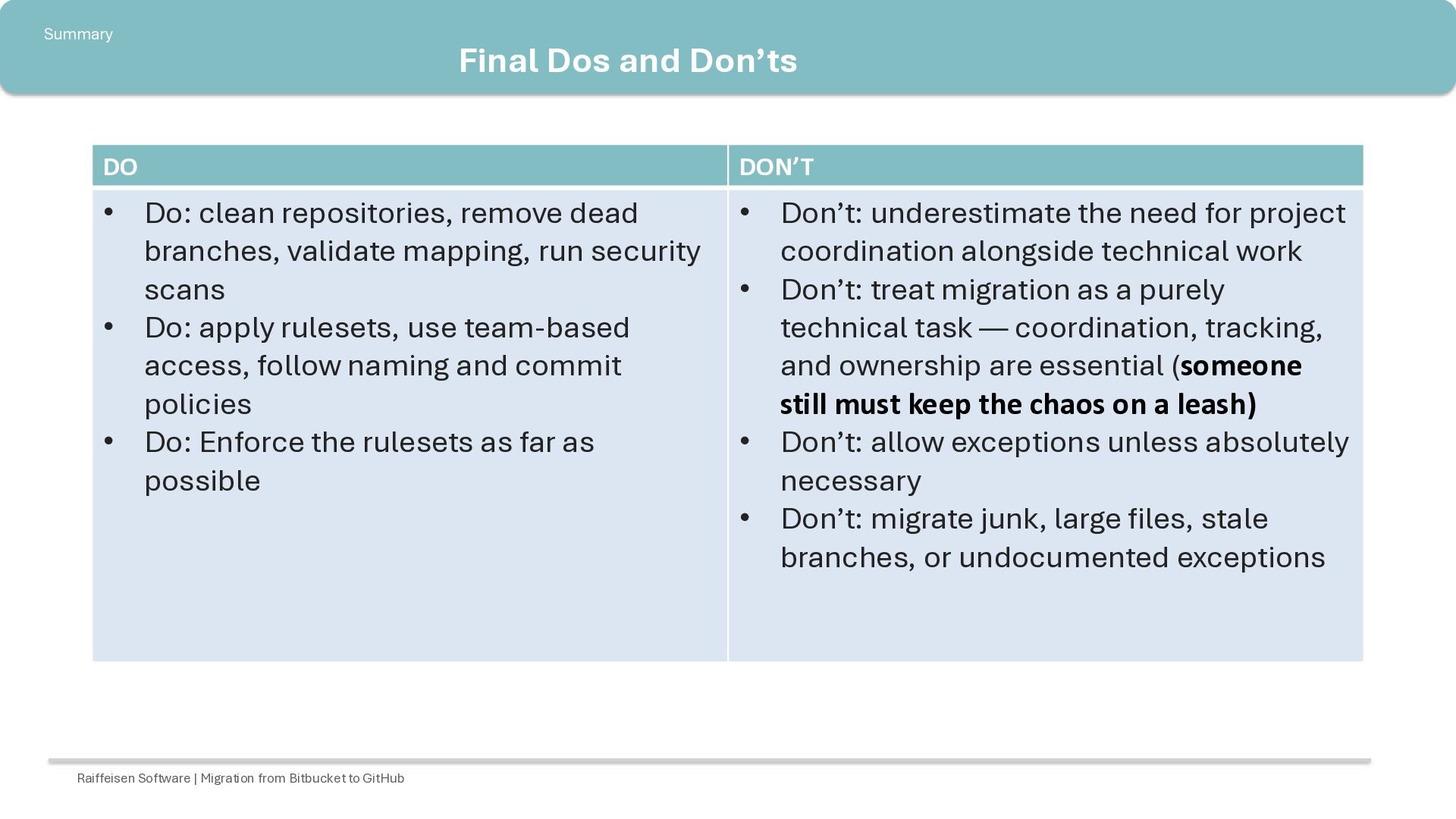
repositories, remove dead branches, validate mapping, run security scans • Do: apply rulesets, use team-based access, follow naming and commit policies • Do: Enforce the rulesets as far as possible • Don’t: underestimate the need for project coordination alongside technical work • Don’t: treat migration as a purely technical task — coordination, tracking, and ownership are essential (someone still must keep the chaos on a leash) • Don’t: allow exceptions unless absolutely necessary • Don’t: migrate junk, large files, stale branches, or undocumented exceptions Raiffeisen Software | Migration from Bitbucket to GitHub

 SiteGround - Reliable hosting with speed, security, and support you can count on.


 onk
onk
 tomokusaba
 taketakekaho
 terurou
 keeg
keeg
 takonda
 codmoninc
 takuroabe
 syuchimu
 riyaamemiya
 yahonda
 raspython3
 addyosmani
 ianozsvald
 tapps
tapps
 mojombo
 michielstock
 katarinadahlin
 badams
 inesmontani
 davetheseo
 palkan
 szymonslowik
 bluesmoon