Upgrade to Pro — share decks privately, control downloads, hide ads and more …

Android fingerprint API

Android fingerprint API

Nobody likes typing in passwords, especially on mobile phones.

Password Sucks!

Android Marshmallow brings official support of fingerprint authentication to the Android platform.

It's available for developers to integrate inside their own Android apps, accelerate payments and sign-in operations.

During my talk we will learn on how can we secure sensitive users data, and how can we use this API to authenticate on remote servers.

Avatar for Roman Herasimenko

Roman Herasimenko

December 05, 2015

Other Decks in Programming

Transcript

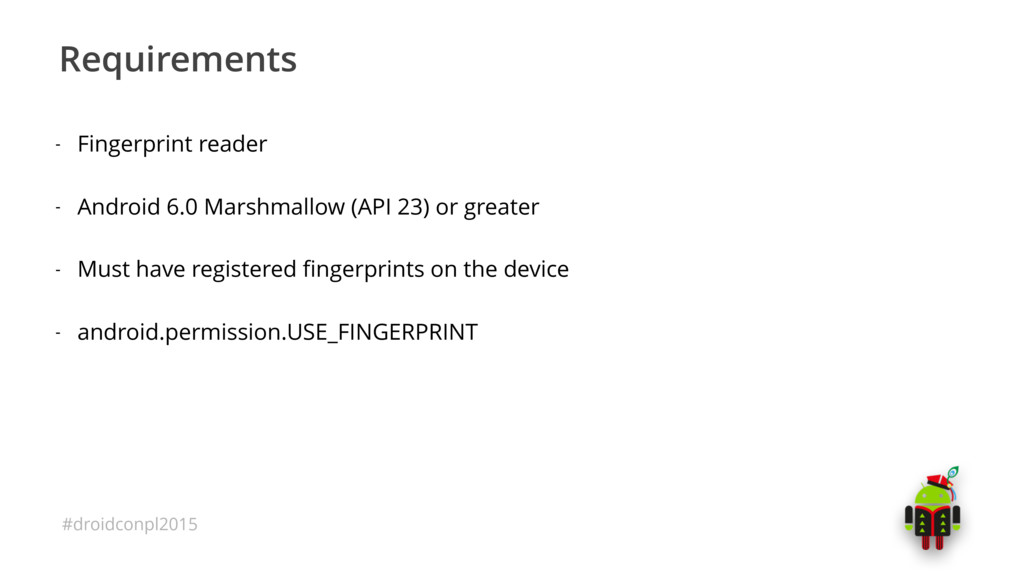
  1. #droidconpl2015 Requirements - Fingerprint reader - Android 6.0 Marshmallow (API

    23) or greater - Must have registered fingerprints on the device - android.permission.USE_FINGERPRINT
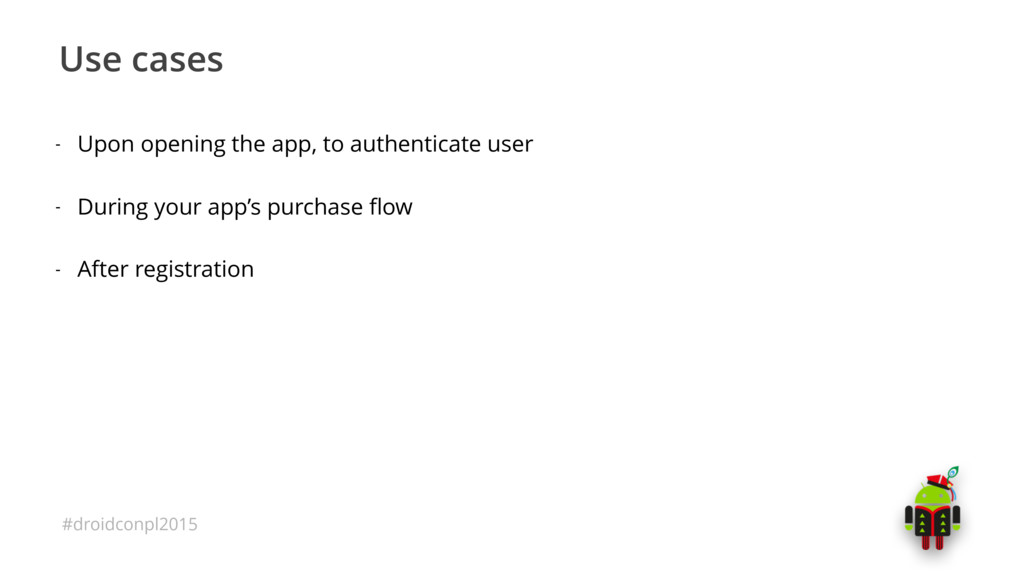
  2. #droidconpl2015 Use cases - Upon opening the app, to authenticate

    user - During your app’s purchase flow - After registration
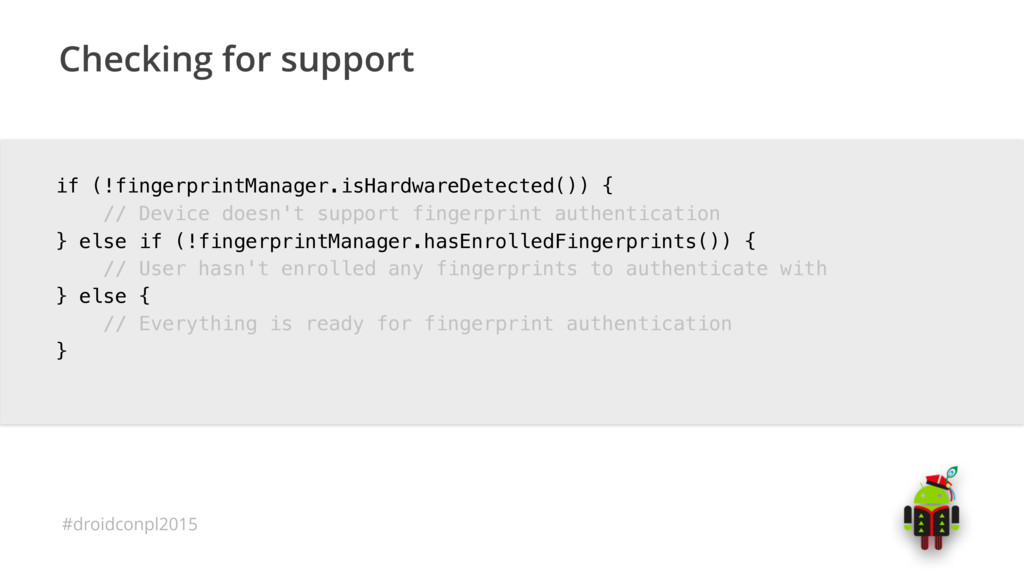
  3. #droidconpl2015 Checking for support if (!fingerprintManager.isHardwareDetected()) { // Device doesn't

    support fingerprint authentication } else if (!fingerprintManager.hasEnrolledFingerprints()) { // User hasn't enrolled any fingerprints to authenticate with } else { // Everything is ready for fingerprint authentication }
  4. #droidconpl2015 CryptoObject - CryptoObject is a wrapper class for the

    crypto objects 
 supported by FingerprintManager (Cipher, Mac)
  5. #droidconpl2015 CancellationSignal - Provides the ability to cancel an operation

    in progress. - With this we can check is authentication was cancelled or no
  6. #droidconpl2015 Symmetric Encryption - Secret key (number, string, whatever) -

    As long as both sender and recipient knows the key they can encrypt and 
 decrypt all messages that use this key
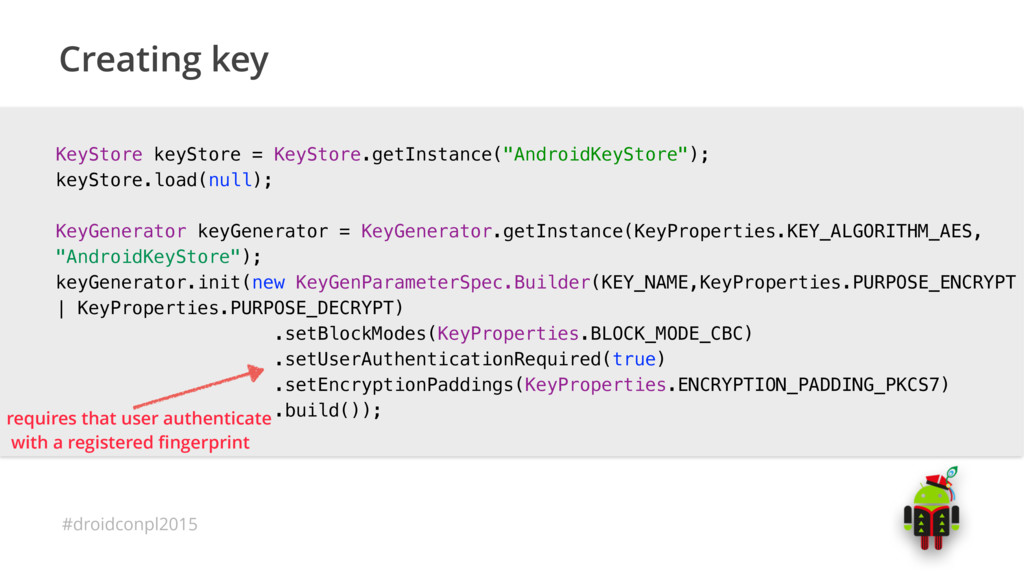
  7. #droidconpl2015 Creating key KeyStore keyStore = KeyStore.getInstance("AndroidKeyStore"); keyStore.load(null); KeyGenerator keyGenerator

    = KeyGenerator.getInstance(KeyProperties.KEY_ALGORITHM_AES, "AndroidKeyStore"); keyGenerator.init(new KeyGenParameterSpec.Builder(KEY_NAME,KeyProperties.PURPOSE_ENCRYPT | KeyProperties.PURPOSE_DECRYPT) .setBlockModes(KeyProperties.BLOCK_MODE_CBC) .setUserAuthenticationRequired(true) .setEncryptionPaddings(KeyProperties.ENCRYPTION_PADDING_PKCS7) .build()); requires that user authenticate
 with a registered fingerprint
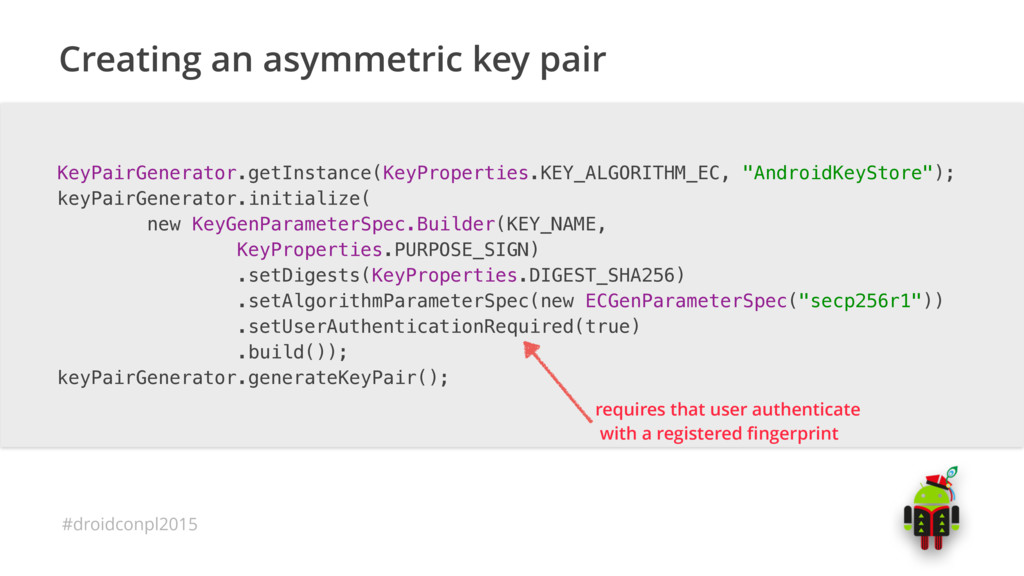
  8. #droidconpl2015 Creating an asymmetric key pair KeyPairGenerator.getInstance(KeyProperties.KEY_ALGORITHM_EC, "AndroidKeyStore"); keyPairGenerator.initialize( new

    KeyGenParameterSpec.Builder(KEY_NAME, KeyProperties.PURPOSE_SIGN) .setDigests(KeyProperties.DIGEST_SHA256) .setAlgorithmParameterSpec(new ECGenParameterSpec("secp256r1")) .setUserAuthenticationRequired(true) .build()); keyPairGenerator.generateKeyPair(); requires that user authenticate
 with a registered fingerprint
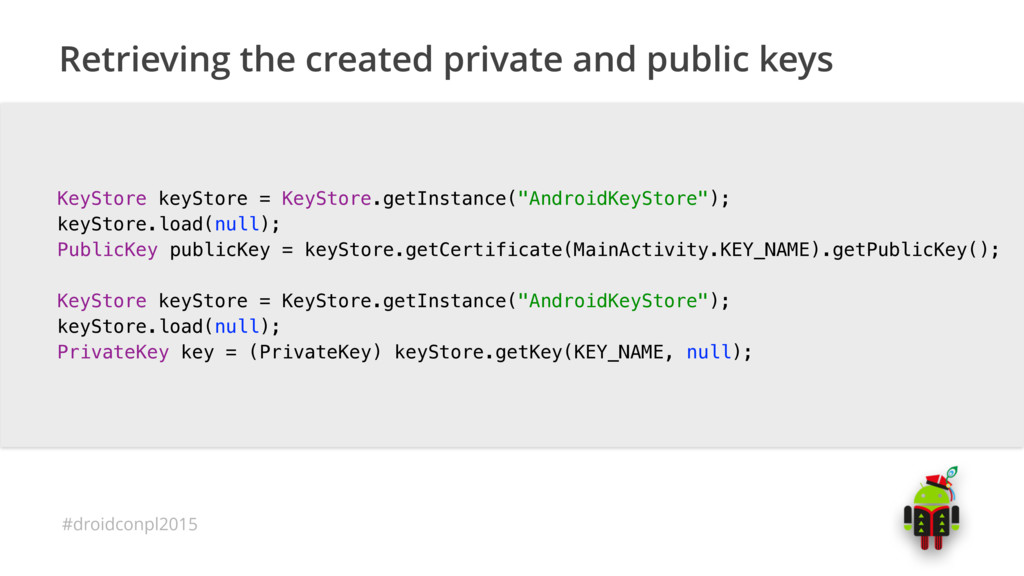
  9. #droidconpl2015 Retrieving the created private and public keys KeyStore keyStore

    = KeyStore.getInstance("AndroidKeyStore"); keyStore.load(null); PublicKey publicKey = keyStore.getCertificate(MainActivity.KEY_NAME).getPublicKey(); KeyStore keyStore = KeyStore.getInstance("AndroidKeyStore"); keyStore.load(null); PrivateKey key = (PrivateKey) keyStore.getKey(KEY_NAME, null);
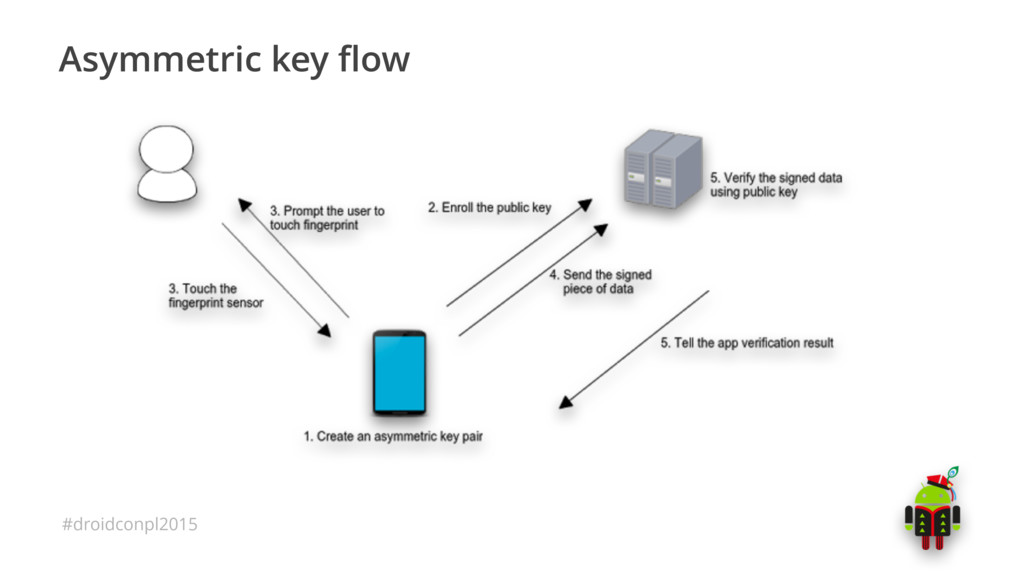
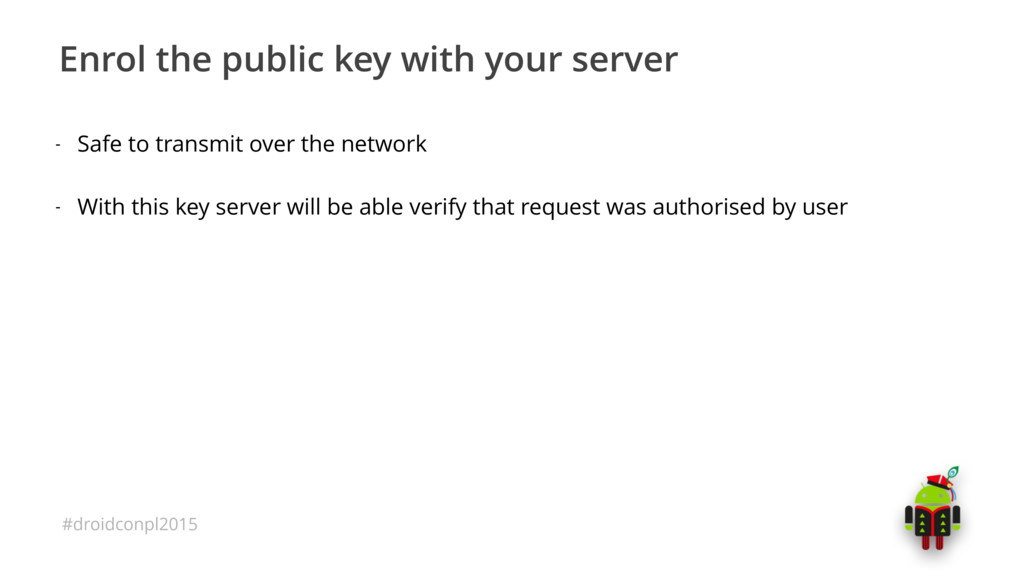
  10. #droidconpl2015 Enrol the public key with your server - Safe

    to transmit over the network - With this key server will be able verify that request was authorised by user
  11. #droidconpl2015 Signing transactions with a fingerprint Signature.getInstance("SHA256withECDSA"); KeyStore keyStore =

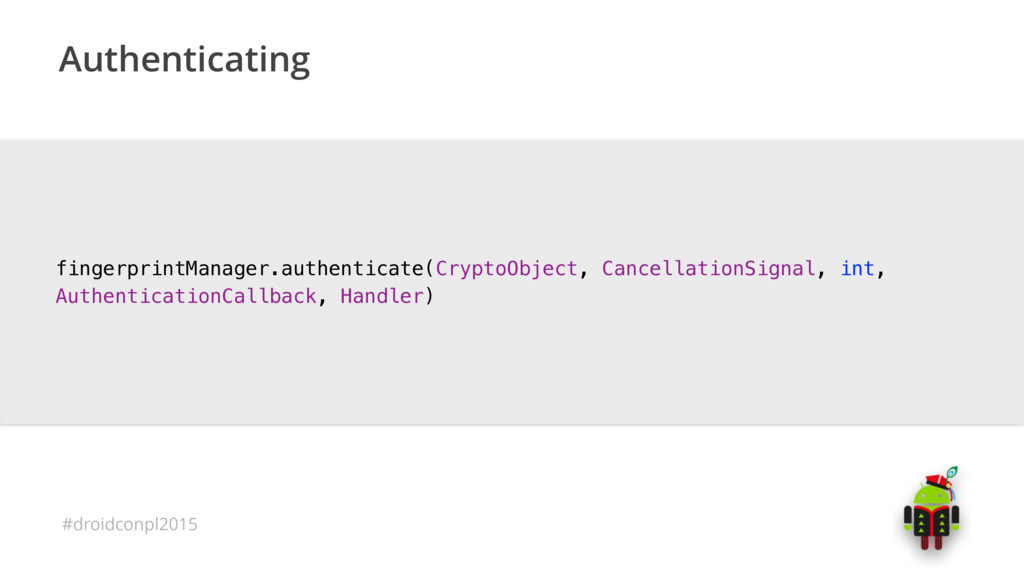
    KeyStore.getInstance("AndroidKeyStore"); keyStore.load(null); PrivateKey key = (PrivateKey) keyStore.getKey(KEY_NAME, null); signature.initSign(key); CryptoObject cryptObject = new FingerprintManager.CryptoObject(signature); CancellationSignal cancellationSignal = new CancellationSignal(); FingerprintManager fingerprintManager = context.getSystemService(FingerprintManager.class); fingerprintManager.authenticate(cryptoObject, cancellationSignal, 0, this, null);
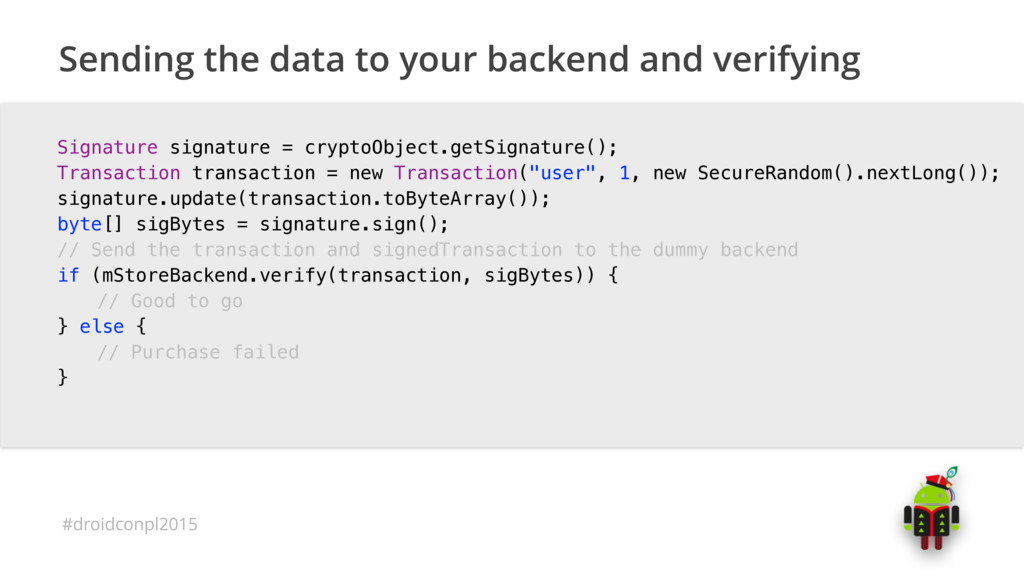
  12. #droidconpl2015 Sending the data to your backend and verifying Signature

    signature = cryptoObject.getSignature(); Transaction transaction = new Transaction("user", 1, new SecureRandom().nextLong()); signature.update(transaction.toByteArray()); byte[] sigBytes = signature.sign(); // Send the transaction and signedTransaction to the dummy backend if (mStoreBackend.verify(transaction, sigBytes)) { // Good to go } else { // Purchase failed }
  13. #droidconpl2015 - Android M release notes - Using Keystore in

    Android - Fingerprint dialog sample - Fingerprint design patterns - Assymetric server-side authentication