Upgrade to Pro — share decks privately, control downloads, hide ads and more …

FirefoxOS Window Management

Avatar for Alive.Kuo Alive.Kuo
January 10, 2014

FirefoxOS Window Management

Introduce the window management system of FirefoxOS

Avatar for Alive.Kuo

Alive.Kuo

January 10, 2014
Tweet

More Decks by Alive.Kuo

Other Decks in Technology

Transcript

  1. Window Manager of FxOS A god-like-object doing everything. Deeply coupled

    with many other modules in system app, for example LockScreen. Bugs, bugs, bugs.
  2. As an architect, I’d love to setup different things into

    its position to relief the pain of management. Let the window manage itself!
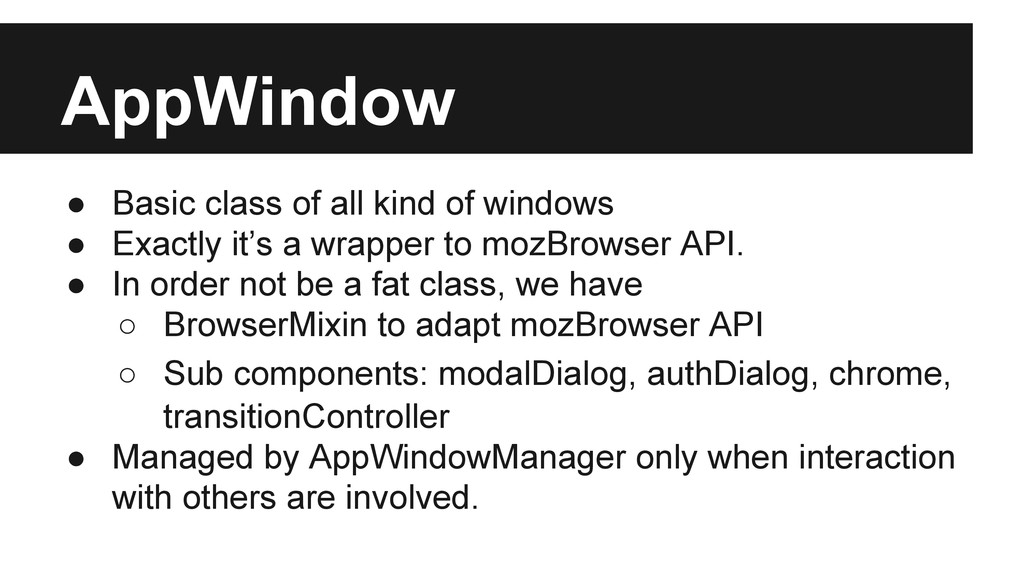
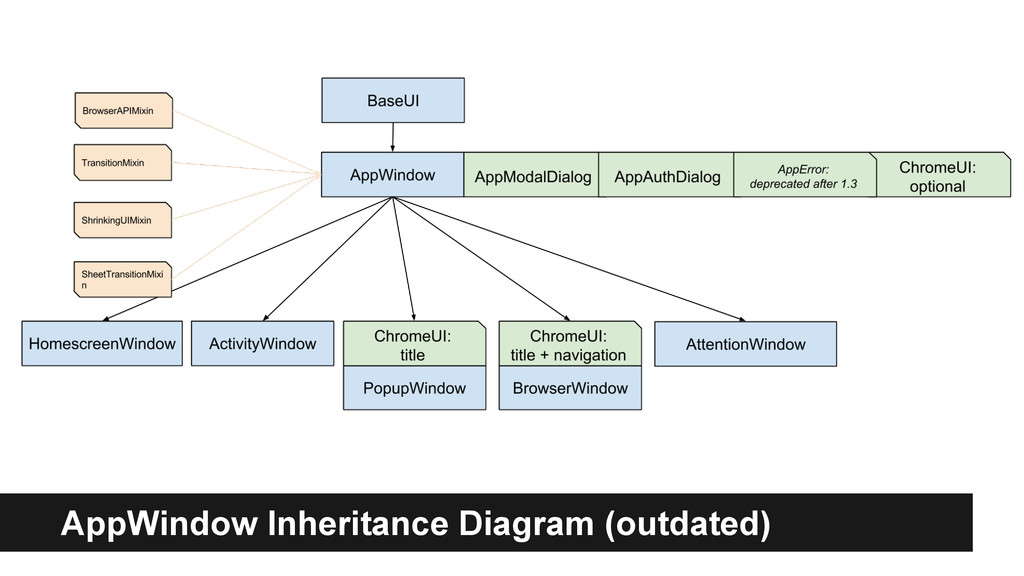
  3. AppWindow • Basic class of all kind of windows •

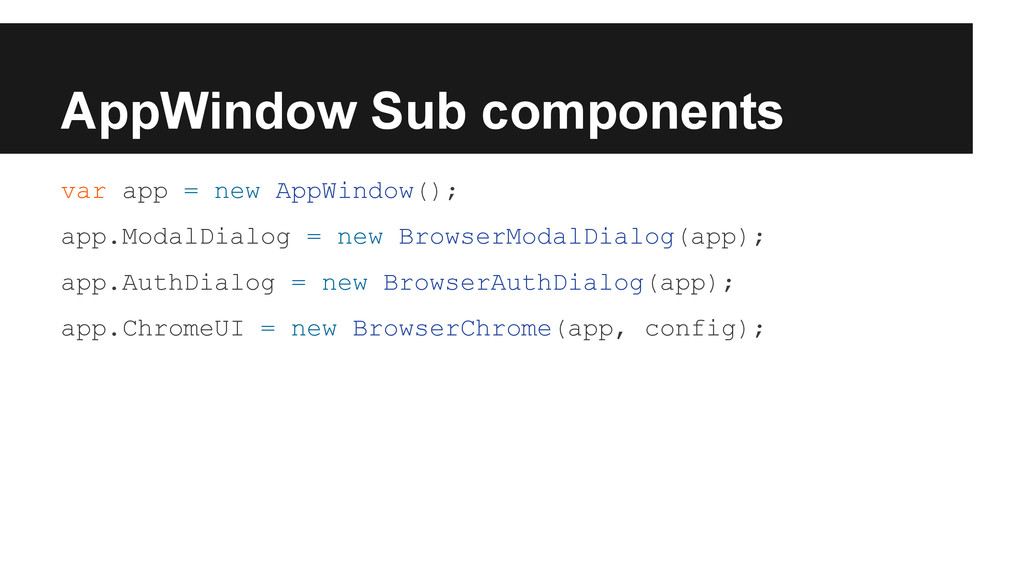
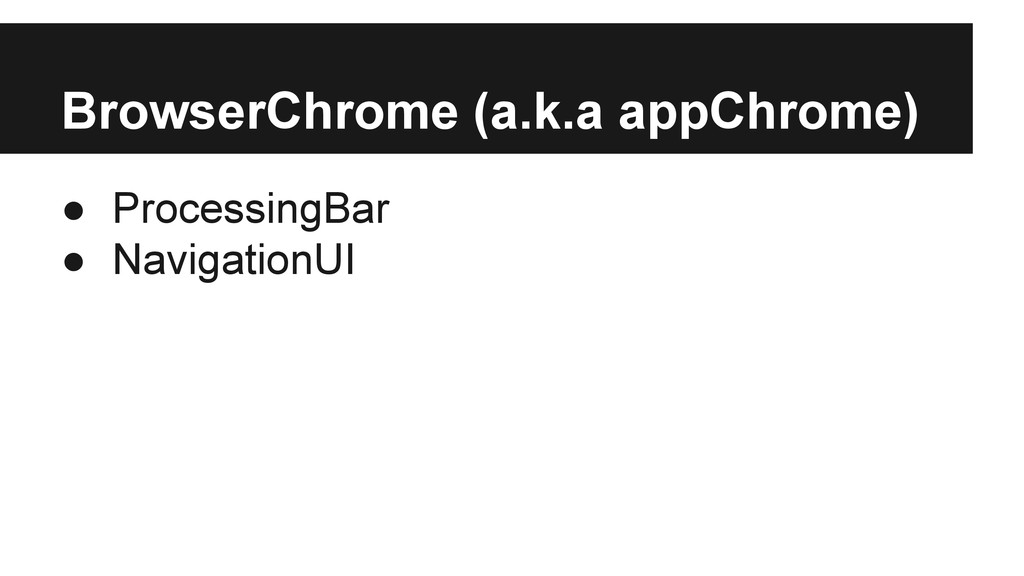
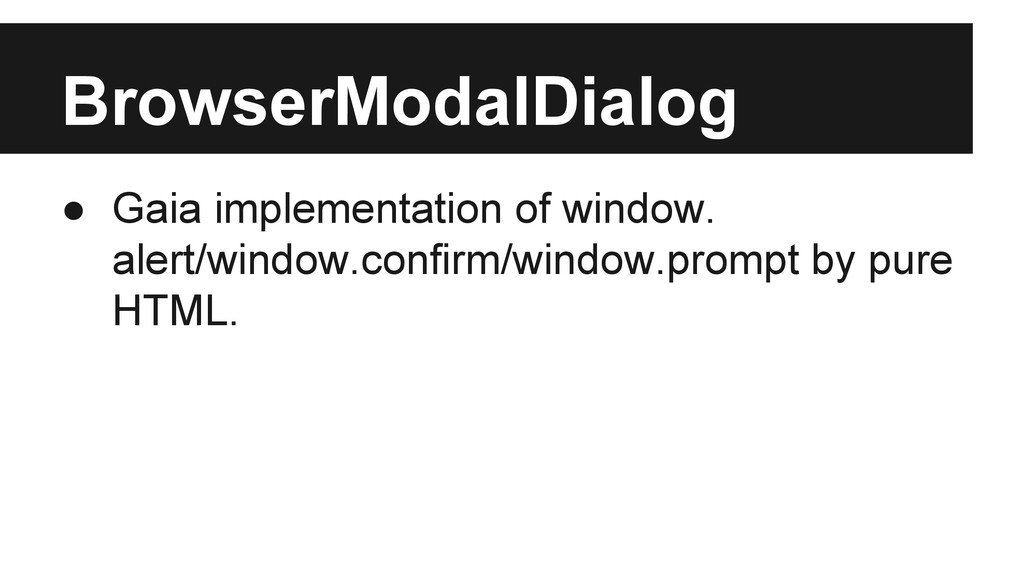
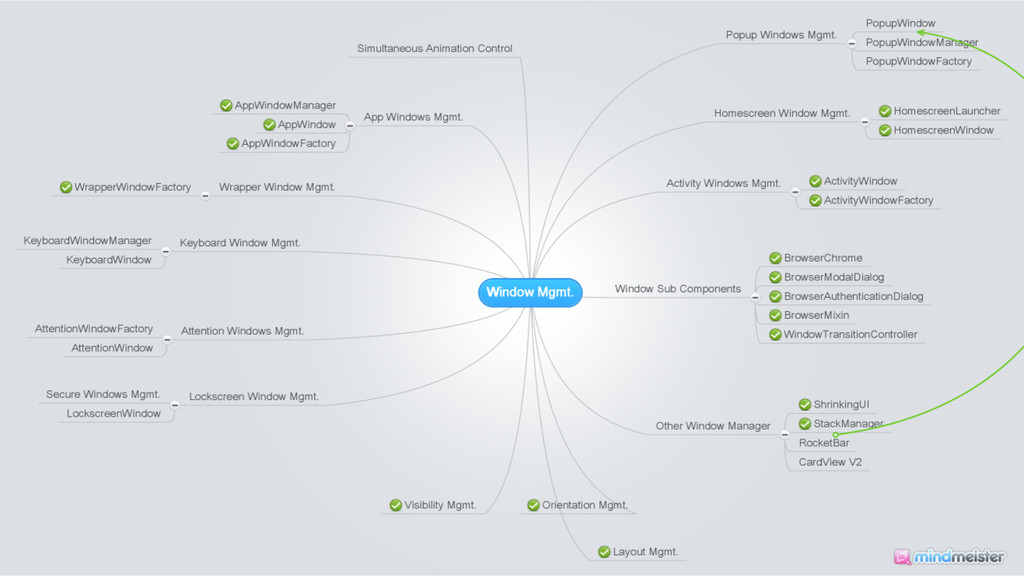
    Exactly it’s a wrapper to mozBrowser API. • In order not be a fat class, we have ◦ BrowserMixin to adapt mozBrowser API ◦ Sub components: modalDialog, authDialog, chrome, transitionController • Managed by AppWindowManager only when interaction with others are involved.
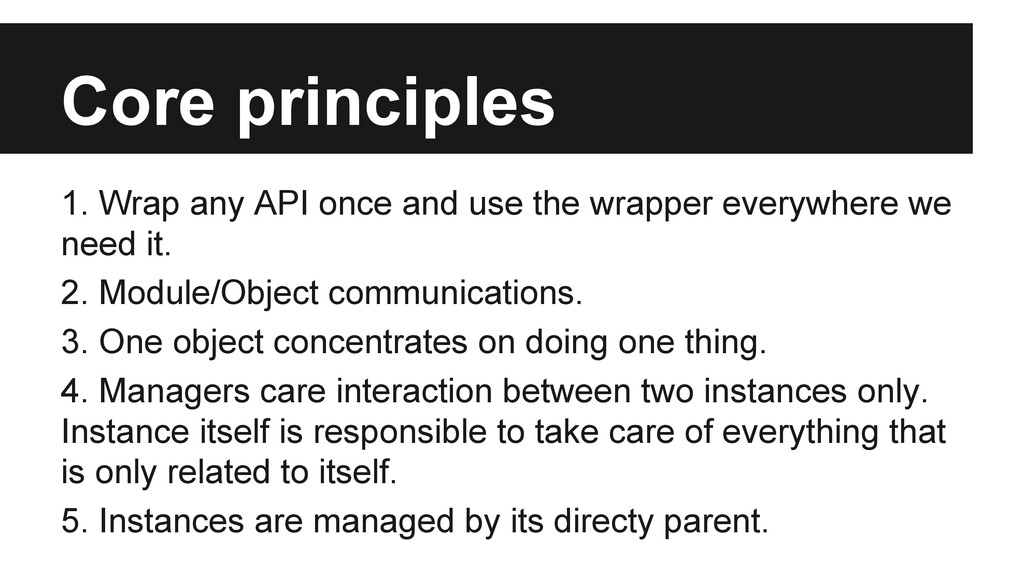
  4. Core principles 1. Wrap any API once and use the

    wrapper everywhere we need it. 2. Module/Object communications. 3. One object concentrates on doing one thing. 4. Managers care interaction between two instances only. Instance itself is responsible to take care of everything that is only related to itself. 5. Instances are managed by its directy parent.
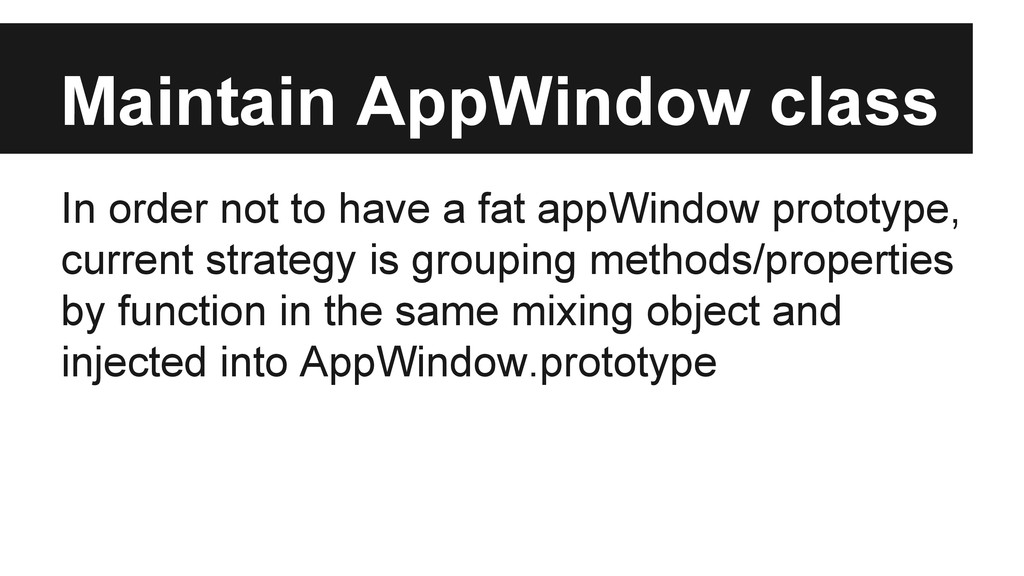
  5. Maintain AppWindow class In order not to have a fat

    appWindow prototype, current strategy is grouping methods/properties by function in the same mixing object and injected into AppWindow.prototype
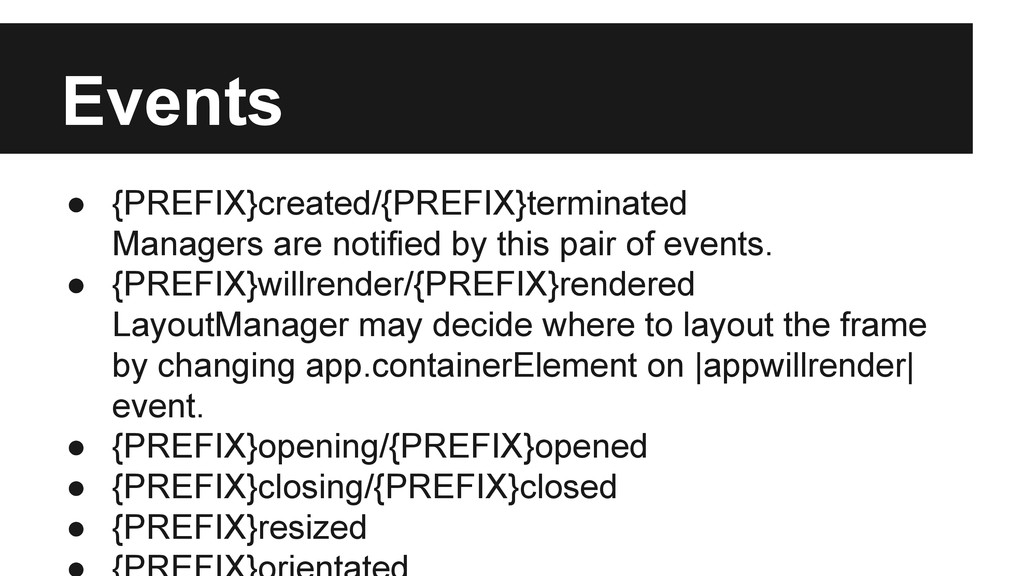
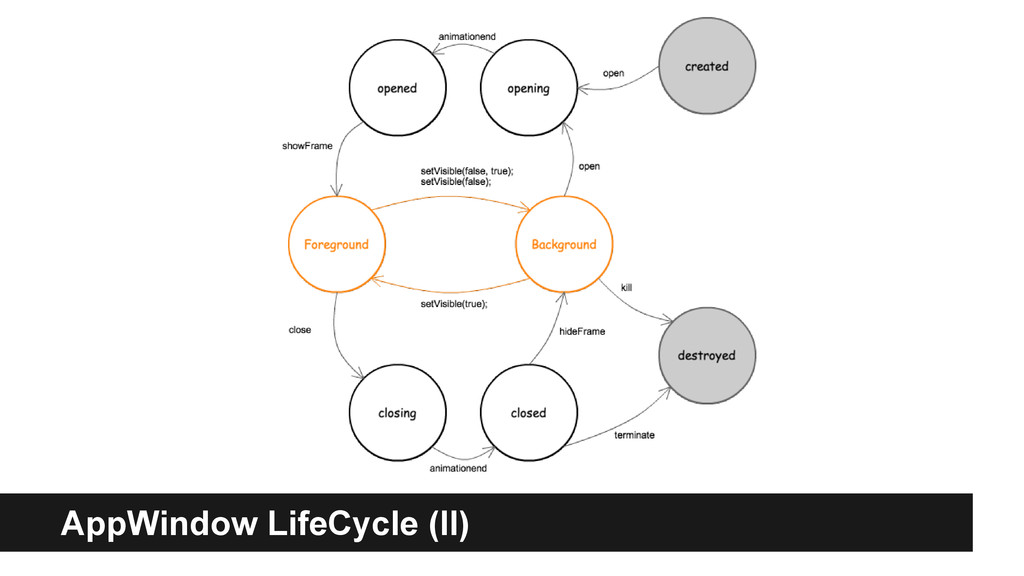
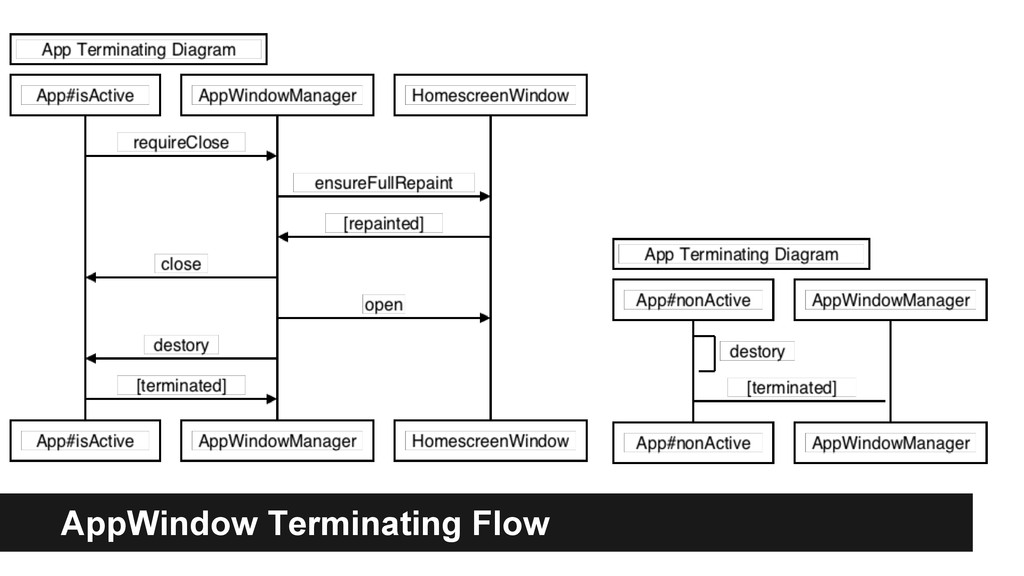
  6. Events • {PREFIX}created/{PREFIX}terminated Managers are notified by this pair of

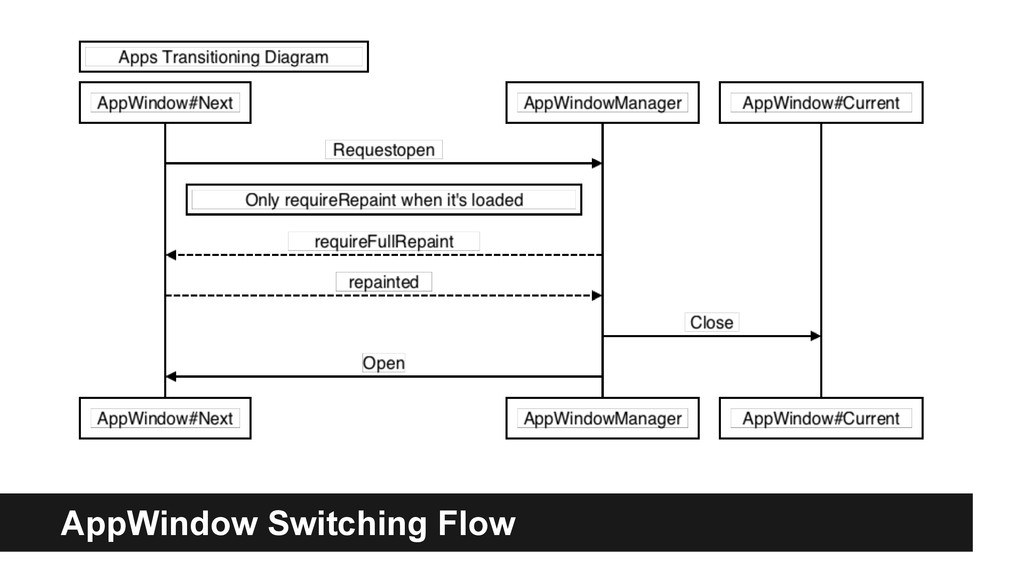
    events. • {PREFIX}willrender/{PREFIX}rendered LayoutManager may decide where to layout the frame by changing app.containerElement on |appwillrender| event. • {PREFIX}opening/{PREFIX}opened • {PREFIX}closing/{PREFIX}closed • {PREFIX}resized
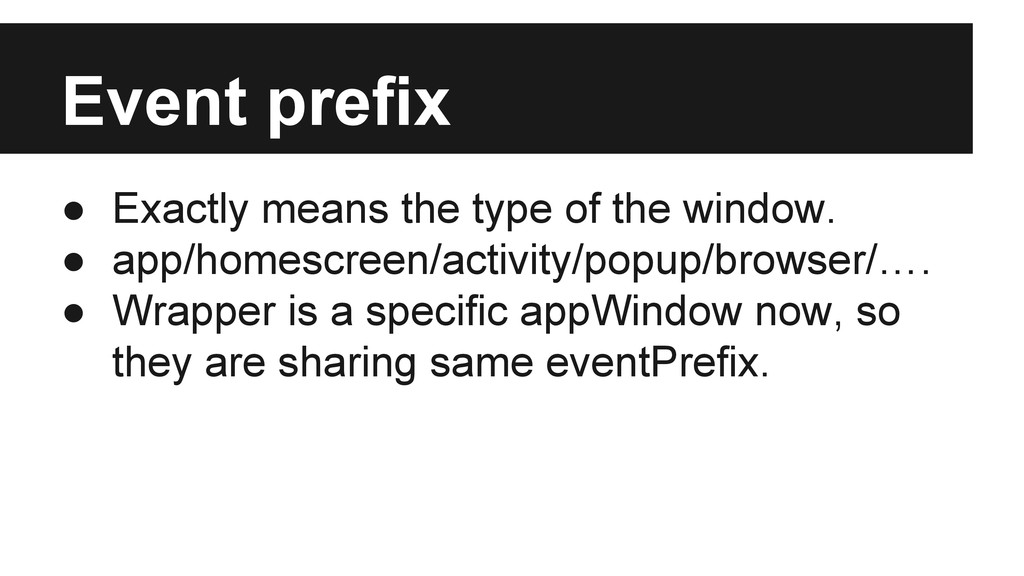
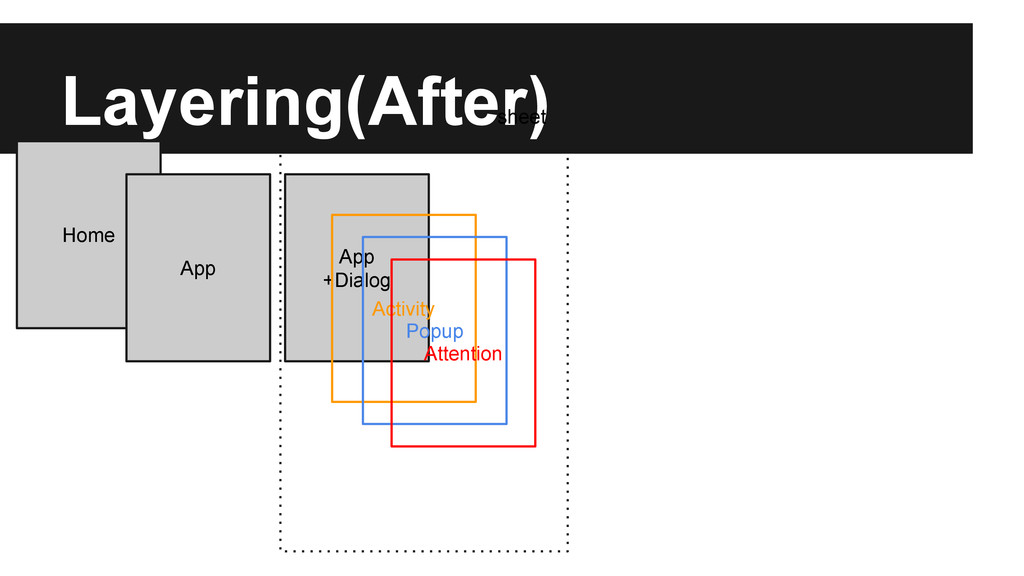
  7. Event prefix • Exactly means the type of the window.

    • app/homescreen/activity/popup/browser/…. • Wrapper is a specific appWindow now, so they are sharing same eventPrefix.
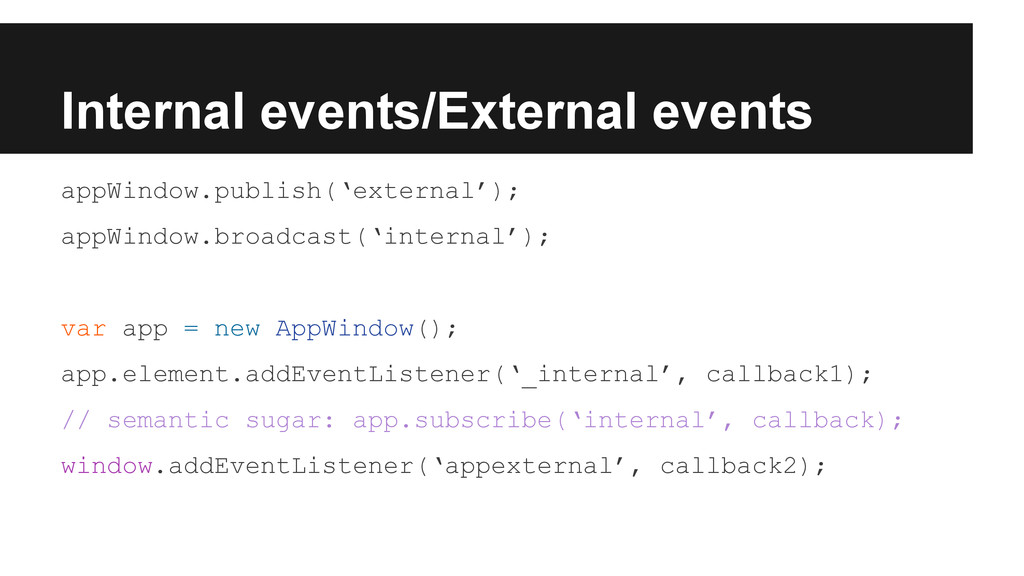
  8. Internal events/External events appWindow.publish(‘external’); appWindow.broadcast(‘internal’); var app = new AppWindow();

    app.element.addEventListener(‘_internal’, callback1); // semantic sugar: app.subscribe(‘internal’, callback); window.addEventListener(‘appexternal’, callback2);
  9. Activity Management • [Meta] Activity Management https://bugzilla. mozilla.org/show_bug.cgi?id=931341 ◦ We

    couldn’t have two same pages opened right now. Need to fix system message bug. ◦ The timing of opening activities and kill activities. ◦ The memory management of callee/caller.
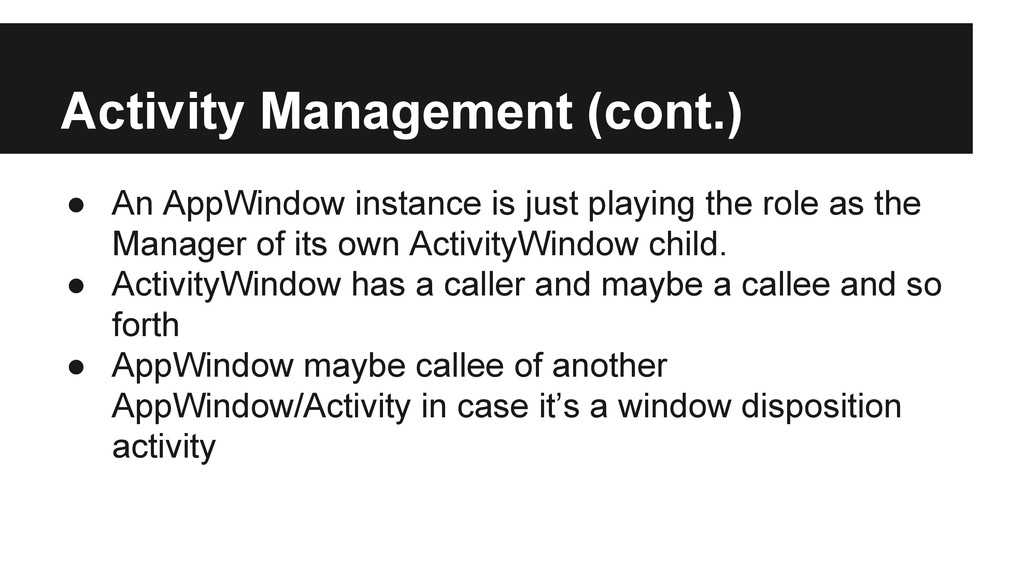
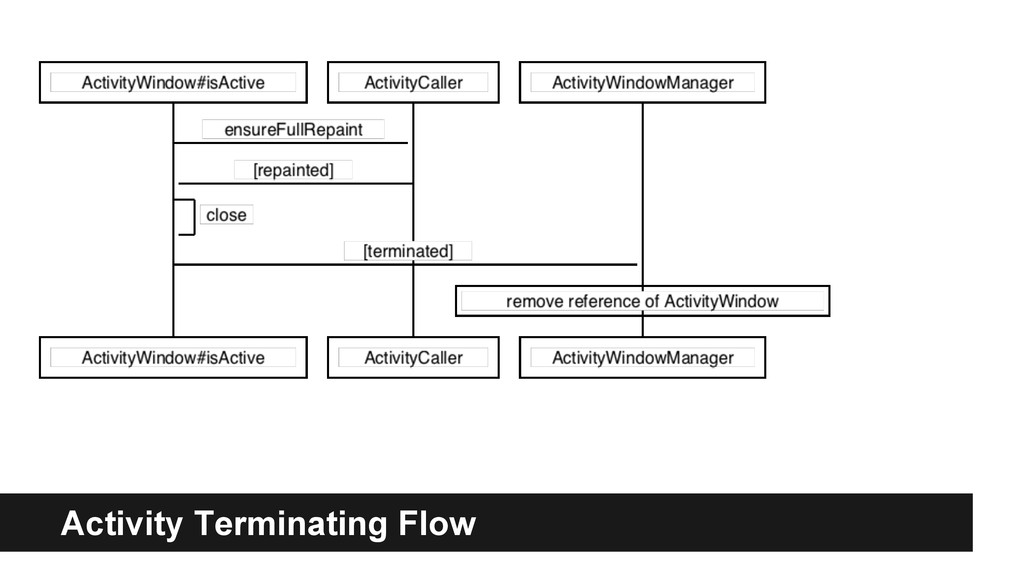
  10. Activity Management (cont.) • An AppWindow instance is just playing

    the role as the Manager of its own ActivityWindow child. • ActivityWindow has a caller and maybe a callee and so forth • AppWindow maybe callee of another AppWindow/Activity in case it’s a window disposition activity
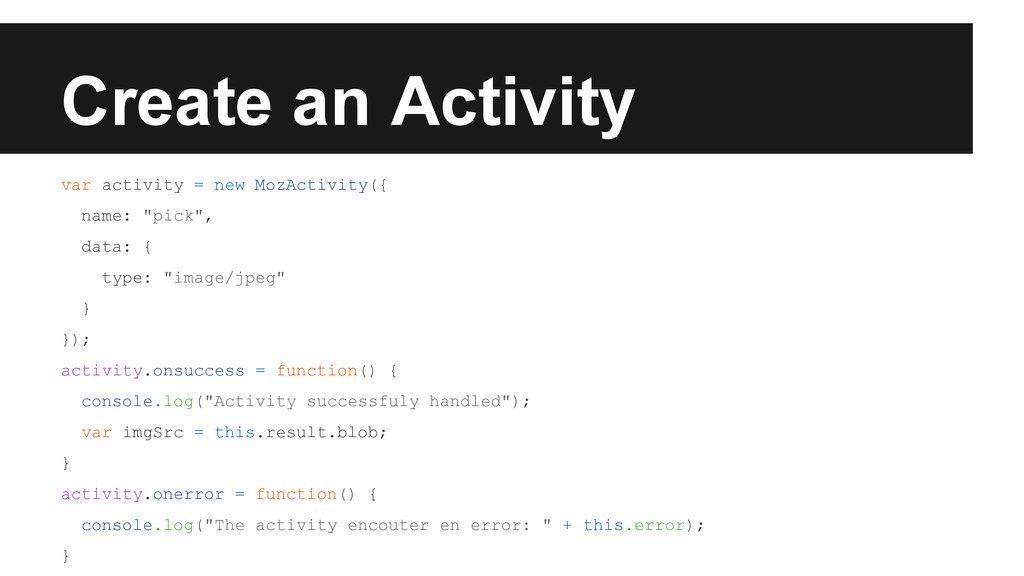
  11. Create an Activity var activity = new MozActivity({ name: "pick",

    data: { type: "image/jpeg" } }); activity.onsuccess = function() { console.log("Activity successfuly handled"); var imgSrc = this.result.blob; } activity.onerror = function() { console.log("The activity encouter en error: " + this.error); }
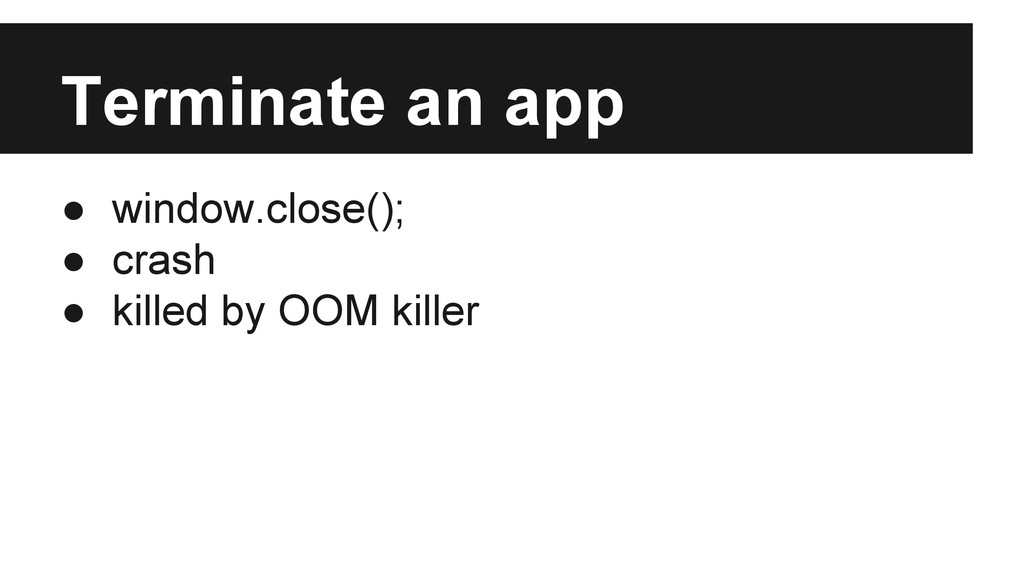
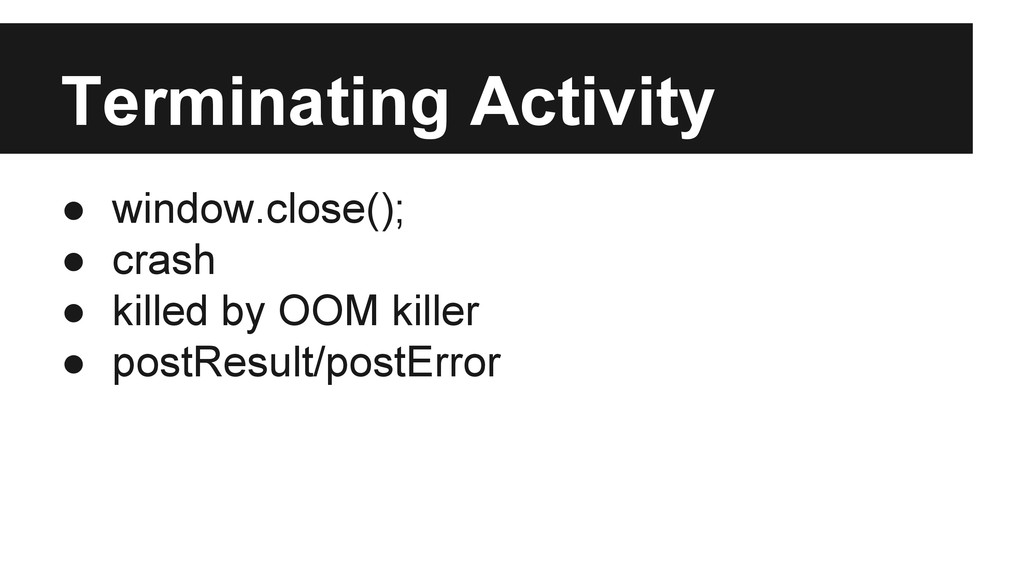
  12. • window.close(); • crash • killed by OOM killer •

    postResult/postError Terminating Activity
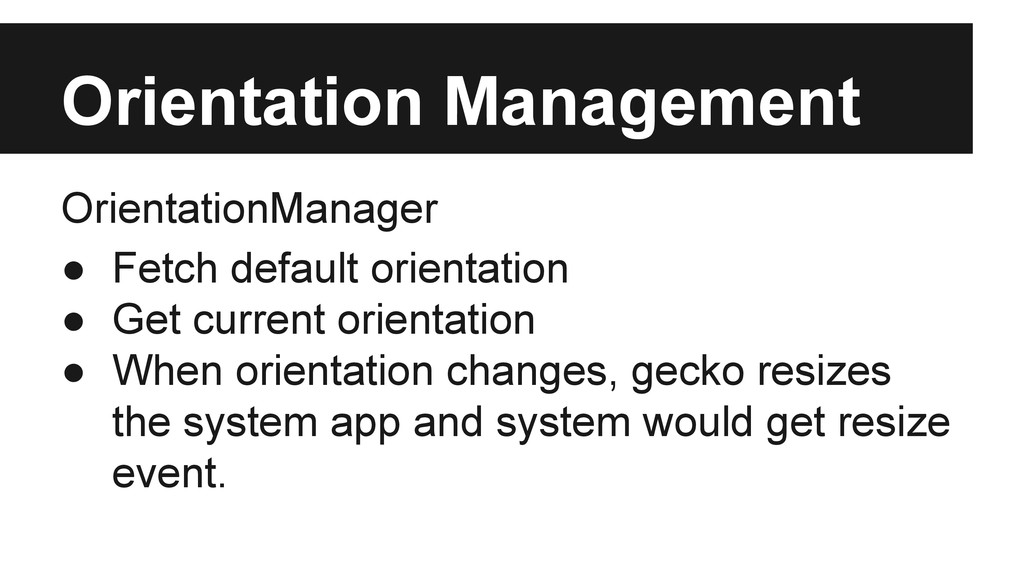
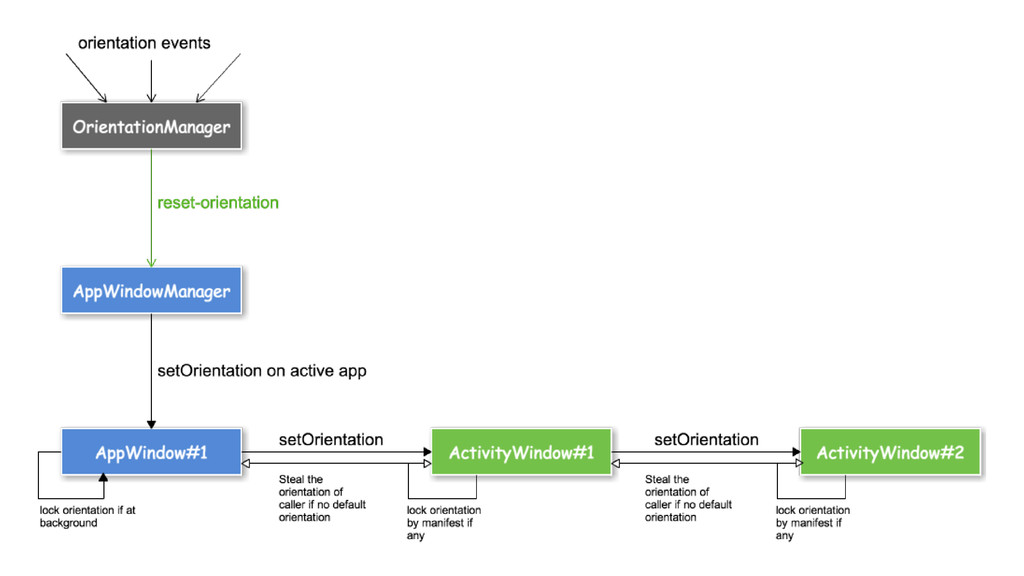
  13. Orientation Management OrientationManager • Fetch default orientation • Get current

    orientation • When orientation changes, gecko resizes the system app and system would get resize event.
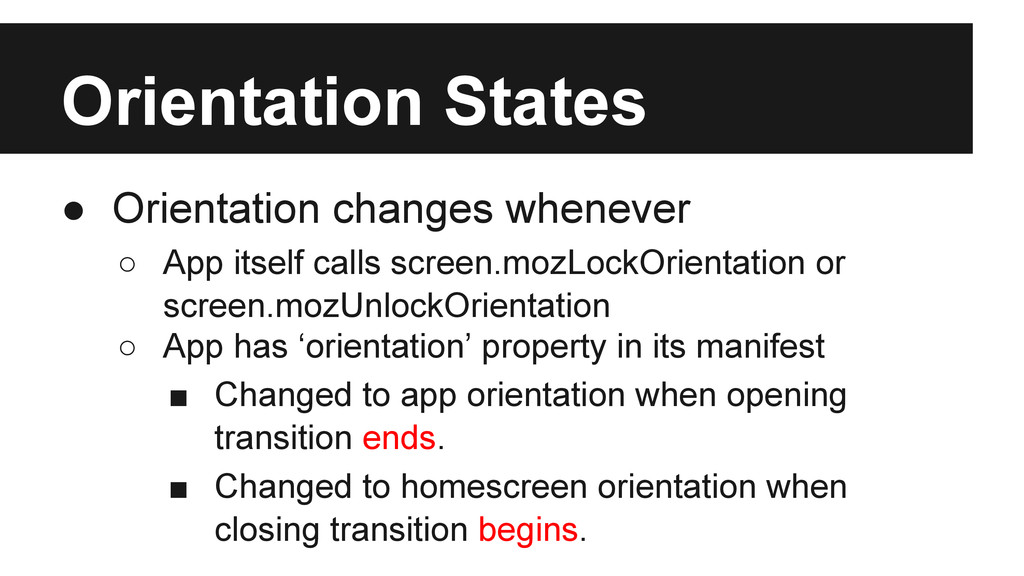
  14. Orientation States • Orientation changes whenever ◦ App itself calls

    screen.mozLockOrientation or screen.mozUnlockOrientation ◦ App has ‘orientation’ property in its manifest ▪ Changed to app orientation when opening transition ends. ▪ Changed to homescreen orientation when closing transition begins.
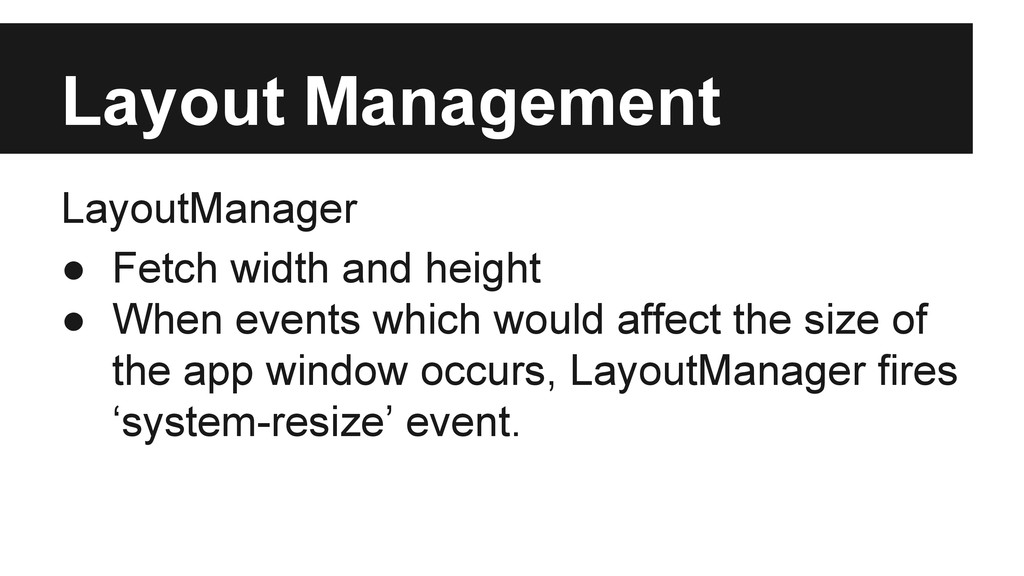
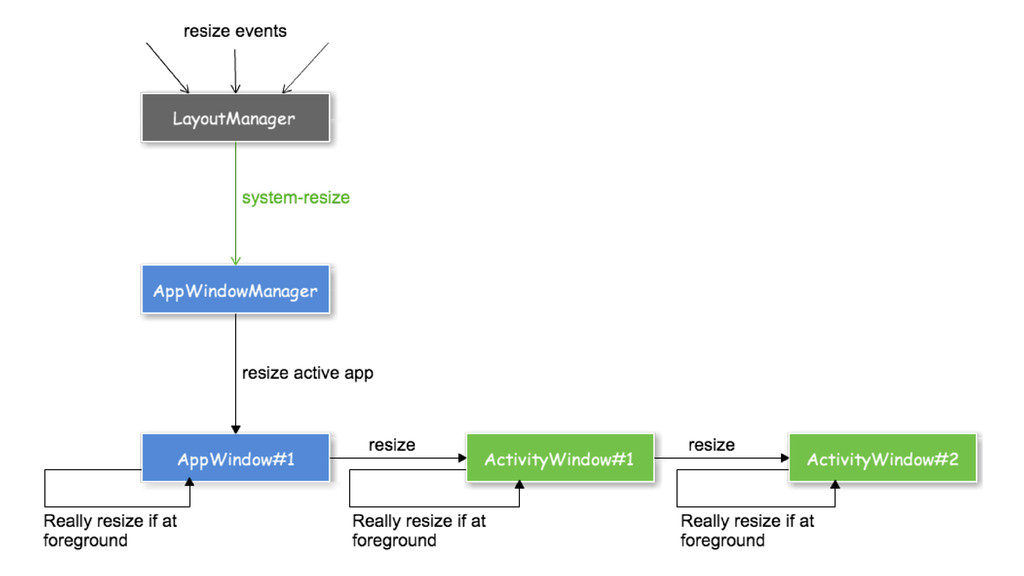
  15. Layout Management LayoutManager • Fetch width and height • When

    events which would affect the size of the app window occurs, LayoutManager fires ‘system-resize’ event.
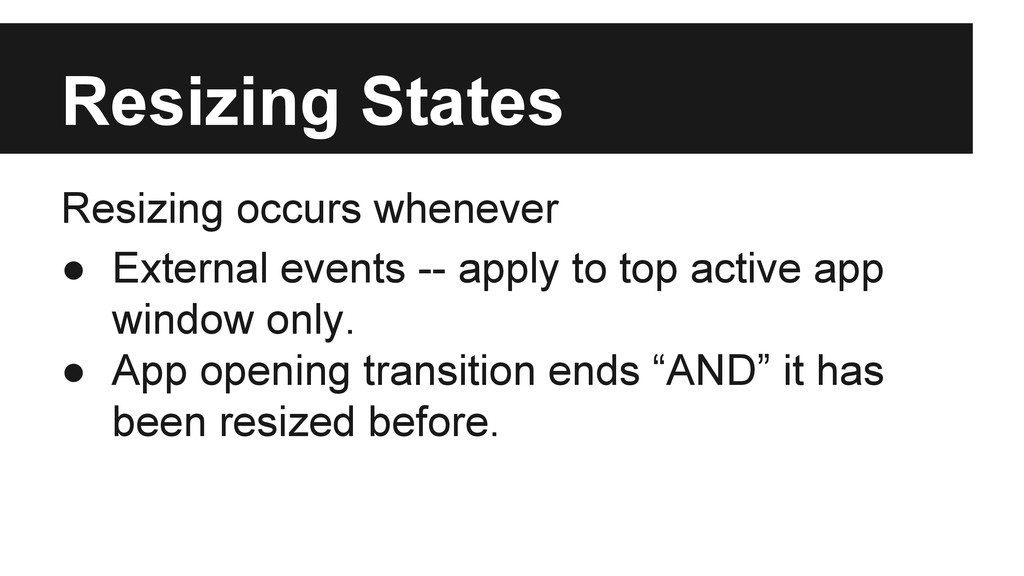
  16. Resizing States Resizing occurs whenever • External events -- apply

    to top active app window only. • App opening transition ends “AND” it has been resized before.
  17. Visibility Management VisibilityManager • Gathering all external events affect the

    top most app window’s page visibility. • App window itself has to manage its own visibility while transition occurs.
  18. Visibility States Page visibility changes whenever • App opening transition

    starts. (Turn into true) • App closing transition ends. (Turn into false) • External overlay events -- Only apply to the active Window.
  19. Event driven design AppWindow has two kinds of events •

    External event by appWindow.publish ◦ Custom event dispatched on global object. ◦ Any external event EVENTNAME would trigger internal event _EVENTNAME at first. • Internal event by appWindow.broadcast ◦ Custom event dispatched on app window element without event bubbling stage.
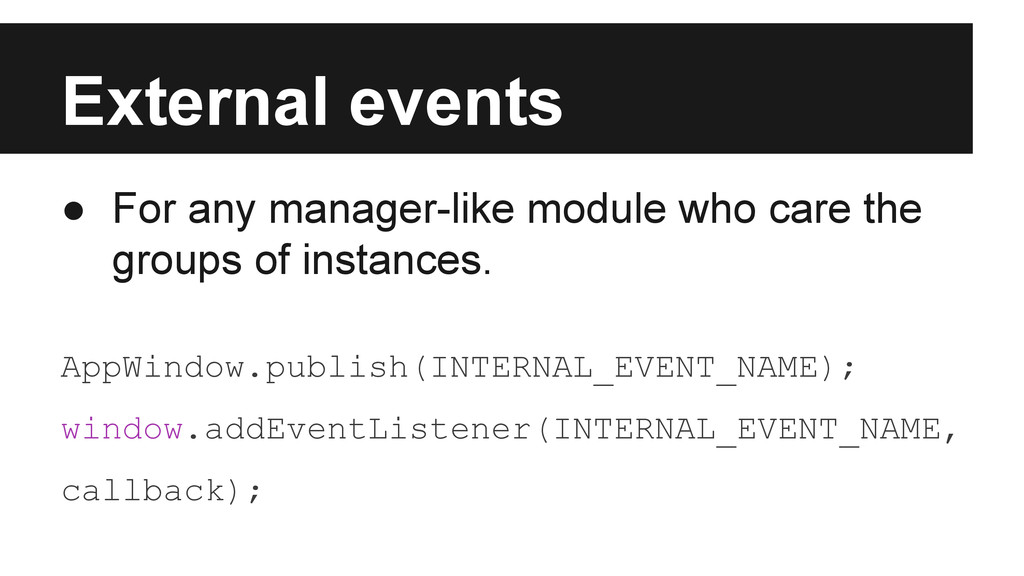
  20. External events • For any manager-like module who care the

    groups of instances. AppWindow.publish(INTERNAL_EVENT_NAME); window.addEventListener(INTERNAL_EVENT_NAME, callback);
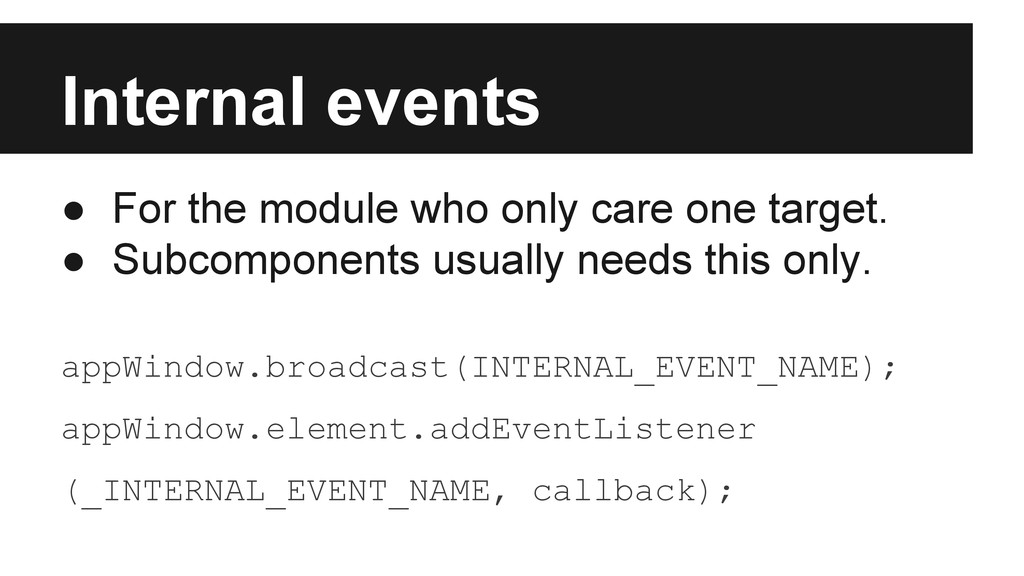
  21. Internal events • For the module who only care one

    target. • Subcomponents usually needs this only. appWindow.broadcast(INTERNAL_EVENT_NAME); appWindow.element.addEventListener (_INTERNAL_EVENT_NAME, callback);
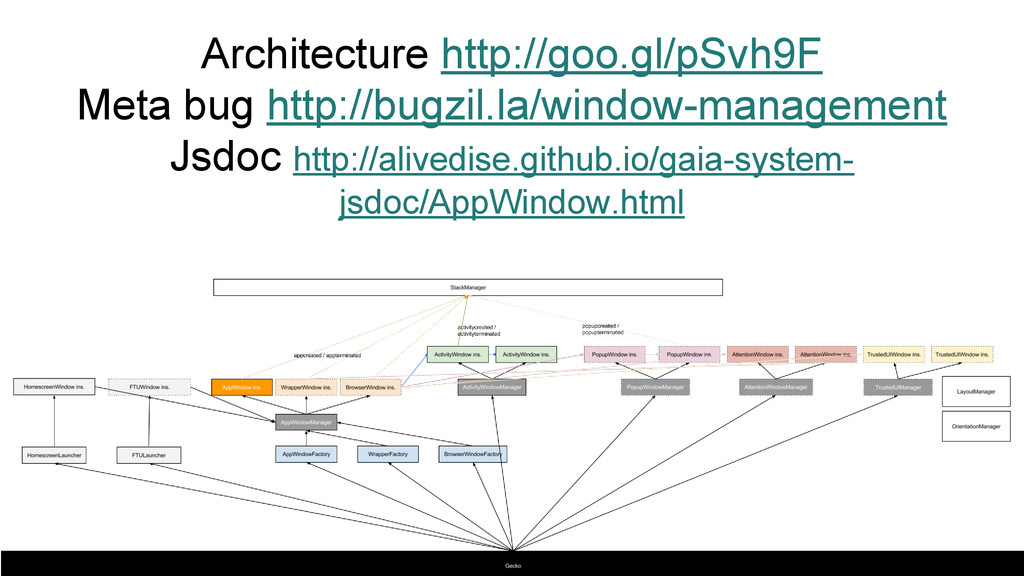
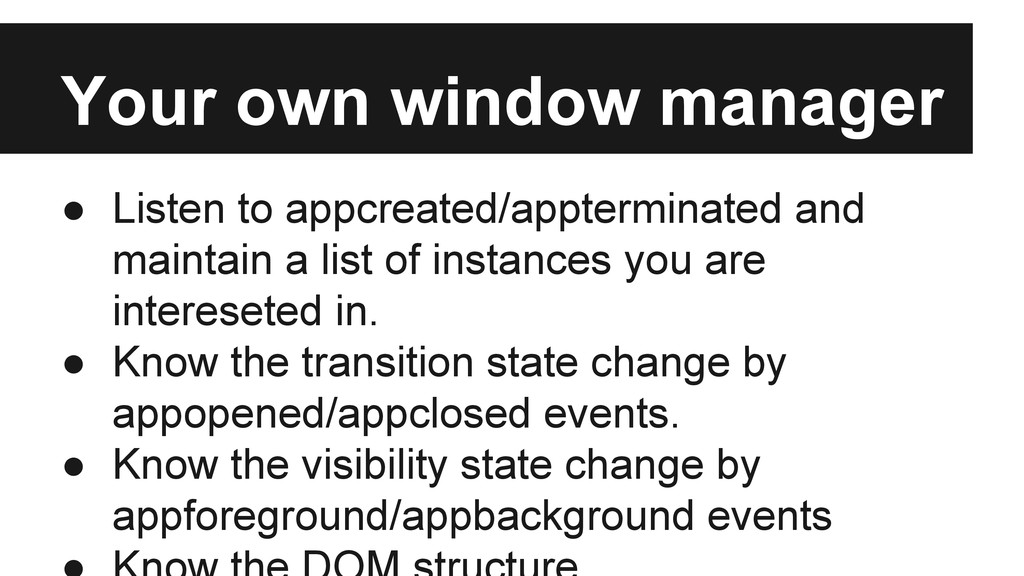
  22. Your own window manager • Listen to appcreated/appterminated and maintain

    a list of instances you are intereseted in. • Know the transition state change by appopened/appclosed events. • Know the visibility state change by appforeground/appbackground events
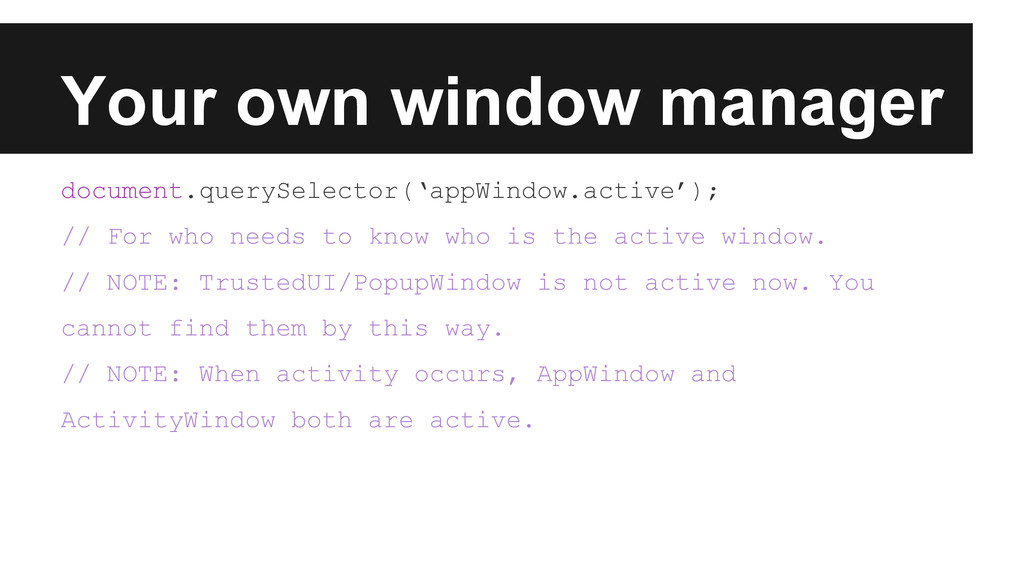
  23. Your own window manager document.querySelector(‘appWindow.active’); // For who needs to

    know who is the active window. // NOTE: TrustedUI/PopupWindow is not active now. You cannot find them by this way. // NOTE: When activity occurs, AppWindow and ActivityWindow both are active.
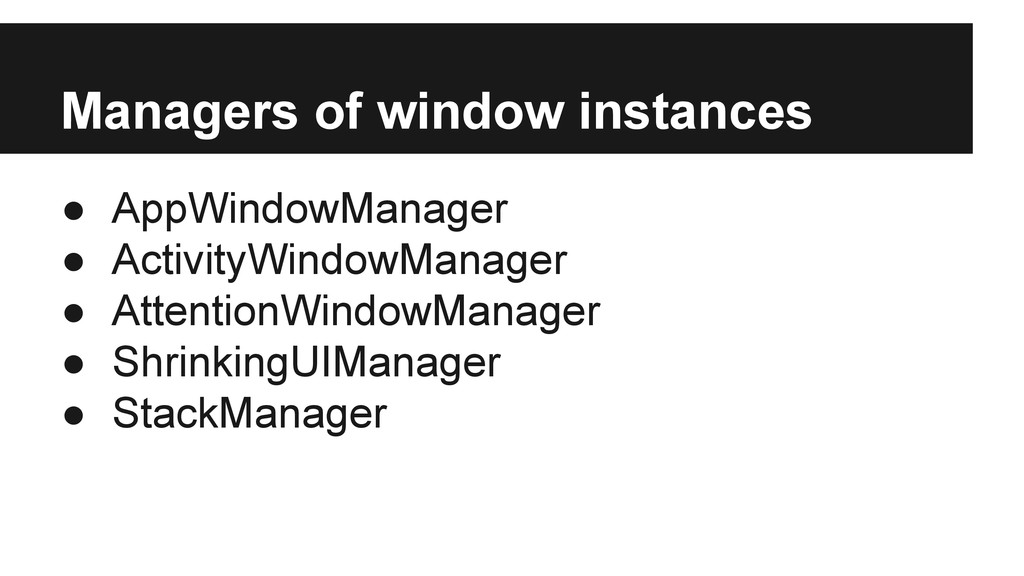
  24. AppWindowManager • Process open/close request from appWindow instances. • Redirect

    resize/visibility request from LayoutManager/VisibilityManager to active appWindow instance.
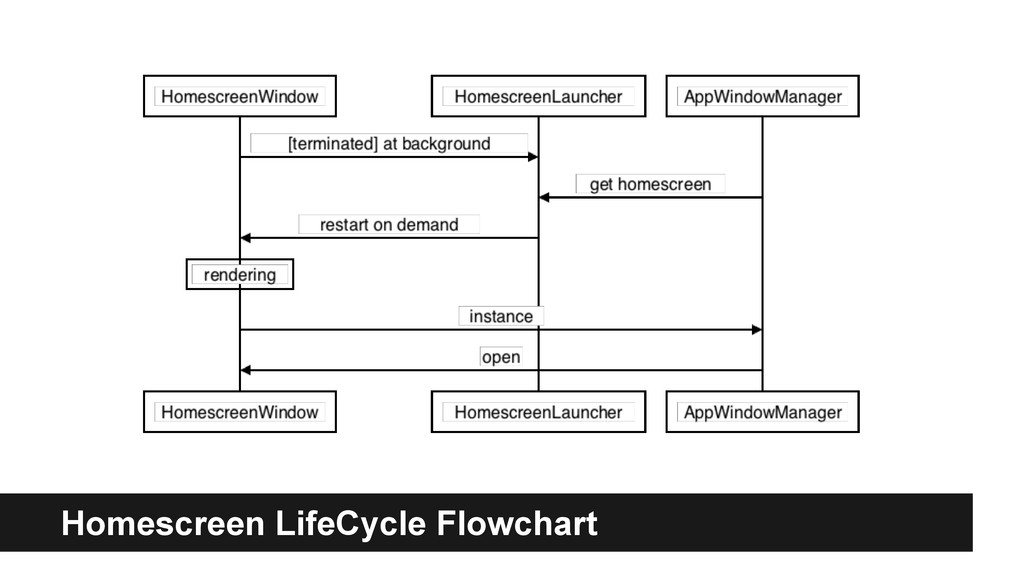
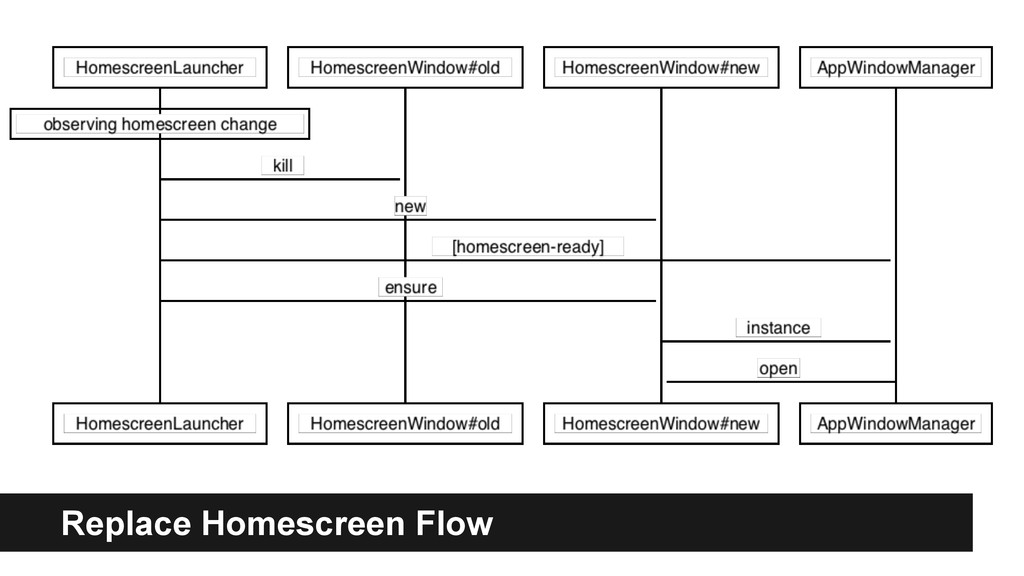
  25. HomescreenLauncher • Responsible to create HomescreenWindow instance and make sure

    it’s a singleton. • Virtualize homescreen getter for replacable homescrees HomescreenLauncher.getHomescreen() • Redirect requests to homescreen app.
  26. HomescreenWindow Different from appWindow • Singleton (controlled by HomescreenLauncher) •

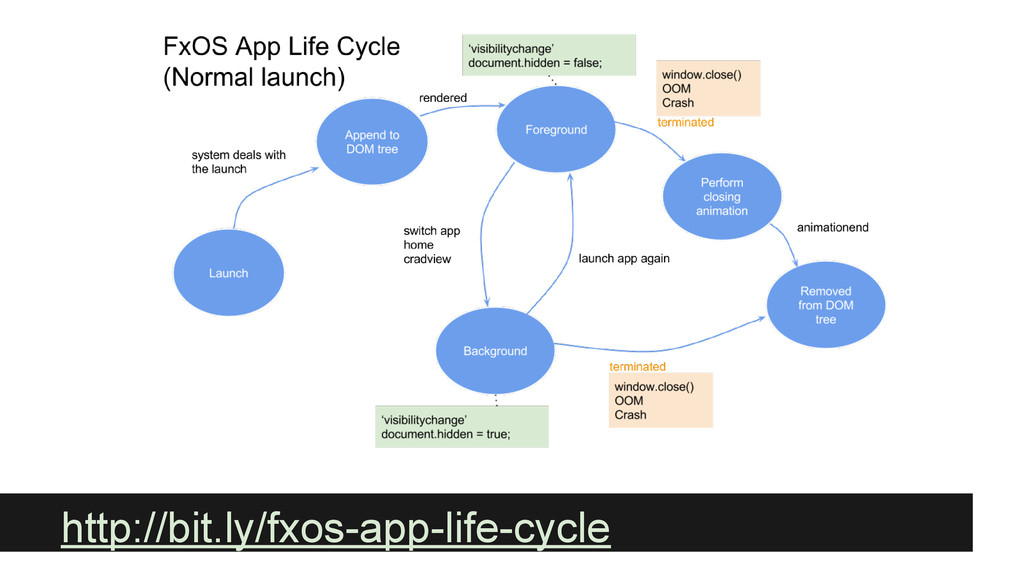
    External event name prefix • Life cycle management ◦ Restart on terminating at foreground ◦ Restart upon |homescreenopening| event.
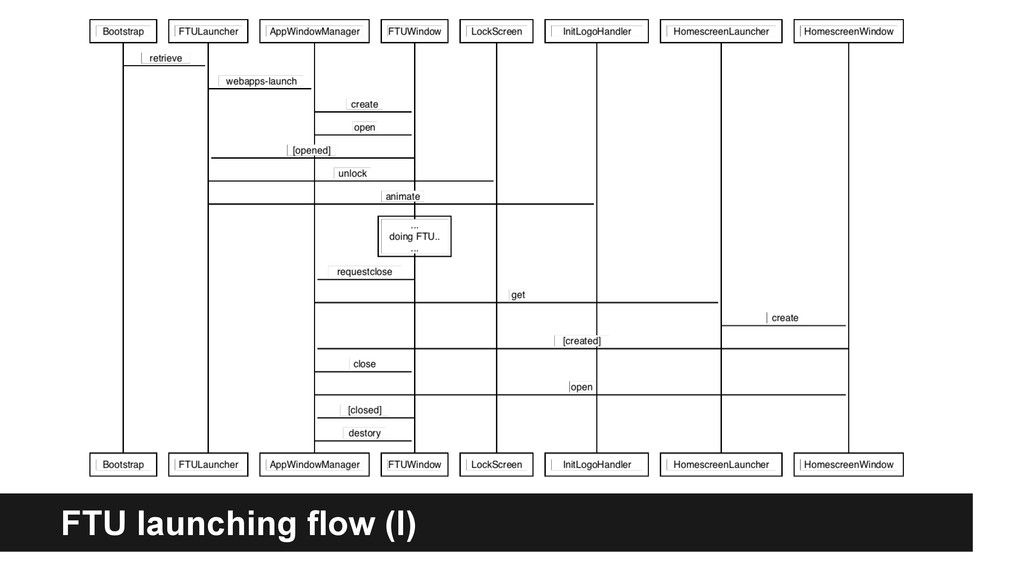
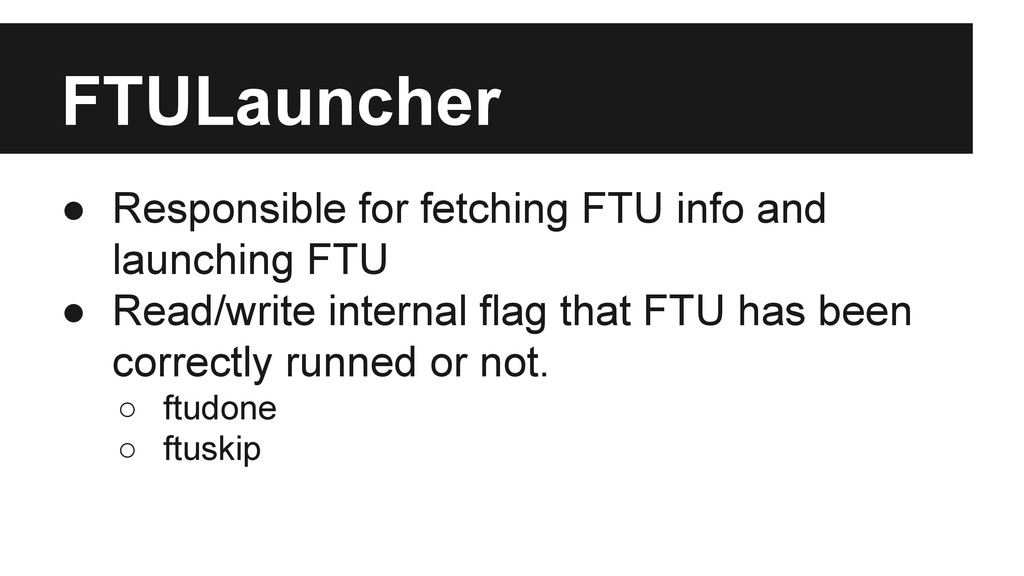
  27. FTULauncher • Responsible for fetching FTU info and launching FTU

    • Read/write internal flag that FTU has been correctly runned or not. ◦ ftudone ◦ ftuskip
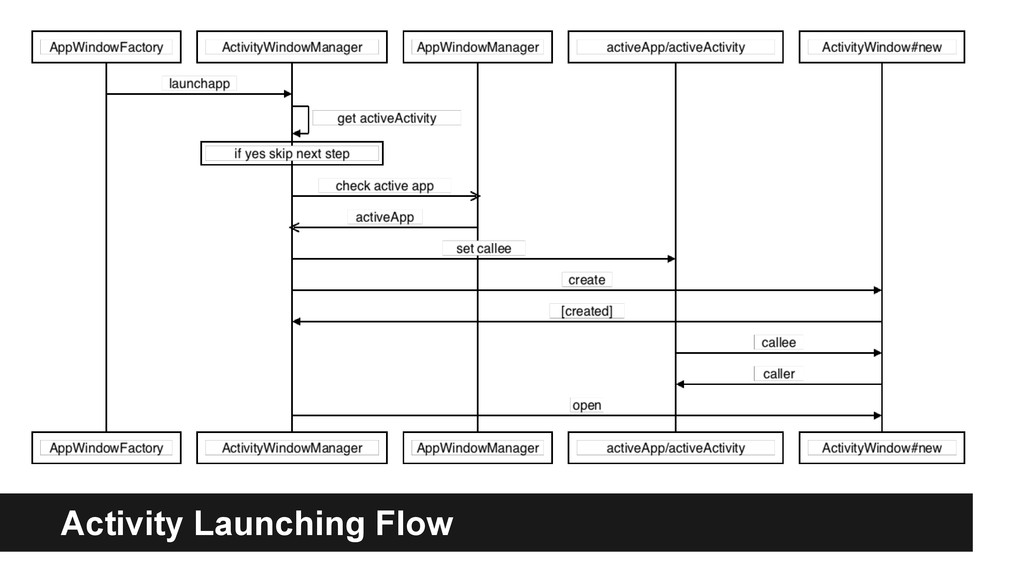
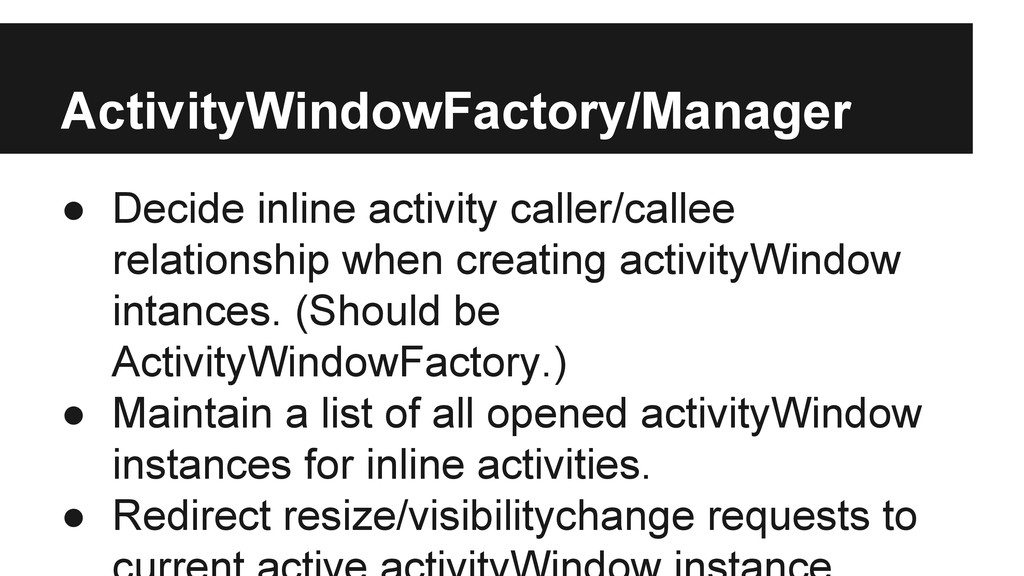
  28. ActivityWindowFactory/Manager • Decide inline activity caller/callee relationship when creating activityWindow

    intances. (Should be ActivityWindowFactory.) • Maintain a list of all opened activityWindow instances for inline activities. • Redirect resize/visibilitychange requests to
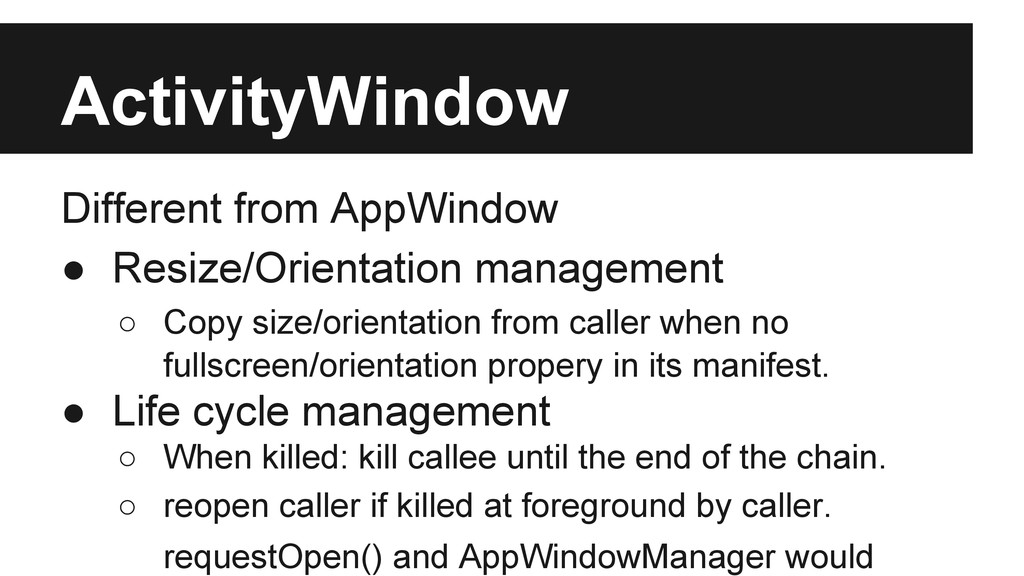
  29. ActivityWindow Different from AppWindow • Resize/Orientation management ◦ Copy size/orientation

    from caller when no fullscreen/orientation propery in its manifest. • Life cycle management ◦ When killed: kill callee until the end of the chain. ◦ reopen caller if killed at foreground by caller. requestOpen() and AppWindowManager would
  30. AppWindow Sub components var app = new AppWindow(); app.ModalDialog =

    new BrowserModalDialog(app); app.AuthDialog = new BrowserAuthDialog(app); app.ChromeUI = new BrowserChrome(app, config);
  31. WindowTransitionController • One of the AppWindow’s sub-component. • The one

    who really processes appWindow’s open/close transitions. • Publish opened/closed/opening/closing event on appWindow according to the state change of internal transition state machine. • TODO: move generic transitionstatechange
  32. What’s had been done 1. Screenshoting management (by appWindow itself

    instead of WindowManager) 2. Orientation management 3. Visibility management 4. HomescreenWindow + HomescreenLauncher 5. ActivityWindow + ActivityWindowFactory 6. AppWindowManager
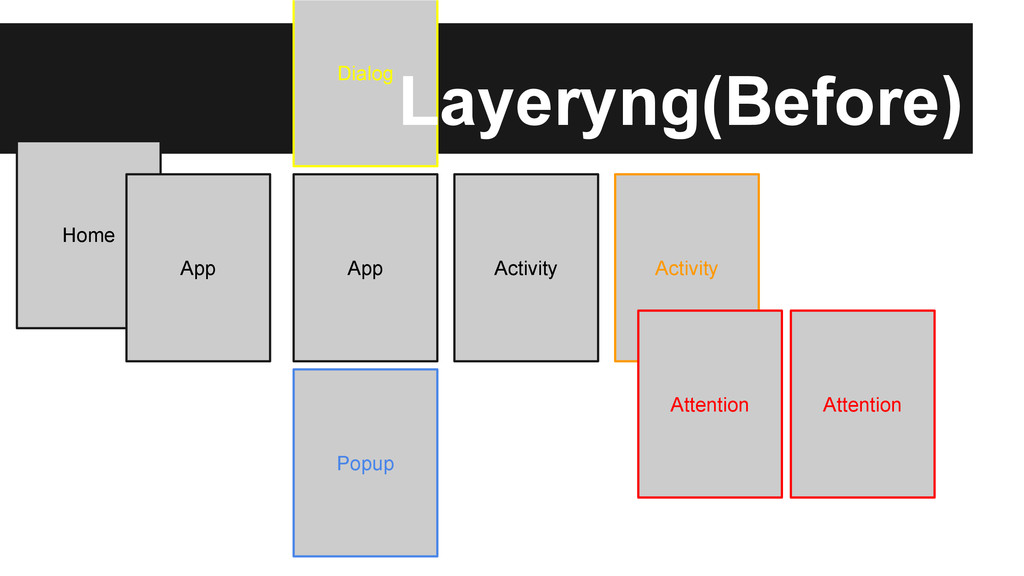
  33. What’s next? What’s left? 1. CardView - Reflection of app

    stacks 2. Swipe Gesture Improvement 3. BrowserWindow / PopupWindow / AttentionWindow 4. Enhance AppChrome for Haida 5. Release us from origin/manifestURL messy 6. …. see meta bugs.
  34. Origin hell • [Gaia] Most of the origin reference in

    gaia could be resolved once all UI components are moved inside AppWindow. • [Gecko] Plenty of mozChromeEvents are telling us who is the target by the manifestURL and/or origin, and this is wrong. ◦ How about an inline activity is asking geolocation permission? • Entry point is still a pain -- if we cannot get out of it we end up living with pageURL/manifestURL dirty mapping.
  35. Play with app transitions • Due to the incoming UX

    change I think what we have to do is define how we customize the transitions. • Transition/Animation are applied to whole appWindow instances • Transition/Animationa are defined in css with a single class. • The tasks we need to do before/after transitions are fixed. At least I hope so.
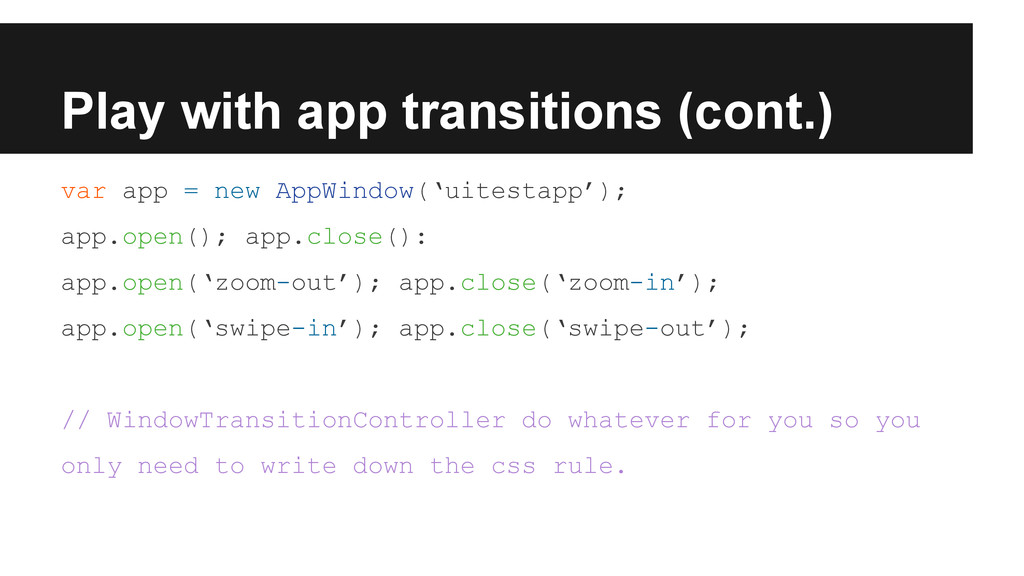
  36. Play with app transitions (cont.) var app = new AppWindow(‘uitestapp’);

    app.open(); app.close(): app.open(‘zoom-out’); app.close(‘zoom-in’); app.open(‘swipe-in’); app.close(‘swipe-out’); // WindowTransitionController do whatever for you so you only need to write down the css rule.
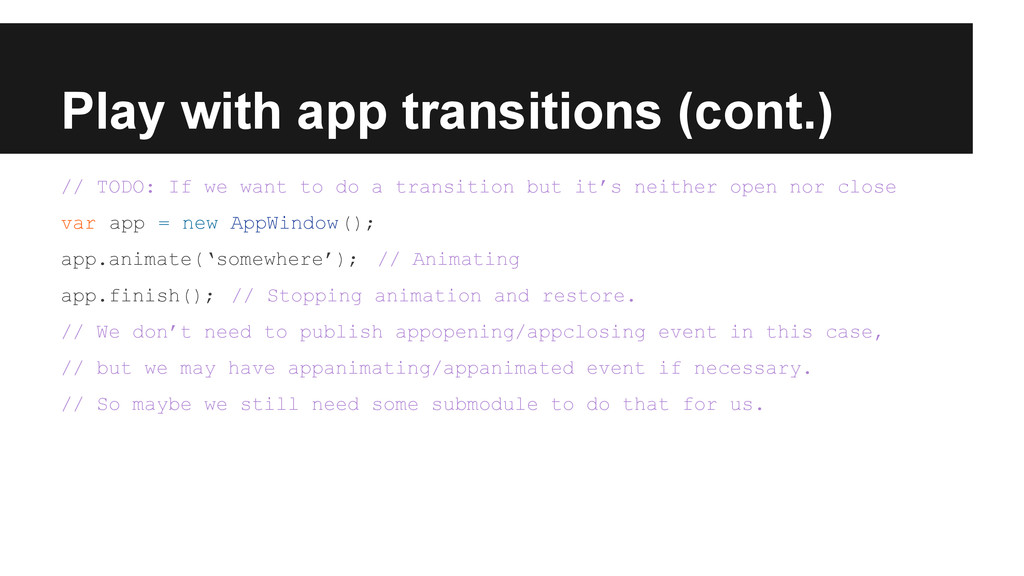
  37. Play with app transitions (cont.) // TODO: If we want

    to do a transition but it’s neither open nor close var app = new AppWindow(); app.animate(‘somewhere’); // Animating app.finish(); // Stopping animation and restore. // We don’t need to publish appopening/appclosing event in this case, // but we may have appanimating/appanimated event if necessary. // So maybe we still need some submodule to do that for us.
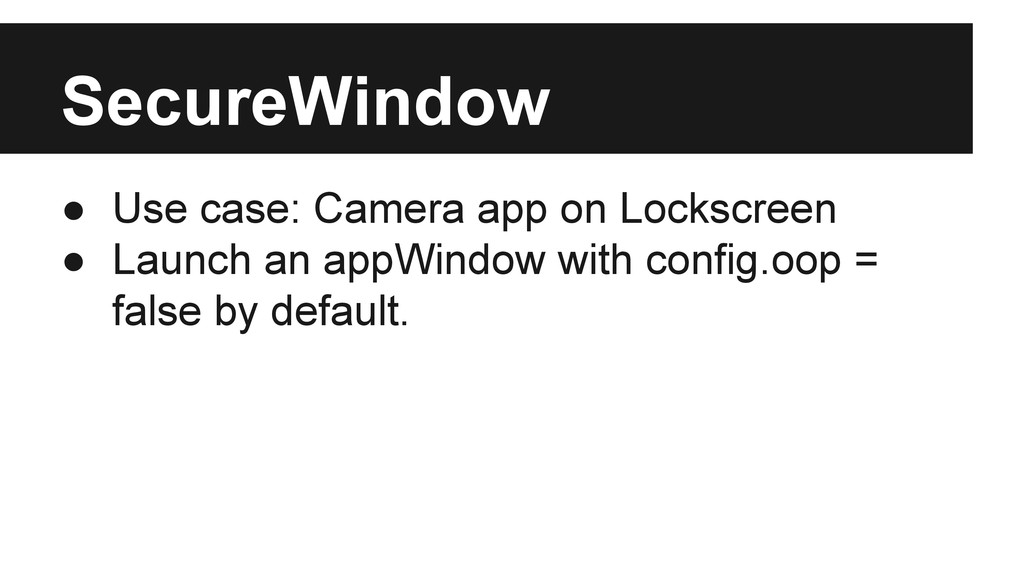
  38. SecureWindow • Use case: Camera app on Lockscreen • Launch

    an appWindow with config.oop = false by default.
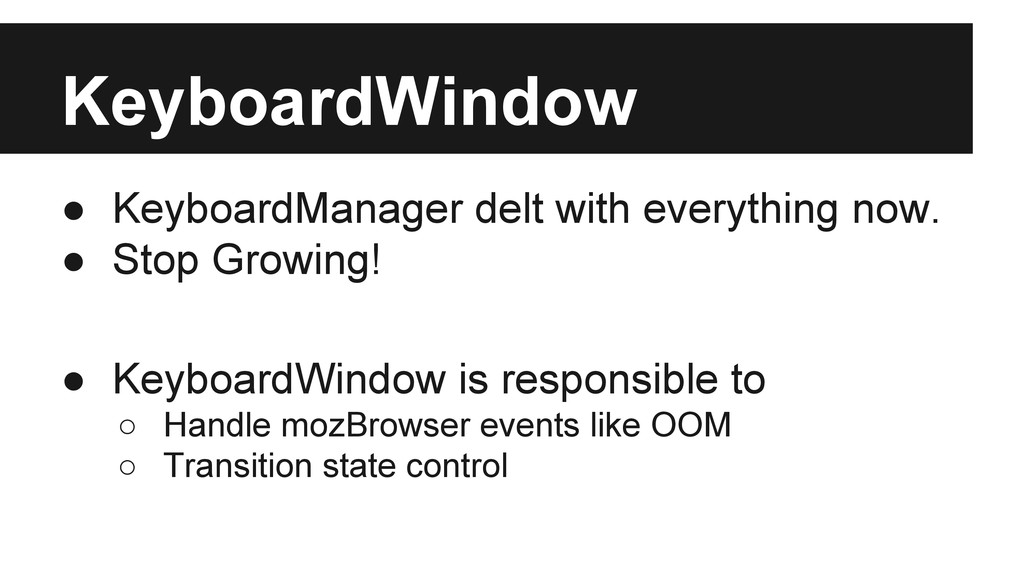
  39. KeyboardWindow • KeyboardManager delt with everything now. • Stop Growing!

    • KeyboardWindow is responsible to ◦ Handle mozBrowser events like OOM ◦ Transition state control
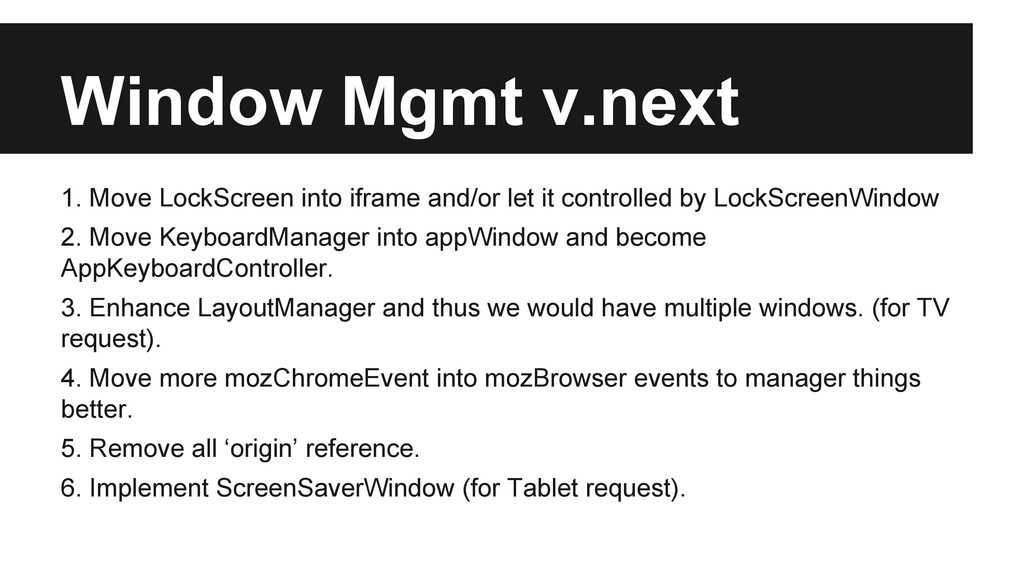
  40. Window Mgmt v.next 1. Move LockScreen into iframe and/or let

    it controlled by LockScreenWindow 2. Move KeyboardManager into appWindow and become AppKeyboardController. 3. Enhance LayoutManager and thus we would have multiple windows. (for TV request). 4. Move more mozChromeEvent into mozBrowser events to manager things better. 5. Remove all ‘origin’ reference. 6. Implement ScreenSaverWindow (for Tablet request).