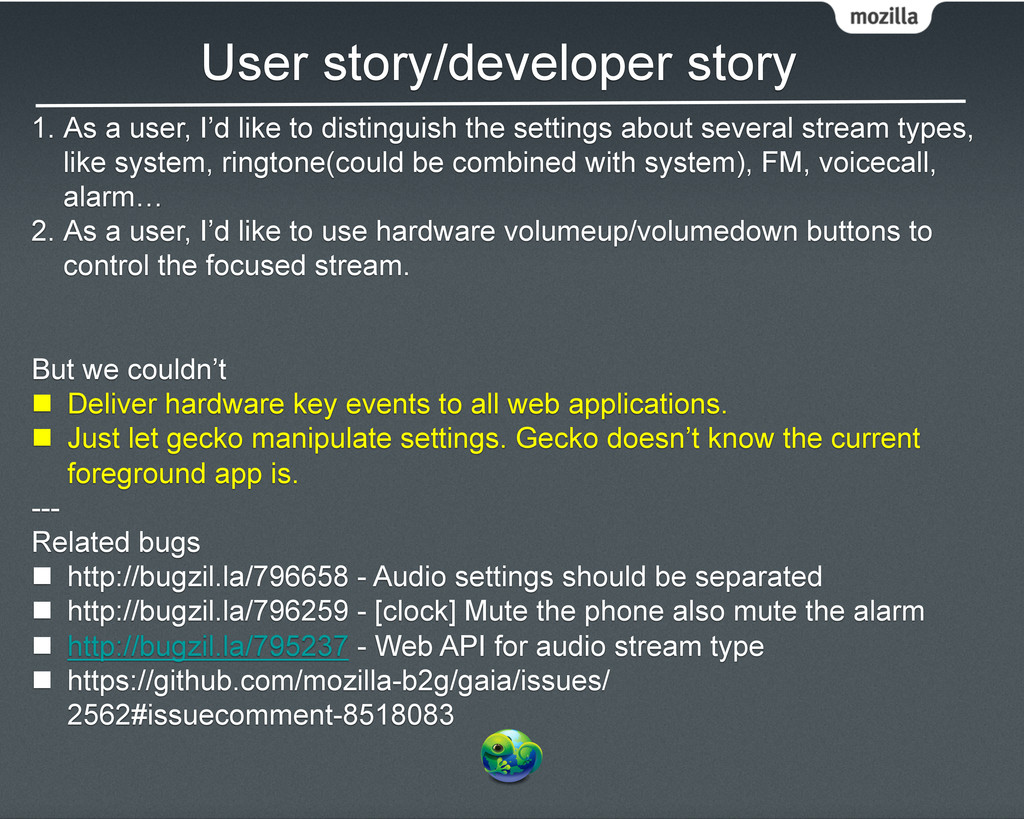
distinguish the settings about several stream types, like system, ringtone(could be combined with system), FM, voicecall, alarm… 2. As a user, I’d like to use hardware volumeup/volumedown buttons to control the focused stream. But we couldn’t n Deliver hardware key events to all web applications. n Just let gecko manipulate settings. Gecko doesn’t know the current foreground app is. --- Related bugs n http://bugzil.la/796658 - Audio settings should be separated n http://bugzil.la/796259 - [clock] Mute the phone also mute the alarm n http://bugzil.la/795237 - Web API for audio stream type n https://github.com/mozilla-b2g/gaia/issues/ 2562#issuecomment-8518083
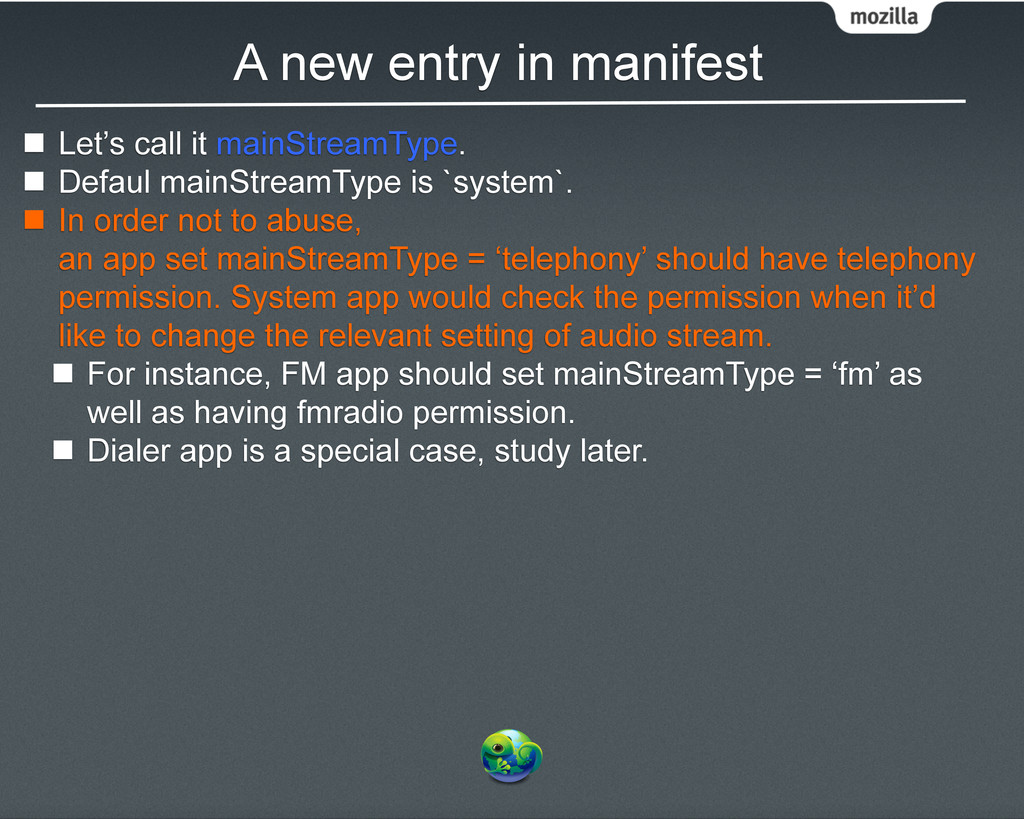
n Defaul mainStreamType is `system`. n In order not to abuse, an app set mainStreamType = ‘telephony’ should have telephony permission. System app would check the permission when it’d like to change the relevant setting of audio stream. n For instance, FM app should set mainStreamType = ‘fm’ as well as having fmradio permission. n Dialer app is a special case, study later.
the foreground app. n Whenever the user presses the hardware volume buttons, Sound Manager in System app would check the mainStreamType of focused app, including attention screen, to set to the right settings. n An app may use 2 more kind of audio streams. But we only change to its focused stream when its foreground.
FM set mainStreamType = ‘fm’, permissions = ‘fmradio’ in it manifast. n When the user opens FM and then presses the volumeup/ volumedown buttons, Sound Manager in system app changes the settings of `audio.volume.fm`.
Dialer contains n Keypad tone(system stream) n Ringtone(system stream) n Voice(voice stream) n It doesn’t need to claim mainStreamType, which implies is default(system). n Sound Manager would detect the calling state of the phone. n On call: adjust voice volume settings. n Not on a call: adjust system volume settings.
claim because its default. n Hardware volume buttons does change system volume as usual when music app is in foreground. n For those who doesn’t set mainStreamType in their manifest, the Sound Manager works as usual, just change the volume of system stream.
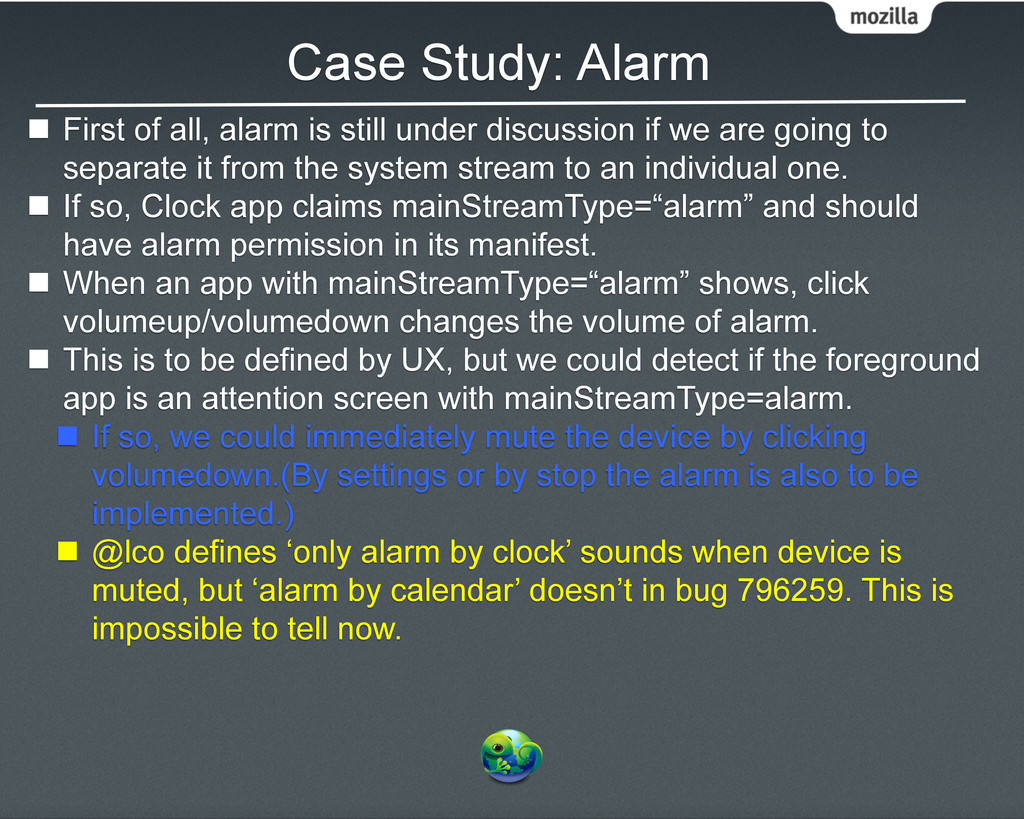
under discussion if we are going to separate it from the system stream to an individual one. n If so, Clock app claims mainStreamType=“alarm” and should have alarm permission in its manifest. n When an app with mainStreamType=“alarm” shows, click volumeup/volumedown changes the volume of alarm. n This is to be defined by UX, but we could detect if the foreground app is an attention screen with mainStreamType=alarm. n If so, we could immediately mute the device by clicking volumedown.(By settings or by stop the alarm is also to be implemented.) n @lco defines ‘only alarm by clock’ sounds when device is muted, but ‘alarm by calendar’ doesn’t in bug 796259. This is impossible to tell now.
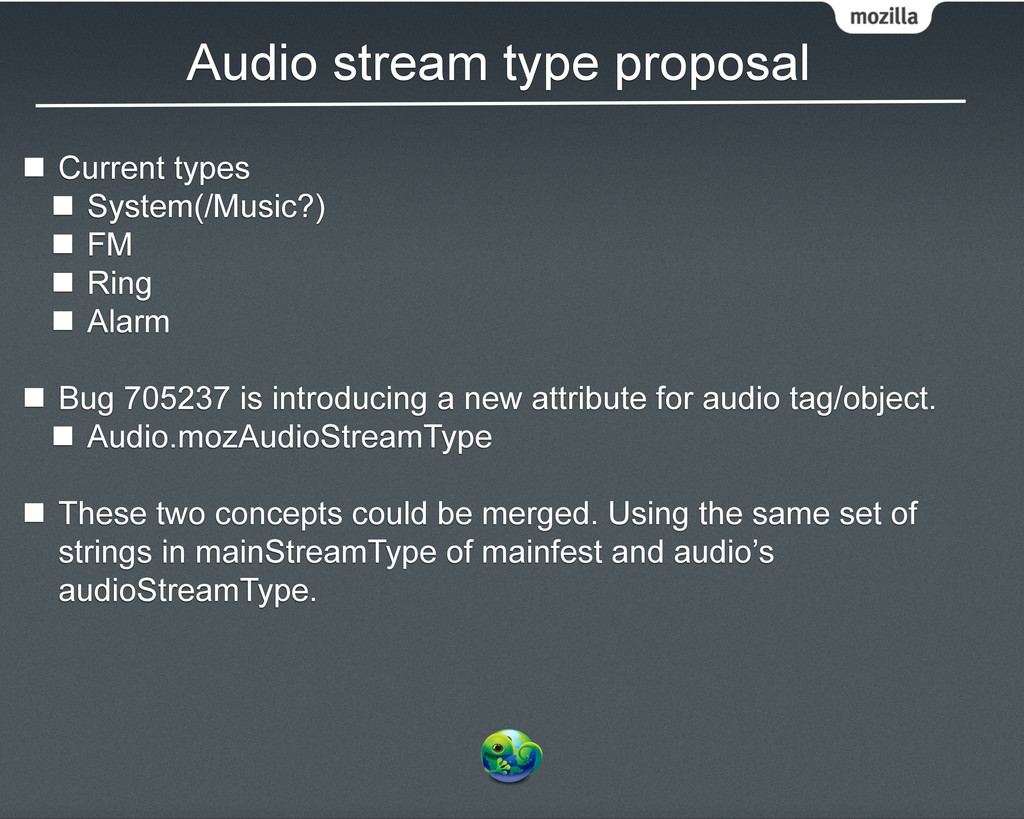
FM n Ring n Alarm n Bug 705237 is introducing a new attribute for audio tag/object. n Audio.mozAudioStreamType n These two concepts could be merged. Using the same set of strings in mainStreamType of mainfest and audio’s audioStreamType.
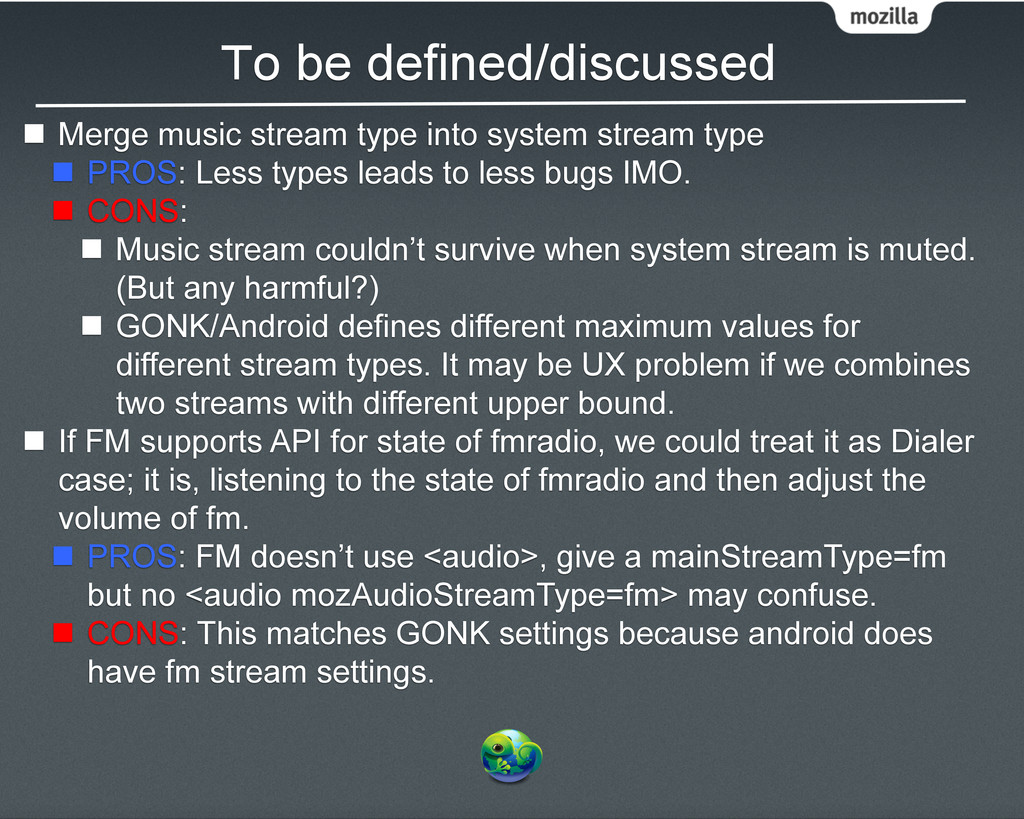
stream type n PROS: Less types leads to less bugs IMO. n CONS: n Music stream couldn’t survive when system stream is muted. (But any harmful?) n GONK/Android defines different maximum values for different stream types. It may be UX problem if we combines two streams with different upper bound. n If FM supports API for state of fmradio, we could treat it as Dialer case; it is, listening to the state of fmradio and then adjust the volume of fm. n PROS: FM doesn’t use <audio>, give a mainStreamType=fm but no <audio mozAudioStreamType=fm> may confuse. n CONS: This matches GONK settings because android does have fm stream settings.
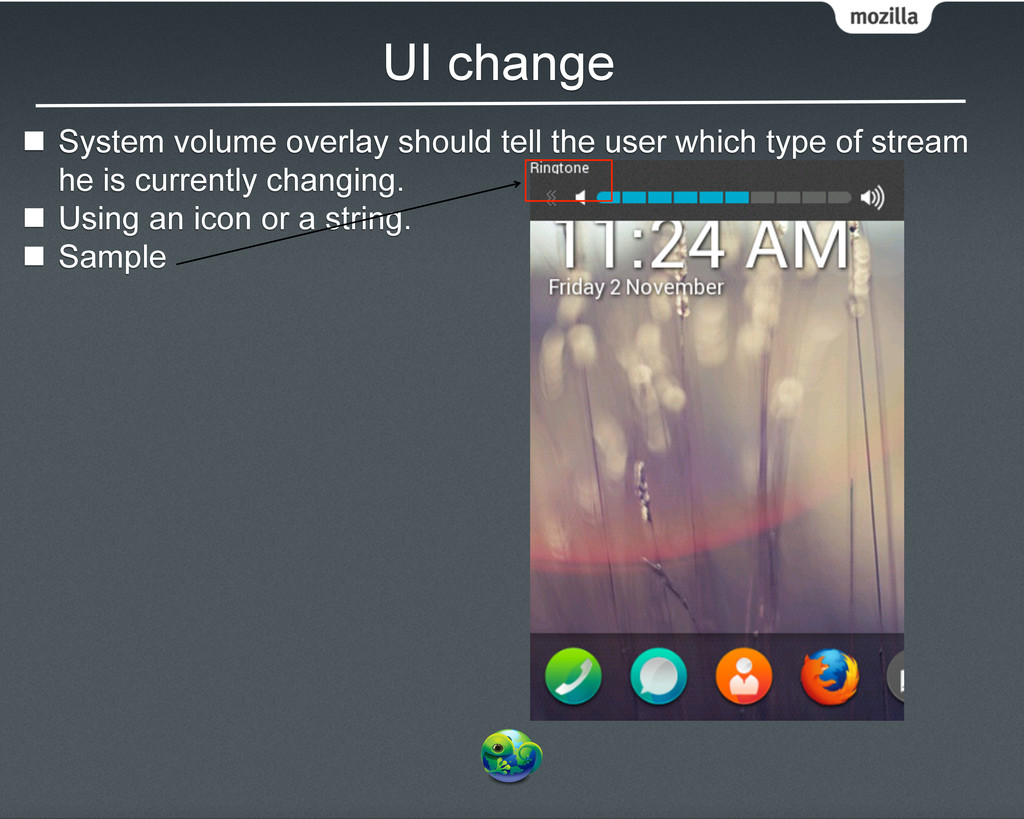
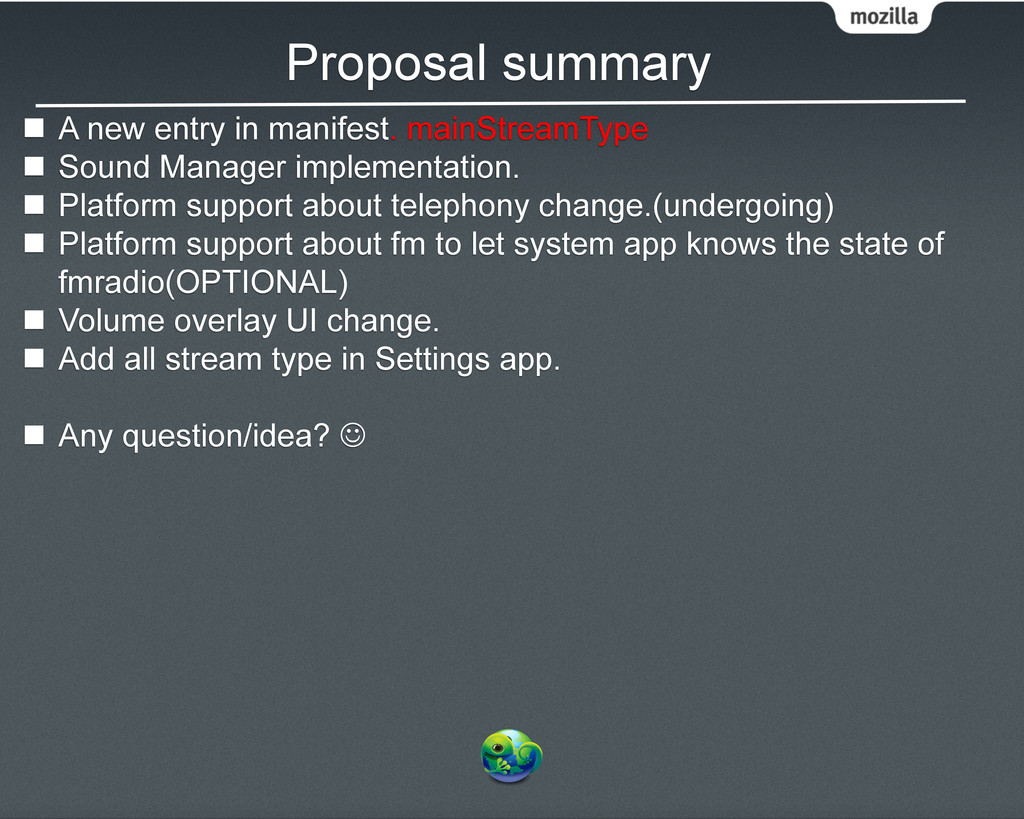
Sound Manager implementation. n Platform support about telephony change.(undergoing) n Platform support about fm to let system app knows the state of fmradio(OPTIONAL) n Volume overlay UI change. n Add all stream type in Settings app. n Any question/idea? J


 alivedise
 yu23ki14
 tomokusaba
 mohab1
 pfn
pfn
 occhi
occhi
 shuta13
 daidaidai
 greenmidori
 jtakeda
 kzkhykw1991
 genda
genda
 kakehashi
 pedronauck
 zakiyama
 axbom
axbom
 uxyall
 tammyeverts
 maltzj
 kimpetersen
 garrettdimon
 cassininazir
 tanoku
 reverentgeek
![Audio Stream Settings (Proposal in Gaia) [email protected] [email protected] [email protected] [email protected]](https://files.speakerdeck.com/presentations/e77e4870d5d70130ea8666ea2df61d46/slide_0.jpg)