while taking the CKS exam • Even if you’re familiar with Kubernetes security, there are surprisingly few opportunities to learn about it in a systematic way • I hope this will give you the confidence to think, “Oh, so knowing this much is enough,” and serve as an opportunity to fill in any gaps in your knowledge • I'm not a security professional🙏
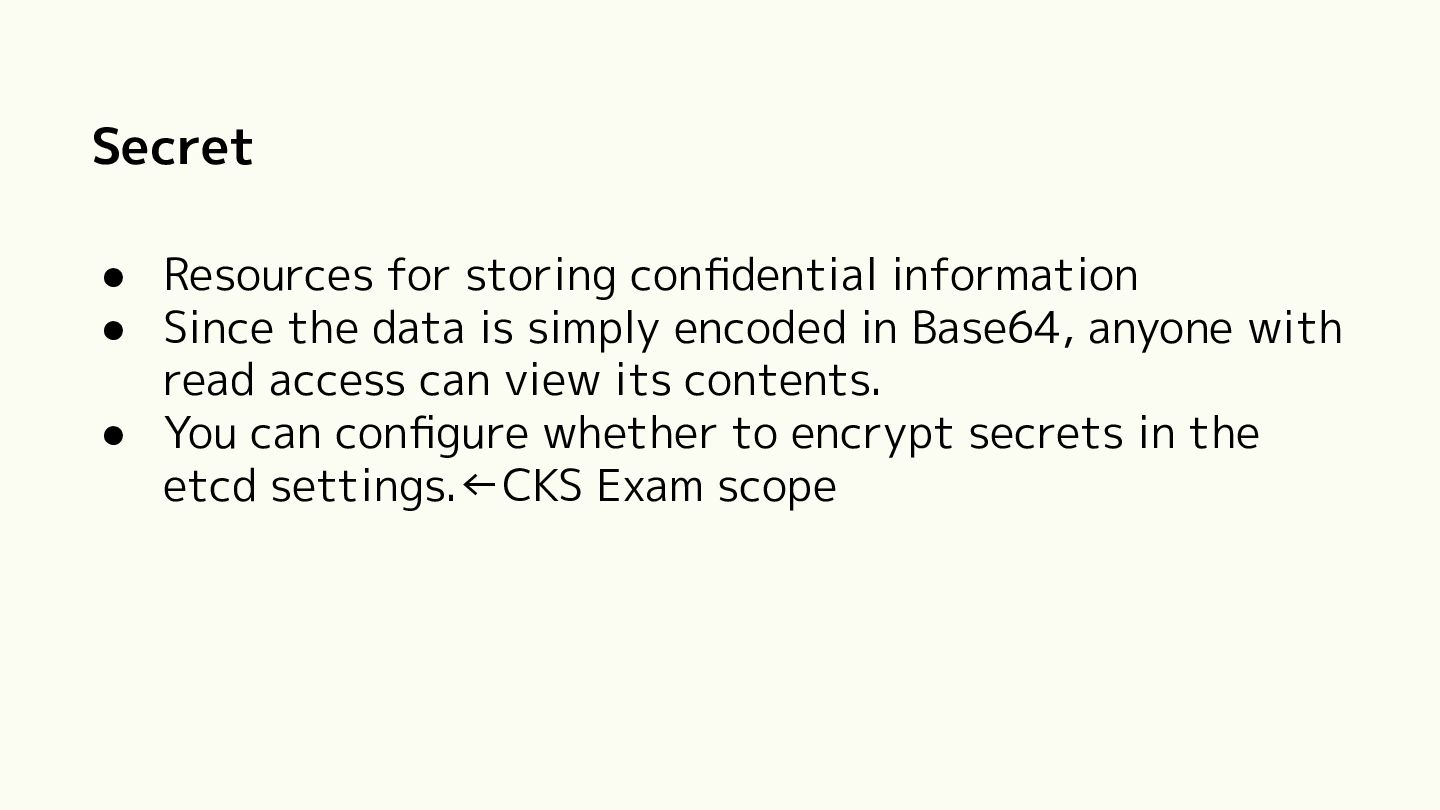
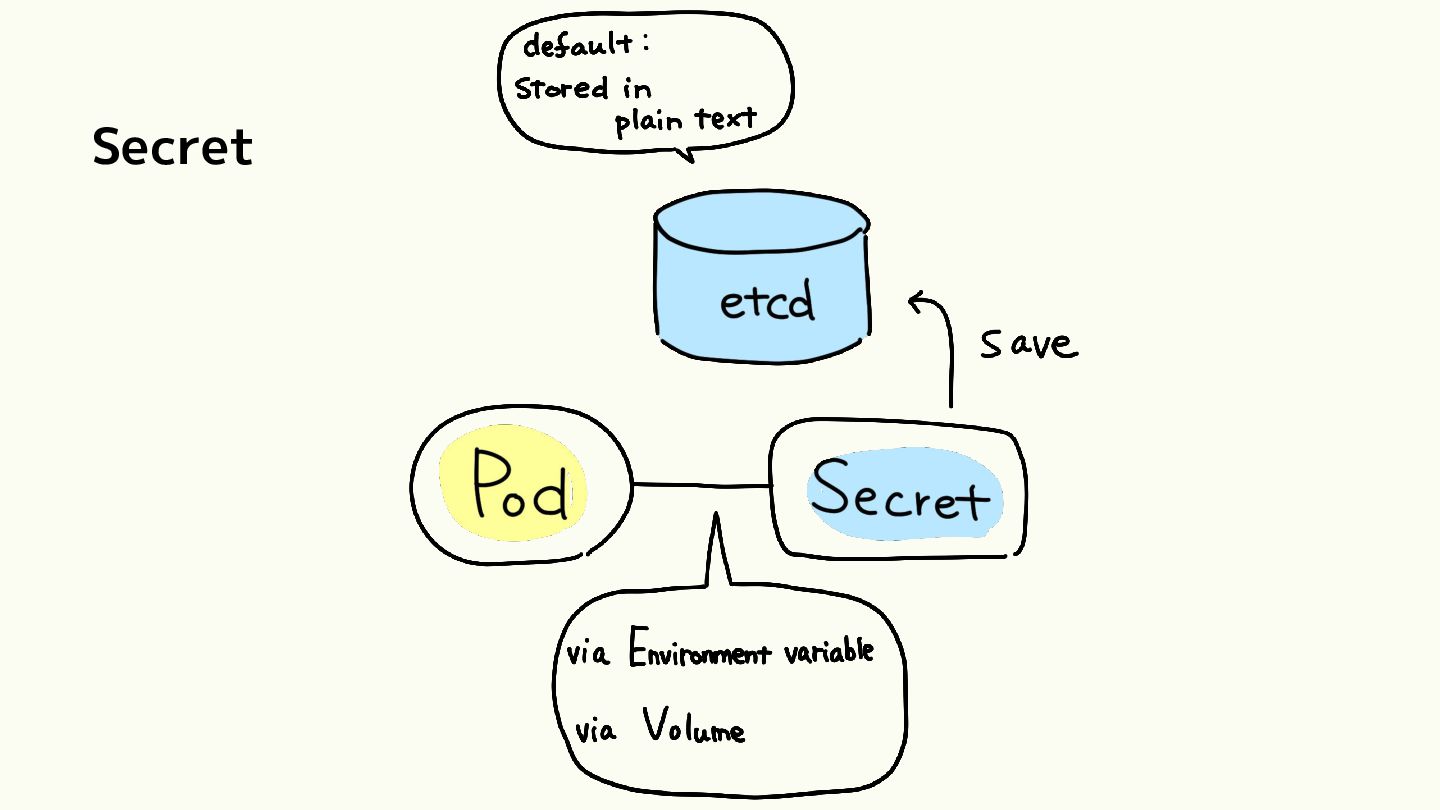
data is simply encoded in Base64, anyone with read access can view its contents. • You can configure whether to encrypt secrets in the etcd settings.←CKS Exam scope
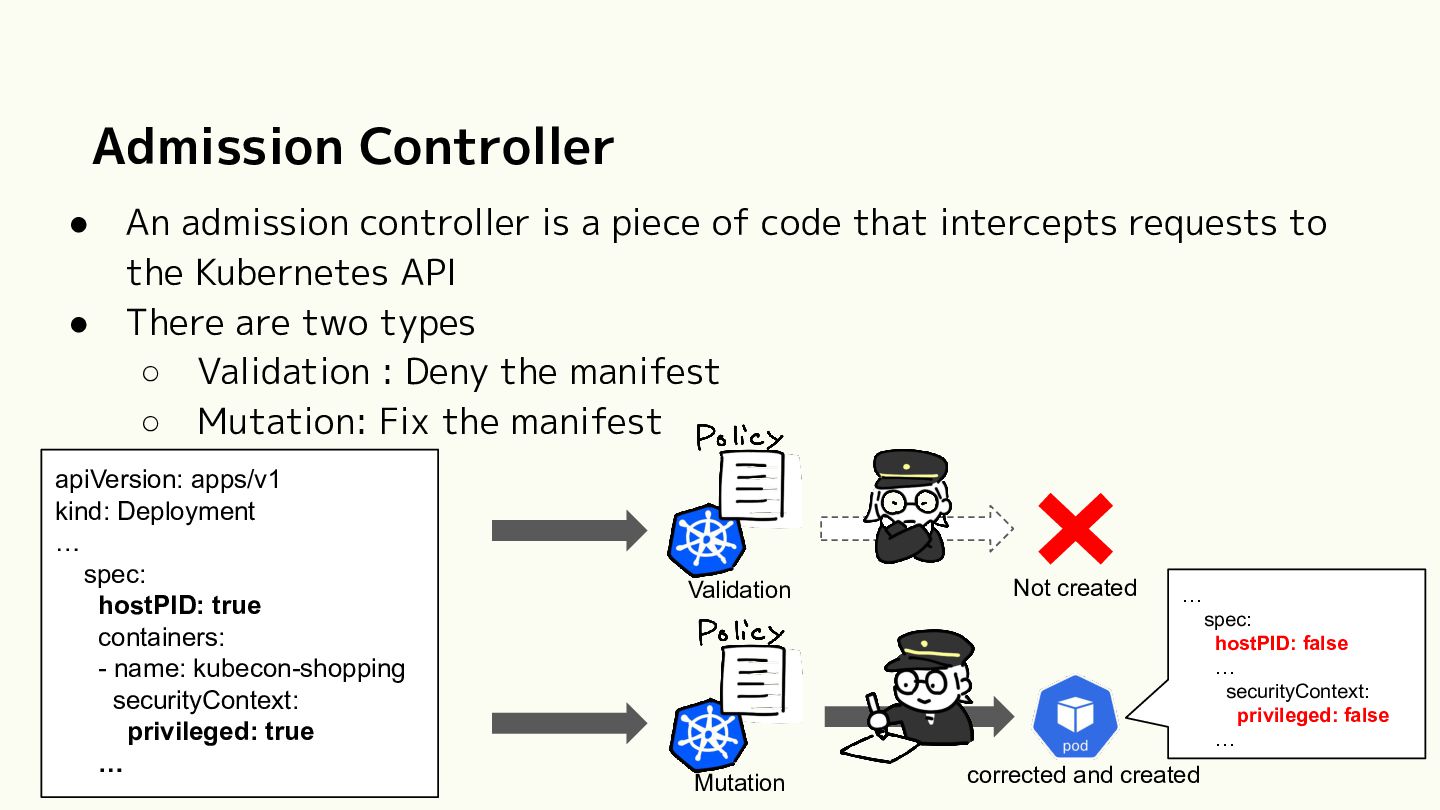
of code that intercepts requests to the Kubernetes API There are two types ◦ Validation : Deny the manifest ◦ Mutation: Fix the manifest apiVersion: apps/v1 kind: Deployment … spec: hostPID: true containers: - name: kubecon-shopping securityContext: privileged: true … Validation Not created … spec: hostPID: false … securityContext: privileged: false … Mutation corrected and created
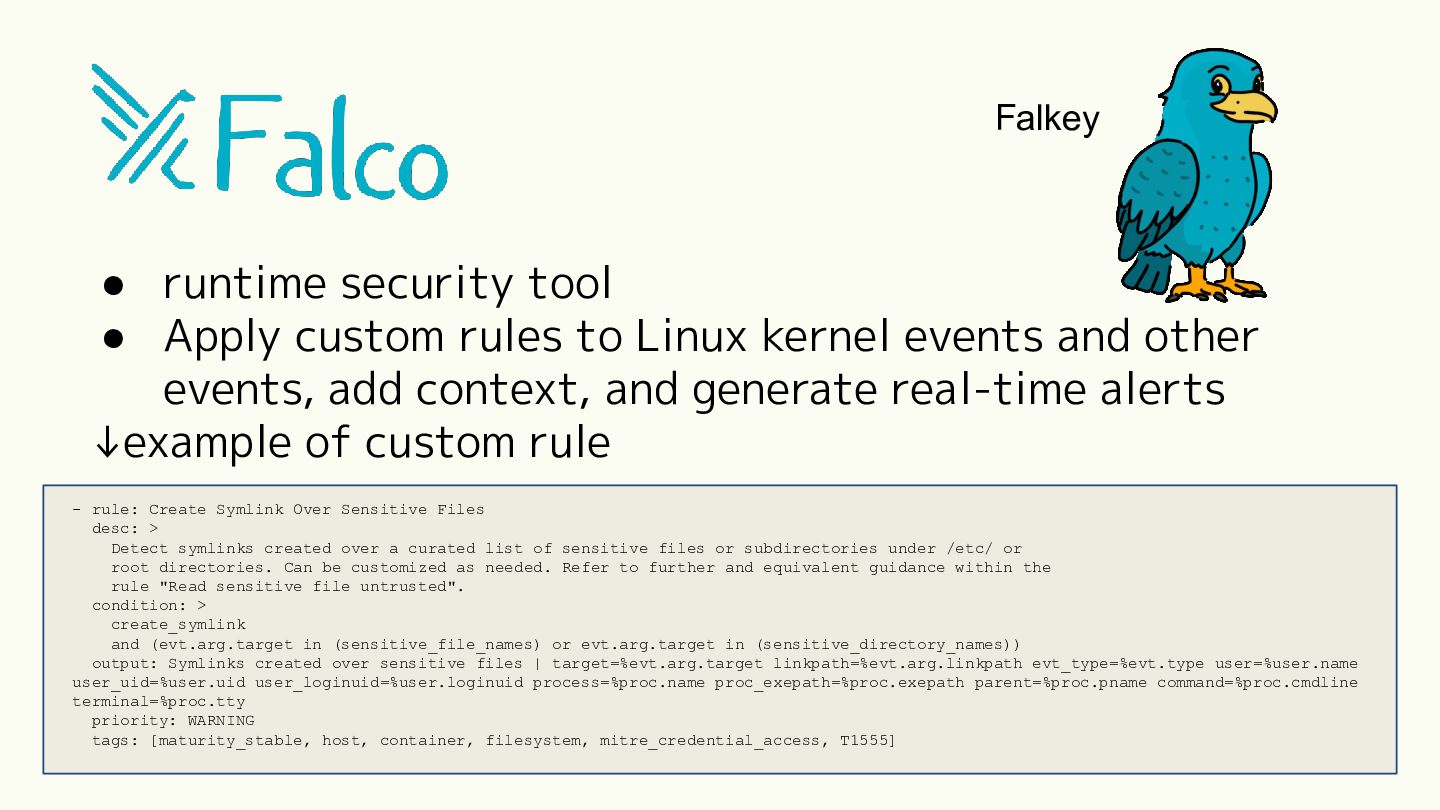
Linux kernel events and other events, add context, and generate real-time alerts ↓example of custom rule - rule: Create Symlink Over Sensitive Files desc: > Detect symlinks created over a curated list of sensitive files or subdirectories under /etc/ or root directories. Can be customized as needed. Refer to further and equivalent guidance within the rule "Read sensitive file untrusted". condition: > create_symlink and (evt.arg.target in (sensitive_file_names) or evt.arg.target in (sensitive_directory_names)) output: Symlinks created over sensitive files | target=%evt.arg.target linkpath=%evt.arg.linkpath evt_type=%evt.type user=%user.name user_uid=%user.uid user_loginuid=%user.loginuid process=%proc.name proc_exepath=%proc.exepath parent=%proc.pname command=%proc.cmdline terminal=%proc.tty priority: WARNING tags: [maturity_stable, host, container, filesystem, mitre_credential_access, T1555]
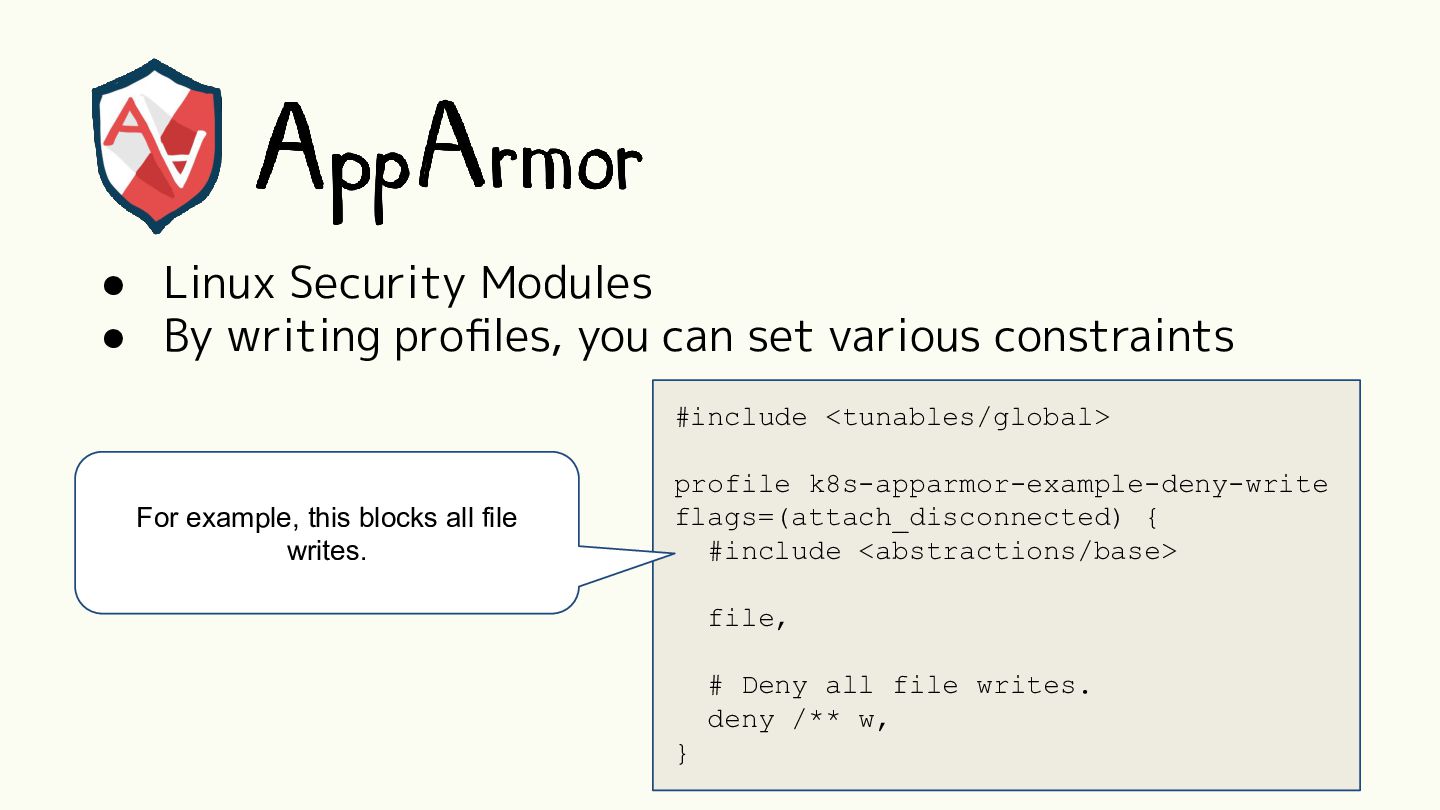
set various constraints #include <tunables/global> For example, this blocks all file writes. profile k8s-apparmor-example-deny-write flags=(attach_disconnected) { #include <abstractions/base> file, # Deny all file writes. deny /** w, }


 aoi1
 shift_evolve
 kworkdev
 soracom
 torounit
 toshi_atsumi
 masu_mi
 ryo_kawamata
 hotchpotch
 ballas_inc
 amixedcolor
 teamlab
 yusukeshimizu
 marktimemedia
 ks91
 marcduiker
 cargoodrich
 nonsquared
 mkilby
 aki_iinuma
 iamctodd
 kevinliebholz
 caitiem20
 jacobian
 bcantrill