Upgrade to Pro — share decks privately, control downloads, hide ads and more …

yo mama

yo mama

yolo

Avatar for @_yo_mama_house69

@_yo_mama_house69

December 10, 2014

Other Decks in Education

Transcript

  1. Directions  Use this PowerPoint to answer the Selection Tools

    Notes  When it says “Looks like” you can either draw it or write in words what it looks like
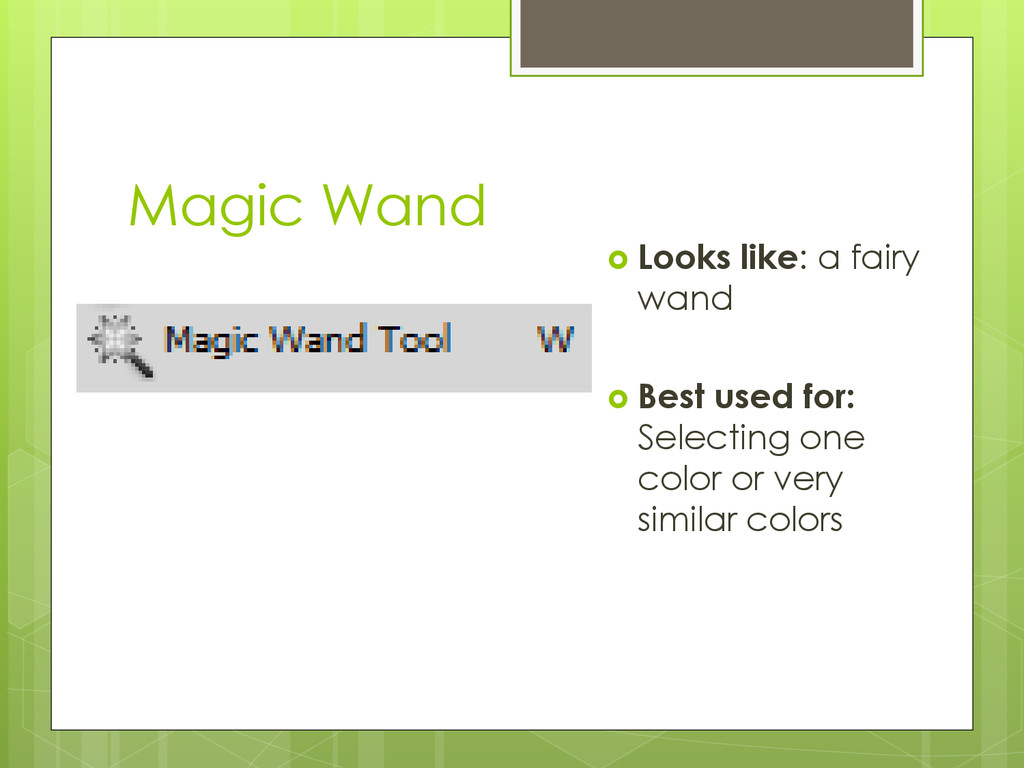
  2. Magic Wand  Looks like: a fairy wand  Best

    used for: Selecting one color or very similar colors
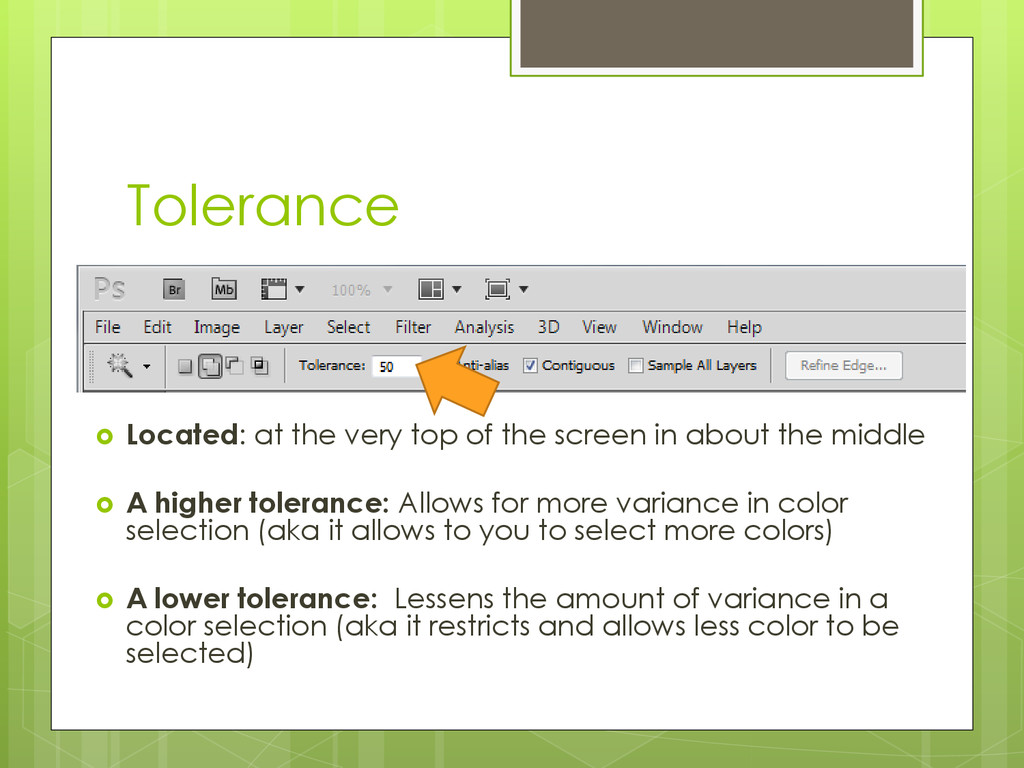
  3. Tolerance  Located: at the very top of the screen

    in about the middle  A higher tolerance: Allows for more variance in color selection (aka it allows to you to select more colors)  A lower tolerance: Lessens the amount of variance in a color selection (aka it restricts and allows less color to be selected)
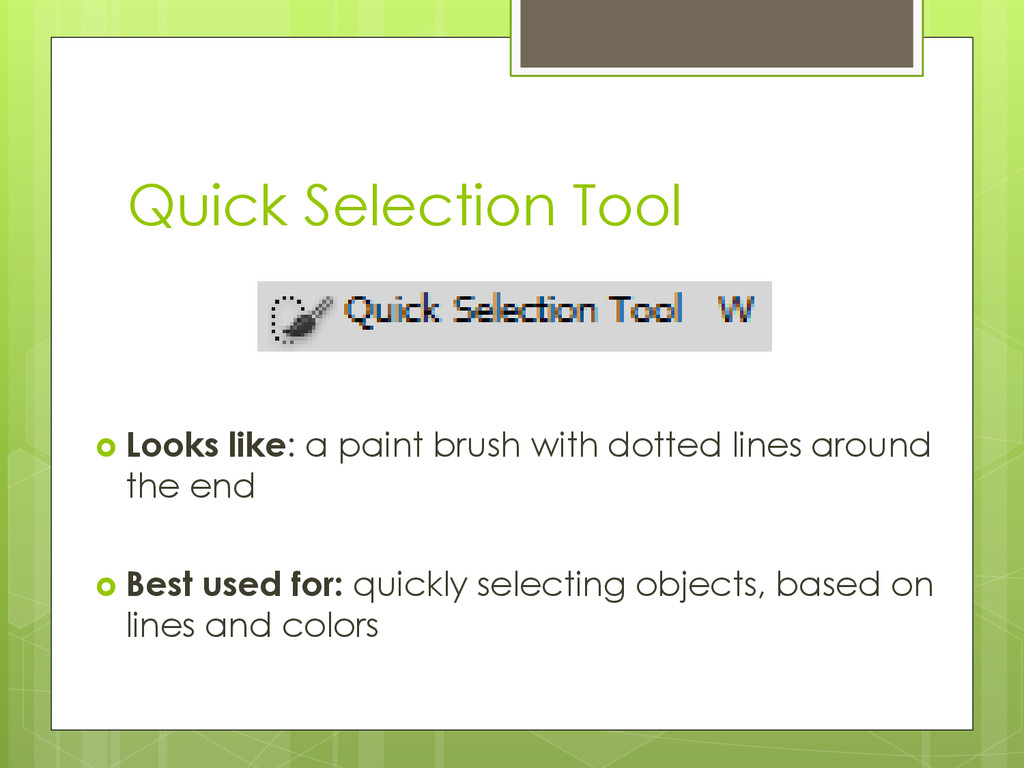
  4. Quick Selection Tool  Looks like: a paint brush with

    dotted lines around the end  Best used for: quickly selecting objects, based on lines and colors
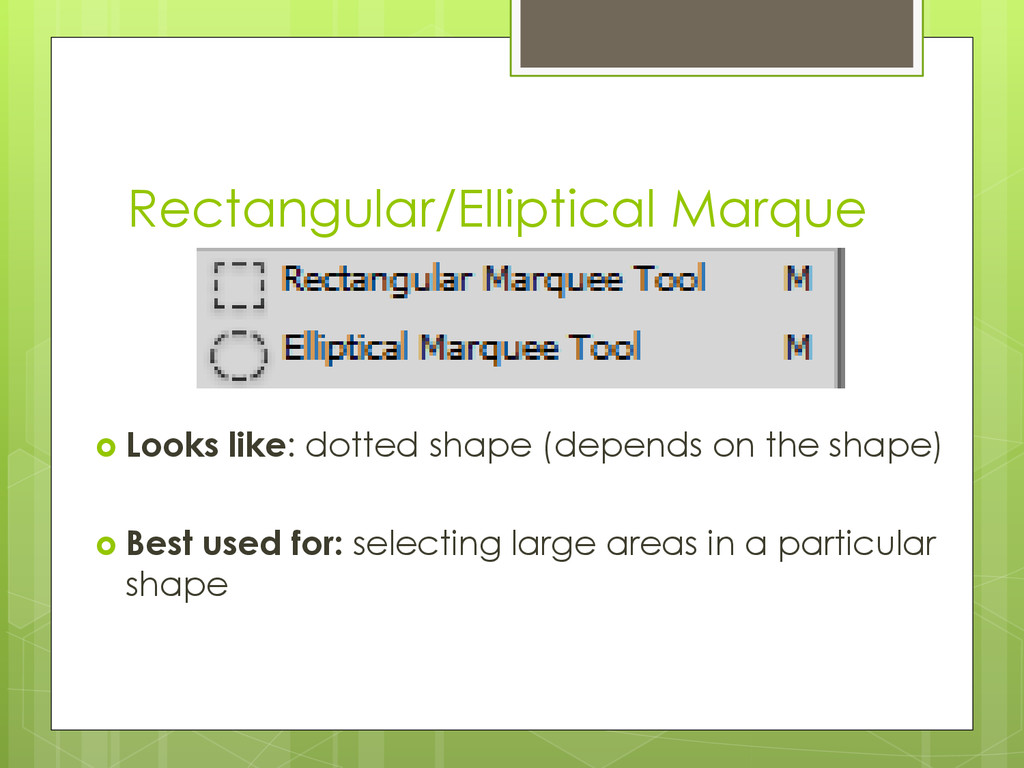
  5. Rectangular/Elliptical Marque  Looks like: dotted shape (depends on the

    shape)  Best used for: selecting large areas in a particular shape
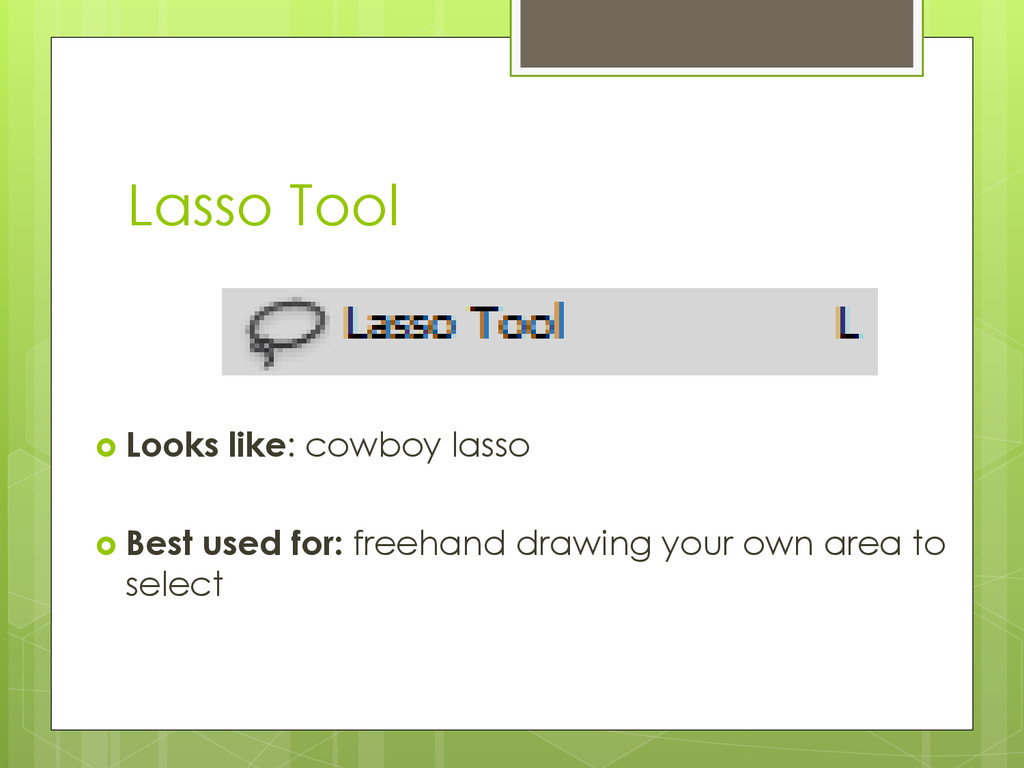
  6. Lasso Tool  Looks like: cowboy lasso  Best used

    for: freehand drawing your own area to select
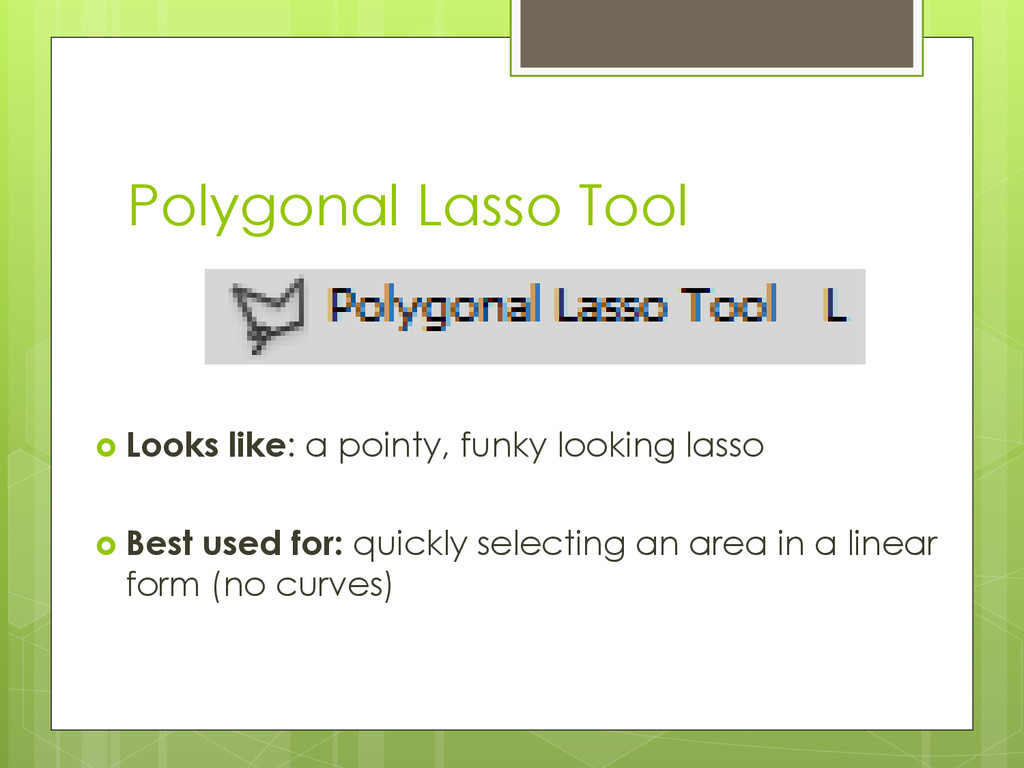
  7. Polygonal Lasso Tool  Looks like: a pointy, funky looking

    lasso  Best used for: quickly selecting an area in a linear form (no curves)
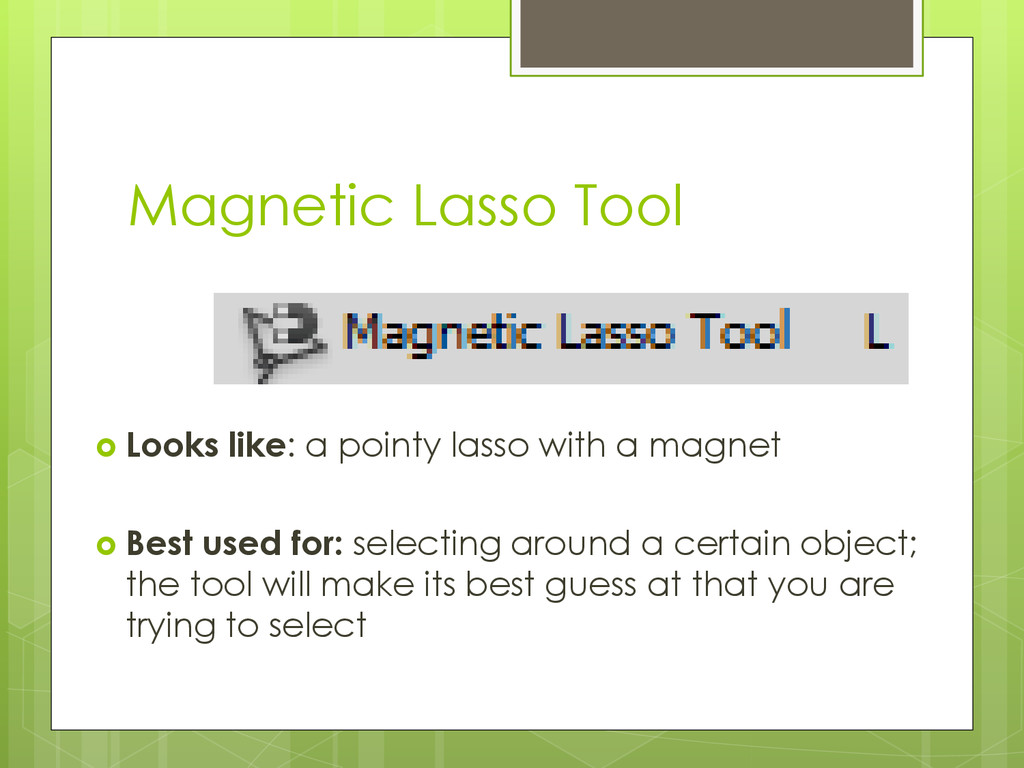
  8. Magnetic Lasso Tool  Looks like: a pointy lasso with

    a magnet  Best used for: selecting around a certain object; the tool will make its best guess at that you are trying to select
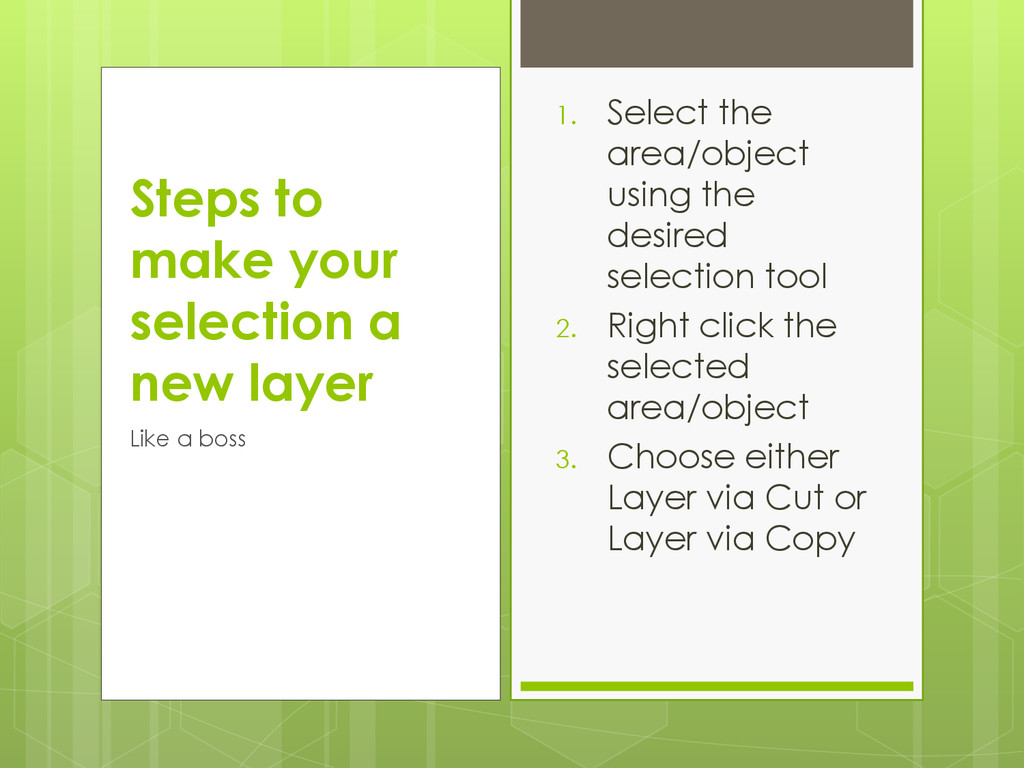
  9. 1. Select the area/object using the desired selection tool 2.

    Right click the selected area/object 3. Choose either Layer via Cut or Layer via Copy Steps to make your selection a new layer Like a boss
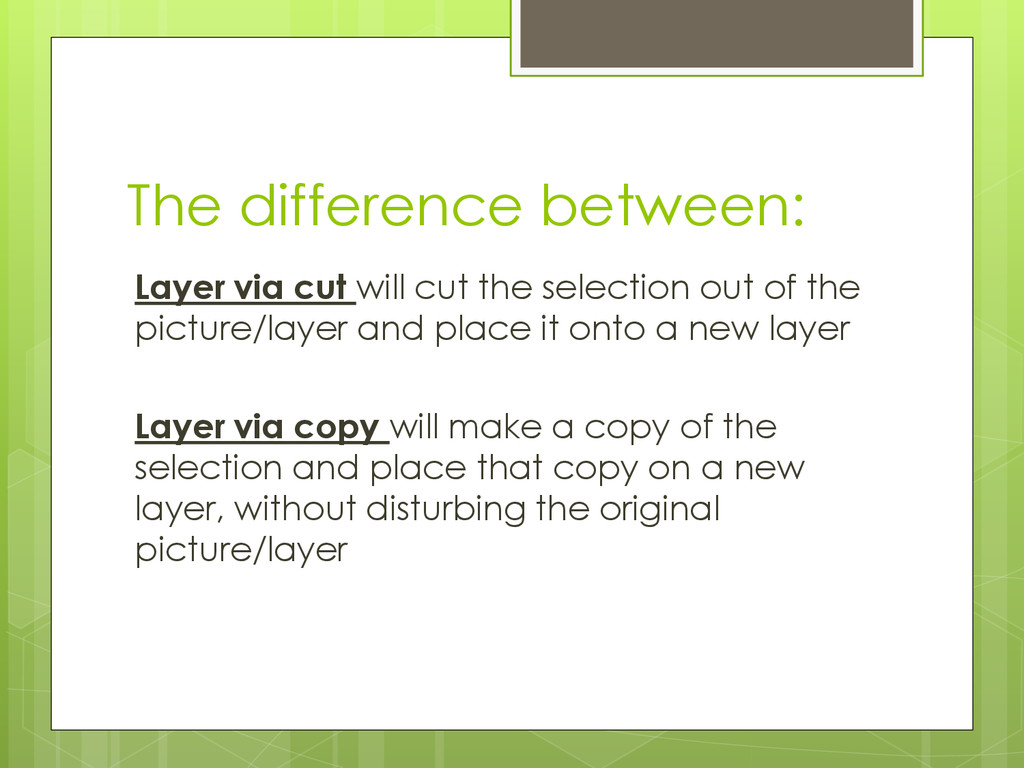
  10. The difference between: Layer via cut will cut the selection

    out of the picture/layer and place it onto a new layer Layer via copy will make a copy of the selection and place that copy on a new layer, without disturbing the original picture/layer
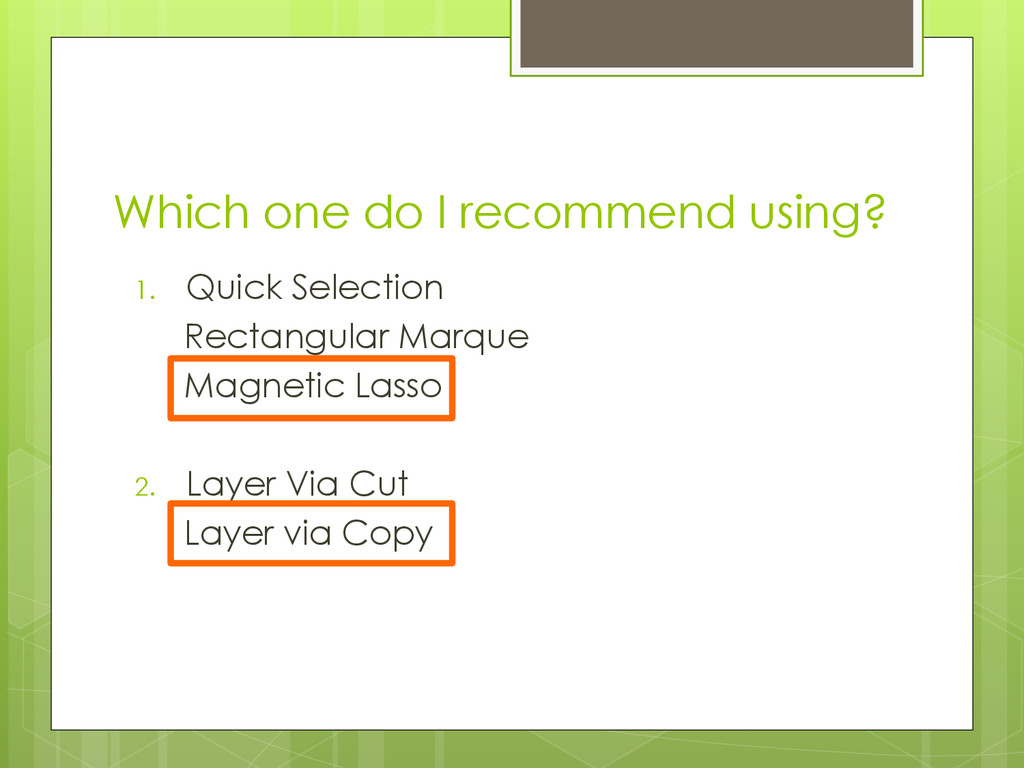
  11. Which one do I recommend using? 1. Quick Selection Rectangular

    Marque Magnetic Lasso 2. Layer Via Cut Layer via Copy