Upgrade to Pro
— share decks privately, control downloads, hide ads and more …
Speaker Deck
Sign up for free
Menu
Search
Features
All features
Private URLs
Password Protection
Custom URLS
Scheduled publishing
Remove Branding
Restrict embedding
Deck Collections
Notes
Features
All features
Private URLs
Password Protection
Custom URLS
Scheduled publishing
Remove Branding
Restrict embedding
Deck Collections
Notes
Explore
Featured decks
Featured speakers
Programming
Technology
Storyboards
Explore
Featured decks
Featured speakers
Programming
Technology
Storyboards
Pricing
Search
Sign in
Sign up for free
Android Build Performance at DenverDroids
Search
Tony Robalik
July 16, 2019
Programming
130
1
Share
Embed
Copy iframe code
Copy JS code
Copy link
Start on current slide
Android Build Performance at DenverDroids
Tony Robalik
July 16, 2019
More Decks by Tony Robalik
See All by Tony Robalik
Android Build Performance - DroidconSF 2018
autonomousapps
1
94
Improving Android Build Performance
autonomousapps
4
700
Other Decks in Programming
See All in Programming
Spec-driven Development with AI
simas
PRO
0
2.3k
Modernizing iOS Apps
seyfoyun
0
150
小さなアプリを作って公開するまで
onozaty
0
140
はじめてのPLATEAU
nokonoko1203
1
610
GraphQL の onError と Nullability のこれから
quramy
0
210
Coding with AI: How to trust the storyteller (AWS Community Day Adria, Ljubljana 2026)
slobodan
0
140
[DroidKnights 2026] Workflow AX: From Auto-Documented Policies to E2E Testing
raeminkang
0
540
AI Augmentation Techniques with Liberty
ivargrimstad
1
400
LLM 101
dalinaum
0
470
Seven New Principles of Software Engineering
yegor256
0
470
Crash Auto Pipelines
veronikapj
1
390
우리의 Nitro Modules는 당신의 Turbo Modules보다 아름답다
l2hyunwoo
0
260
Featured
See All Featured
Building Better People: How to give real-time feedback that sticks.
wjessup
371
20k
Fantastic passwords and where to find them - at NoRuKo
philnash
53
4k
GraphQLとの向き合い方2022年版
quramy
50
15k
How To Stay Up To Date on Web Technology
chriscoyier
790
250k
Taking LLMs out of the black box: A practical guide to human-in-the-loop distillation
inesmontani
PRO
3
2.5k
I Don’t Have Time: Getting Over the Fear to Launch Your Podcast
jcasabona
35
2.9k
The SEO Collaboration Effect
kristinabergwall1
1
620
The Art of Programming - Codeland 2020
erikaheidi
57
14k
How Fast Is Fast Enough? [PerfNow 2025]
tammyeverts
3
970
Bioeconomy Workshop: Dr. Julius Ecuru, Opportunities for a Bioeconomy in West Africa
akademiya2063
PRO
1
450
No one is an island. Learnings from fostering a developers community.
thoeni
21
3.9k
The Cost Of JavaScript in 2023
addyosmani
56
10k
Transcript
Improving Android Build Performance Tony Robalik, Gradle Inc.
None
The Cost of Builds (#perfmatters)
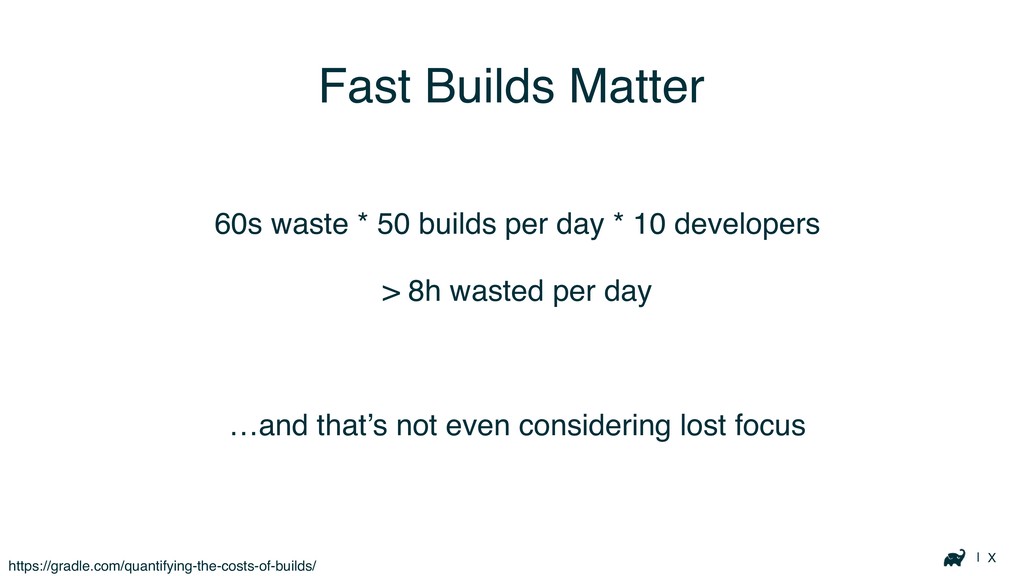
| X Fast Builds Matter 60s waste * 50 builds
per day * 10 developers > 8h wasted per day …and that’s not even considering lost focus https://gradle.com/quantifying-the-costs-of-builds/
| X
| X
| X Fast Builds Matter Don’t even get me started
on morale…
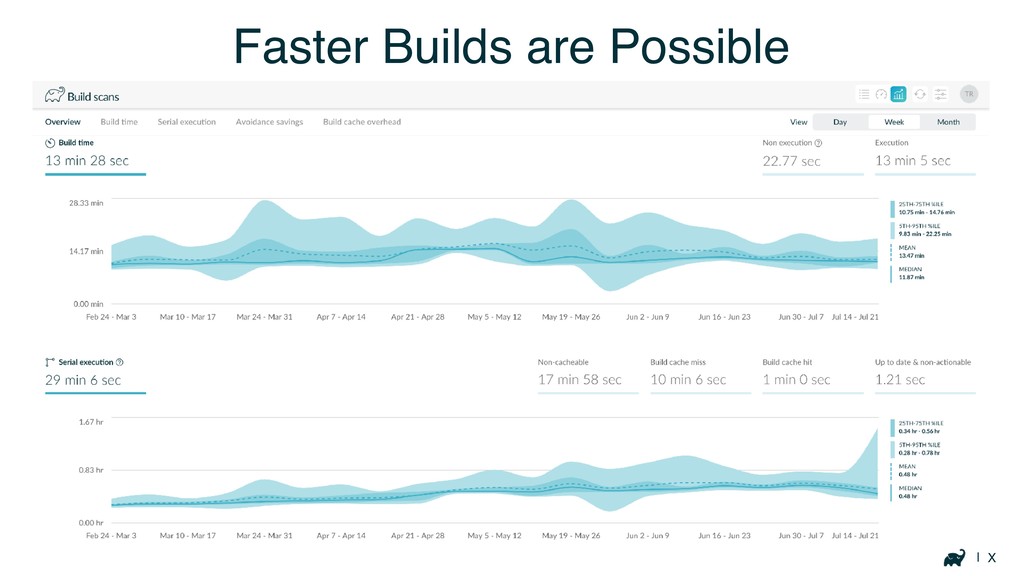
| X Faster Builds are Possible
General Advice
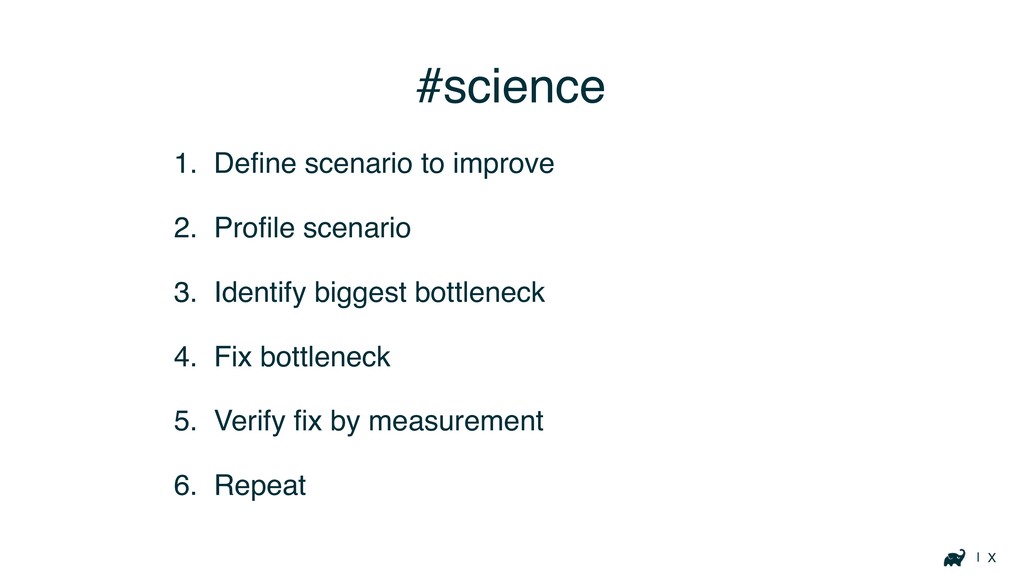
| X #science 1. Define scenario to improve 2. Profile
scenario 3. Identify biggest bottleneck 4. Fix bottleneck 5. Verify fix by measurement 6. Repeat
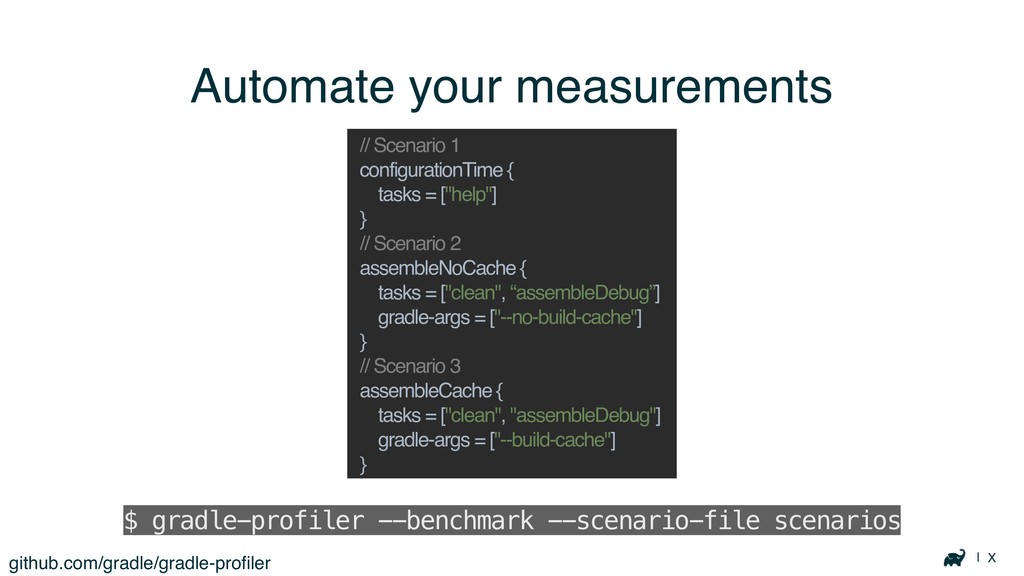
| X Automate your measurements github.com/gradle/gradle-profiler $ gradle-profiler --benchmark --scenario-file
scenarios // Scenario 1 configurationTime { tasks = ["help"] } // Scenario 2 assembleNoCache { tasks = ["clean", “assembleDebug”] gradle-args = ["--no-build-cache"] } // Scenario 3 assembleCache { tasks = ["clean", "assembleDebug"] gradle-args = ["--build-cache"] }
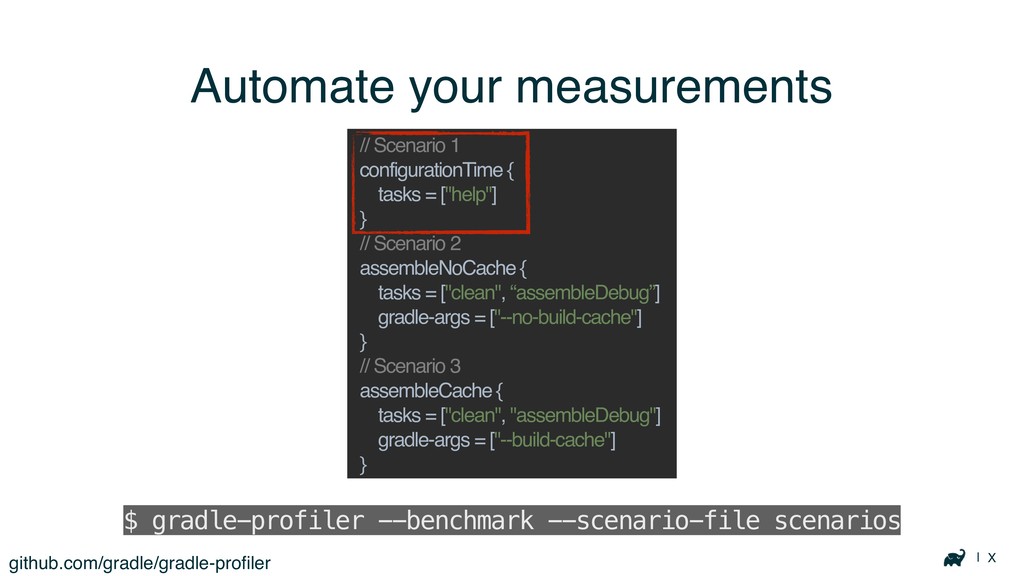
| X Automate your measurements github.com/gradle/gradle-profiler $ gradle-profiler --benchmark --scenario-file
scenarios // Scenario 1 configurationTime { tasks = ["help"] } // Scenario 2 assembleNoCache { tasks = ["clean", “assembleDebug”] gradle-args = ["--no-build-cache"] } // Scenario 3 assembleCache { tasks = ["clean", "assembleDebug"] gradle-args = ["--build-cache"] }
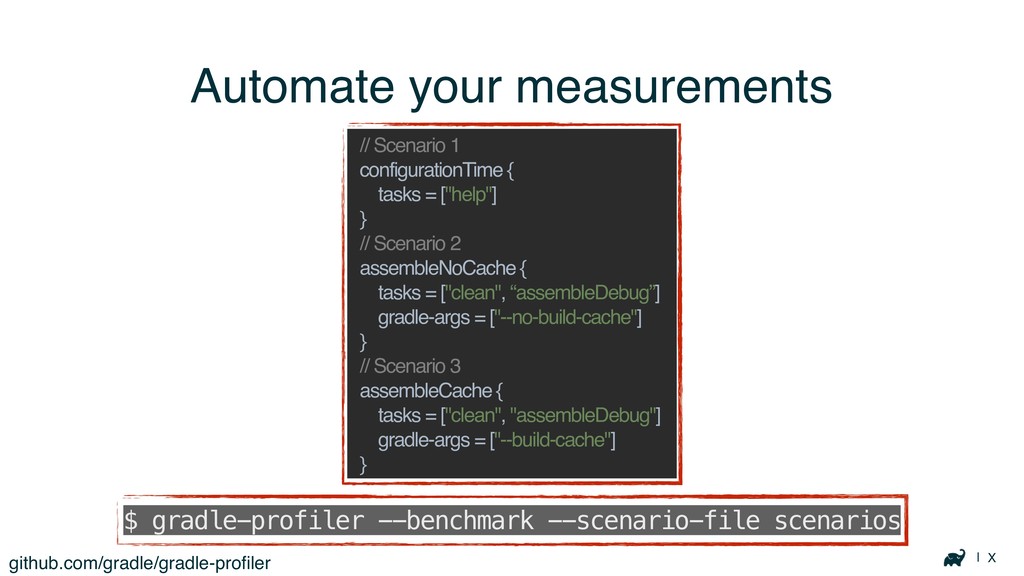
| X Automate your measurements github.com/gradle/gradle-profiler $ gradle-profiler --benchmark --scenario-file
scenarios // Scenario 1 configurationTime { tasks = ["help"] } // Scenario 2 assembleNoCache { tasks = ["clean", “assembleDebug”] gradle-args = ["--no-build-cache"] } // Scenario 3 assembleCache { tasks = ["clean", "assembleDebug"] gradle-args = ["--build-cache"] }
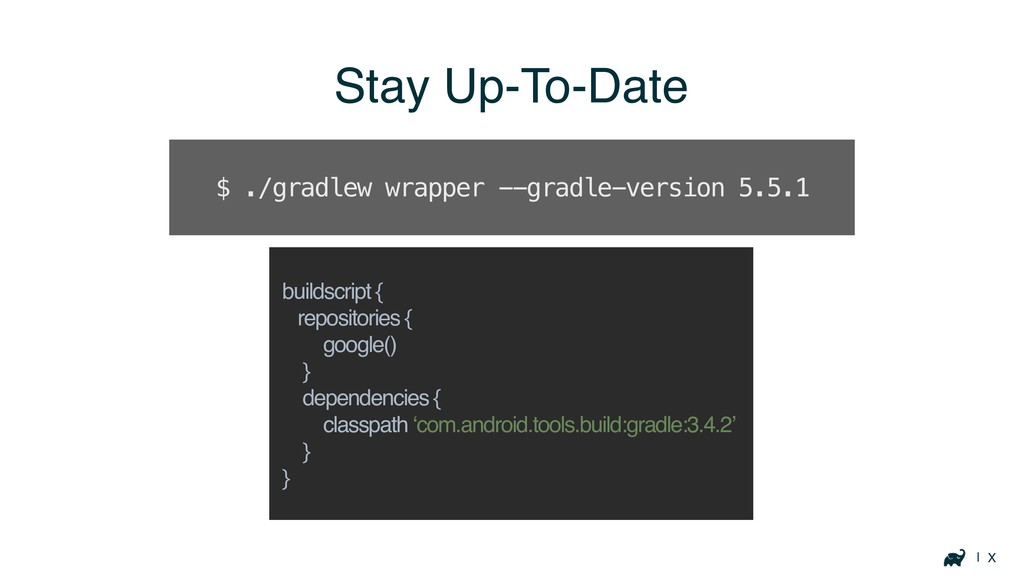
| X Stay Up-To-Date buildscript { repositories { google() }
dependencies { classpath ‘com.android.tools.build:gradle:3.4.2’ } } $ ./gradlew wrapper --gradle-version 5.5.1
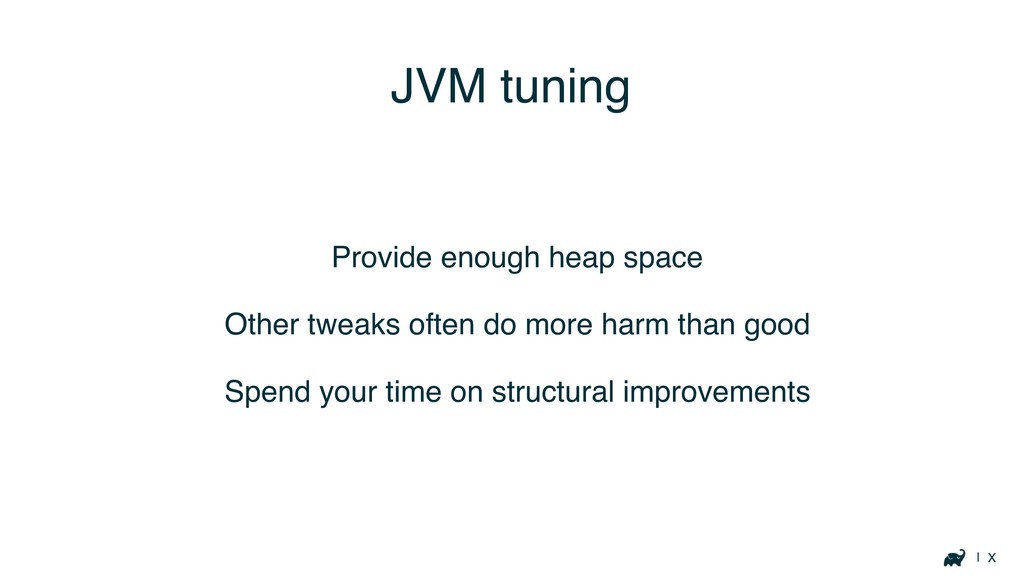
| X JVM tuning Provide enough heap space Other tweaks
often do more harm than good Spend your time on structural improvements
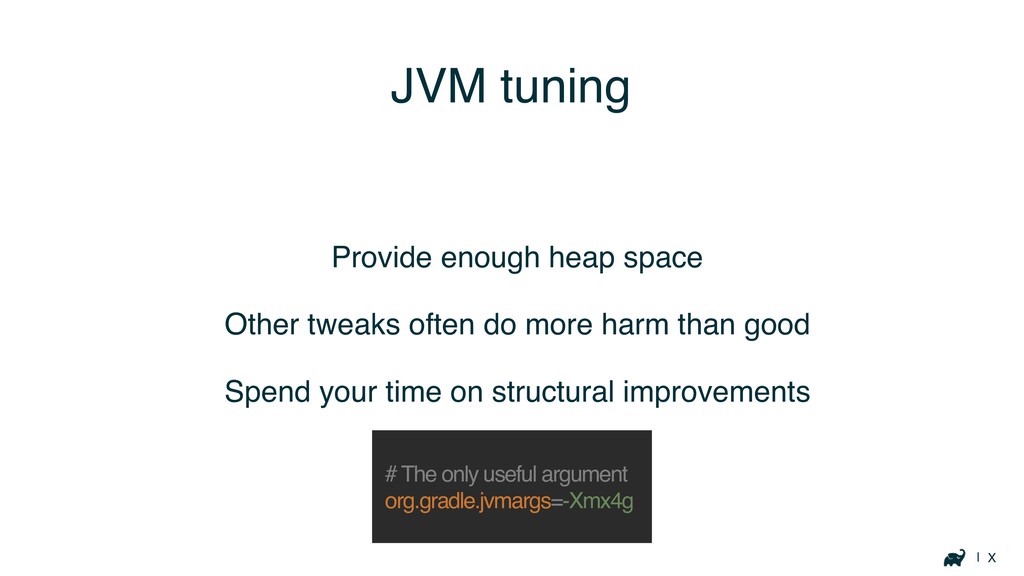
| X JVM tuning Provide enough heap space Other tweaks
often do more harm than good Spend your time on structural improvements # The only useful argument org.gradle.jvmargs=-Xmx4g
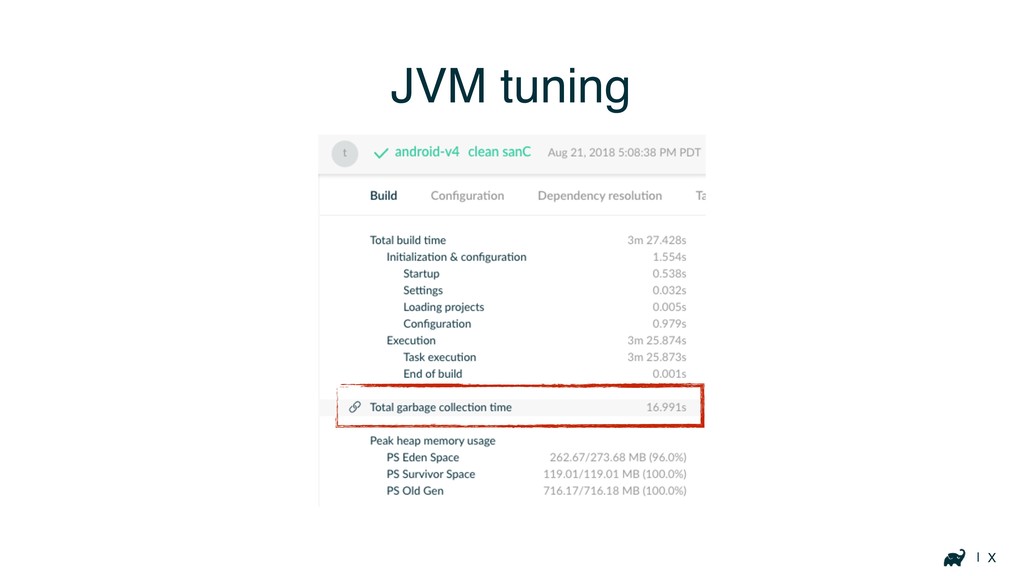
| X JVM tuning
Diagnosing build issues
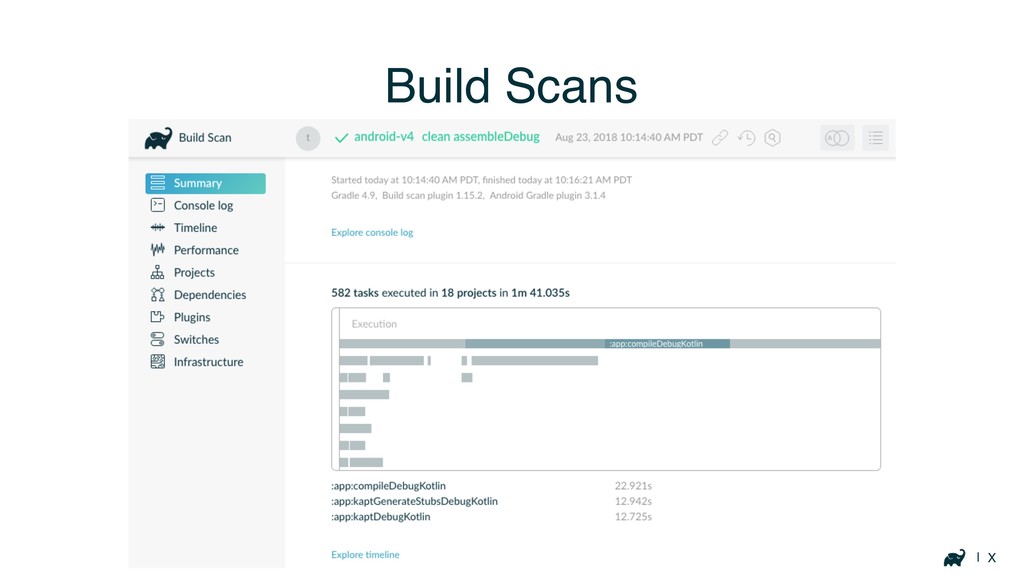
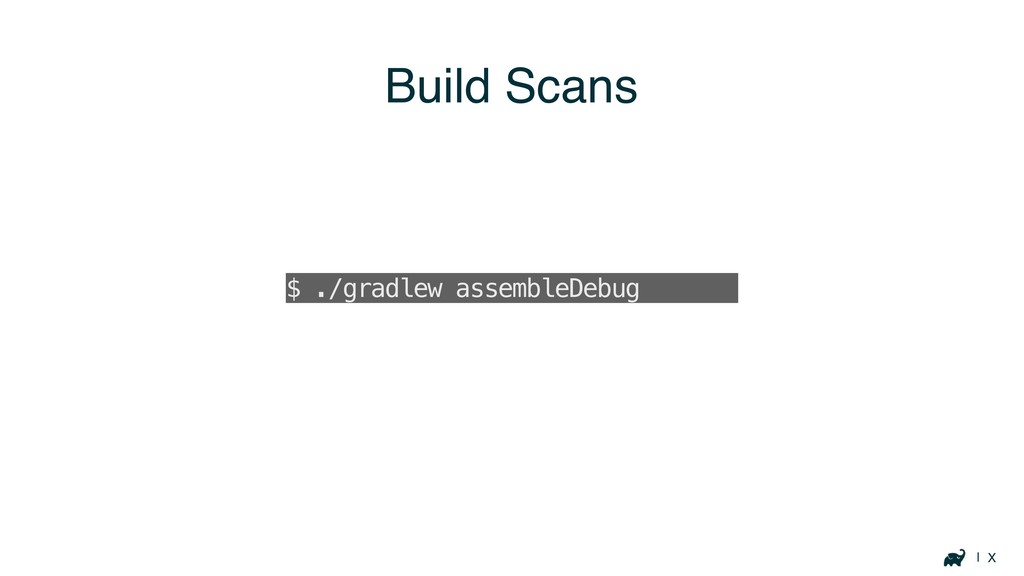
| X Build Scans
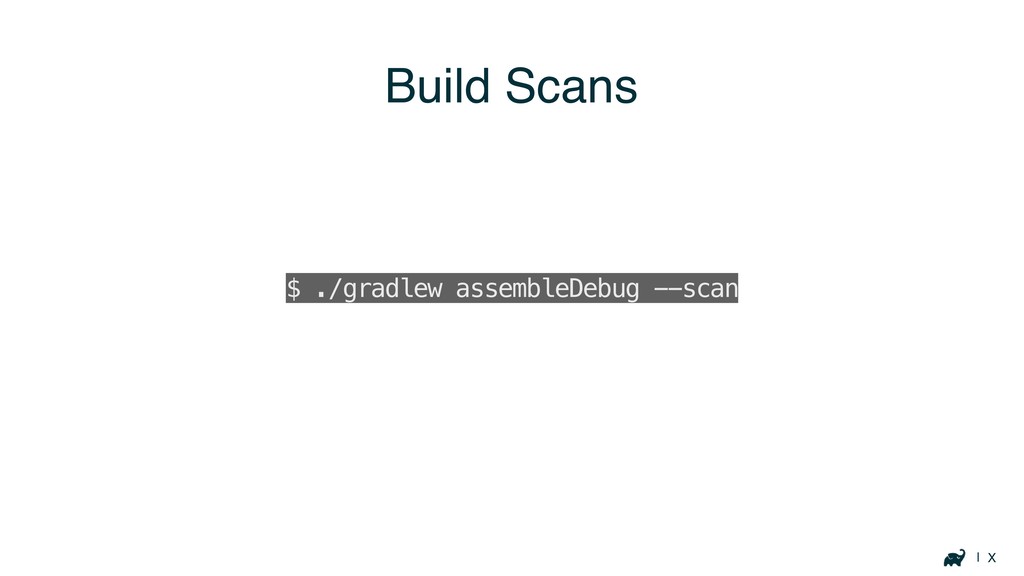
| X Build Scans $ ./gradlew assembleDebug --scan
| X Build Scans $ ./gradlew assembleDebug --scan
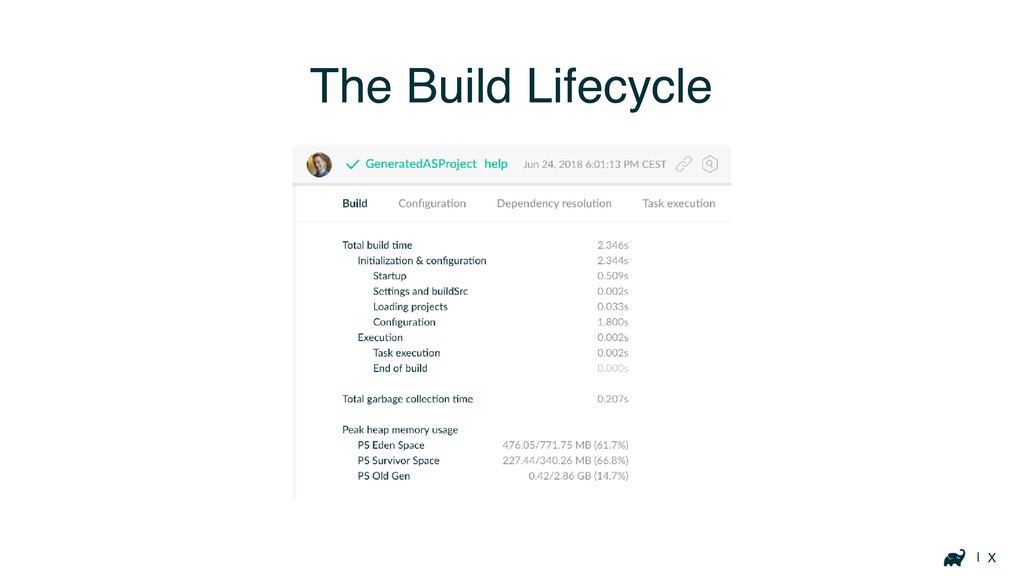
| X The Build Lifecycle
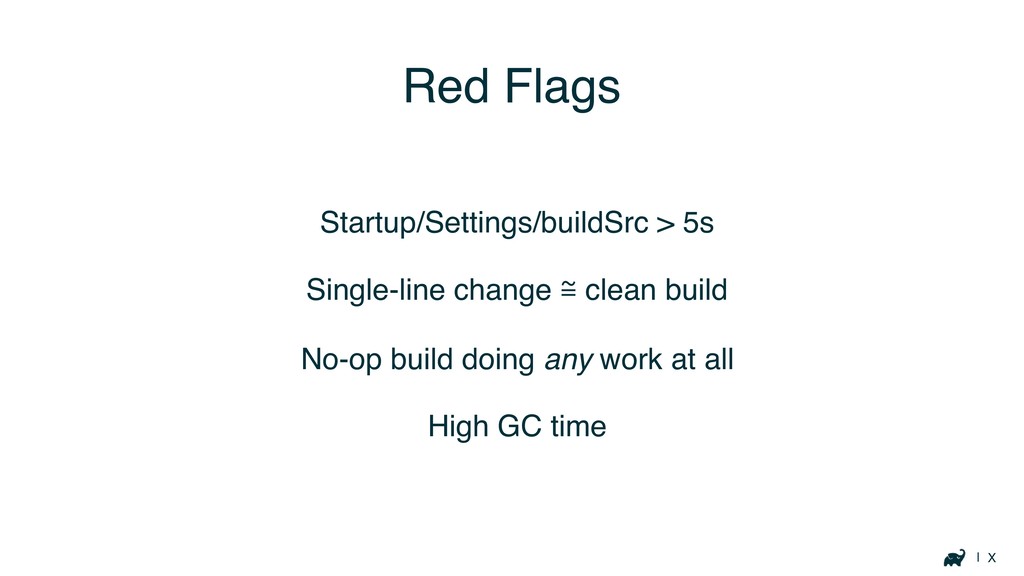
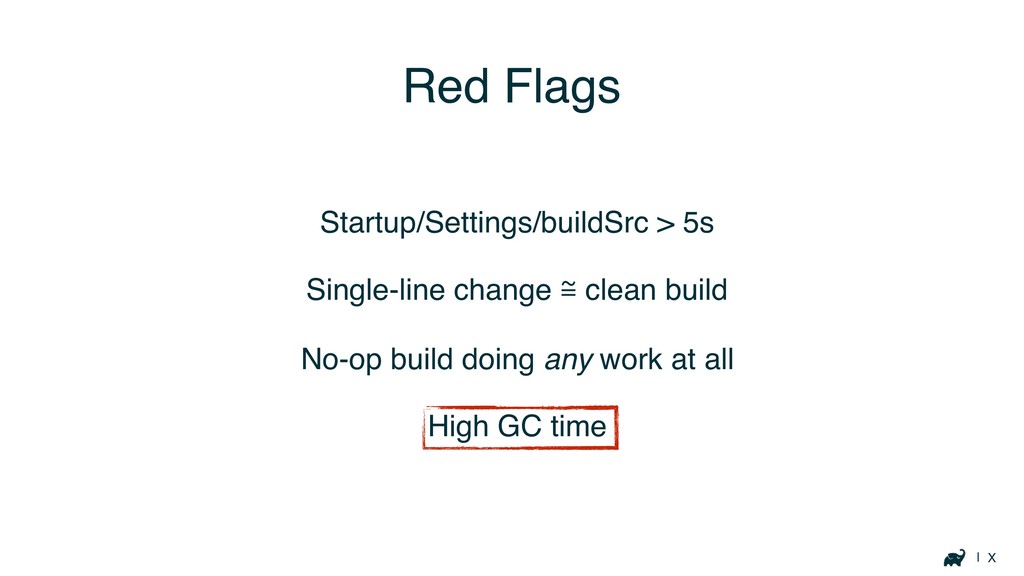
| X Red Flags Startup/Settings/buildSrc > 5s Single-line change ℳ
clean build No-op build doing any work at all High GC time
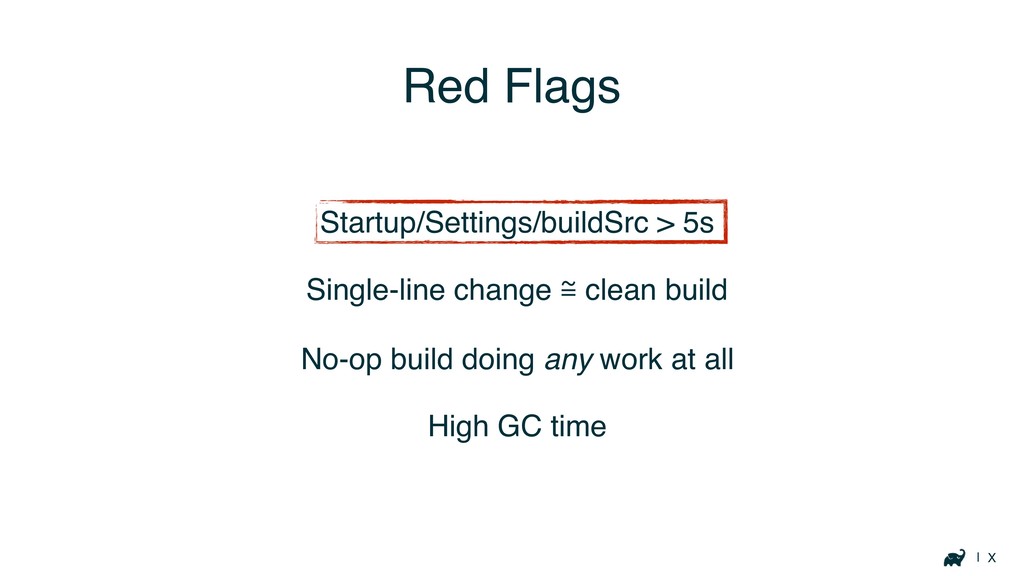
| X Red Flags Startup/Settings/buildSrc > 5s Single-line change ℳ
clean build No-op build doing any work at all High GC time
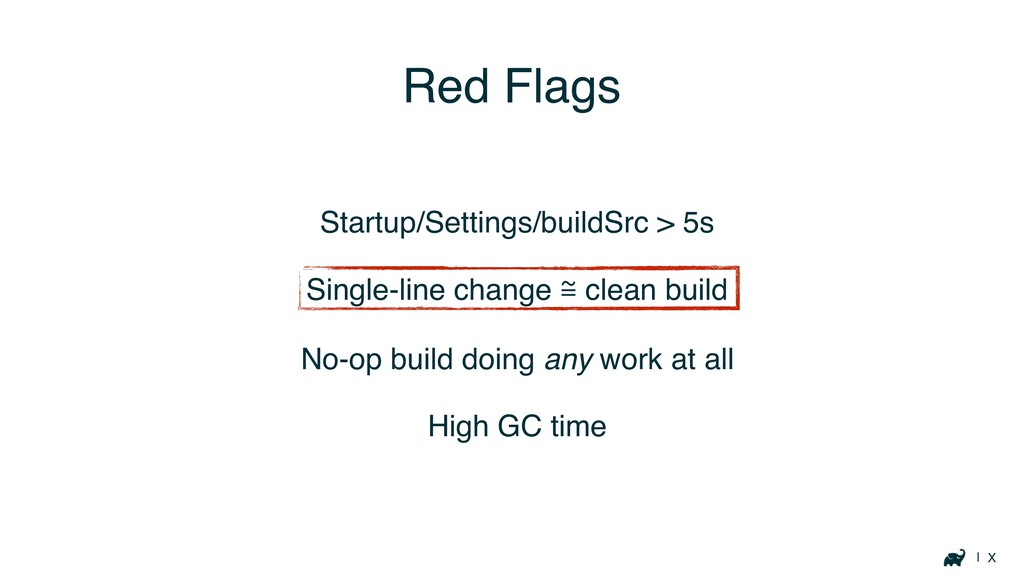
| X Red Flags Startup/Settings/buildSrc > 5s Single-line change ℳ
clean build No-op build doing any work at all High GC time
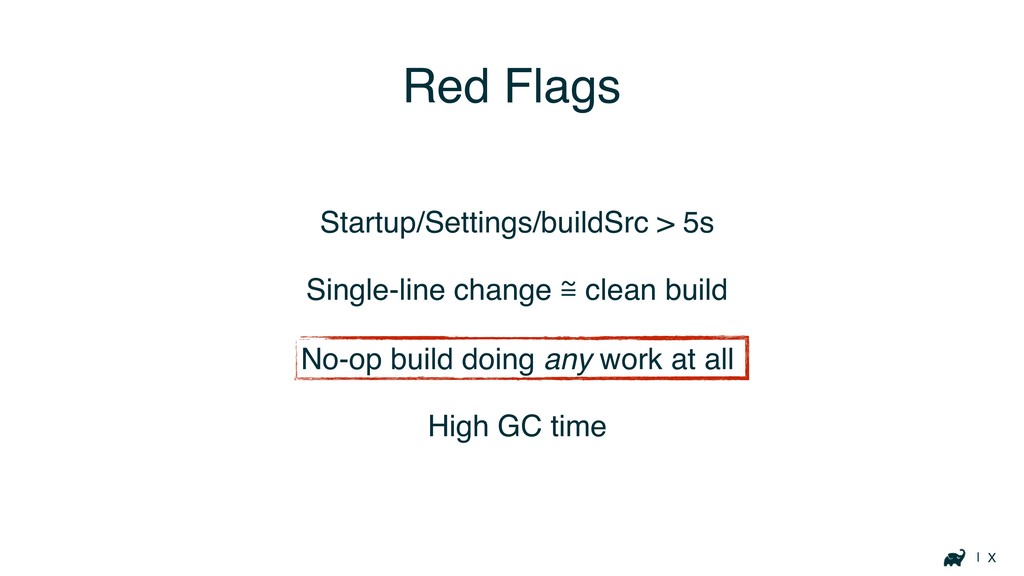
| X Red Flags Startup/Settings/buildSrc > 5s Single-line change ℳ
clean build No-op build doing any work at all High GC time
| X Red Flags Startup/Settings/buildSrc > 5s Single-line change ℳ
clean build No-op build doing any work at all High GC time
Your Build
Startup, buildSrc, Settings
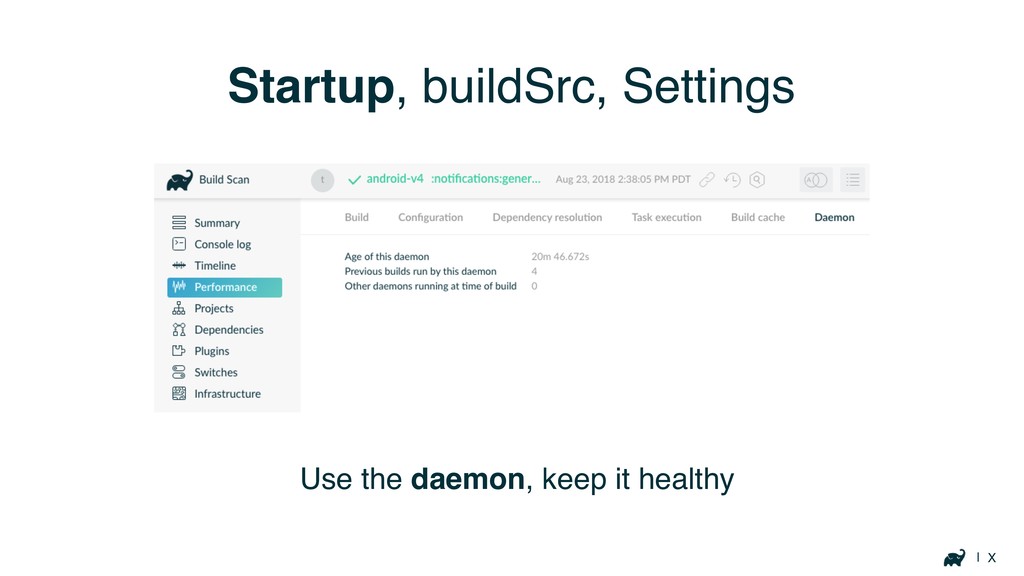
| X Startup, buildSrc, Settings Use the daemon, keep it
healthy
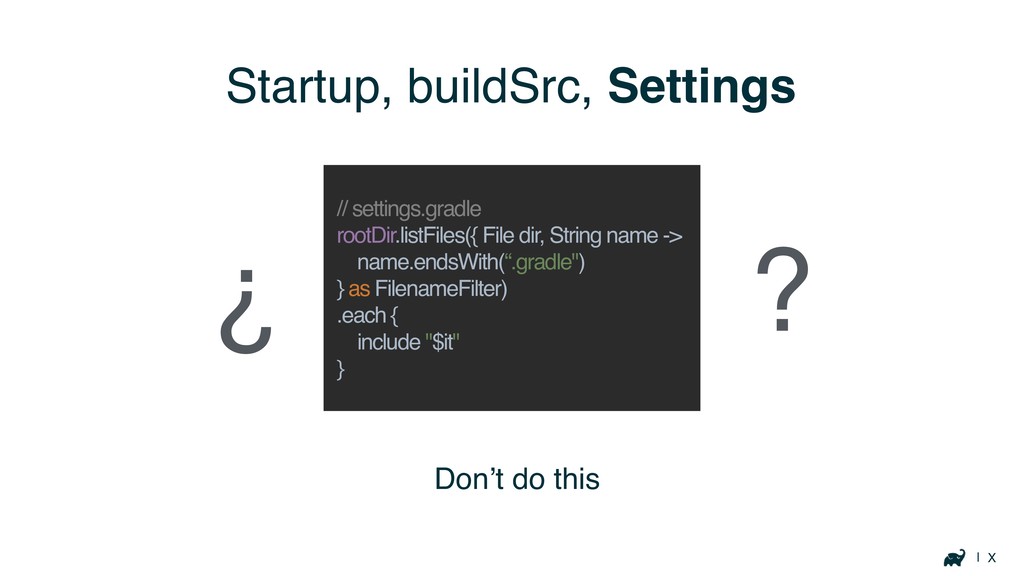
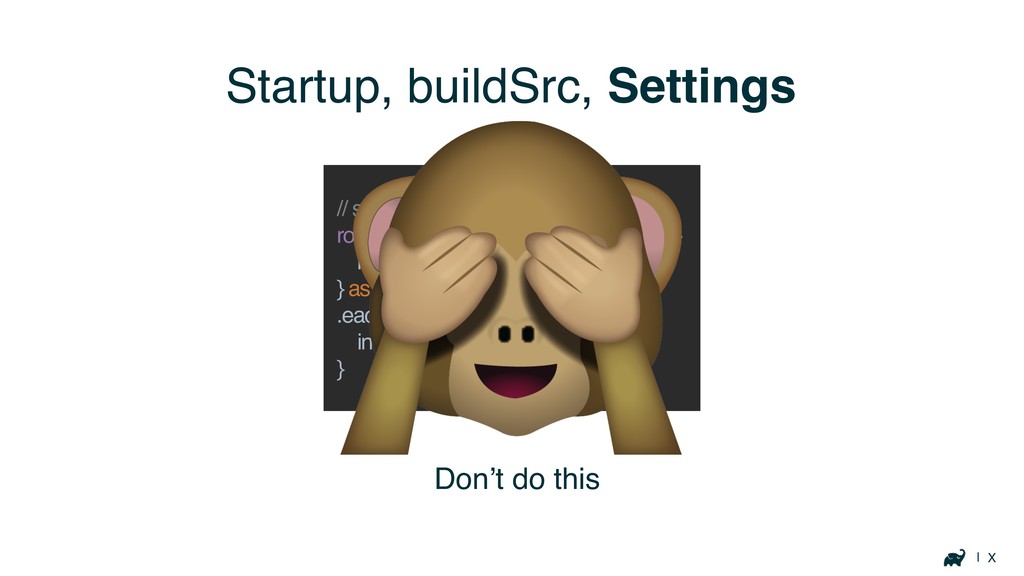
| X Startup, buildSrc, Settings Don’t do this // settings.gradle
rootDir.listFiles({ File dir, String name -> name.endsWith(“.gradle") } as FilenameFilter) .each { include "$it" } ? ¿
| X Startup, buildSrc, Settings Don’t do this // settings.gradle
rootDir.listFiles({ File dir, String name -> name.endsWith(“.gradle") } as FilenameFilter) .each { include "$it" }
| X Startup, buildSrc, Settings ?
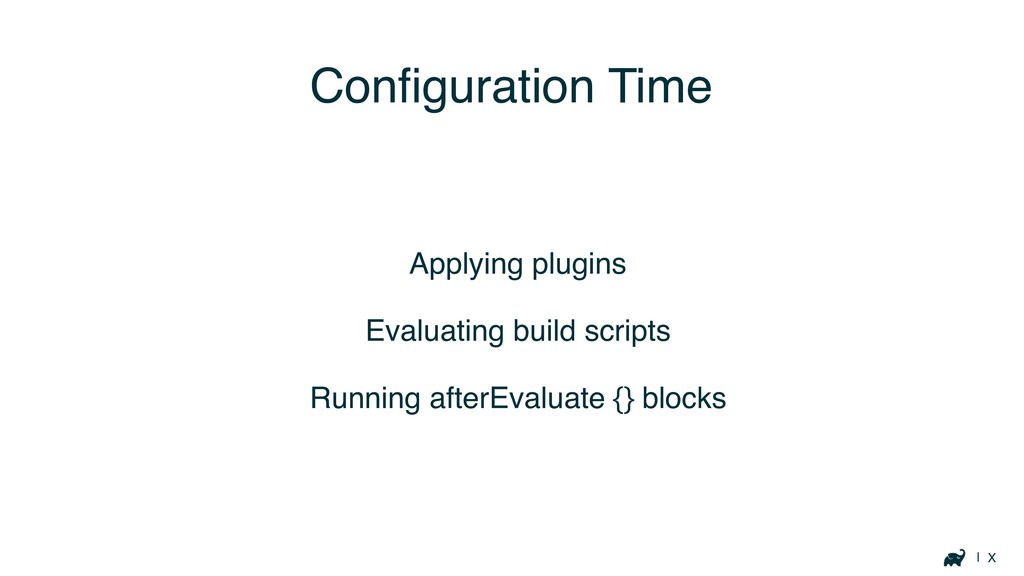
Configuration Time
| X Configuration Time Applying plugins Evaluating build scripts Running
afterEvaluate {} blocks
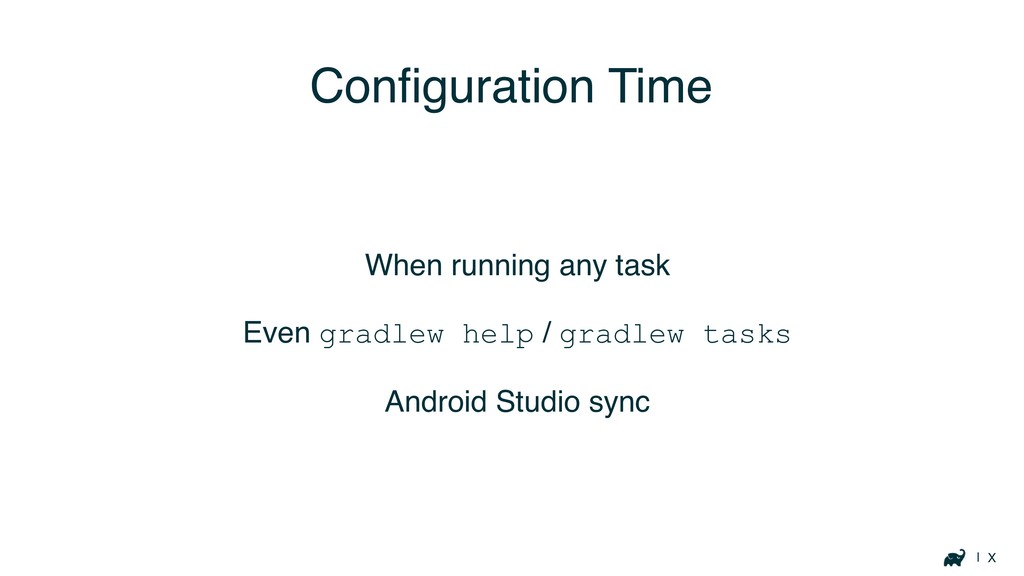
| X Configuration Time When running any task Even gradlew
help / gradlew tasks Android Studio sync
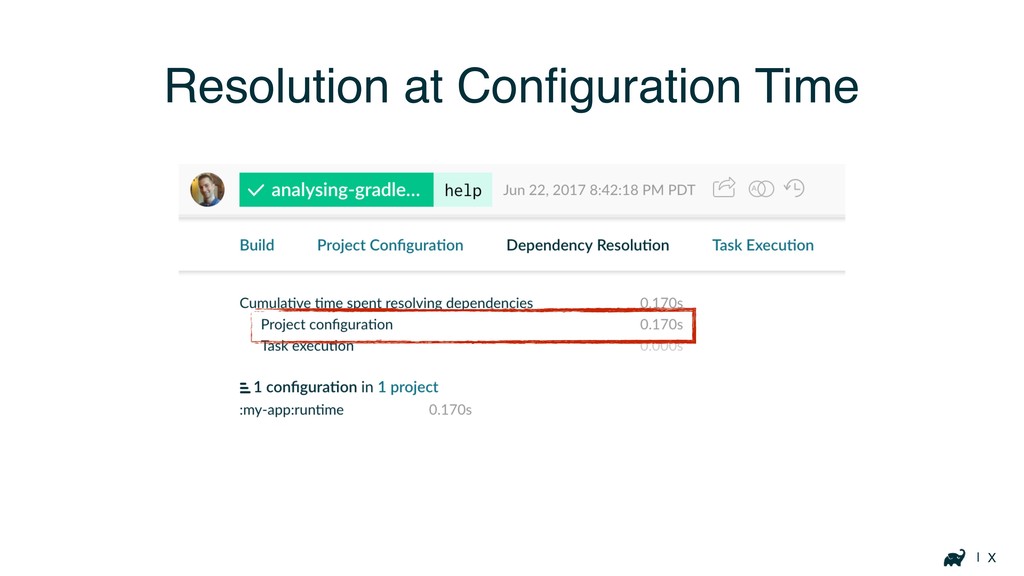
| X Resolution at Configuration Time
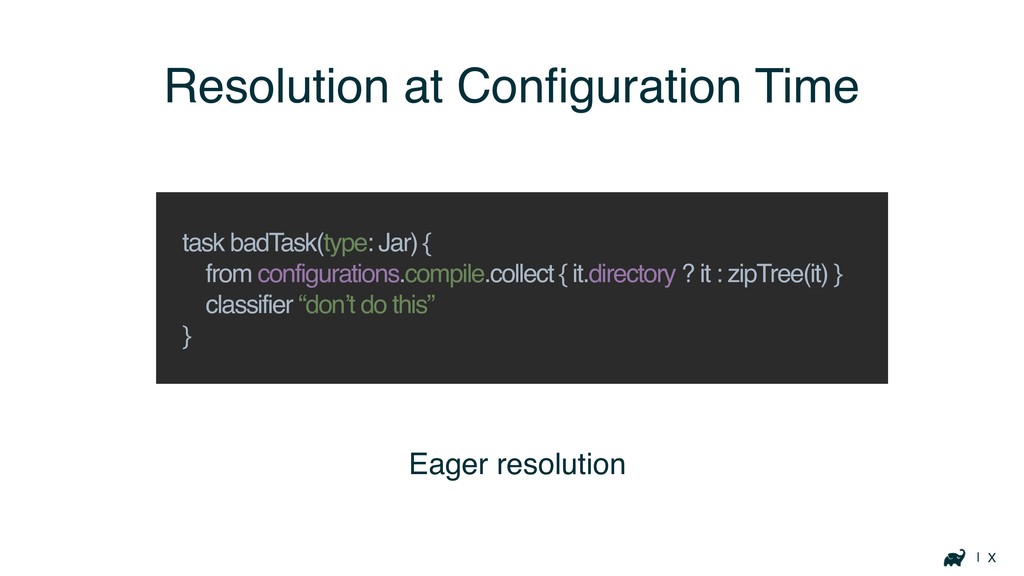
| X Eager resolution Resolution at Configuration Time task badTask(type:
Jar) { from configurations.compile.collect { it.directory ? it : zipTree(it) } classifier “don’t do this” }
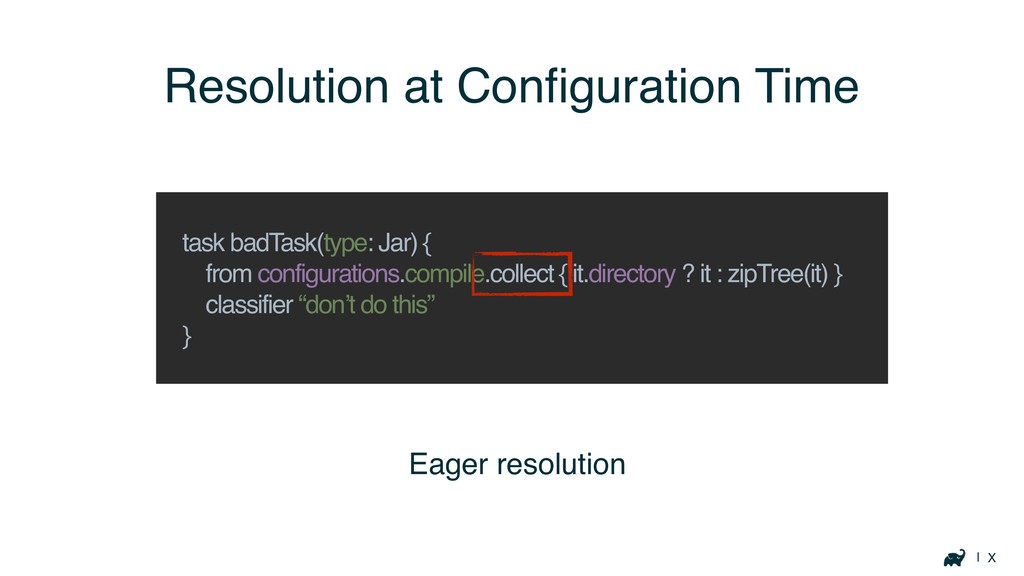
| X Eager resolution Resolution at Configuration Time task badTask(type:
Jar) { from configurations.compile.collect { it.directory ? it : zipTree(it) } classifier “don’t do this” }
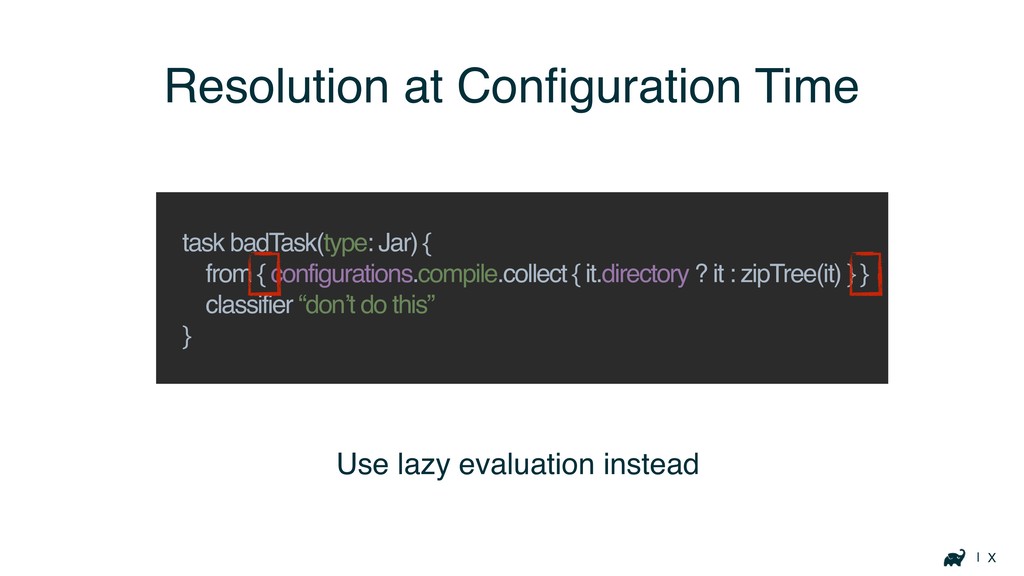
| X Resolution at Configuration Time task badTask(type: Jar) {
from { configurations.compile.collect { it.directory ? it : zipTree(it) } } classifier “don’t do this” } Use lazy evaluation instead
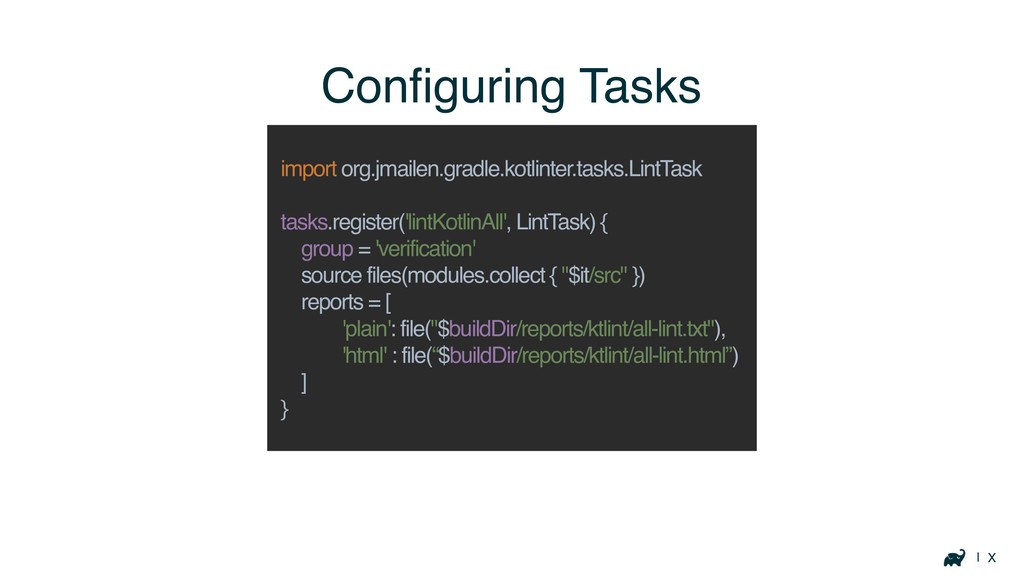
| X Configuring Tasks import org.jmailen.gradle.kotlinter.tasks.LintTask tasks.register('lintKotlinAll', LintTask) { group
= 'verification' source files(modules.collect { "$it/src" }) reports = [ 'plain': file("$buildDir/reports/ktlint/all-lint.txt"), 'html' : file(“$buildDir/reports/ktlint/all-lint.html”) ] }
| X Inefficient Plugins
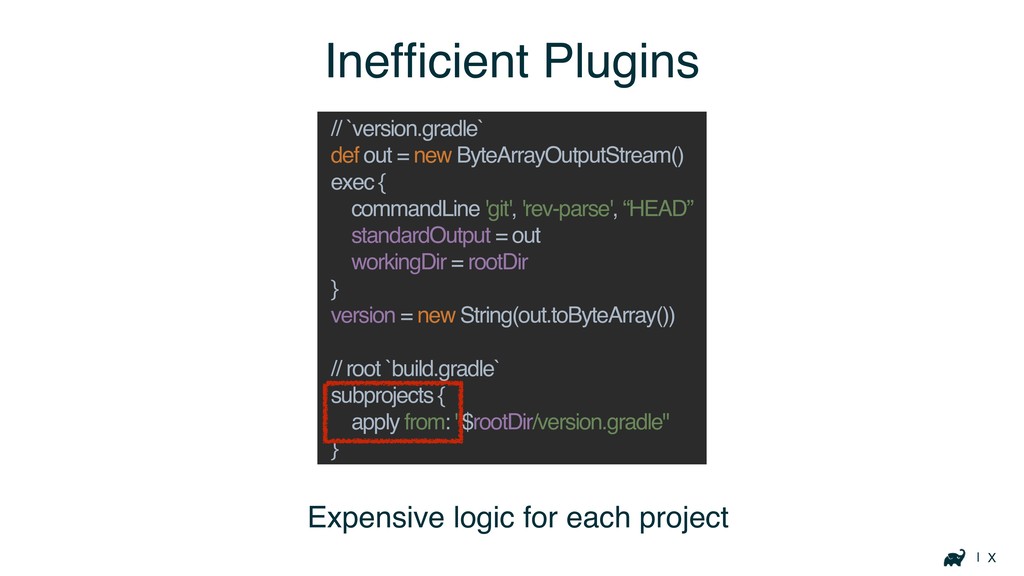
| X Expensive logic for each project Inefficient Plugins //
`version.gradle` def out = new ByteArrayOutputStream() exec { commandLine 'git', 'rev-parse', “HEAD” standardOutput = out workingDir = rootDir } version = new String(out.toByteArray()) // root `build.gradle` subprojects { apply from: "$rootDir/version.gradle" }
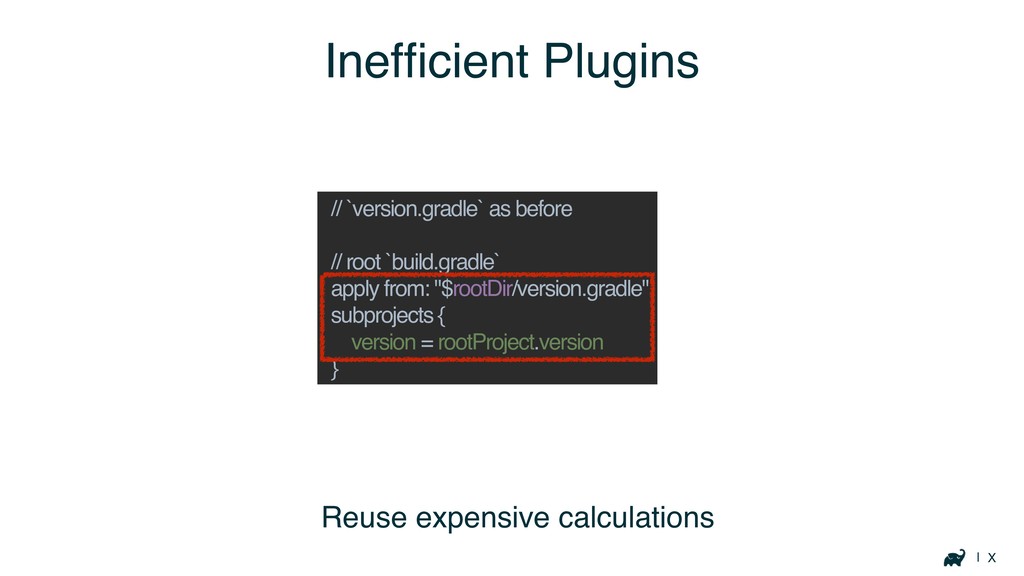
| X Inefficient Plugins // `version.gradle` as before // root
`build.gradle` apply from: "$rootDir/version.gradle" subprojects { version = rootProject.version } Reuse expensive calculations
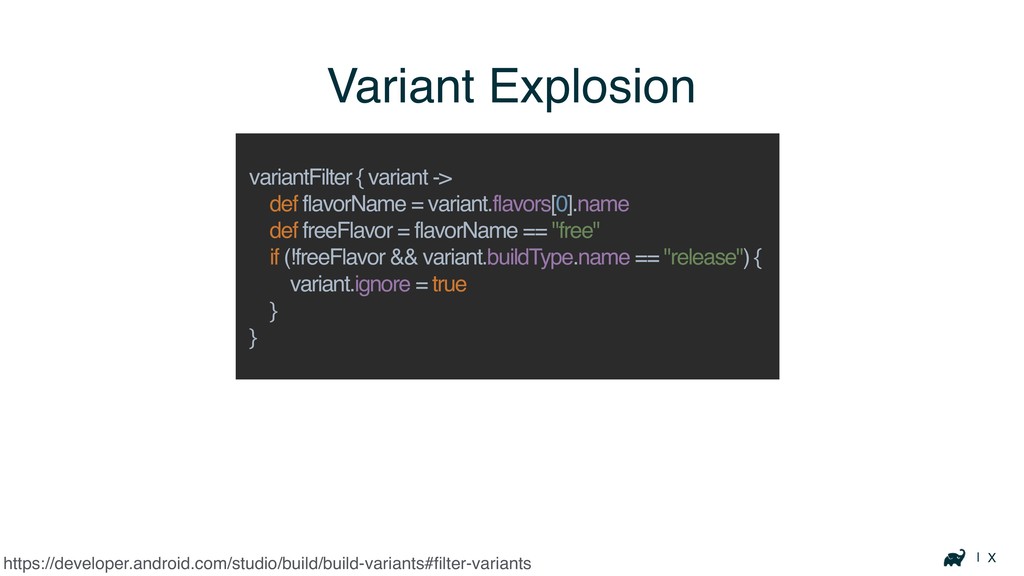
| X Variant Explosion https://developer.android.com/studio/build/build-variants#filter-variants variantFilter { variant -> def
flavorName = variant.flavors[0].name def freeFlavor = flavorName == "free" if (!freeFlavor && variant.buildType.name == "release") { variant.ignore = true } }
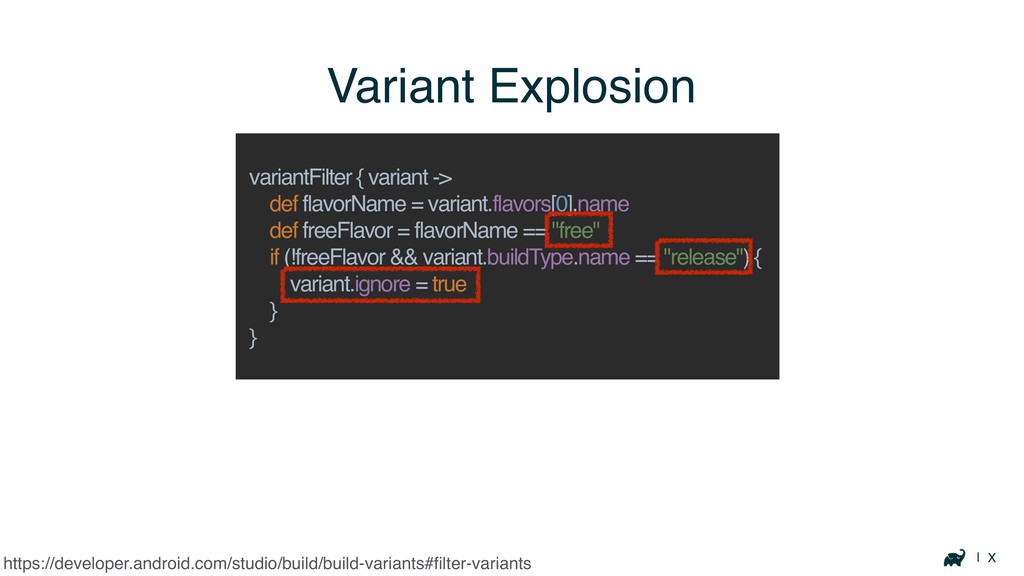
| X Variant Explosion https://developer.android.com/studio/build/build-variants#filter-variants variantFilter { variant -> def
flavorName = variant.flavors[0].name def freeFlavor = flavorName == "free" if (!freeFlavor && variant.buildType.name == "release") { variant.ignore = true } }
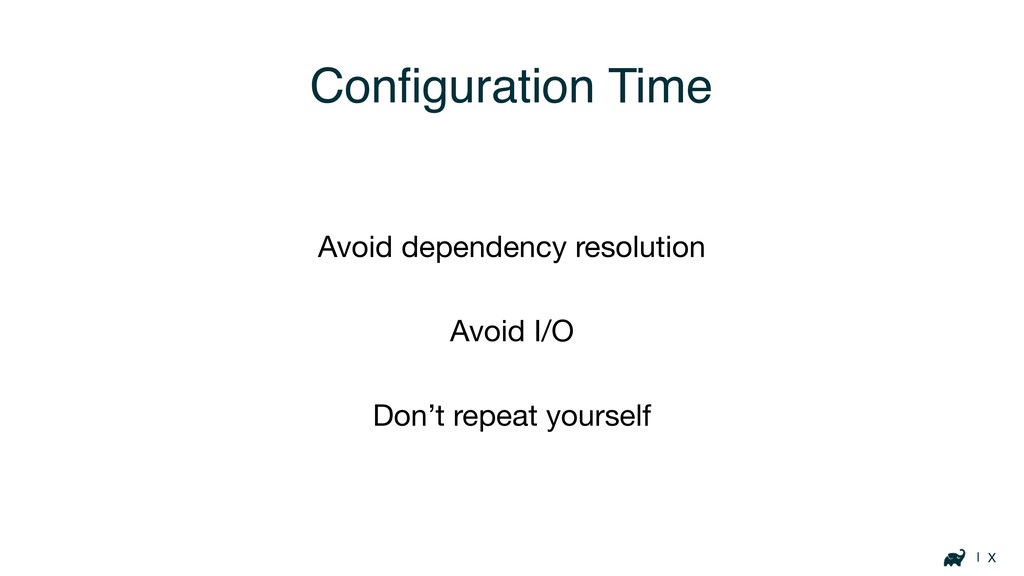
| X Configuration Time Avoid dependency resolution Avoid I/O Don’t
repeat yourself
Optimizing Build Logic
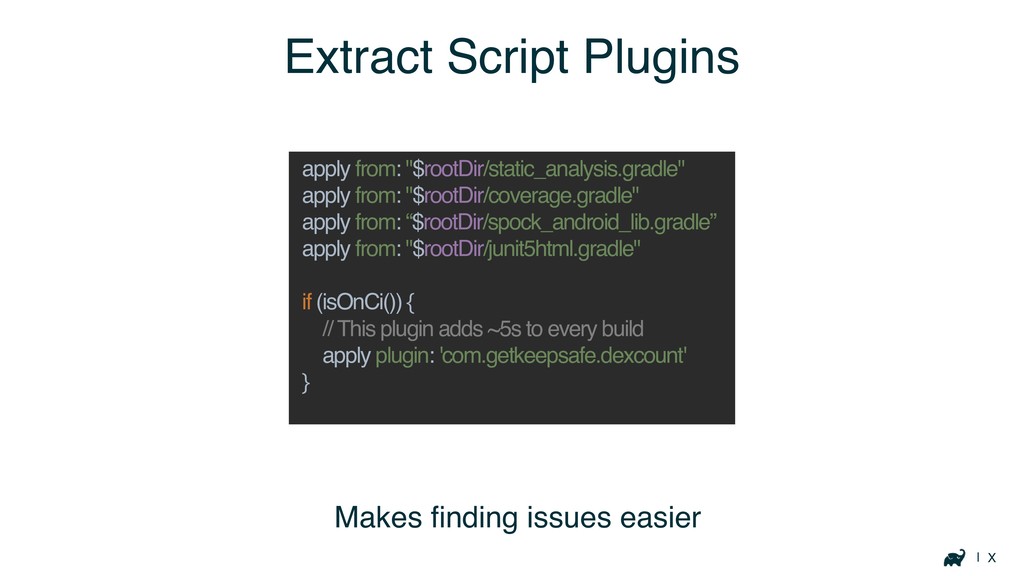
| X Extract Script Plugins apply from: "$rootDir/static_analysis.gradle" apply from:
"$rootDir/coverage.gradle" apply from: “$rootDir/spock_android_lib.gradle” apply from: "$rootDir/junit5html.gradle" if (isOnCi()) { // This plugin adds ~5s to every build apply plugin: 'com.getkeepsafe.dexcount' } Makes finding issues easier
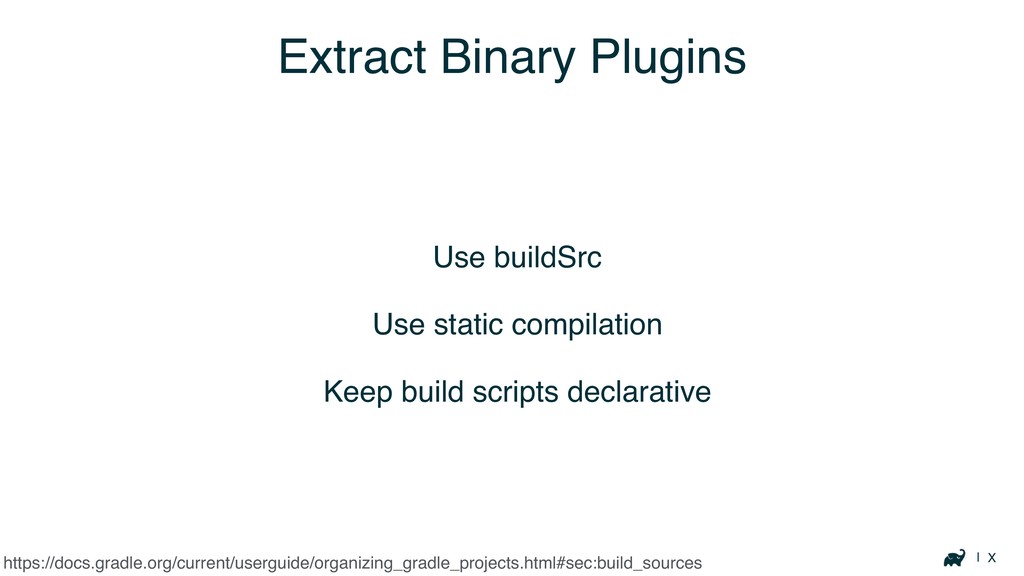
| X Extract Binary Plugins Use buildSrc Use static compilation
Keep build scripts declarative https://docs.gradle.org/current/userguide/organizing_gradle_projects.html#sec:build_sources
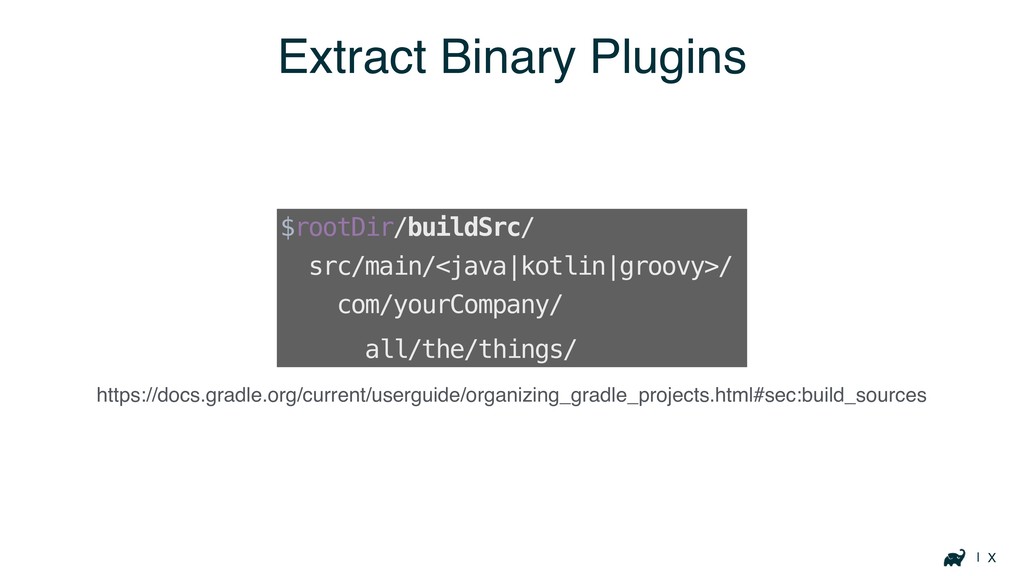
| X Extract Binary Plugins https://docs.gradle.org/current/userguide/organizing_gradle_projects.html#sec:build_sources $rootDir/buildSrc/ src/main/<java|kotlin|groovy>/ com/yourCompany/ all/the/things/
Execution Time
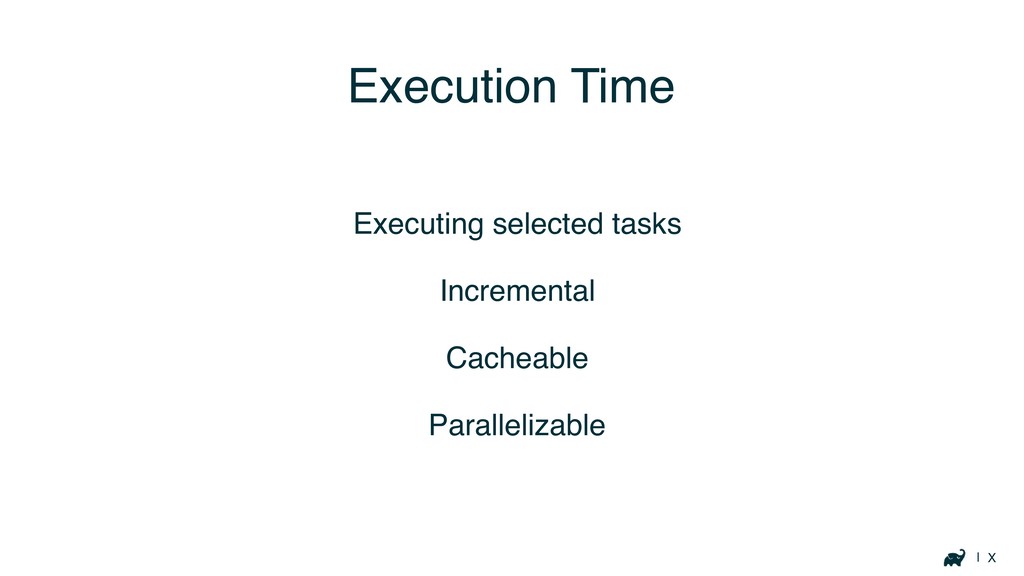
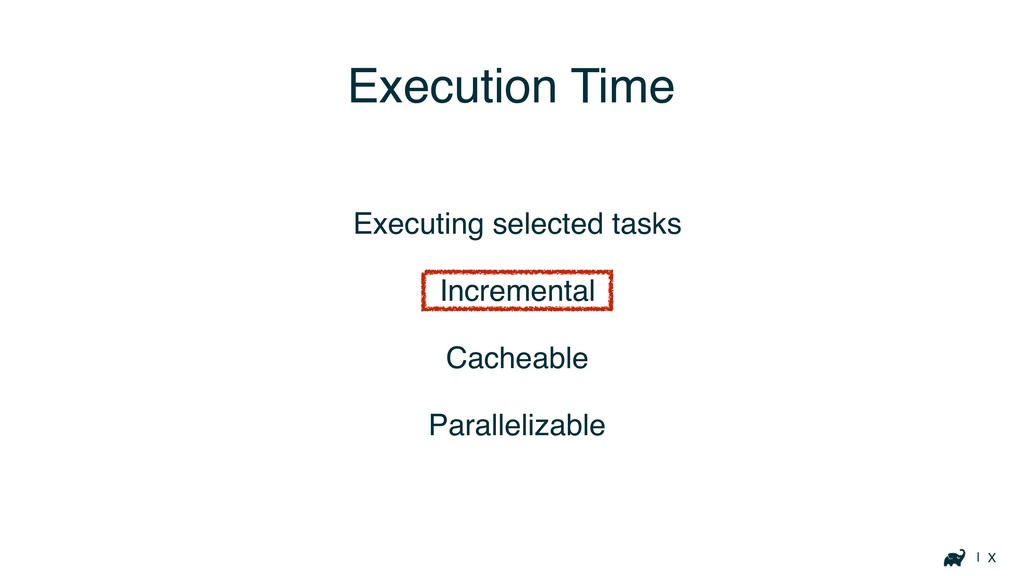
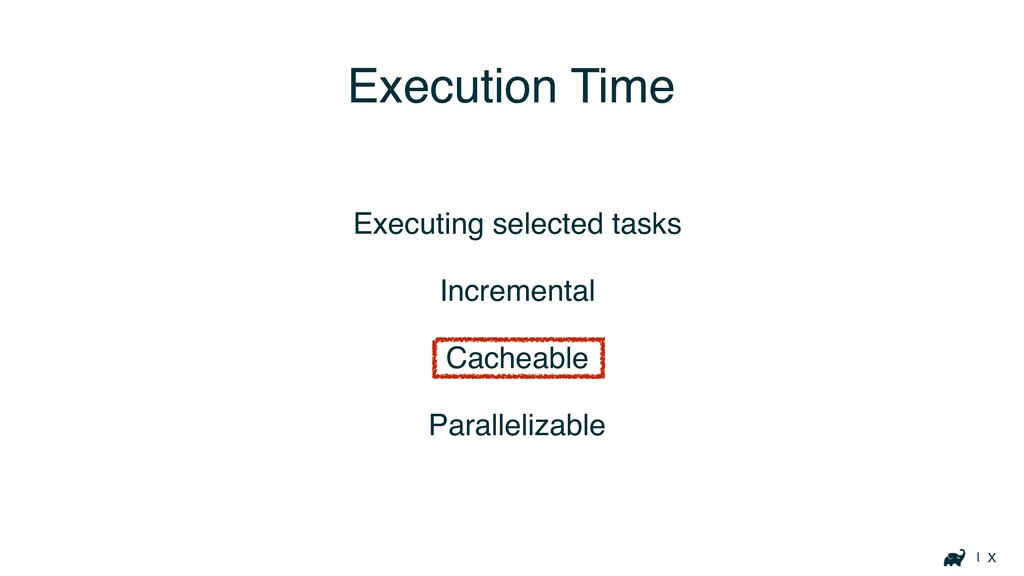
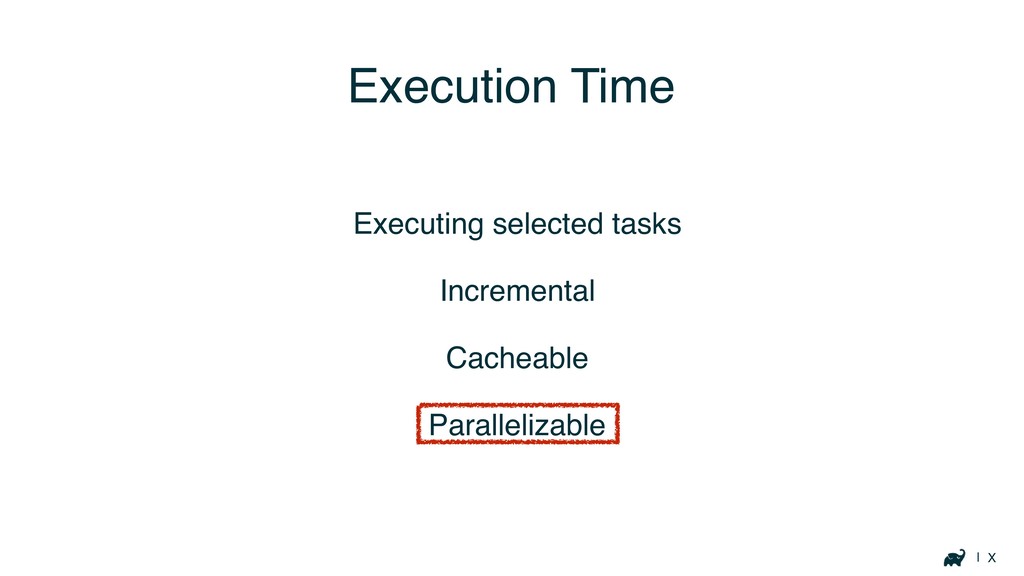
| X Execution Time Executing selected tasks Incremental Cacheable Parallelizable
| X Execution Time Executing selected tasks Incremental Cacheable Parallelizable
| X Execution Time Executing selected tasks Incremental Cacheable Parallelizable
| X Execution Time Executing selected tasks Incremental Cacheable Parallelizable
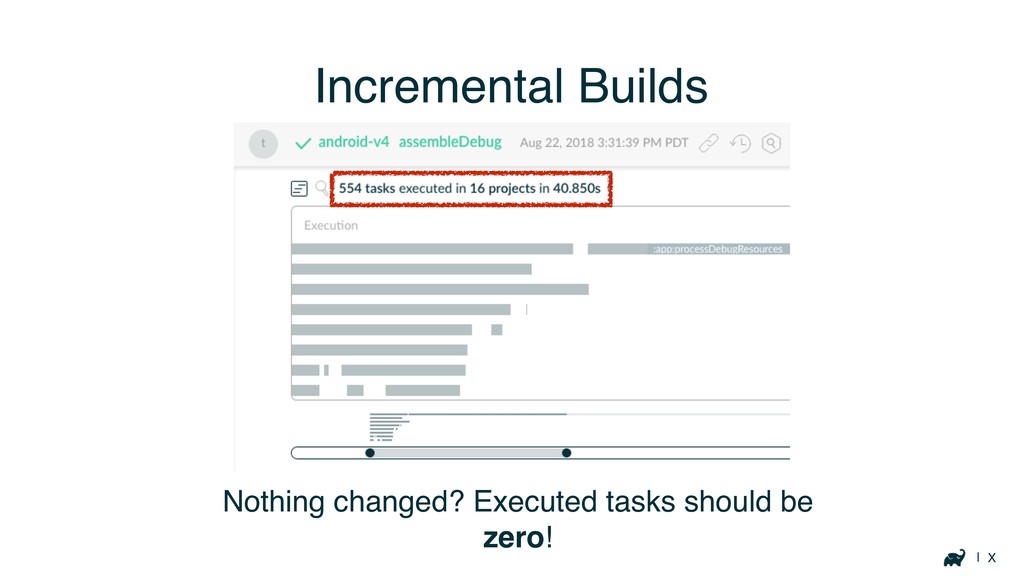
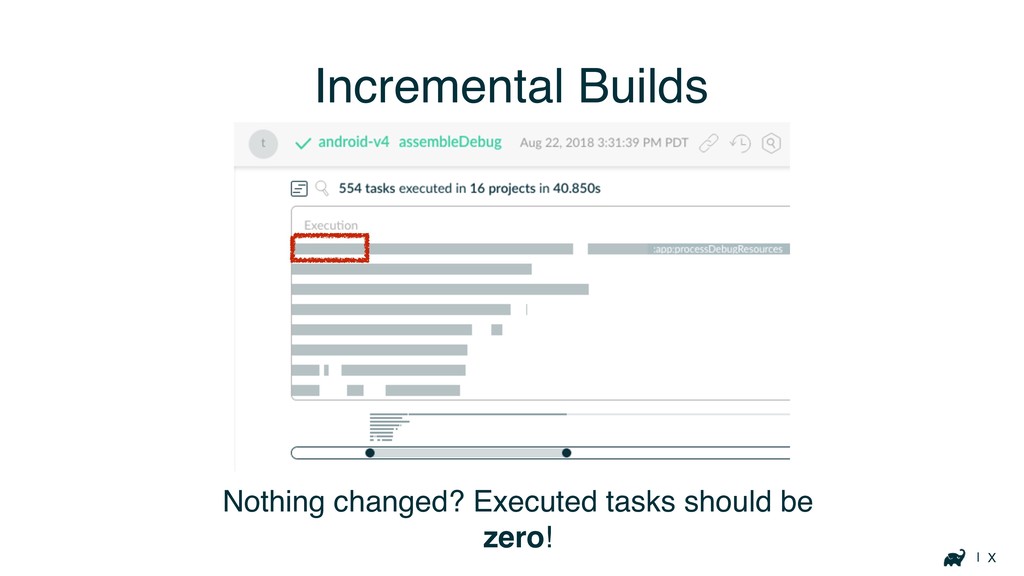
| X Incremental Builds Nothing changed? Executed tasks should be
zero!
| X Incremental Builds Nothing changed? Executed tasks should be
zero!
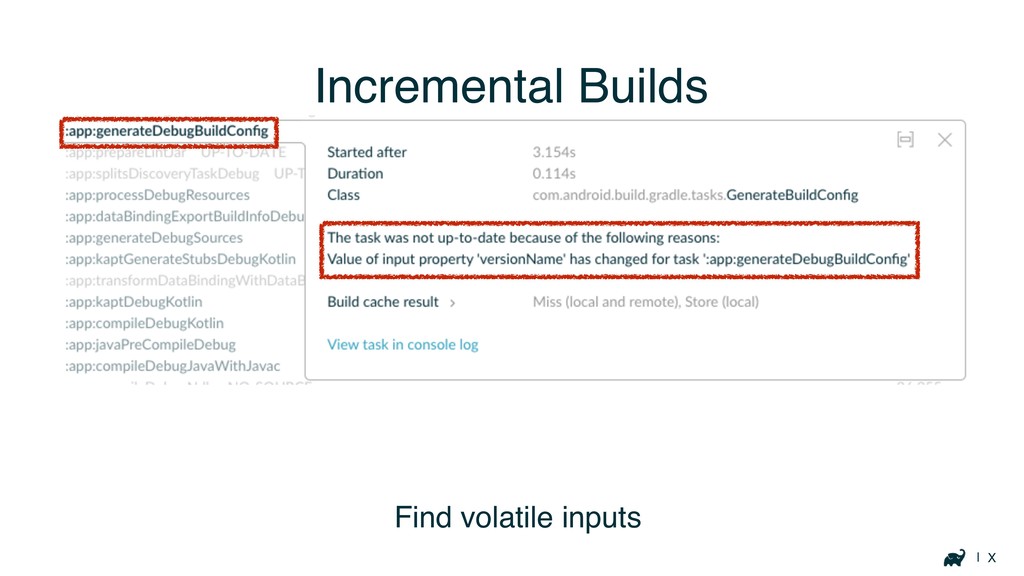
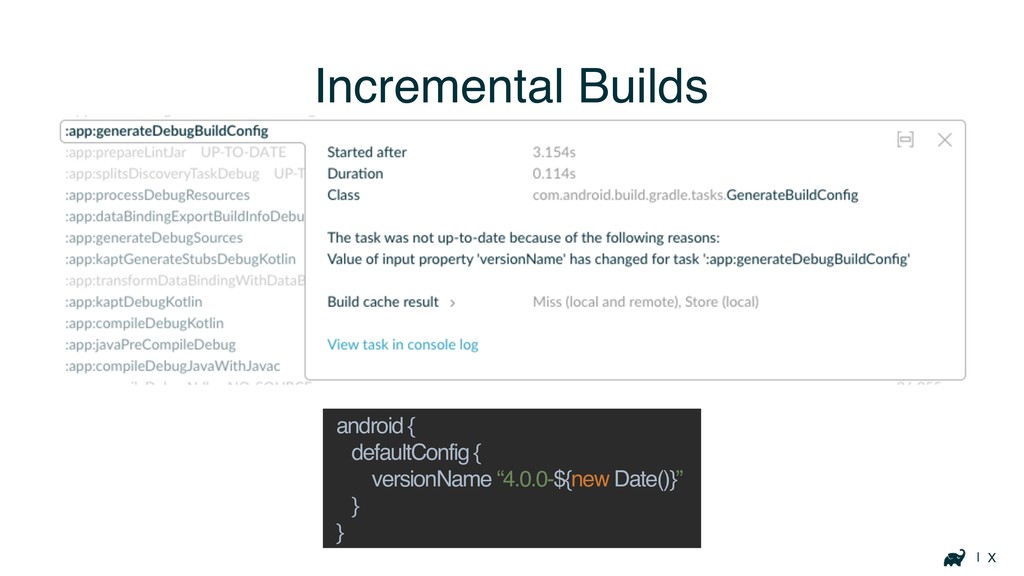
| X Incremental Builds Find volatile inputs
| X Incremental Builds android { defaultConfig { versionName “4.0.0-${new
Date()}” } }
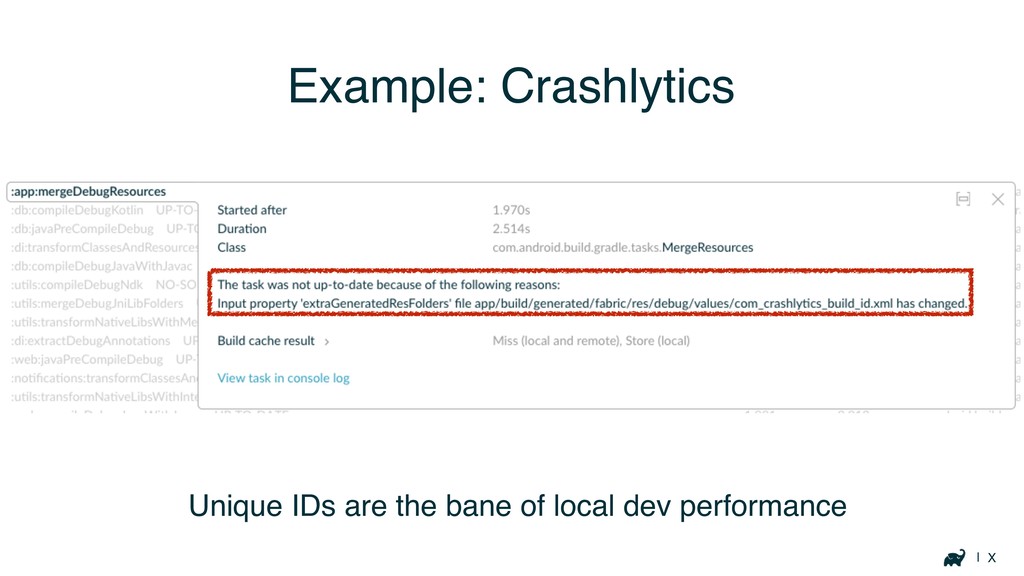
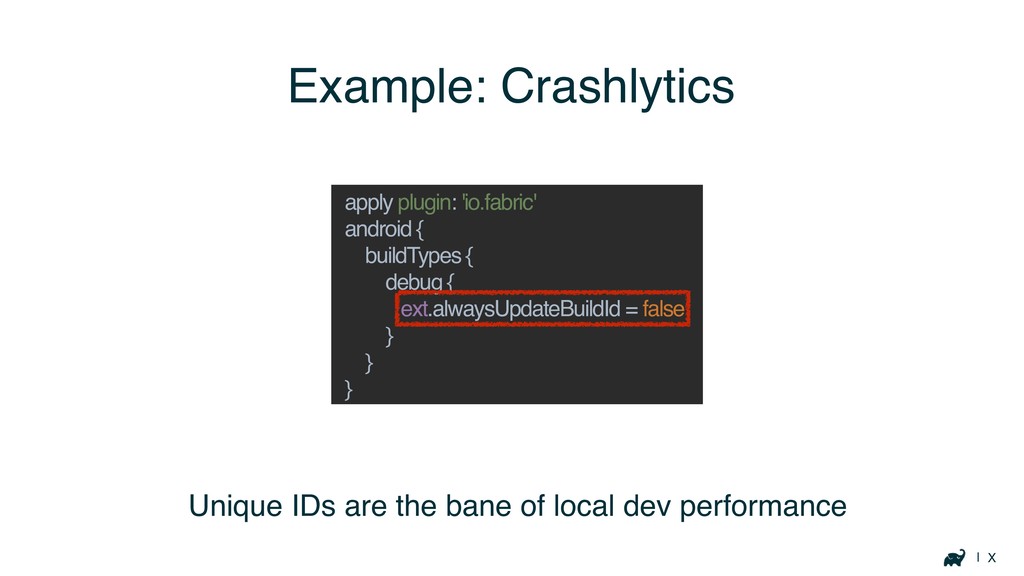
| X Example: Crashlytics Unique IDs are the bane of
local dev performance
| X Example: Crashlytics Unique IDs are the bane of
local dev performance apply plugin: 'io.fabric' android { buildTypes { debug { ext.alwaysUpdateBuildId = false } } }
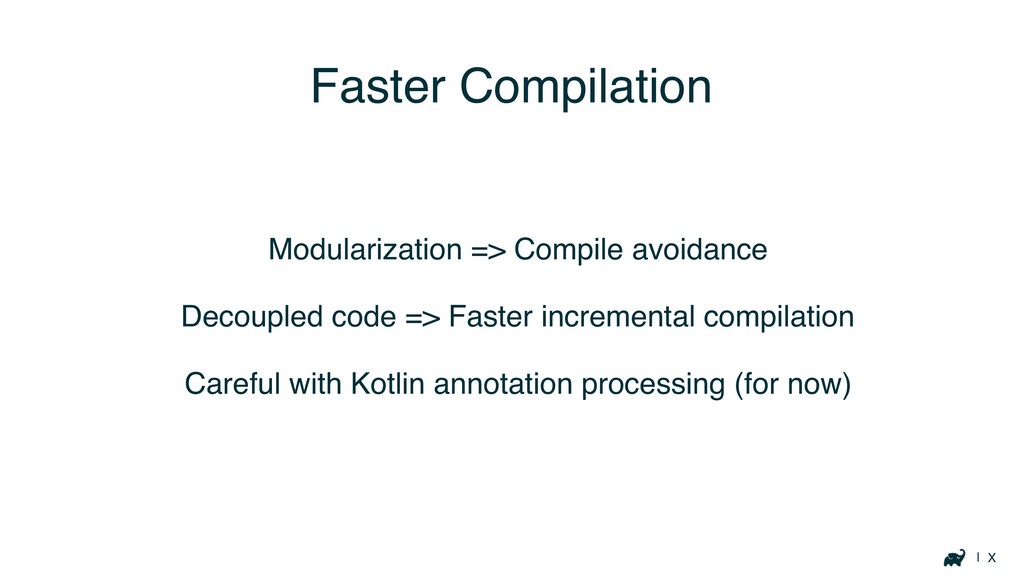
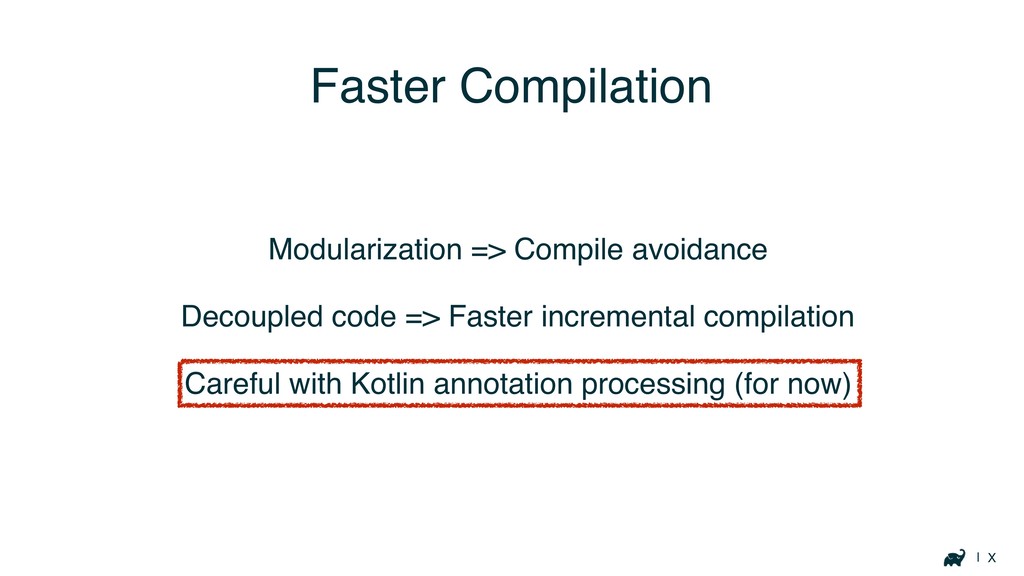
| X Faster Compilation Modularization => Compile avoidance Decoupled code
=> Faster incremental compilation Careful with Kotlin annotation processing (for now)
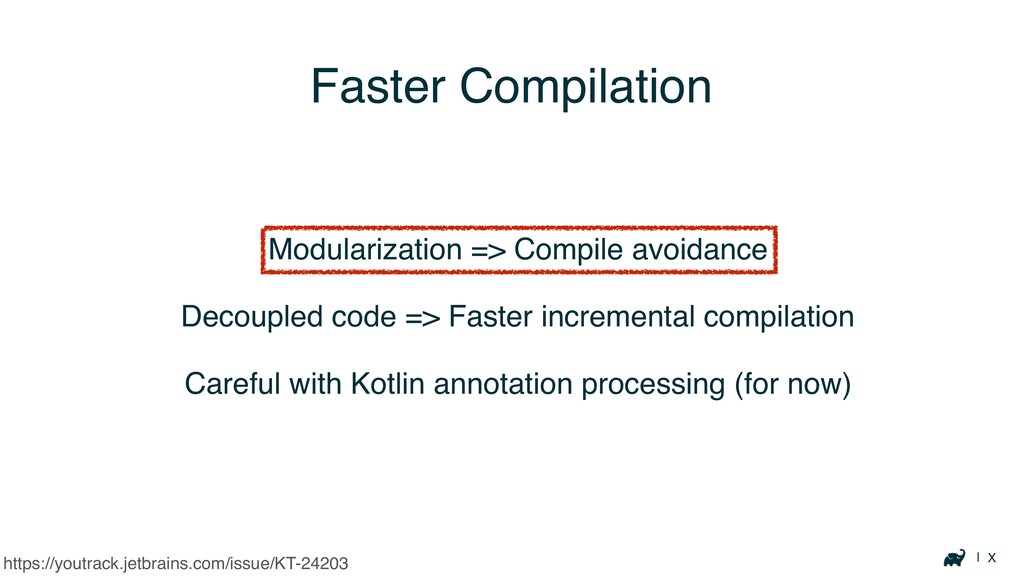
| X Faster Compilation Modularization => Compile avoidance Decoupled code
=> Faster incremental compilation Careful with Kotlin annotation processing (for now) https://youtrack.jetbrains.com/issue/KT-24203
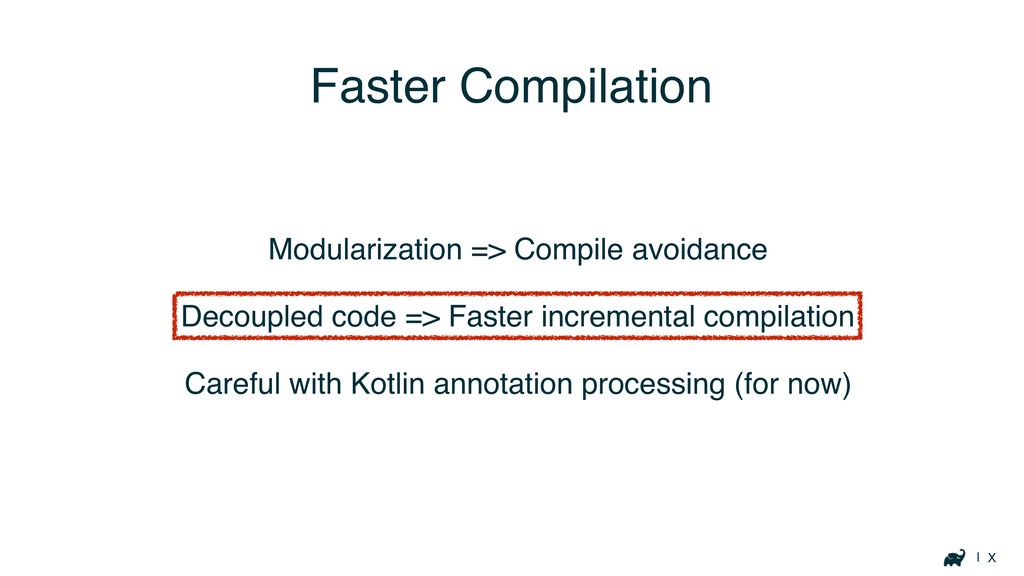
| X Faster Compilation Modularization => Compile avoidance Decoupled code
=> Faster incremental compilation Careful with Kotlin annotation processing (for now)
| X Faster Compilation Modularization => Compile avoidance Decoupled code
=> Faster incremental compilation Careful with Kotlin annotation processing (for now)
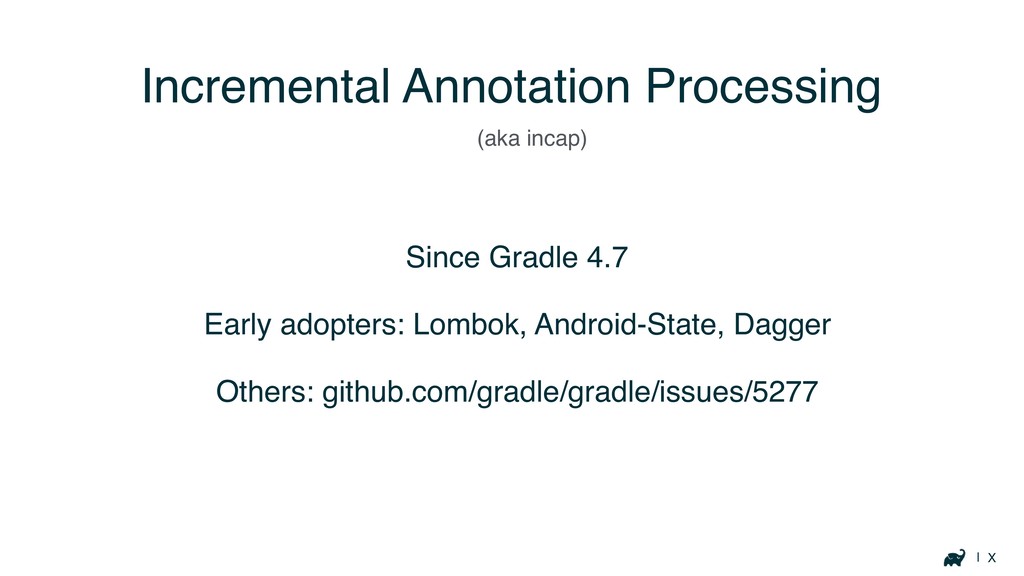
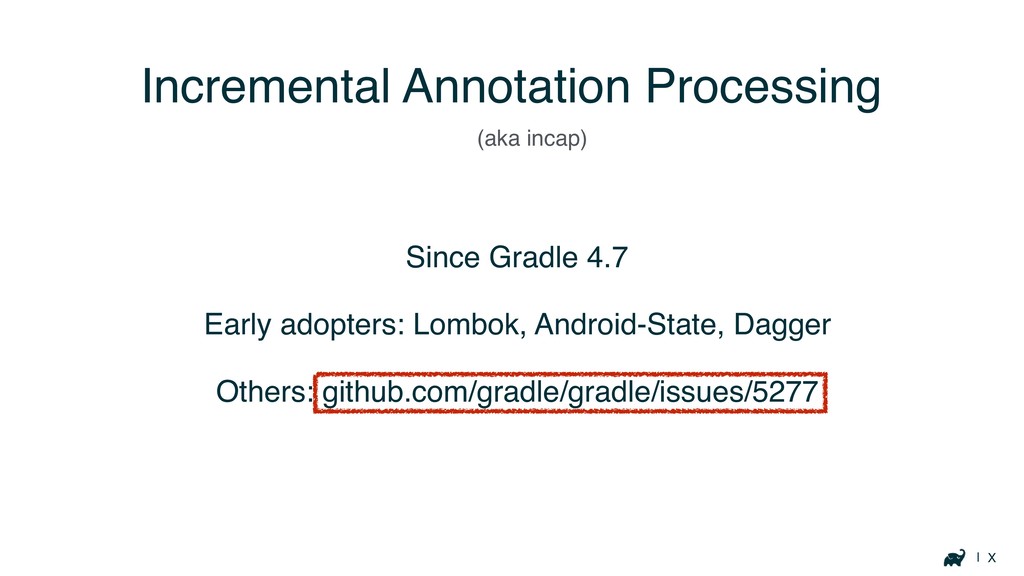
| X Incremental Annotation Processing Since Gradle 4.7 Early adopters:
Lombok, Android-State, Dagger Others: github.com/gradle/gradle/issues/5277 (aka incap)
| X Incremental Annotation Processing Since Gradle 4.7 Early adopters:
Lombok, Android-State, Dagger Others: github.com/gradle/gradle/issues/5277 (aka incap)
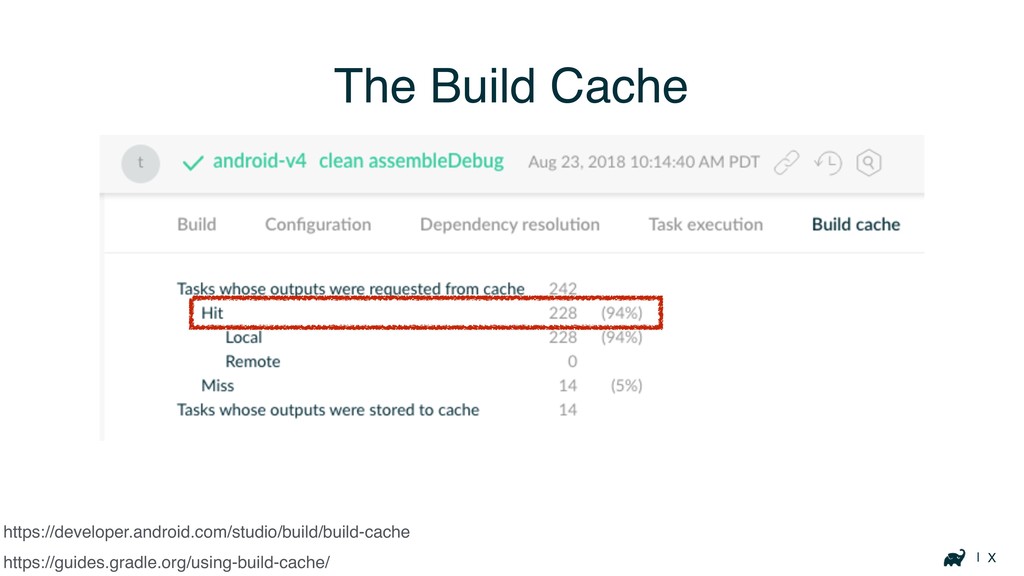
| X The Build Cache https://guides.gradle.org/using-build-cache/ https://developer.android.com/studio/build/build-cache
| X The Build Cache https://guides.gradle.org/using-build-cache/ https://developer.android.com/studio/build/build-cache
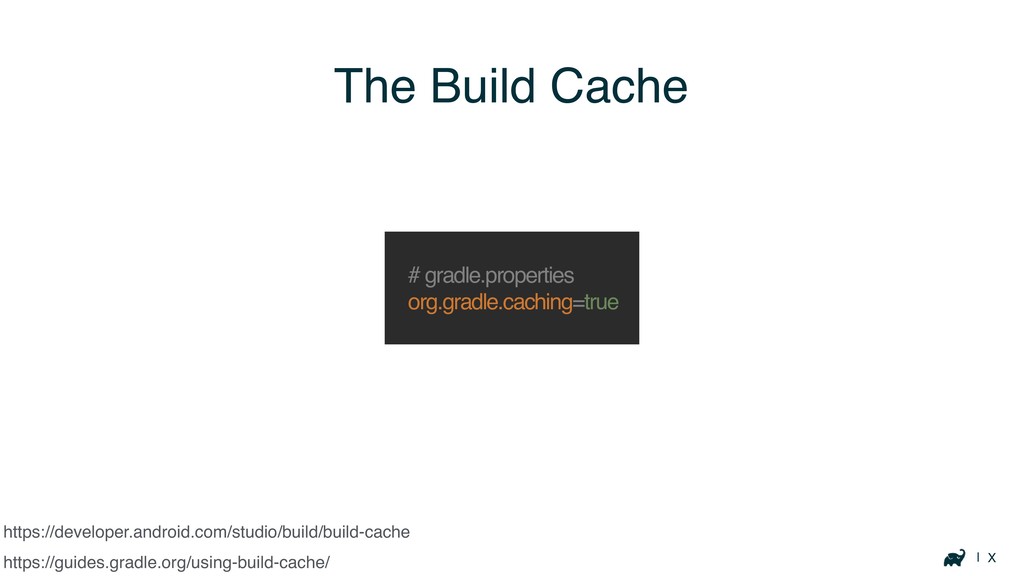
| X The Build Cache https://guides.gradle.org/using-build-cache/ # gradle.properties org.gradle.caching=true https://developer.android.com/studio/build/build-cache
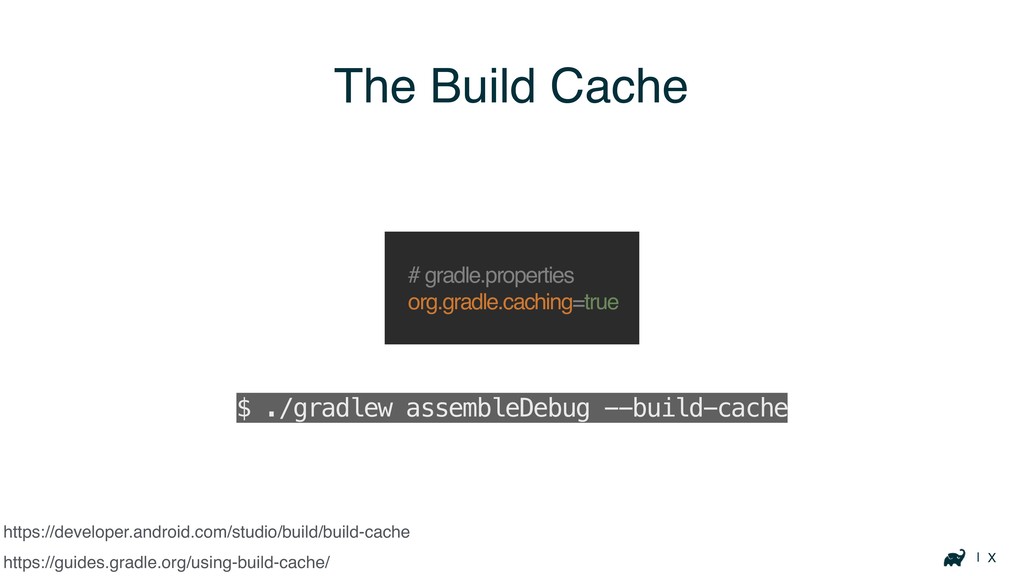
| X The Build Cache https://guides.gradle.org/using-build-cache/ # gradle.properties org.gradle.caching=true $
./gradlew assembleDebug --build-cache https://developer.android.com/studio/build/build-cache
| X The Build Cache https://guides.gradle.org/using-build-cache/ Many tasks are cacheable
https://developer.android.com/studio/build/build-cache
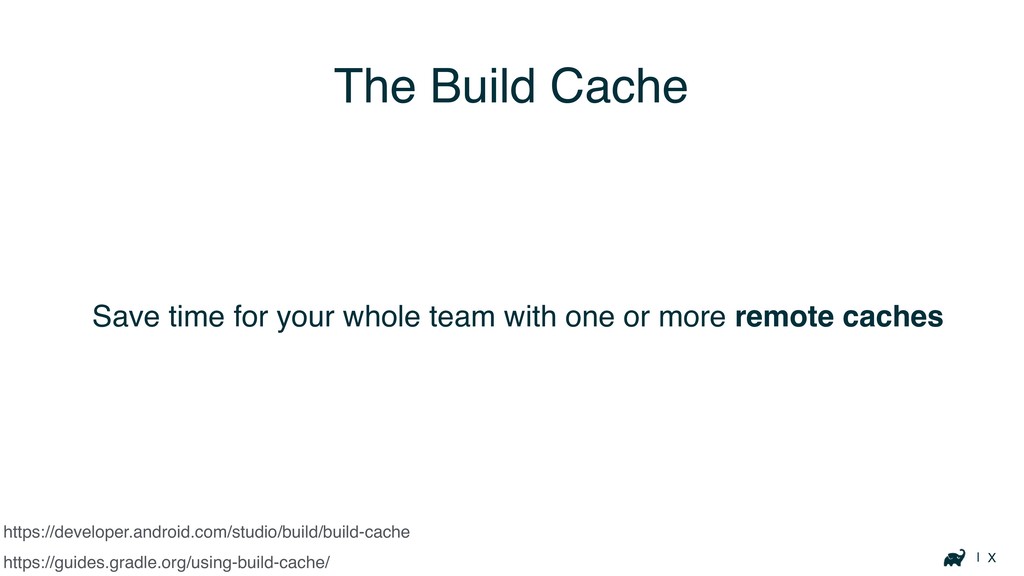
| X https://developer.android.com/studio/build/build-cache Save time for your whole team with
one or more remote caches https://guides.gradle.org/using-build-cache/ The Build Cache
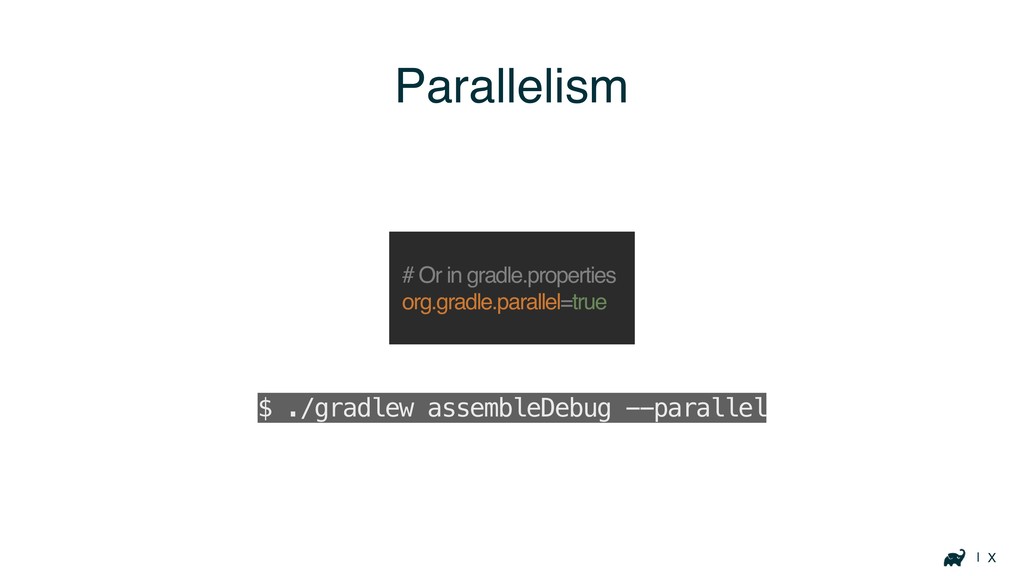
| X Parallelism # Or in gradle.properties org.gradle.parallel=true $ ./gradlew
assembleDebug --parallel
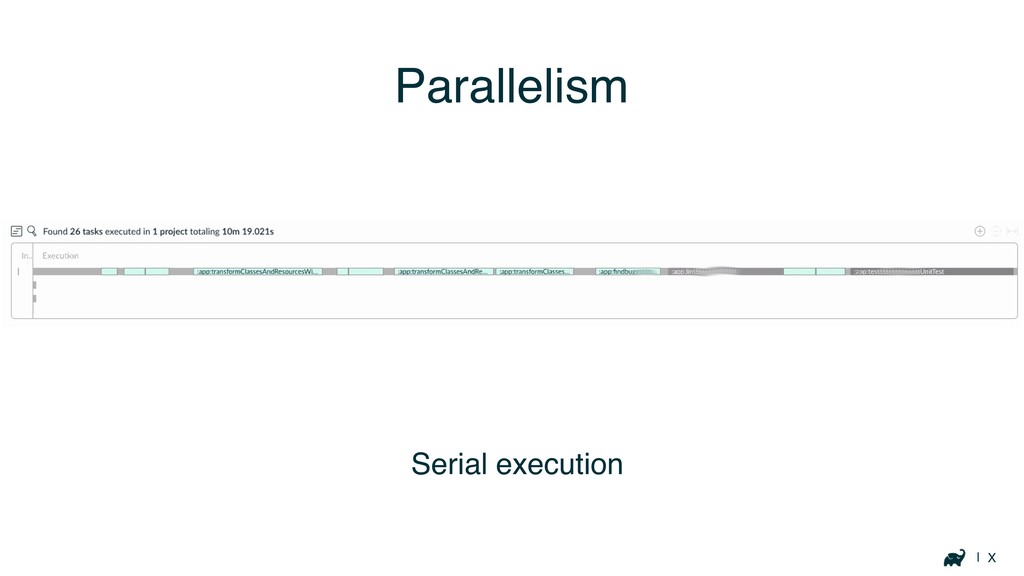
| X Parallelism Serial execution
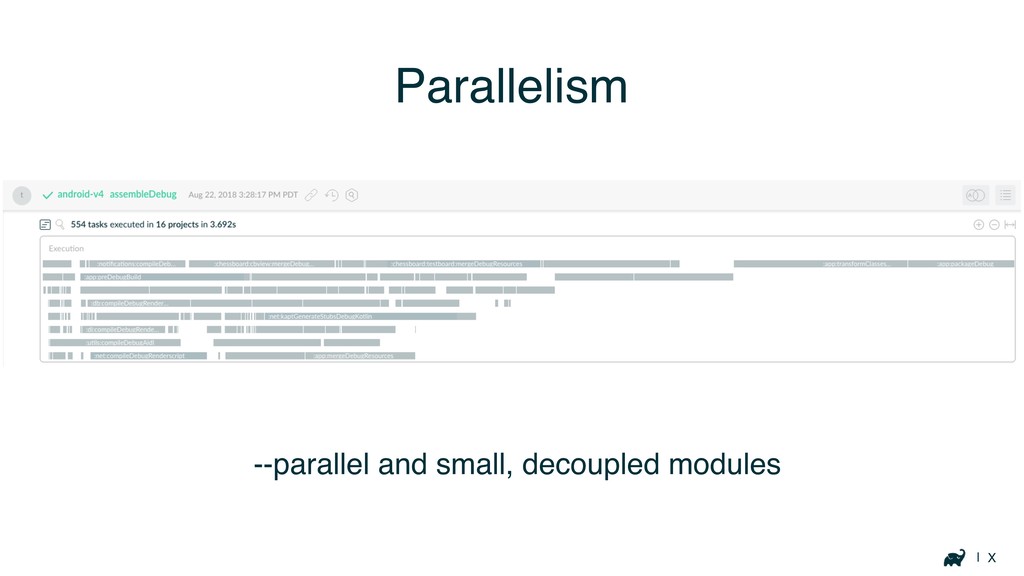
| X Parallelism --parallel and small, decoupled modules
Keeping track of performance
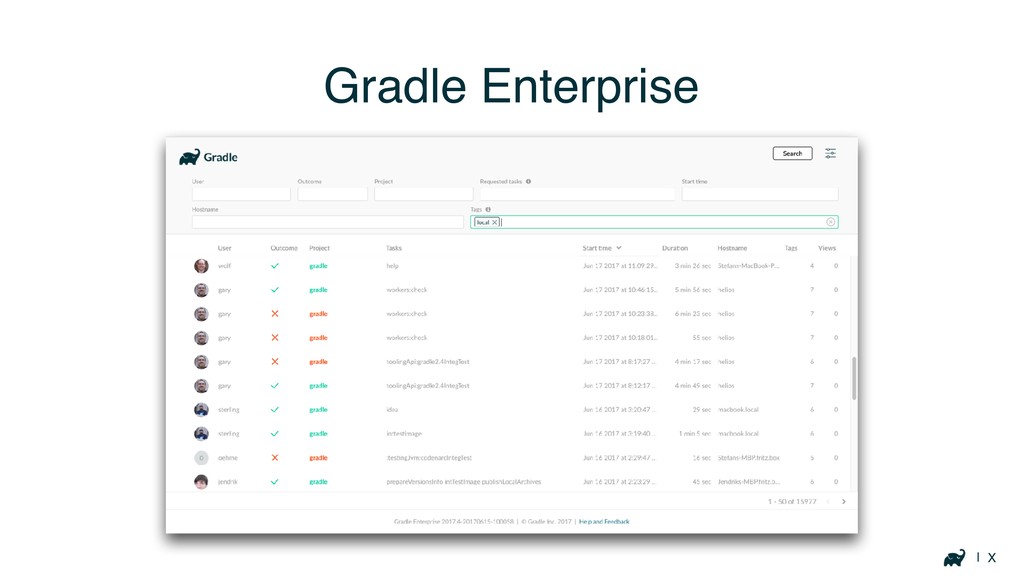
| X Gradle Enterprise
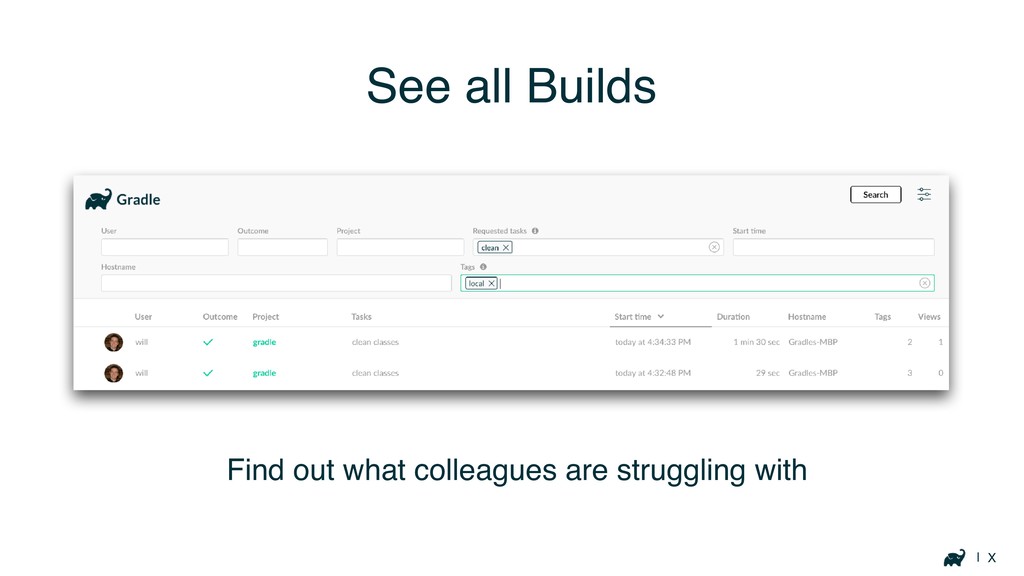
| X See all Builds Find out what colleagues are
struggling with
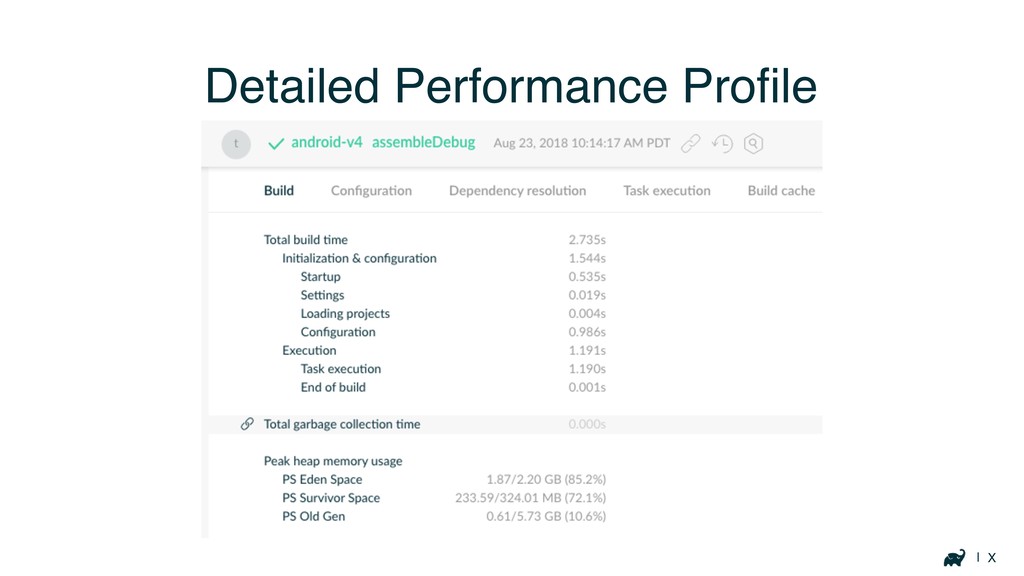
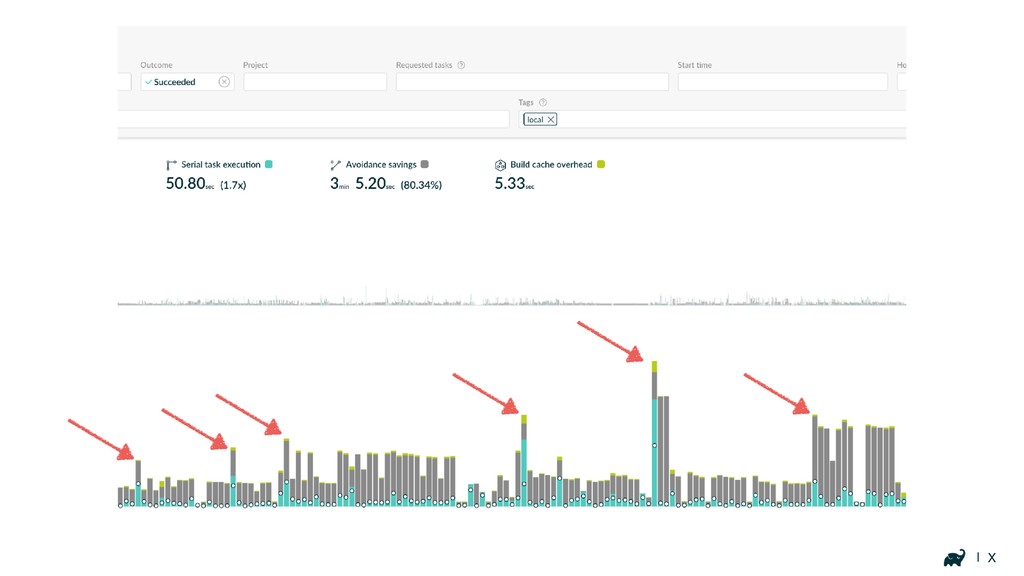
| X Detailed Performance Profile
| X
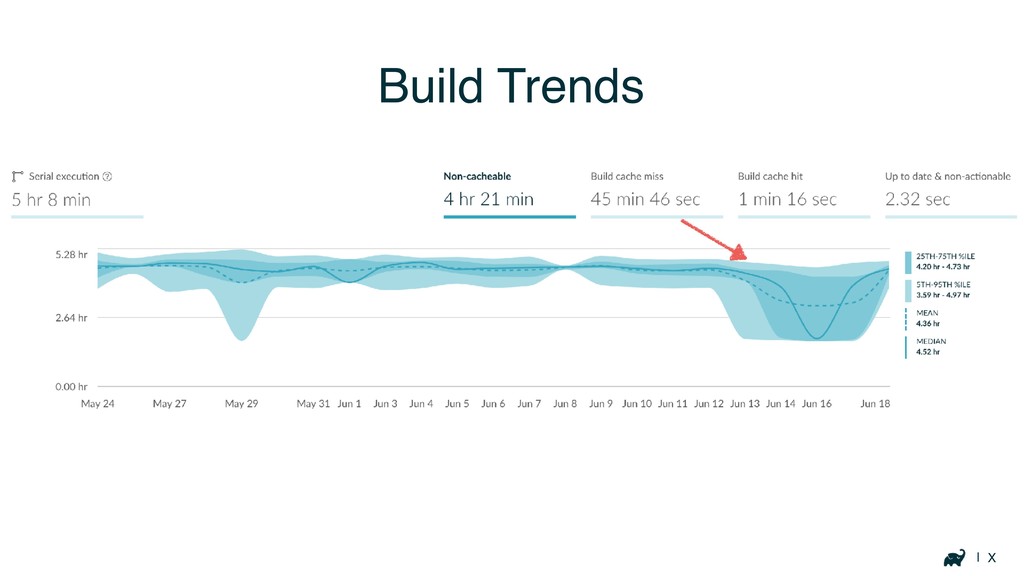
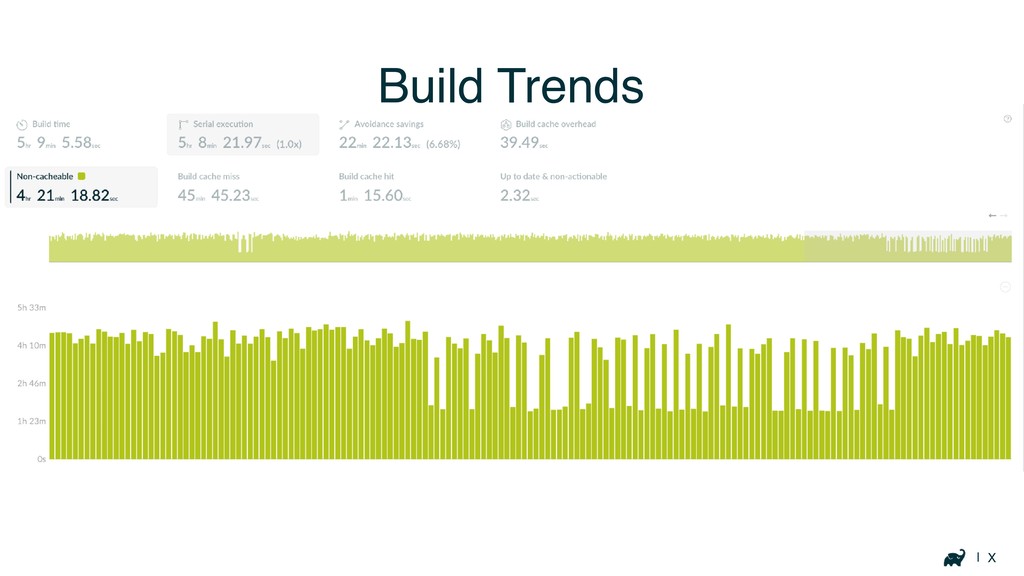
| X Build Trends
| X Build Trends
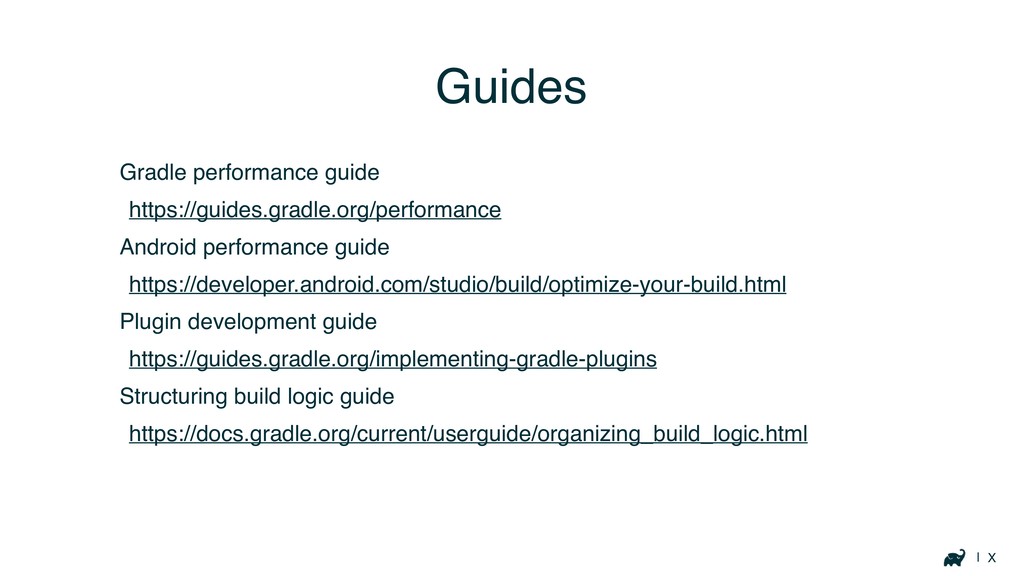
Resources
| X Gradle performance guide https://guides.gradle.org/performance Android performance guide https://developer.android.com/studio/build/optimize-your-build.html
Plugin development guide https://guides.gradle.org/implementing-gradle-plugins Structuring build logic guide https://docs.gradle.org/current/userguide/organizing_build_logic.html Guides
| X scans.gradle.com
w Thank you DenverDroids, July 2019
[email protected]
@autonomousapps


 autonomousapps
 simas
 seyfoyun
 onozaty
 nokonoko1203
 quramy
 slobodan
 raeminkang
 ivargrimstad
 dalinaum
 yegor256
 veronikapj
 l2hyunwoo
 wjessup
 philnash
 chriscoyier
 inesmontani
 jcasabona
 kristinabergwall1
 erikaheidi
 tammyeverts
 akademiya2063
 thoeni
 addyosmani