Upgrade to Pro — share decks privately, control downloads, hide ads and more …

Salon Analytics Software Made Simple: Busy Days...

AyeSalon
November 12, 2026

Salon Analytics Software Made Simple: Busy Days, Quiet Hours and Top Services

A simple 10-slide guide for salon owners on salon analytics software. Learn how to find your busy days and quiet hours, see your best-selling services, understand your team's time, and plan with facts instead of guesses. The deck also includes a weekly routine and a checklist for choosing a salon reporting and analytics software.

Read the full guide: https://ayesalon.com/blog/salon-analytics-software-made-simple-know-your-busy-days-quiet-hours-best-selling-services-and-staff-performance/

AyeSalon

November 12, 2026

Transcript

10 slides
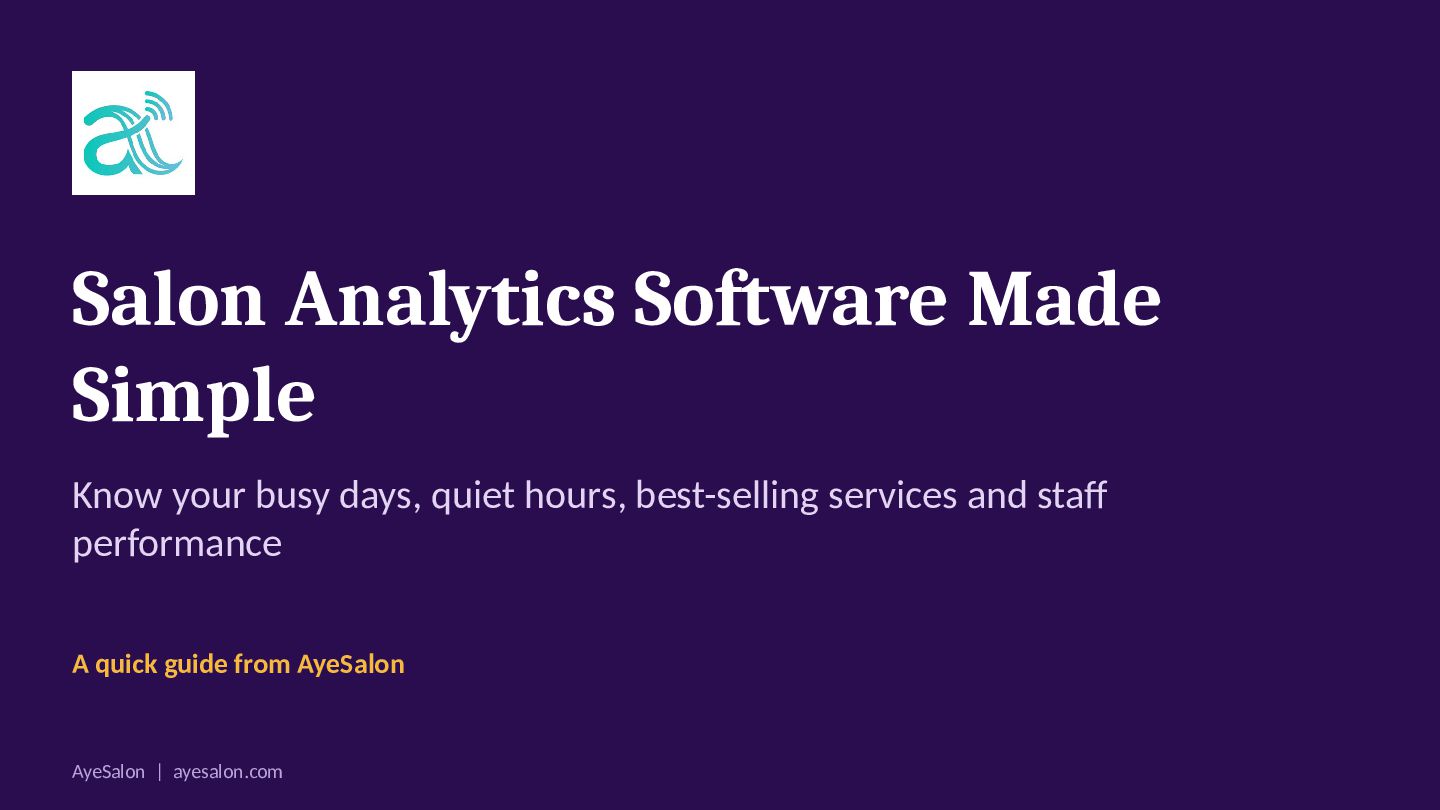
  1. Salon Analytics Software Made Simple Know your busy days, quiet

    hours, best-selling services and staff performance A quick guide from AyeSalon AyeSalon | ayesalon.com
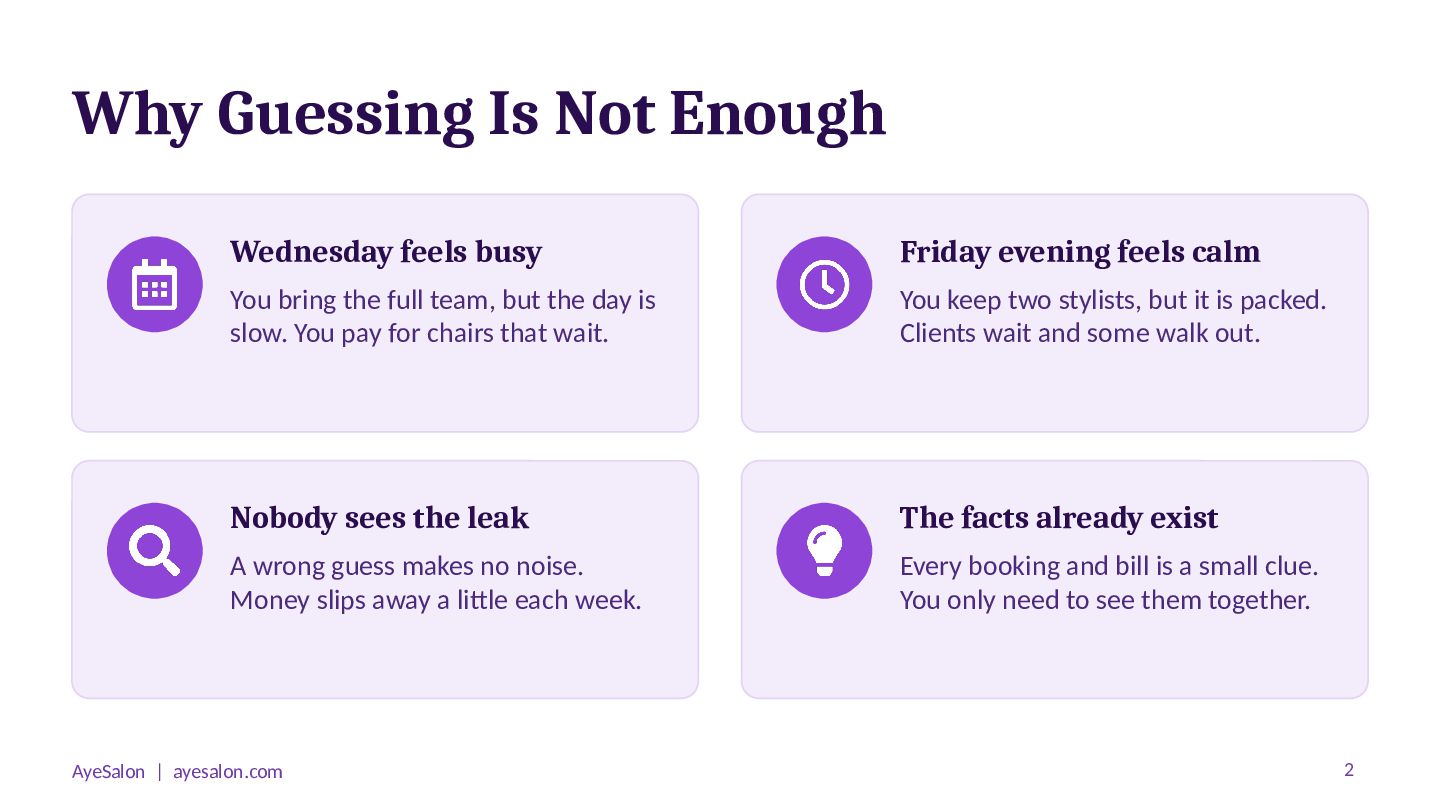
  2. Why Guessing Is Not Enough Wednesday feels busy Friday evening

    feels calm You bring the full team, but the day is slow. You pay for chairs that wait. You keep two stylists, but it is packed. Clients wait and some walk out. Nobody sees the leak The facts already exist A wrong guess makes no noise. Money slips away a little each week. Every booking and bill is a small clue. You only need to see them together. AyeSalon | ayesalon.com 2
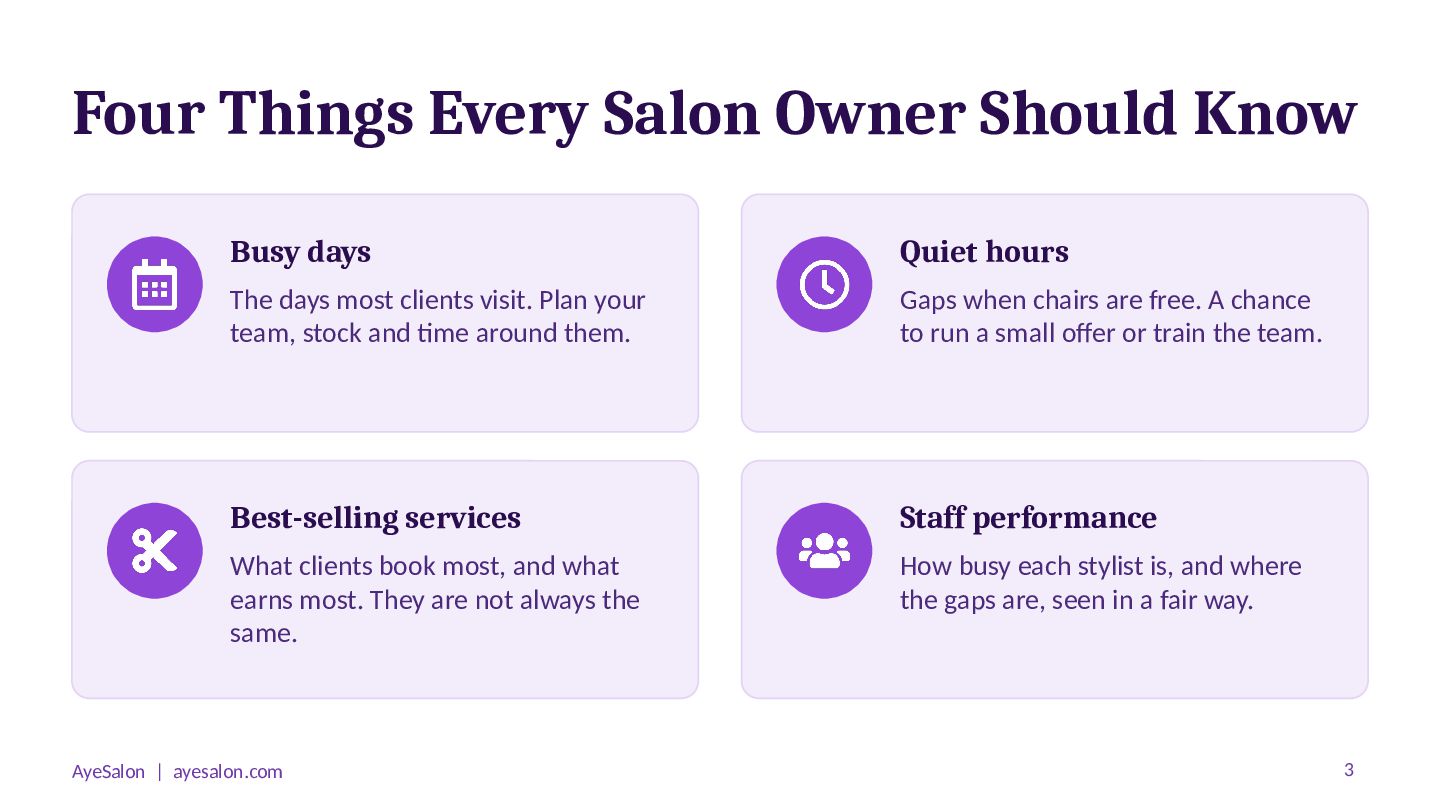
  3. Four Things Every Salon Owner Should Know Busy days Quiet

    hours The days most clients visit. Plan your team, stock and time around them. Gaps when chairs are free. A chance to run a small offer or train the team. Best-selling services Staff performance What clients book most, and what earns most. They are not always the same. How busy each stylist is, and where the gaps are, seen in a fair way. AyeSalon | ayesalon.com 3
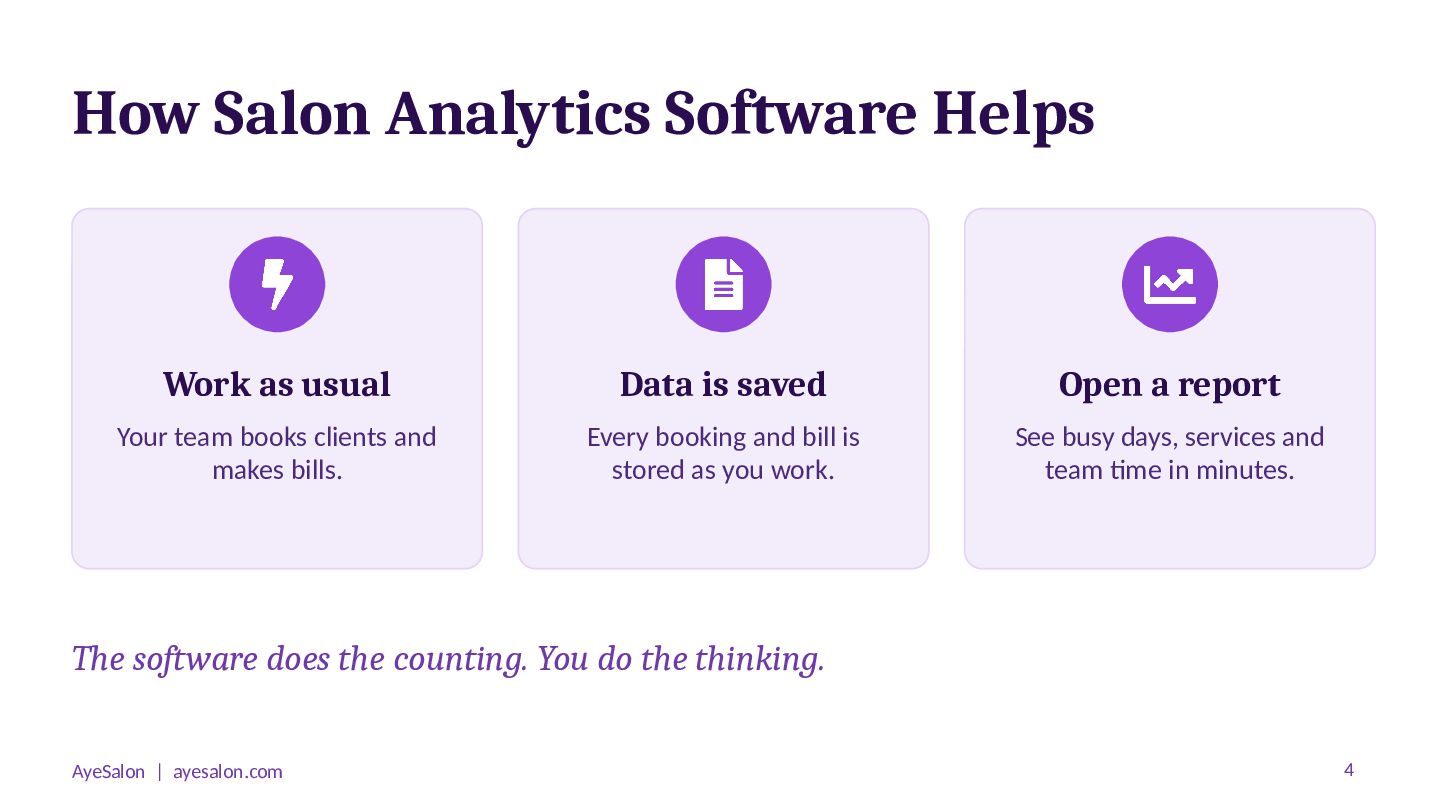
  4. How Salon Analytics Software Helps Work as usual Data is

    saved Open a report Your team books clients and makes bills. Every booking and bill is stored as you work. See busy days, services and team time in minutes. The software does the counting. You do the thinking. AyeSalon | ayesalon.com 4
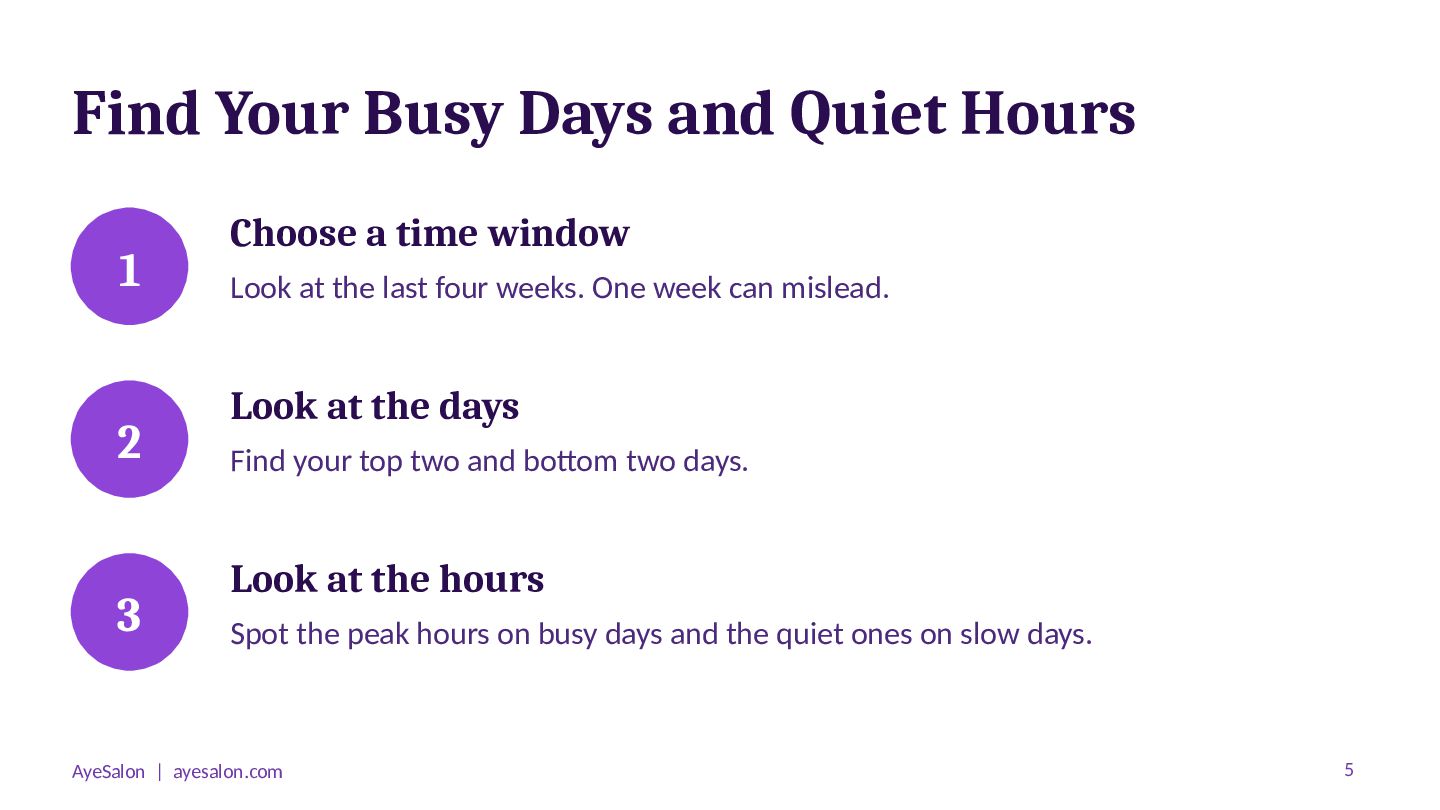
  5. Find Your Busy Days and Quiet Hours 1 2 3

    Choose a time window Look at the last four weeks. One week can mislead. Look at the days Find your top two and bottom two days. Look at the hours Spot the peak hours on busy days and the quiet ones on slow days. AyeSalon | ayesalon.com 5
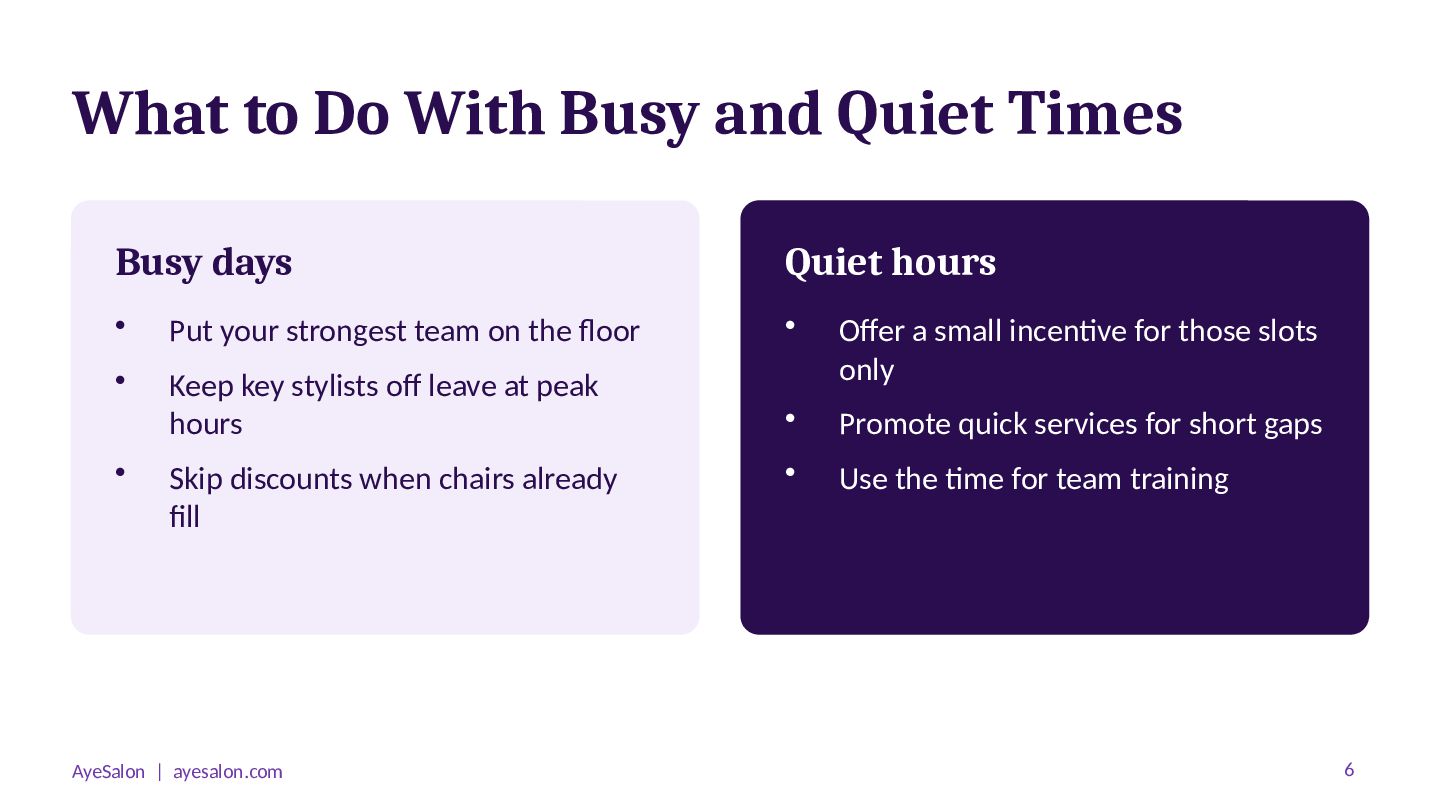
  6. What to Do With Busy and Quiet Times Busy days

    Quiet hours • Put your strongest team on the floor • • Keep key stylists off leave at peak hours Offer a small incentive for those slots only • Promote quick services for short gaps • Use the time for team training • Skip discounts when chairs already fill AyeSalon | ayesalon.com 6
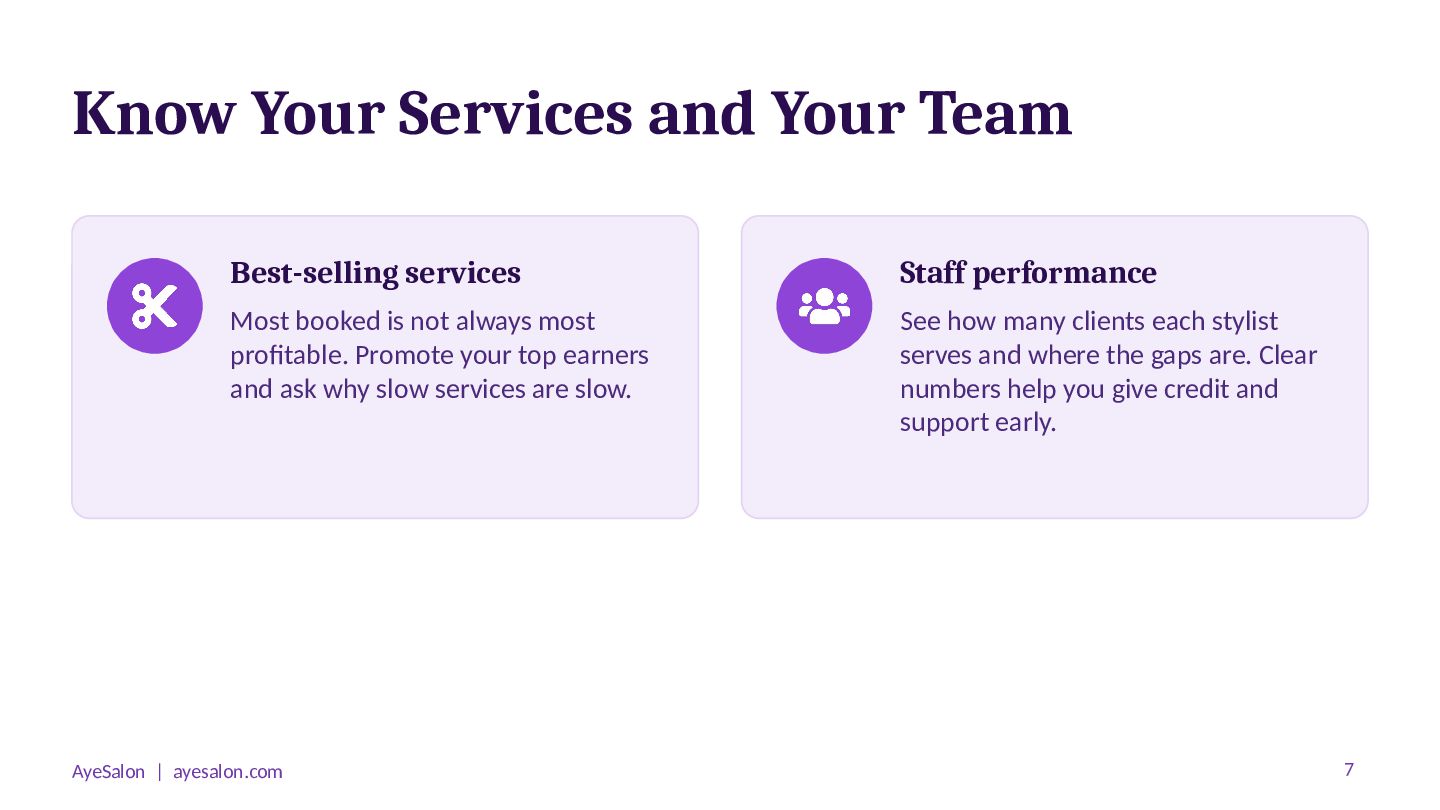
  7. Know Your Services and Your Team Best-selling services Staff performance

    Most booked is not always most profitable. Promote your top earners and ask why slow services are slow. See how many clients each stylist serves and where the gaps are. Clear numbers help you give credit and support early. AyeSalon | ayesalon.com 7
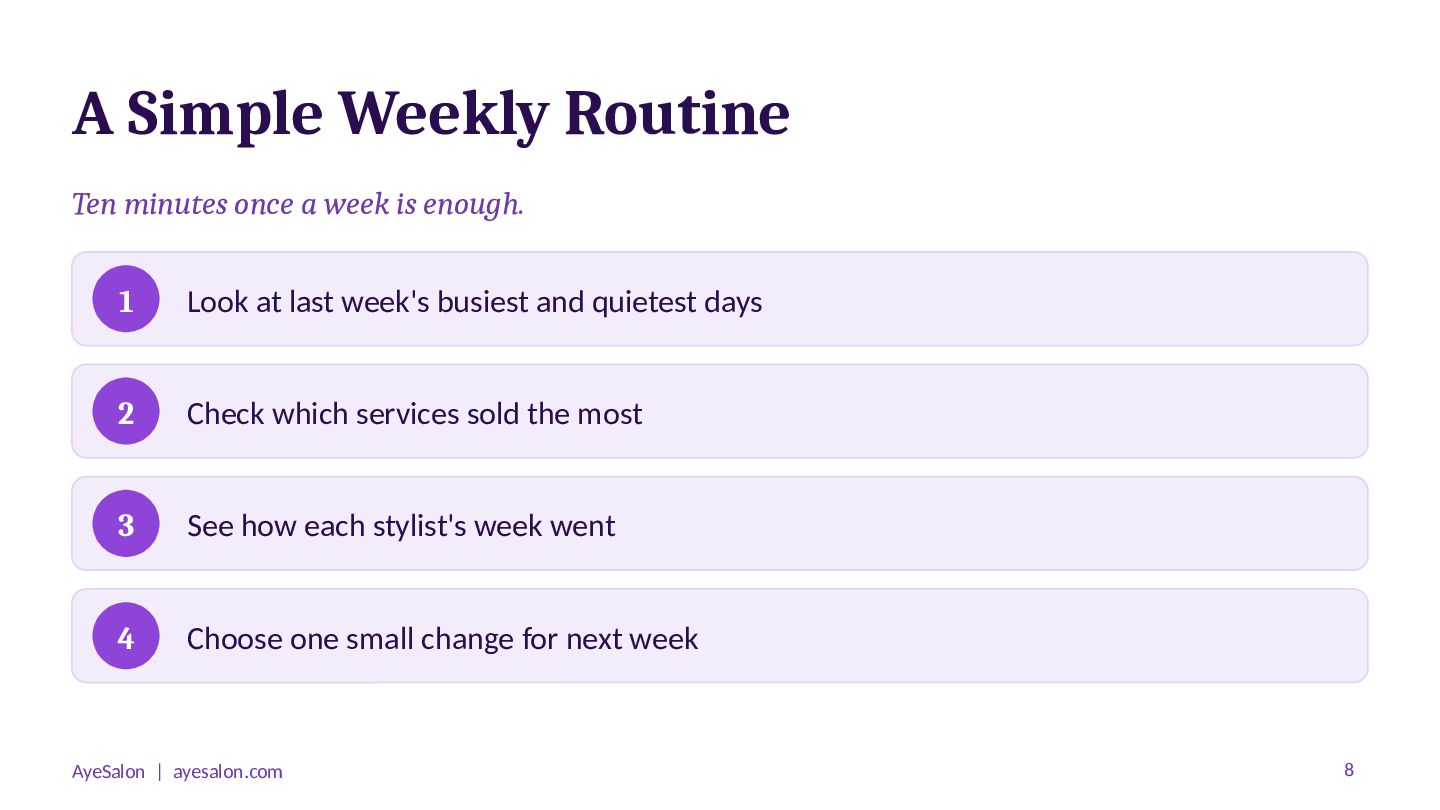
  8. A Simple Weekly Routine Ten minutes once a week is

    enough. 1 Look at last week's busiest and quietest days 2 Check which services sold the most 3 See how each stylist's week went 4 Choose one small change for next week AyeSalon | ayesalon.com 8
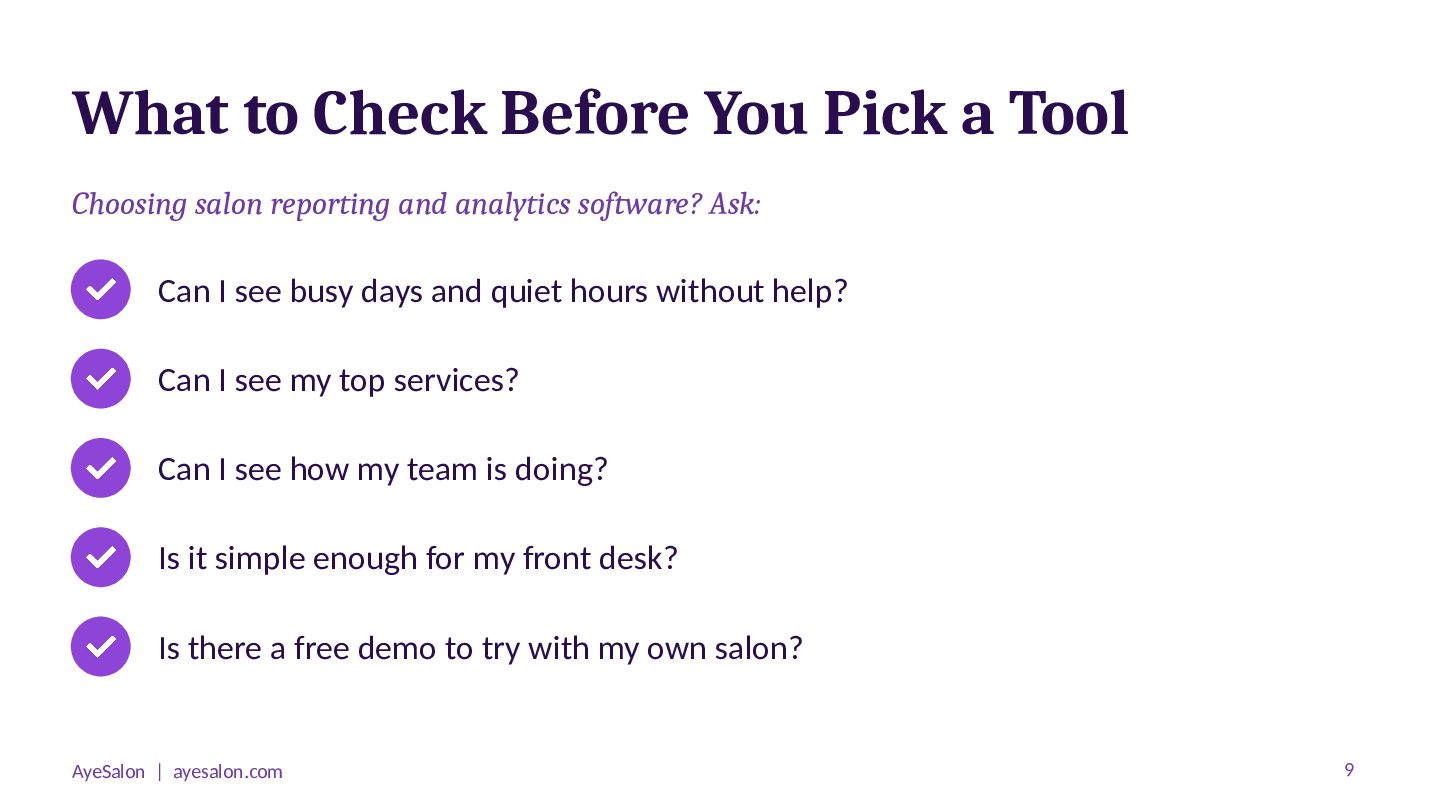
  9. What to Check Before You Pick a Tool Choosing salon

    reporting and analytics software? Ask: Can I see busy days and quiet hours without help? Can I see my top services? Can I see how my team is doing? Is it simple enough for my front desk? Is there a free demo to try with my own salon? AyeSalon | ayesalon.com 9
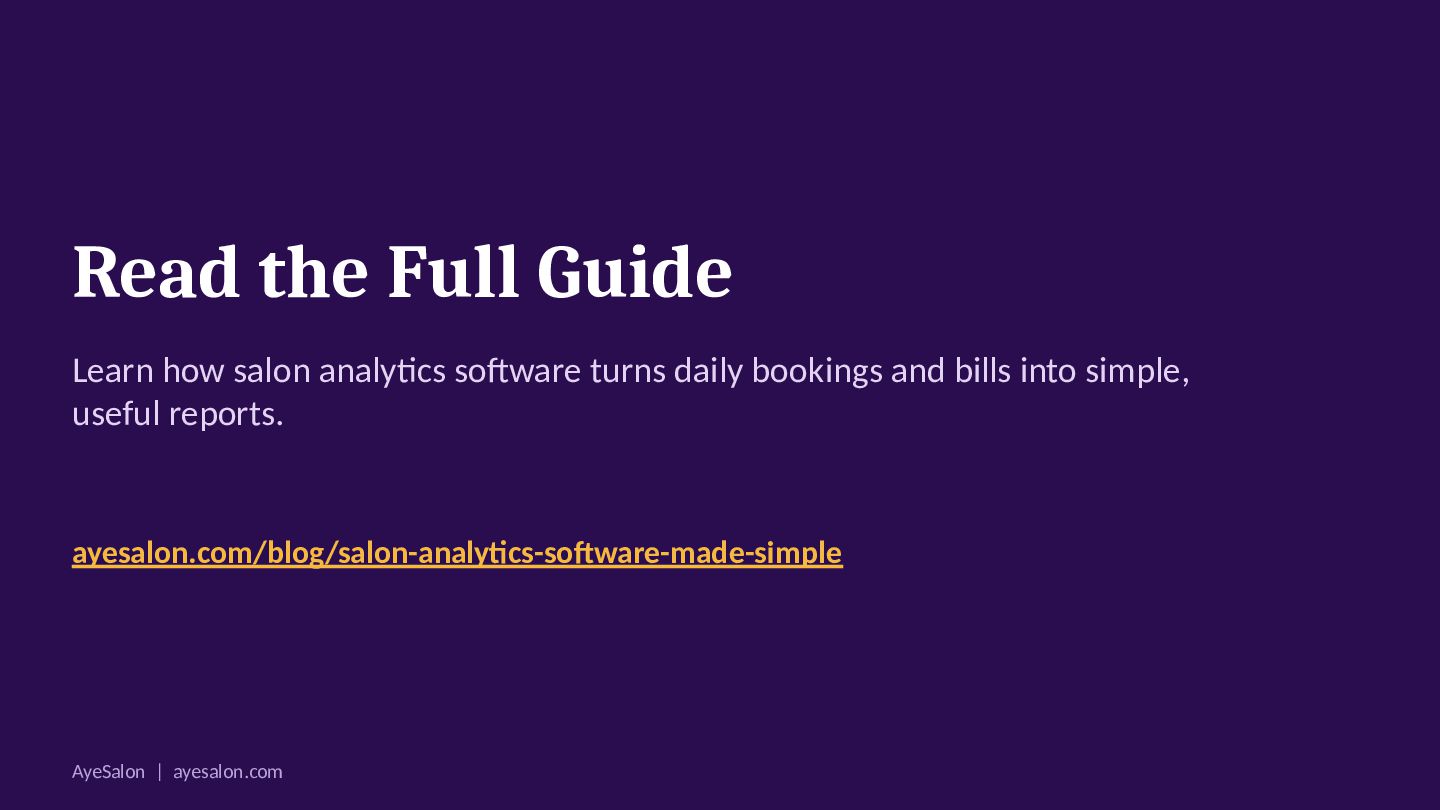
  10. Read the Full Guide Learn how salon analytics software turns

    daily bookings and bills into simple, useful reports. ayesalon.com/blog/salon-analytics-software-made-simple AyeSalon | ayesalon.com

More Decks by AyeSalon

Other Decks in Technology