Upgrade to Pro — share decks privately, control downloads, hide ads and more …

Who killed my app? - An Android murder mystery ...

Sponsored · Ship Features Fearlessly Turn features on and off without deploys. Used by thousands of Ruby developers. →

Who killed my app? - An Android murder mystery // next.app devCon / droidCon Berlin 2026

My presentation about different ways Android apps get stopped as presented at next.app devCon / droidCon Berlin on October 9, 2026.

Intro
Diagnosing a sudden stoppage of your app is complicated. The circumstances surrounding a lifecycle-related race condition or a process death can be mysterious. What are the prime suspects that can kill an Android app? There are important differences between things like force-stopping an app and swiping it out from the Recents, and simulating each termination during debugging is not straightforward. Configuration changes after sunset are strangely more likely, and you need to prepare for the user revoking permissions. Do you know who the dreaded Viking Killer is?

In this lightning talk, we will unravel the tangled web of misconceptions and investigate the eight primary ways your app can be terminated. I will show survival techniques and share my most trusted debugging practices. We won’t stop at low-memory situations, and the takeaway won’t just be to use ViewModels.

Avatar for Balázs Gerlei

Balázs Gerlei

October 09, 2026

More Decks by Balázs Gerlei

Other Decks in Programming

Transcript

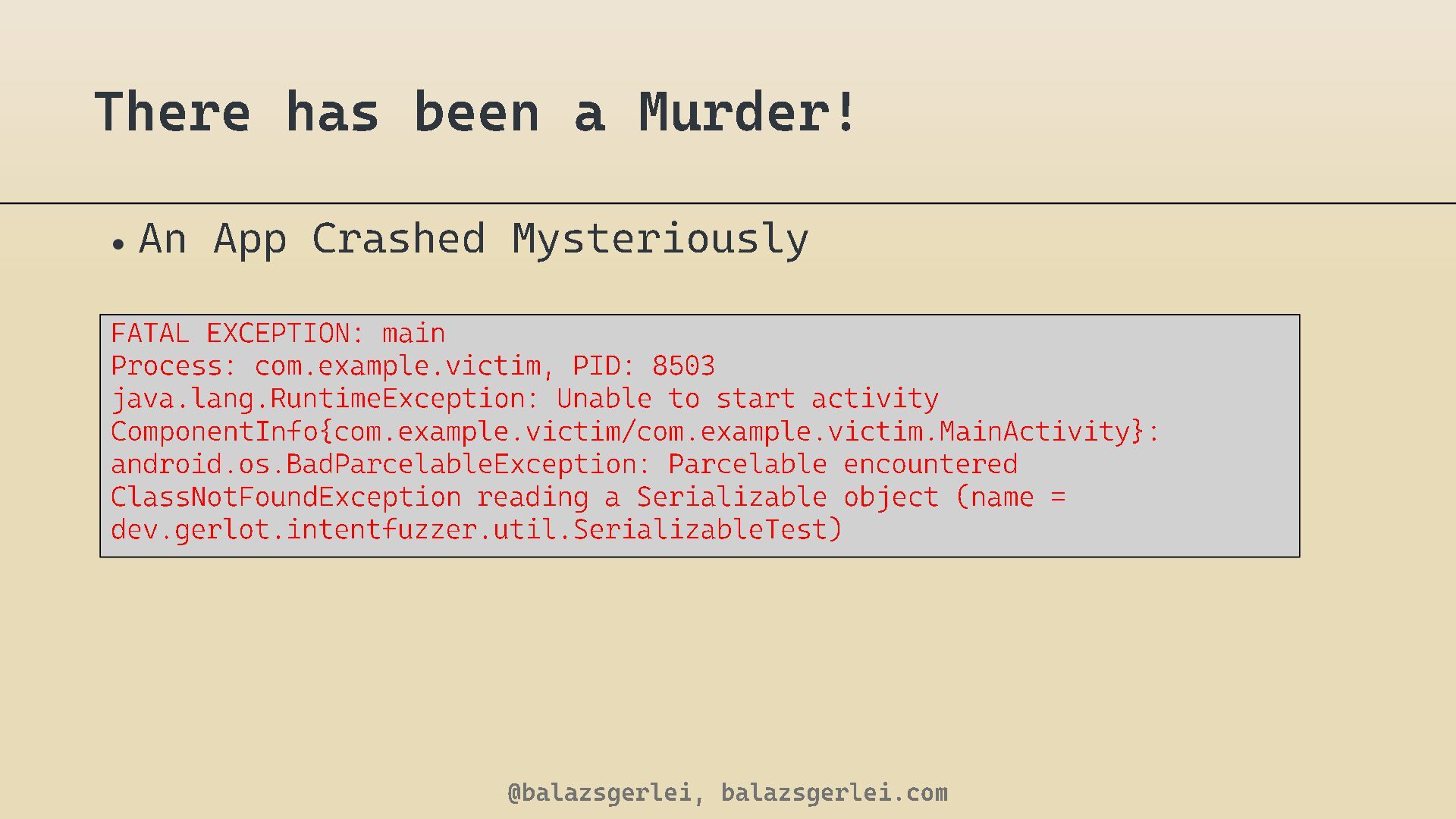
  1. There has been a Murder! • An App Crashed Mysteriously

    FATAL EXCEPTION: main Process : com. example . victim , PID: 8503 java.lang.RuntimeException : Unable to start activity ComponentInfo { com.example.victim / com.example.victim.MainActivity android.os.BadParcelableException : Parcelable encountered ClassNotFoundException reading a Serializable object ( name = dev.gerlot.intentfuzzer.util.SerializableTest ) @balazsgerlei, balazsgerlei.com }:
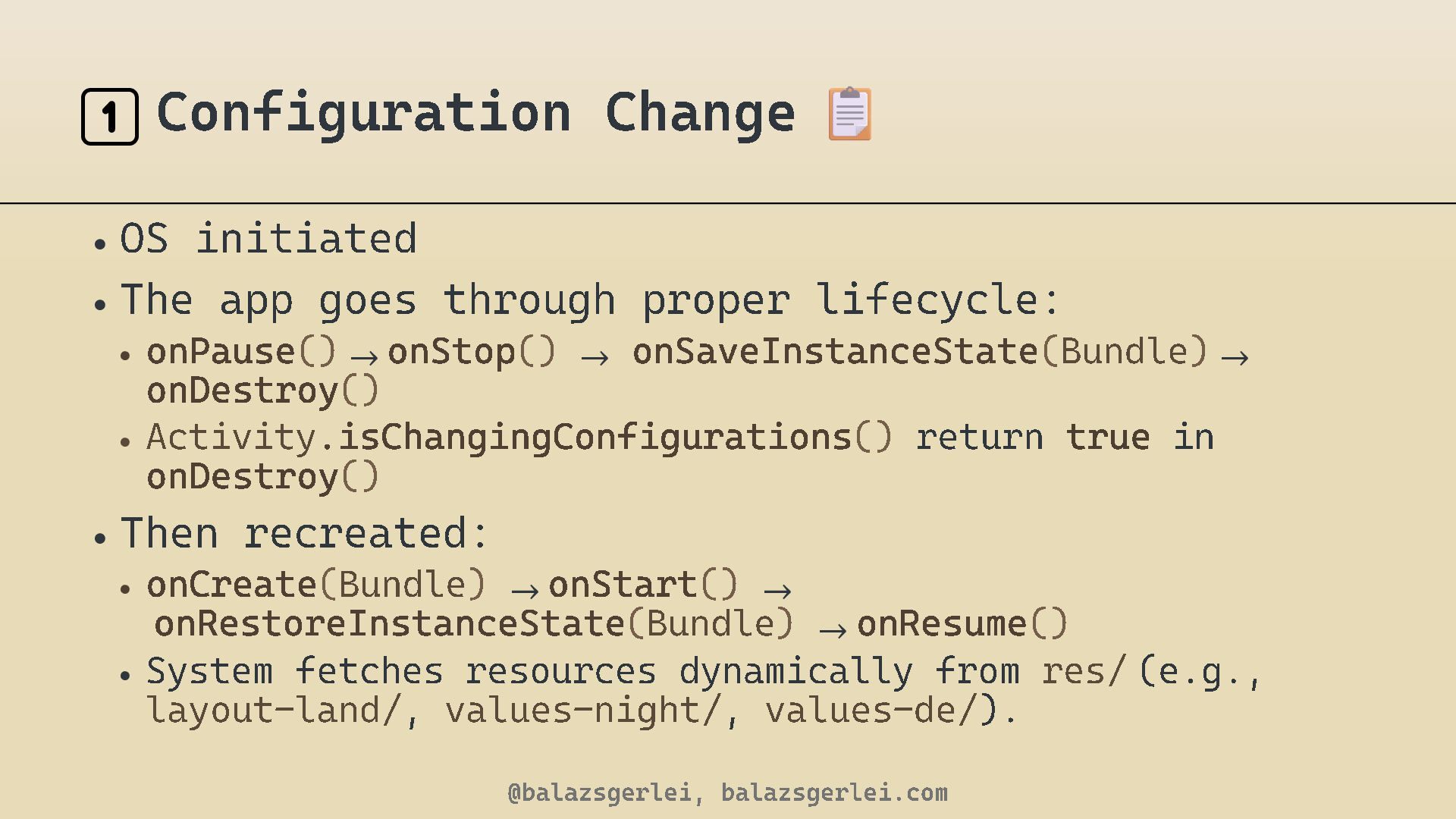
  2. 1️⃣ Configuration Change • OS initiated • The app goes

    through proper lifecycle: • on Pause () → on Stop () → on SaveInstanceState ( Bundle ) → onDestroy () • Activity .isChangingConfigurations () return true i n onDestroy () • Then recreated: • on Create ( Bundle ) → on Start () → onRestoreInstanceState ( Bundle ) → on Resume () • System fetches resources dynamically from res/ (e.g., layout - land/ , values - night/ , values - de/ ). @balazsgerlei, balazsgerlei.com
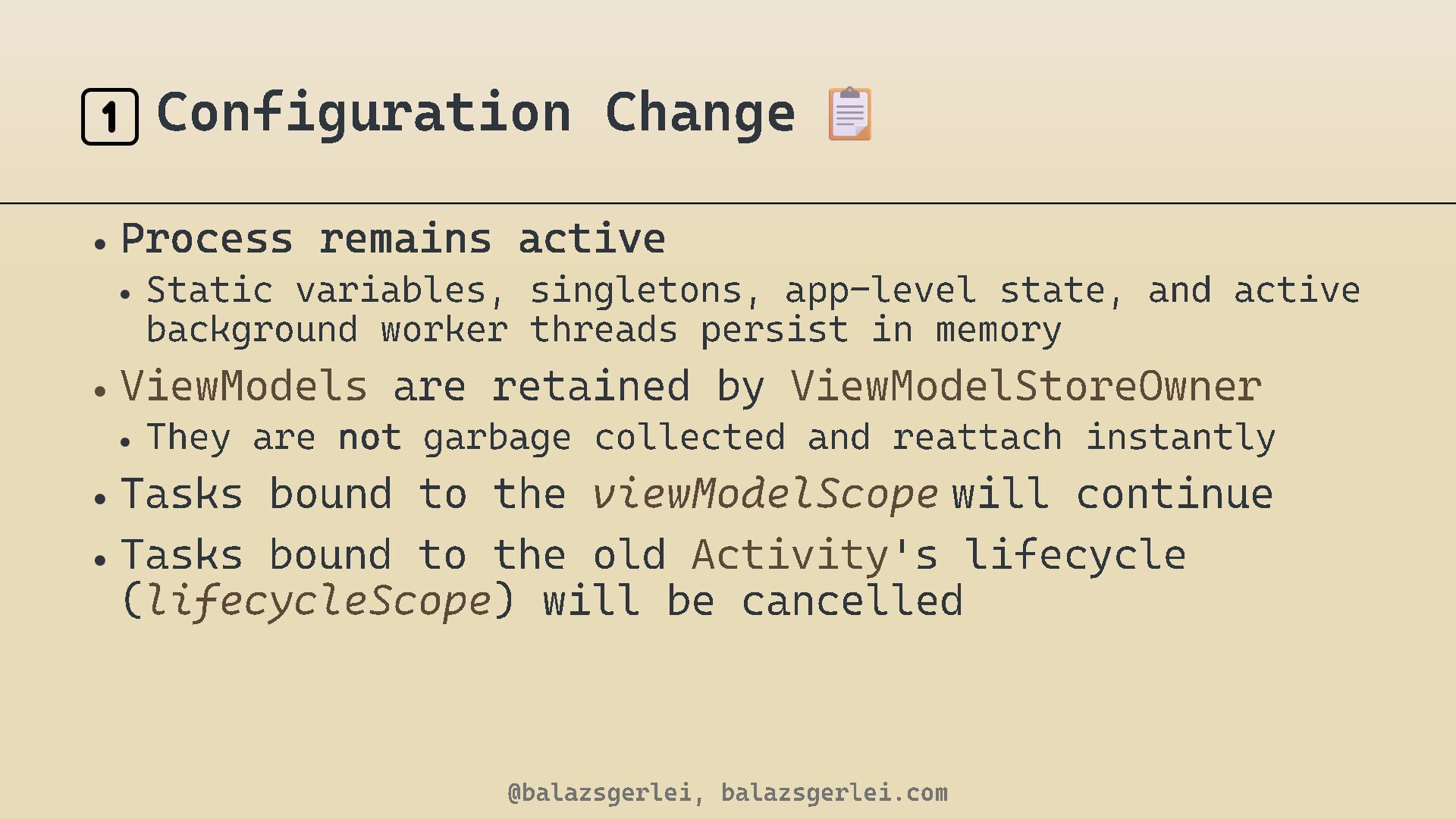
  3. 1️⃣ Configuration Change • Process remains active • Static variables,

    singletons, app - level state background worker threads persist in memory • ViewModels • They are are retained by , and active ViewModelStoreOwne not garbage collected and reattach instantly • Tasks bound to the viewModelScope will continue • Tasks bound to the old Activity 's lifecycle ( lifecycleScope ) will be cancelled @balazsgerlei, balazsgerlei.com r
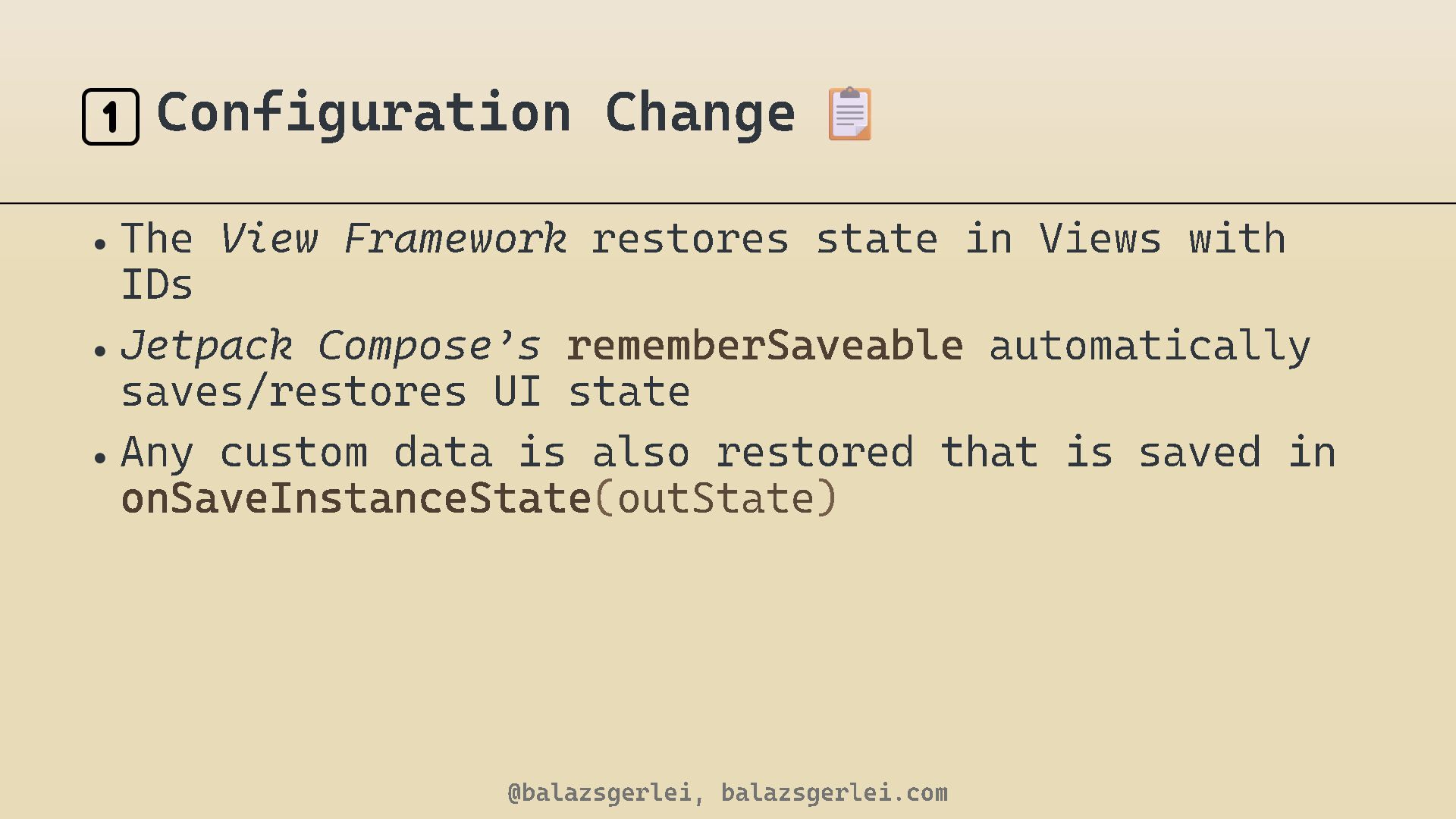
  4. 1️⃣ Configuration Change • The View Framework restores state in

    Views with IDs • Jetpack Compose ’ s rememberSaveable automatically saves/restores UI state • Any custom data is also restored that is saved in onSaveInstanceState ( outState ) @balazsgerlei, balazsgerlei.com
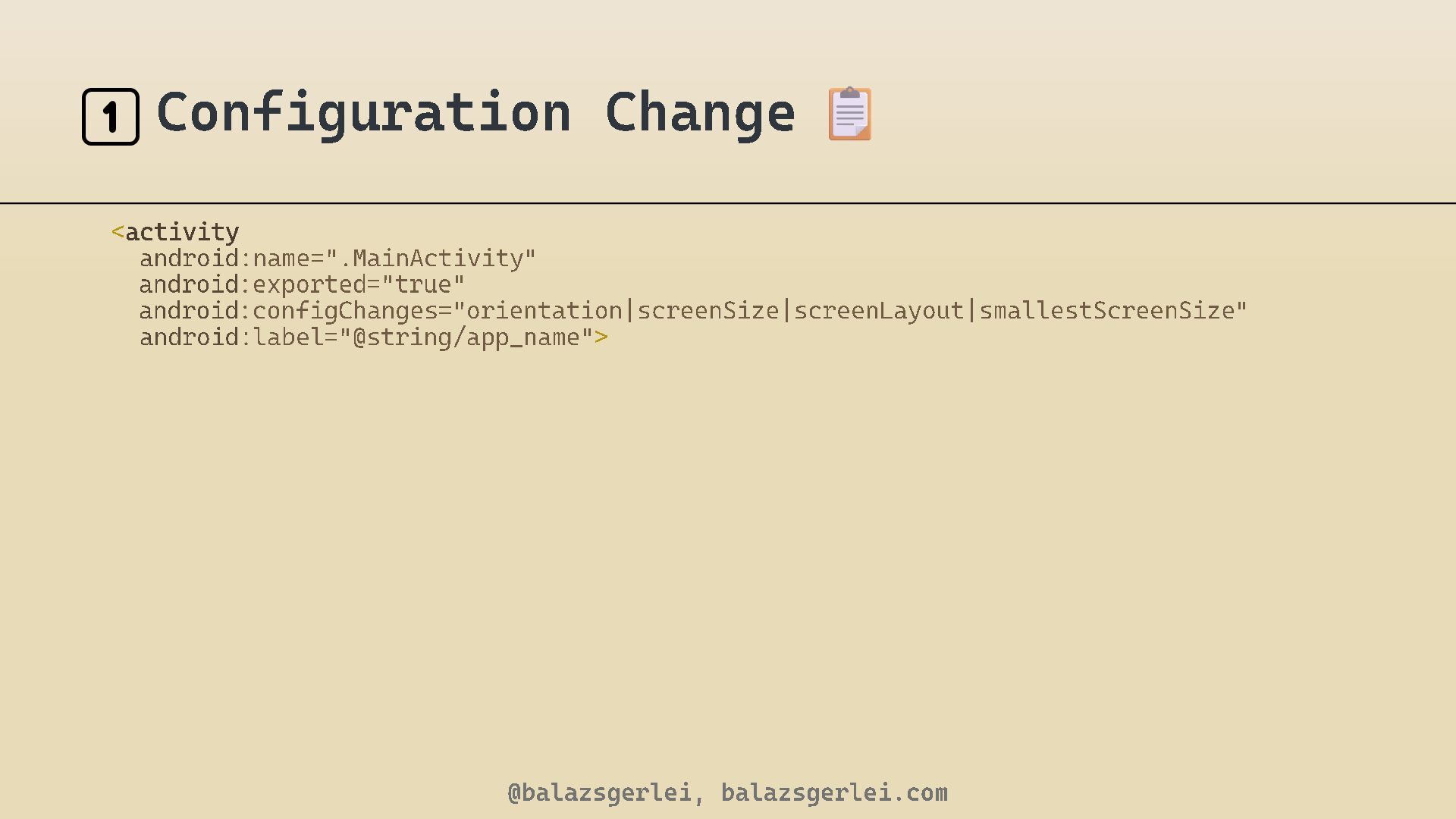
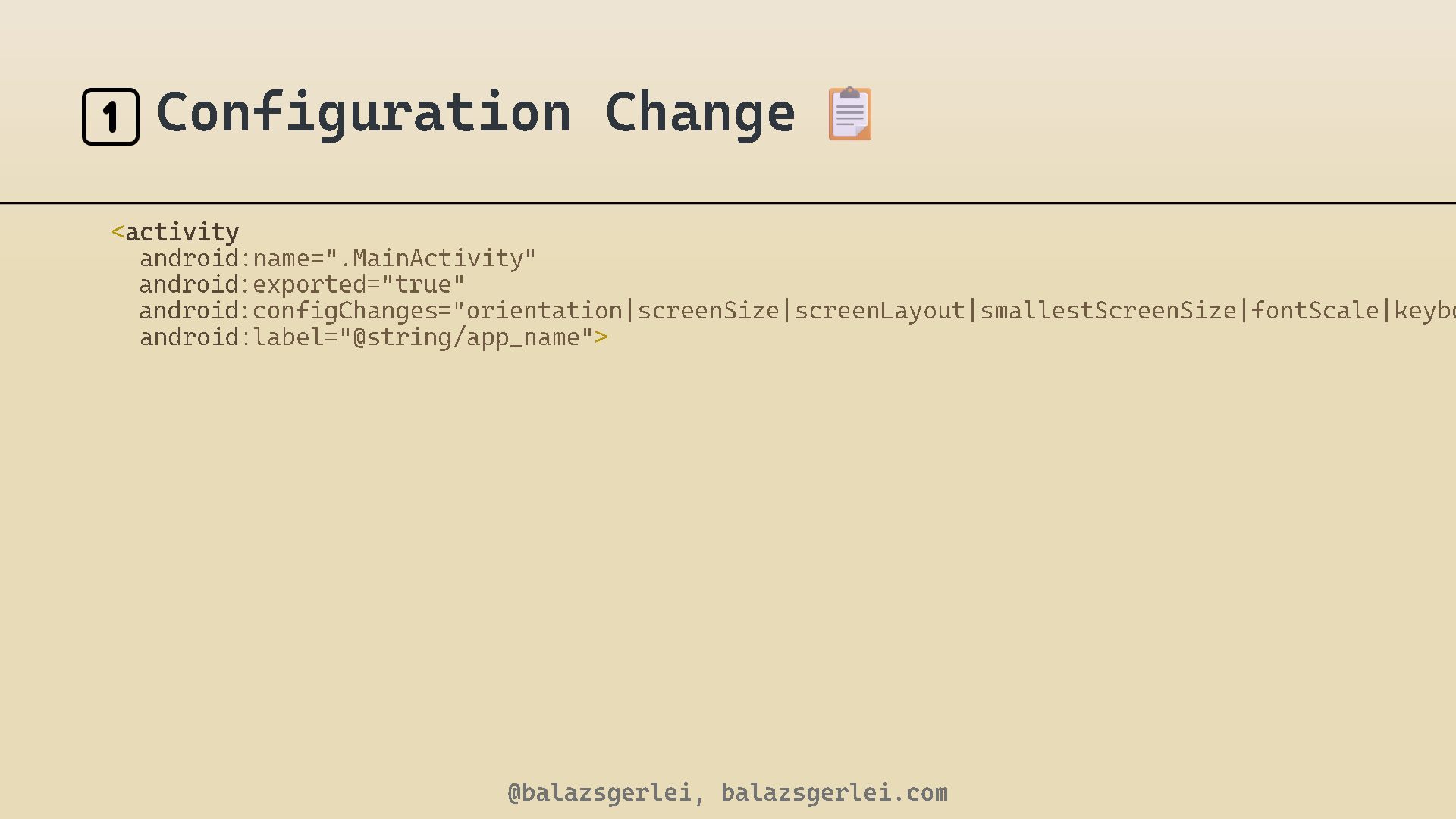
  5. 1️⃣ Configuration Change <activity android android android android :name =".

    MainActivity " :exported ="true" :configChanges =" orientation|screenSize|screenLayout|smallestScreenSize : label ="@string/ app_name " > @balazsgerlei, balazsgerlei.com "
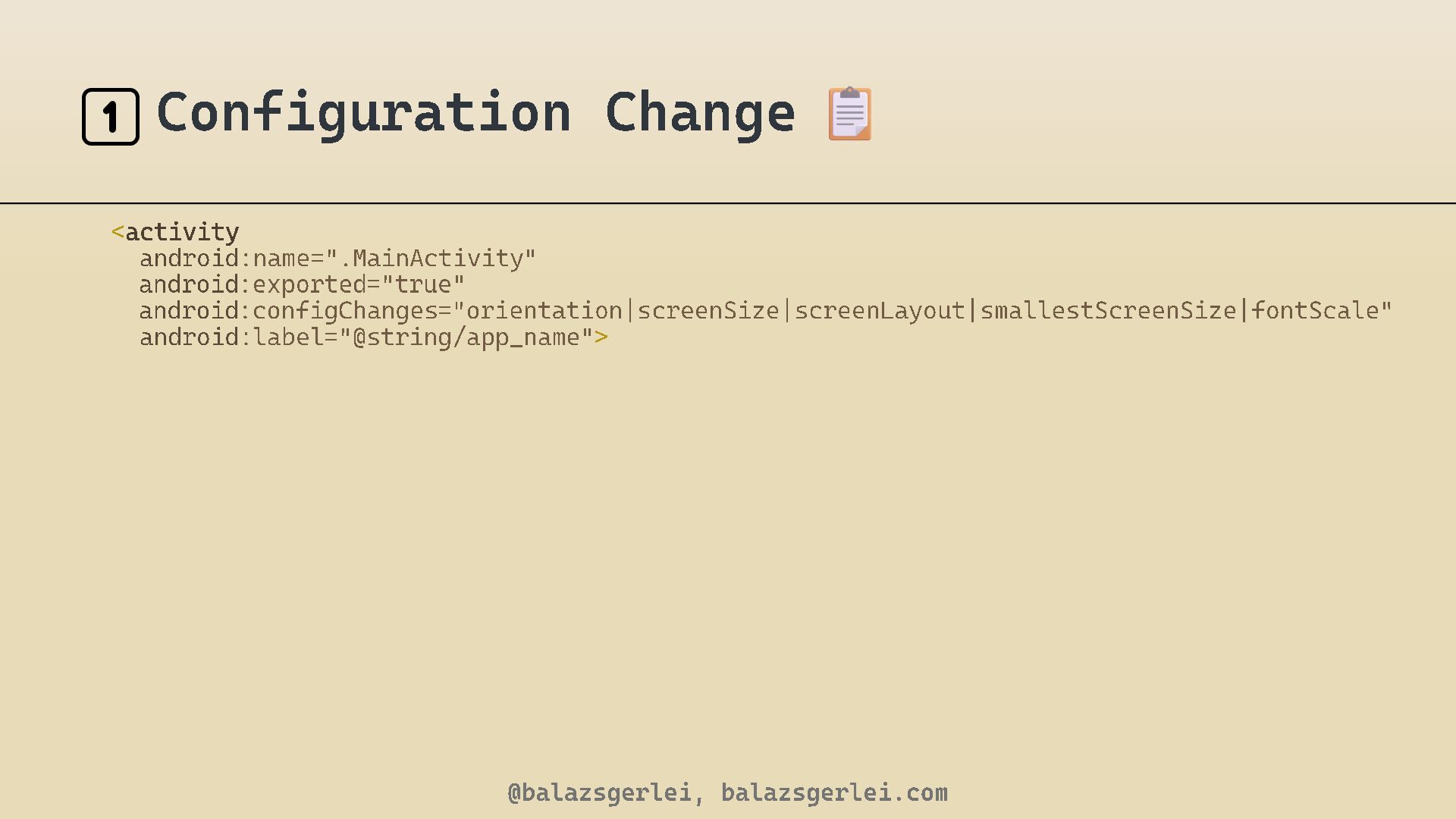
  6. 1️⃣ Configuration Change <activity android android android android :name =".

    MainActivity " :exported ="true" :configChanges ="orientation|screenSize|screenLayout|smallestScreenSize|fontScale" : label ="@string/ app_name " > @balazsgerlei, balazsgerlei.com
  7. 1️⃣ Configuration Change <activity android android android android :name =".

    MainActivity " :exported ="true" :configChanges ="orientation|screenSize|screenLayout|smallestScreenSize|fontScale|keyboard" : label ="@string/ app_name " > @balazsgerlei, balazsgerlei.com
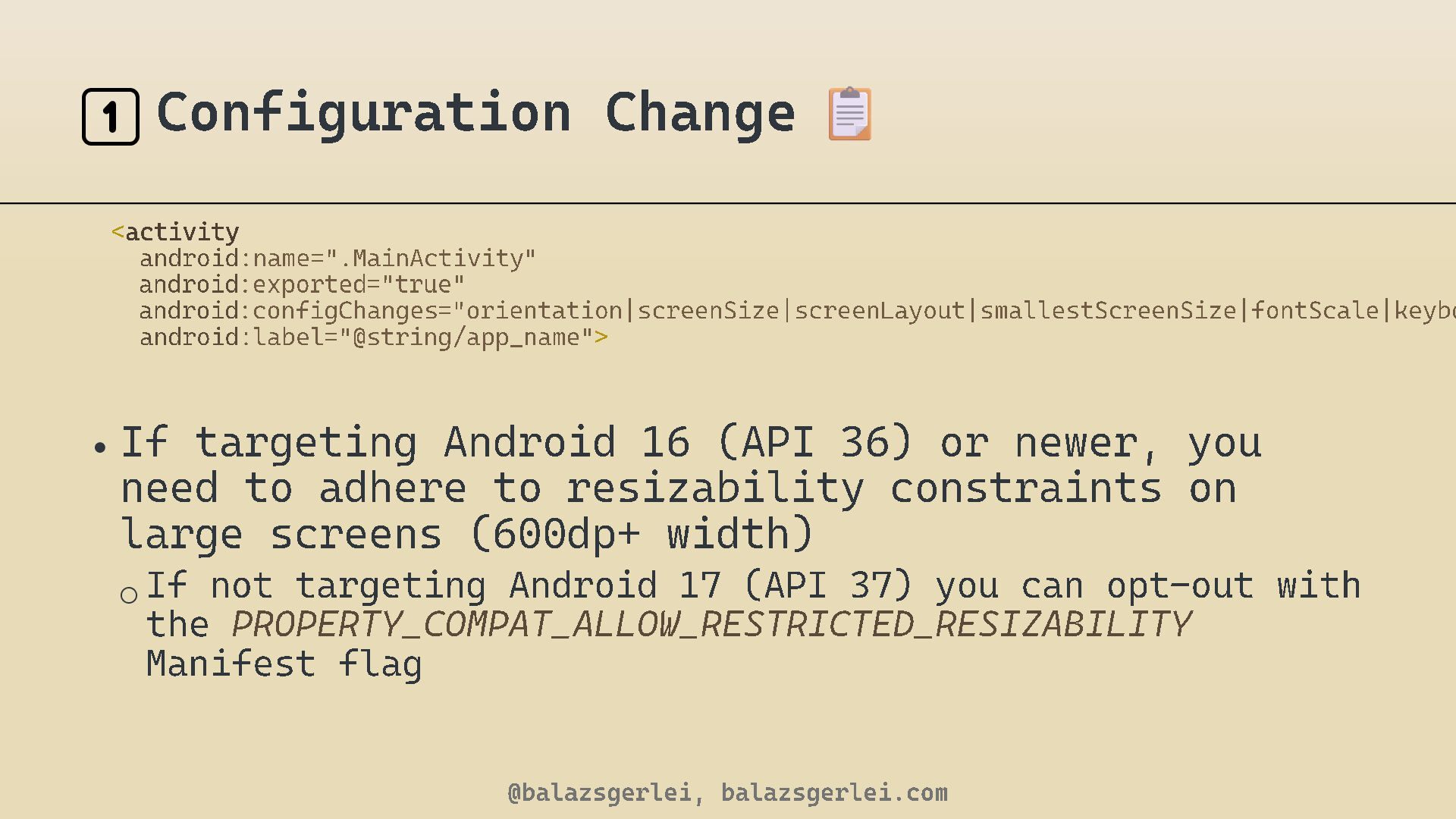
  8. 1️⃣ Configuration Change <activity android android android android :name =".

    MainActivity " :exported ="true" :configChanges ="orientation|screenSize|screenLayout|smallestScreenSize|fontScale|keyboard" : label ="@string/ app_name " > • If targeting Android 16 (API need to adhere to resizability large screens ( 600 dp+ width) 36 ) or newer, you constraints on o If not targeting Android 17 (API 37 ) you can opt the PROPERTY_COMPAT_ALLOW_RESTRICTED_RESIZABILITY Manifest flag @balazsgerlei, balazsgerlei.com - out with
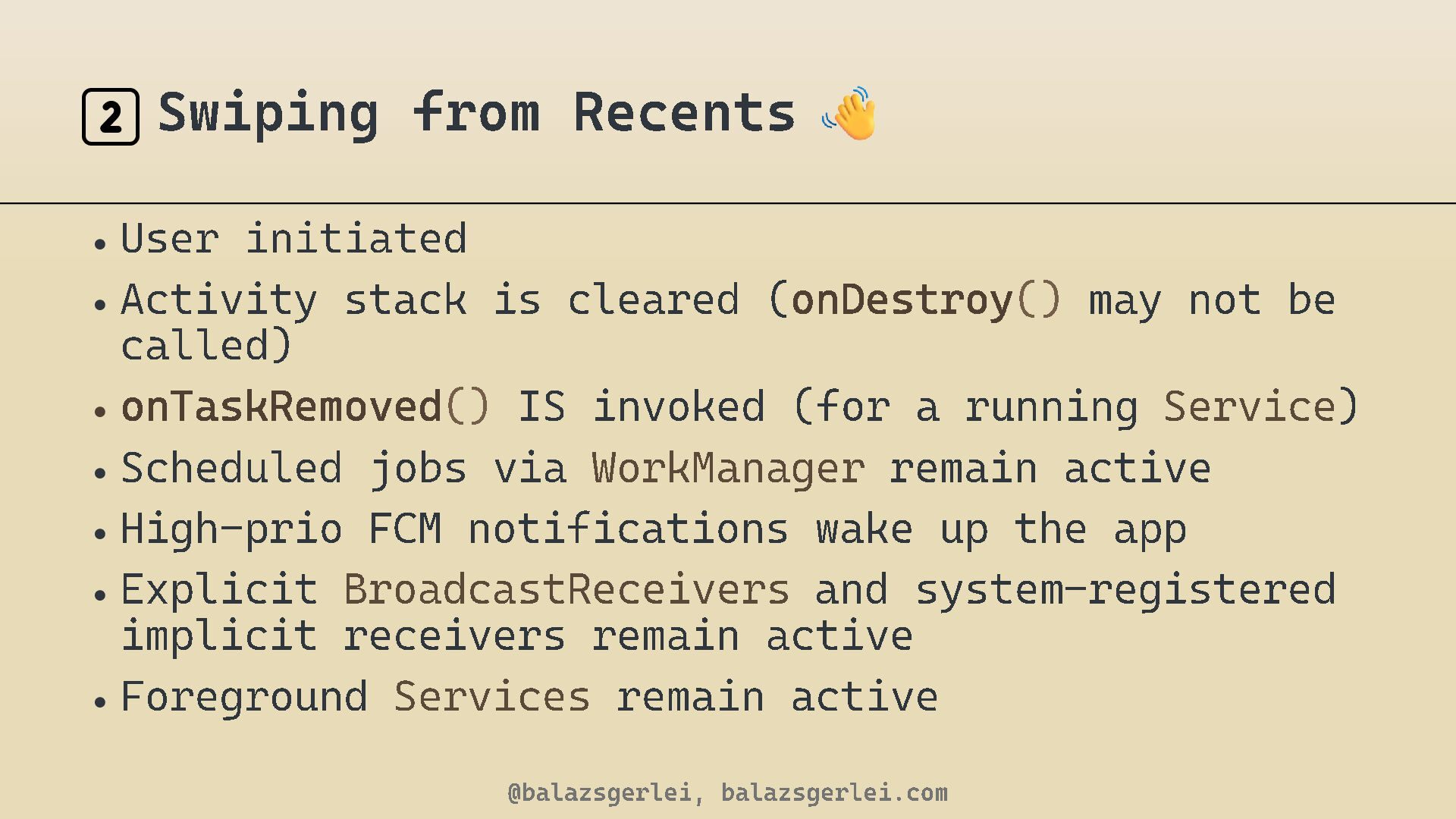
  9. 2️⃣ Swiping from Recents • User initiated • Activity stack

    is cleared ( onDestroy () may not be called) • onTaskRemoved () IS invoked (for a running Service • Scheduled jobs via WorkManager remain active • High - prio FCM notifications wake up the app • Explicit BroadcastReceivers and system - registered implicit receivers remain active • Foreground Services remain active @balazsgerlei, balazsgerlei.com )
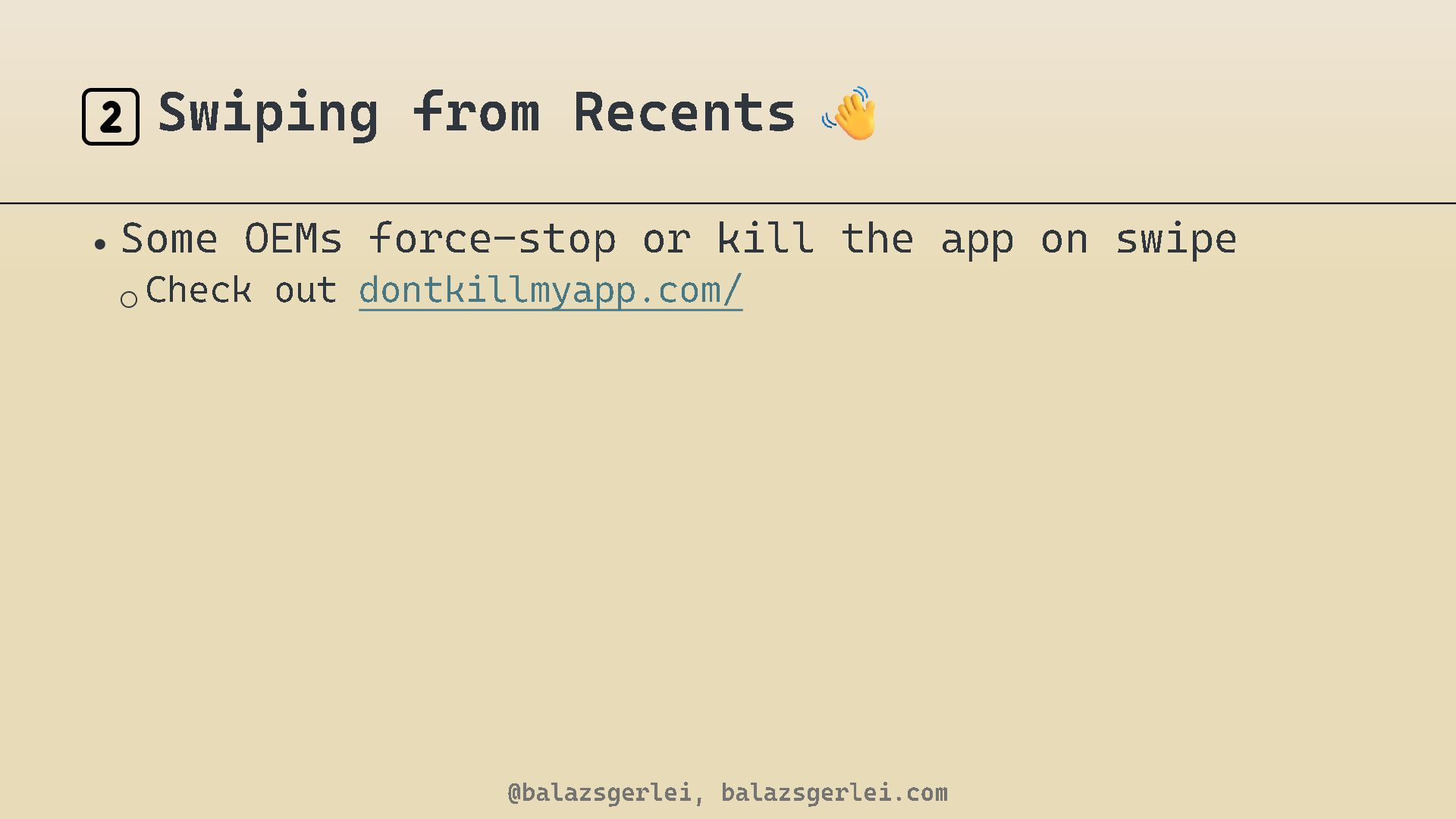
  10. 2️⃣ Swiping from • Some OEMs force o Check out

    Recents - stop or kill the app on swipe dontkillmyapp.com/ @balazsgerlei, balazsgerlei.com
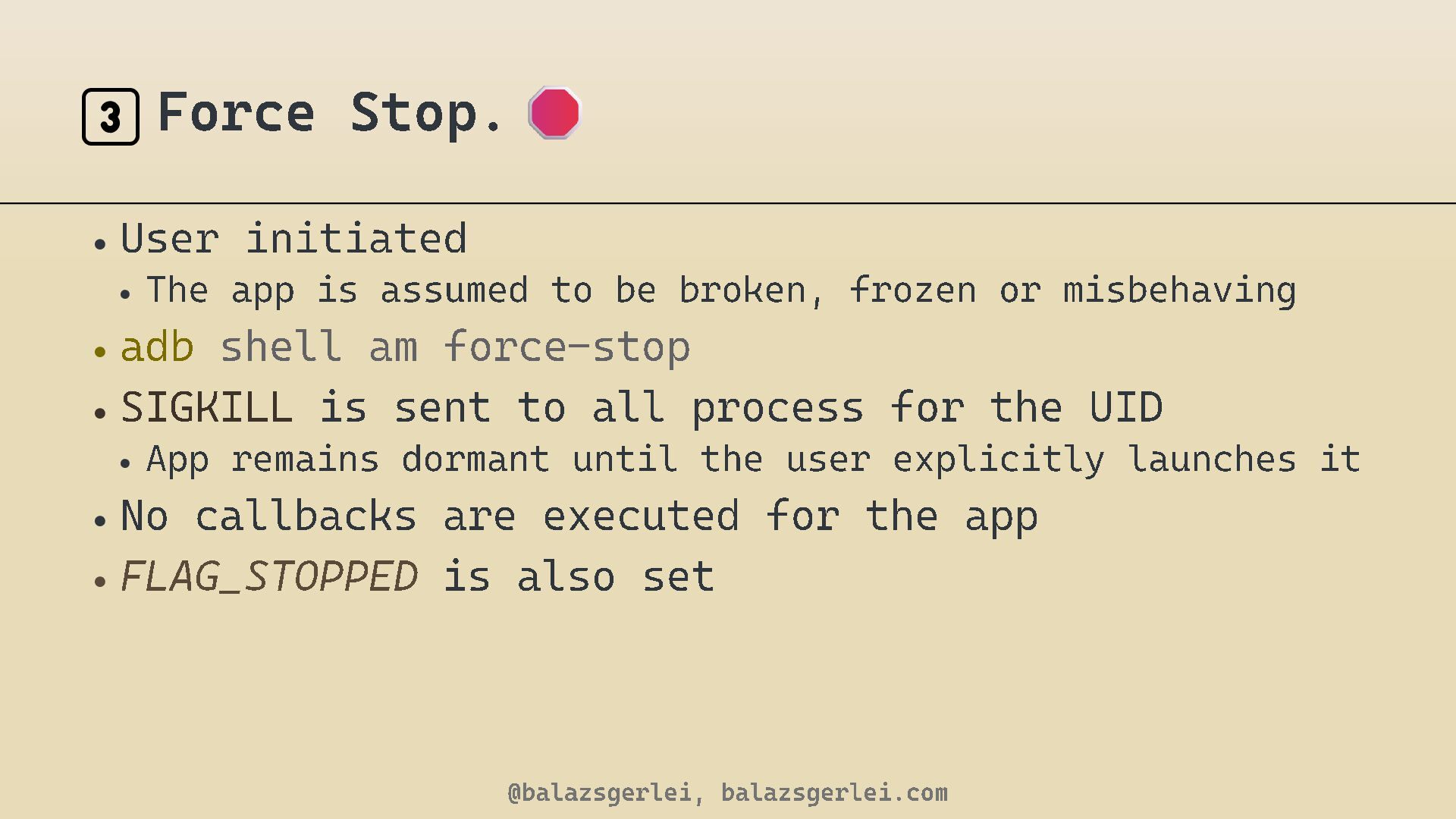
  11. 3️⃣ Force Stop . • User initiated • The app

    is assumed to be broken, frozen or misbehaving • adb shell am force - stop • SIGKILL is sent to all process for the UID • App remains dormant until the user explicitly launches it • No callbacks are executed for the app • FLAG_STOPPED is also set @balazsgerlei, balazsgerlei.com
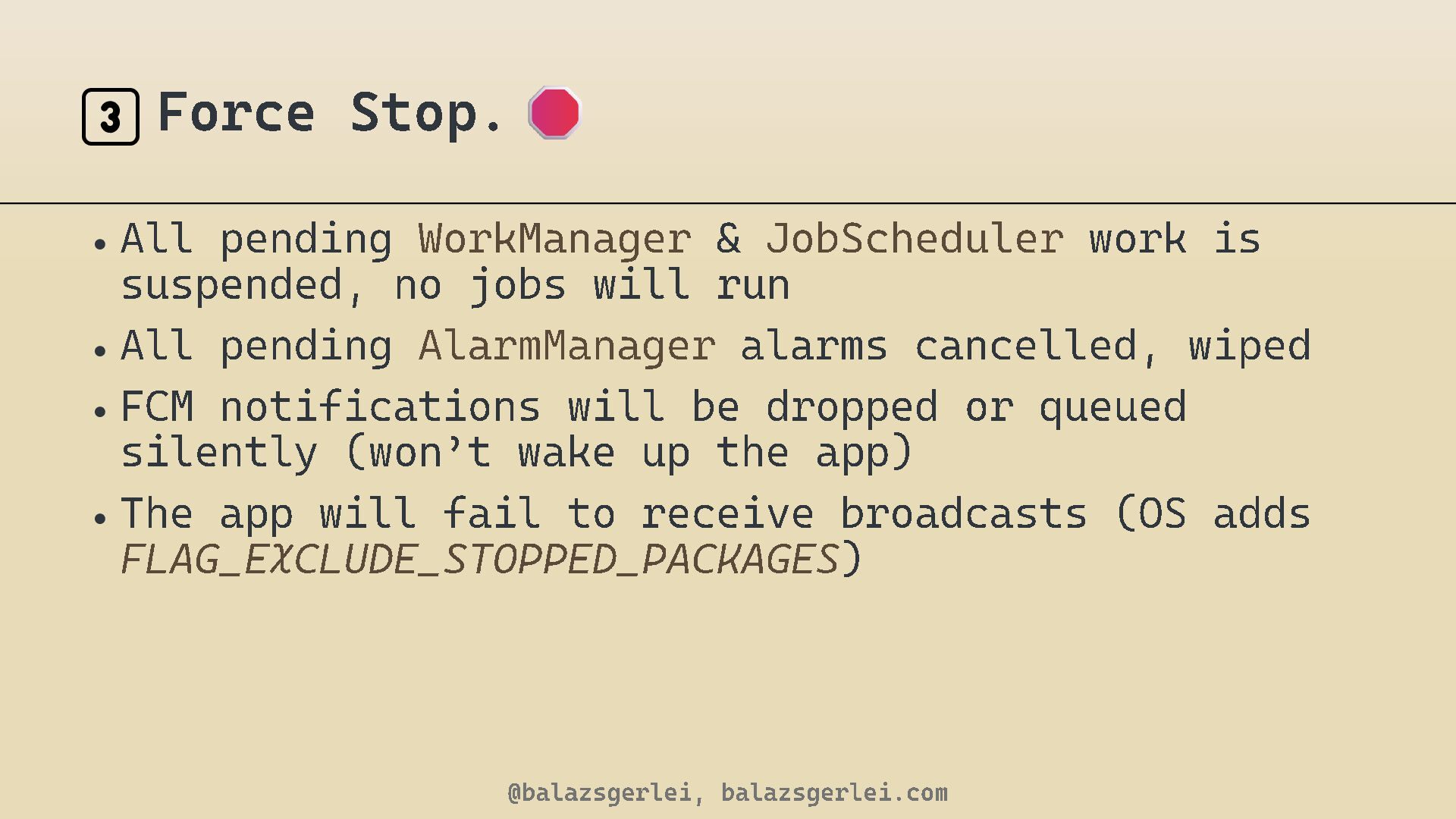
  12. 3️⃣ Force Stop . • All pending WorkManager & JobScheduler

    work is suspended, no jobs will run • All pending AlarmManager alarms cancelled, wiped • FCM notifications will be dropped or queued silently (won ’ t wake up the app) • The app will fail to receive broadcasts (OS adds FLAG_EXCLUDE_STOPPED_PACKAGES ) @balazsgerlei, balazsgerlei.com
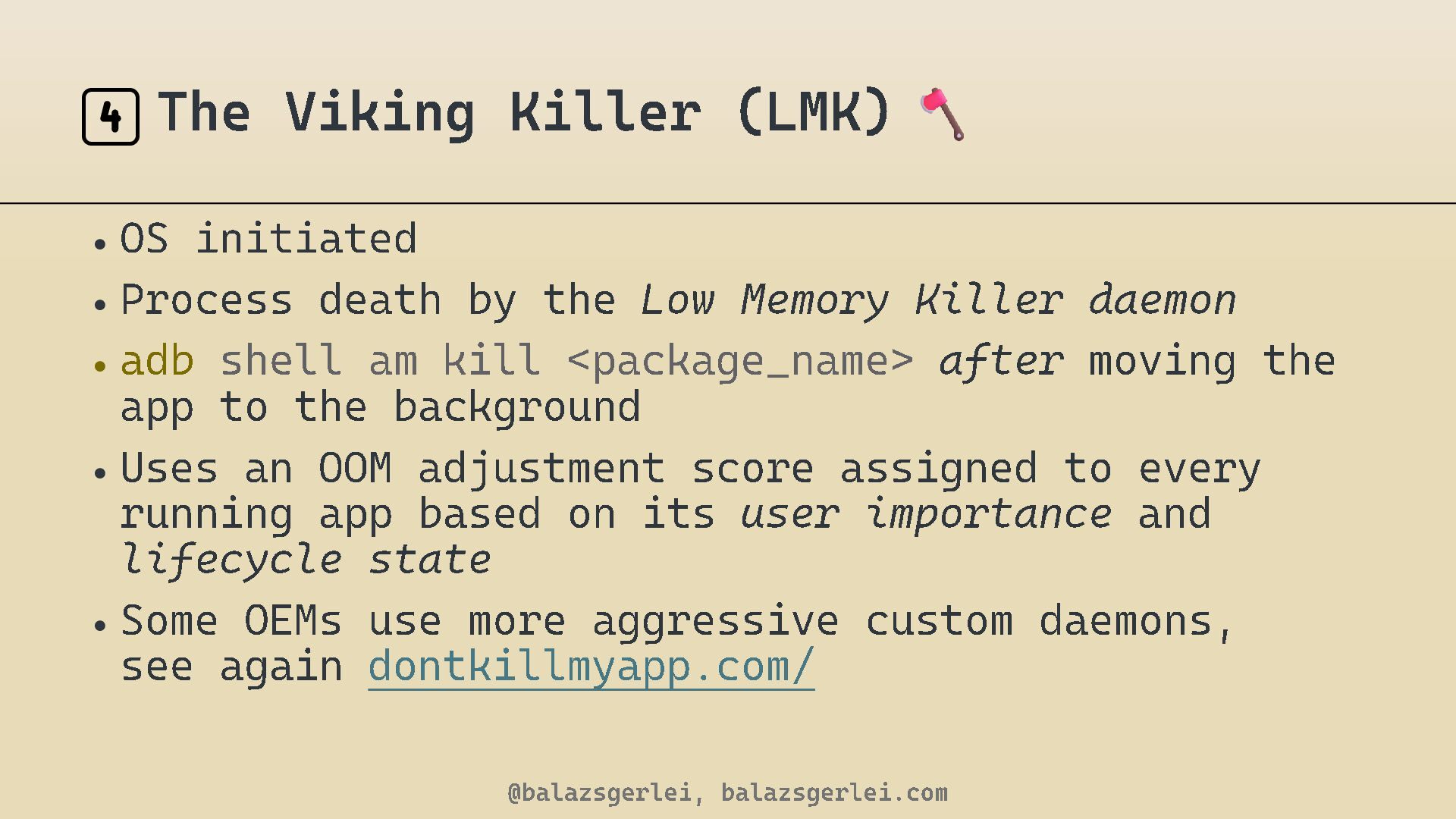
  13. 4️⃣ The Viking Killer (LMK) • OS initiated • Process

    death by the Low Memory Killer daemon • adb shell am kill <package_name > after moving the app to the background • Uses an OOM adjustment score assigned to every running app based on its user importance and lifecycle state • Some OEMs use more aggressive custom daemons, see again dontkillmyapp.com/ @balazsgerlei, balazsgerlei.com
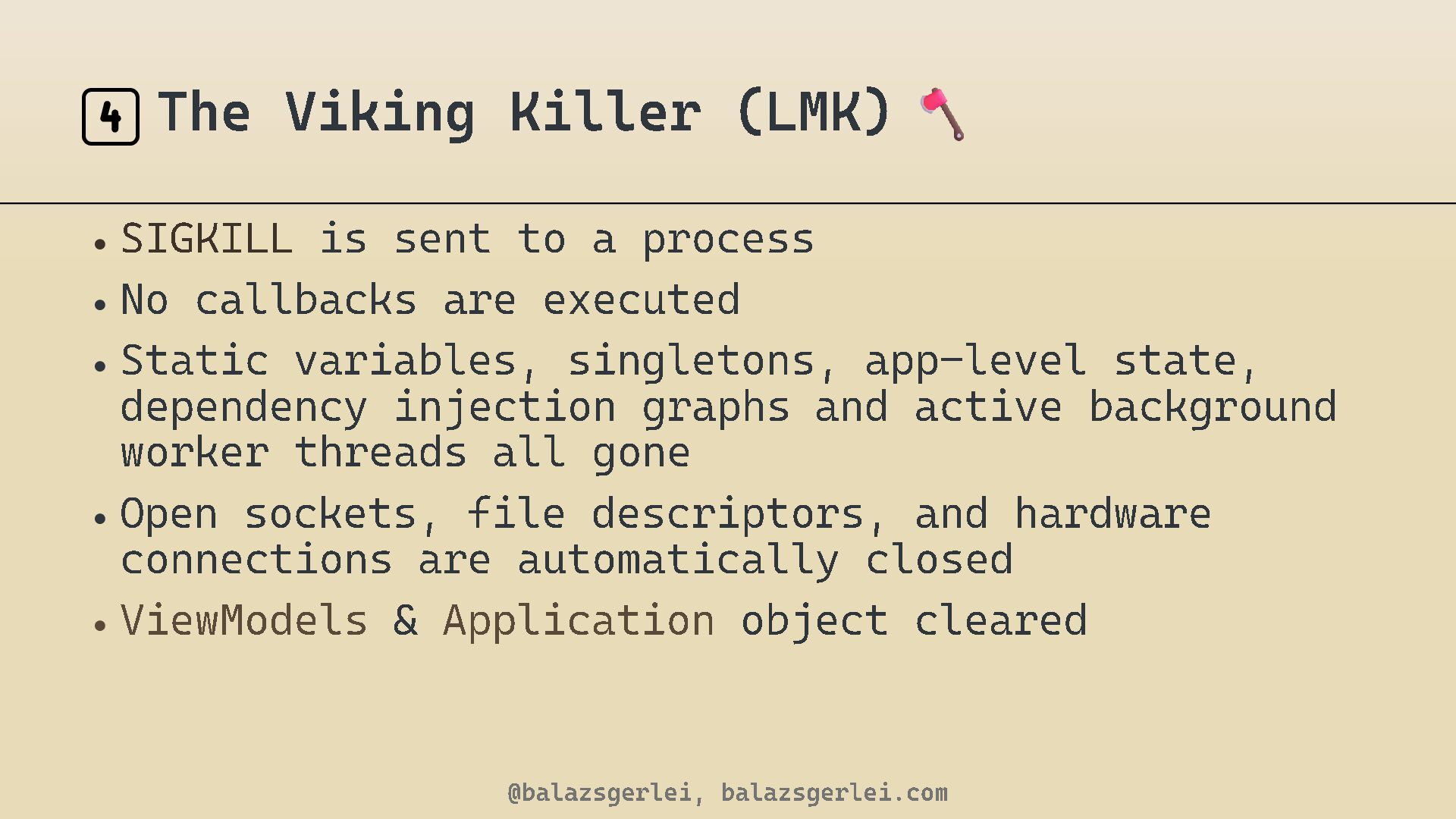
  14. 4️⃣ The Viking Killer (LMK) • SIGKILL is sent to

    a process • No callbacks are executed • Static variables, singletons, app - level state , dependency injection graphs and active background worker threads all gone • Open sockets, file descriptors, and hardware connections are automatically closed • ViewModels & Application object cleared @balazsgerlei, balazsgerlei.com
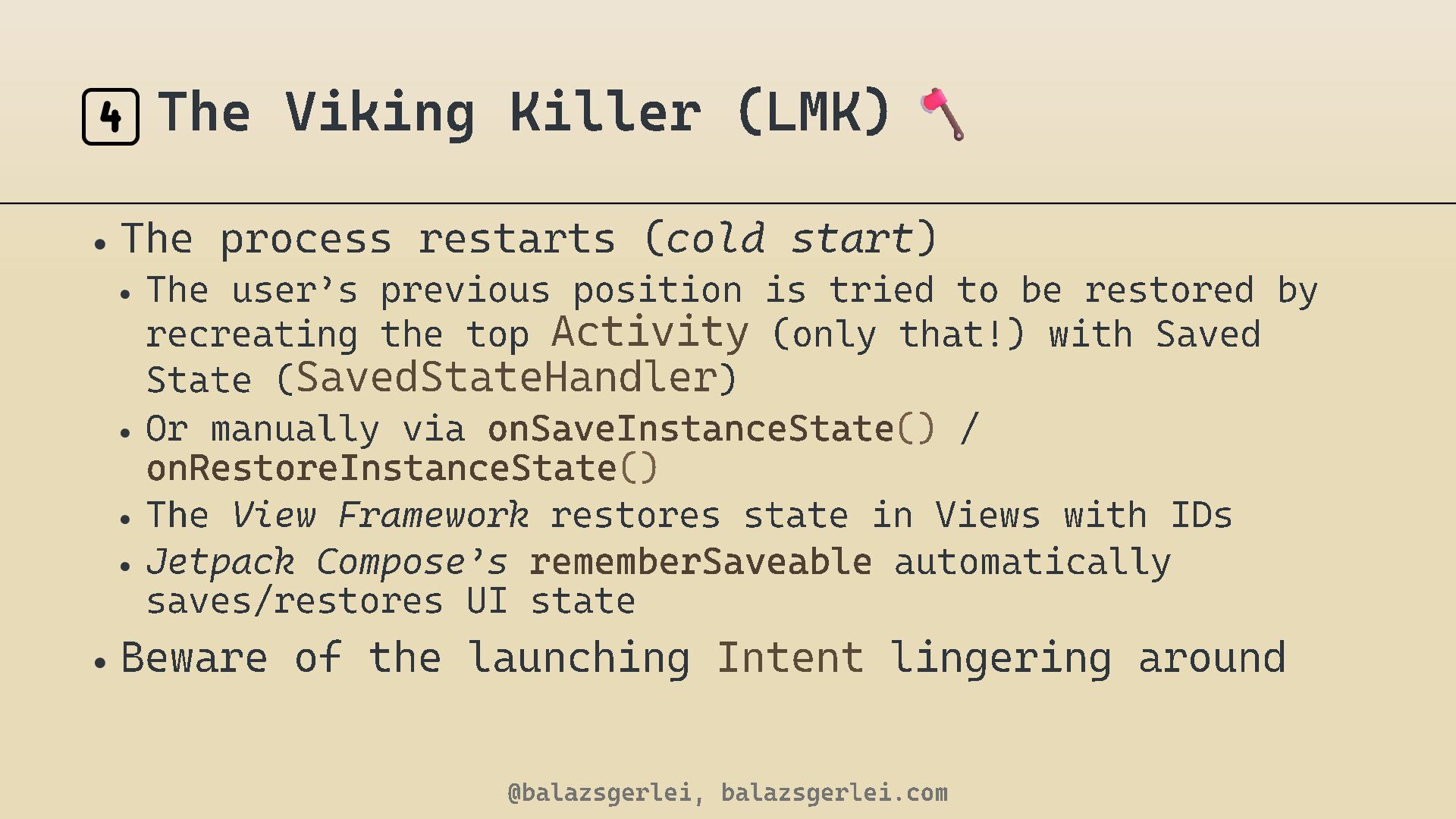
  15. 4️⃣ The Viking Killer (LMK) • The process restarts (

    cold start ) • The user ’ s previous position is tried to be restored by recreating the top Activity (only that!) with Saved State ( SavedStateHandler ) • Or manually via onSaveInstanceState () / onRestoreInstanceState () • The View Framework restores state in Views with IDs • Jetpack Compose ’ s rememberSaveable automatically saves/restores UI state • Beware of the launching Intent @balazsgerlei, balazsgerlei.com lingering around
  16. 4️⃣ The Viking Killer (LMK) • Android 12 (API 31

    ) also introduced the "Phantom Process Killer" to stop misbehaving sub - processes @balazsgerlei, balazsgerlei.com
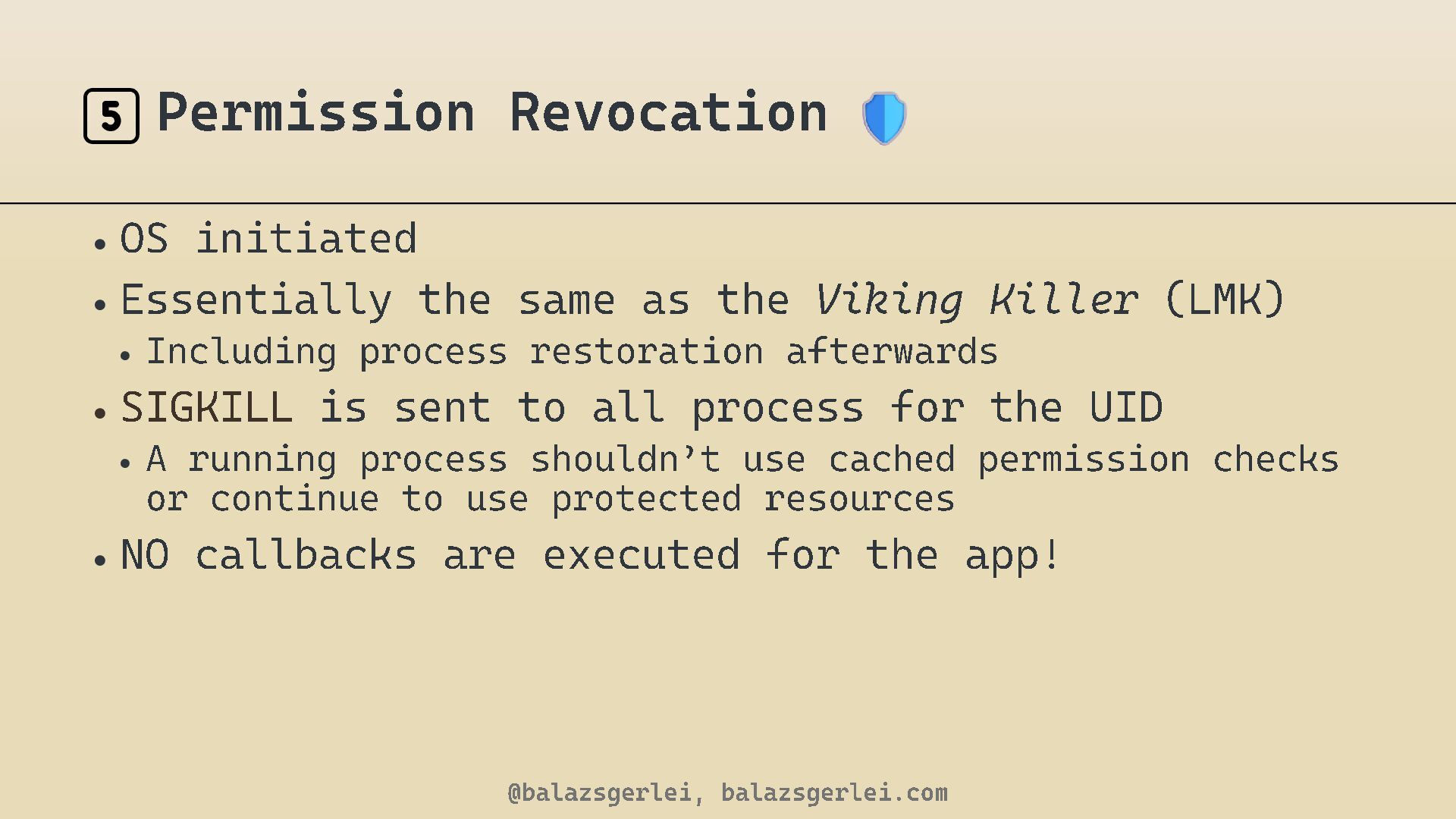
  17. 5️⃣ Permission Revocation • OS initiated • Essentially the same

    as the Viking Killer • Including process restoration afterwards • SIGKILL is sent to all process for the UID • A running process shouldn ’ t use cached permission checks or continue to use protected resources • NO callbacks are executed for the app! @balazsgerlei, balazsgerlei.com (LMK)
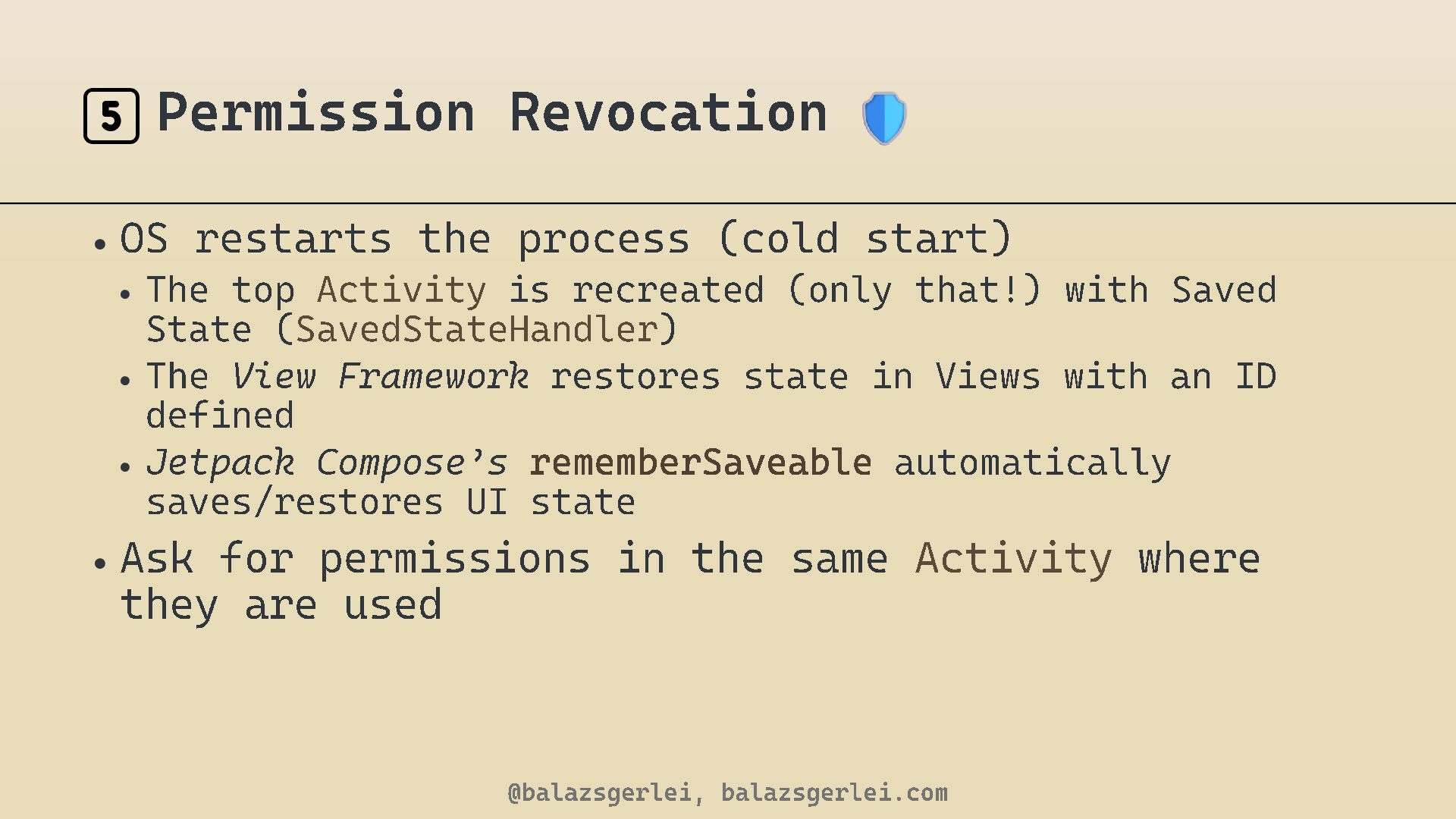
  18. 5️⃣ Permission Revocation • OS restarts the process (cold start)

    • The top Activity is recreated (only that!) with Saved State ( SavedStateHandler ) • The View Framework restores state in Views with an ID defined • Jetpack Compose ’ s rememberSaveable automatically saves/restores UI state • Ask for permissions in the same they are used @balazsgerlei, balazsgerlei.com Activity where
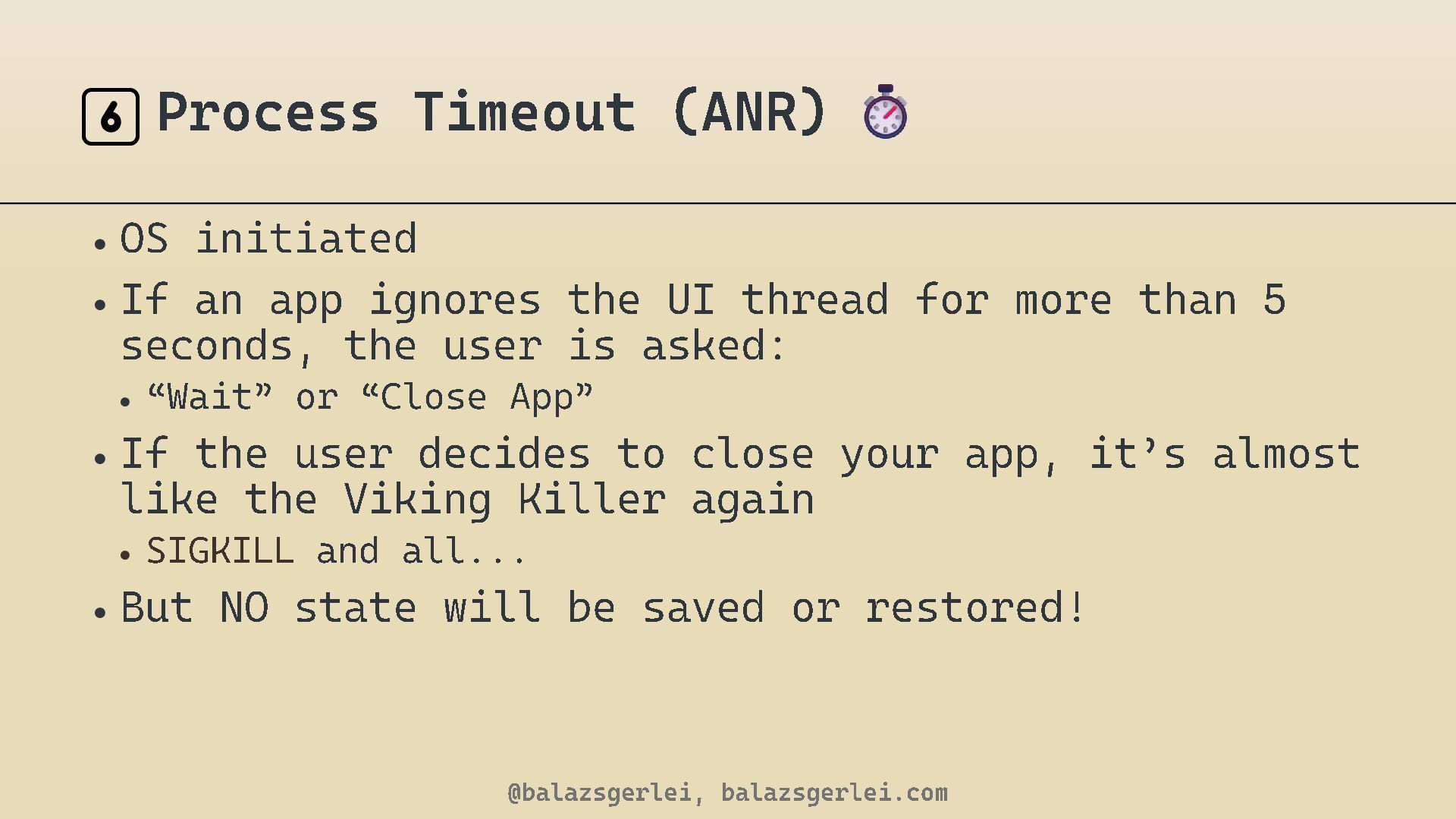
  19. 6️⃣ Process Timeout (ANR) • OS initiated • If an

    app ignores the UI thread for more than seconds, the user is asked : • “ Wait ” or “ Close App ” • If the user decides to close your app, it like the Viking Killer again • SIGKILL 5 and all... • But NO state will be saved or restored! @balazsgerlei, balazsgerlei.com ’ s almost
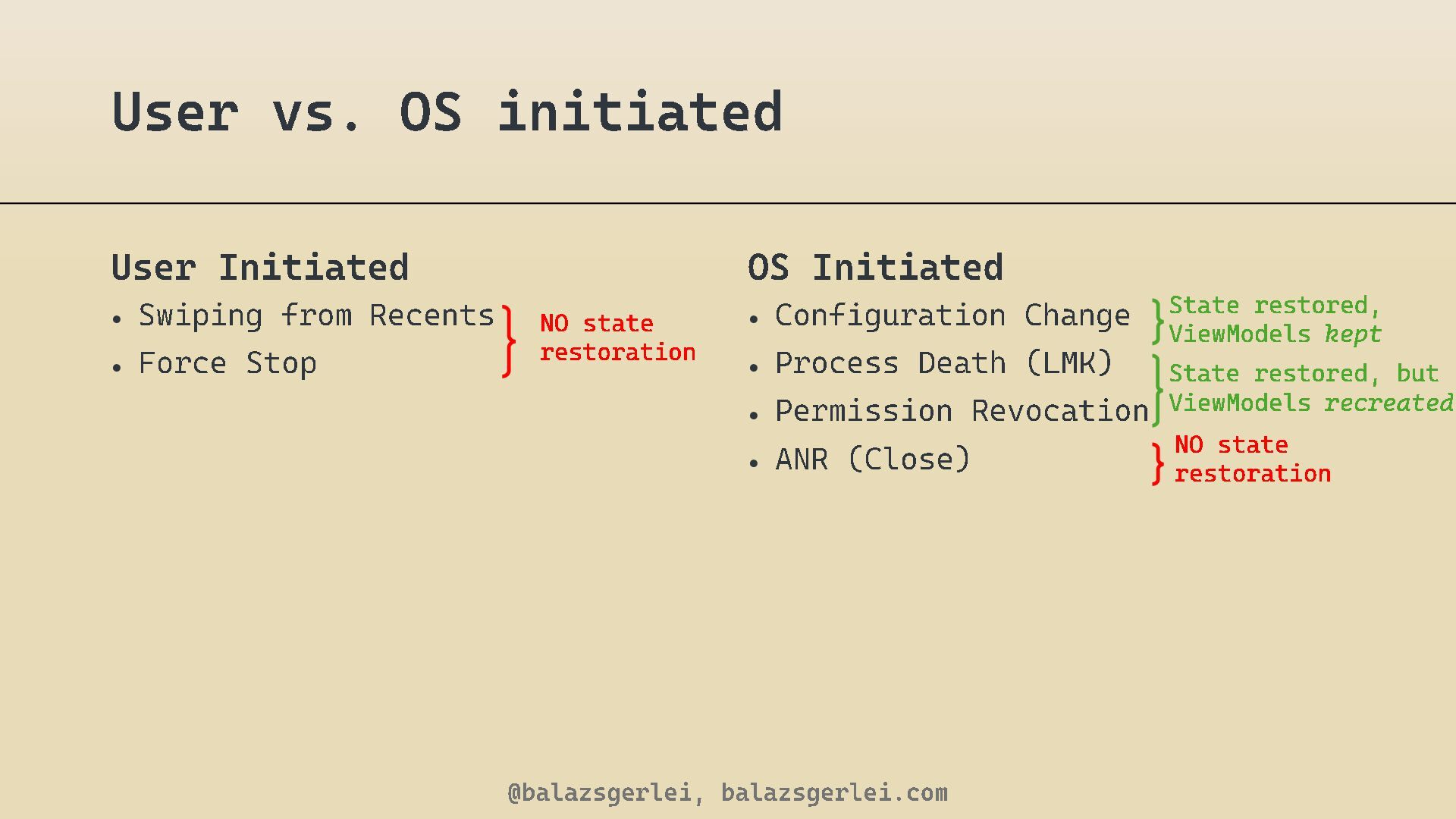
  20. User vs. OS initiated User Initiated • Swiping from •

    Force Stop OS Initiated Recents NO state restoration • Configuration Change • Process Death (LMK) • Permission Revocation • ANR (Close) @balazsgerlei, balazsgerlei.com State restored, ViewModels kept State restored, but ViewModels recreated NO state restoration
  21. 7️⃣ Crash • Developer initiated • Programmer error • or

    an Attack? @balazsgerlei, balazsgerlei.com
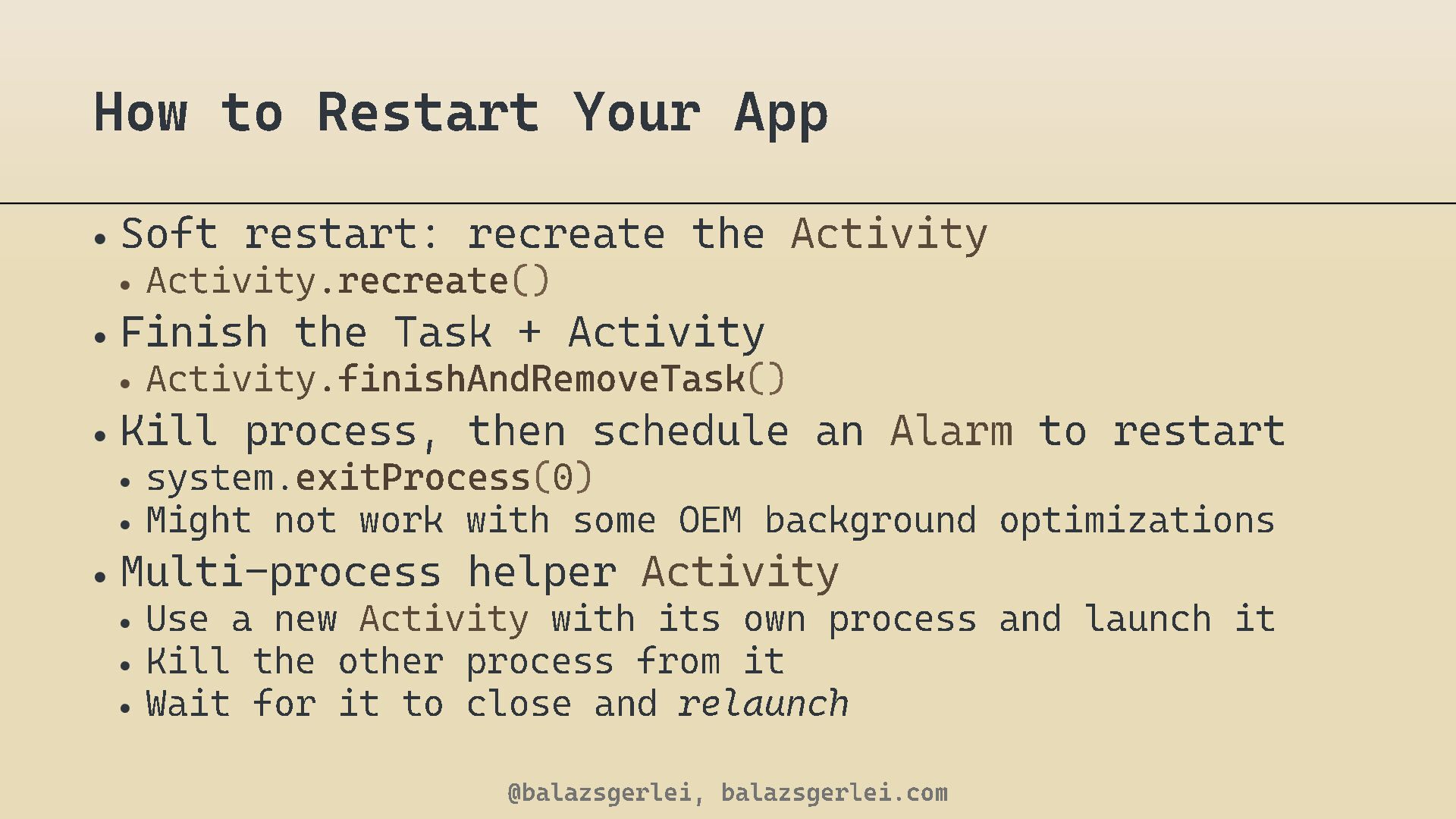
  22. How to Restart Your App • Soft restart: recreate the

    • Activity . recreate Activity () • Finish the Task + Activity • Activity . finishAndRemoveTask () • Kill process, then schedule an Alarm to restart • system. exitProcess ( 0) • Might not work with some OEM background optimizations • Multi - process helper Activity • Use a new Activity with its own process and launch it • Kill the other process from it • Wait for it to close and relaunch @balazsgerlei, balazsgerlei.com
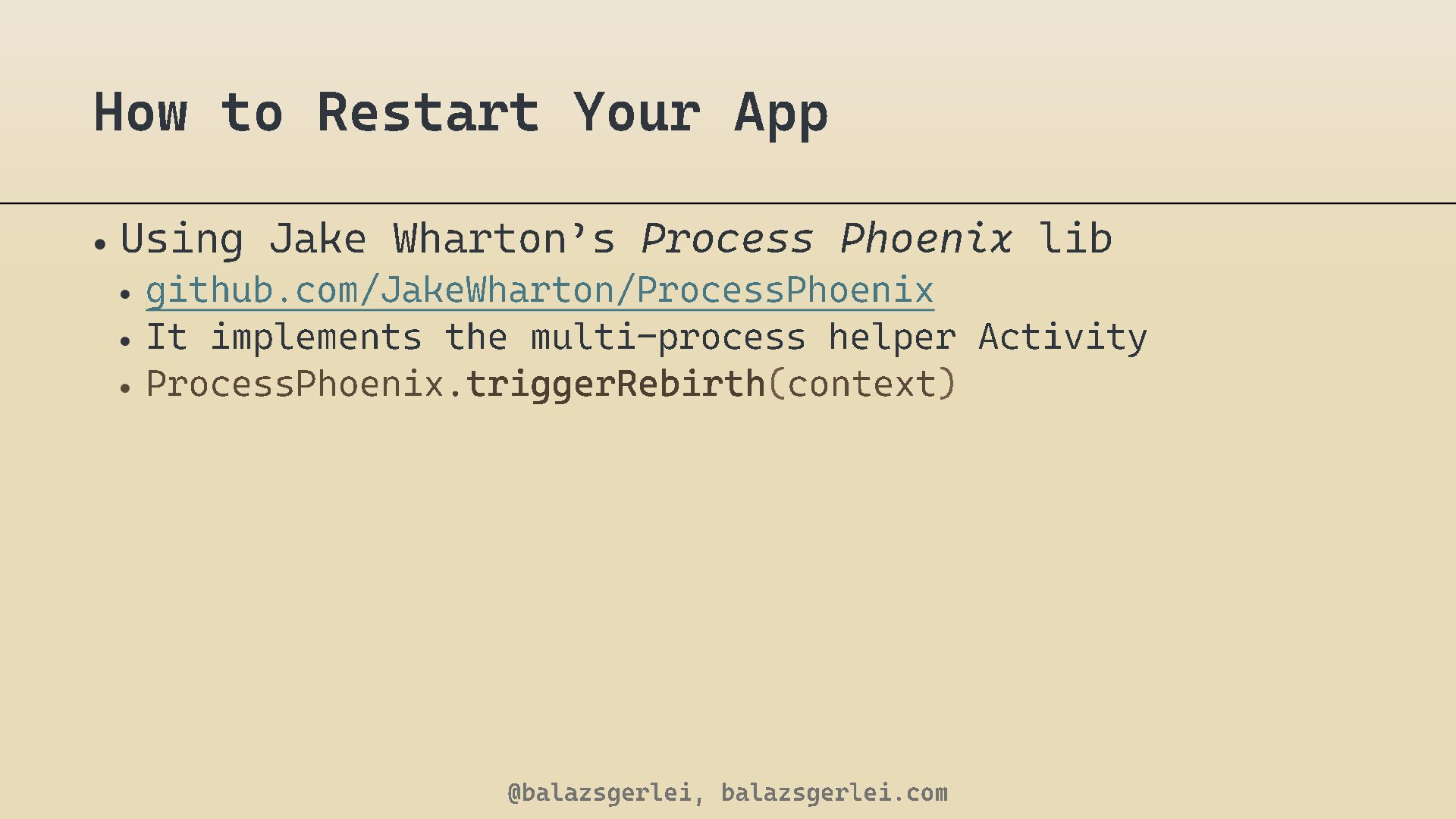
  23. How to Restart Your App • Using Jake Wharton ’

    s Process Phoenix • github.com/JakeWharton/ProcessPhoenix • It implements the multi - process helper Activity • ProcessPhoenix . triggerRebirth ( context ) @balazsgerlei, balazsgerlei.com lib
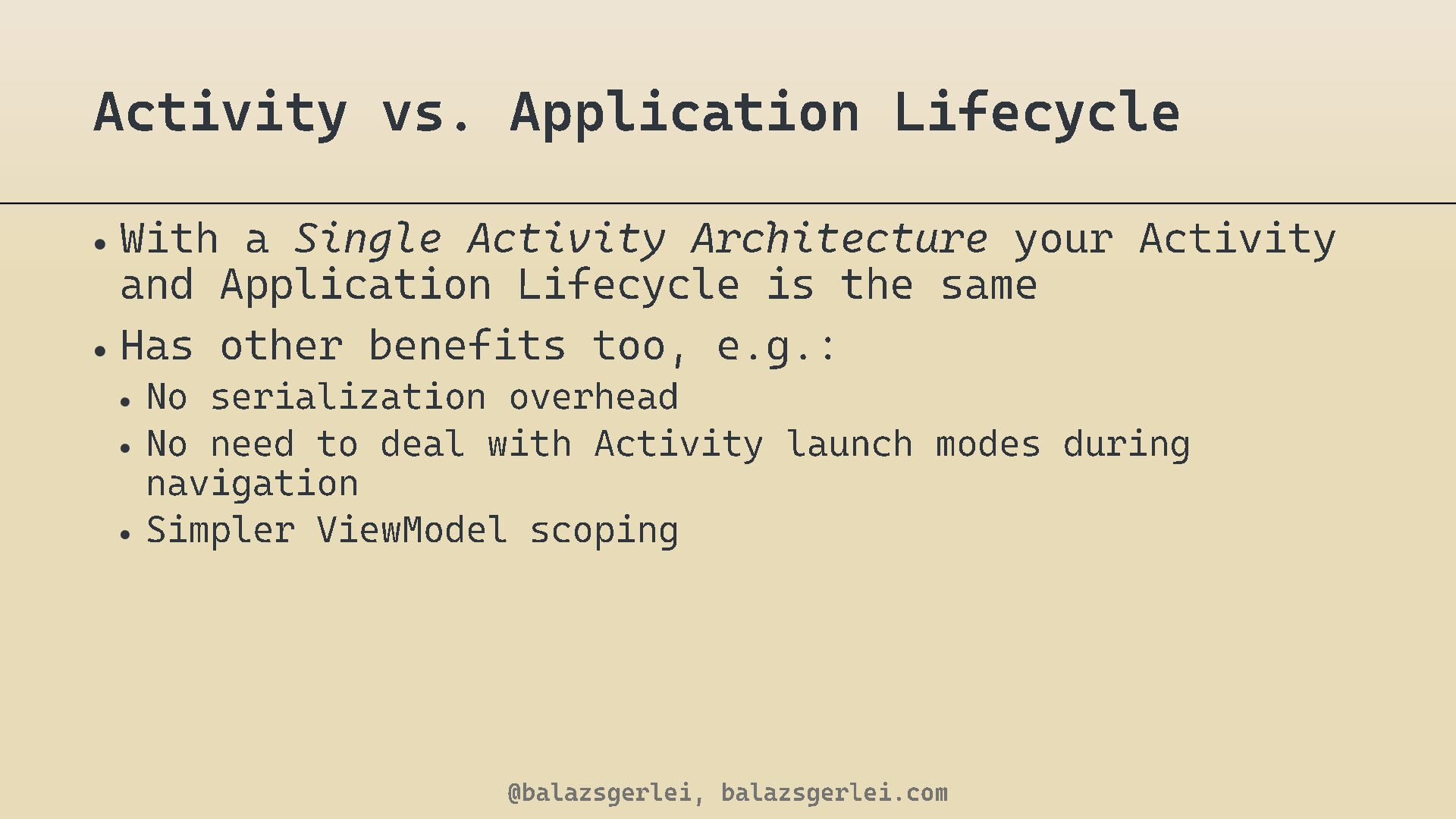
  24. Activity vs. Application Lifecycle • With a Single Activity Architecture

    and Application Lifecycle is the same • Has other benefits too, e.g.: • No serialization overhead • No need to deal with Activity launch modes during navigation • Simpler ViewModel scoping @balazsgerlei, balazsgerlei.com your Activity
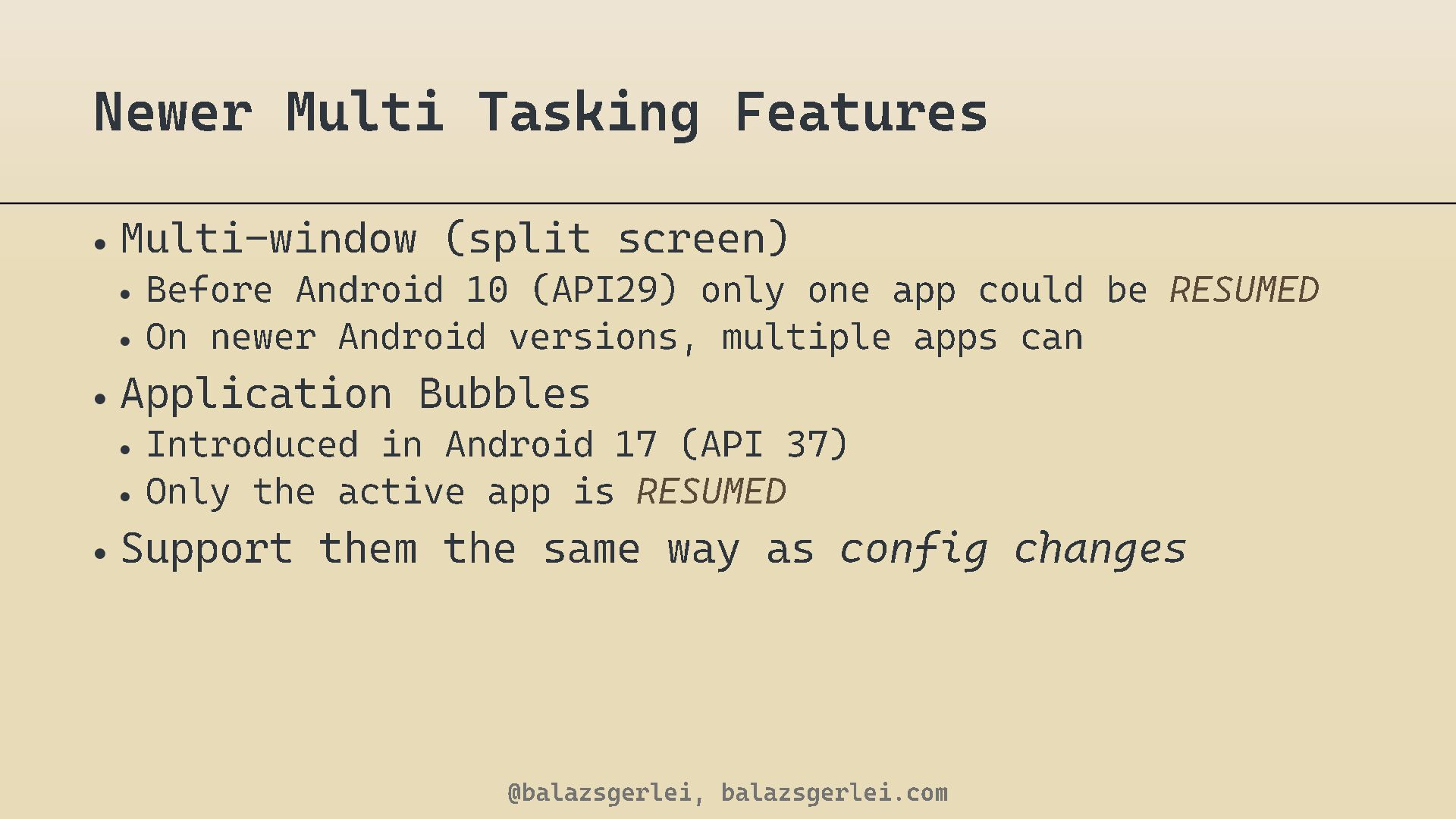
  25. Newer Multi Tasking Features • Multi - window (split screen)

    • Before Android 10 (API 29 ) only one app could be • On newer Android versions, multiple apps can • Application Bubbles • Introduced in Android • Only the active app is 17 (API 37 ) RESUMED • Support them the same way as @balazsgerlei, balazsgerlei.com config changes RESUMED