Share
Embed
Annual Pro sale · Save $30
Have presentations of your own?
Share with private links, password protection, and more control over your work.
Transcript
49 slides
-
Memory Upload • Ice machines • Abstract data type (ADT)
• Example code • Classes • Objects -
Modular Programs • You should practice modularity when writing programs
• Divide your program into interacting parts (modules) Each module is somewhat separate from the rest of the program • Easier to read, write, and modify • Easier to find errors and fix them -
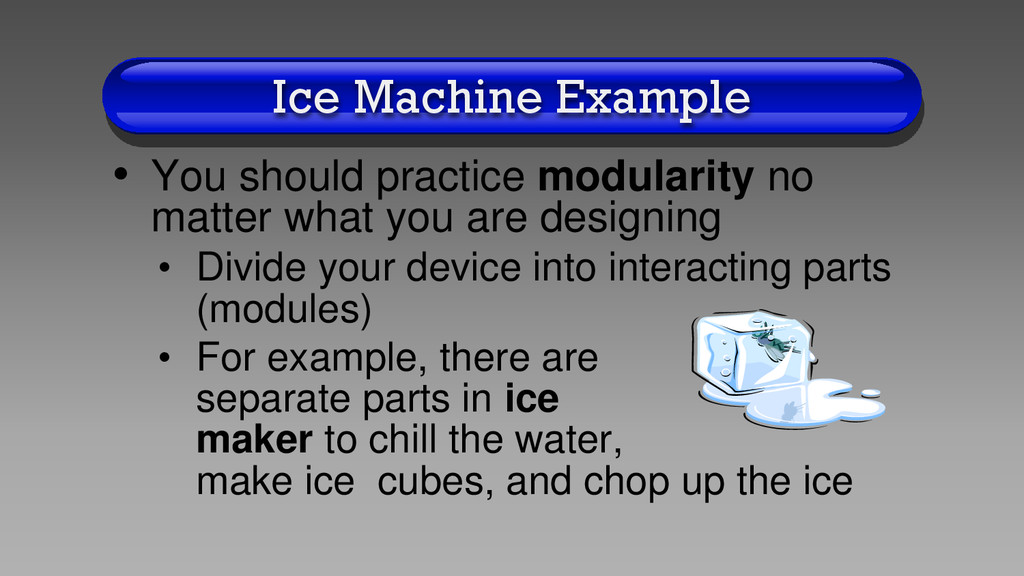
Ice Machine Example • You should practice modularity no matter
what you are designing • Divide your device into interacting parts (modules) • For example, there are separate parts in ice maker to chill the water, make ice cubes, and chop up the ice -
Ice Machine Example • Each module is somewhat separate from
the rest of the device • For example, it is easier to modify and fix an ice machine, if the broken part can be taken out and replaced, separate from the other parts -
Abstract Data Type (ADT) • An abstract data type (ADT)
is a collection of data and operations (methods) for this data • An abstract data type is a fancy name for class • ADTs use procedural abstraction, data abstraction, and information hiding -
Abstract Data Type (ADT) • Procedural abstraction is a fancy
name for methods • Hide details of methods (operations) • Most methods are “public”, so we can use them inside as well as outside of the class -
Abstract Data Type (ADT) • Data abstraction means to hide
the details of the data structure • Data structure is a construct used to store a collection of data • For example, arrays are a very simple kind of data structure -
Abstract Data Type (ADT) • Information hiding means that the
data is hidden and inaccessible • Usually data fields are “private”, so we cannot access them outside of the class • Of course, we can access data fields within the class, because they are global variables -
Ice Machine Example • Comparing an ADT to an ice
machine Procedural abstraction: We don’t know how ice is created or crushed Data abstraction: We don’t know how the water and ice is stored Information hiding: Not only does a panel prevent us from seeing the inner machinery, but the panel is also hard to take off! -
ADT (Abstract Data Type) • Specification only describes what the
ADT’s operations (methods) do, but not how they work • Java uses an interface, which is a list of method prototypes • In our ice machine example, this is the machine’s outside panel with its labels and buttons -
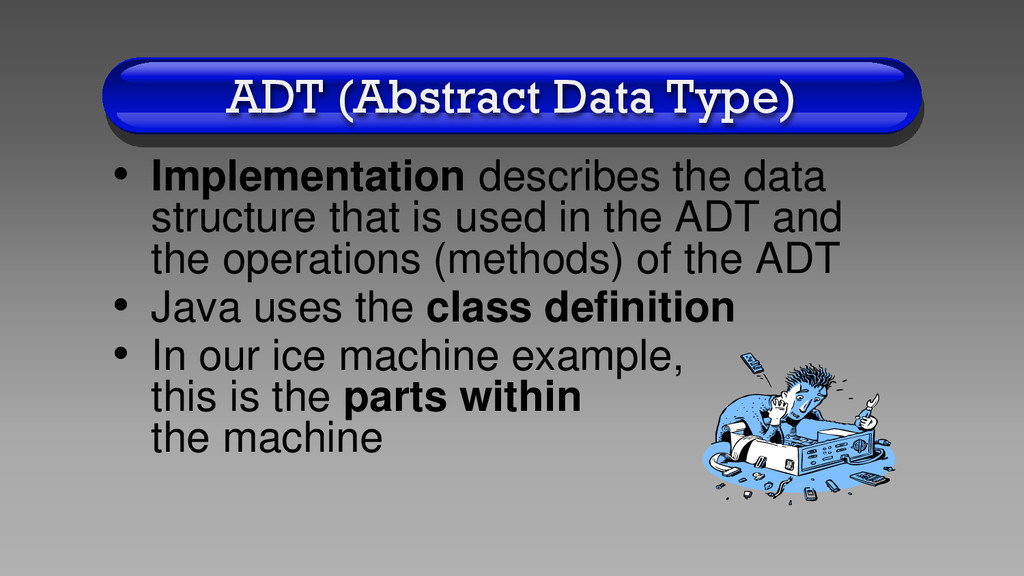
ADT (Abstract Data Type) • Implementation describes the data structure
that is used in the ADT and the operations (methods) of the ADT • Java uses the class definition • In our ice machine example, this is the parts within the machine -
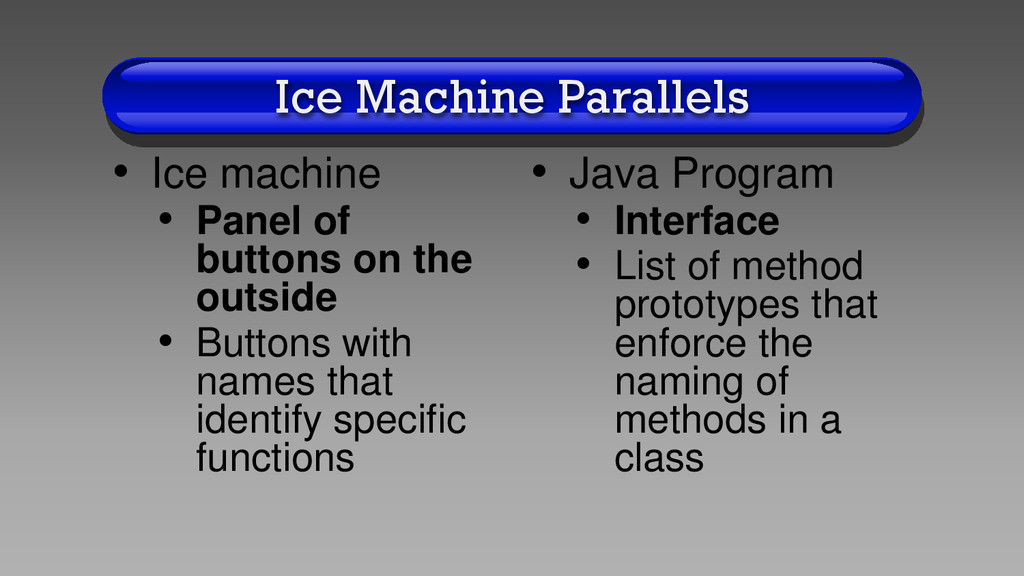
Ice Machine Parallels • Ice machine • Panel of buttons
on the outside • Buttons with names that identify specific functions • Java Program • Interface • List of method prototypes that enforce the naming of methods in a class -
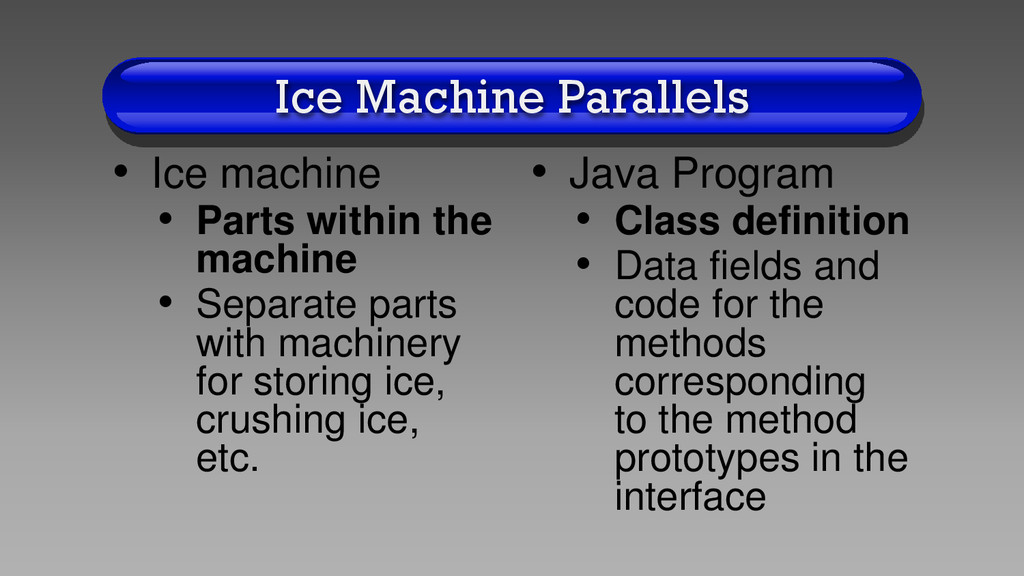
Ice Machine Parallels • Ice machine • Parts within the
machine • Separate parts with machinery for storing ice, crushing ice, etc. • Java Program • Class definition • Data fields and code for the methods corresponding to the method prototypes in the interface -
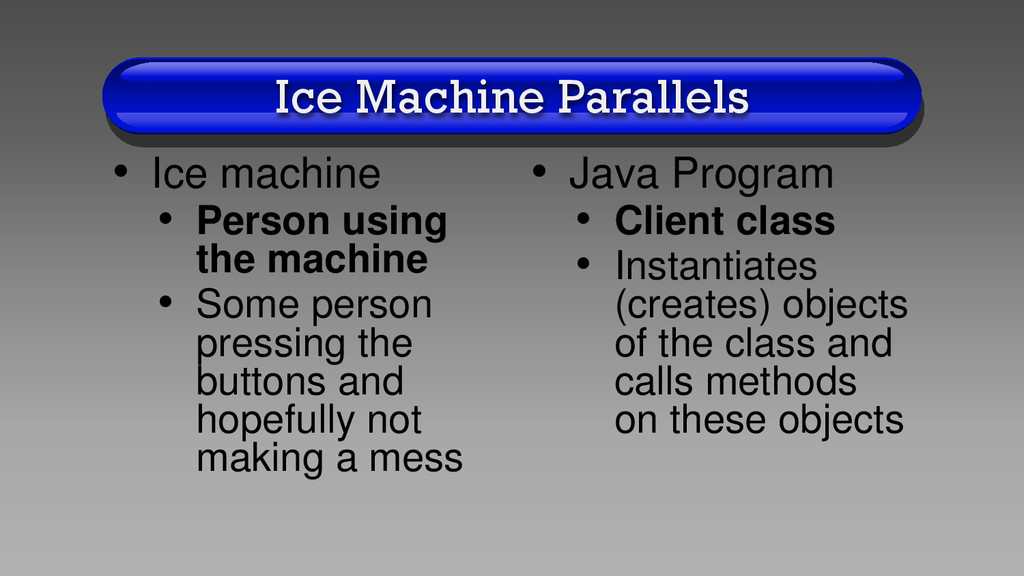
Ice Machine Parallels • Ice machine • Person using the
machine • Some person pressing the buttons and hopefully not making a mess • Java Program • Client class • Instantiates (creates) objects of the class and calls methods on these objects -
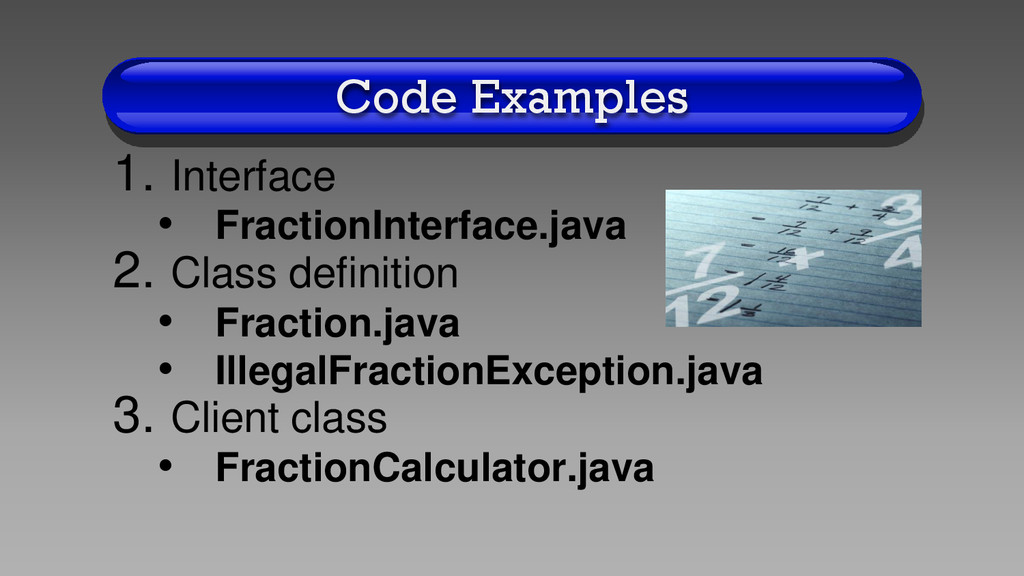
Code Examples 1. Interface • FractionInterface.java 2. Class definition •
Fraction.java • IllegalFractionException.java 3. Client class • FractionCalculator.java -
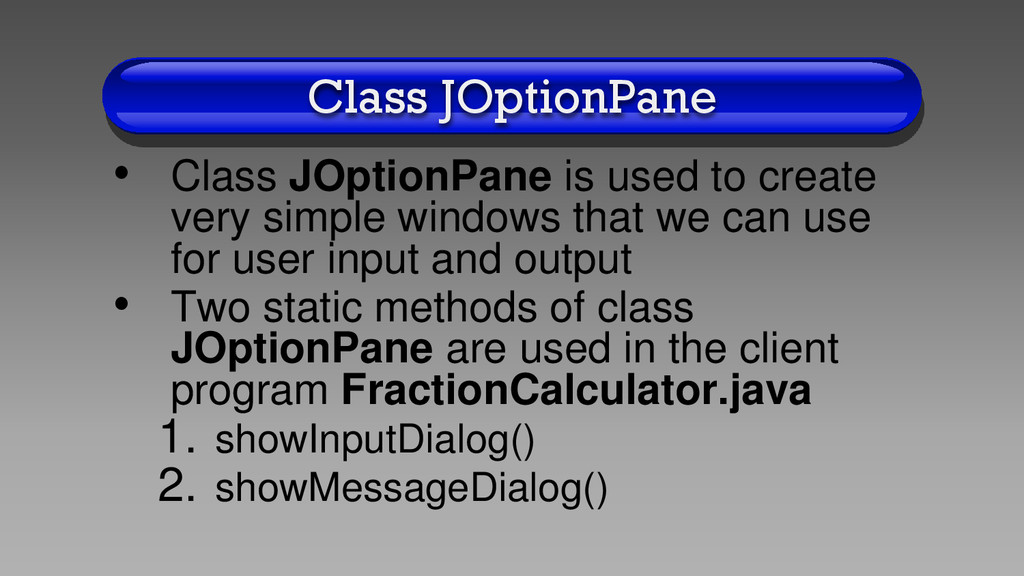
Class JOptionPane • Class JOptionPane is used to create very
simple windows that we can use for user input and output • Two static methods of class JOptionPane are used in the client program FractionCalculator.java 1. showInputDialog() 2. showMessageDialog() -
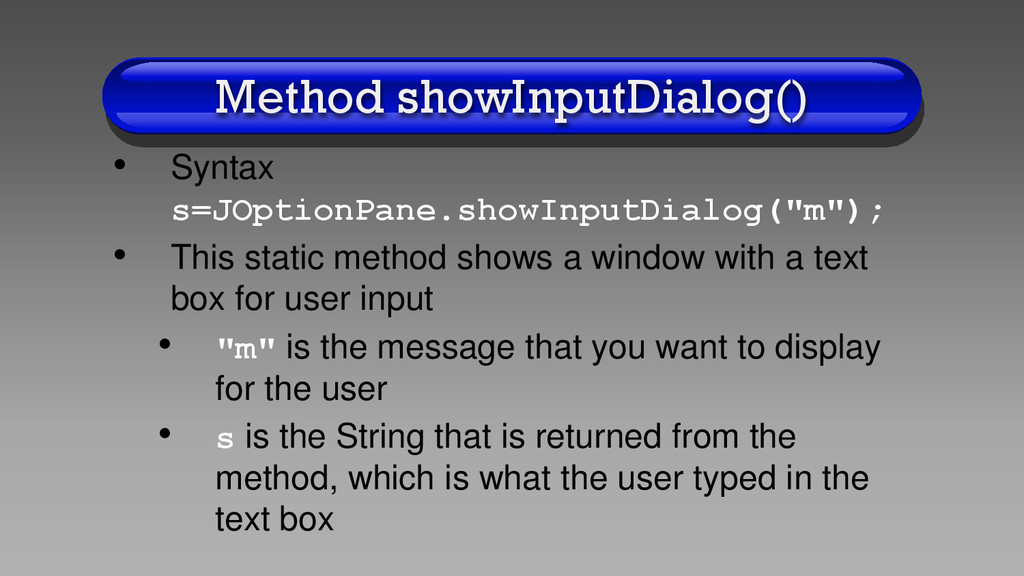
Method showInputDialog() • Syntax s=JOptionPane.showInputDialog("m"); • This static method shows
a window with a text box for user input • "m" is the message that you want to display for the user • s is the String that is returned from the method, which is what the user typed in the text box -
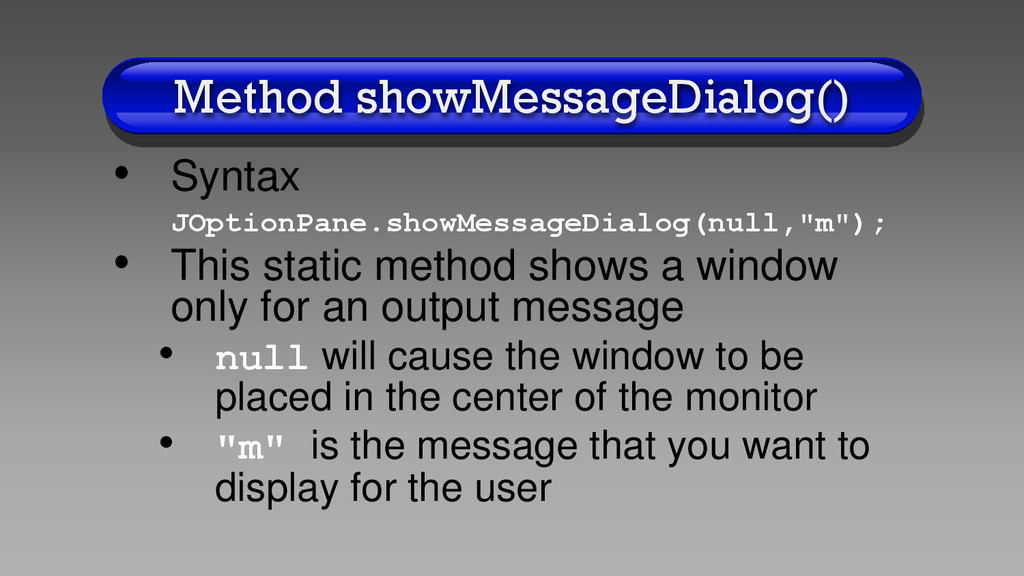
Method showMessageDialog() • Syntax JOptionPane.showMessageDialog(null,"m"); • This static method shows
a window only for an output message • null will cause the window to be placed in the center of the monitor • "m" is the message that you want to display for the user -
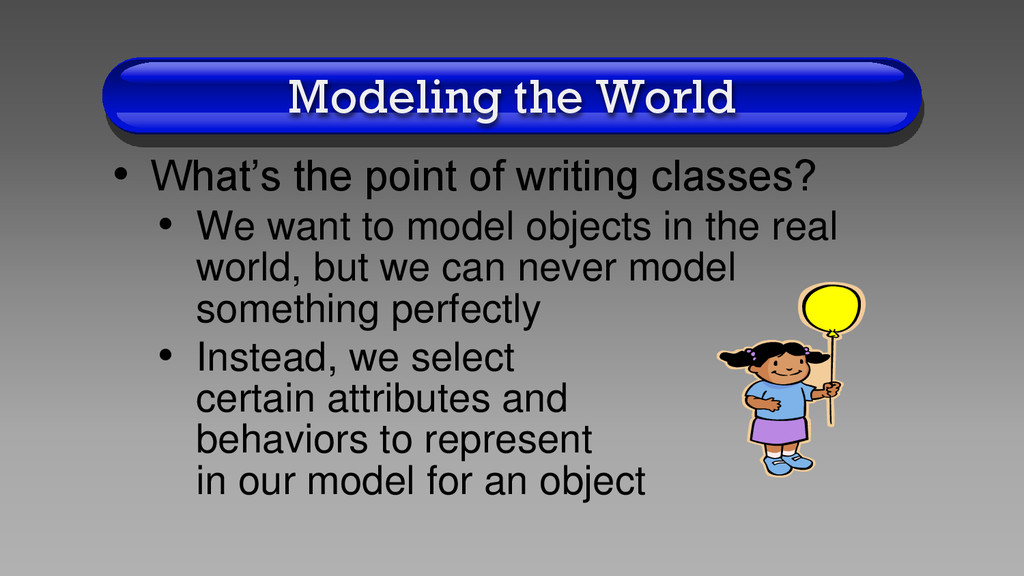
Modeling the World • What’s the point of writing classes?
• We want to model objects in the real world, but we can never model something perfectly • Instead, we select certain attributes and behaviors to represent in our model for an object -
Terminology • Attributes are the features (data) of an object
• Behaviors are the actions (methods) of an object • A class is a blueprint to instantiate (create) a specific object -
Attributes • Attributes can also be thought of as the
current data about an object, or current values of an object • For example, the attributes of a person are that person’s name, age, weight, height, nationality, eye color, languages spoken, hobbies, etc. -
Behaviors • Behaviors can also be thought of as what
the object is capable of doing • For example, the behaviors of a person are to give a name, increase age, increase weight, decrease weight, grow, become a citizen, give eye color, etc. -
Modeling Words • For example, the class String is used
to model words and sentences • The attributes of class String are the characters and the length, which are stored in data fields String name=new String("Nami"); //"Nami" is a String attribute //4 is a String attribute -
Modeling Words • The behaviors of class String are the
String methods String up=name.toUpperCase()); //Method toUpperCase() //is a String behavior System.out.println(up); -
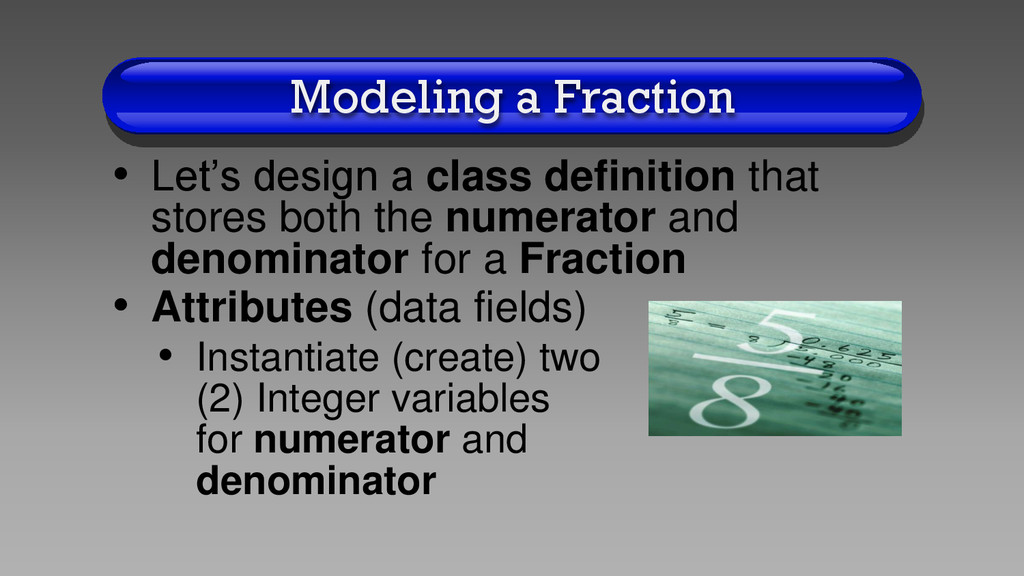
Modeling a Fraction • Let’s design a class definition that
stores both the numerator and denominator for a Fraction • Attributes (data fields) • Instantiate (create) two (2) Integer variables for numerator and denominator -
Modeling a Fraction • Behaviors (methods) • A constructor to
create objects and initialize data fields • Method toString() to display the data fields • And many more methods, such as add, subtract, multiply, divide, etc. -
Example Code • See Fraction.java • Note that most fractional
numbers cannot be exactly expressed as a float (decimal), so this is a very useful class for mathematicians • For example, 1/3 cannot be exactly expressed as a decimal number, because it is 0.33333… -
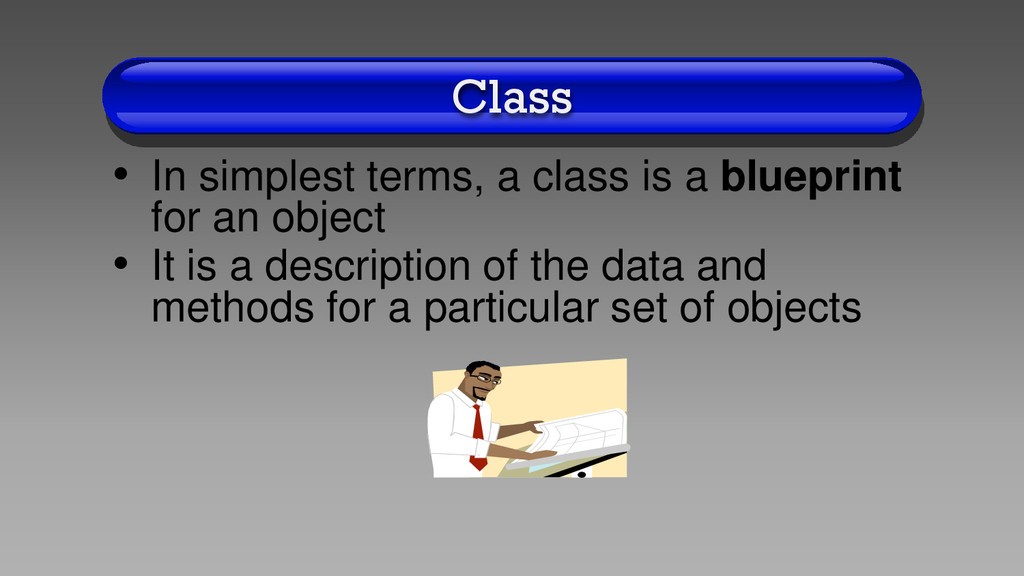
Class • In simplest terms, a class is a blueprint
for an object • It is a description of the data and methods for a particular set of objects -
Class String • For example, the String class describes the
data and methods for String objects String name=new String("Nami"); //String is a class • See Java API for String class details -
Class Definition • When we call a constructor in a
program, we have to look at that class’s definition to see what code gets executed • A class definition defines a set of methods and data fields for the purpose of instantiating (creating) and manipulating an object of that class -
Class Definition • The ordering of the methods and variables
within a class definition does not matter with respect to program execution • However, within each method of a class definition, the order of the statements does matter -
Class Definition • In Java, we can create our own
classes public class Fraction{ . . . } • Must use delimiters, which are the symbols { and } • The delimiters are used to set the beginning and end of class definitions and method definitions -
Class Definition • Classes are composed of two main parts
1.Data fields (also called “instance variables”) 2.Methods -
Class Definition • Class definition is a program that defines
the data fields, constructor, and methods for a class For example, the example code Fraction.java is a class definition -
Client • Client (driver) is a program that uses (or
tests) the class’s data fields and methods • This program instantiates (creates) objects of the new class, calls the class methods, and displays appropriate output • FractionCalculator.java is an example client program -
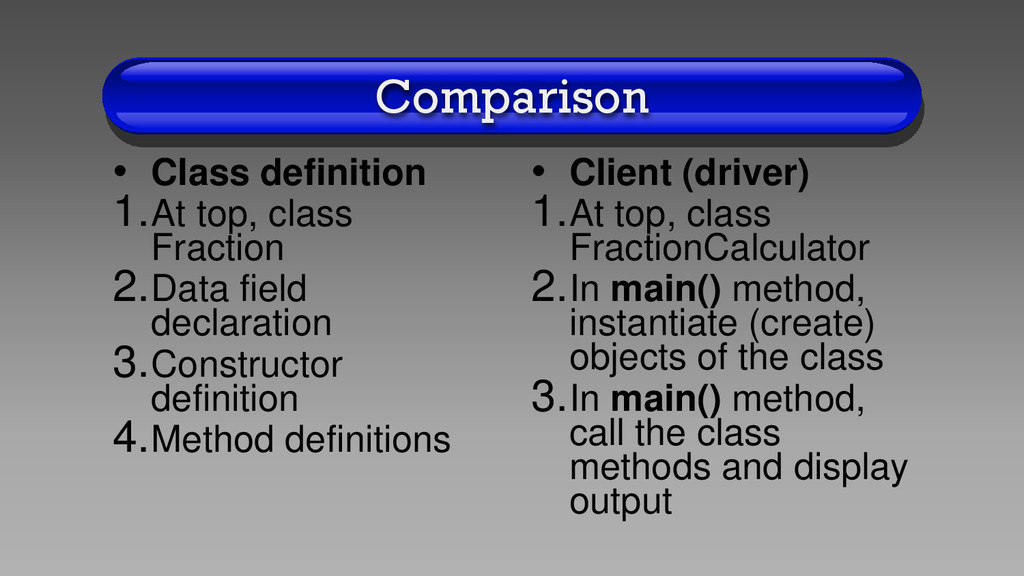
Comparison • Class definition 1.At top, class Fraction 2.Data field
declaration 3.Constructor definition 4.Method definitions • Client (driver) 1.At top, class FractionCalculator 2.In main() method, instantiate (create) objects of the class 3.In main() method, call the class methods and display output -
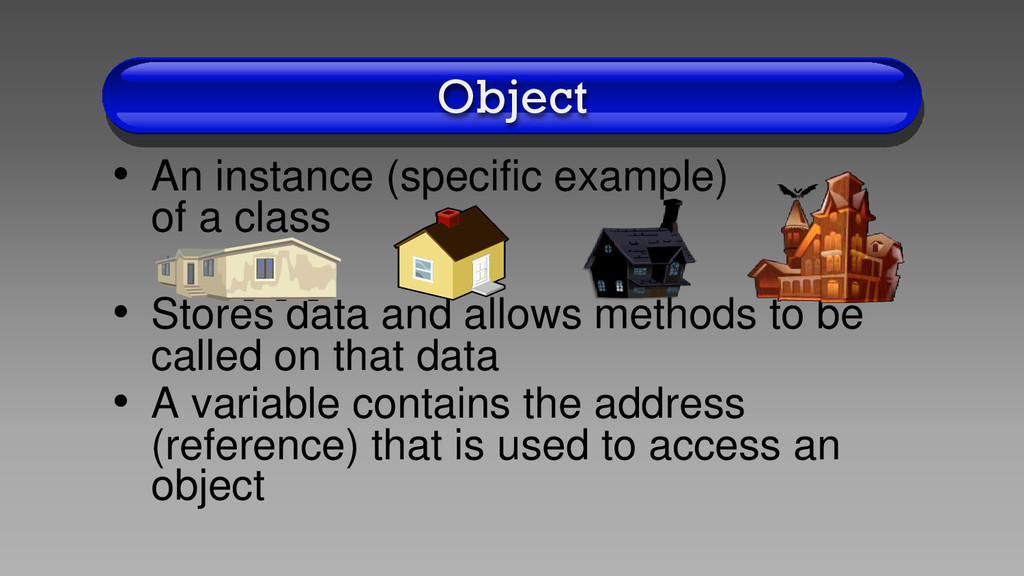
Object • An instance (specific example) of a class •
Stores data and allows methods to be called on that data • A variable contains the address (reference) that is used to access an object -
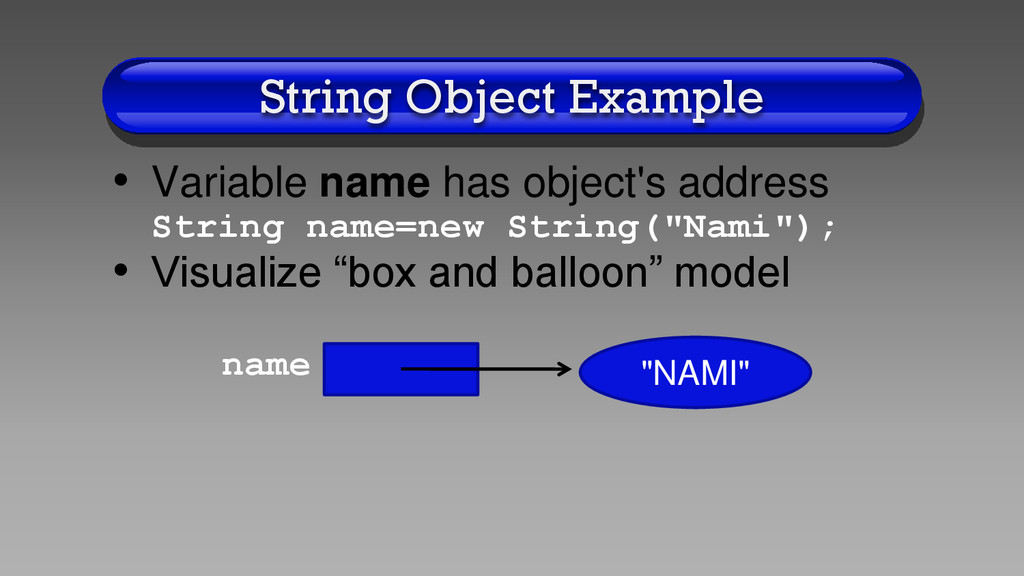
String Object Example • Variable name has object's address String
name=new String("Nami"); • Visualize “box and balloon” model name "NAMI" -
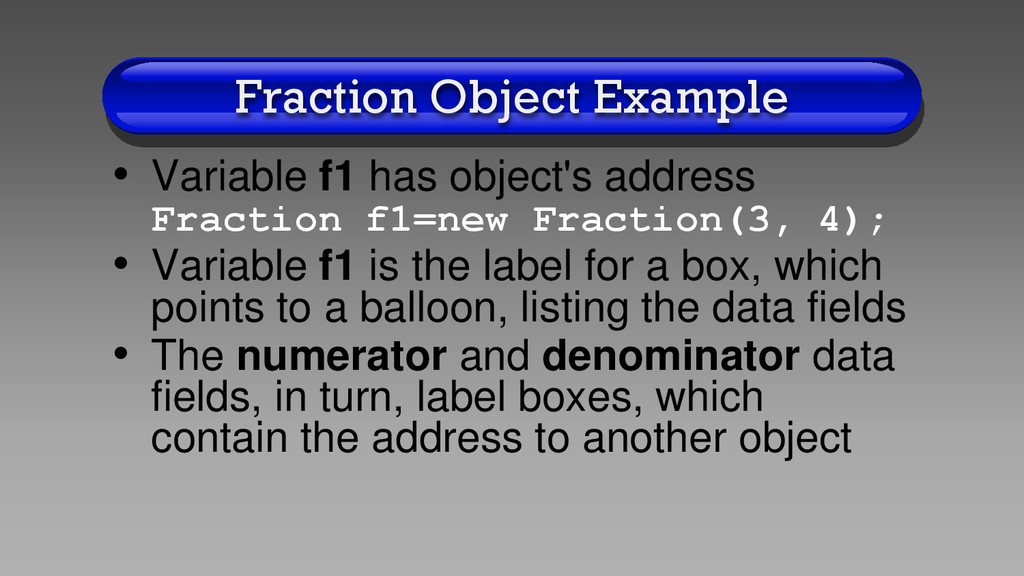
Fraction Object Example • Variable f1 has object's address Fraction
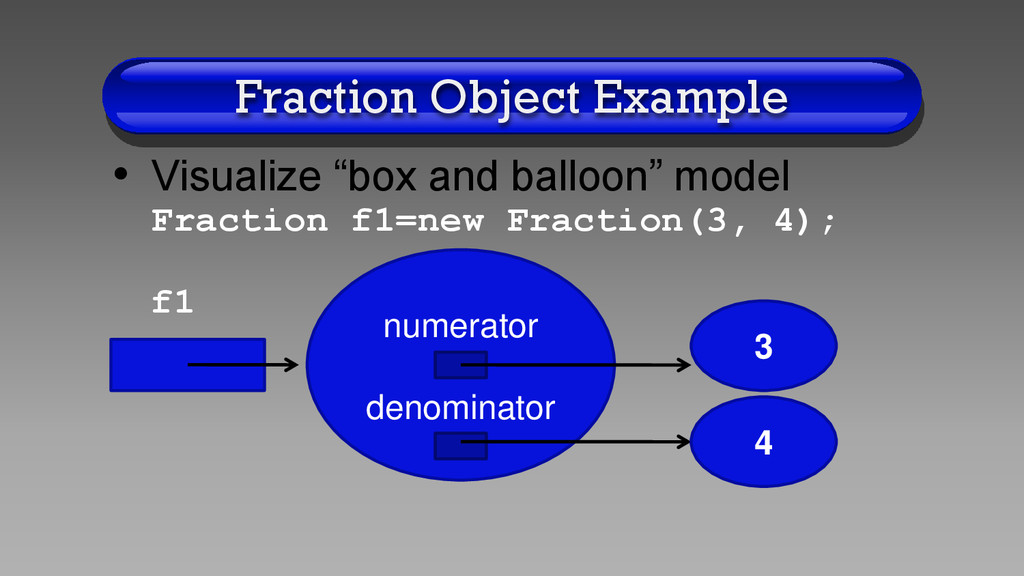
f1=new Fraction(3, 4); • Variable f1 is the label for a box, which points to a balloon, listing the data fields • The numerator and denominator data fields, in turn, label boxes, which contain the address to another object -
Fraction Object Example • Visualize “box and balloon” model Fraction
f1=new Fraction(3, 4); f1 numerator denominator 3 4 -
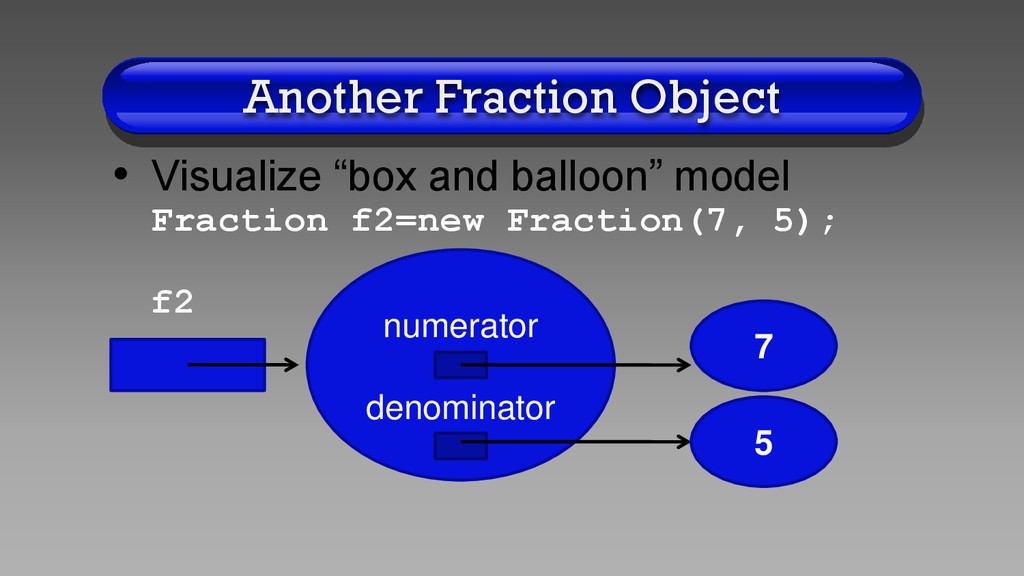
Another Fraction Object • Visualize “box and balloon” model Fraction
f2=new Fraction(7, 5); f2 numerator denominator 7 5 -
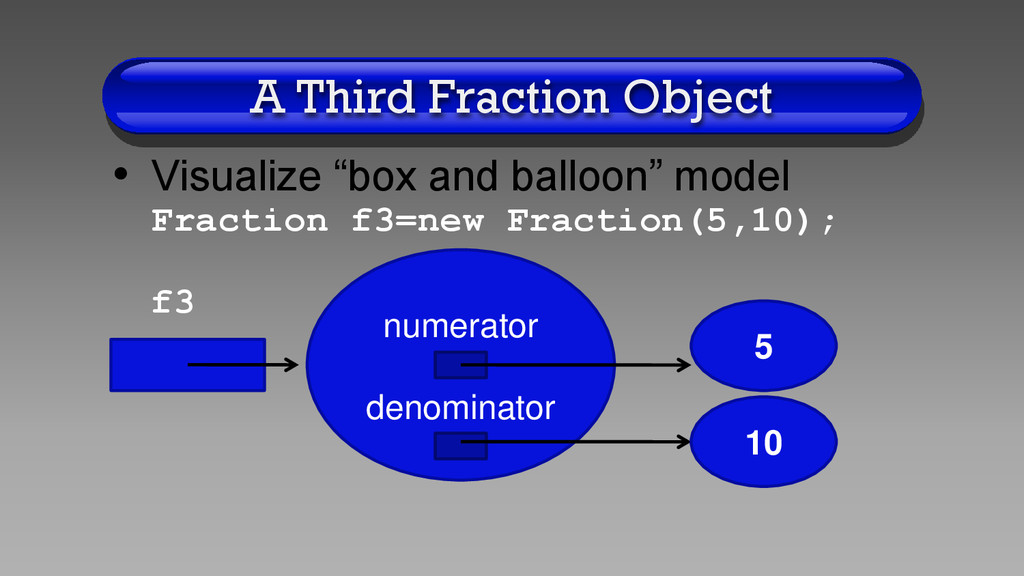
A Third Fraction Object • Visualize “box and balloon” model
Fraction f3=new Fraction(5,10); f3 numerator denominator 5 10 -
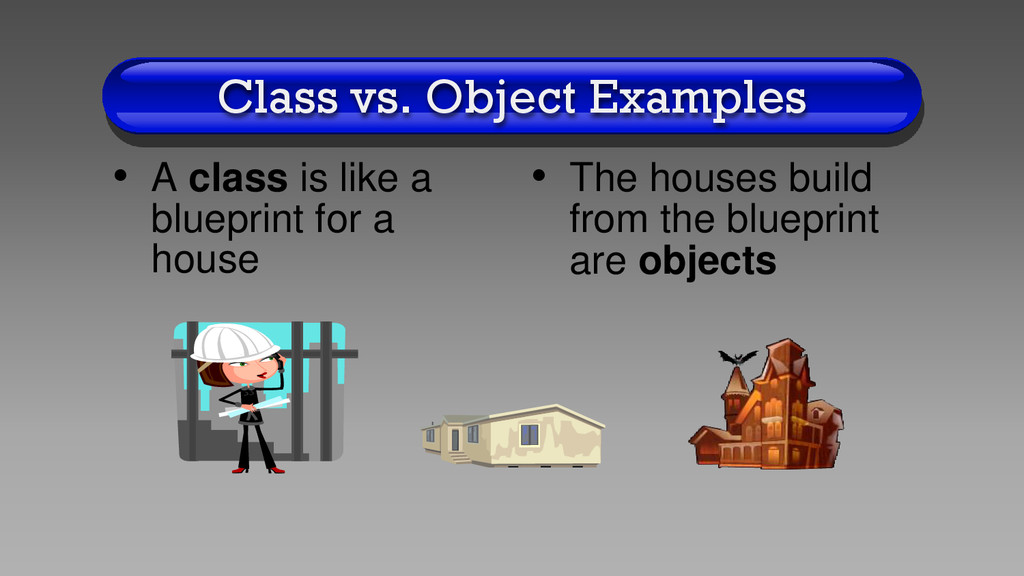
Class vs. Object Examples • A class is like a
blueprint for a house • The houses build from the blueprint are objects -
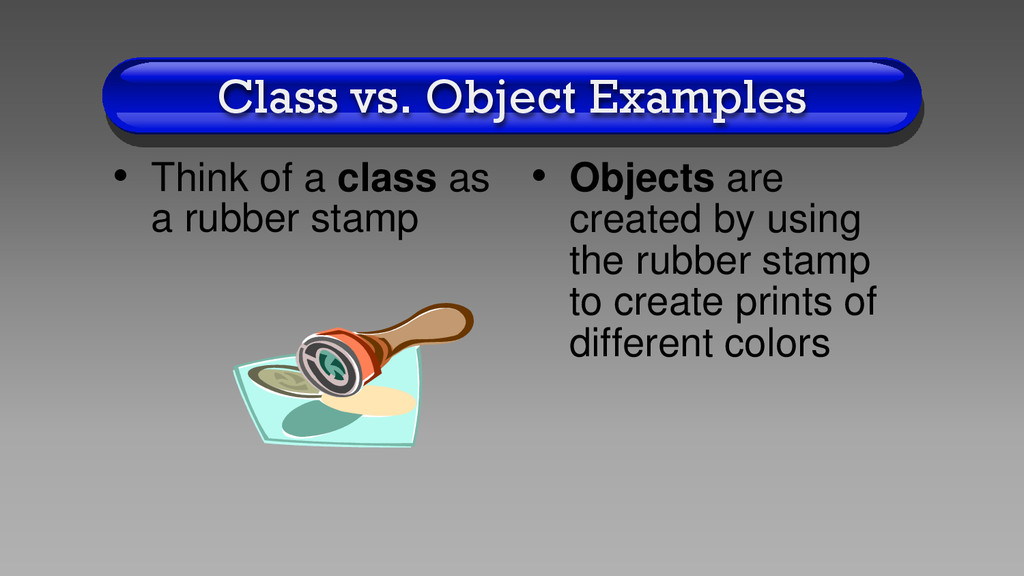
Class vs. Object Examples • Think of a class as
a rubber stamp • Objects are created by using the rubber stamp to create prints of different colors -
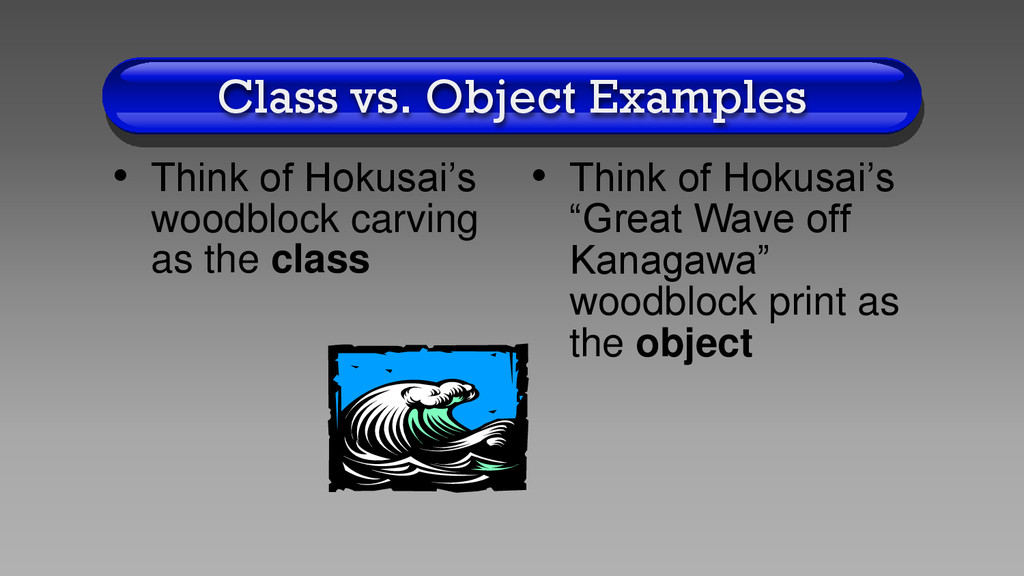
Class vs. Object Examples • Think of Hokusai’s woodblock carving
as the class • Think of Hokusai’s “Great Wave off Kanagawa” woodblock print as the object -
Example Code • See SimpleClass.java • Shows an example of
a constructor and the toString() method for a simple class President • Data fields: String first, middle, last • See the main() method for the use of constructors and toString() method -
Memory Defragmenter • Ice machine example • ADT (abstract data
type) • Class Fraction example code • Classes • Objects -
Task Manager • Before the next class, you need to:
1.Do the assignment corresponding to this lecture 2.Email me any questions you may have about the material 3.Turn in the assignment before the next lecture 4.Admire some artwork!