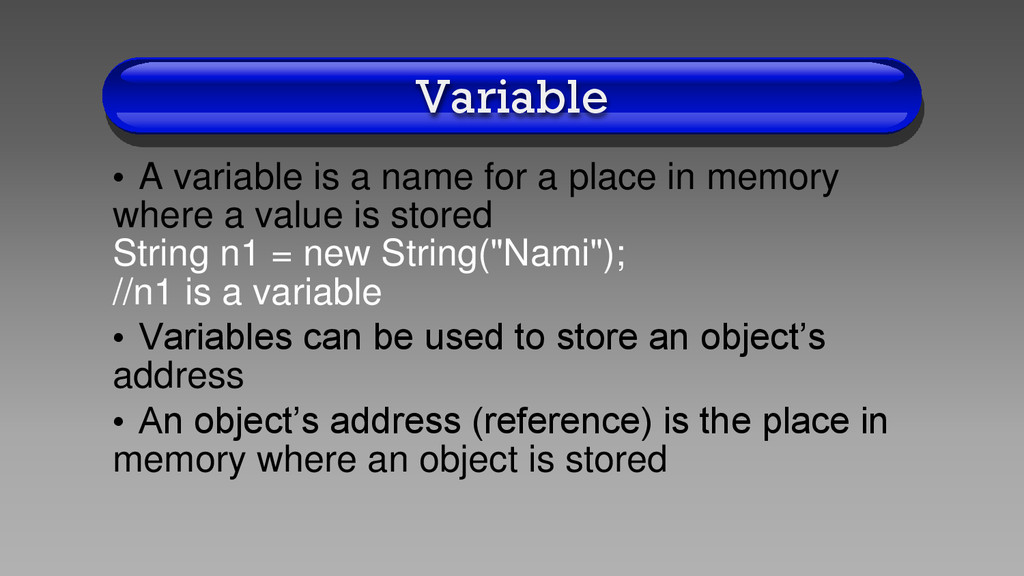
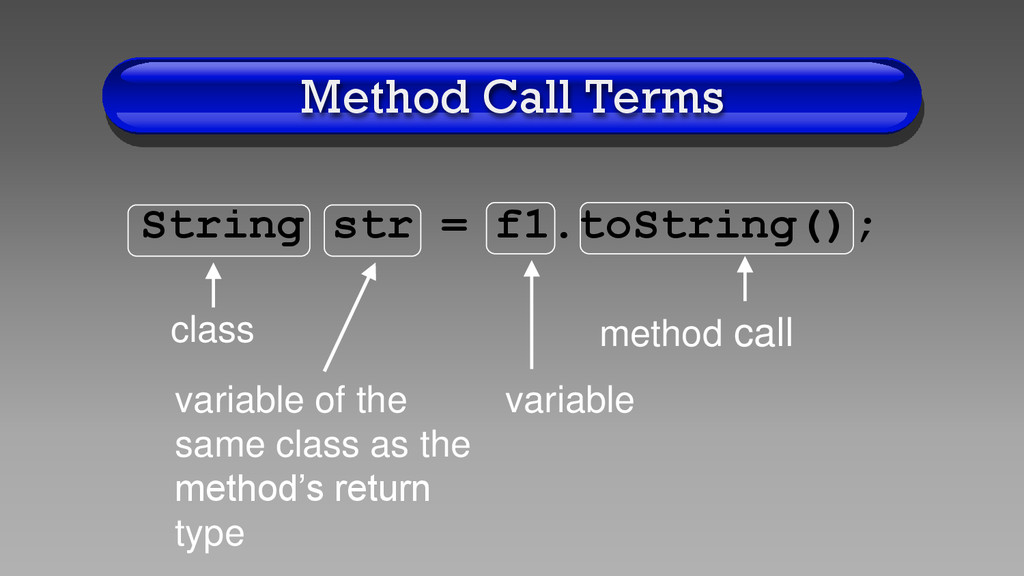
in memory where a value is stored String n1 = new String("Nami"); //n1 is a variable • Variables can be used to store an object’s address • An object’s address (reference) is the place in memory where an object is stored
the data (attributes) of a specific object • Also called “instance variables” • Belong to an object • Declared (defined) in a class, but outside a method
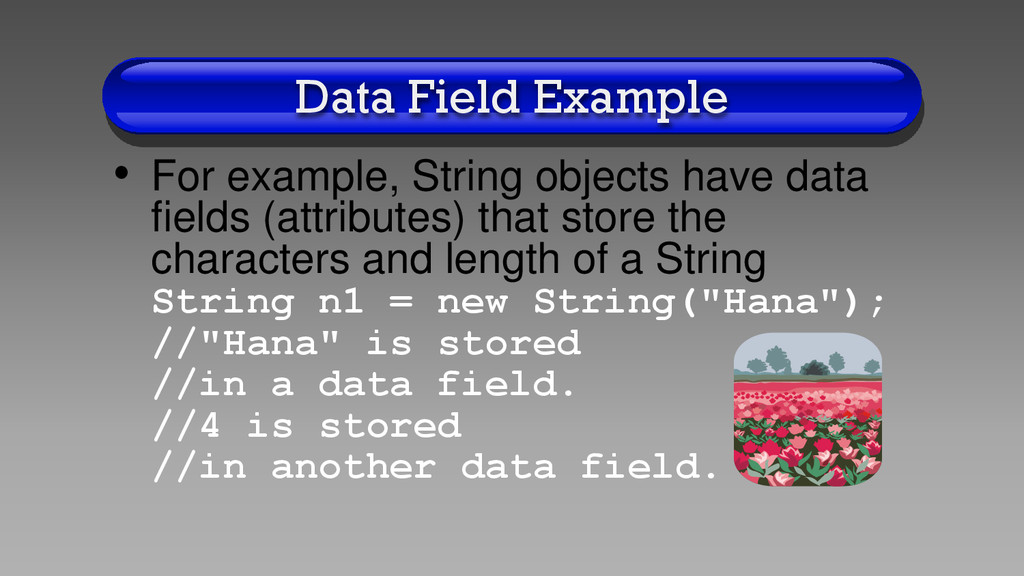
fields (attributes) that store the characters and length of a String String n1 = new String("Hana"); //"Hana" is stored //in a data field. //4 is stored //in another data field.
them outside all methods, but inside the class • Usually private, so data fields cannot be used by code outside the class • Data fields are global variables, so they can be used by any method in the same class as the data fields
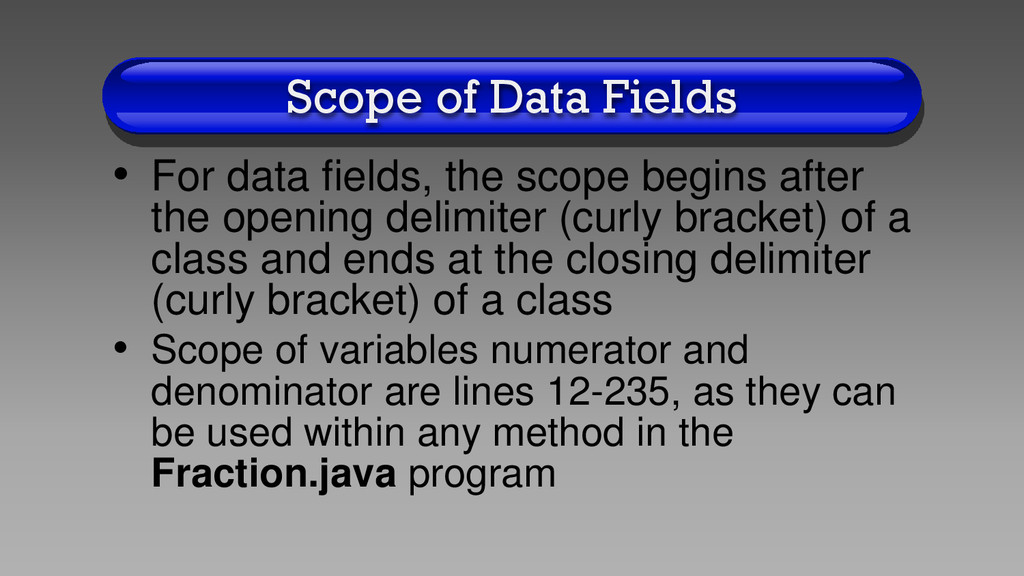
begins after the opening delimiter (curly bracket) of a class and ends at the closing delimiter (curly bracket) of a class • Scope of variables numerator and denominator are lines 12-235, as they can be used within any method in the Fraction.java program
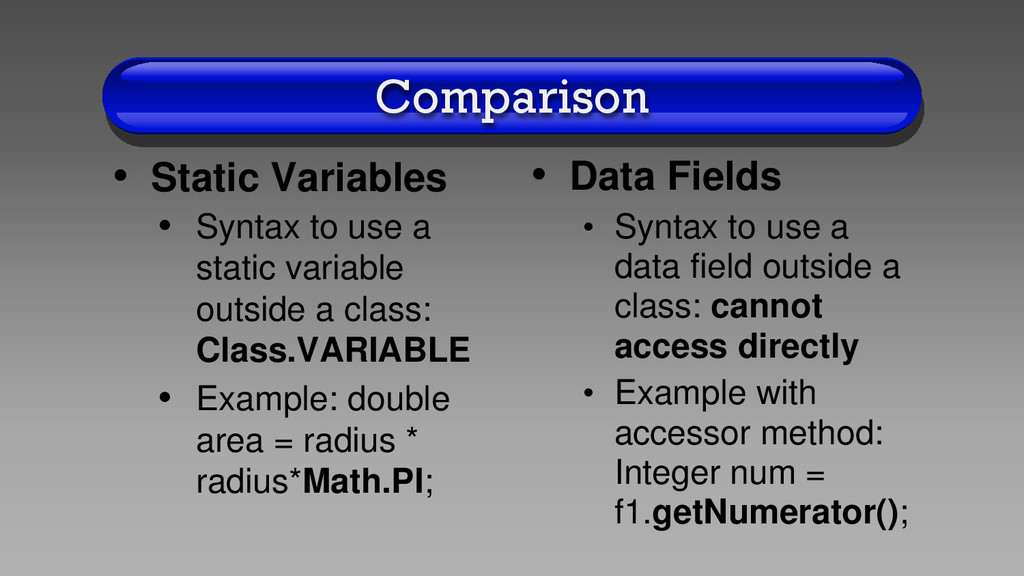
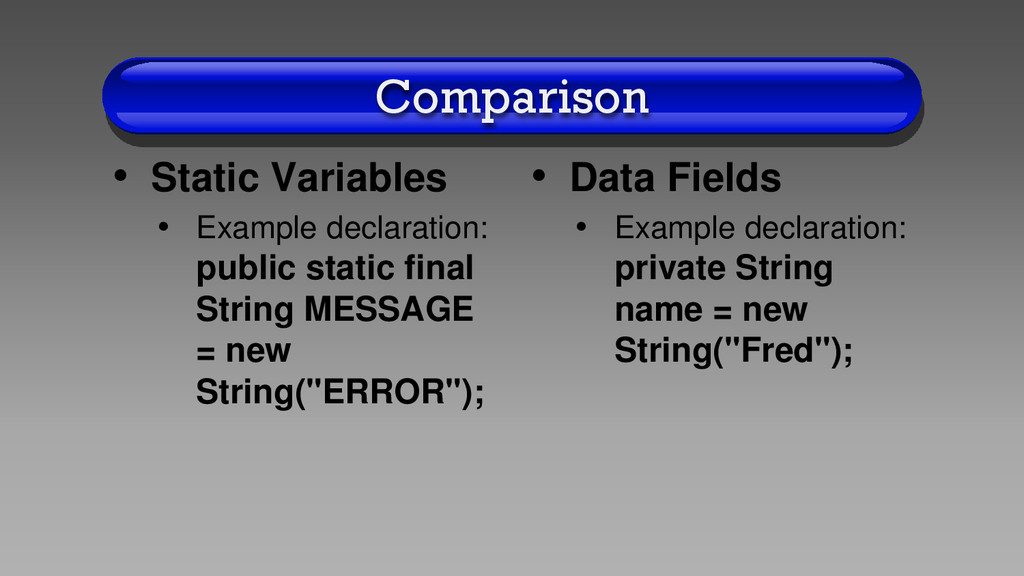
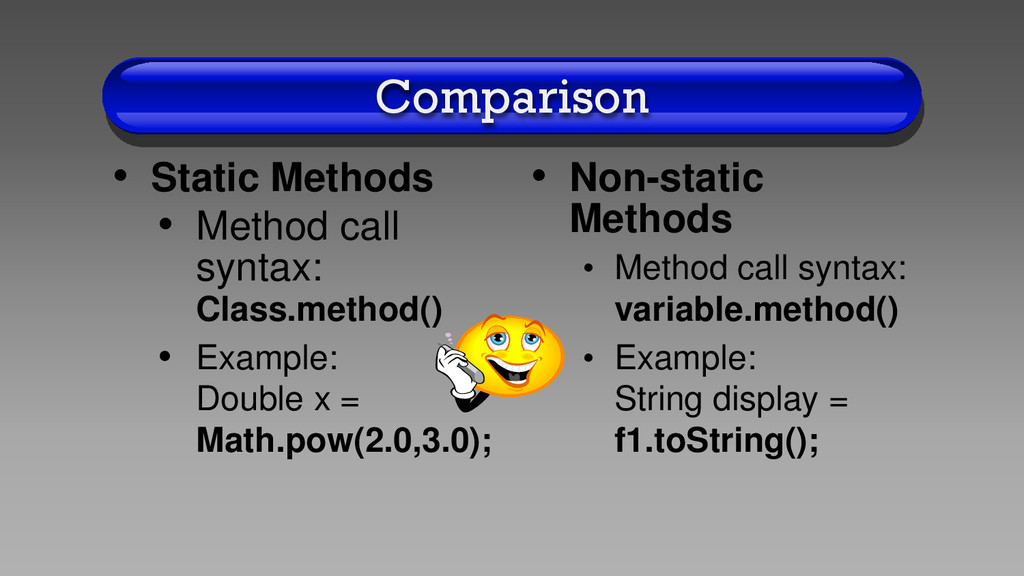
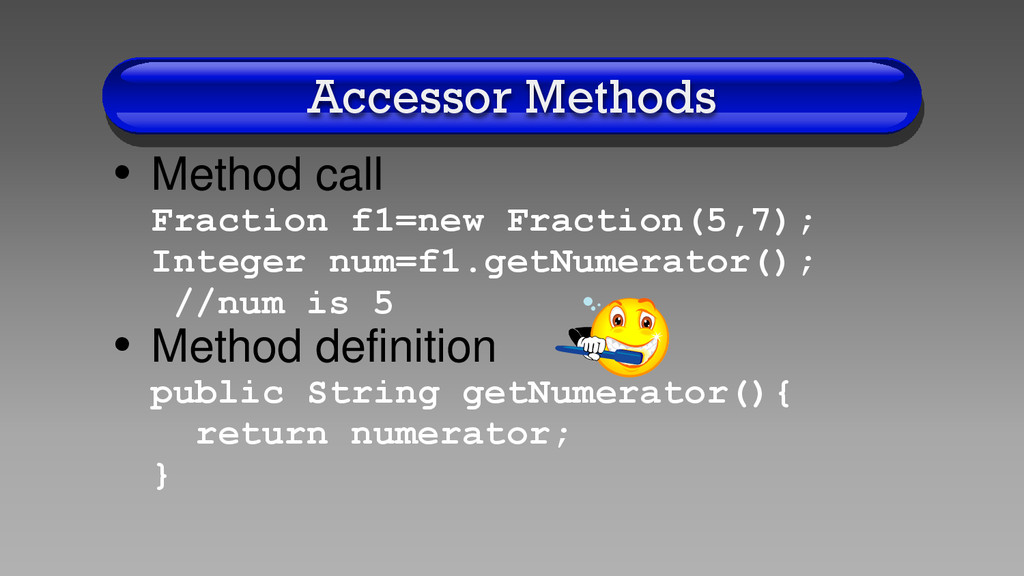
variable outside a class: Class.VARIABLE • Example: double area = radius * radius*Math.PI; • Data Fields • Syntax to use a data field outside a class: cannot access directly • Example with accessor method: Integer num = f1.getNumerator();
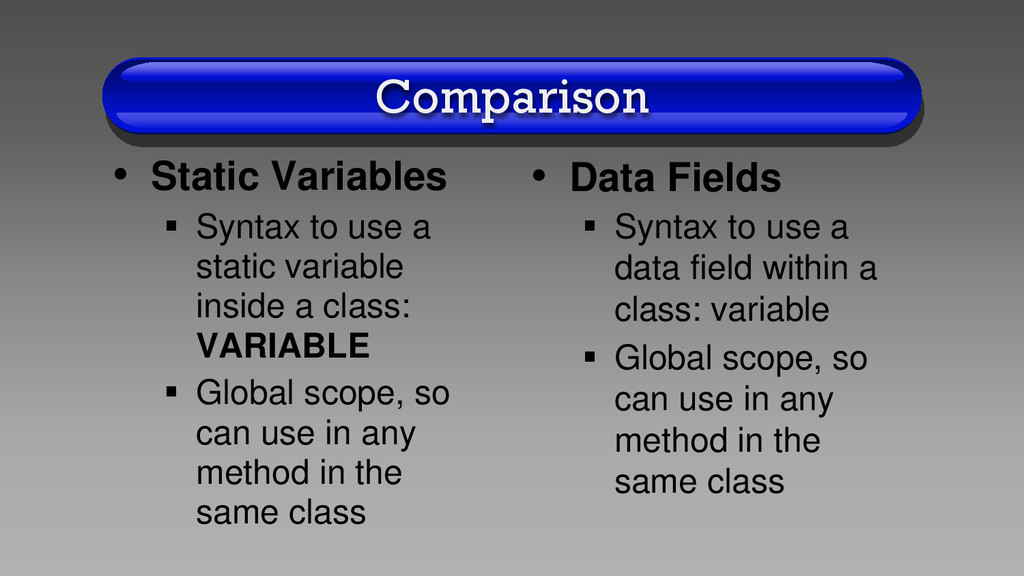
variable inside a class: VARIABLE Global scope, so can use in any method in the same class • Data Fields Syntax to use a data field within a class: variable Global scope, so can use in any method in the same class
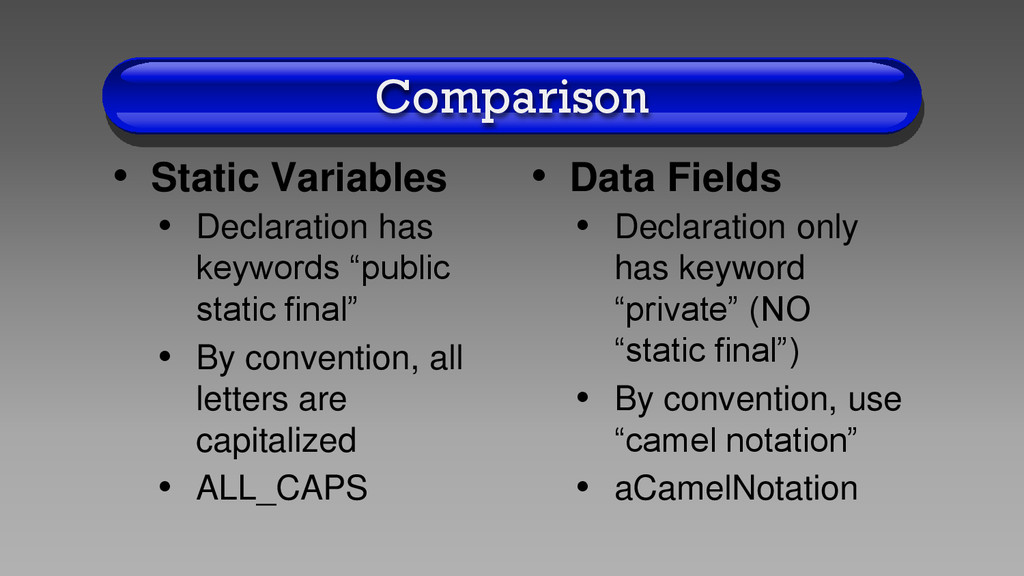
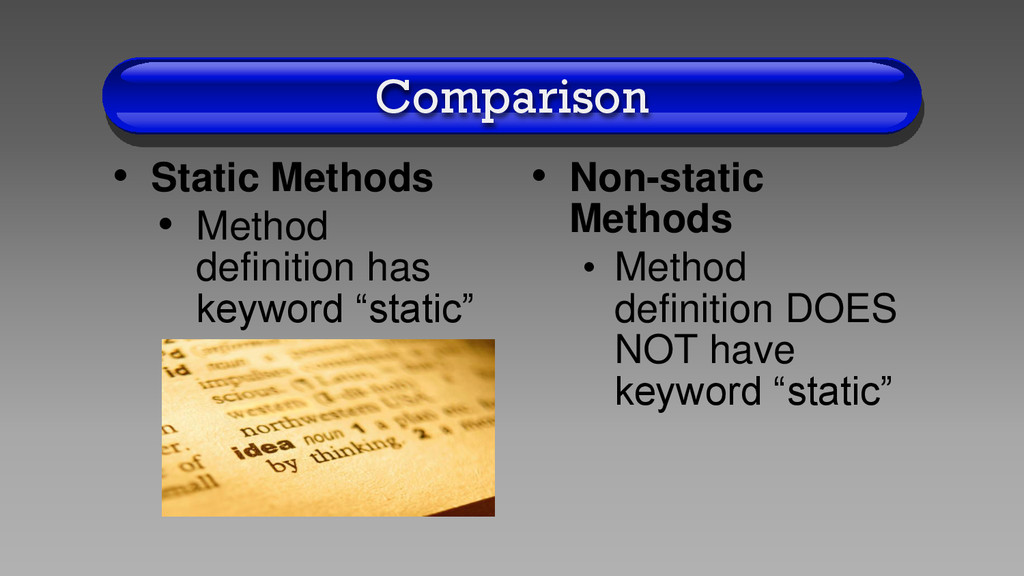
final” • By convention, all letters are capitalized • ALL_CAPS • Data Fields • Declaration only has keyword “private” (NO “static final”) • By convention, use “camel notation” • aCamelNotation
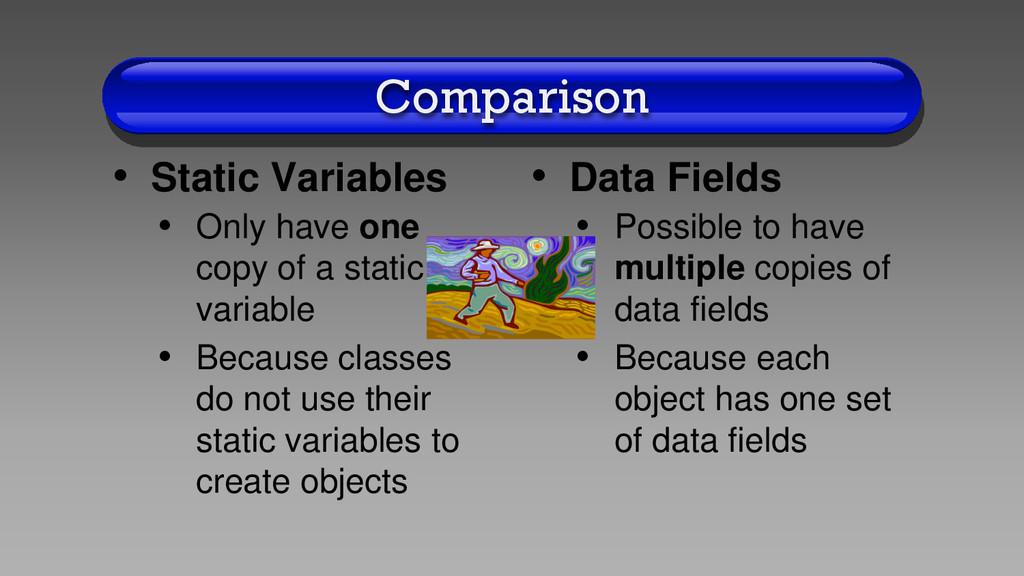
a static variable • Because classes do not use their static variables to create objects • Data Fields • Possible to have multiple copies of data fields • Because each object has one set of data fields
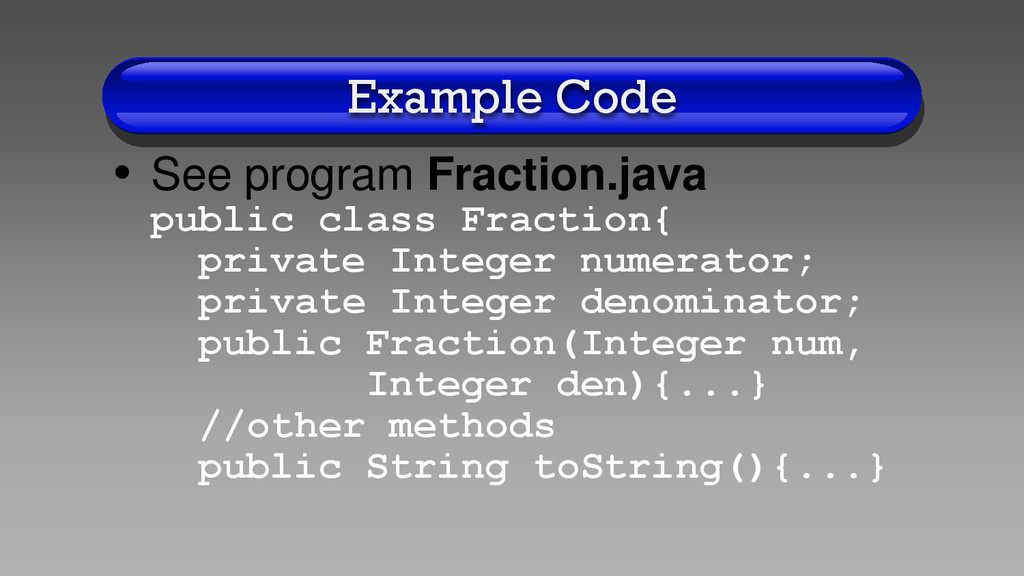
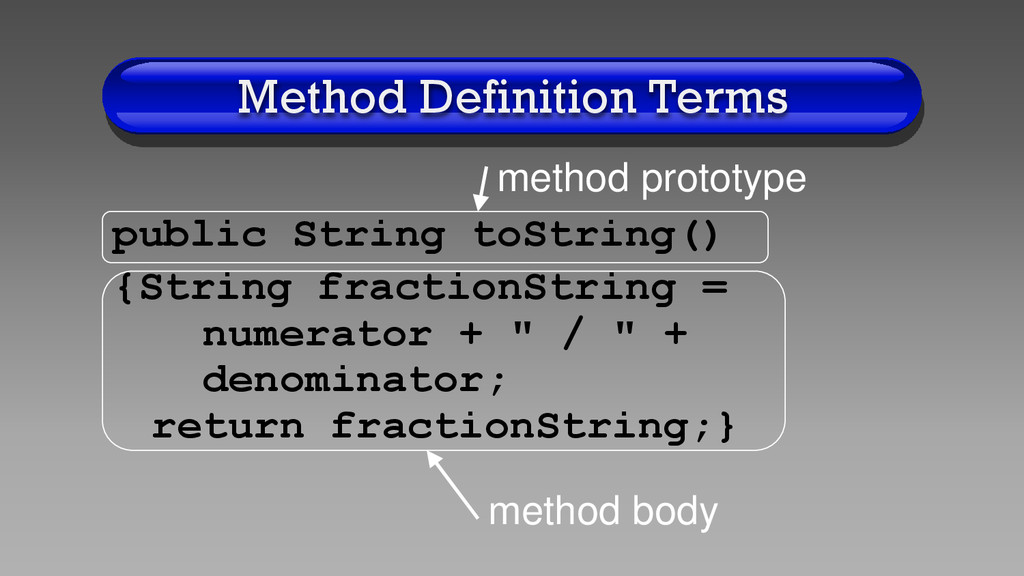
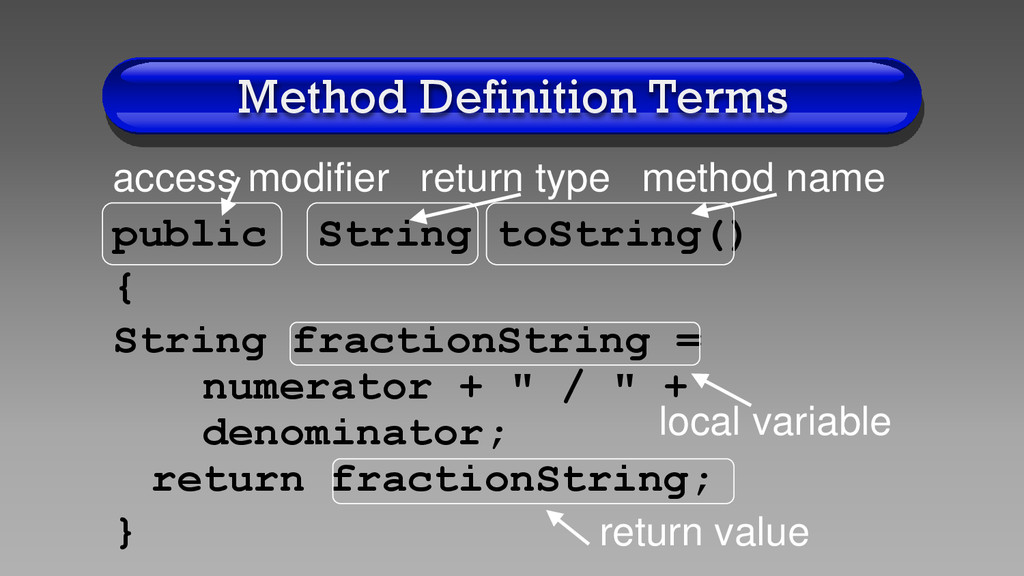
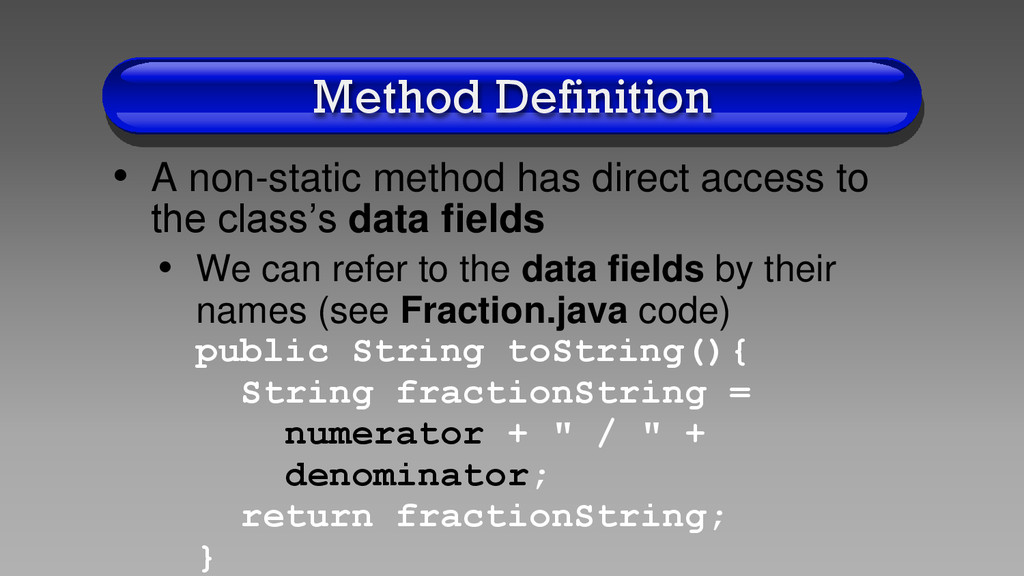
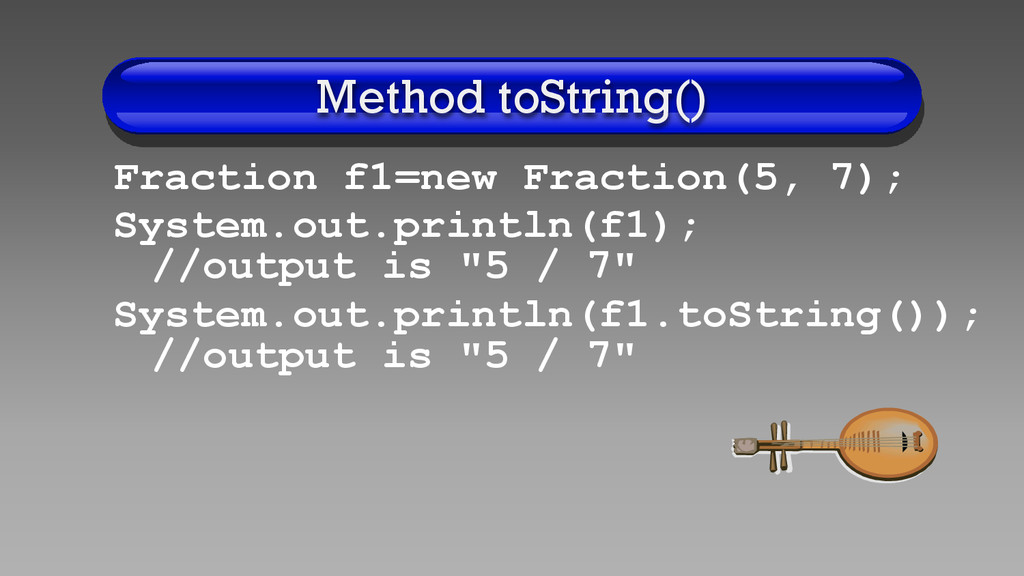
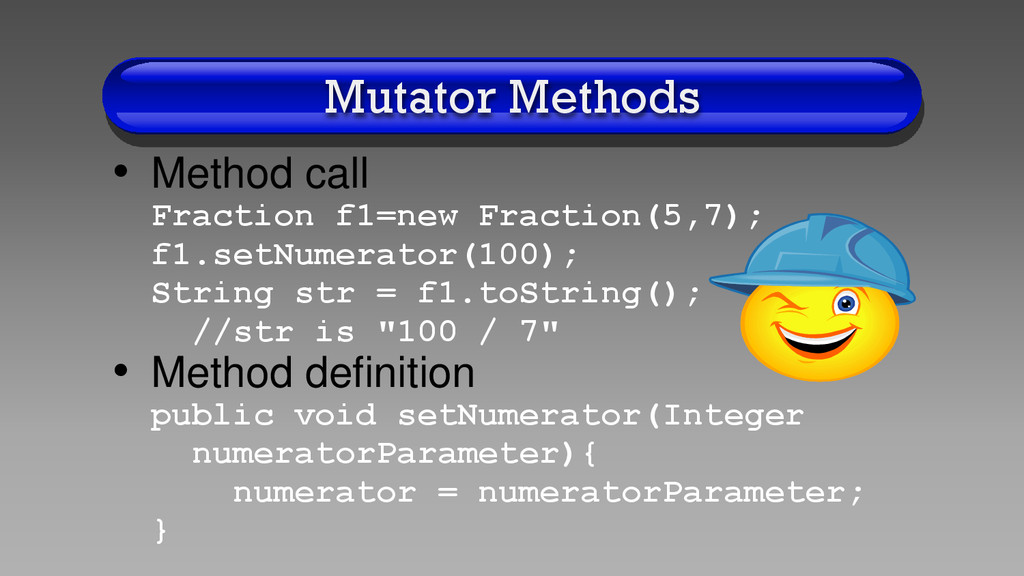
the class’s data fields • We can refer to the data fields by their names (see Fraction.java code) public String toString(){ String fractionString = numerator + " / " + denominator; return fractionString; }
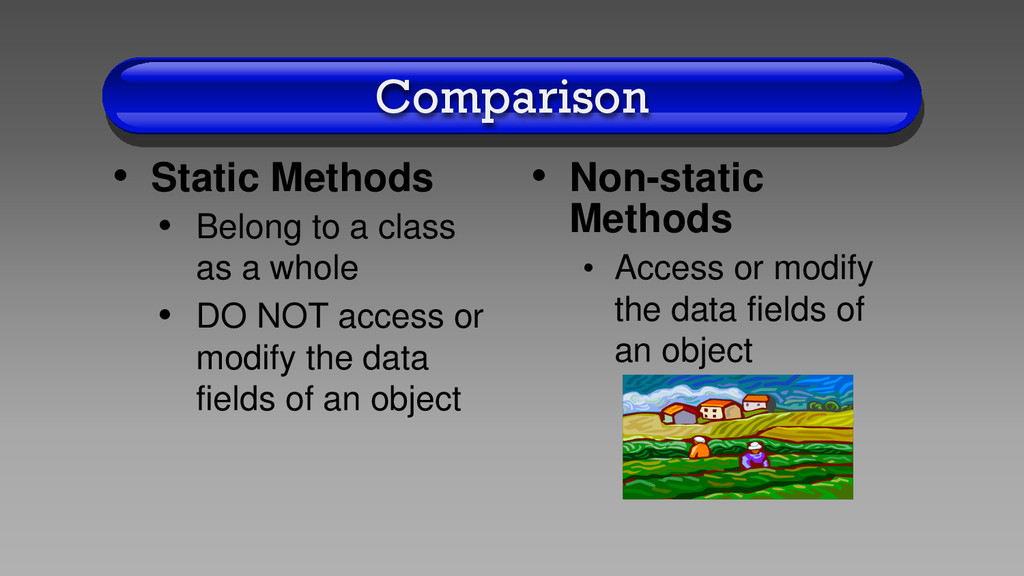
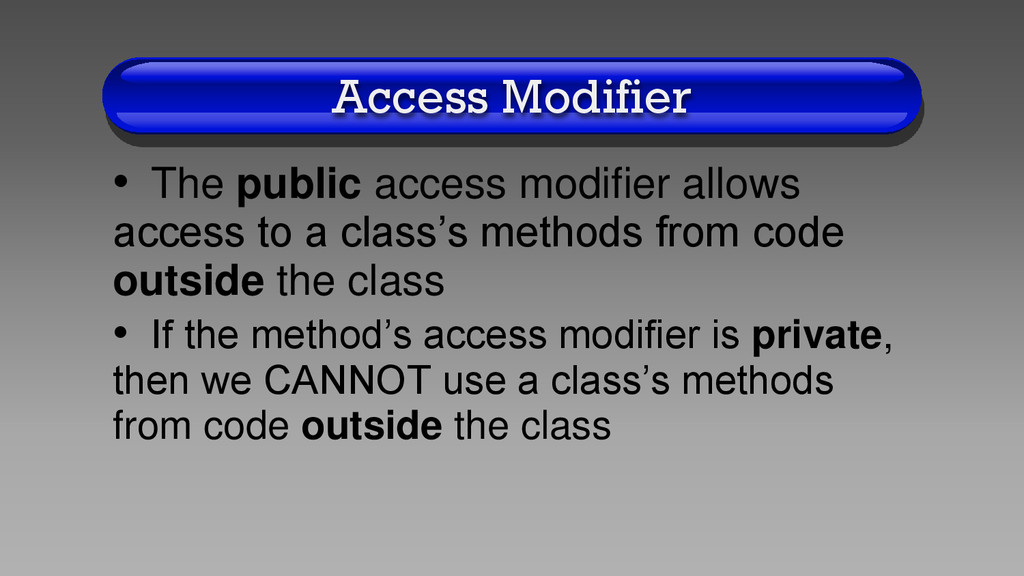
a class’s methods from code outside the class • If the method’s access modifier is private, then we CANNOT use a class’s methods from code outside the class
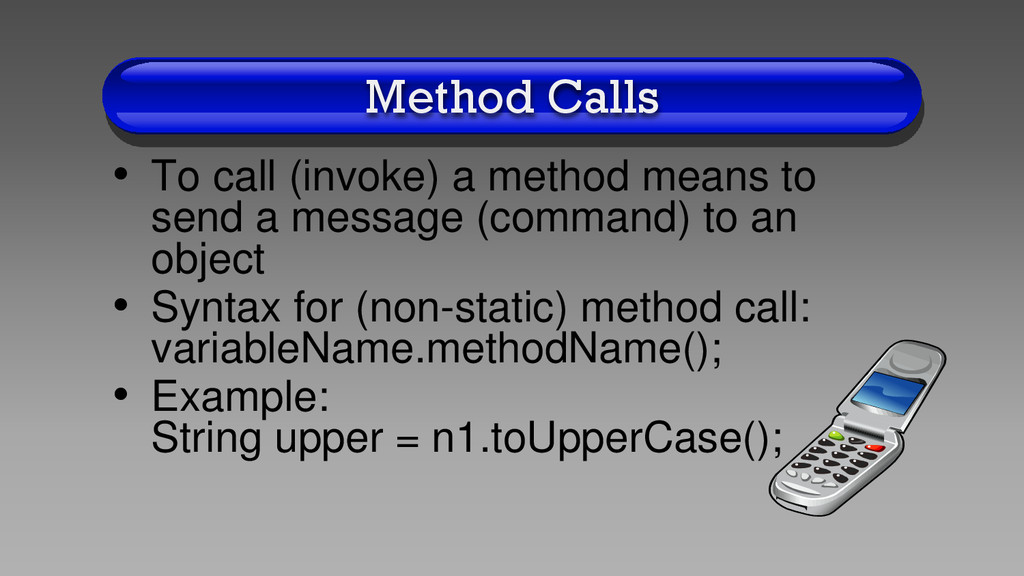
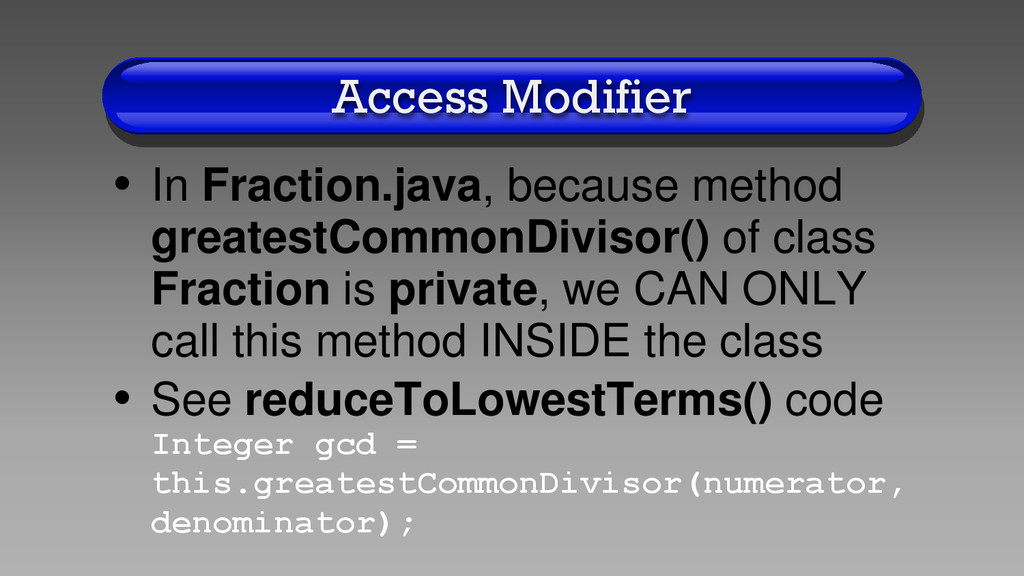
Fraction is private, we CAN ONLY call this method INSIDE the class • See reduceToLowestTerms() code Integer gcd = this.greatestCommonDivisor(numerator, denominator);
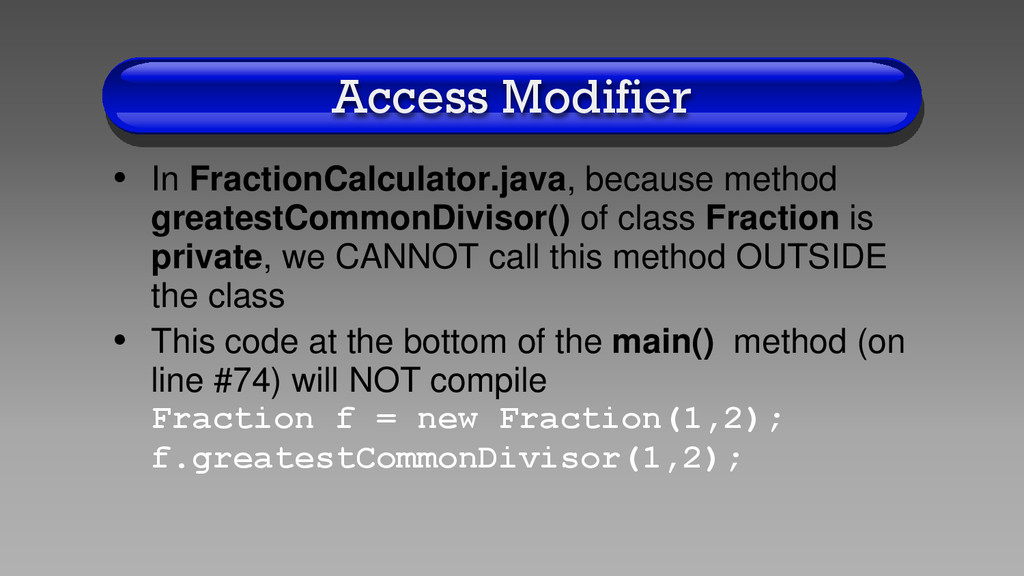
Fraction is private, we CANNOT call this method OUTSIDE the class • This code at the bottom of the main() method (on line #74) will NOT compile Fraction f = new Fraction(1,2); f.greatestCommonDivisor(1,2);
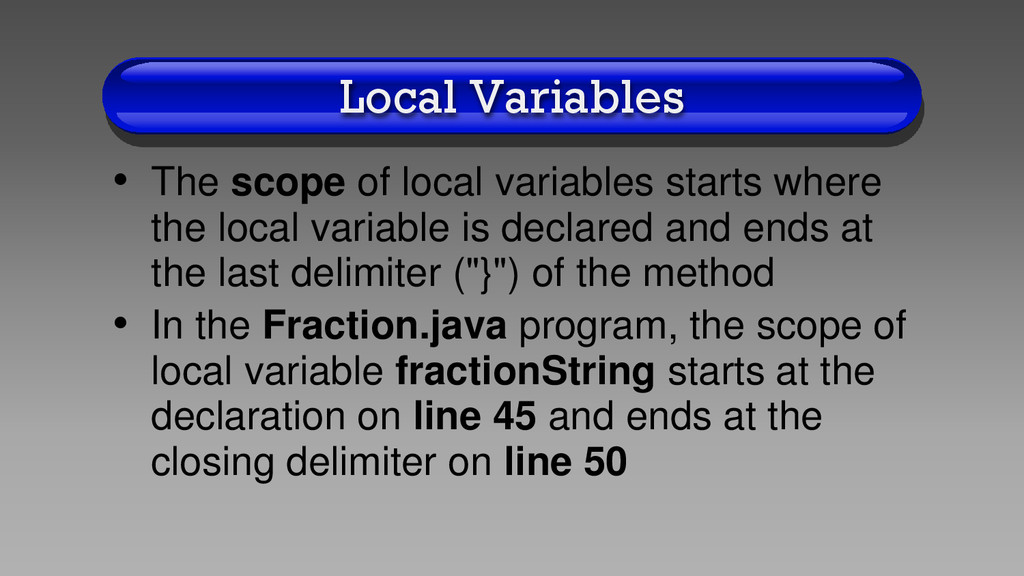
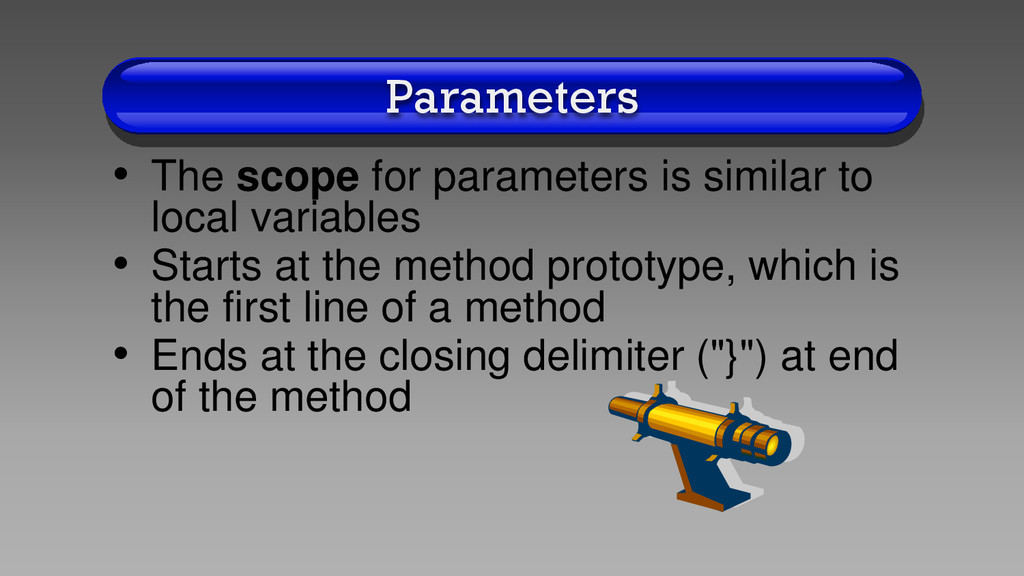
the local variable is declared and ends at the last delimiter ("}") of the method • In the Fraction.java program, the scope of local variable fractionString starts at the declaration on line 45 and ends at the closing delimiter on line 50
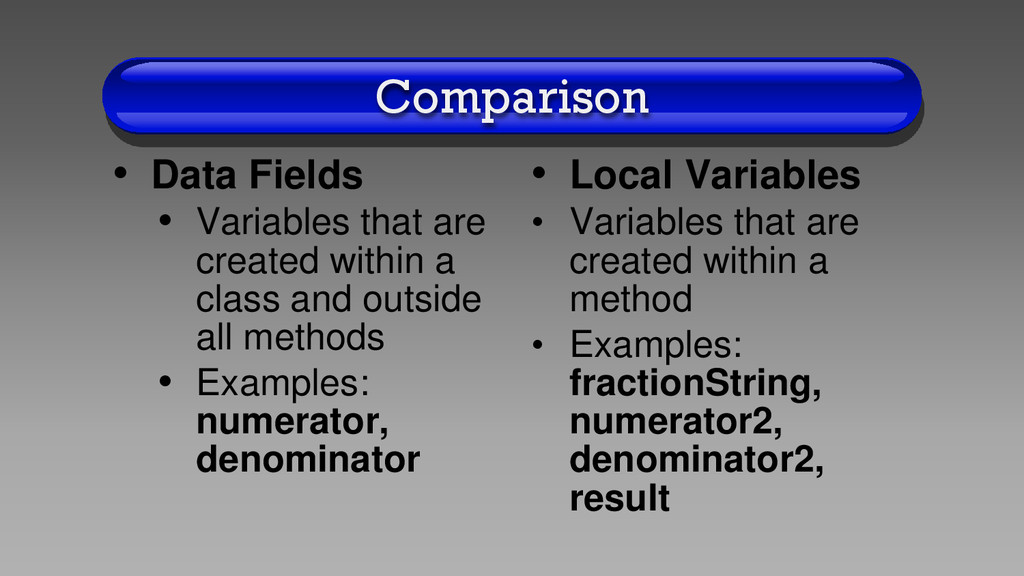
a class and outside all methods • Examples: numerator, denominator • Local Variables • Variables that are created within a method • Examples: fractionString, numerator2, denominator2, result
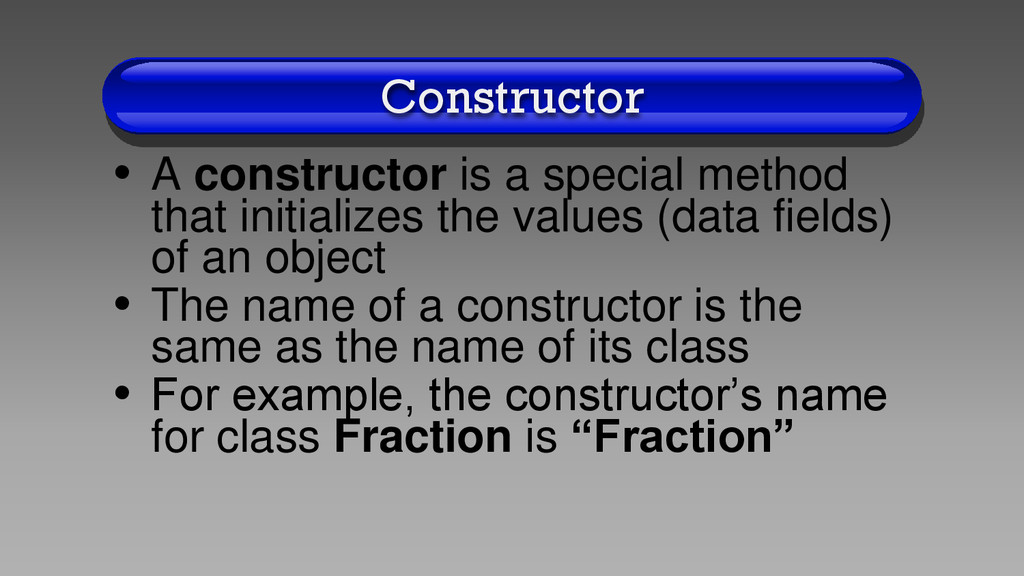
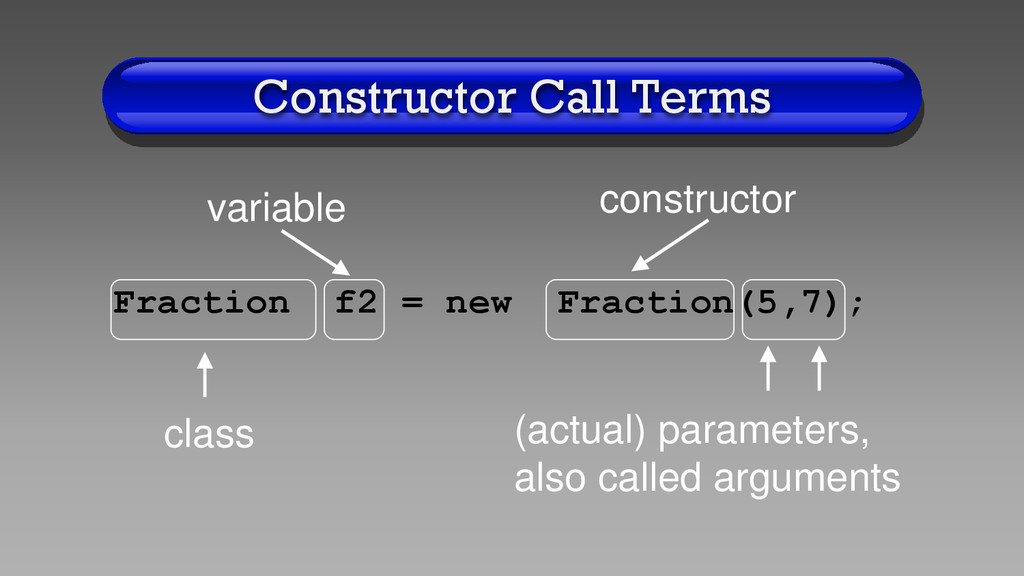
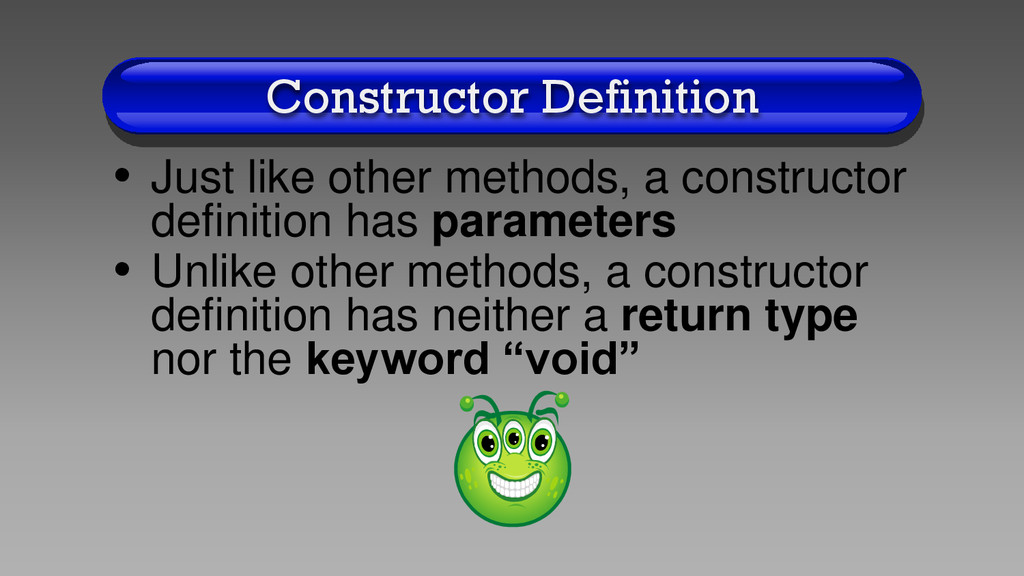
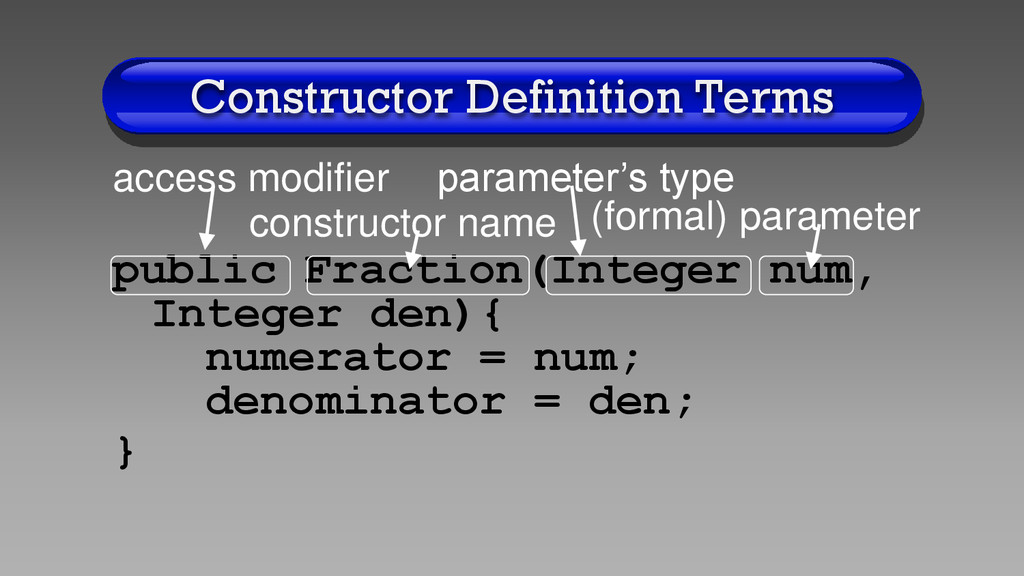
the values (data fields) of an object • The name of a constructor is the same as the name of its class • For example, the constructor’s name for class Fraction is “Fraction”
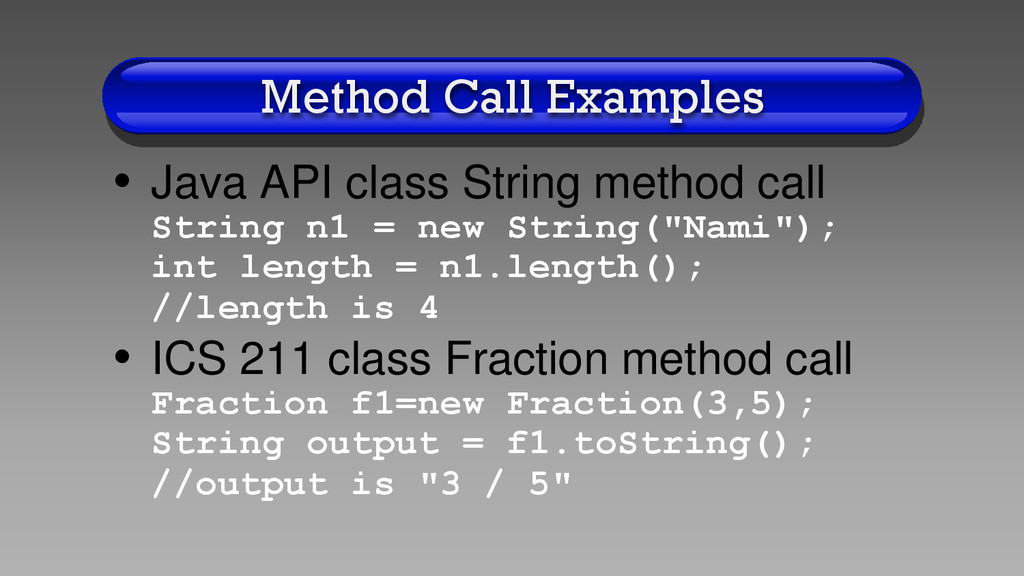
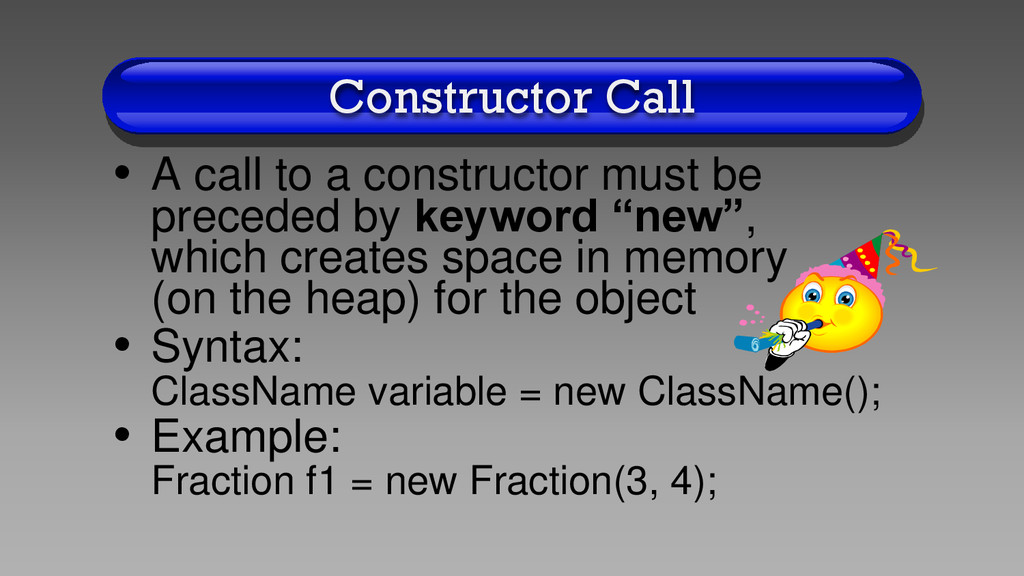
preceded by keyword “new”, which creates space in memory (on the heap) for the object • Syntax: ClassName variable = new ClassName(); • Example: Fraction f1 = new Fraction(3, 4);
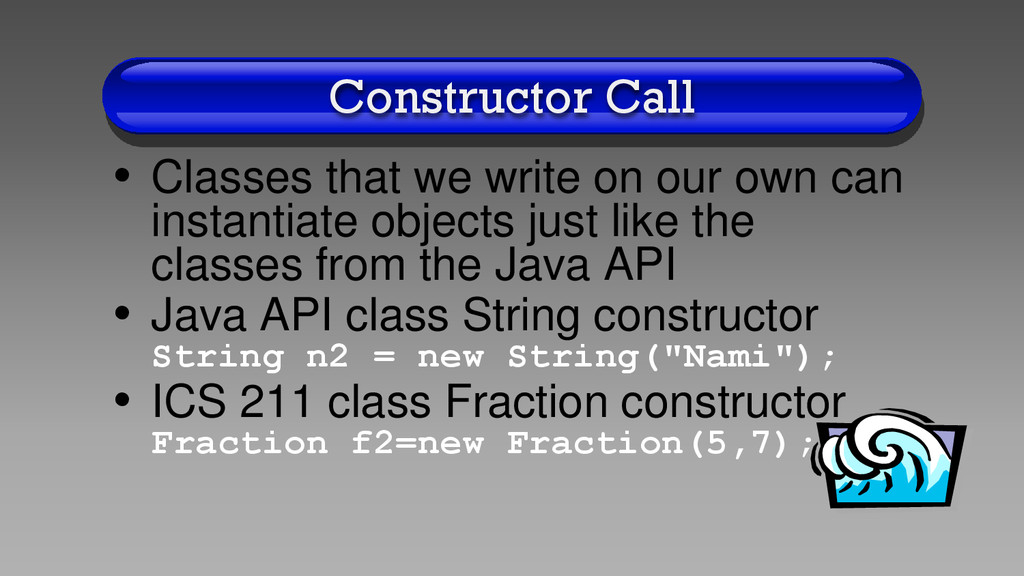
can instantiate objects just like the classes from the Java API • Java API class String constructor String n2 = new String("Nami"); • ICS 211 class Fraction constructor Fraction f2=new Fraction(5,7);
of parameter numeratorParameter in the constructor definition is from line 29 to line 38 • So we can only use the variable numeratorParameter from line 29 to line 38
call a method on a variable which is “null” • See NullPointerProgram.java code on the class web site • When you run the program, the exception will be thrown on line 17
in your constructor, you may also get this exception • For example, set the data field denominator to “null” in the constructor in the Fraction.java program and then run the FractionCalculator.java program
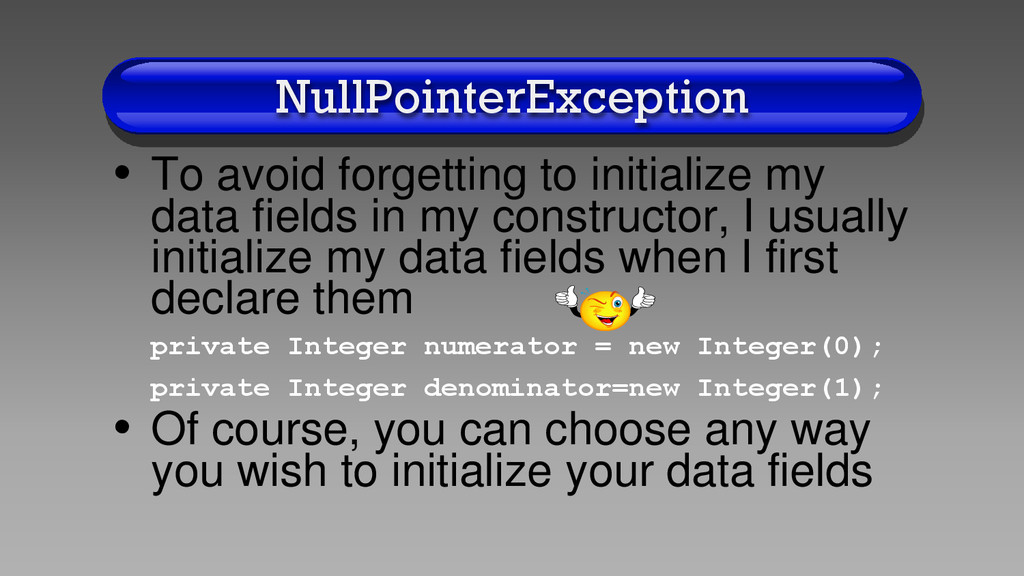
in my constructor, I usually initialize my data fields when I first declare them private Integer numerator = new Integer(0); private Integer denominator=new Integer(1); • Of course, you can choose any way you wish to initialize your data fields
of class Object, which has method toString(), all classes automatically inherit the toString() method • See the Java API for class Object for the toString() method that is inherited by all classes in Java
toString() method for your class, your toString() method will output the default value for the toString() method, which looks funky • Try it yourself at home: comment out the toString() method in the Fraction.java program and run the FractionCalculator.java program
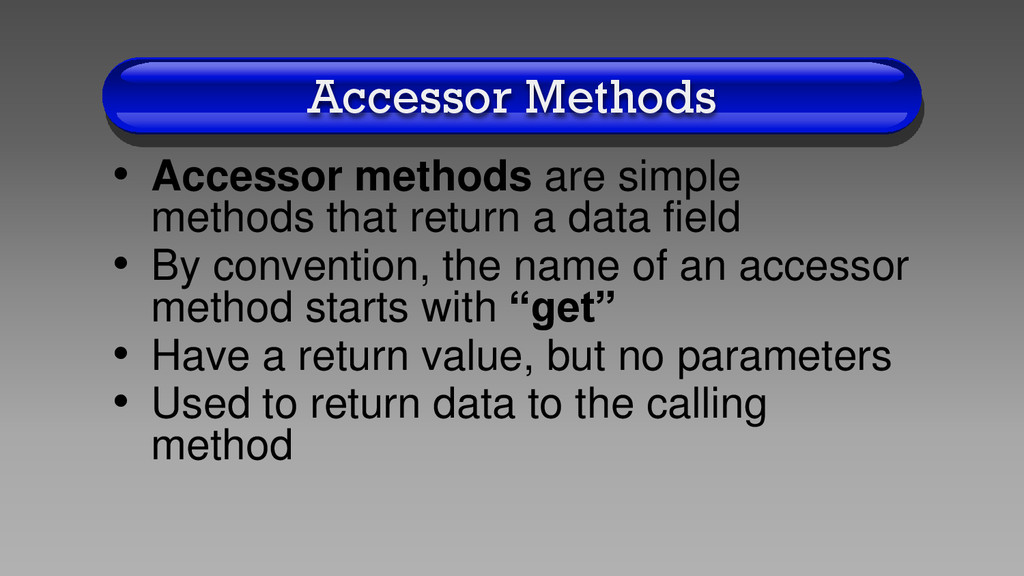
a data field • By convention, the name of an accessor method starts with “get” • Have a return value, but no parameters • Used to return data to the calling method
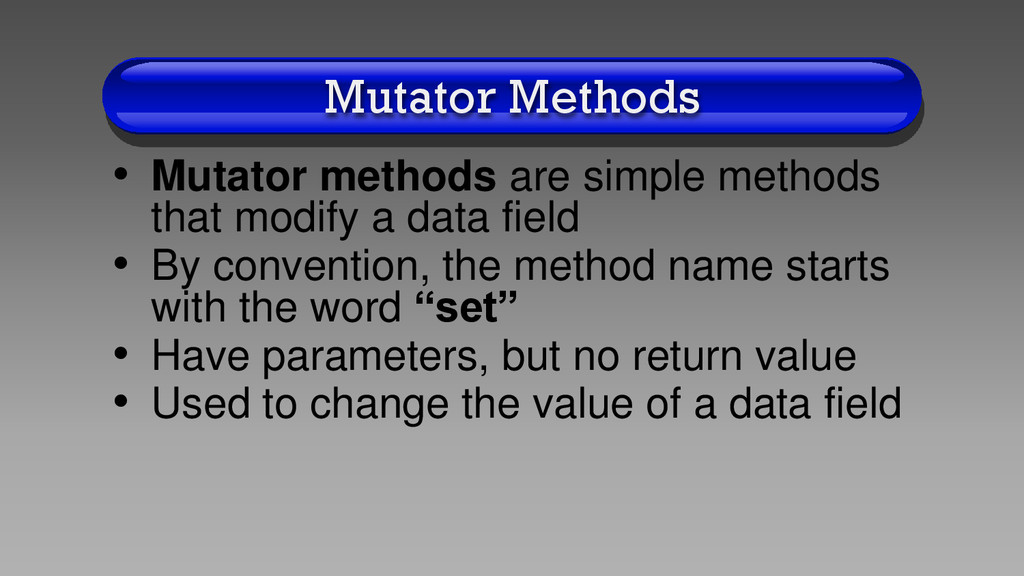
a data field • By convention, the method name starts with the word “set” • Have parameters, but no return value • Used to change the value of a data field
deem appropriate for any class • For example, the Fraction class has many more methods, such as add(), subtract(), divide(), multiply(), reduceToLowestTerms(), and greatestCommonDivisor()
1.Do the assignment corresponding to this lecture 2.Email me any questions you may have about the material 3.Turn in the assignment before the next lecture 4.Admire your local scenery!


 billlymacc
 szymonslowik
 ipullrank
 orderedlist
 aleyda
 scottboms
 katarinadahlin
 trishagee
 codingconduct
 elsirapls
 tammyeverts
 stephaniewalter
 gurzu
gurzu