Share
Embed
Annual Pro sale · Save $30
Have presentations of your own?
Share with private links, password protection, and more control over your work.
Transcript
67 slides
-
Memory Upload • Terminology • Hash Functions • Collisions •
Open Addressing • Restructuring the Hash Table • Efficiency of Hashing -
Terminology • A table is an abstract data type that
stores & retrieves records according to their search key values Also called a dictionary Record: each individual row in the table -
Terminology • A table can be implemented in many ways
Array, linked list, binary search trees, … For example, a binary search tree of tax records, where the SSN is the search key -
Terminology • Hashing: a way to access a table in
relatively constant (quick) time Uses a hash function & collision resolution scheme -
Terminology • Hash function: a mathematical calculation that maps the
search key to an index in a hash table Should be fast to calculate & distribute items evenly Time for calculation should be O(1) -
Terminology • Hash table: an array of table items, where
the index is calculated by a hash function Instead of having to search through the table, comparing the search key to the search key of each item, we can use a hash function on the search key to quickly calculate the index of the item -
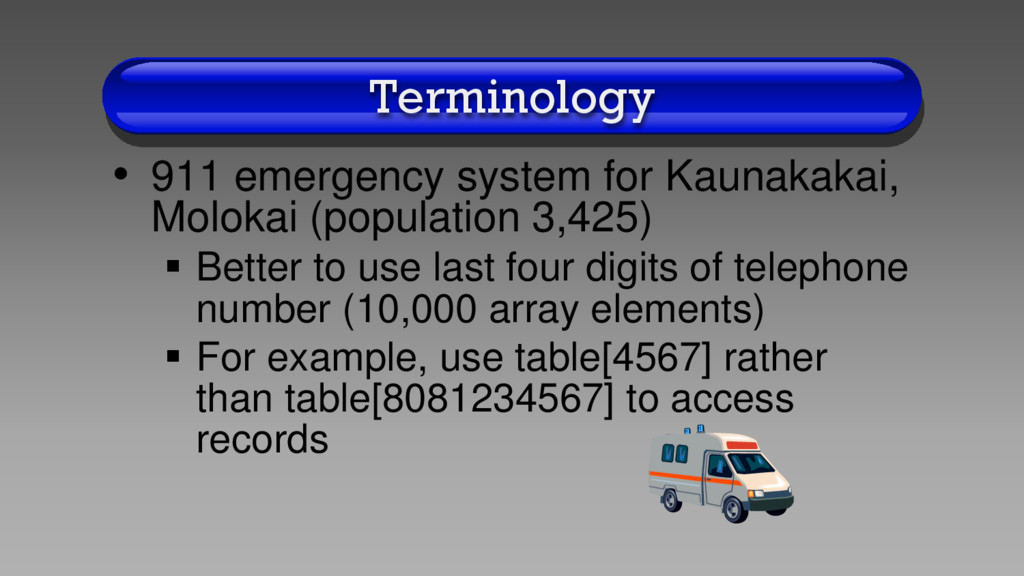
Terminology • 911 emergency system for Kaunakakai, Molokai (population 3,425)
Could store everyone’s records with name, address, and telephone number using telephone numbers as search key Could use entire telephone number, but wastes too much space (10,000,000,000 array elements) -
Terminology • 911 emergency system for Kaunakakai, Molokai (population 3,425)
Better to use last four digits of telephone number (10,000 array elements) For example, use table[4567] rather than table[8081234567] to access records -
Terminology • A hash function is written h(x)=i h
is the name of the function x is the record search key i is the location (index) in the hash table (typically an array) Once i is calculated, then table[i] contains a reference to the corresponding record -
Terminology • A hash function is written h(x)=i In
the 911 emergency system example: h(8081234567)=4567 table[4567] contains a reference to a record with the person’s name, address, and telephone number (the search key is the telephone number) -
Example Hash Functions • Three simple hash functions for integers
1. Selecting digits 2. Folding 3. Modulus arithmetic -
Example Hash Functions • Selecting digits hash function Instead
of using the whole integer, only select several digits For example, if you have the SS#123-45-6789, just use the first 3 digits h(123456789) = 123 -
Example Hash Functions • Selecting digits hash function Fast
& easy to calculate, but usually does not distribute randomly The first three numbers of a social security number are based on location, so people of the same state usually have the same first three numbers for the SS# -
Example Hash Functions • Folding hash function Add the
digits of the integer together For example, if you have the SS#123- 45-6789, add all the digits together h(123456789)=1+2+3+4+5+6+7+8+9 =45 with hash table index range 0 < h(search key) < 81 -
Example Hash Functions • Folding hash function Can add
in different ways to adjust to hash tables of different sizes (different index ranges) h(123456789)=123+456+789=1368 with hash table index range 0 < h(search key) < 2997 -
Example Hash Functions • Modulus arithmetic hash function Using
modulus as a hash function h(x) = x mod tableSize Modulus (mod or % ) is the remainder of a division -
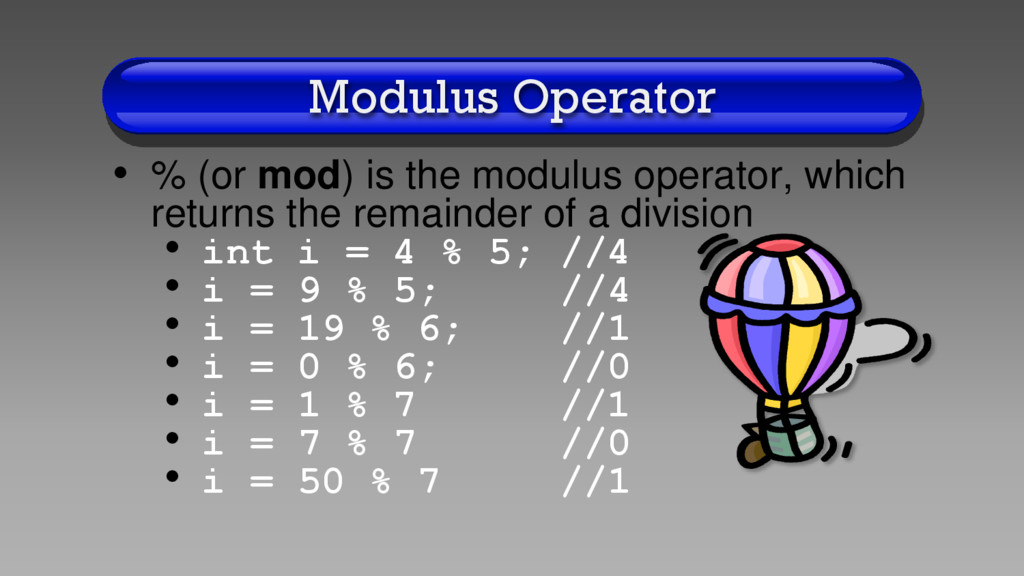
Modulus Operator • % (or mod) is the modulus operator,
which returns the remainder of a division • int i = 4 % 5; //4 • i = 9 % 5; //4 • i = 19 % 6; //1 • i = 0 % 6; //0 • i = 1 % 7 //1 • i = 7 % 7 //0 • i = 50 % 7 //1 -
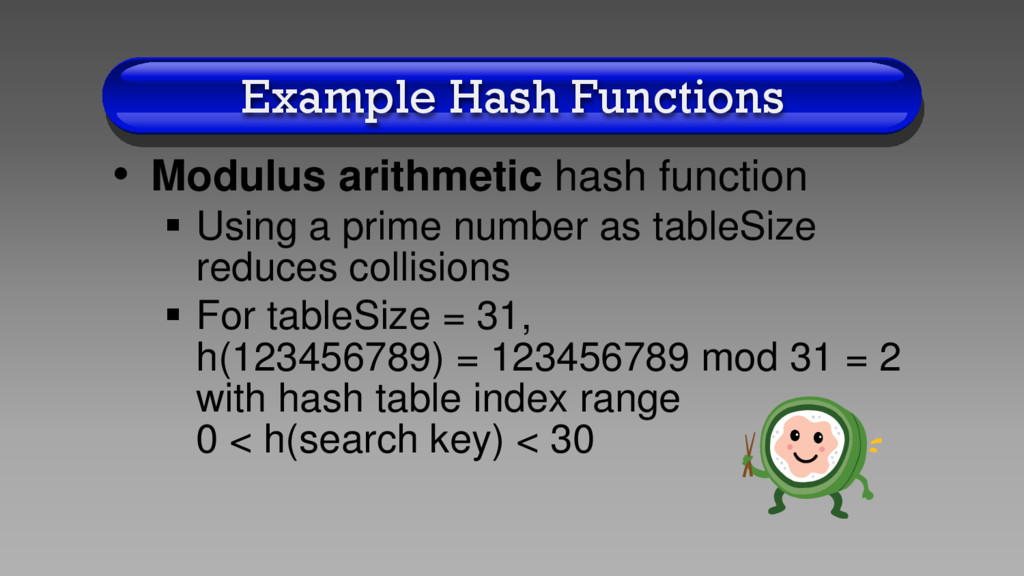
Example Hash Functions • Modulus arithmetic hash function Using
a prime number as tableSize reduces collisions For tableSize = 31, h(123456789) = 123456789 mod 31 = 2 with hash table index range 0 < h(search key) < 30 -
Convert String to Integer • Hash functions only need to
be designed to operate on integers Although objects such as strings can be used as a search key, they can be easily converted into an integer value Then apply hash function to the integer value -
Convert String to Integer • Ways to convert a string
to an integer 1. Assign A to Z the numbers 0 to 25, and add the integers together 2. Use the ASCII or Unicode integer value for each character, and add the integers together -
Convert String to Integer • Ways to convert a string
to an integer 3. Use the binary number for the ASCII or Unicode integer value for each character, and concatenate the binary numbers together -
Convert String to Integer • Examples of converting a string
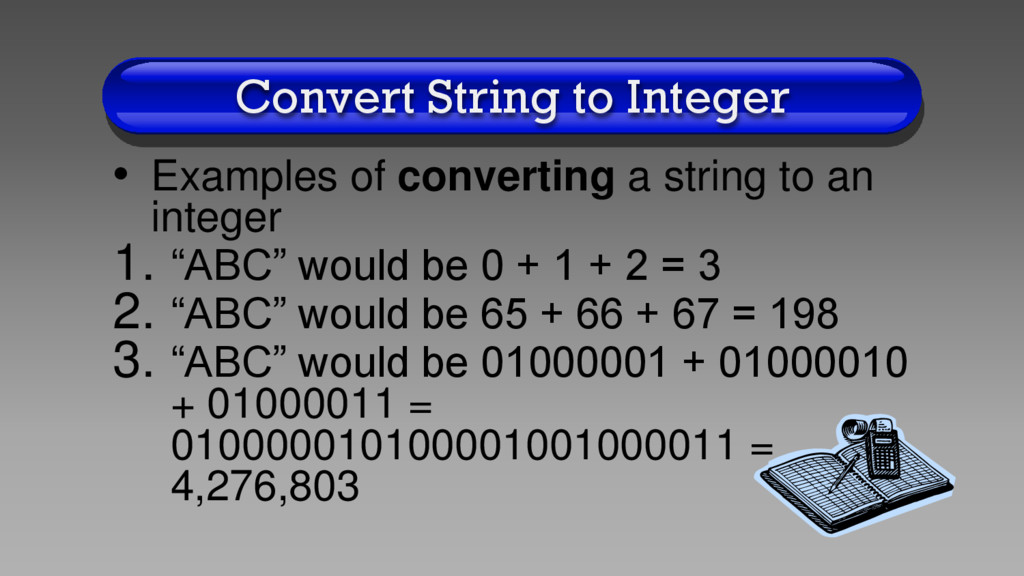
to an integer 1. “ABC” would be 0 + 1 + 2 = 3 2. “ABC” would be 65 + 66 + 67 = 198 3. “ABC” would be 01000001 + 01000010 + 01000011 = 010000010100001001000011 = 4,276,803 -
Java Hash Function • All Java API classes have a
hash function already defined! For example, check out class String See the public int hashCode() method Returns a hash code for this string -
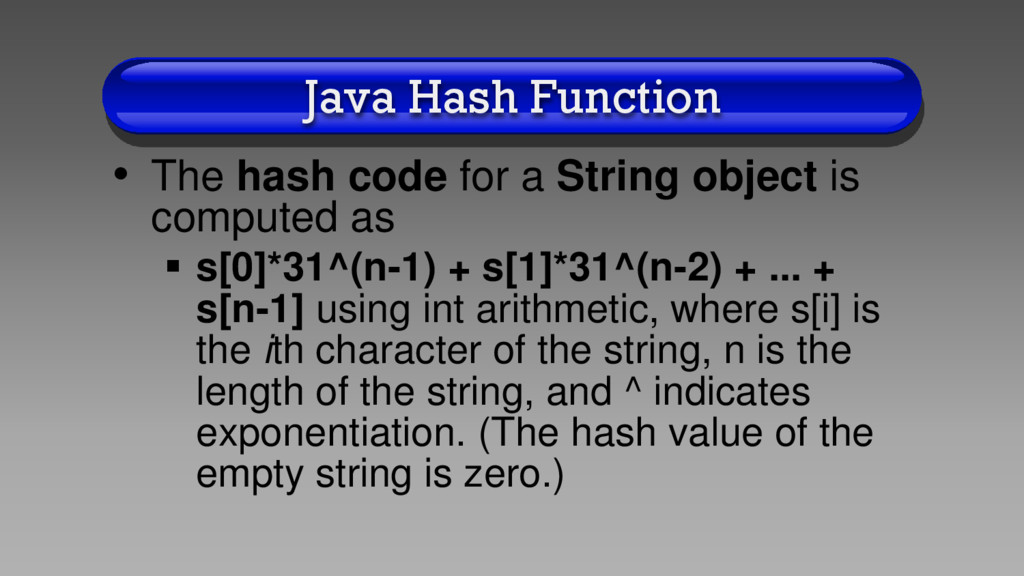
Java Hash Function • The hash code for a String
object is computed as s[0]*31^(n-1) + s[1]*31^(n-2) + ... + s[n-1] using int arithmetic, where s[i] is the ith character of the string, n is the length of the string, and ^ indicates exponentiation. (The hash value of the empty string is zero.) -
Terminology • Perfect hash function Ideal situation where hash
function maps each search key into a different location in the hash table For example, telephone numbers all map to different indexes -
Terminology • Collision: when a hash function maps two or
more search keys into the same location in the hash table • h(key1) = h(key2), so have the same index value -
Example Collision • Need to store the student records of
ICS 211 students based on student ID Student ID has 8 digits, so need array of size 100,000,000 This is a waste of space, so instead use an array of size 31, with hash function h(x) = x mod 31 -
Example Collision • Using hash function h(x) = x mod
31, we can get the following collision: h(12345678)=h(26508090)=21 Both student records should be stored at table[21] -
Collision Resolution • In case of a collision, a collision
resolution scheme must be implemented • Collision resolution: assigns the search keys with the same hash function to different locations in the hash table -
Collision Resolution • Collision resolution: whenever possible, items should be
placed evenly in the hash table in order to avoid these collisions • Two main approaches to collision resolution 1. Open addressing 2. Restructure the hash table -
Open Addressing • Open addressing: probe (search) for open locations
in the hash table • Probe sequence: the sequence of locations that are examined for a possible open location to put the next item -
Open Addressing • Three types of probing 1. Linear probing
2. Quadratic probing 3. Double hashing -
Open Addressing • Linear probing: in the case of a
collision, keep going to the next hash table location until find an open location In other words, if table[i] is occupied, check table[i+1], table[i+2], table[i+3], … -
Open Addressing • Linear probing: need 3 states for each
hash table location (empty, occupied, deleted) • Common problem: items tend to cluster together in the hash table -
Open Addressing • Linear probing example Table (array) size
= 31 Hash function = key mod 31, or h(x) = x mod 31 Add these search keys in order: 1234, 4055, 3962, 5853, 1766, 1270 -
Open Addressing • Let’s add the first student record to
the hash table, which is an array of student records • Example student record: Student ID: 1234 Name: Sally Suzuki GPA: 4.0 -
Open Addressing • Hash the student ID number h(1234)
= 1234 mod 31 = 25 • Put Sally Suzuki’s record at index 25 table[25] = 1234, Sally Suzuki, 4.0 -
Open Addressing • Let’s add the second student record to
the hash table • Second student record: Student ID: 4055 Name: Bubba Smith GPA: 3.9 -
Open Addressing • Hash the student ID number h(4055)
= 4055 mod 31 = 25 We have a collision with Sally Suzuki’s record, which is also stored index 25 So we add one to the number • Put Bubba Smith’s record at index 26 table[26] = 4055, Bubba Smith, 3.9 -
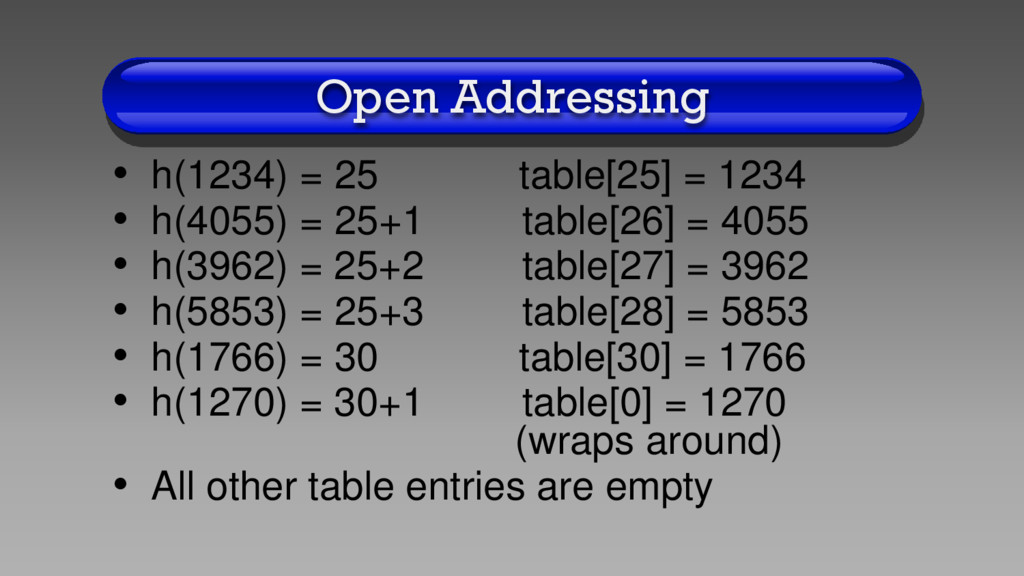
Open Addressing • h(1234) = 25 table[25] = 1234 •
h(4055) = 25+1 table[26] = 4055 • h(3962) = 25+2 table[27] = 3962 • h(5853) = 25+3 table[28] = 5853 • h(1766) = 30 table[30] = 1766 • h(1270) = 30+1 table[0] = 1270 (wraps around) • All other table entries are empty -
Open Addressing • The table has empty, occupied, & deleted
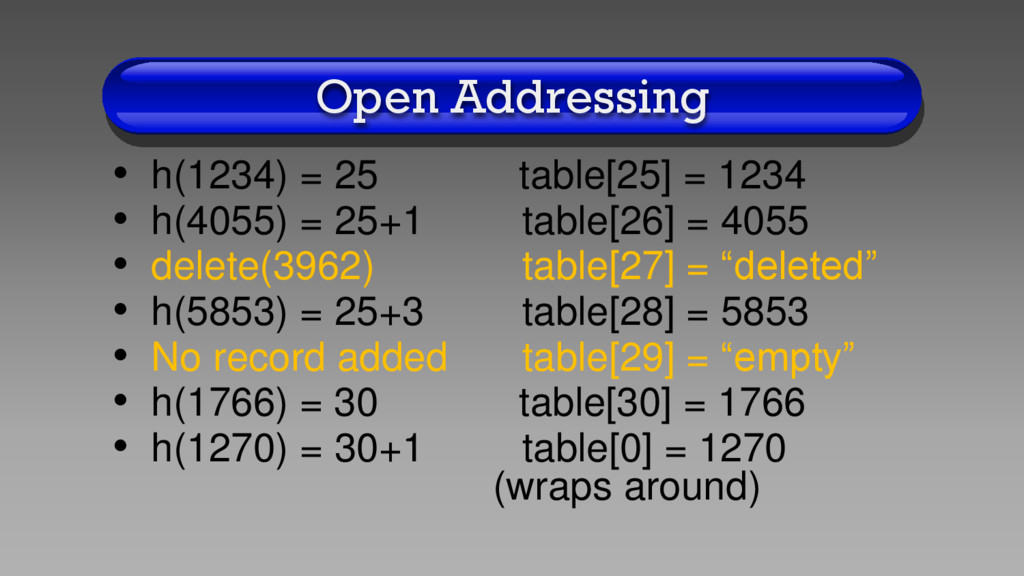
states Assume we delete record #3962 This state must be changed to deleted (not empty), so we can still locate record #5853 -
Open Addressing • h(1234) = 25 table[25] = 1234 •
h(4055) = 25+1 table[26] = 4055 • delete(3962) table[27] = “deleted” • h(5853) = 25+3 table[28] = 5853 • No record added table[29] = “empty” • h(1766) = 30 table[30] = 1766 • h(1270) = 30+1 table[0] = 1270 (wraps around) -
Open Addressing • Linear hashing example • h(key) = key
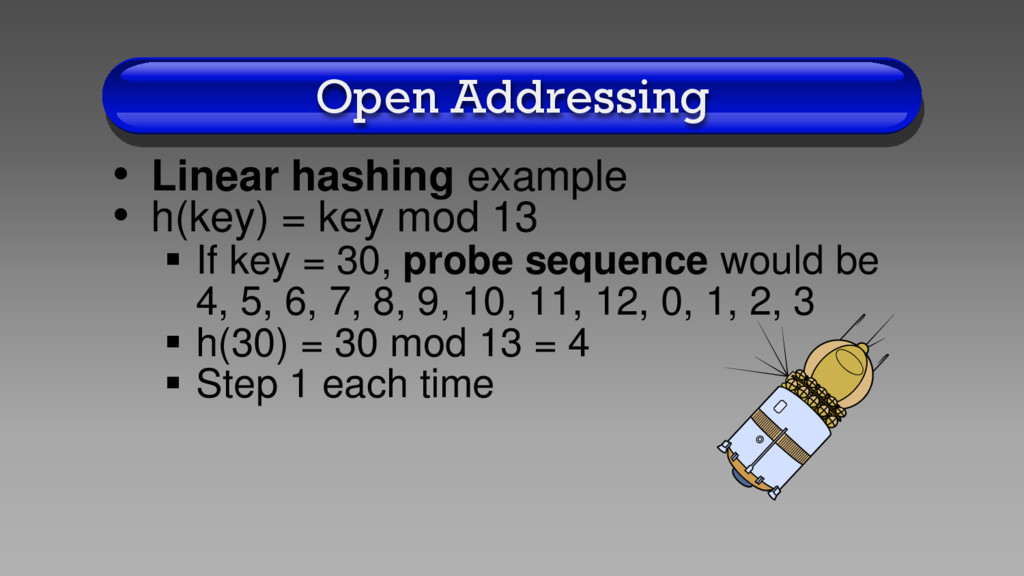
mod 13 If key = 30, probe sequence would be 4, 5, 6, 7, 8, 9, 10, 11, 12, 0, 1, 2, 3 h(30) = 30 mod 13 = 4 Step 1 each time -
Open Addressing • Quadratic probing: Instead of checking the next
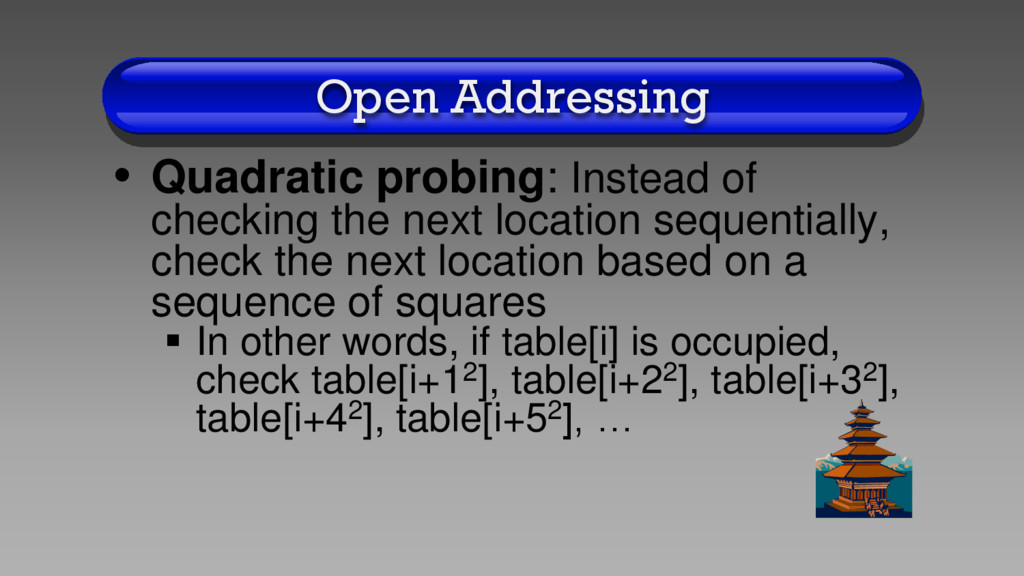
location sequentially, check the next location based on a sequence of squares In other words, if table[i] is occupied, check table[i+12], table[i+22], table[i+32], table[i+42], table[i+52], … -
Open Addressing • Quadratic probing issues Still have clustering
(called “secondary clustering”), but this method is not as problematic as linear probing It is possible that an item cannot be inserted, even when the table is not full, so it may have wasted space -
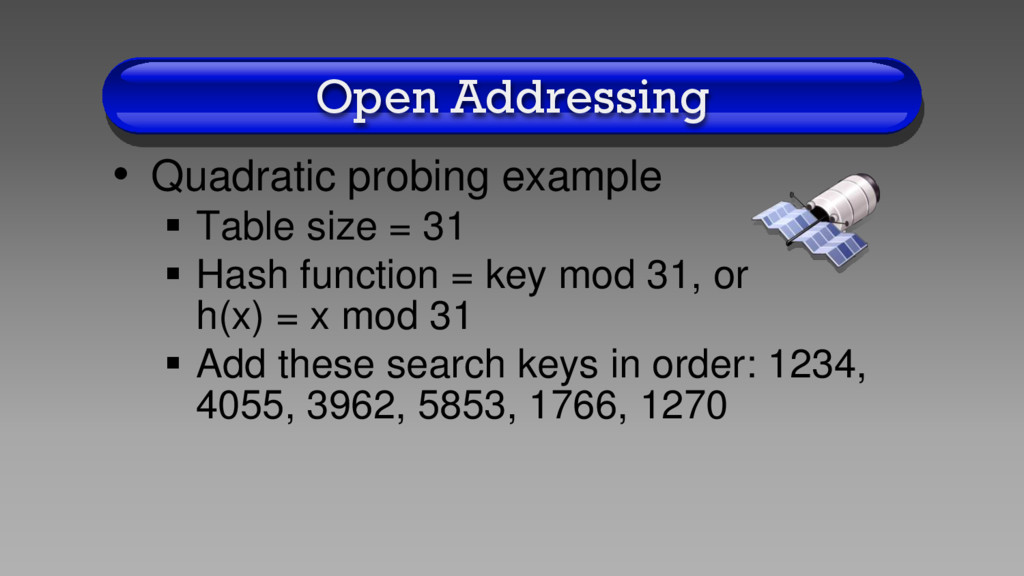
Open Addressing • Quadratic probing example Table size =
31 Hash function = key mod 31, or h(x) = x mod 31 Add these search keys in order: 1234, 4055, 3962, 5853, 1766, 1270 -
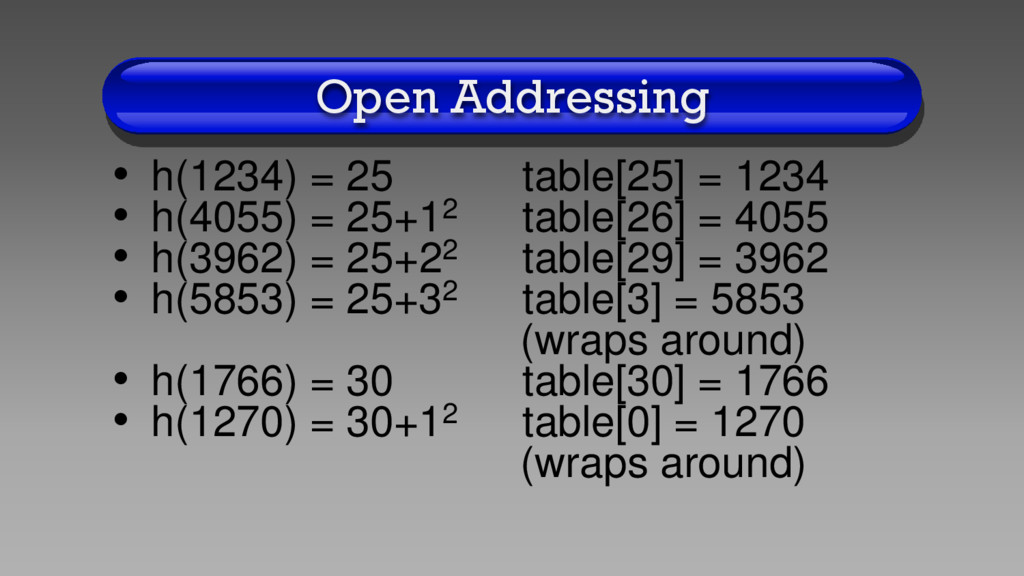
Open Addressing • h(1234) = 25 table[25] = 1234 •
h(4055) = 25+12 table[26] = 4055 • h(3962) = 25+22 table[29] = 3962 • h(5853) = 25+32 table[3] = 5853 (wraps around) • h(1766) = 30 table[30] = 1766 • h(1270) = 30+12 table[0] = 1270 (wraps around) -
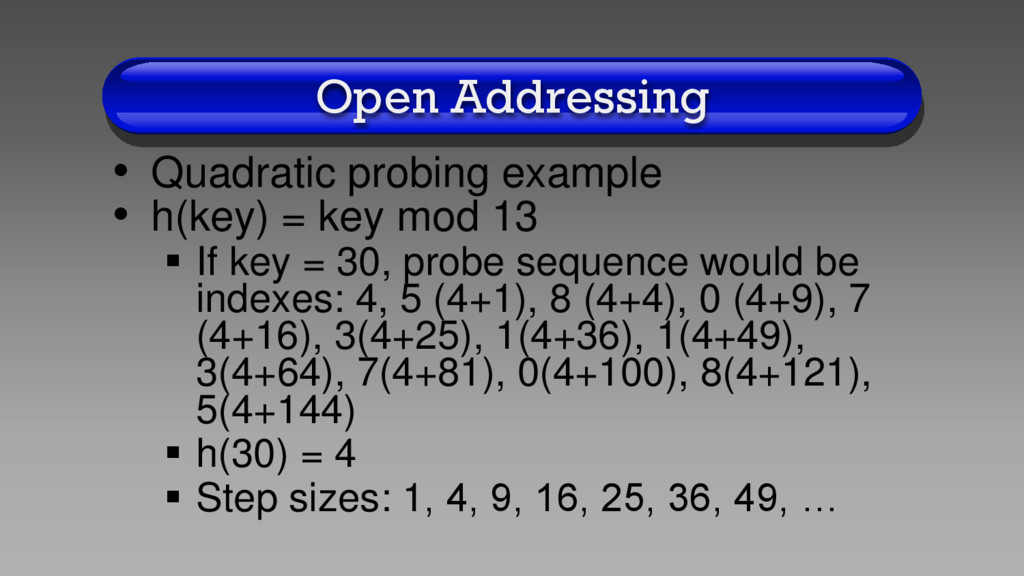
Open Addressing • Quadratic probing example • h(key) = key
mod 13 If key = 30, probe sequence would be indexes: 4, 5 (4+1), 8 (4+4), 0 (4+9), 7 (4+16), 3(4+25), 1(4+36), 1(4+49), 3(4+64), 7(4+81), 0(4+100), 8(4+121), 5(4+144) h(30) = 4 Step sizes: 1, 4, 9, 16, 25, 36, 49, … -
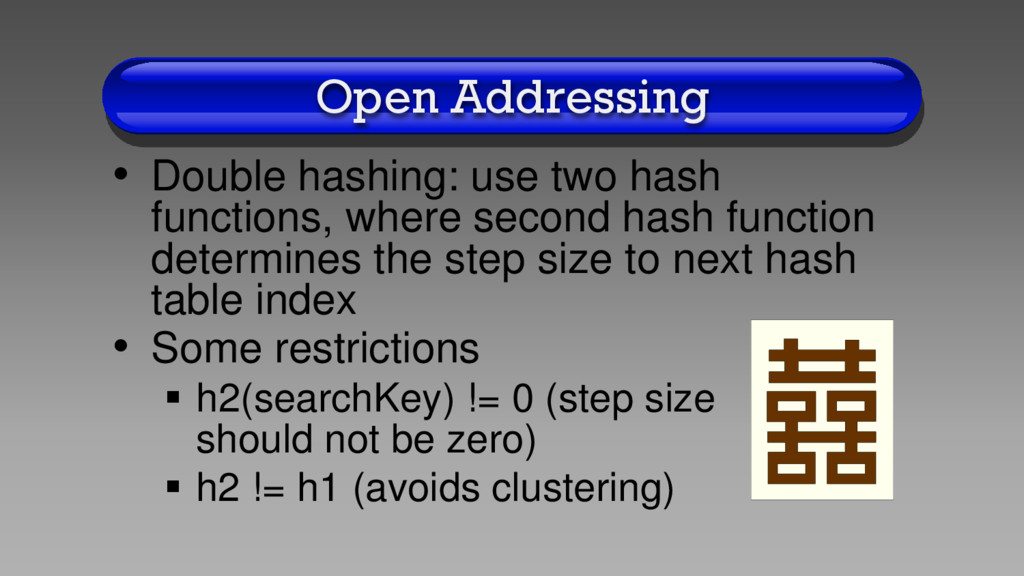
Open Addressing • Double hashing: use two hash functions, where
second hash function determines the step size to next hash table index • Some restrictions h2(searchKey) != 0 (step size should not be zero) h2 != h1 (avoids clustering) -
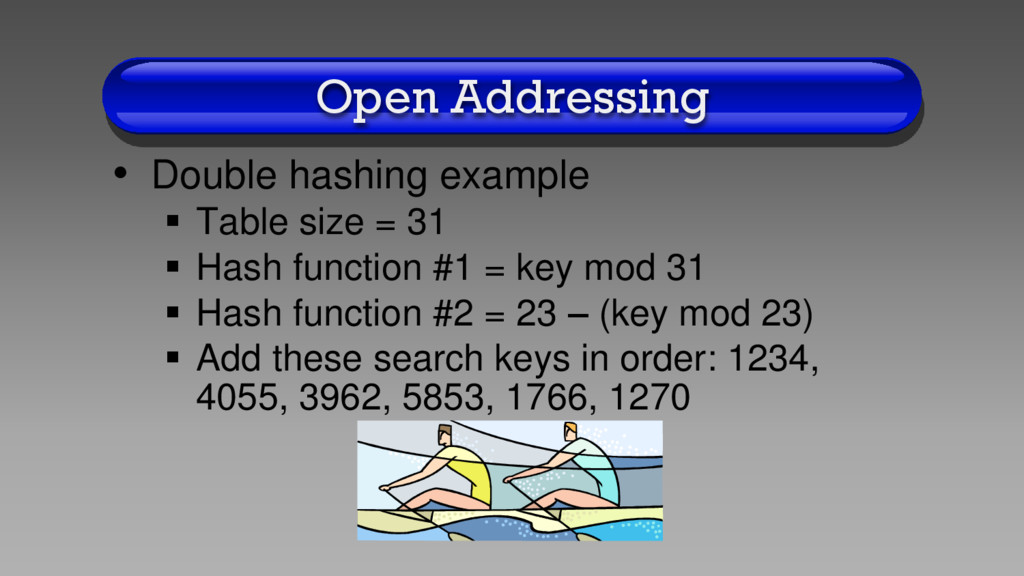
Open Addressing • Double hashing example Table size =
31 Hash function #1 = key mod 31 Hash function #2 = 23 – (key mod 23) Add these search keys in order: 1234, 4055, 3962, 5853, 1766, 1270 -
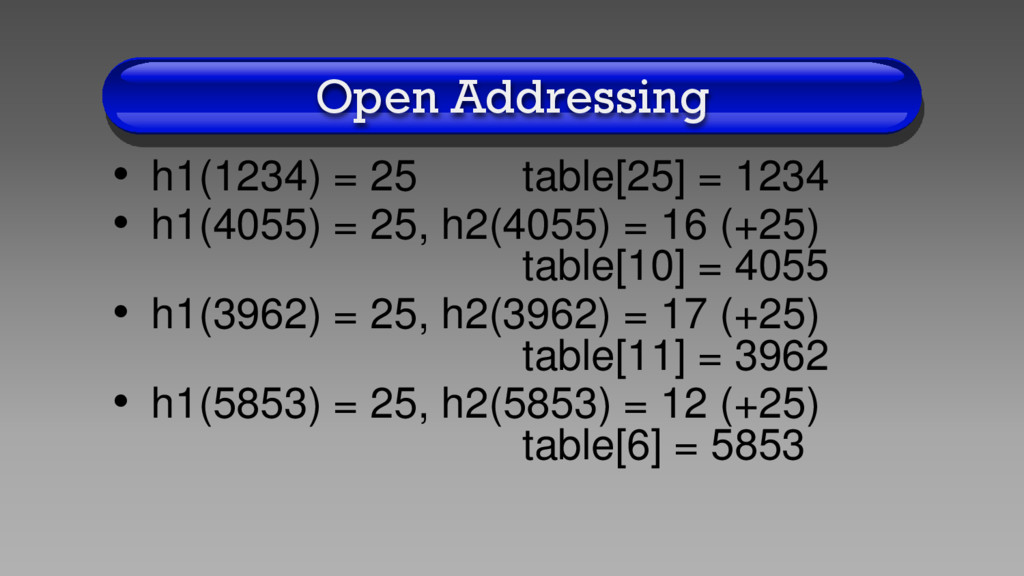
Open Addressing • h1(1234) = 25 table[25] = 1234 •
h1(4055) = 25, h2(4055) = 16 (+25) table[10] = 4055 • h1(3962) = 25, h2(3962) = 17 (+25) table[11] = 3962 • h1(5853) = 25, h2(5853) = 12 (+25) table[6] = 5853 -
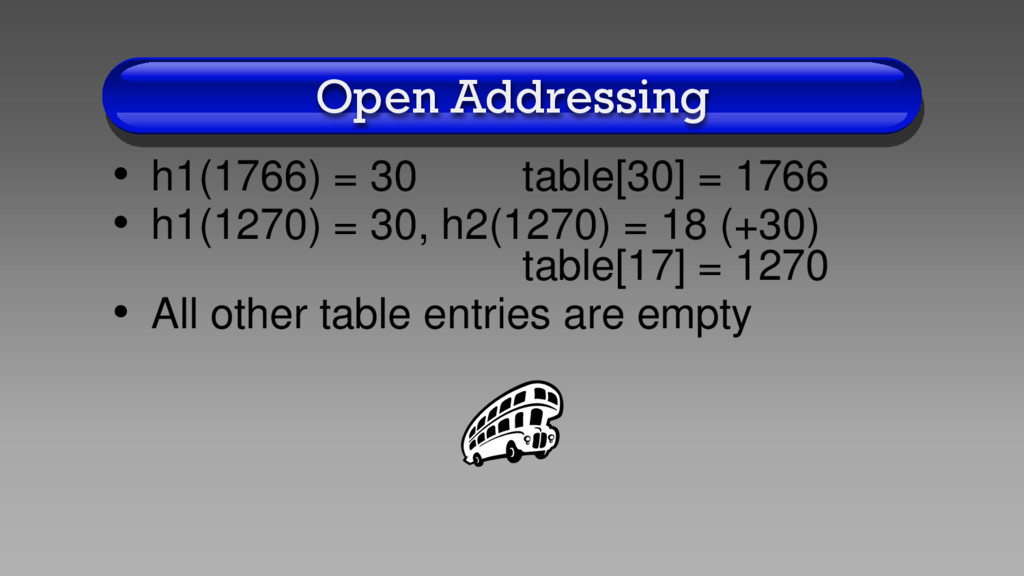
Open Addressing • h1(1766) = 30 table[30] = 1766 •
h1(1270) = 30, h2(1270) = 18 (+30) table[17] = 1270 • All other table entries are empty -
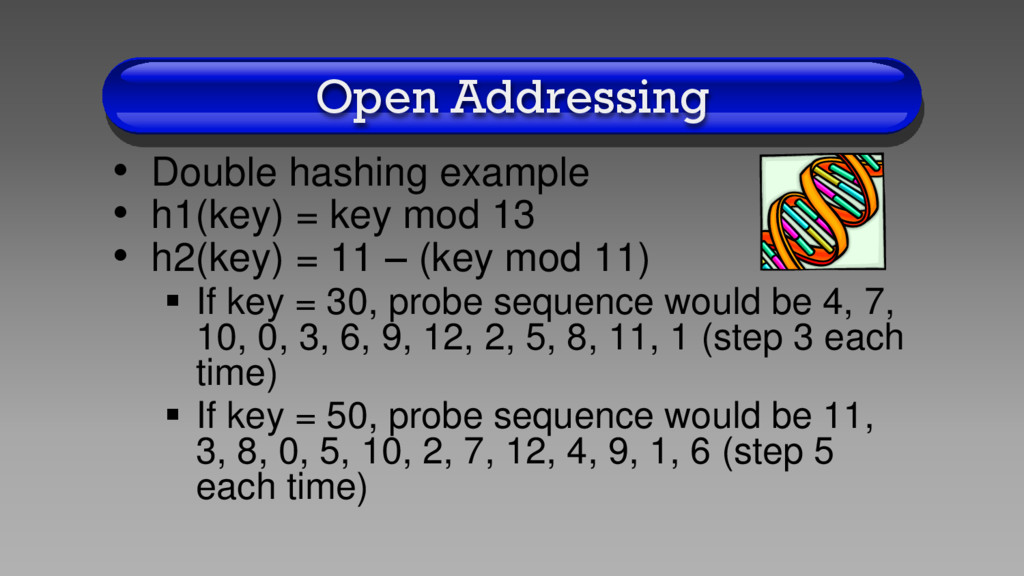
Open Addressing • Double hashing example • h1(key) = key
mod 13 • h2(key) = 11 – (key mod 11) If key = 30, probe sequence would be 4, 7, 10, 0, 3, 6, 9, 12, 2, 5, 8, 11, 1 (step 3 each time) If key = 50, probe sequence would be 11, 3, 8, 0, 5, 10, 2, 7, 12, 4, 9, 1, 6 (step 5 each time) -
Open Addressing • With open addressing, increasing table size will
reduce collisions When increasing the size, the hash function needs to be reapplied to every item in the old hash table to place it in the new hash table -
Restructuring the Hash Table • How is a hash table
restructured for collision resolution? • The structure of the hash table is changed so that the same index location can store multiple items -
Restructuring the Hash Table • Two ways to restructure a
hash table for collision resolution: 1. Bucket hashing 2. Separate chaining -
Restructuring the Hash Table • Bucket hashing: a hash table
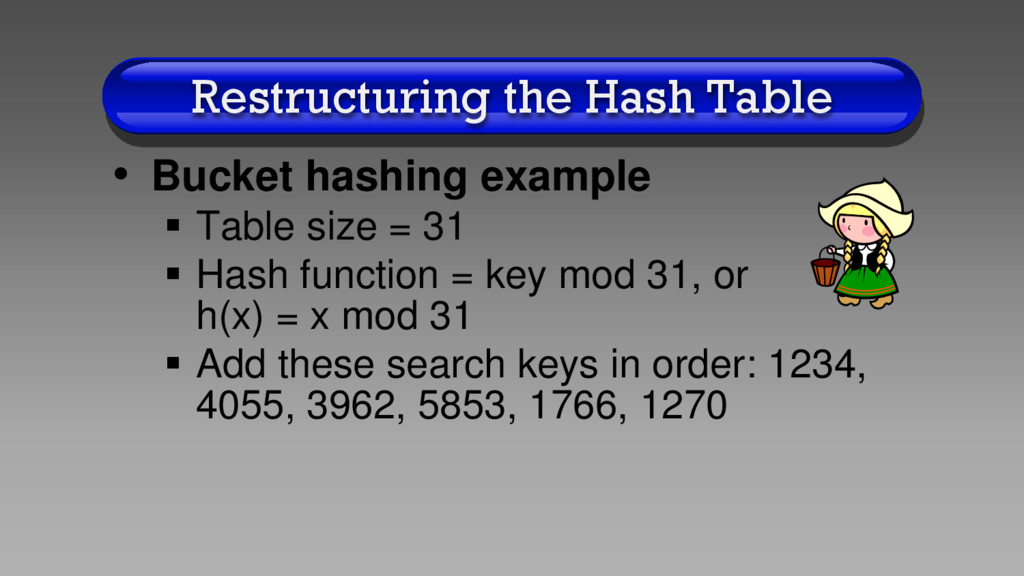
that has an array at each location table[i], so that items of the same hash index are stored here • Choosing the size of the bucket is problematic If too small, will have collisions If too big, will waste space -
Restructuring the Hash Table • Bucket hashing example Table
size = 31 Hash function = key mod 31, or h(x) = x mod 31 Add these search keys in order: 1234, 4055, 3962, 5853, 1766, 1270 -
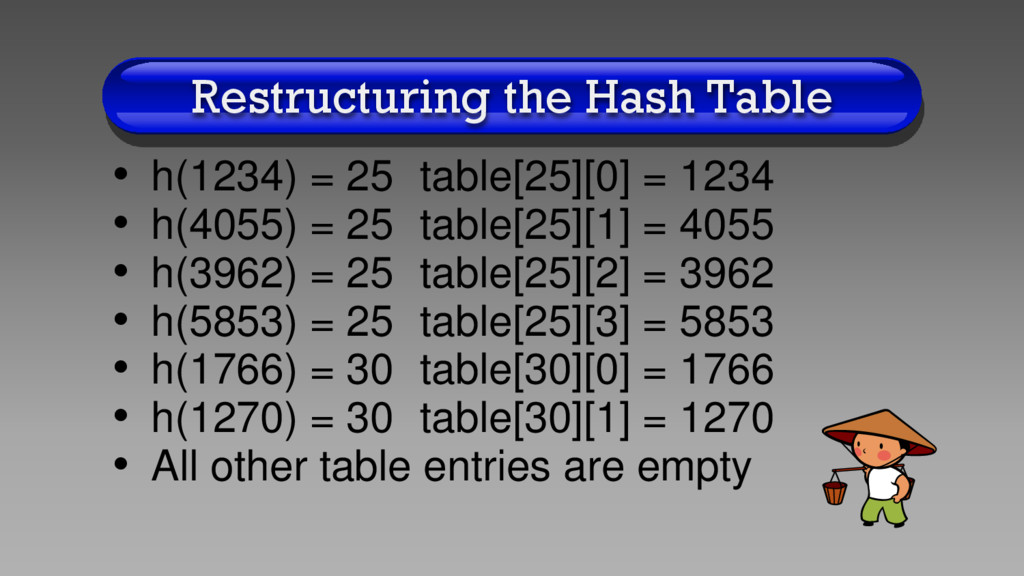
Restructuring the Hash Table • h(1234) = 25 table[25][0] =
1234 • h(4055) = 25 table[25][1] = 4055 • h(3962) = 25 table[25][2] = 3962 • h(5853) = 25 table[25][3] = 5853 • h(1766) = 30 table[30][0] = 1766 • h(1270) = 30 table[30][1] = 1270 • All other table entries are empty -
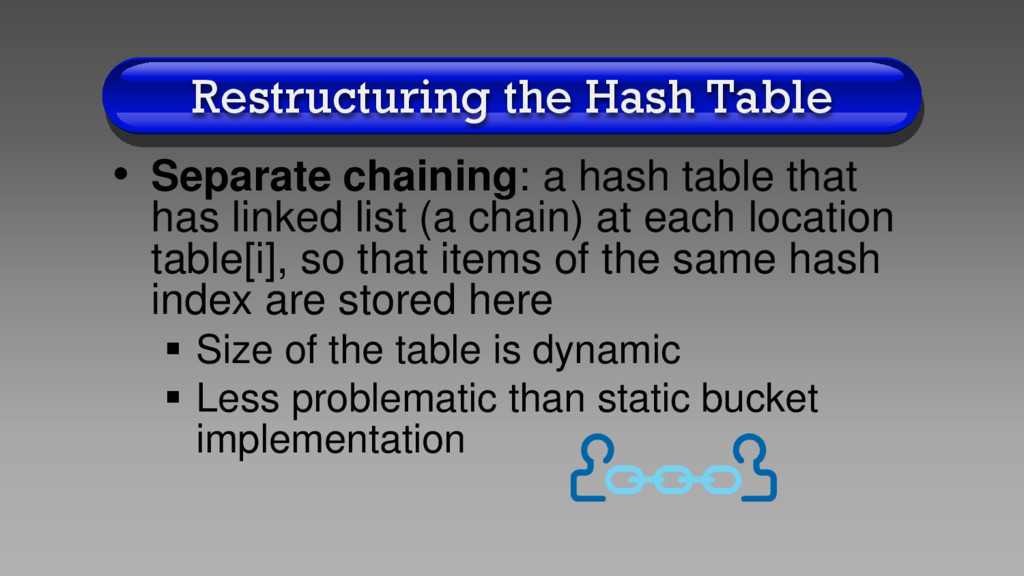
Restructuring the Hash Table • Separate chaining: a hash table
that has linked list (a chain) at each location table[i], so that items of the same hash index are stored here Size of the table is dynamic Less problematic than static bucket implementation -
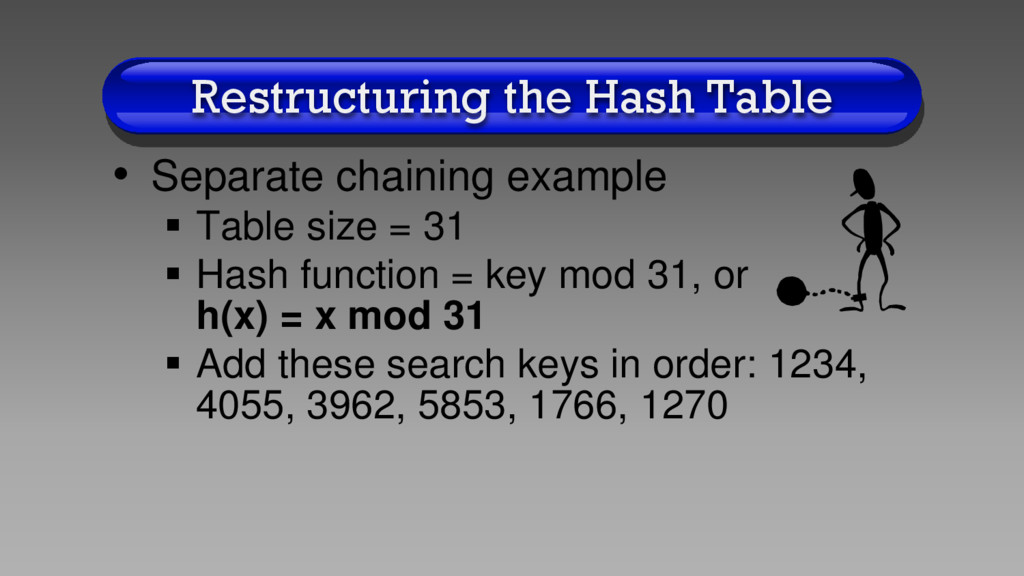
Restructuring the Hash Table • Separate chaining example Table
size = 31 Hash function = key mod 31, or h(x) = x mod 31 Add these search keys in order: 1234, 4055, 3962, 5853, 1766, 1270 -
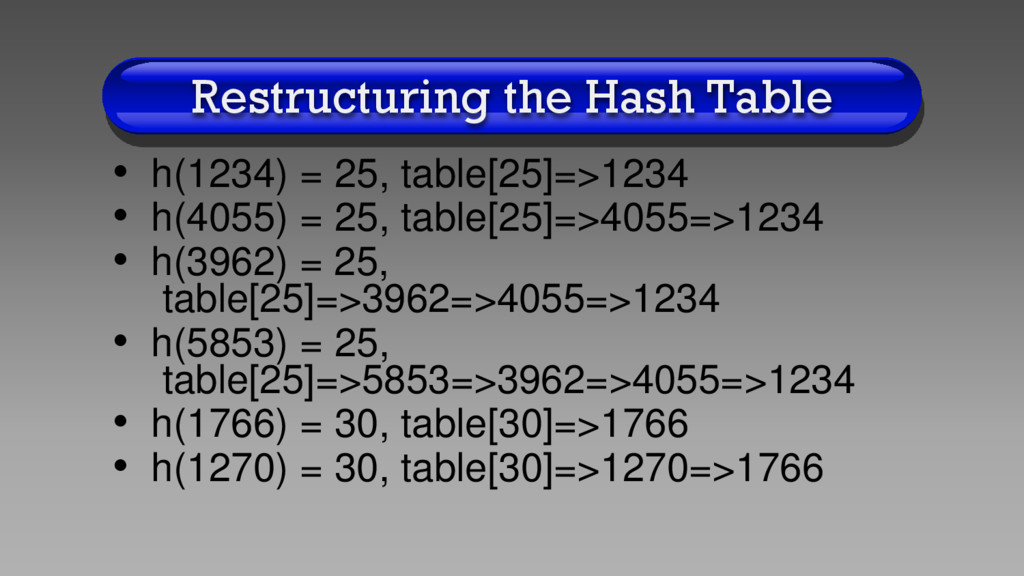
Restructuring the Hash Table • h(1234) = 25, table[25]=>1234 •
h(4055) = 25, table[25]=>4055=>1234 • h(3962) = 25, table[25]=>3962=>4055=>1234 • h(5853) = 25, table[25]=>5853=>3962=>4055=>1234 • h(1766) = 30, table[30]=>1766 • h(1270) = 30, table[30]=>1270=>1766 -
Efficiency of Hashing • The load factor is used to
calculate the average case efficiency of hashing Load factor = number of items / table size Load factor should stay below 2/3 Unsuccessful searches generally take longer than successful searches -
Efficiency of Hashing • Comparisons of implementations (slowest to quickest)
Linear probing > quadratic probing & double hashing > separate chaining -
Memory Defragmenter • Terminology • Hash Functions • Collisions •
Open Addressing • Restructuring the Hash Table • Efficiency of Hashing -
Task Manager • Before the next class, you need to:
1.Do the assignment corresponding to this lecture 2.Email me any questions you may have about the material 3.Turn in the assignment before the next lecture 4.Be a slacker and go surfing!