Rails Loves MongoDB. A talk given on 11/21/2013 at the Erie Ruby group. Dives into MongoDB's capabilities and how to use it in a Rails application. This talk is also at http://www.slideshare.net/BillWatts/rails-loves-mongodb.
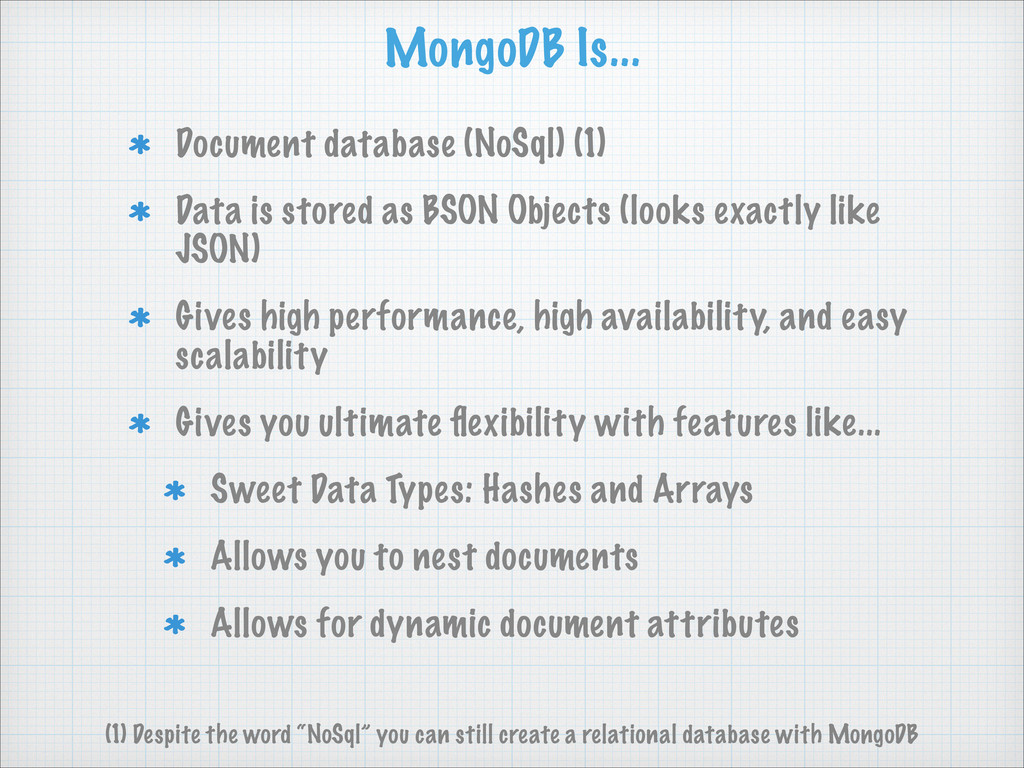
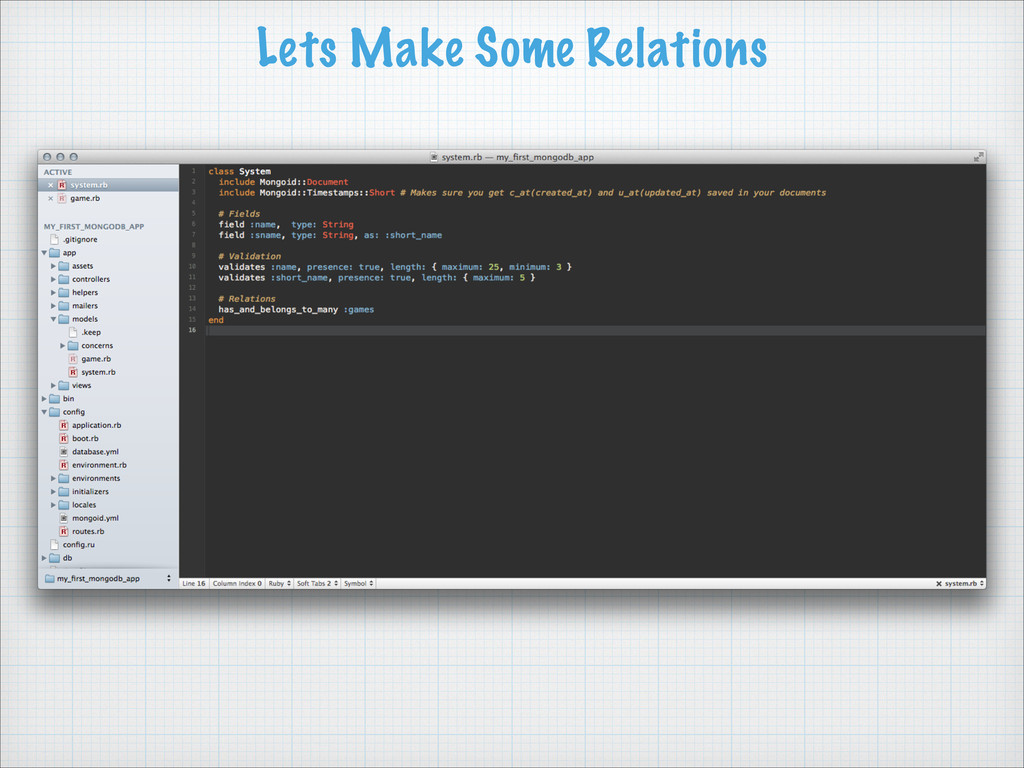
BSON Objects (looks exactly like JSON) Gives high performance, high availability, and easy scalability Gives you ultimate flexibility with features like... Sweet Data Types: Hashes and Arrays Allows you to nest documents Allows for dynamic document attributes (1) Despite the word “NoSql” you can still create a relational database with MongoDB
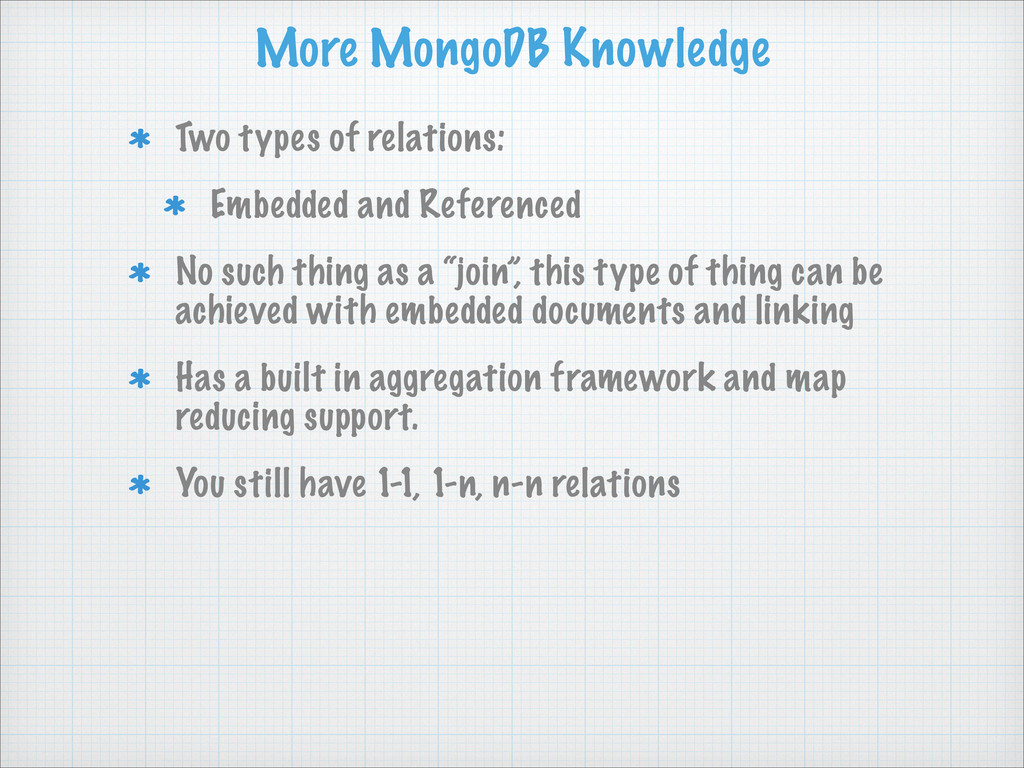
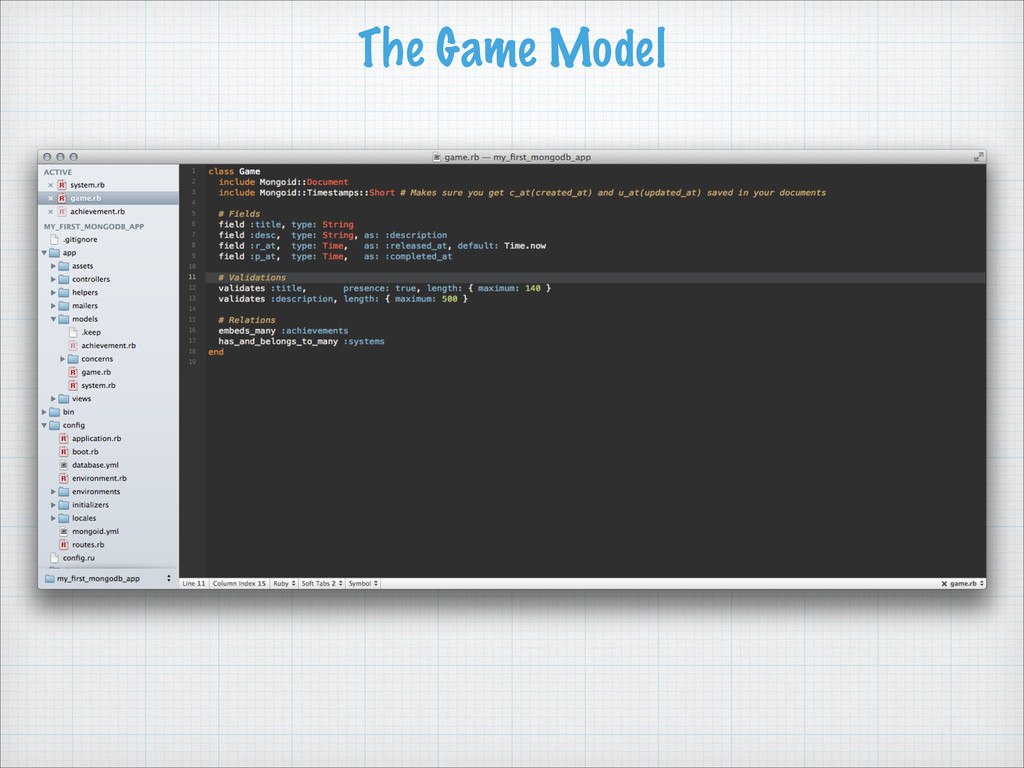
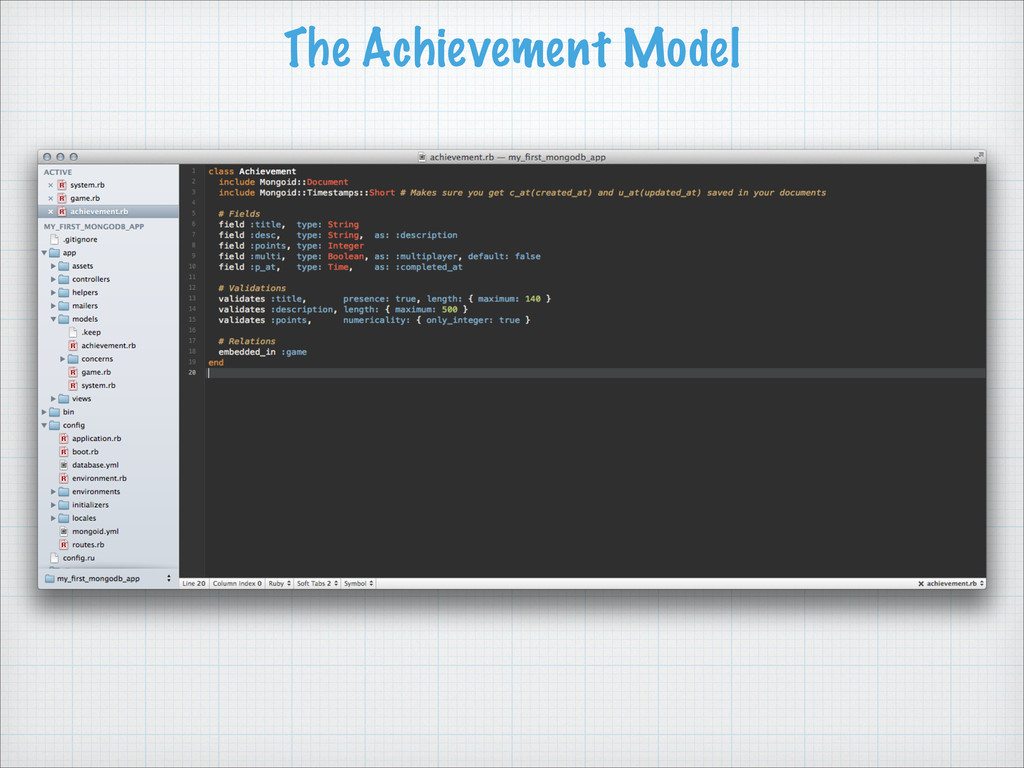
No such thing as a “join”, this type of thing can be achieved with embedded documents and linking Has a built in aggregation framework and map reducing support. You still have 1-1, 1-n, n-n relations
Mapper(ODM) (1) (1) There are other ODM’s out there for MongoDB, MongoMapper for example. I feel Mongoid is far and away the best one. Has a supportive and active maintainer named Durran Jordan.
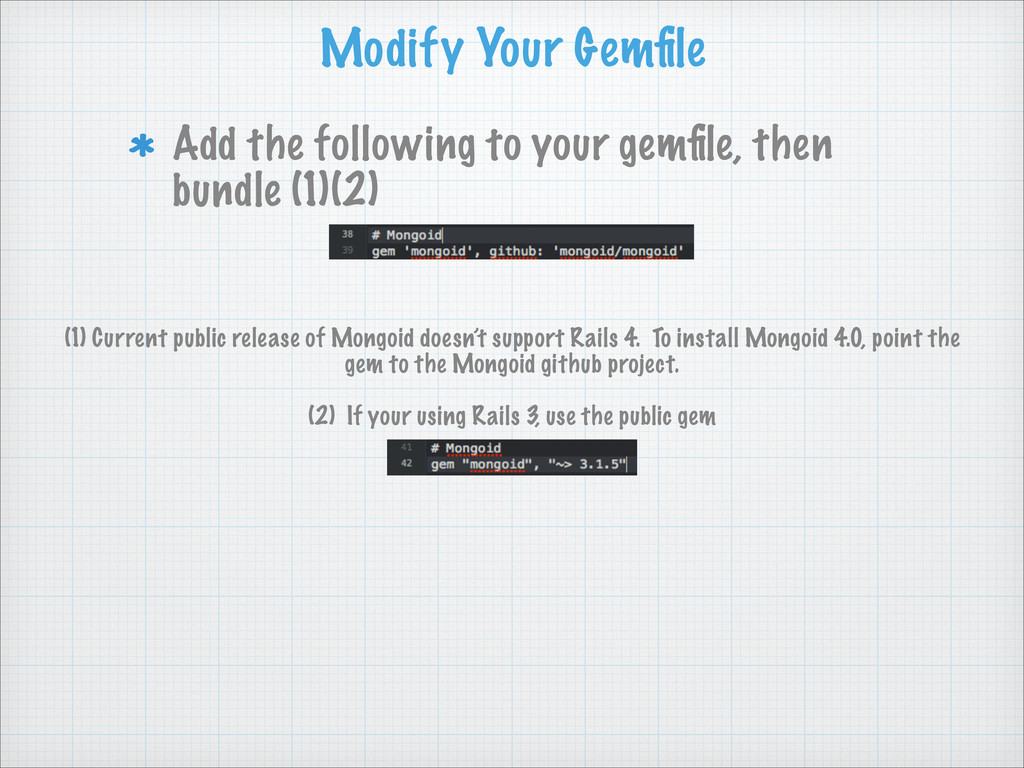
bundle (1)(2) (1) Current public release of Mongoid doesn’t support Rails 4. To install Mongoid 4.0, point the gem to the Mongoid github project. ! (2) If your using Rails 3, use the public gem
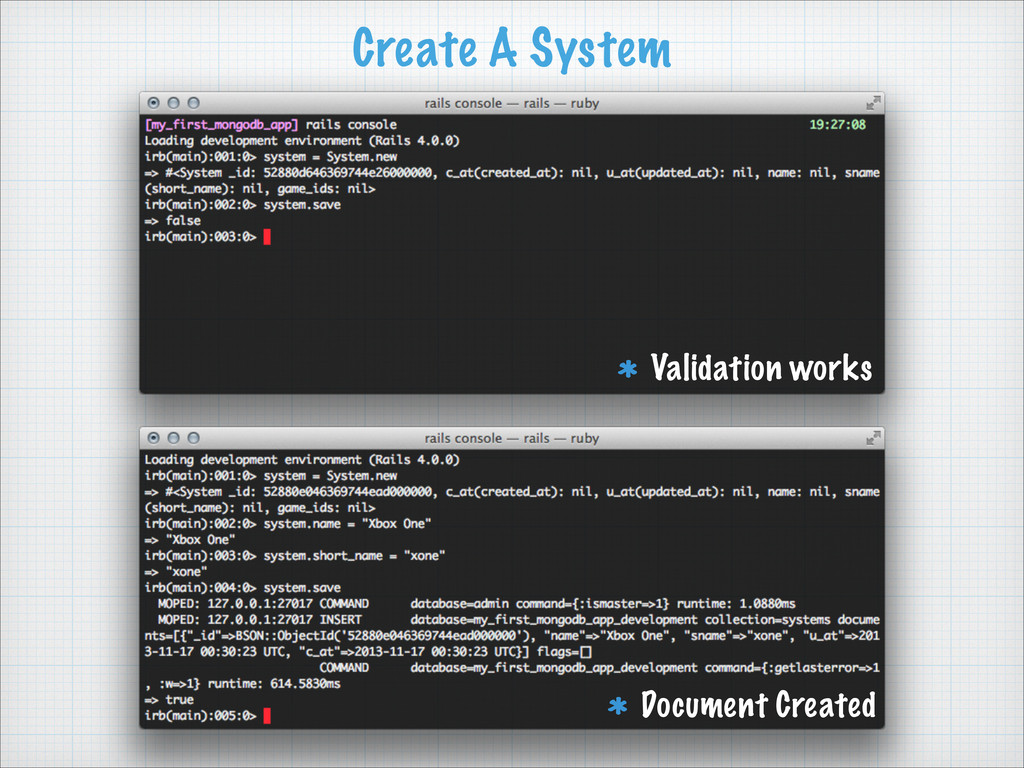
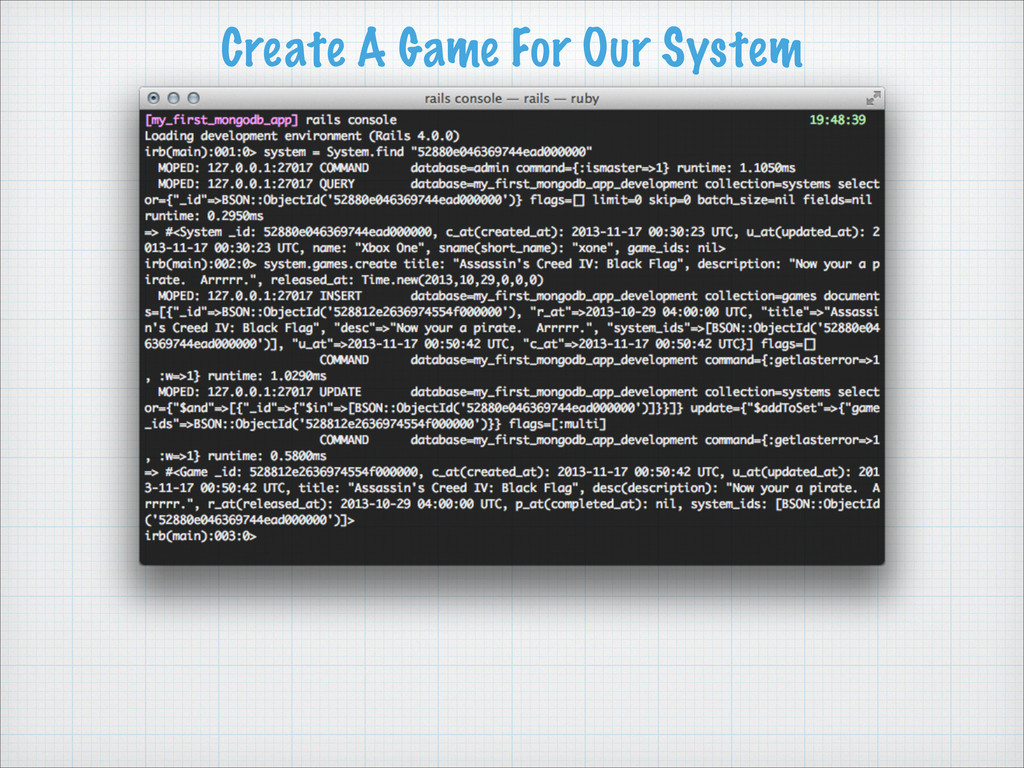
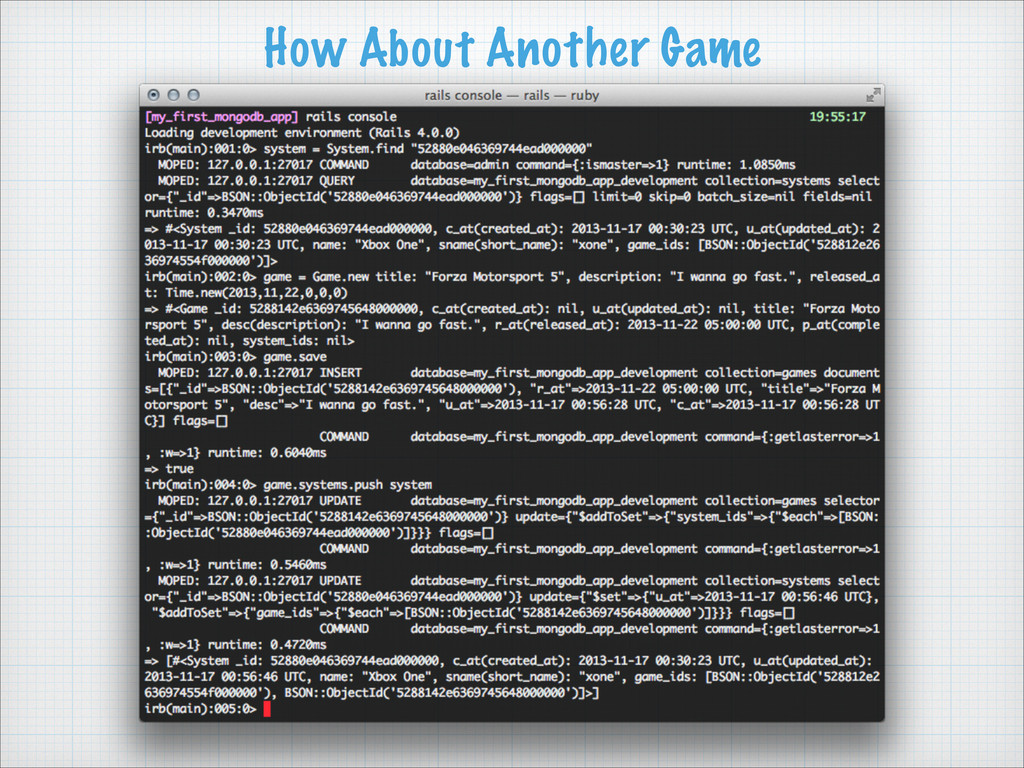
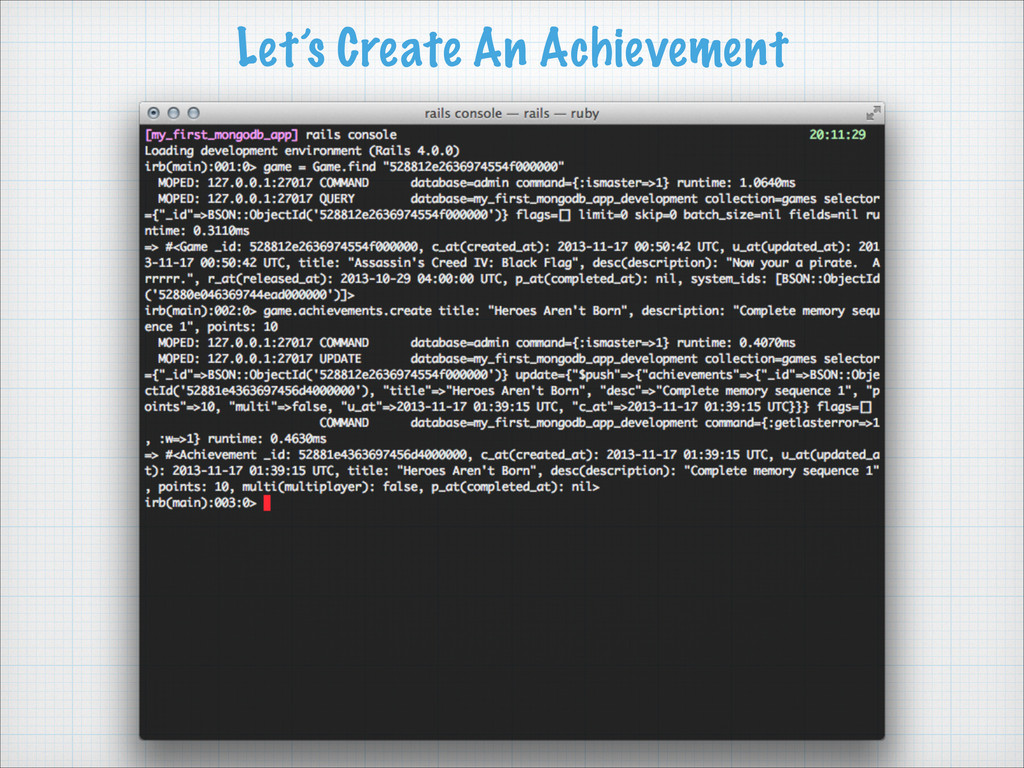
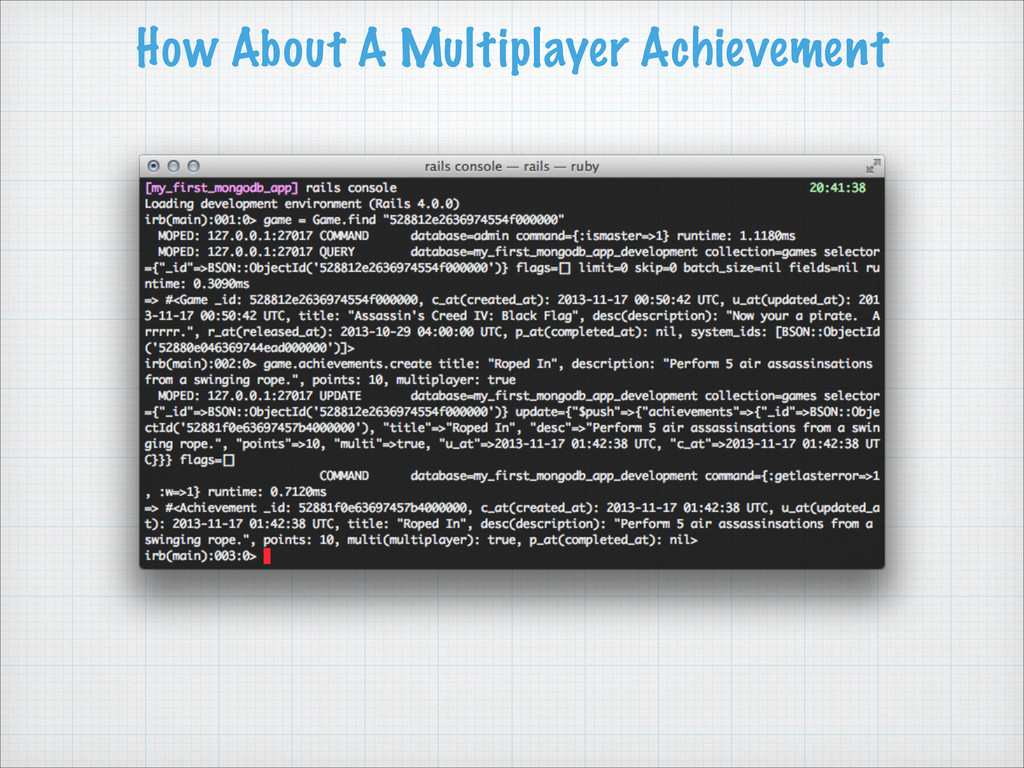
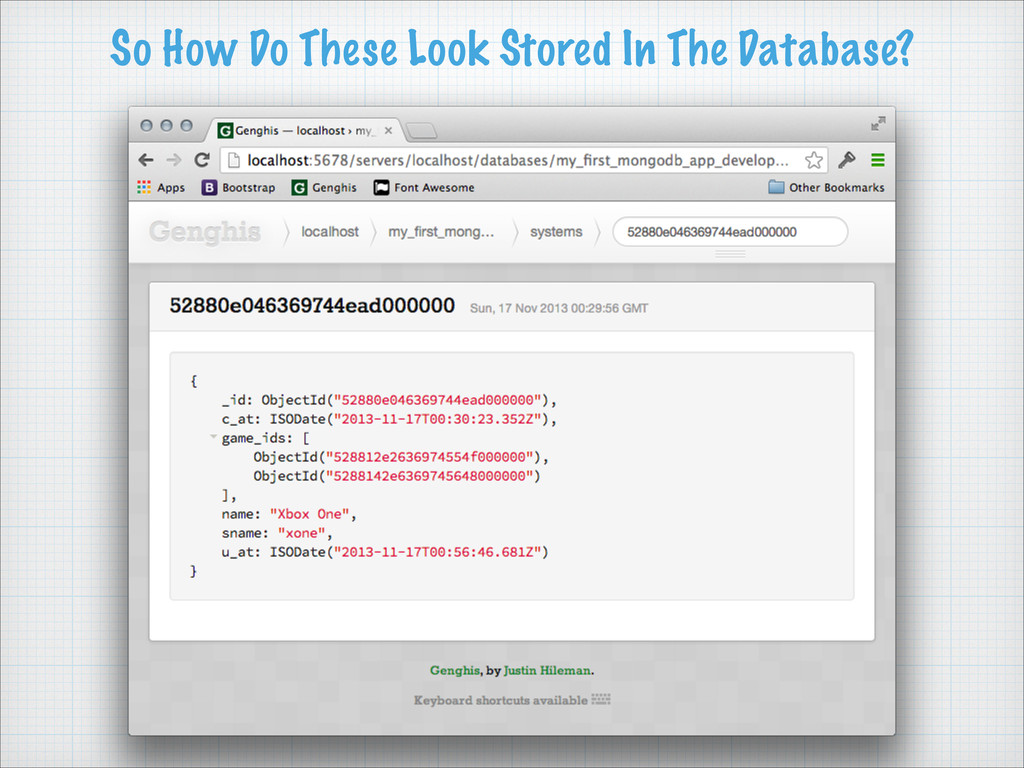
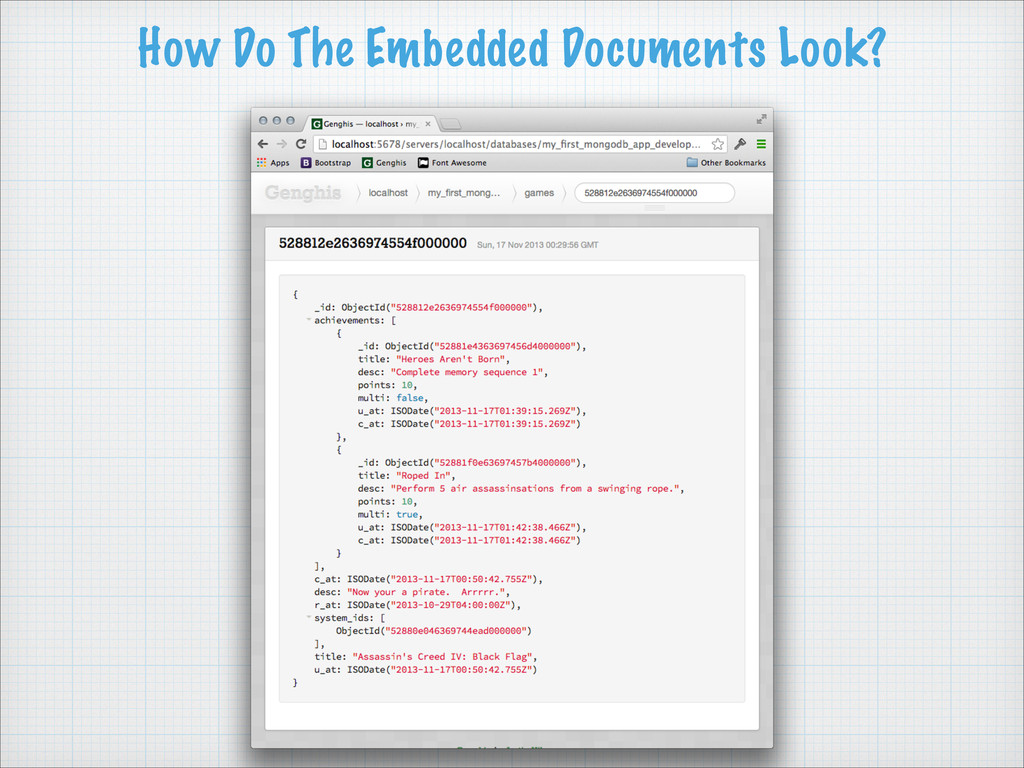
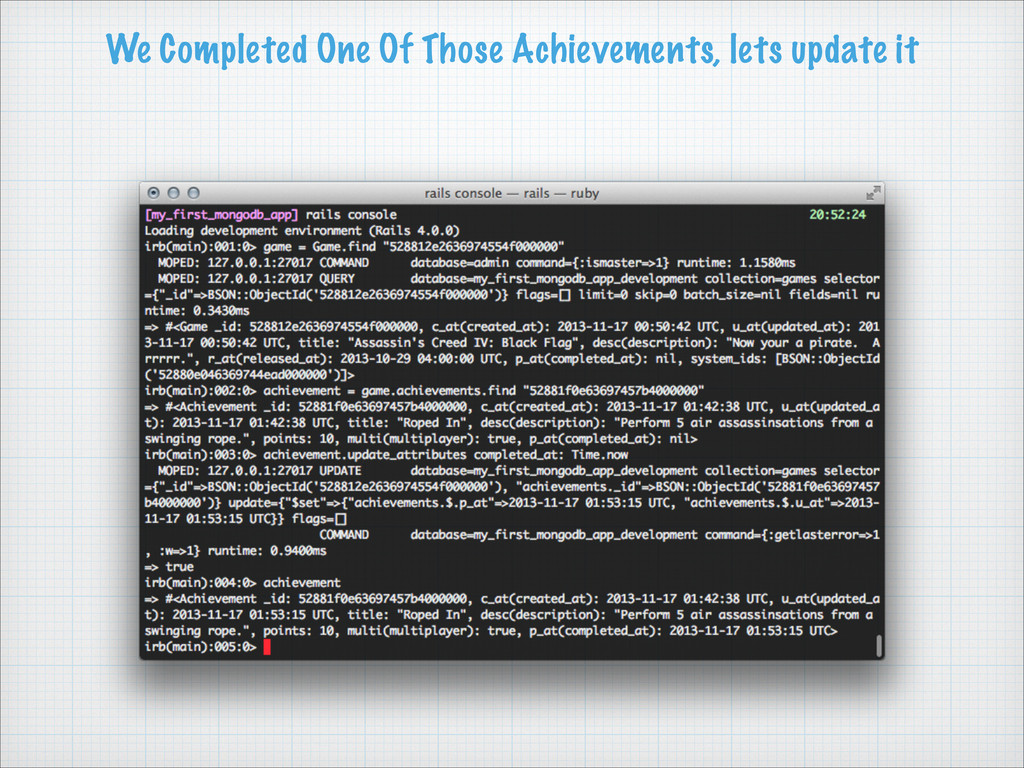
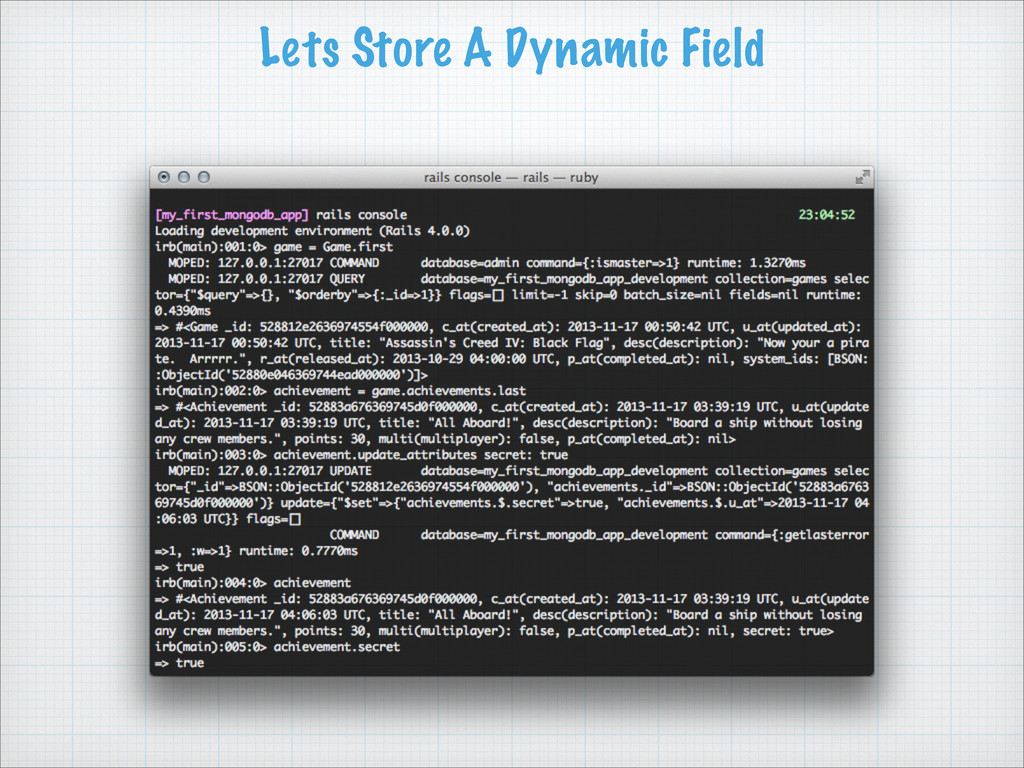
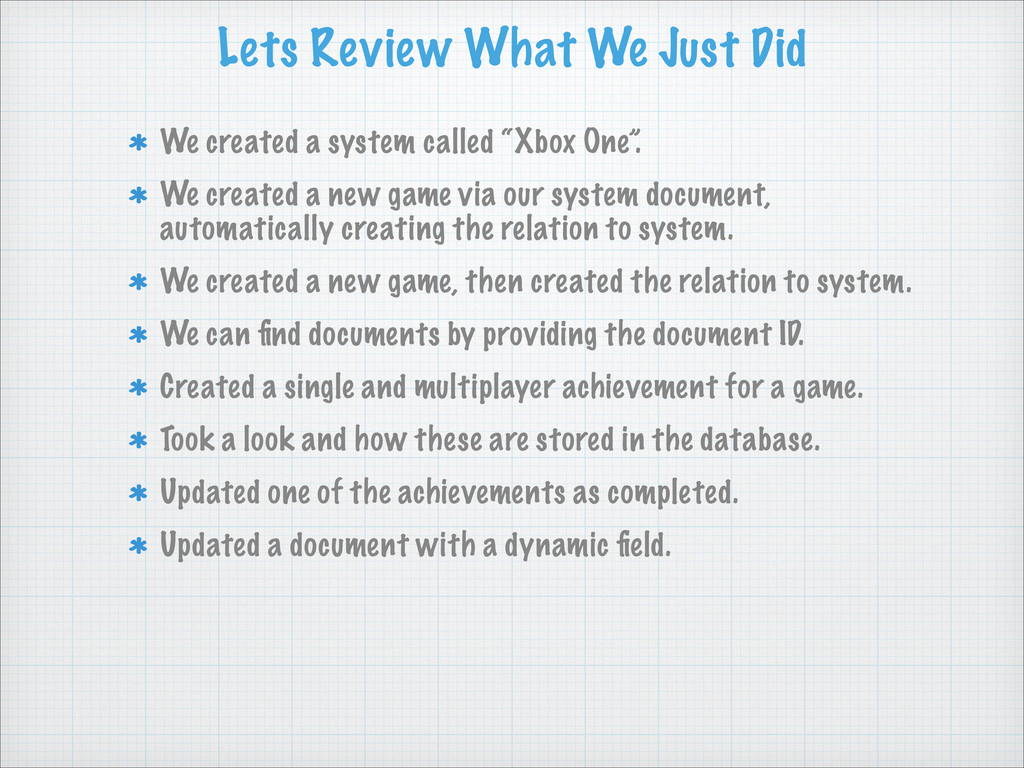
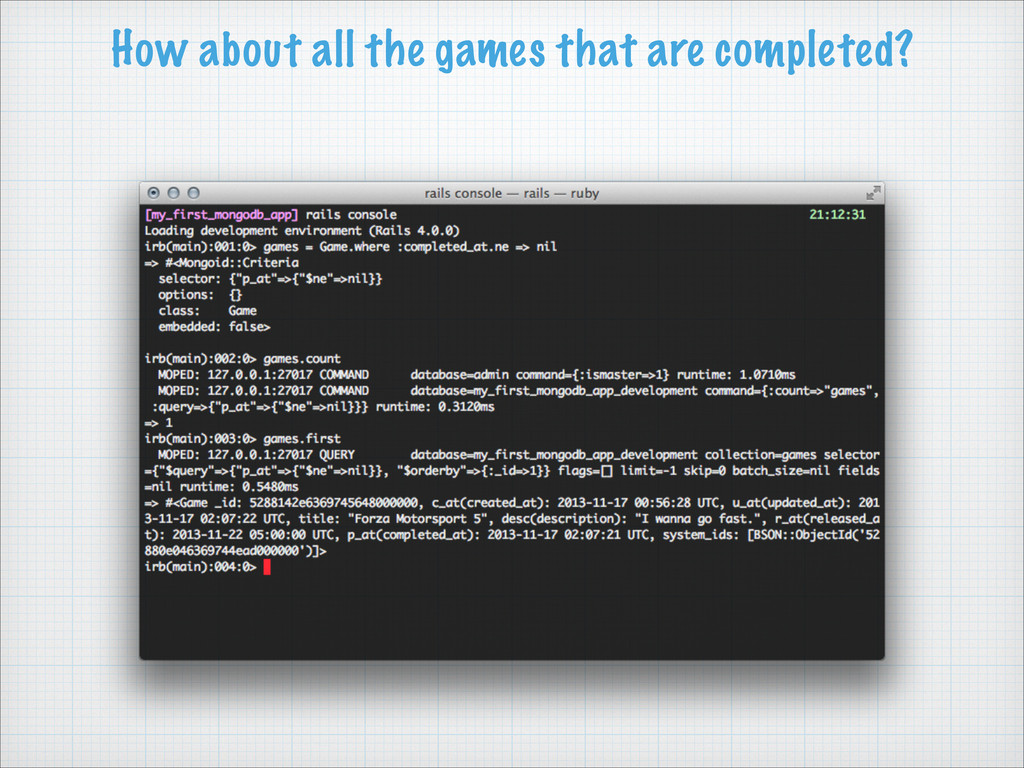
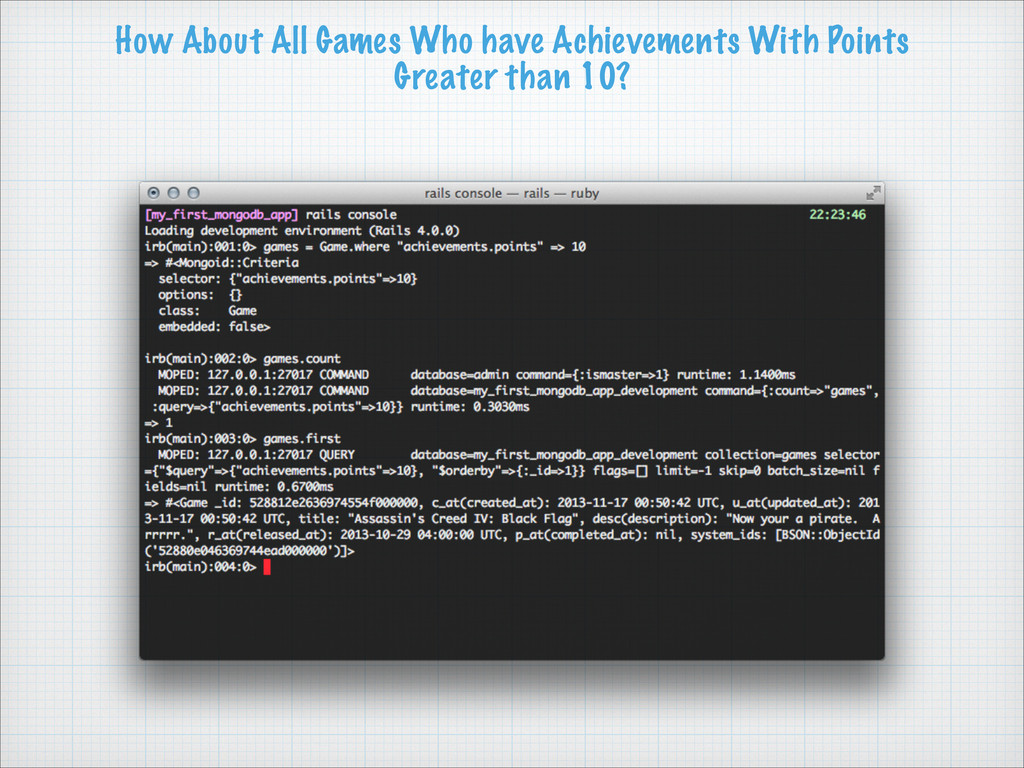
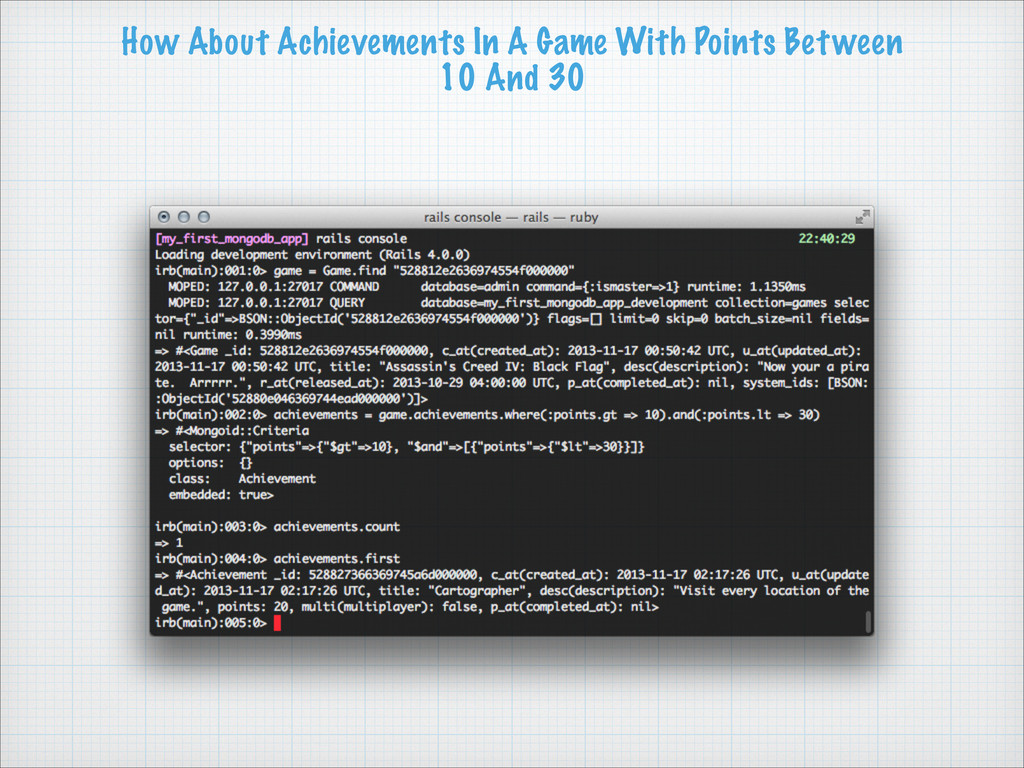
called “Xbox One”. We created a new game via our system document, automatically creating the relation to system. We created a new game, then created the relation to system. We can find documents by providing the document ID. Created a single and multiplayer achievement for a game. Took a look and how these are stored in the database. Updated one of the achievements as completed. Updated a document with a dynamic field.


 deka_morita
 taiseiue
 nabondance
 tanahiro2010
 econanringo
 minodriven
 kishida
 iwatsukayura
 satoshi256kbyte
 morizo_1984
 tomokon
 mixplace
 marktimemedia
 tenderlove
 tamaranovitovic
 jakevdp
 stuffmc
 tonyrice
 lauravandoore
 dugsong
 rkendrick25
 scottboms
 schlessera
 bryan
bryan