Upgrade to Pro — share decks privately, control downloads, hide ads and more …

Introduction to web scraping with scrapy, remot...

Avatar for narboom narboom
April 25, 2020

Introduction to web scraping with scrapy, remote python pizza 2020

Avatar for narboom

narboom

April 25, 2020
Tweet

Other Decks in Programming

Transcript

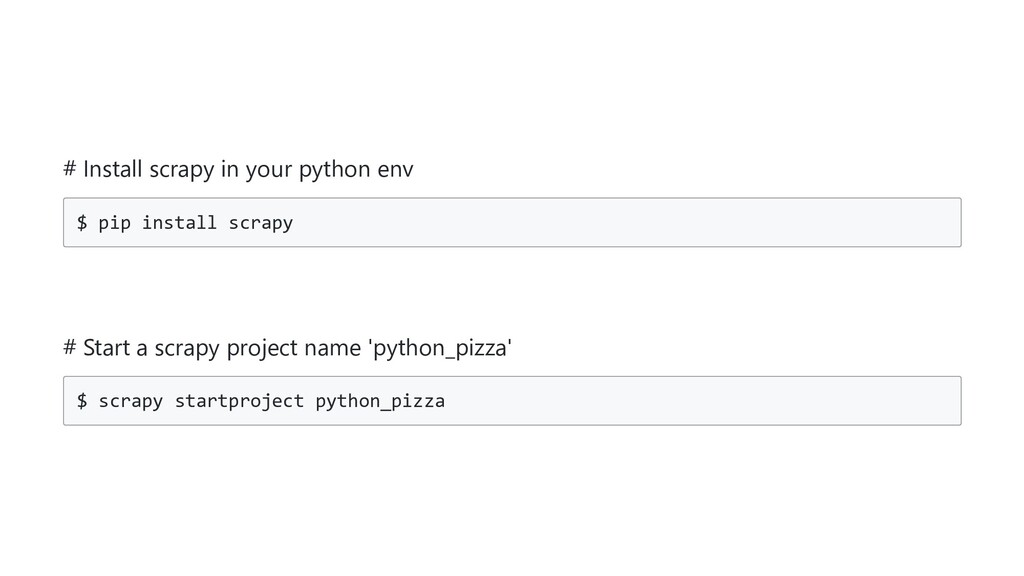
  1. # Install scrapy in your python env $ pip install

    scrapy # Start a scrapy project name 'python_pizza' $ scrapy startproject python_pizza
  2. You send requests, these have an URL and methods (GET

    and POST are the most common ones). You receive back responses that have bodies and status codes (2.x.x. means it was a success)
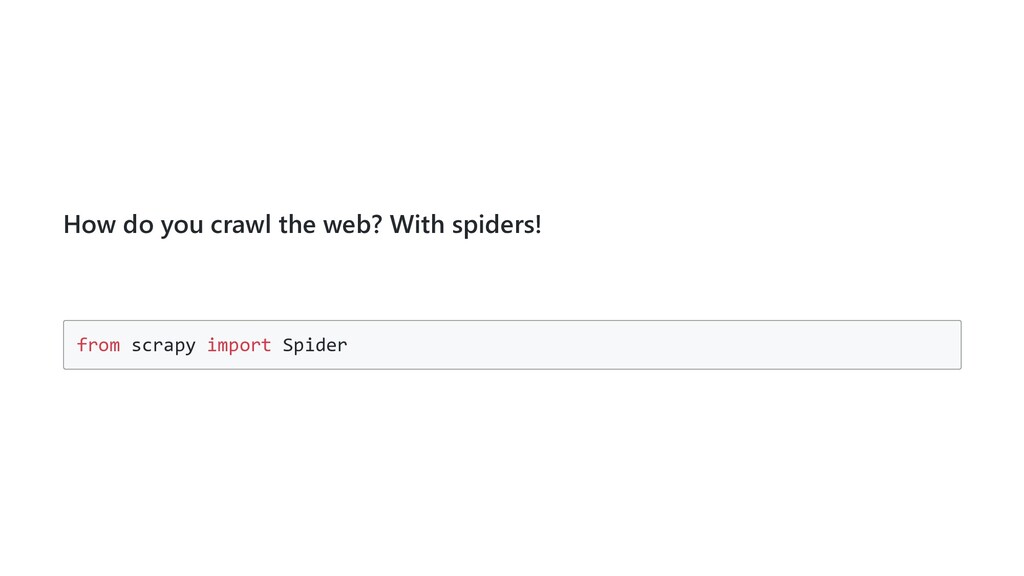
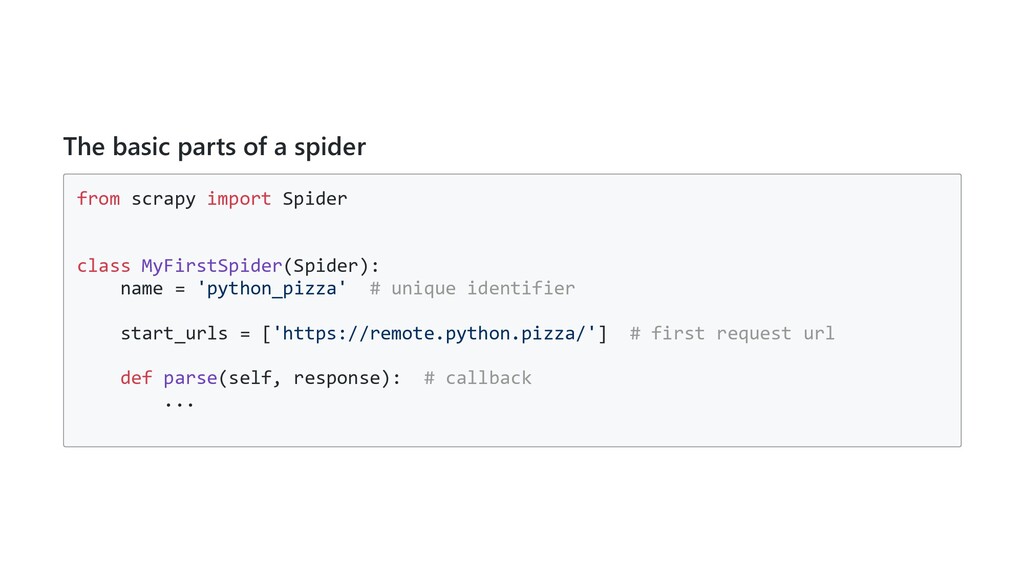
  3. The basic parts of a spider from scrapy import Spider

    class MyFirstSpider(Spider): name = 'python_pizza' # unique identifier start_urls = ['https://remote.python.pizza/'] # first request url def parse(self, response): # callback ...
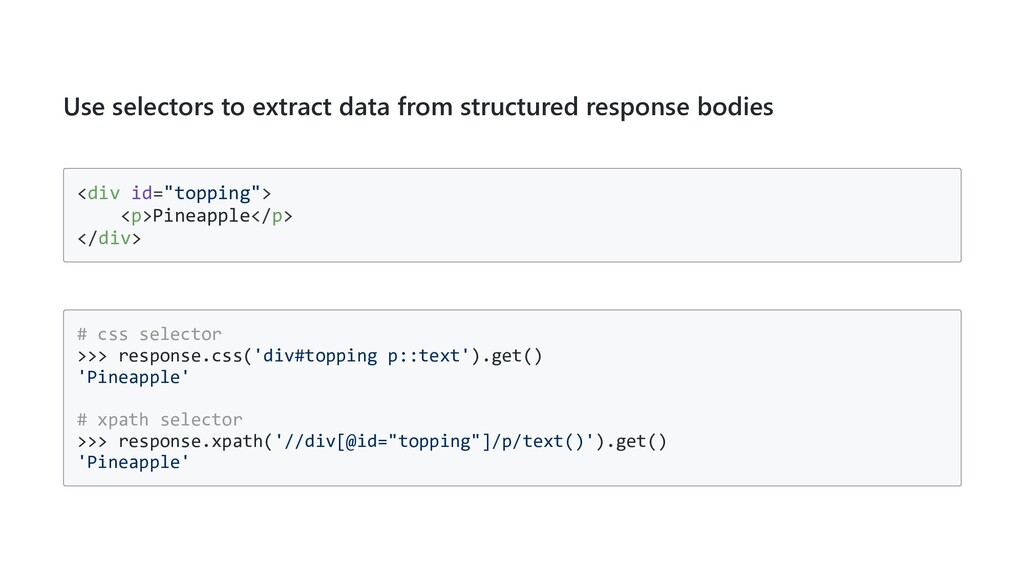
  4. Use selectors to extract data from structured response bodies <div

    id="topping"> <p>Pineapple</p> </div> # css selector >>> response.css('div#topping p::text').get() 'Pineapple' # xpath selector >>> response.xpath('//div[@id="topping"]/p/text()').get() 'Pineapple'
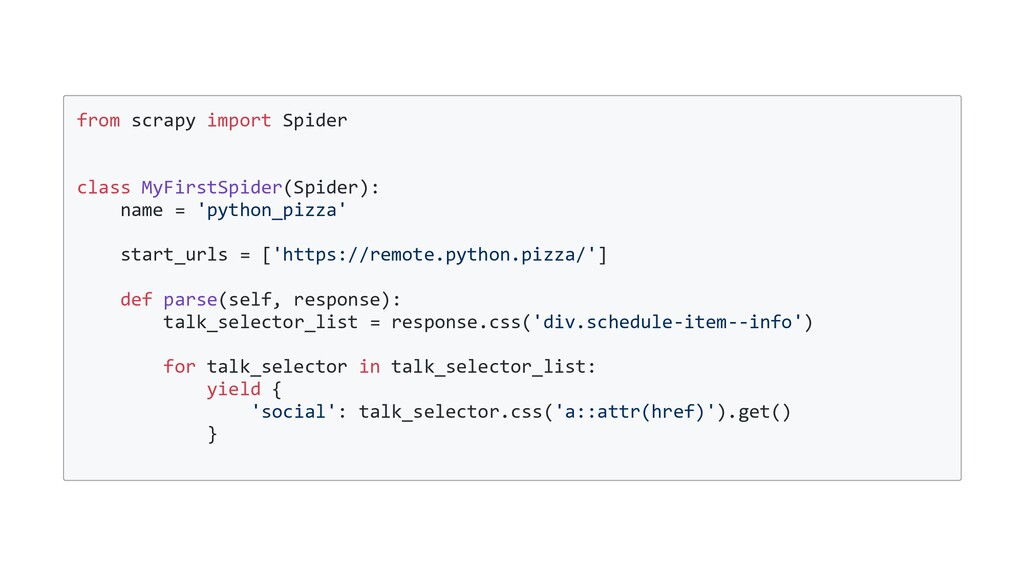
  5. from scrapy import Spider class MyFirstSpider(Spider): name = 'python_pizza' start_urls

    = ['https://remote.python.pizza/'] def parse(self, response): talk_selector_list = response.css('div.schedule-item--info') for talk_selector in talk_selector_list: yield { 'social': talk_selector.css('a::attr(href)').get() }
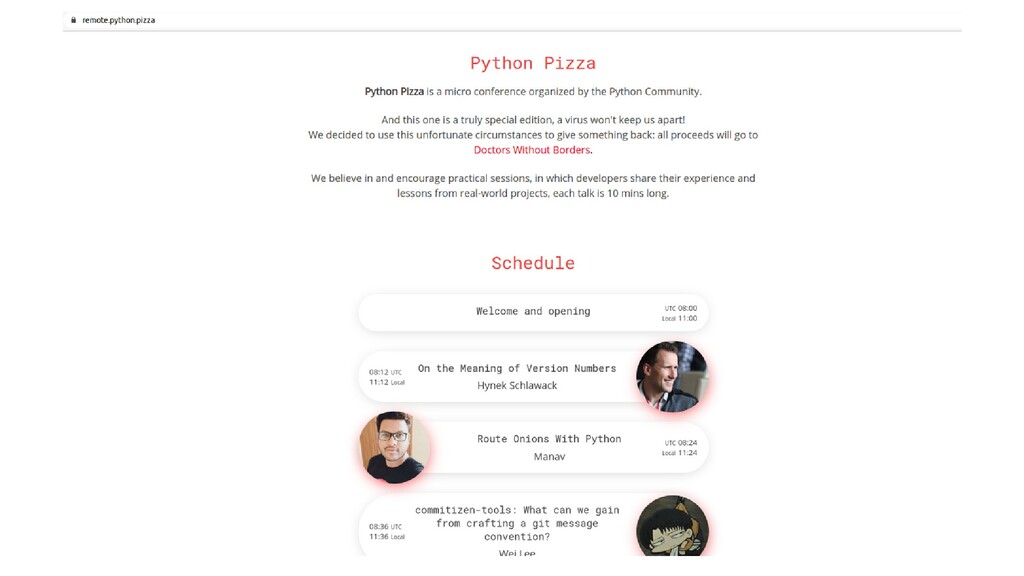
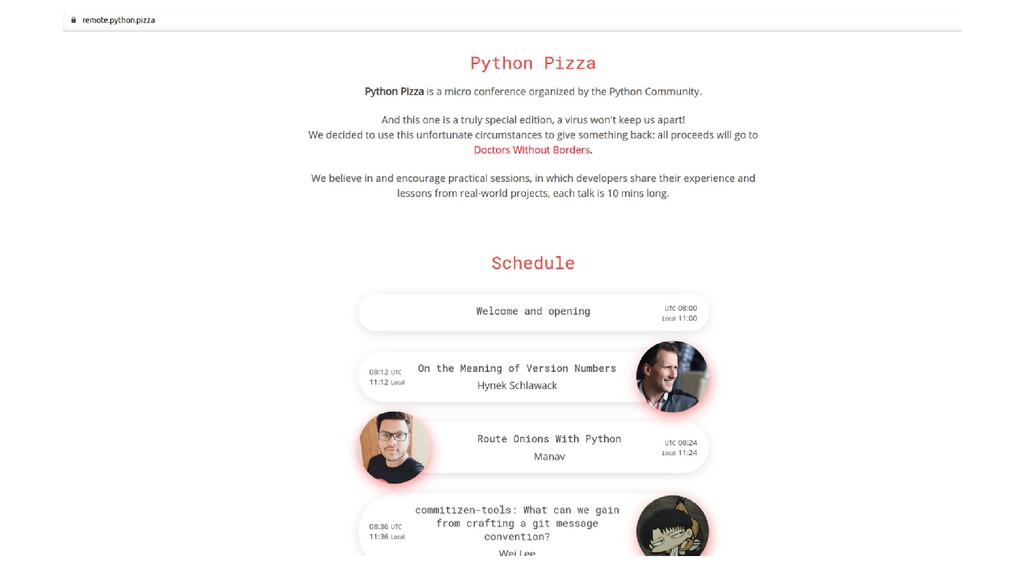
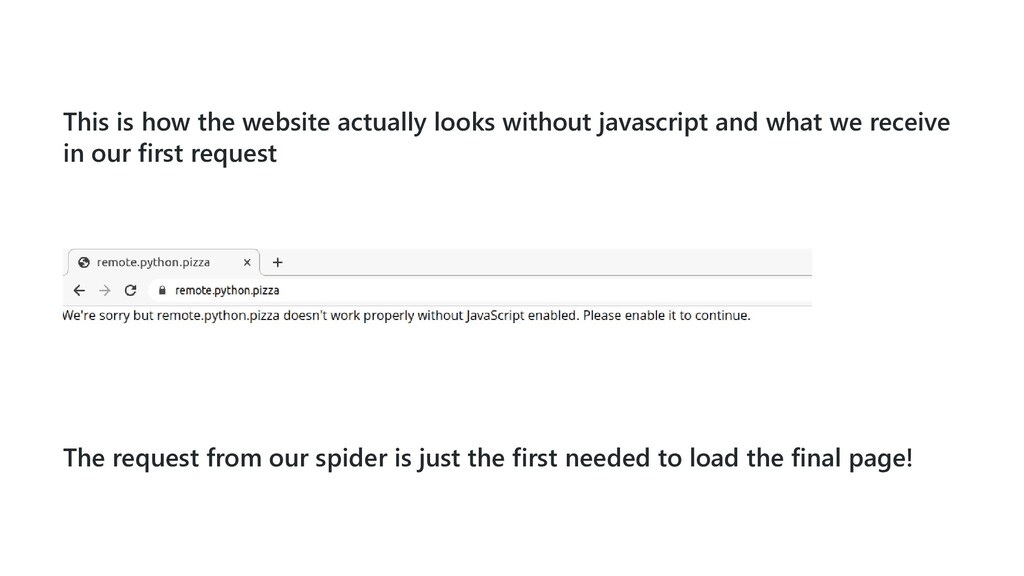
  6. This is how the website actually looks without javascript and

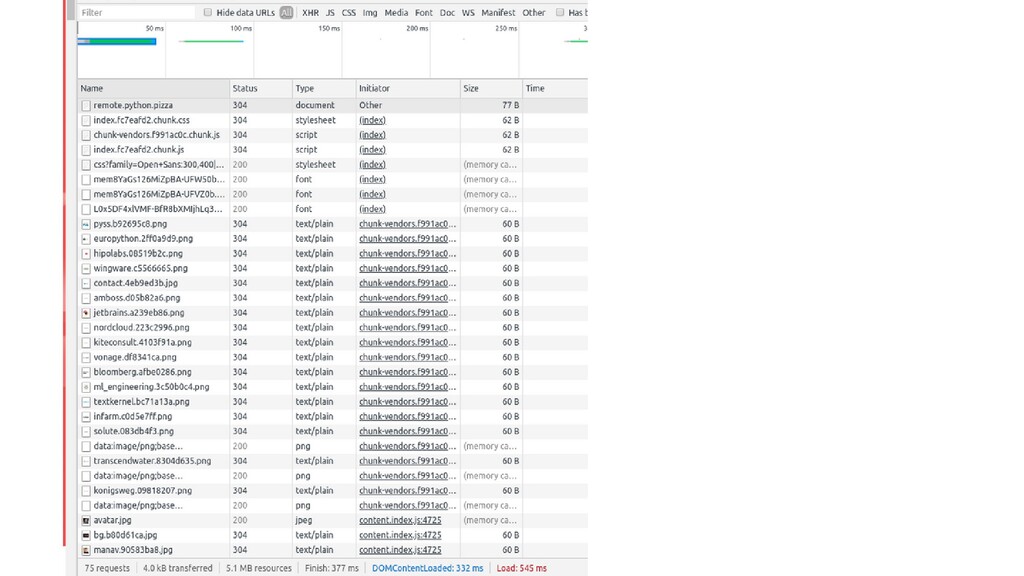
    what we receive in our first request The request from our spider is just the first needed to load the final page!
  7. But this is javascript, we can't use selectors like before!

    If only there was an external library that could parse this for us... # install js2py in your python env $ pip install js2py
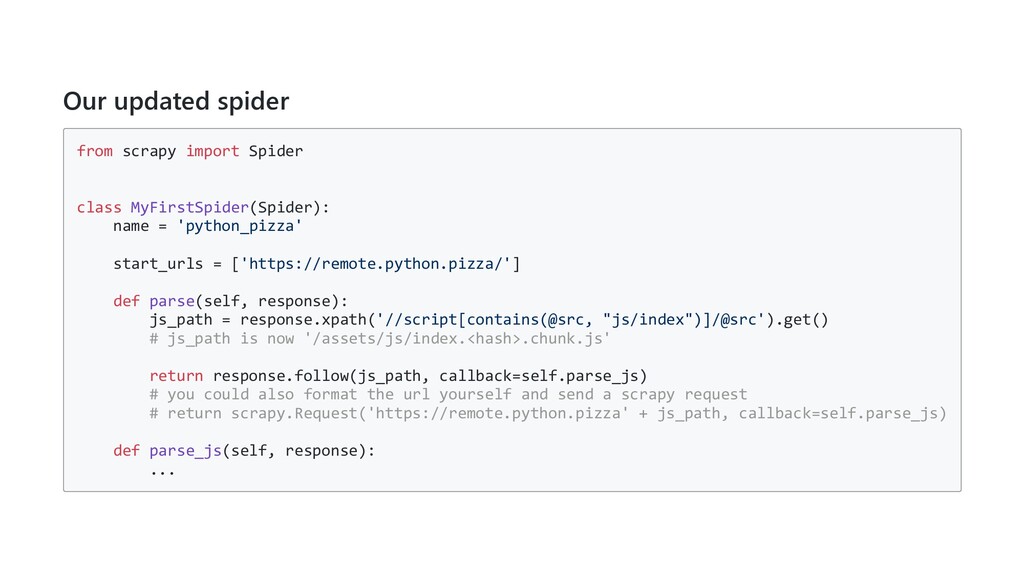
  8. Our updated spider from scrapy import Spider class MyFirstSpider(Spider): name

    = 'python_pizza' start_urls = ['https://remote.python.pizza/'] def parse(self, response): js_path = response.xpath('//script[contains(@src, "js/index")]/@src').get() # js_path is now '/assets/js/index.<hash>.chunk.js' return response.follow(js_path, callback=self.parse_js) # you could also format the url yourself and send a scrapy request # return scrapy.Request('https://remote.python.pizza' + js_path, callback=self.parse_js) def parse_js(self, response): ...
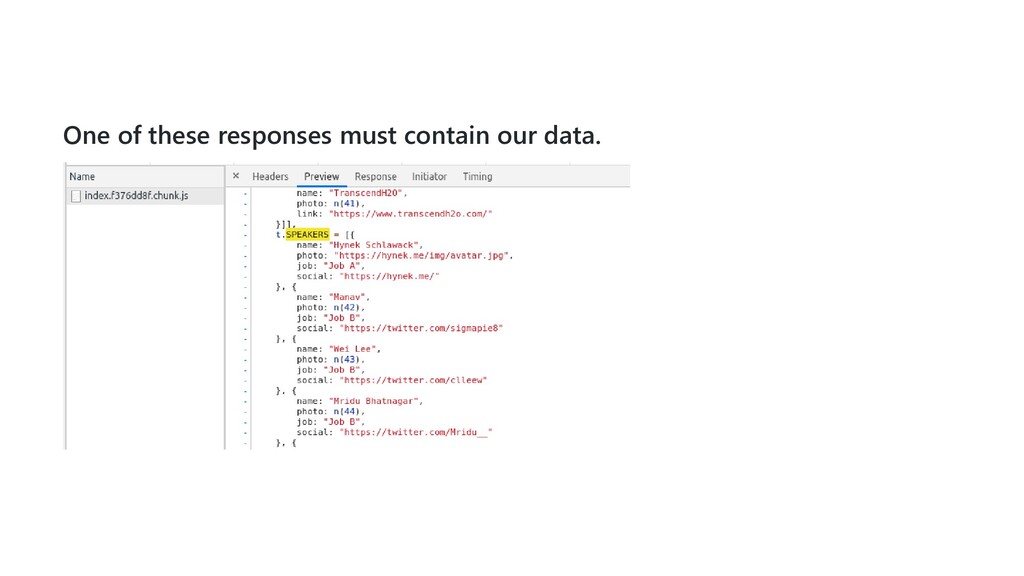
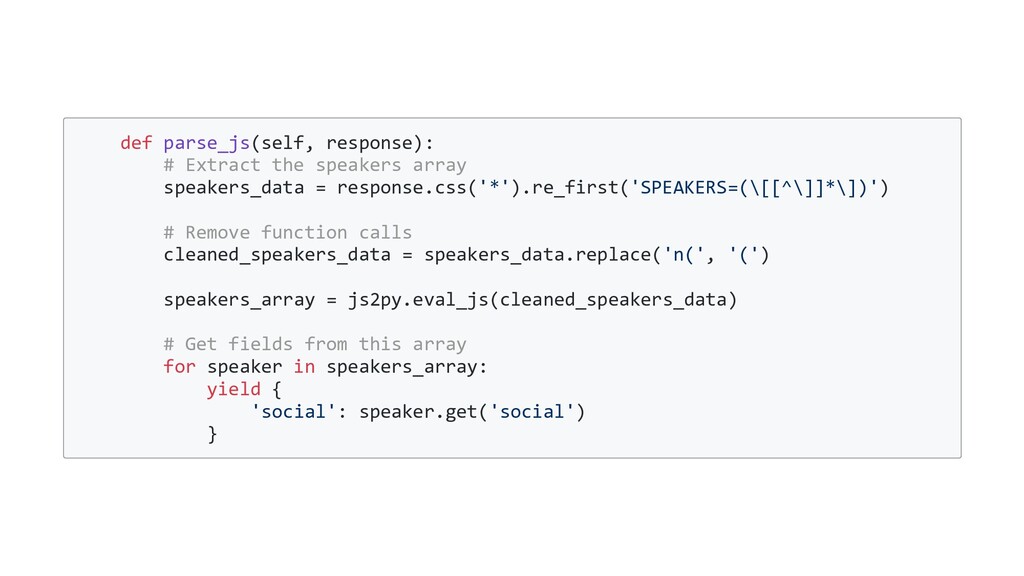
  9. def parse_js(self, response): # Extract the speakers array speakers_data =

    response.css('*').re_first('SPEAKERS=(\[[^\]]*\])') # Remove function calls cleaned_speakers_data = speakers_data.replace('n(', '(') speakers_array = js2py.eval_js(cleaned_speakers_data) # Get fields from this array for speaker in speakers_array: yield { 'social': speaker.get('social') }
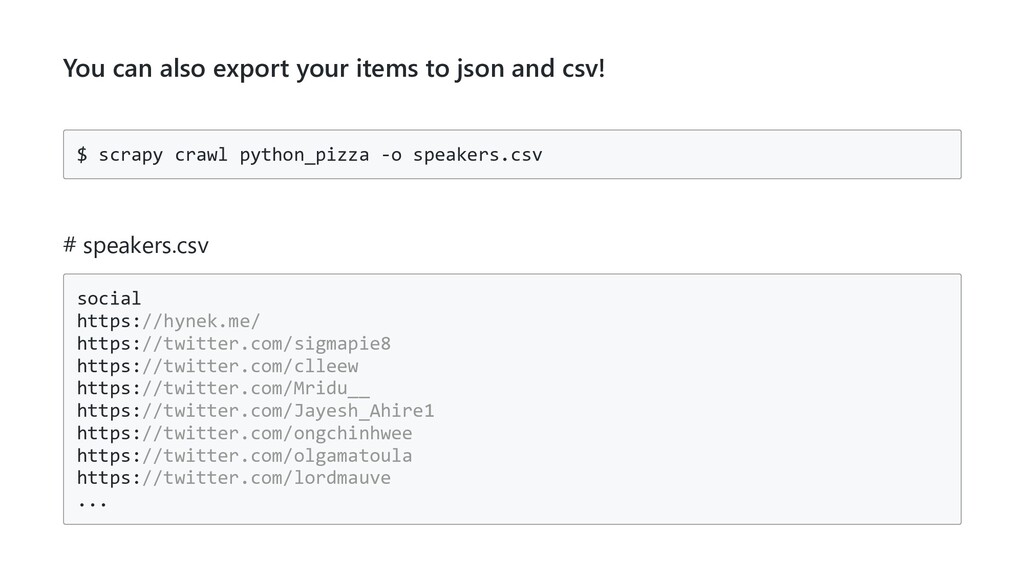
  10. You can also export your items to json and csv!

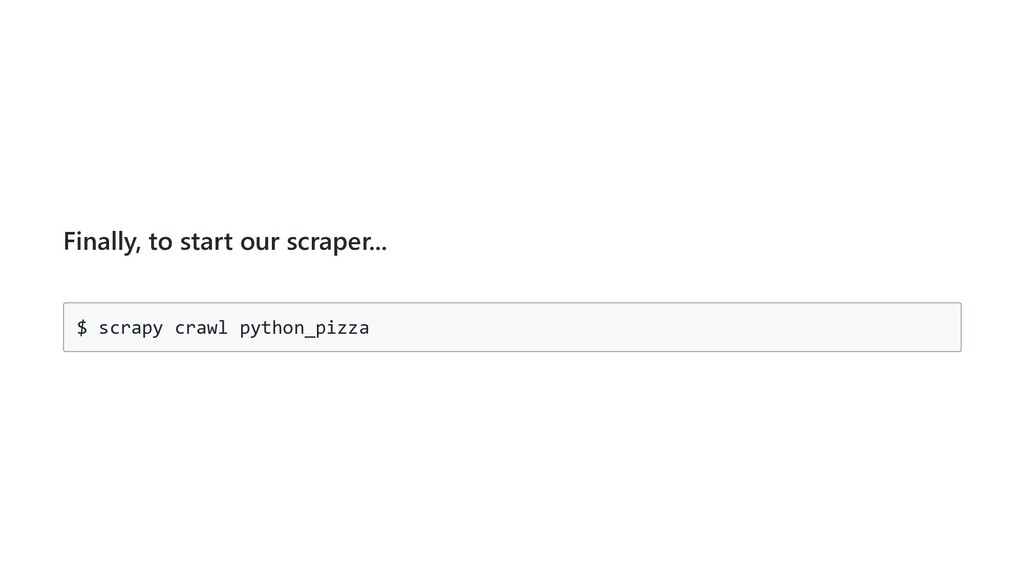
    $ scrapy crawl python_pizza -o speakers.csv # speakers.csv social https://hynek.me/ https://twitter.com/sigmapie8 https://twitter.com/clleew https://twitter.com/Mridu__ https://twitter.com/Jayesh_Ahire1 https://twitter.com/ongchinhwee https://twitter.com/olgamatoula https://twitter.com/lordmauve ...
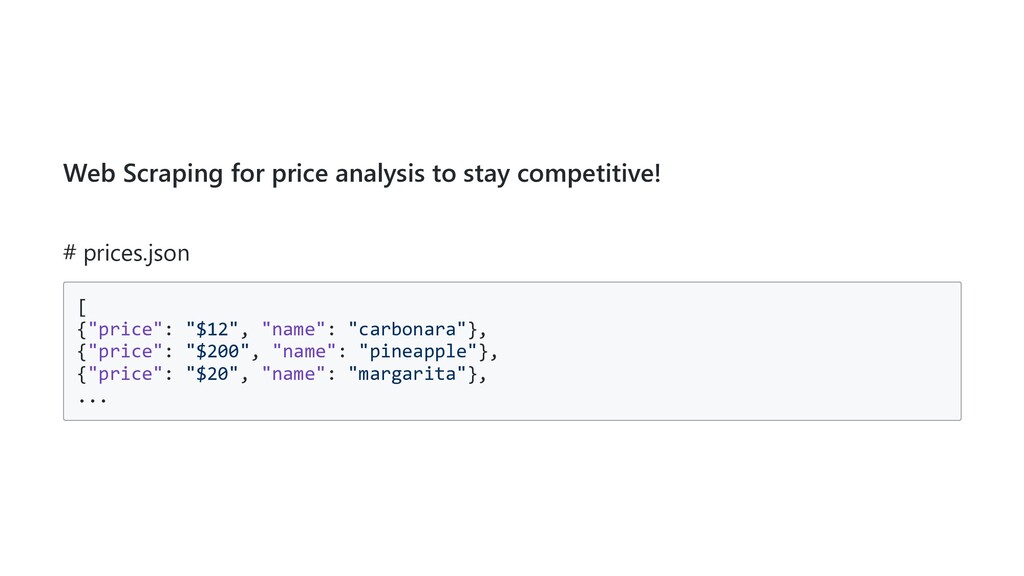
  11. Web Scraping for price analysis to stay competitive! # prices.json

    [ {"price": "$12", "name": "carbonara"}, {"price": "$200", "name": "pineapple"}, {"price": "$20", "name": "margarita"}, ...
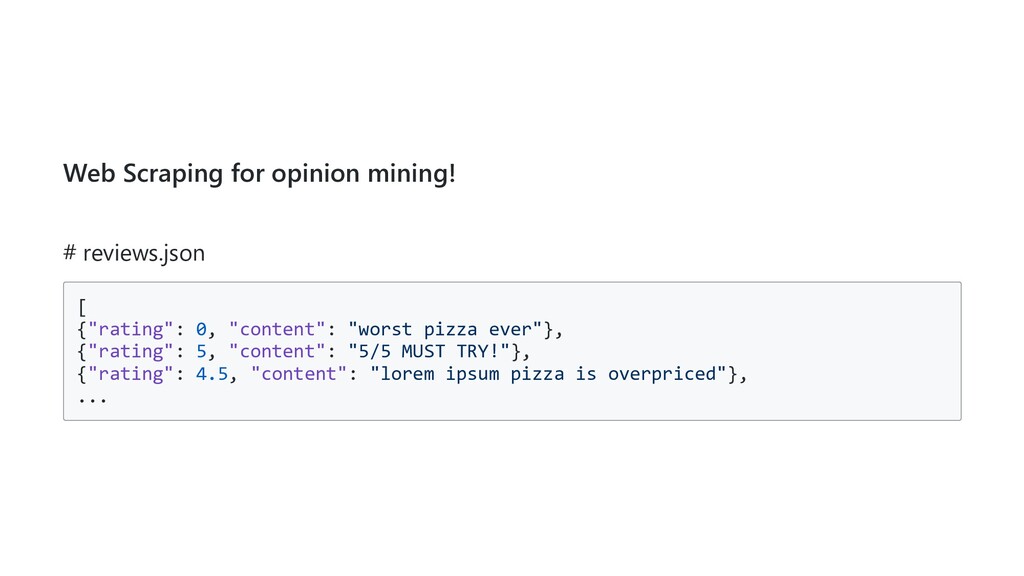
  12. Web Scraping for opinion mining! # reviews.json [ {"rating": 0,

    "content": "worst pizza ever"}, {"rating": 5, "content": "5/5 MUST TRY!"}, {"rating": 4.5, "content": "lorem ipsum pizza is overpriced"}, ...
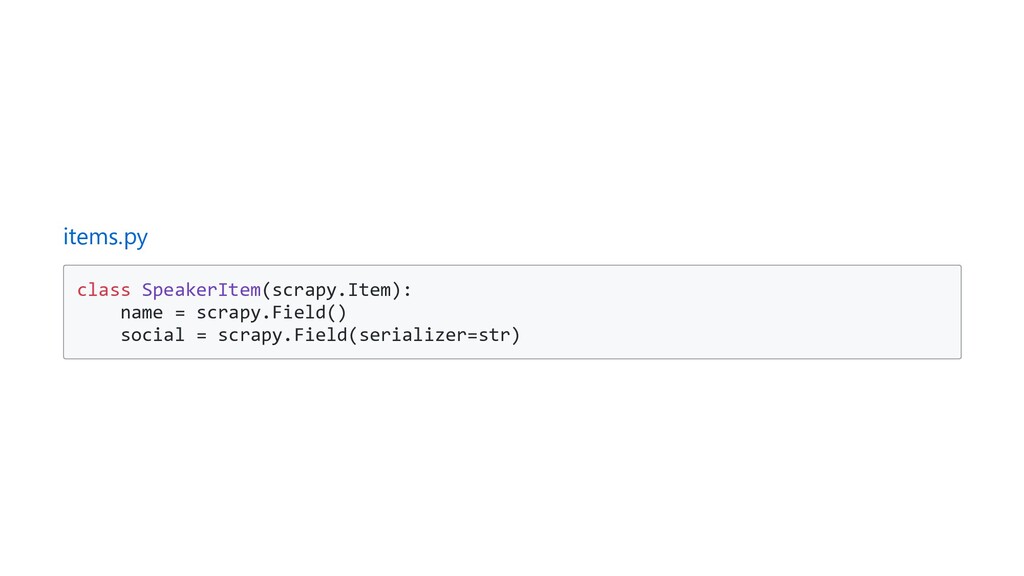
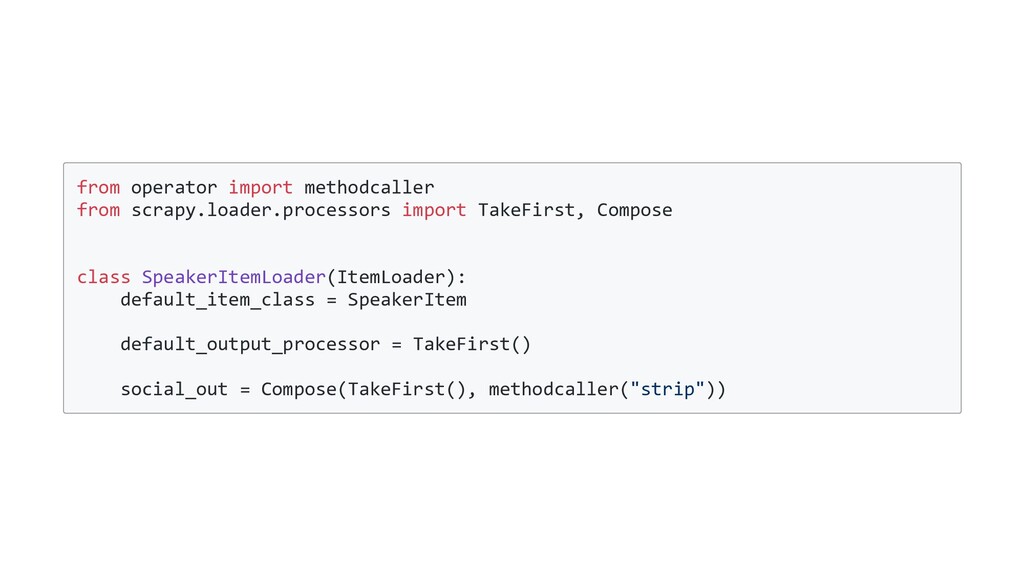
  13. from operator import methodcaller from scrapy.loader.processors import TakeFirst, Compose class

    SpeakerItemLoader(ItemLoader): default_item_class = SpeakerItem default_output_processor = TakeFirst() social_out = Compose(TakeFirst(), methodcaller("strip"))