Siri, did I leave the oven on? Mundane UX desig...
Sponsored
·
 Your Podcast. Everywhere. Effortlessly.
Share. Educate. Inspire. Entertain. You do you. We'll handle the rest.
→
Your Podcast. Everywhere. Effortlessly.
Share. Educate. Inspire. Entertain. You do you. We'll handle the rest.
→

Share
Embed
Siri, did I leave the oven on? Mundane UX design for the connected home
Updated and extended version, The Web and Beyond 26.09.12

Claire Rowland
September 26, 2012
Transcript
75 slides
-
“Siri, did I leave the oven on?” Mundane UX design
for the connected home Claire Rowland @clurr Thursday, 27 September 2012 -
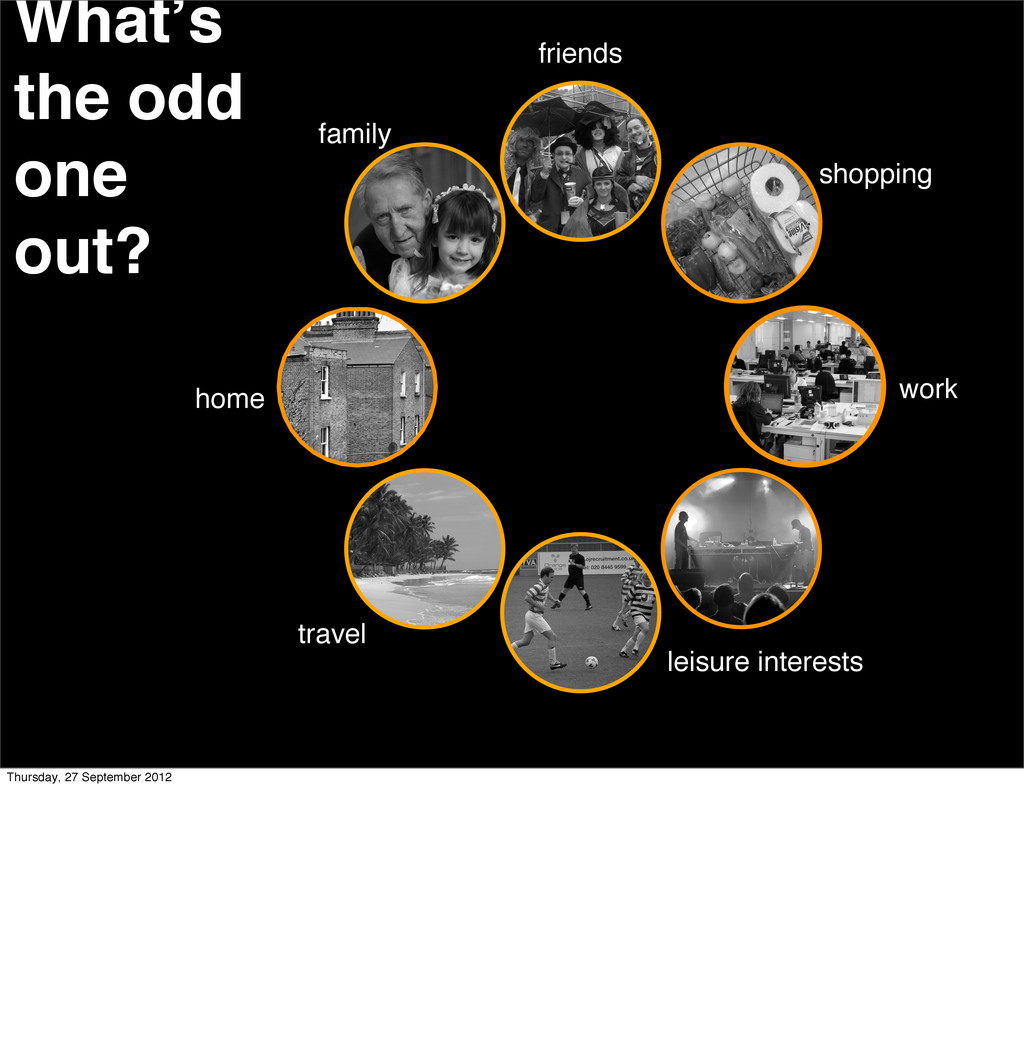
Whatʼs the odd one out? friends shopping leisure interests family
home travel work Thursday, 27 September 2012 -
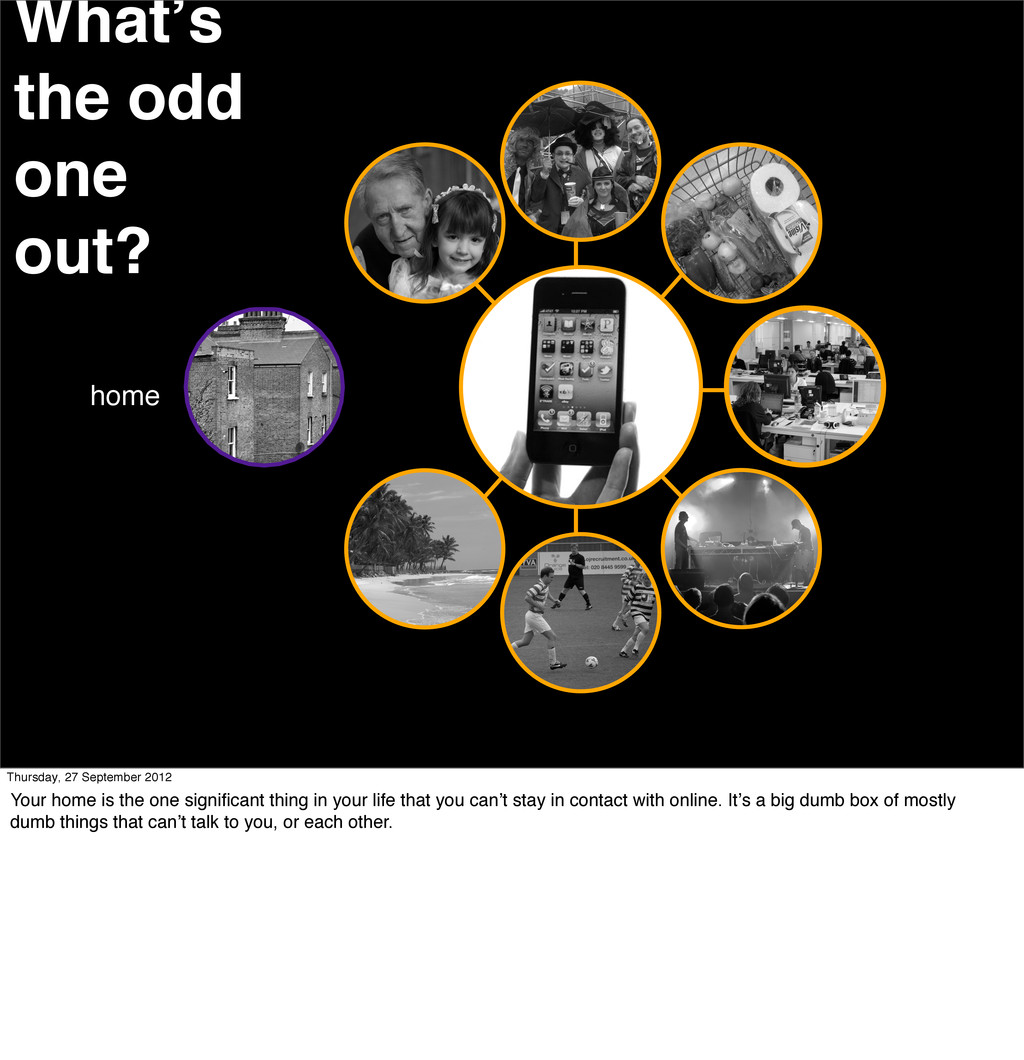
Whatʼs the odd one out? home Thursday, 27 September 2012
Your home is the one significant thing in your life that you canʼt stay in contact with online. Itʼs a big dumb box of mostly dumb things that canʼt talk to you, or each other. -
Opinions are entirely my own :) Thursday, 27 September 2012
And the interfaces that I can show right now, I am not responsible for designing. -
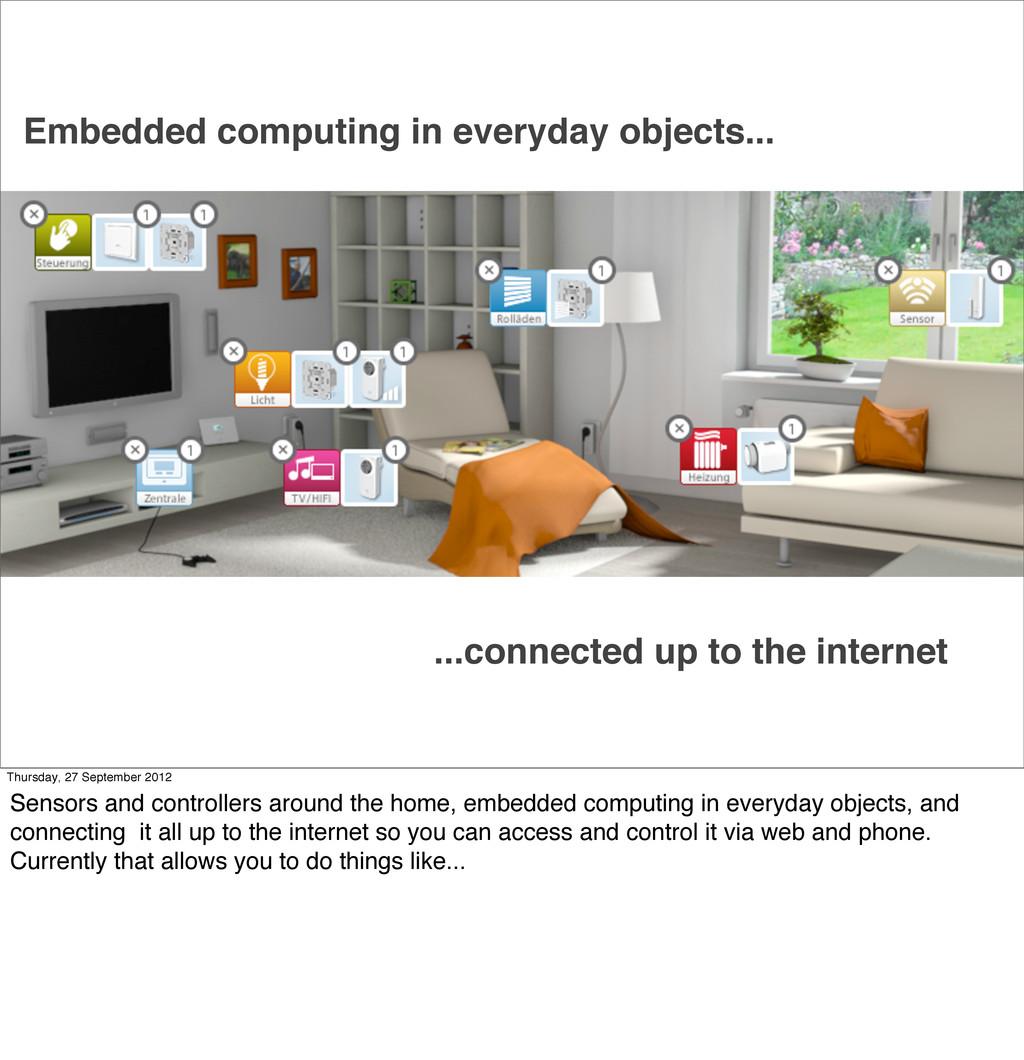
Embedded computing in everyday objects... ...connected up to the internet
Thursday, 27 September 2012 Sensors and controllers around the home, embedded computing in everyday objects, and connecting it all up to the internet so you can access and control it via web and phone. Currently that allows you to do things like... -
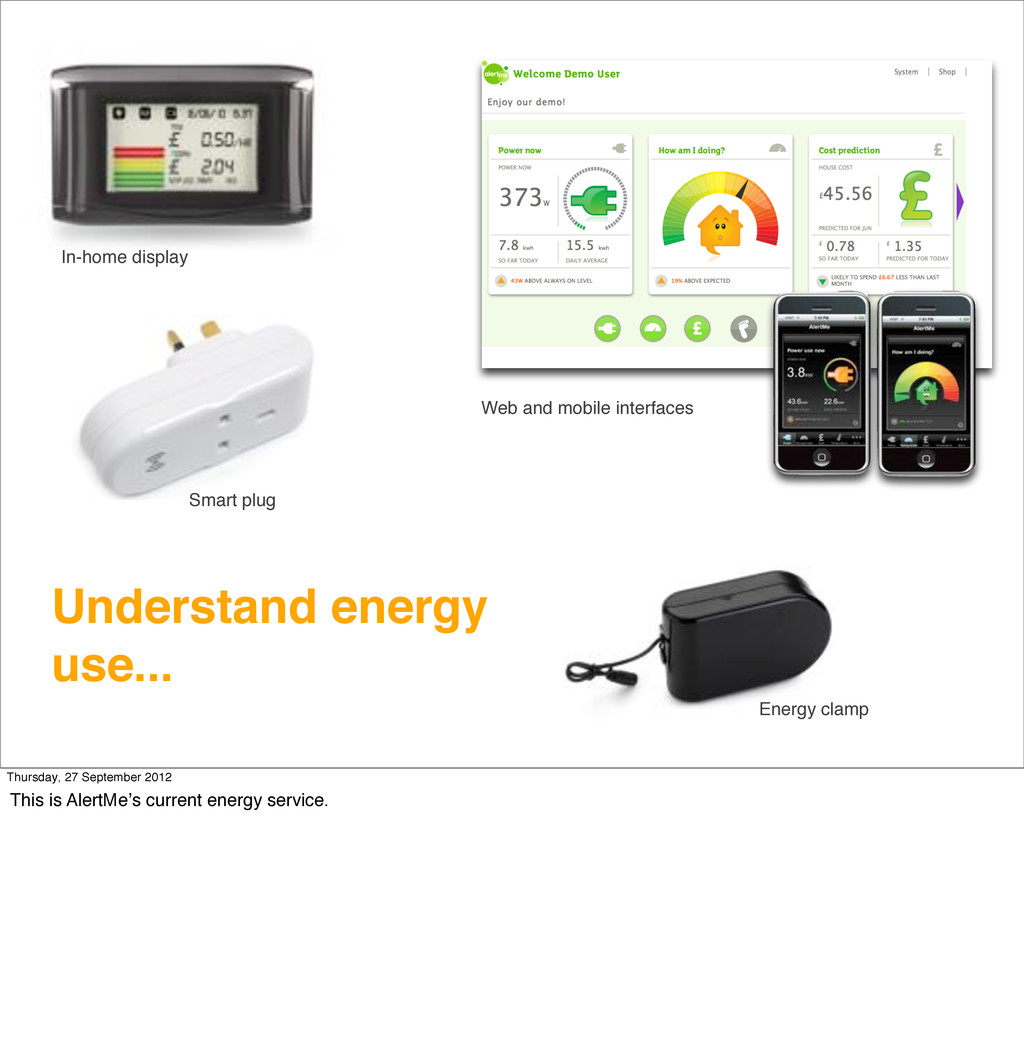
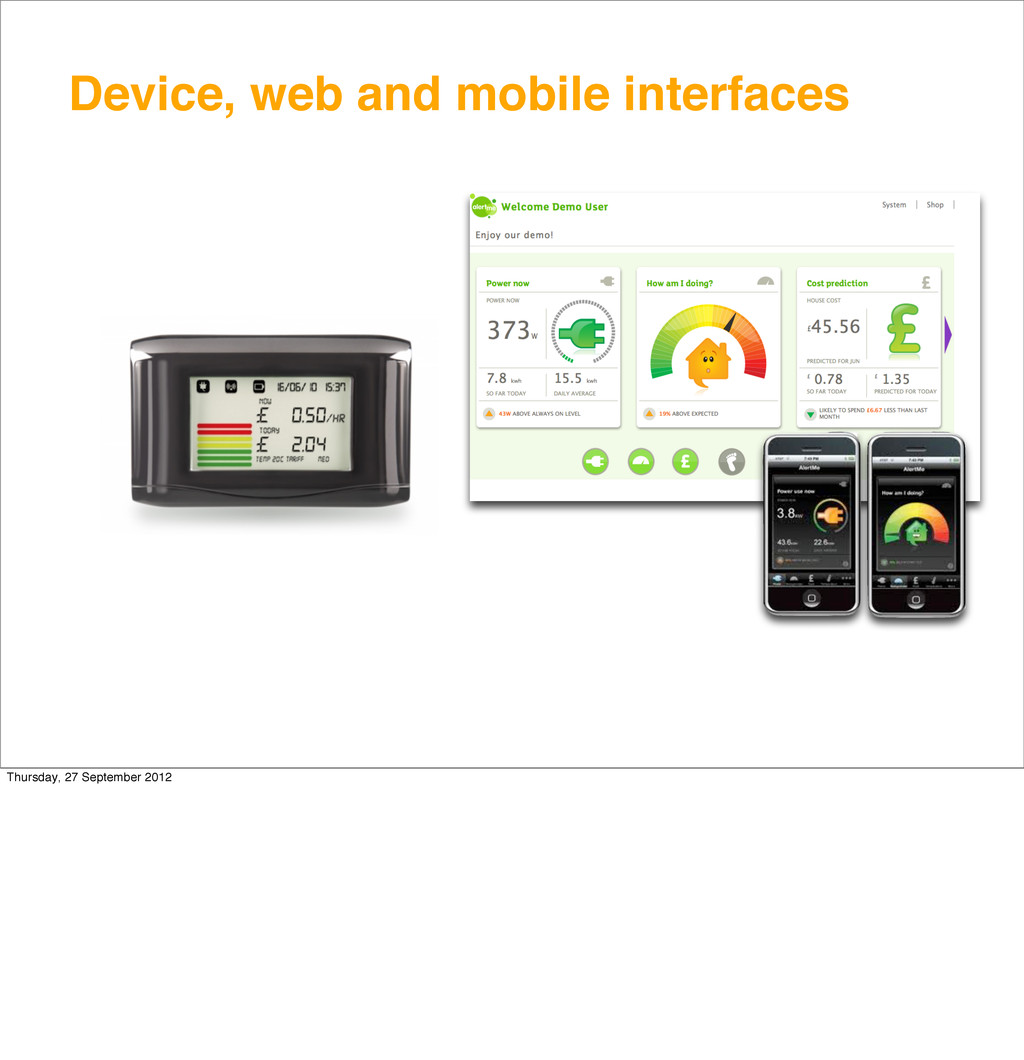
Understand energy use... Energy clamp In-home display Smart plug Web
and mobile interfaces Thursday, 27 September 2012 This is AlertMeʼs current energy service. -
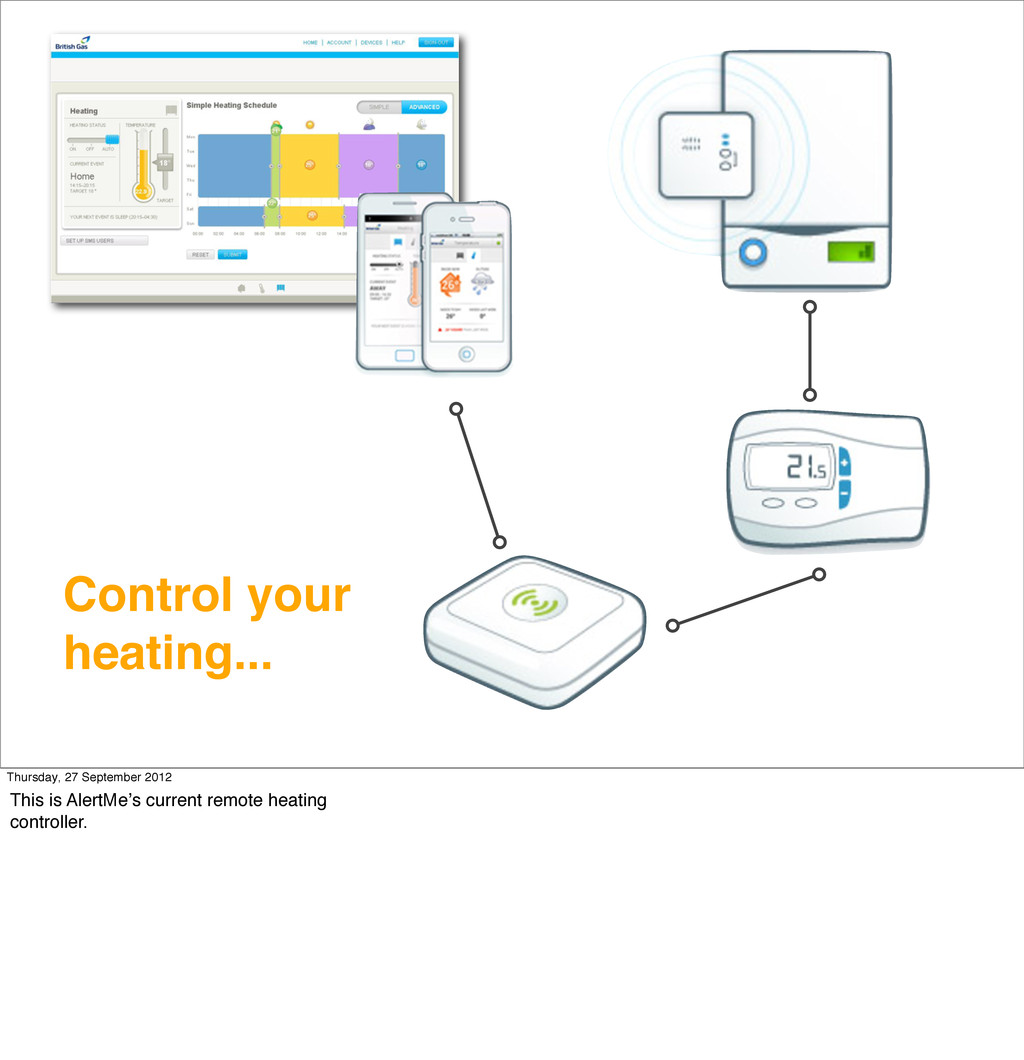
Control your heating... Thursday, 27 September 2012 This is AlertMeʼs
current remote heating controller. -
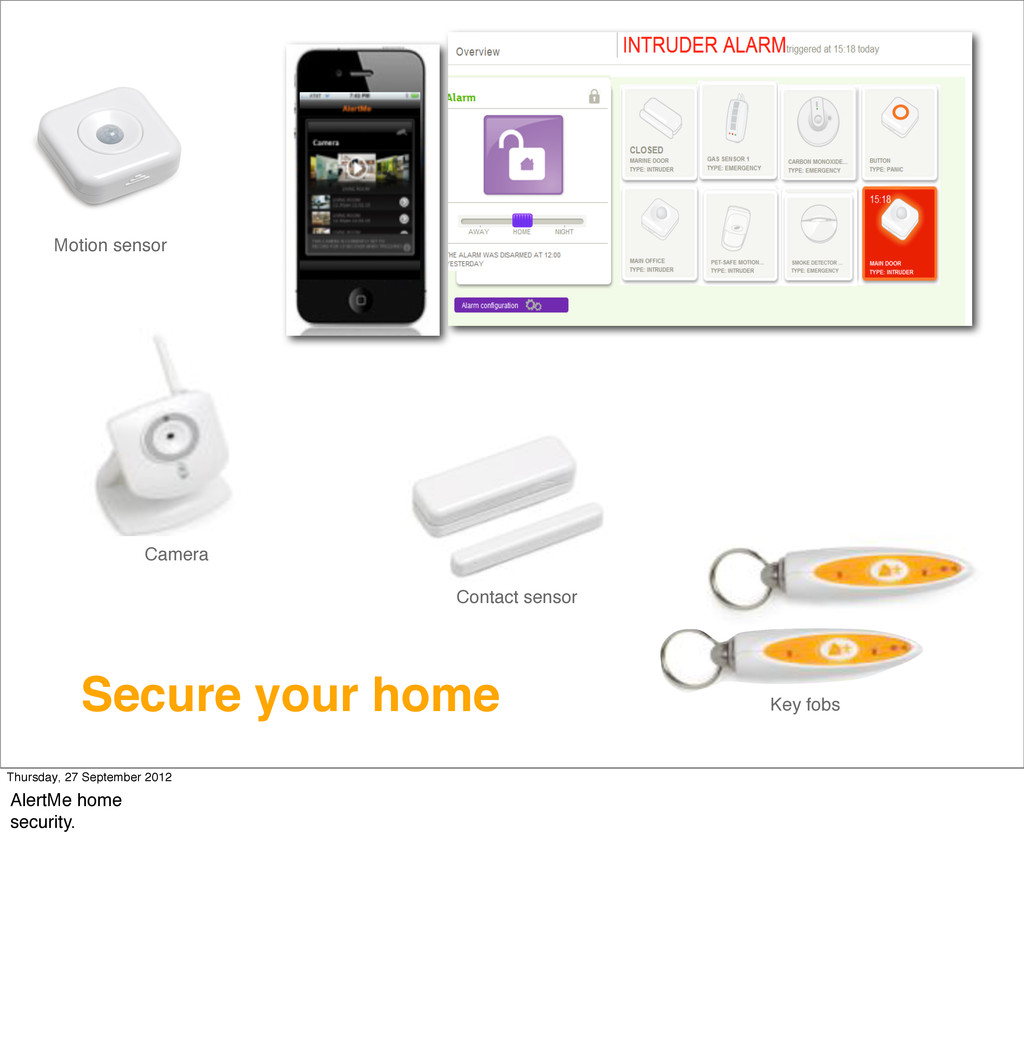
Camera Contact sensor Key fobs Motion sensor Secure your home
Thursday, 27 September 2012 AlertMe home security. -
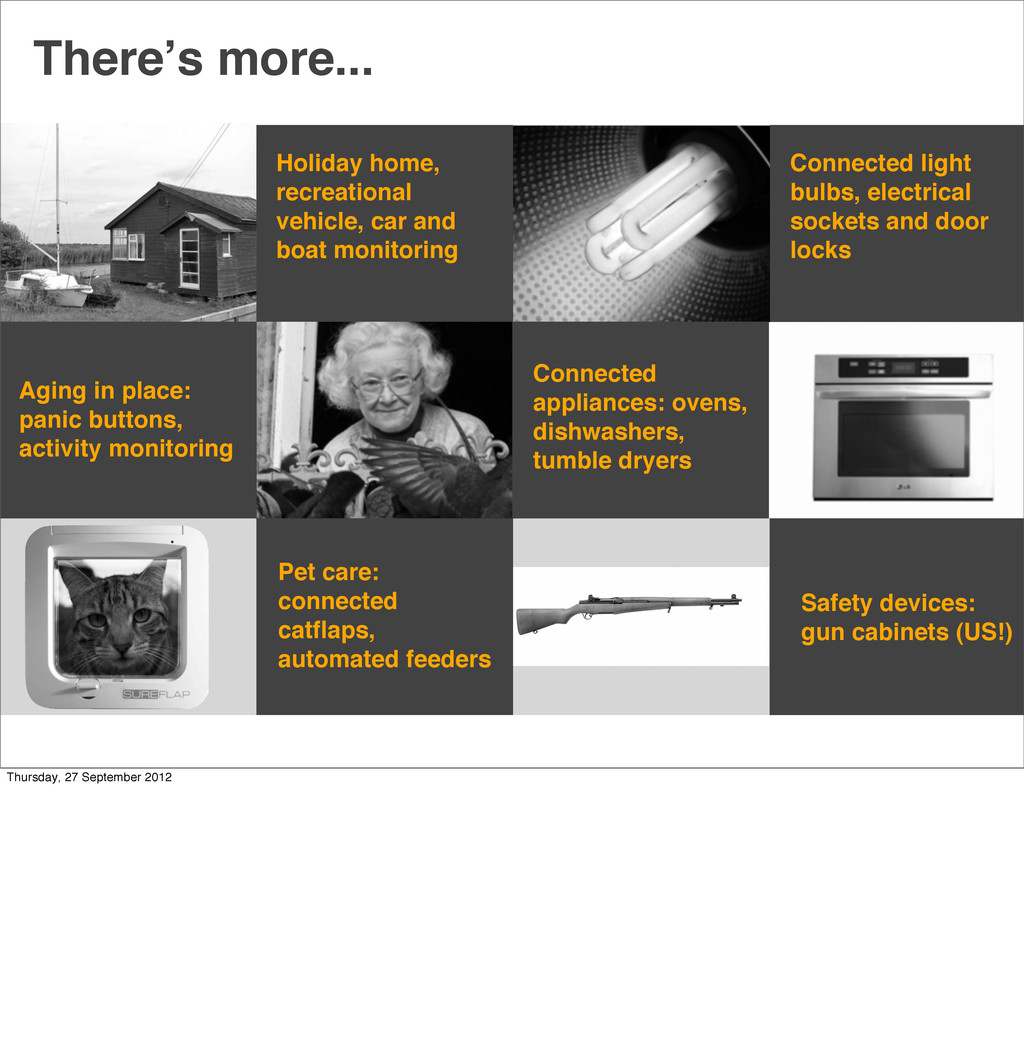
Thereʼs more... Holiday home, recreational vehicle, car and boat monitoring
Connected light bulbs, electrical sockets and door locks Aging in place: panic buttons, activity monitoring Connected appliances: ovens, dishwashers, tumble dryers Pet care: connected catflaps, automated feeders Safety devices: gun cabinets (US!) Thursday, 27 September 2012 -
This home automation stuff has been around for ages though,
hasnʼt it? Thursday, 27 September 2012 -
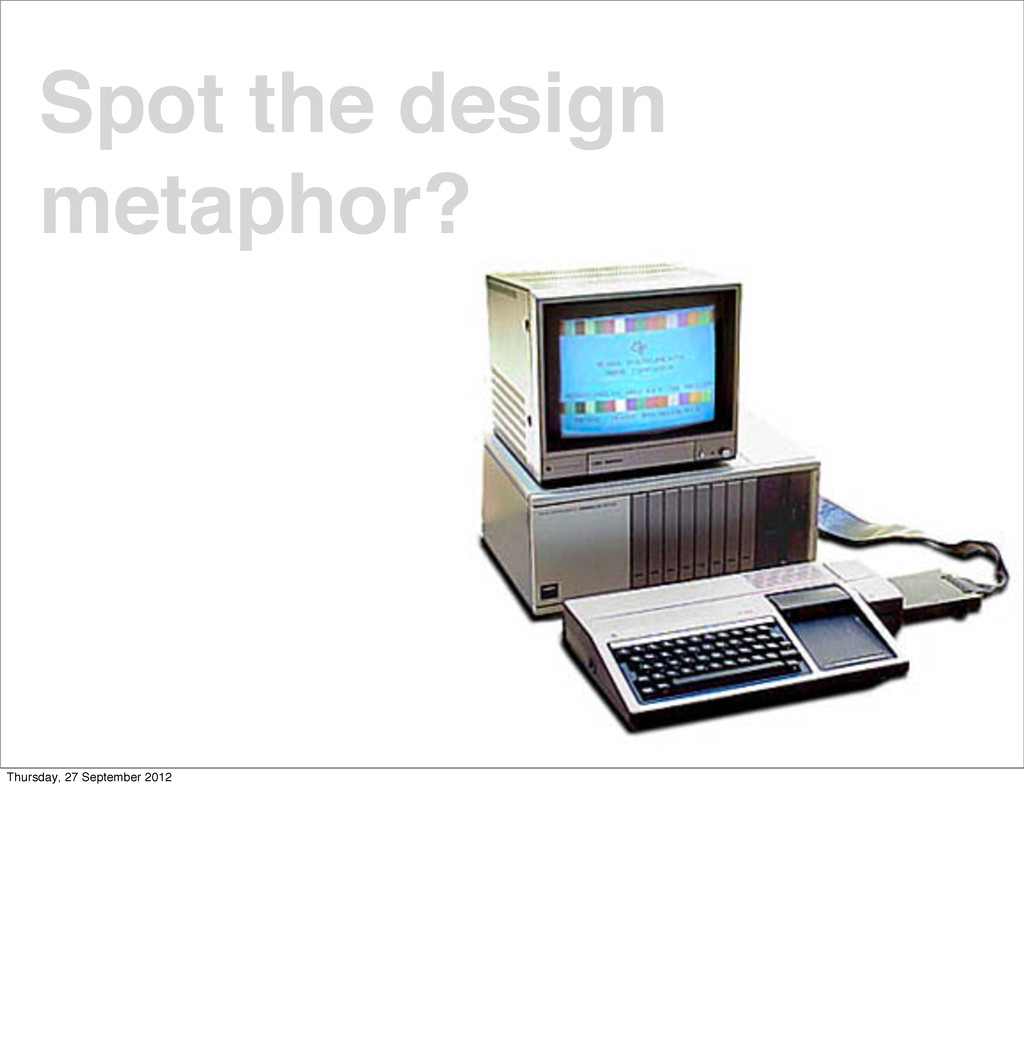
Connected home technology has existed since at least as far
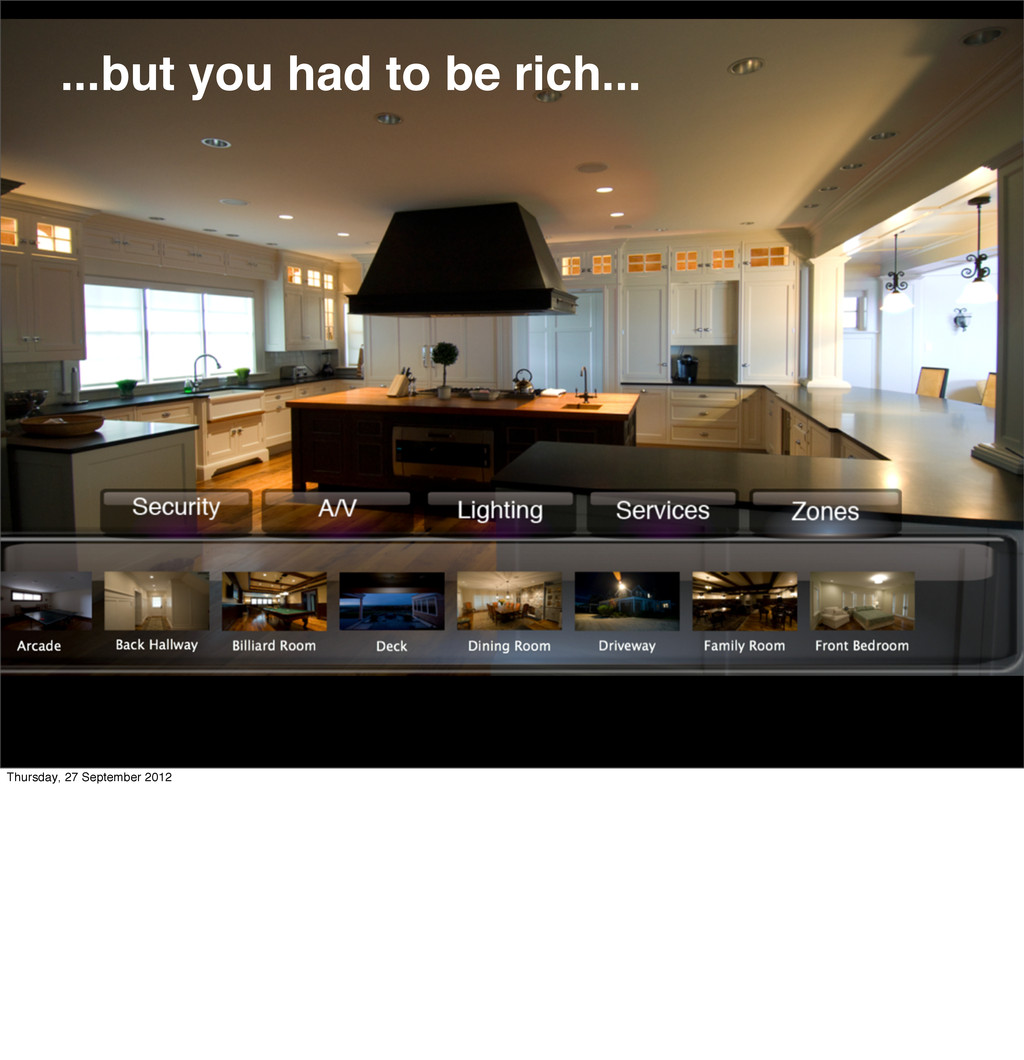
back as 1975... This is X10 Powerhouse for the Commodore 64, from 1986. Thursday, 27 September 2012 It let you schedule lights and appliances to turn on and off, control a burglar alarm and thermostat, and could be operated remotely by telephone. Those are pretty much the things Iʼm working on right now. Except the telephoneʼs got a bit smaller and now we have the internet. Well, yeah, actually. -
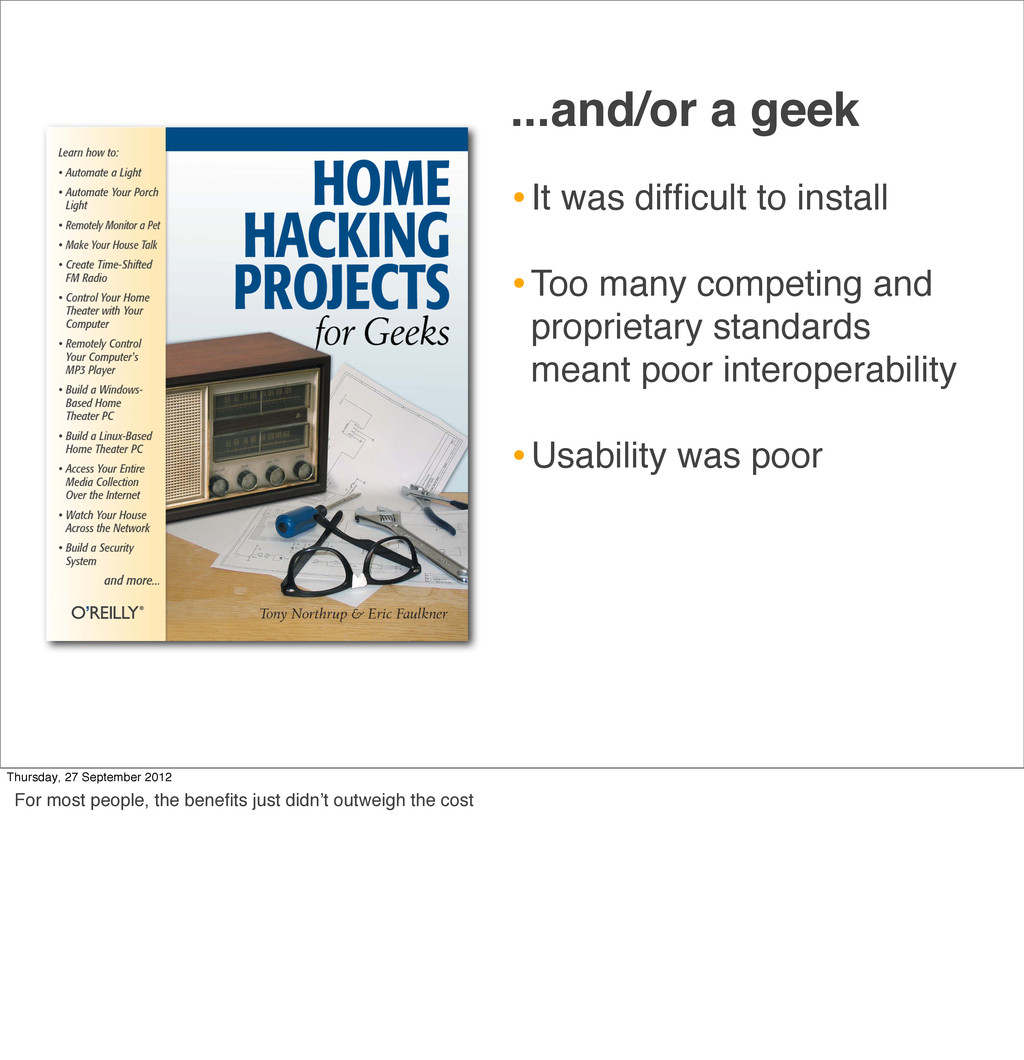
•It was difficult to install •Too many competing and proprietary
standards meant poor interoperability •Usability was poor ...and/or a geek Thursday, 27 September 2012 For most people, the benefits just didnʼt outweigh the cost -
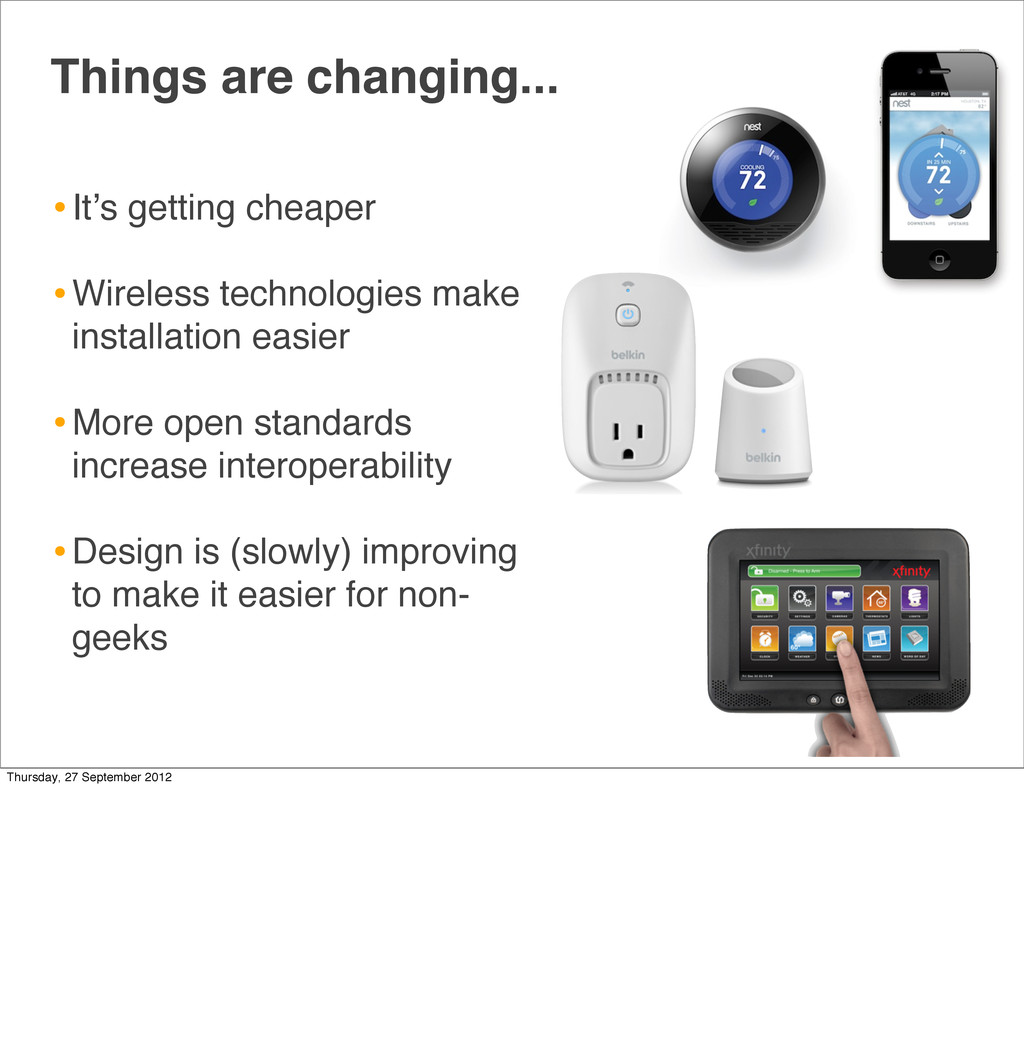
•Itʼs getting cheaper •Wireless technologies make installation easier •More open
standards increase interoperability •Design is (slowly) improving to make it easier for non- geeks Things are changing... Thursday, 27 September 2012 -
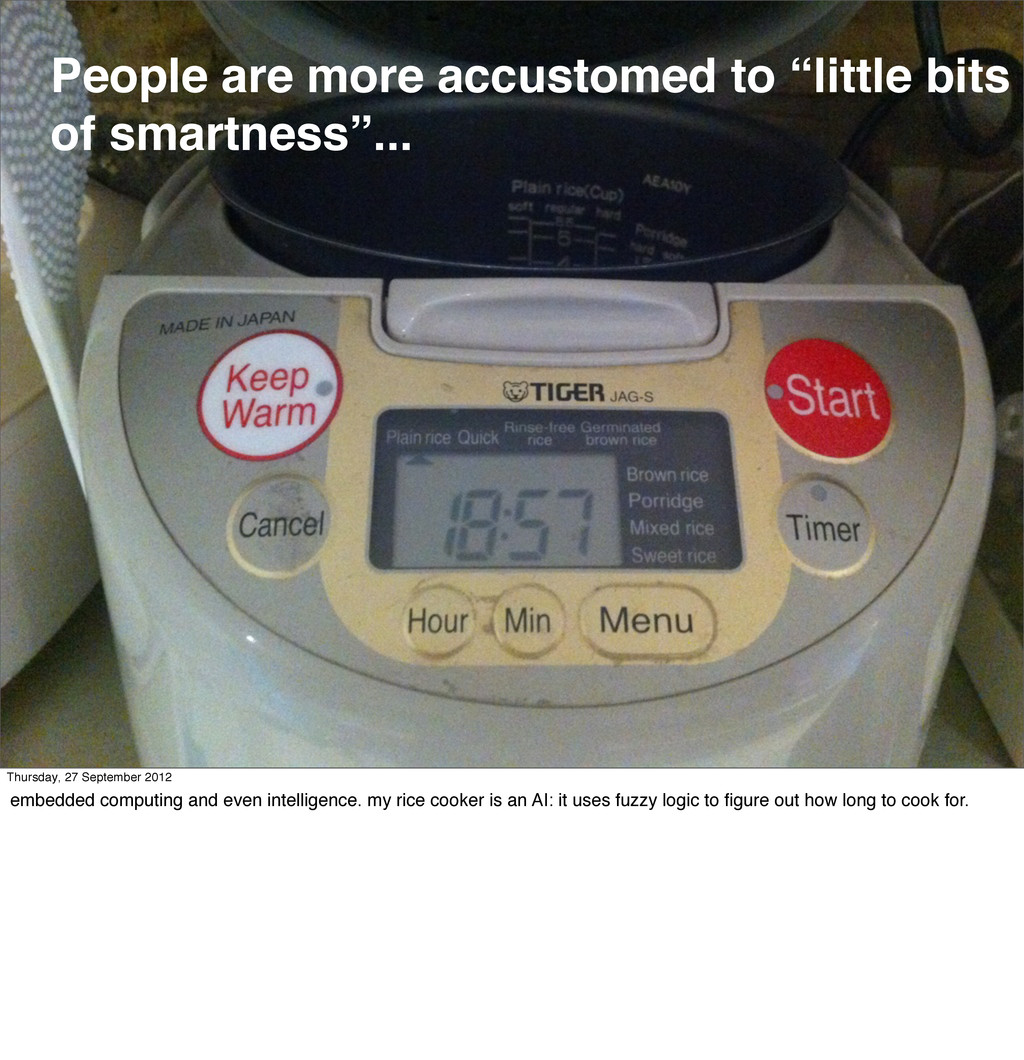
People are more accustomed to “little bits of smartness”... Thursday,
27 September 2012 embedded computing and even intelligence. my rice cooker is an AI: it uses fuzzy logic to figure out how long to cook for. -
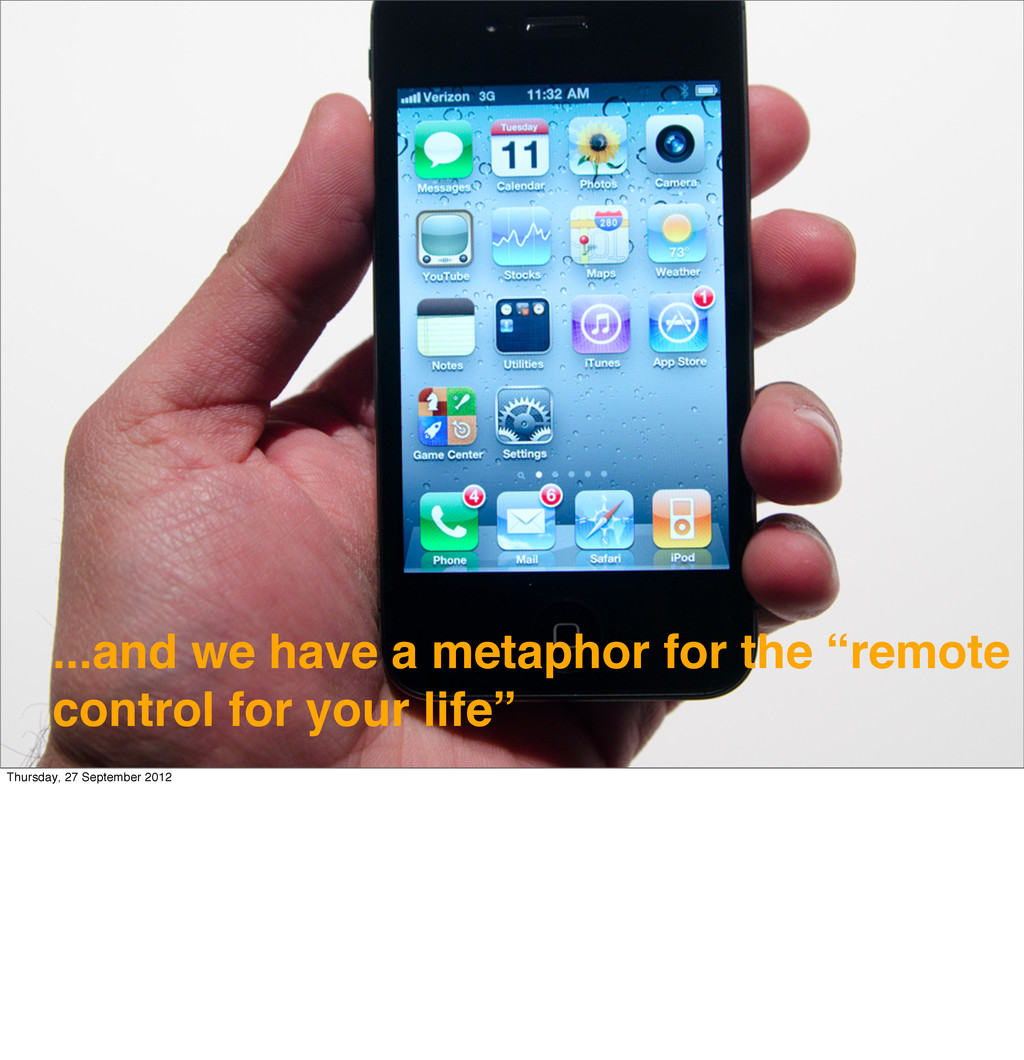
...and we have a metaphor for the “remote control for
your life” Thursday, 27 September 2012 -
The challenges now are less in the technology... and more
in understanding and delivering what the mass market actually needs Thursday, 27 September 2012 NB: big UX opportunity -
“Connected” “home” The industry is better at this bit... Thursday,
27 September 2012 Itʼs still quite technology led. -
“Connected” “home” ...than this bit Thursday, 27 September 2012 No
good at designing it in ways that work in home environment. This is where UX comes in. With my colleagues, I have been working on understanding what this technology could do for people, where it often goes wrong for people, and defining what I think a good connected home UX might look like. These come from reviewing competitors, academic research, and our own concept testing... -
5 key UX challenges Thursday, 27 September 2012 There are
many, here are 5... -
UX challenge 1: Get the design metaphor right Thursday, 27
September 2012 -
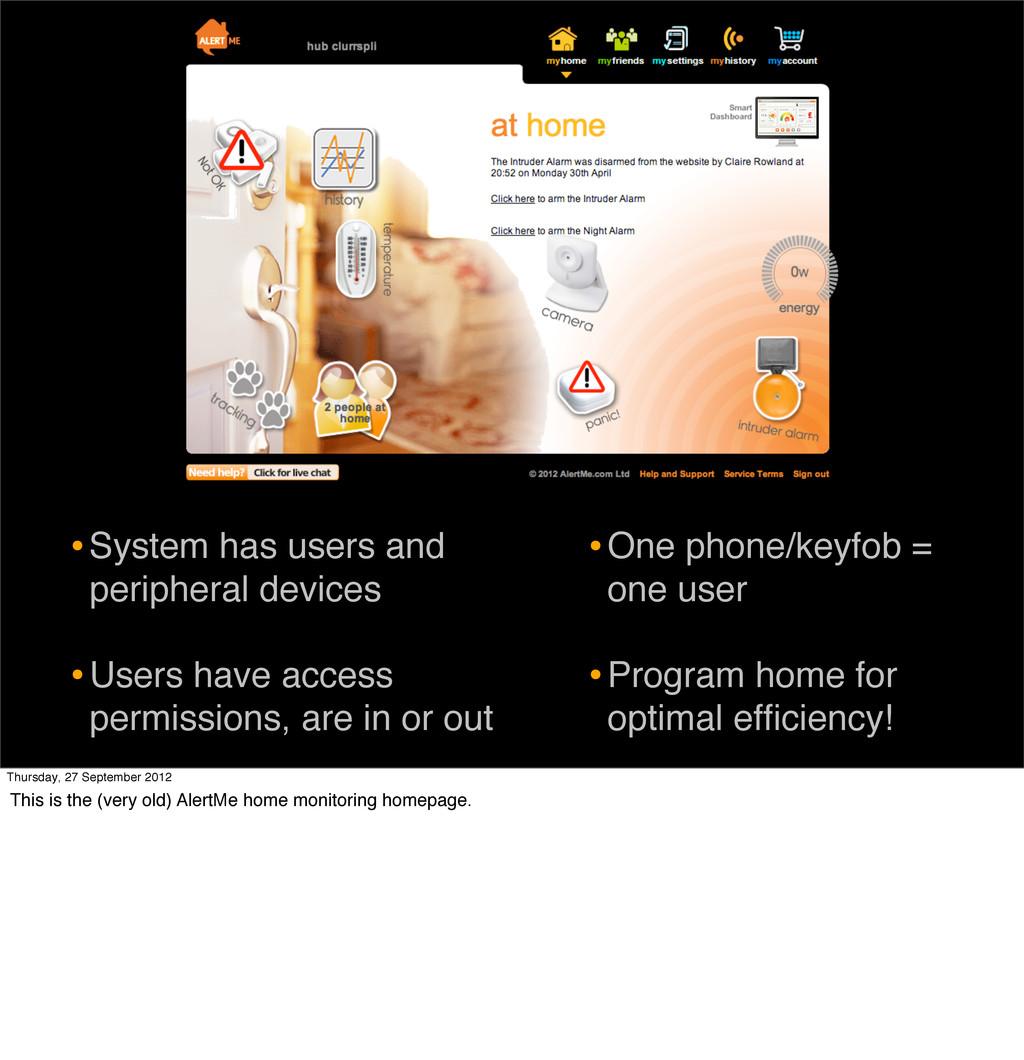
•System has users and peripheral devices •Users have access permissions,
are in or out •One phone/keyfob = one user •Program home for optimal efficiency! Thursday, 27 September 2012 This is the (very old) AlertMe home monitoring homepage. -
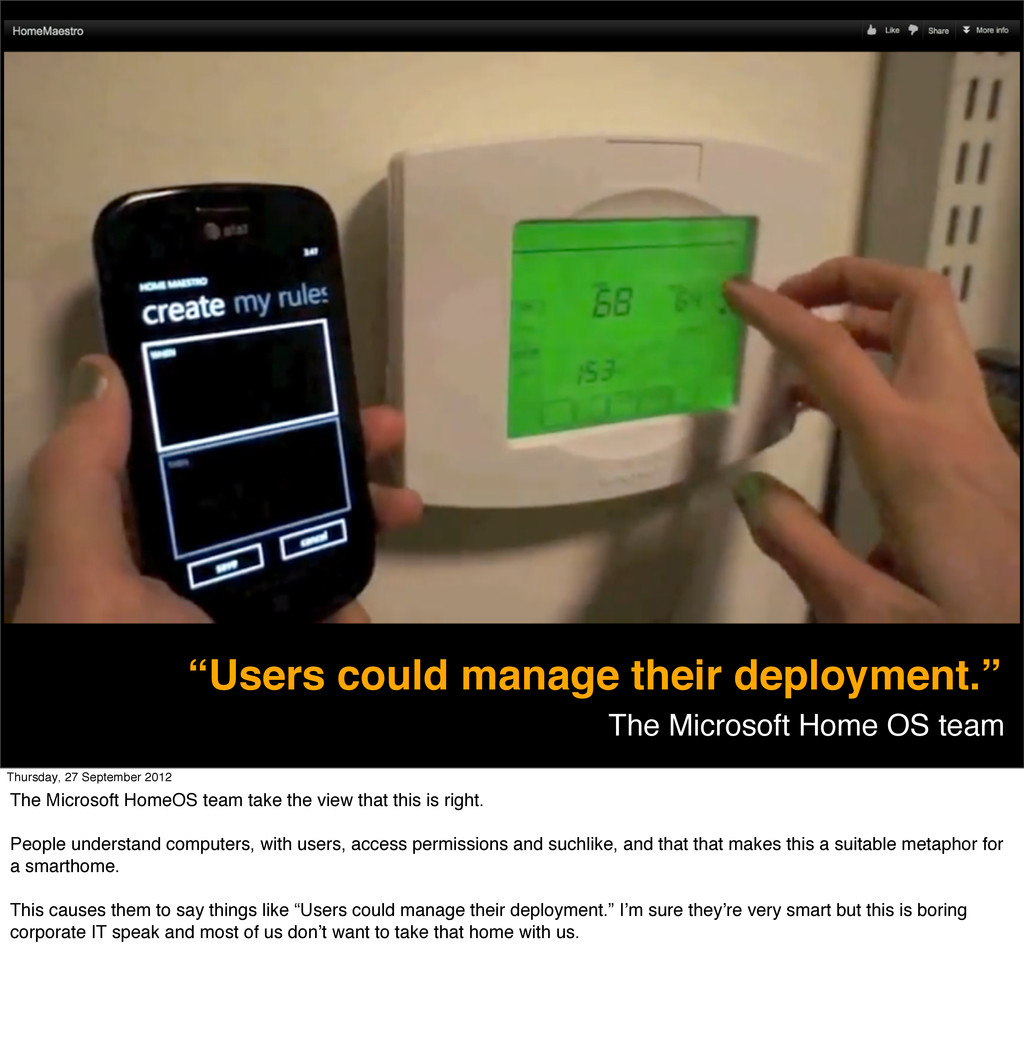
“Users could manage their deployment.” The Microsoft Home OS team
Thursday, 27 September 2012 The Microsoft HomeOS team take the view that this is right. People understand computers, with users, access permissions and suchlike, and that that makes this a suitable metaphor for a smarthome. This causes them to say things like “Users could manage their deployment.” Iʼm sure theyʼre very smart but this is boring corporate IT speak and most of us donʼt want to take that home with us. -
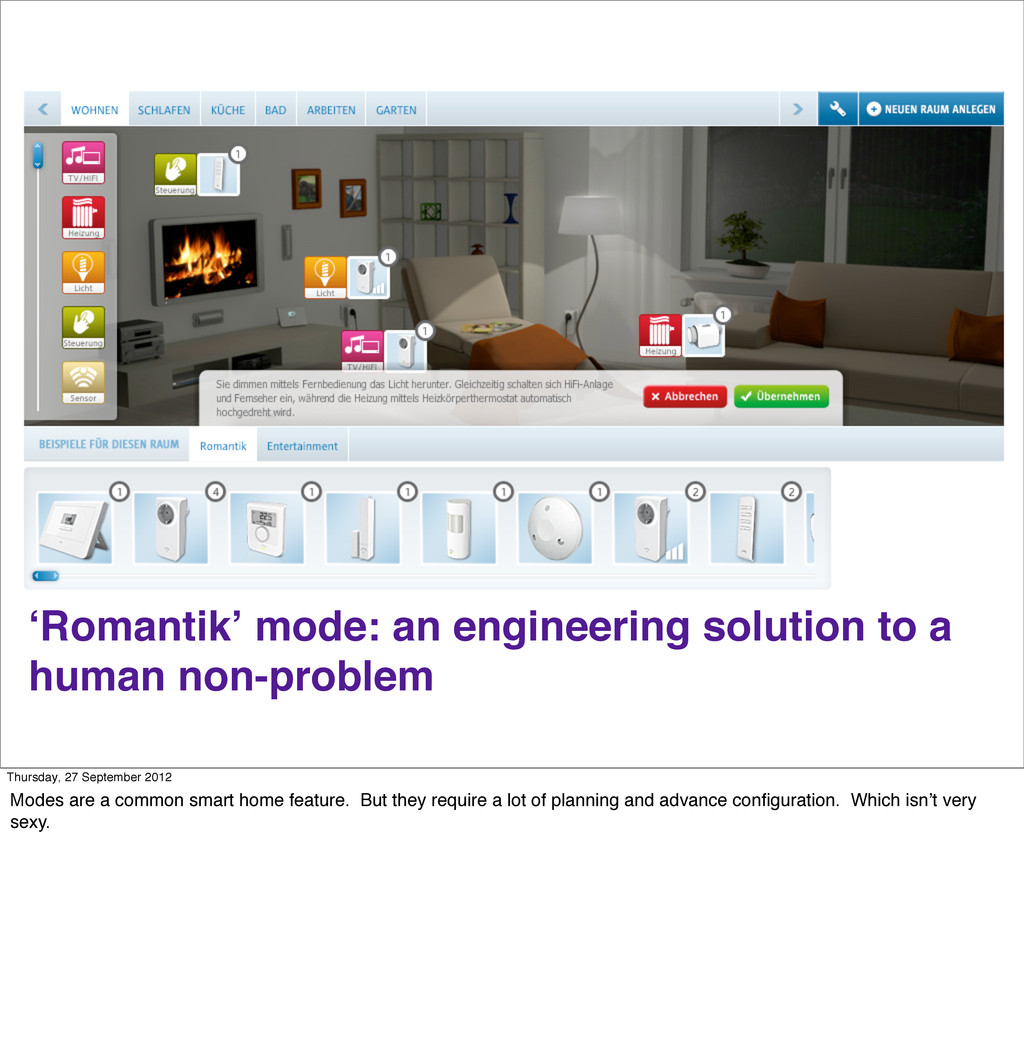
ʻRomantikʼ mode: an engineering solution to a human non-problem Thursday,
27 September 2012 Modes are a common smart home feature. But they require a lot of planning and advance configuration. Which isnʼt very sexy. -
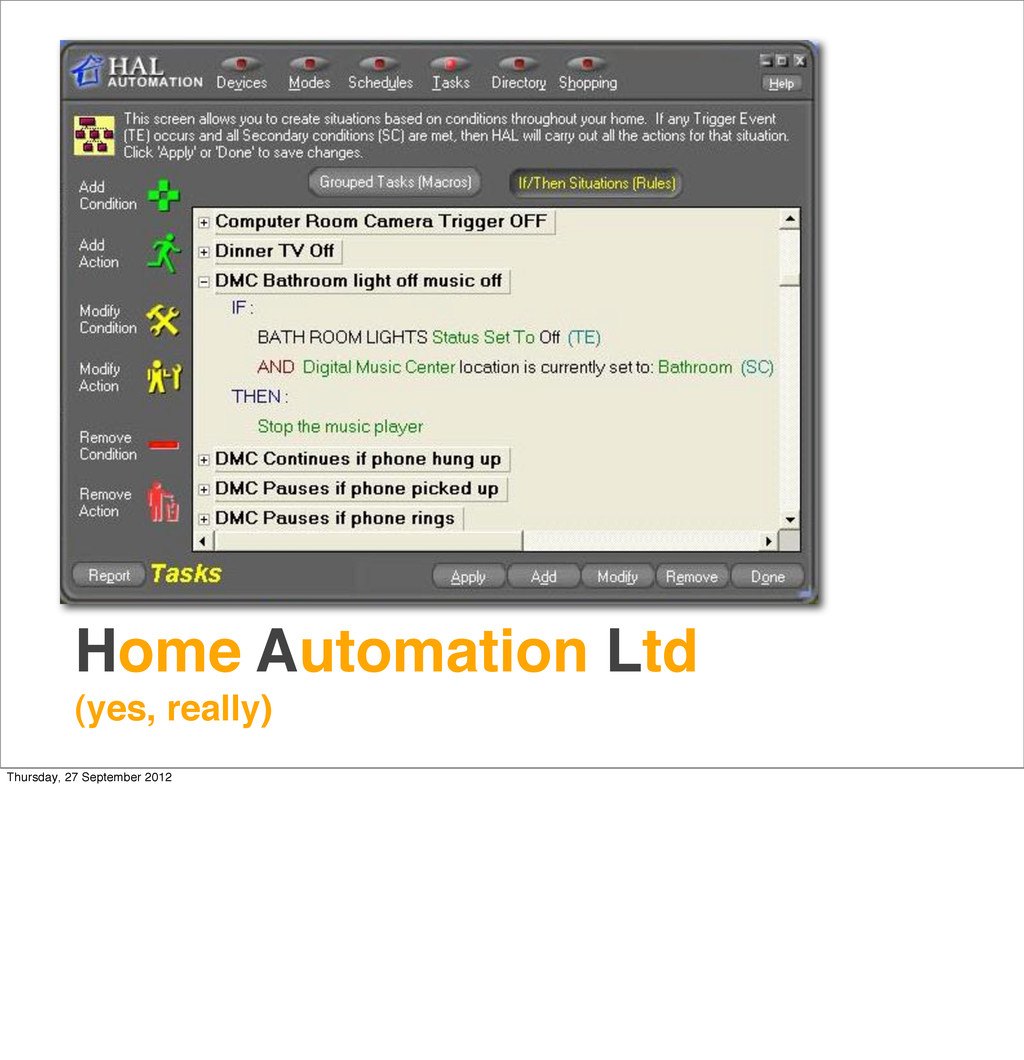
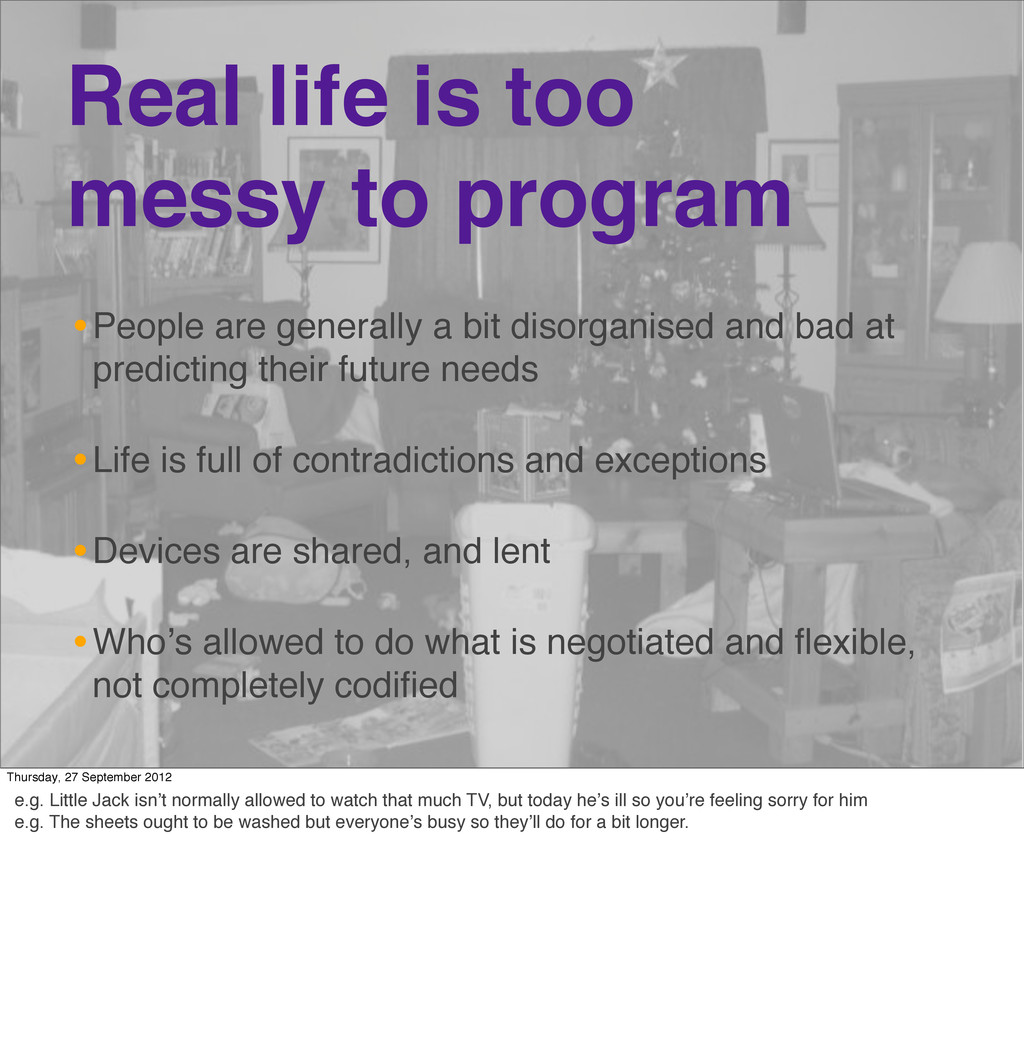
Real life is too messy to program •People are generally
a bit disorganised and bad at predicting their future needs •Life is full of contradictions and exceptions •Devices are shared, and lent •Whoʼs allowed to do what is negotiated and flexible, not completely codified Thursday, 27 September 2012 e.g. Little Jack isnʼt normally allowed to watch that much TV, but today heʼs ill so youʼre feeling sorry for him e.g. The sheets ought to be washed but everyoneʼs busy so theyʼll do for a bit longer. -
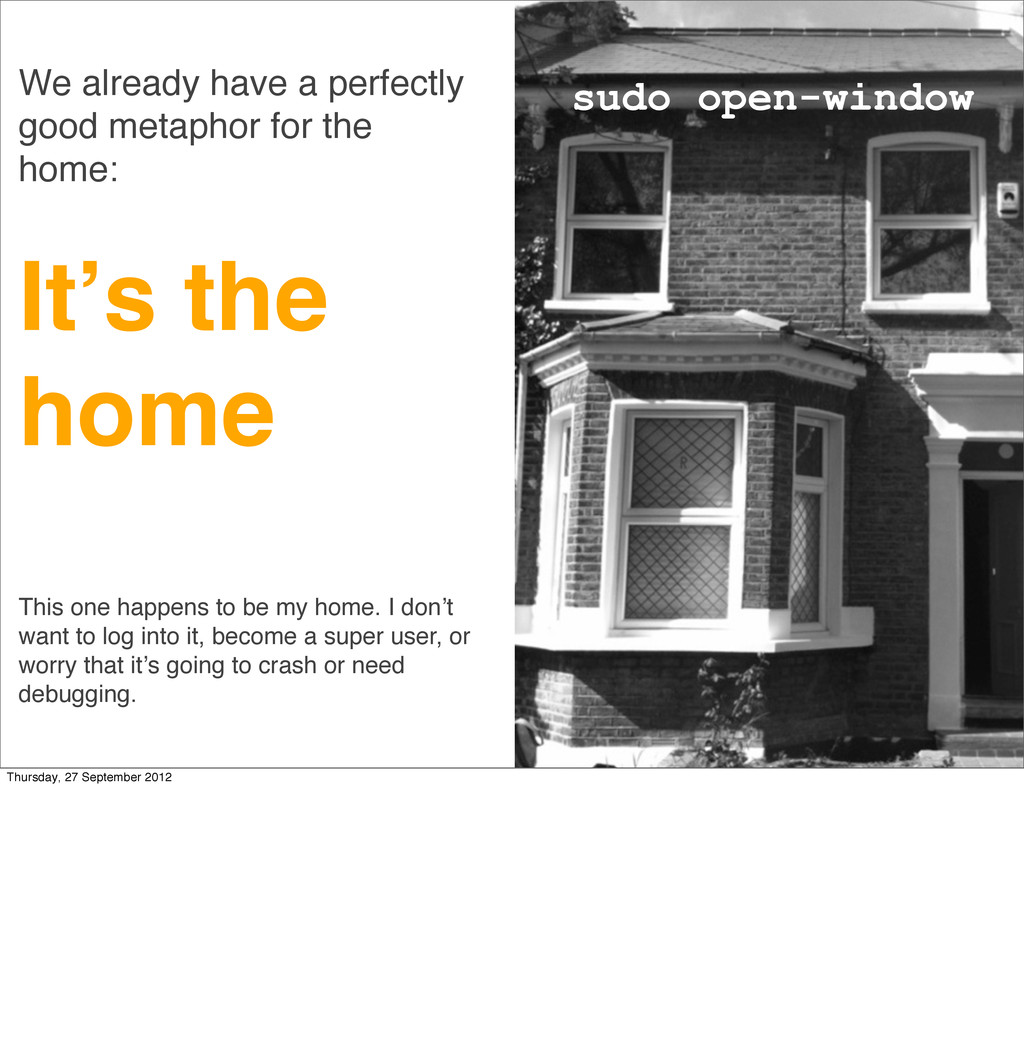
We already have a perfectly good metaphor for the home:
Itʼs the home This one happens to be my home. I donʼt want to log into it, become a super user, or worry that itʼs going to crash or need debugging. sudo open-window Thursday, 27 September 2012 -
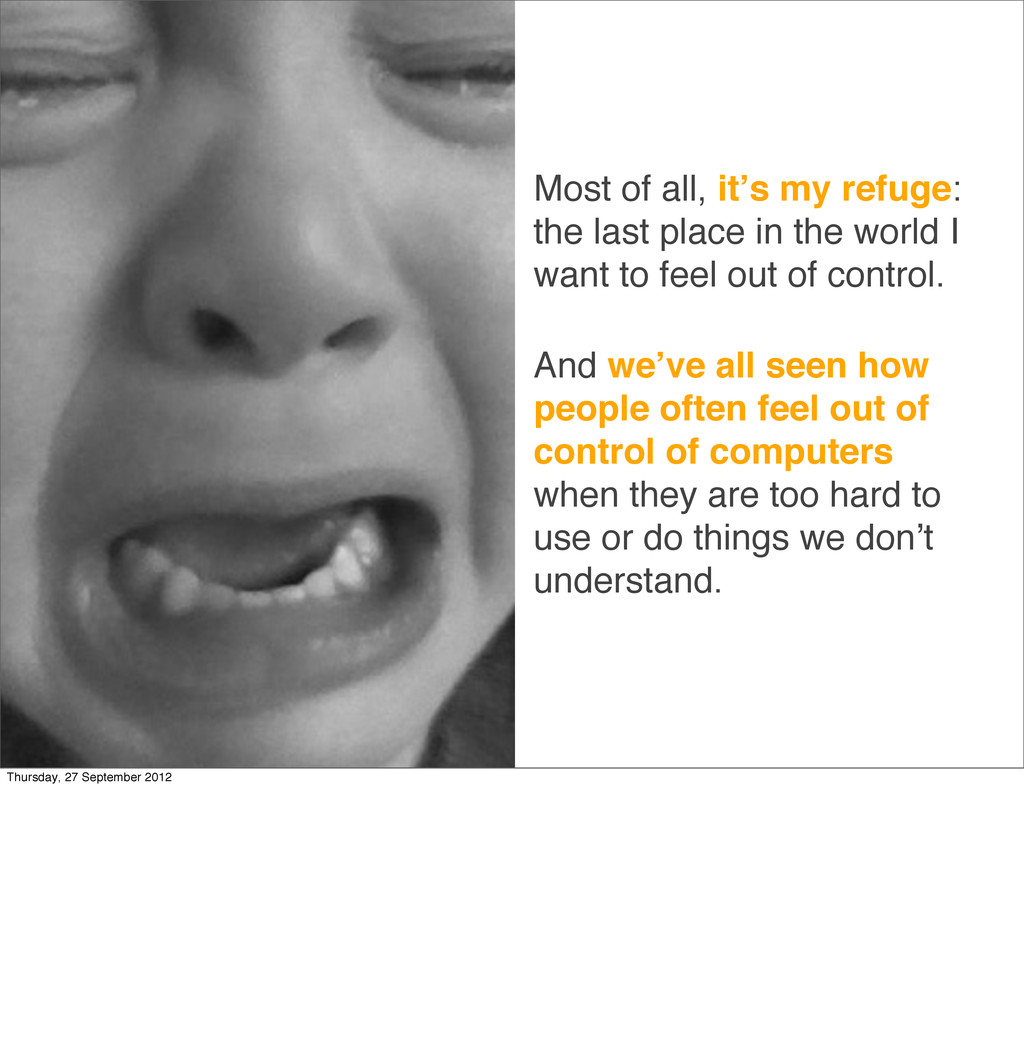
Most of all, itʼs my refuge: the last place in
the world I want to feel out of control. And weʼve all seen how people often feel out of control of computers when they are too hard to use or do things we donʼt understand. Thursday, 27 September 2012 -
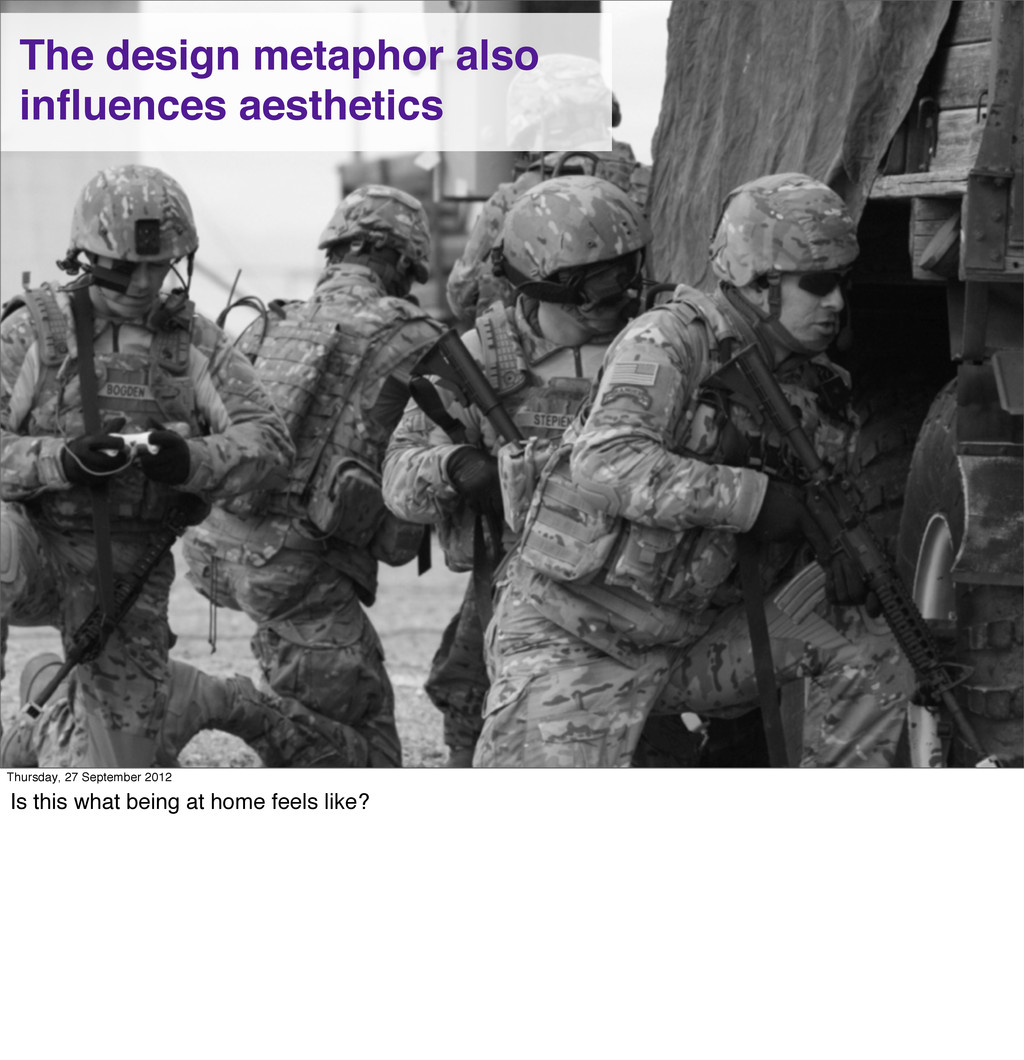
The design metaphor also influences aesthetics Thursday, 27 September 2012
Is this what being at home feels like? -
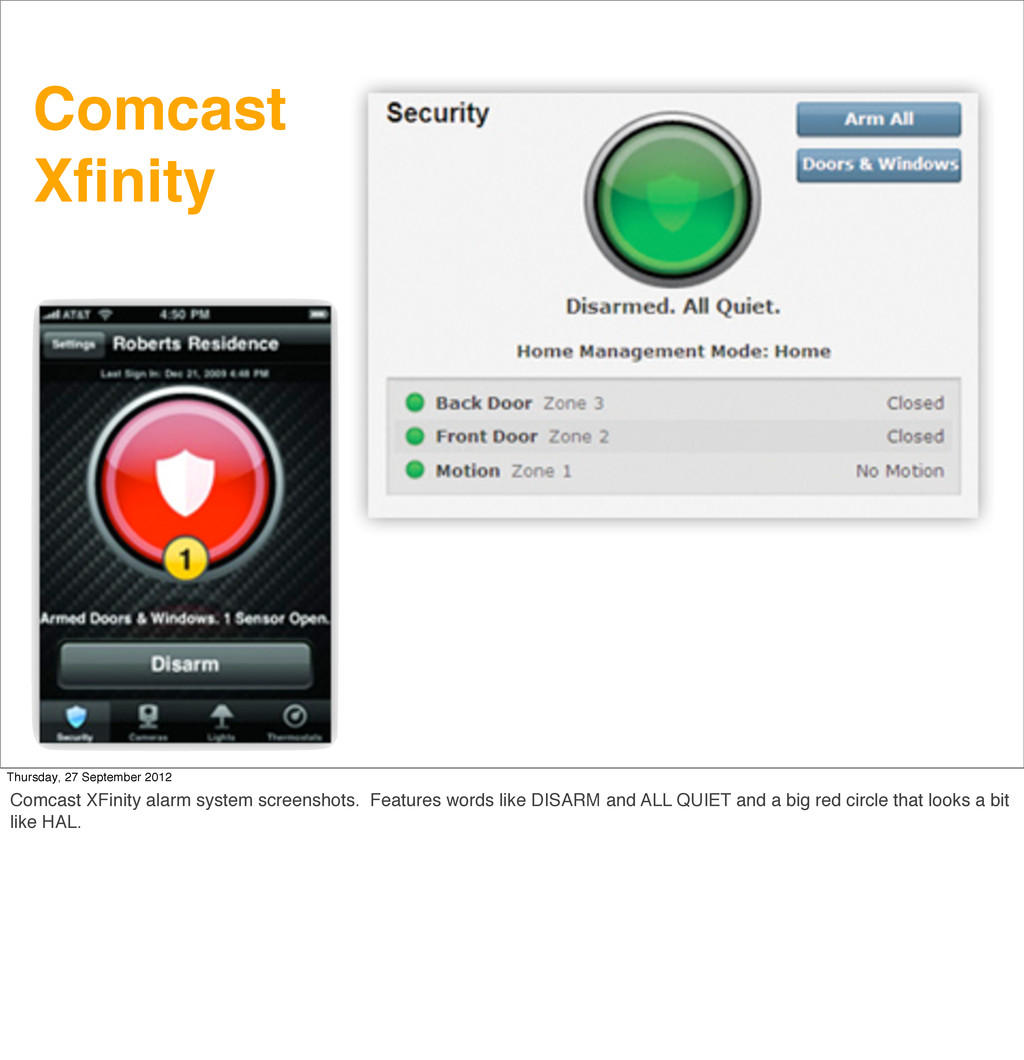
Comcast Xfinity Thursday, 27 September 2012 Comcast XFinity alarm system
screenshots. Features words like DISARM and ALL QUIET and a big red circle that looks a bit like HAL. -
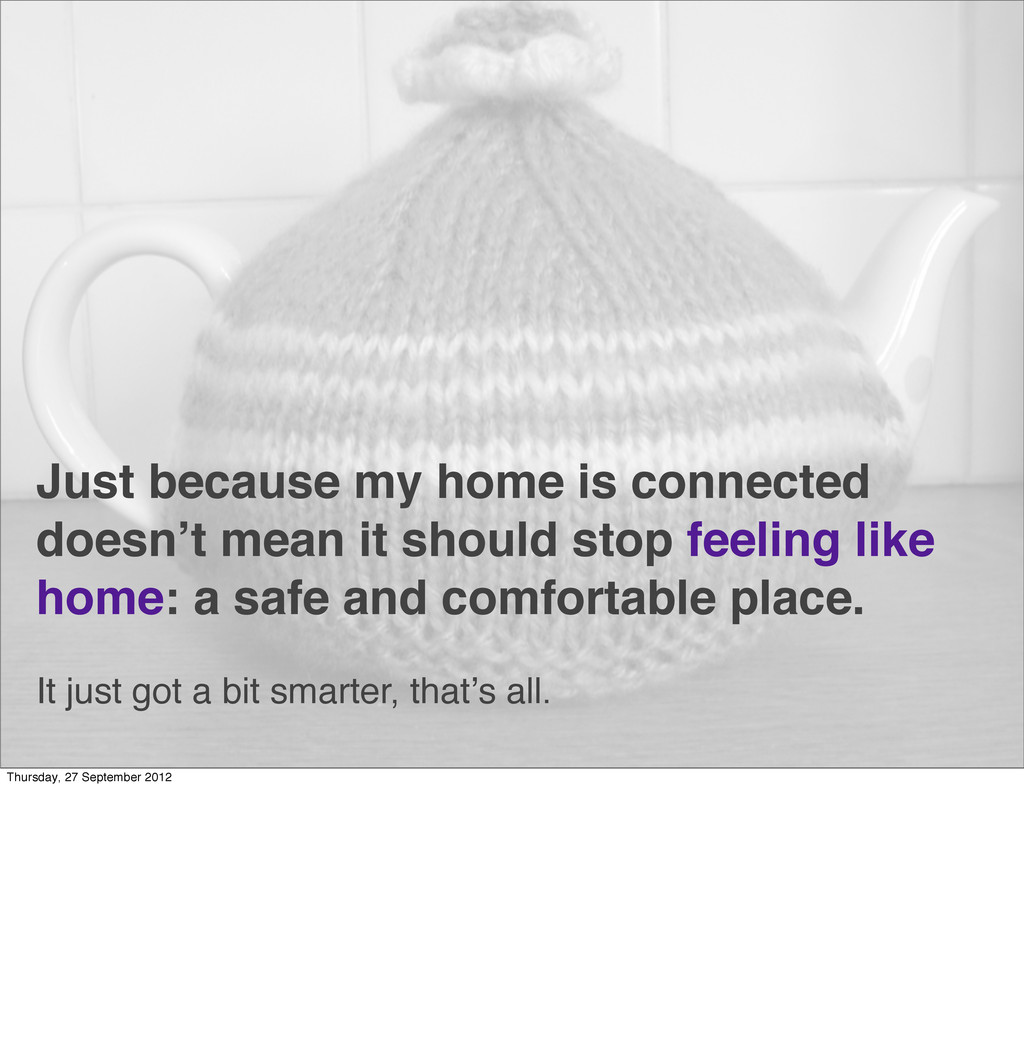
Just because my home is connected doesnʼt mean it should
stop feeling like home: a safe and comfortable place. It just got a bit smarter, thatʼs all. Thursday, 27 September 2012 -
UX challenge 2: A home is a complex social context
Thursday, 27 September 2012 -
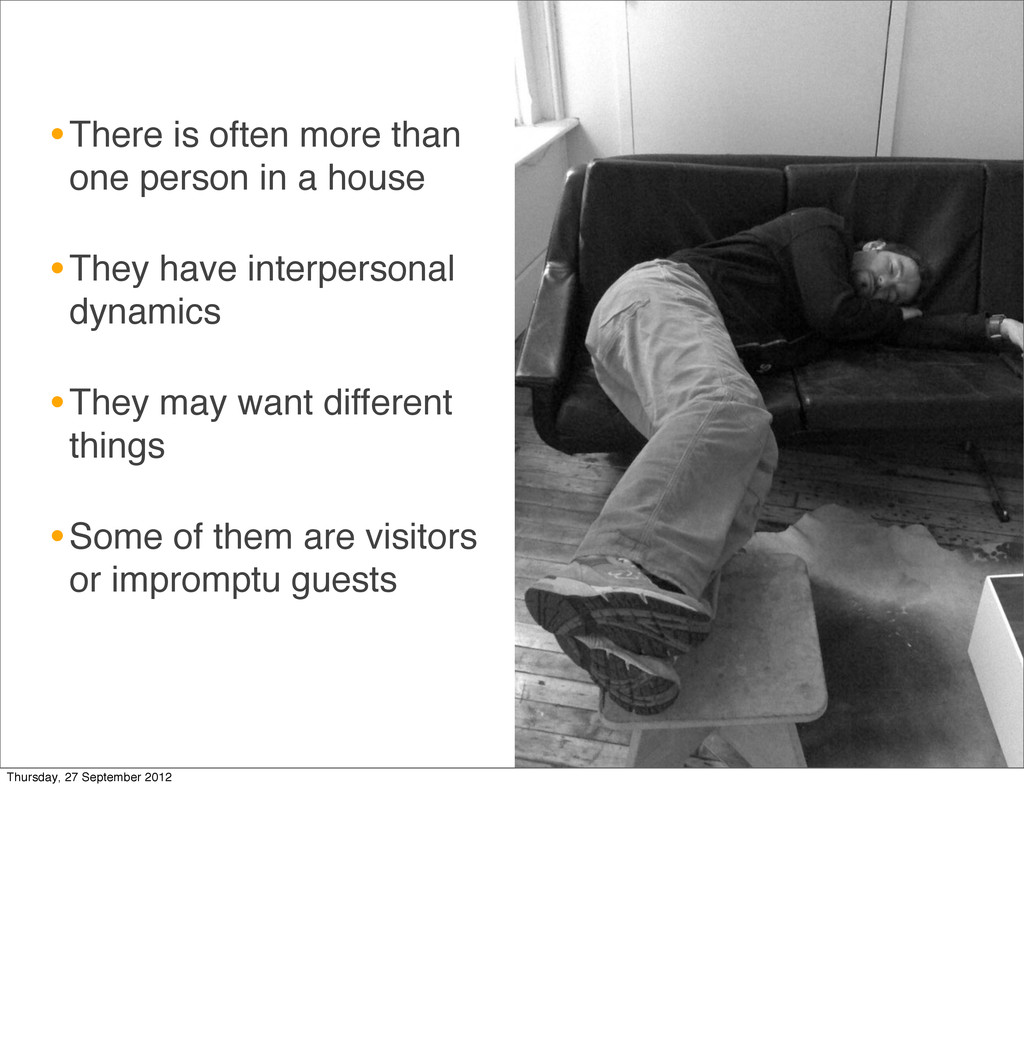
•There is often more than one person in a house
•They have interpersonal dynamics •They may want different things •Some of them are visitors or impromptu guests Thursday, 27 September 2012 -
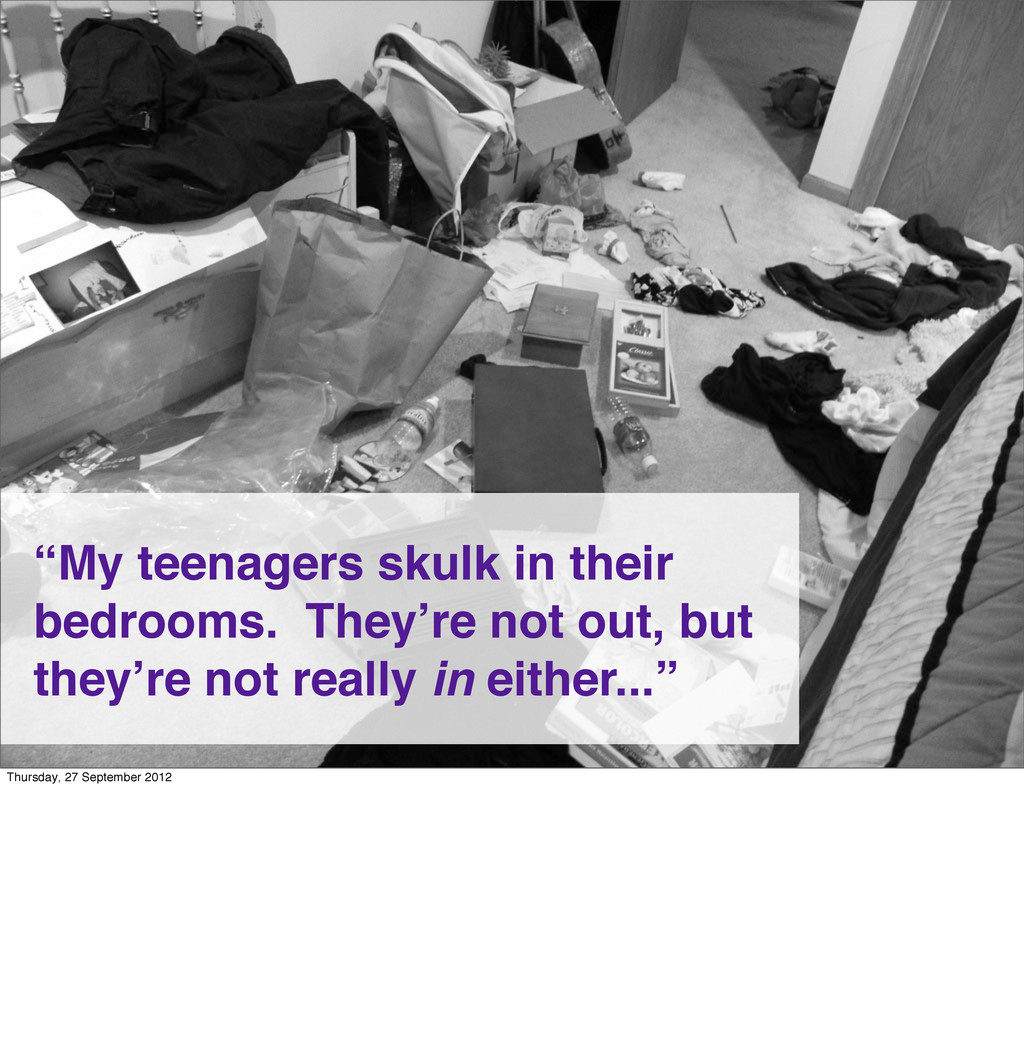
“My teenagers skulk in their bedrooms. Theyʼre not out, but
theyʼre not really in either...” Thursday, 27 September 2012 -
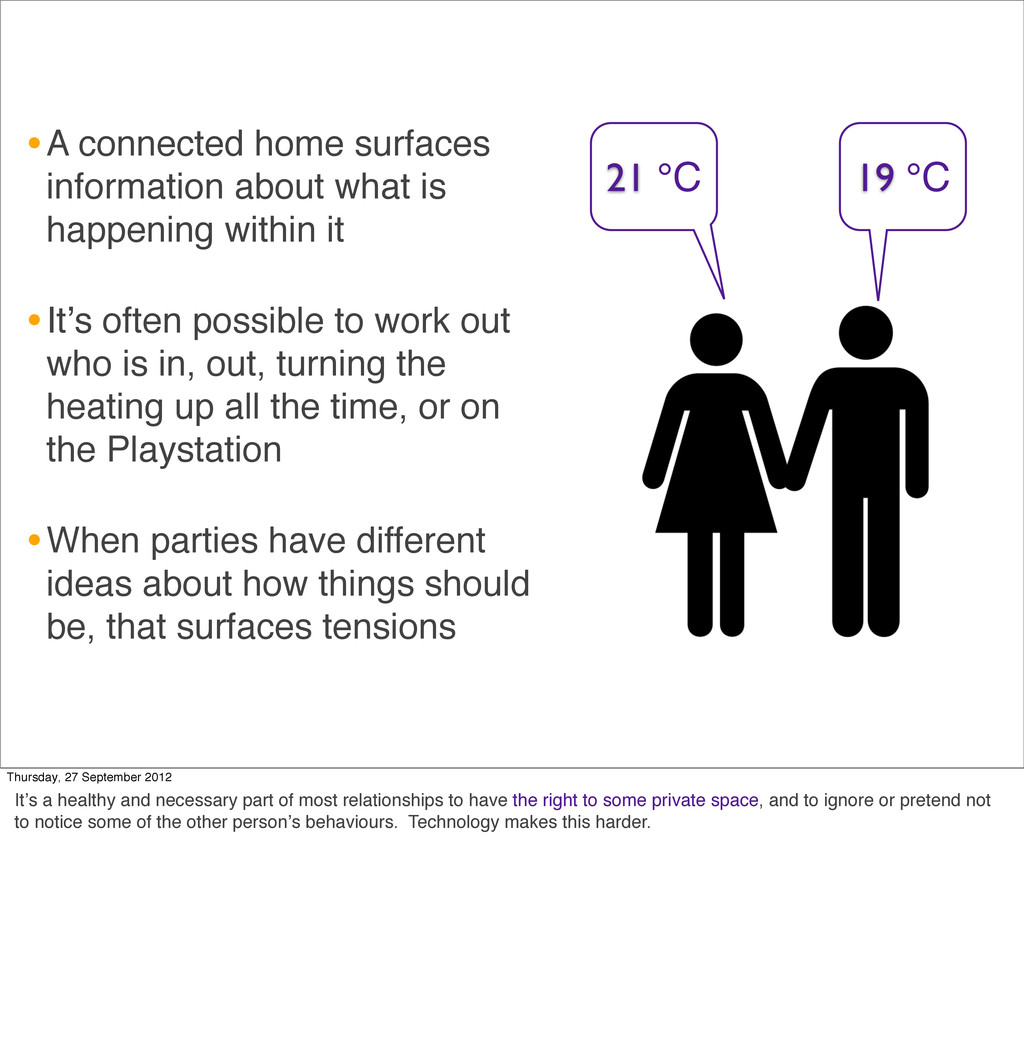
•A connected home surfaces information about what is happening within
it •Itʼs often possible to work out who is in, out, turning the heating up all the time, or on the Playstation •When parties have different ideas about how things should be, that surfaces tensions 21 °C 19 °C Thursday, 27 September 2012 Itʼs a healthy and necessary part of most relationships to have the right to some private space, and to ignore or pretend not to notice some of the other personʼs behaviours. Technology makes this harder. -
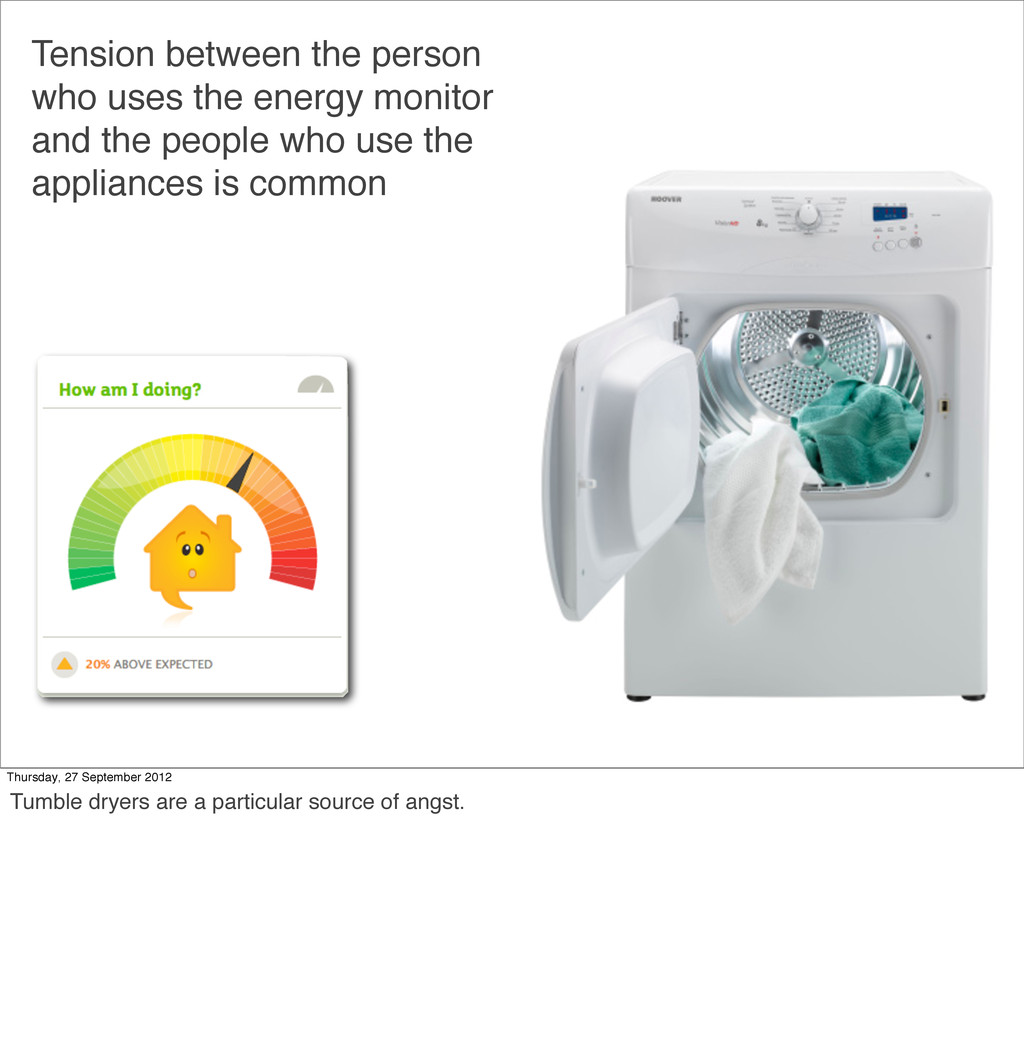
Tension between the person who uses the energy monitor and
the people who use the appliances is common Thursday, 27 September 2012 Tumble dryers are a particular source of angst. -
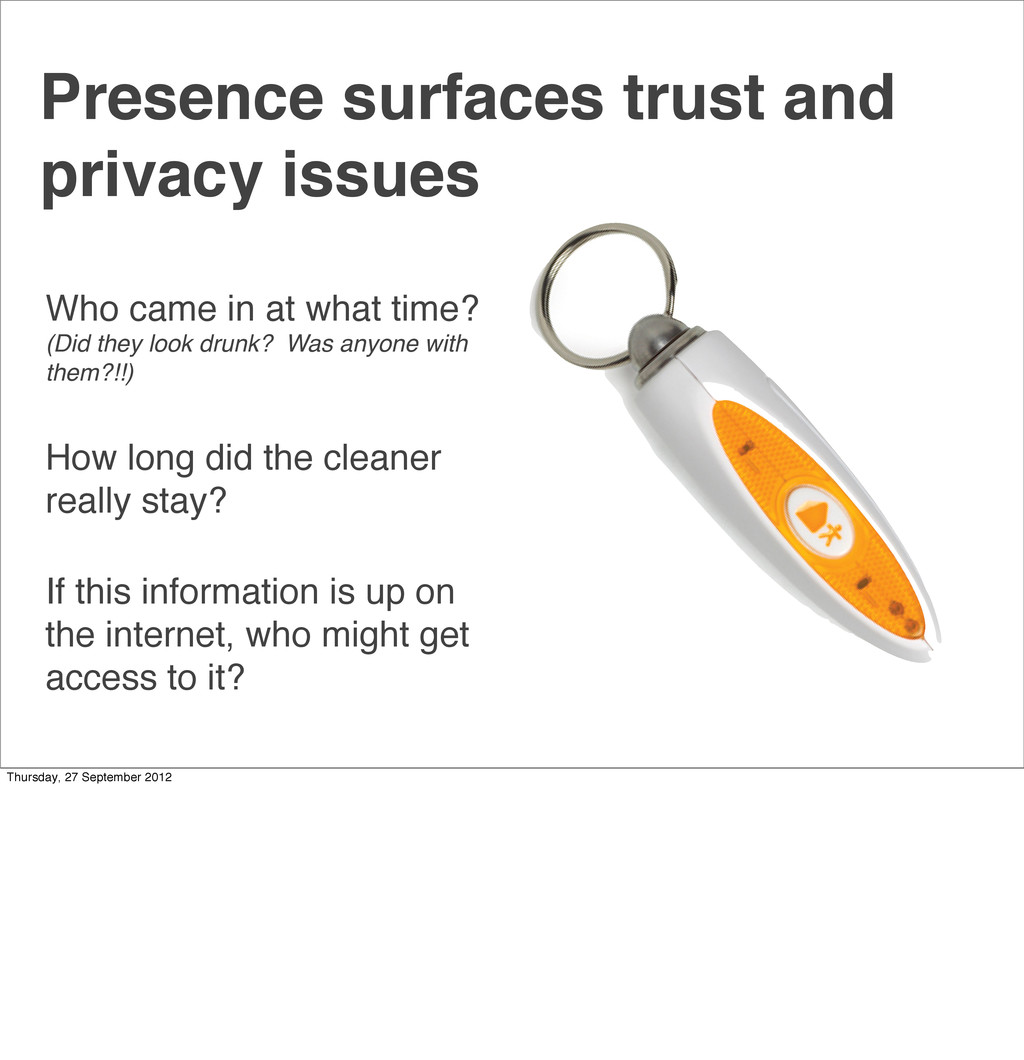
Who came in at what time? (Did they look drunk?
Was anyone with them?!!) How long did the cleaner really stay? If this information is up on the internet, who might get access to it? Presence surfaces trust and privacy issues Thursday, 27 September 2012 -
UX challenge 3: “People donʼt want more control of their
homes. They want more control of their lives” Scott Davidoff, Min Kyung Lee, Charles Yiu, John Zimmerman, Anind K. Dey: Principles of Smart Home Control (Ubicomp 2006) Thursday, 27 September 2012 -
•The computer centric model focuses on surfacing lots of information
and controls and programming sequences of actions •It requires a lot of conscious effort and attention Thursday, 27 September 2012 -
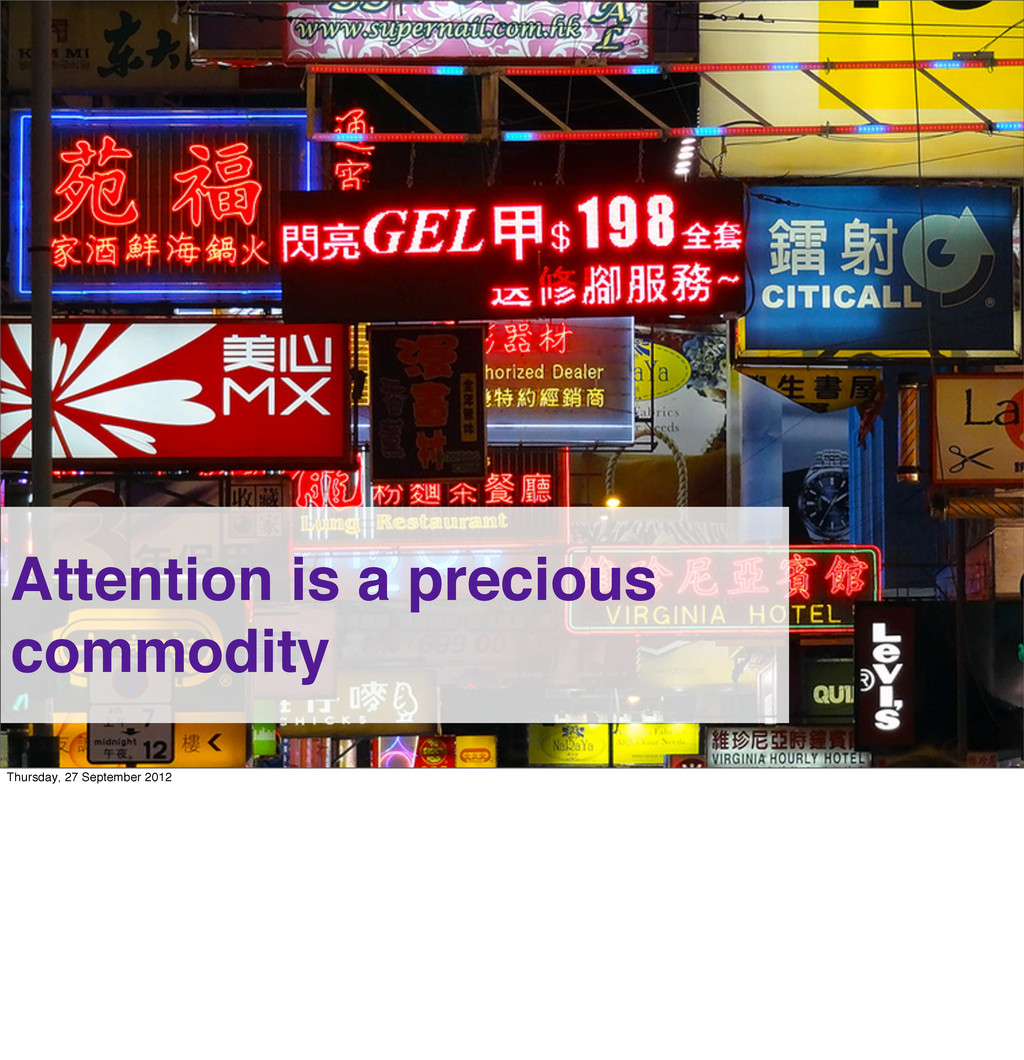
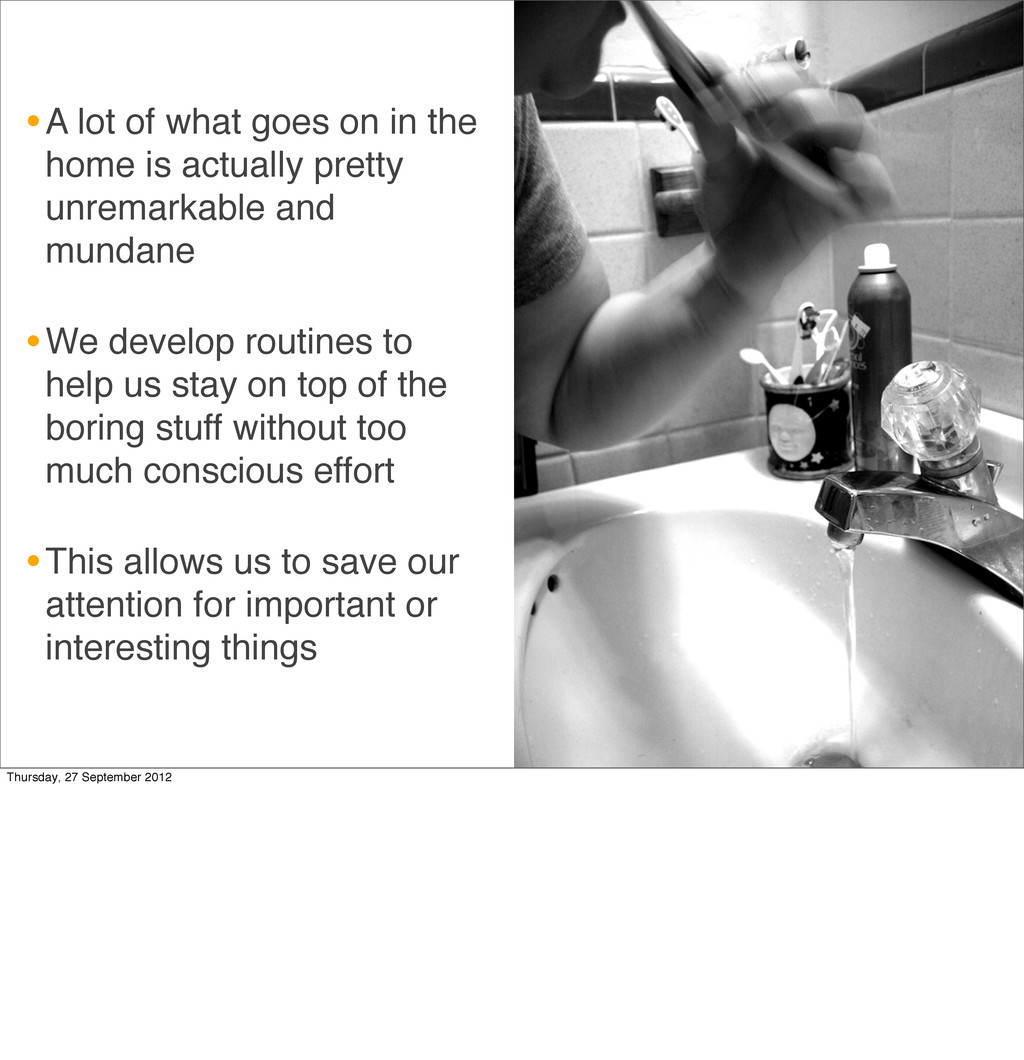
•A lot of what goes on in the home is
actually pretty unremarkable and mundane •We develop routines to help us stay on top of the boring stuff without too much conscious effort •This allows us to save our attention for important or interesting things Thursday, 27 September 2012 -
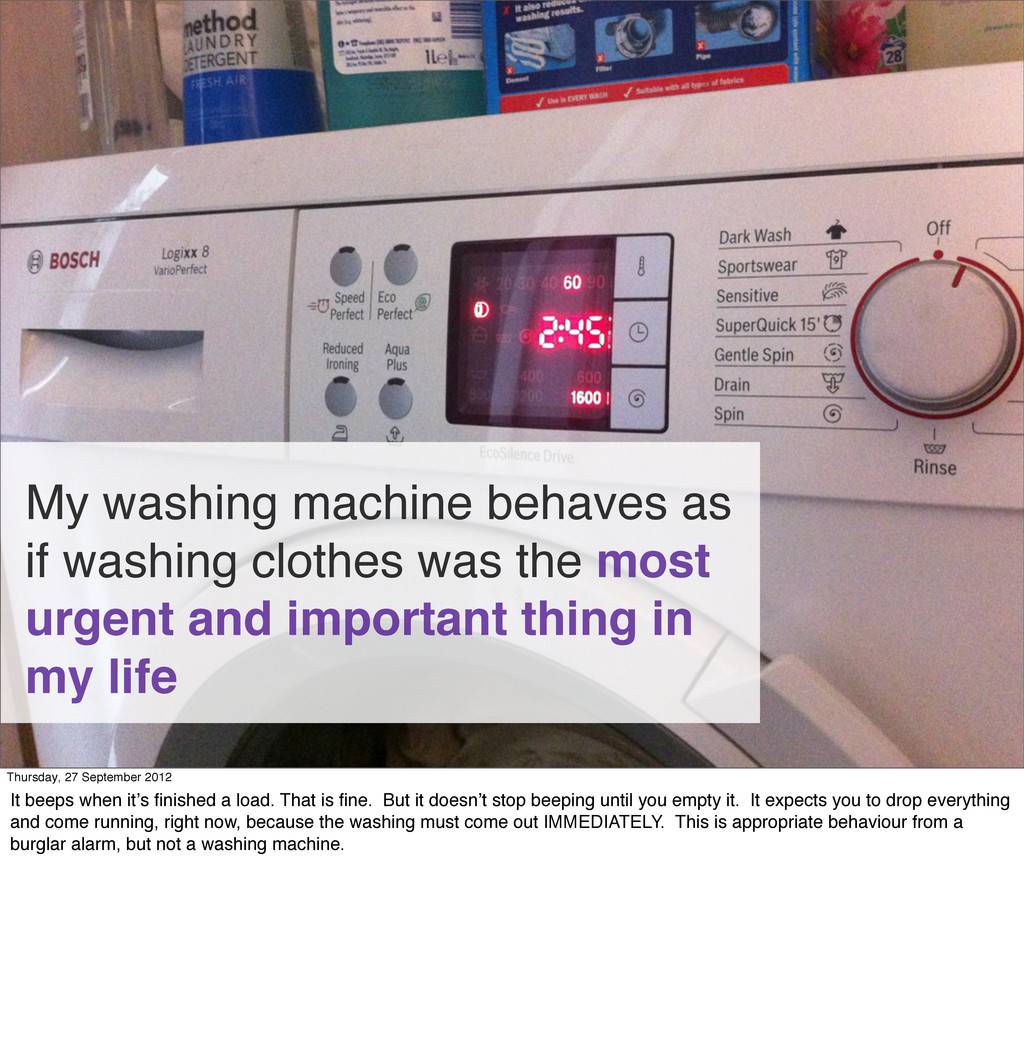
My washing machine behaves as if washing clothes was the
most urgent and important thing in my life Thursday, 27 September 2012 It beeps when itʼs finished a load. That is fine. But it doesnʼt stop beeping until you empty it. It expects you to drop everything and come running, right now, because the washing must come out IMMEDIATELY. This is appropriate behaviour from a burglar alarm, but not a washing machine. -
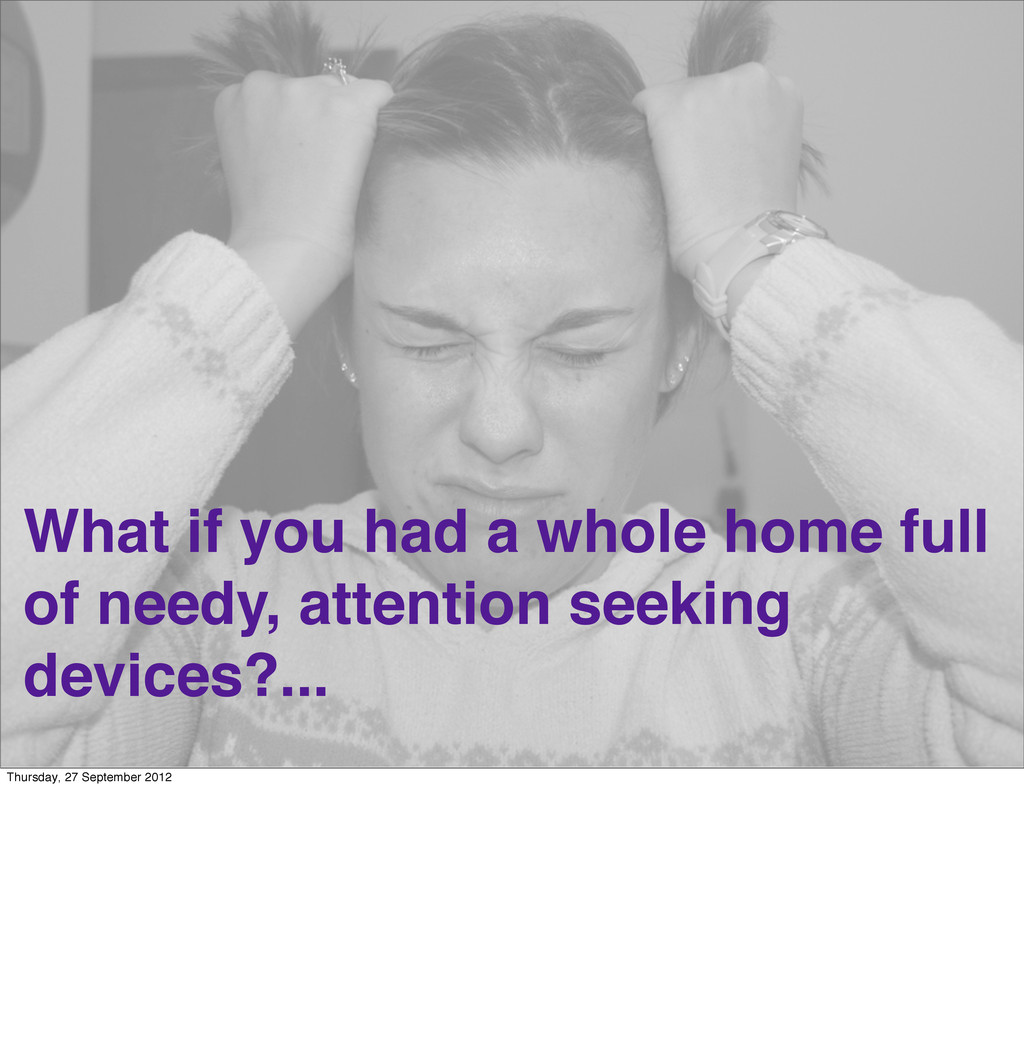
What if you had a whole home full of needy,
attention seeking devices?... Thursday, 27 September 2012 -
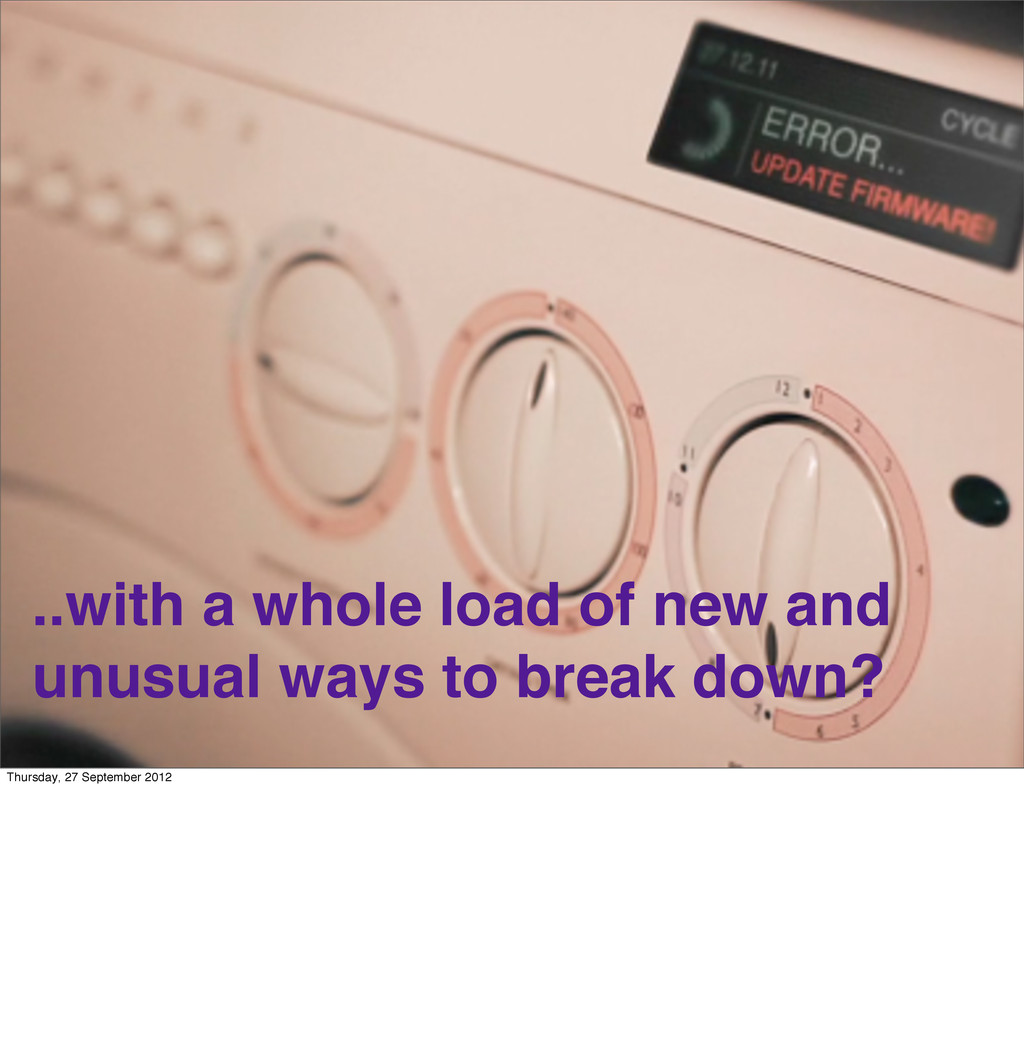
..with a whole load of new and unusual ways to
break down? Thursday, 27 September 2012 -
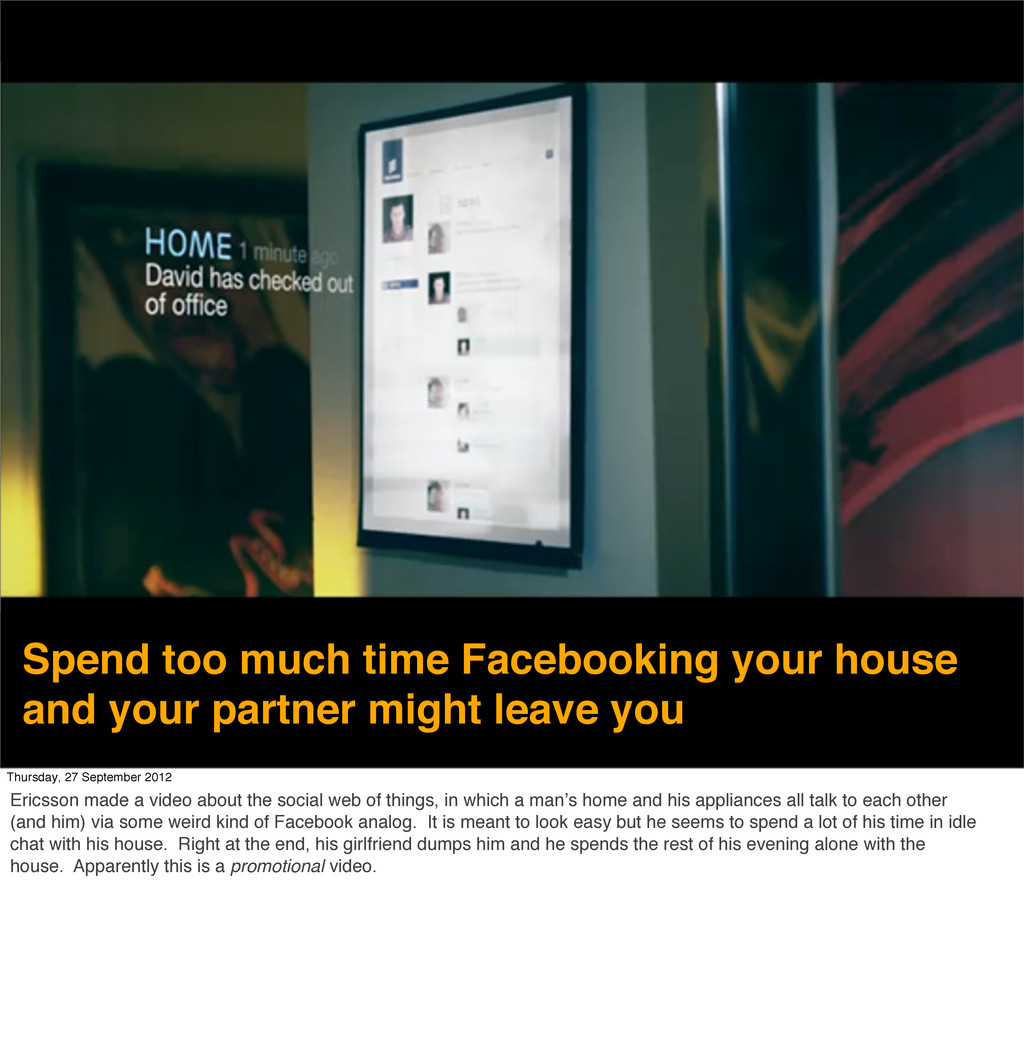
Spend too much time Facebooking your house and your partner
might leave you Thursday, 27 September 2012 Ericsson made a video about the social web of things, in which a manʼs home and his appliances all talk to each other (and him) via some weird kind of Facebook analog. It is meant to look easy but he seems to spend a lot of his time in idle chat with his house. Right at the end, his girlfriend dumps him and he spends the rest of his evening alone with the house. Apparently this is a promotional video. -
Do the boring stuff Iʼm rubbish at so that I
can spend time thinking about more interesting things Thursday, 27 September 2012 -
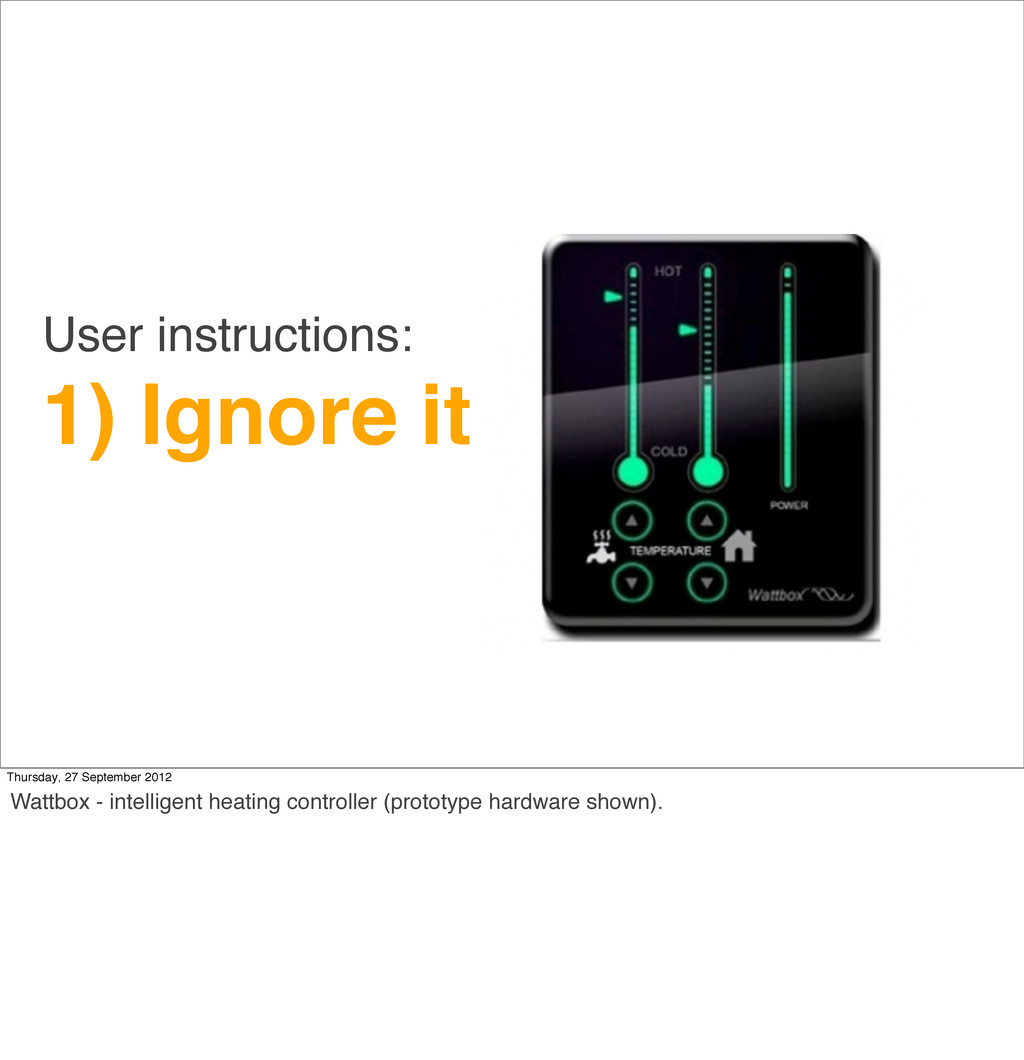
User instructions: 1) Ignore it Thursday, 27 September 2012 Wattbox
- intelligent heating controller (prototype hardware shown). -
UX challenge 4: We canʼt rely on existing mental models
Thursday, 27 September 2012 -
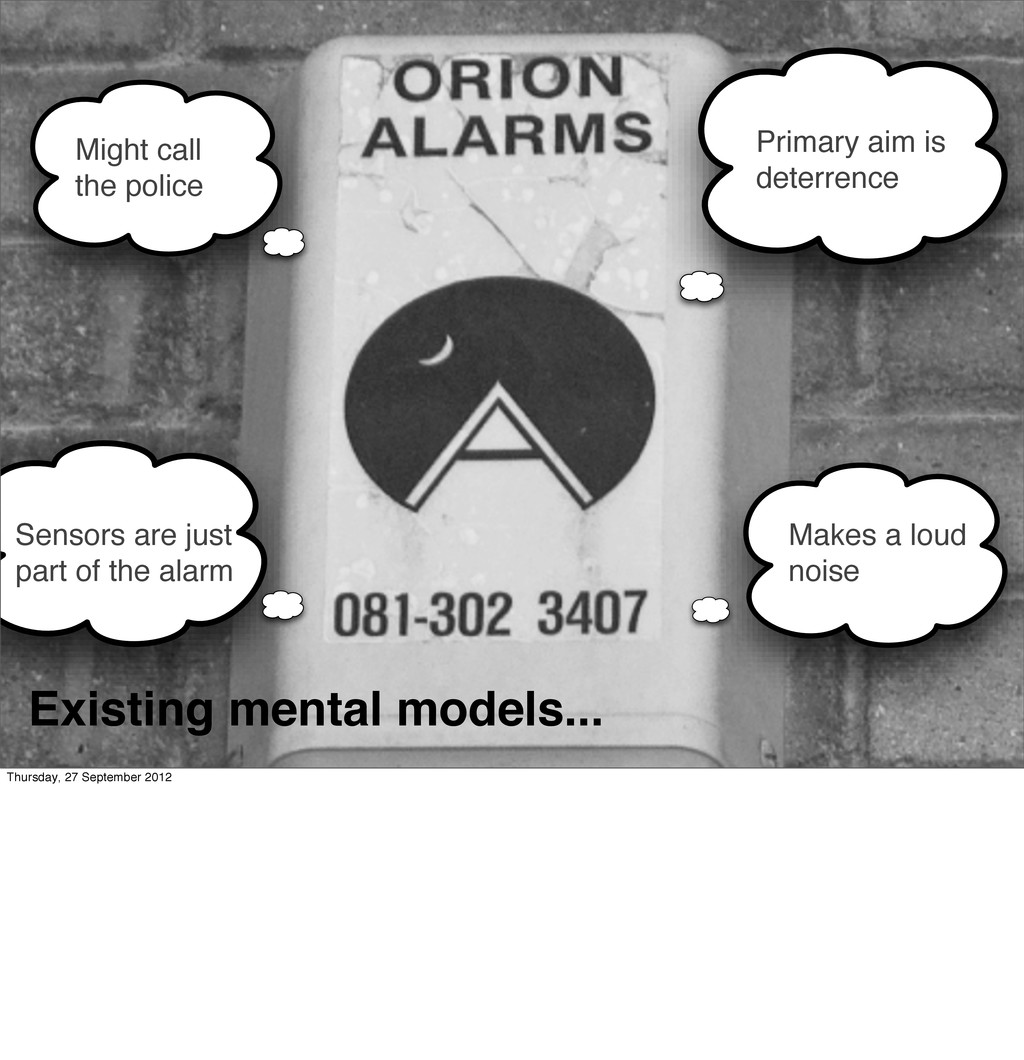
Primary aim is deterrence Makes a loud noise Sensors are
just part of the alarm Might call the police Existing mental models... Thursday, 27 September 2012 -
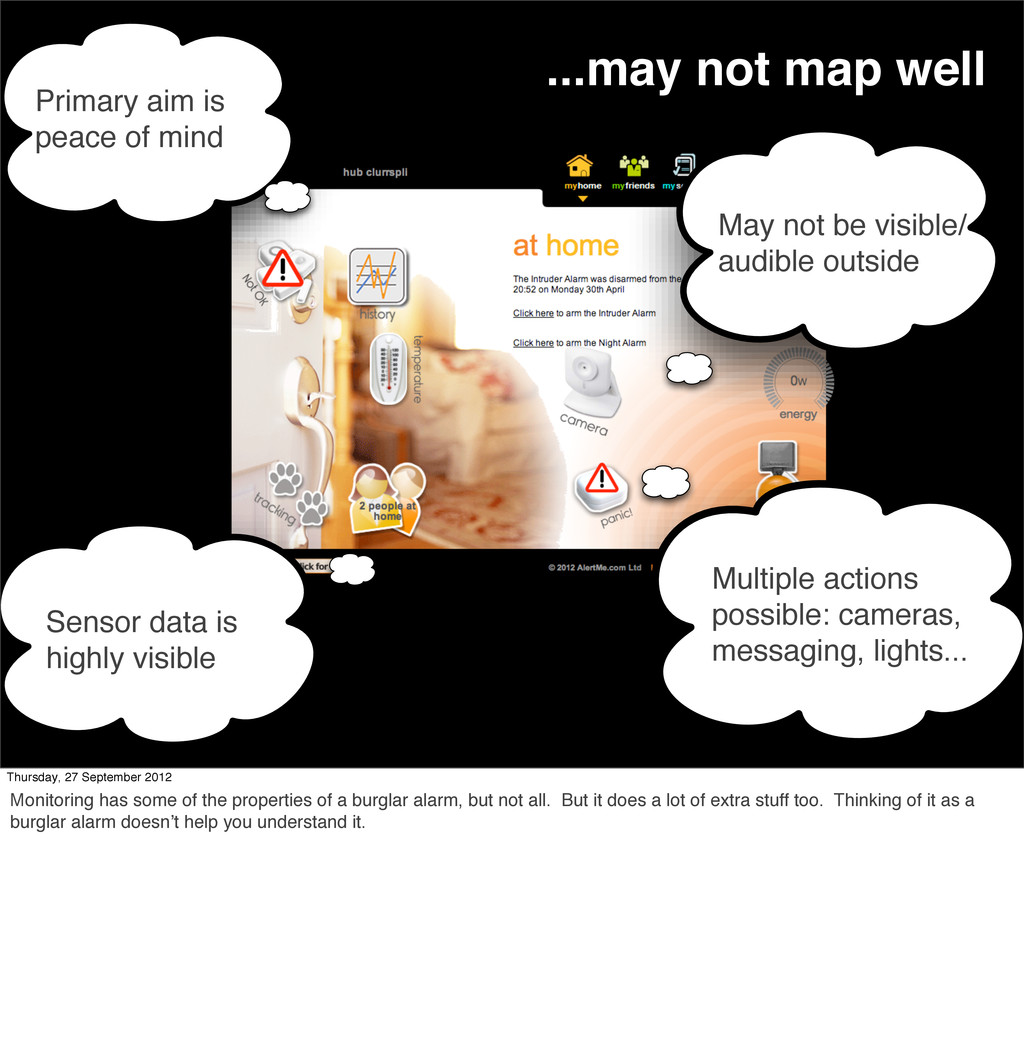
May not be visible/ audible outside Multiple actions possible: cameras,
messaging, lights... Sensor data is highly visible Primary aim is peace of mind ...may not map well Thursday, 27 September 2012 Monitoring has some of the properties of a burglar alarm, but not all. But it does a lot of extra stuff too. Thinking of it as a burglar alarm doesnʼt help you understand it. -
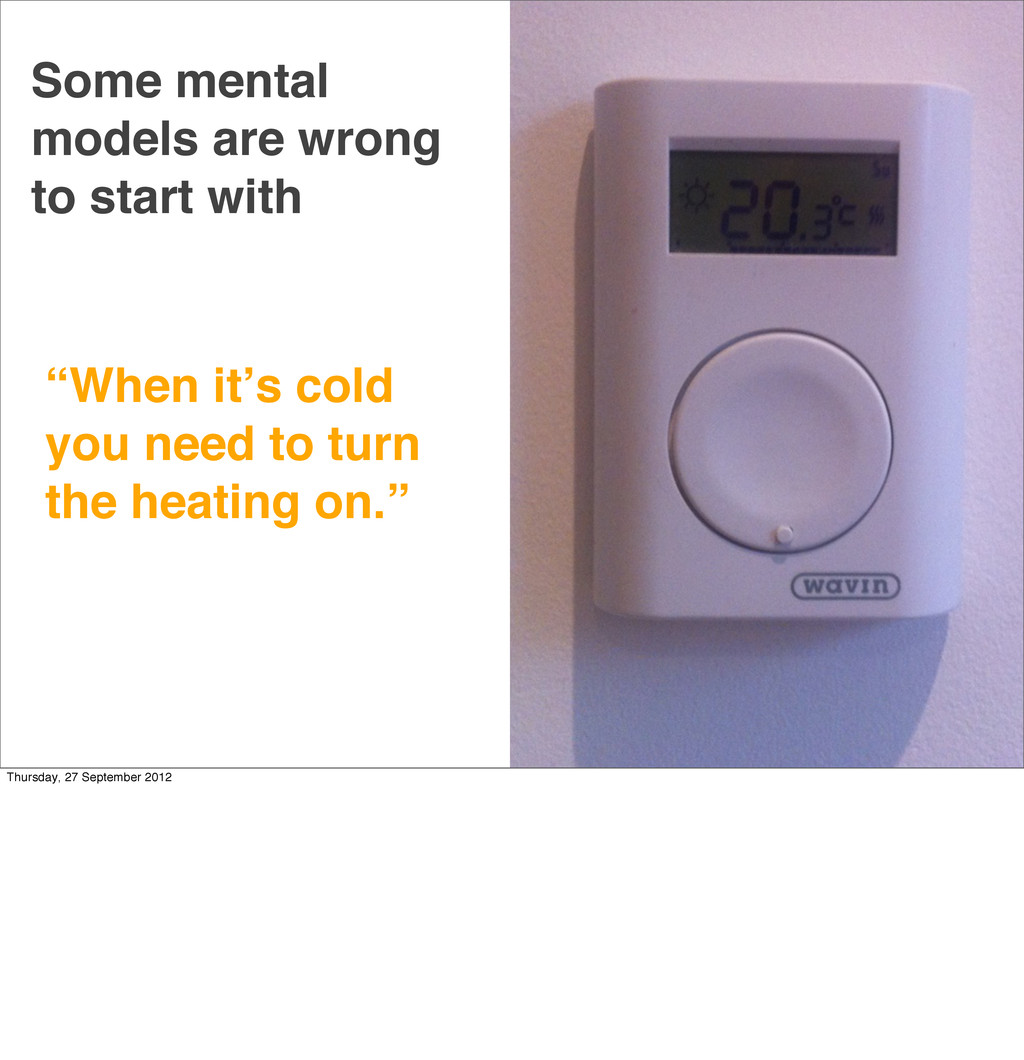
“When itʼs cold you need to turn the heating on.”
Some mental models are wrong to start with Thursday, 27 September 2012 -
“My thermostat is too confusing to use so when I
want to turn the heating up I put it in the fridge.” NB: this might sound silly but itʼs far more logical: Thursday, 27 September 2012 -
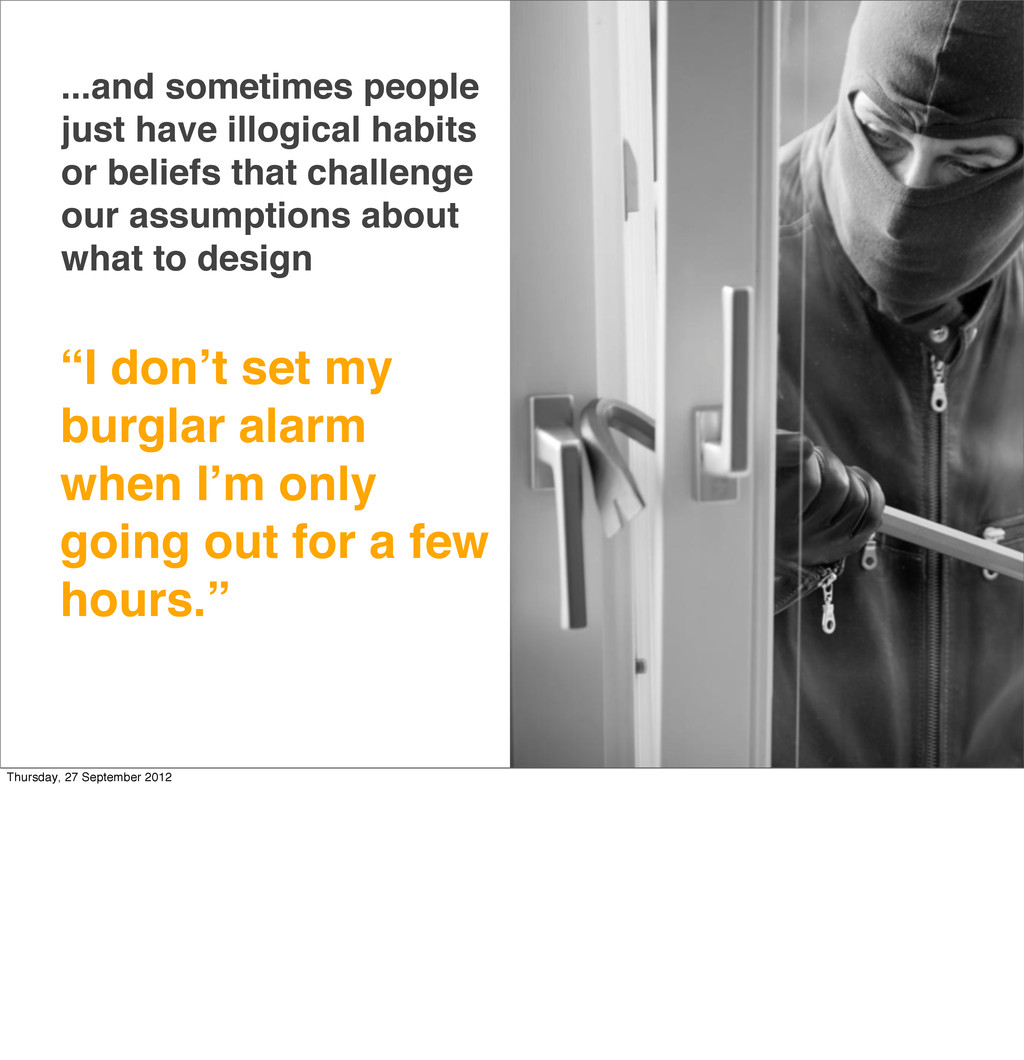
...and sometimes people just have illogical habits or beliefs that
challenge our assumptions about what to design “I donʼt set my burglar alarm when Iʼm only going out for a few hours.” Thursday, 27 September 2012 -
Sometimes we have to make new mental models, or fix
broken ones At a glance, show: what it does, when, which devices are involved, and who will be affected Be forgiving: mitigate the impact of ʻincorrectʼ usage Thursday, 27 September 2012 -
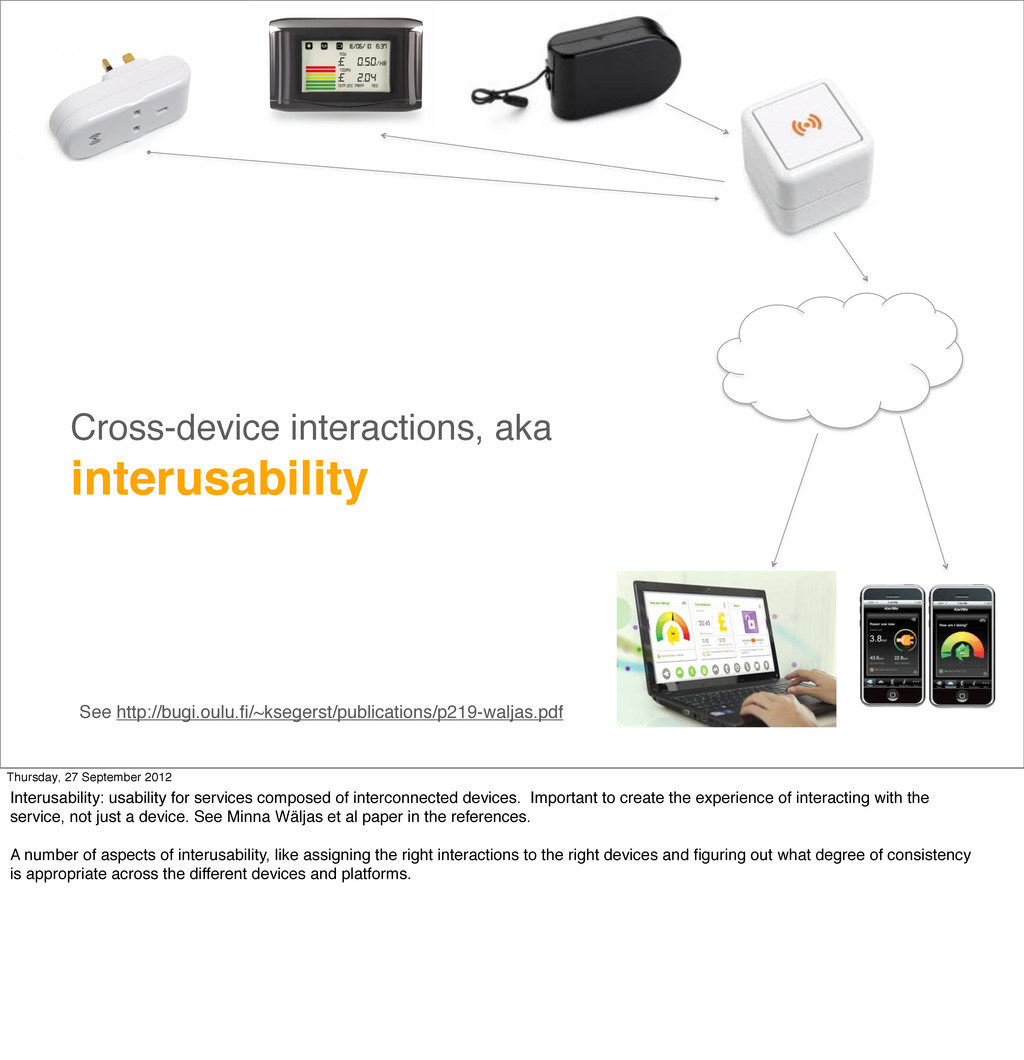
Cross-device interactions, aka interusability See http://bugi.oulu.fi/~ksegerst/publications/p219-waljas.pdf Thursday, 27 September 2012
Interusability: usability for services composed of interconnected devices. Important to create the experience of interacting with the service, not just a device. See Minna Wäljas et al paper in the references. A number of aspects of interusability, like assigning the right interactions to the right devices and figuring out what degree of consistency is appropriate across the different devices and platforms. -
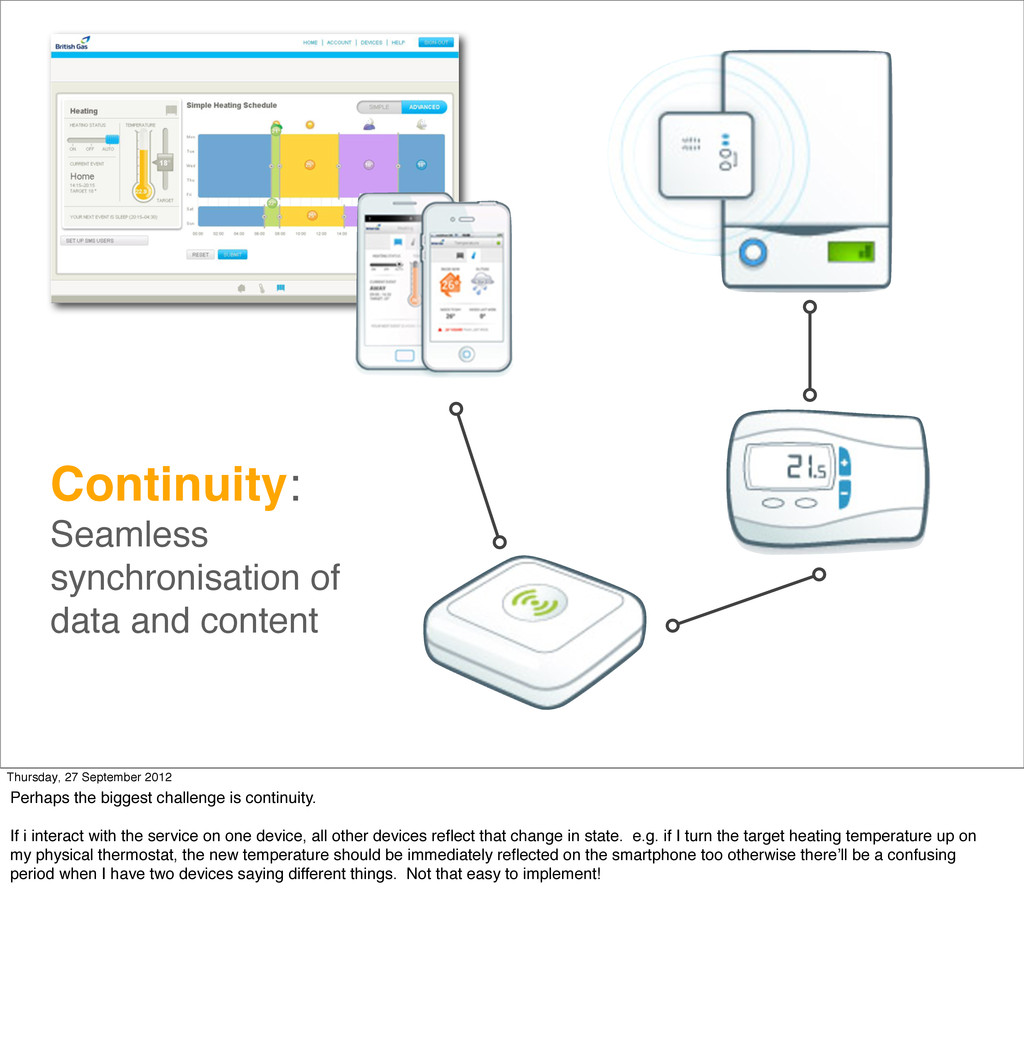
Continuity: Seamless synchronisation of data and content Thursday, 27 September
2012 Perhaps the biggest challenge is continuity. If i interact with the service on one device, all other devices reflect that change in state. e.g. if I turn the target heating temperature up on my physical thermostat, the new temperature should be immediately reflected on the smartphone too otherwise thereʼll be a confusing period when I have two devices saying different things. Not that easy to implement! -
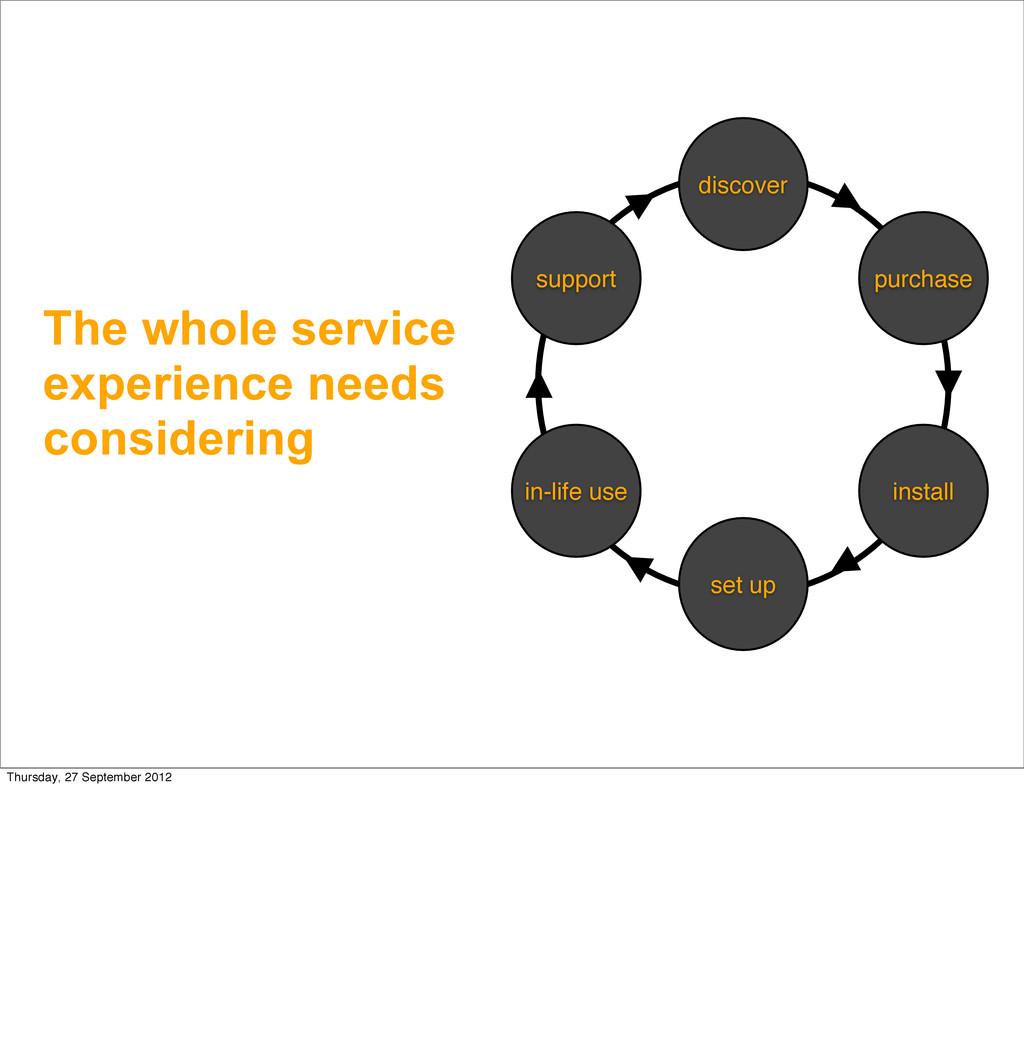
The whole service experience needs considering purchase discover install set
up in-life use support Thursday, 27 September 2012 -
Another big challenge: Doing complex UX on startup time Thursday,
27 September 2012 -
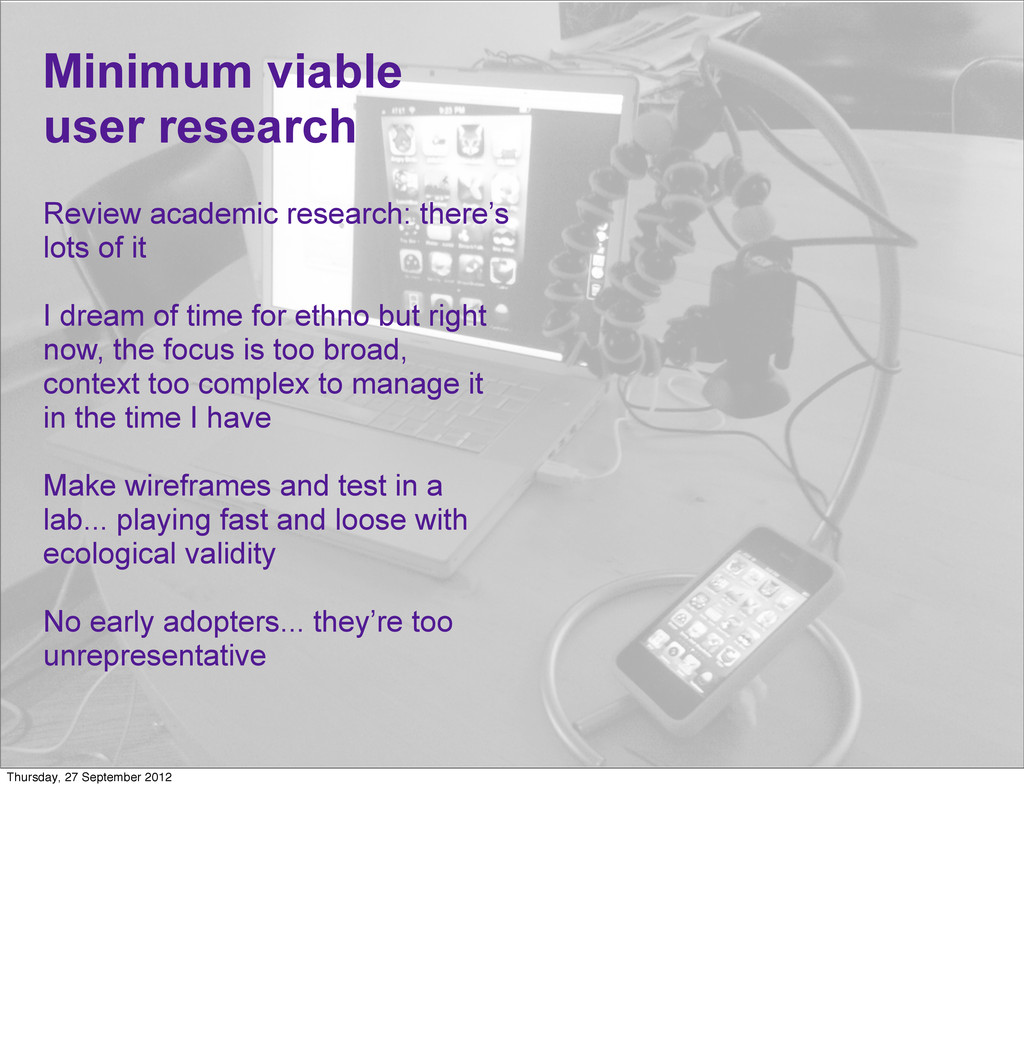
Minimum viable user research Review academic research: there’s lots of
it I dream of time for ethno but right now, the focus is too broad, context too complex to manage it in the time I have Make wireframes and test in a lab... playing fast and loose with ecological validity No early adopters... they’re too unrepresentative Thursday, 27 September 2012 -
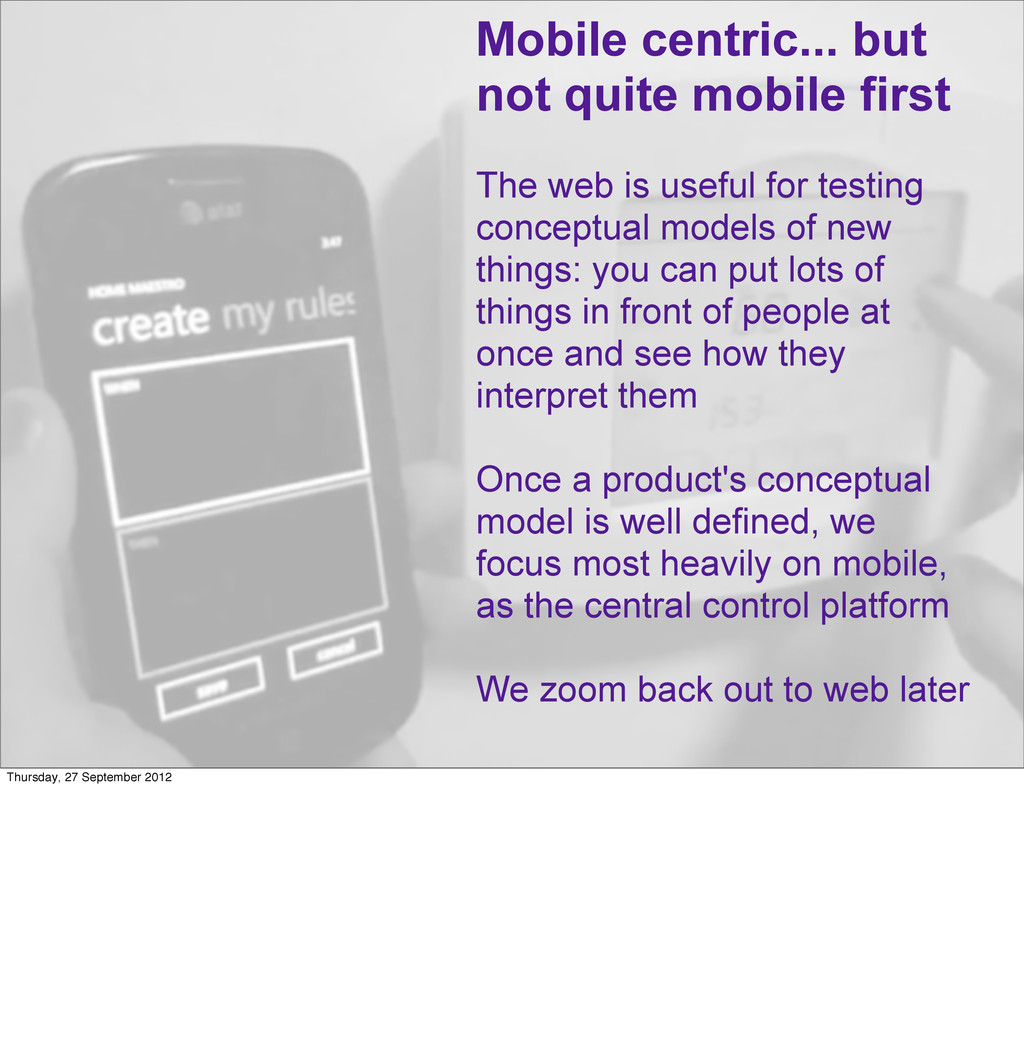
Mobile centric... but not quite mobile first The web is
useful for testing conceptual models of new things: you can put lots of things in front of people at once and see how they interpret them Once a product's conceptual model is well defined, we focus most heavily on mobile, as the central control platform We zoom back out to web later Thursday, 27 September 2012 -
platform ...but isn’t yet geared towards designing platforms energy heating
security lighting ? ? ? ? appliances ? Thursday, 27 September 2012 What the connected home needs is a platform: a framework for making all this stuff work together, and lots of new, unanticipated stuff too. User-centred design tools can be a bit too linear for this. For example, it’s impossible to define personas with any degree of specificity for general smart home, it's like defining personas for people who live in homes. You need different ones for different product lines, e.g. to reflect different motivations around energy (who's to say that the DIY fiend in home security is also the energy saver in heating? You have to look at fundamental logical structure of tasks and concepts and look for common components, like timers, danger warnings. You then apply UCD to explore each example. I don’t claim we’ve got this right yet and would love to find the right methods. -
Ultimately itʼs a very broad challenge: Letʼs make all kinds
of things for people who live in homes! Thursday, 27 September 2012 A complex and worthy challenge, and one many more of us will be getting involved in. -
Thank you @clurr [email protected] Thanks to: Alex von Feldmann, Fraser
Hamilton, Martin Storey, Naintara Land and Anna Kuriakose who have contributed insights, thinking and research to this presentation Thursday, 27 September 2012 -
Fuck Buttons by Matt Biddulph House by lilivanili Office by
Phil Whitehouse Shopping basket by Jonathan Harford X10 Powerhouse from commodore.ca Internet fridge from fuckyeahinternetfridge.tumblr.com Messy House by Elizabeth Table4Five Trapped by Merina Computer by Phil Gold Crying child by eggonstilts Army from hdwallpapers.com Tea cosy by Brixton Makerhood Teeth by ktpupp Sleeping by Stan Frustration by dieselbug2007 Washing machine firmware error by Adam Crickett Houses by Peter O, Clive Darr, hollandhistory.net Usabilty lab by Leanne Waldal Burglar by homesecurityfocus.com Mongkok advertising by Slices of Light Posh house by Savant Toronto Teenage bedroom by Wendizzle HAL smarthome by james.lipsit.com Jack Black from bradley.chattablogs.com Holiday home: geograph.co.uk Older woman: soylentgreen23 Thanks for the photos Thursday, 27 September 2012 -
S Intille, The goal: Smart people not smart homes (2006)
http://web.media.mit.edu/~intille/papers-files/IntilleICOST06.pdf Minna Wäljas, Katarina Segerståhl, Kaisa Väänänen-Vainio-Mattila, Harri Oinas- Kukkonen: Cross-Platform Service User Experience: A Field Study and an Initial Framework (Nordichi 2010) http://bugi.oulu.fi/~ksegerst/publications/p219-waljas.pdf Colin Dixon, Ratul Mahajan, Sharad Agarwal, AJ Brush, Bongshin Lee, Stefan Saroiu, and Victor Bahl, An Operating System for the Home (NSDI, USENIX, April 2012) Pertti Huuskonen: Run to the Hills! Ubiquitous Computing Meltdown (Advances in Ambient Intelligence, 2007) Peter Tolmie, James Pycock, Tim Diggins. Allan Maclean, Alain Karsenty, Unremarkable Computing (Ubiquity, 2002). Genevieve Bell & Paul Dourish: Yesterdayʼs tomorrows: notes on ubiquitous computingʼs dominant vision (Personal and Ubiquitous Computing, 2006) http://www.ics.uci.edu/~jpd/ubicomp/BellDourish-YesterdaysTomorrows.pdf Scott Davidoff, Min Kyung Lee, Charles Yiu, John Zimmerman, and Anind K. Dey: Principles of Smart Home Control (Ubicomp 2006) T Saizmaa, A Holistic Understanding of HCI Perspectives on Smart Home, Networked Computing and Advanced Information Management, 2008. NCM '08 Thanks for the research Thursday, 27 September 2012
 clurr
 kgsi
 cygames
 garyuten
 wjw100788
 uchiyama886
 rai263
 hott3
 uniontec2000
 a2k
 assuredjp
 mikihorio
 twada
 cassininazir
 scottboms
 kimpetersen
 davidcarrasco
 chrisshort
 raygrieselhuber
 ks91
 axbom
 katarinadahlin
 jct
 baasie