{ “name” => "Harisankar P S", “email” => ”[email protected]”, “twitter” => "coderhs", “facebook" => "coderhs", “github” => “coderhs”, “linkedin” => “coderhs”, } What I do: I write Ruby code for a living
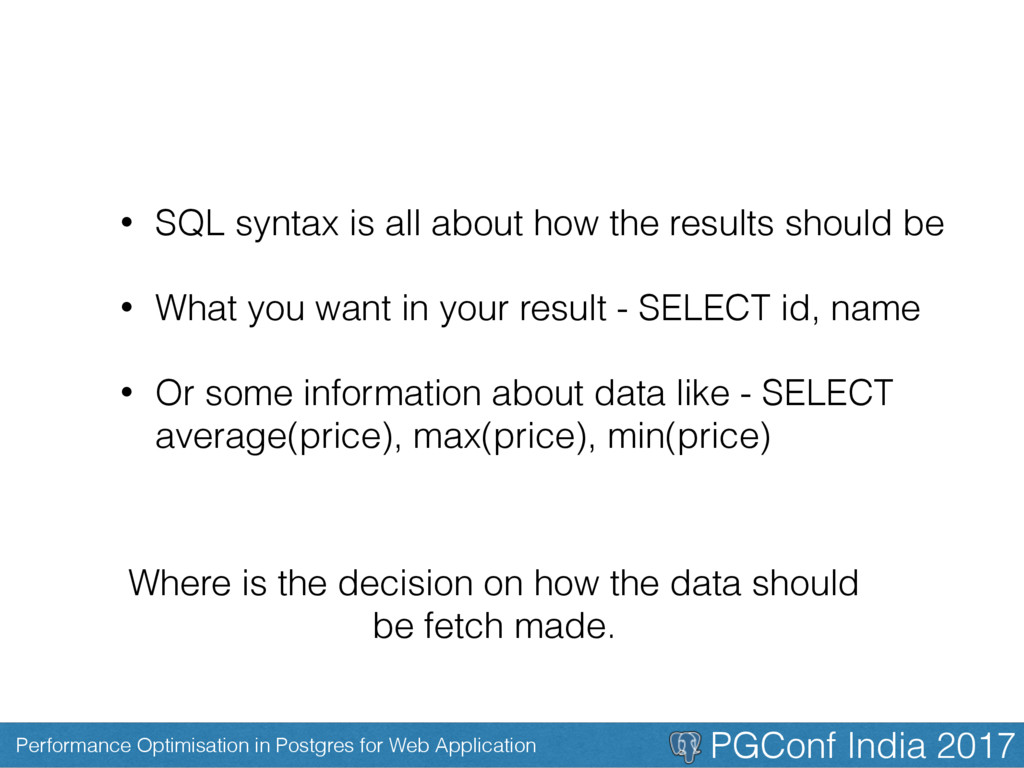
• SQL syntax is all about how the results should be • What you want in your result - SELECT id, name • Or some information about data like - SELECT average(price), max(price), min(price) Where is the decision on how the data should be fetch made.
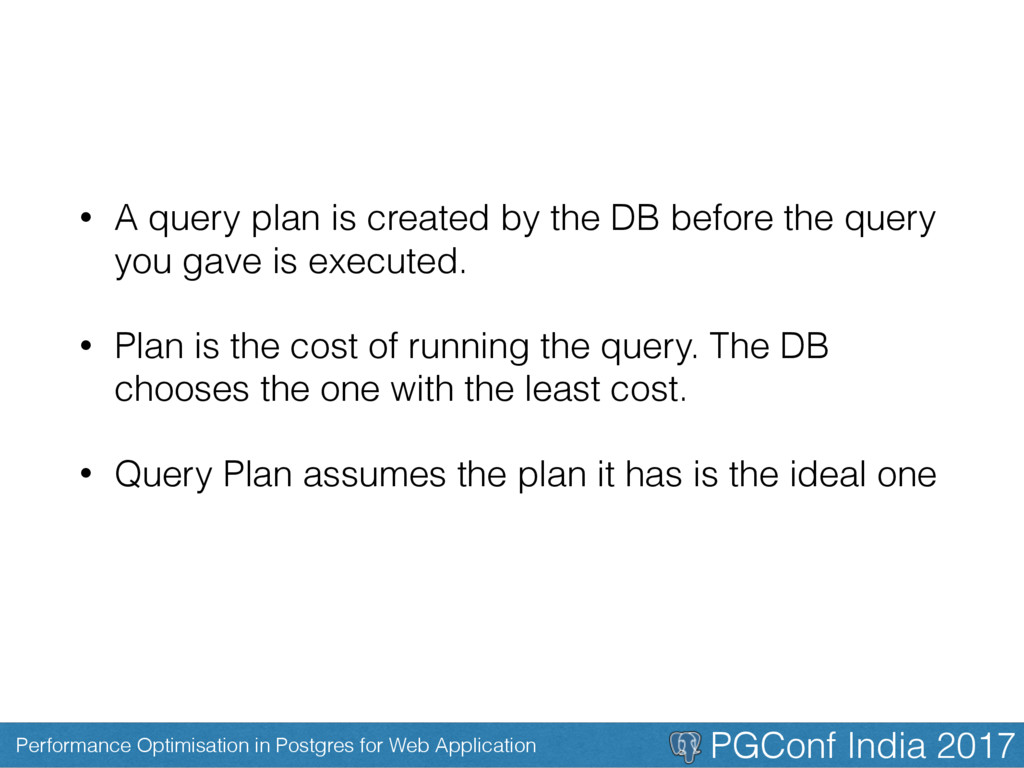
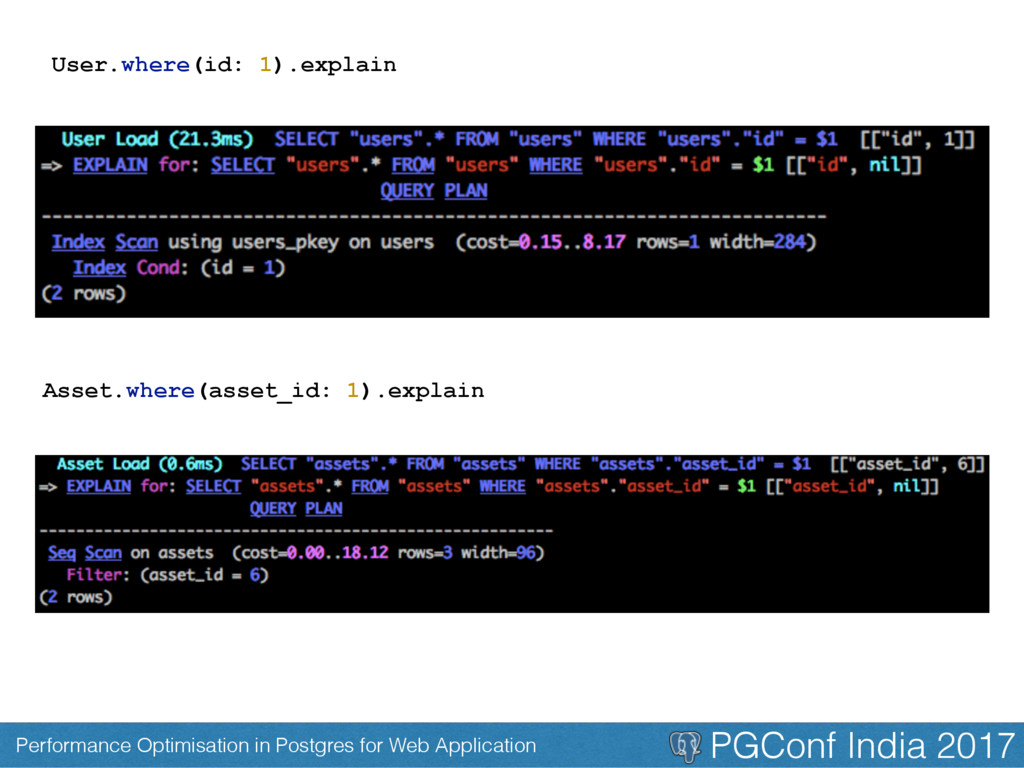
• A query plan is created by the DB before the query you gave is executed. • Plan is the cost of running the query. The DB chooses the one with the least cost. • Query Plan assumes the plan it has is the ideal one
Example: Lets say you have a column with a 10,000 rows, but the the content is either short, medium, long. The database don’t use index as it finds sequential is faster
We should Index • Index Primary key • Index Foreign key • Index all columns you would be passing into where clause • Index the keys used to Join tables • Index the date column (if you are going to call it frequent, like rankings of a particular date) • Add partial index to scopes
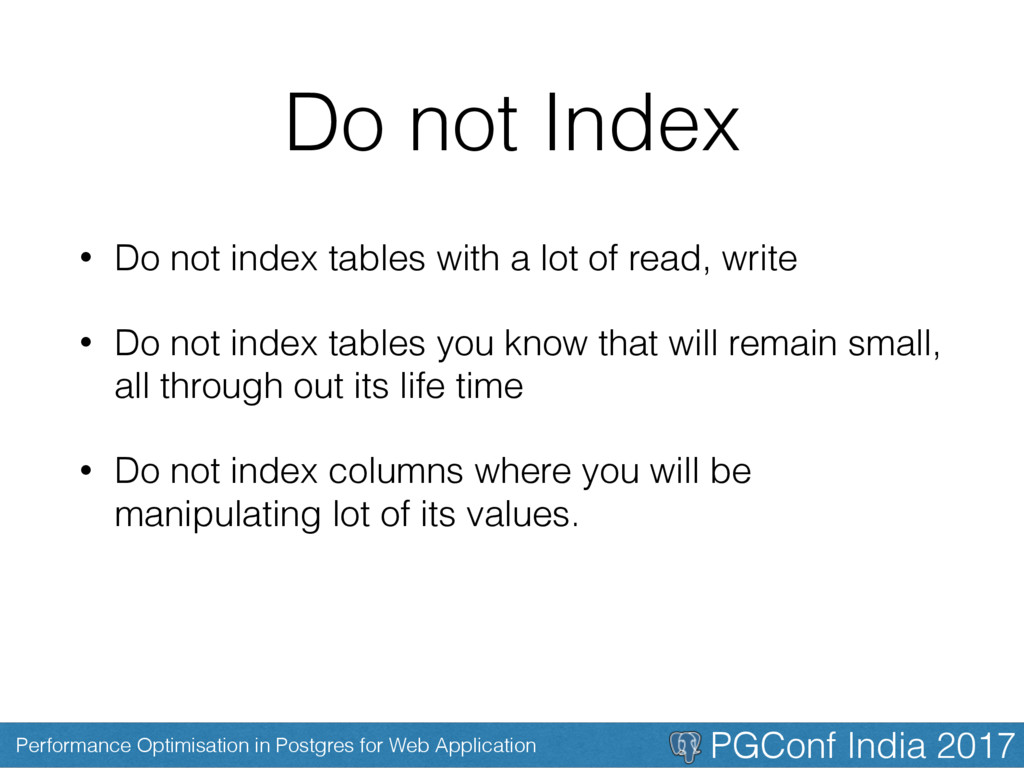
Do not Index • Do not index tables with a lot of read, write • Do not index tables you know that will remain small, all through out its life time • Do not index columns where you will be manipulating lot of its values.
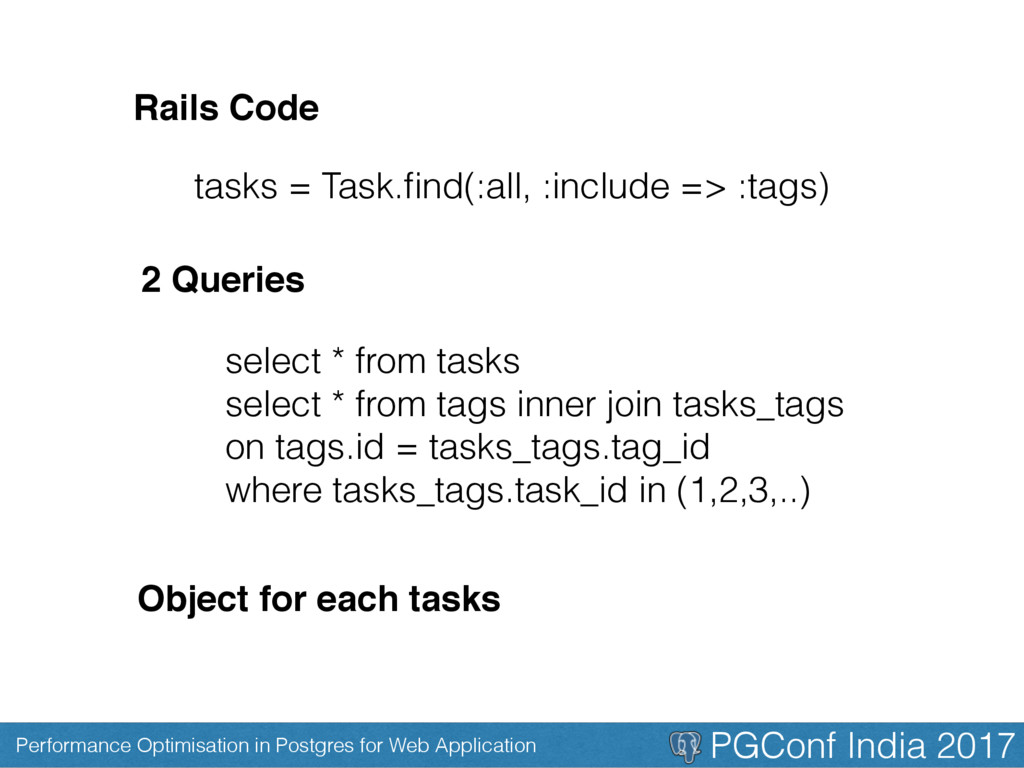
select * from tasks select * from tags inner join tasks_tags on tags.id = tasks_tags.tag_id where tasks_tags.task_id in (1,2,3,..) tasks = Task.find(:all, :include => :tags) 2 Queries Object for each tasks Rails Code
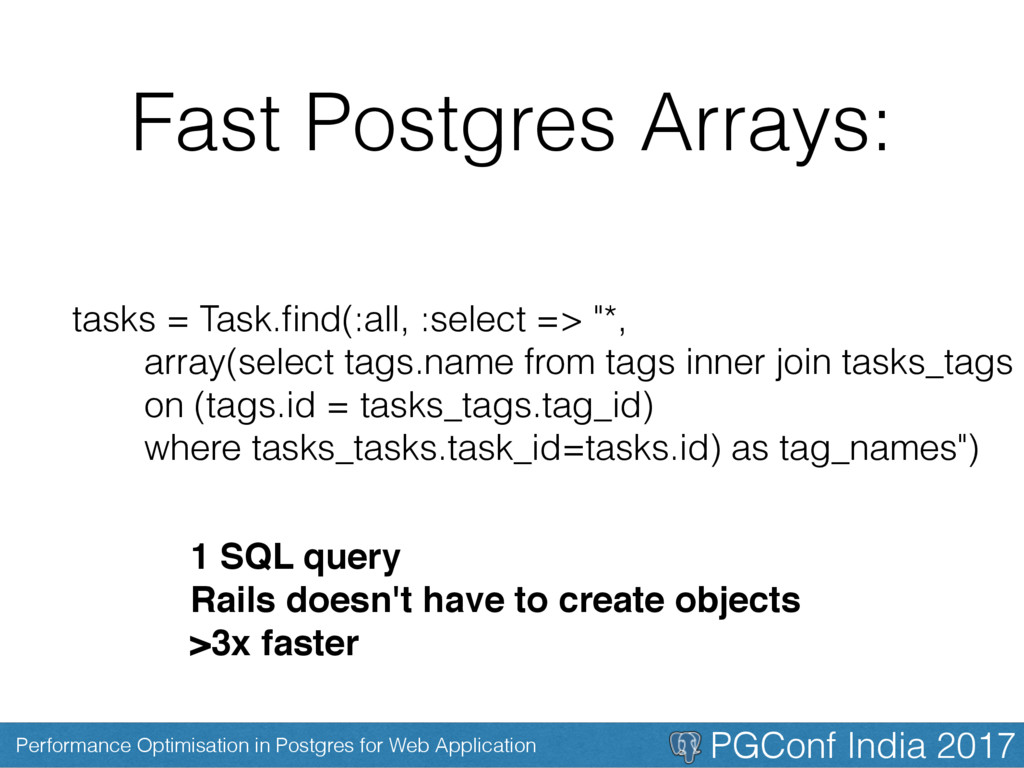
Fast Postgres Arrays: tasks = Task.find(:all, :select => "*, array(select tags.name from tags inner join tasks_tags on (tags.id = tasks_tags.tag_id) where tasks_tasks.task_id=tasks.id) as tag_names") 1 SQL query Rails doesn't have to create objects >3x faster
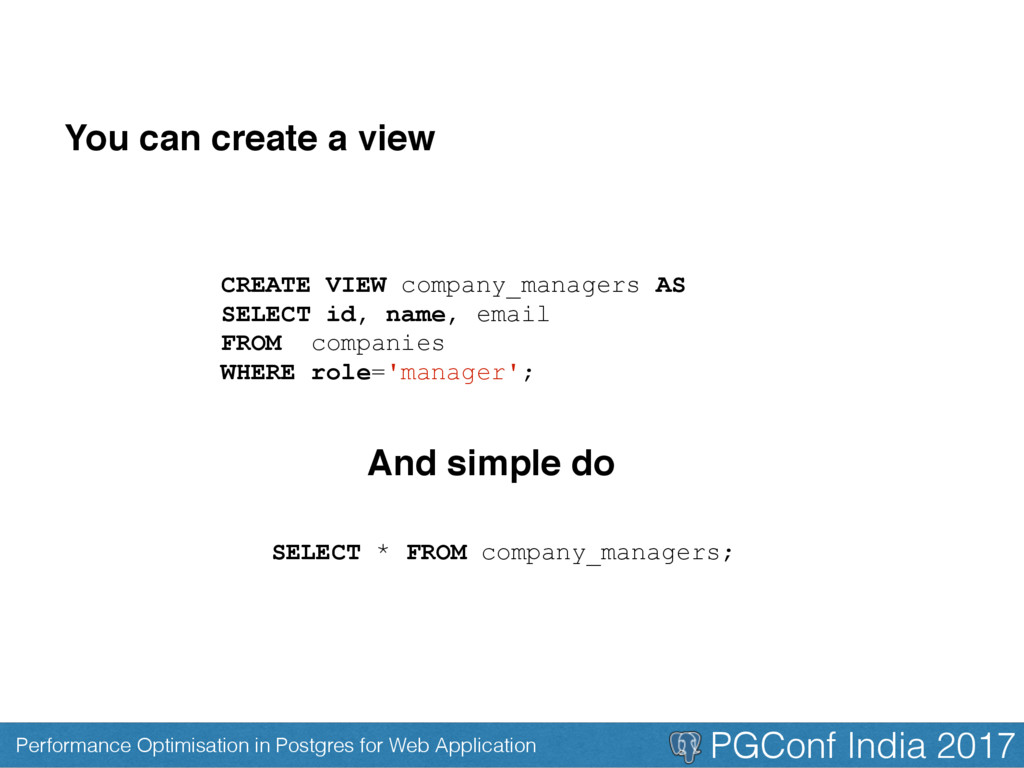
Database views? Database views are like the view in our rails. A rails view(an html page) shows data from multiple model in a single page Similarly we can show data from multiple table as a single table using the concept called views Why would we do that? Because it makes life easier
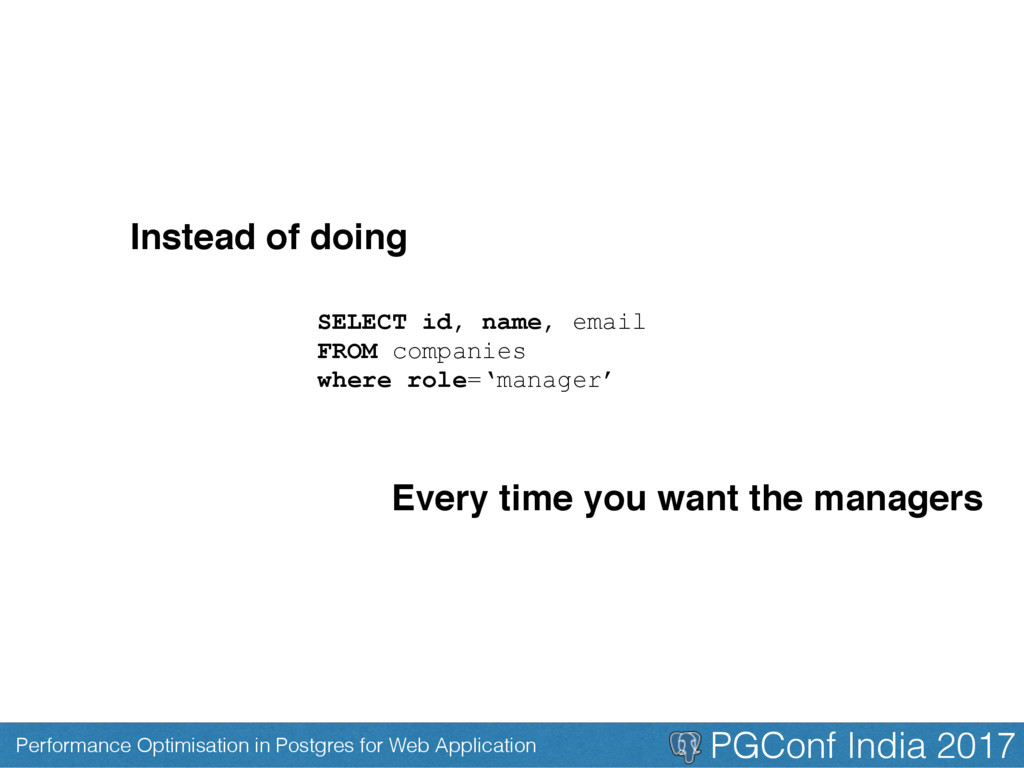
CREATE VIEW company_managers AS SELECT id, name, email FROM companies WHERE role='manager'; You can create a view And simple do SELECT * FROM company_managers;
Note: • A schema of view lives in memory of a DB • The result is not stored in memory • Its is actually running our query to get the results • They are called pseudo tables
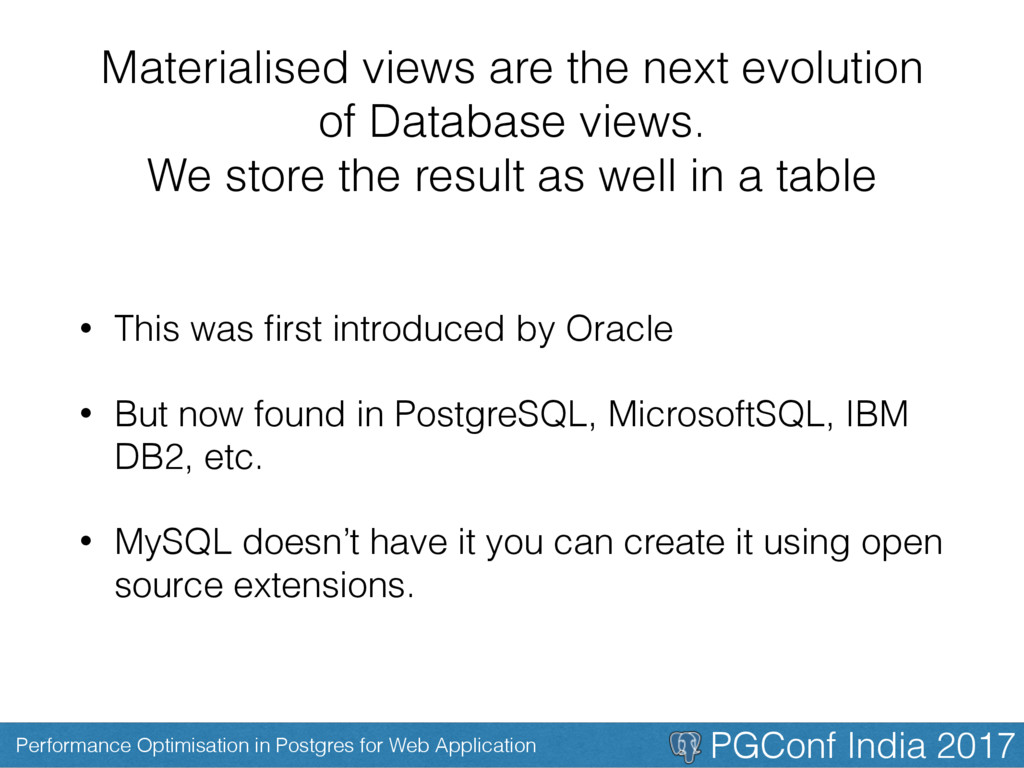
Materialised views are the next evolution of Database views. We store the result as well in a table • This was first introduced by Oracle • But now found in PostgreSQL, MicrosoftSQL, IBM DB2, etc. • MySQL doesn’t have it you can create it using open source extensions.
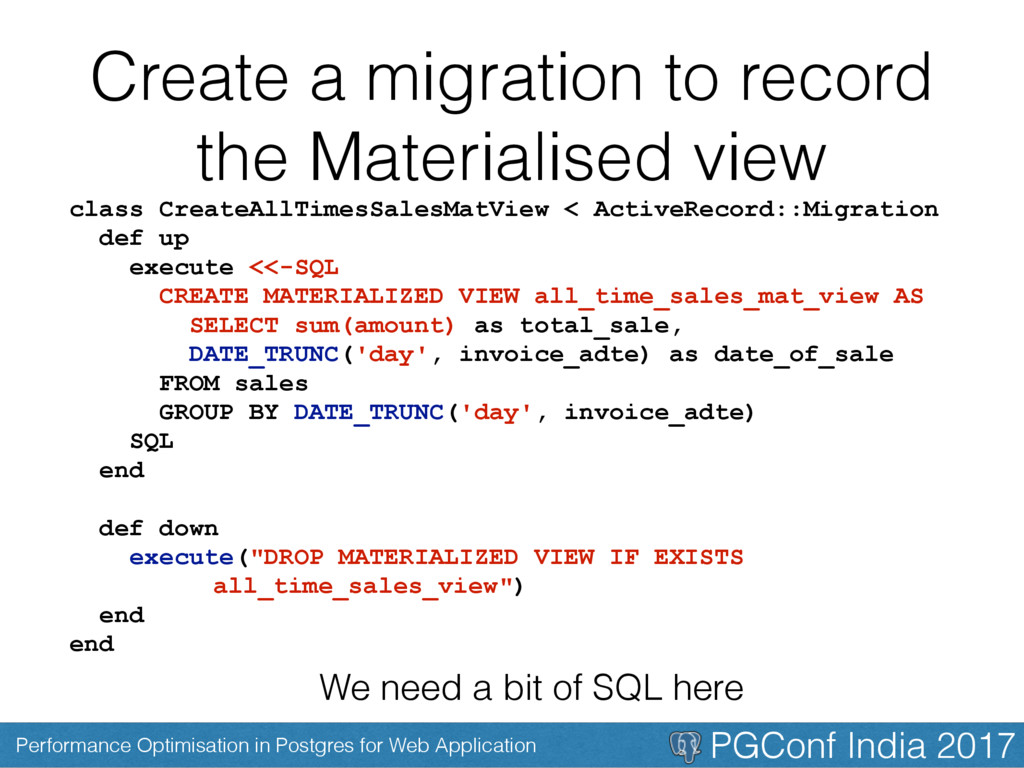
Create a migration to record the Materialised view We need a bit of SQL here class CreateAllTimesSalesMatView < ActiveRecord::Migration def up execute <<-SQL CREATE MATERIALIZED VIEW all_time_sales_mat_view AS SELECT sum(amount) as total_sale, DATE_TRUNC('day', invoice_adte) as date_of_sale FROM sales GROUP BY DATE_TRUNC('day', invoice_adte) SQL end def down execute("DROP MATERIALIZED VIEW IF EXISTS all_time_sales_view") end end
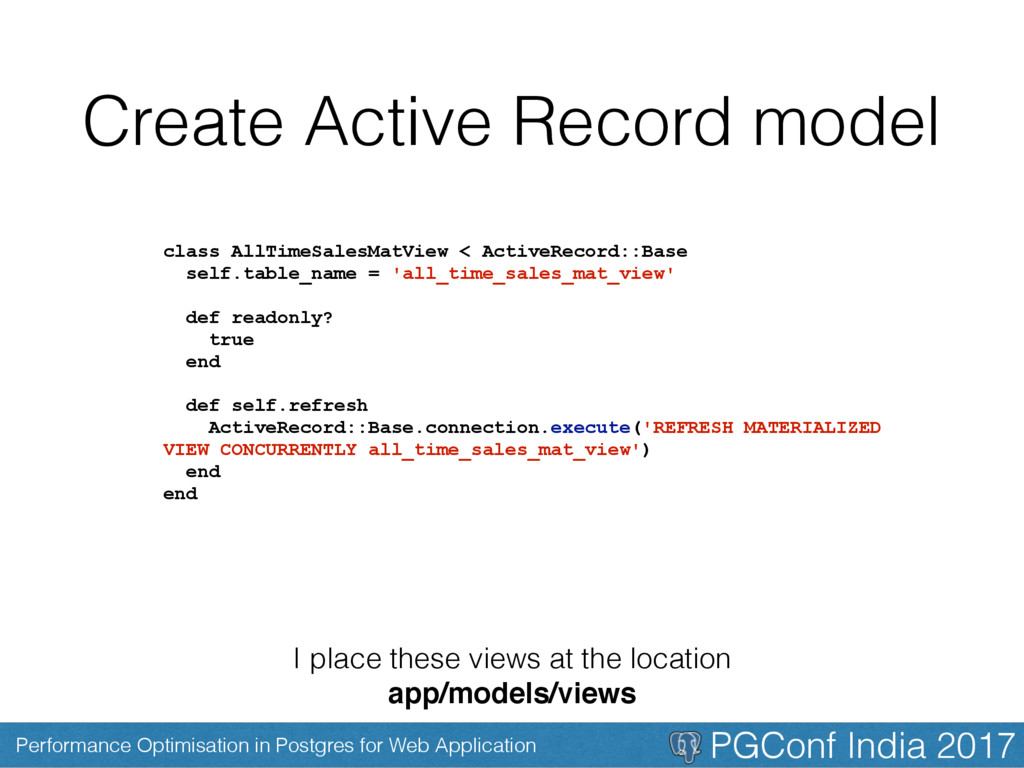
Create Active Record model I place these views at the location app/models/views class AllTimeSalesMatView < ActiveRecord::Base self.table_name = 'all_time_sales_mat_view' def readonly? true end def self.refresh ActiveRecord::Base.connection.execute('REFRESH MATERIALIZED VIEW CONCURRENTLY all_time_sales_mat_view') end end
First, Last and Find • They don’t work in your view as they operate on your tables primary key and a view doesn’t have it • If you want to use it then you need to one of the fields in your table as primary key class Model < ActiveRecord::Base self.primary_key = :id end
Take Away • Faster to fetch data. • Capture commonly used joins & filters. • Push data intensive processing from Ruby to Database. • Allow fast and live filtering of complex associations or calculation .fields. • We can index various fields in the table.
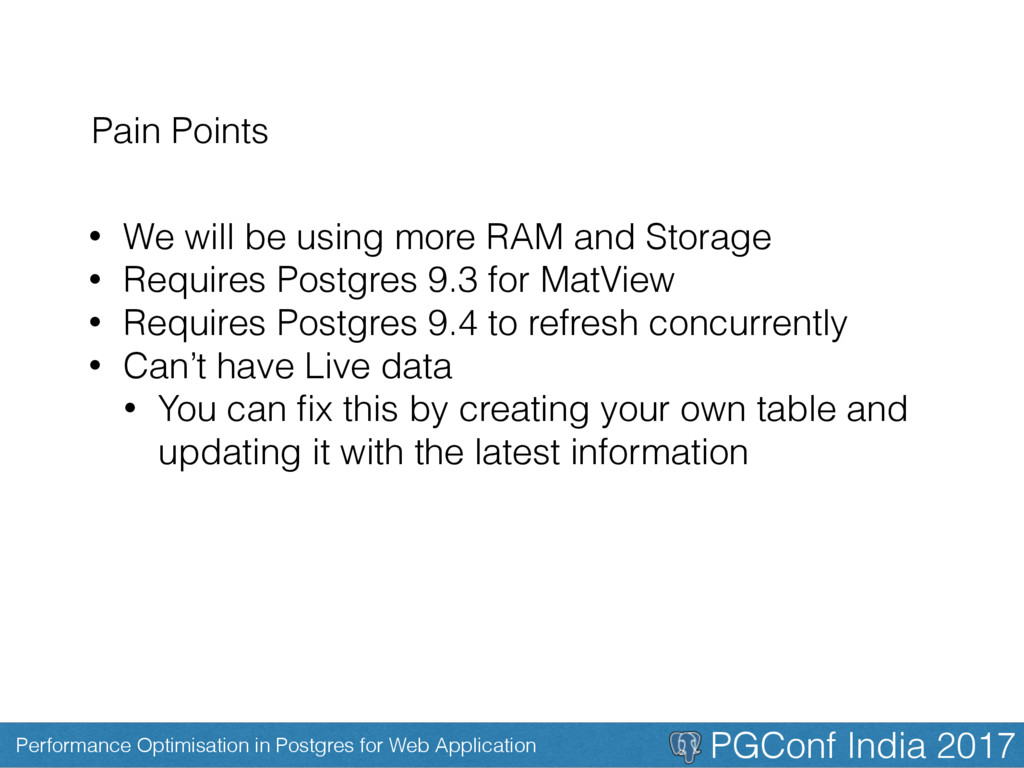
Pain Points • We will be using more RAM and Storage • Requires Postgres 9.3 for MatView • Requires Postgres 9.4 to refresh concurrently • Can’t have Live data • You can fix this by creating your own table and updating it with the latest information
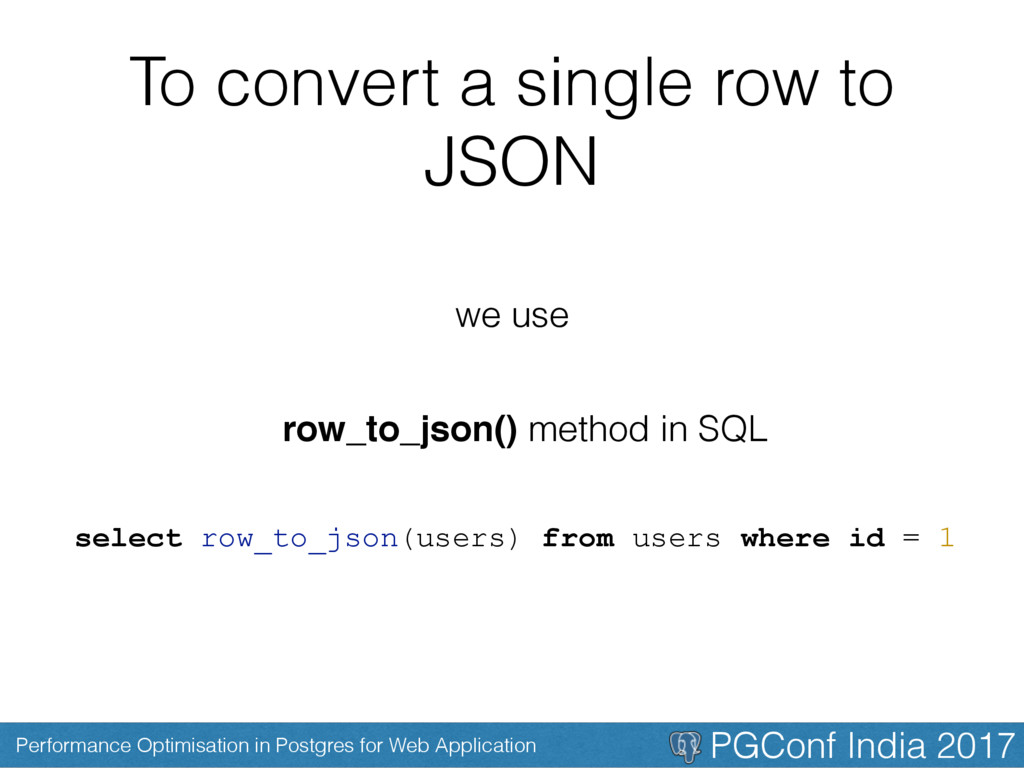
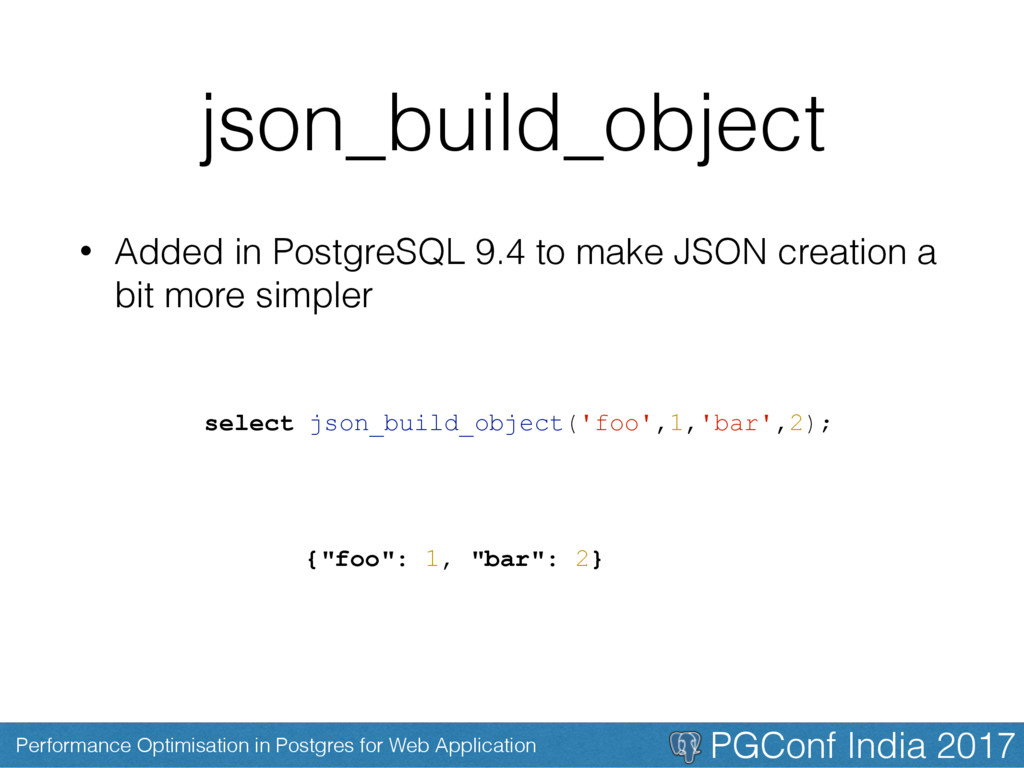
• Websites with simple HTML and plain javascript based AJAX is coming to an end • Its the era of new modern day JS frameworks • JSON is the glue that binds the fronted and our backend • So its natural to find more and more DB supporting the generation and storage of JSON.
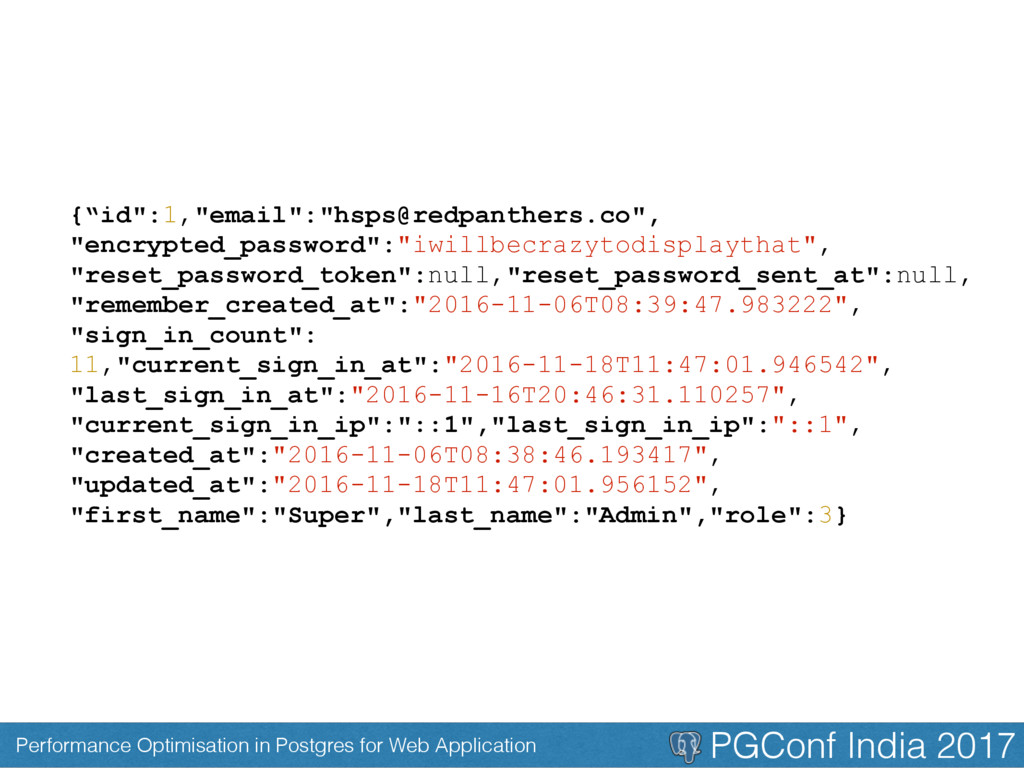
But for more practical use we write queries like select row_to_json(results) from ( select id, email from users ) as results {"id":1,"email":"[email protected]"}
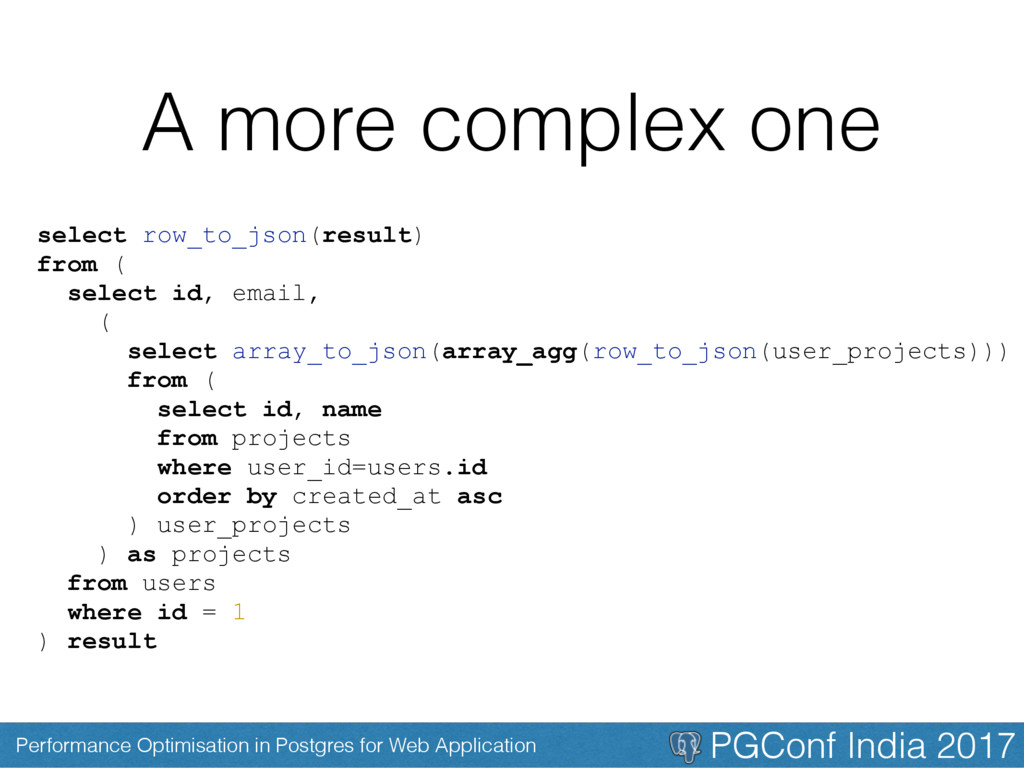
A more complex one select row_to_json(result) from ( select id, email, ( select array_to_json(array_agg(row_to_json(user_projects))) from ( select id, name from projects where user_id=users.id order by created_at asc ) user_projects ) as projects from users where id = 1 ) result
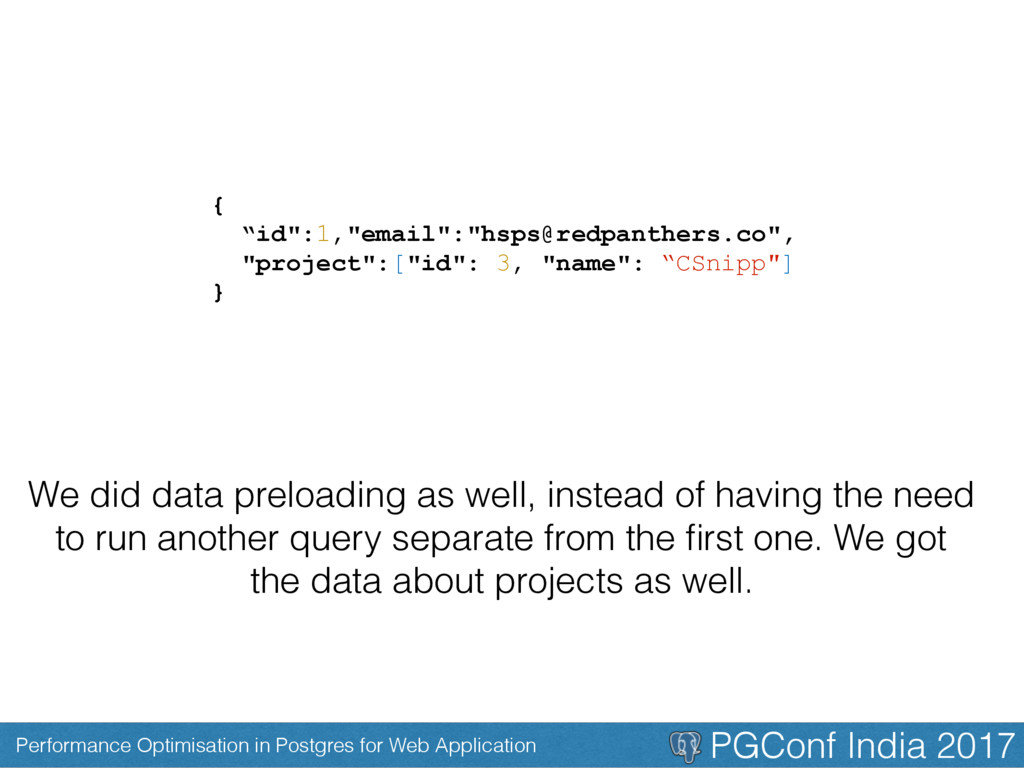
{ “id":1,"email":"[email protected]", "project":["id": 3, "name": “CSnipp"] } We did data preloading as well, instead of having the need to run another query separate from the first one. We got the data about projects as well.
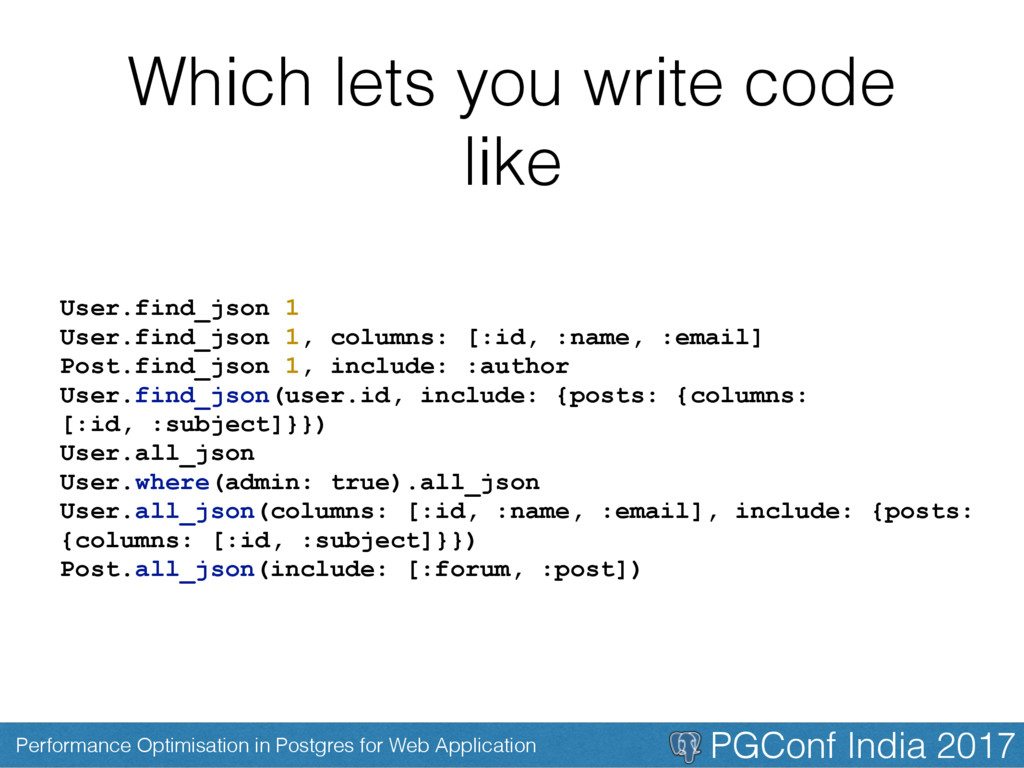
But Like me if you want to keep as much stuff as possible in Ruby then. Create a materialised view for your complicated query And then use the gem to generate JSON =)
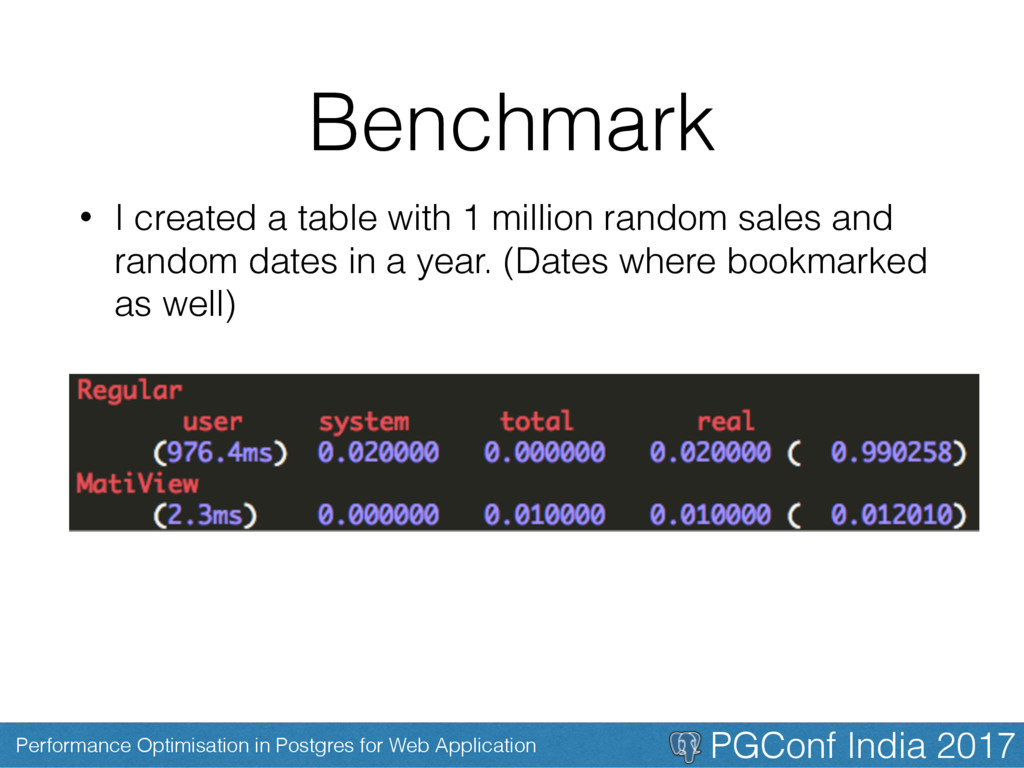
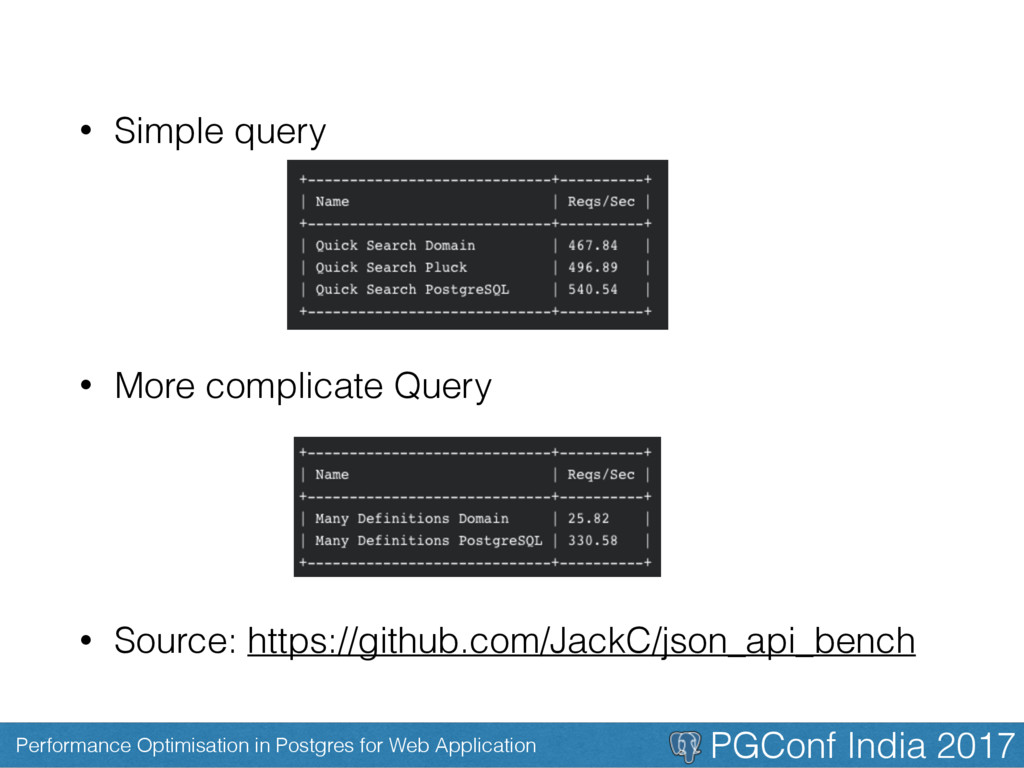
Benchmarks • In our case we saw request to a (.json) url which used to take 2 seconds, coming down to <= 200ms • Some benchmarks I found online mentions
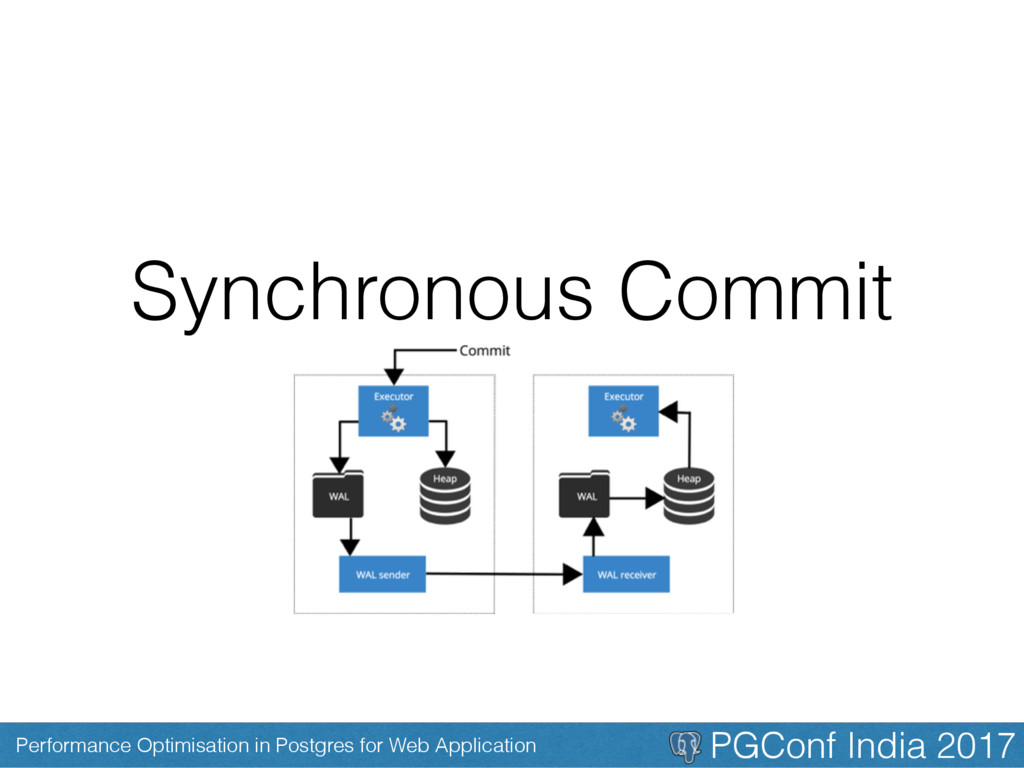
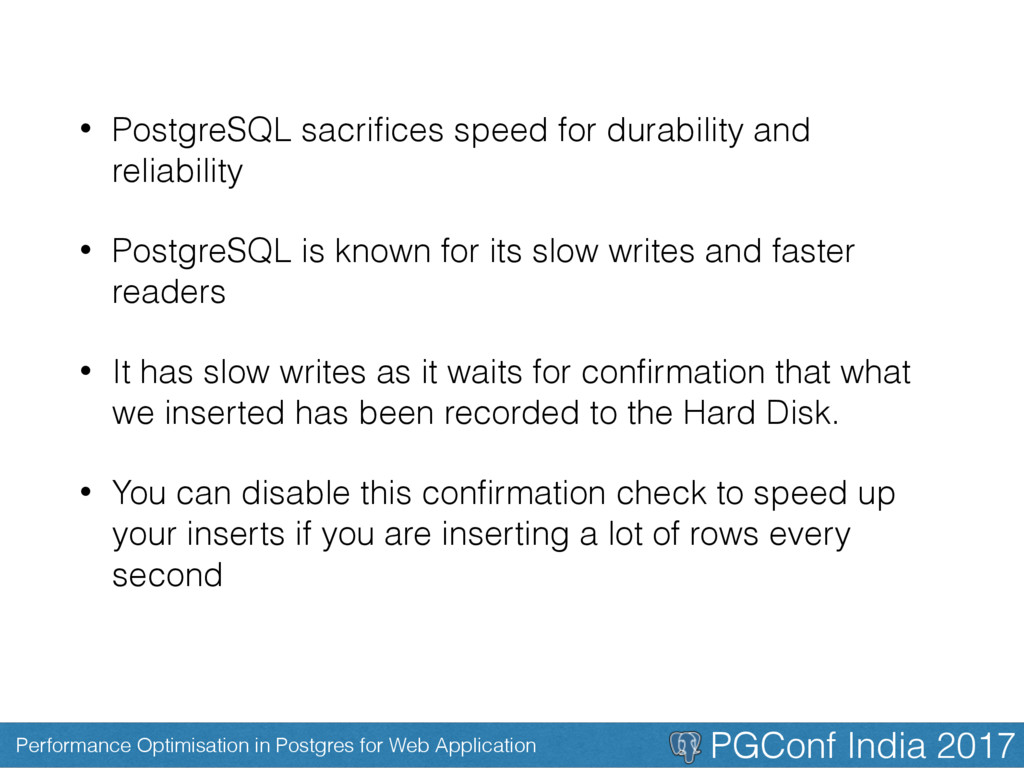
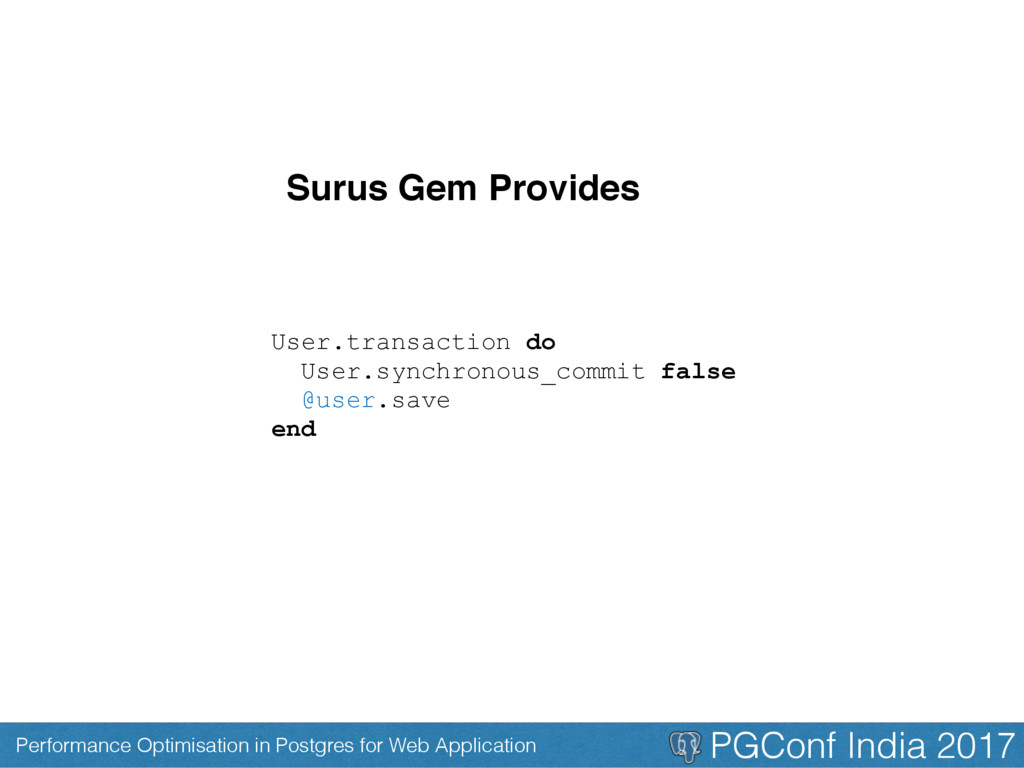
• PostgreSQL sacrifices speed for durability and reliability • PostgreSQL is known for its slow writes and faster readers • It has slow writes as it waits for confirmation that what we inserted has been recorded to the Hard Disk. • You can disable this confirmation check to speed up your inserts if you are inserting a lot of rows every second
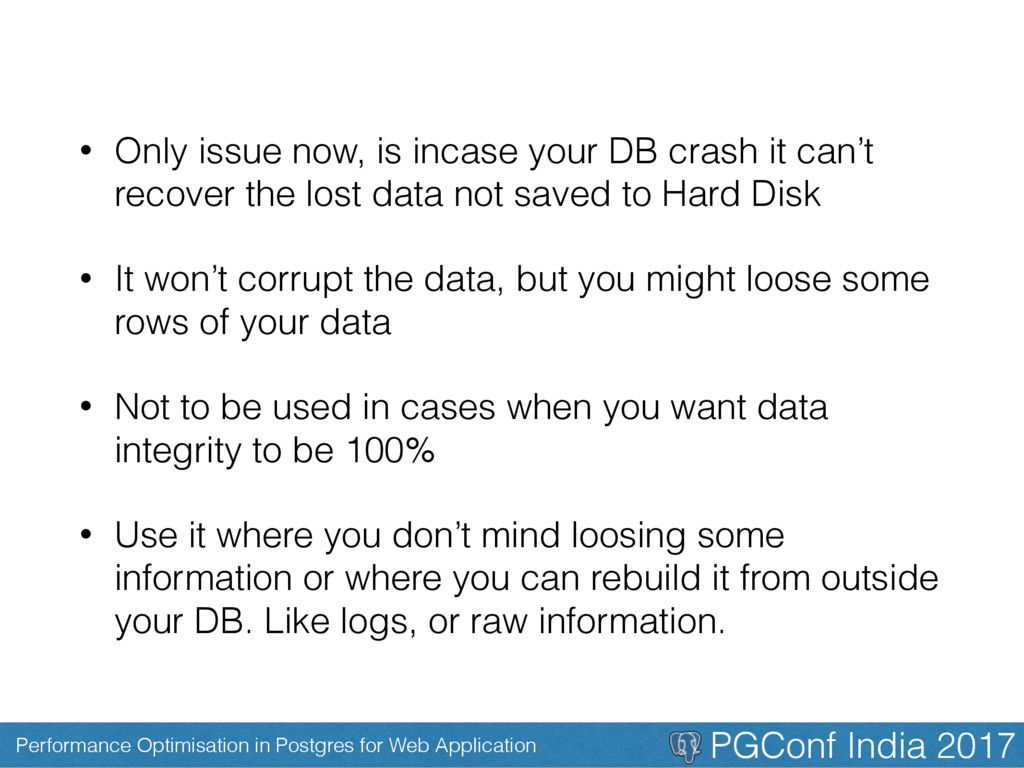
• Only issue now, is incase your DB crash it can’t recover the lost data not saved to Hard Disk • It won’t corrupt the data, but you might loose some rows of your data • Not to be used in cases when you want data integrity to be 100% • Use it where you don’t mind loosing some information or where you can rebuild it from outside your DB. Like logs, or raw information.
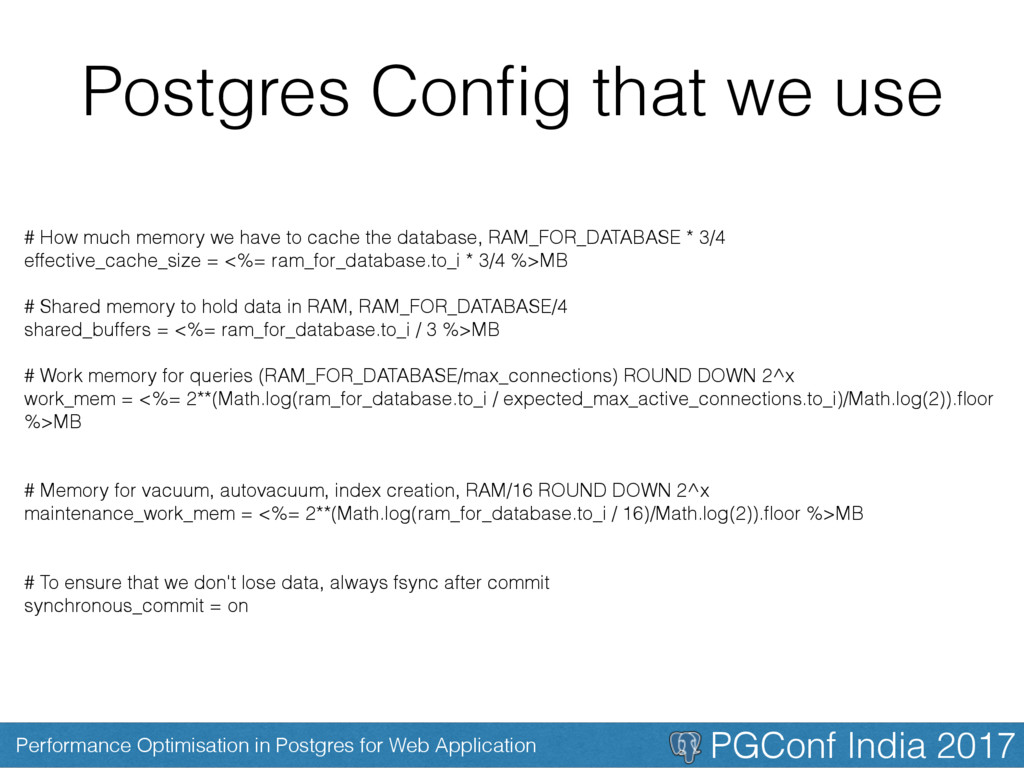
Postgres Config that we use # How much memory we have to cache the database, RAM_FOR_DATABASE * 3/4 effective_cache_size = <%= ram_for_database.to_i * 3/4 %>MB # Shared memory to hold data in RAM, RAM_FOR_DATABASE/4 shared_buffers = <%= ram_for_database.to_i / 3 %>MB # Work memory for queries (RAM_FOR_DATABASE/max_connections) ROUND DOWN 2^x work_mem = <%= 2**(Math.log(ram_for_database.to_i / expected_max_active_connections.to_i)/Math.log(2)).floor %>MB # Memory for vacuum, autovacuum, index creation, RAM/16 ROUND DOWN 2^x maintenance_work_mem = <%= 2**(Math.log(ram_for_database.to_i / 16)/Math.log(2)).floor %>MB # To ensure that we don't lose data, always fsync after commit synchronous_commit = on
# Size of WAL on disk, recommended setting: 16 checkpoint_segments = 16 # WAL memory buffer wal_buffers = 8MB # Ensure autovacuum is always turned on autovacuum = on # Set the number of concurrent disk I/O operations that PostgreSQL # expects can be executed simultaneously. effective_io_concurrency = 4
• Index data so that we don’t end up scanning the whole DB • Use arrays for data preloading • Simplify the way you fetch data from the DB using views • Move complicated JSON generation to the Databases • Disable synchronous commit when you feel like it won’t cause a problem
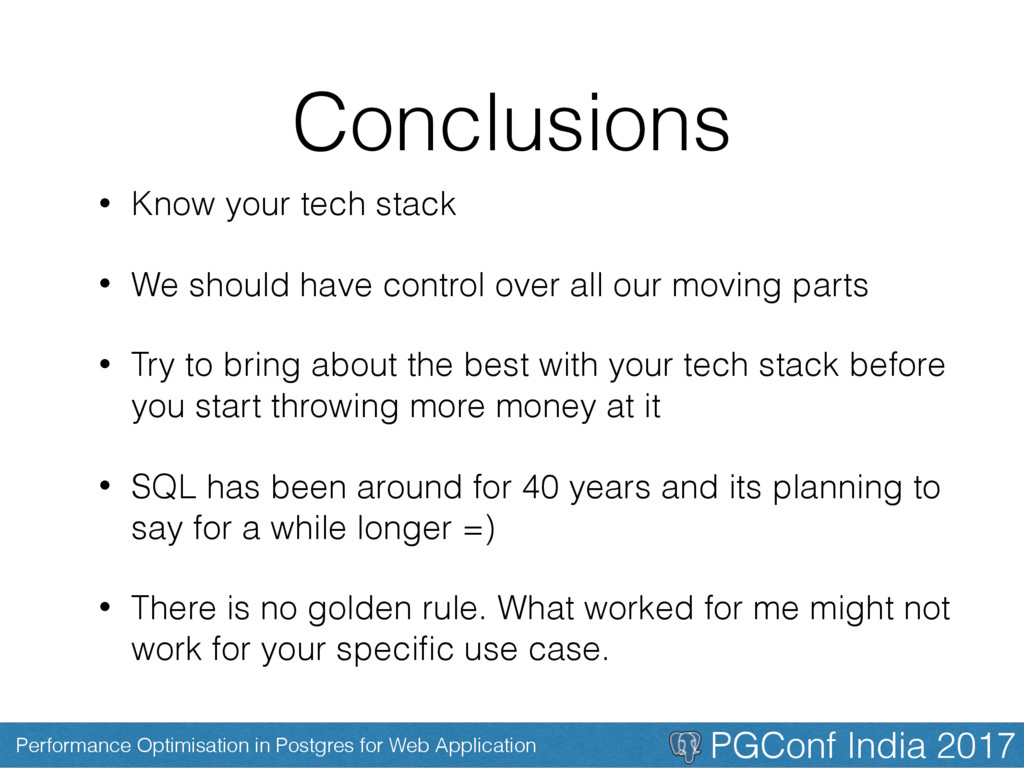
Conclusions • Know your tech stack • We should have control over all our moving parts • Try to bring about the best with your tech stack before you start throwing more money at it • SQL has been around for 40 years and its planning to say for a while longer =) • There is no golden rule. What worked for me might not work for your specific use case.
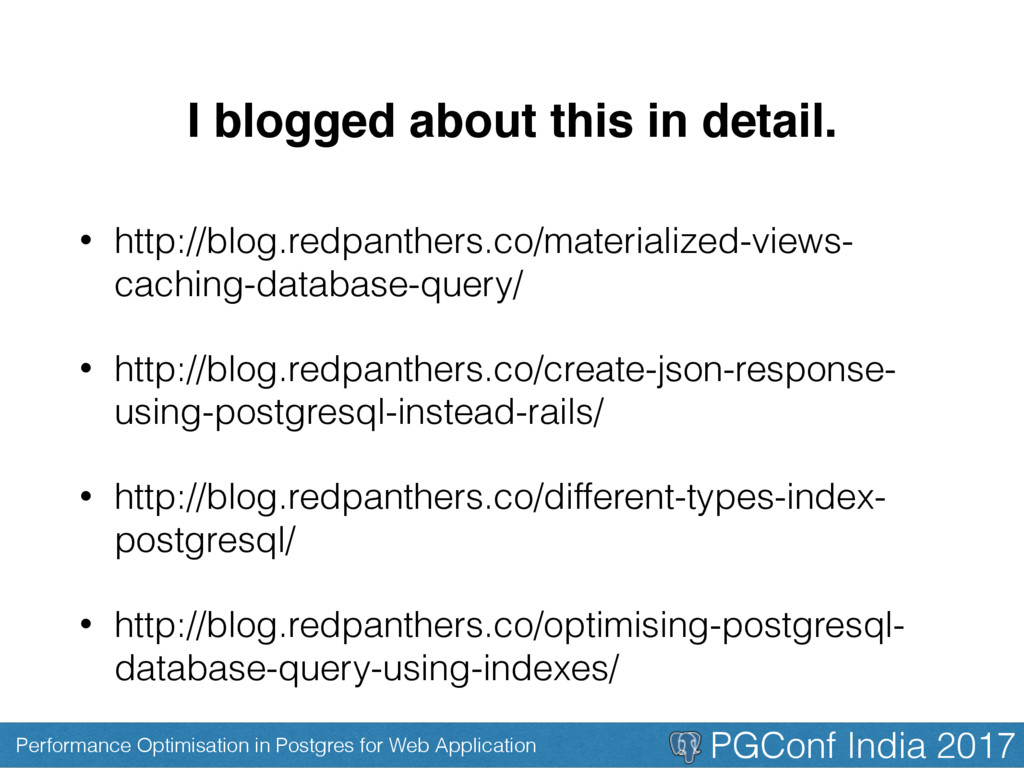
I blogged about this in detail. • http://blog.redpanthers.co/materialized-views- caching-database-query/ • http://blog.redpanthers.co/create-json-response- using-postgresql-instead-rails/ • http://blog.redpanthers.co/different-types-index- postgresql/ • http://blog.redpanthers.co/optimising-postgresql- database-query-using-indexes/


 coderhs
 iktakahiro
 syuchimu
 grimoh
 daidaidai
 raspython3
 maimyyym
 occhi
occhi
 pfn
pfn
 bitkey
 endonanana
.png) jmdc_presentation
jmdc_presentation
 hiracky16
 jonoalderson
 inesmontani
 3n
3n
 techseoconnect
 reverentgeek
 apolaine
 skipperchong
 davidcarrasco
 eileencodes
 rasagy
 brad_frost