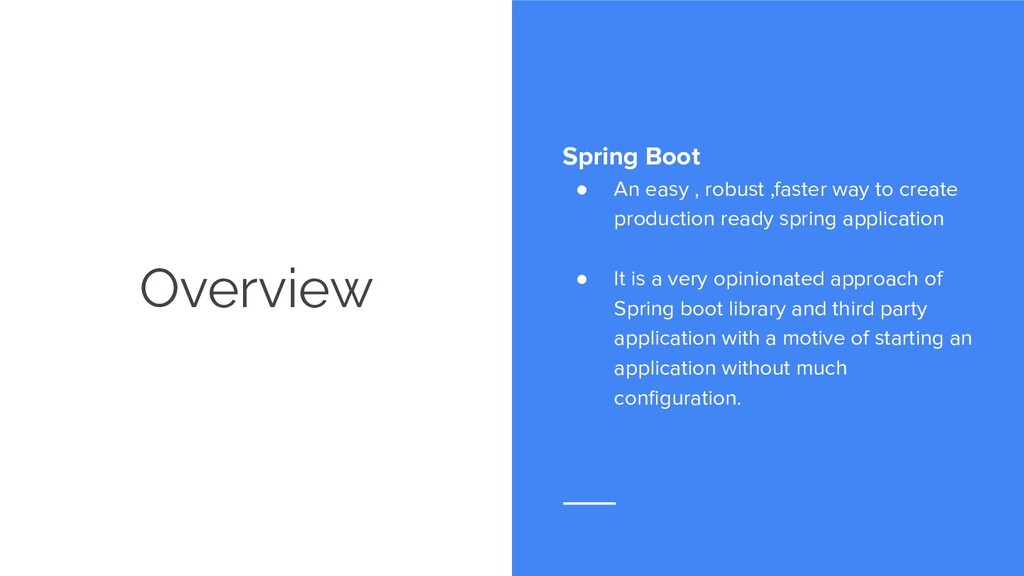
to create production ready spring application • It is a very opinionated approach of Spring boot library and third party application with a motive of starting an application without much configuration.
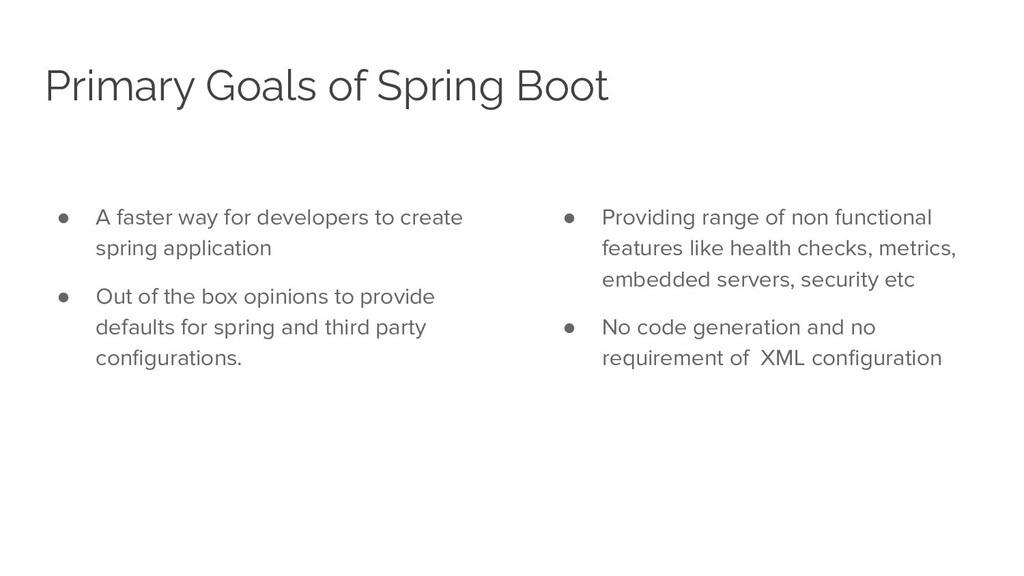
developers to create spring application • Out of the box opinions to provide defaults for spring and third party configurations. • Providing range of non functional features like health checks, metrics, embedded servers, security etc • No code generation and no requirement of XML configuration
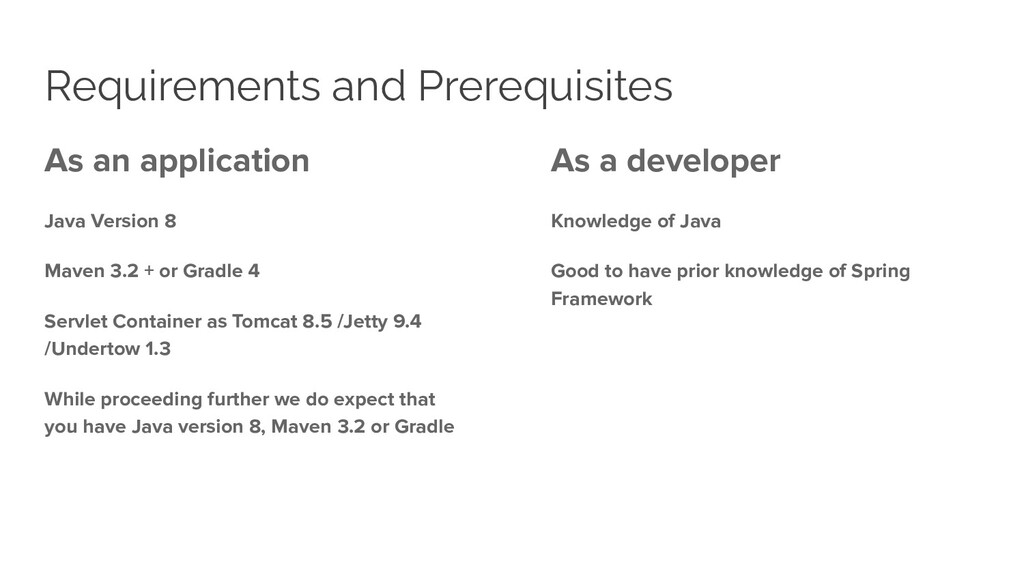
3.2 + or Gradle 4 Servlet Container as Tomcat 8.5 /Jetty 9.4 /Undertow 1.3 While proceeding further we do expect that you have Java version 8, Maven 3.2 or Gradle As a developer Knowledge of Java Good to have prior knowledge of Spring Framework
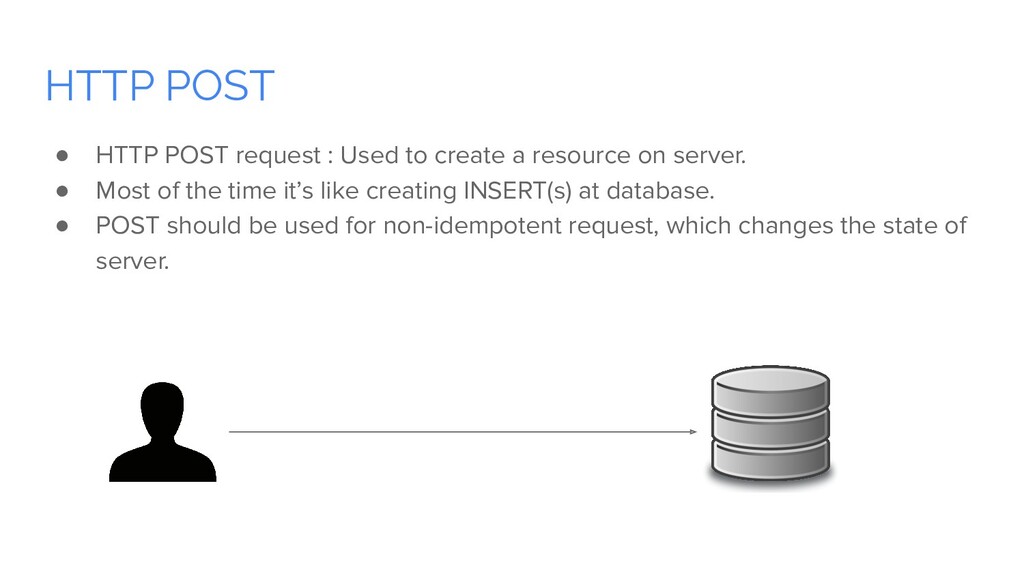
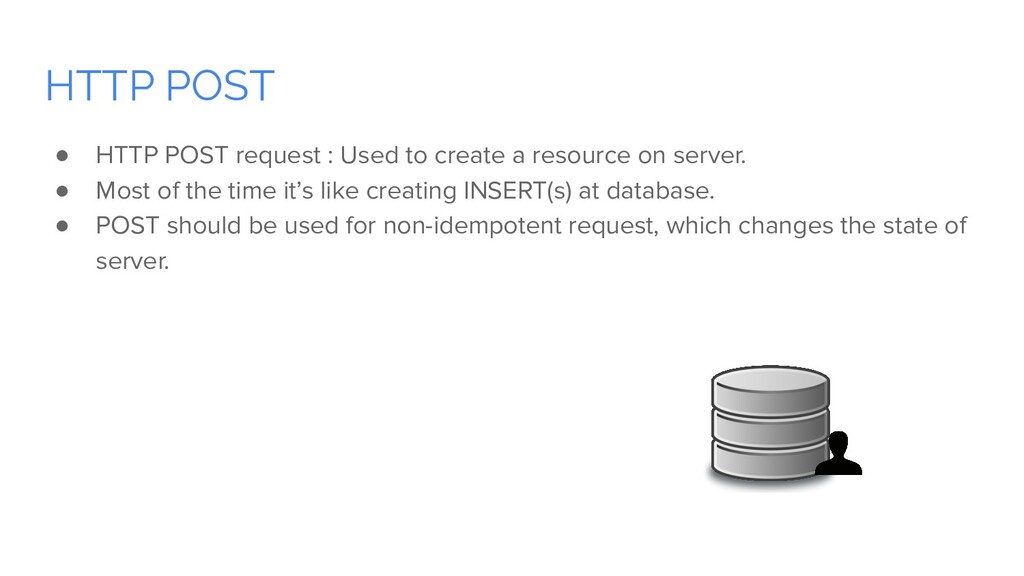
a resource on server. • Most of the time it’s like creating INSERT(s) at database. • POST should be used for non-idempotent request, which changes the state of server.
a resource on server. • Most of the time it’s like creating INSERT(s) at database. • POST should be used for non-idempotent request, which changes the state of server.
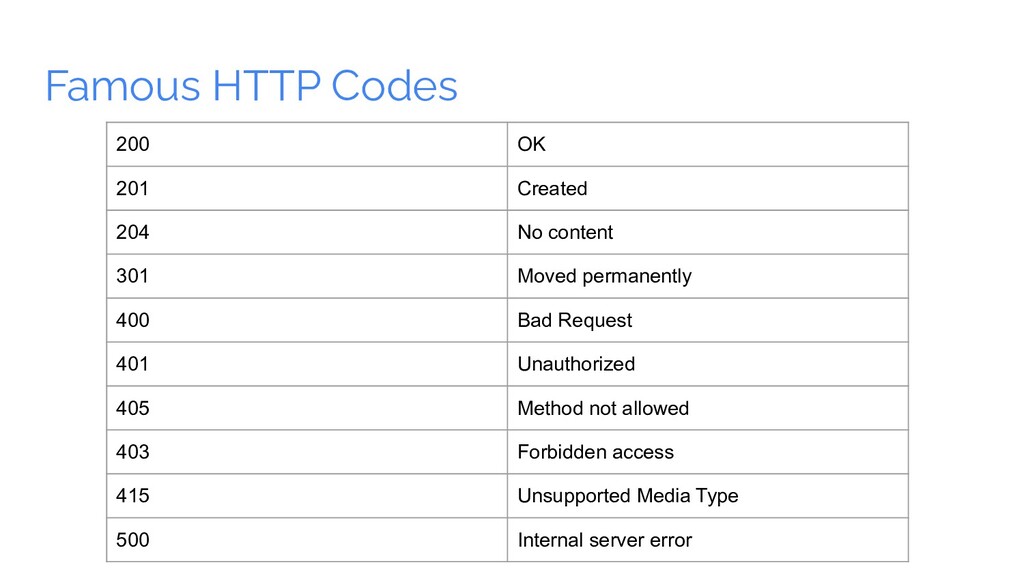
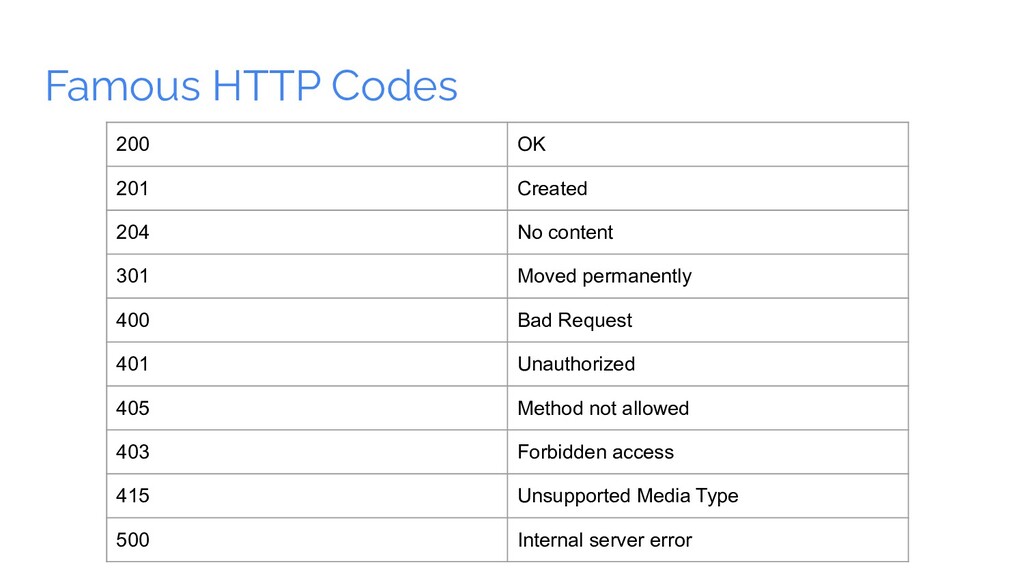
301 Moved permanently 400 Bad Request 401 Unauthorized 405 Method not allowed 403 Forbidden access 415 Unsupported Media Type 500 Internal server error
301 Moved permanently 400 Bad Request 401 Unauthorized 405 Method not allowed 403 Forbidden access 415 Unsupported Media Type 500 Internal server error
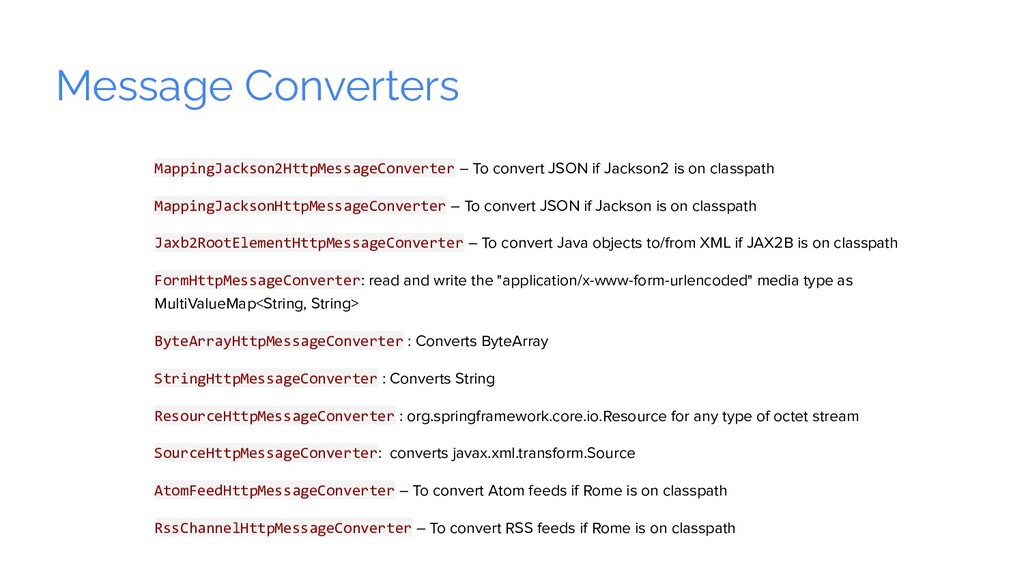
on classpath MappingJacksonHttpMessageConverter – To convert JSON if Jackson is on classpath Jaxb2RootElementHttpMessageConverter – To convert Java objects to/from XML if JAX2B is on classpath FormHttpMessageConverter: read and write the "application/x-www-form-urlencoded" media type as MultiValueMap<String, String> ByteArrayHttpMessageConverter : Converts ByteArray StringHttpMessageConverter : Converts String ResourceHttpMessageConverter : org.springframework.core.io.Resource for any type of octet stream SourceHttpMessageConverter: converts javax.xml.transform.Source AtomFeedHttpMessageConverter – To convert Atom feeds if Rome is on classpath RssChannelHttpMessageConverter – To convert RSS feeds if Rome is on classpath
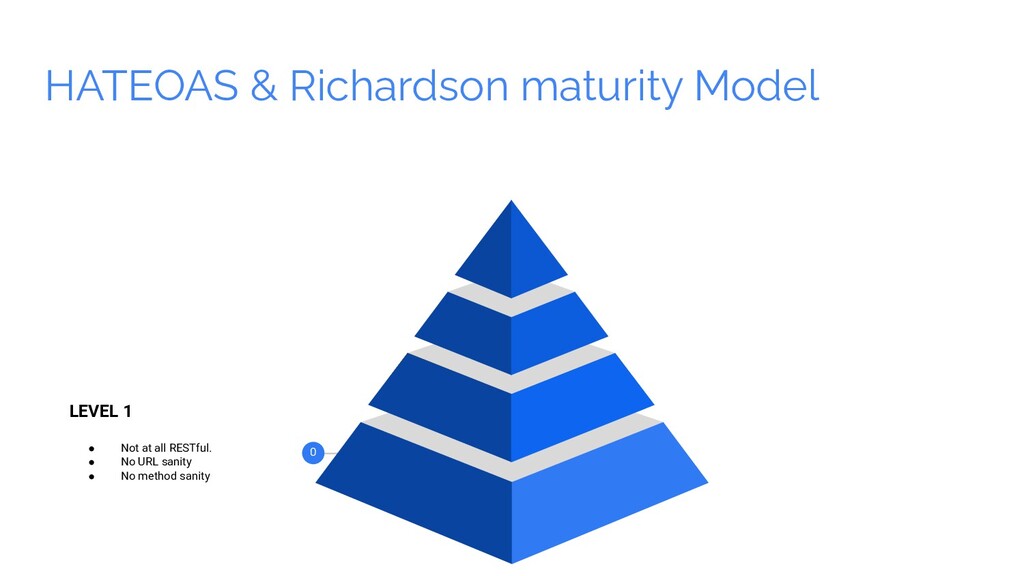
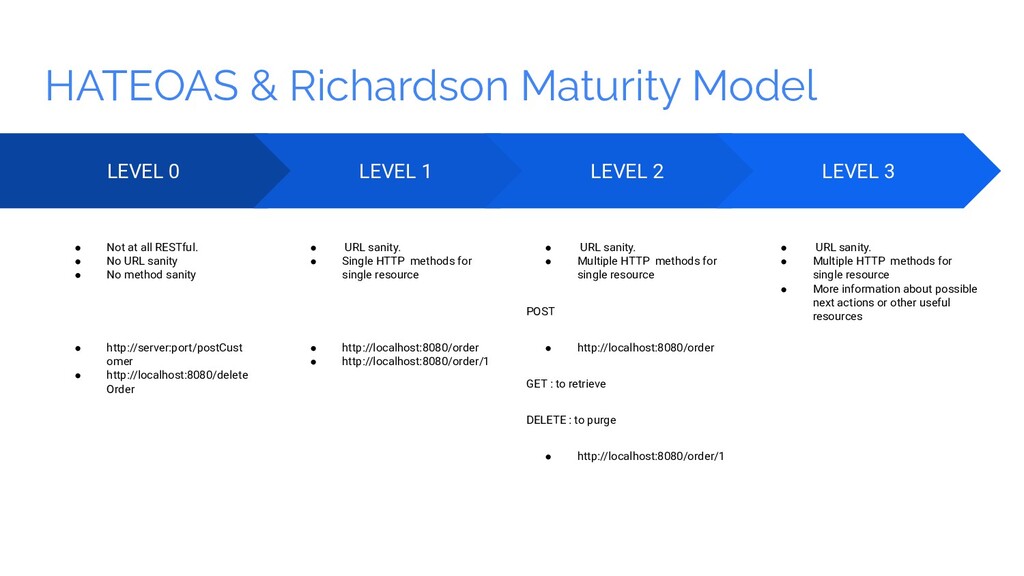
all RESTful. • No URL sanity • No method sanity • http://server:port/postCust omer • http://localhost:8080/delete Order LEVEL 1 • URL sanity. • Single HTTP methods for single resource • http://localhost:8080/order • http://localhost:8080/order/1 LEVEL 2 • URL sanity. • Multiple HTTP methods for single resource POST • http://localhost:8080/order GET : to retrieve DELETE : to purge • http://localhost:8080/order/1 LEVEL 3 • URL sanity. • Multiple HTTP methods for single resource • More information about possible next actions or other useful resources
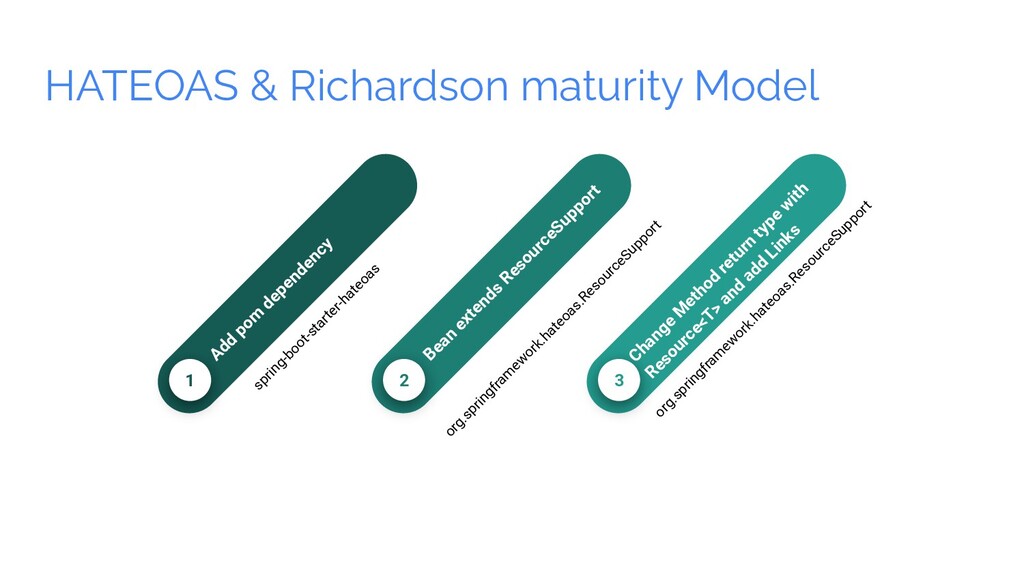
2 Bean extends ResourceSupport org.springfram ew ork.hateoas.ResourceSupport 3 Change M ethod return type w ith Resource<T> and add Links org.springfram ew ork.hateoas.ResourceSupport
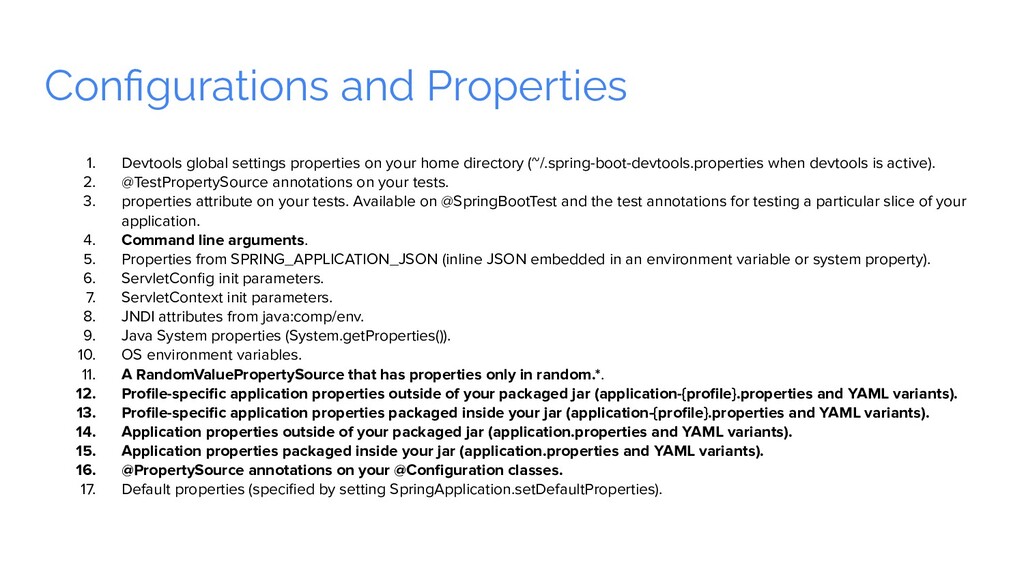
home directory (~/.spring-boot-devtools.properties when devtools is active). 2. @TestPropertySource annotations on your tests. 3. properties attribute on your tests. Available on @SpringBootTest and the test annotations for testing a particular slice of your application. 4. Command line arguments. 5. Properties from SPRING_APPLICATION_JSON (inline JSON embedded in an environment variable or system property). 6. ServletConfig init parameters. 7. ServletContext init parameters. 8. JNDI attributes from java:comp/env. 9. Java System properties (System.getProperties()). 10. OS environment variables. 11. A RandomValuePropertySource that has properties only in random.*. 12. Profile-specific application properties outside of your packaged jar (application-{profile}.properties and YAML variants). 13. Profile-specific application properties packaged inside your jar (application-{profile}.properties and YAML variants). 14. Application properties outside of your packaged jar (application.properties and YAML variants). 15. Application properties packaged inside your jar (application.properties and YAML variants). 16. @PropertySource annotations on your @Configuration classes. 17. Default properties (specified by setting SpringApplication.setDefaultProperties).
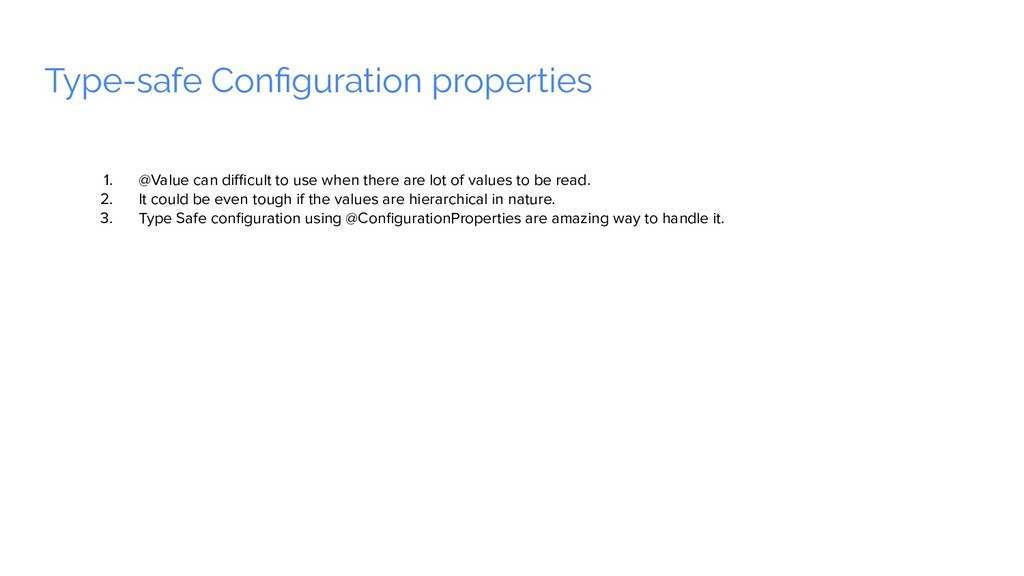
there are lot of values to be read. 2. It could be even tough if the values are hierarchical in nature. 3. Type Safe configuration using @ConfigurationProperties are amazing way to handle it.


 codingsaint
 signer
 pawan_pharm
 kentaroy47
 hiola
hiola
 auctria
 terazawa
 suisan
 ichiroc
 terasawat
 marktimemedia
 productmarketing
 palkan
 ivargrimstad
 zakiyama
 varn
varn
 tenderlove
 axbom
axbom
 paigeccino
 tammyeverts
 aleyda
 jacobtomlinson

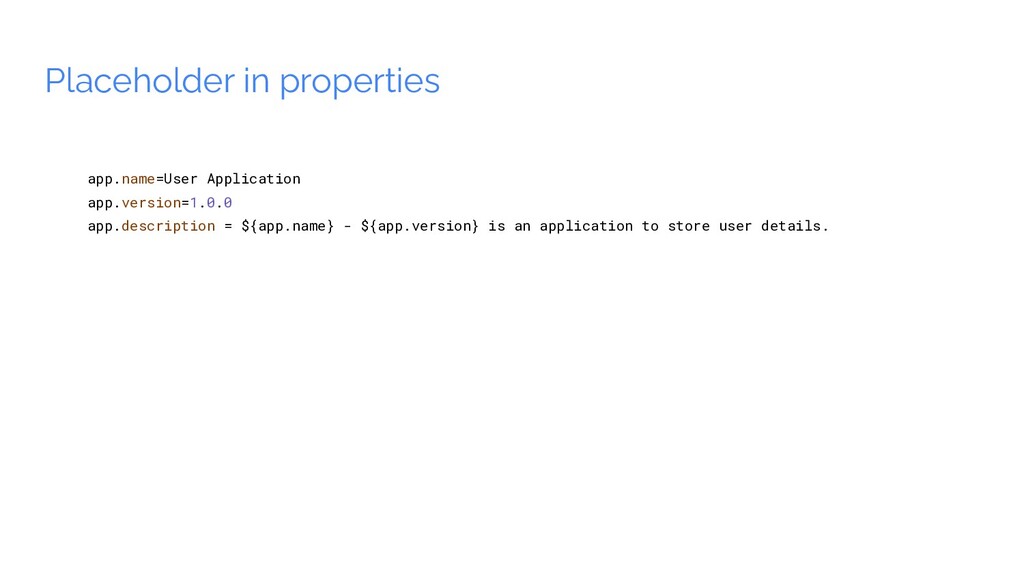
![Configuring Random Values app.random=${random.value} app.random.integer=${random.int} app.random.long=${random.long} app.random.uuid=${random.uuid} app.random.less.than.hundred=${random.int(100)} app.random.within.range=${random.int[1000,9999]}](https://files.speakerdeck.com/presentations/c6ef479d1032492e9885bf999f99979b/slide_40.jpg)