Upgrade to Pro — share decks privately, control downloads, hide ads and more …

Quarkus Introduction

Avatar for Coding Saint Coding Saint
February 23, 2020

Quarkus Introduction

Avatar for Coding Saint

Coding Saint

February 23, 2020

More Decks by Coding Saint

Other Decks in Programming

Transcript

  1. About Me Kumar Pallav 10 Years of experience with Java

    , Spring and Microservices based framework kumar_pallav Spring Boot and Microservices : https://bit.ly/spring-ms RxJava : http://bit.ly/rx_java2 codingsaint [email protected]
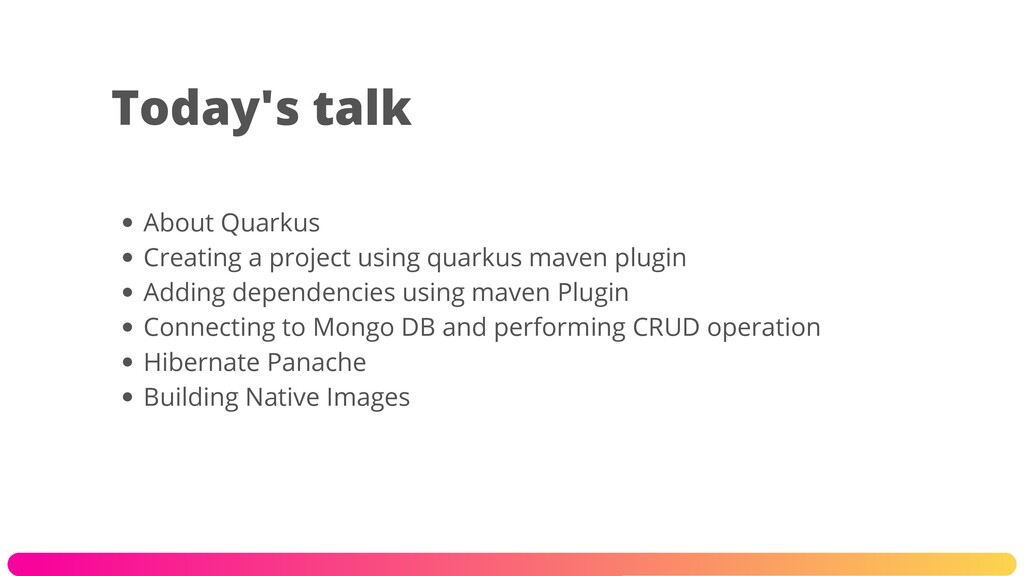
  2. About Quarkus Creating a project using quarkus maven plugin Adding

    dependencies using maven Plugin Connecting to Mongo DB and performing CRUD operation Hibernate Panache Building Native Images Today's talk
  3. About Quarkus Supersonic Subatmoic Framework Quarkus is a full-stack, Kubernetes-native

    Java framework made for Java virtual machines (JVMs) and native compilation, optimizing Java specifically for containers and enabling it to become an effective platform for serverless, cloud, and Kubernetes environments
  4. JDK 1.8+ Maven 3.6.X GraalVM Docker Softwares required and installed

    for this session https://bit.ly/Quarkus_demo
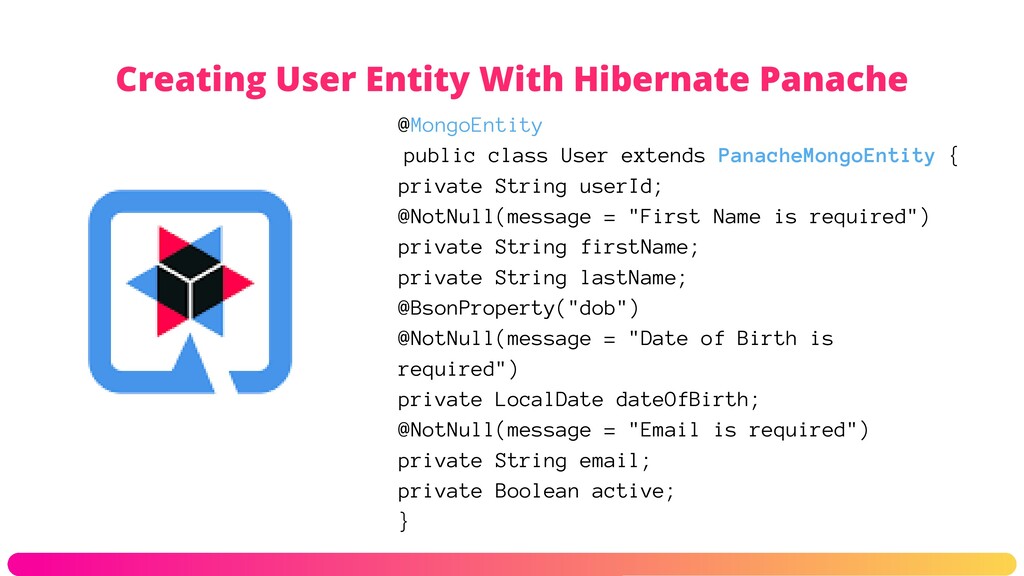
  5. Creating User Entity With Hibernate Panache @MongoEntity public class User

    extends PanacheMongoEntity { private String userId; @NotNull(message = "First Name is required") private String firstName; private String lastName; @BsonProperty("dob") @NotNull(message = "Date of Birth is required") private LocalDate dateOfBirth; @NotNull(message = "Email is required") private String email; private Boolean active; }
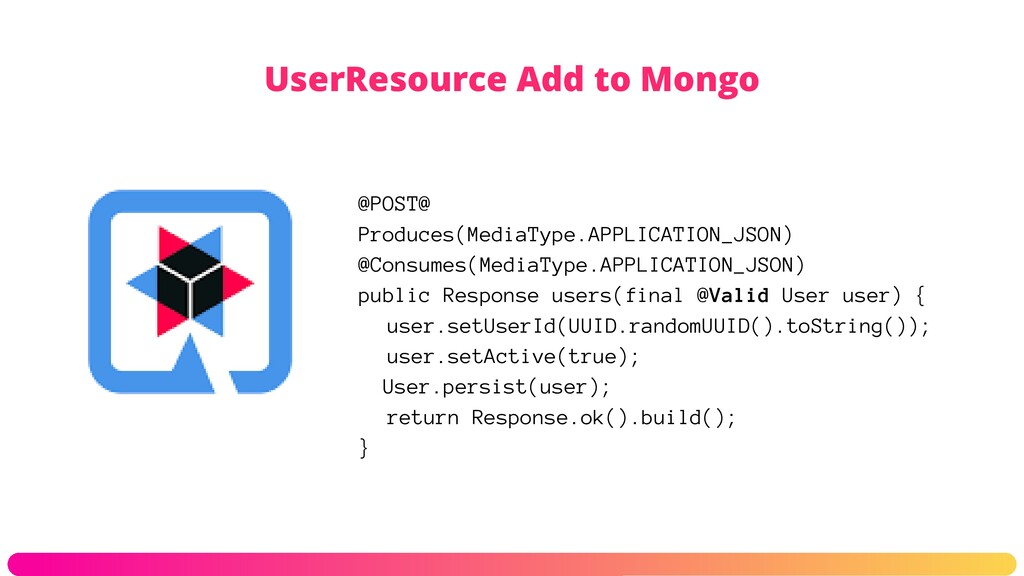
  6. UserResource Add to Mongo @POST@ Produces(MediaType.APPLICATION_JSON) @Consumes(MediaType.APPLICATION_JSON) public Response users(final

    @Valid User user) { user.setUserId(UUID.randomUUID().toString()); user.setActive(true); User.persist(user); return Response.ok().build(); }
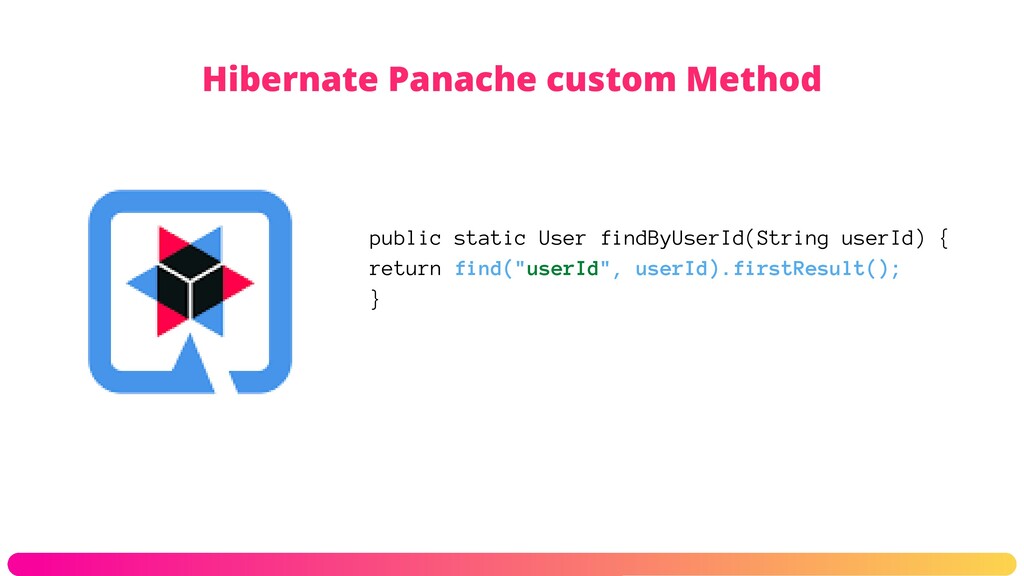
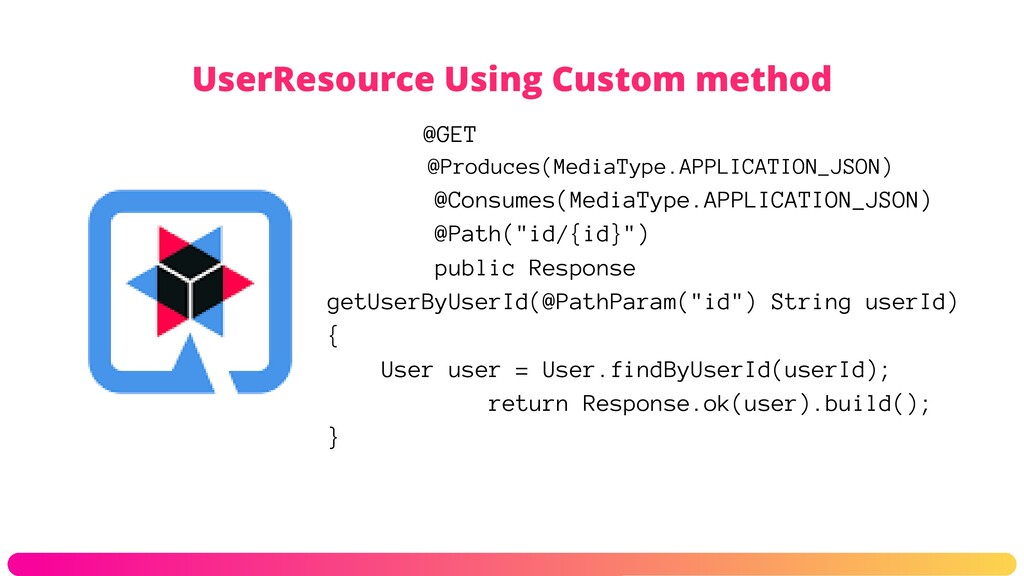
  7. UserResource Using Custom method @GET @Produces(MediaType.APPLICATION_JSON) @Consumes(MediaType.APPLICATION_JSON) @Path("id/{id}") public Response

    getUserByUserId(@PathParam("id") String userId) { User user = User.findByUserId(userId); return Response.ok(user).build(); }
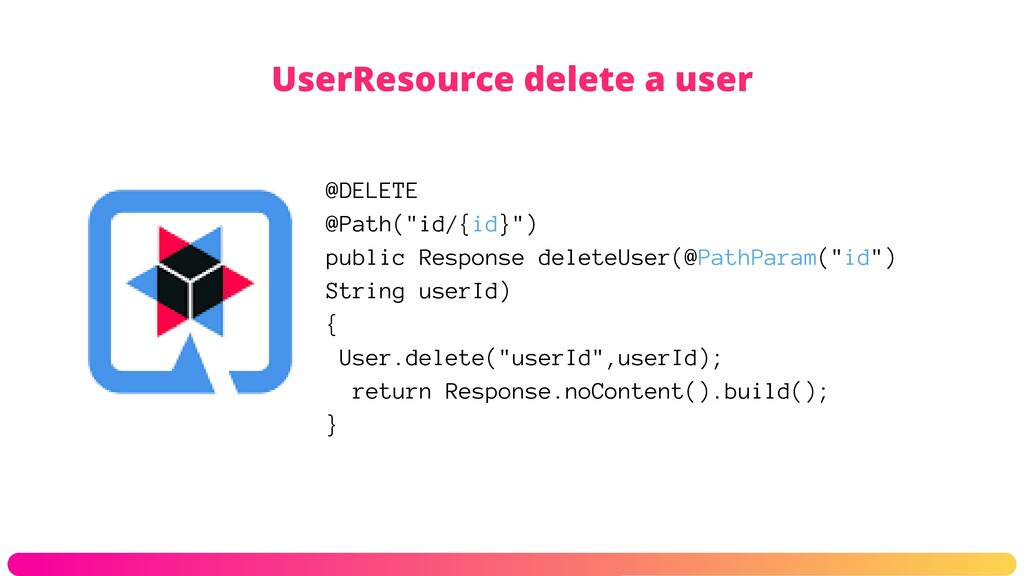
  8. UserResource delete a user @DELETE @Path("id/{id}") public Response deleteUser(@PathParam("id") String

    userId) { User.delete("userId",userId); return Response.noContent().build(); }