Upgrade to Pro — share decks privately, control downloads, hide ads and more …

Android Animation Why, What and How?

Sponsored · Ship Features Fearlessly Turn features on and off without deploys. Used by thousands of Ruby developers. →

Android Animation Why, What and How?

Avatar for Damanpreet Singh

Damanpreet Singh

December 27, 2019

Other Decks in Technology

Transcript

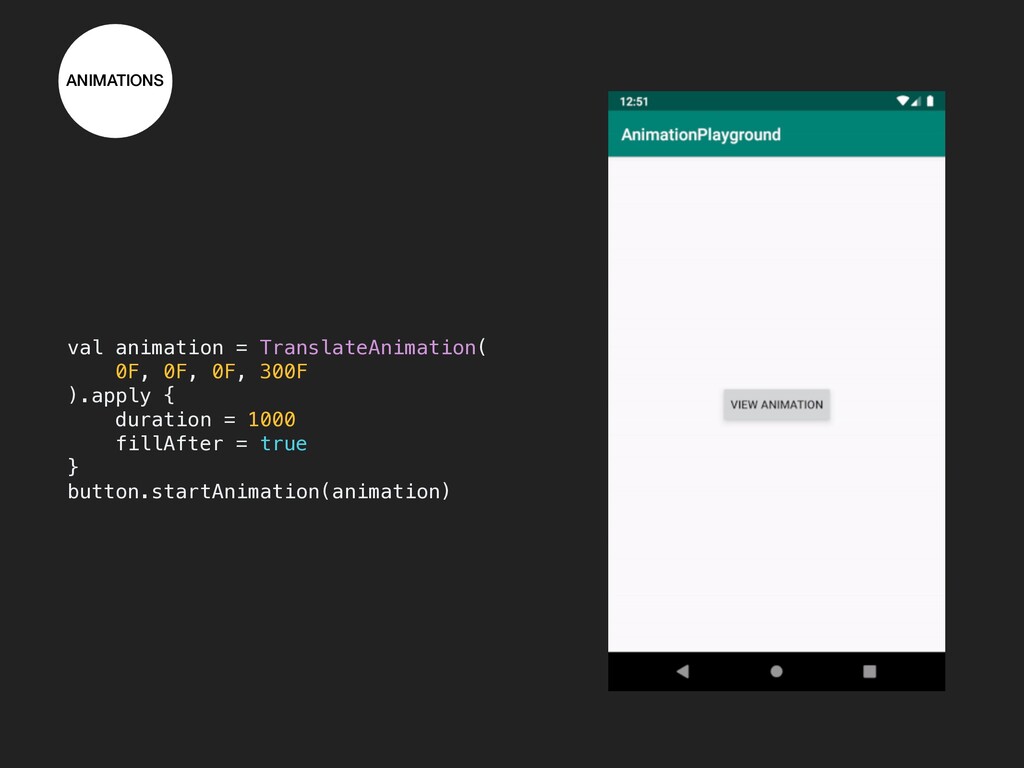
  1. ANIMATIONS android.view.animation Oldest api for animation (API Level 1.0). State

    changes but properties remain at original position. Only 4 animations: Alpha, Rotation, Translation and Scale. No animation update and cancel listener.
  2. ANIMATIONS val animation = TranslateAnimation( 0F, 0F, 0F, 300F ).apply

    { duration = 1000 fillAfter = true } button.startAnimation(animation)
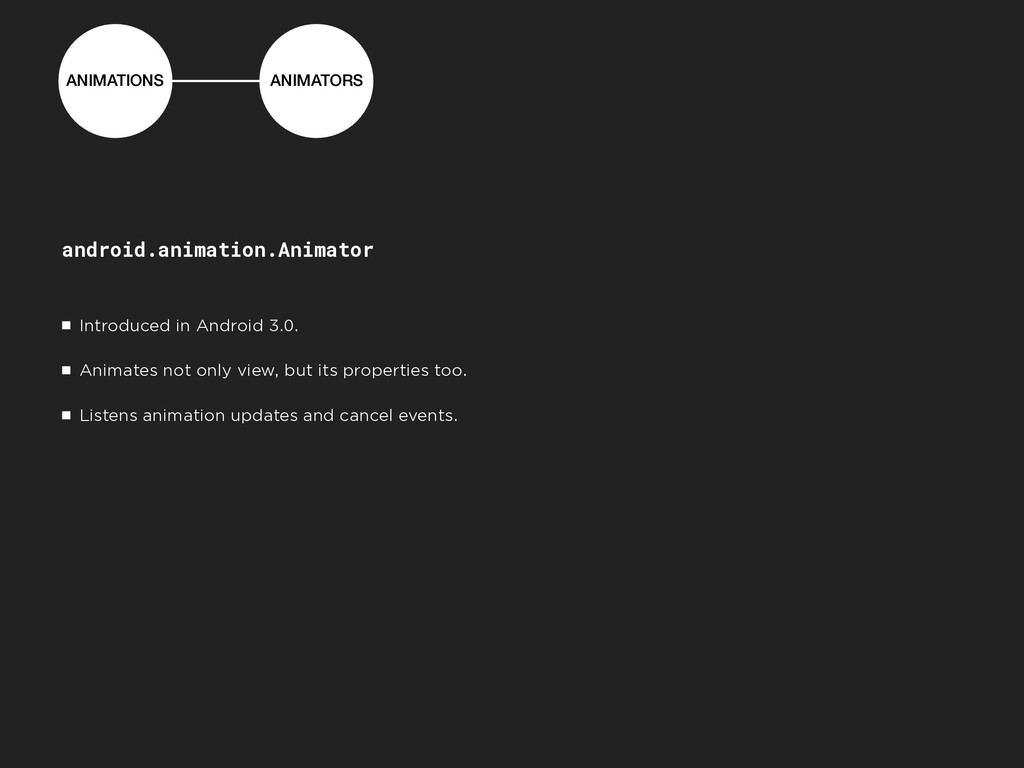
  3. ANIMATIONS ANIMATORS android.animation.Animator Introduced in Android 3.0. Animates not only

    view, but its properties too. Listens animation updates and cancel events.
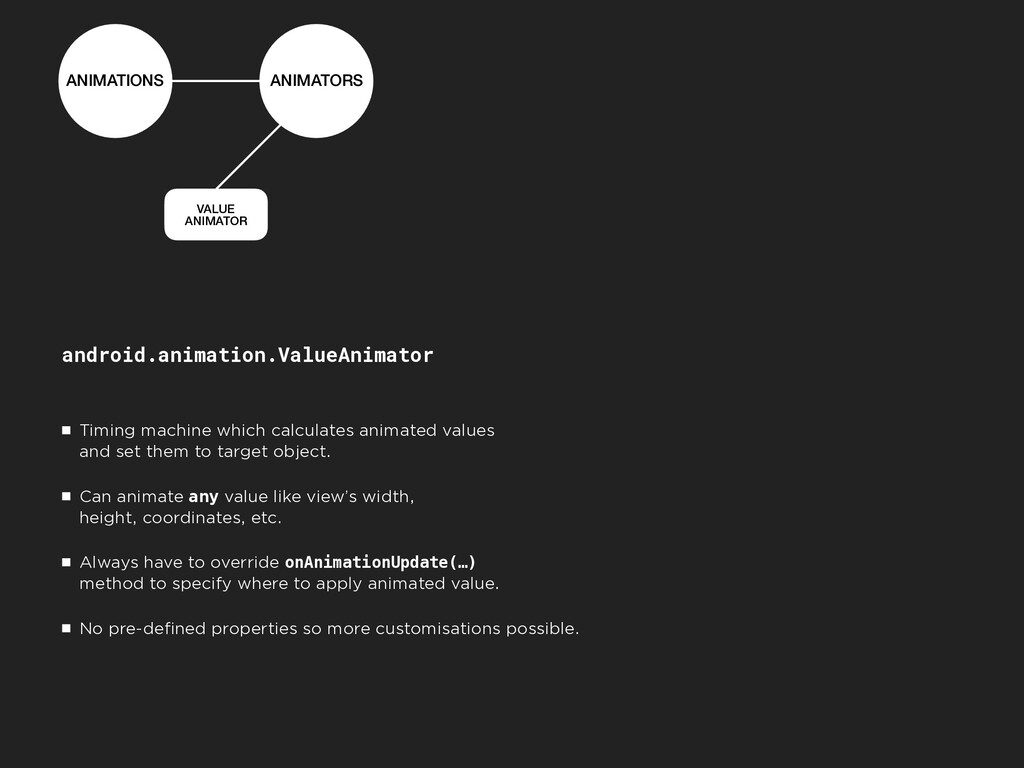
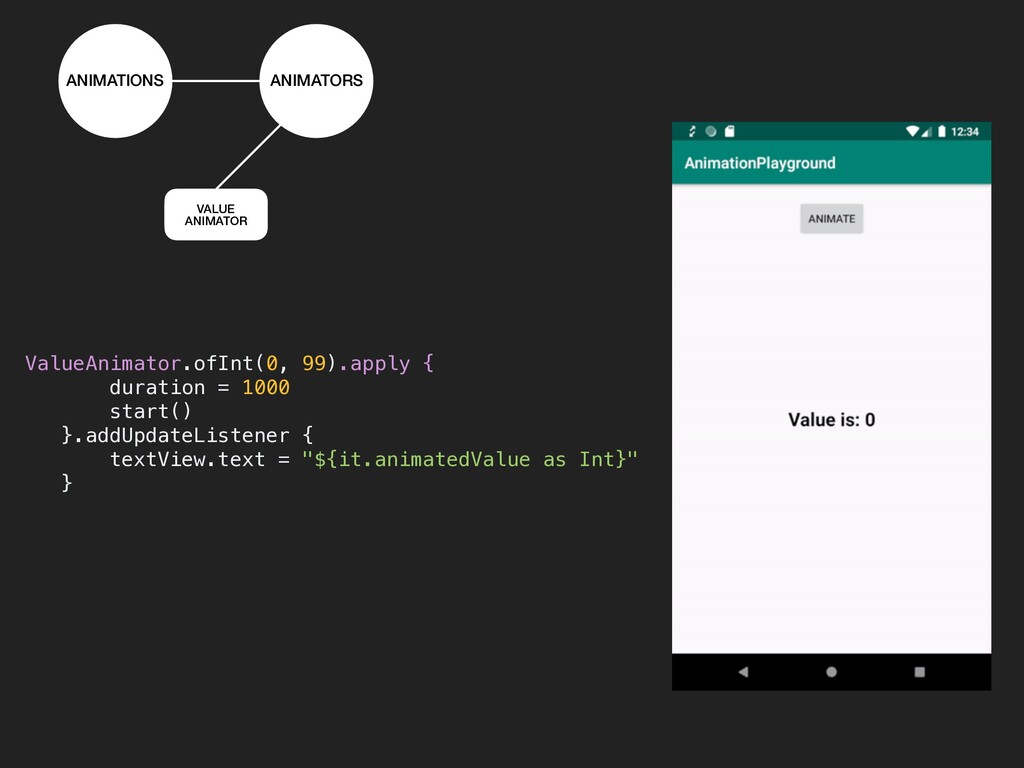
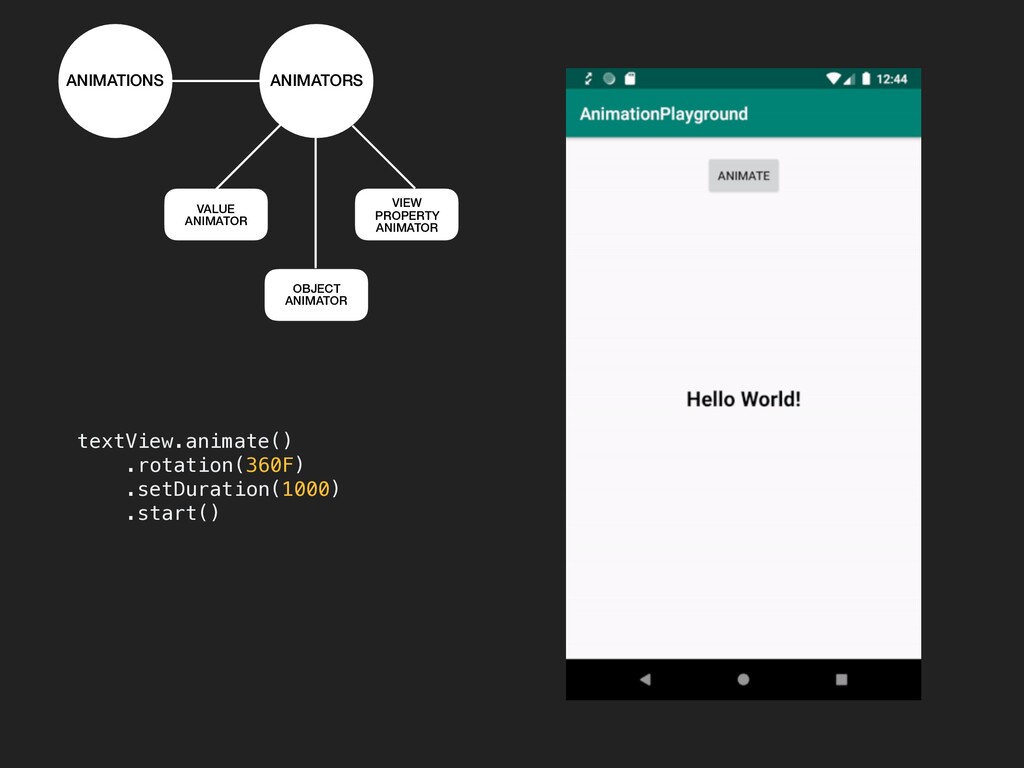
  4. ANIMATIONS ANIMATORS VALUE ANIMATOR android.animation.ValueAnimator Timing machine which calculates animated

    values 
 and set them to target object. Can animate any value like view’s width, 
 height, coordinates, etc. Always have to override onAnimationUpdate(…) 
 method to specify where to apply animated value. No pre-defined properties so more customisations possible.
  5. ValueAnimator.ofInt(0, 99).apply { duration = 1000 start() }.addUpdateListener { textView.text

    = "${it.animatedValue as Int}" } ANIMATIONS ANIMATORS VALUE ANIMATOR
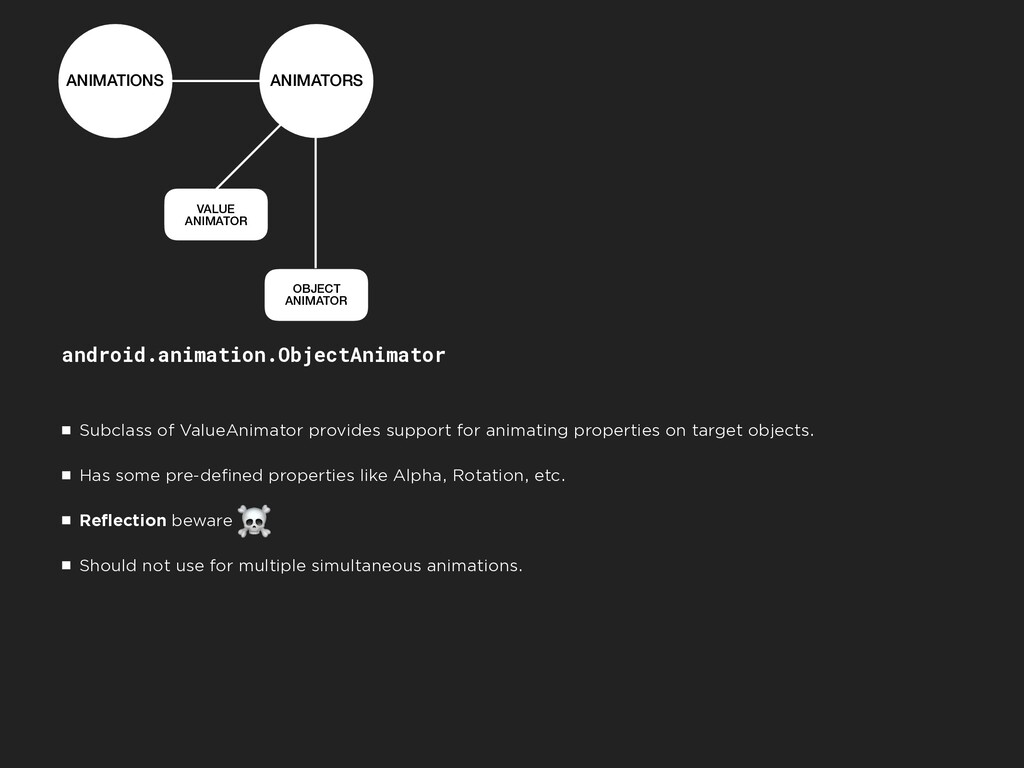
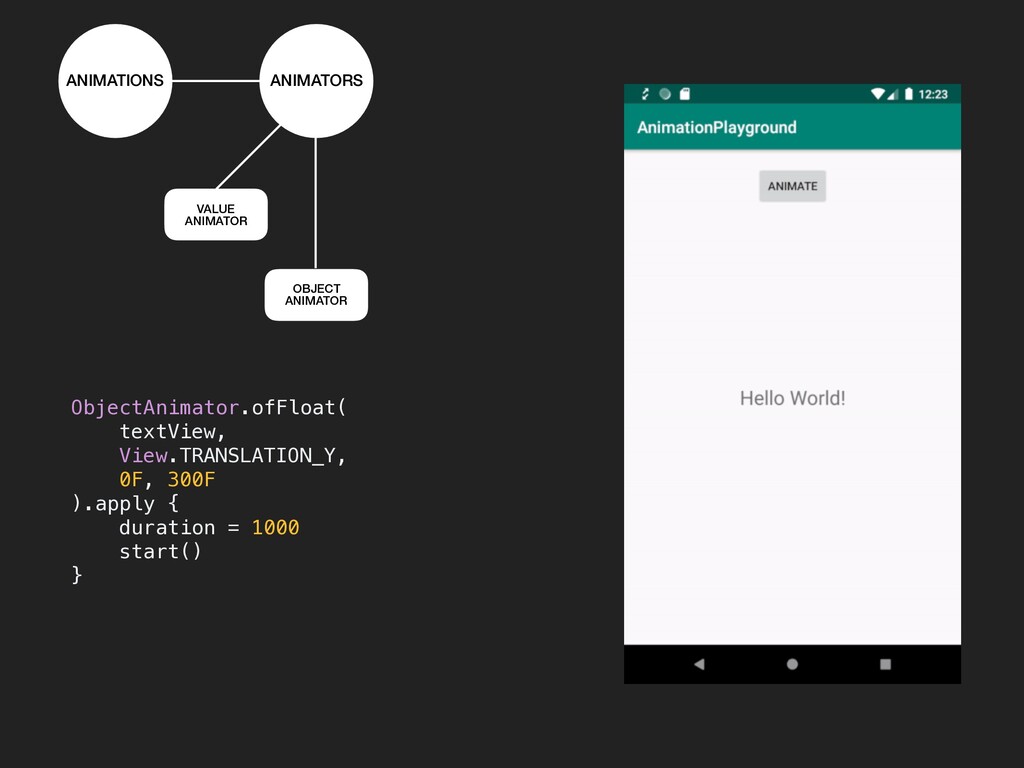
  6. ANIMATIONS ANIMATORS VALUE ANIMATOR OBJECT ANIMATOR android.animation.ObjectAnimator Subclass of ValueAnimator

    provides support for animating properties on target objects. Has some pre-defined properties like Alpha, Rotation, etc. Reflection beware Should not use for multiple simultaneous animations. ☠
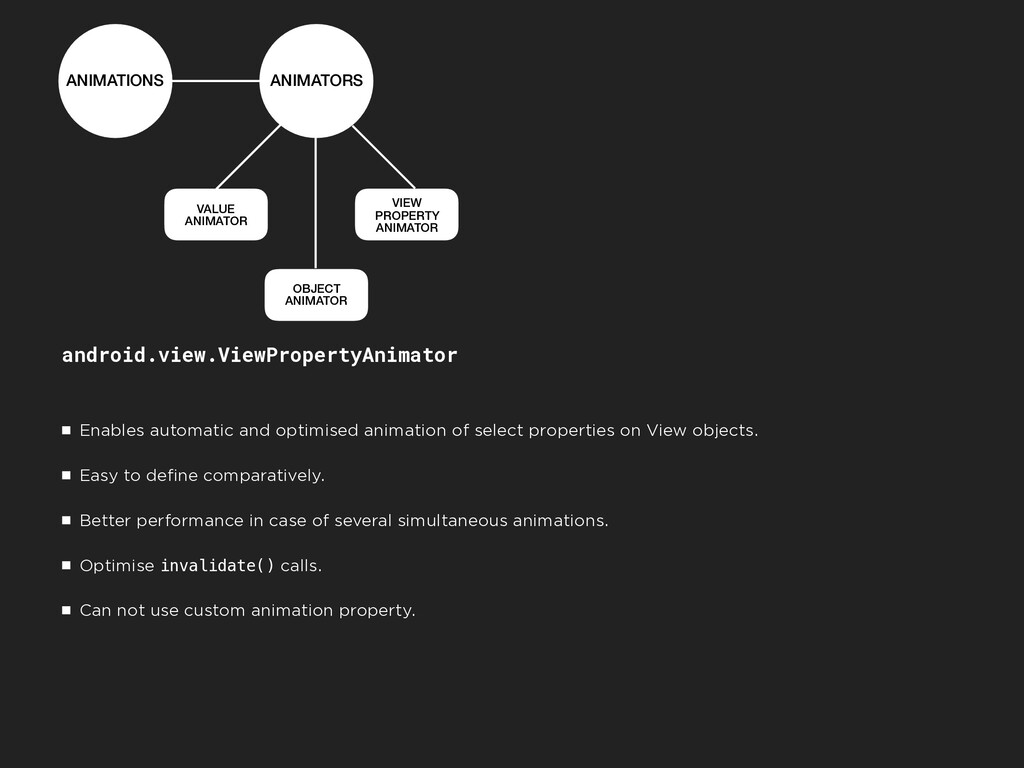
  7. ANIMATIONS ANIMATORS VALUE ANIMATOR OBJECT ANIMATOR VIEW PROPERTY ANIMATOR android.view.ViewPropertyAnimator

    Enables automatic and optimised animation of select properties on View objects. Easy to define comparatively. Better performance in case of several simultaneous animations. Optimise invalidate() calls. Can not use custom animation property.
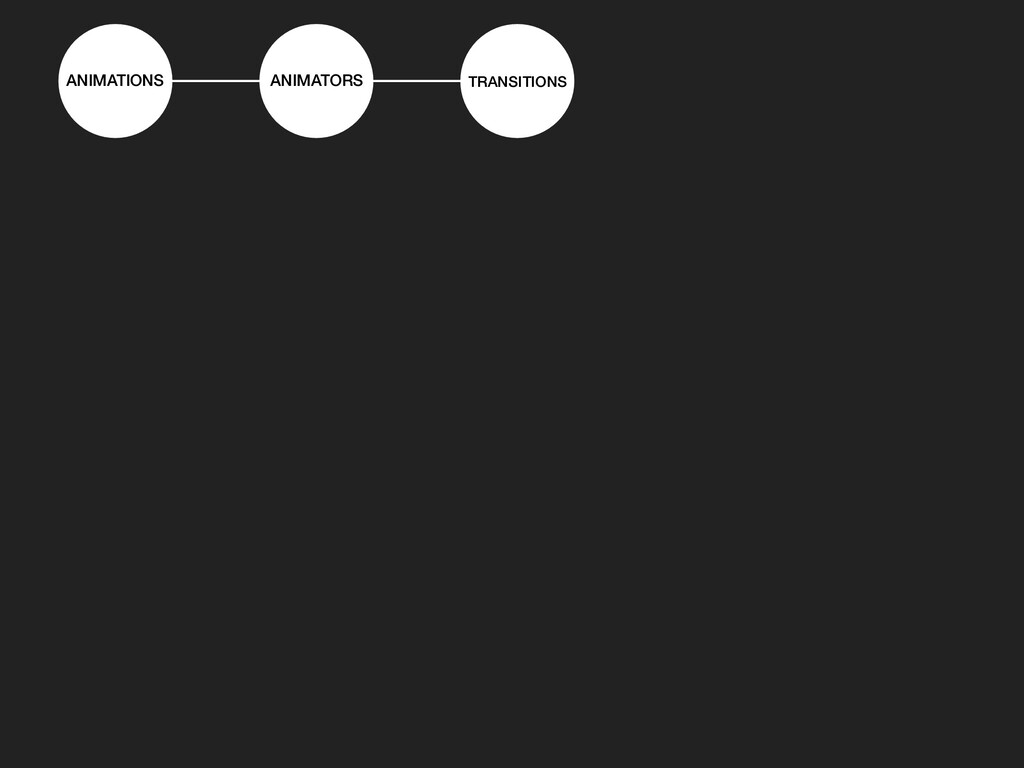
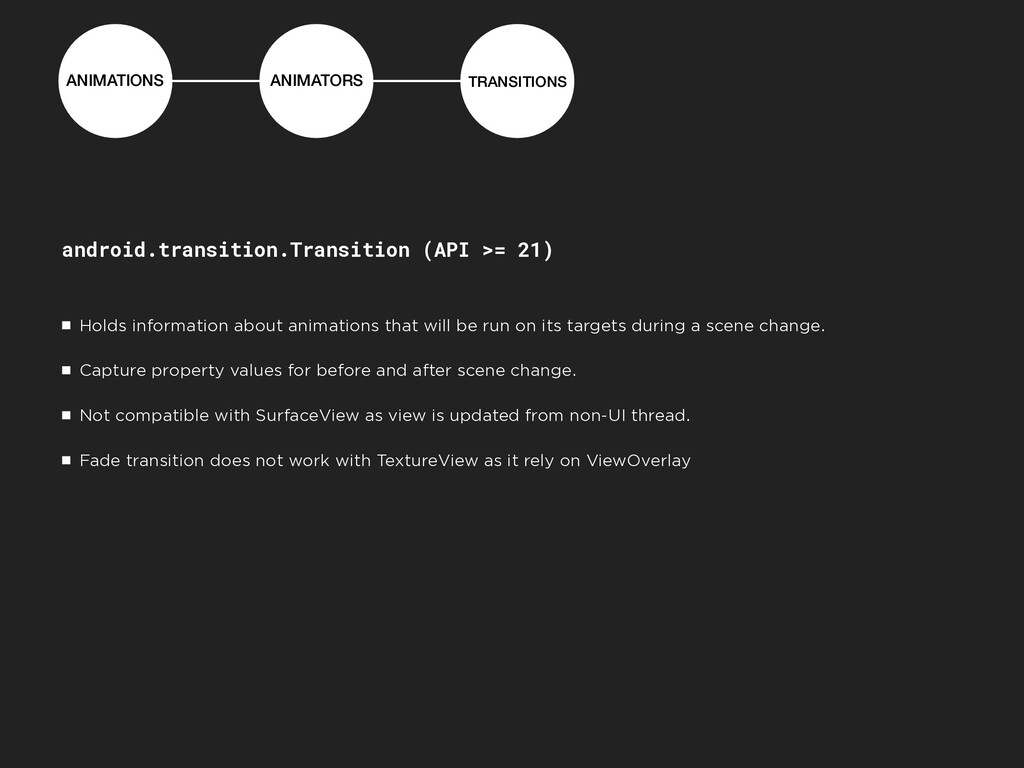
  8. ANIMATIONS ANIMATORS TRANSITIONS android.transition.Transition (API >= 21) Holds information about

    animations that will be run on its targets during a scene change. Capture property values for before and after scene change. Not compatible with SurfaceView as view is updated from non-UI thread. Fade transition does not work with TextureView as it rely on ViewOverlay
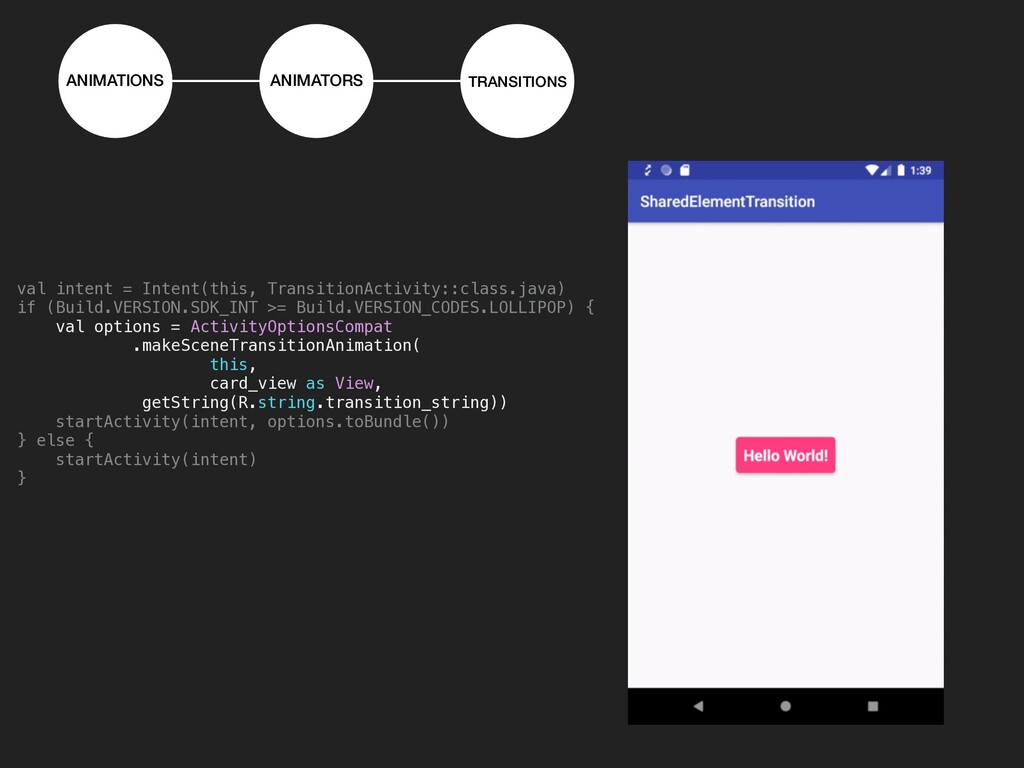
  9. ANIMATIONS ANIMATORS TRANSITIONS val intent = Intent(this, TransitionActivity::class.java) if (Build.VERSION.SDK_INT

    >= Build.VERSION_CODES.LOLLIPOP) { val options = ActivityOptionsCompat .makeSceneTransitionAnimation( this, card_view as View, getString(R.string.transition_string)) startActivity(intent, options.toBundle()) } else { startActivity(intent) }
  10. ANIMATIONS ANIMATORS TRANSITIONS AVD / LOTTIE Animated Vector Drawable Animated

    Vector Drawable: Animates properties 
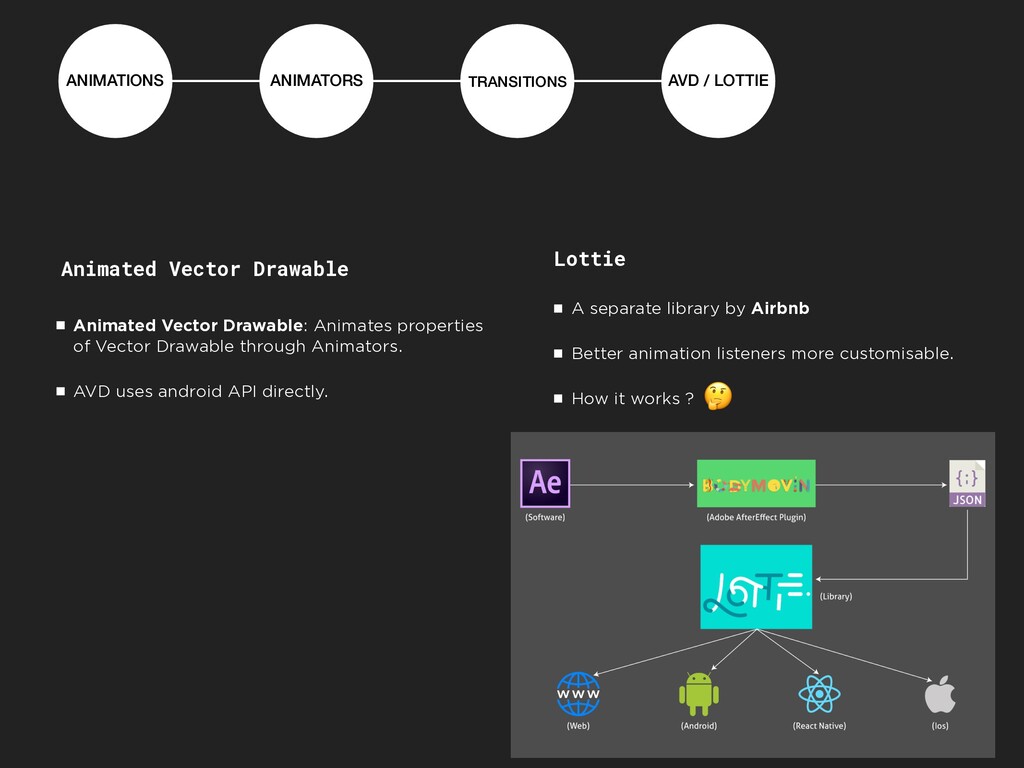
 of Vector Drawable through Animators. AVD uses android API directly. Lottie A separate library by Airbnb Better animation listeners more customisable. How it works ?
  11. ANIMATIONS ANIMATORS TRANSITIONS AVD / LOTTIE Animated Vector Drawable Animated

    Vector Drawable: Animates properties 
 of Vector Drawable through Animators. AVD uses android API directly.
  12. ANIMATIONS ANIMATORS TRANSITIONS AVD / LOTTIE Lottie A separate library

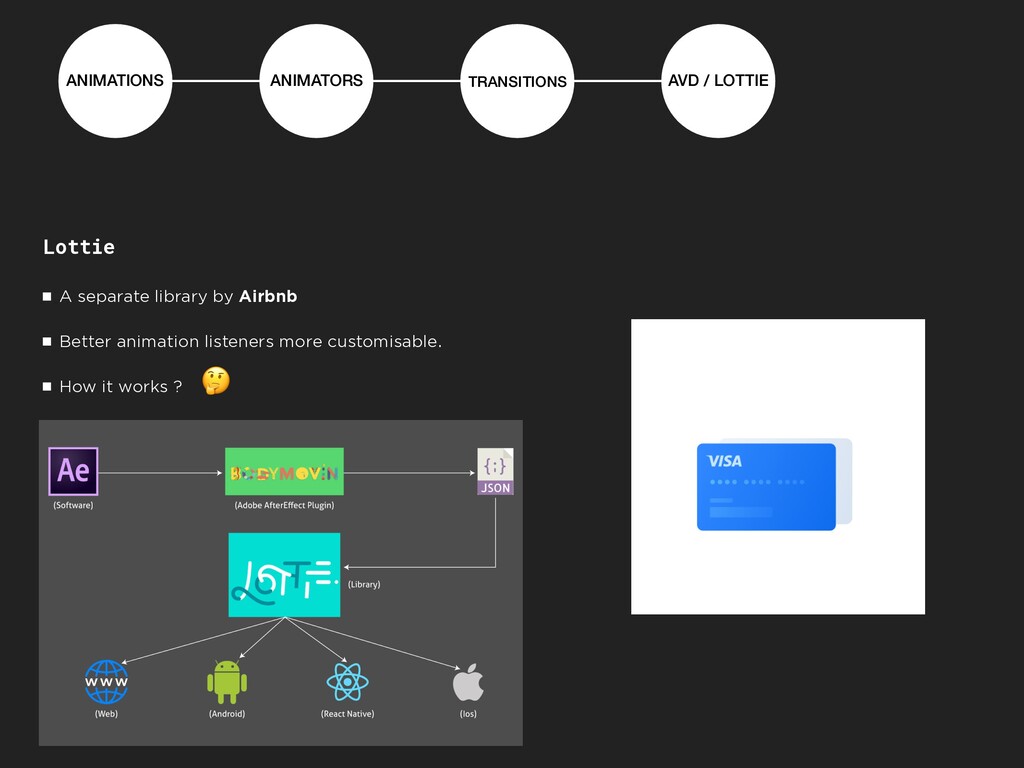
    by Airbnb Better animation listeners more customisable. How it works ?
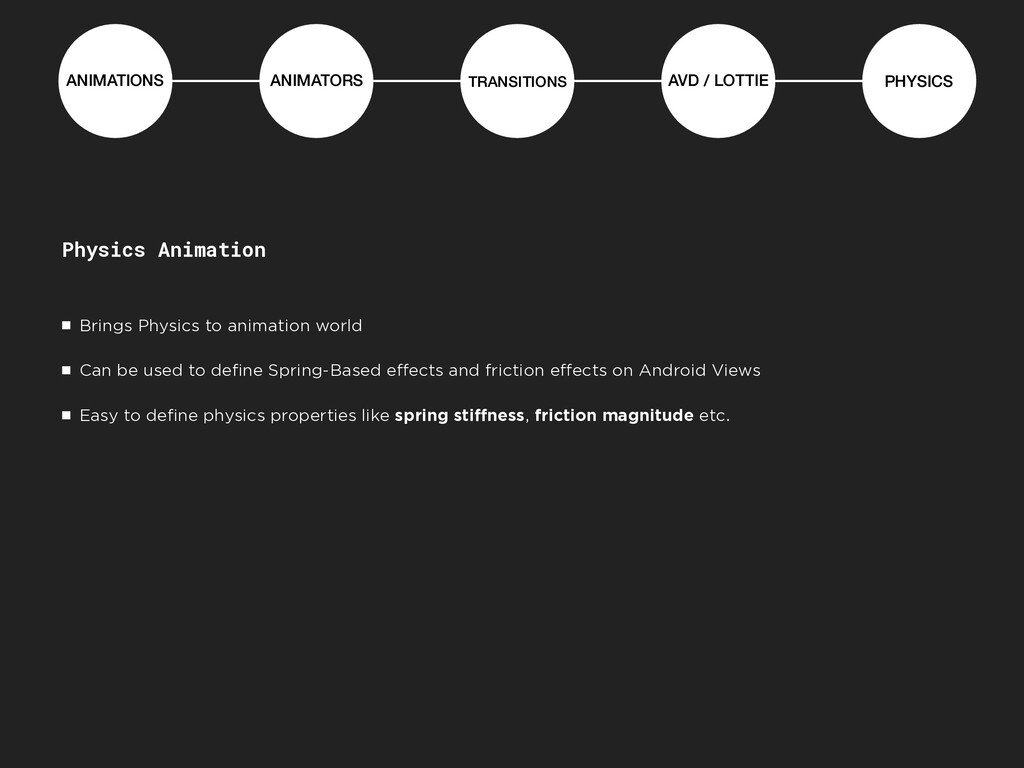
  13. ANIMATIONS ANIMATORS TRANSITIONS AVD / LOTTIE PHYSICS Physics Animation Brings

    Physics to animation world Can be used to define Spring-Based effects and friction effects on Android Views Easy to define physics properties like spring stiffness, friction magnitude etc.
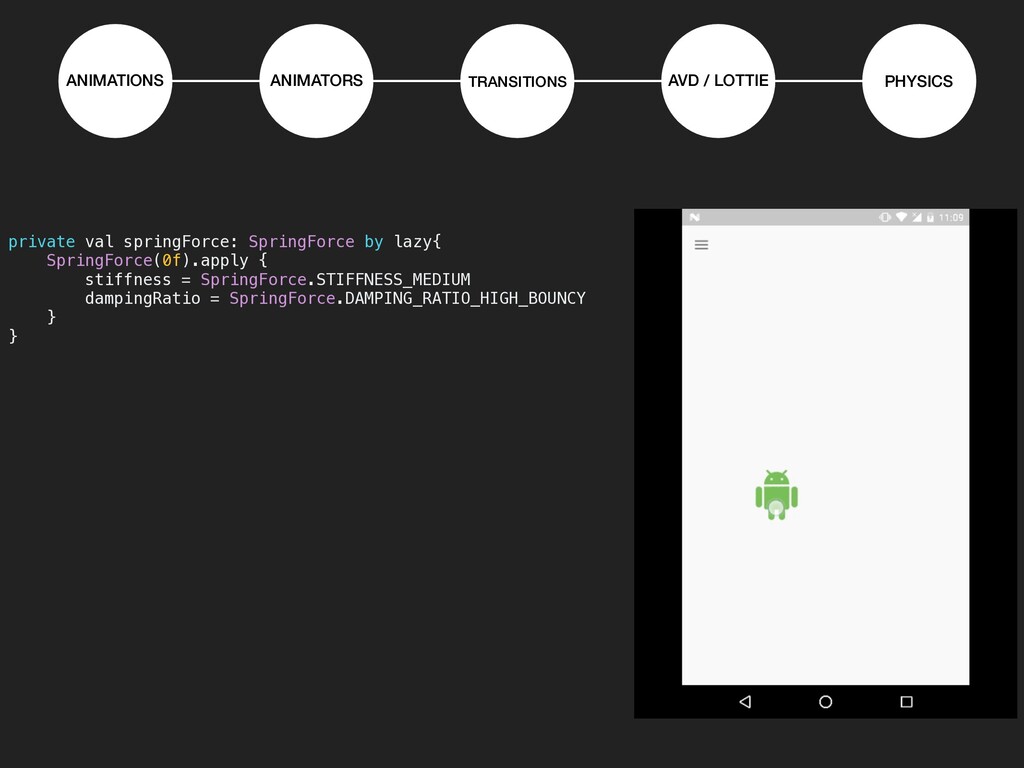
  14. ANIMATIONS ANIMATORS TRANSITIONS AVD / LOTTIE PHYSICS private val springForce:

    SpringForce by lazy{ SpringForce(0f).apply { stiffness = SpringForce.STIFFNESS_MEDIUM dampingRatio = SpringForce.DAMPING_RATIO_HIGH_BOUNCY } }
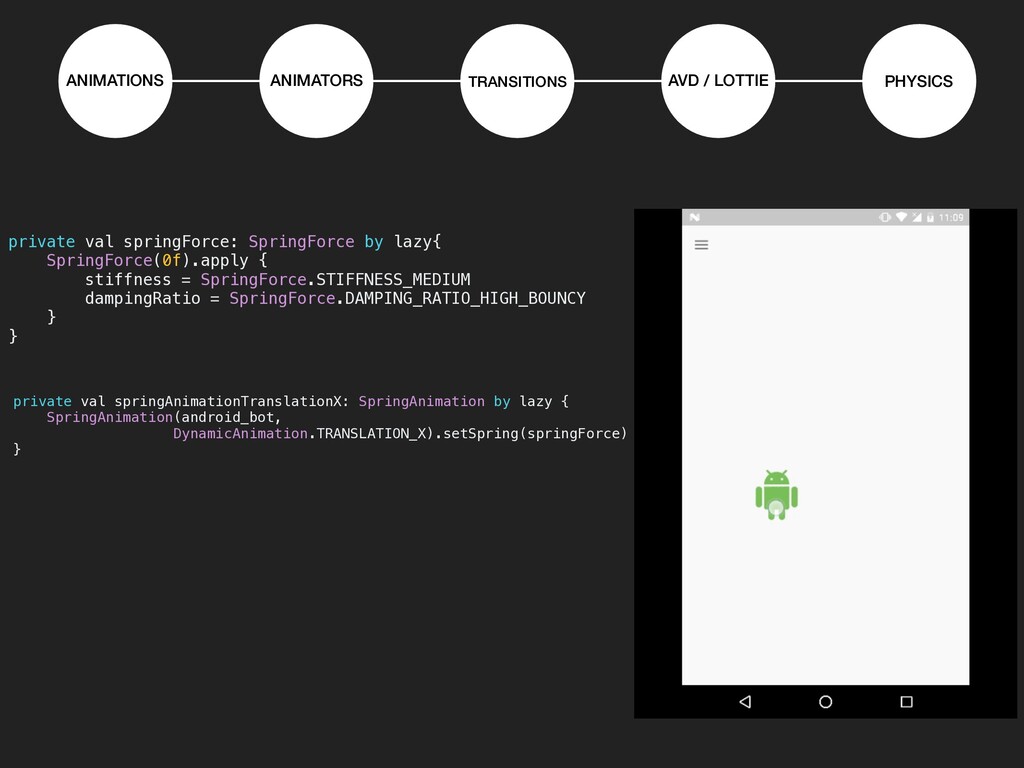
  15. ANIMATIONS ANIMATORS TRANSITIONS AVD / LOTTIE PHYSICS private val springForce:

    SpringForce by lazy{ SpringForce(0f).apply { stiffness = SpringForce.STIFFNESS_MEDIUM dampingRatio = SpringForce.DAMPING_RATIO_HIGH_BOUNCY } } private val springAnimationTranslationX: SpringAnimation by lazy { SpringAnimation(android_bot, 
 DynamicAnimation.TRANSLATION_X).setSpring(springForce) }
  16. ANIMATIONS ANIMATORS TRANSITIONS AVD / LOTTIE PHYSICS private val springForce:

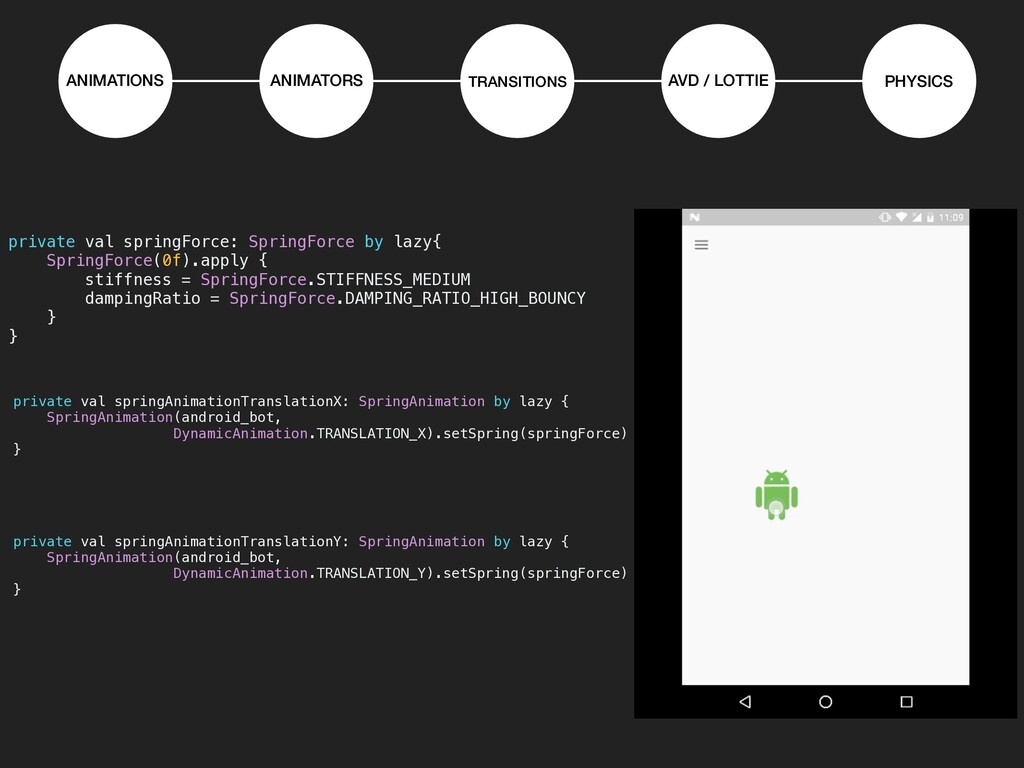
    SpringForce by lazy{ SpringForce(0f).apply { stiffness = SpringForce.STIFFNESS_MEDIUM dampingRatio = SpringForce.DAMPING_RATIO_HIGH_BOUNCY } } private val springAnimationTranslationX: SpringAnimation by lazy { SpringAnimation(android_bot, 
 DynamicAnimation.TRANSLATION_X).setSpring(springForce) } private val springAnimationTranslationY: SpringAnimation by lazy { SpringAnimation(android_bot, 
 DynamicAnimation.TRANSLATION_Y).setSpring(springForce) }