Share
Embed
An AI Skeptic Implements Apple Intelligence - ARCtic Swift, Oulu, Finland, March 2025
Sample code: https://github.com/designatednerd/AppleIntelligenceExamples
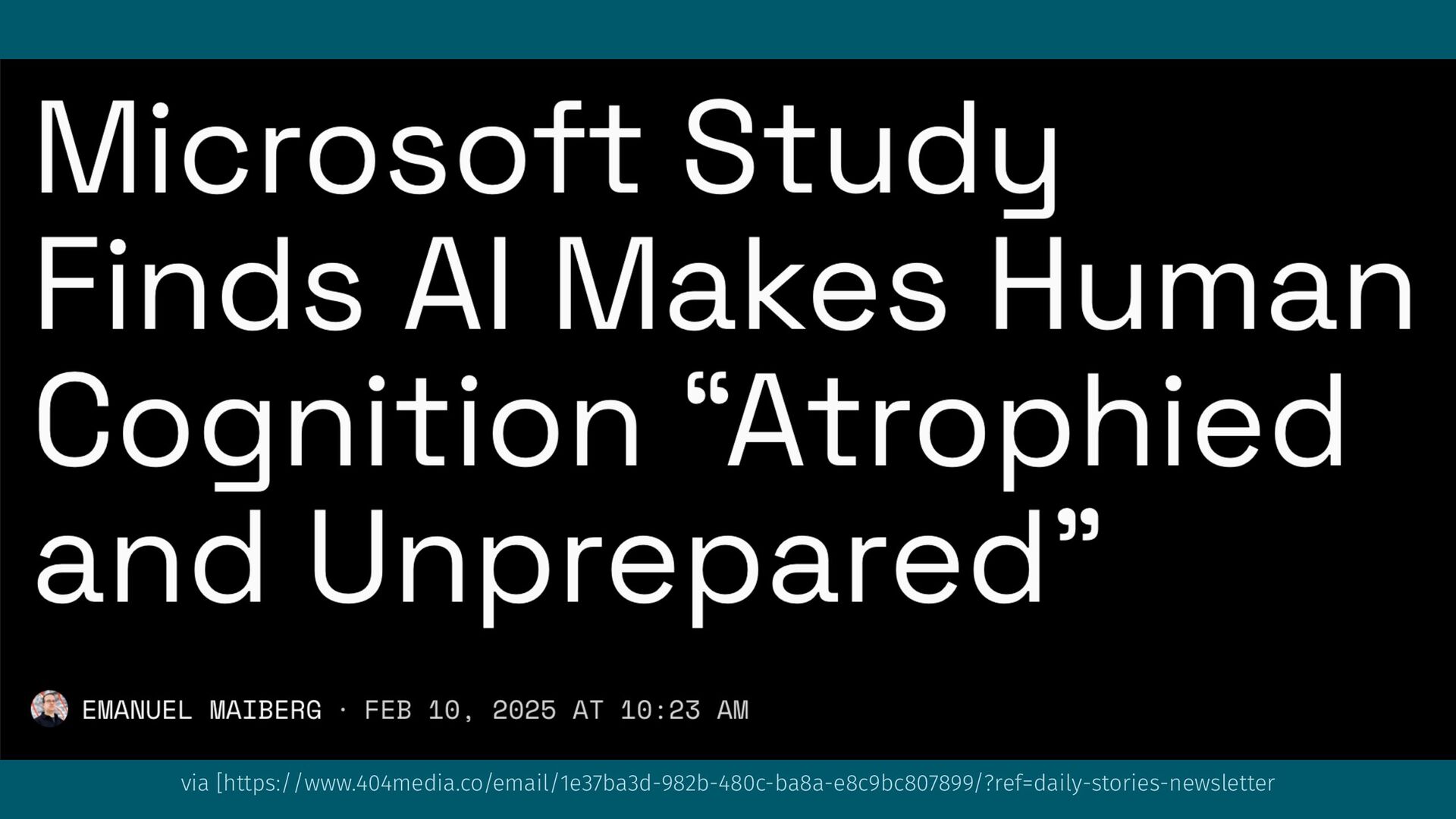
A review of the current state of AI from someone who's a bit skeptical of the hype, followed by some concrete pointers about how to use the currently (as of March 2025) available features of Apple Intelligence™.
Ellen Shapiro PRO
March 12, 2025
Transcript
154 slides
-
An AI Skeptic Implements Apple Intelligence™ ARCtic Swift | Oulu,
Finland | March 2025 Ellen Shapiro | mastodon.social/designatednerd | figma.com -
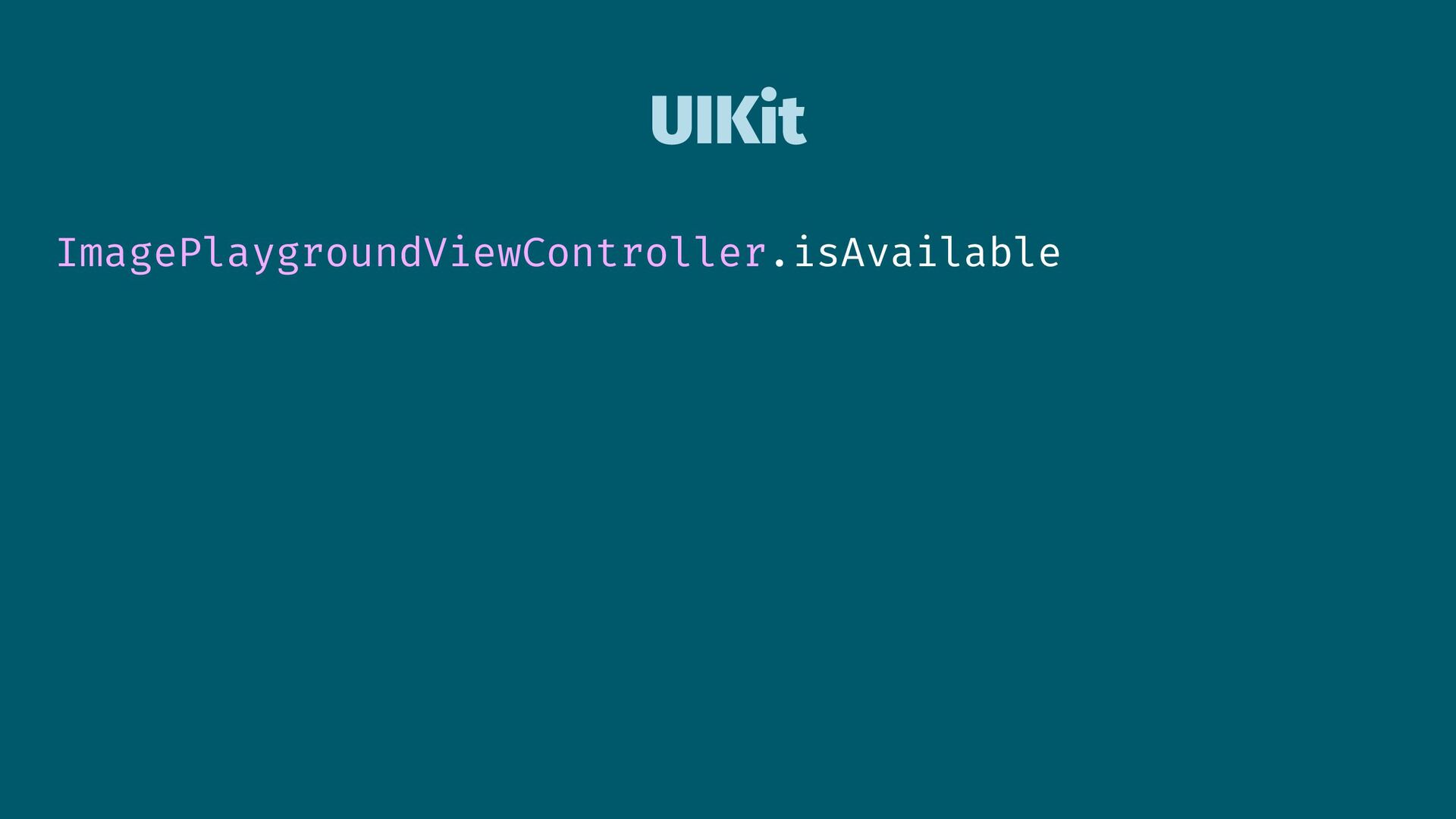
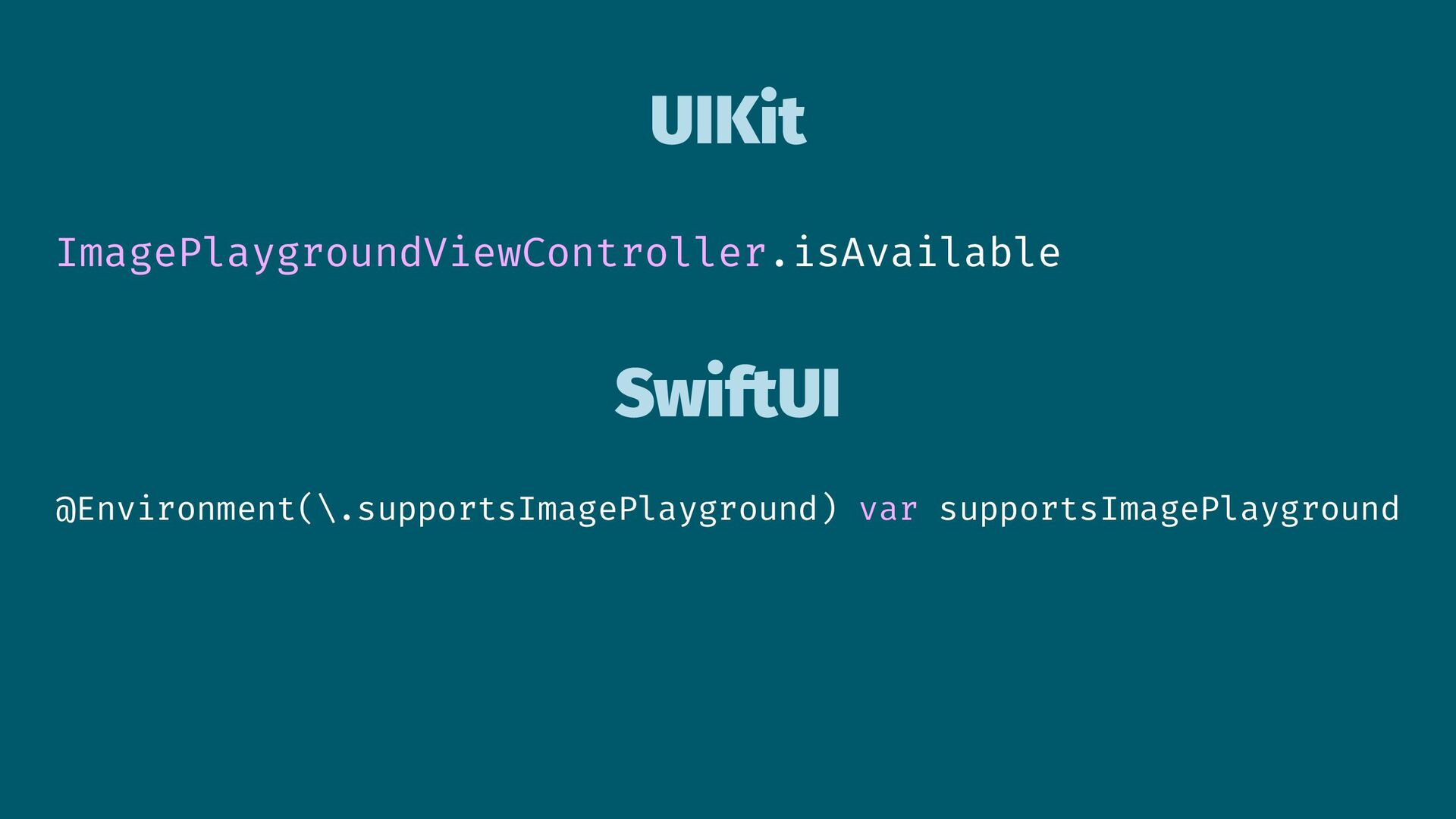
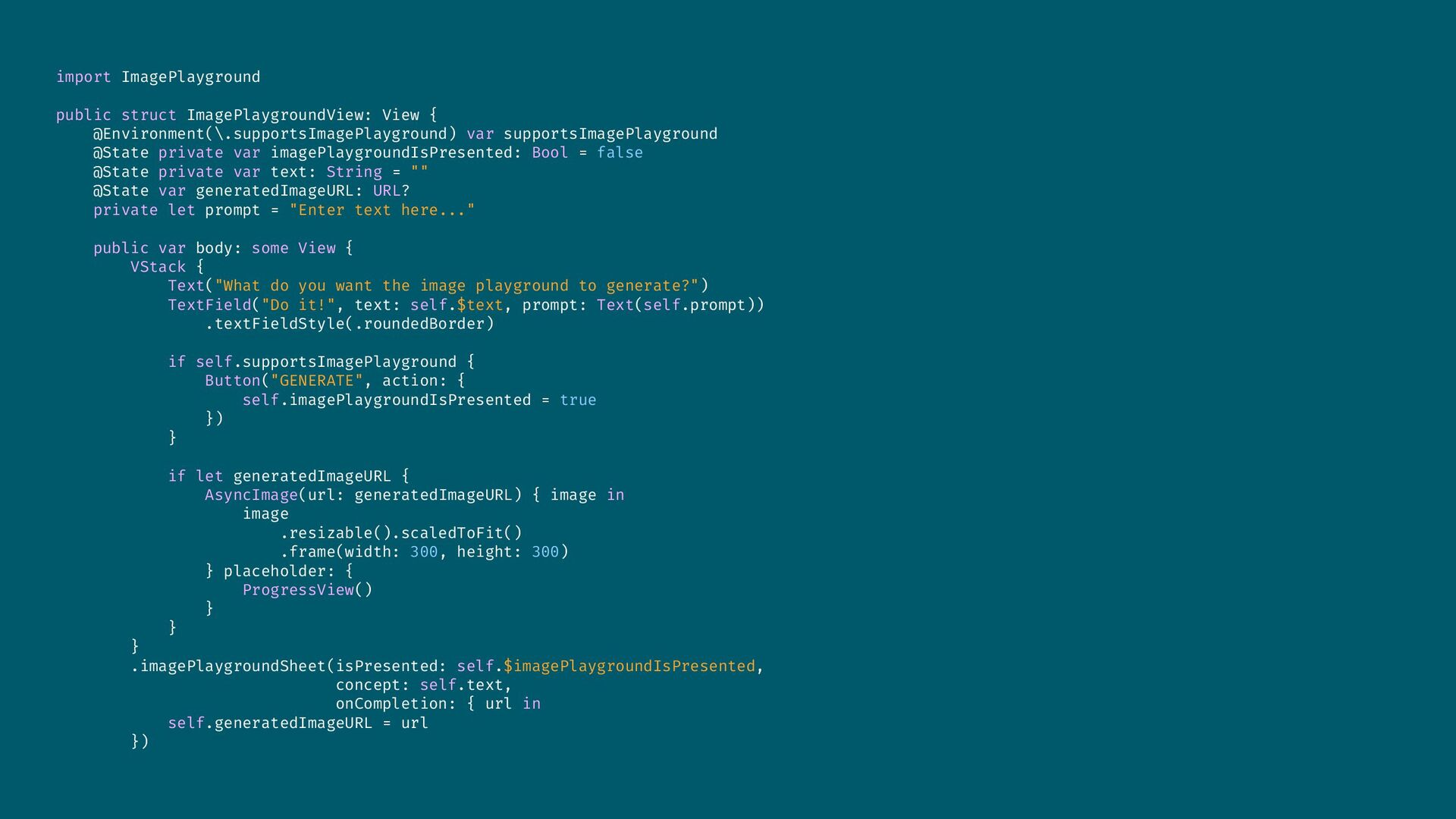
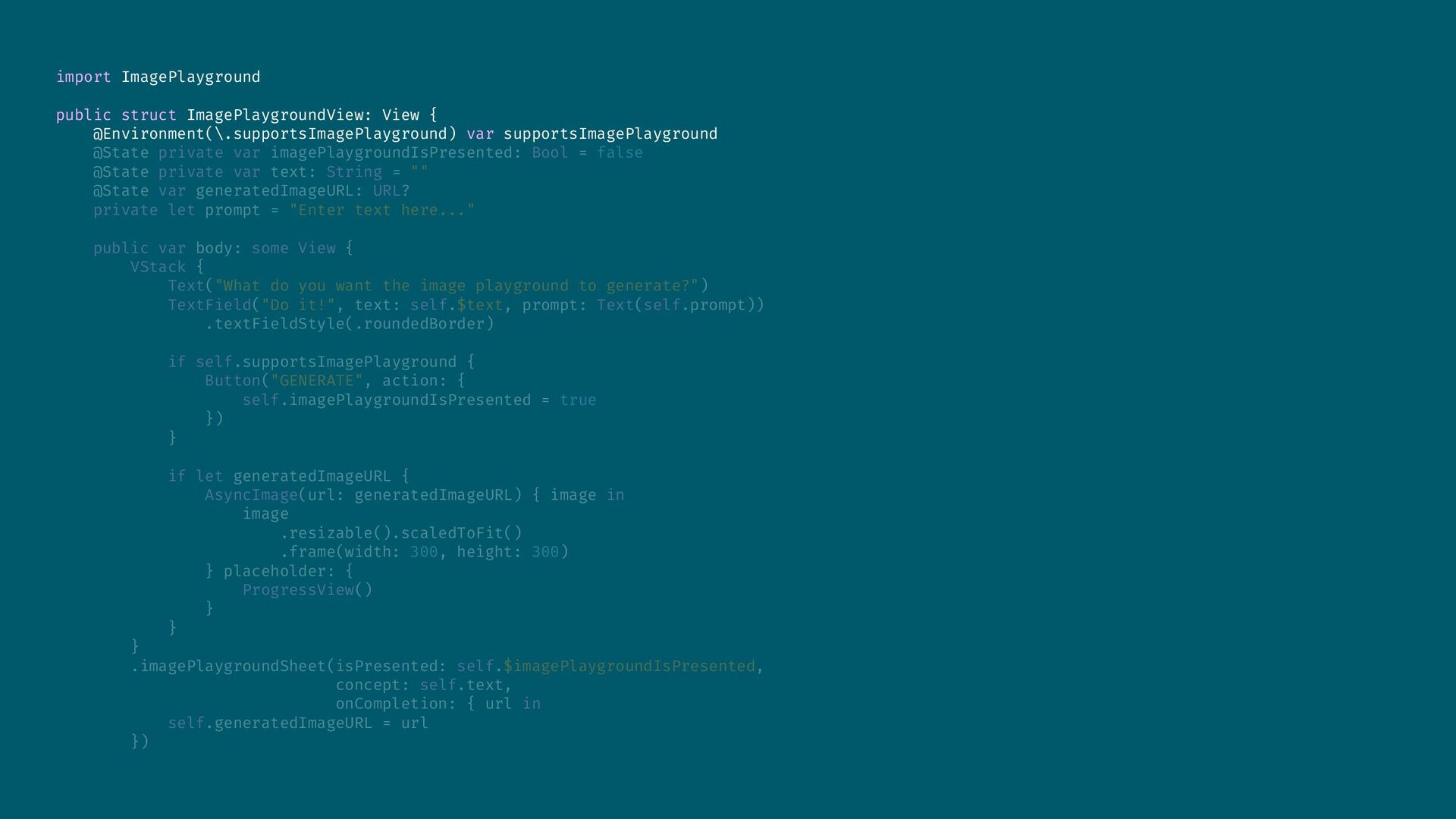
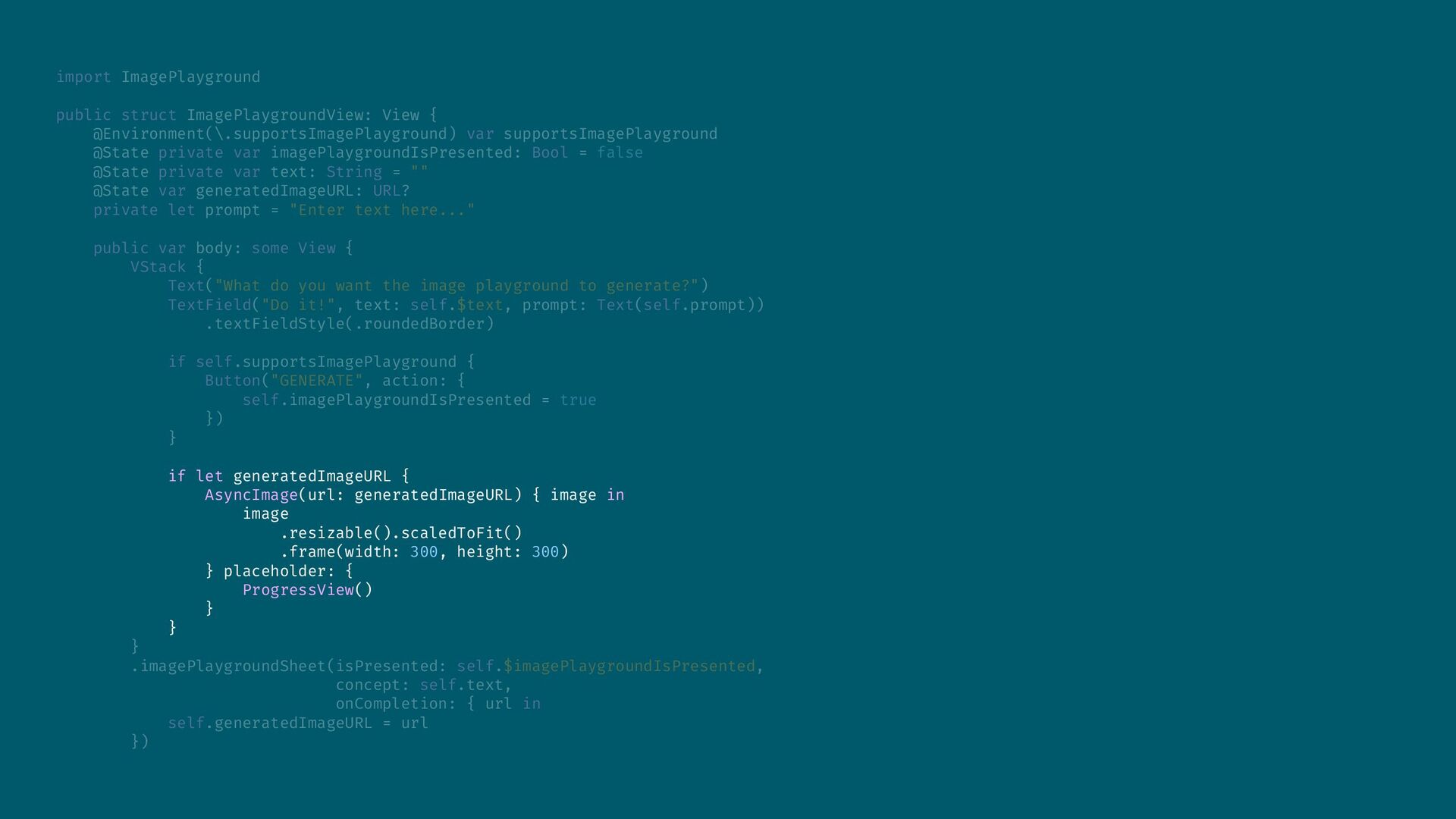
import ImagePlayground public struct ImagePlaygroundView: View { @Environment(\.supportsImagePlayground) var supportsImagePlayground
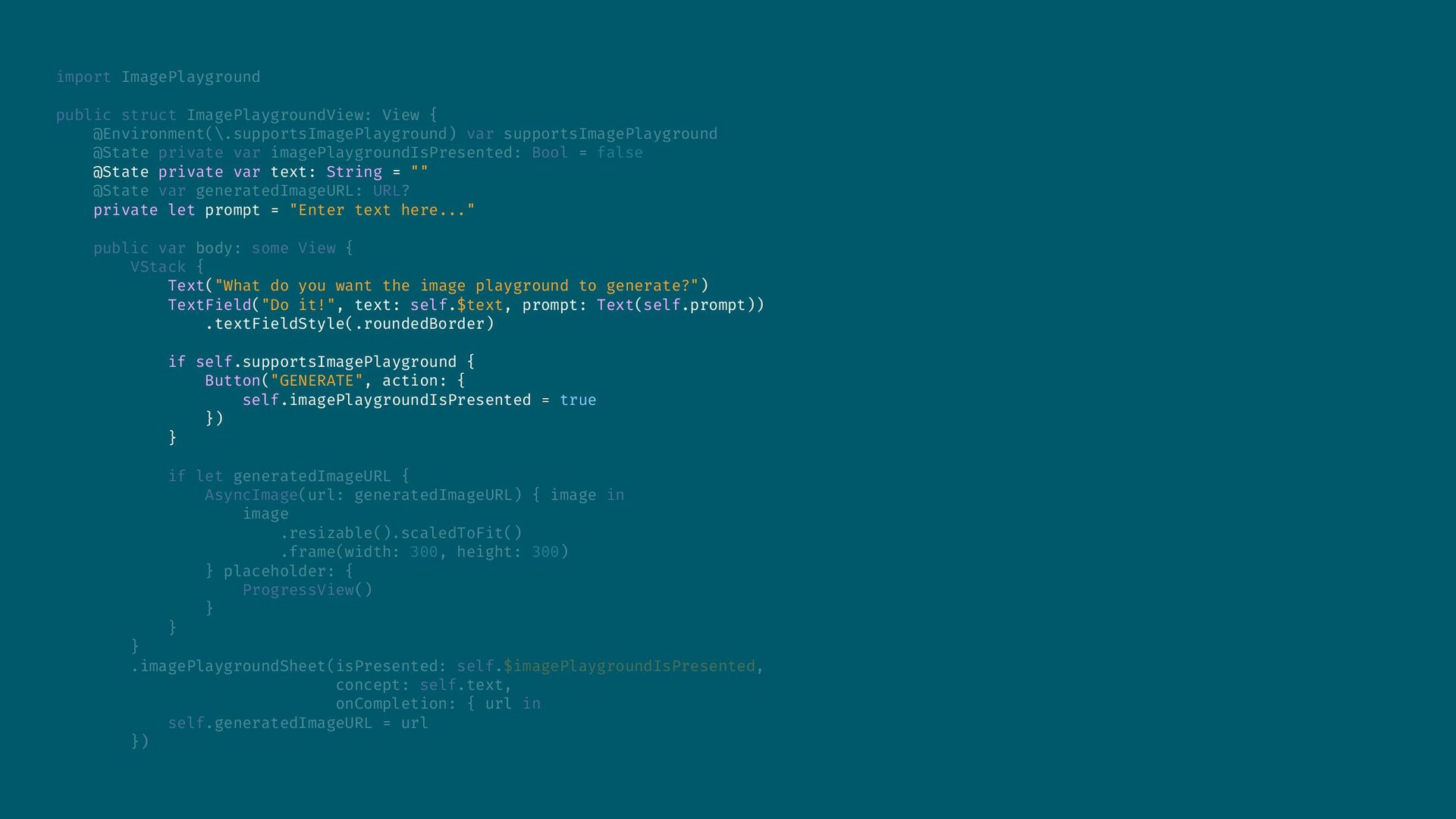
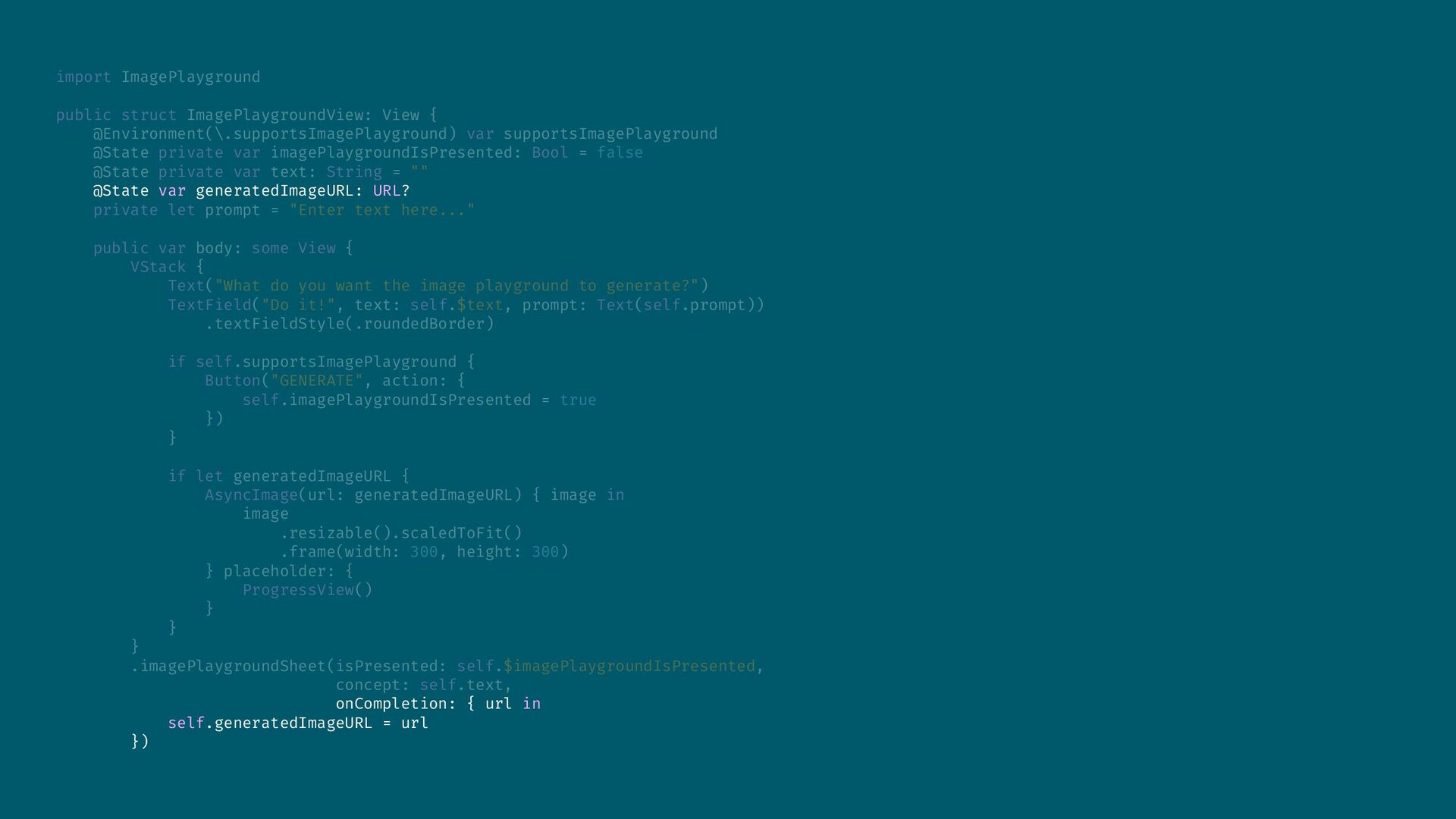
@State private var imagePlaygroundIsPresented: Bool = false @State private var text: String = "" @State var generatedImageURL: URL? private let prompt = "Enter text here..." public var body: some View { VStack { Text("What do you want the image playground to generate?") TextField("Do it!", text: self.$text, prompt: Text(self.prompt)) .textFieldStyle(.roundedBorder) if self.supportsImagePlayground { Button("GENERATE", action: { self.imagePlaygroundIsPresented = true }) } if let generatedImageURL { AsyncImage(url: generatedImageURL) { image in image .resizable().scaledToFit() .frame(width: 300, height: 300) } placeholder: { ProgressView() } } } .imagePlaygroundSheet(isPresented: self.$imagePlaygroundIsPresented, concept: self.text, onCompletion: { url in self.generatedImageURL = url }) -


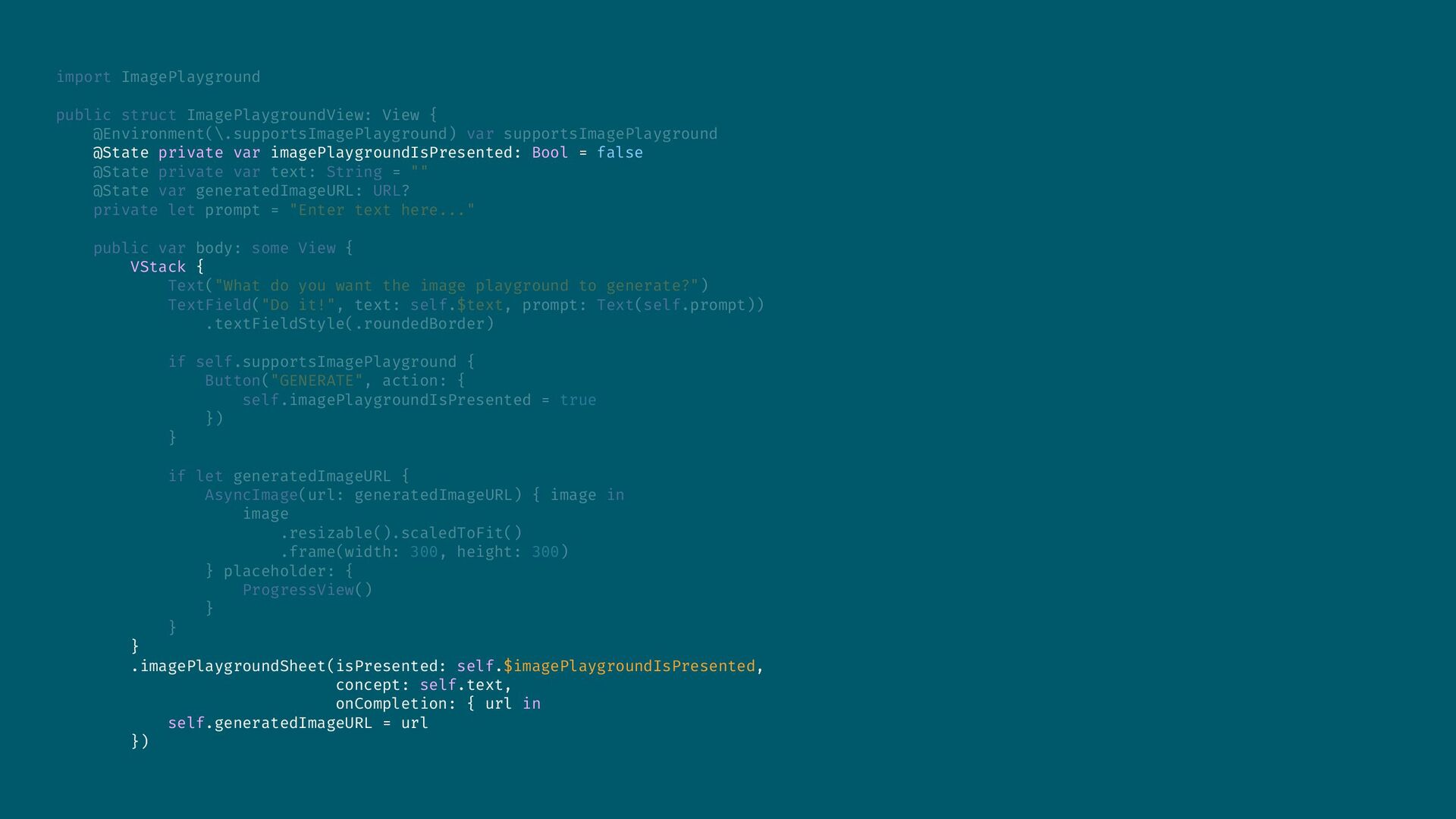
import ImagePlayground public struct ImagePlaygroundView: View { @Environment(\.supportsImagePlayground) var supportsImagePlayground
@State private var imagePlaygroundIsPresented: Bool = false @State private var text: String = "" @State var generatedImageURL: URL? private let prompt = "Enter text here..." public var body: some View { VStack { Text("What do you want the image playground to generate?") TextField("Do it!", text: self.$text, prompt: Text(self.prompt)) .textFieldStyle(.roundedBorder) if self.supportsImagePlayground { Button("GENERATE", action: { self.imagePlaygroundIsPresented = true }) } if let generatedImageURL { AsyncImage(url: generatedImageURL) { image in image .resizable().scaledToFit() .frame(width: 300, height: 300) } placeholder: { ProgressView() } } } .imagePlaygroundSheet(isPresented: self.$imagePlaygroundIsPresented, concept: self.text, onCompletion: { url in self.generatedImageURL = url }) -
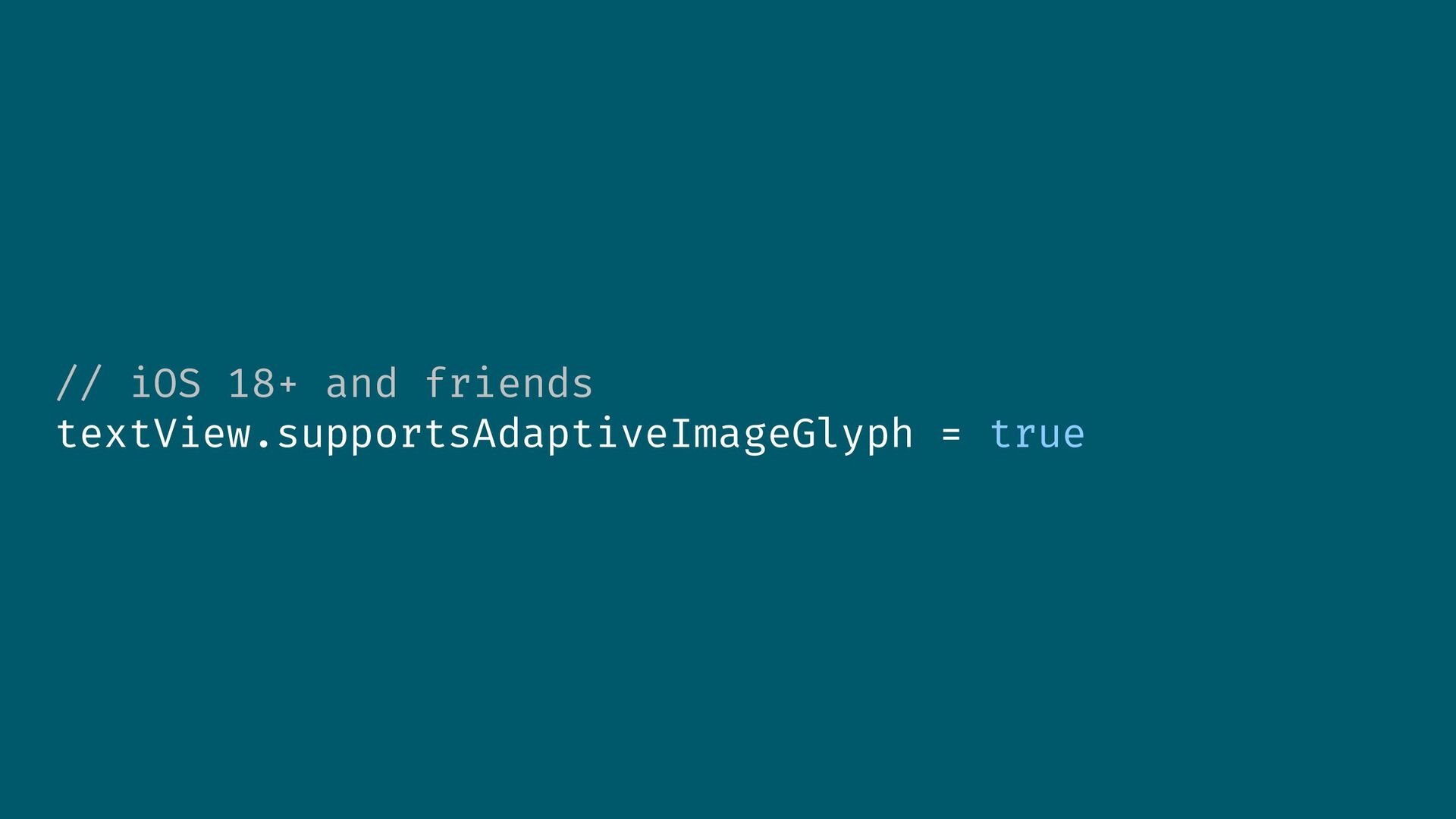
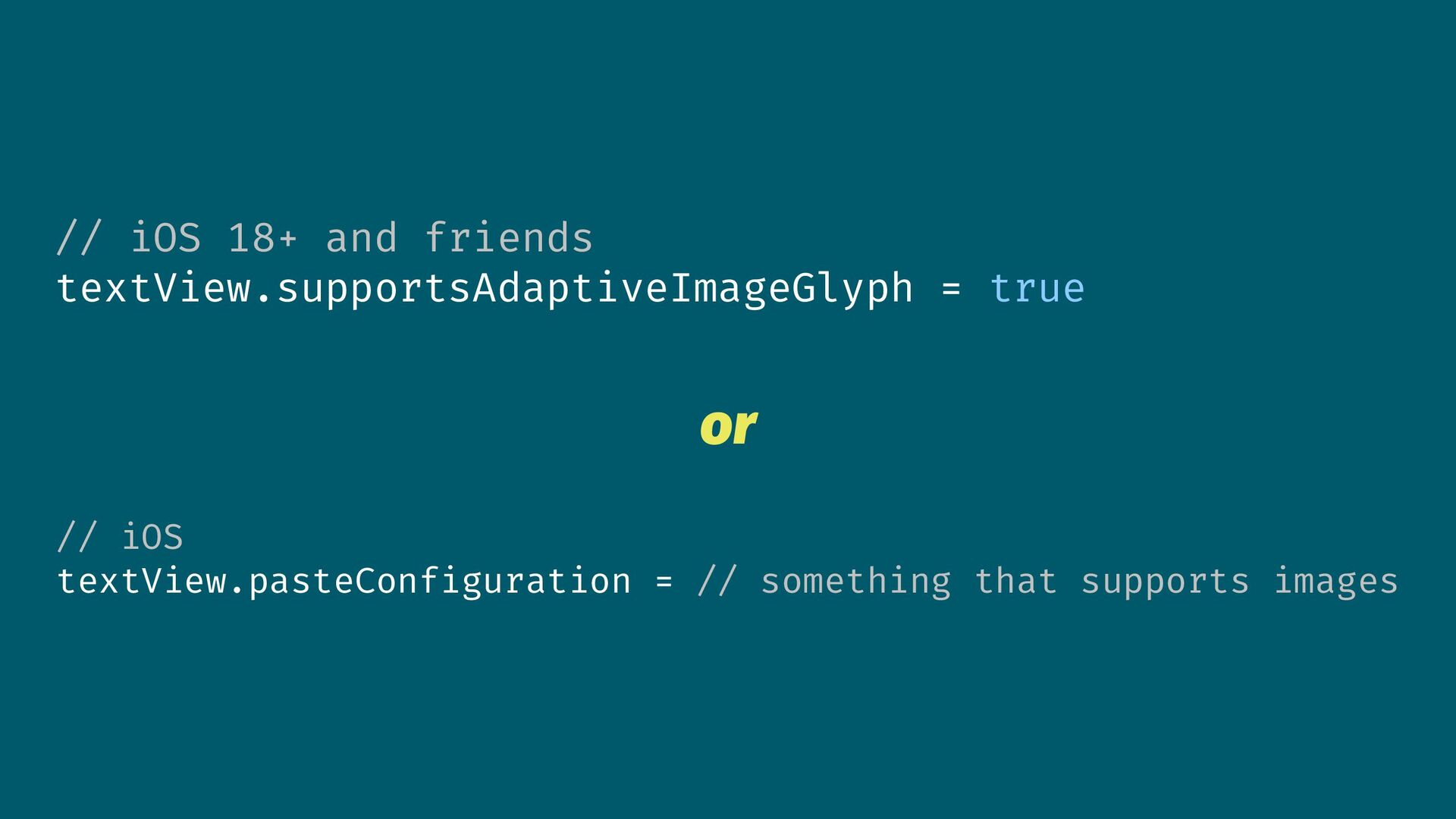
// iOS 18+ and friends textView.supportsAdaptiveImageGlyph = true or //
iOS textView.pasteConfiguration = // something that supports images -
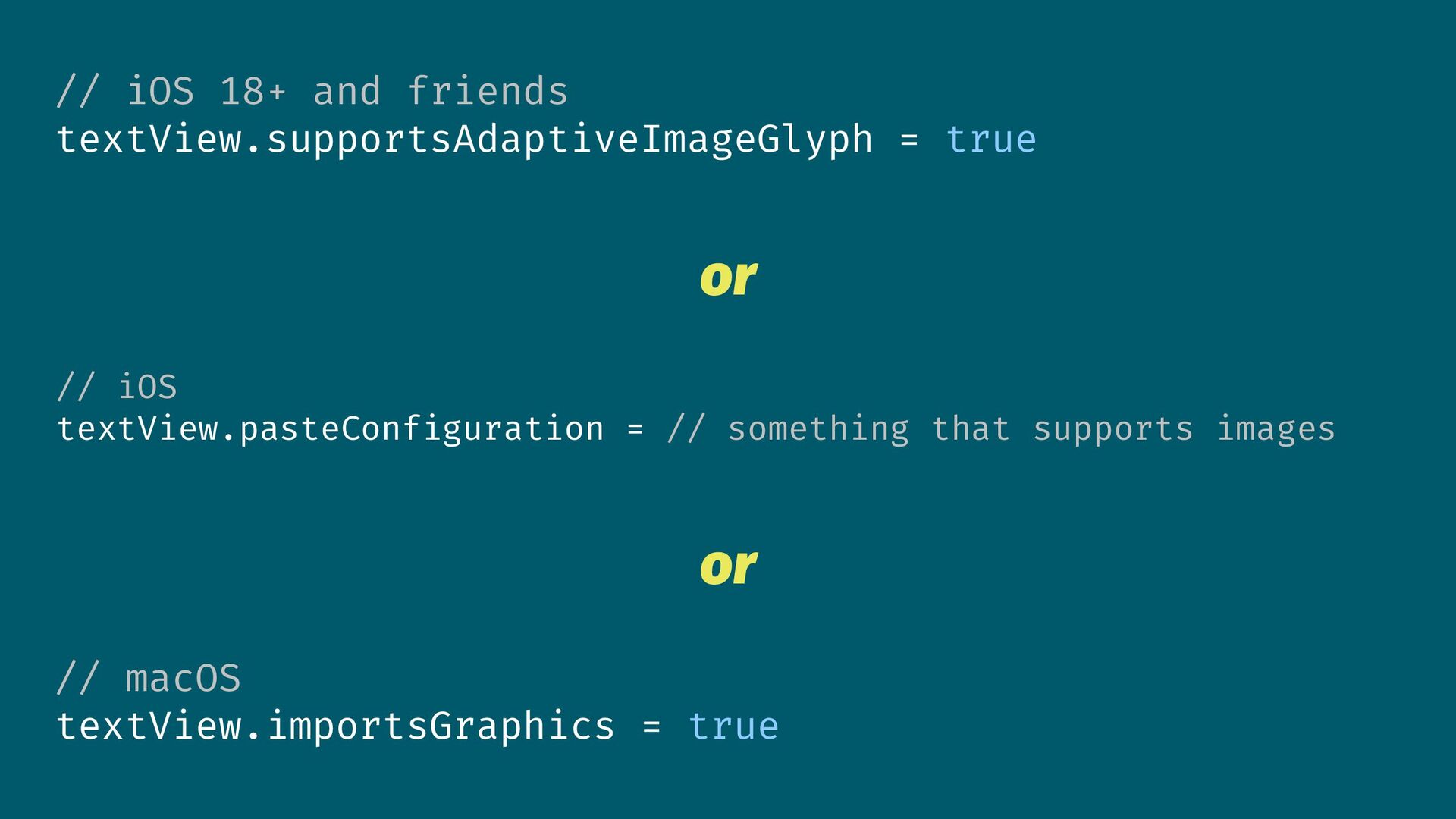
// iOS 18+ and friends textView.supportsAdaptiveImageGlyph = true or //
iOS textView.pasteConfiguration = // something that supports images or // macOS textView.importsGraphics = true -
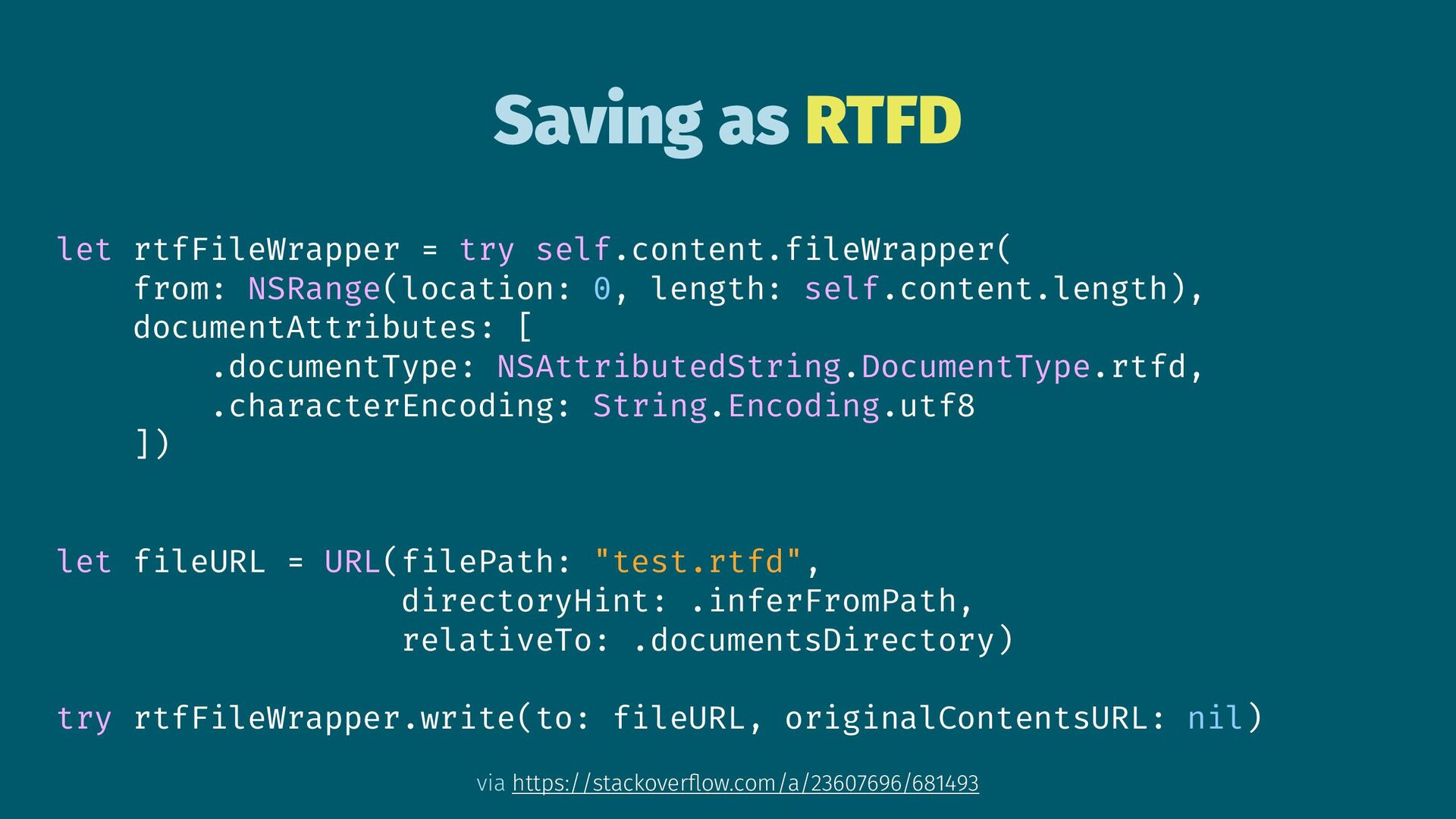
Saving as RTFD let rtfFileWrapper = try self.content.fileWrapper( from: NSRange(location:
0, length: self.content.length), documentAttributes: [ .documentType: NSAttributedString.DocumentType.rtfd, .characterEncoding: String.Encoding.utf8 ]) let fileURL = URL(filePath: "test.rtfd", directoryHint: .inferFromPath, relativeTo: .documentsDirectory) try rtfFileWrapper.write(to: fileURL, originalContentsURL: nil) via https://stackoverflow.com/a/23607696/681493 -
RTFD Directory Contents [ // Raw RTF file [docs directory]/test.rtfd/TXT.rtf,
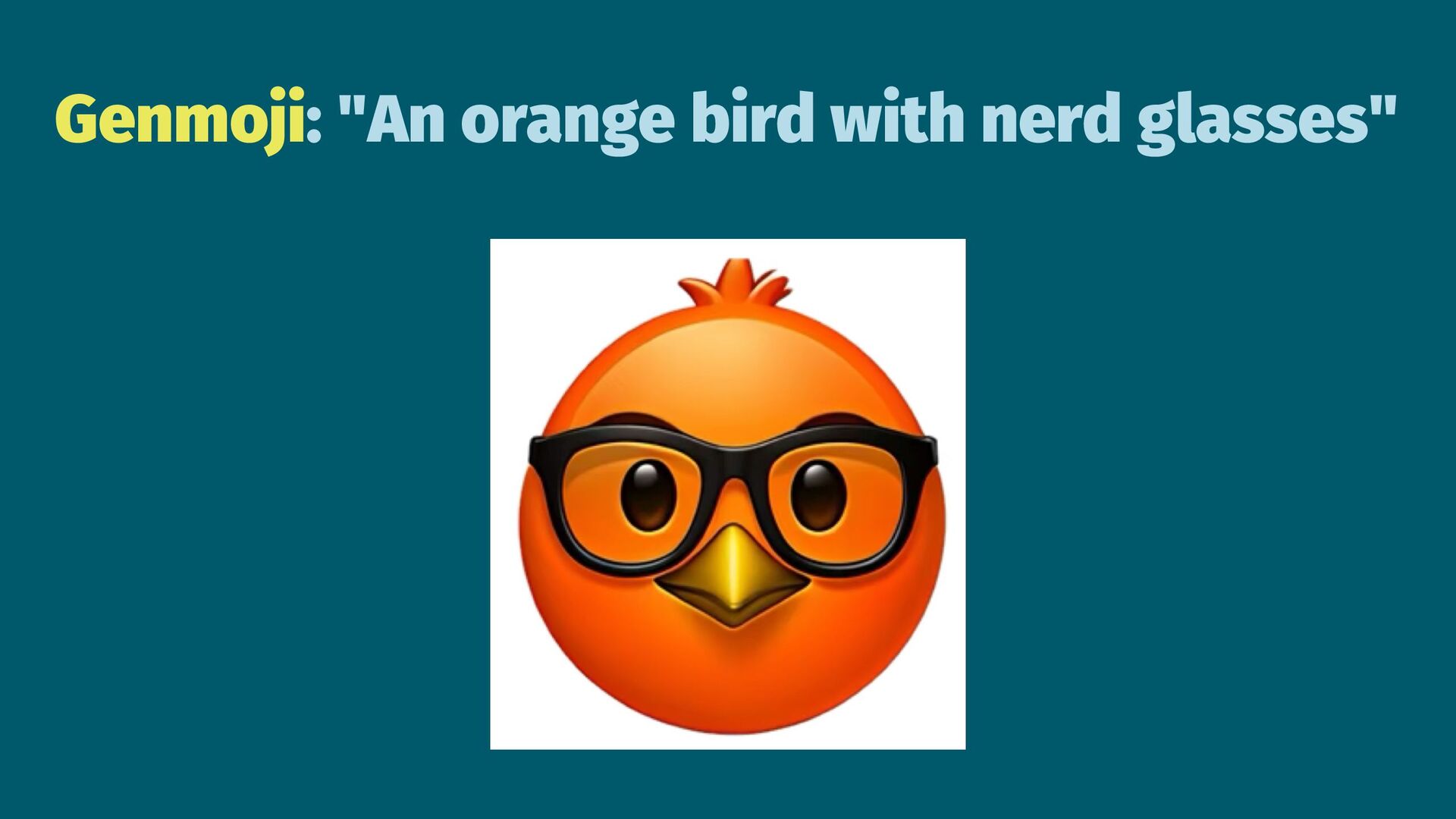
// HEIC image of the Genmoji™ [docs directory]/test.rtfd/AdaptiveImageGlyph-BD50F0F2-FE0C-4657-AF91-5C898F1DDB120.heic ] -
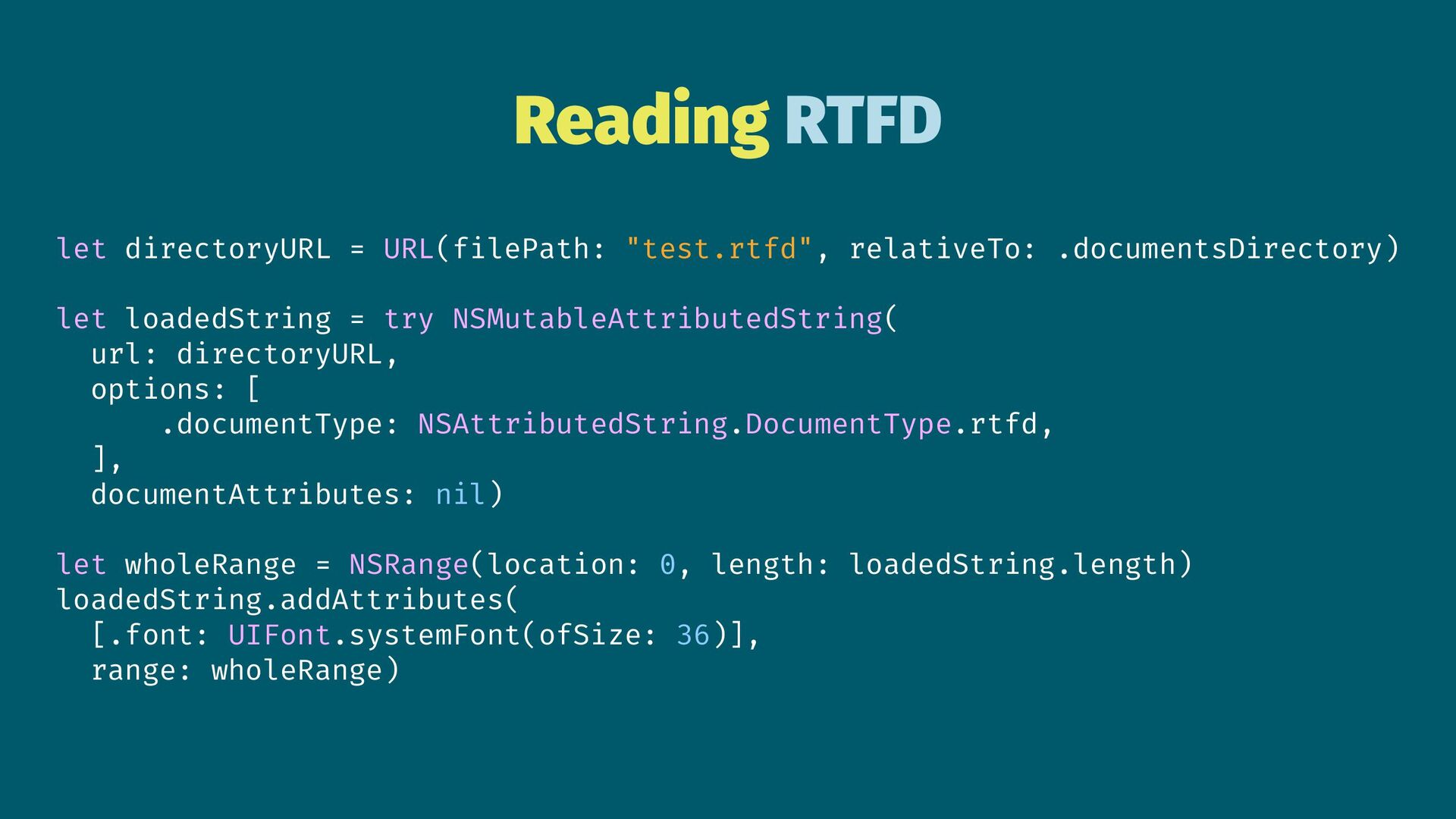
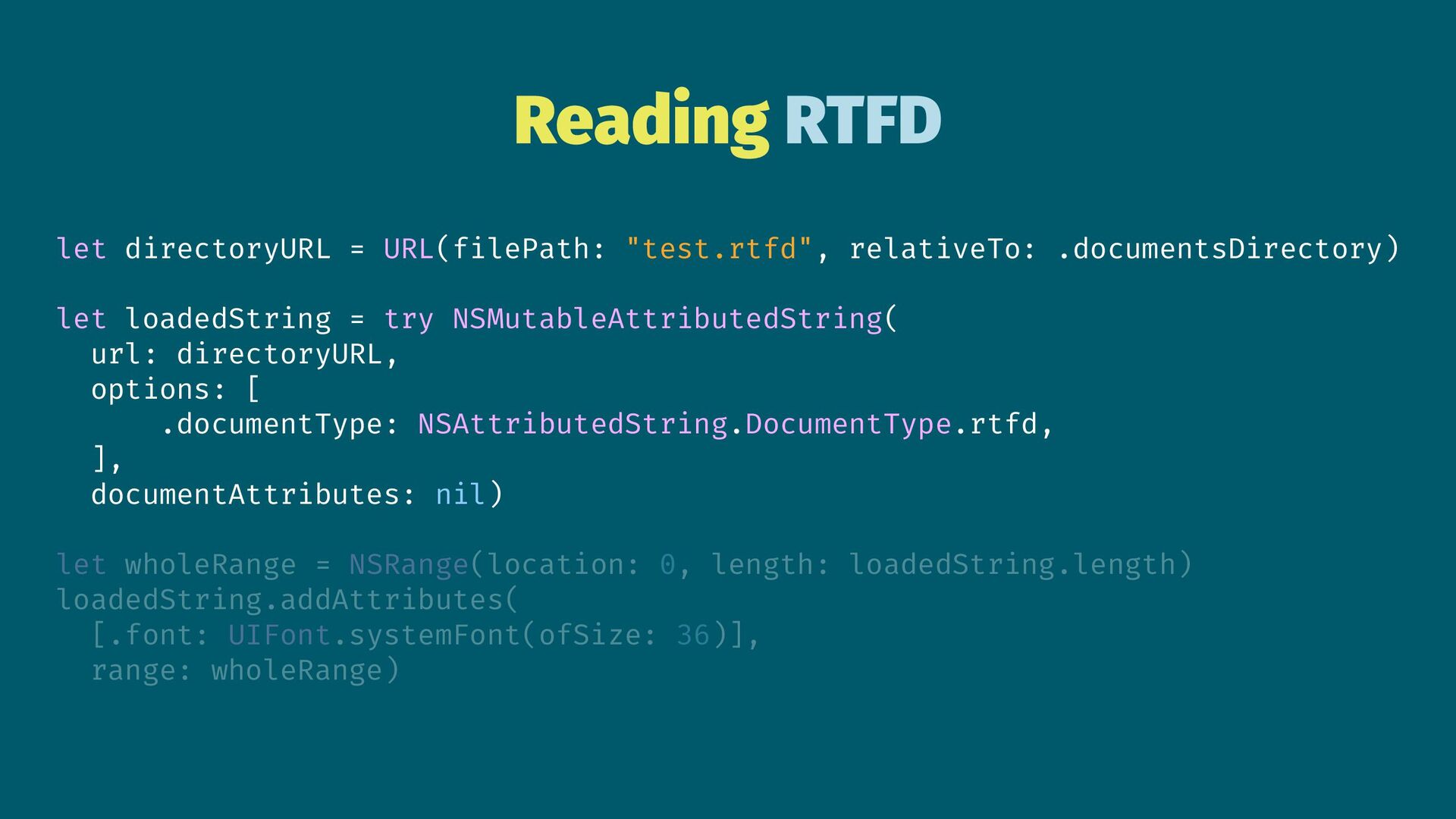
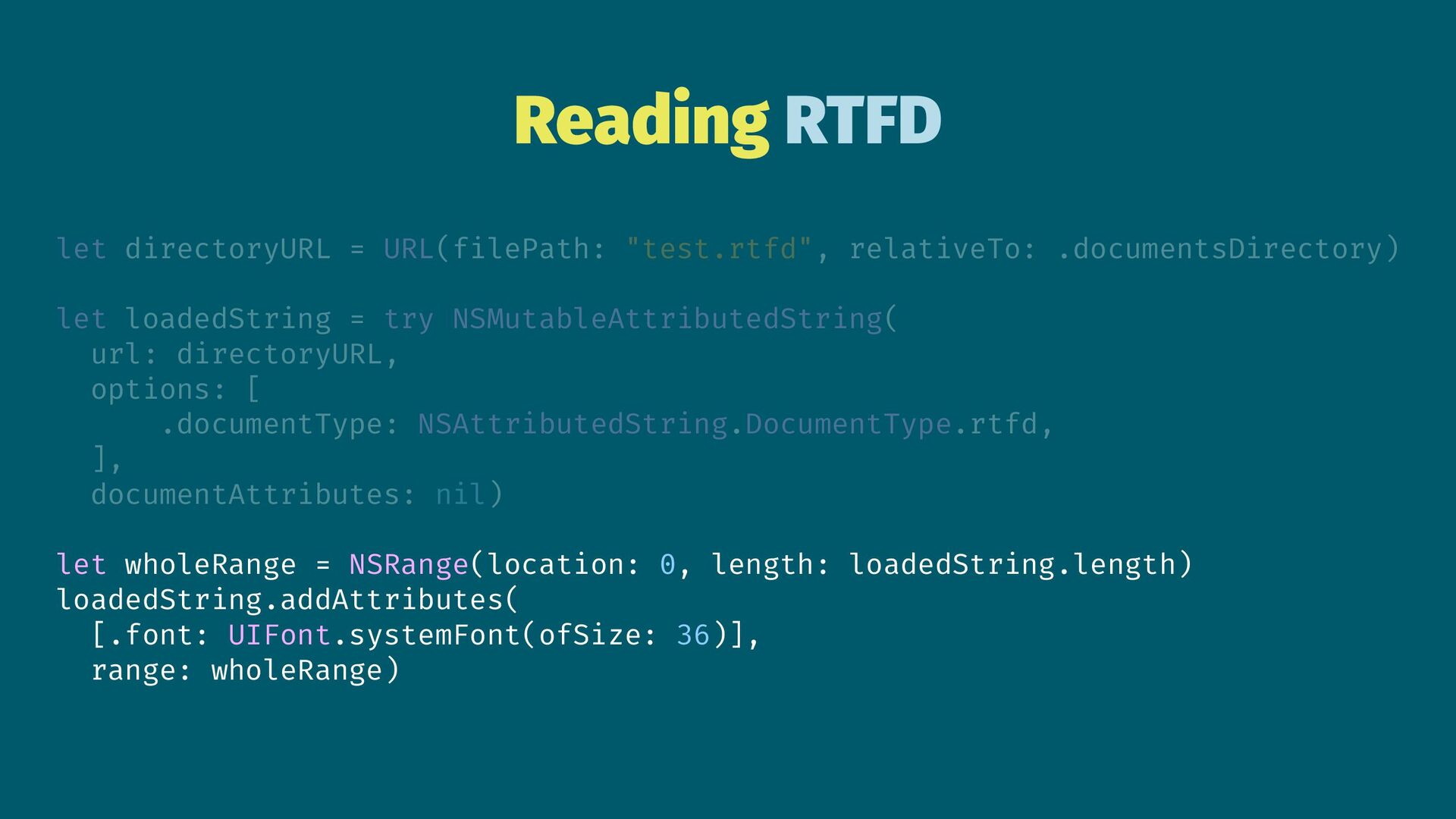
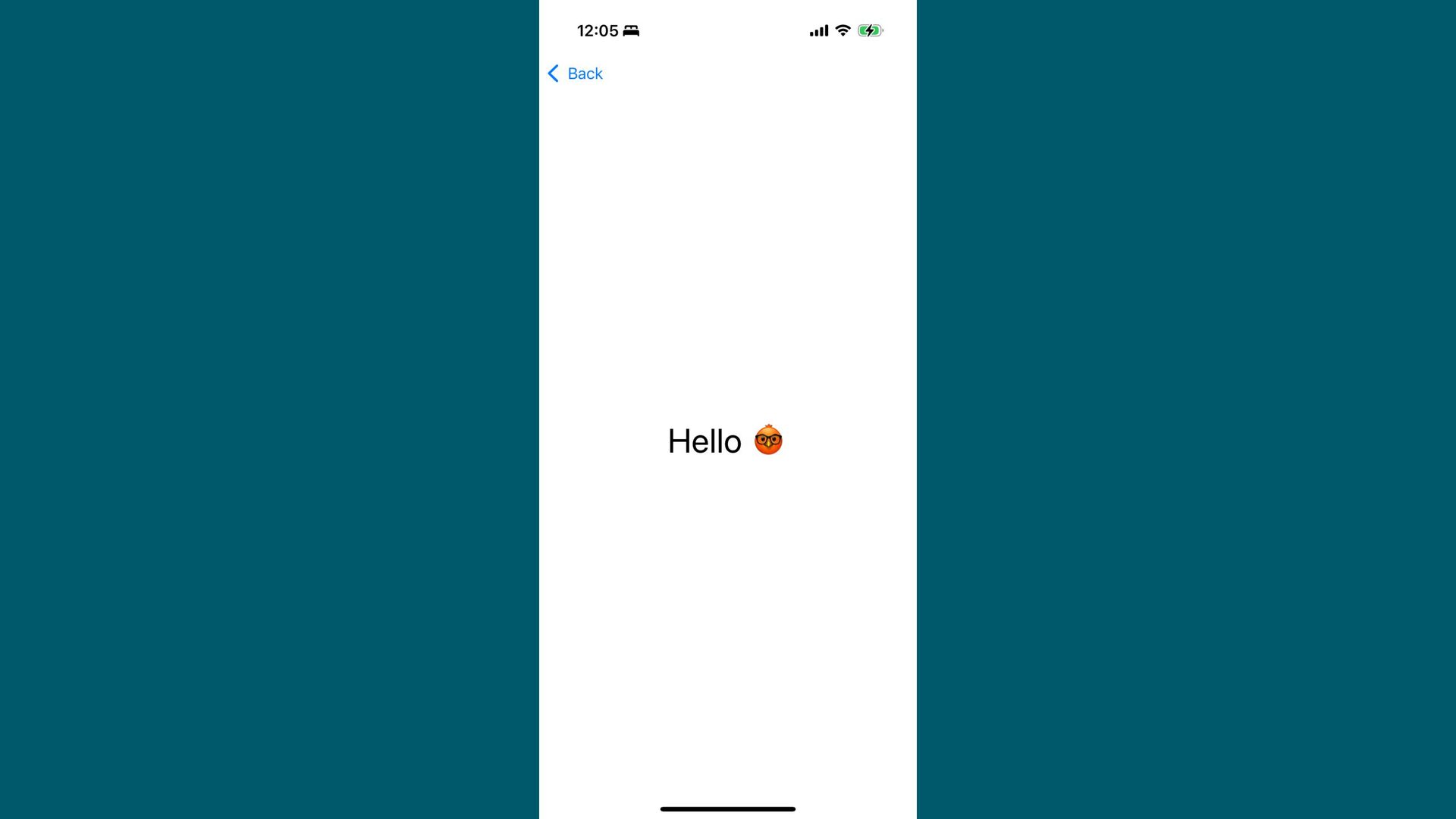
Reading RTFD let directoryURL = URL(filePath: "test.rtfd", relativeTo: .documentsDirectory) let
loadedString = try NSMutableAttributedString( url: directoryURL, options: [ .documentType: NSAttributedString.DocumentType.rtfd, ], documentAttributes: nil) let wholeRange = NSRange(location: 0, length: loadedString.length) loadedString.addAttributes( [.font: UIFont.systemFont(ofSize: 36)], range: wholeRange) -
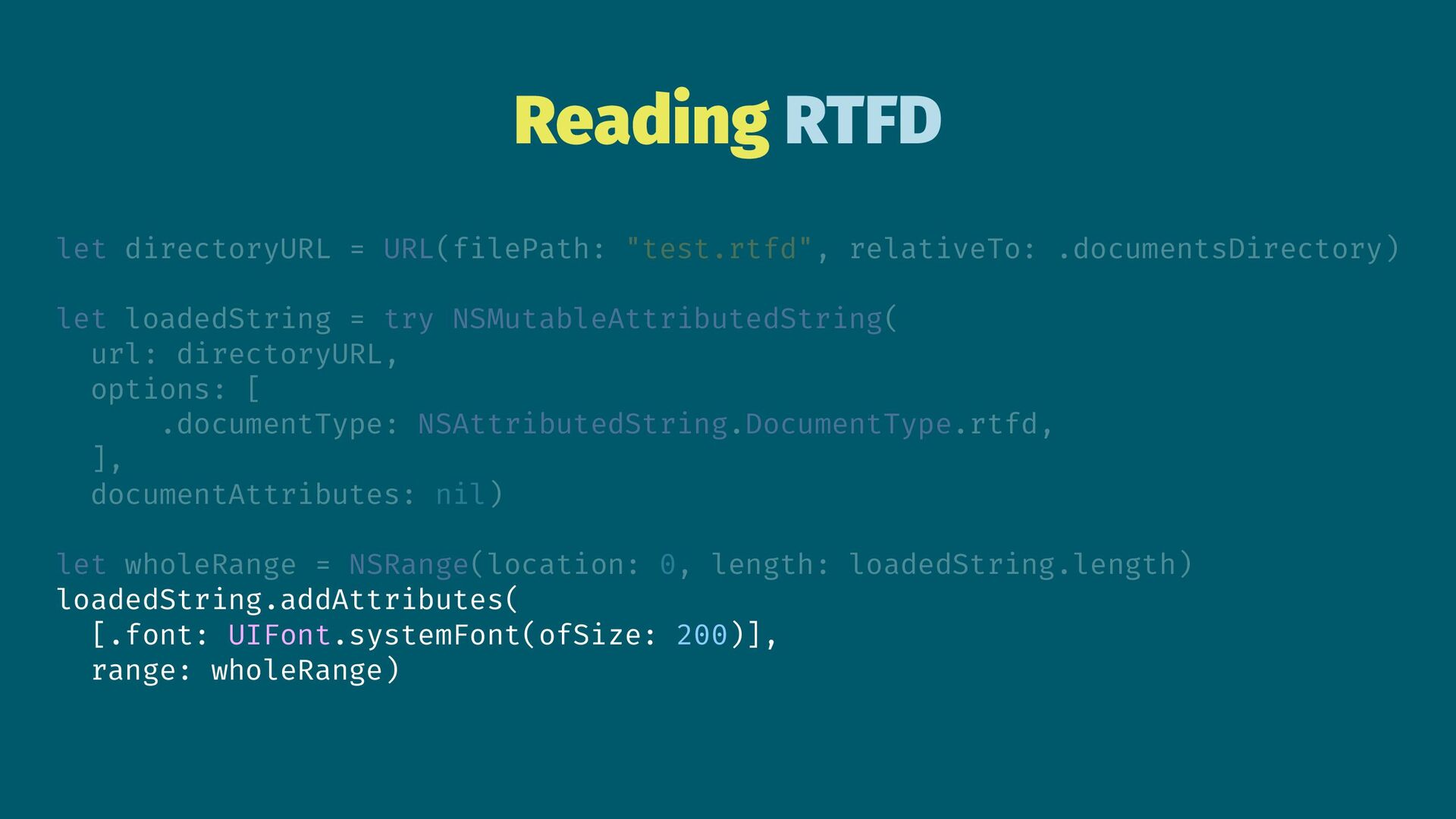
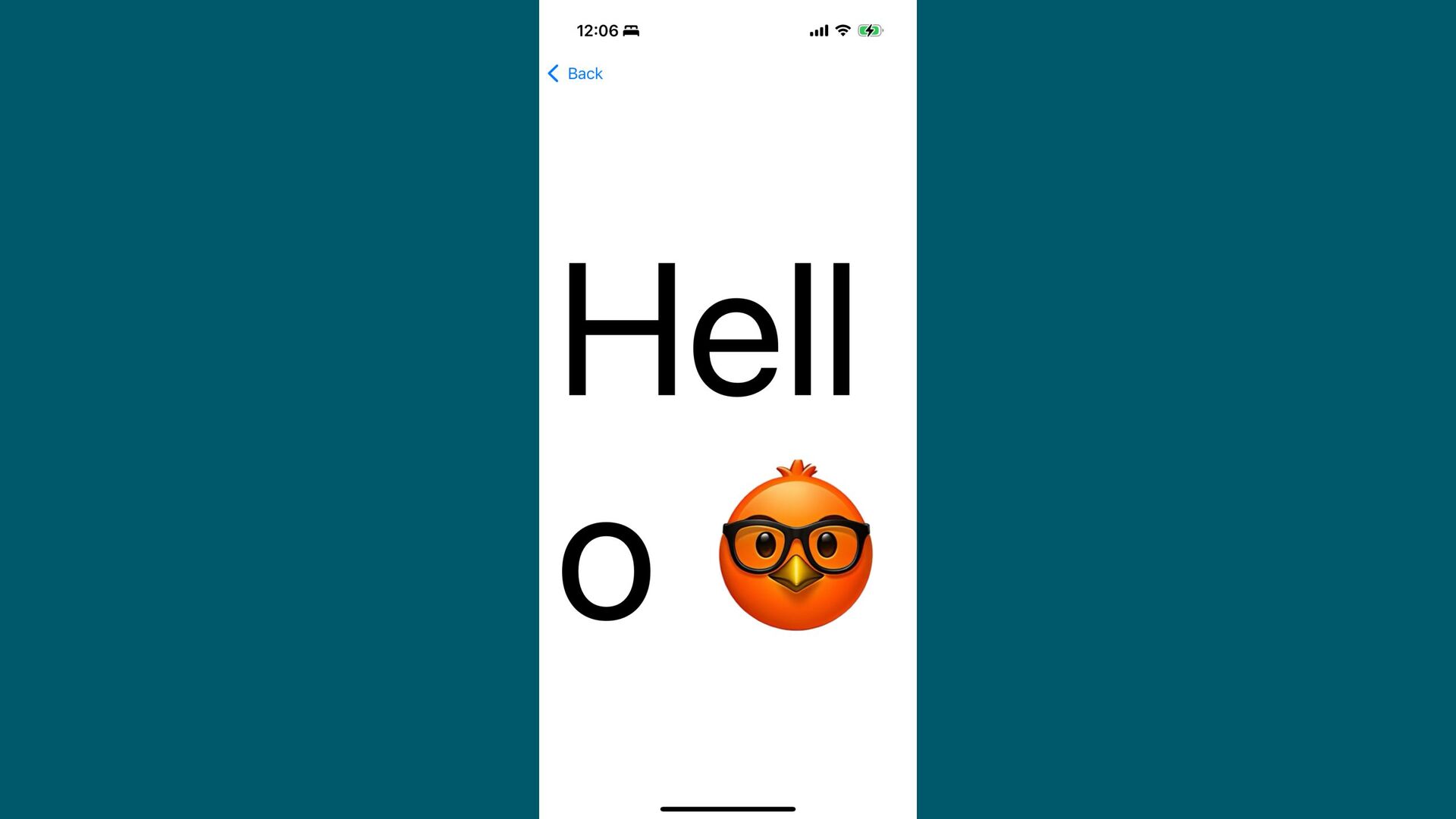
Reading RTFD let directoryURL = URL(filePath: "test.rtfd", relativeTo: .documentsDirectory) let
loadedString = try NSMutableAttributedString( url: directoryURL, options: [ .documentType: NSAttributedString.DocumentType.rtfd, ], documentAttributes: nil) let wholeRange = NSRange(location: 0, length: loadedString.length) loadedString.addAttributes( [.font: UIFont.systemFont(ofSize: 200)], range: wholeRange) -
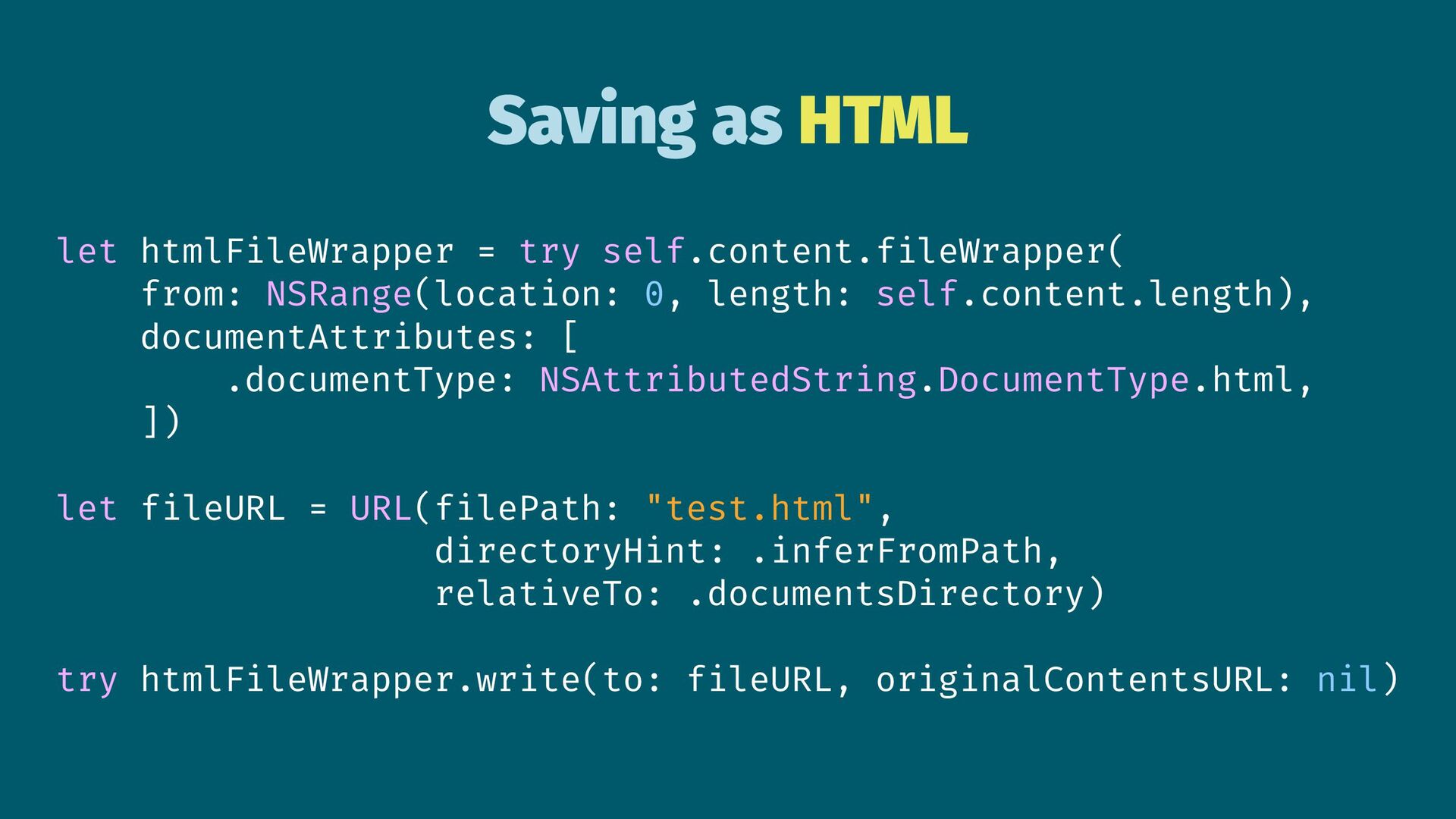
Saving as HTML let htmlFileWrapper = try self.content.fileWrapper( from: NSRange(location:
0, length: self.content.length), documentAttributes: [ .documentType: NSAttributedString.DocumentType.html, ]) let fileURL = URL(filePath: "test.html", directoryHint: .inferFromPath, relativeTo: .documentsDirectory) try htmlFileWrapper.write(to: fileURL, originalContentsURL: nil) -
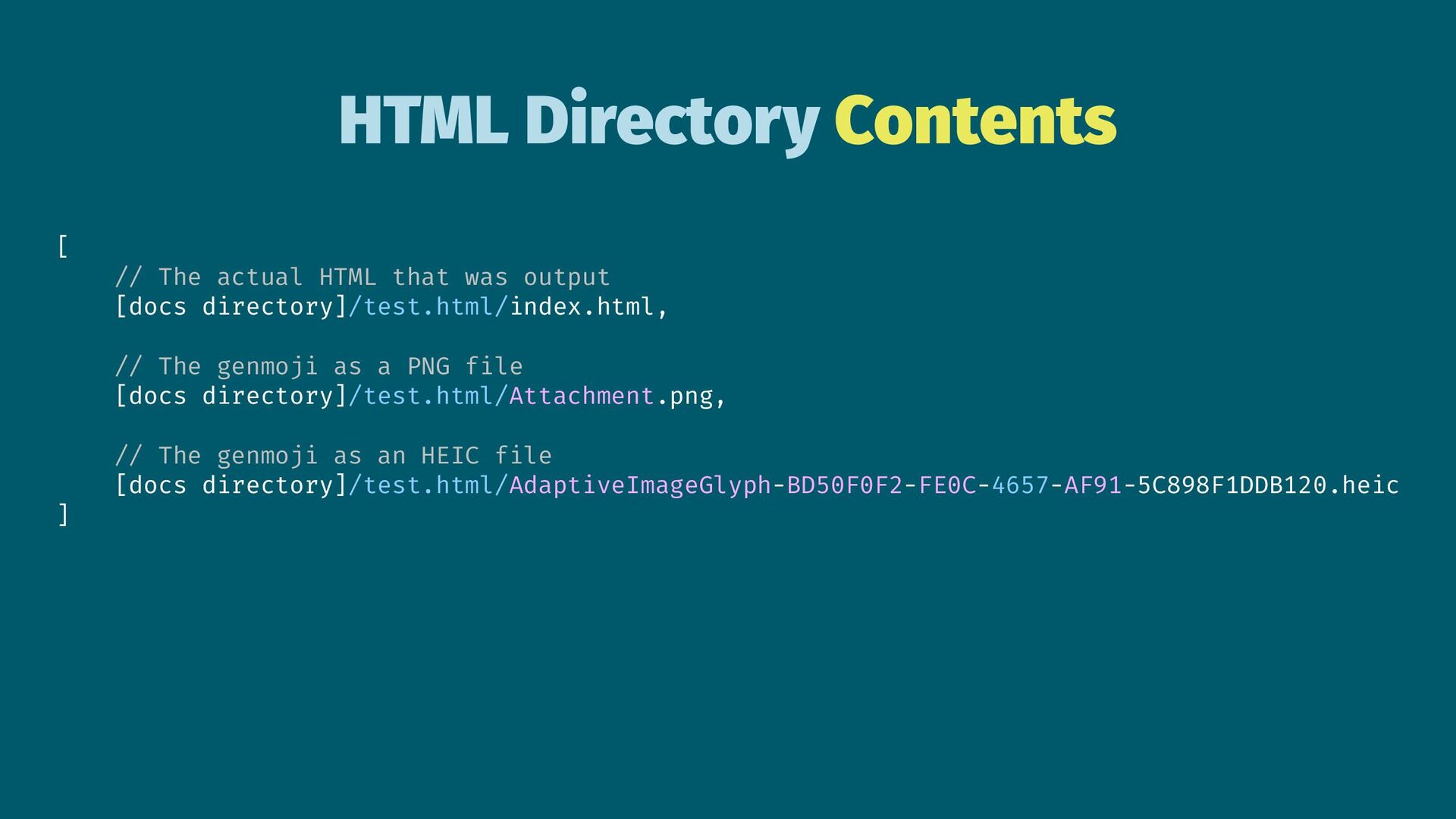
HTML Directory Contents [ // The actual HTML that was
output [docs directory]/test.html/index.html, // The genmoji as a PNG file [docs directory]/test.html/Attachment.png, // The genmoji as an HEIC file [docs directory]/test.html/AdaptiveImageGlyph-BD50F0F2-FE0C-4657-AF91-5C898F1DDB120.heic ] -
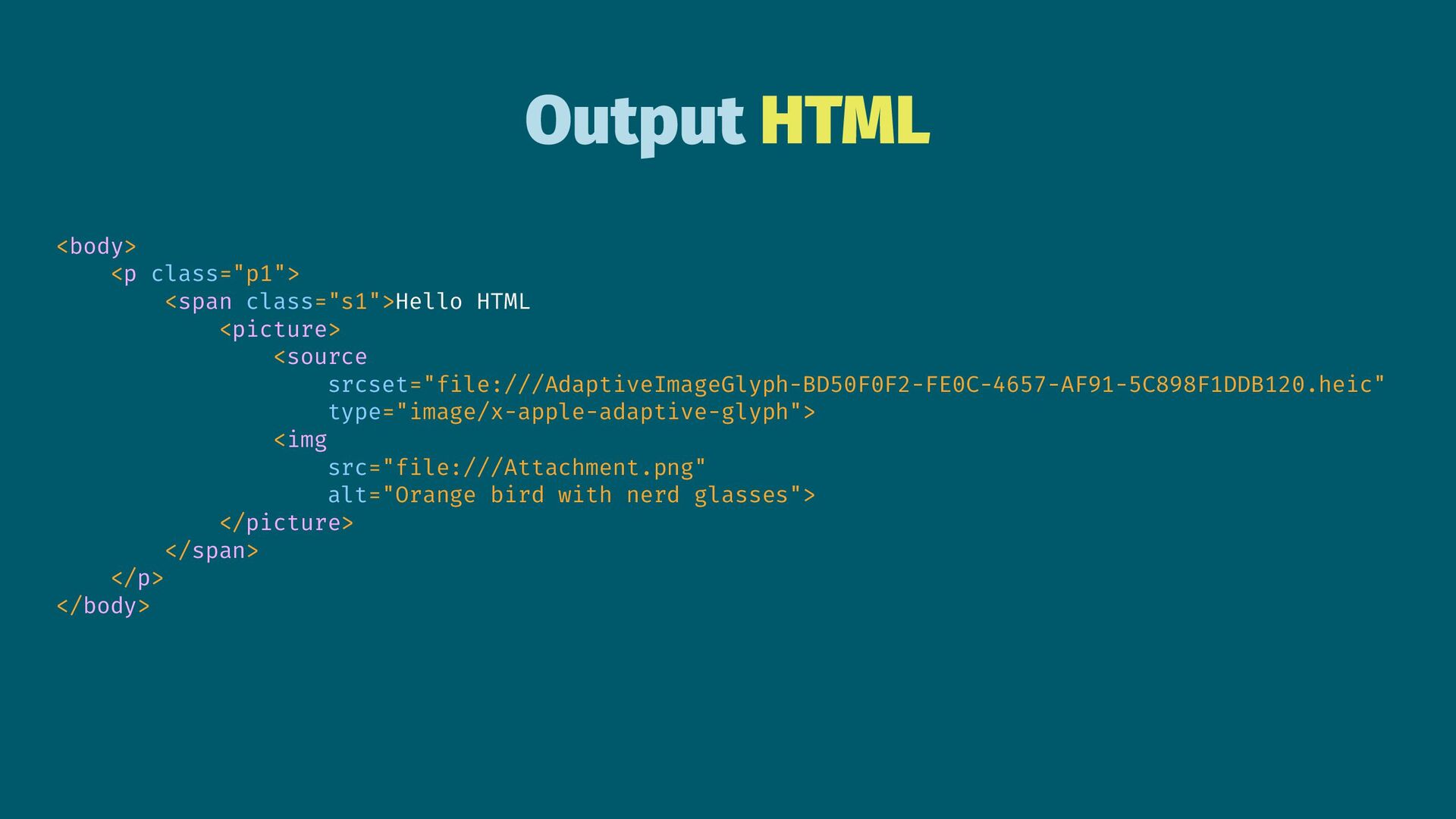
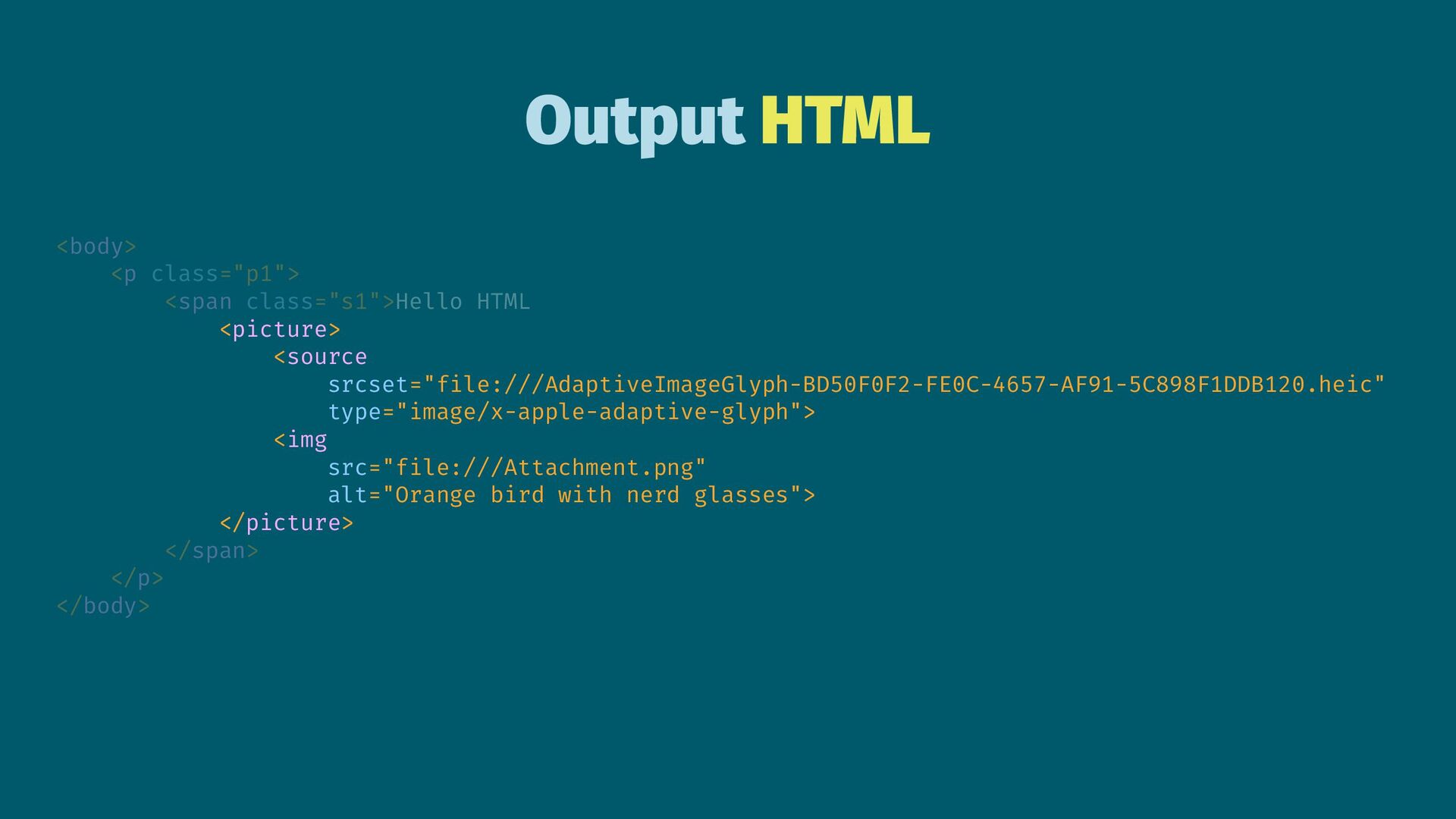
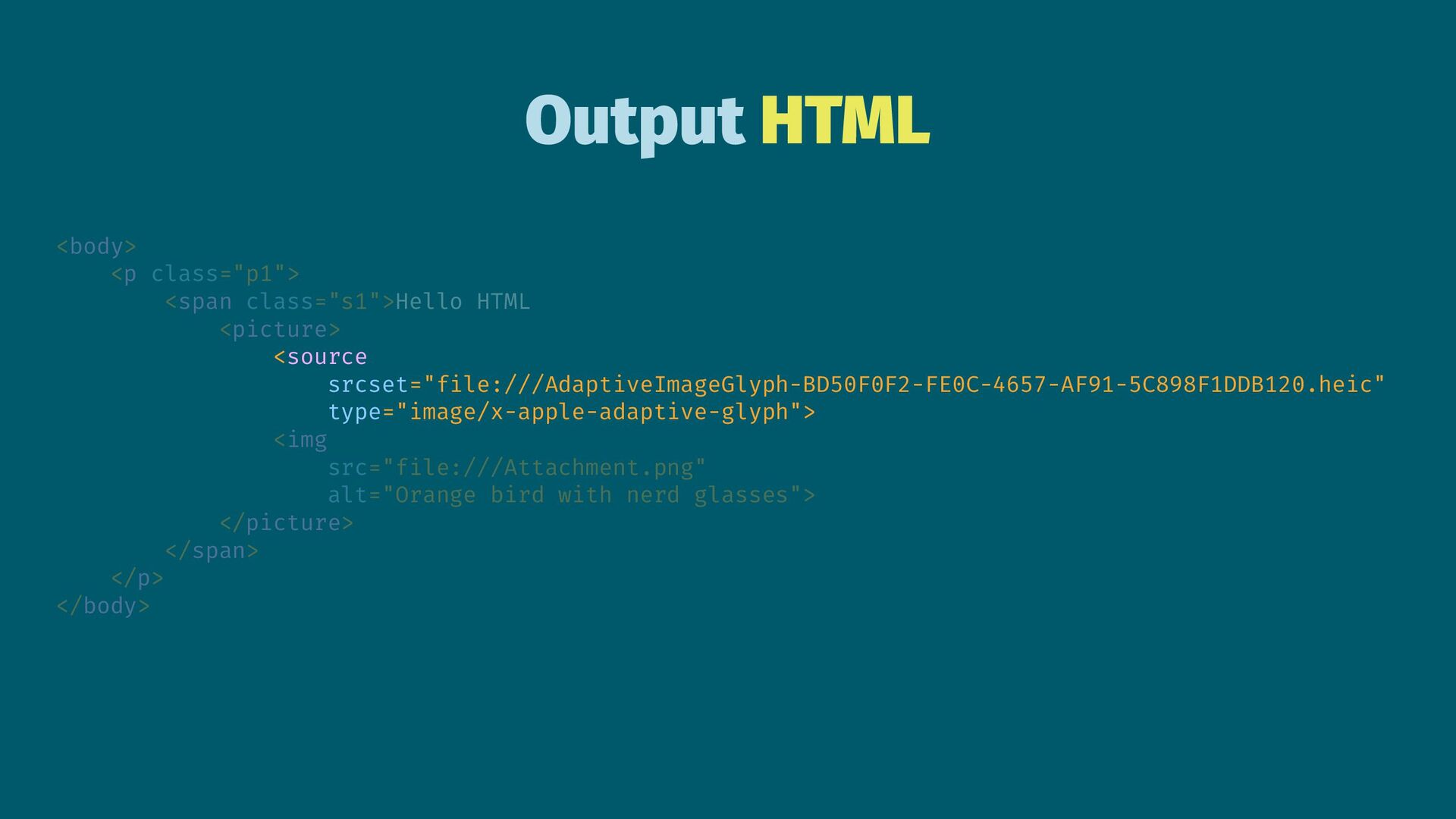
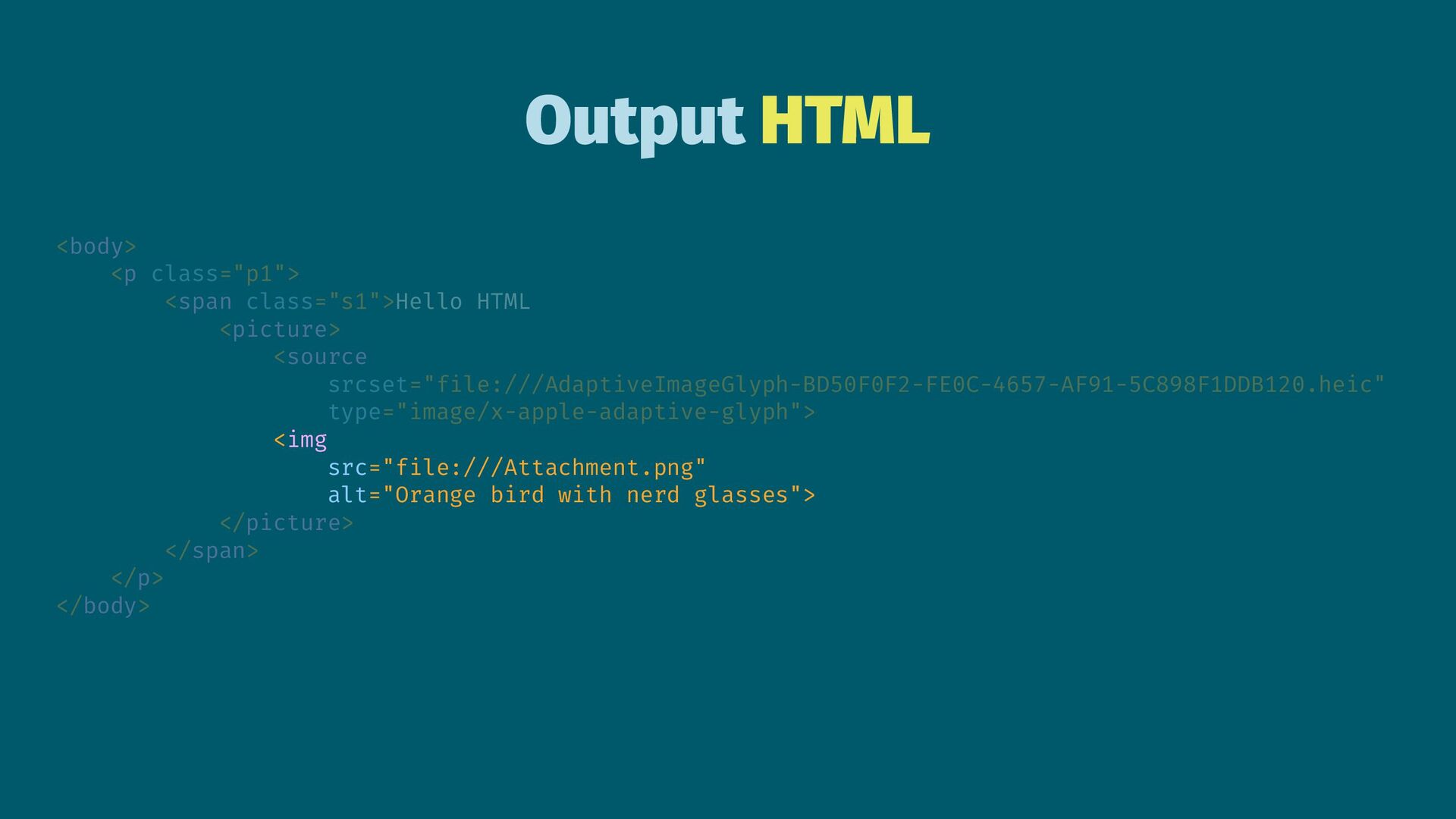
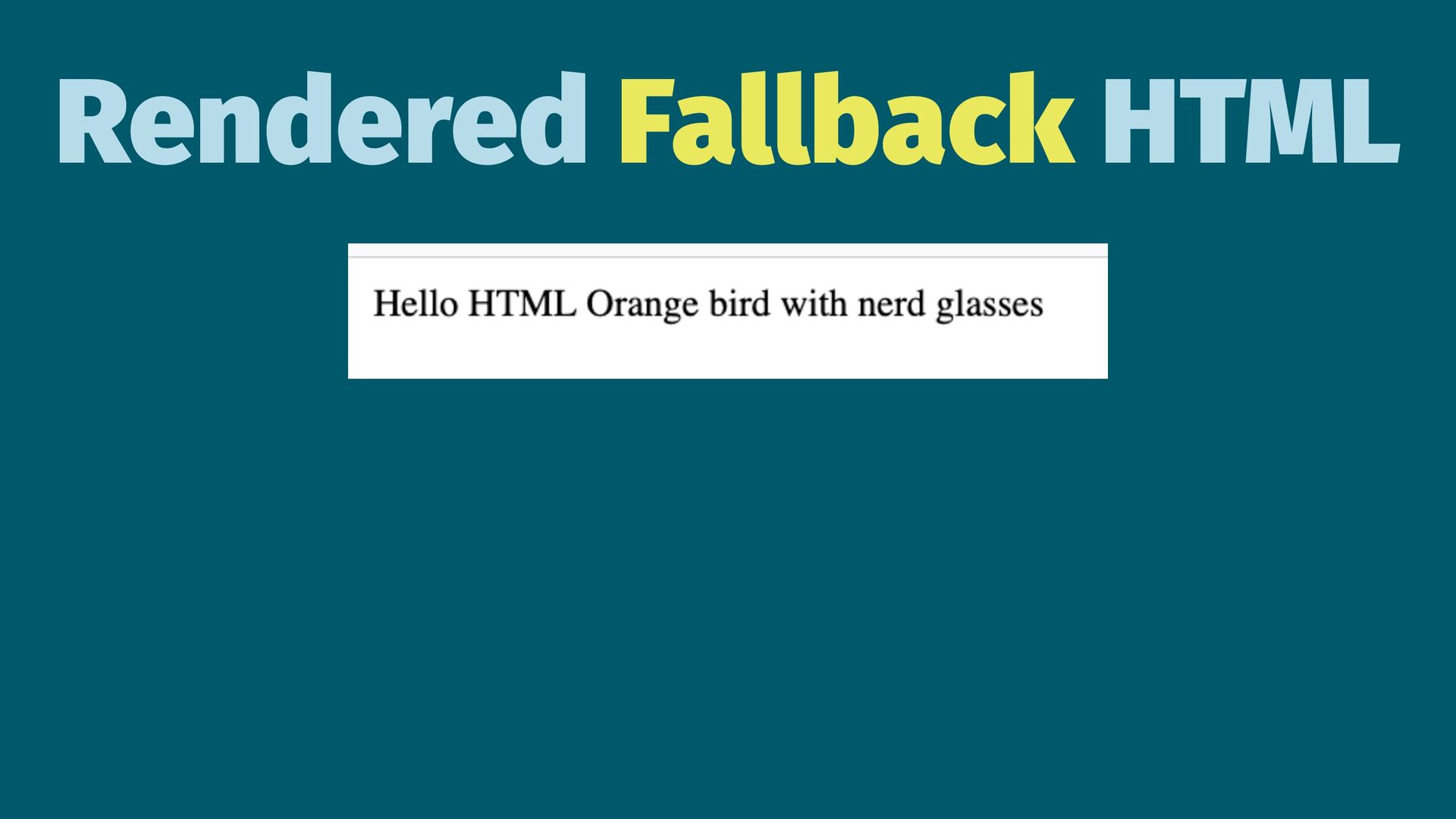
Output HTML <body> <p class="p1"> <span class="s1">Hello HTML <picture> <source
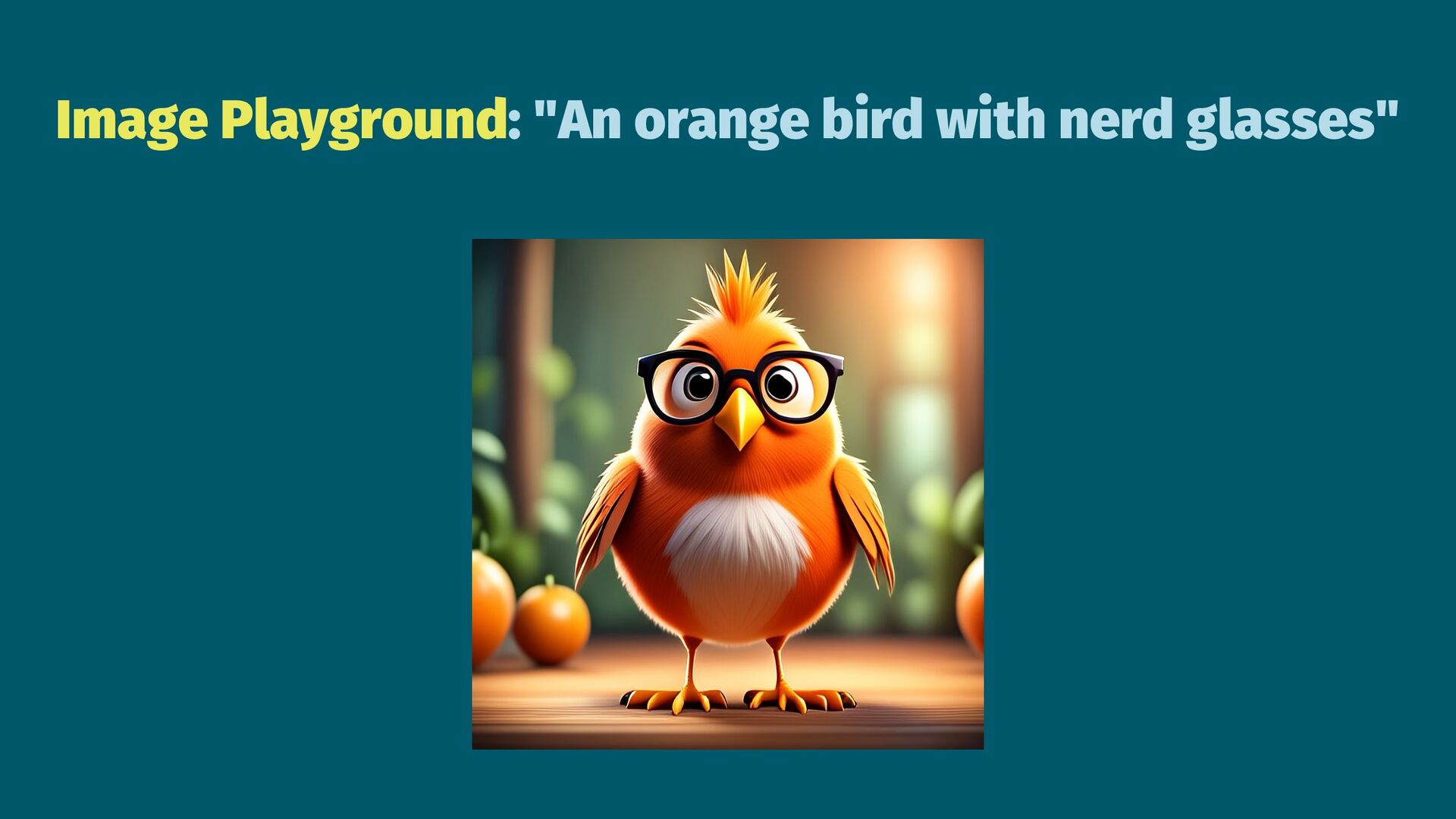
srcset="file:///AdaptiveImageGlyph-BD50F0F2-FE0C-4657-AF91-5C898F1DDB120.heic" type="image/x-apple-adaptive-glyph"> <img src="file:///Attachment.png" alt="Orange bird with nerd glasses"> </picture> </span> </p> </body> -
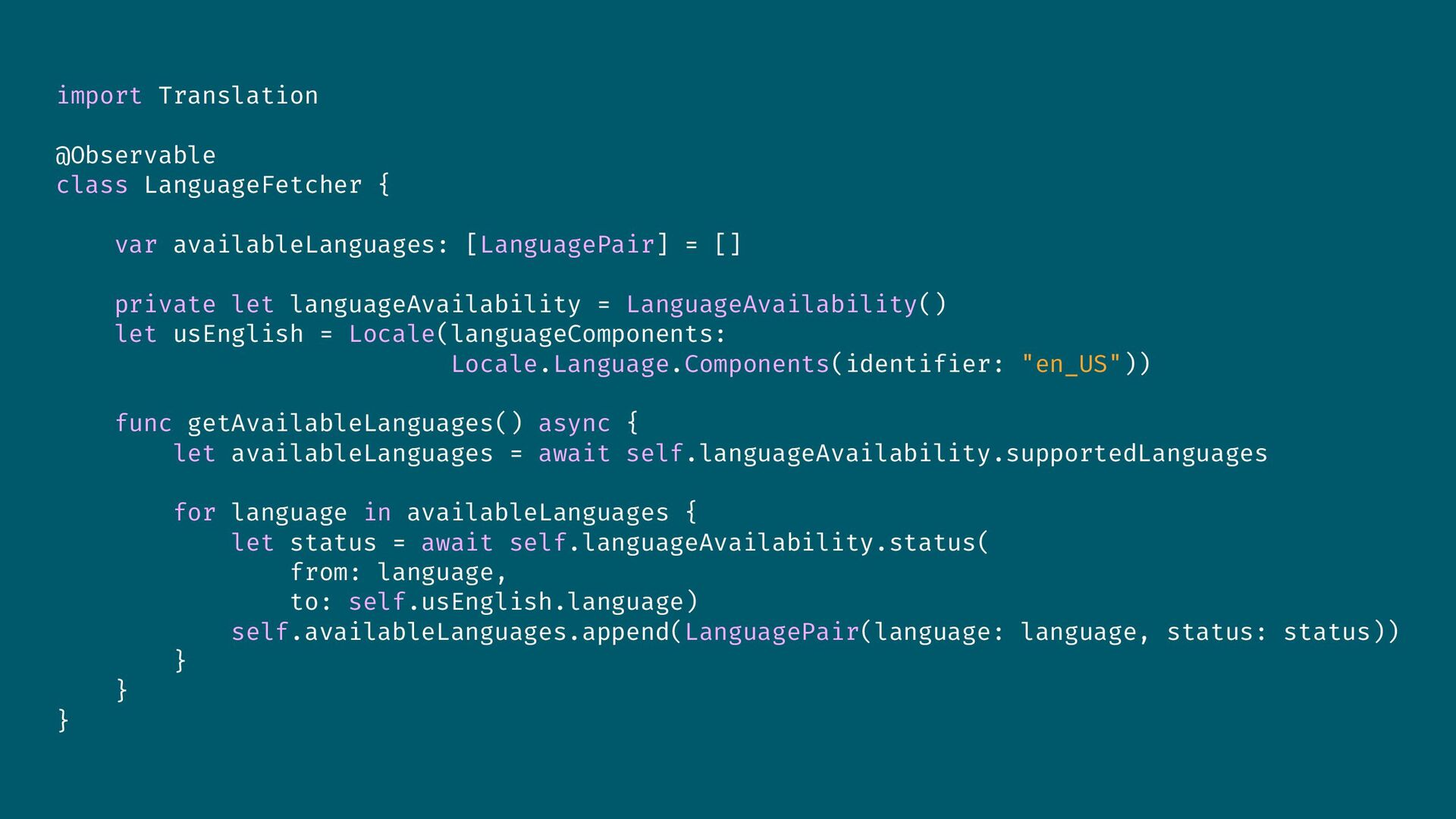
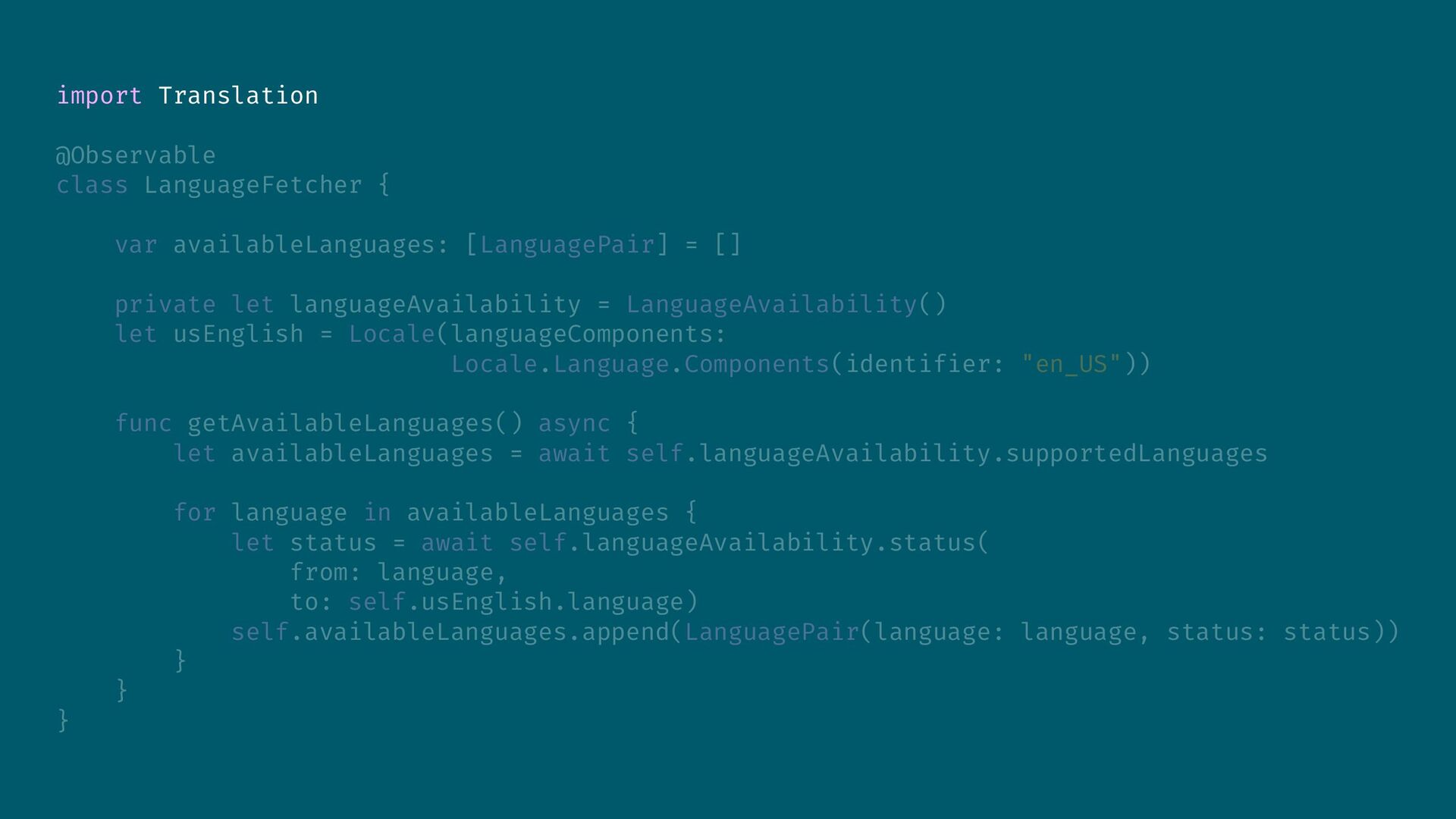
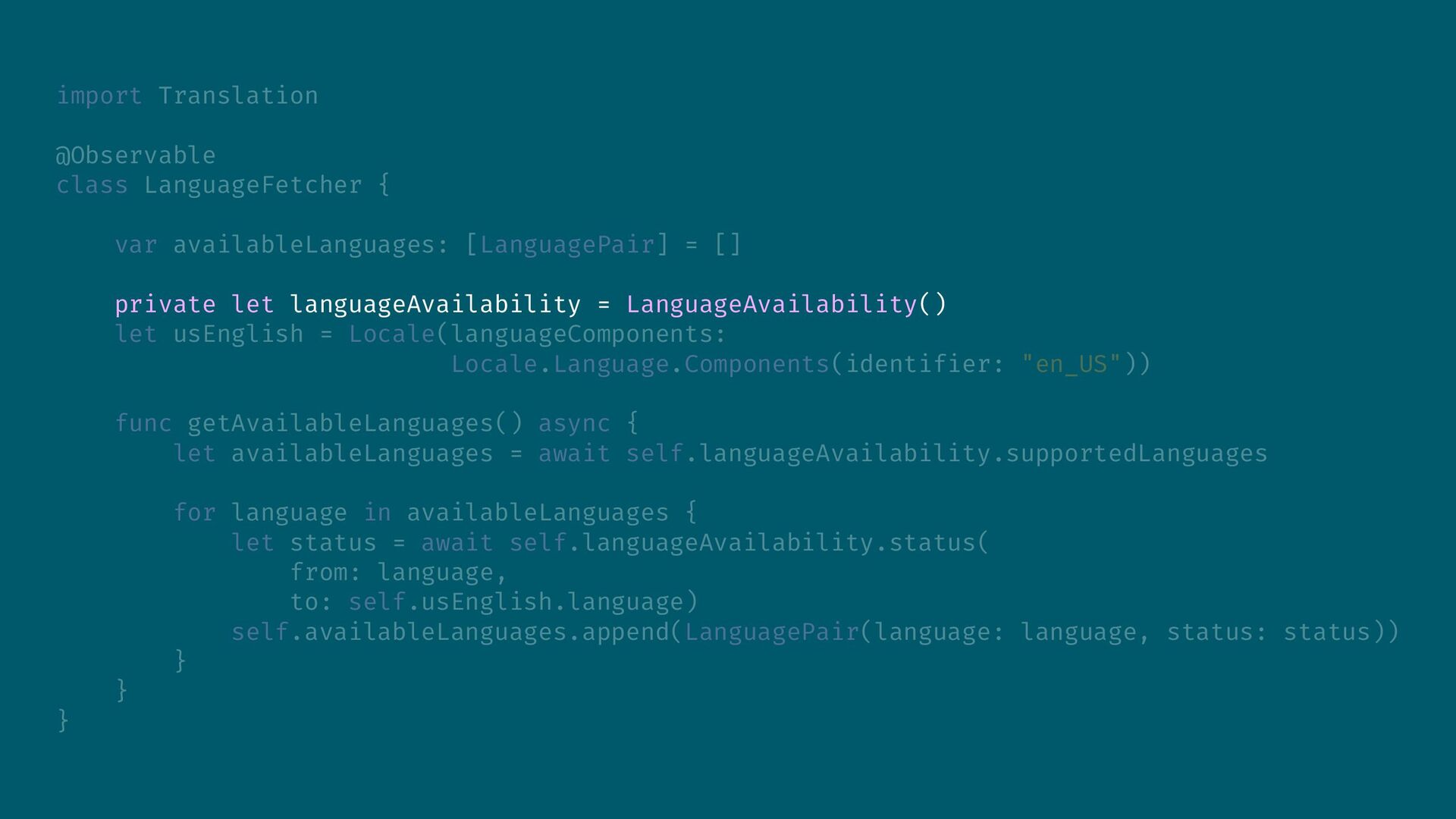
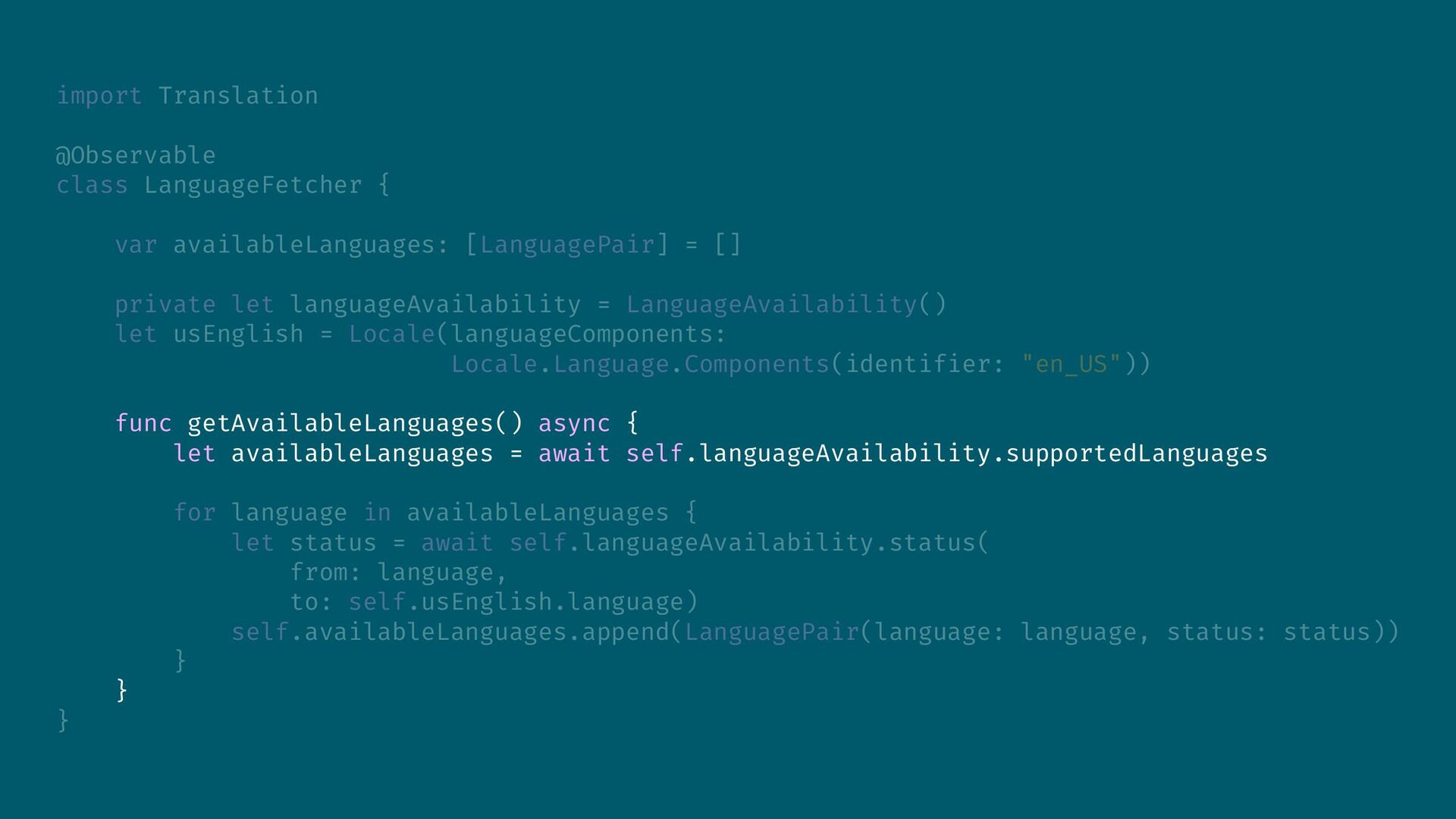
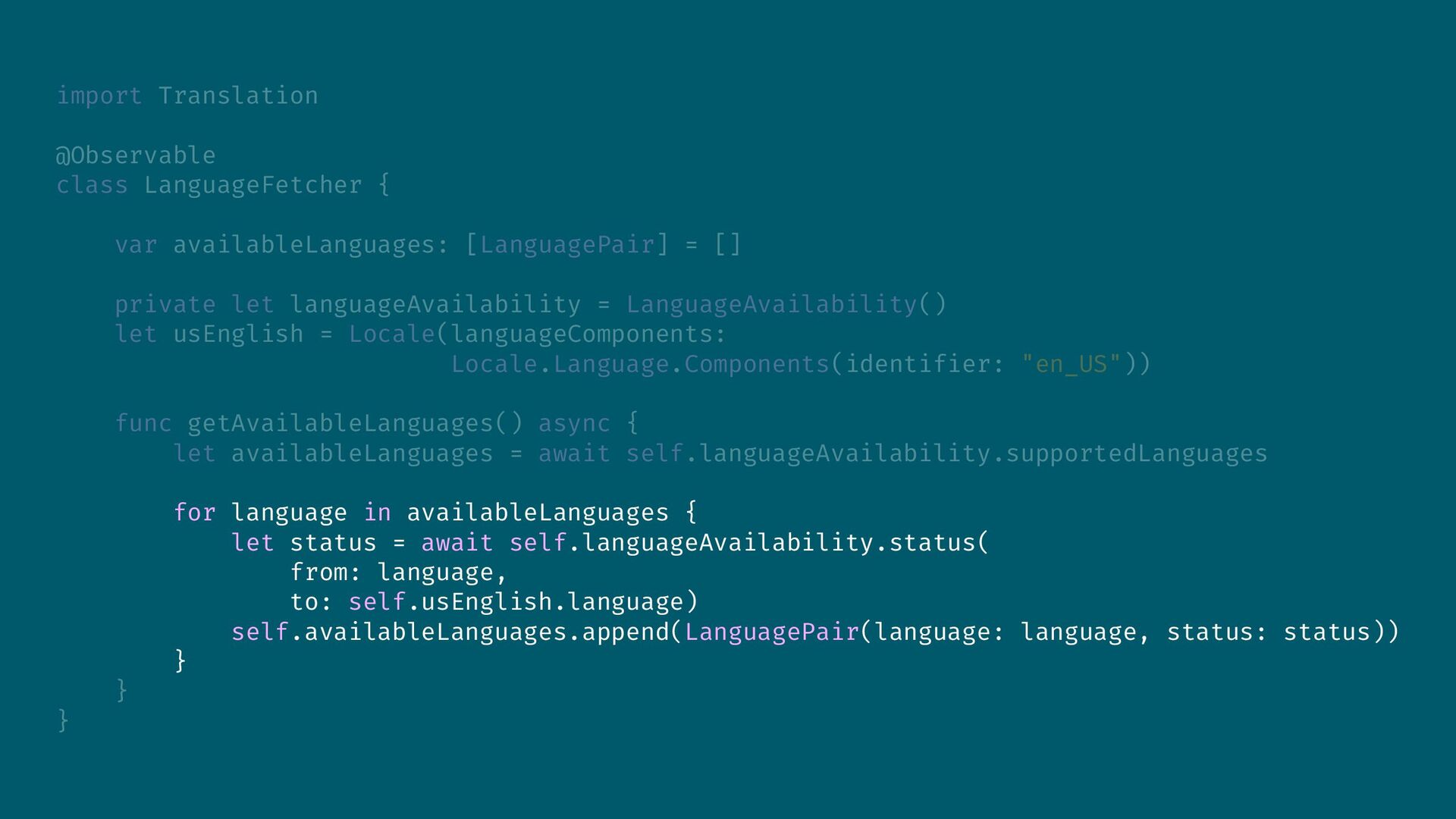
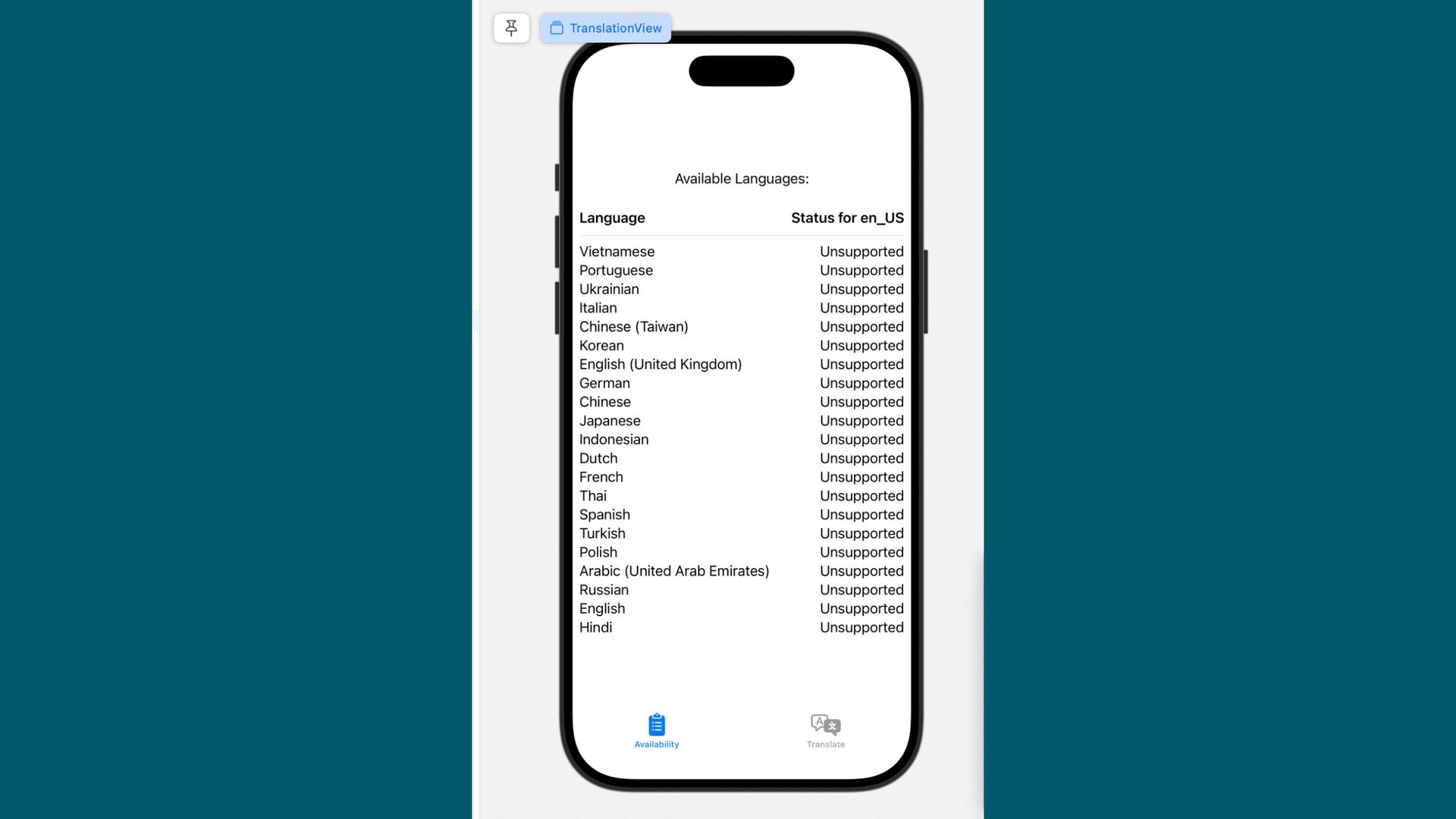
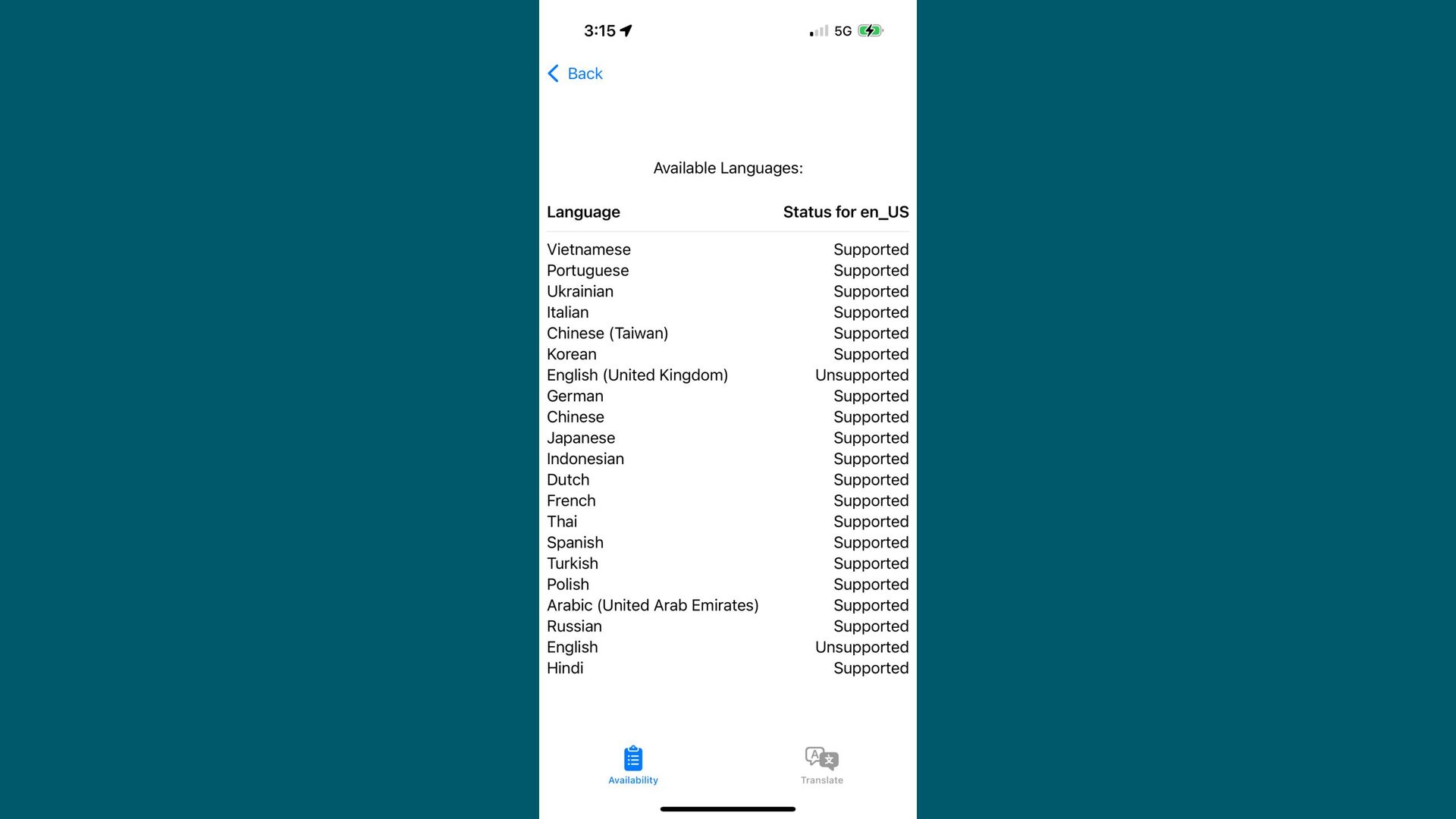
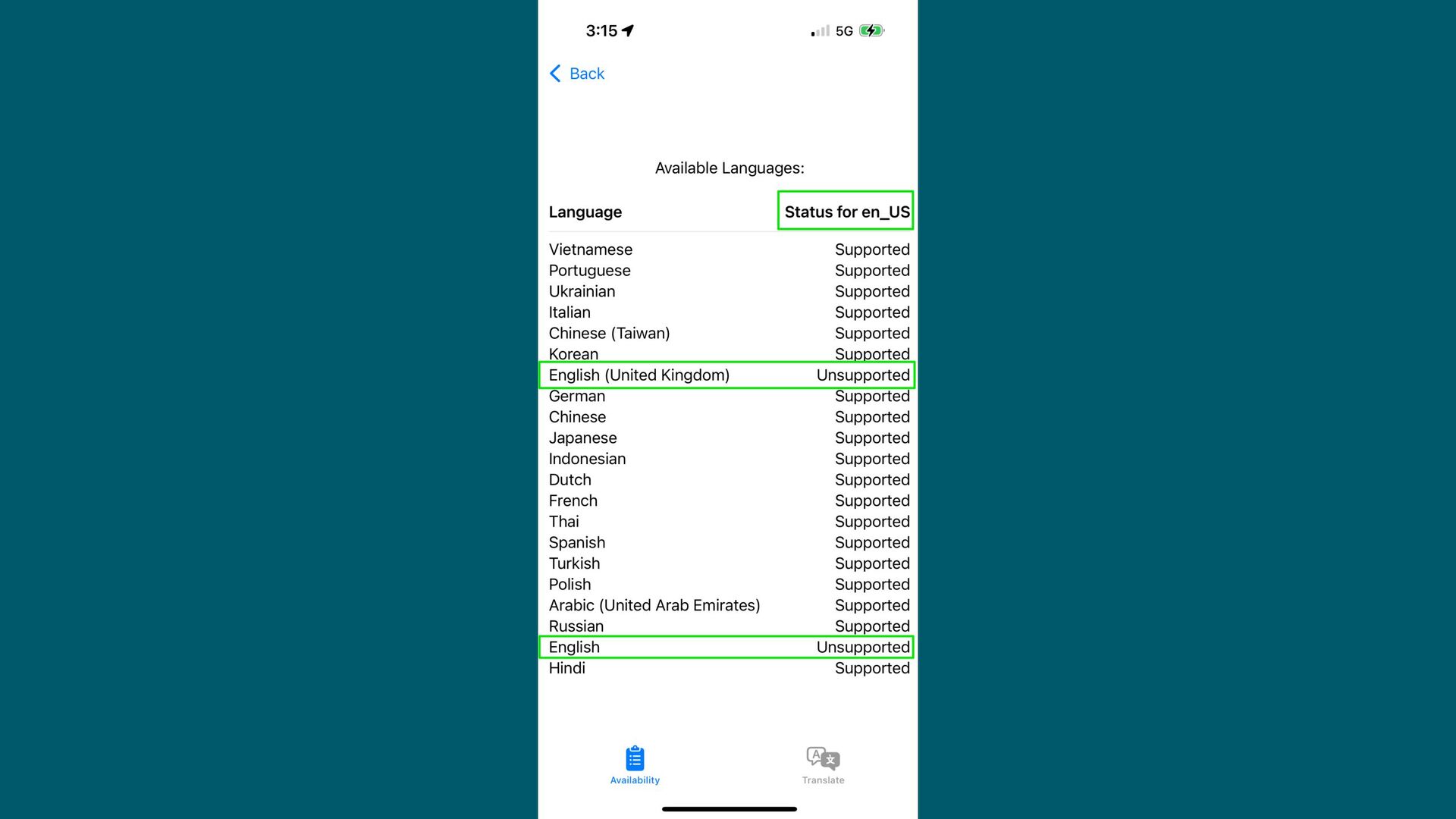
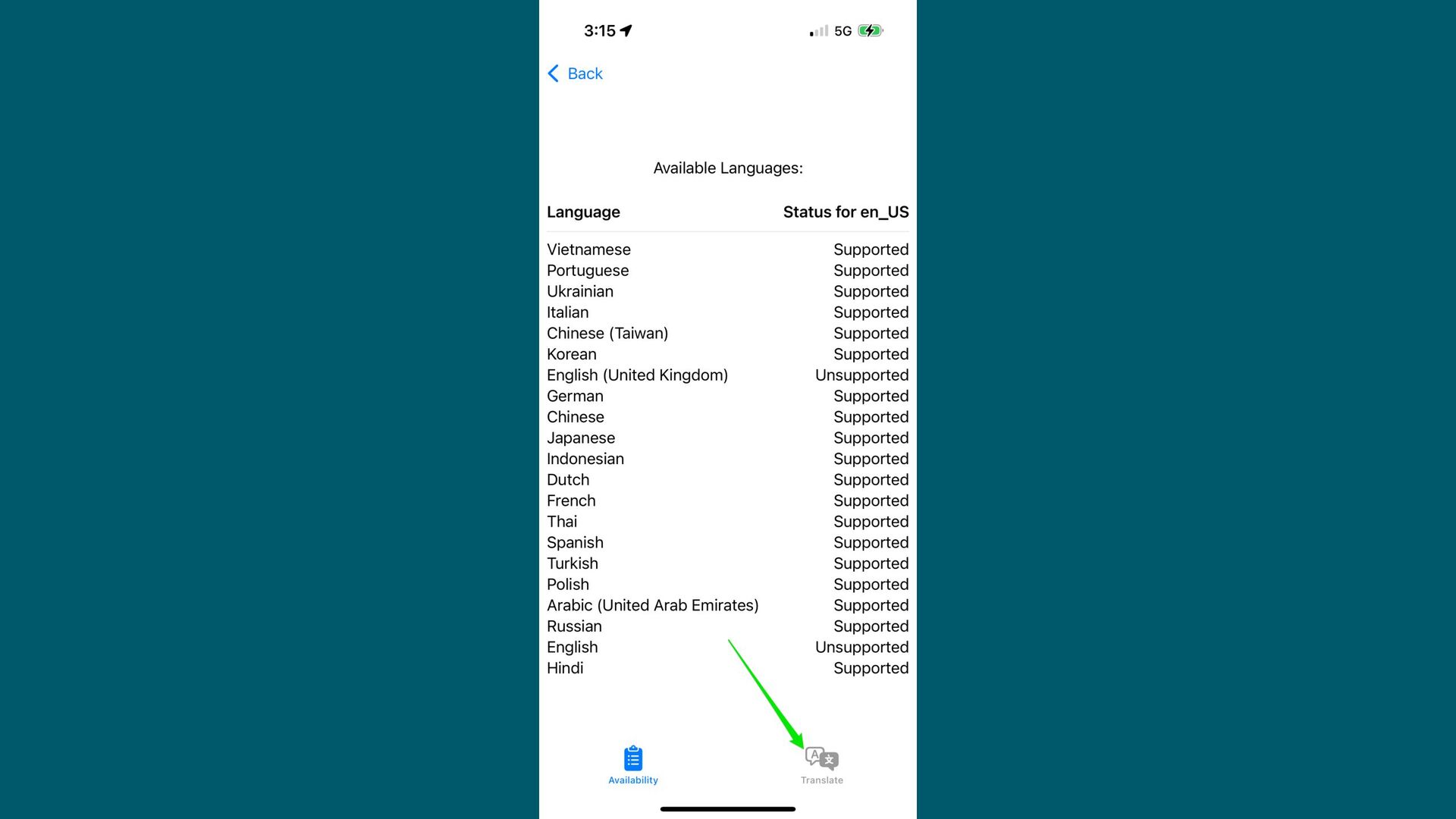
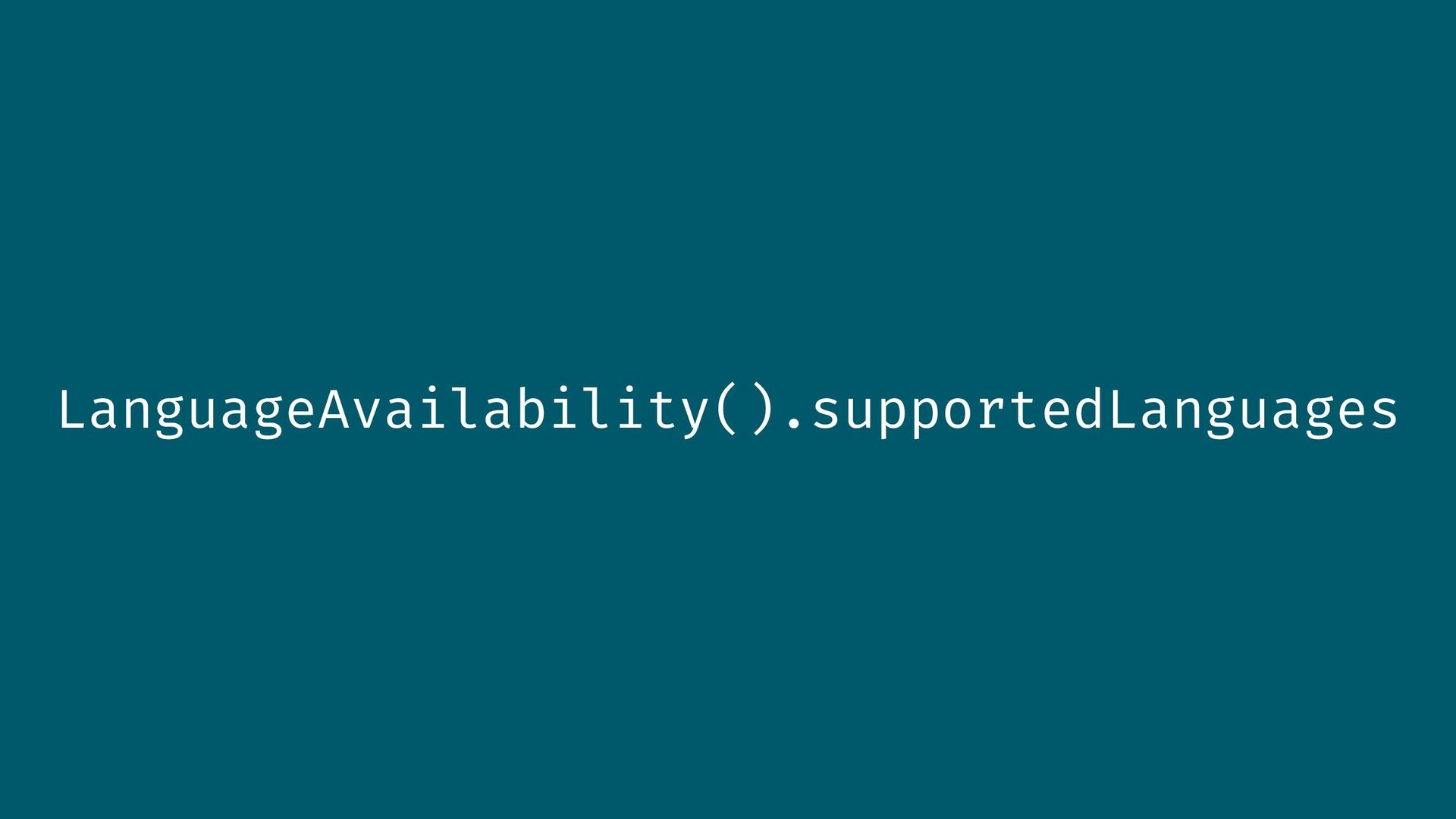
import Translation @Observable class LanguageFetcher { var availableLanguages: [LanguagePair] =
[] private let languageAvailability = LanguageAvailability() let usEnglish = Locale(languageComponents: Locale.Language.Components(identifier: "en_US")) func getAvailableLanguages() async { let availableLanguages = await self.languageAvailability.supportedLanguages for language in availableLanguages { let status = await self.languageAvailability.status( from: language, to: self.usEnglish.language) self.availableLanguages.append(LanguagePair(language: language, status: status)) } } } -
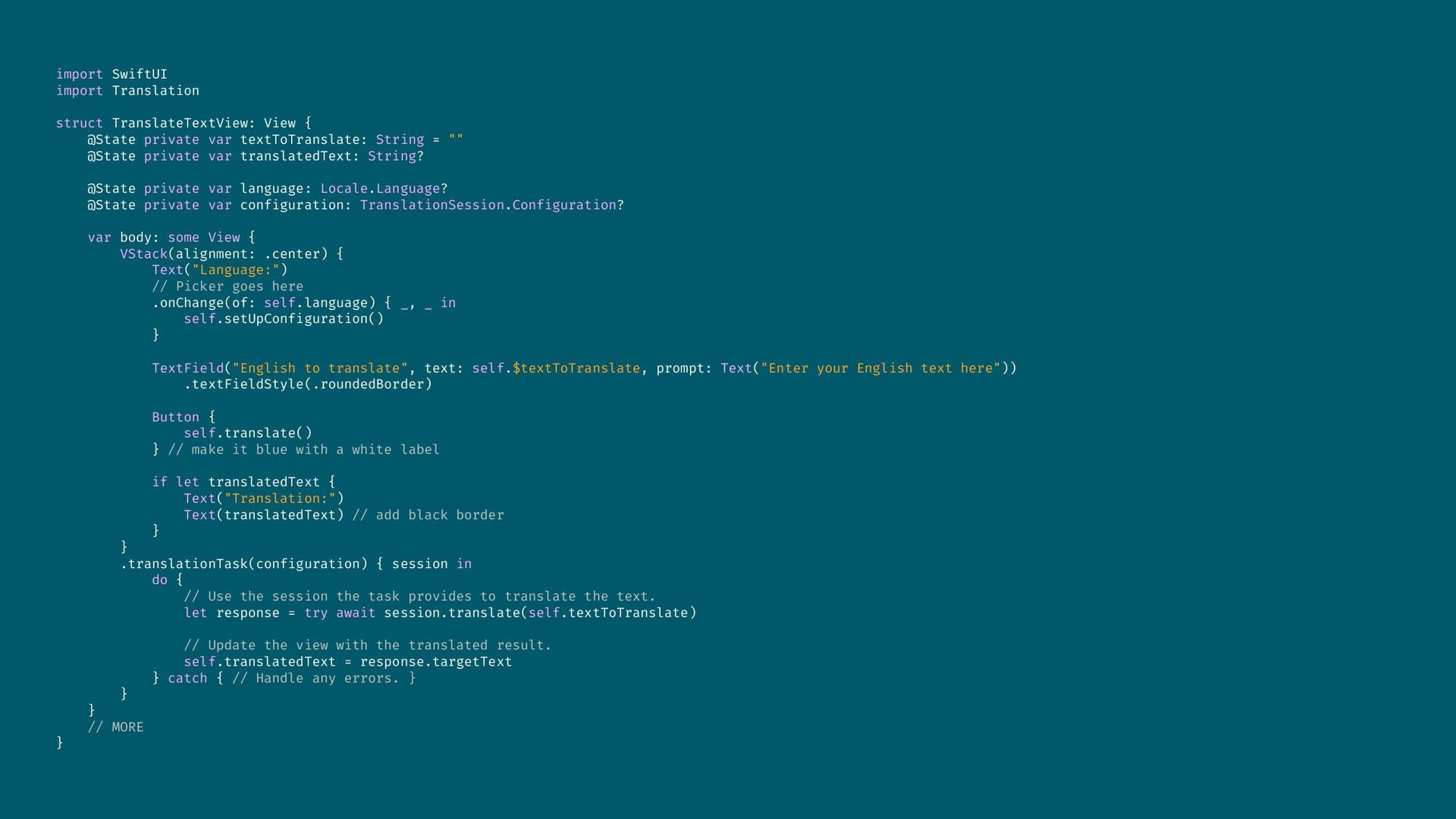
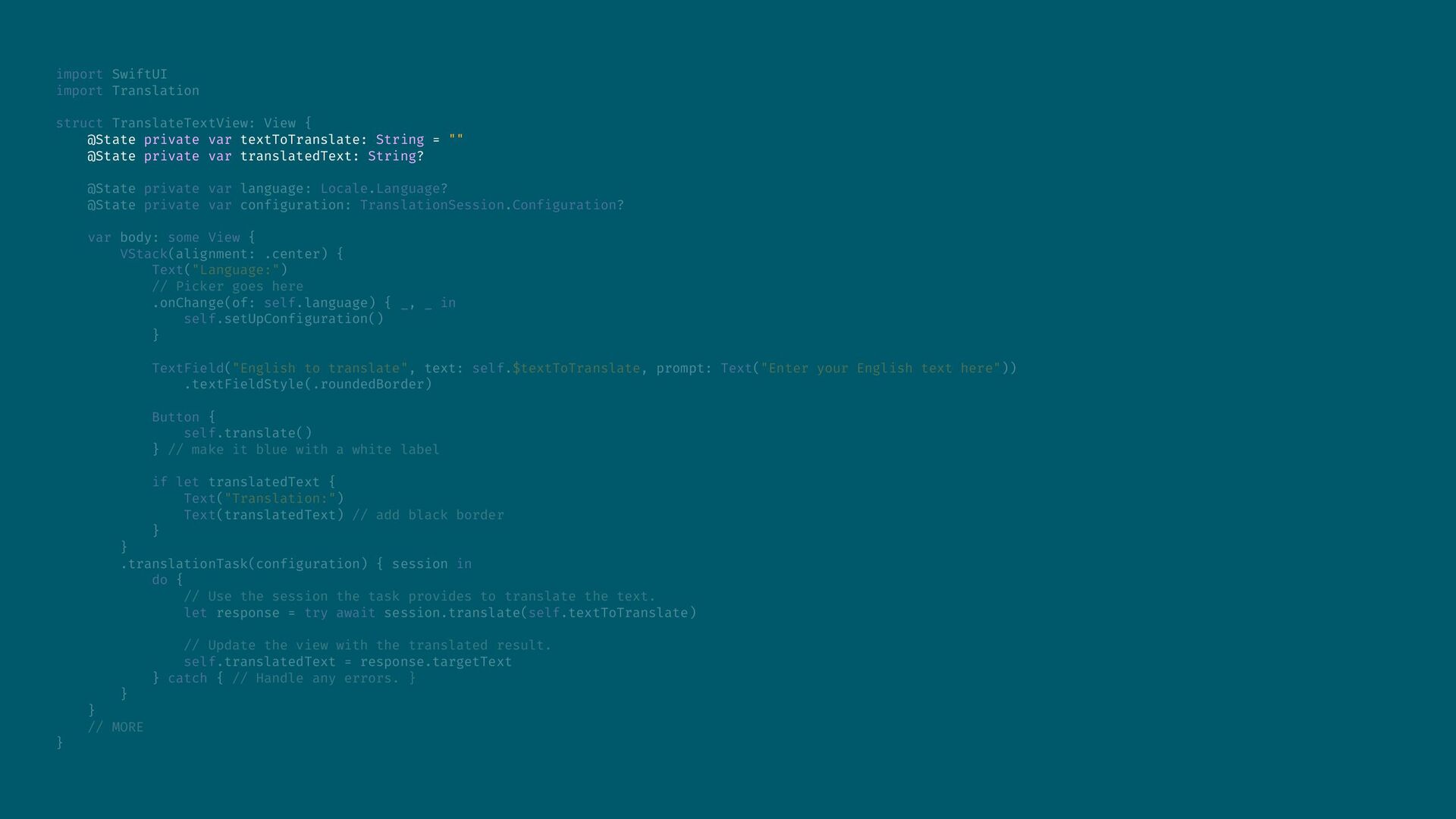
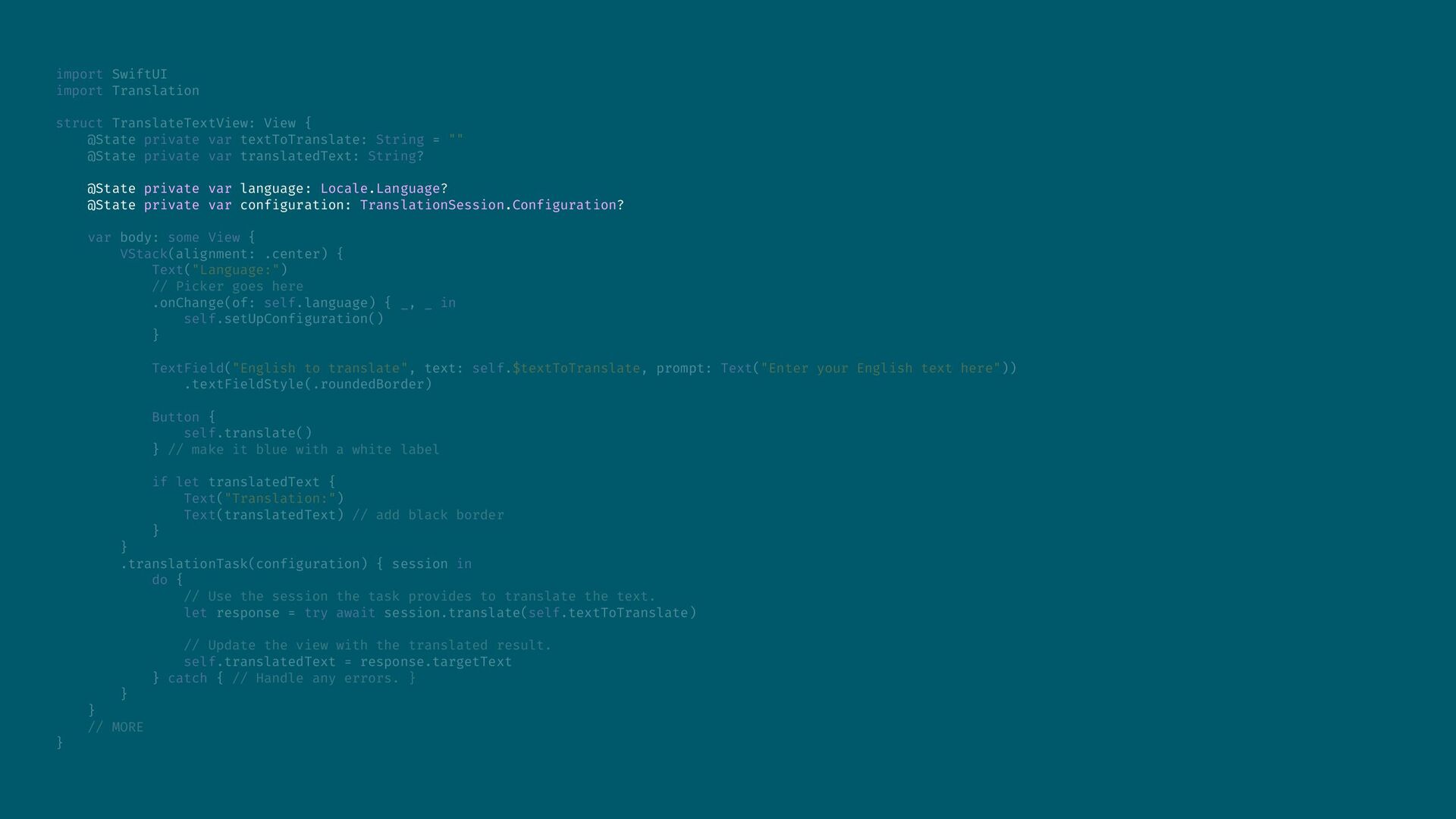
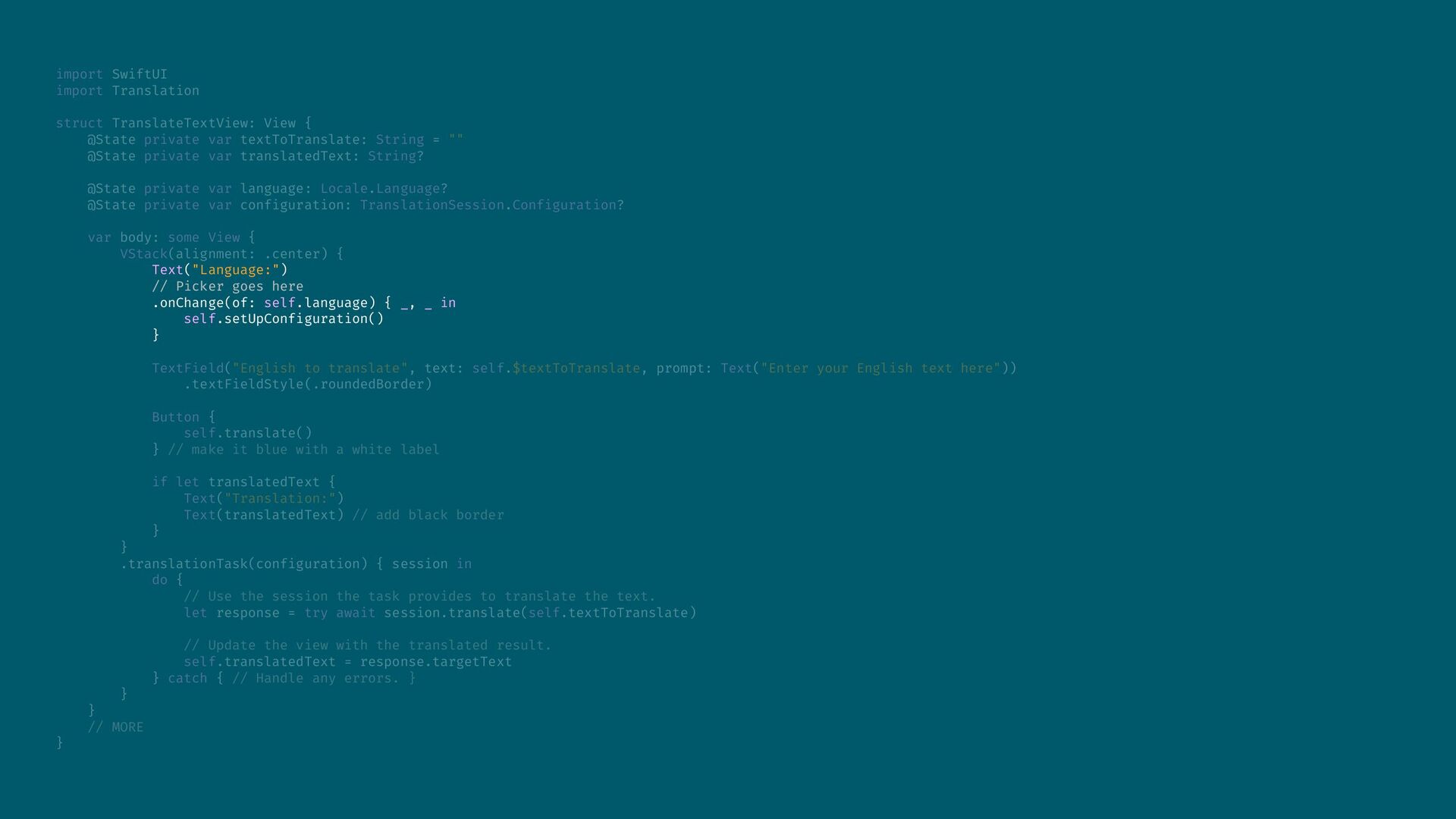
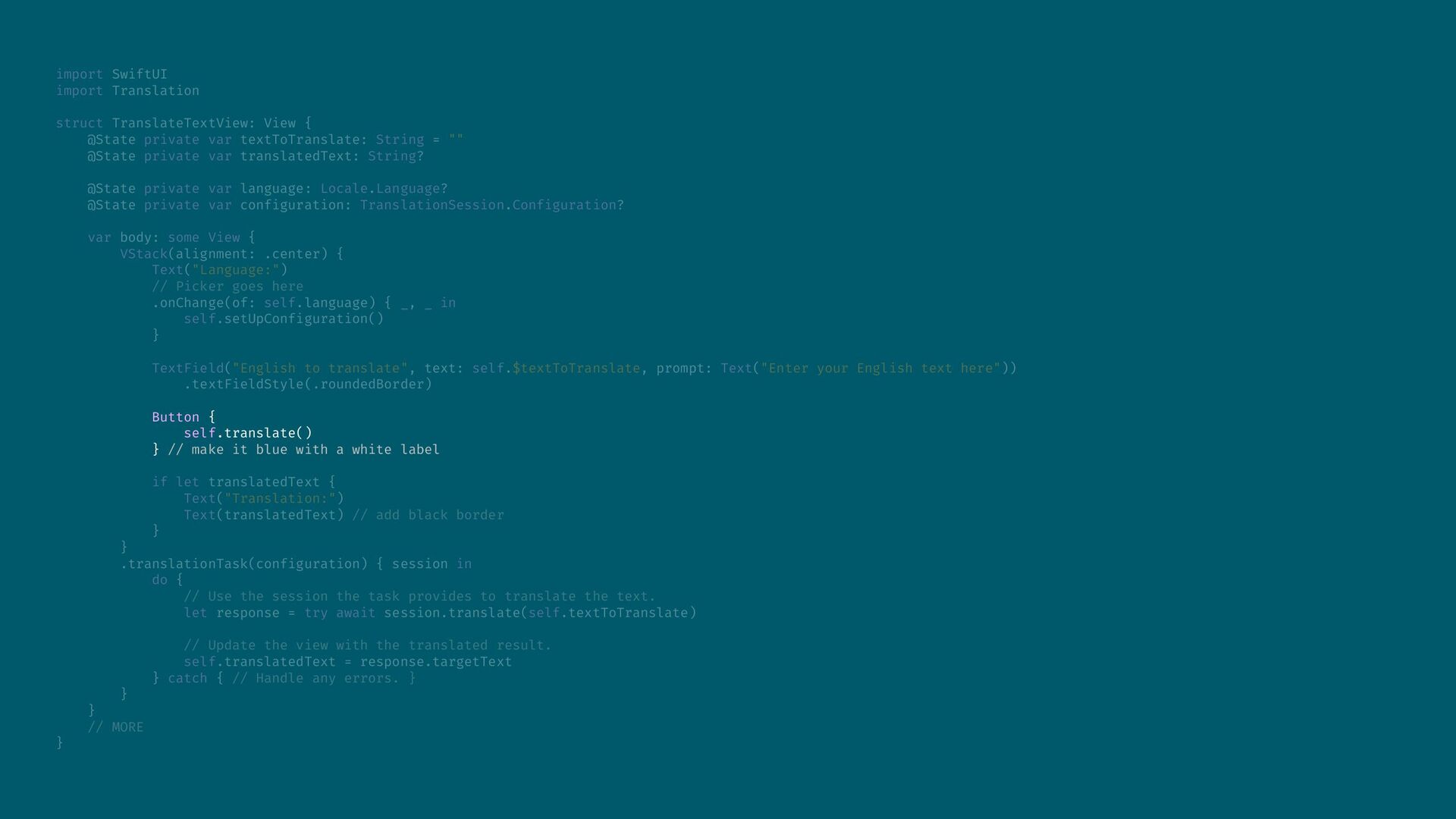
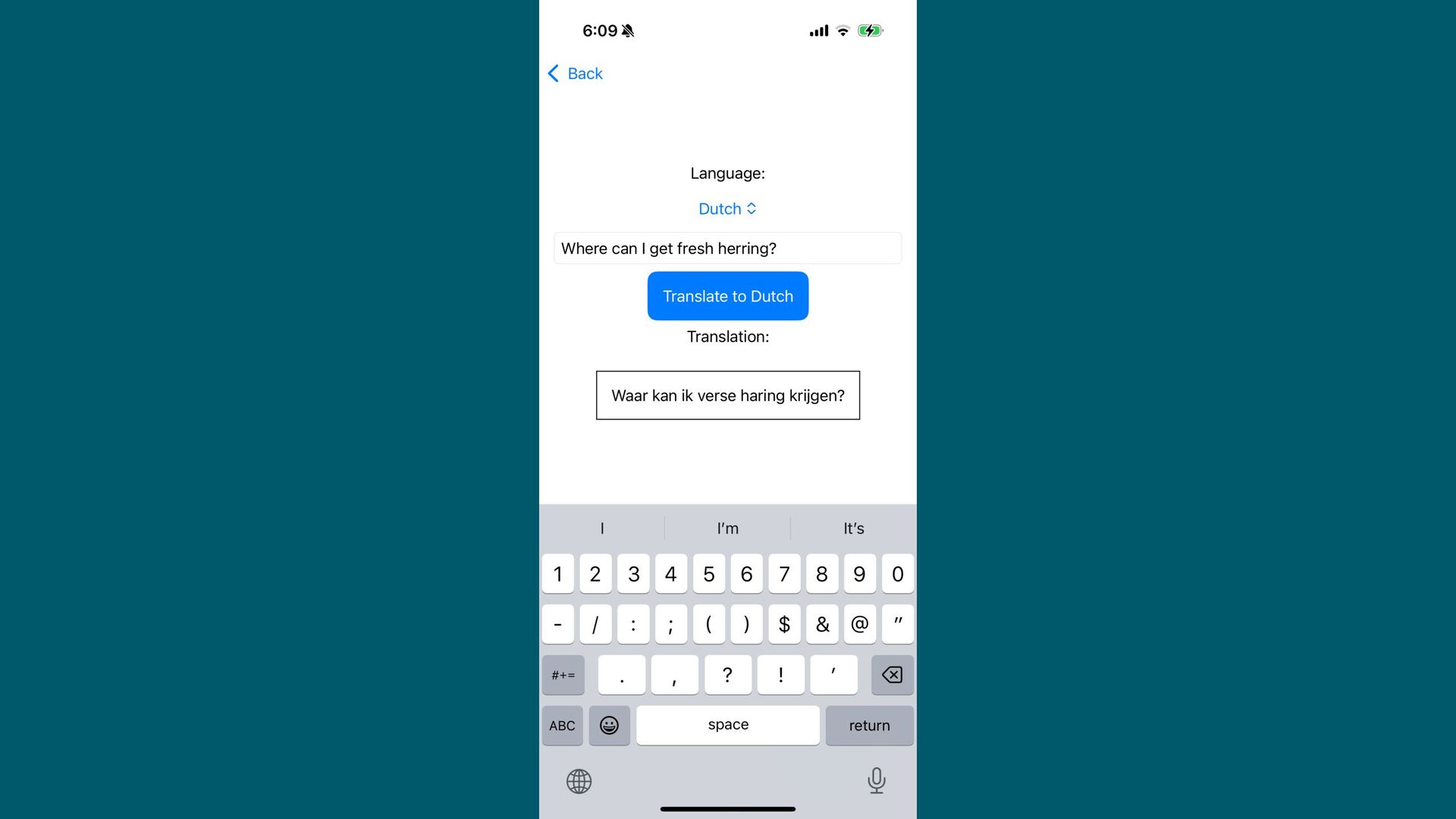
import SwiftUI import Translation struct TranslateTextView: View { @State private
var textToTranslate: String = "" @State private var translatedText: String? @State private var language: Locale.Language? @State private var configuration: TranslationSession.Configuration? var body: some View { VStack(alignment: .center) { Text("Language:") // Picker goes here .onChange(of: self.language) { _, _ in self.setUpConfiguration() } TextField("English to translate", text: self.$textToTranslate, prompt: Text("Enter your English text here")) .textFieldStyle(.roundedBorder) Button { self.translate() } // make it blue with a white label if let translatedText { Text("Translation:") Text(translatedText) // add black border } } .translationTask(configuration) { session in do { // Use the session the task provides to translate the text. let response = try await session.translate(self.textToTranslate) // Update the view with the translated result. self.translatedText = response.targetText } catch { // Handle any errors. } } } // MORE } -
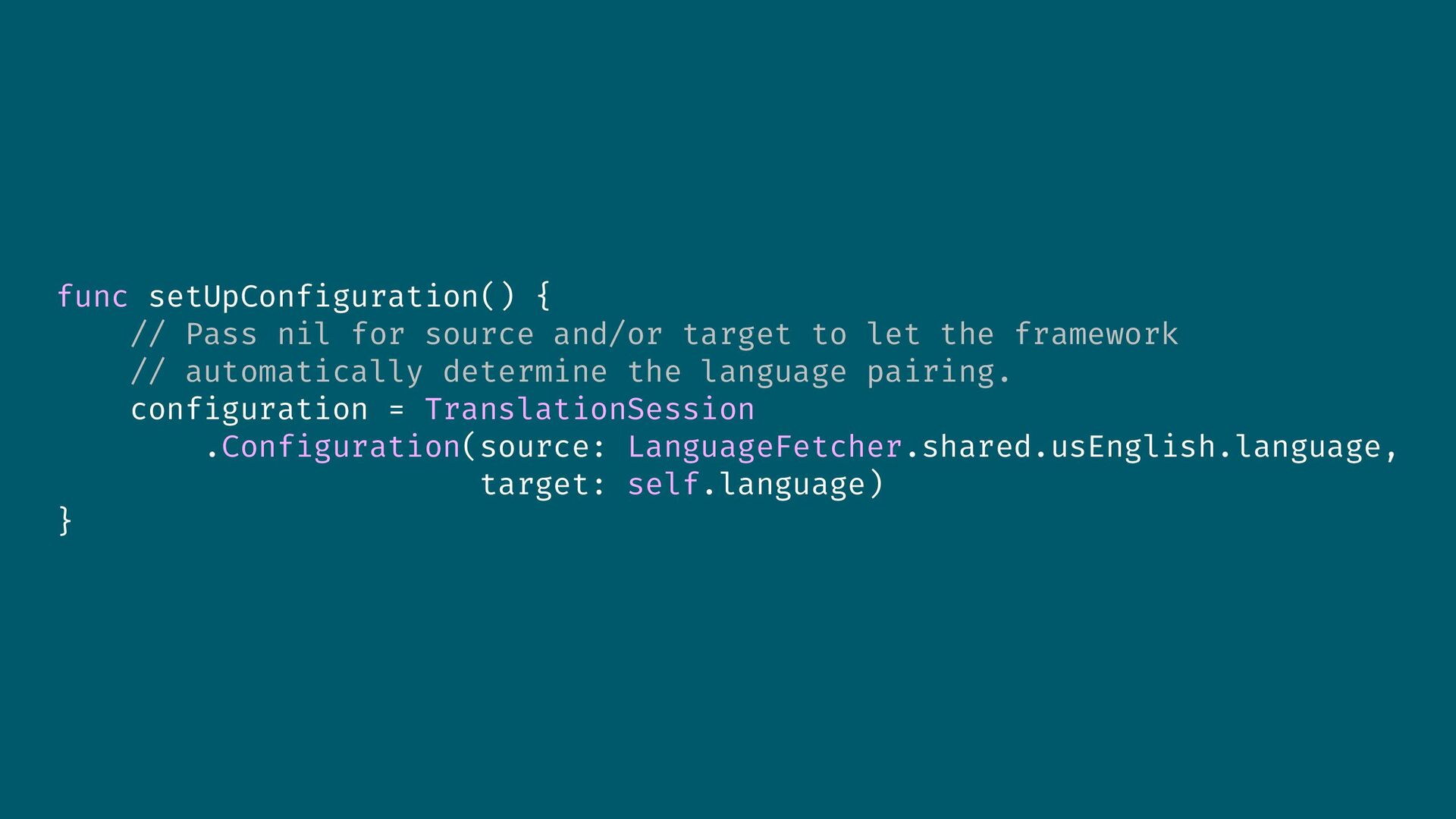
func setUpConfiguration() { // Pass nil for source and/or target
to let the framework // automatically determine the language pairing. configuration = TranslationSession .Configuration(source: LanguageFetcher.shared.usEnglish.language, target: self.language) } -
import SwiftUI import Translation struct TranslateTextView: View { @State private
var textToTranslate: String = "" @State private var translatedText: String? @State private var language: Locale.Language? @State private var configuration: TranslationSession.Configuration? var body: some View { VStack(alignment: .center) { Text("Language:") // Picker goes here .onChange(of: self.language) { _, _ in self.setUpConfiguration() } TextField("English to translate", text: self.$textToTranslate, prompt: Text("Enter your English text here")) .textFieldStyle(.roundedBorder) Button { self.translate() } // make it blue with a white label if let translatedText { Text("Translation:") Text(translatedText) // add black border } } .translationTask(configuration) { session in do { // Use the session the task provides to translate the text. let response = try await session.translate(self.textToTranslate) // Update the view with the translated result. self.translatedText = response.targetText } catch { // Handle any errors. } } } // MORE } -
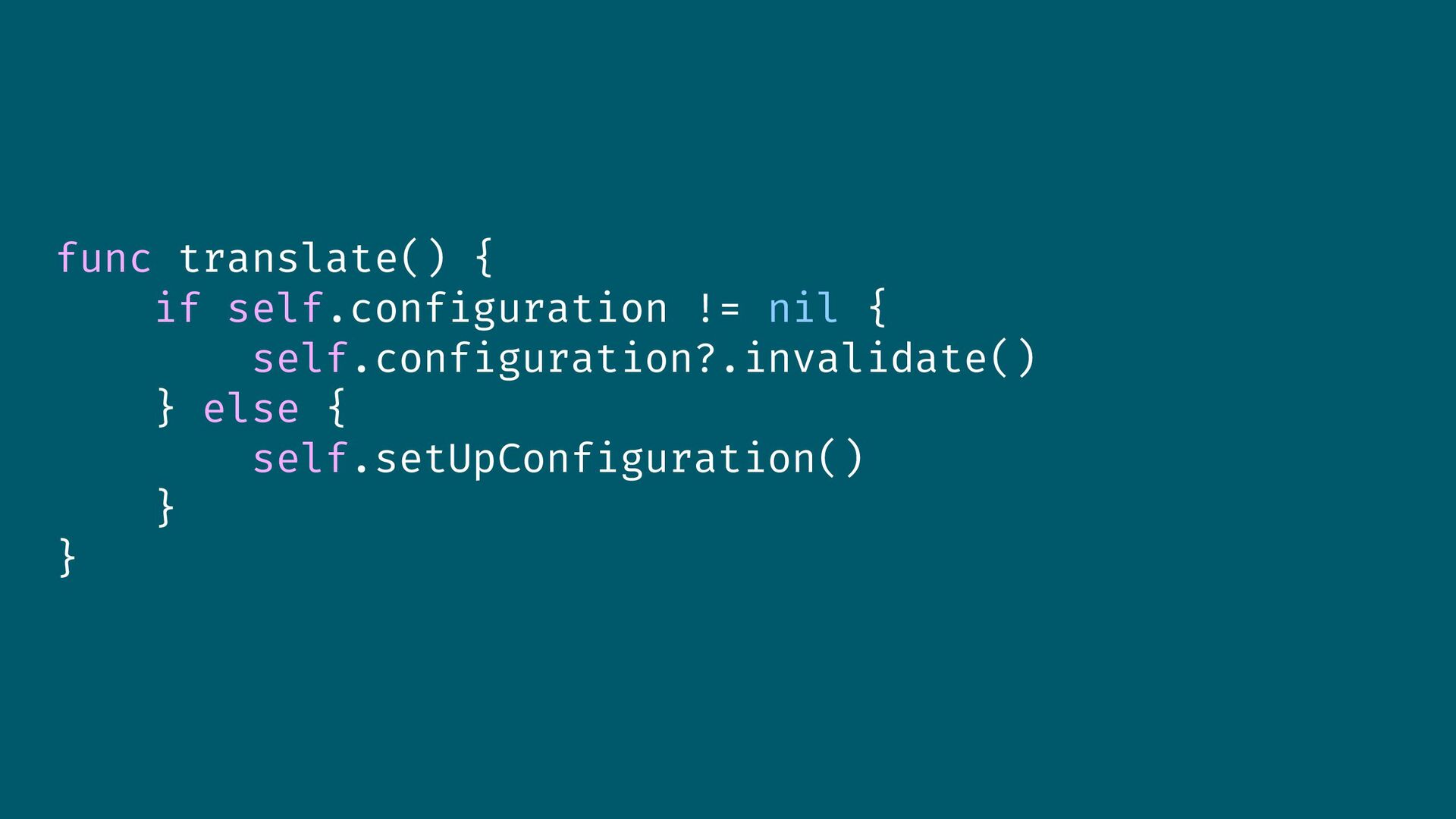
func translate() { if self.configuration != nil { self.configuration?.invalidate() }
else { self.setUpConfiguration() } } -
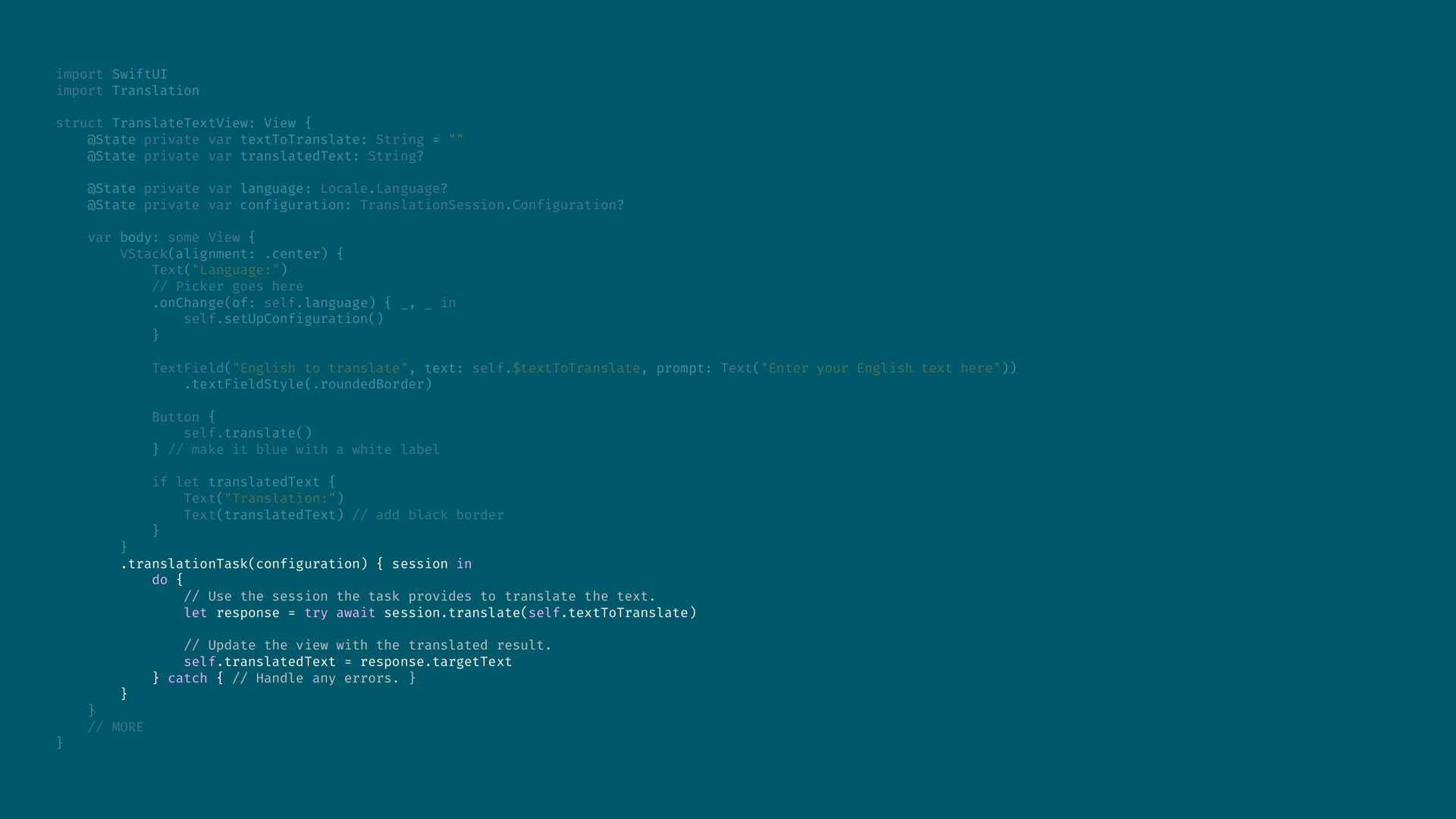
import SwiftUI import Translation struct TranslateTextView: View { @State private
var textToTranslate: String = "" @State private var translatedText: String? @State private var language: Locale.Language? @State private var configuration: TranslationSession.Configuration? var body: some View { VStack(alignment: .center) { Text("Language:") // Picker goes here .onChange(of: self.language) { _, _ in self.setUpConfiguration() } TextField("English to translate", text: self.$textToTranslate, prompt: Text("Enter your English text here")) .textFieldStyle(.roundedBorder) Button { self.translate() } // make it blue with a white label if let translatedText { Text("Translation:") Text(translatedText) // add black border } } .translationTask(configuration) { session in do { // Use the session the task provides to translate the text. let response = try await session.translate(self.textToTranslate) // Update the view with the translated result. self.translatedText = response.targetText } catch { // Handle any errors. } } } // MORE } -
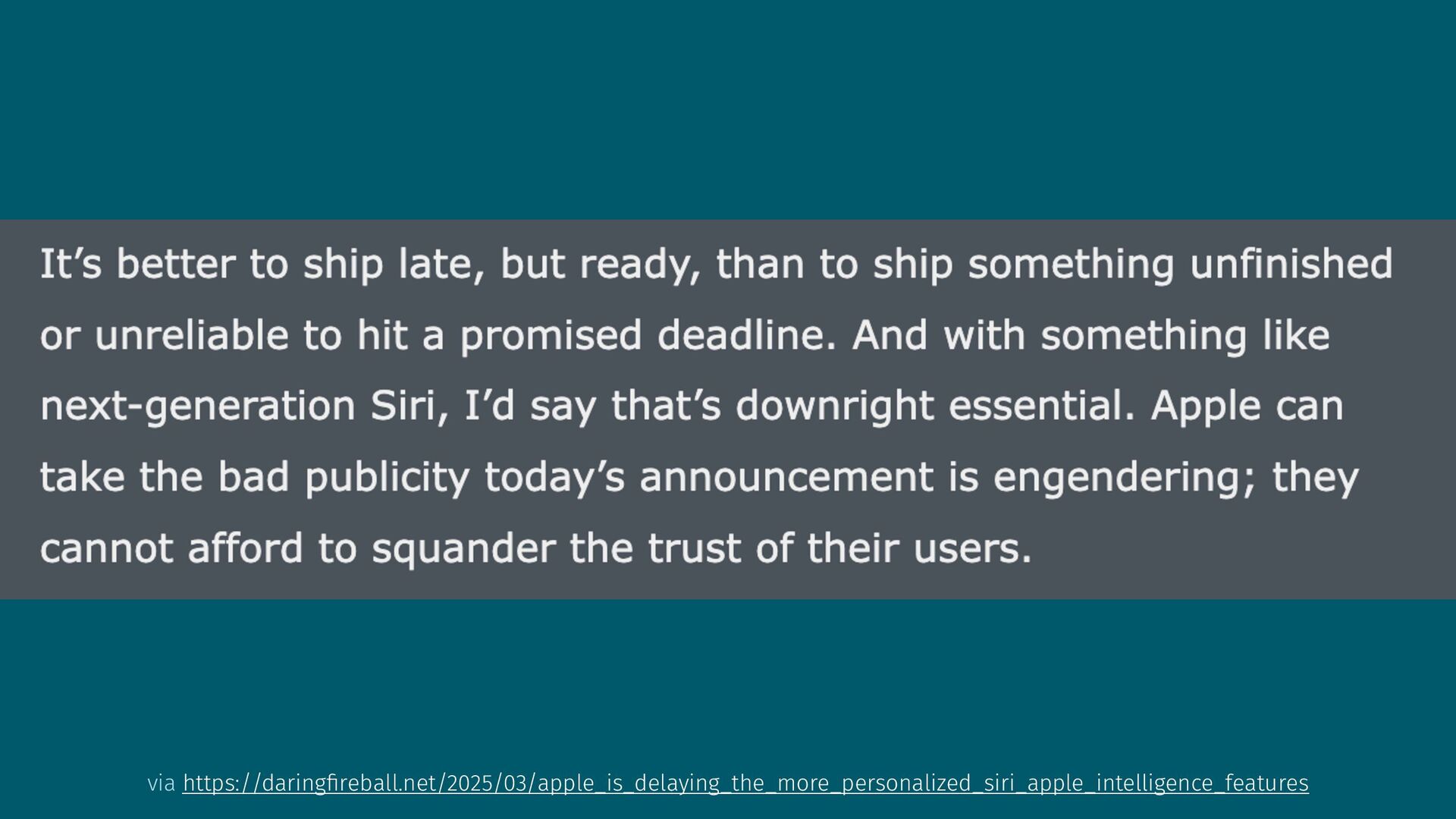
Your users trust you to decide what to add (and
what not to) -
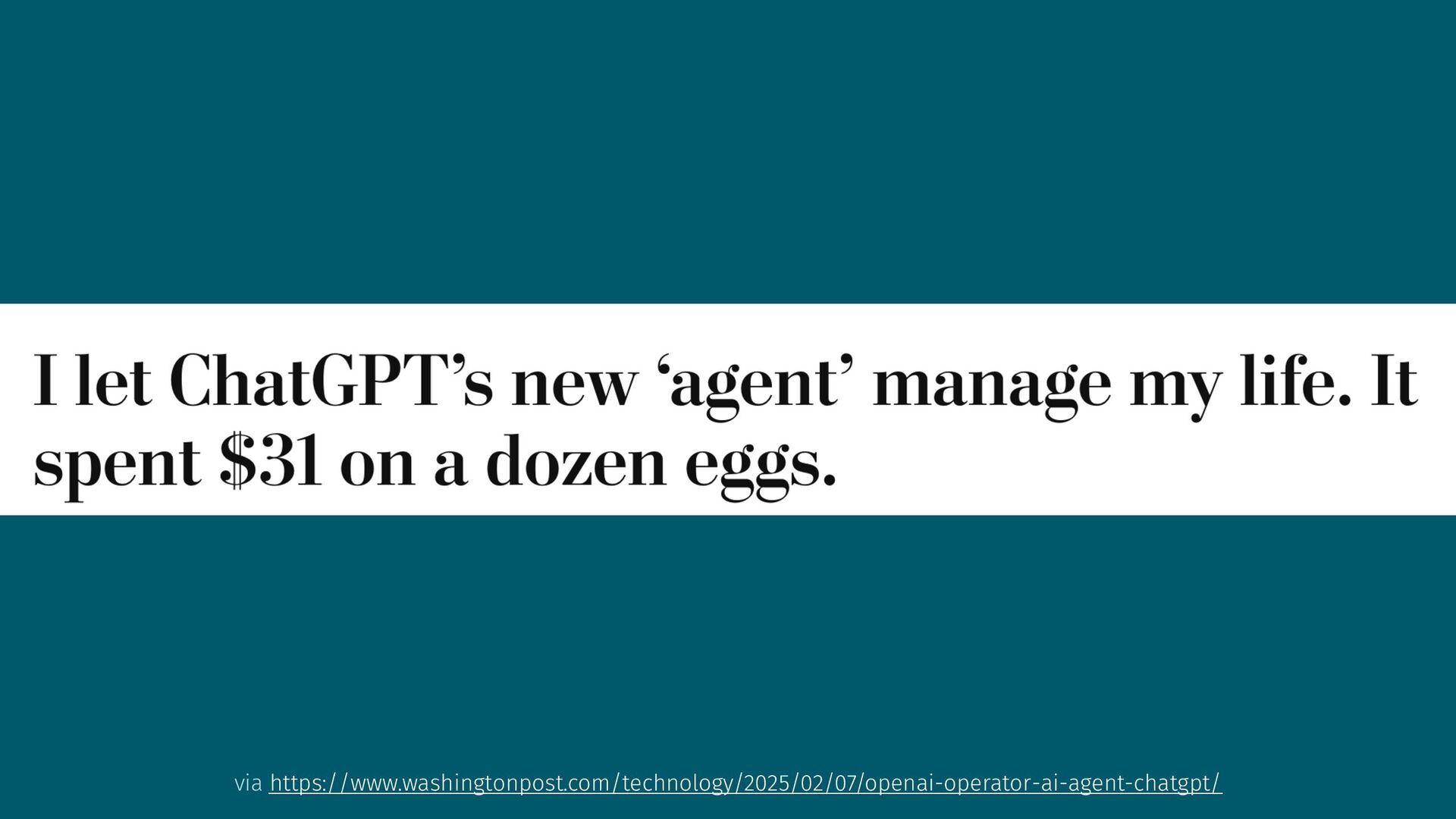
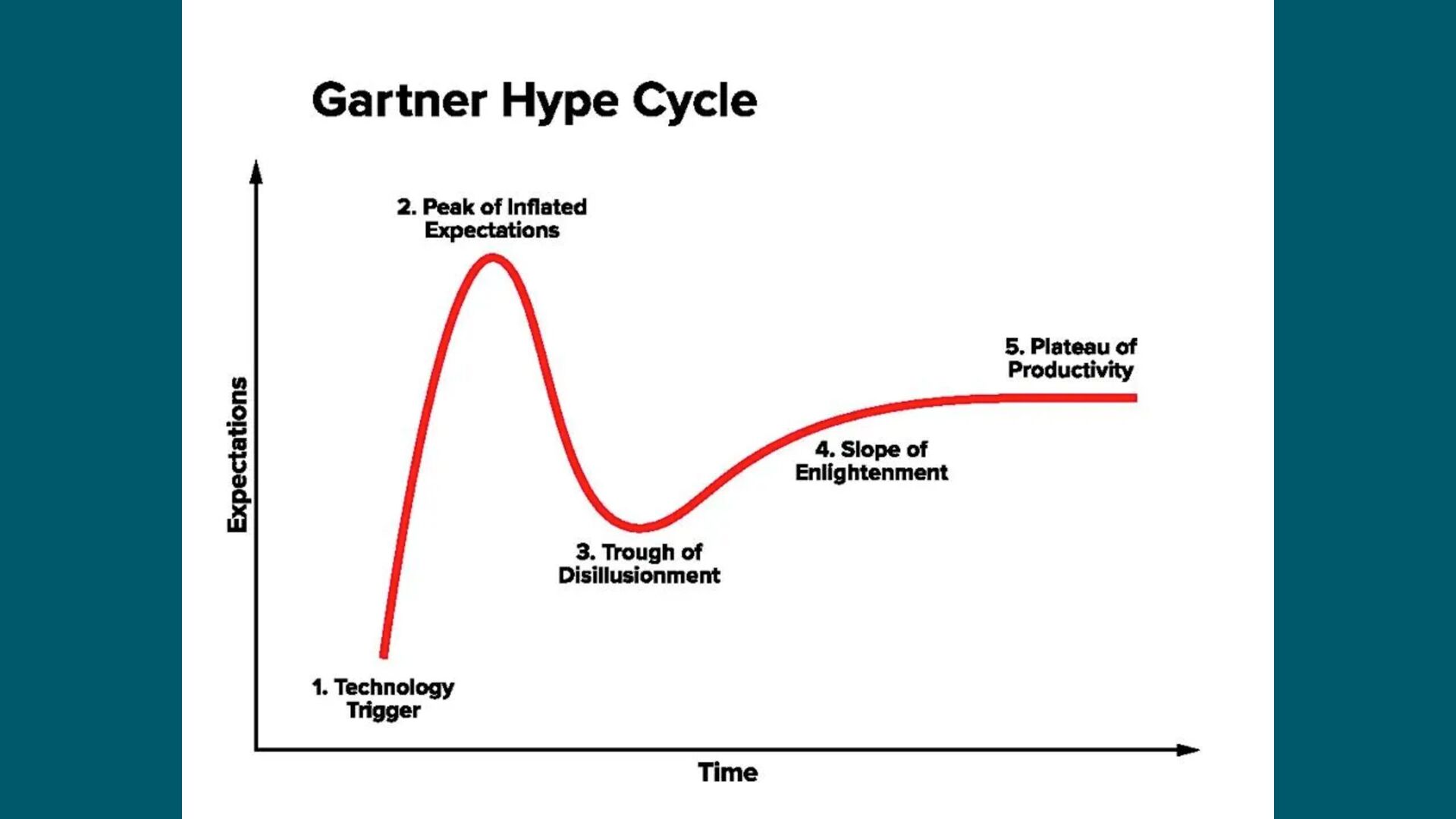
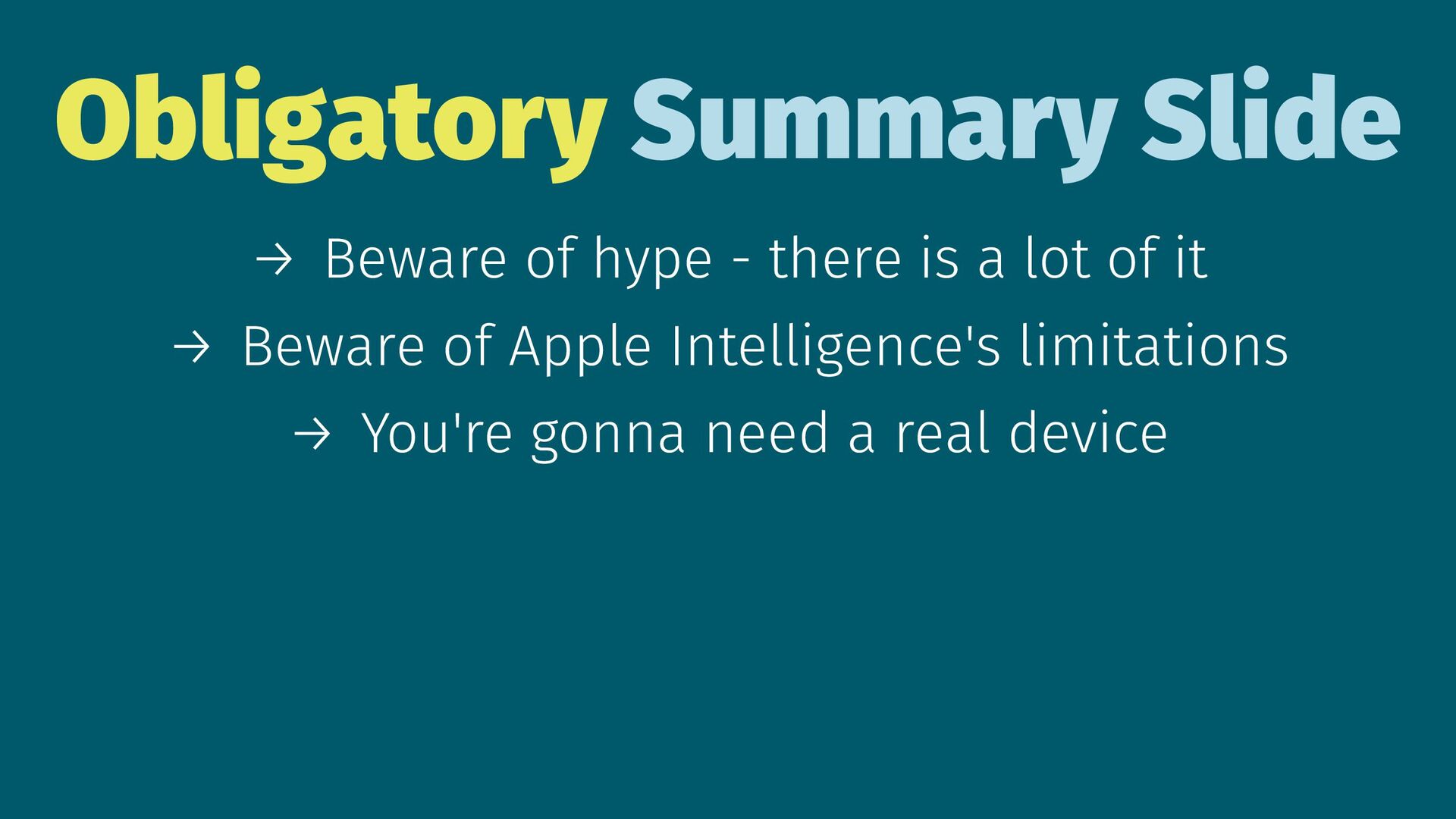
Obligatory Summary Slide → Beware of hype - there is
a lot of it → Beware of Apple Intelligence's limitations -
Obligatory Summary Slide → Beware of hype - there is
a lot of it → Beware of Apple Intelligence's limitations → You're gonna need a real device -
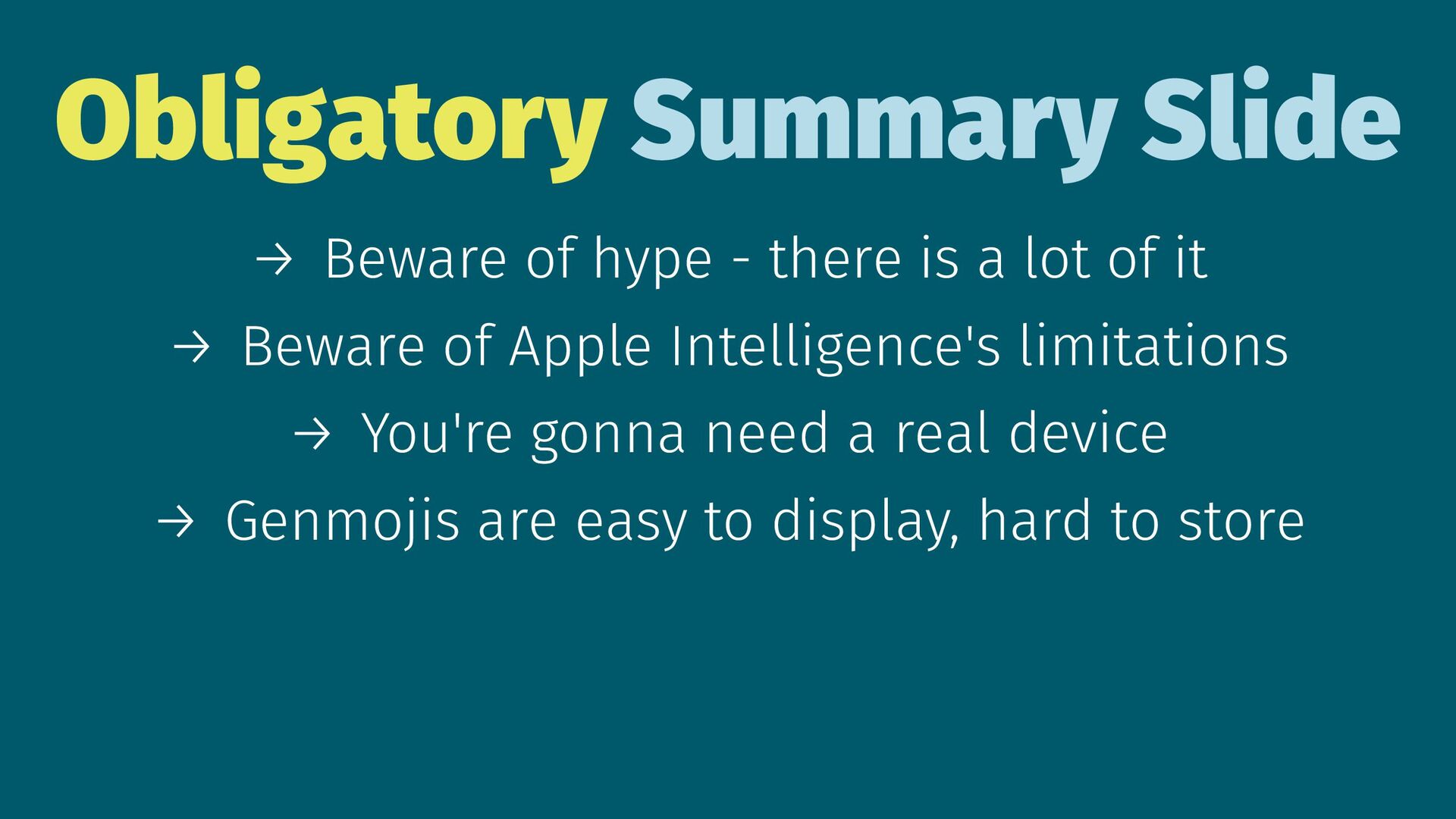
Obligatory Summary Slide → Beware of hype - there is
a lot of it → Beware of Apple Intelligence's limitations → You're gonna need a real device → Genmojis are easy to display, hard to store -
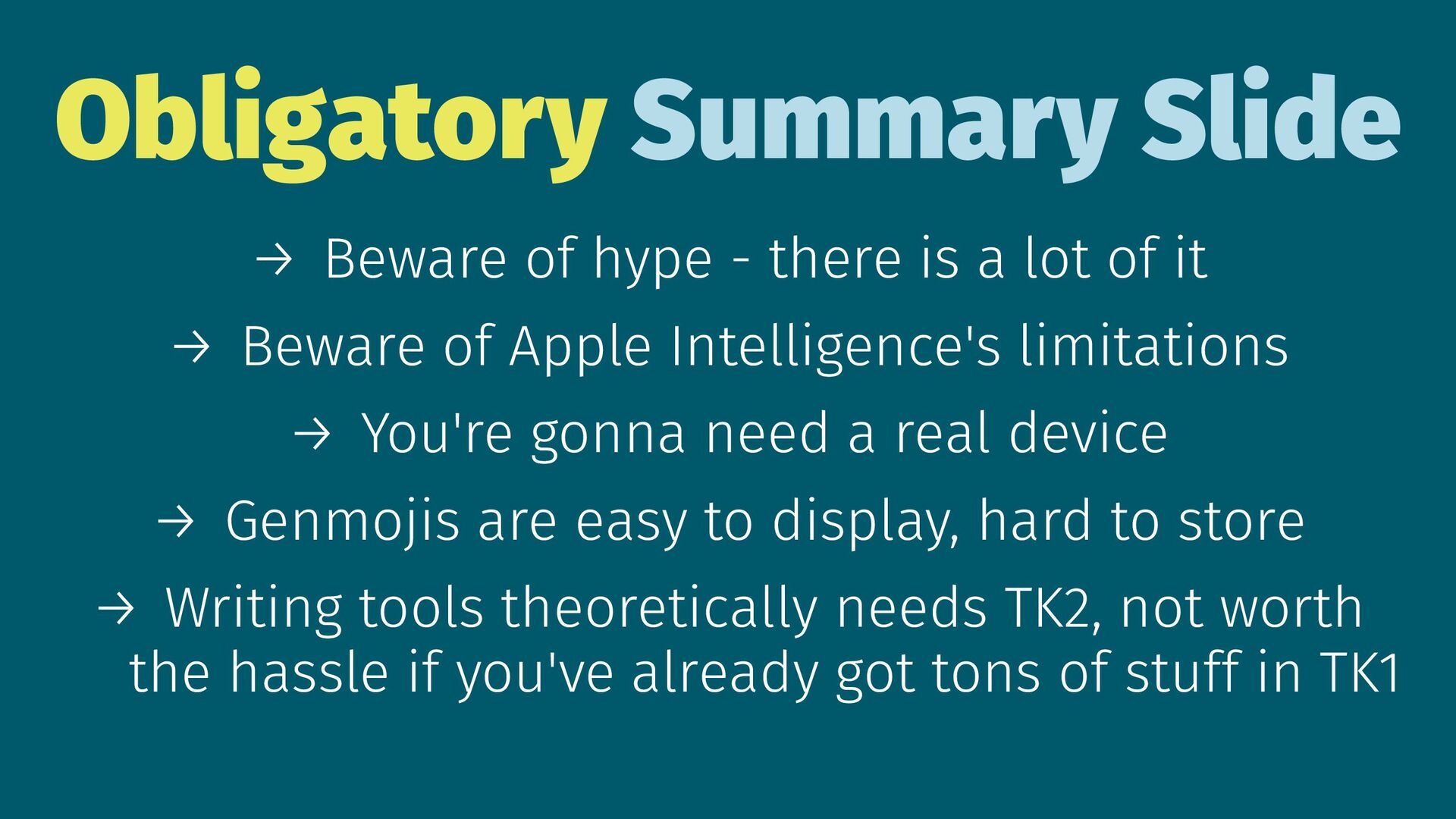
Obligatory Summary Slide → Beware of hype - there is
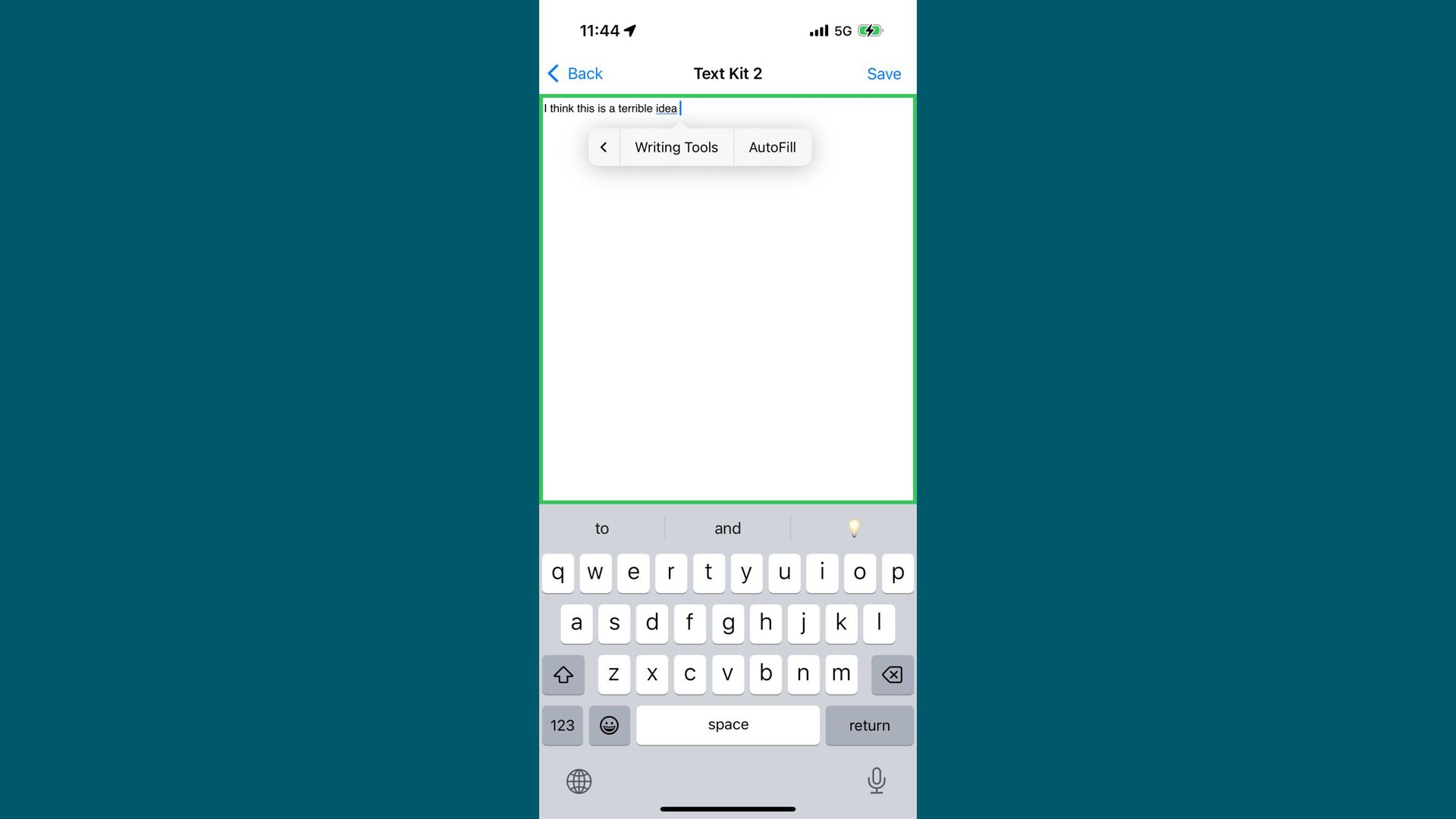
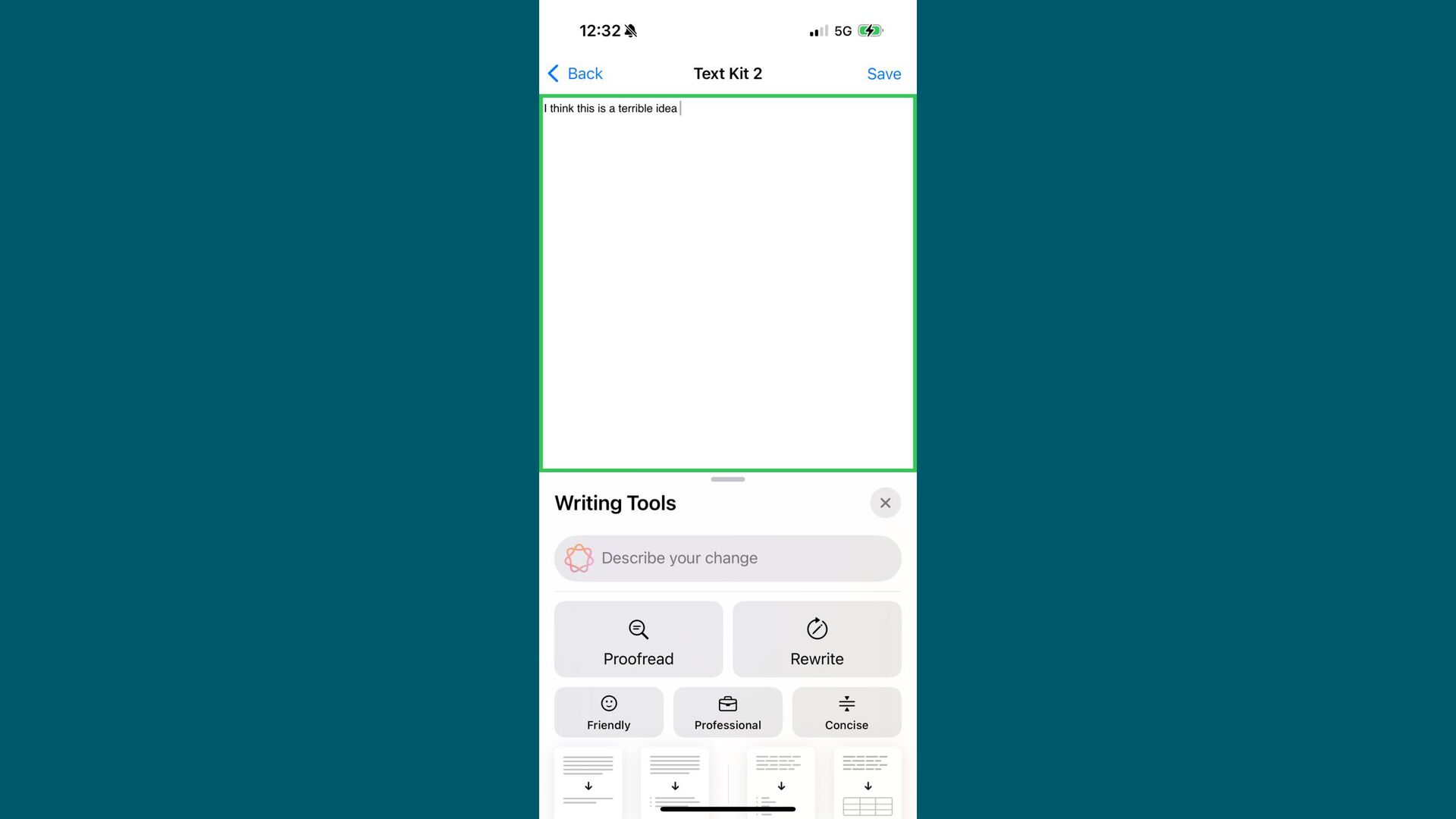
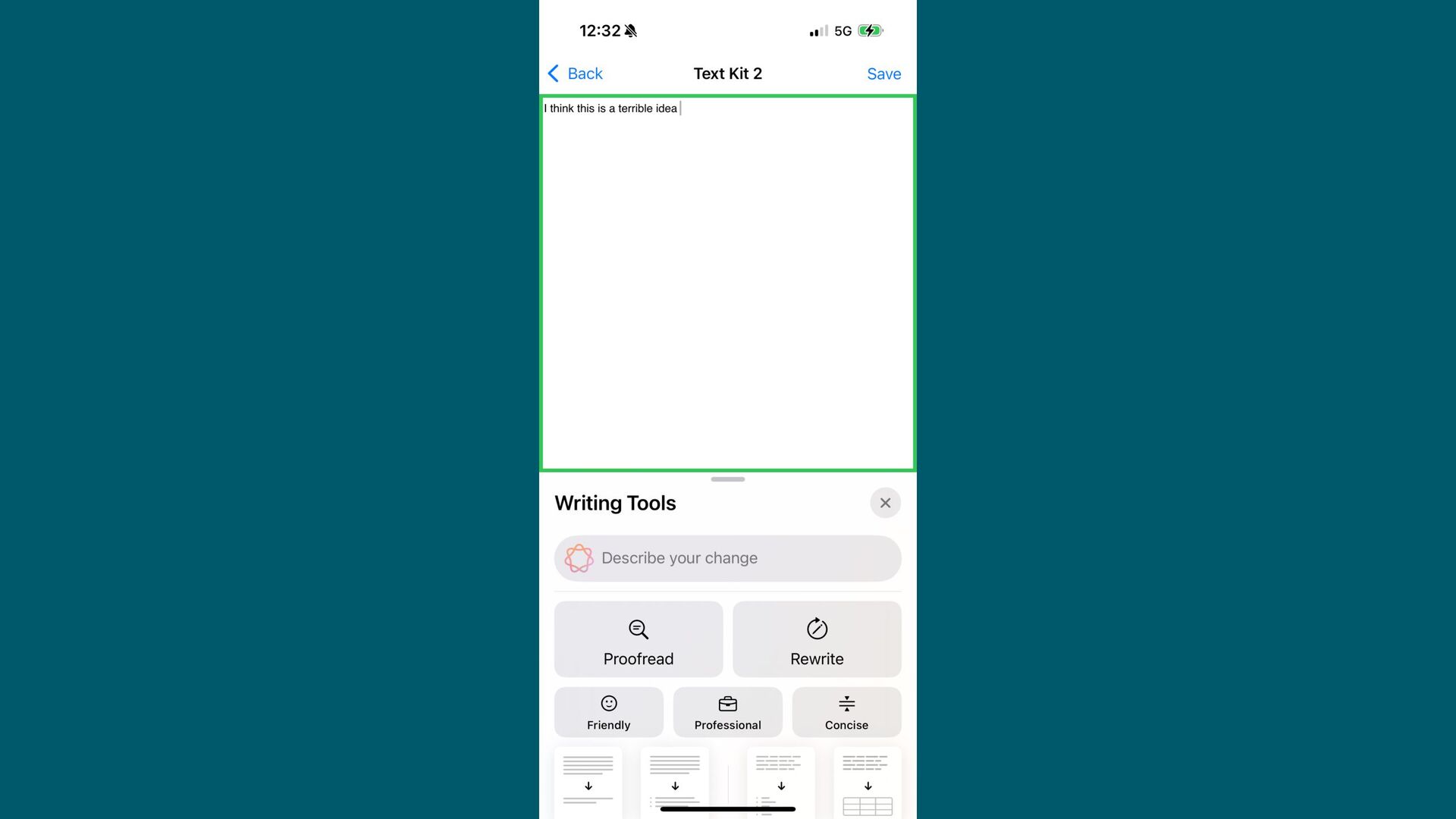
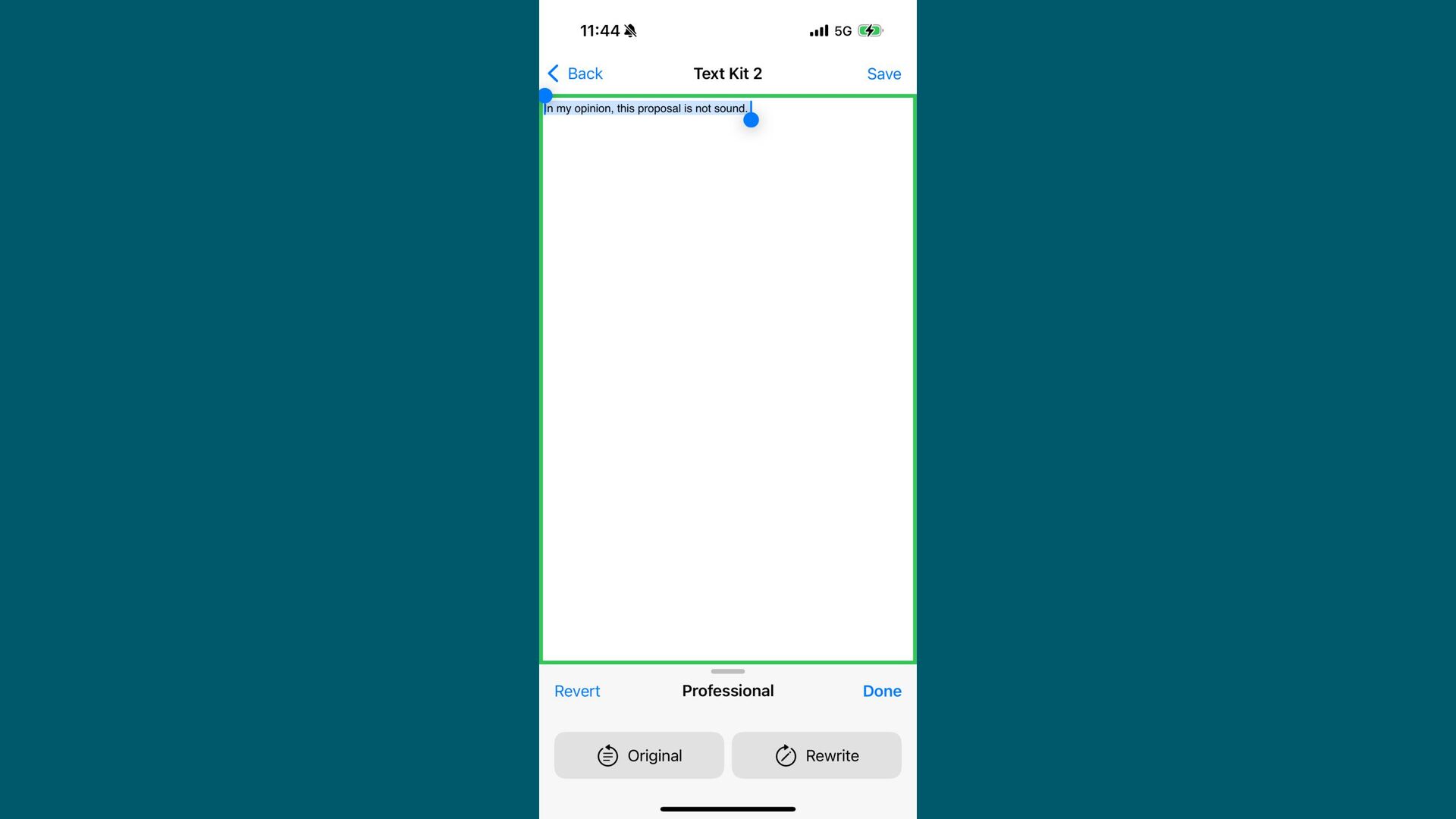
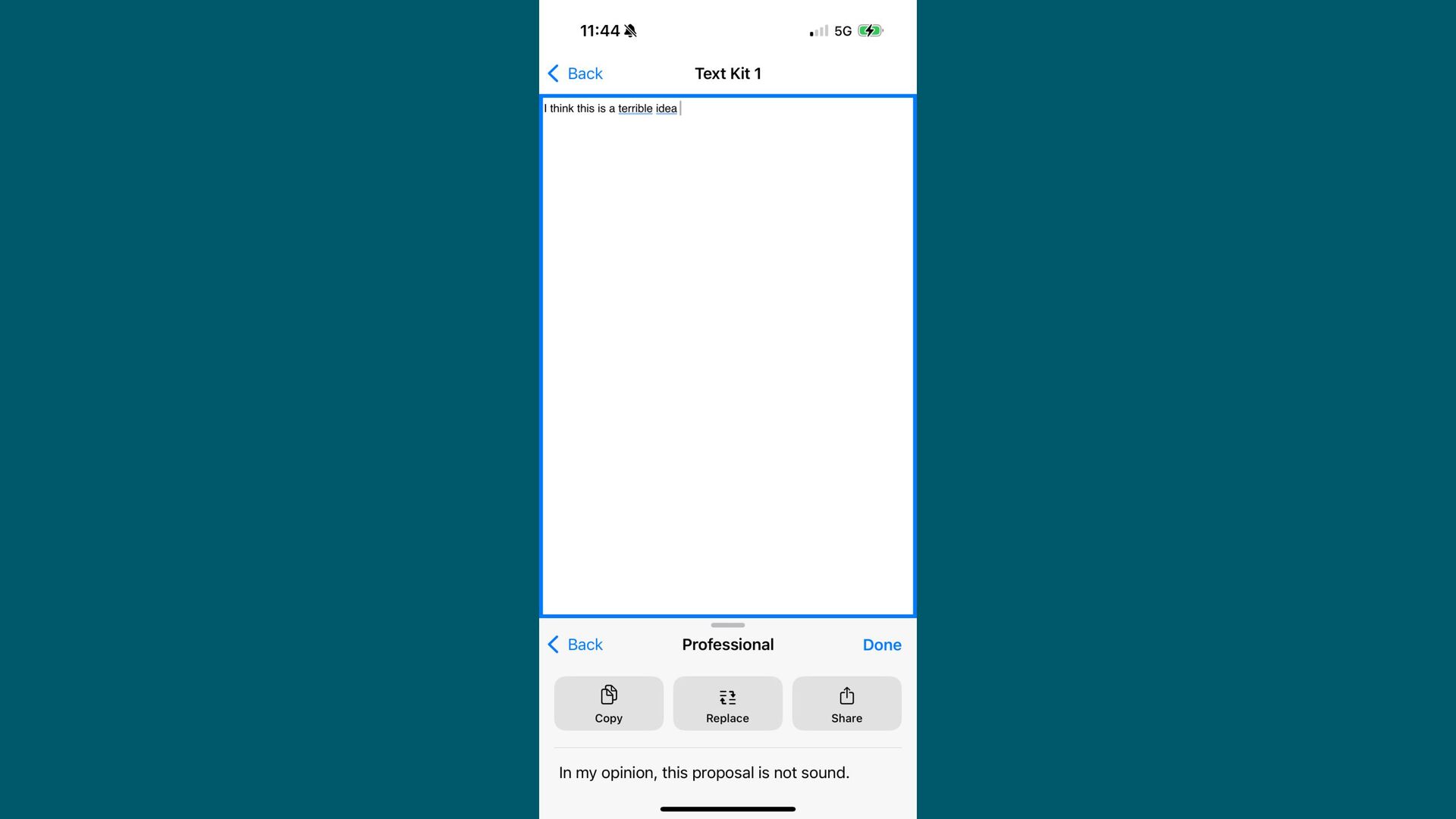
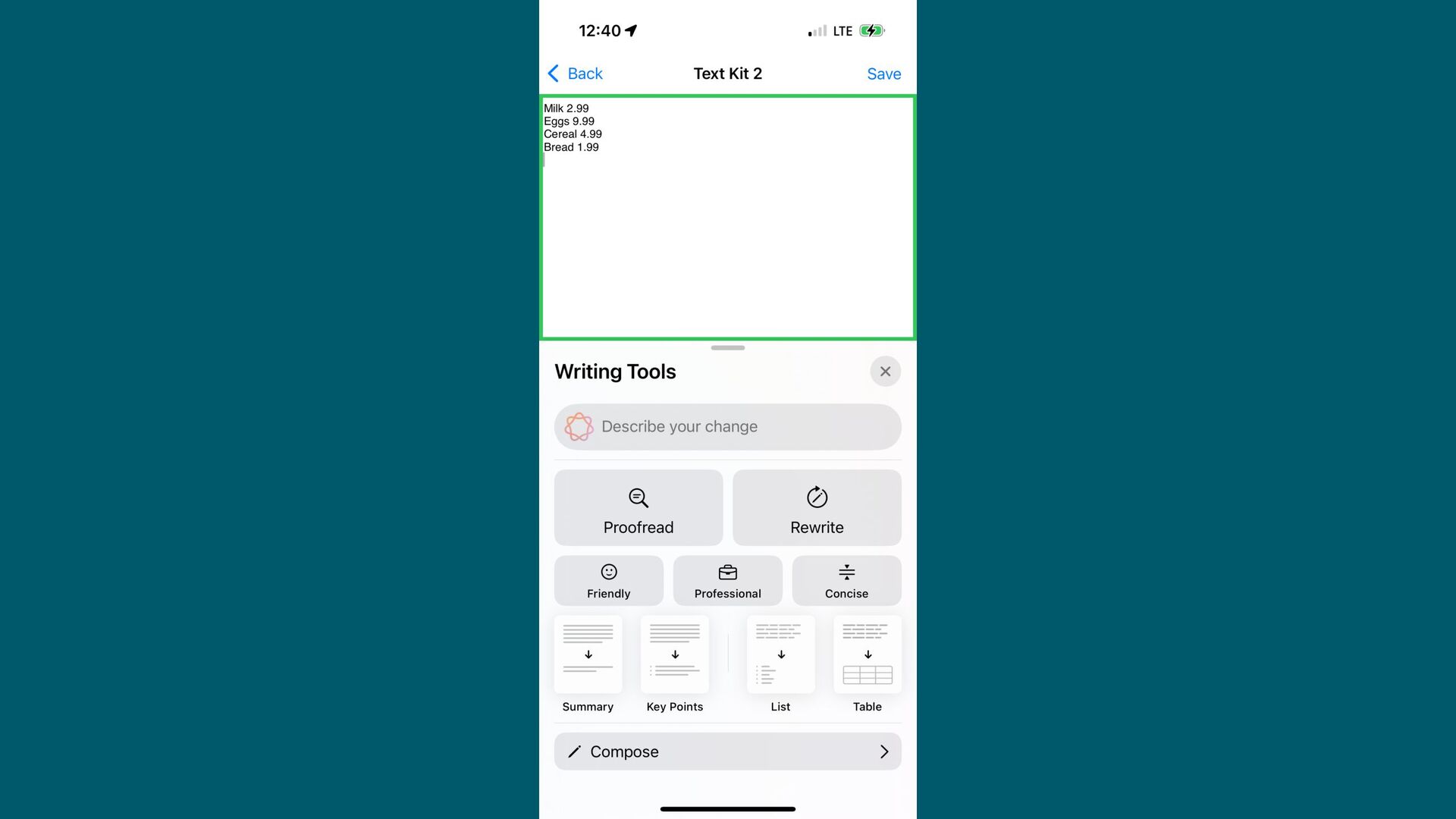
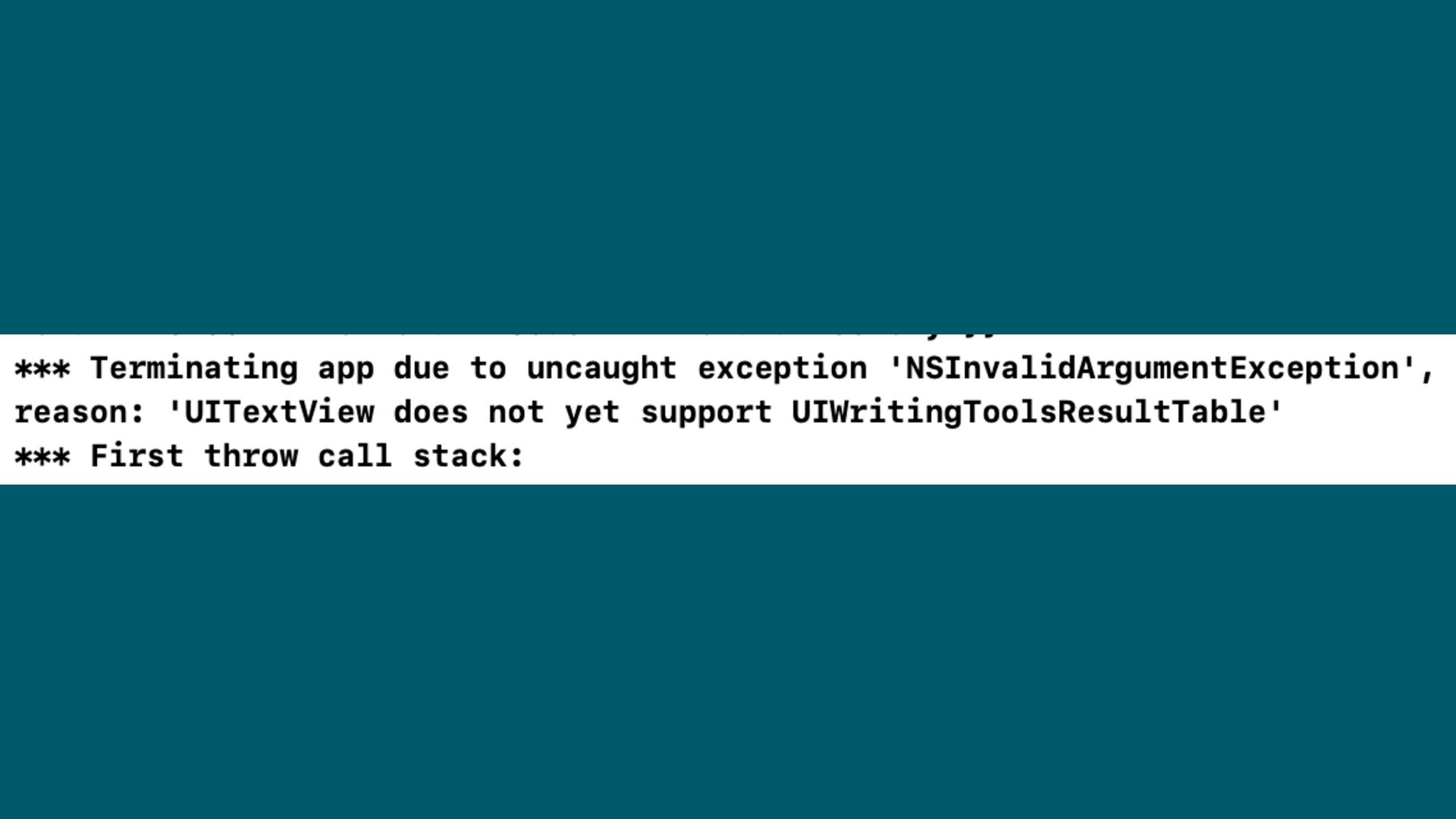
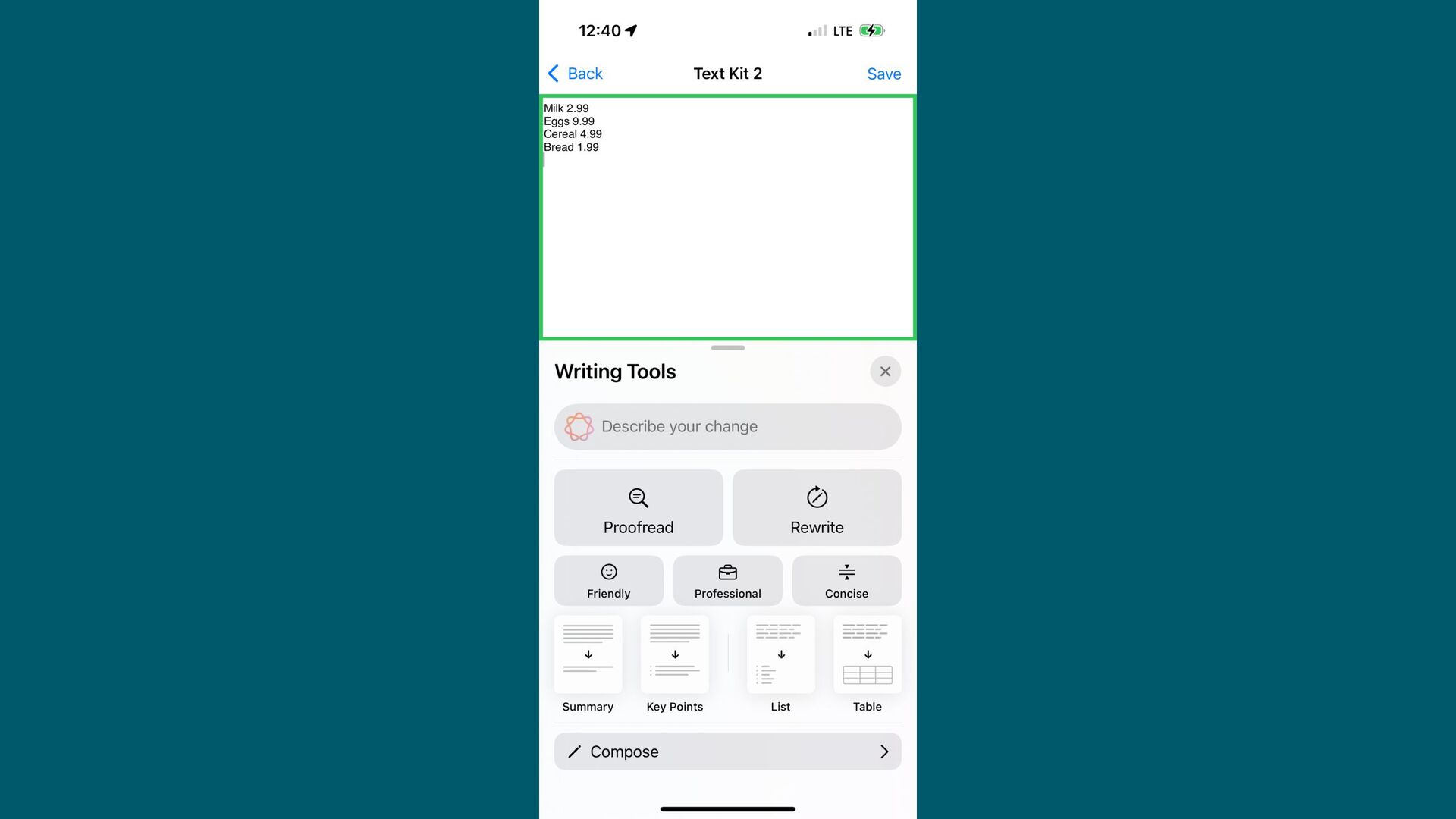
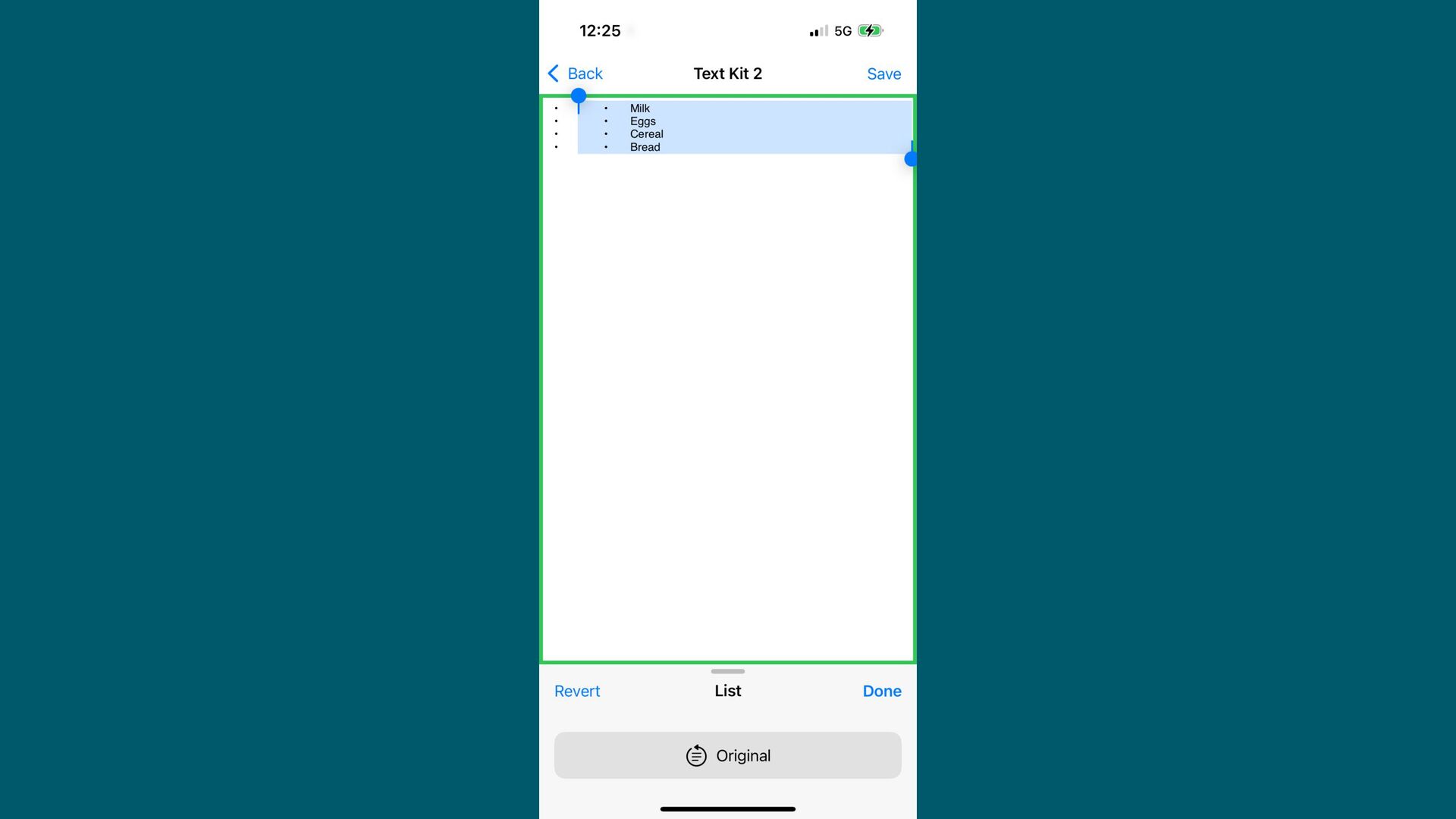
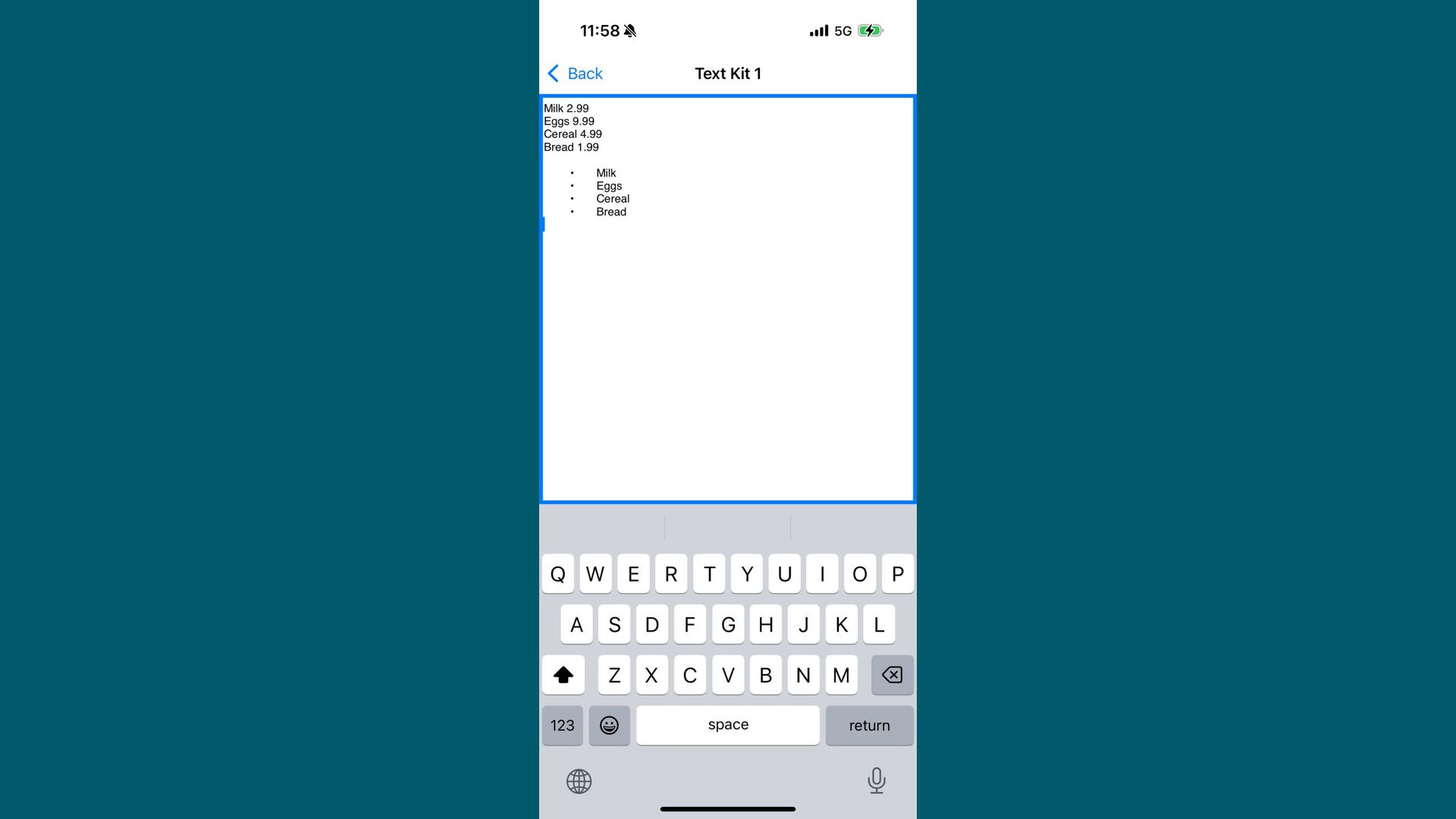
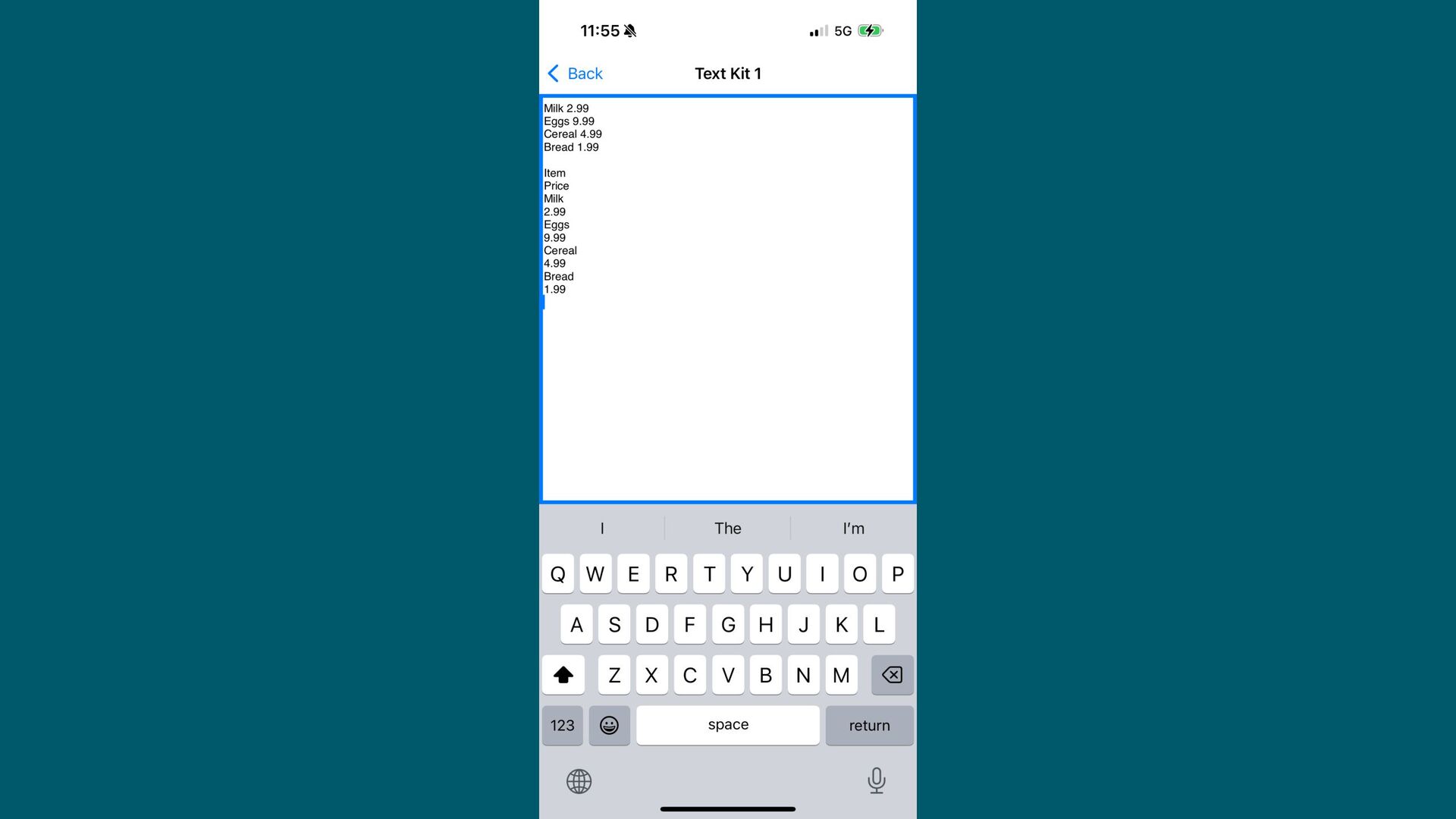
a lot of it → Beware of Apple Intelligence's limitations → You're gonna need a real device → Genmojis are easy to display, hard to store → Writing tools theoretically needs TK2, not worth the hassle if you've already got tons of stuff in TK1 -
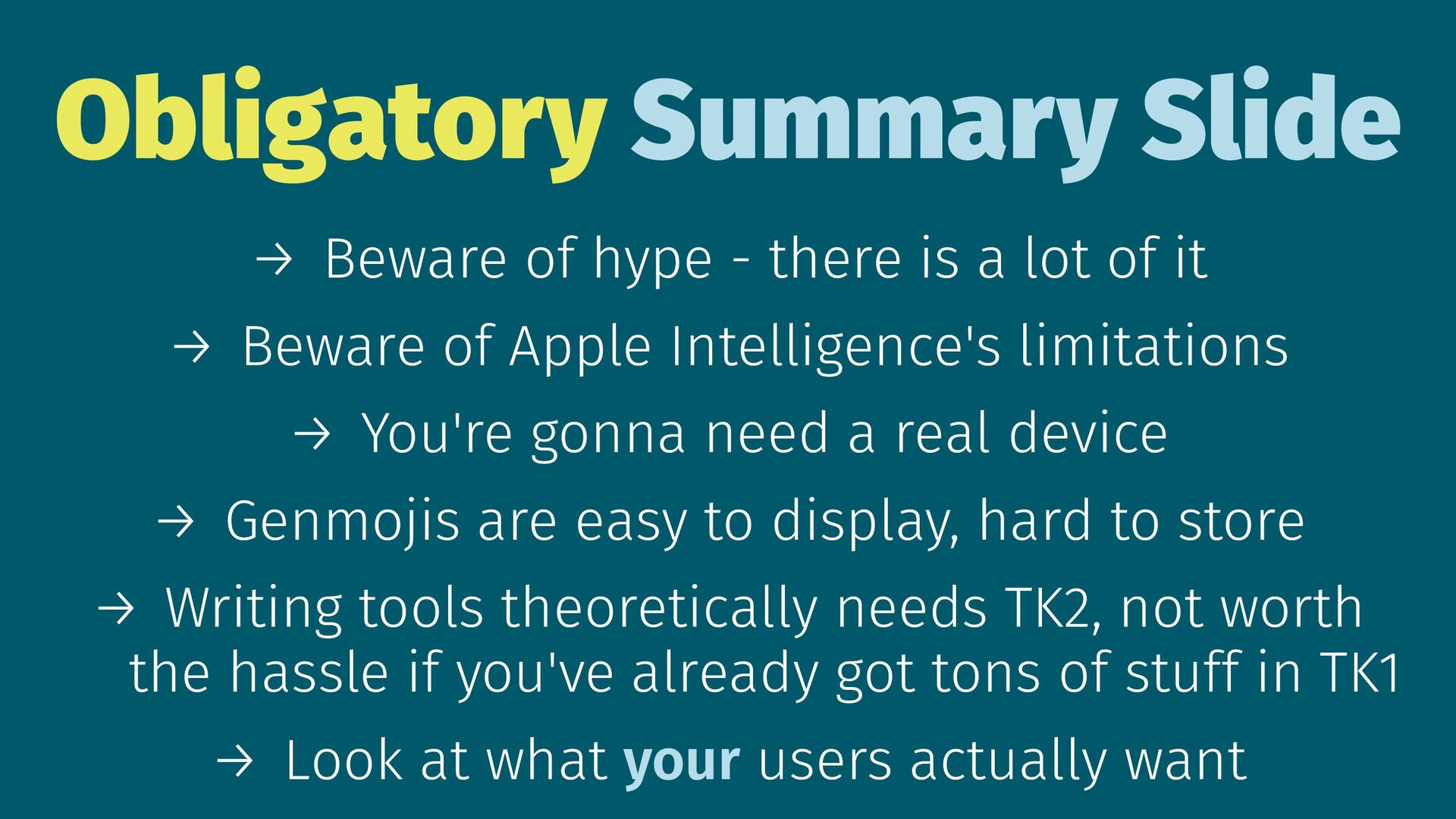
Obligatory Summary Slide → Beware of hype - there is
a lot of it → Beware of Apple Intelligence's limitations → You're gonna need a real device → Genmojis are easy to display, hard to store → Writing tools theoretically needs TK2, not worth the hassle if you've already got tons of stuff in TK1 → Look at what your users actually want