Upgrade to Pro — share decks privately, control downloads, hide ads and more …

Dagger 2

Dagger 2

Presentation about Dagger 2 dependency injection (specifically for Android) that I presented at internal Mini Tech Talk in BBM Jakarta

Slide in ODP format: https://drive.google.com/open?id=1RAIIb-TiW5MzDj87Us2AlgcIV7hONyeH

Avatar for Eko Suhariyadi

Eko Suhariyadi

April 15, 2018

More Decks by Eko Suhariyadi

Other Decks in Programming

Transcript

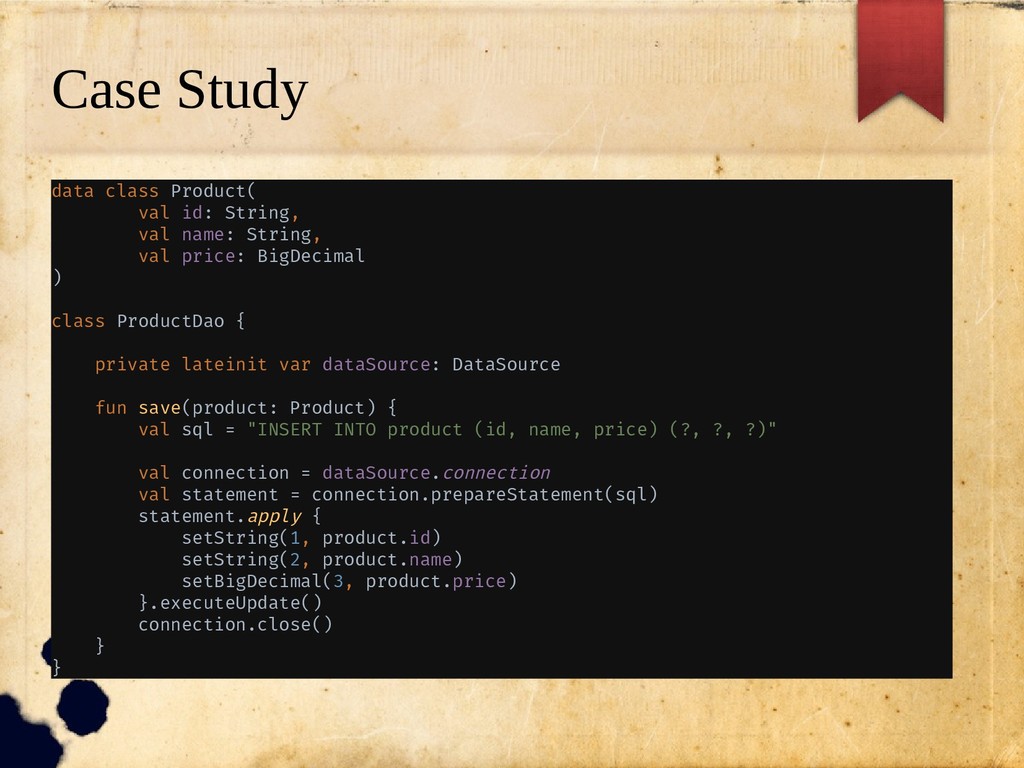
  1. Case Study data class Product( val id: String, val name:

    String, val price: BigDecimal ) class ProductDao { private lateinit var dataSource: DataSource fun save(product: Product) { val sql = "INSERT INTO product (id, name, price) (?, ?, ?)" val connection = dataSource.connection val statement = connection.prepareStatement(sql) statement.apply { setString(1, product.id) setString(2, product.name) setBigDecimal(3, product.price) }.executeUpdate() connection.close() } }
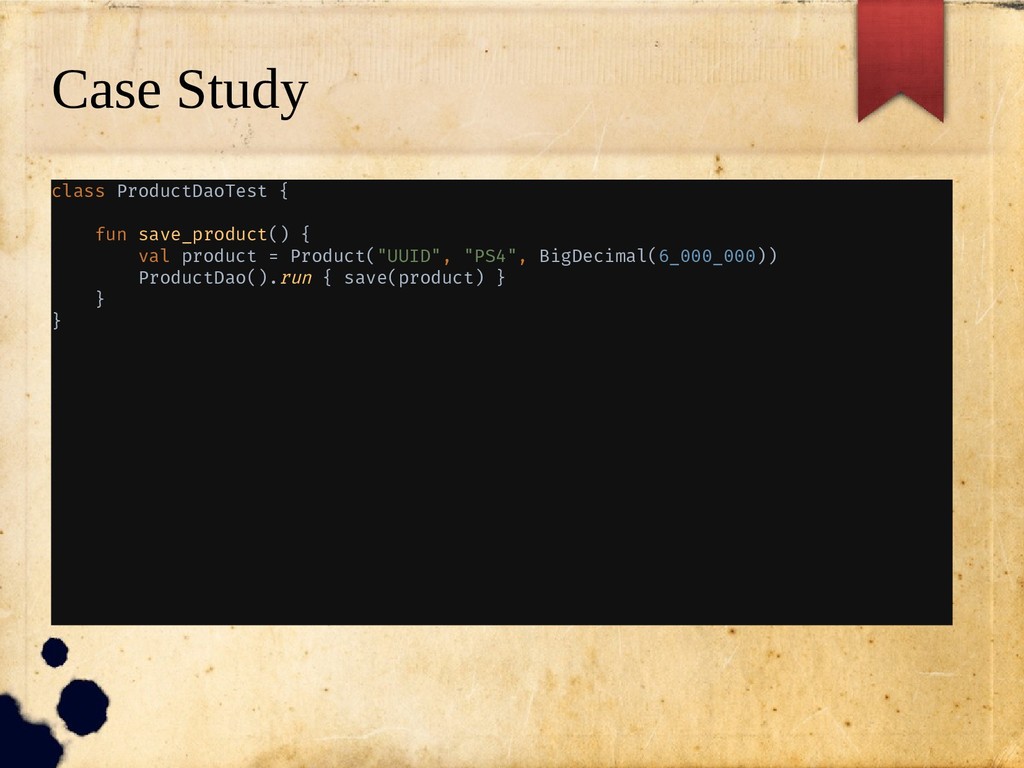
  2. Case Study class ProductDaoTest { fun save_product() { val product

    = Product("UUID", "PS4", BigDecimal(6_000_000)) ProductDao().run { save(product) } } }
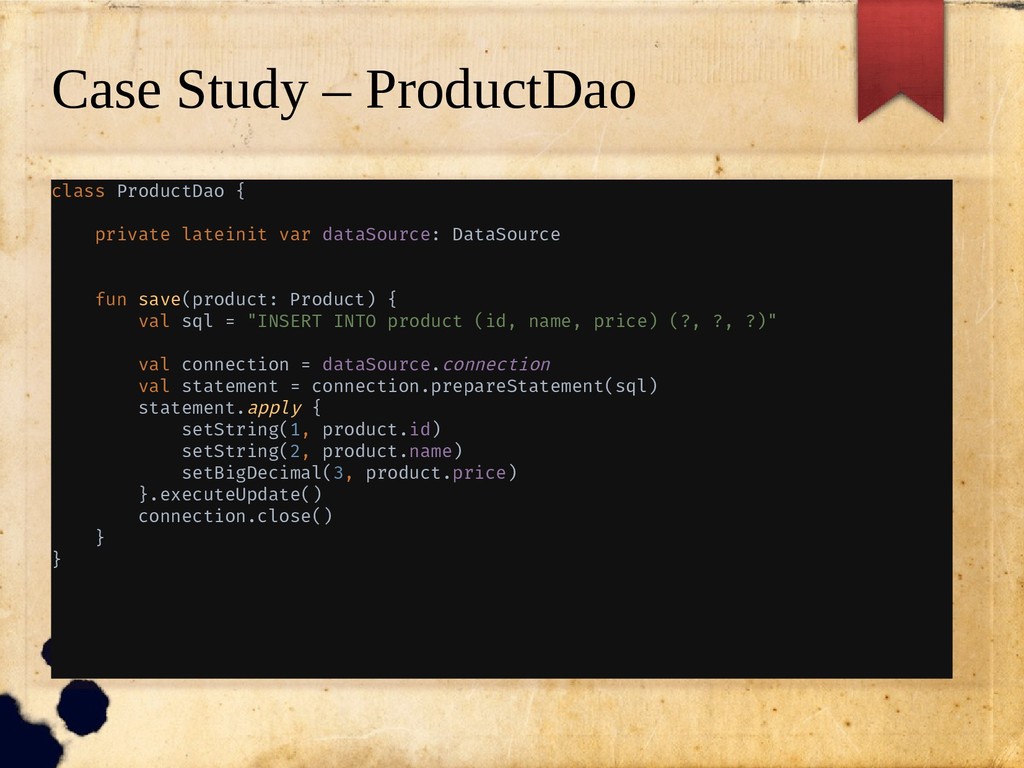
  3. Case Study – ProductDao class ProductDao { private lateinit var

    dataSource: DataSource fun save(product: Product) { val sql = "INSERT INTO product (id, name, price) (?, ?, ?)" val connection = dataSource.connection val statement = connection.prepareStatement(sql) statement.apply { setString(1, product.id) setString(2, product.name) setBigDecimal(3, product.price) }.executeUpdate() connection.close() } }
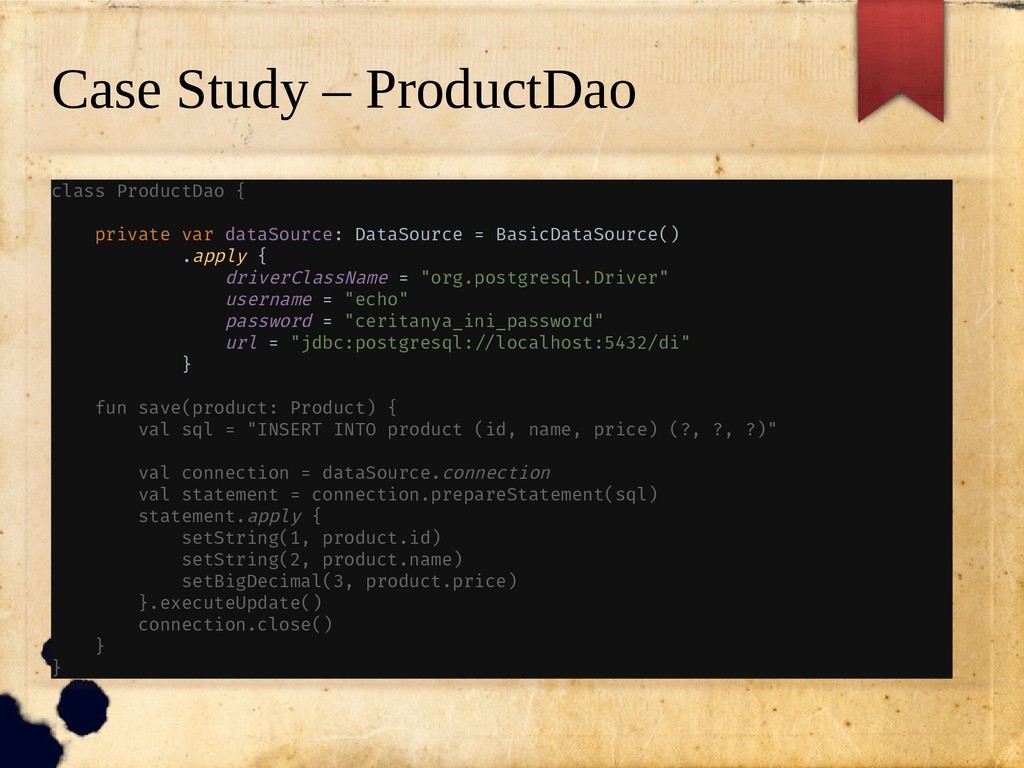
  4. Case Study – ProductDao class ProductDao { private var dataSource:

    DataSource = BasicDataSource() .apply { driverClassName = "org.postgresql.Driver" username = "echo" password = "ceritanya_ini_password" url = "jdbc:postgresql://localhost:5432/di" } fun save(product: Product) { val sql = "INSERT INTO product (id, name, price) (?, ?, ?)" val connection = dataSource.connection val statement = connection.prepareStatement(sql) statement.apply { setString(1, product.id) setString(2, product.name) setBigDecimal(3, product.price) }.executeUpdate() connection.close() } }
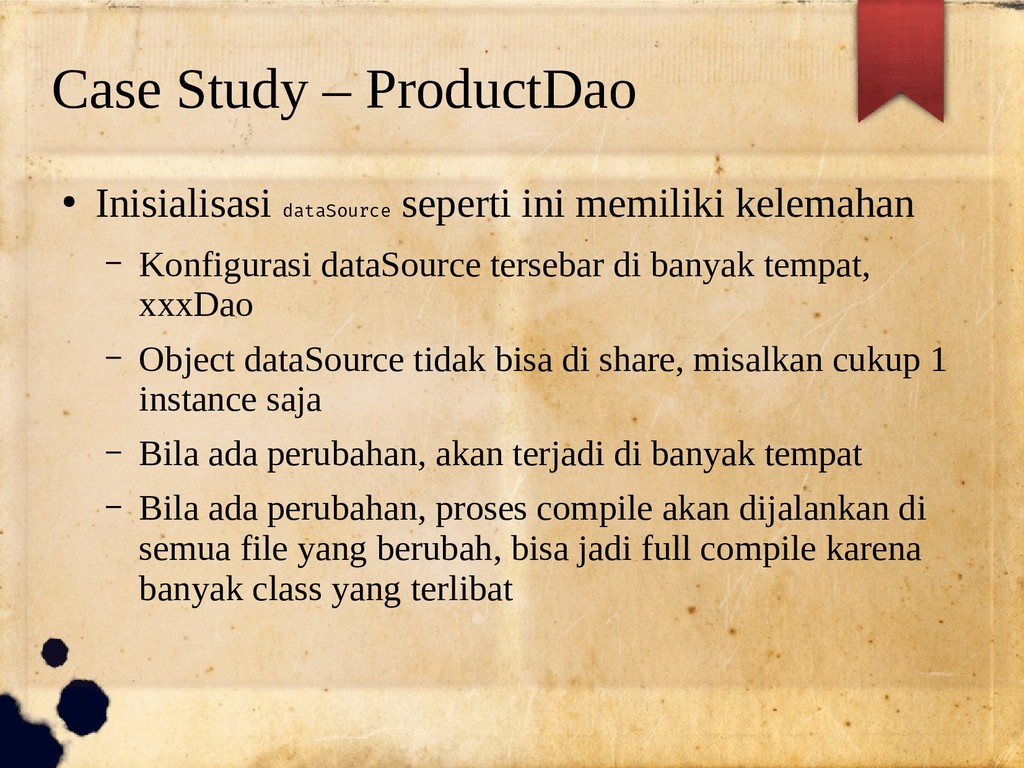
  5. Case Study – ProductDao • Inisialisasi dataSource seperti ini memiliki

    kelemahan – Konfigurasi dataSource tersebar di banyak tempat, xxxDao – Object dataSource tidak bisa di share, misalkan cukup 1 instance saja – Bila ada perubahan, akan terjadi di banyak tempat – Bila ada perubahan, proses compile akan dijalankan di semua file yang berubah, bisa jadi full compile karena banyak class yang terlibat
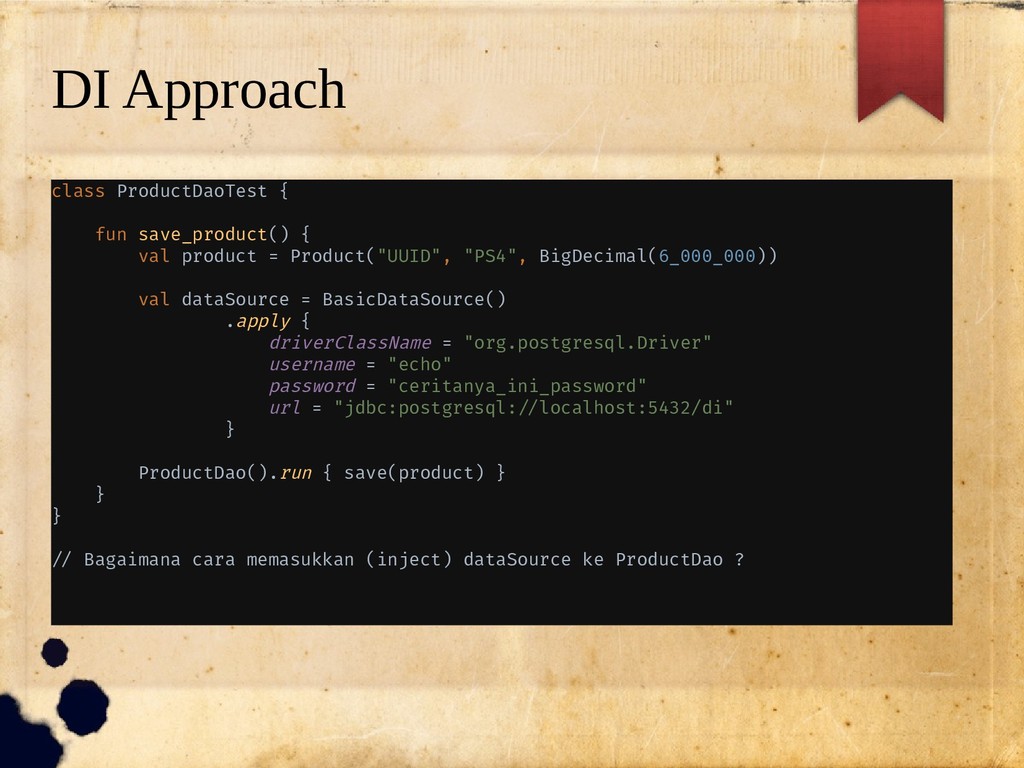
  6. DI Approach class ProductDaoTest { fun save_product() { val product

    = Product("UUID", "PS4", BigDecimal(6_000_000)) val dataSource = BasicDataSource() .apply { driverClassName = "org.postgresql.Driver" username = "echo" password = "ceritanya_ini_password" url = "jdbc:postgresql://localhost:5432/di" } ProductDao().run { save(product) } } } // Bagaimana cara memasukkan (inject) dataSource ke ProductDao ?
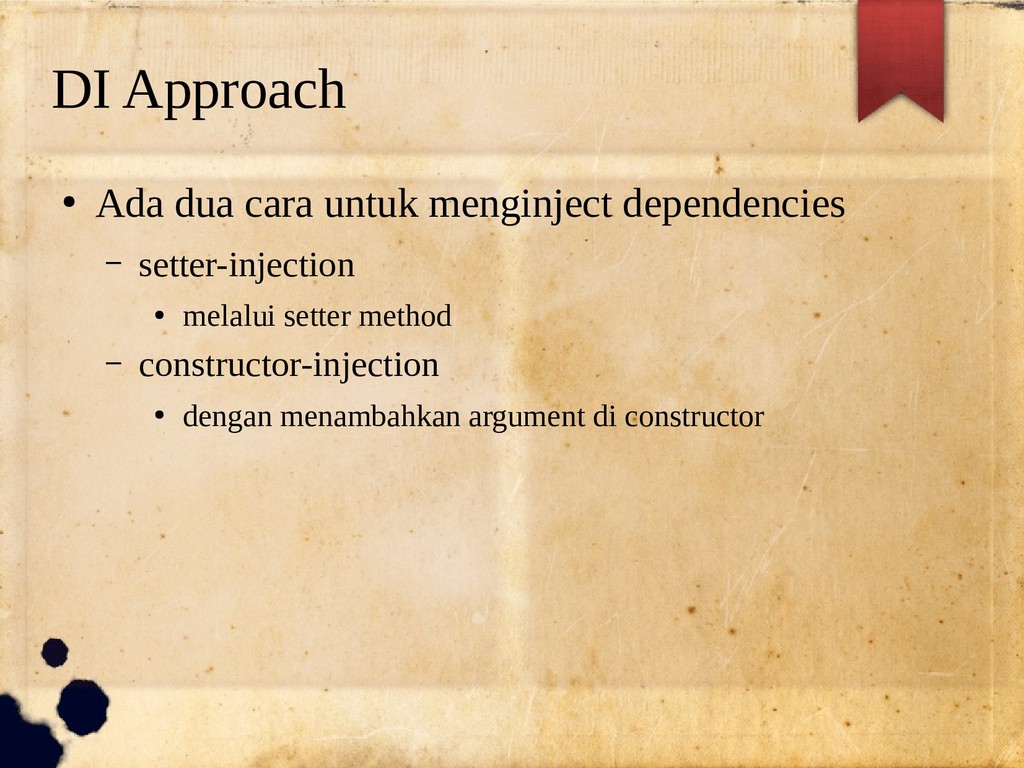
  7. DI Approach • Ada dua cara untuk menginject dependencies –

    setter-injection • melalui setter method – constructor-injection • dengan menambahkan argument di constructor
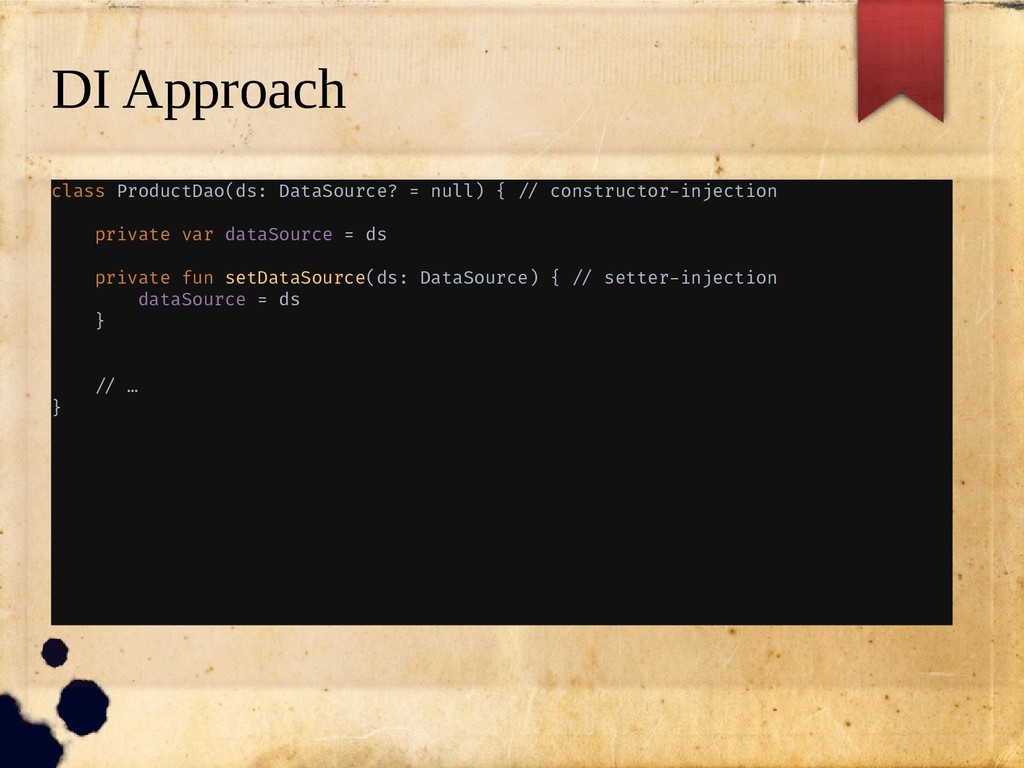
  8. DI Approach class ProductDao(ds: DataSource? = null) { // constructor-injection

    private var dataSource = ds private fun setDataSource(ds: DataSource) { // setter-injection dataSource = ds } // … }
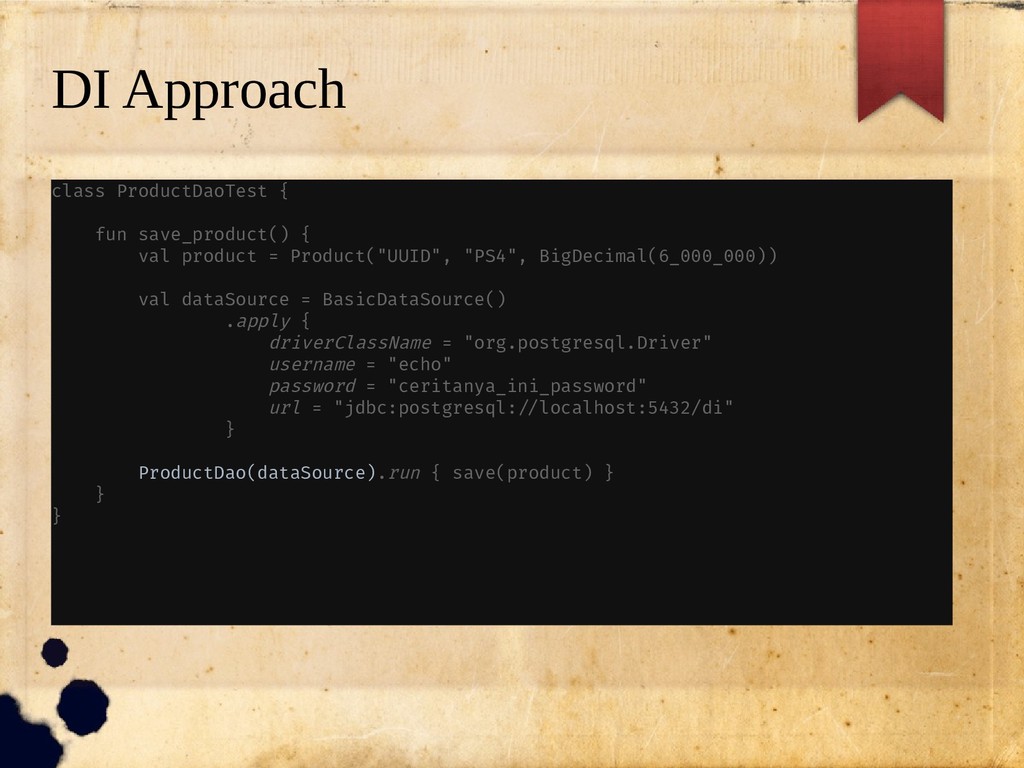
  9. DI Approach class ProductDaoTest { fun save_product() { val product

    = Product("UUID", "PS4", BigDecimal(6_000_000)) val dataSource = BasicDataSource() .apply { driverClassName = "org.postgresql.Driver" username = "echo" password = "ceritanya_ini_password" url = "jdbc:postgresql://localhost:5432/di" } ProductDao(dataSource).run { save(product) } } }
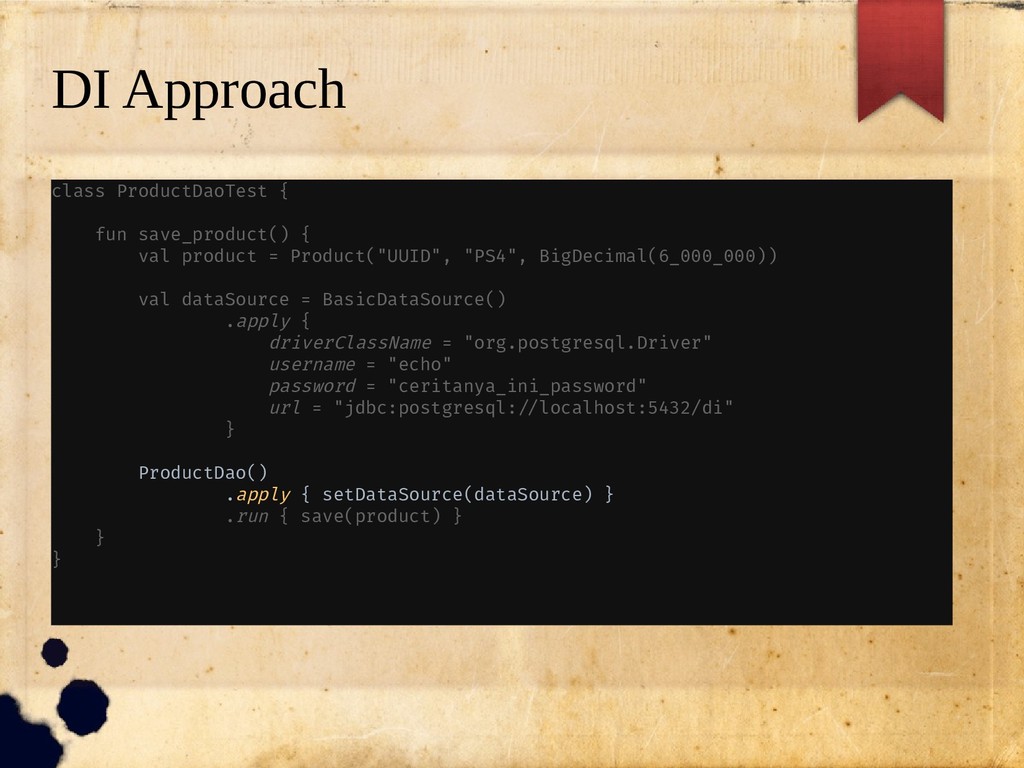
  10. DI Approach class ProductDaoTest { fun save_product() { val product

    = Product("UUID", "PS4", BigDecimal(6_000_000)) val dataSource = BasicDataSource() .apply { driverClassName = "org.postgresql.Driver" username = "echo" password = "ceritanya_ini_password" url = "jdbc:postgresql://localhost:5432/di" } ProductDao() .apply { setDataSource(dataSource) } .run { save(product) } } }
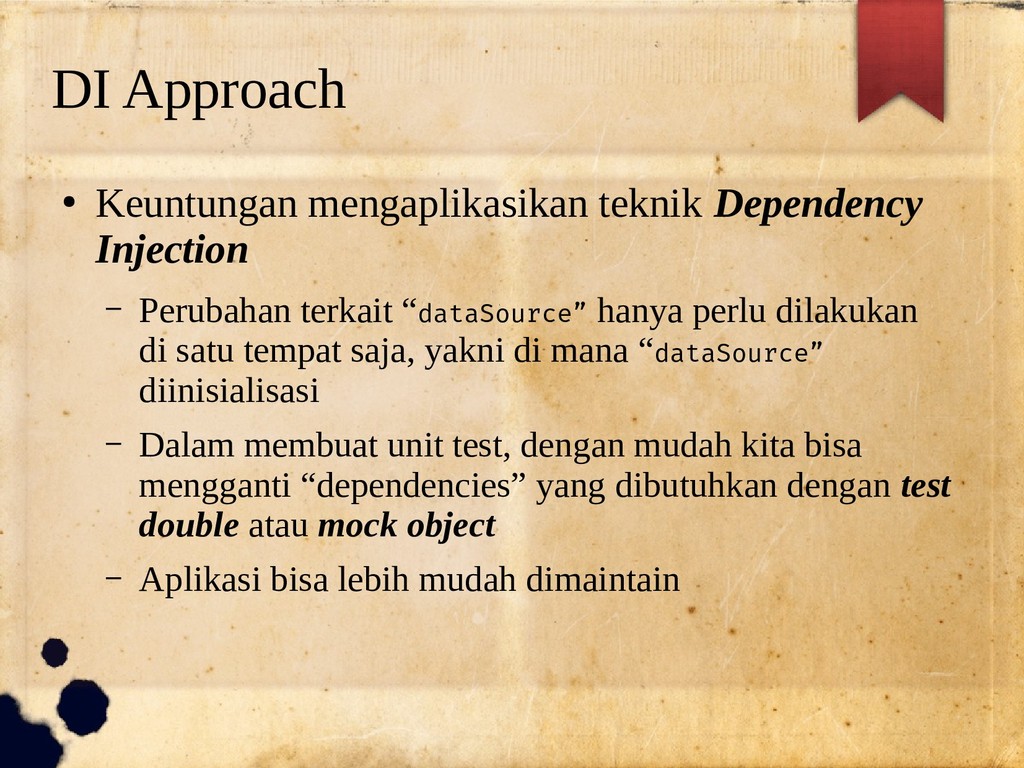
  11. DI Approach • Keuntungan mengaplikasikan teknik Dependency Injection – Perubahan

    terkait “dataSource” hanya perlu dilakukan di satu tempat saja, yakni di mana “dataSource” diinisialisasi – Dalam membuat unit test, dengan mudah kita bisa mengganti “dependencies” yang dibutuhkan dengan test double atau mock object – Aplikasi bisa lebih mudah dimaintain
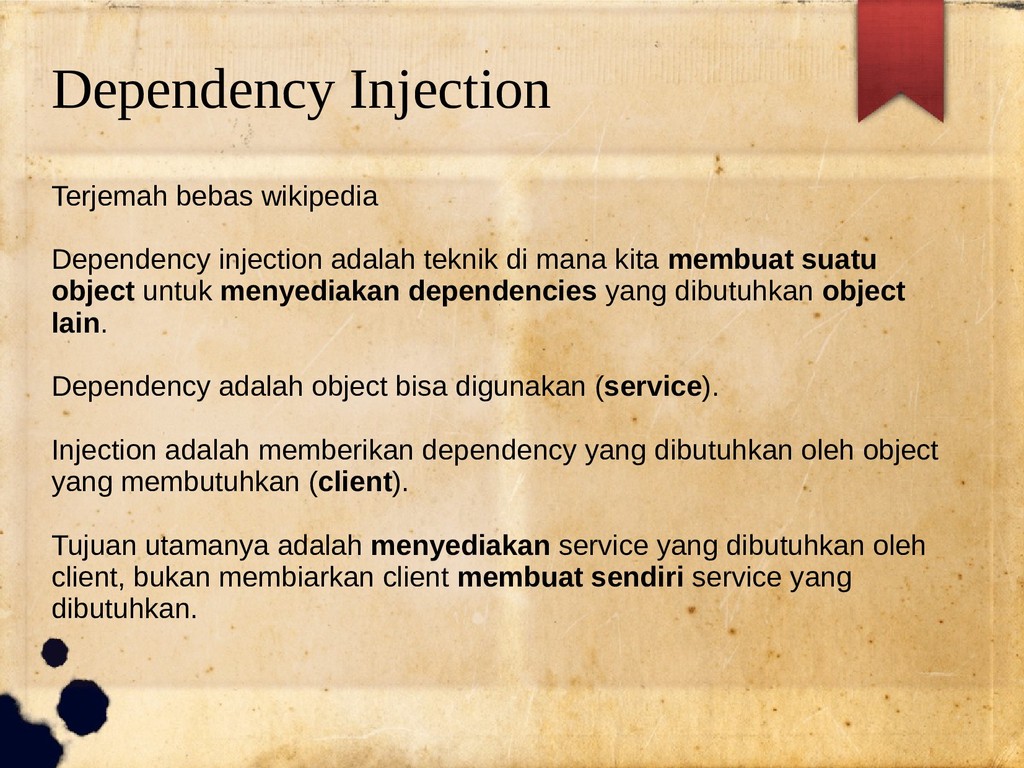
  12. Dependency Injection Terjemah bebas wikipedia Dependency injection adalah teknik di

    mana kita membuat suatu object untuk menyediakan dependencies yang dibutuhkan object lain. Dependency adalah object bisa digunakan (service). Injection adalah memberikan dependency yang dibutuhkan oleh object yang membutuhkan (client). Tujuan utamanya adalah menyediakan service yang dibutuhkan oleh client, bukan membiarkan client membuat sendiri service yang dibutuhkan.
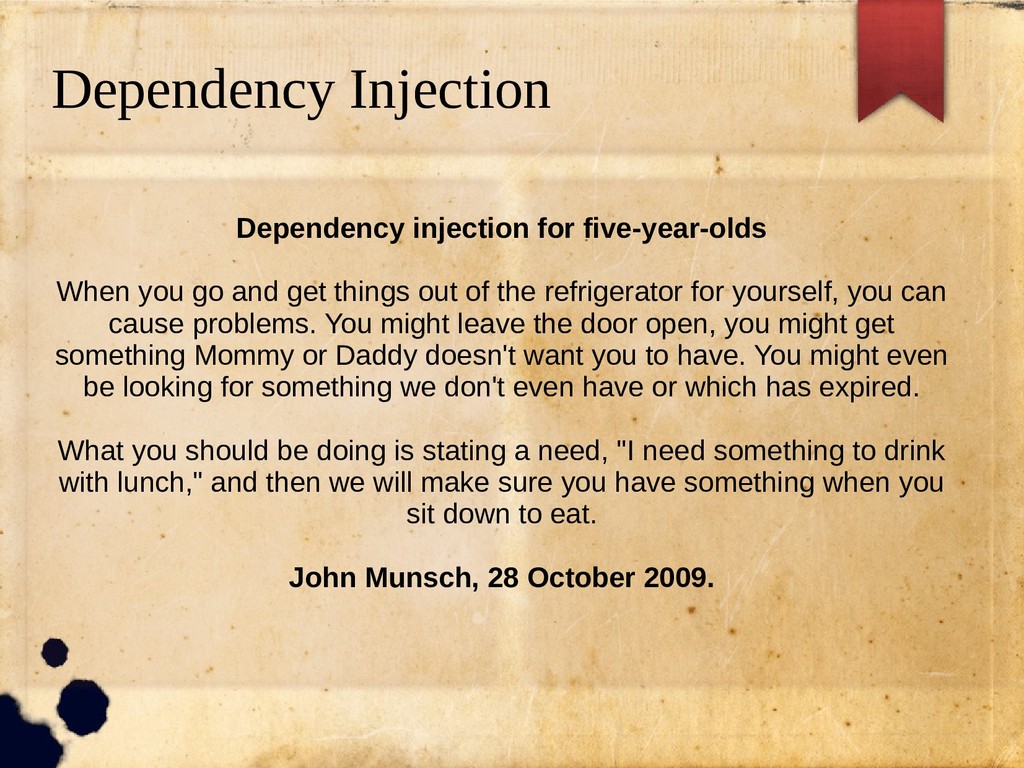
  13. Dependency Injection Dependency injection for five-year-olds When you go and

    get things out of the refrigerator for yourself, you can cause problems. You might leave the door open, you might get something Mommy or Daddy doesn't want you to have. You might even be looking for something we don't even have or which has expired. What you should be doing is stating a need, "I need something to drink with lunch," and then we will make sure you have something when you sit down to eat. John Munsch, 28 October 2009.
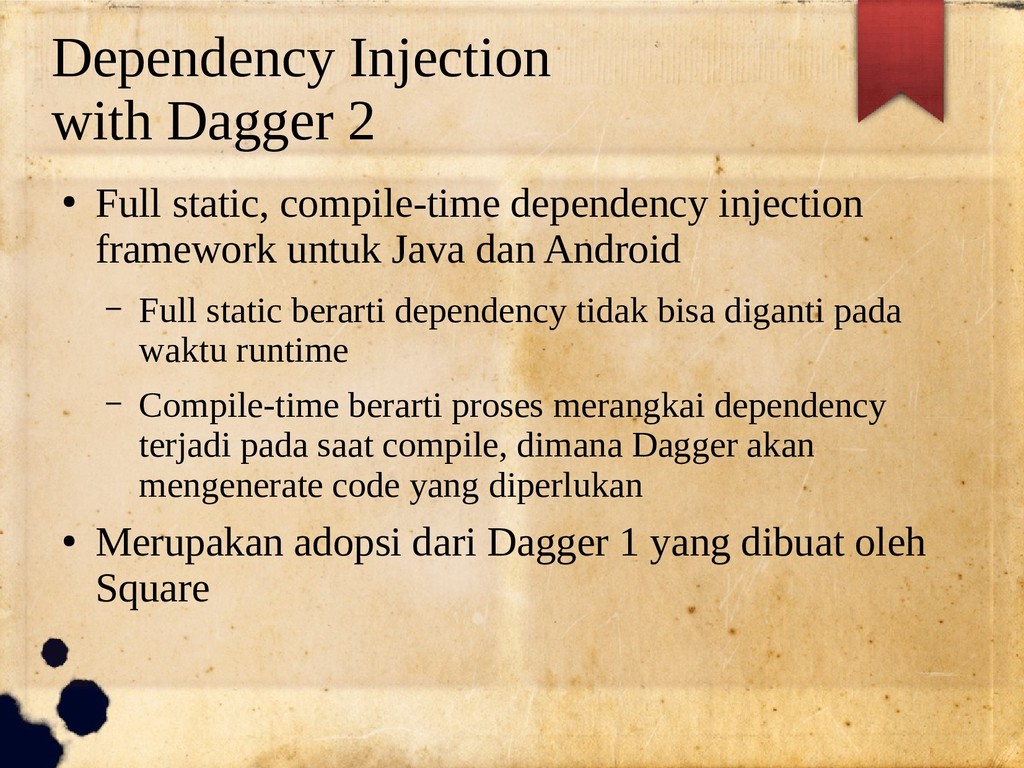
  14. Dependency Injection with Dagger 2 • Full static, compile-time dependency

    injection framework untuk Java dan Android – Full static berarti dependency tidak bisa diganti pada waktu runtime – Compile-time berarti proses merangkai dependency terjadi pada saat compile, dimana Dagger akan mengenerate code yang diperlukan • Merupakan adopsi dari Dagger 1 yang dibuat oleh Square
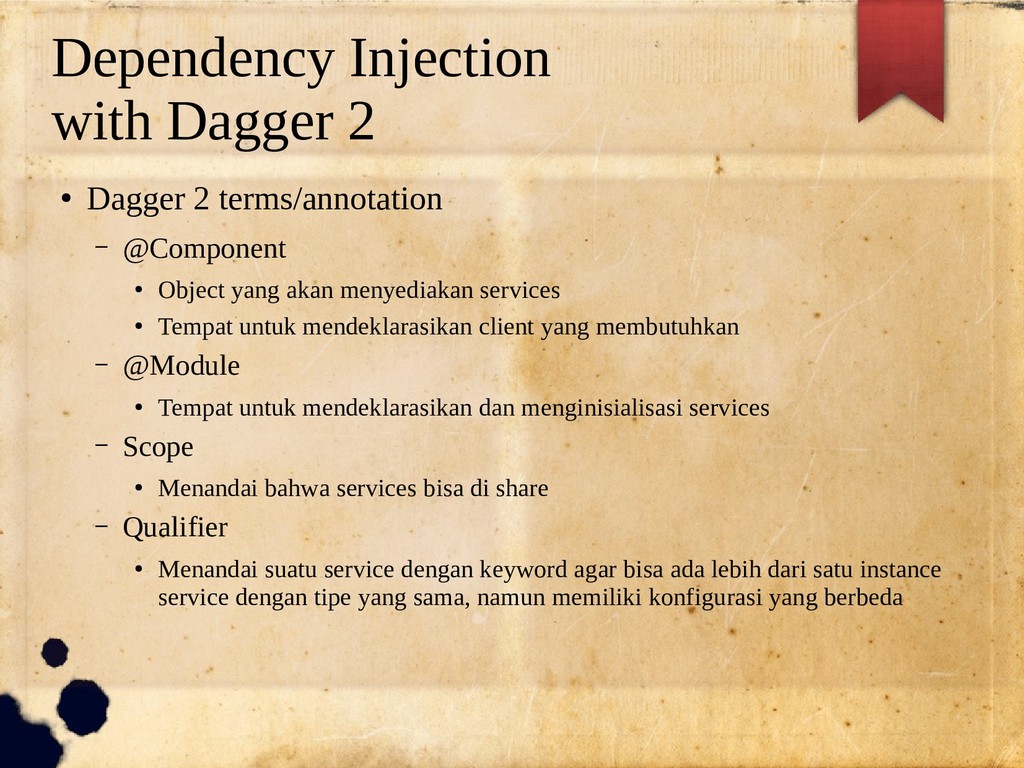
  15. Dependency Injection with Dagger 2 • Dagger 2 terms/annotation –

    @Component • Object yang akan menyediakan services • Tempat untuk mendeklarasikan client yang membutuhkan – @Module • Tempat untuk mendeklarasikan dan menginisialisasi services – Scope • Menandai bahwa services bisa di share – Qualifier • Menandai suatu service dengan keyword agar bisa ada lebih dari satu instance service dengan tipe yang sama, namun memiliki konfigurasi yang berbeda
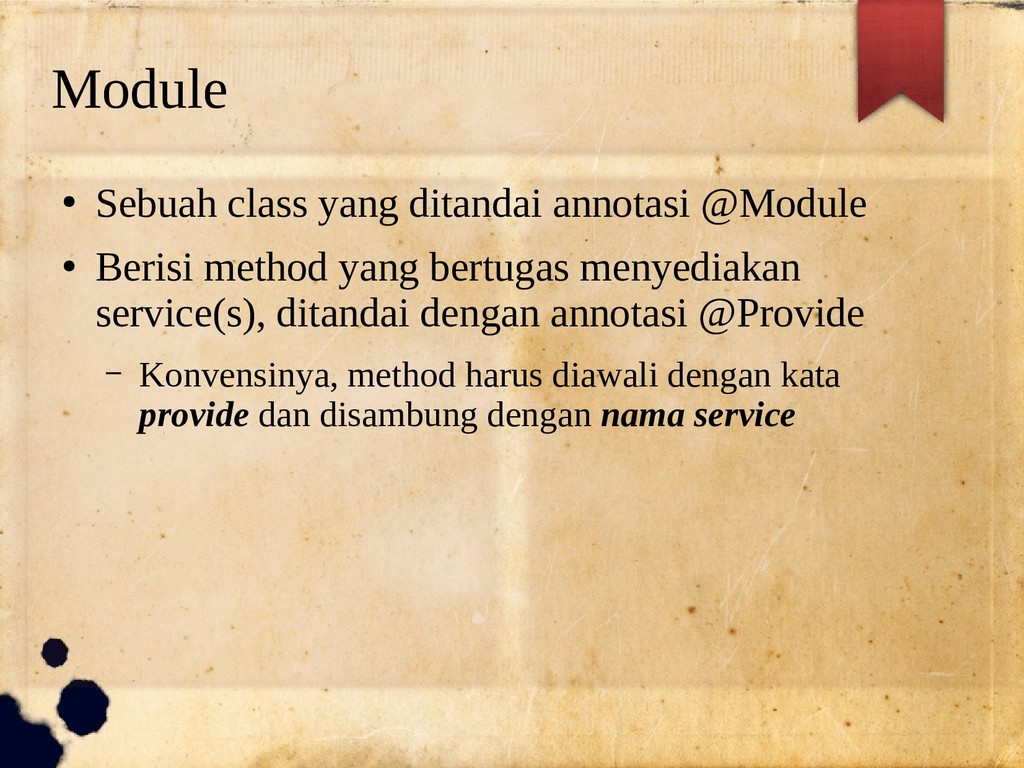
  16. Module • Sebuah class yang ditandai annotasi @Module • Berisi

    method yang bertugas menyediakan service(s), ditandai dengan annotasi @Provide – Konvensinya, method harus diawali dengan kata provide dan disambung dengan nama service
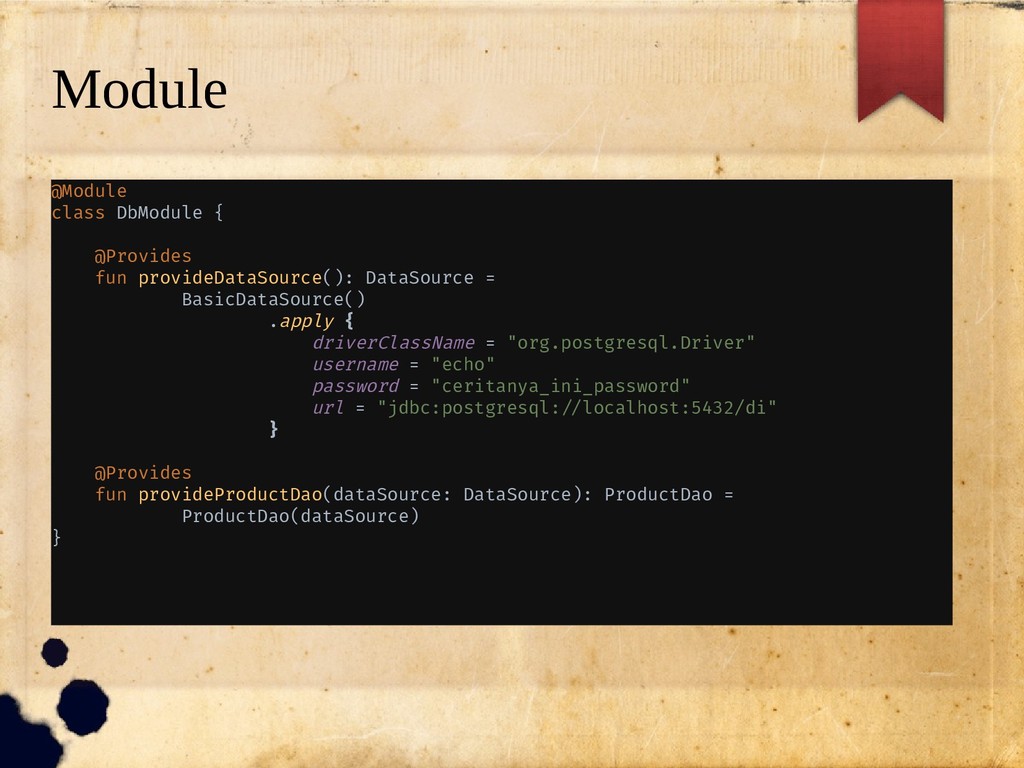
  17. Module @Module class DbModule { @Provides fun provideDataSource(): DataSource =

    BasicDataSource() .apply { driverClassName = "org.postgresql.Driver" username = "echo" password = "ceritanya_ini_password" url = "jdbc:postgresql://localhost:5432/di" } @Provides fun provideProductDao(dataSource: DataSource): ProductDao = ProductDao(dataSource) }
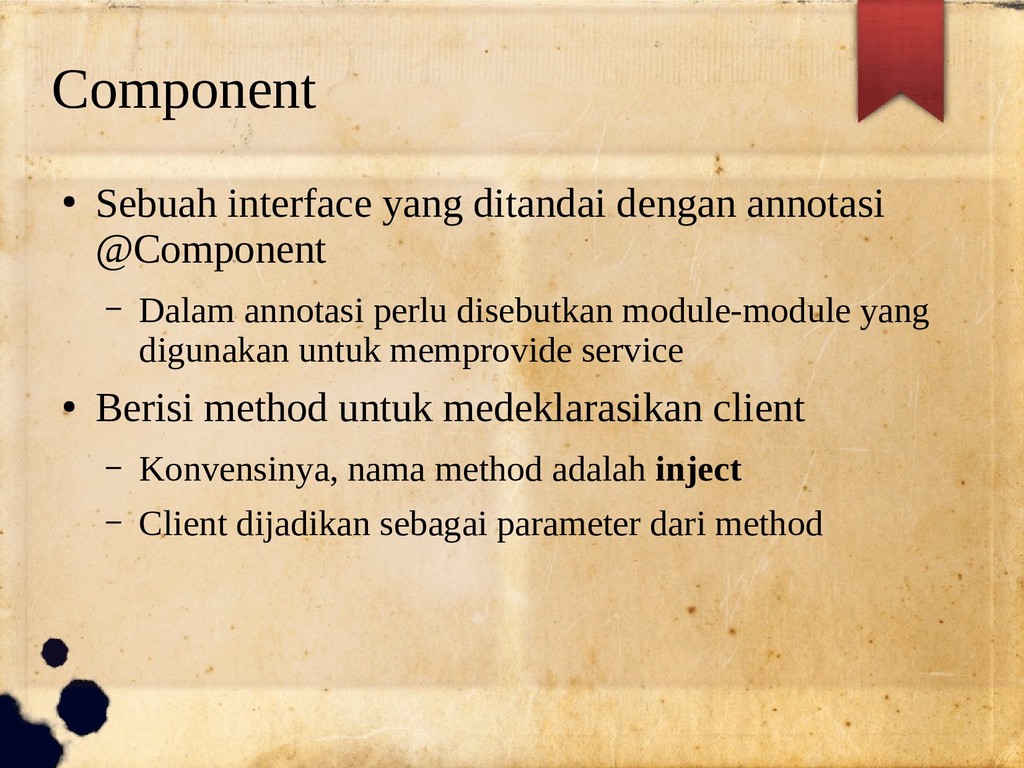
  18. Component • Sebuah interface yang ditandai dengan annotasi @Component –

    Dalam annotasi perlu disebutkan module-module yang digunakan untuk memprovide service • Berisi method untuk medeklarasikan client – Konvensinya, nama method adalah inject – Client dijadikan sebagai parameter dari method
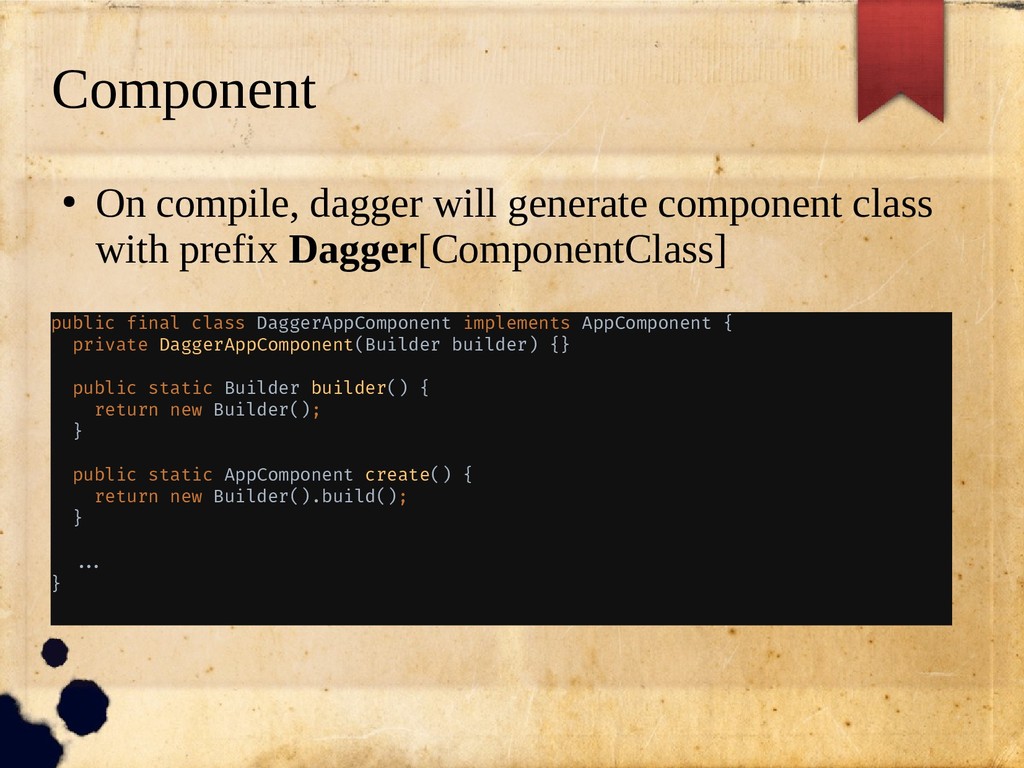
  19. Component • On compile, dagger will generate component class with

    prefix Dagger[ComponentClass] public final class DaggerAppComponent implements AppComponent { private DaggerAppComponent(Builder builder) {} public static Builder builder() { return new Builder(); } public static AppComponent create() { return new Builder().build(); } //. }
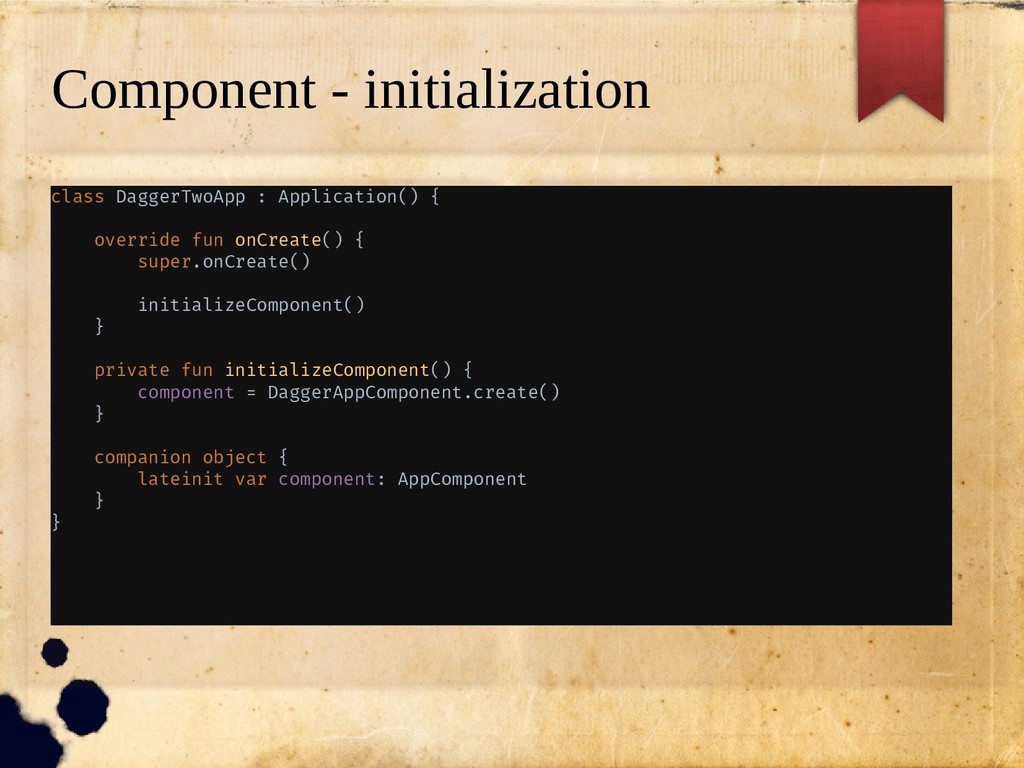
  20. Component - initialization class DaggerTwoApp : Application() { override fun

    onCreate() { super.onCreate() initializeComponent() } private fun initializeComponent() { component = DaggerAppComponent.create() } companion object { lateinit var component: AppComponent } }
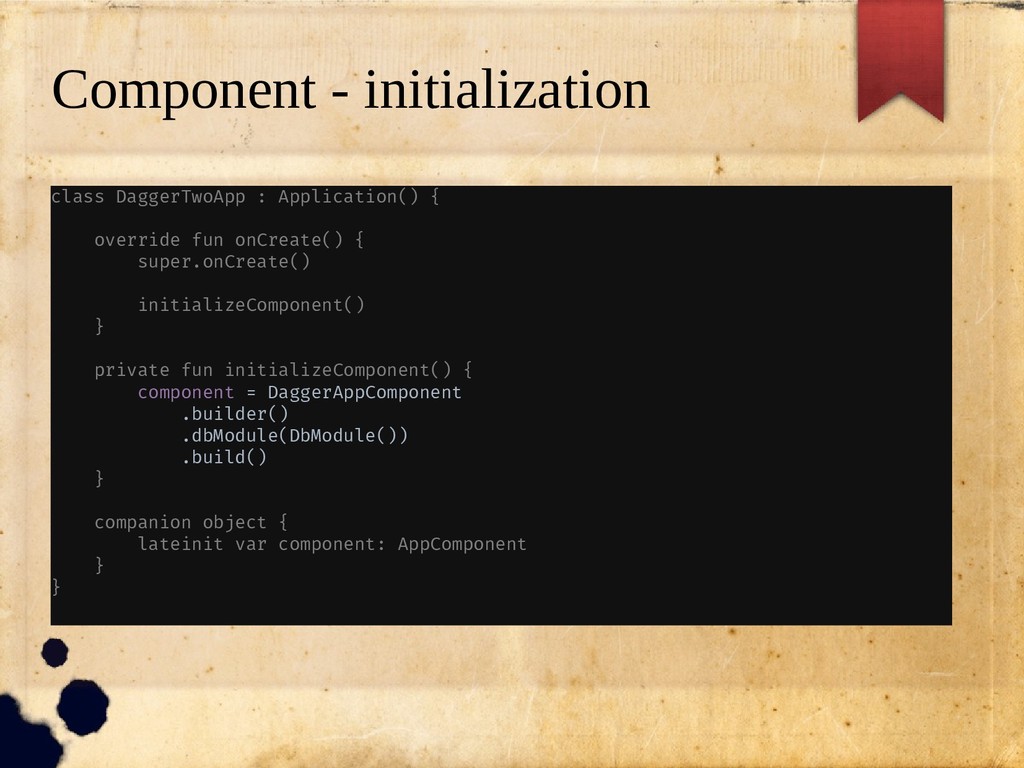
  21. Component - initialization class DaggerTwoApp : Application() { override fun

    onCreate() { super.onCreate() initializeComponent() } private fun initializeComponent() { component = DaggerAppComponent .builder() .dbModule(DbModule()) .build() } companion object { lateinit var component: AppComponent } }
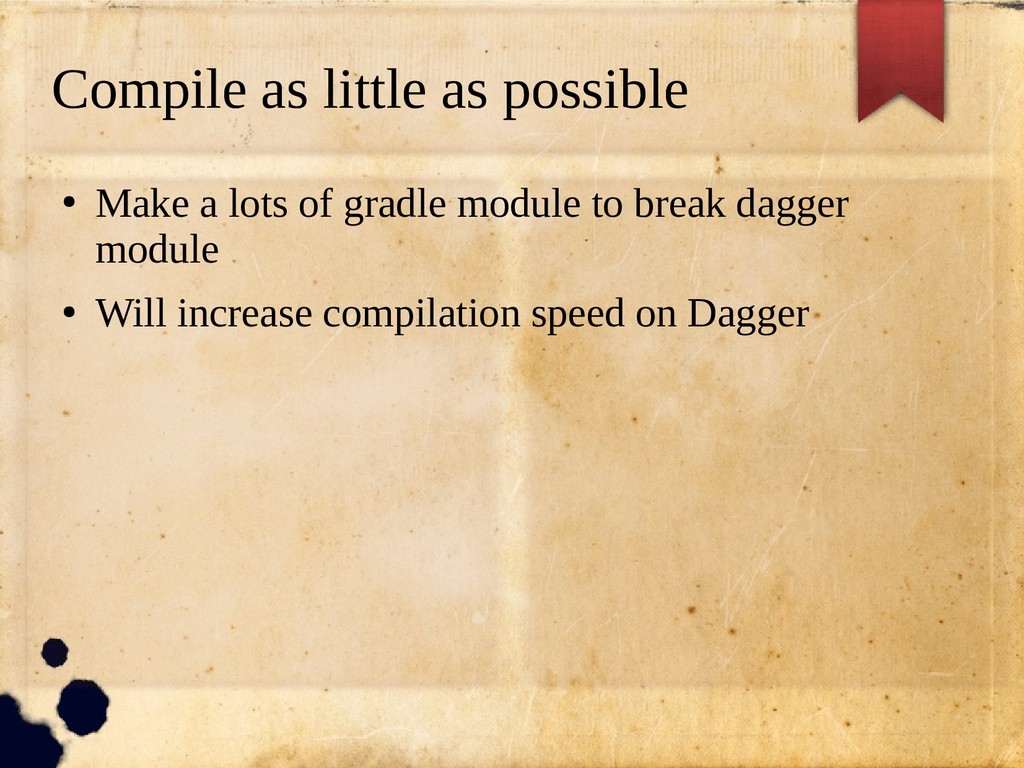
  22. Compile as little as possible • Make a lots of

    gradle module to break dagger module • Will increase compilation speed on Dagger
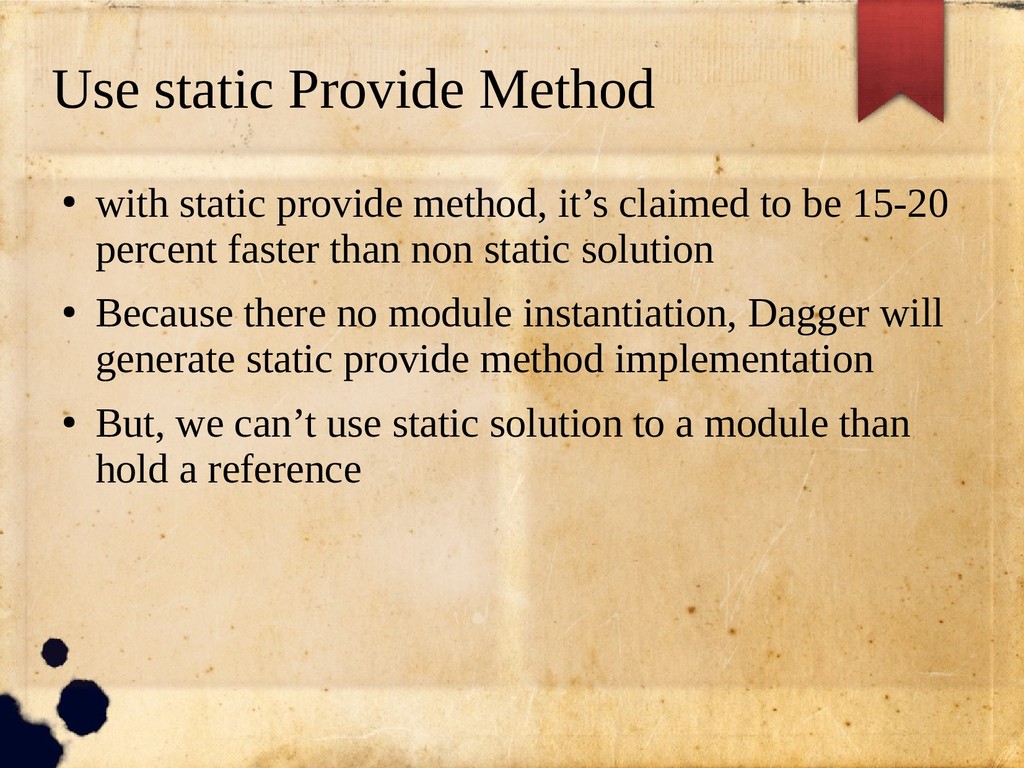
  23. Use static Provide Method • with static provide method, it’s

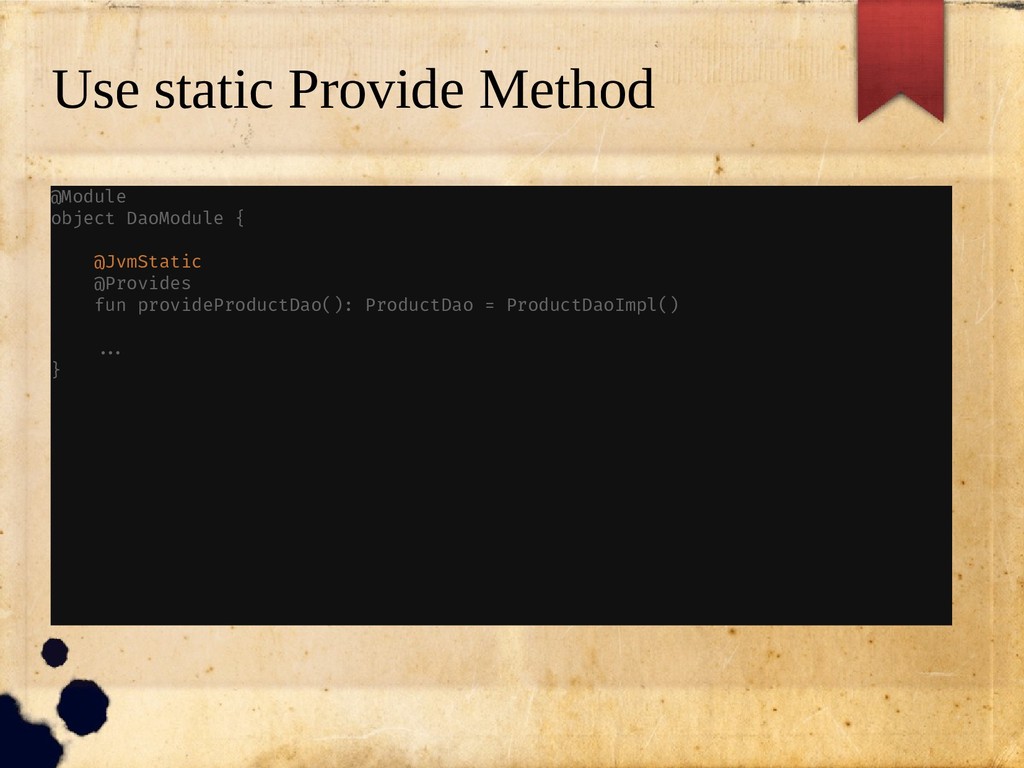
    claimed to be 15-20 percent faster than non static solution • Because there no module instantiation, Dagger will generate static provide method implementation • But, we can’t use static solution to a module than hold a reference
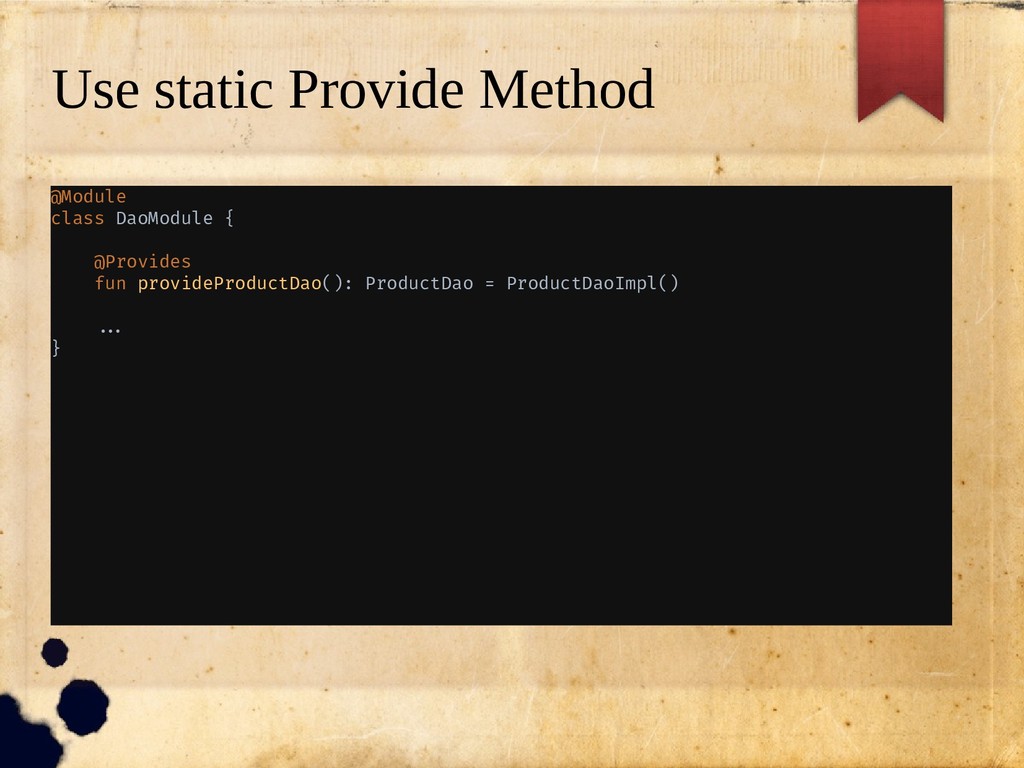
  24. Use static Provide Method @Module class DaoModule { @Provides fun

    provideProductDao(): ProductDao = ProductDaoImpl() //. }
  25. Use static Provide Method @Module object DaoModule { @JvmStatic @Provides

    fun provideProductDao(): ProductDao = ProductDaoImpl() //. }
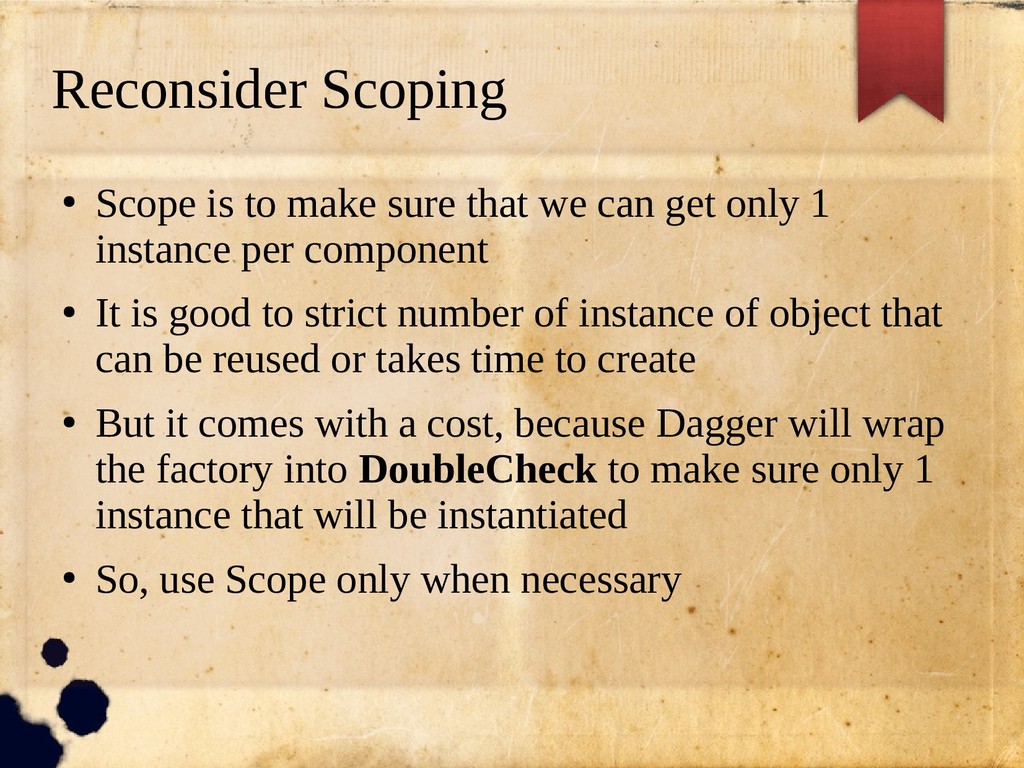
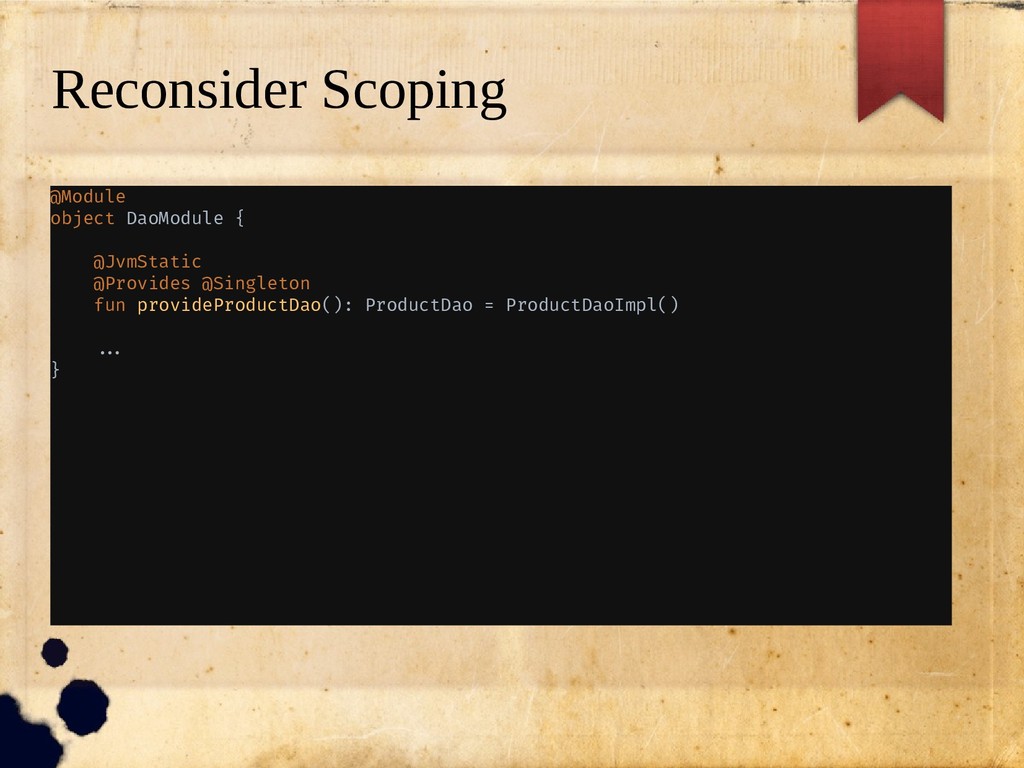
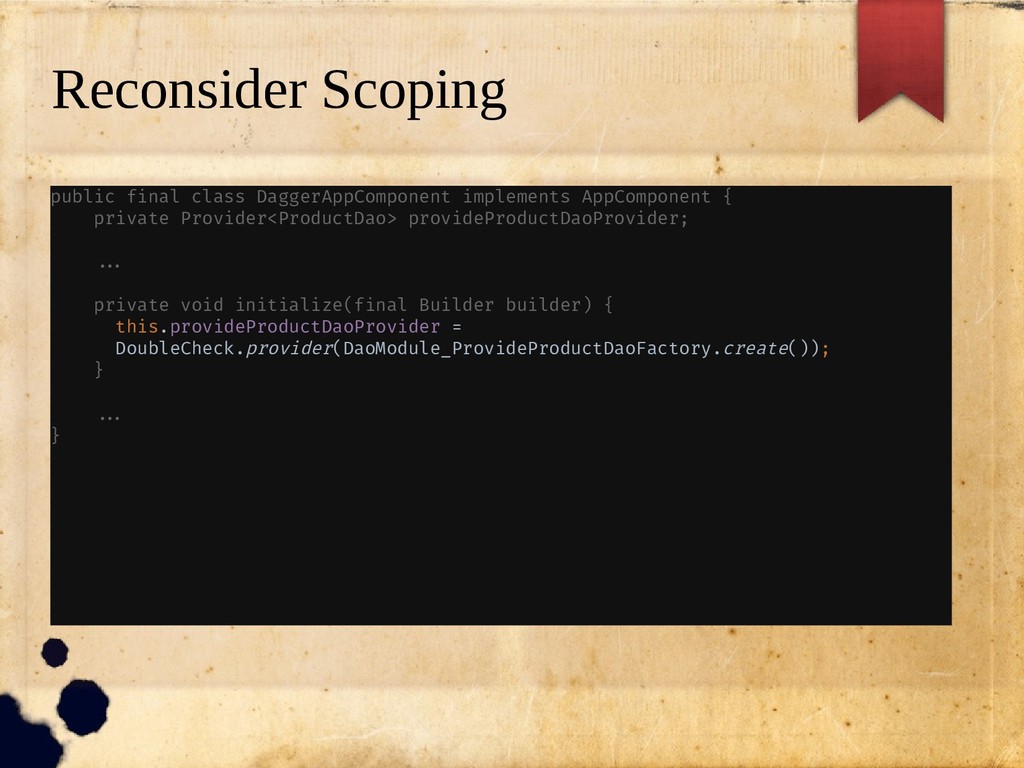
  26. Reconsider Scoping • Scope is to make sure that we

    can get only 1 instance per component • It is good to strict number of instance of object that can be reused or takes time to create • But it comes with a cost, because Dagger will wrap the factory into DoubleCheck to make sure only 1 instance that will be instantiated • So, use Scope only when necessary
  27. Reconsider Scoping @Module object DaoModule { @JvmStatic @Provides @Singleton fun

    provideProductDao(): ProductDao = ProductDaoImpl() //. }
  28. Reconsider Scoping public final class DaggerAppComponent implements AppComponent { private

    Provider<ProductDao> provideProductDaoProvider; //. private void initialize(final Builder builder) { this.provideProductDaoProvider = DoubleCheck.provider(DaoModule_ProvideProductDaoFactory.create()); } //. }
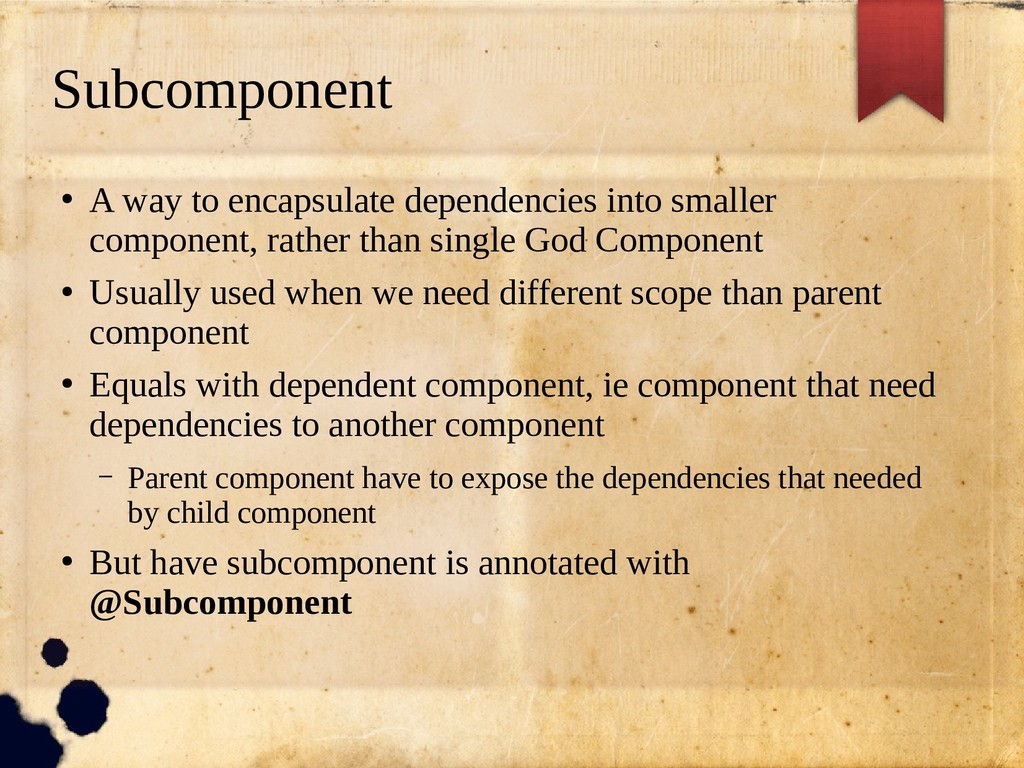
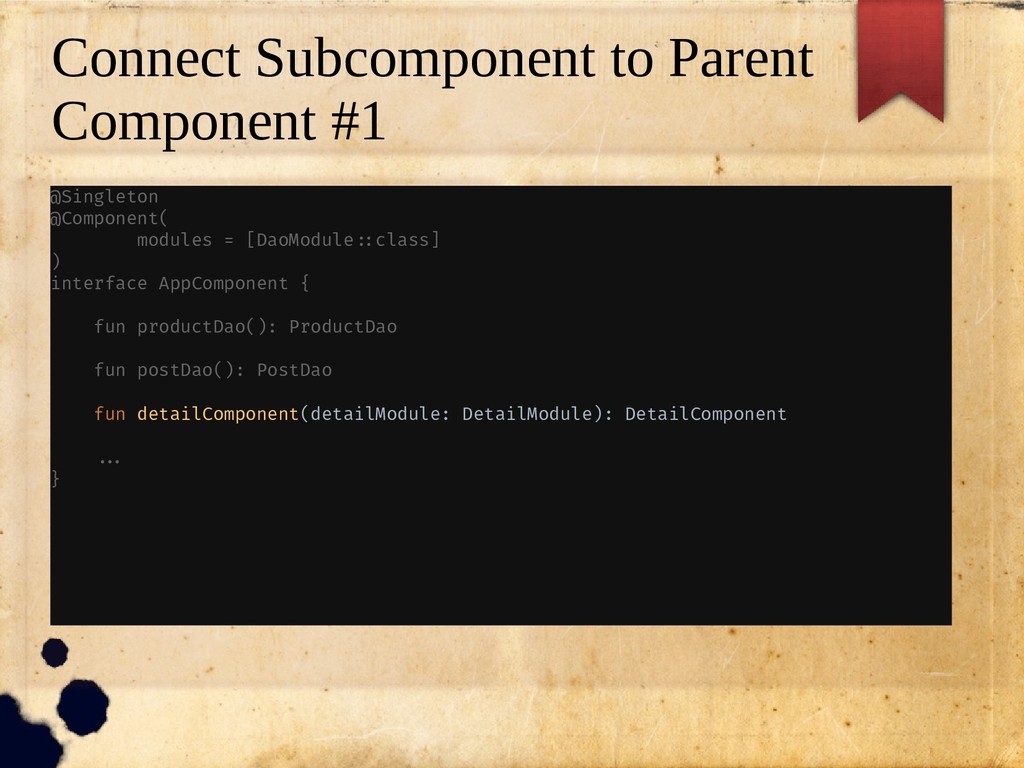
  29. Subcomponent • A way to encapsulate dependencies into smaller component,

    rather than single God Component • Usually used when we need different scope than parent component • Equals with dependent component, ie component that need dependencies to another component – Parent component have to expose the dependencies that needed by child component • But have subcomponent is annotated with @Subcomponent
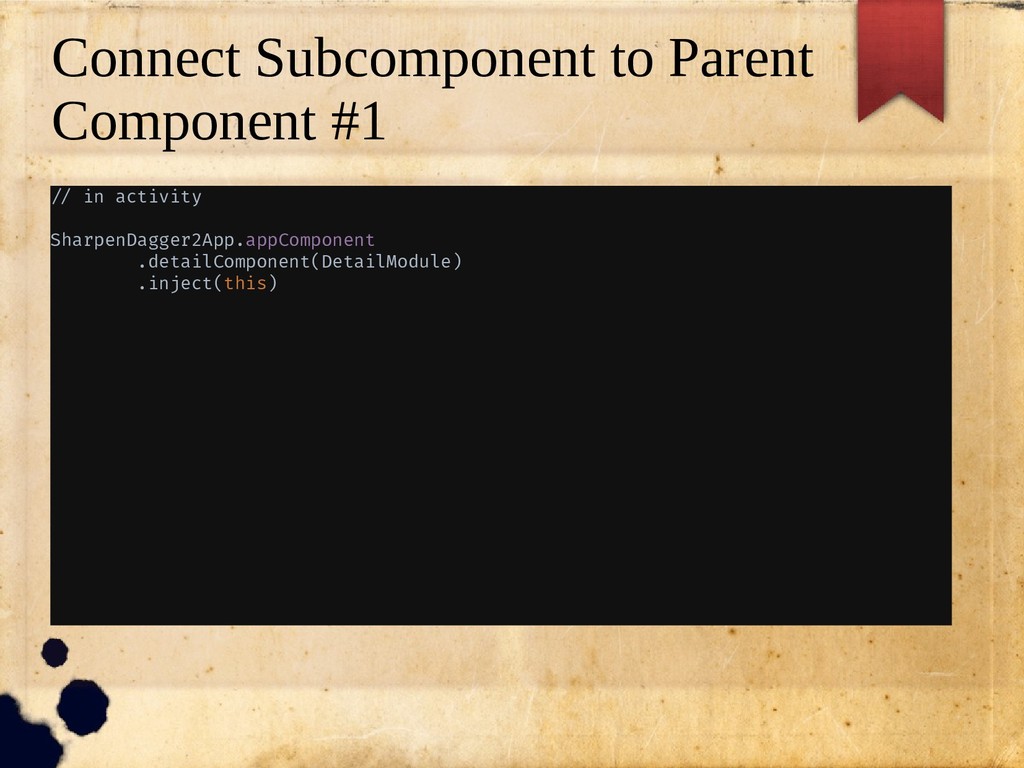
  30. Connect Subcomponent to Parent Component #1 @Singleton @Component( modules =

    [DaoModule/:class] ) interface AppComponent { fun productDao(): ProductDao fun postDao(): PostDao fun detailComponent(detailModule: DetailModule): DetailComponent //. }
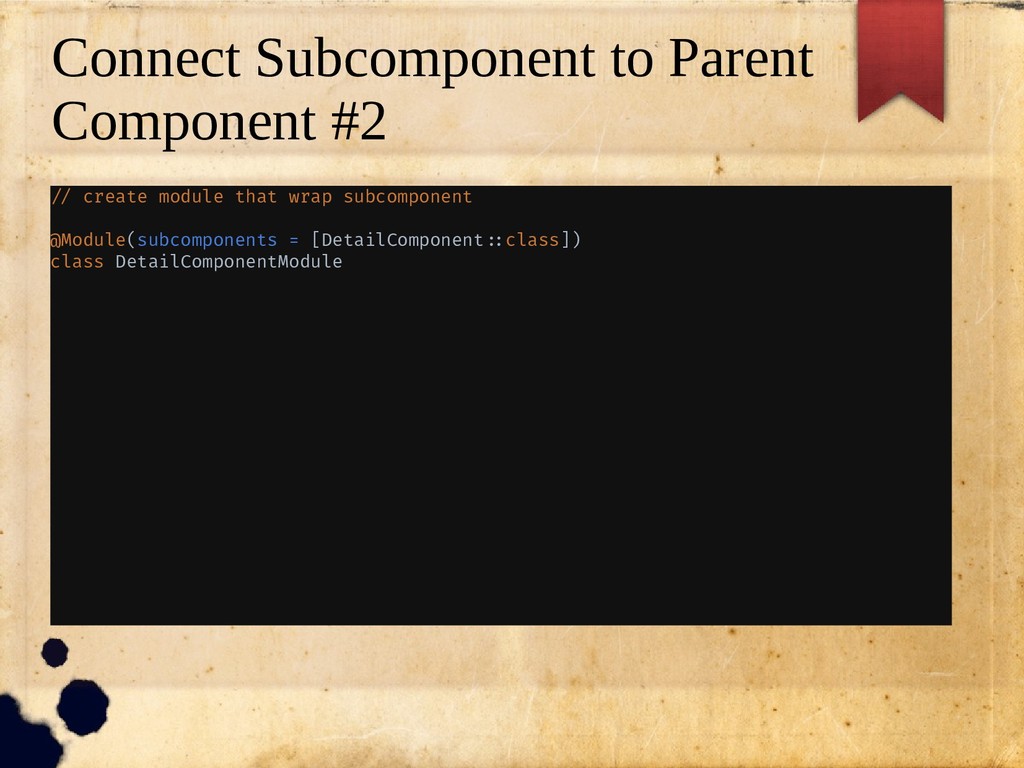
  31. Connect Subcomponent to Parent Component #2 // create module that

    wrap subcomponent @Module(subcomponents = [DetailComponent/:class]) class DetailComponentModule
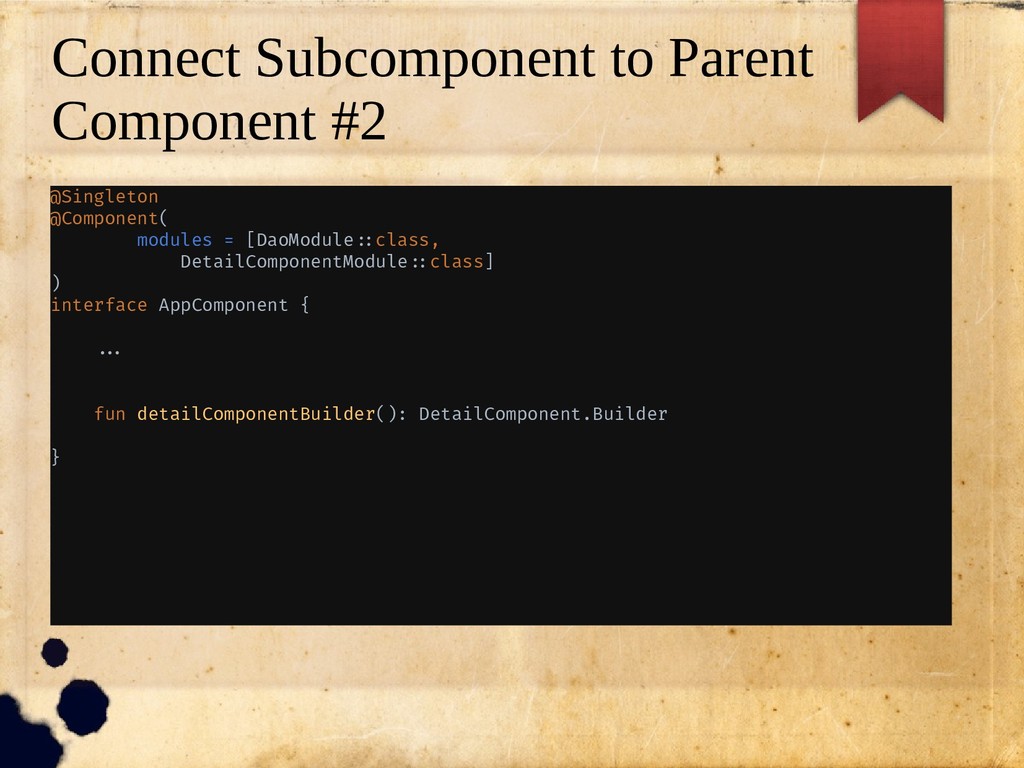
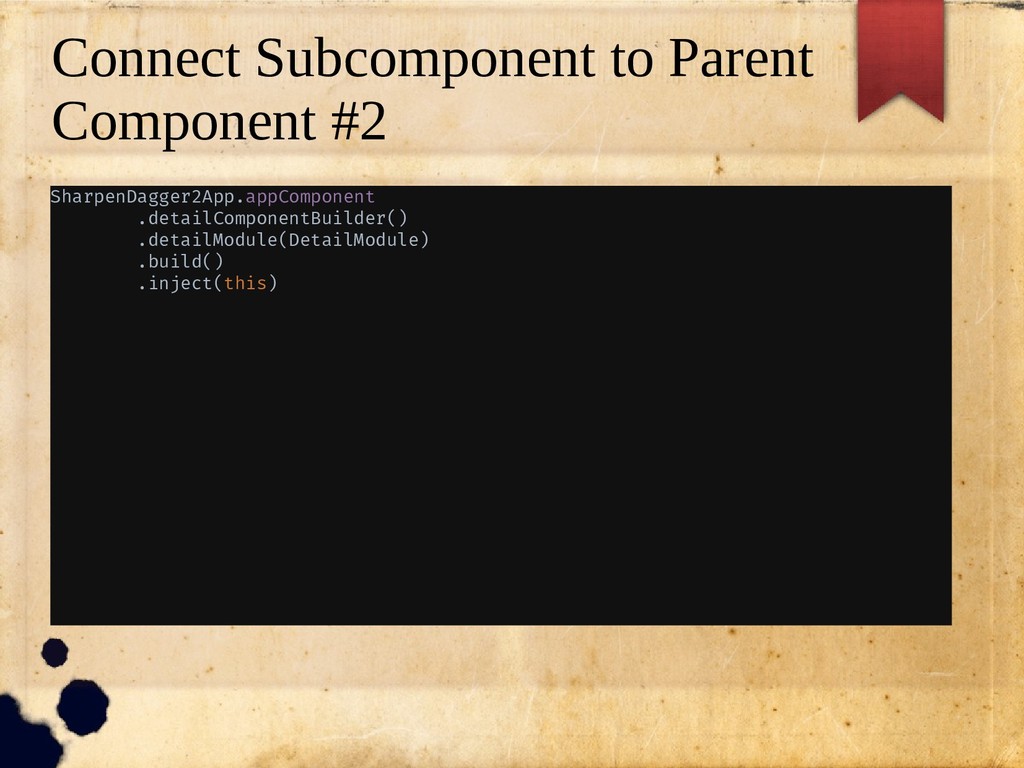
  32. Connect Subcomponent to Parent Component #2 @Singleton @Component( modules =

    [DaoModule/:class, DetailComponentModule/:class] ) interface AppComponent { //. fun detailComponentBuilder(): DetailComponent.Builder }