Upgrade to Pro — share decks privately, control downloads, hide ads and more …

Having fun with Kotlin - Android

Sponsored · SiteGround - Reliable hosting with speed, security, and support you can count on. →

Having fun with Kotlin - Android

My sharing talk about Kotlin Introduction and Android Implementation (a little) for SurabayaDev Meetup

Slide in ODP format: https://drive.google.com/open?id=1cdTWmravnphRnbuv5IRoUtgCOqpE9K1M

Avatar for Eko Suhariyadi

Eko Suhariyadi

March 16, 2017

More Decks by Eko Suhariyadi

Other Decks in Programming

Transcript

  1. What this presentation cover • Kotlin introduction • What we

    can achieve by using Kotlin for Android Development
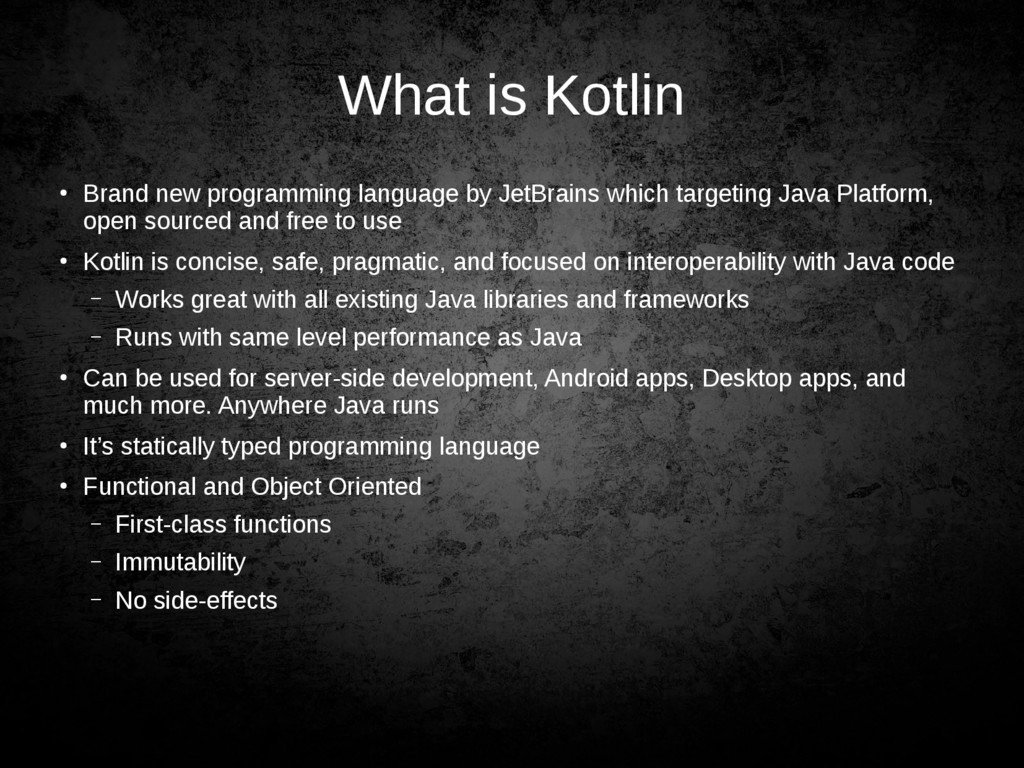
  2. What is Kotlin • Brand new programming language by JetBrains

    which targeting Java Platform, open sourced and free to use • Kotlin is concise, safe, pragmatic, and focused on interoperability with Java code – Works great with all existing Java libraries and frameworks – Runs with same level performance as Java • Can be used for server-side development, Android apps, Desktop apps, and much more. Anywhere Java runs • It’s statically typed programming language • Functional and Object Oriented – First-class functions – Immutability – No side-effects
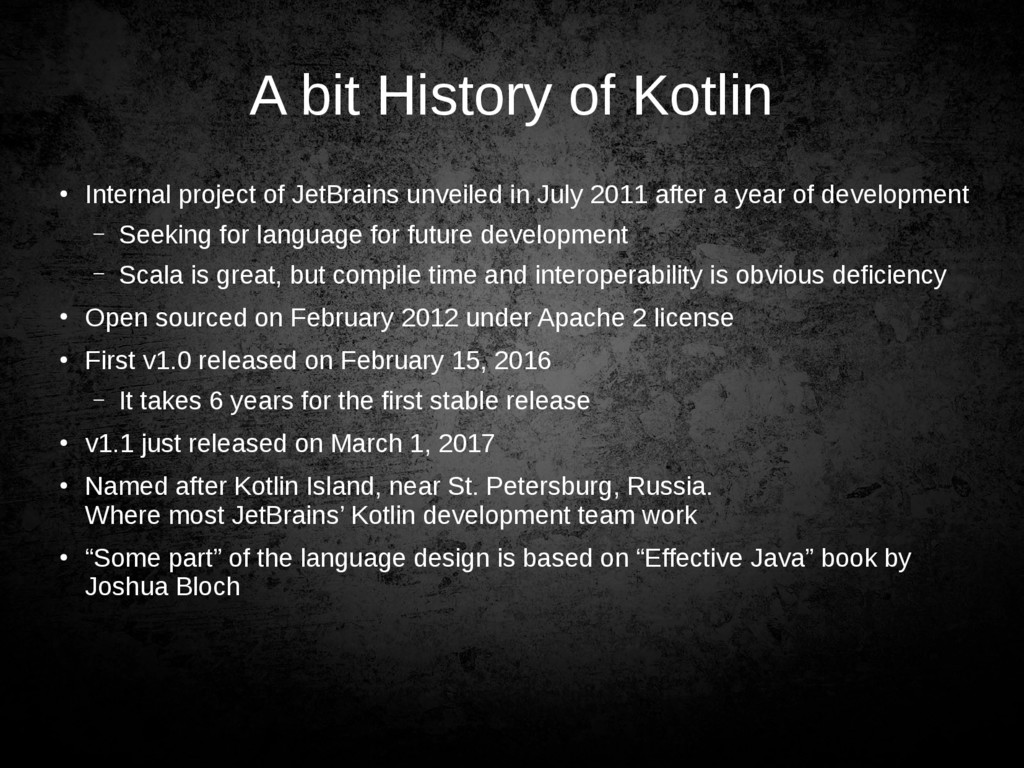
  3. A bit History of Kotlin • Internal project of JetBrains

    unveiled in July 2011 after a year of development – Seeking for language for future development – Scala is great, but compile time and interoperability is obvious deficiency • Open sourced on February 2012 under Apache 2 license • First v1.0 released on February 15, 2016 – It takes 6 years for the first stable release • v1.1 just released on March 1, 2017 • Named after Kotlin Island, near St. Petersburg, Russia. Where most JetBrains’ Kotlin development team work • “Some part” of the language design is based on “Effective Java” book by Joshua Bloch
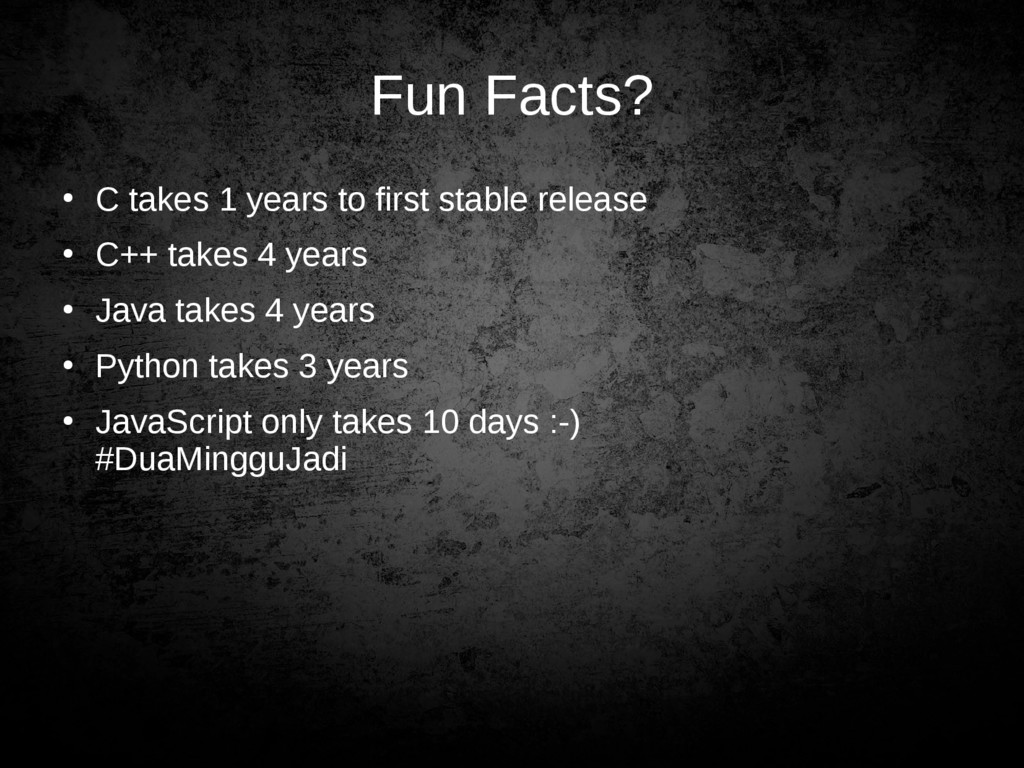
  4. Fun Facts? • C takes 1 years to first stable

    release • C++ takes 4 years • Java takes 4 years • Python takes 3 years • JavaScript only takes 10 days :-) #DuaMingguJadi
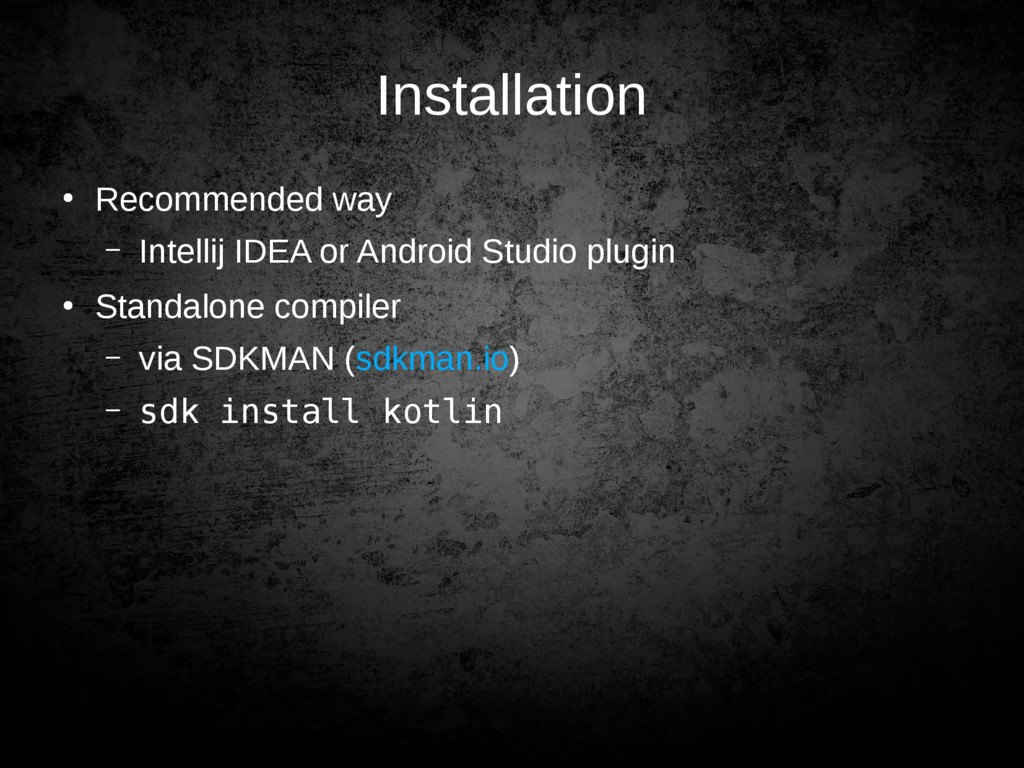
  5. Installation • Recommended way – Intellij IDEA or Android Studio

    plugin • Standalone compiler – via SDKMAN (sdkman.io) – sdk install kotlin
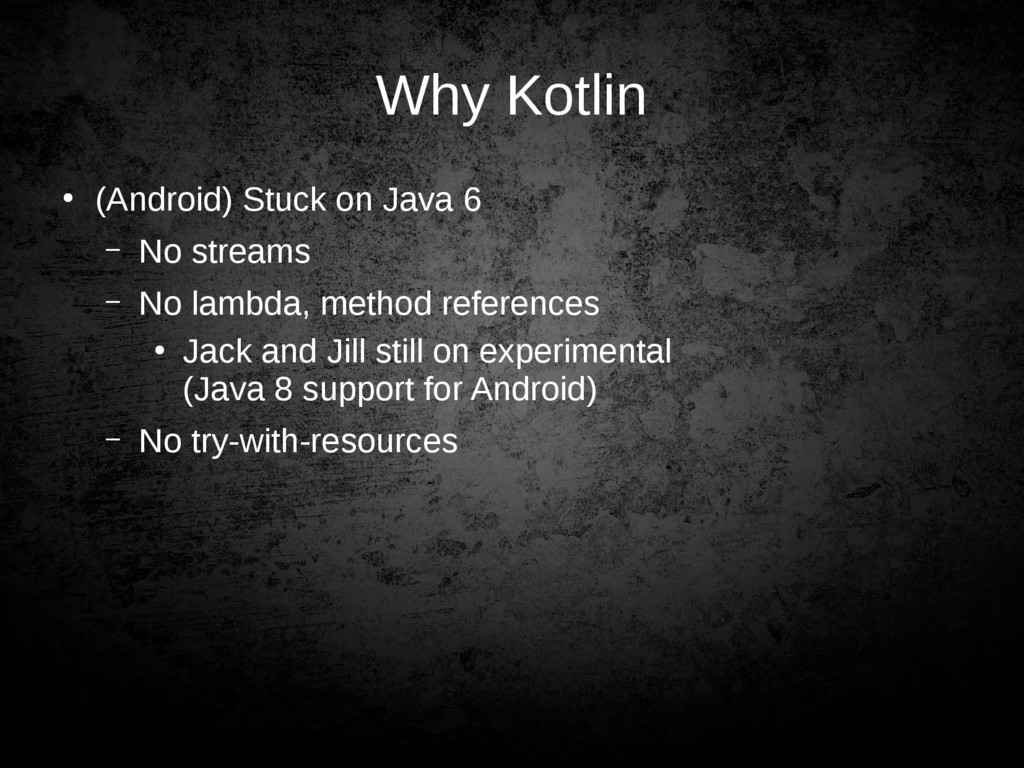
  6. Why Kotlin • (Android) Stuck on Java 6 – No

    streams – No lambda, method references • Jack and Jill still on experimental (Java 8 support for Android) – No try-with-resources
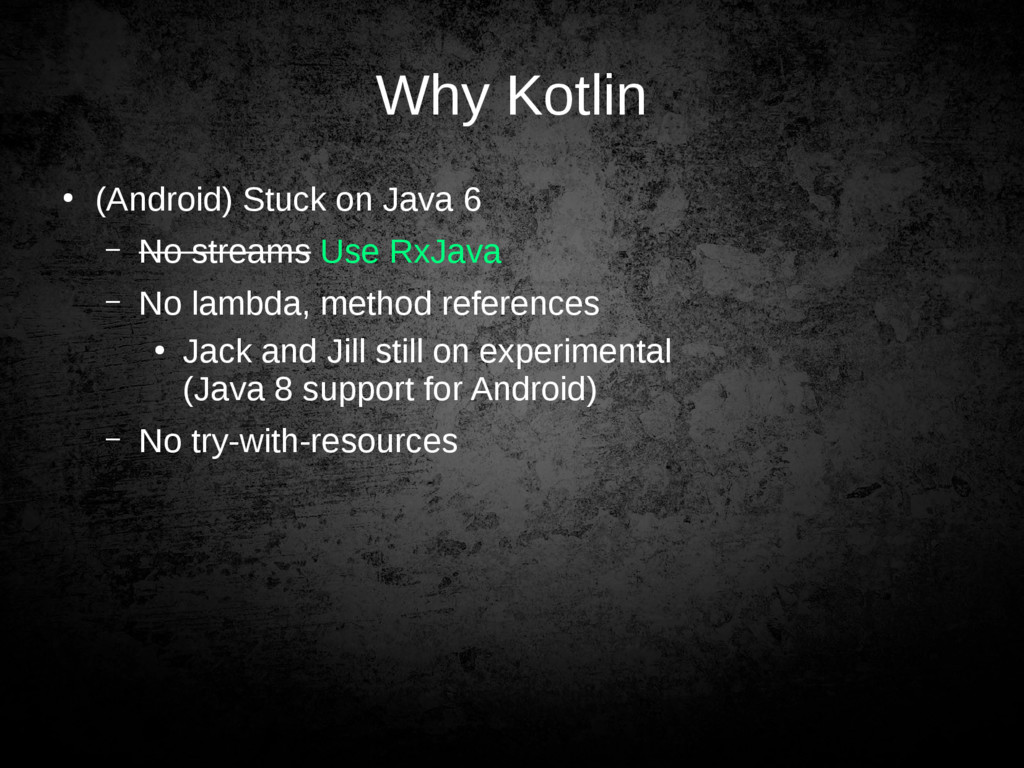
  7. Why Kotlin • (Android) Stuck on Java 6 – No

    streams Use RxJava – No lambda, method references • Jack and Jill still on experimental (Java 8 support for Android) – No try-with-resources
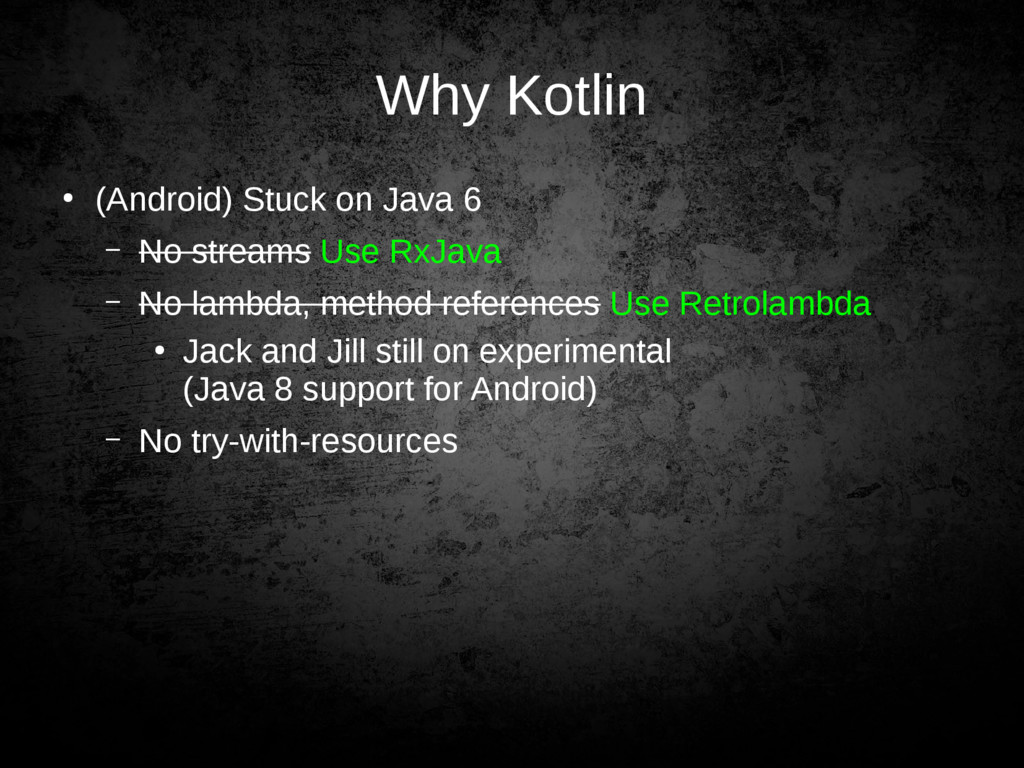
  8. Why Kotlin • (Android) Stuck on Java 6 – No

    streams Use RxJava – No lambda, method references Use Retrolambda • Jack and Jill still on experimental (Java 8 support for Android) – No try-with-resources
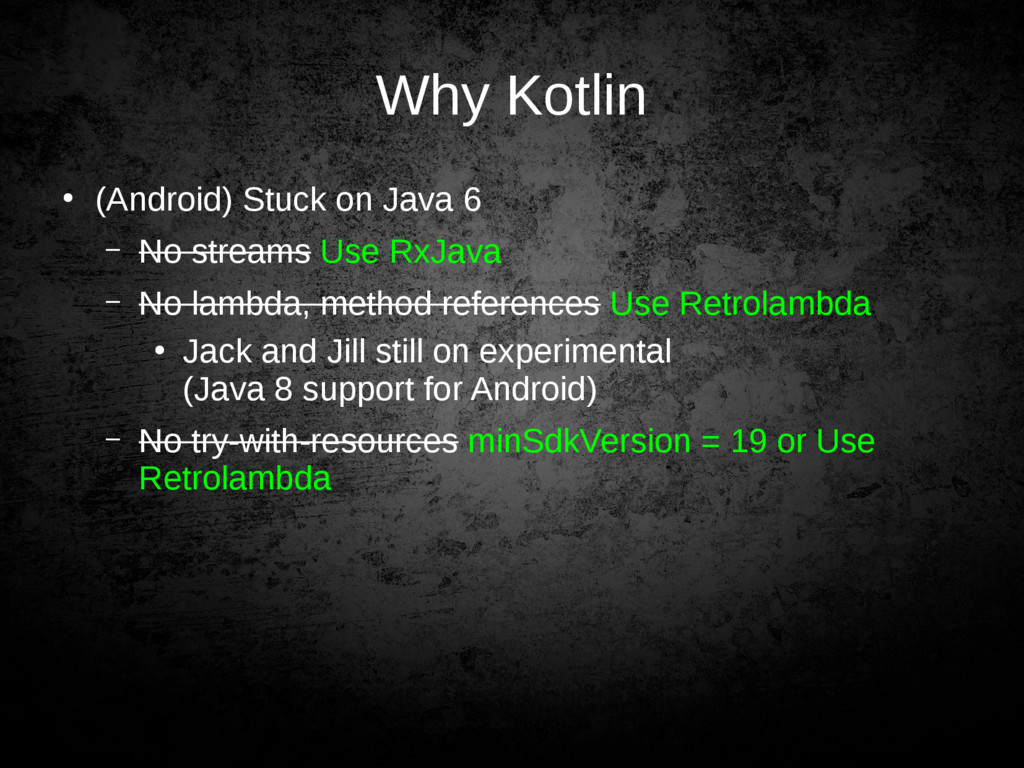
  9. Why Kotlin • (Android) Stuck on Java 6 – No

    streams Use RxJava – No lambda, method references Use Retrolambda • Jack and Jill still on experimental (Java 8 support for Android) – No try-with-resources minSdkVersion = 19 or Use Retrolambda
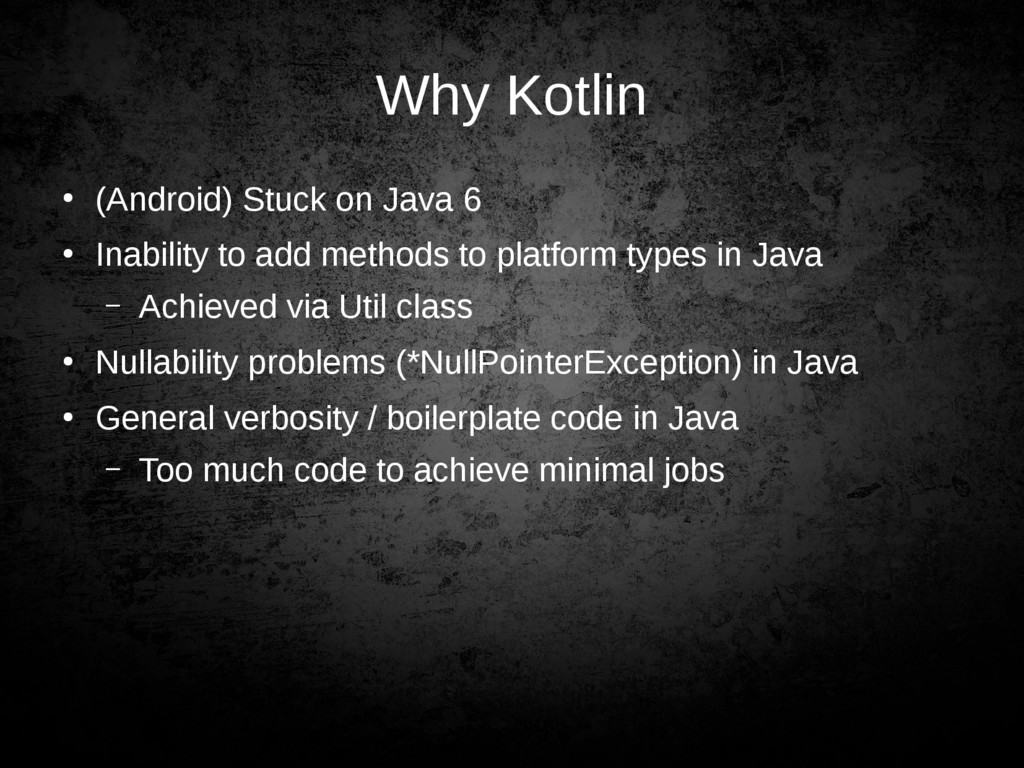
  10. Why Kotlin • (Android) Stuck on Java 6 • Inability

    to add methods to platform types in Java – Achieved via Util class • Nullability problems (*NullPointerException) in Java • General verbosity / boilerplate code in Java – Too much code to achieve minimal jobs
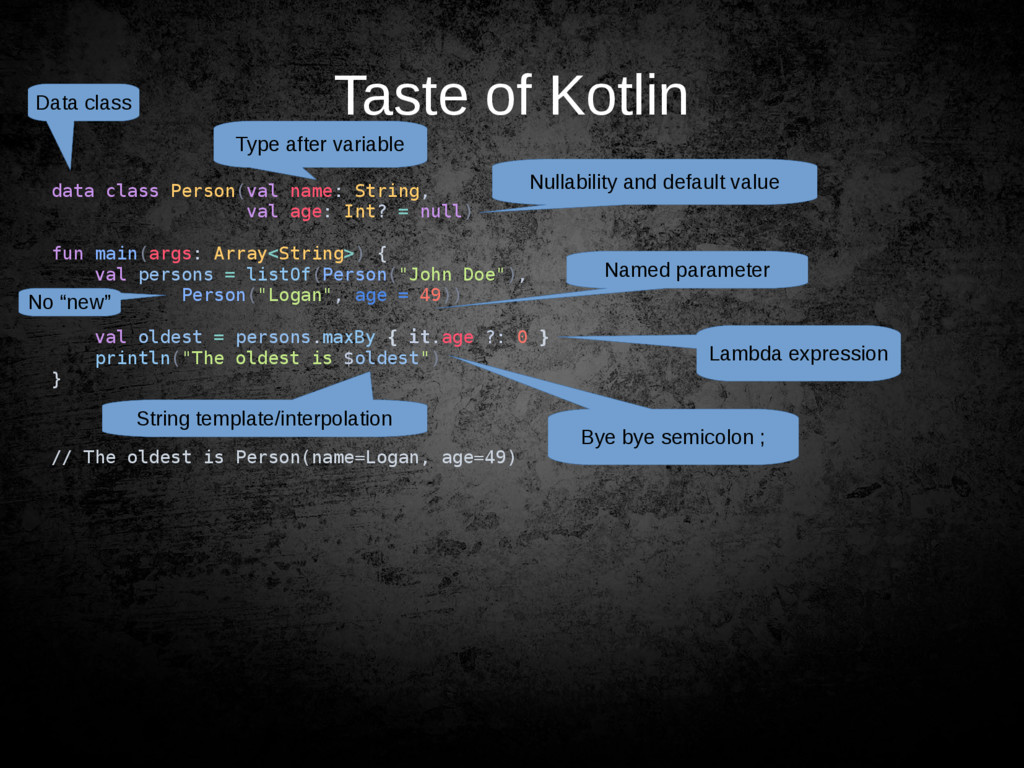
  11. Taste of Kotlin data class Person(val name: String, val age:

    Int? = null) fun main(args: Array<String>) { val persons = listOf(Person("John Doe"), Person("Logan", age = 49)) val oldest = persons.maxBy { it.age ?: 0 } println("The oldest is $oldest") } // The oldest is Person(name=Logan, age=49) Bye bye semicolon ; Type after variable Nullability and default value Lambda expression String template/interpolation Data class Named parameter No “new”
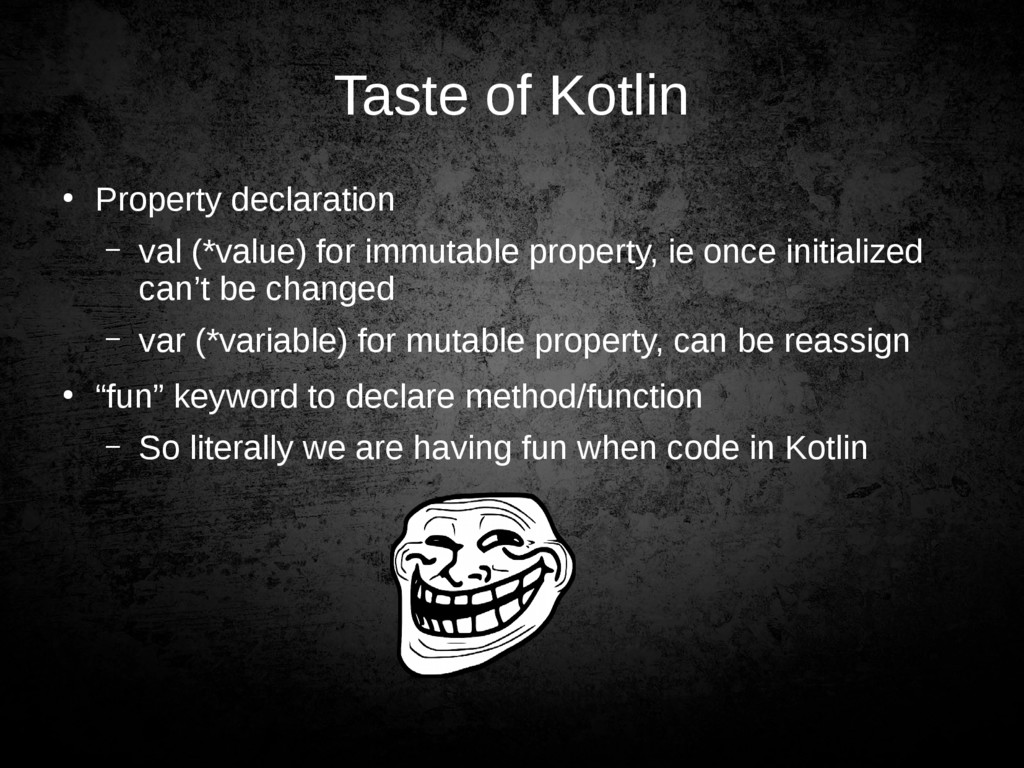
  12. Taste of Kotlin • Property declaration – val (*value) for

    immutable property, ie once initialized can’t be changed – var (*variable) for mutable property, can be reassign • “fun” keyword to declare method/function – So literally we are having fun when code in Kotlin
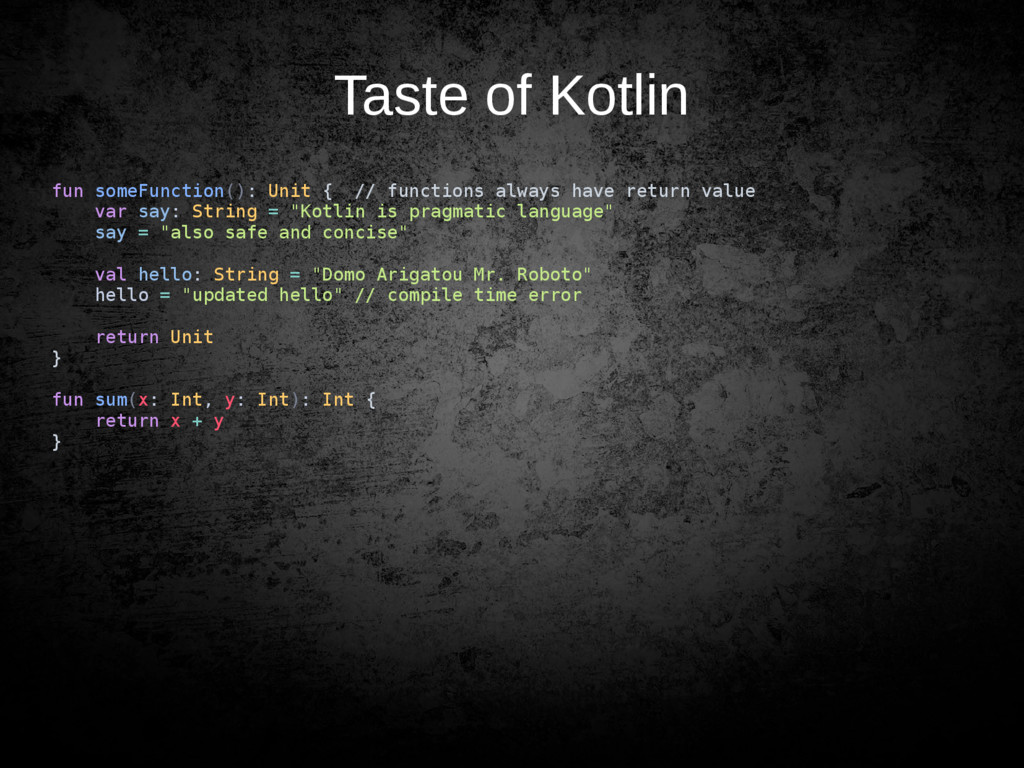
  13. Taste of Kotlin fun someFunction(): Unit { // functions always

    have return value var say: String = "Kotlin is pragmatic language" say = "also safe and concise" val hello: String = "Domo Arigatou Mr. Roboto" hello = "updated hello" // compile time error return Unit } fun sum(x: Int, y: Int): Int { return x + y }
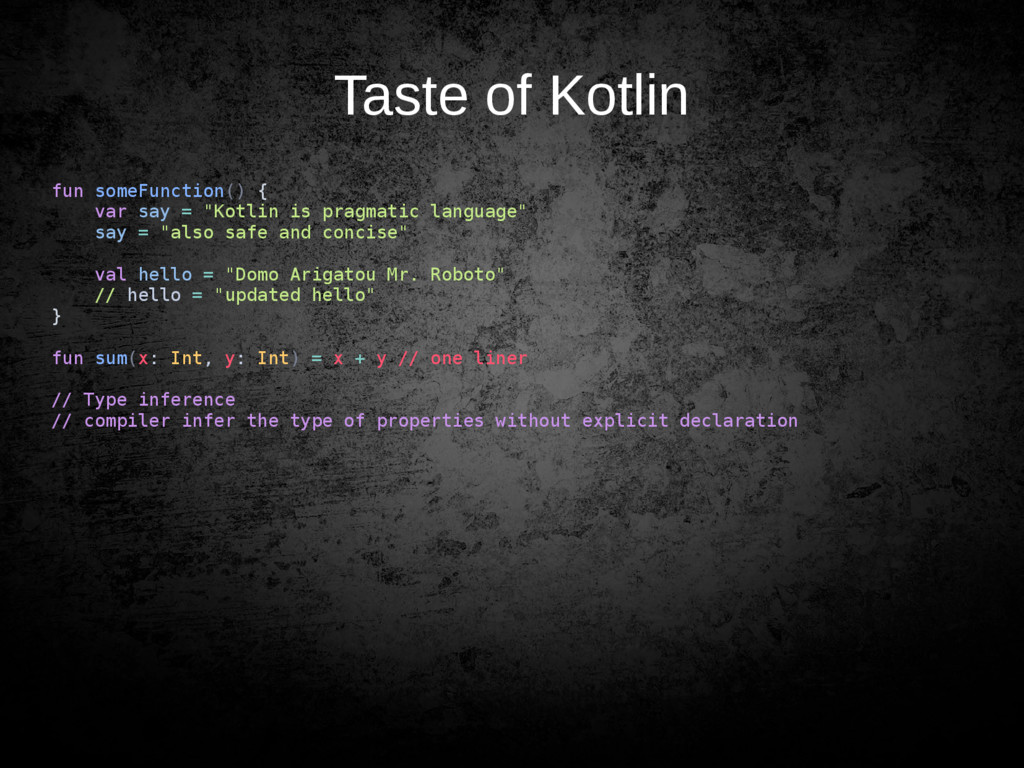
  14. Taste of Kotlin fun someFunction() { var say = "Kotlin

    is pragmatic language" say = "also safe and concise" val hello = "Domo Arigatou Mr. Roboto" // hello = "updated hello" } fun sum(x: Int, y: Int) = x + y // one liner // Type inference // compiler infer the type of properties without explicit declaration
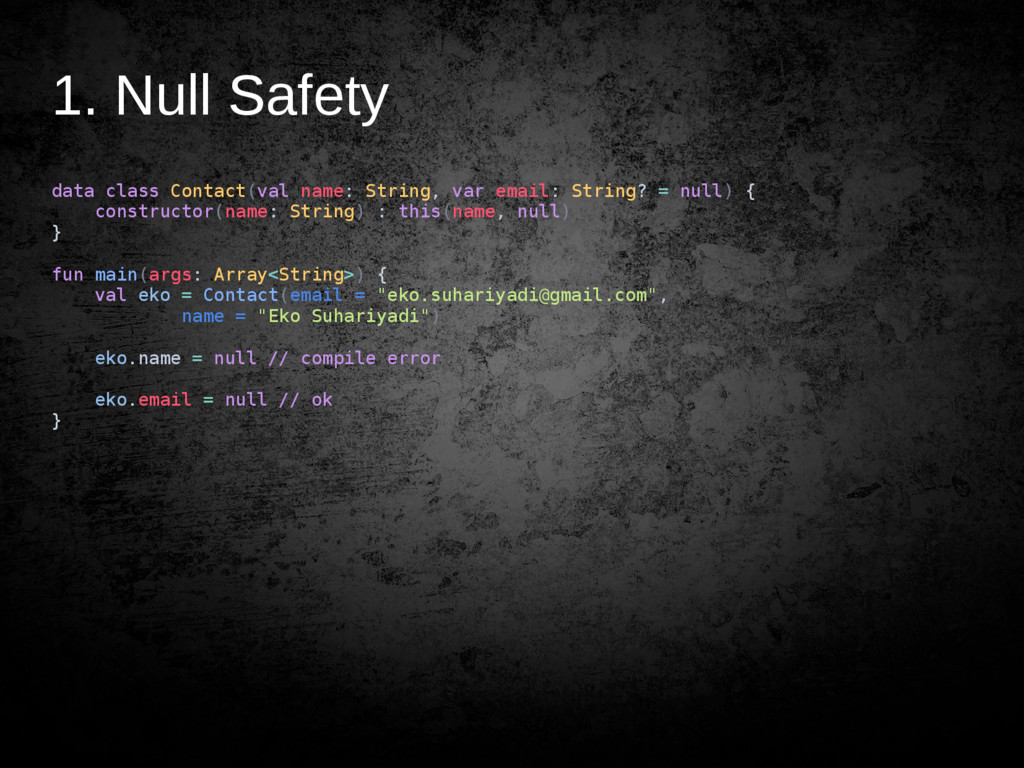
  15. 1. Null Safety data class Contact(val name: String, var email:

    String? = null) { constructor(name: String) : this(name, null) } fun main(args: Array<String>) { val eko = Contact(email = "[email protected]", name = "Eko Suhariyadi") eko.name = null // compile error eko.email = null // ok }
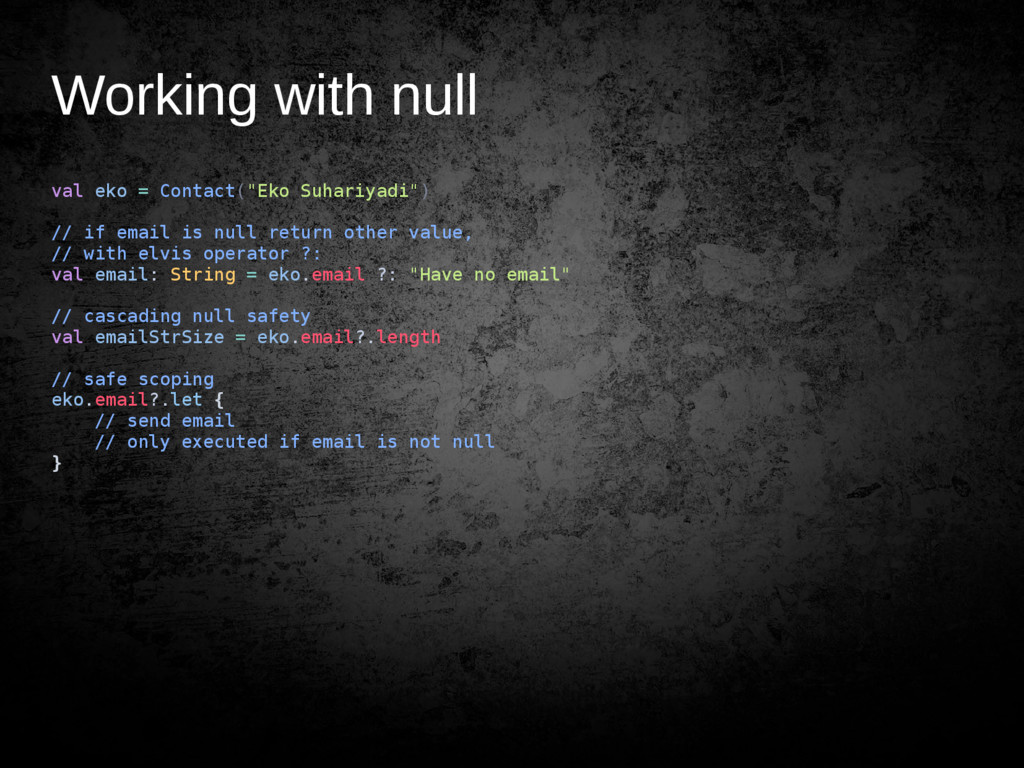
  16. Working with null val eko = Contact("Eko Suhariyadi") // if

    email is null return other value, // with elvis operator ?: val email: String = eko.email ?: "Have no email" // cascading null safety val emailStrSize = eko.email?.length // safe scoping eko.email?.let { // send email // only executed if email is not null }
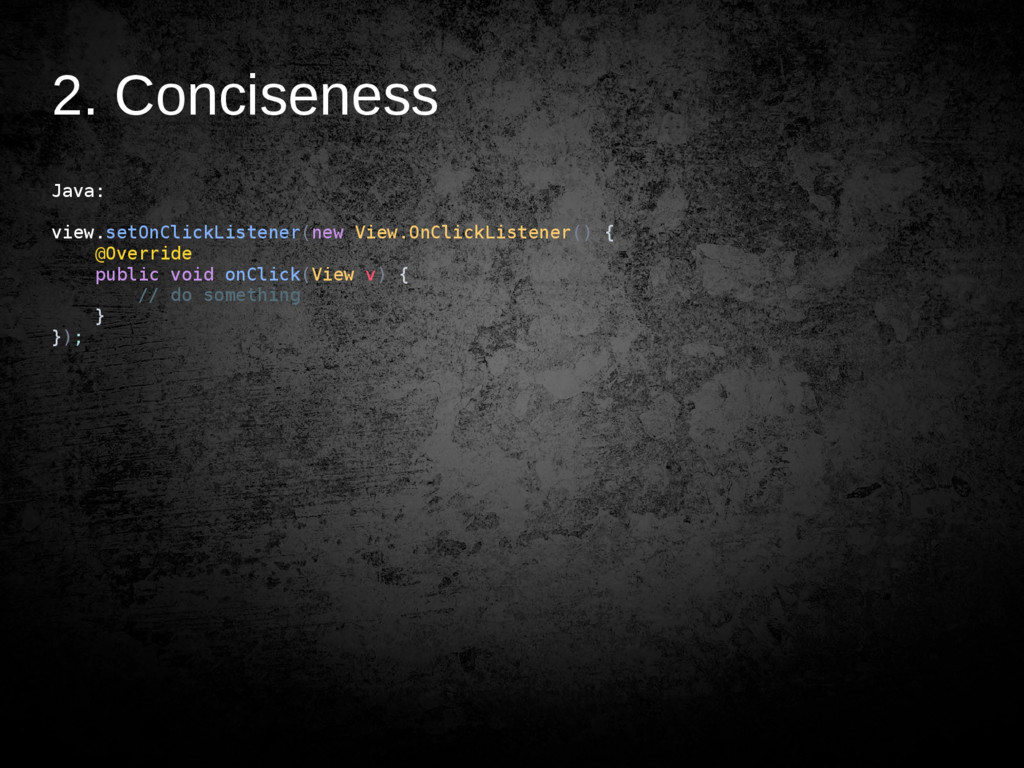
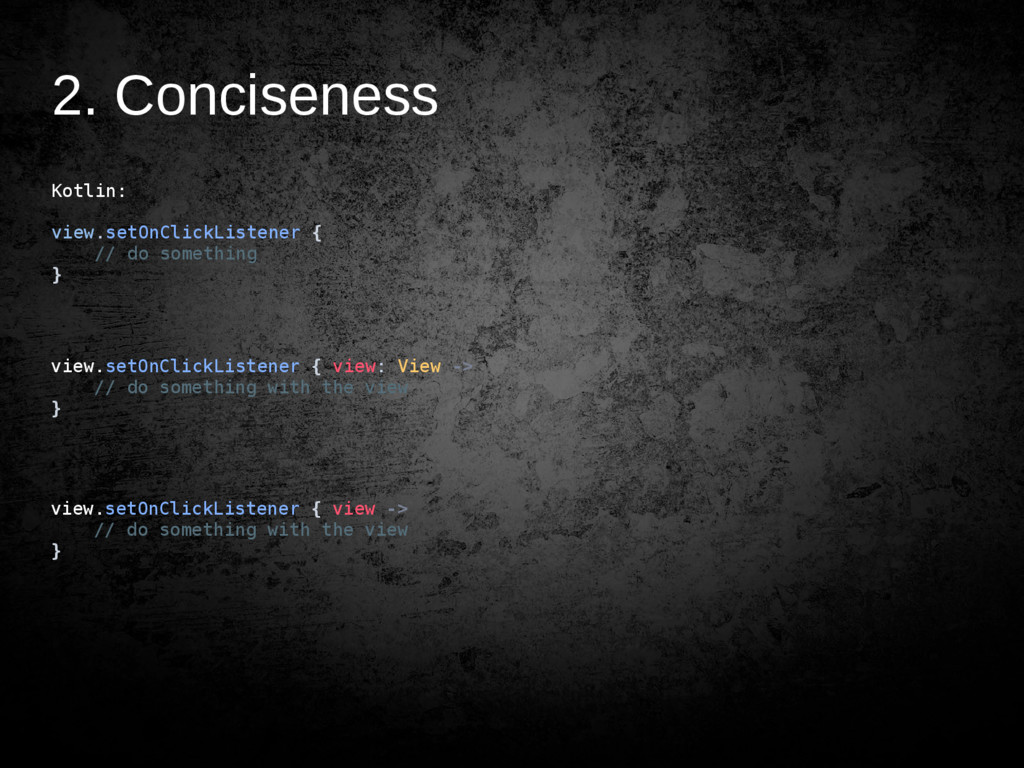
  17. 2. Conciseness Kotlin: view.setOnClickListener { // do something } view.setOnClickListener

    { view: View -> // do something with the view } view.setOnClickListener { view -> // do something with the view }
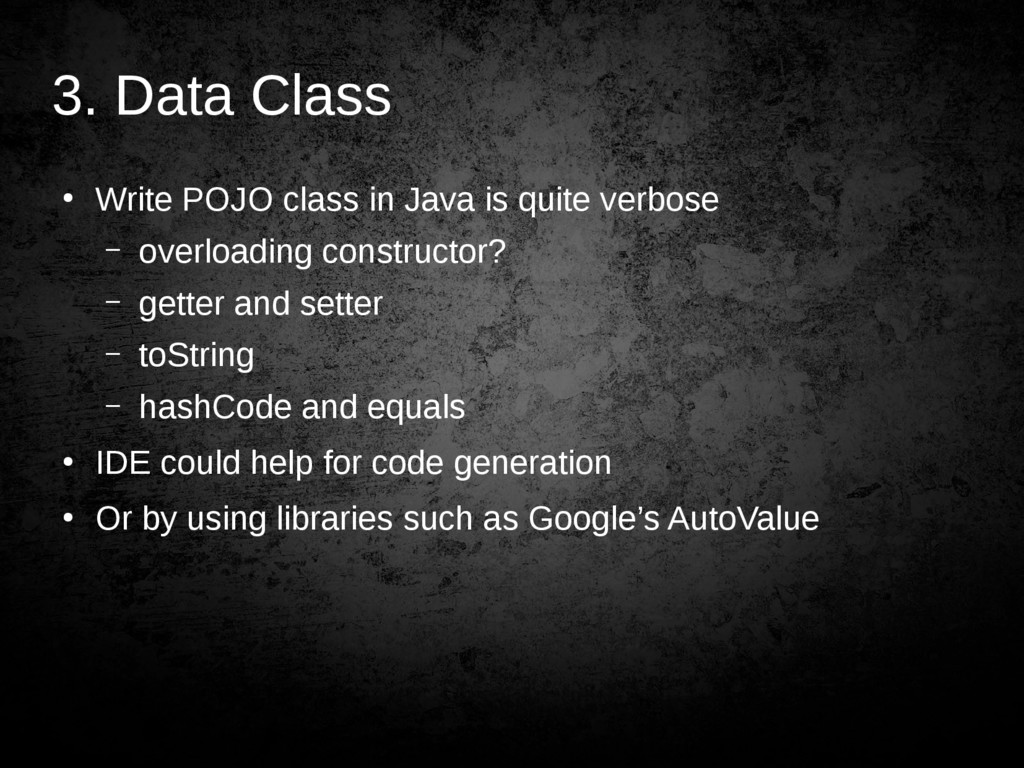
  18. 3. Data Class • Write POJO class in Java is

    quite verbose – overloading constructor? – getter and setter – toString – hashCode and equals • IDE could help for code generation • Or by using libraries such as Google’s AutoValue
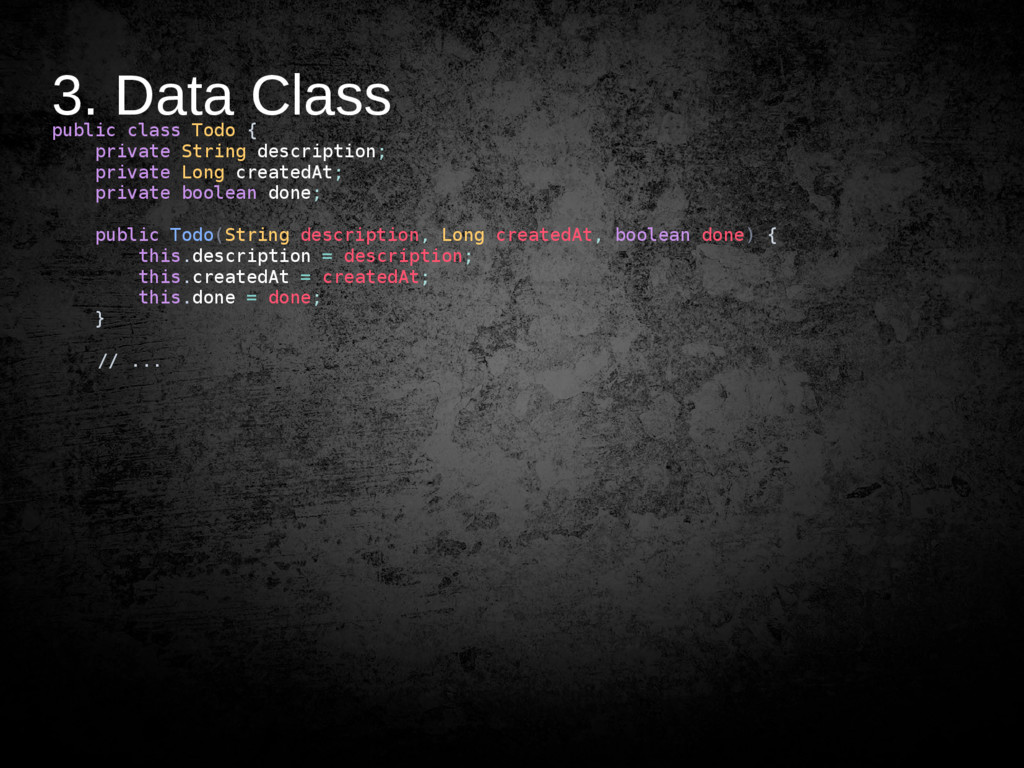
  19. 3. Data Class public class Todo { private String description;

    private Long createdAt; private boolean done; public Todo(String description, Long createdAt, boolean done) { this.description = description; this.createdAt = createdAt; this.done = done; } // ...
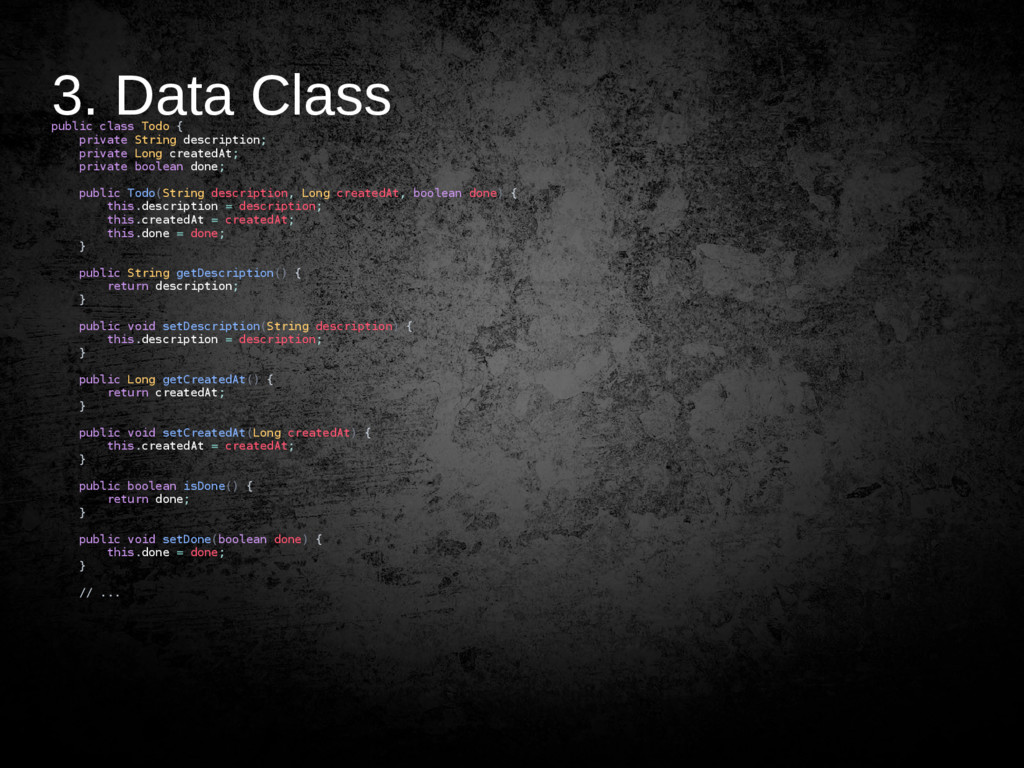
  20. 3. Data Class public class Todo { private String description;

    private Long createdAt; private boolean done; public Todo(String description, Long createdAt, boolean done) { this.description = description; this.createdAt = createdAt; this.done = done; } public String getDescription() { return description; } public void setDescription(String description) { this.description = description; } public Long getCreatedAt() { return createdAt; } public void setCreatedAt(Long createdAt) { this.createdAt = createdAt; } public boolean isDone() { return done; } public void setDone(boolean done) { this.done = done; } // ...
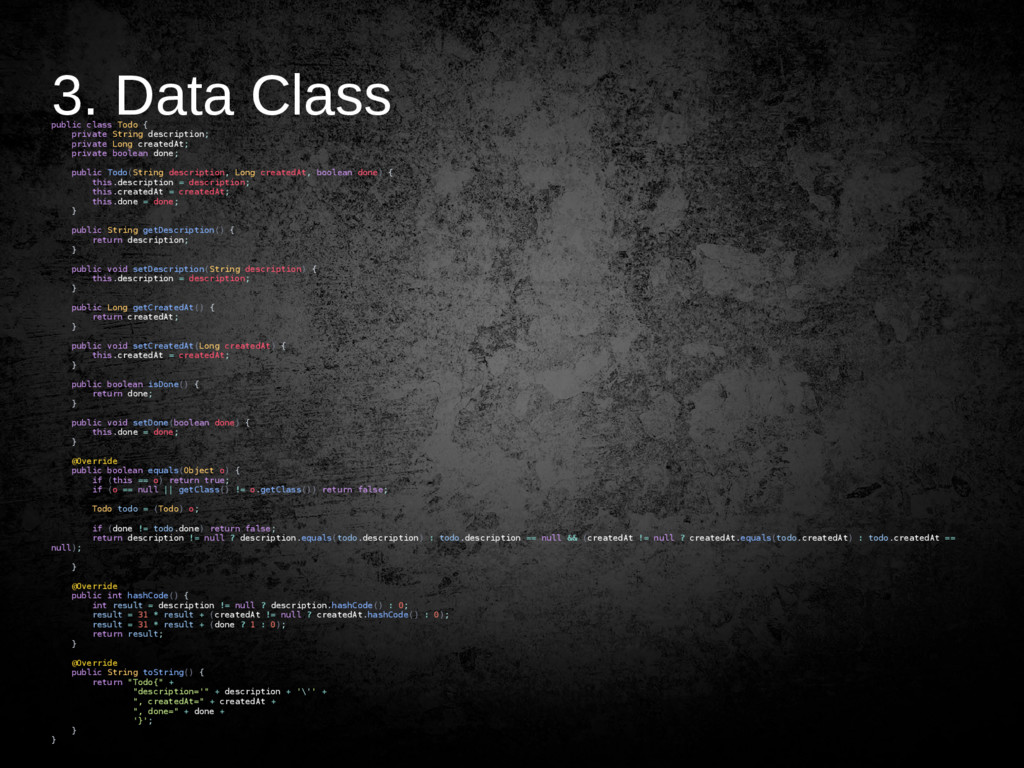
  21. 3. Data Class public class Todo { private String description;

    private Long createdAt; private boolean done; public Todo(String description, Long createdAt, boolean done) { this.description = description; this.createdAt = createdAt; this.done = done; } public String getDescription() { return description; } public void setDescription(String description) { this.description = description; } public Long getCreatedAt() { return createdAt; } public void setCreatedAt(Long createdAt) { this.createdAt = createdAt; } public boolean isDone() { return done; } public void setDone(boolean done) { this.done = done; } @Override public boolean equals(Object o) { if (this == o) return true; if (o == null || getClass() != o.getClass()) return false; Todo todo = (Todo) o; if (done != todo.done) return false; return description != null ? description.equals(todo.description) : todo.description == null && (createdAt != null ? createdAt.equals(todo.createdAt) : todo.createdAt == null); } @Override public int hashCode() { int result = description != null ? description.hashCode() : 0; result = 31 * result + (createdAt != null ? createdAt.hashCode() : 0); result = 31 * result + (done ? 1 : 0); return result; } @Override public String toString() { return "Todo{" + "description='" + description + '\'' + ", createdAt=" + createdAt + ", done=" + done + '}'; } }
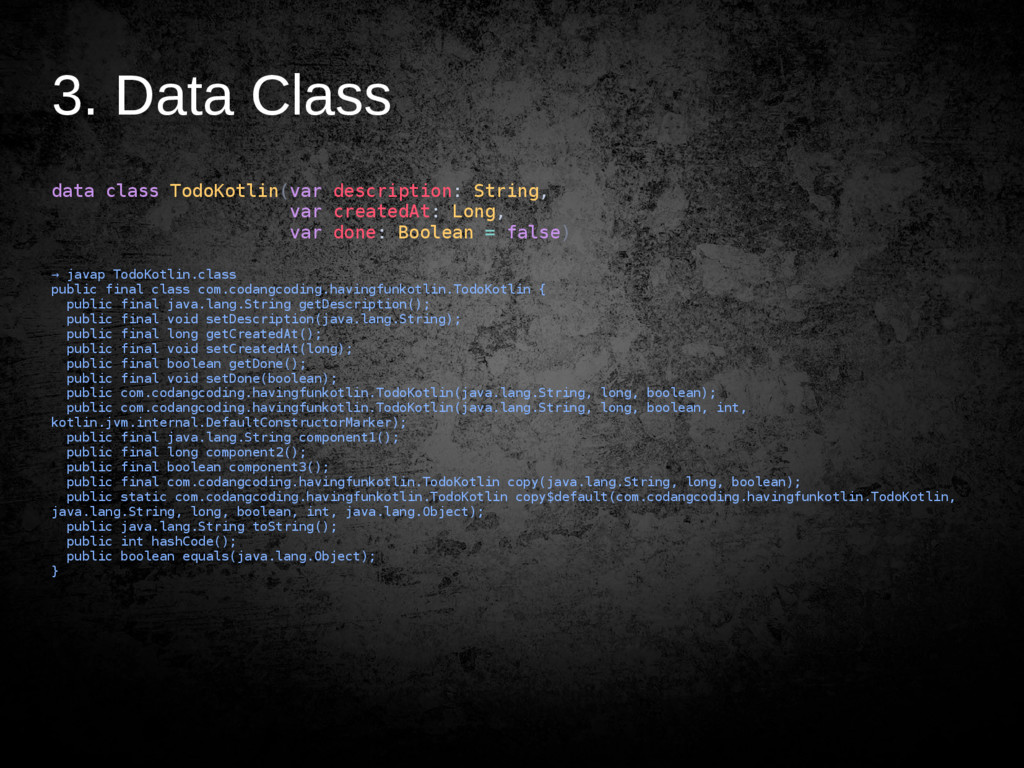
  22. 3. Data Class data class TodoKotlin(var description: String, var createdAt:

    Long, var done: Boolean = false) → javap TodoKotlin.class public final class com.codangcoding.havingfunkotlin.TodoKotlin { public final java.lang.String getDescription(); public final void setDescription(java.lang.String); public final long getCreatedAt(); public final void setCreatedAt(long); public final boolean getDone(); public final void setDone(boolean); public com.codangcoding.havingfunkotlin.TodoKotlin(java.lang.String, long, boolean); public com.codangcoding.havingfunkotlin.TodoKotlin(java.lang.String, long, boolean, int, kotlin.jvm.internal.DefaultConstructorMarker); public final java.lang.String component1(); public final long component2(); public final boolean component3(); public final com.codangcoding.havingfunkotlin.TodoKotlin copy(java.lang.String, long, boolean); public static com.codangcoding.havingfunkotlin.TodoKotlin copy$default(com.codangcoding.havingfunkotlin.TodoKotlin, java.lang.String, long, boolean, int, java.lang.Object); public java.lang.String toString(); public int hashCode(); public boolean equals(java.lang.Object); }
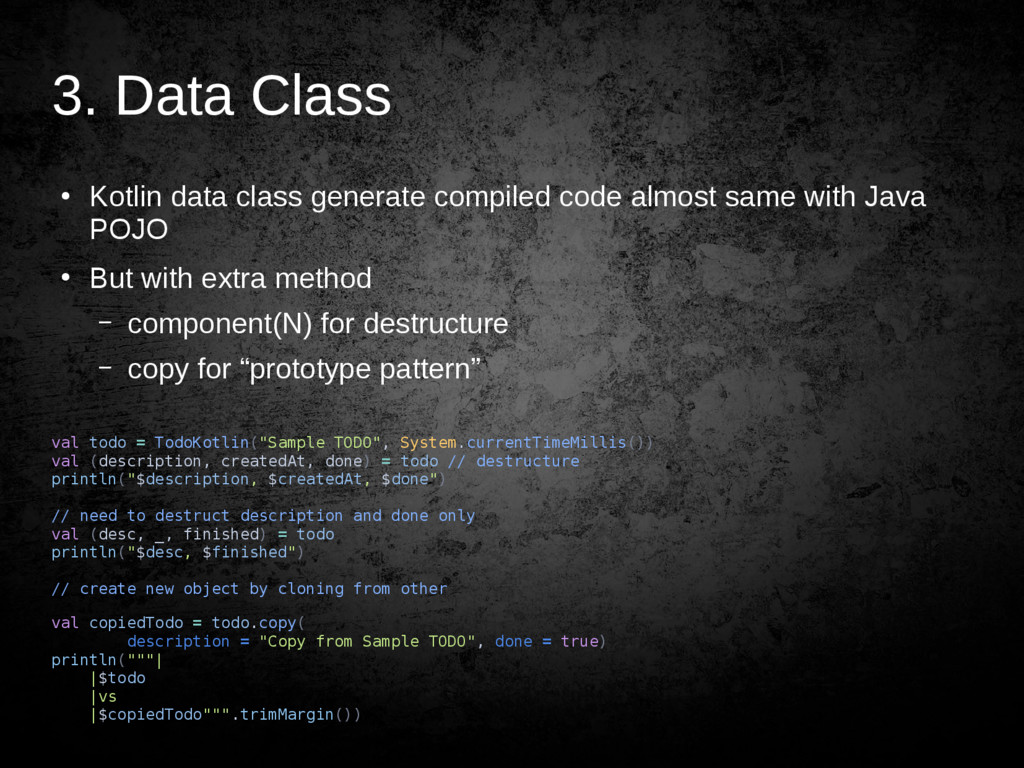
  23. 3. Data Class • Kotlin data class generate compiled code

    almost same with Java POJO • But with extra method – component(N) for destructure – copy for “prototype pattern” val todo = TodoKotlin("Sample TODO", System.currentTimeMillis()) val (description, createdAt, done) = todo // destructure println("$description, $createdAt, $done") // need to destruct description and done only val (desc, _, finished) = todo println("$desc, $finished") // create new object by cloning from other val copiedTodo = todo.copy( description = "Copy from Sample TODO", done = true) println("""| |$todo |vs |$copiedTodo""".trimMargin())
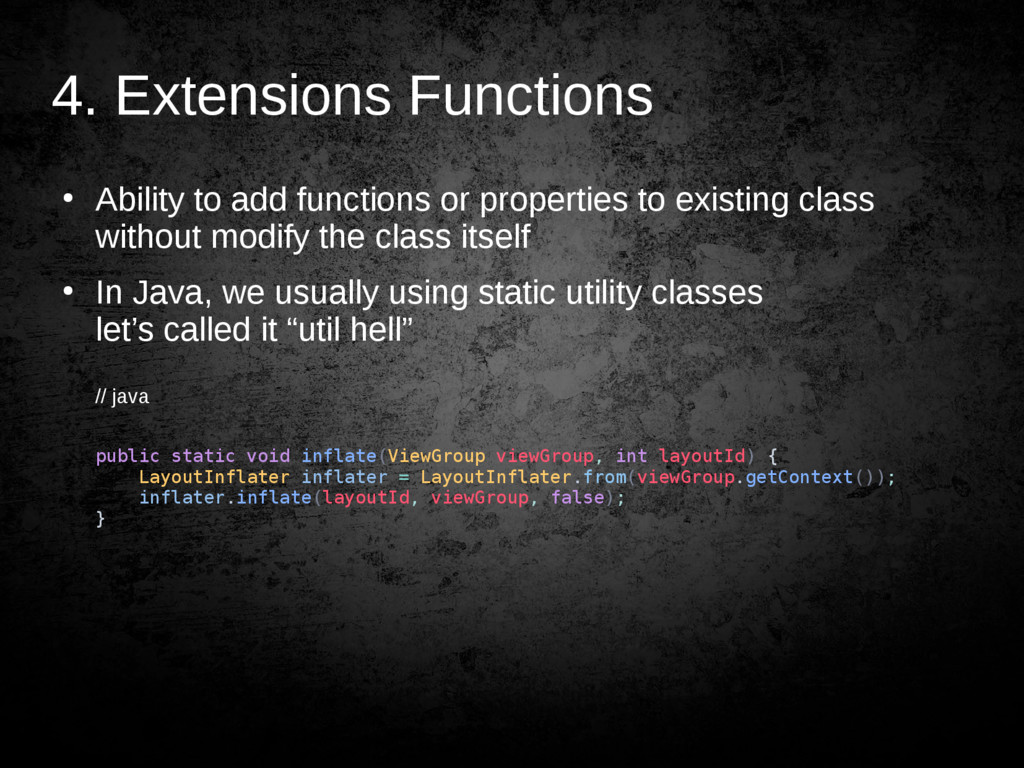
  24. 4. Extensions Functions • Ability to add functions or properties

    to existing class without modify the class itself • In Java, we usually using static utility classes let’s called it “util hell” // java public static void inflate(ViewGroup viewGroup, int layoutId) { LayoutInflater inflater = LayoutInflater.from(viewGroup.getContext()); inflater.inflate(layoutId, viewGroup, false); }
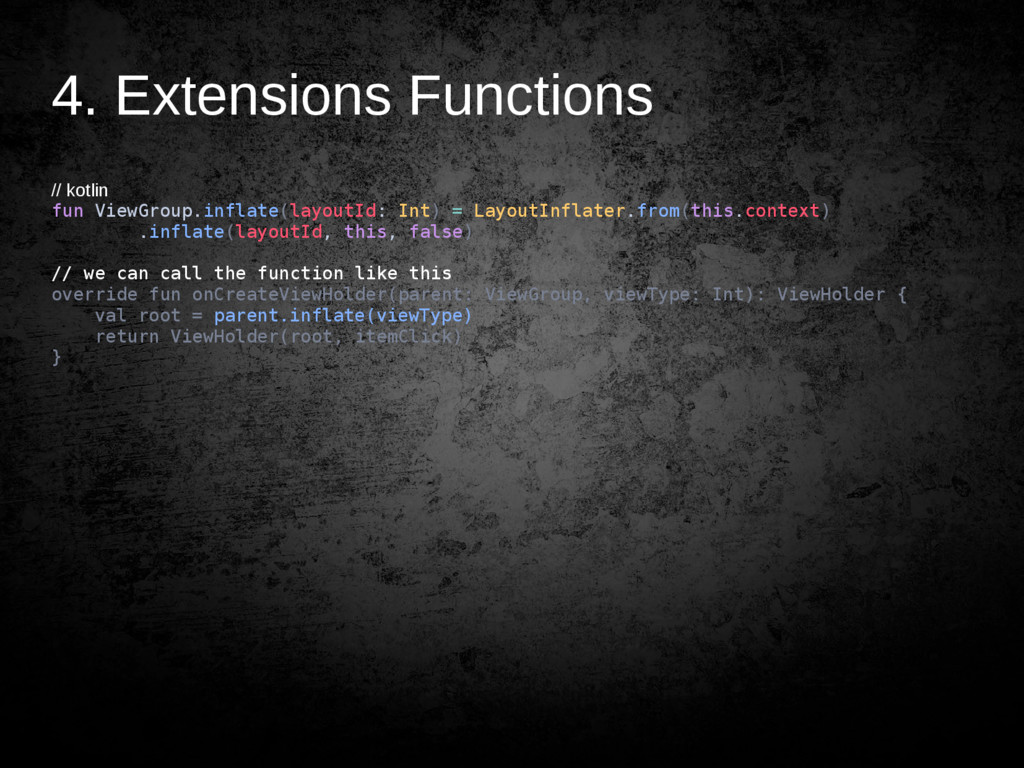
  25. 4. Extensions Functions // kotlin fun ViewGroup.inflate(layoutId: Int) = LayoutInflater.from(this.context)

    .inflate(layoutId, this, false) // we can call the function like this override fun onCreateViewHolder(parent: ViewGroup, viewType: Int): ViewHolder { val root = parent.inflate(viewType) return ViewHolder(root, itemClick) }
  26. 5. Lambda Expression Implementation • Event listener, callback • Higher-order

    functions With perks • Can be inlined for performant custom control structure • Closures
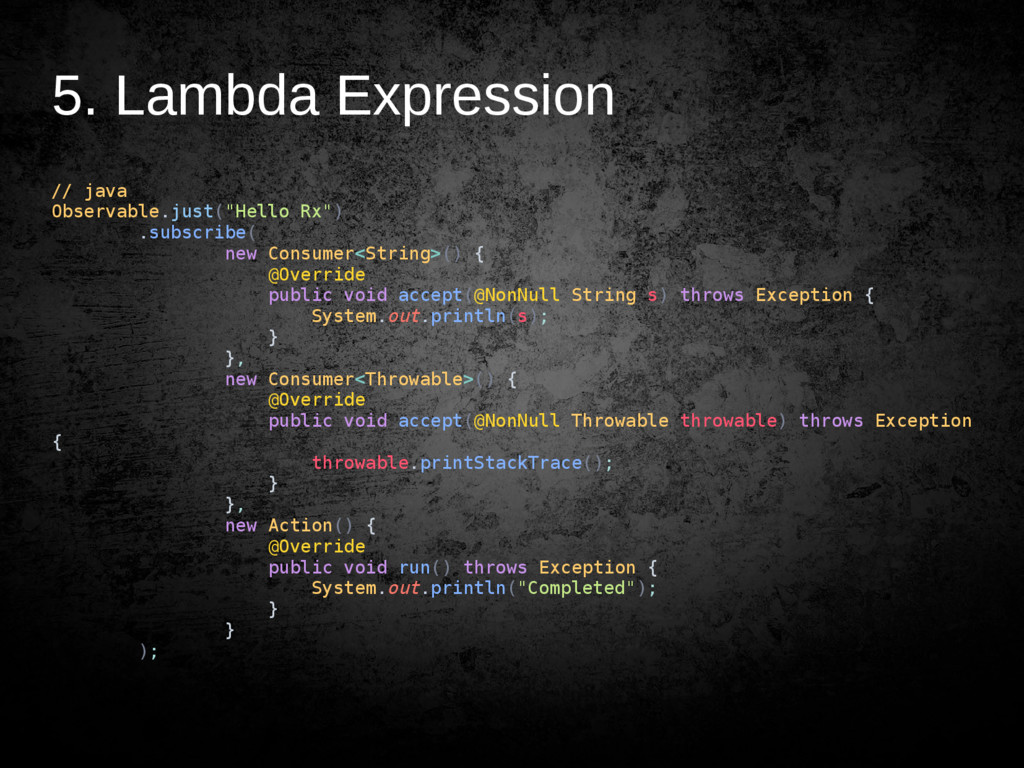
  27. 5. Lambda Expression // java Observable.just("Hello Rx") .subscribe( new Consumer<String>()

    { @Override public void accept(@NonNull String s) throws Exception { System.out.println(s); } }, new Consumer<Throwable>() { @Override public void accept(@NonNull Throwable throwable) throws Exception { throwable.printStackTrace(); } }, new Action() { @Override public void run() throws Exception { System.out.println("Completed"); } } );
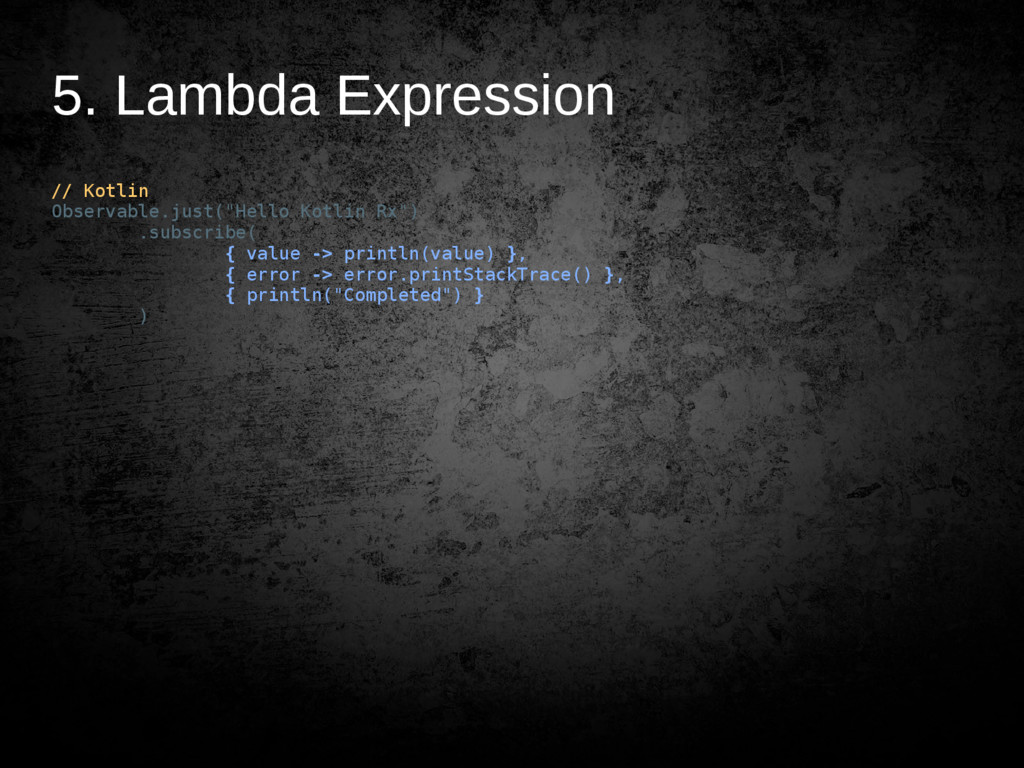
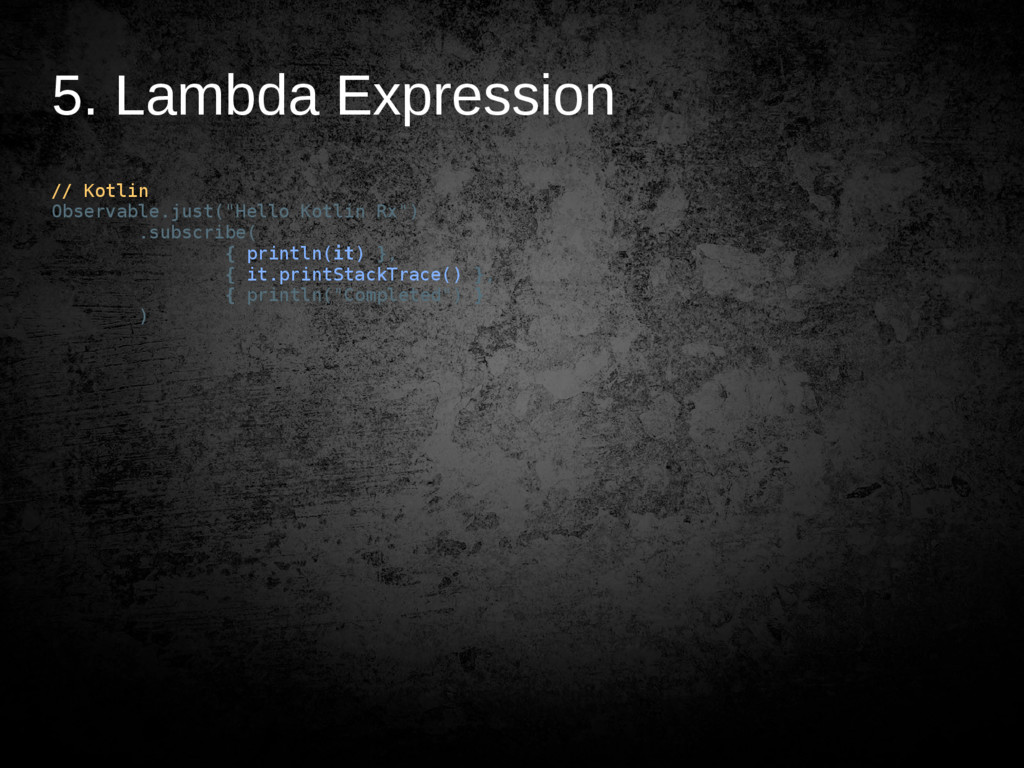
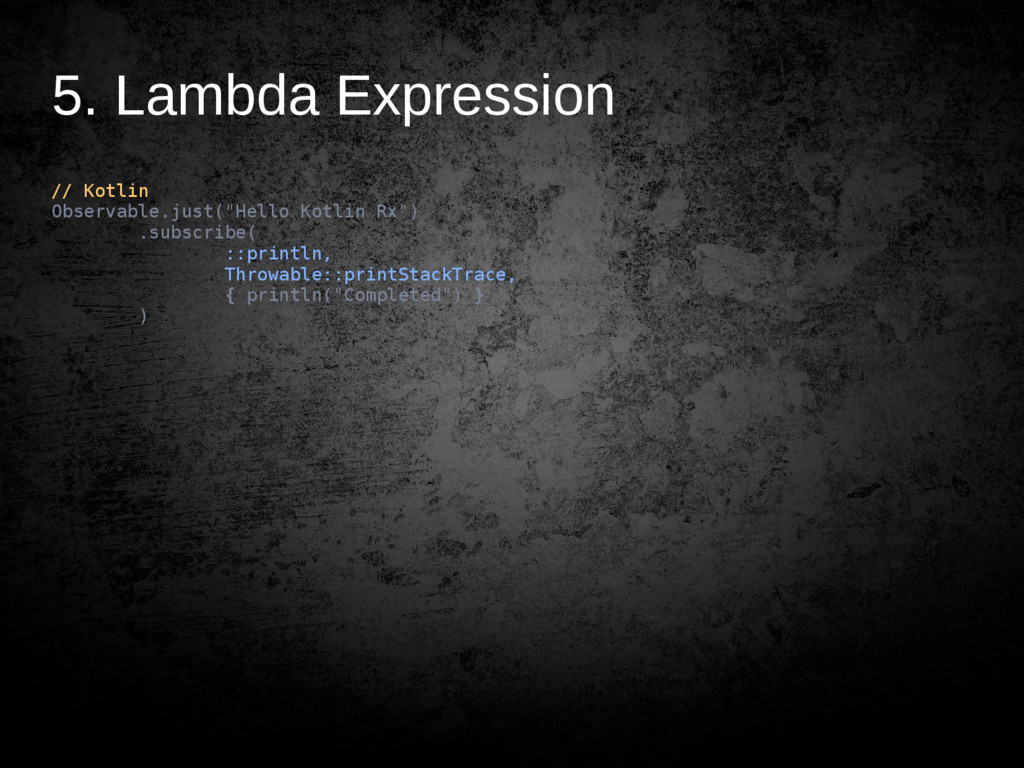
  28. 5. Lambda Expression // Kotlin Observable.just("Hello Kotlin Rx") .subscribe( {

    value -> println(value) }, { error -> error.printStackTrace() }, { println("Completed") } )
  29. 5. Lambda Expression // Kotlin Observable.just("Hello Kotlin Rx") .subscribe( {

    println(it) }, { it.printStackTrace() }, { println("Completed") } )
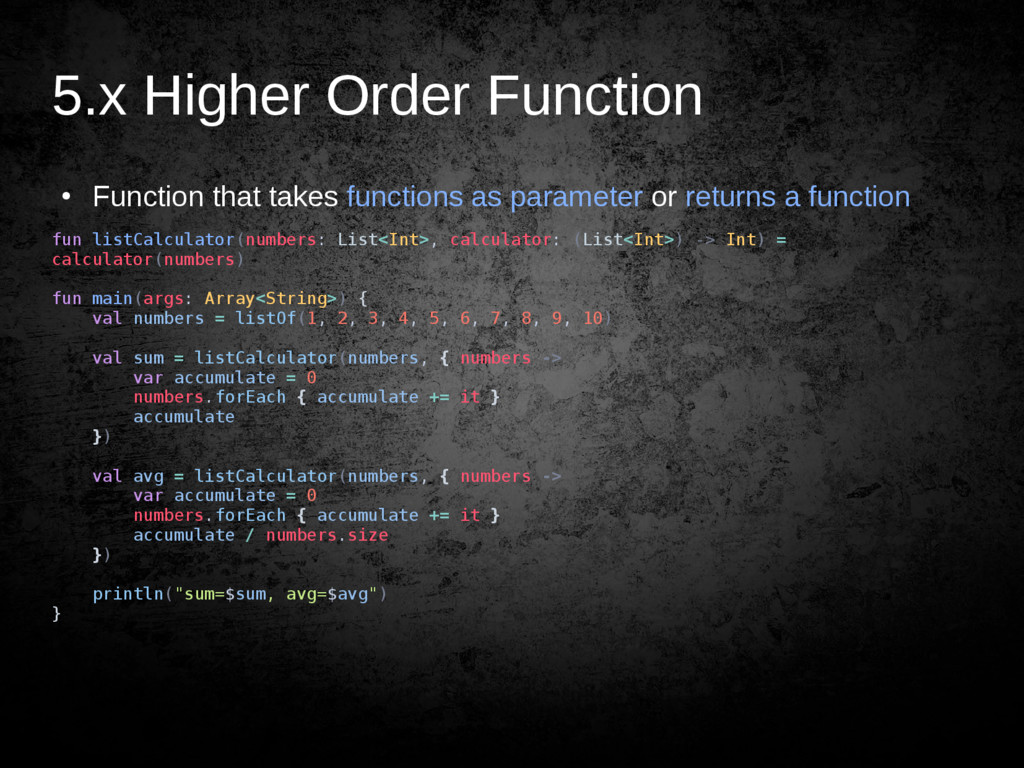
  30. 5.x Higher Order Function • Function that takes functions as

    parameter or returns a function fun listCalculator(numbers: List<Int>, calculator: (List<Int>) -> Int) = calculator(numbers) fun main(args: Array<String>) { val numbers = listOf(1, 2, 3, 4, 5, 6, 7, 8, 9, 10) val sum = listCalculator(numbers, { numbers -> var accumulate = 0 numbers.forEach { accumulate += it } accumulate }) val avg = listCalculator(numbers, { numbers -> var accumulate = 0 numbers.forEach { accumulate += it } accumulate / numbers.size }) println("sum=$sum, avg=$avg") }
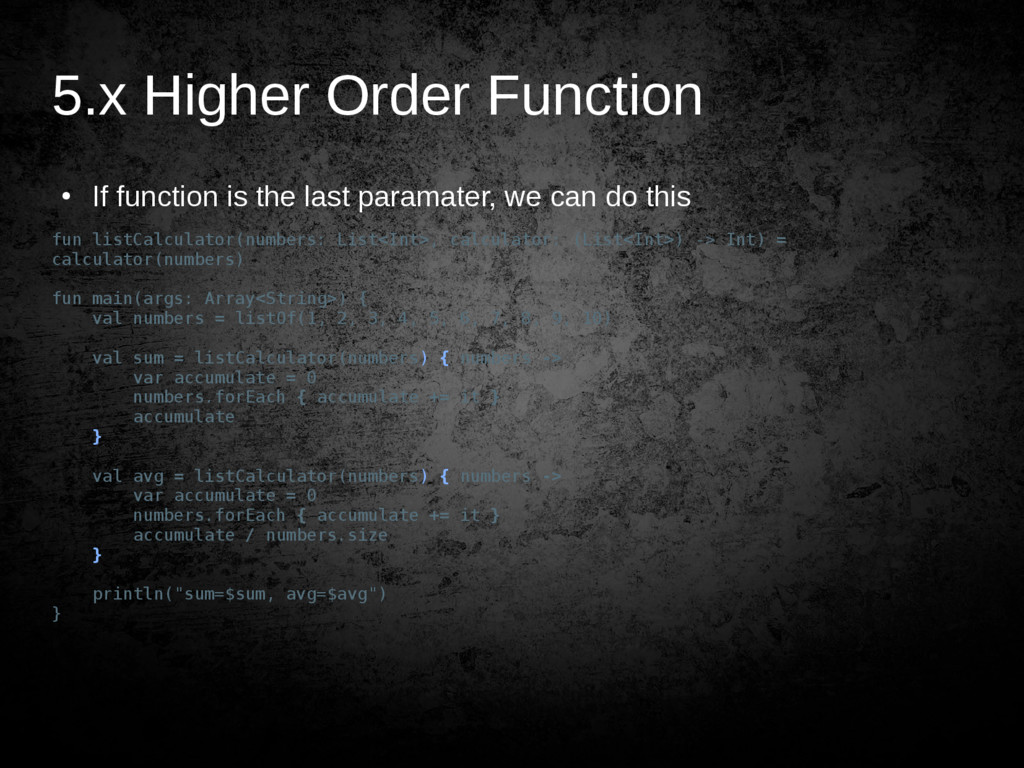
  31. 5.x Higher Order Function • If function is the last

    paramater, we can do this fun listCalculator(numbers: List<Int>, calculator: (List<Int>) -> Int) = calculator(numbers) fun main(args: Array<String>) { val numbers = listOf(1, 2, 3, 4, 5, 6, 7, 8, 9, 10) val sum = listCalculator(numbers) { numbers -> var accumulate = 0 numbers.forEach { accumulate += it } accumulate } val avg = listCalculator(numbers) { numbers -> var accumulate = 0 numbers.forEach { accumulate += it } accumulate / numbers.size } println("sum=$sum, avg=$avg") }
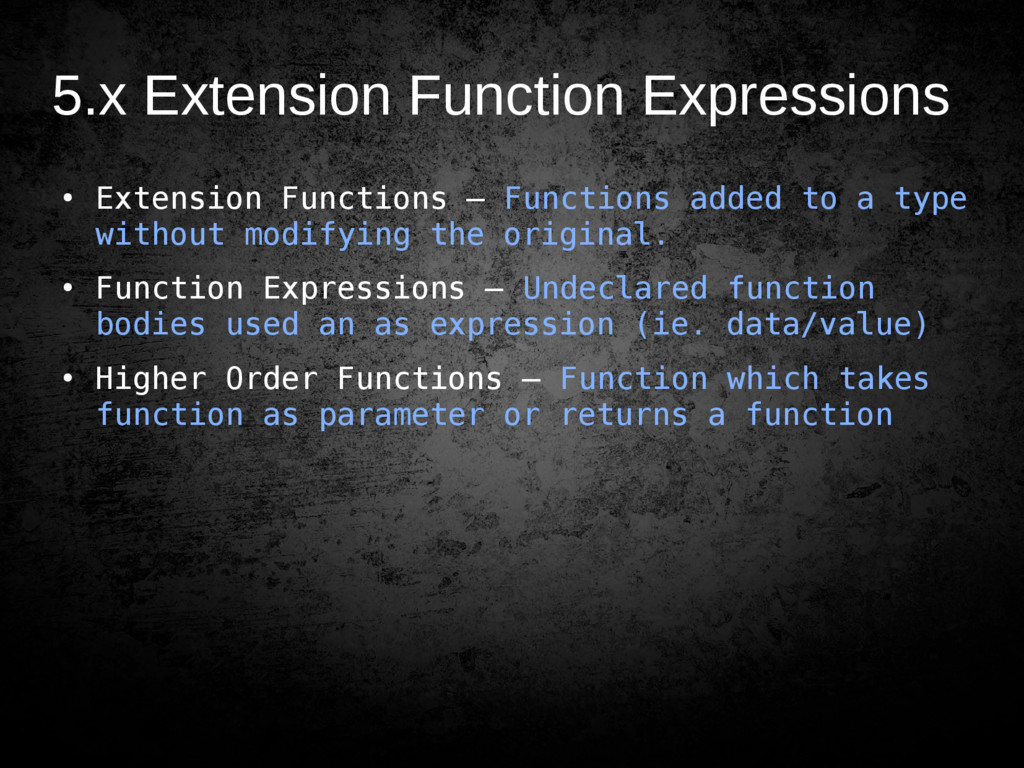
  32. 5.x Extension Function Expressions • Extension Functions – Functions added

    to a type without modifying the original. • Function Expressions – Undeclared function bodies used an as expression (ie. data/value) • Higher Order Functions – Function which takes function as parameter or returns a function
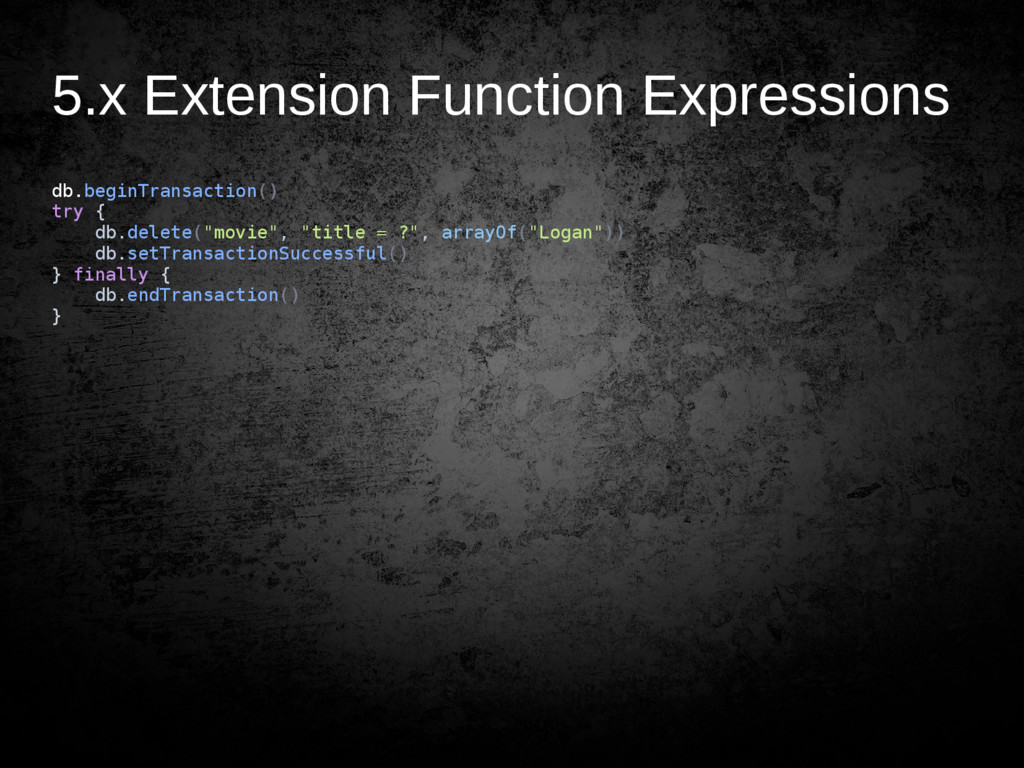
  33. 5.x Extension Function Expressions db.beginTransaction() try { db.delete("movie", "title =

    ?", arrayOf("Logan")) db.setTransactionSuccessful() } finally { db.endTransaction() }
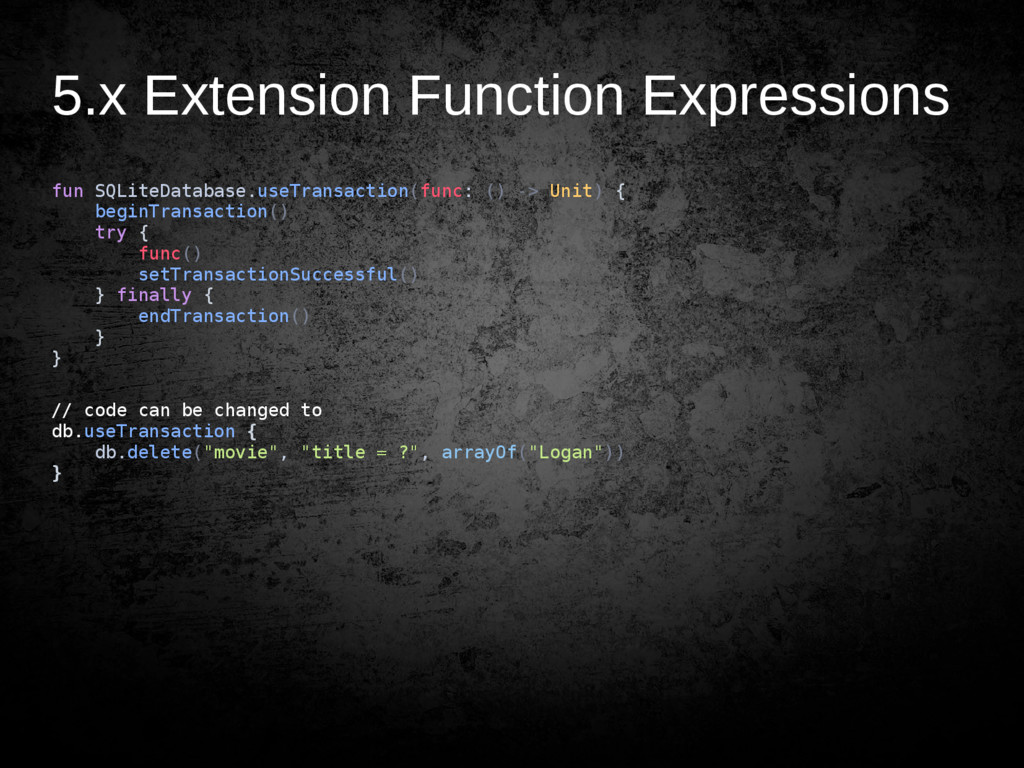
  34. 5.x Extension Function Expressions fun SQLiteDatabase.useTransaction(func: () -> Unit) {

    beginTransaction() try { func() setTransactionSuccessful() } finally { endTransaction() } } // code can be changed to db.useTransaction { db.delete("movie", "title = ?", arrayOf("Logan")) }
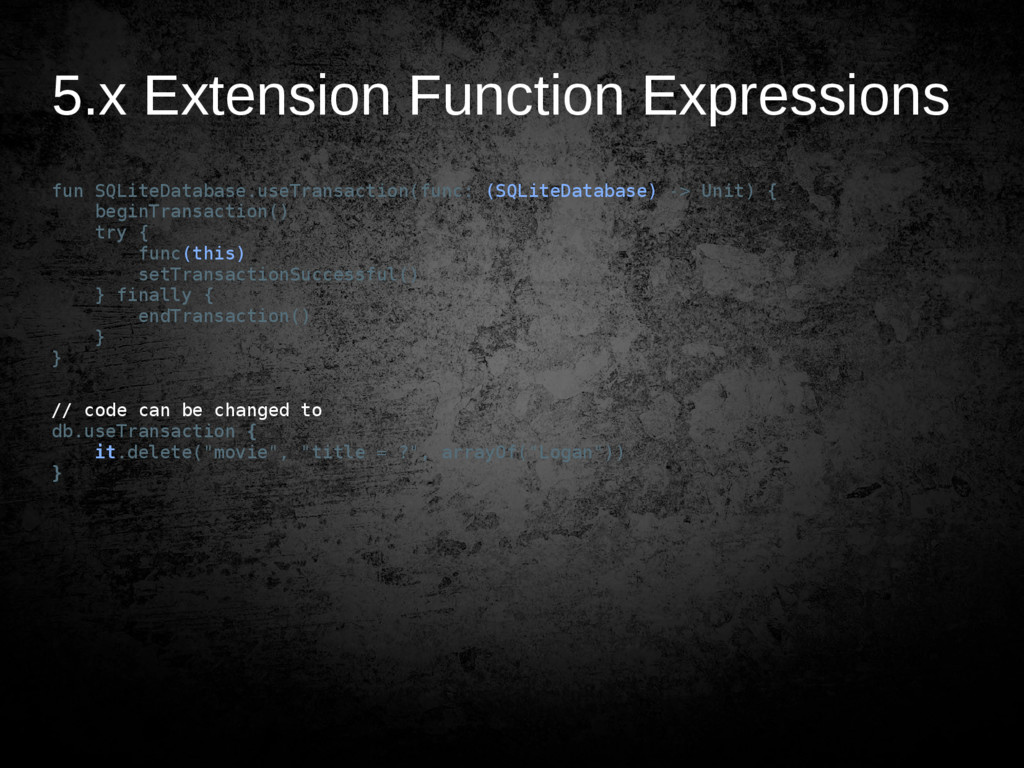
  35. 5.x Extension Function Expressions fun SQLiteDatabase.useTransaction(func: (SQLiteDatabase) -> Unit) {

    beginTransaction() try { func(this) setTransactionSuccessful() } finally { endTransaction() } } // code can be changed to db.useTransaction { it.delete("movie", "title = ?", arrayOf("Logan")) }
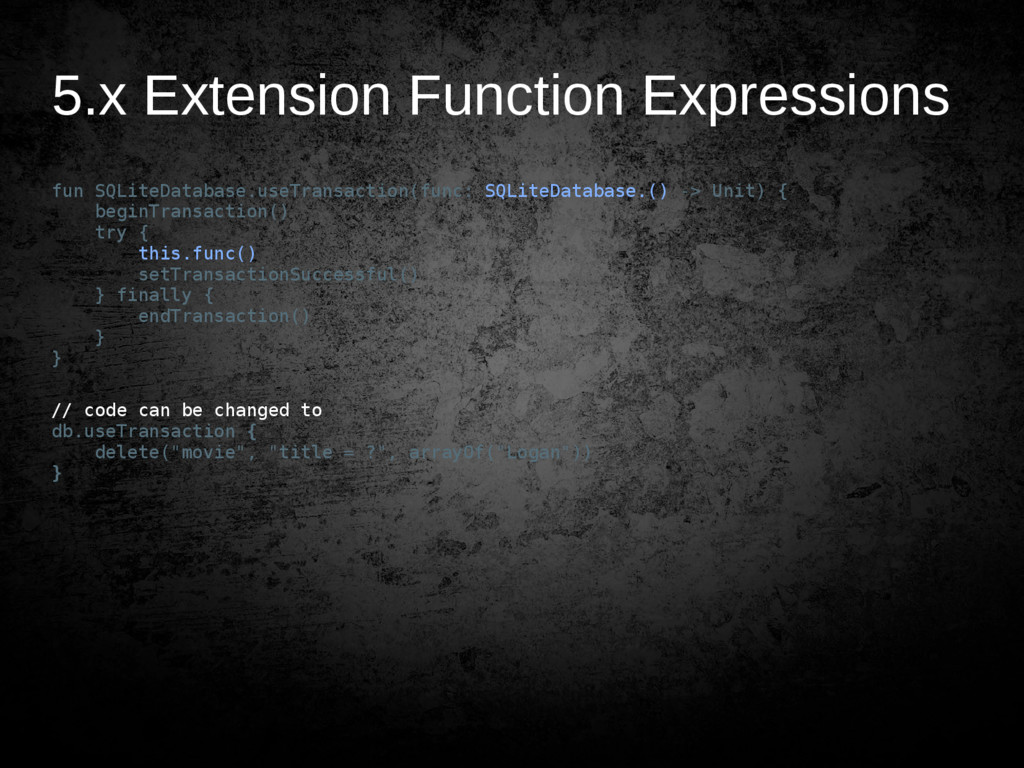
  36. 5.x Extension Function Expressions fun SQLiteDatabase.useTransaction(func: SQLiteDatabase.() -> Unit) {

    beginTransaction() try { this.func() setTransactionSuccessful() } finally { endTransaction() } } // code can be changed to db.useTransaction { delete("movie", "title = ?", arrayOf("Logan")) }
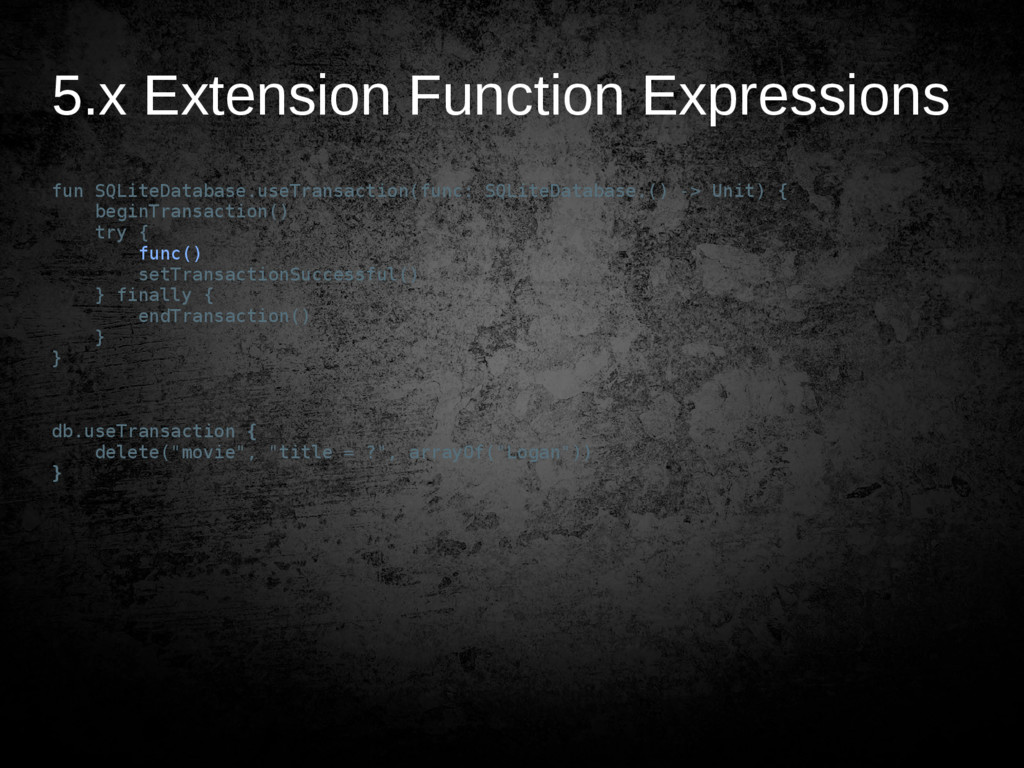
  37. 5.x Extension Function Expressions fun SQLiteDatabase.useTransaction(func: SQLiteDatabase.() -> Unit) {

    beginTransaction() try { func() setTransactionSuccessful() } finally { endTransaction() } } db.useTransaction { delete("movie", "title = ?", arrayOf("Logan")) }
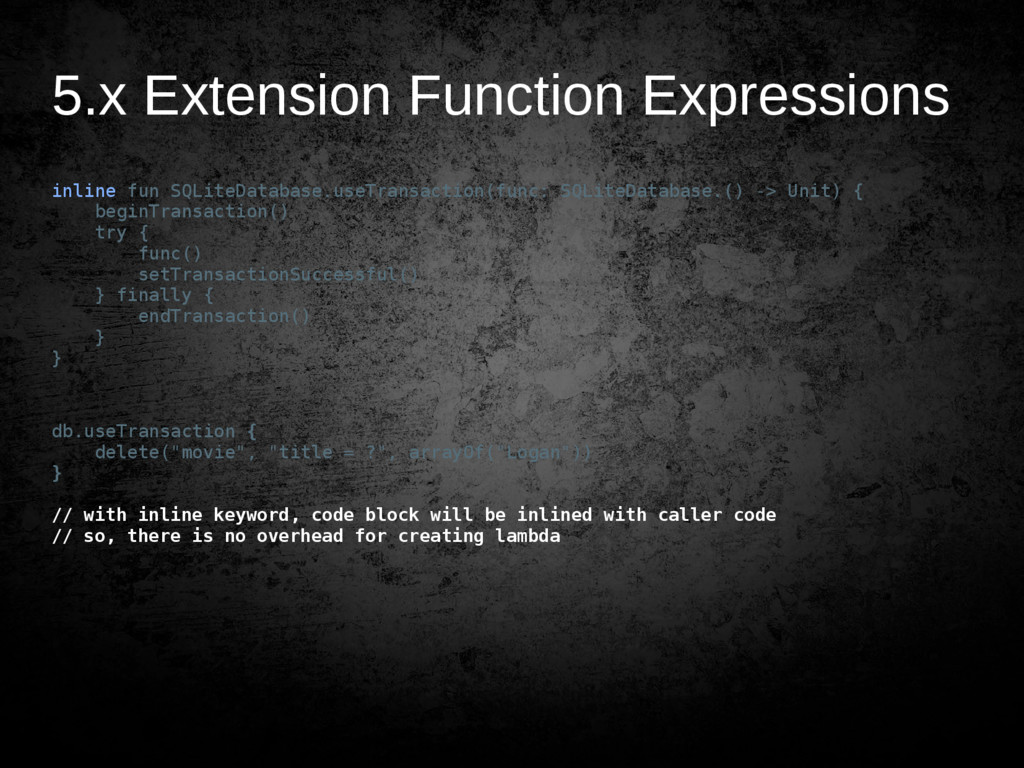
  38. 5.x Extension Function Expressions inline fun SQLiteDatabase.useTransaction(func: SQLiteDatabase.() -> Unit)

    { beginTransaction() try { func() setTransactionSuccessful() } finally { endTransaction() } } db.useTransaction { delete("movie", "title = ?", arrayOf("Logan")) } // with inline keyword, code block will be inlined with caller code // so, there is no overhead for creating lambda
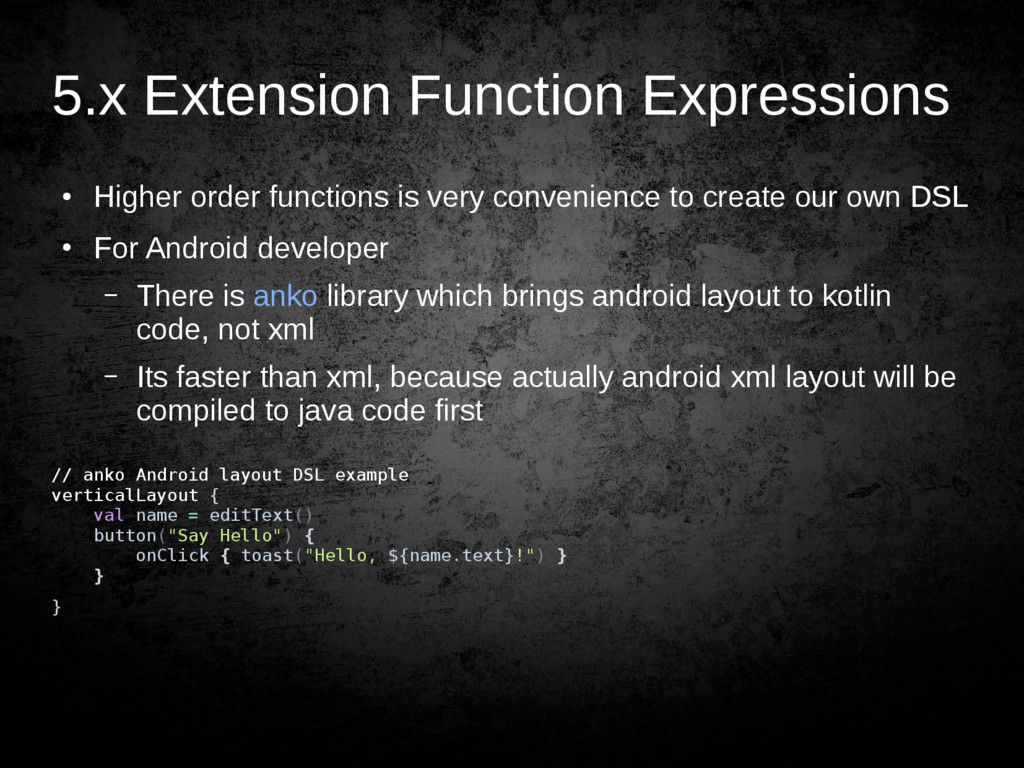
  39. 5.x Extension Function Expressions • Higher order functions is very

    convenience to create our own DSL • For Android developer – There is anko library which brings android layout to kotlin code, not xml – Its faster than xml, because actually android xml layout will be compiled to java code first // anko Android layout DSL example verticalLayout { val name = editText() button("Say Hello") { onClick { toast("Hello, ${name.text}!") } } }
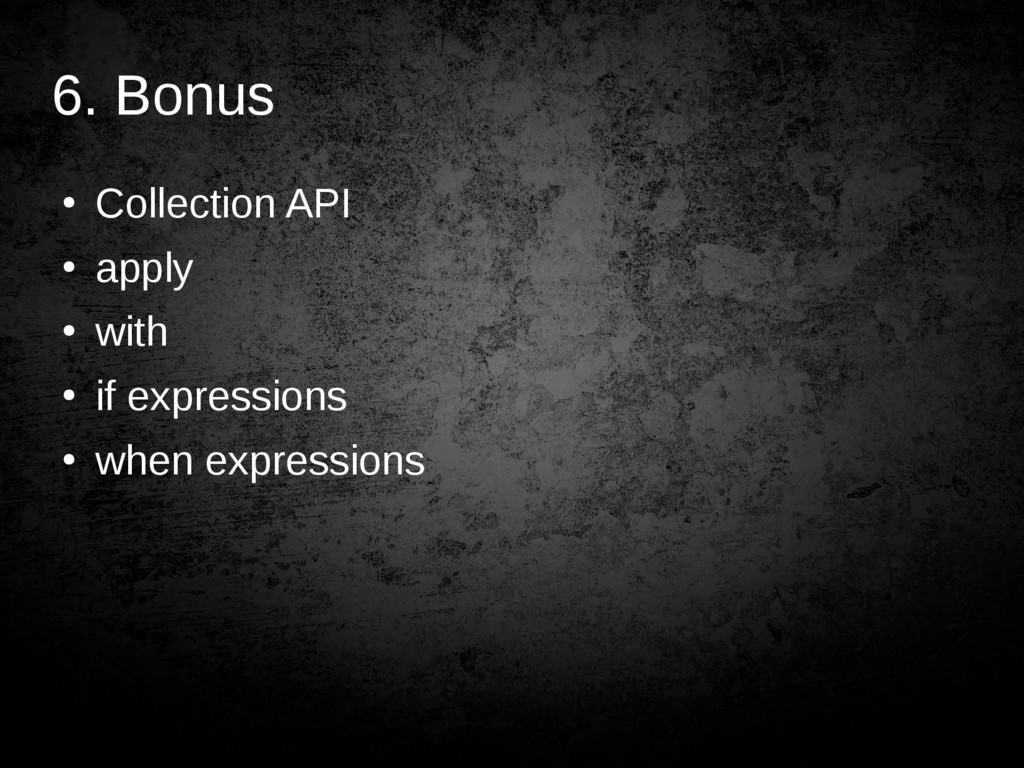
  40. 6. Bonus • Collection API • apply • with •

    if expressions • when expressions