Upgrade to Pro — share decks privately, control downloads, hide ads and more …

Ardor Blockchain Lightweigth Smart Contract

Avatar for Etienne Etienne
April 27, 2019

Ardor Blockchain Lightweigth Smart Contract

This a presentation on how to simply deploying the Ardor Smart Contract which is written in Java.

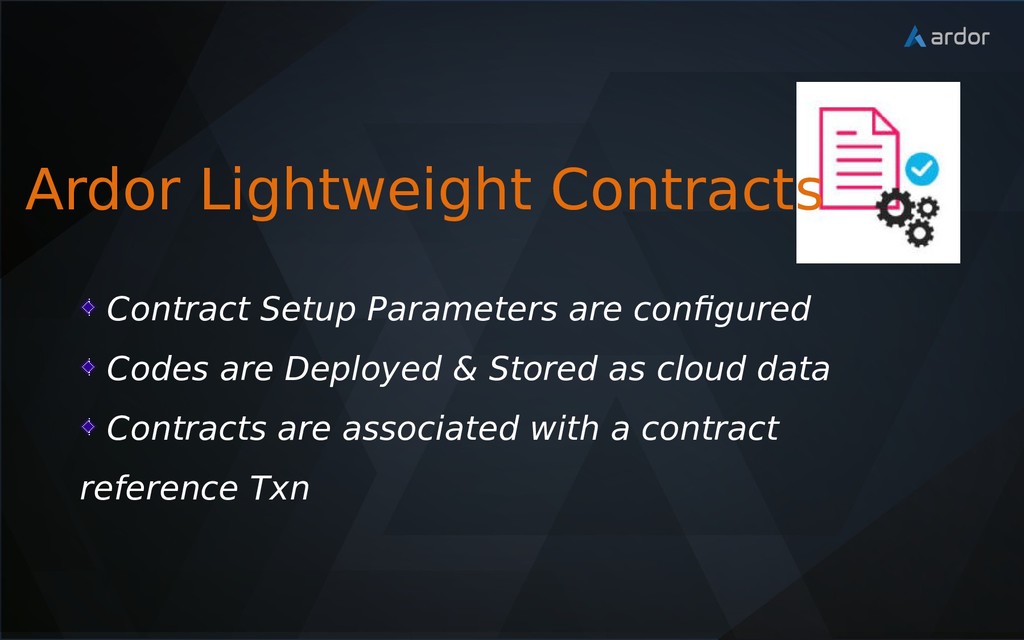
Avatar for Etienne

Etienne

April 27, 2019

Other Decks in Technology

Transcript

  1. Overview Part I Elements of Blockchain Smart Contracts Solution Part

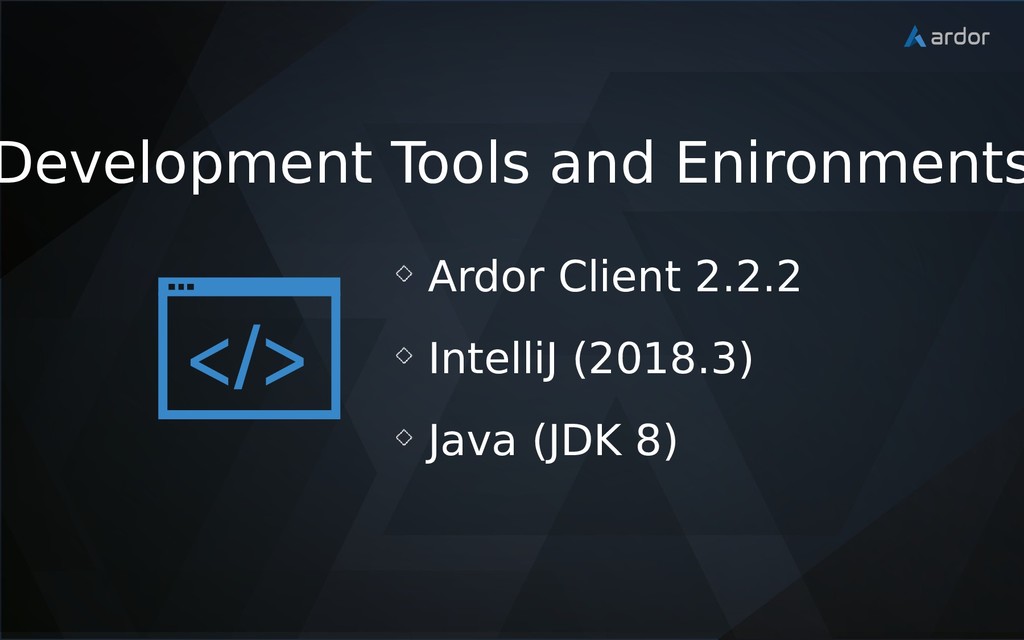
    II Ardor Lightweight Contracts Development Tools and Environment Configuration, Deployment and Execution
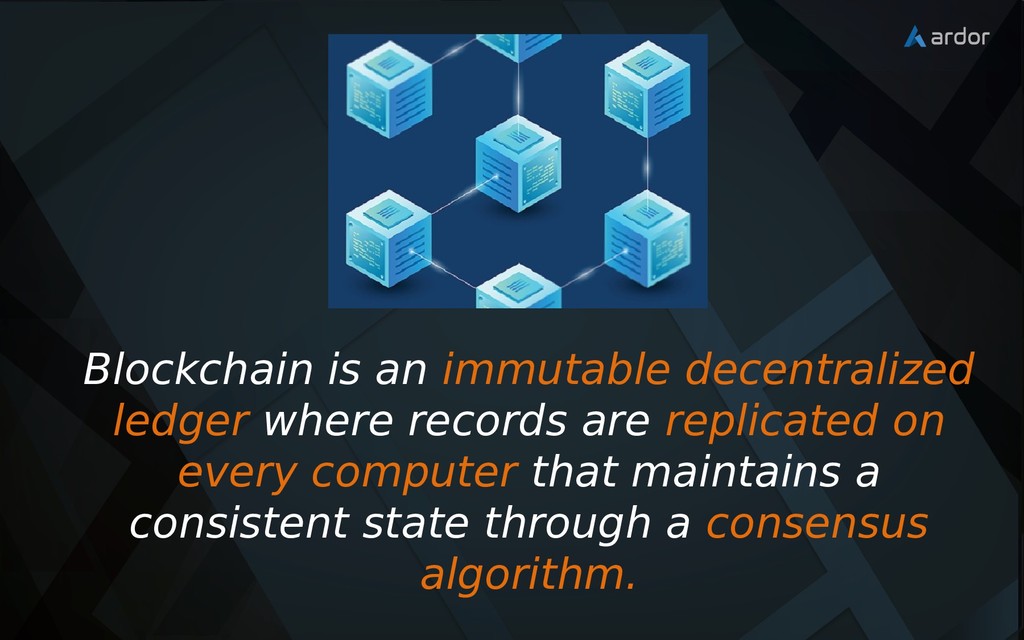
  2. Blockchain is an immutable decentralized ledger where records are replicated

    on every computer that maintains a consistent state through a consensus algorithm.
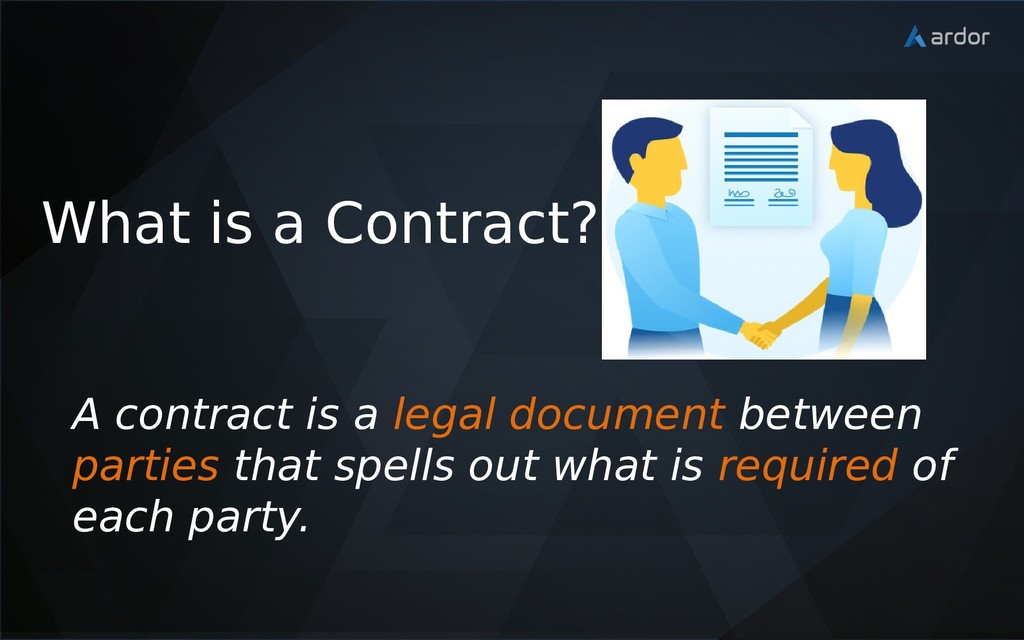
  3. A contract is a legal document between parties that spells

    out what is required of each party. What is a Contract?
  4. “A smart contract is a set of promises specified in

    digital form including protocols with which the parties perform on these promises.” — Nick Szabo, 1996
  5. • Stores Rules • Verifies Rules • Executes the Rules

    Smart Contract allows for real world constrains to be realized in transfer of values.
  6. Contract Setup Parameters are configured Codes are Deployed & Stored

    as cloud data Contracts are associated with a contract reference Txn Ardor Lightweight Contracts
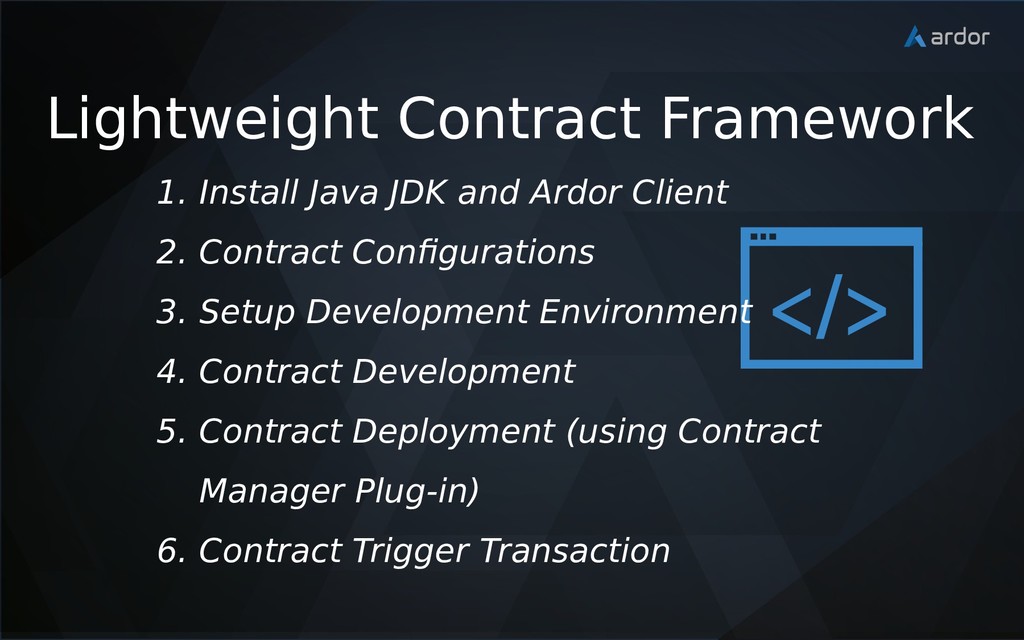
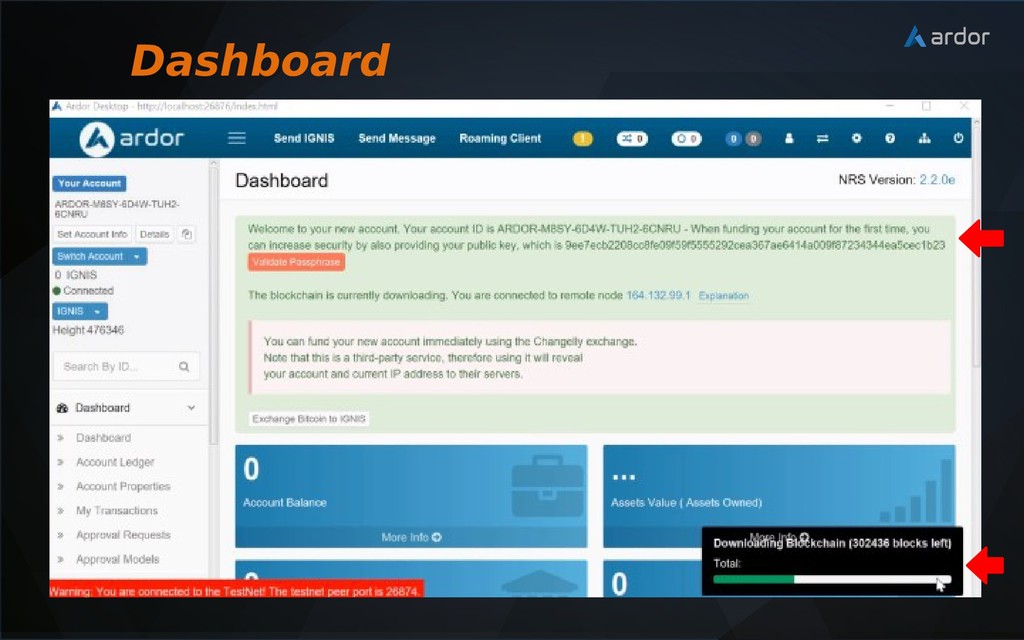
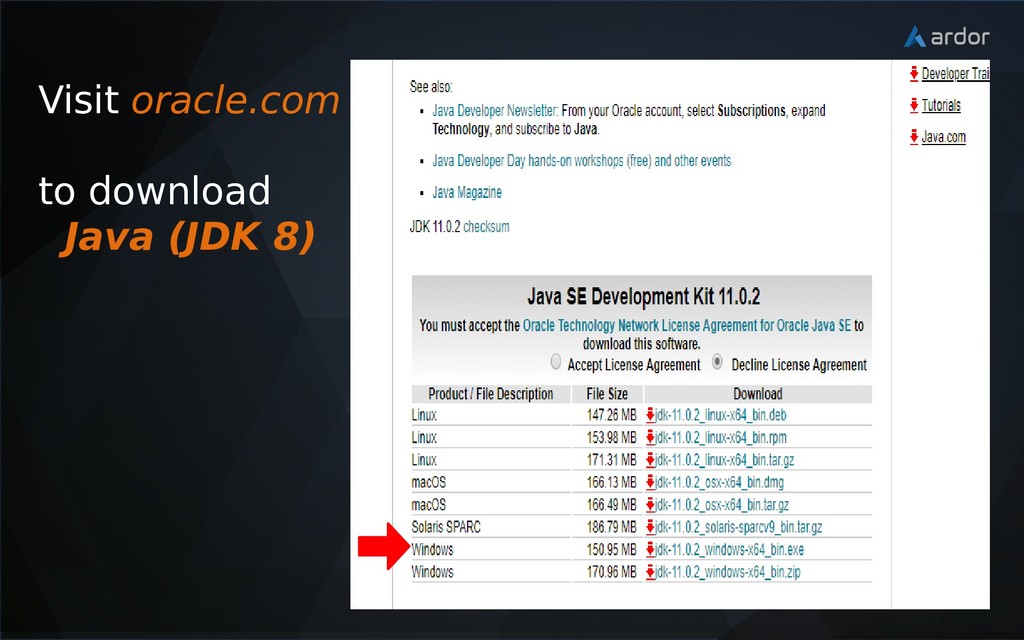
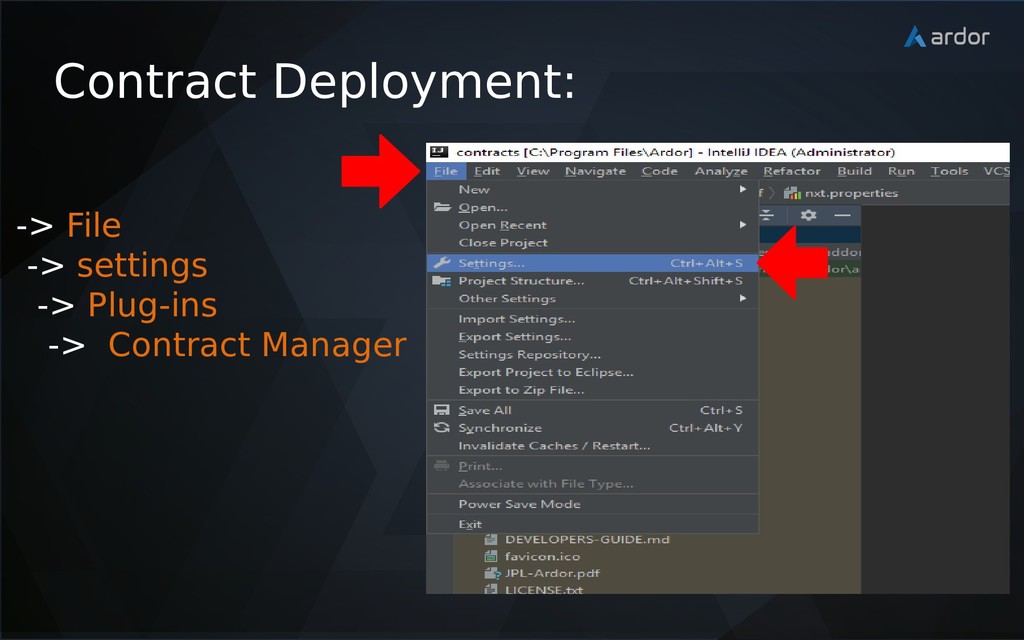
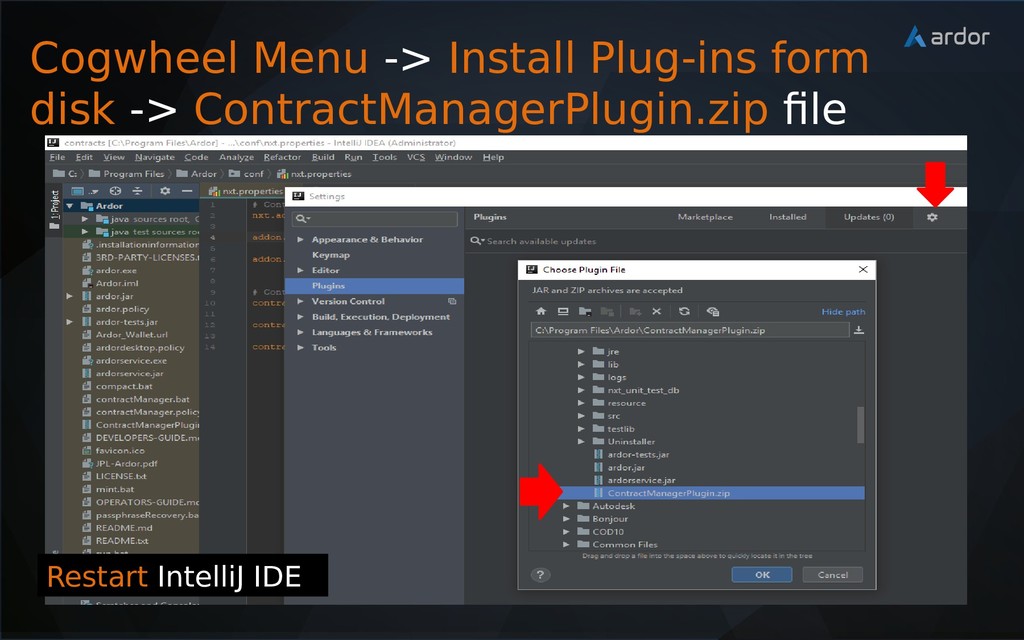
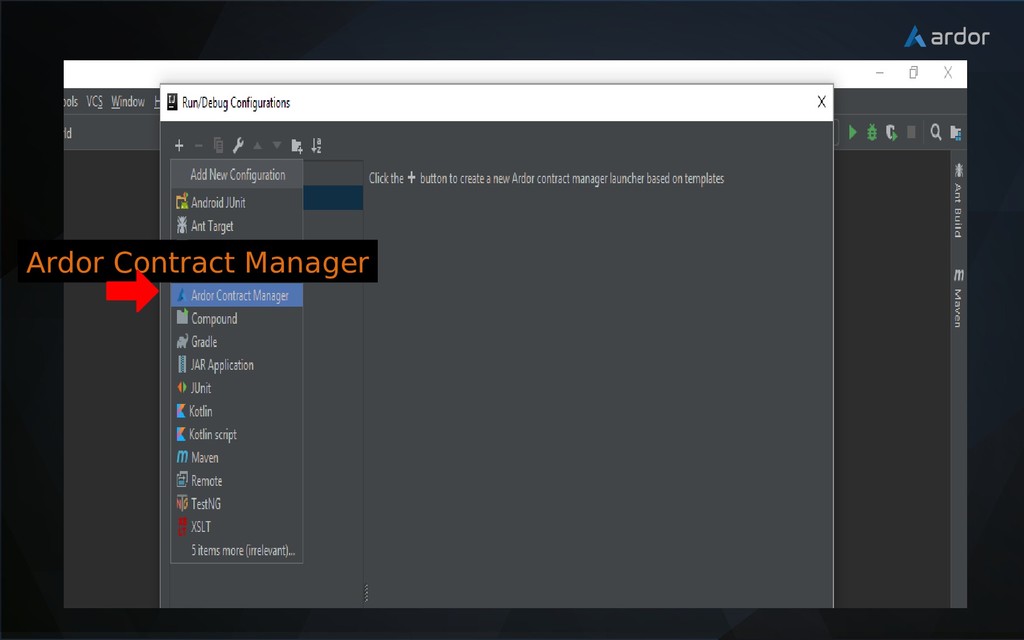
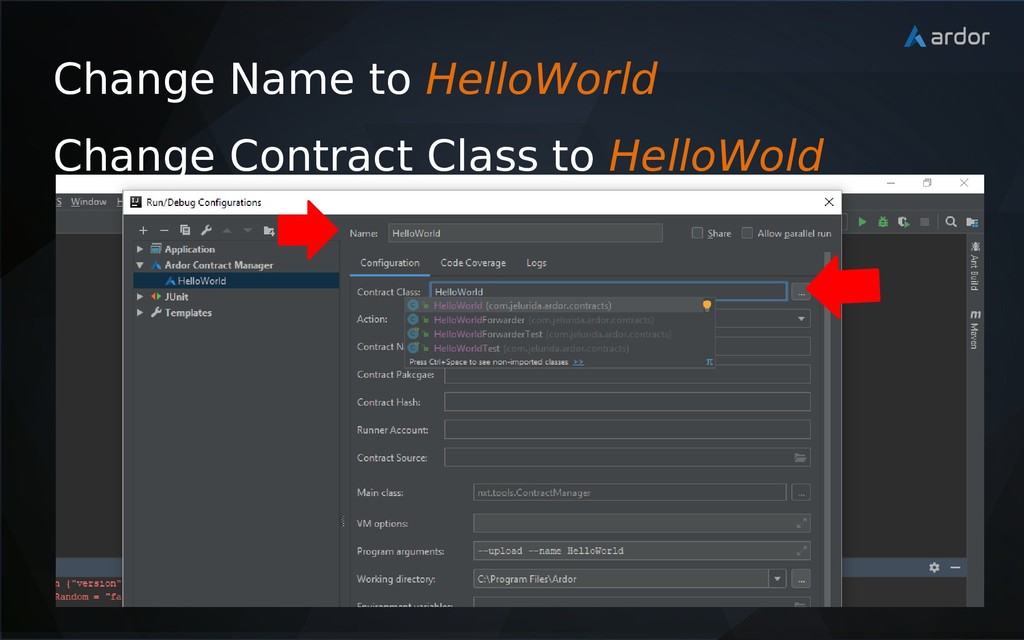
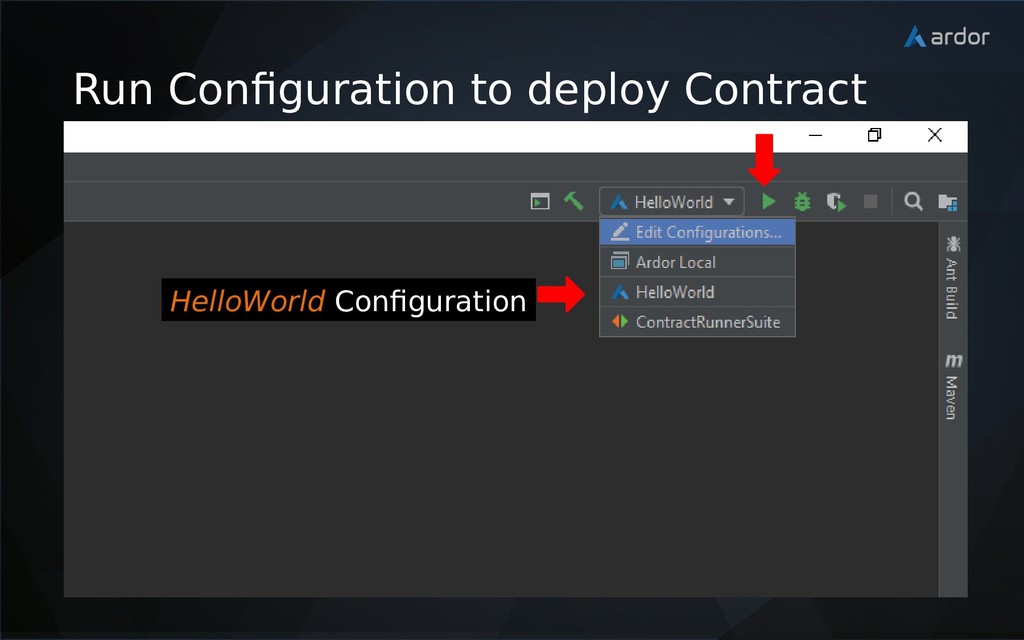
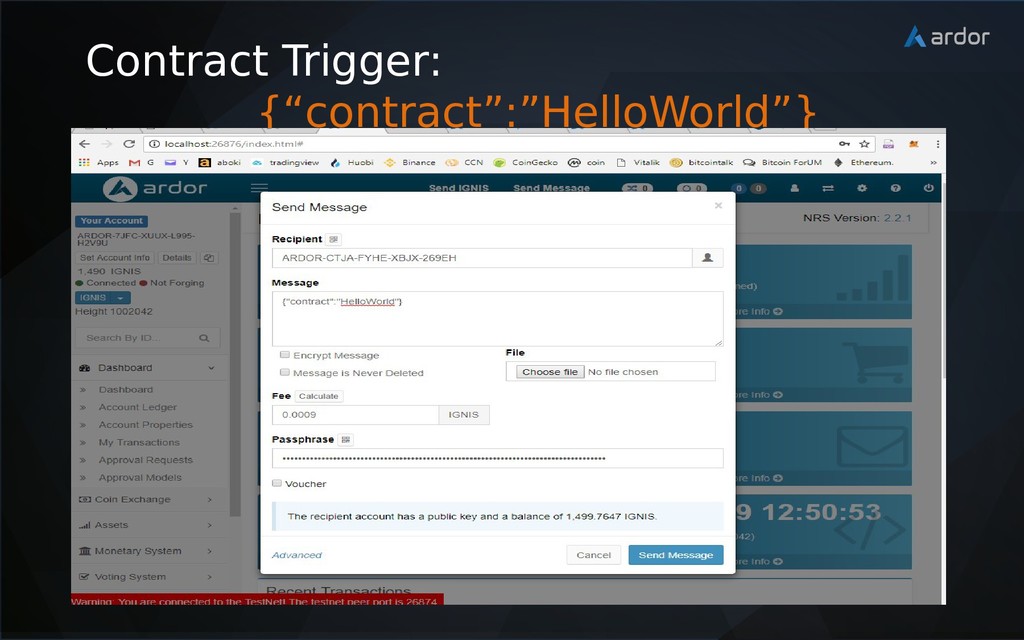
  7. 1. Install Java JDK and Ardor Client 2. Contract Configurations

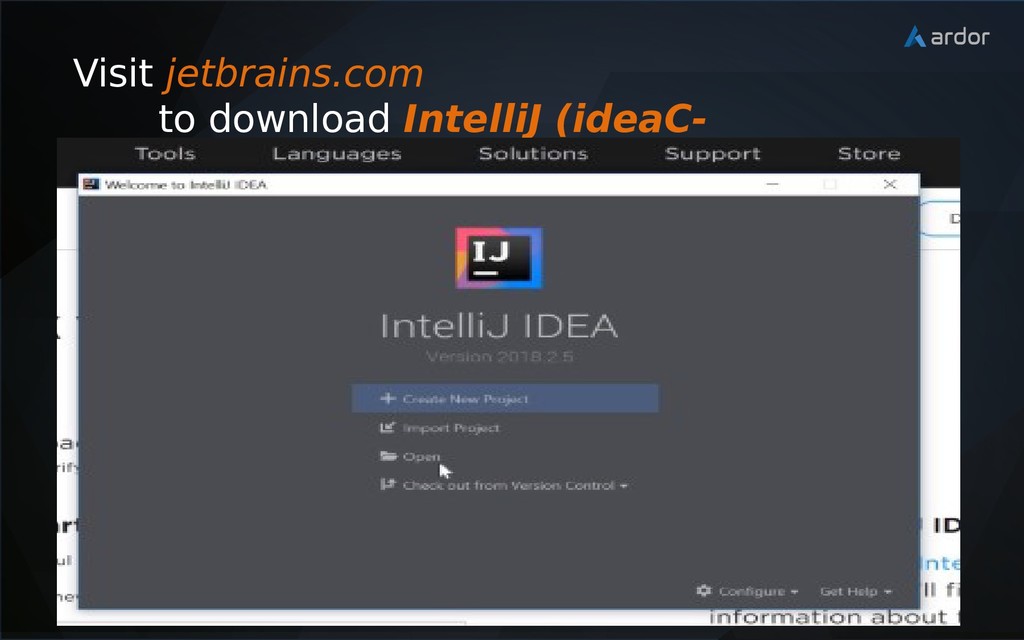
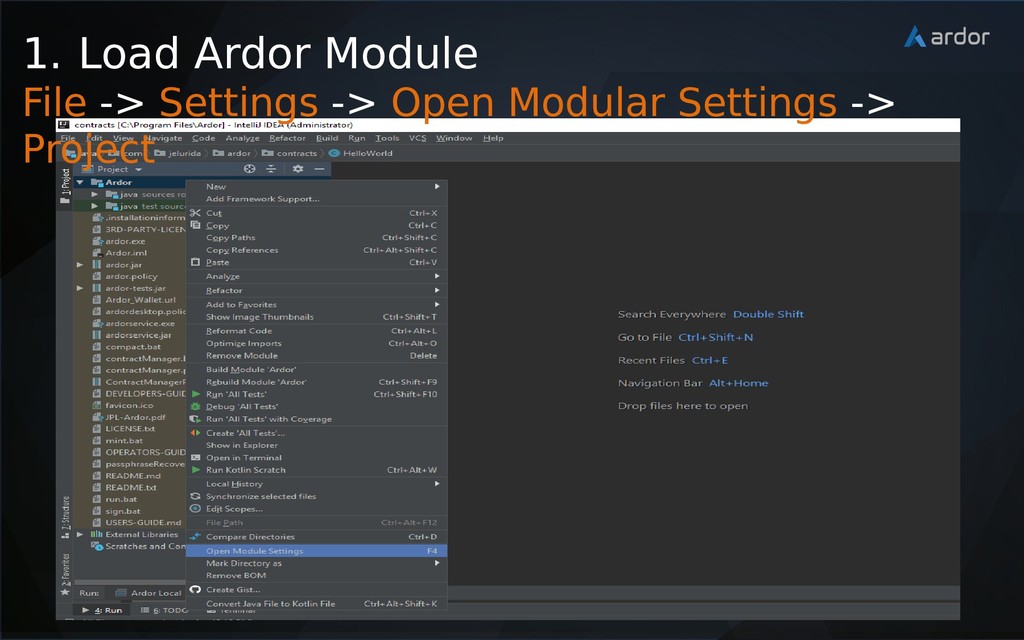
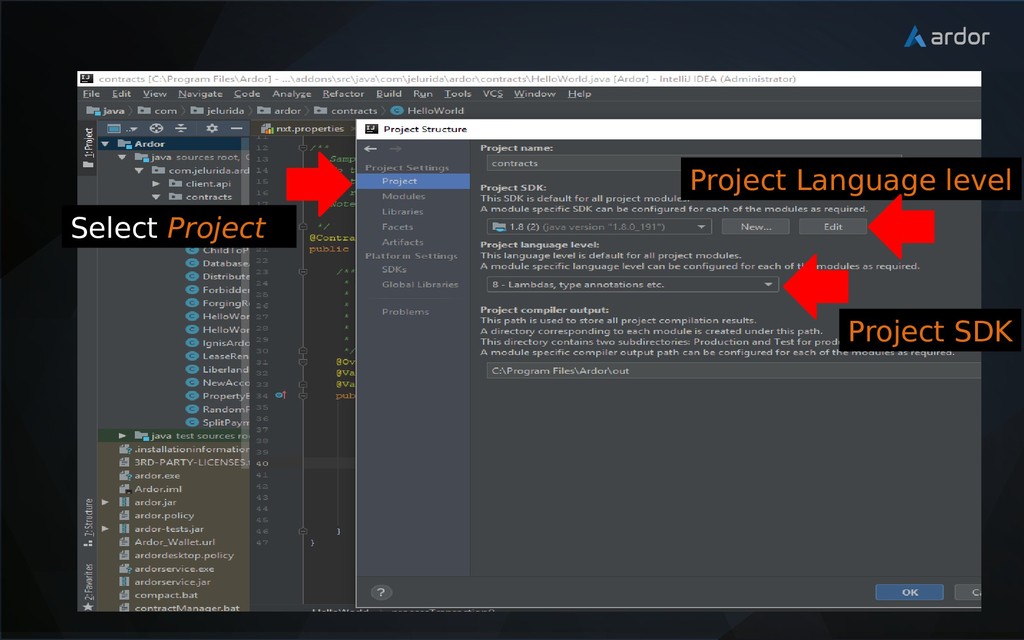
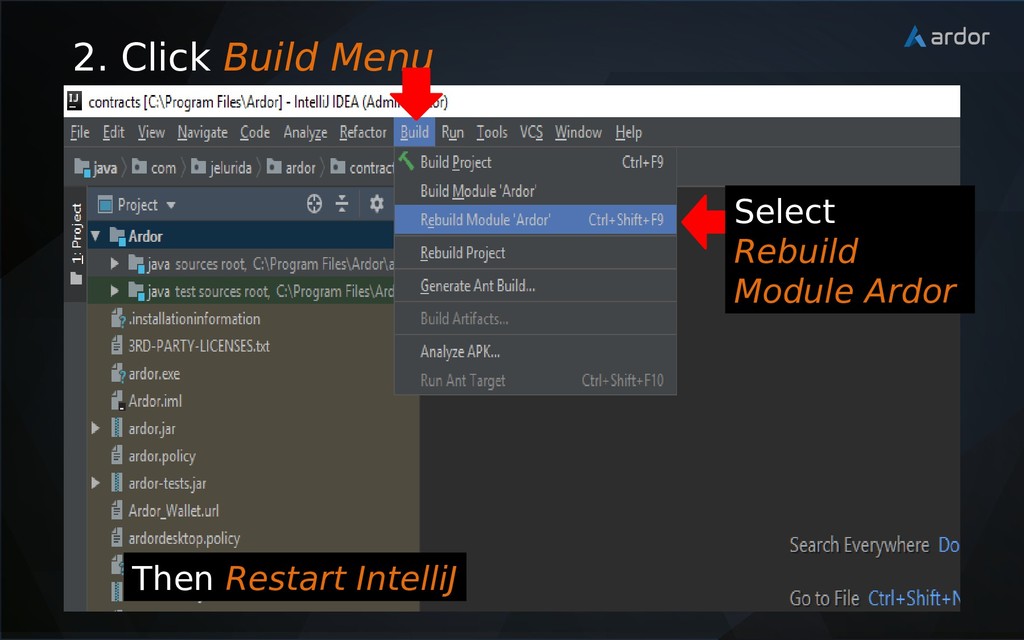
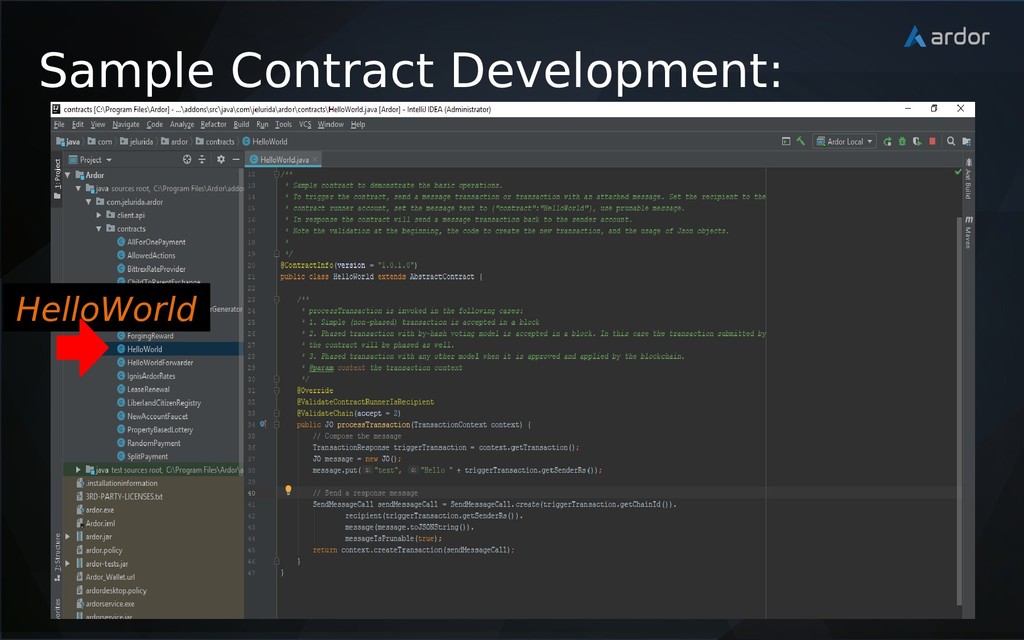
    3. Setup Development Environment 4. Contract Development 5. Contract Deployment (using Contract Manager Plug-in) 6. Contract Trigger Transaction Lightweight Contract Framework
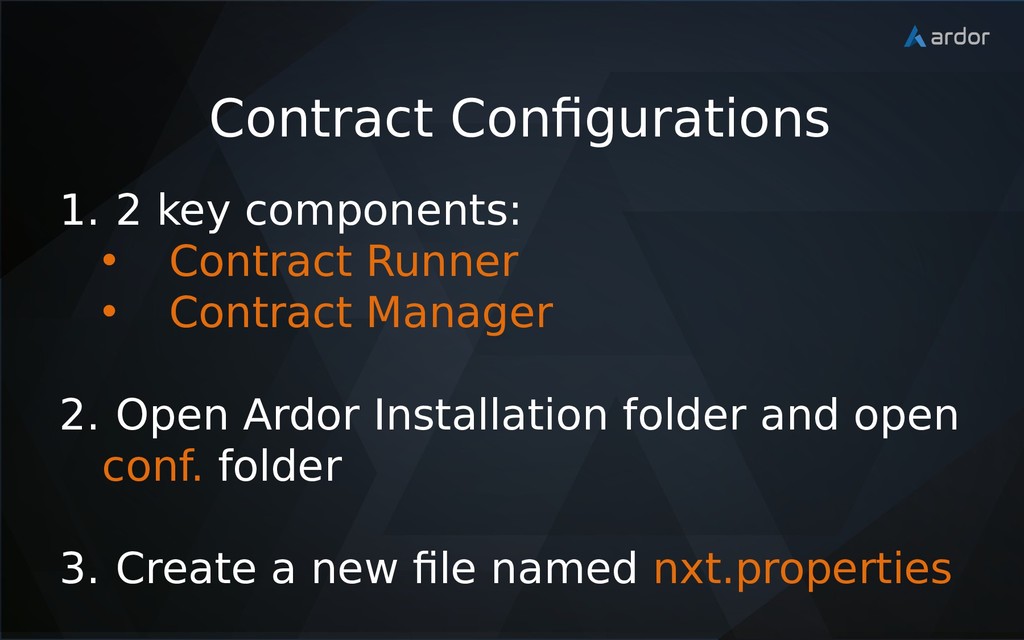
  8. 1. 2 key components: • Contract Runner • Contract Manager
    2. Open Ardor Installation folder and open conf. folder 3. Create a new file named nxt.properties Contract Configurations
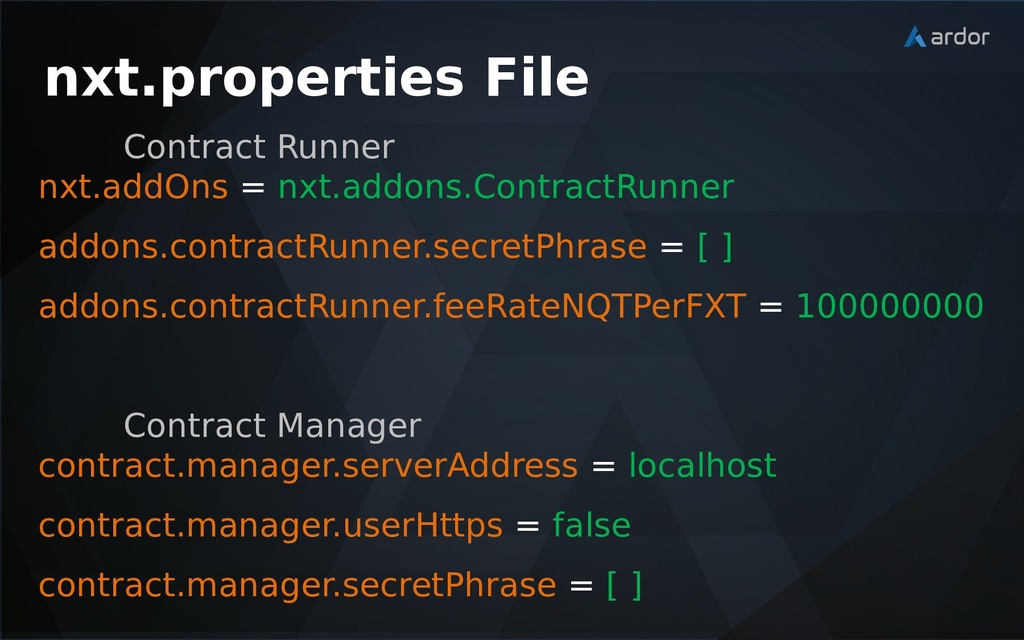
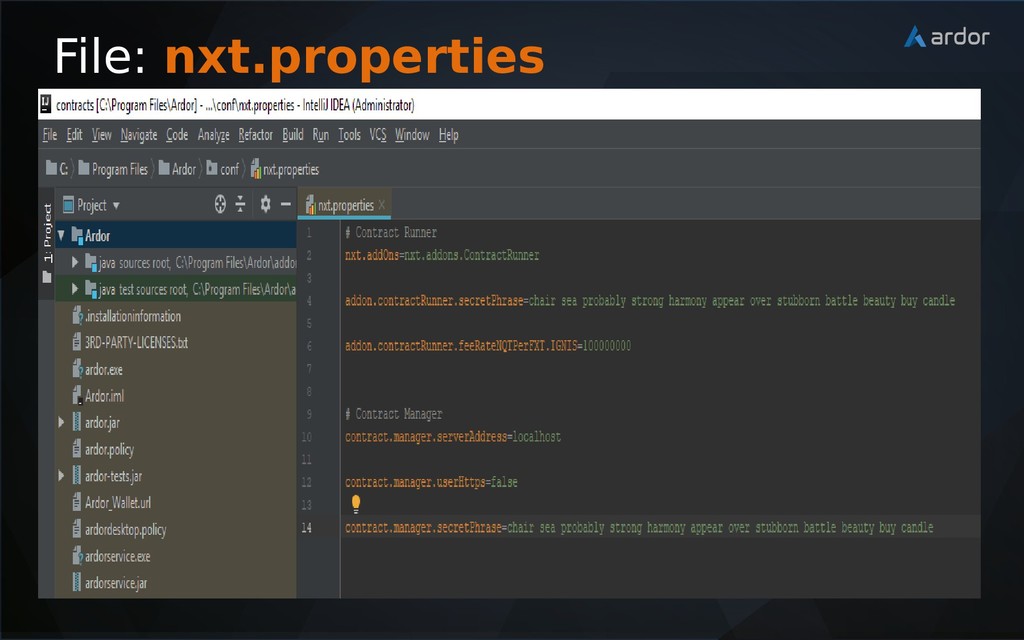
  9. nxt.properties File Contract Runner nxt.addOns = nxt.addons.ContractRunner addons.contractRunner.secretPhrase = [

    ] addons.contractRunner.feeRateNQTPerFXT = 100000000 Contract Manager contract.manager.serverAddress = localhost contract.manager.userHttps = false contract.manager.secretPhrase = [ ]