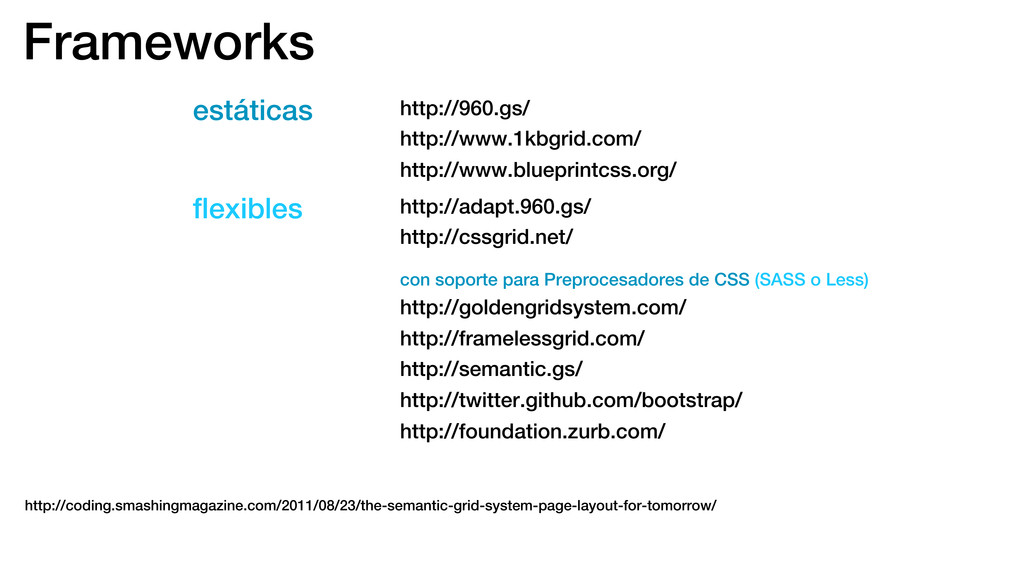
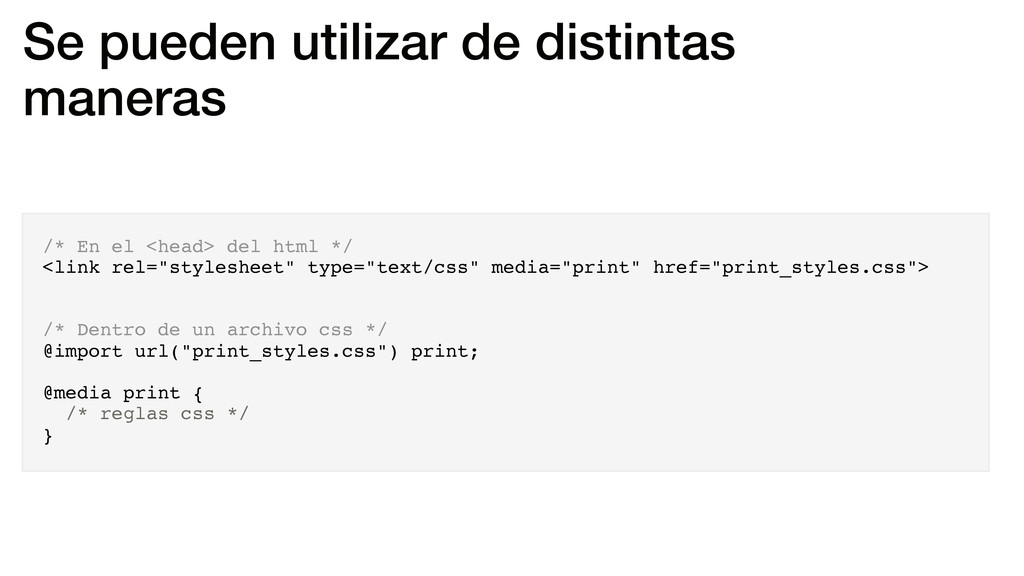
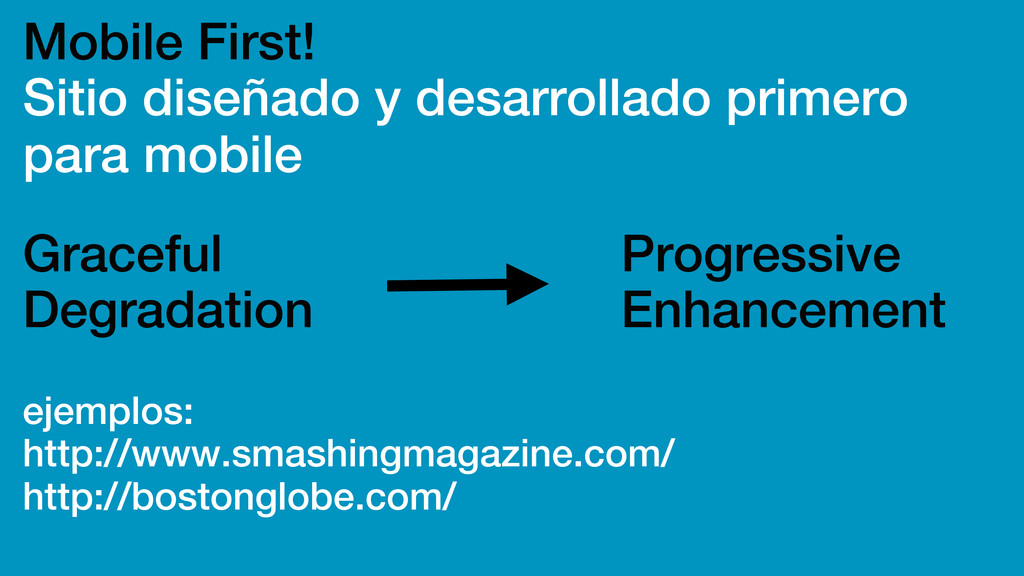
para Preprocesadores de CSS (SASS o Less) http://goldengridsystem.com/ http://framelessgrid.com/ http://semantic.gs/ http://twitter.github.com/bootstrap/ http://foundation.zurb.com/ http://coding.smashingmagazine.com/2011/08/23/the-semantic-grid-system-page-layout-for-tomorrow/
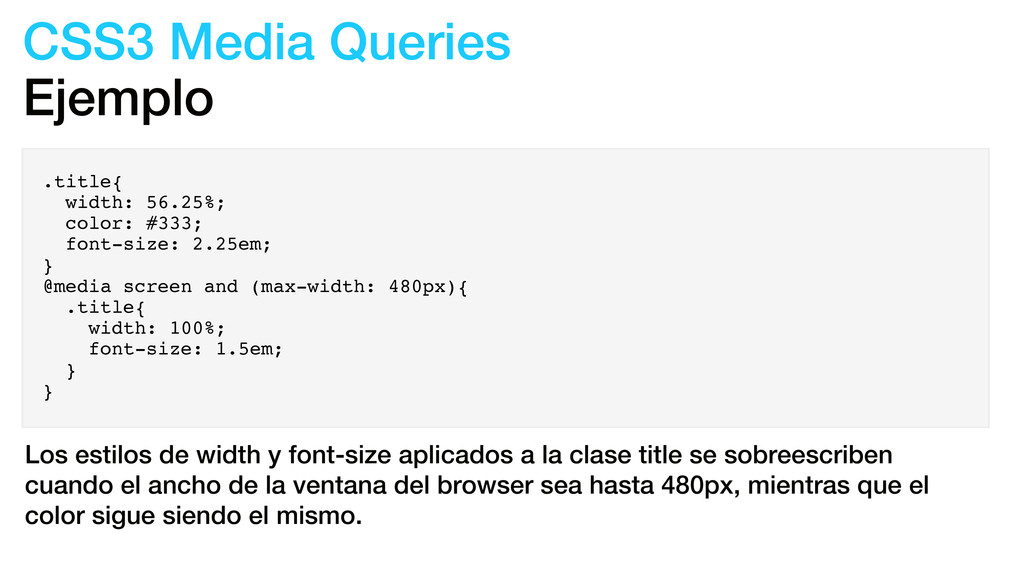
2.25em; } @media screen and (max-width: 480px){ .title{ width: 100%; font-size: 1.5em; } } Los estilos de width y font-size aplicados a la clase title se sobreescriben cuando el ancho de la ventana del browser sea hasta 480px, mientras que el color sigue siendo el mismo.
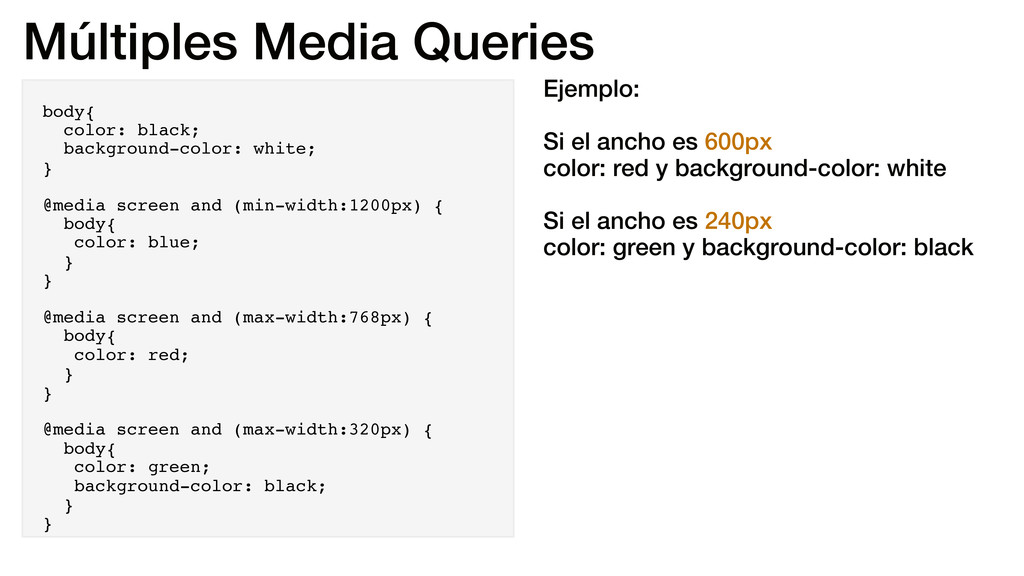
screen and (min-width:1200px) { body{ color: blue; } } @media screen and (max-width:768px) { body{ color: red; } } @media screen and (max-width:320px) { body{ color: green; background-color: black; } } Ejemplo: Si el ancho es 600px color: red y background-color: white Si el ancho es 240px color: green y background-color: black
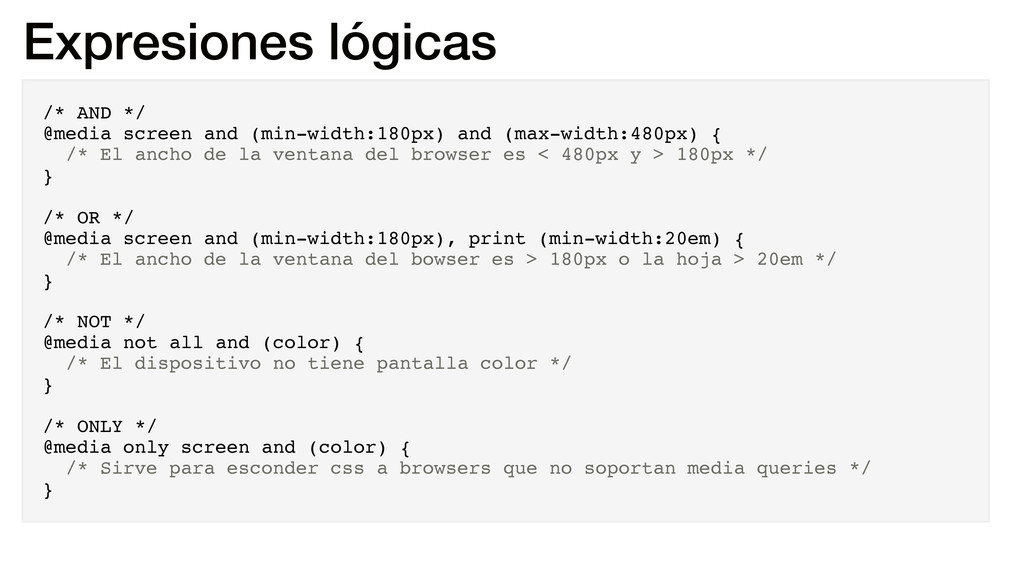
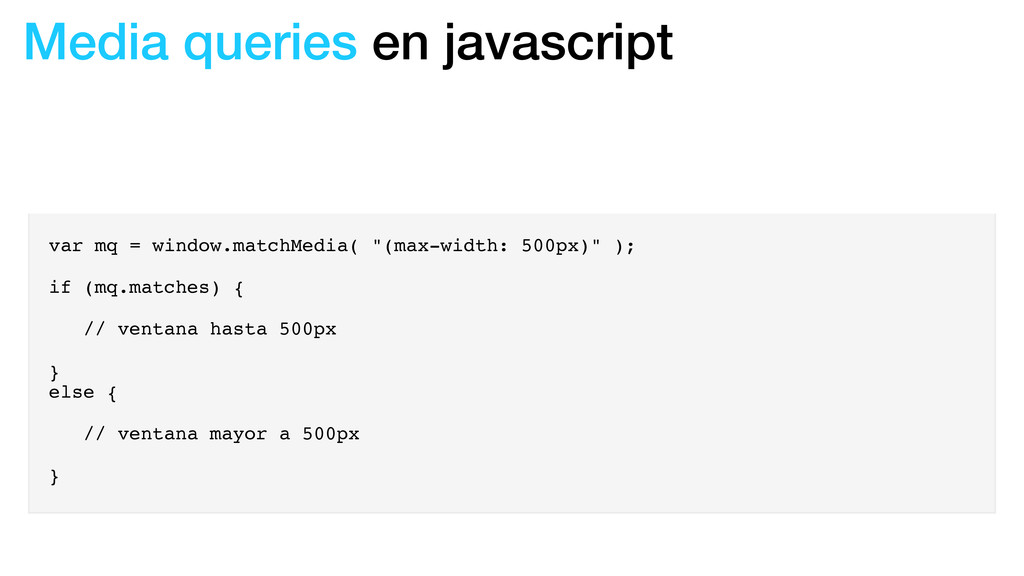
(max-width:480px) { /* El ancho de la ventana del browser es < 480px y > 180px */ } /* OR */ @media screen and (min-width:180px), print (min-width:20em) { /* El ancho de la ventana del bowser es > 180px o la hoja > 20em */ } /* NOT */ @media not all and (color) { /* El dispositivo no tiene pantalla color */ } /* ONLY */ @media only screen and (color) { /* Sirve para esconder css a browsers que no soportan media queries */ }
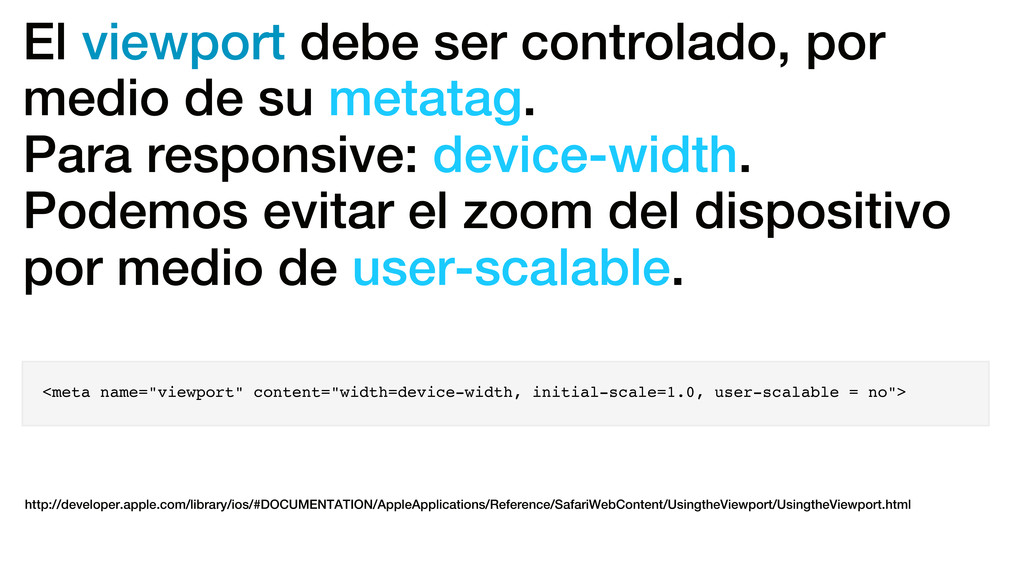
Para responsive: device-width. Podemos evitar el zoom del dispositivo por medio de user-scalable. <meta name="viewport" content="width=device-width, initial-scale=1.0, user-scalable = no"> http://developer.apple.com/library/ios/#DOCUMENTATION/AppleApplications/Reference/SafariWebContent/UsingtheViewport/UsingtheViewport.html
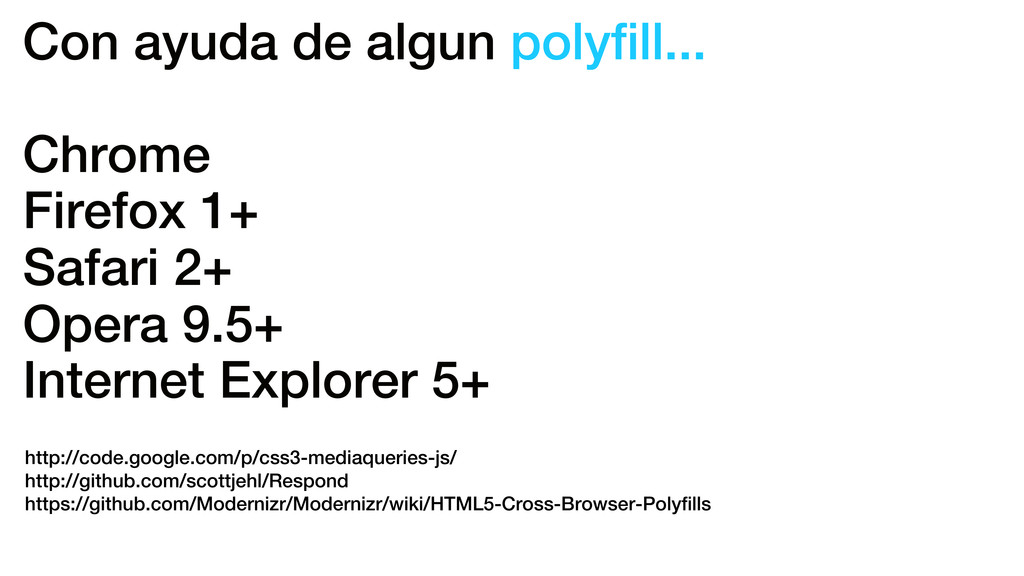
Opera 9.5+ Internet Explorer 5+ http://code.google.com/p/css3-mediaqueries-js/ http://github.com/scottjehl/Respond https://github.com/Modernizr/Modernizr/wiki/HTML5-Cross-Browser-Polyfills
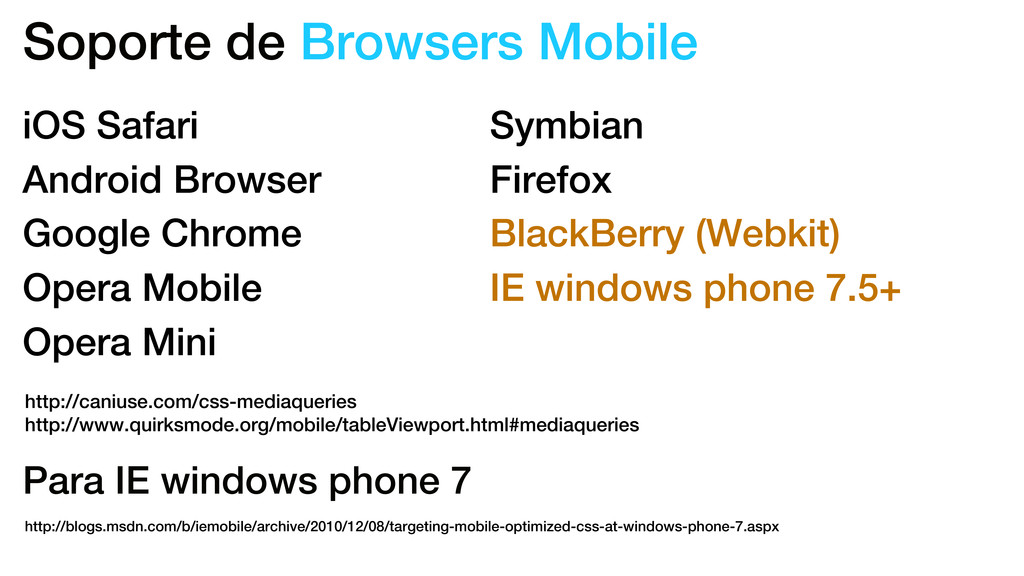
Google Chrome Opera Mobile Opera Mini Symbian Firefox BlackBerry (Webkit) IE windows phone 7.5+ Para IE windows phone 7 http://blogs.msdn.com/b/iemobile/archive/2010/12/08/targeting-mobile-optimized-css-at-windows-phone-7.aspx
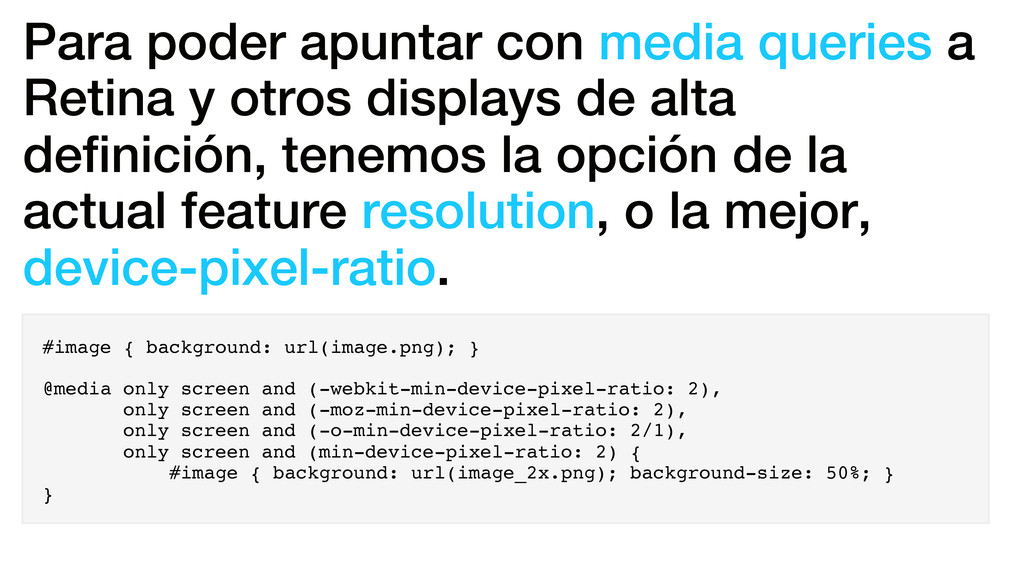
displays de alta definición, tenemos la opción de la actual feature resolution, o la mejor, device-pixel-ratio. #image { background: url(image.png); } @media only screen and (-webkit-min-device-pixel-ratio: 2), only screen and (-moz-min-device-pixel-ratio: 2), only screen and (-o-min-device-pixel-ratio: 2/1), only screen and (min-device-pixel-ratio: 2) { #image { background: url(image_2x.png); background-size: 50%; } }
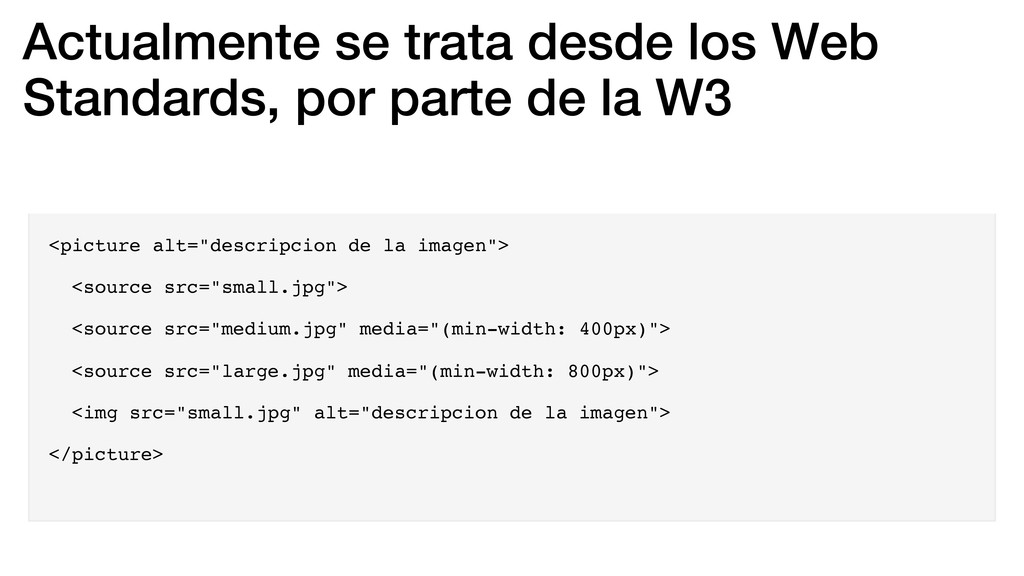
la W3 <picture alt="descripcion de la imagen"> <source src="small.jpg"> <source src="medium.jpg" media="(min-width: 400px)"> <source src="large.jpg" media="(min-width: 800px)"> <img src="small.jpg" alt="descripcion de la imagen"> </picture>


 gam0022
 andpad
 iwatsukayura
 gonta
gonta
 palkan
 hollycummins
 dske104
 tmikov2023
 akihisaikeda
 irinanazarova
 minodriven
 moro
moro
 denniskardys
 rkaga
rkaga
 maggiecrowley
 baasie
 katarinadahlin
 honzajavorek
 kevinliebholz
 sugarenia
 tapps
tapps
 reverentgeek
 portentint