Upgrade to Pro — share decks privately, control downloads, hide ads and more …

Clean Code Javascript

Clean Code Javascript

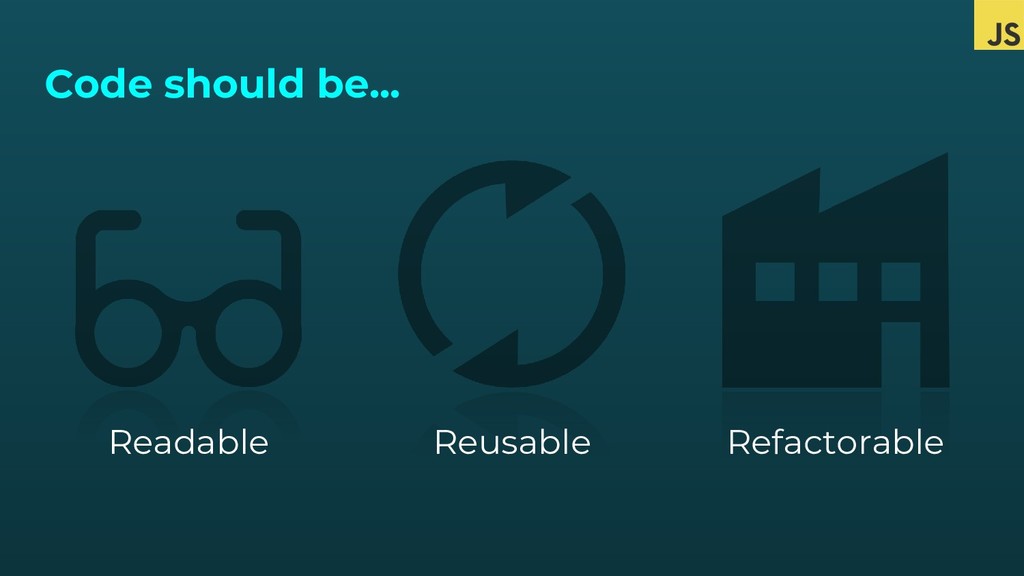
Tips and tricks on how to write Javascript: readable, reusable and refactorable.

Avatar for Freddy Montes

Freddy Montes

February 09, 2019
Tweet

More Decks by Freddy Montes

Other Decks in Technology

Transcript

  1. Freddy Montes • Team Lead Frontend Developer @ DotCMS •

    Twitter: @fmontes • Instagram: @fmondev • http://fmontes.com • Code review believer
  2. (...) activity in which one or several humans check a

    program mainly by viewing and reading parts of its source code, and they do so after implementation or as an interruption of implementation. At least one of the humans must not be the code's author. The humans performing the checking, excluding the author, are called "reviewers".
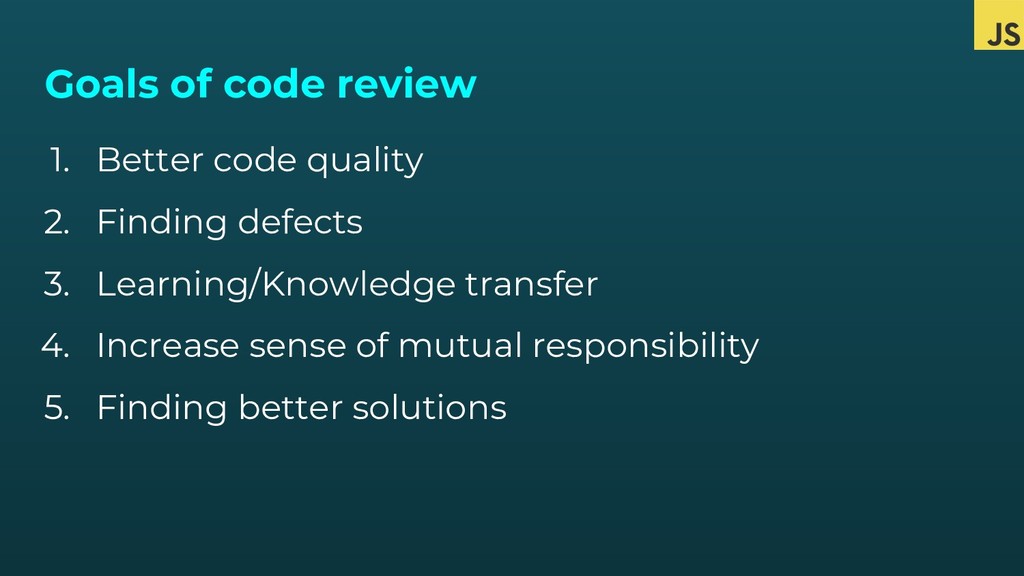
  3. Goals of code review 1. Better code quality 2. Finding

    defects 3. Learning/Knowledge transfer 4. Increase sense of mutual responsibility 5. Finding better solutions
  4. Code Review 1. Don’t resist to it, embrace them 2.

    Don’t take it personal 3. Use it to learn from your peers 4. Be cool 5. Again… is not personal
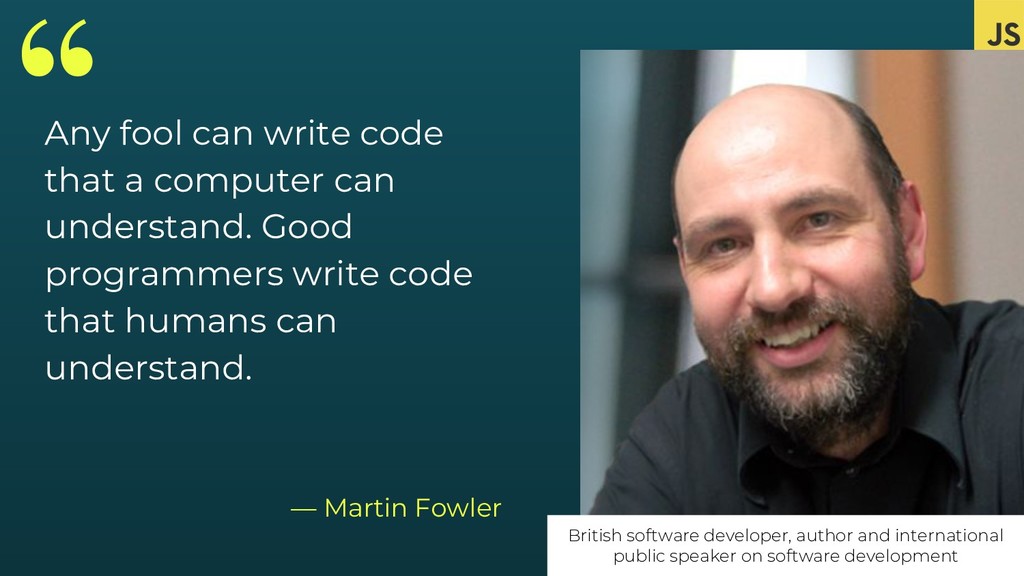
  5. “ — Martin Fowler British software developer, author and international

    public speaker on software development Any fool can write code that a computer can understand. Good programmers write code that humans can understand.
  6. “ — Me Write code so yourself in the future

    doesn’t feel so embarrassed about yourself in the past.
  7. Avoid mediocrity 1. But is working, is doing the job,

    why are you so picky? 2. Your code is your presentation 3. Employer will look into your code 4. Own your code
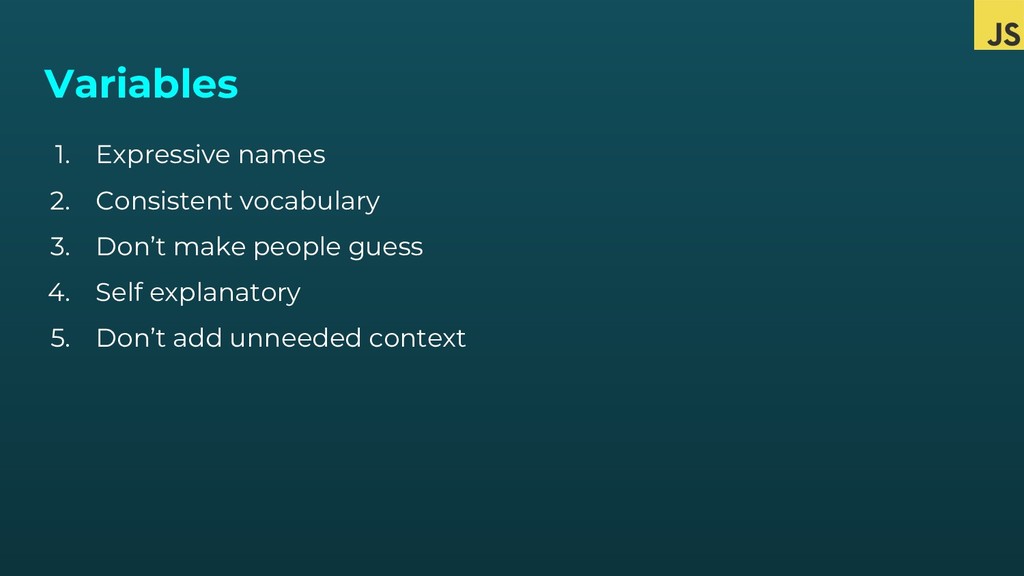
  8. Variables 1. Expressive names 2. Consistent vocabulary 3. Don’t make

    people guess 4. Self explanatory 5. Don’t add unneeded context
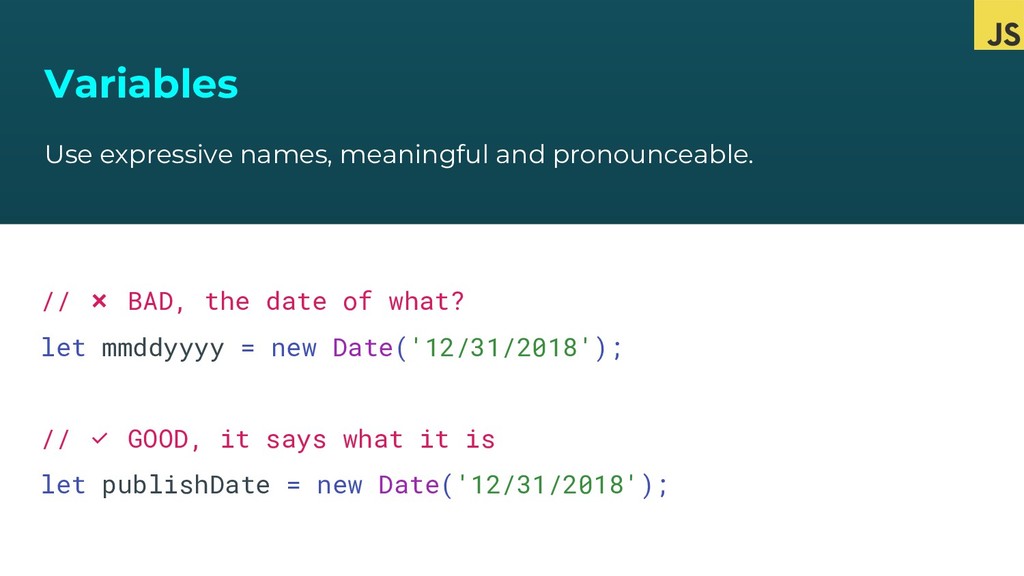
  9. Variables Use expressive names, meaningful and pronounceable. // ❌ BAD,

    the date of what? let mmddyyyy = new Date('12/31/2018'); // ✅ GOOD, it says what it is let publishDate = new Date('12/31/2018');
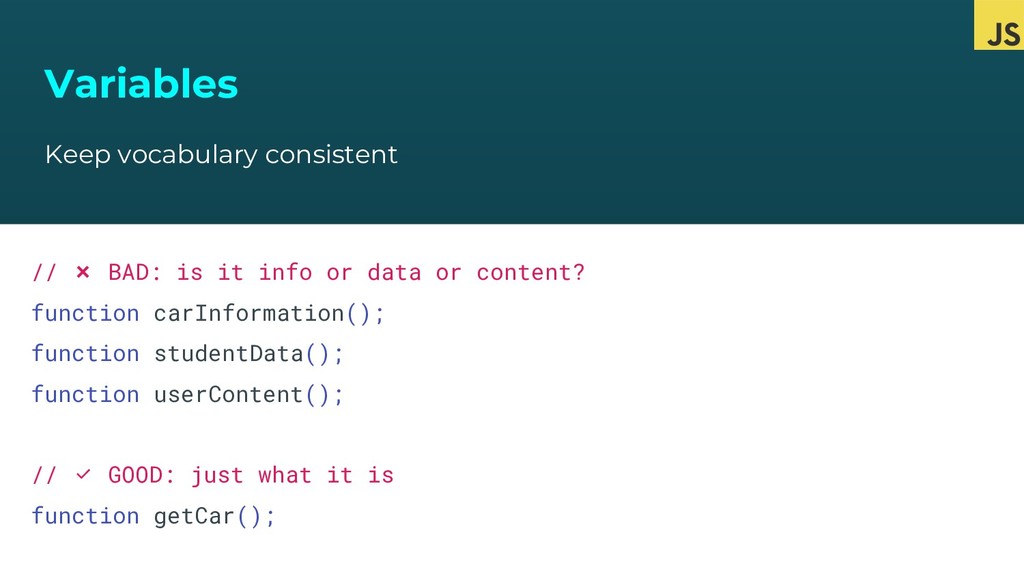
  10. Variables Keep vocabulary consistent // ❌ BAD: is it info

    or data or content? function carInformation(); function studentData(); function userContent(); // ✅ GOOD: just what it is function getCar();
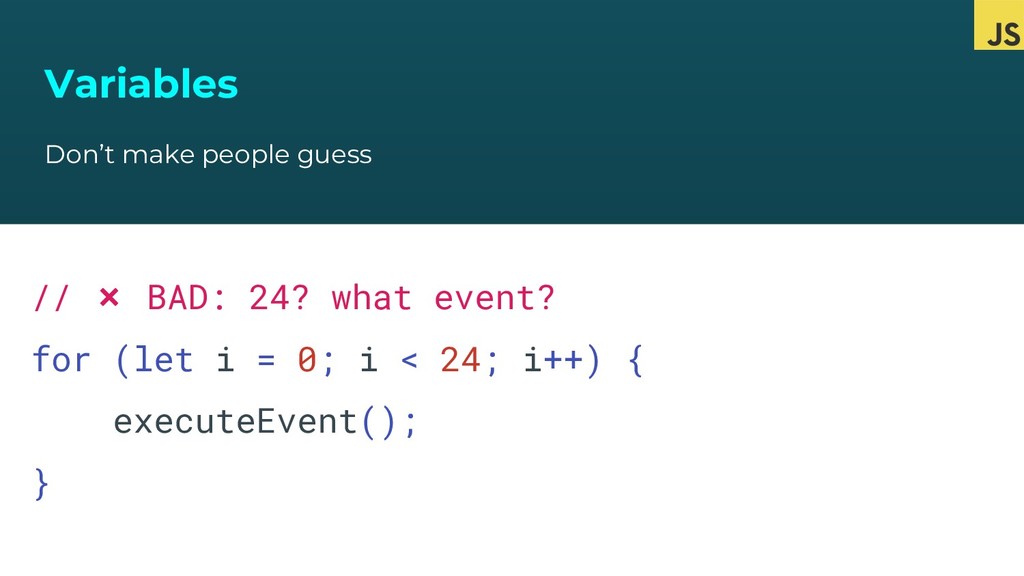
  11. Variables Don’t make people guess // ❌ BAD: 24? what

    event? for (let i = 0; i < 24; i++) { executeEvent(); }
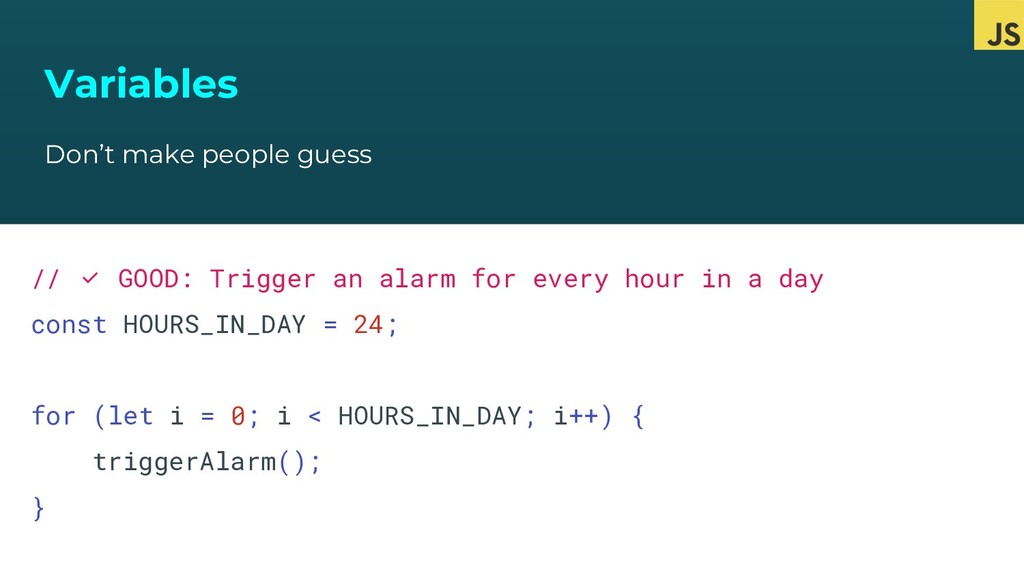
  12. Variables Don’t make people guess // ✅ GOOD: Trigger an

    alarm for every hour in a day const HOURS_IN_DAY = 24; for (let i = 0; i < HOURS_IN_DAY; i++) { triggerAlarm(); }
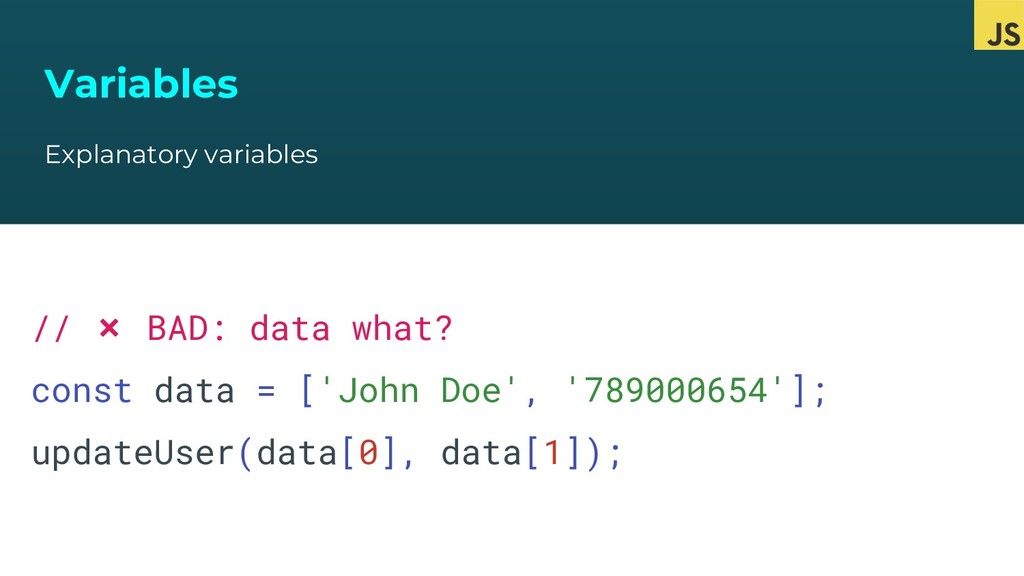
  13. Variables Explanatory variables // ❌ BAD: data what? const data

    = ['John Doe', '789000654']; updateUser(data[0], data[1]);
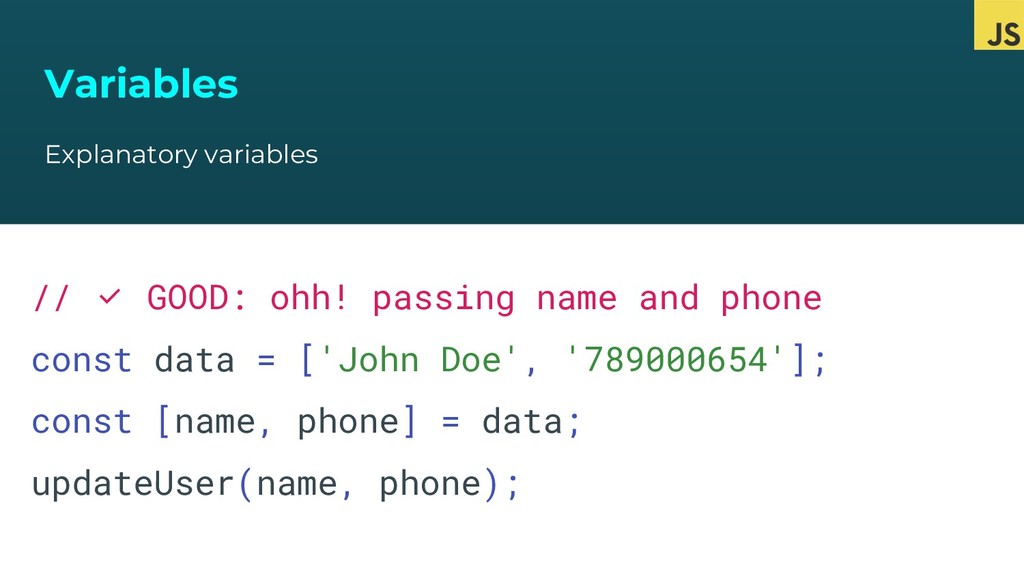
  14. Variables Explanatory variables // ✅ GOOD: ohh! passing name and

    phone const data = ['John Doe', '789000654']; const [name, phone] = data; updateUser(name, phone);
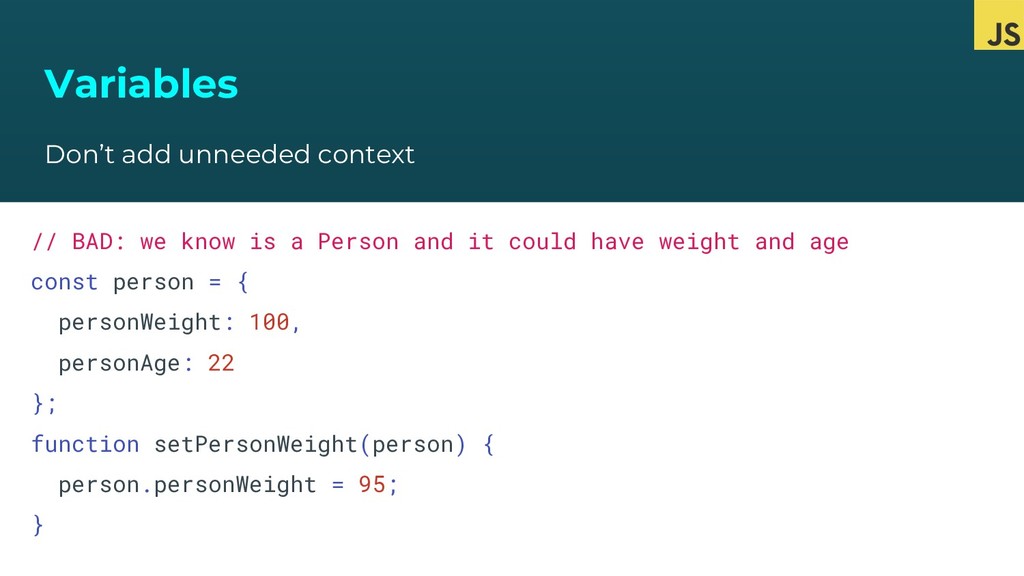
  15. Variables Don’t add unneeded context // BAD: we know is

    a Person and it could have weight and age const person = { personWeight: 100, personAge: 22 }; function setPersonWeight(person) { person.personWeight = 95; }
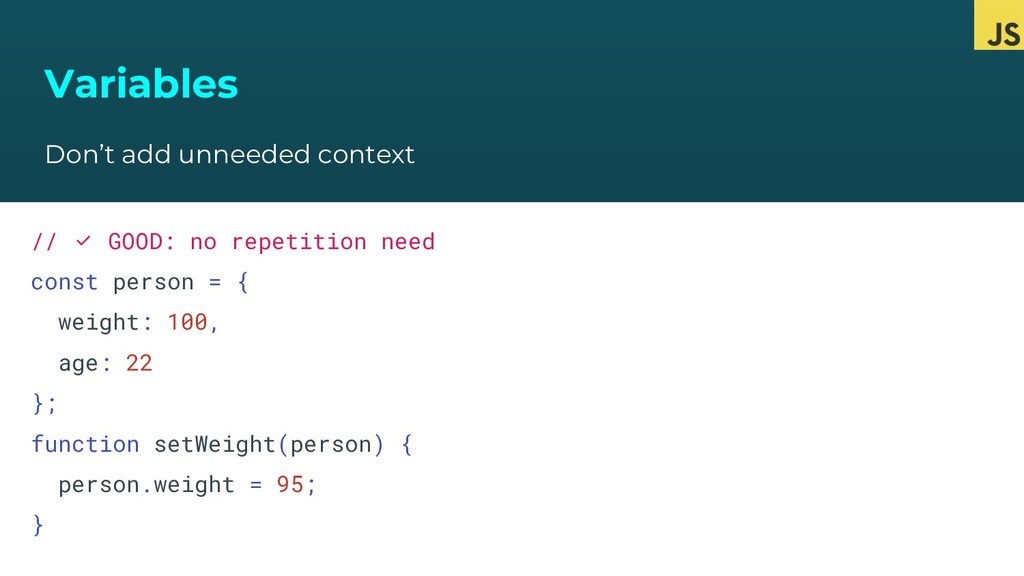
  16. Variables Don’t add unneeded context // ✅ GOOD: no repetition

    need const person = { weight: 100, age: 22 }; function setWeight(person) { person.weight = 95; }
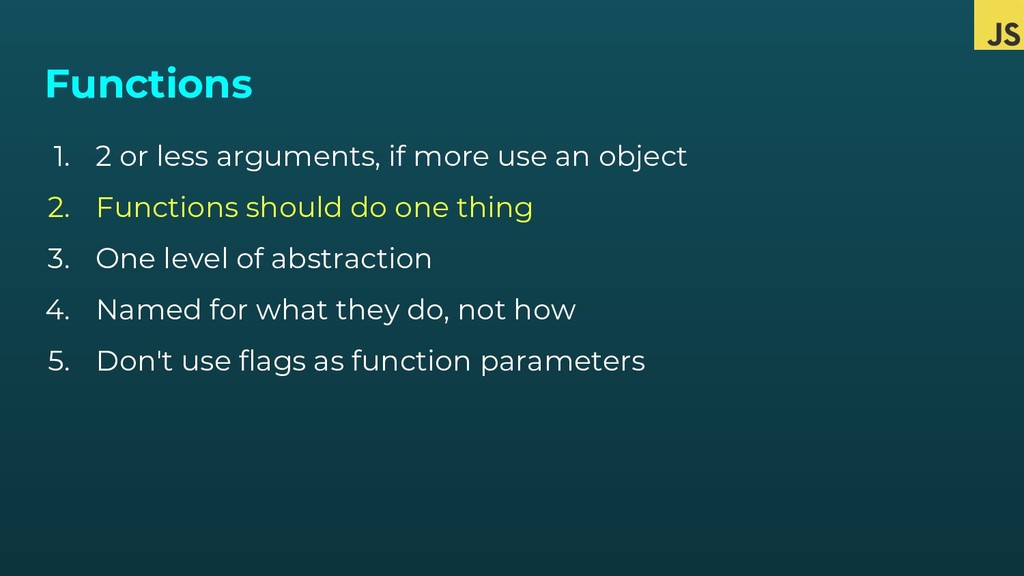
  17. Functions 1. 2 or less arguments, if more use an

    object 2. Functions should do one thing 3. One level of abstraction 4. Named for what they do, not how 5. Don't use flags as function parameters
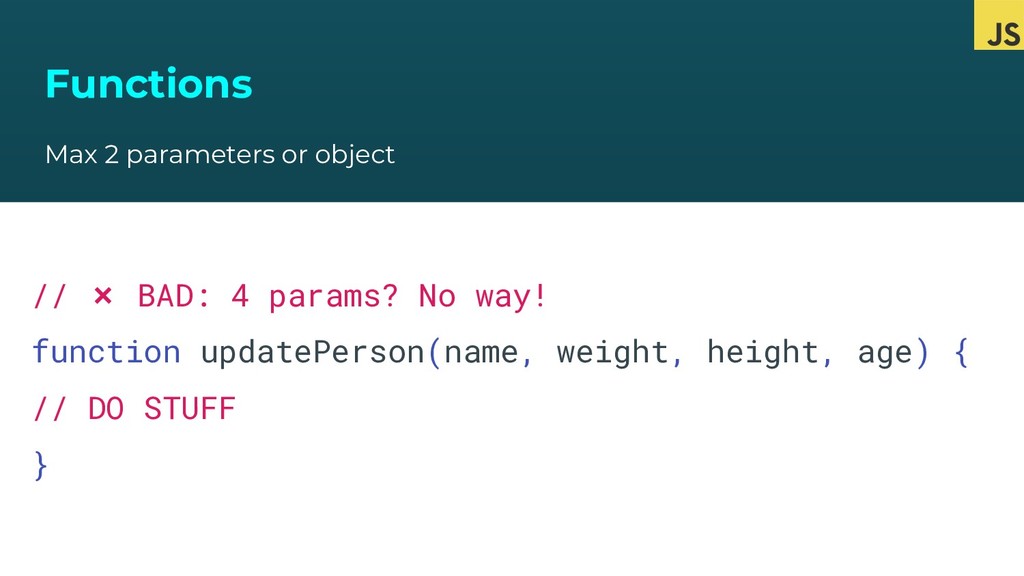
  18. Functions Max 2 parameters or object // ❌ BAD: 4

    params? No way! function updatePerson(name, weight, height, age) { // DO STUFF }
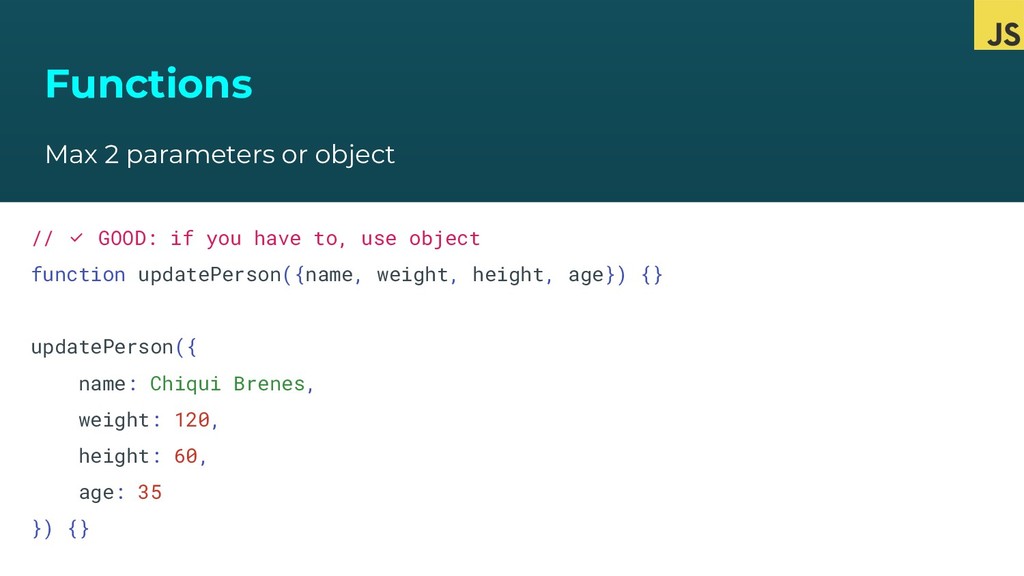
  19. Functions Max 2 parameters or object // ✅ GOOD: if

    you have to, use object function updatePerson({name, weight, height, age}) {} updatePerson({ name: Chiqui Brenes, weight: 120, height: 60, age: 35 }) {}
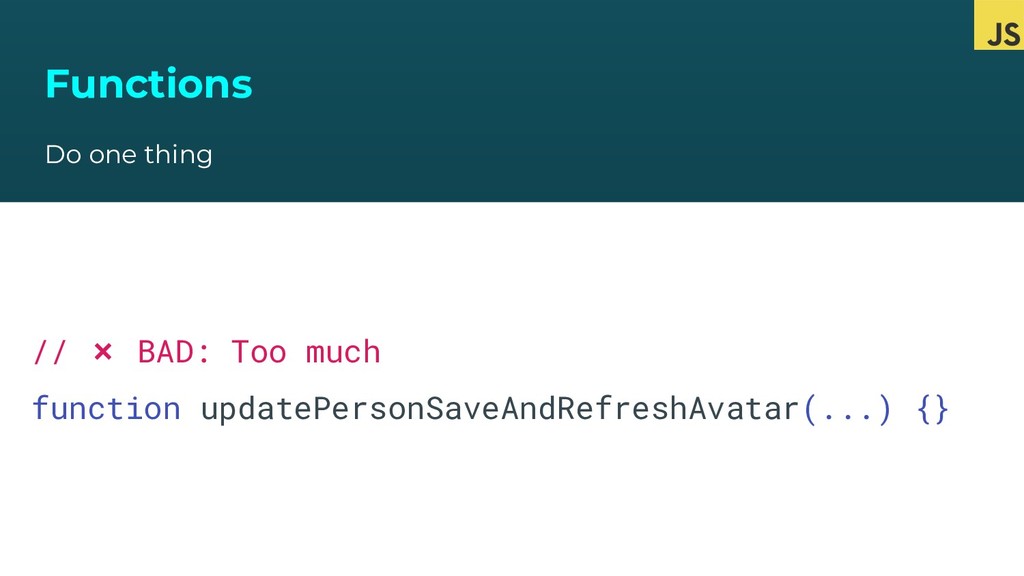
  20. Functions Do one thing // ❌ BAD: Too much function

    updatePersonSaveAndRefreshAvatar(...) {}
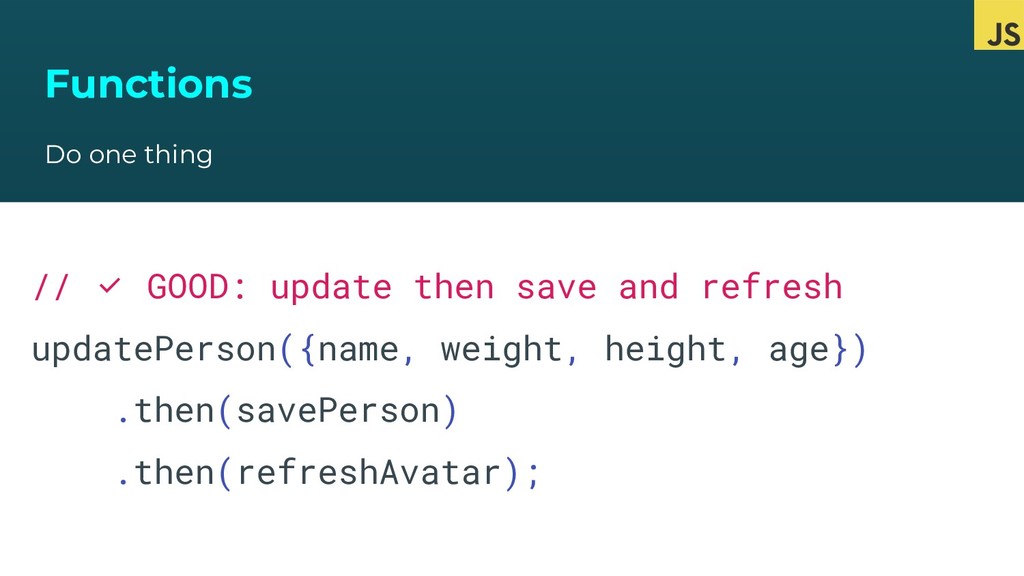
  21. Functions Do one thing // ✅ GOOD: update then save

    and refresh updatePerson({name, weight, height, age}) .then(savePerson) .then(refreshAvatar);
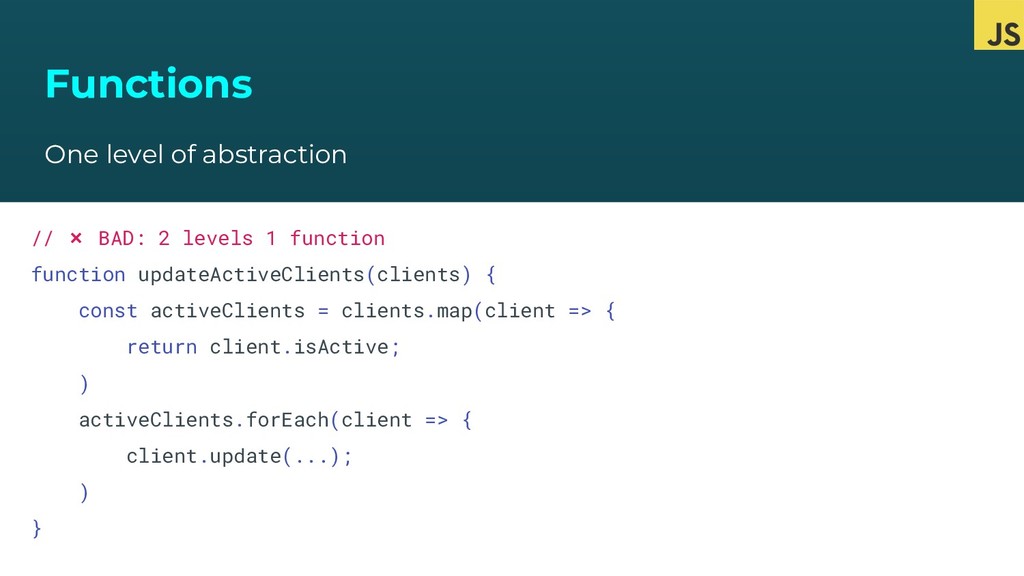
  22. Functions One level of abstraction // ❌ BAD: 2 levels

    1 function function updateActiveClients(clients) { const activeClients = clients.map(client => { return client.isActive; ) activeClients.forEach(client => { client.update(...); ) }
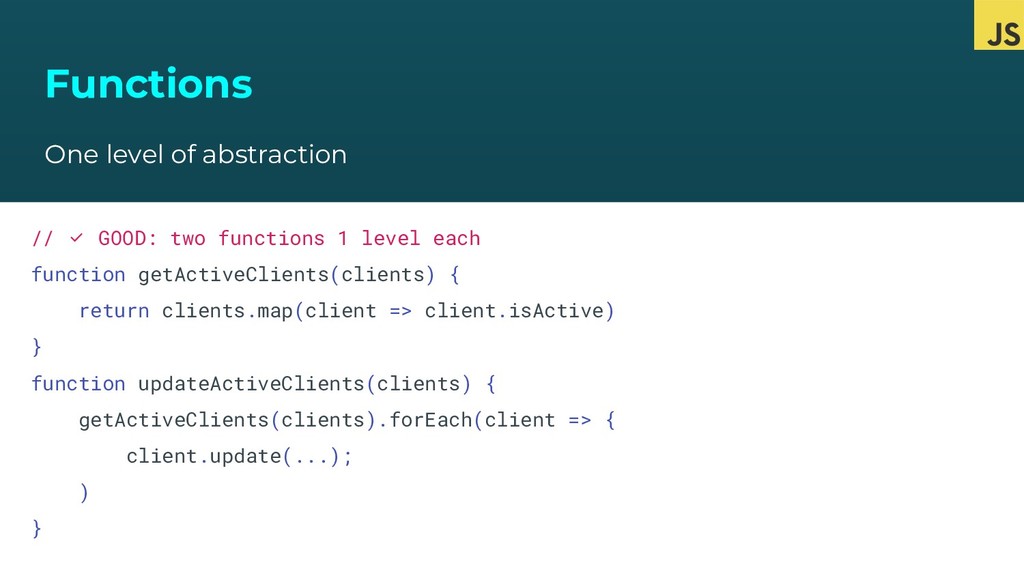
  23. Functions One level of abstraction // ✅ GOOD: two functions

    1 level each function getActiveClients(clients) { return clients.map(client => client.isActive) } function updateActiveClients(clients) { getActiveClients(clients).forEach(client => { client.update(...); ) }
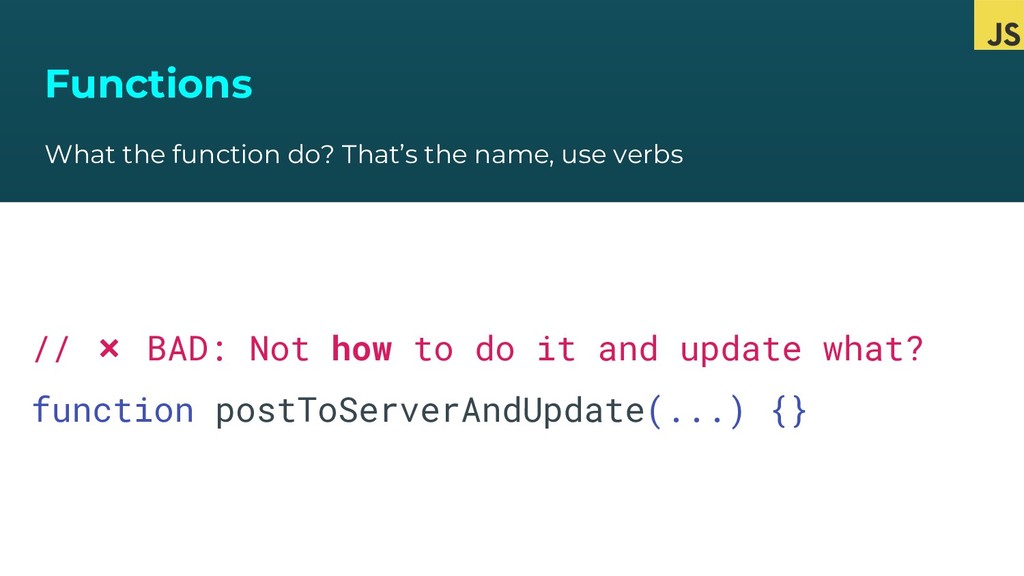
  24. Functions What the function do? That’s the name, use verbs

    // ❌ BAD: Not how to do it and update what? function postToServerAndUpdate(...) {}
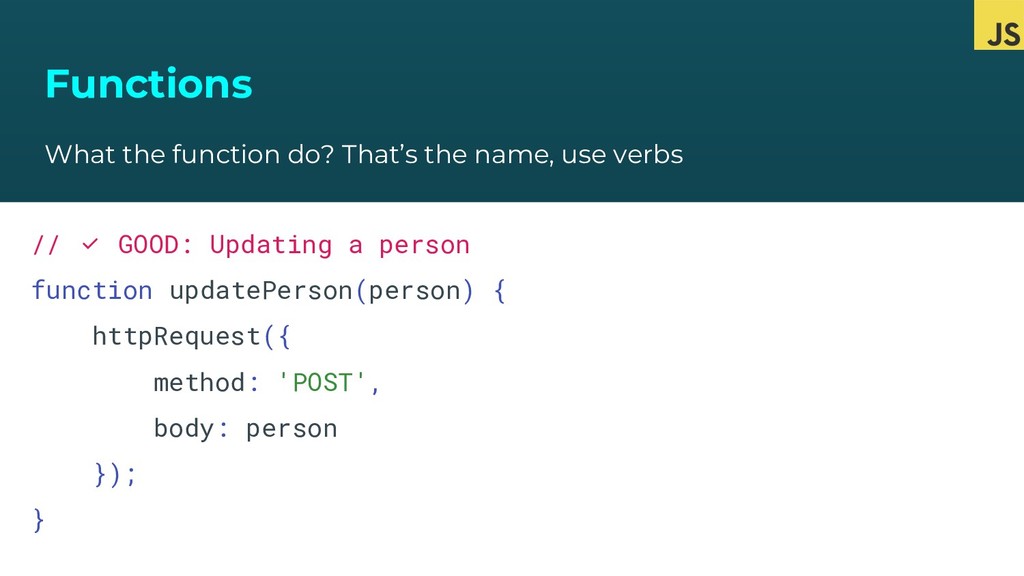
  25. Functions What the function do? That’s the name, use verbs

    // ✅ GOOD: Updating a person function updatePerson(person) { httpRequest({ method: 'POST', body: person }); }
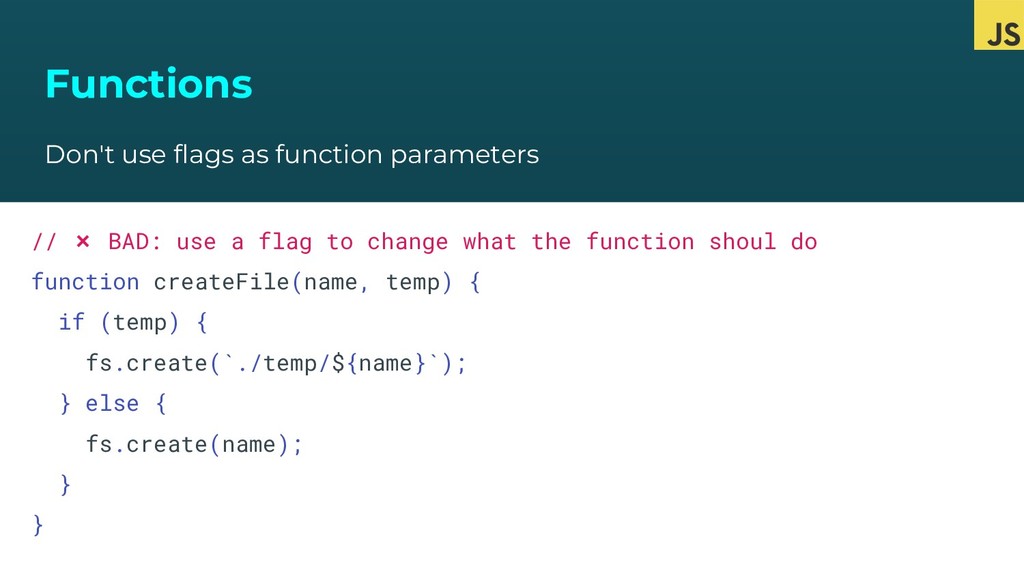
  26. Functions Don't use flags as function parameters // ❌ BAD:

    use a flag to change what the function shoul do function createFile(name, temp) { if (temp) { fs.create(`./temp/${name}`); } else { fs.create(name); } }
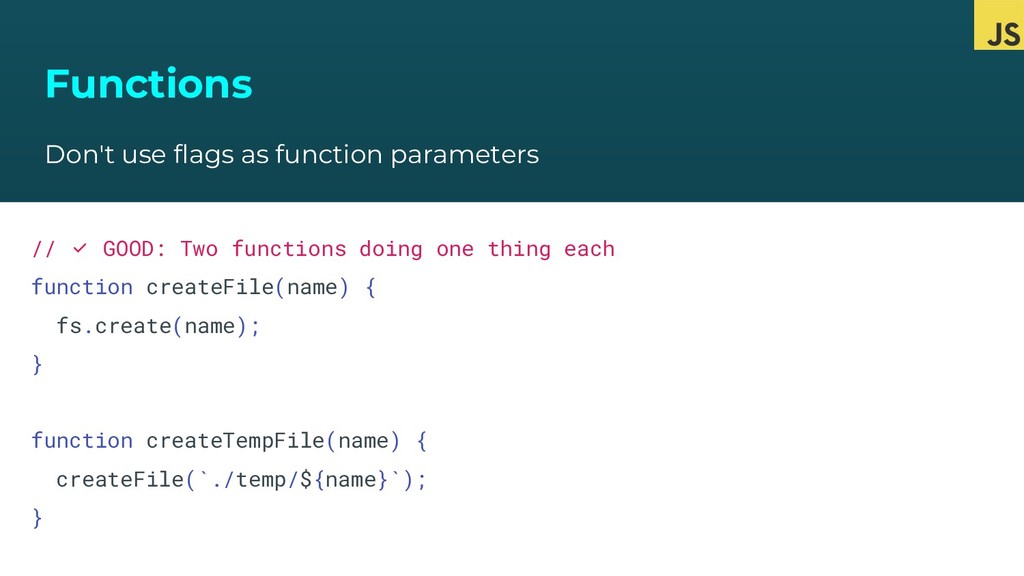
  27. Functions Don't use flags as function parameters // ✅ GOOD:

    Two functions doing one thing each function createFile(name) { fs.create(name); } function createTempFile(name) { createFile(`./temp/${name}`); }
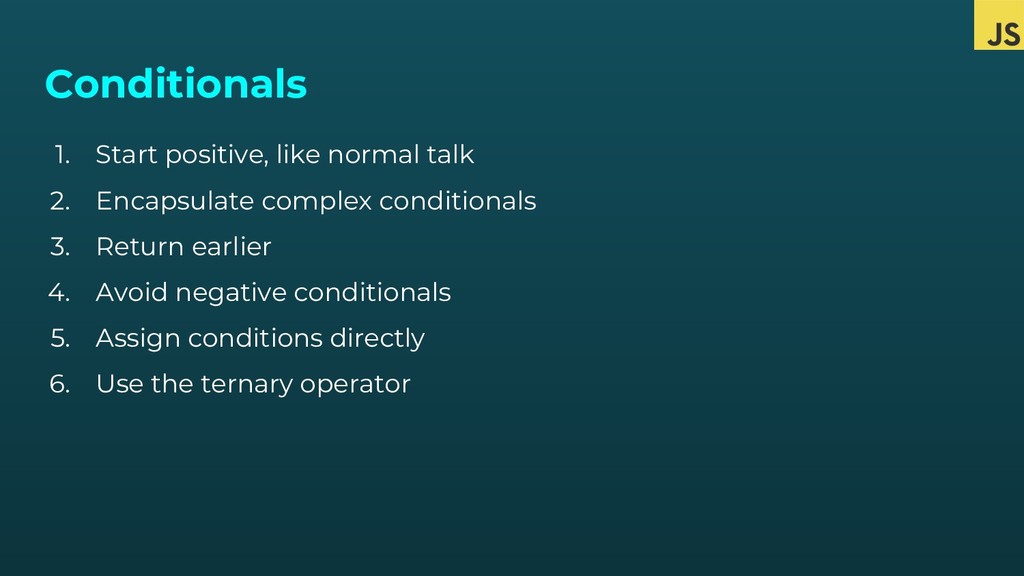
  28. Conditionals 1. Start positive, like normal talk 2. Encapsulate complex

    conditionals 3. Return earlier 4. Avoid negative conditionals 5. Assign conditions directly 6. Use the ternary operator
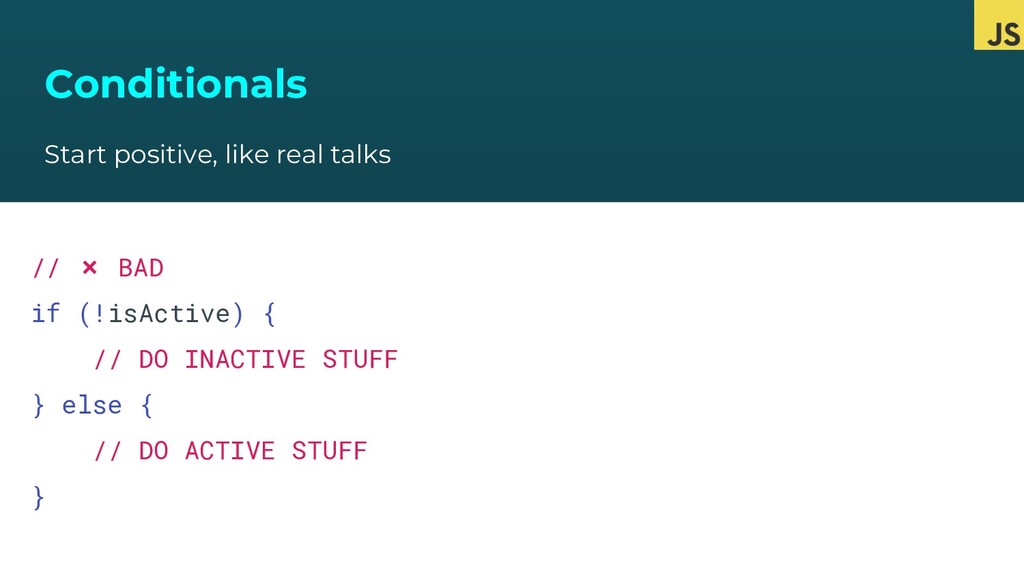
  29. Conditionals Start positive, like real talks // ❌ BAD if

    (!isActive) { // DO INACTIVE STUFF } else { // DO ACTIVE STUFF }
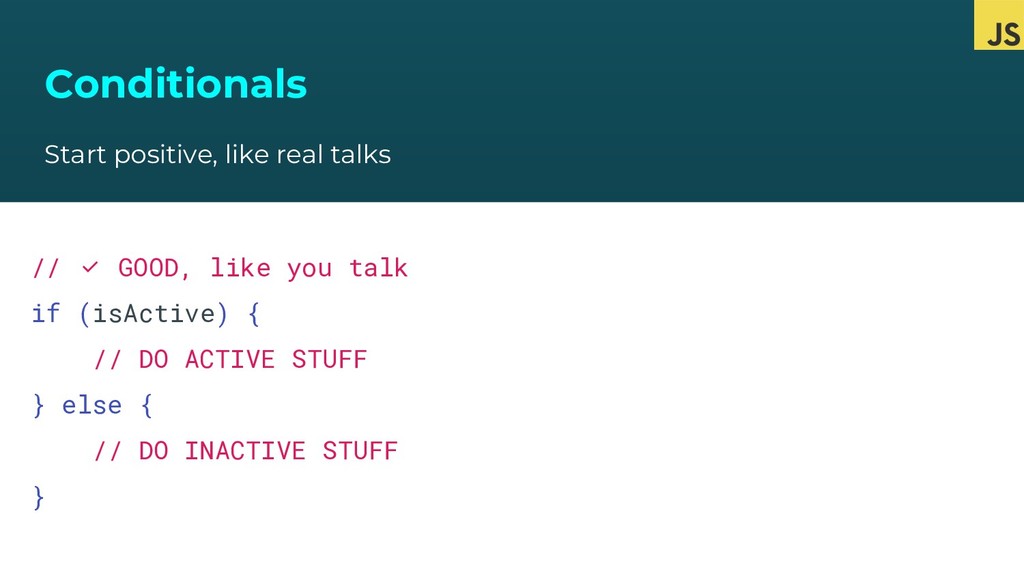
  30. Conditionals Start positive, like real talks // ✅ GOOD, like

    you talk if (isActive) { // DO ACTIVE STUFF } else { // DO INACTIVE STUFF }
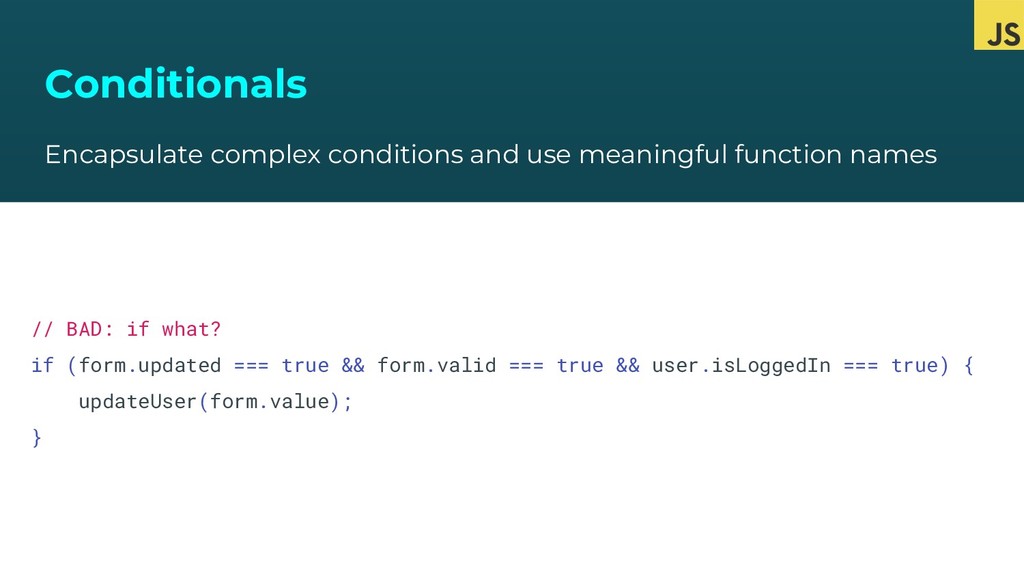
  31. Conditionals Encapsulate complex conditions and use meaningful function names //

    BAD: if what? if (form.updated === true && form.valid === true && user.isLoggedIn === true) { updateUser(form.value); }
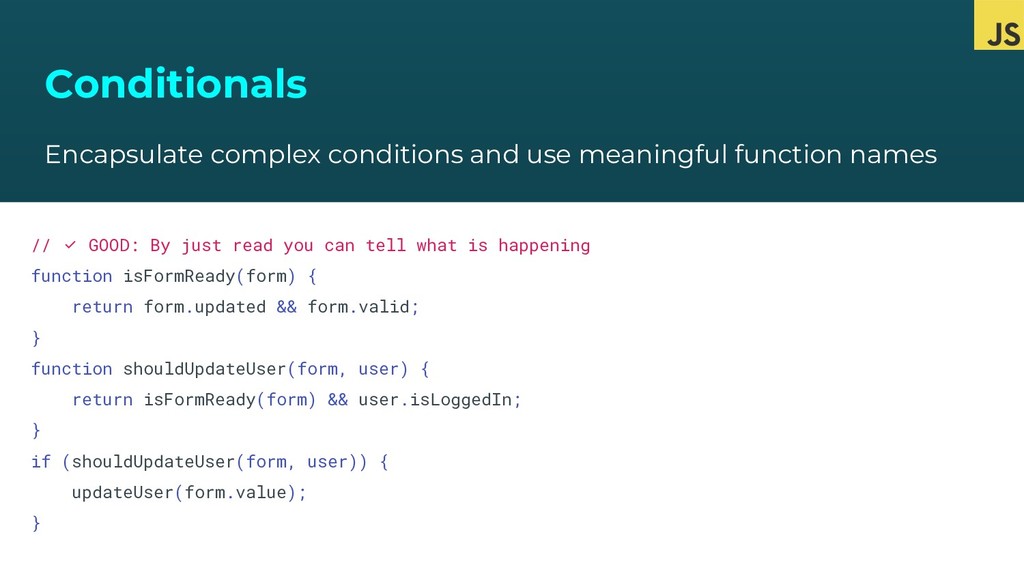
  32. Conditionals Encapsulate complex conditions and use meaningful function names //

    ✅ GOOD: By just read you can tell what is happening function isFormReady(form) { return form.updated && form.valid; } function shouldUpdateUser(form, user) { return isFormReady(form) && user.isLoggedIn; } if (shouldUpdateUser(form, user)) { updateUser(form.value); }
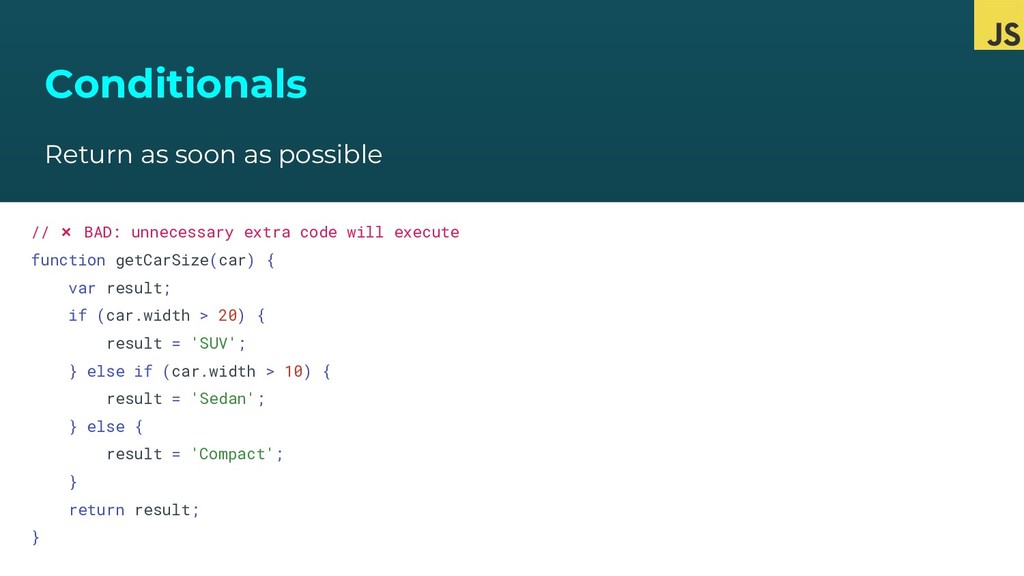
  33. Conditionals Return as soon as possible // ❌ BAD: unnecessary

    extra code will execute function getCarSize(car) { var result; if (car.width > 20) { result = 'SUV'; } else if (car.width > 10) { result = 'Sedan'; } else { result = 'Compact'; } return result; }
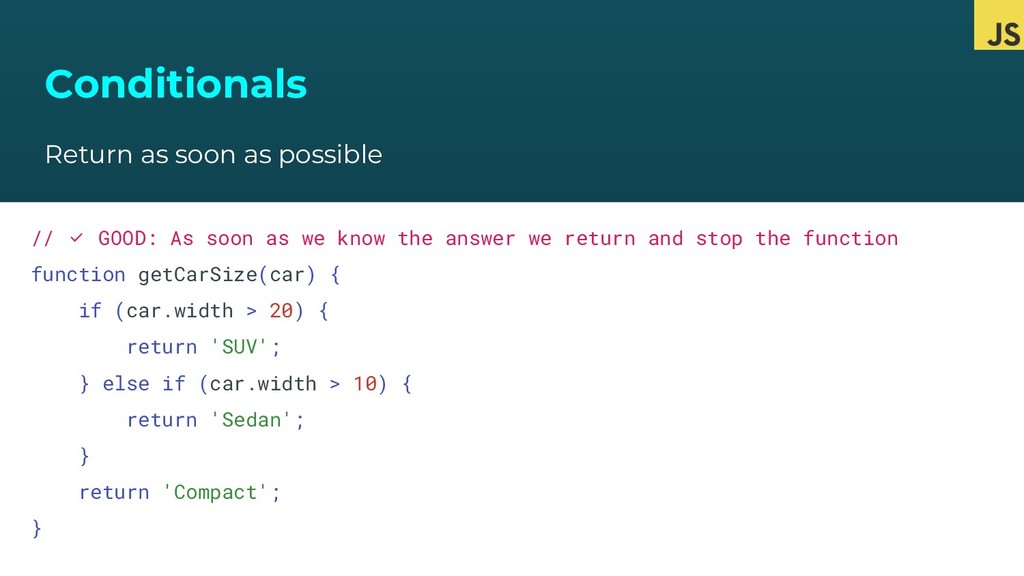
  34. Conditionals Return as soon as possible // ✅ GOOD: As

    soon as we know the answer we return and stop the function function getCarSize(car) { if (car.width > 20) { return 'SUV'; } else if (car.width > 10) { return 'Sedan'; } return 'Compact'; }
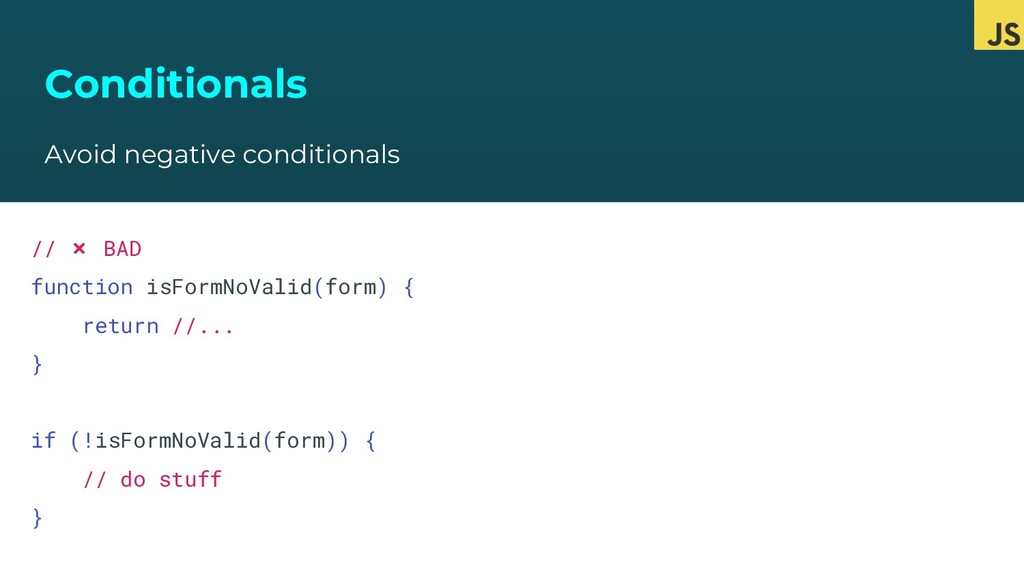
  35. Conditionals Avoid negative conditionals // ❌ BAD function isFormNoValid(form) {

    return //... } if (!isFormNoValid(form)) { // do stuff }
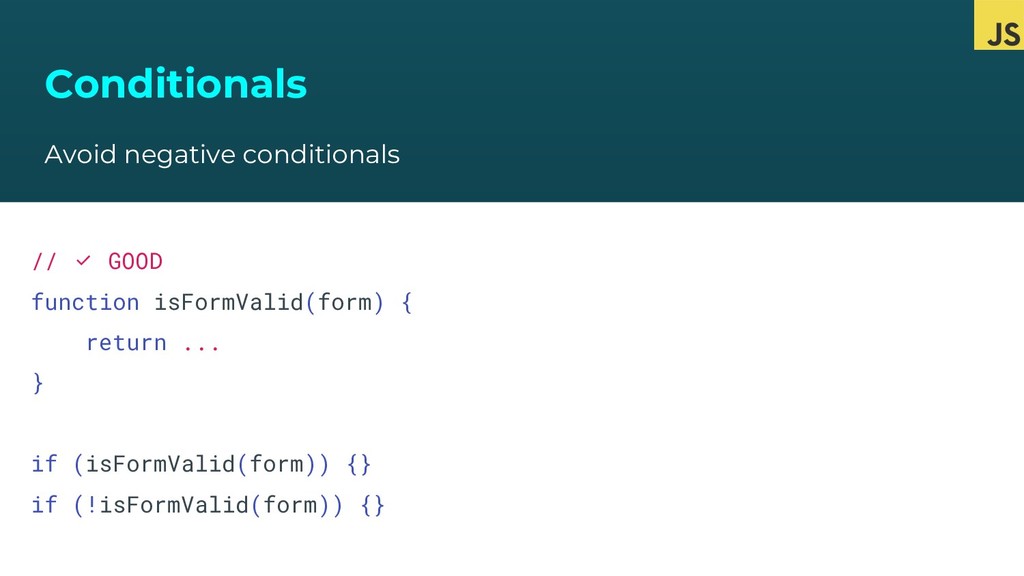
  36. Conditionals Avoid negative conditionals // ✅ GOOD function isFormValid(form) {

    return ... } if (isFormValid(form)) {} if (!isFormValid(form)) {}
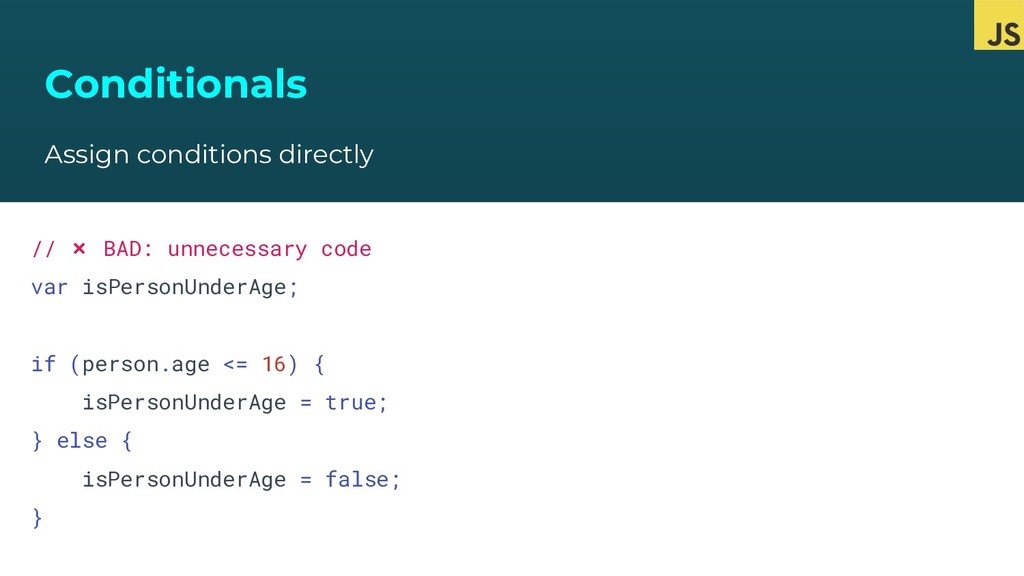
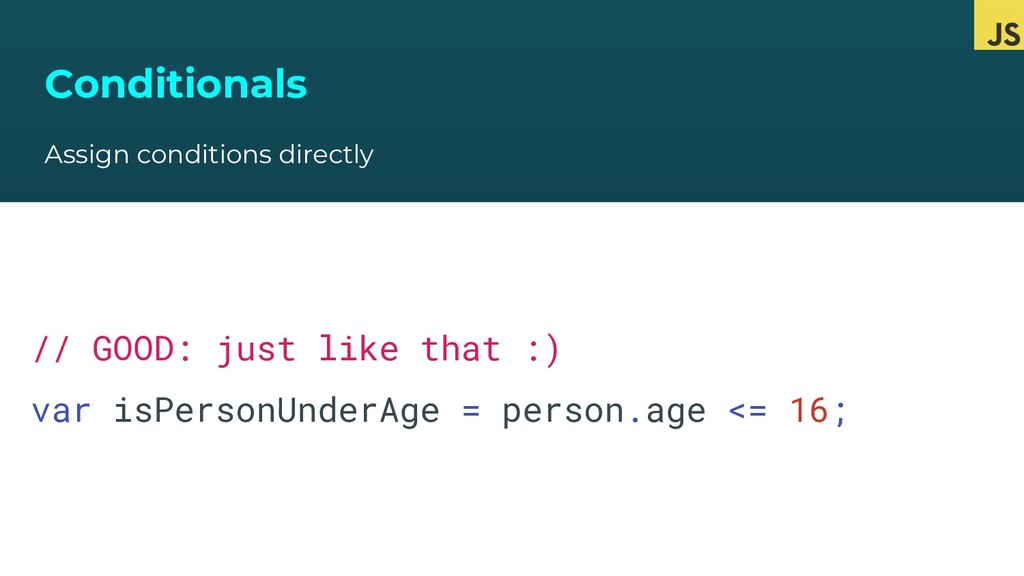
  37. Conditionals Assign conditions directly // ❌ BAD: unnecessary code var
    isPersonUnderAge; if (person.age <= 16) { isPersonUnderAge = true; } else { isPersonUnderAge = false; }
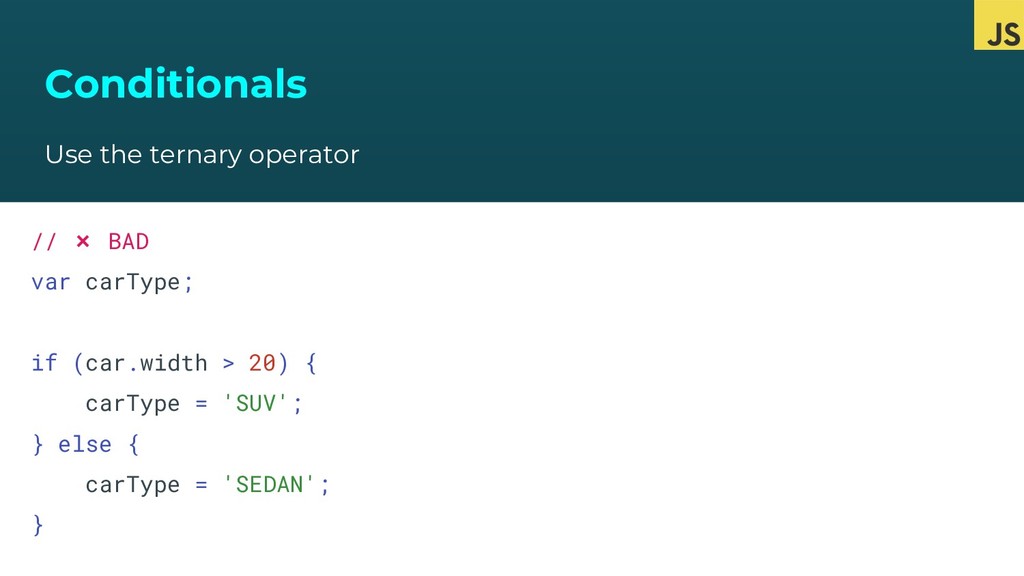
  38. Conditionals Use the ternary operator // ❌ BAD var carType;

    if (car.width > 20) { carType = 'SUV'; } else { carType = 'SEDAN'; }
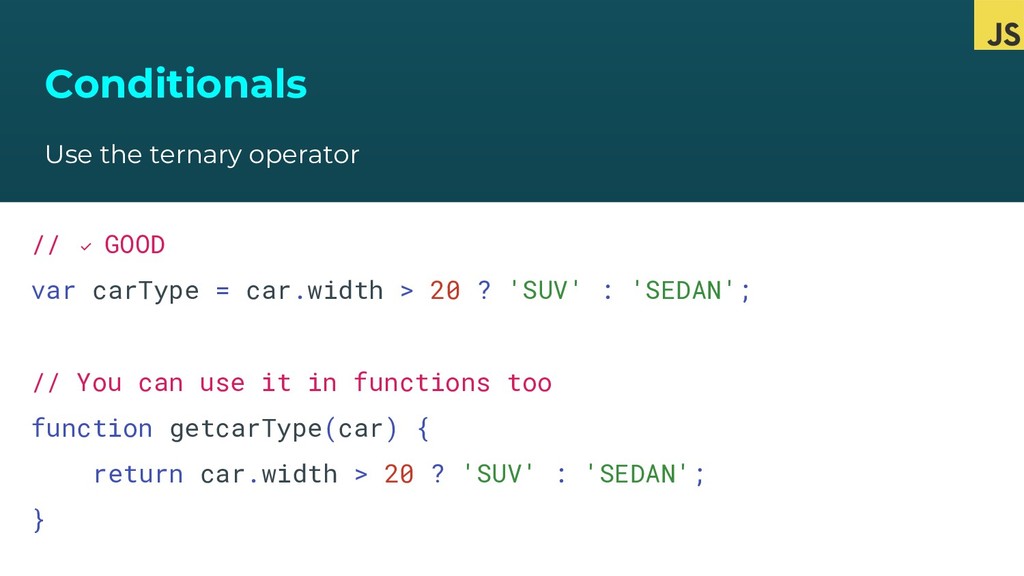
  39. Conditionals Use the ternary operator // ✅ GOOD var carType

    = car.width > 20 ? 'SUV' : 'SEDAN'; // You can use it in functions too function getcarType(car) { return car.width > 20 ? 'SUV' : 'SEDAN'; }