Review of ActionCable/Websocket terminology. Overview of all ActionCable related files in new Rails 5.0.0.beta2 application, with a single generated channel.
shells are up. Incognito and regular browsers up.) GARETT ARROWOOD [email protected] @garettarrowood linkedin.com/in/garettarrowood Introduce myself. You can find me these places. This is my first Atlanta Ruby User Group talk. ACTION CABLE $ gem install rails —pre We are here to talk about ActionCable!!!!
the Rails 5. It is a web sockets framework that allows realtime additions to your Rails app. And it adds a whole bunch of new ruby and javascript files to your program. WHAT IS IT? This is definitely a lightning talk. I will be elaborating upon this with a “Action Cable Part 2” at next month’s meetup. This talk is divided into 3 sections.
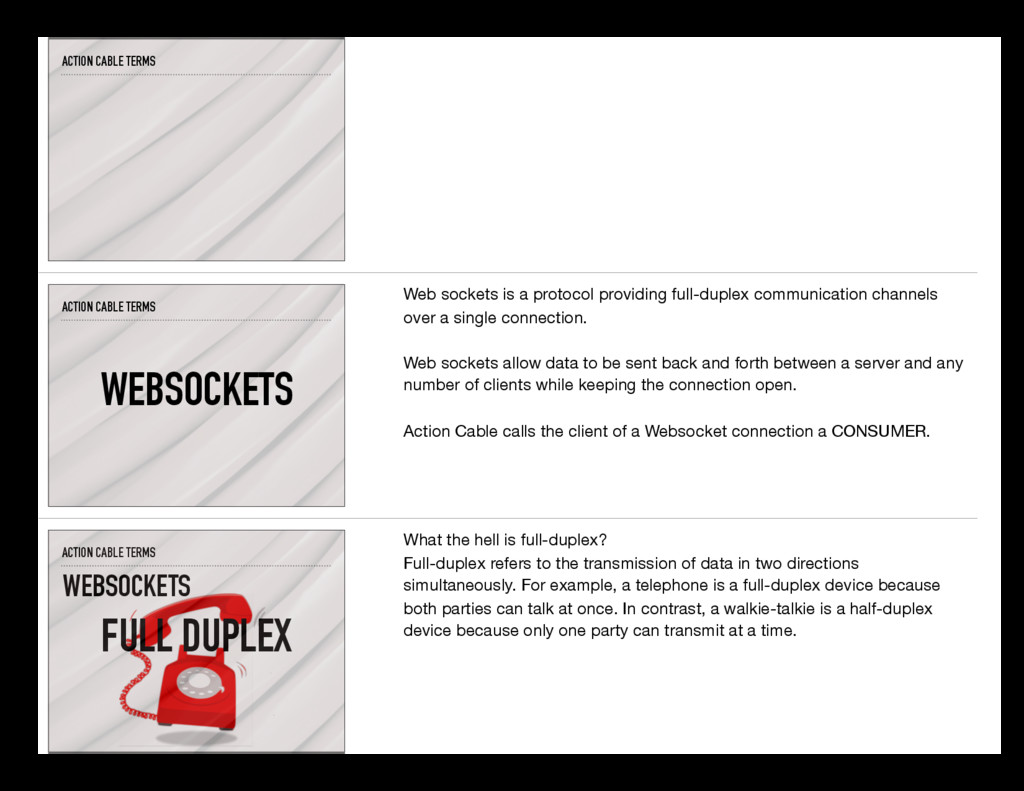
a protocol providing full-duplex communication channels over a single connection. Web sockets allow data to be sent back and forth between a server and any number of clients while keeping the connection open. Action Cable calls the client of a Websocket connection a CONSUMER. ACTION CABLE TERMS WEBSOCKETS FULL DUPLEX What the hell is full-duplex? Full-duplex refers to the transmission of data in two directions simultaneously. For example, a telephone is a full-duplex device because both parties can talk at once. In contrast, a walkie-talkie is a half-duplex device because only one party can transmit at a time.
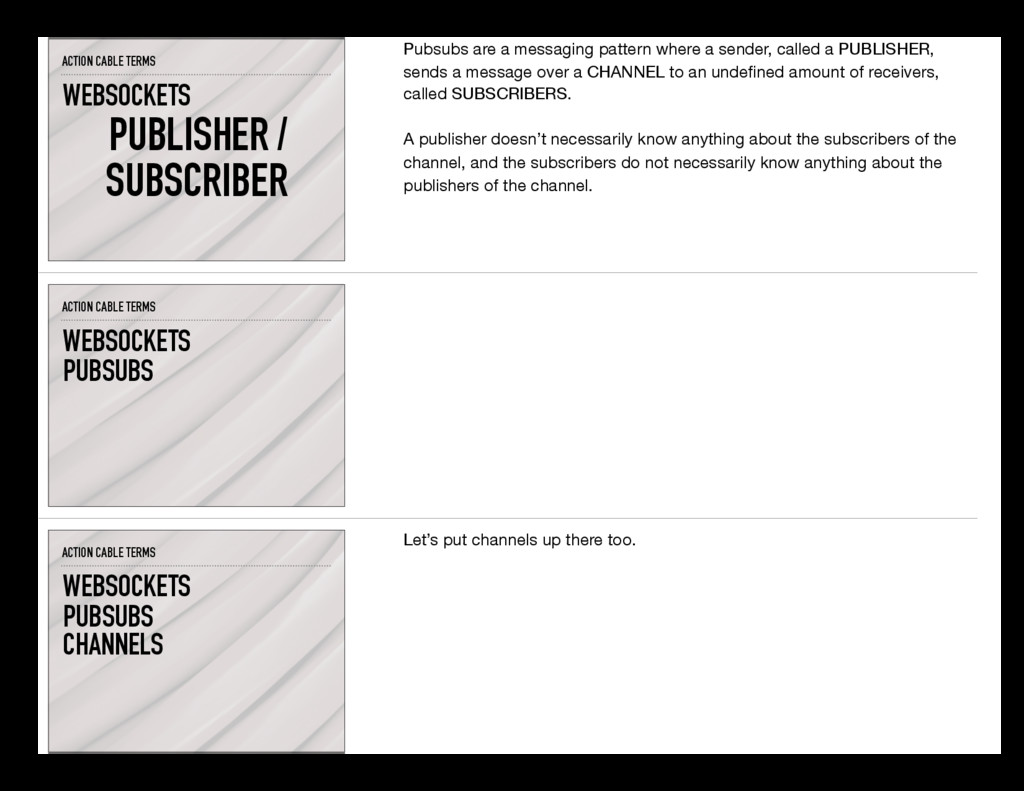
messaging pattern where a sender, called a PUBLISHER, sends a message over a CHANNEL to an undefined amount of receivers, called SUBSCRIBERS. A publisher doesn’t necessarily know anything about the subscribers of the channel, and the subscribers do not necessarily know anything about the publishers of the channel. ACTION CABLE TERMS PUBSUBS WEBSOCKETS ACTION CABLE TERMS PUBSUBS WEBSOCKETS CHANNELS Let’s put channels up there too.
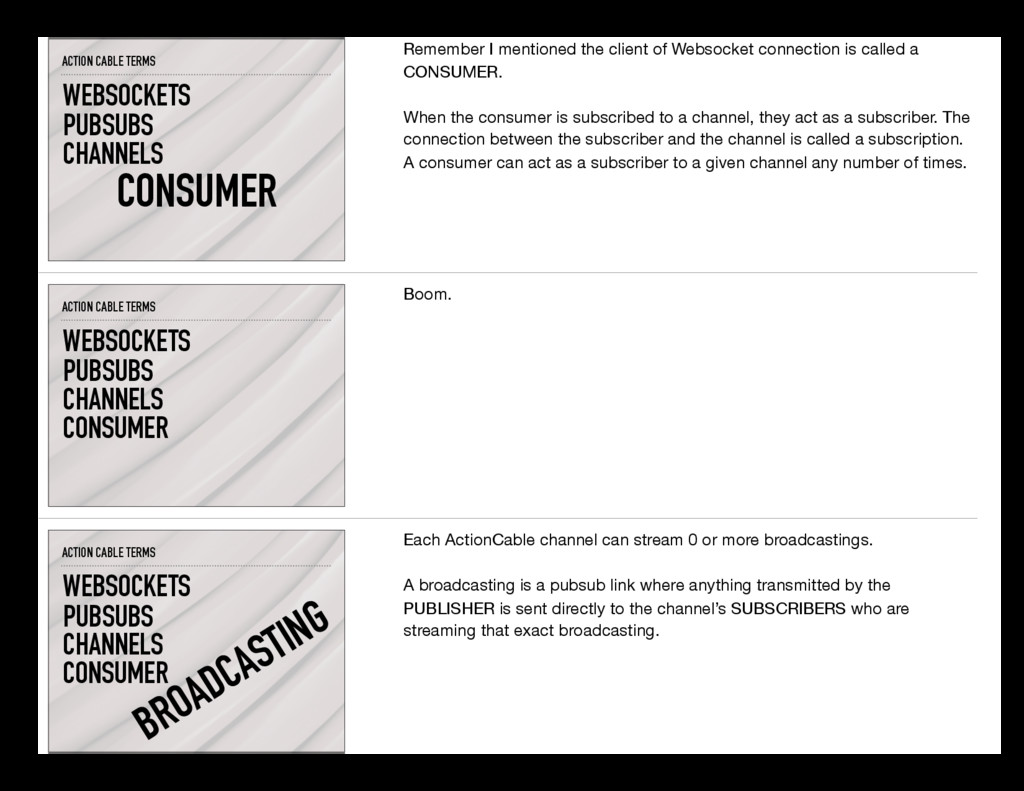
the client of Websocket connection is called a CONSUMER. When the consumer is subscribed to a channel, they act as a subscriber. The connection between the subscriber and the channel is called a subscription. A consumer can act as a subscriber to a given channel any number of times. ACTION CABLE TERMS PUBSUBS CONSUMER CHANNELS WEBSOCKETS Boom. ACTION CABLE TERMS PUBSUBS CONSUMER BROADCASTING CHANNELS WEBSOCKETS Each ActionCable channel can stream 0 or more broadcastings. A broadcasting is a pubsub link where anything transmitted by the PUBLISHER is sent directly to the channel’s SUBSCRIBERS who are streaming that exact broadcasting.
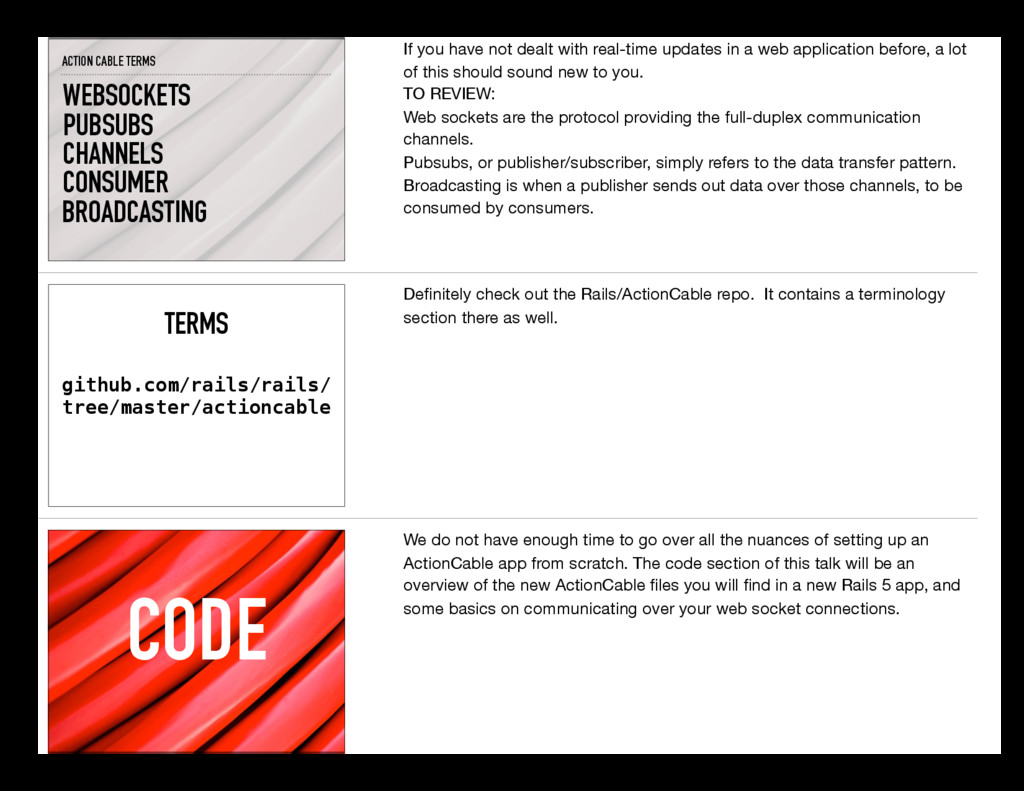
have not dealt with real-time updates in a web application before, a lot of this should sound new to you. TO REVIEW: Web sockets are the protocol providing the full-duplex communication channels. Pubsubs, or publisher/subscriber, simply refers to the data transfer pattern. Broadcasting is when a publisher sends out data over those channels, to be consumed by consumers. github.com/rails/rails/ tree/master/actioncable TERMS Definitely check out the Rails/ActionCable repo. It contains a terminology section there as well. CODE We do not have enough time to go over all the nuances of setting up an ActionCable app from scratch. The code section of this talk will be an overview of the new ActionCable files you will find in a new Rails 5 app, and some basics on communicating over your web socket connections.
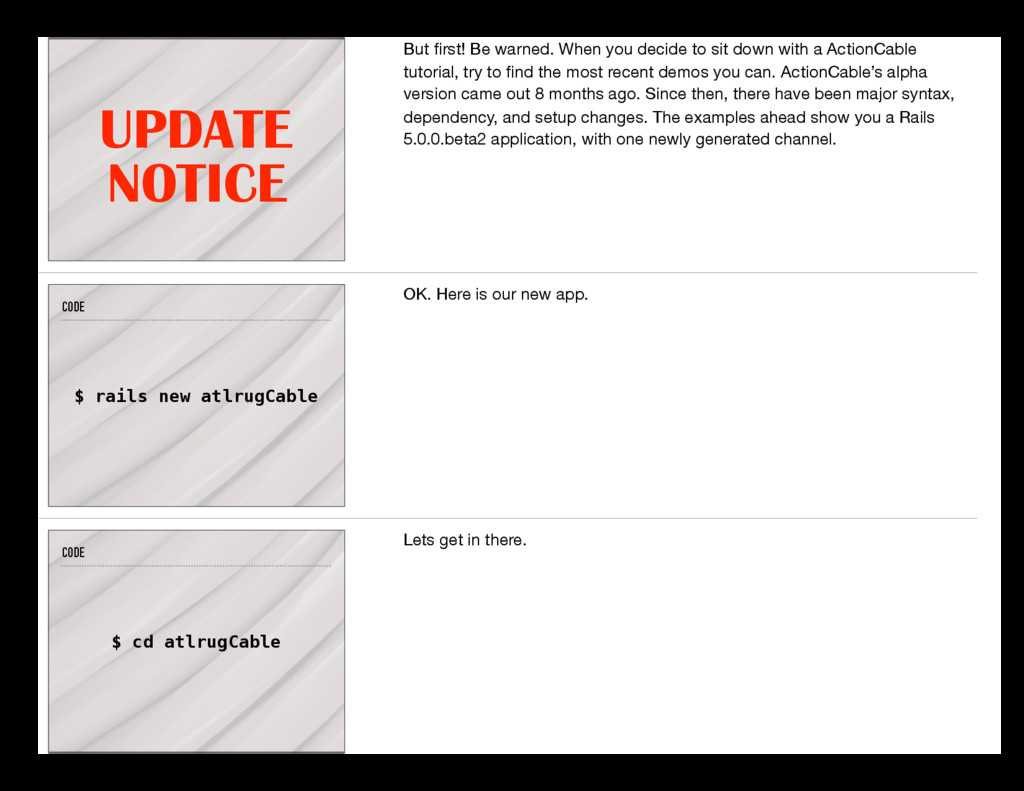
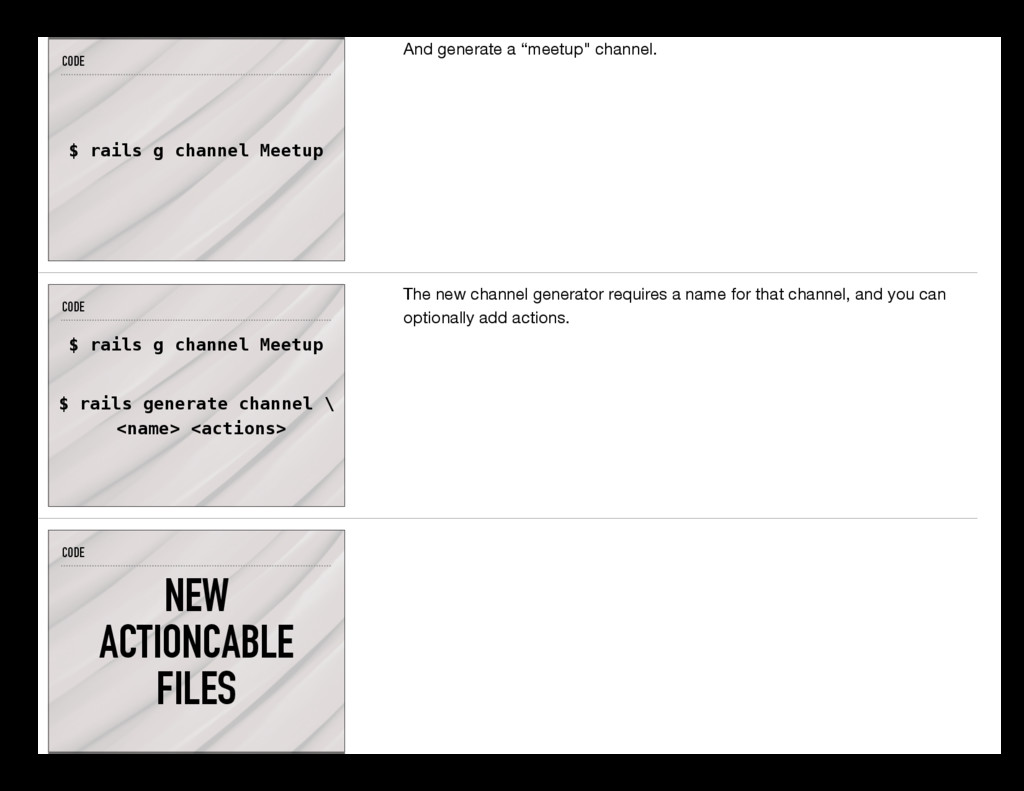
sit down with a ActionCable tutorial, try to find the most recent demos you can. ActionCable’s alpha version came out 8 months ago. Since then, there have been major syntax, dependency, and setup changes. The examples ahead show you a Rails 5.0.0.beta2 application, with one newly generated channel. CODE $ rails new atlrugCable OK. Here is our new app. CODE $ cd atlrugCable Lets get in there.
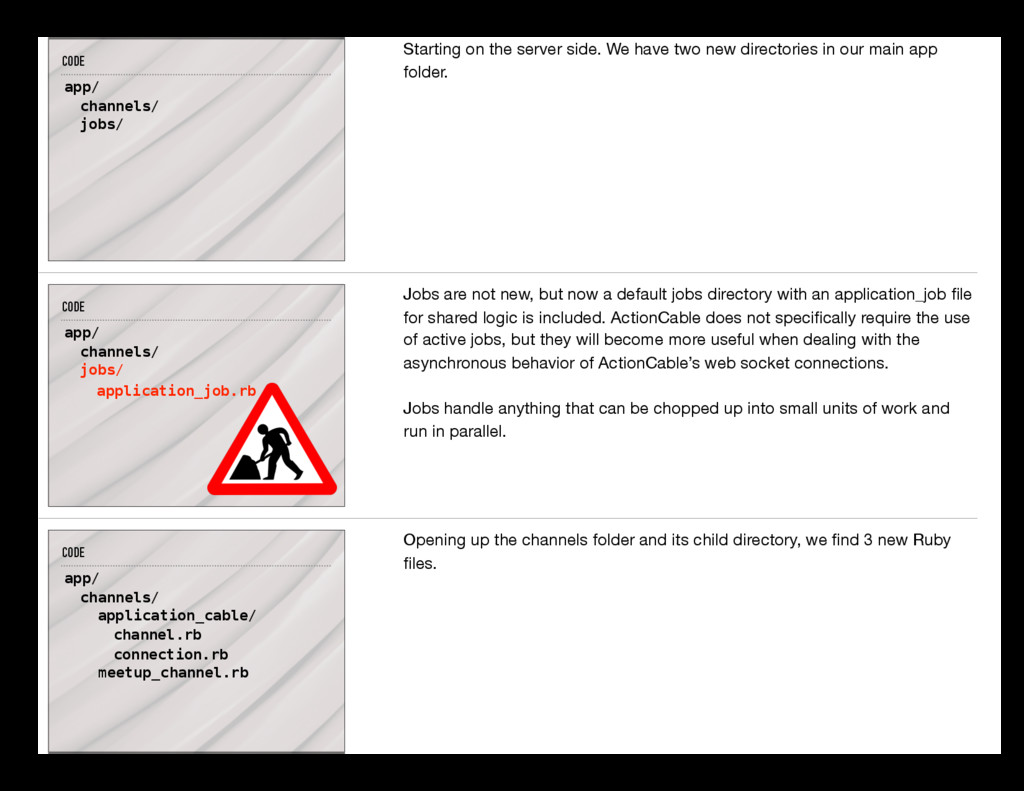
channel. CODE $ rails g channel Meetup $ rails generate channel \ <name> <actions> The new channel generator requires a name for that channel, and you can optionally add actions. CODE NEW ACTIONCABLE FILES
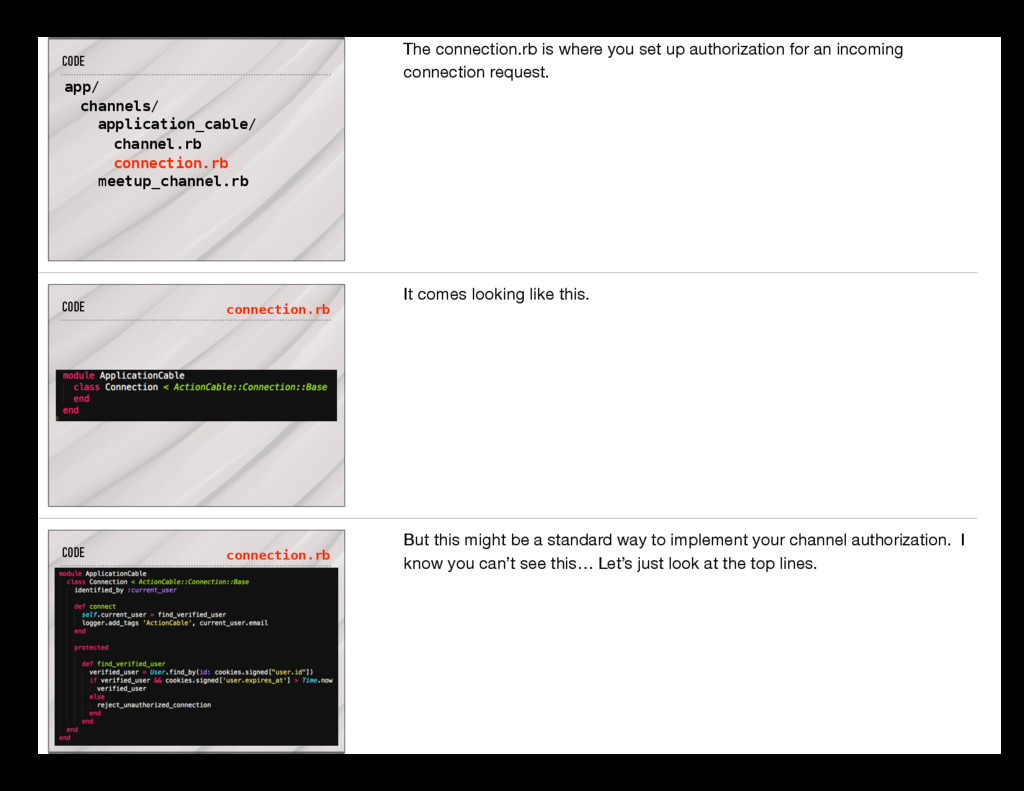
have two new directories in our main app folder. CODE app/ channels/ jobs/ application_job.rb Jobs are not new, but now a default jobs directory with an application_job file for shared logic is included. ActionCable does not specifically require the use of active jobs, but they will become more useful when dealing with the asynchronous behavior of ActionCable’s web socket connections. Jobs handle anything that can be chopped up into small units of work and run in parallel. CODE app/ channels/ application_cable/ channel.rb connection.rb meetup_channel.rb Opening up the channels folder and its child directory, we find 3 new Ruby files.
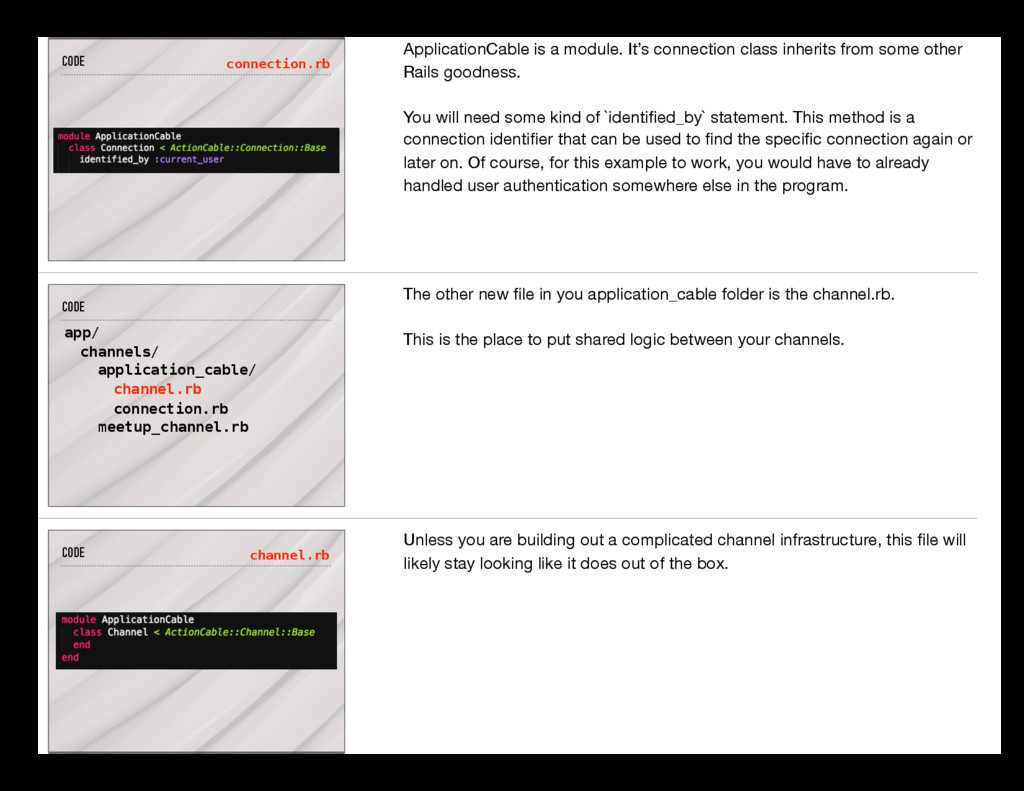
where you set up authorization for an incoming connection request. CODE connection.rb It comes looking like this. CODE connection.rb But this might be a standard way to implement your channel authorization. I know you can’t see this… Let’s just look at the top lines.
from some other Rails goodness. You will need some kind of `identified_by` statement. This method is a connection identifier that can be used to find the specific connection again or later on. Of course, for this example to work, you would have to already handled user authentication somewhere else in the program. CODE app/ channels/ application_cable/ channel.rb connection.rb meetup_channel.rb The other new file in you application_cable folder is the channel.rb. This is the place to put shared logic between your channels. CODE channel.rb Unless you are building out a complicated channel infrastructure, this file will likely stay looking like it does out of the box.
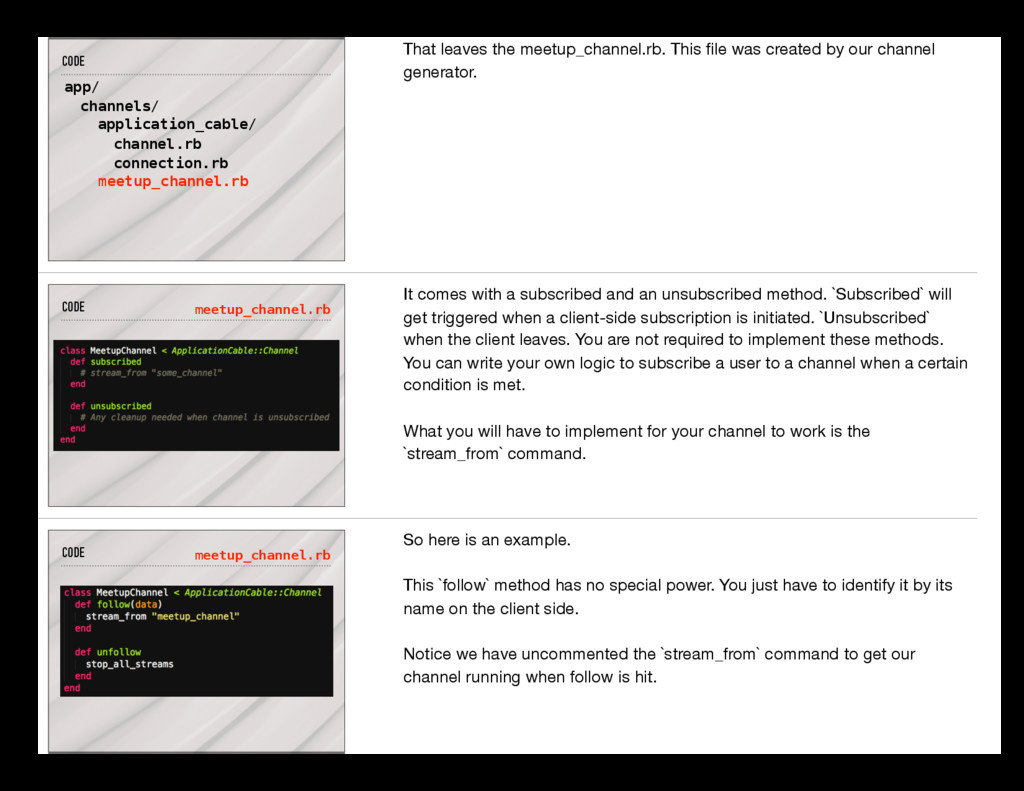
meetup_channel.rb. This file was created by our channel generator. CODE meetup_channel.rb It comes with a subscribed and an unsubscribed method. `Subscribed` will get triggered when a client-side subscription is initiated. `Unsubscribed` when the client leaves. You are not required to implement these methods. You can write your own logic to subscribe a user to a channel when a certain condition is met. What you will have to implement for your channel to work is the `stream_from` command. CODE meetup_channel.rb So here is an example. This `follow` method has no special power. You just have to identify it by its name on the client side. Notice we have uncommented the `stream_from` command to get our channel running when follow is hit.
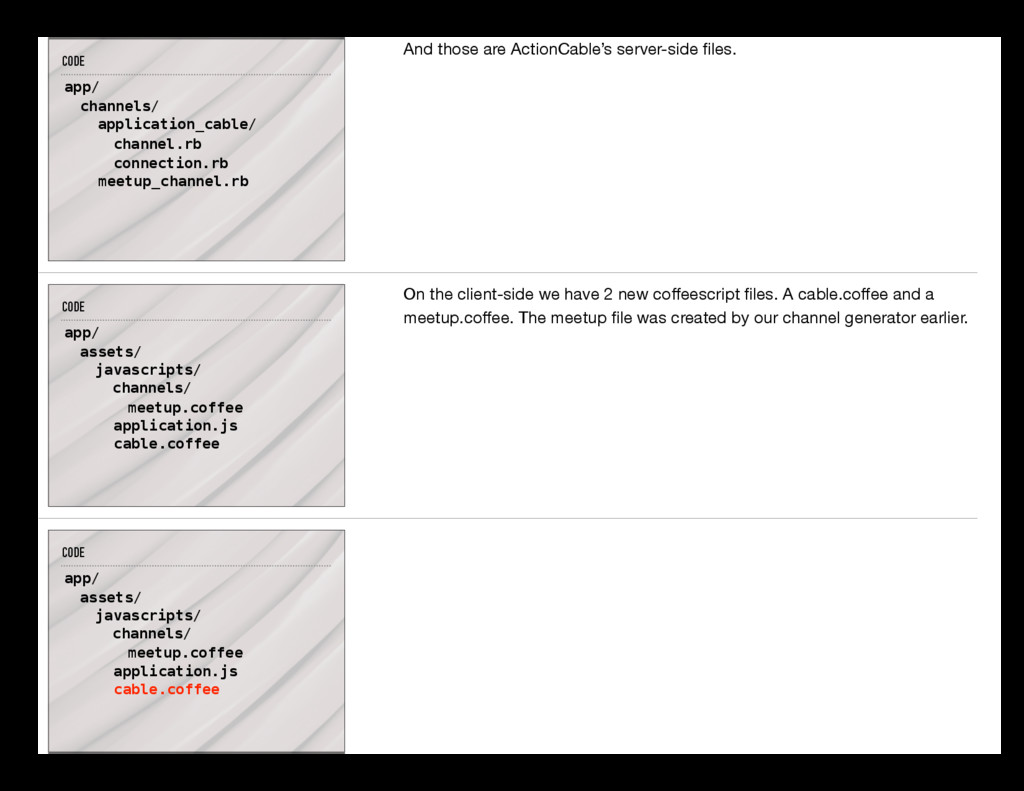
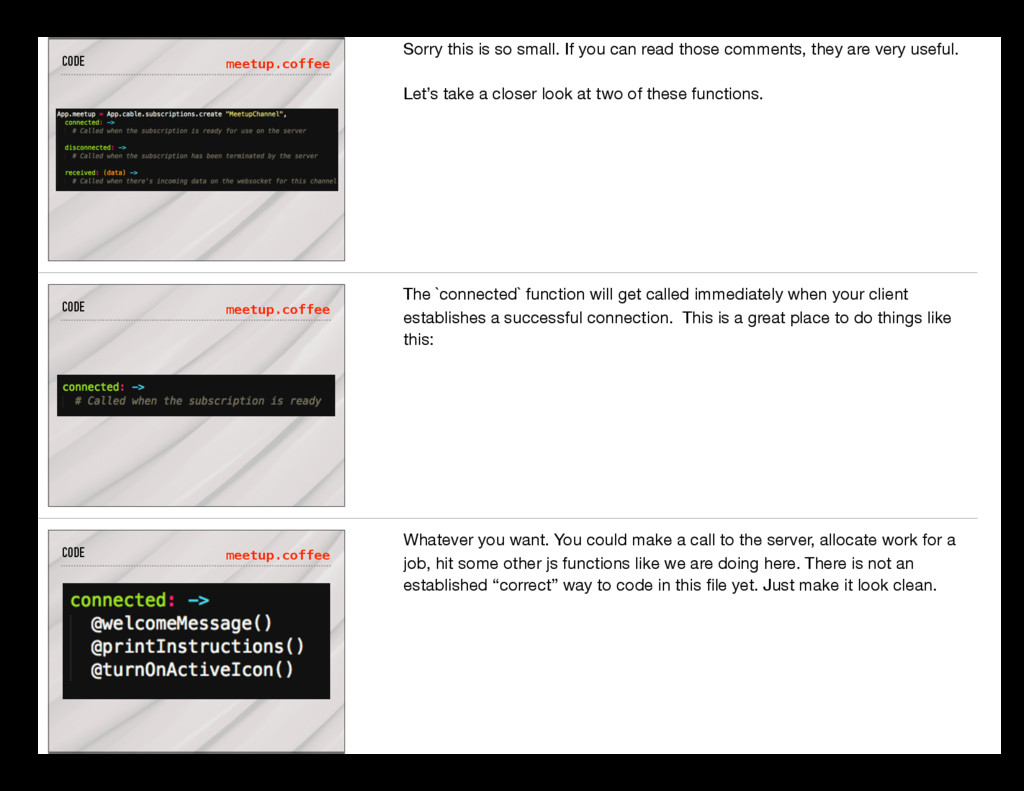
ActionCable’s server-side files. CODE app/ assets/ javascripts/ channels/ cable.coffee meetup.coffee application.js On the client-side we have 2 new coffeescript files. A cable.coffee and a meetup.coffee. The meetup file was created by our channel generator earlier. CODE app/ assets/ javascripts/ channels/ cable.coffee meetup.coffee application.js
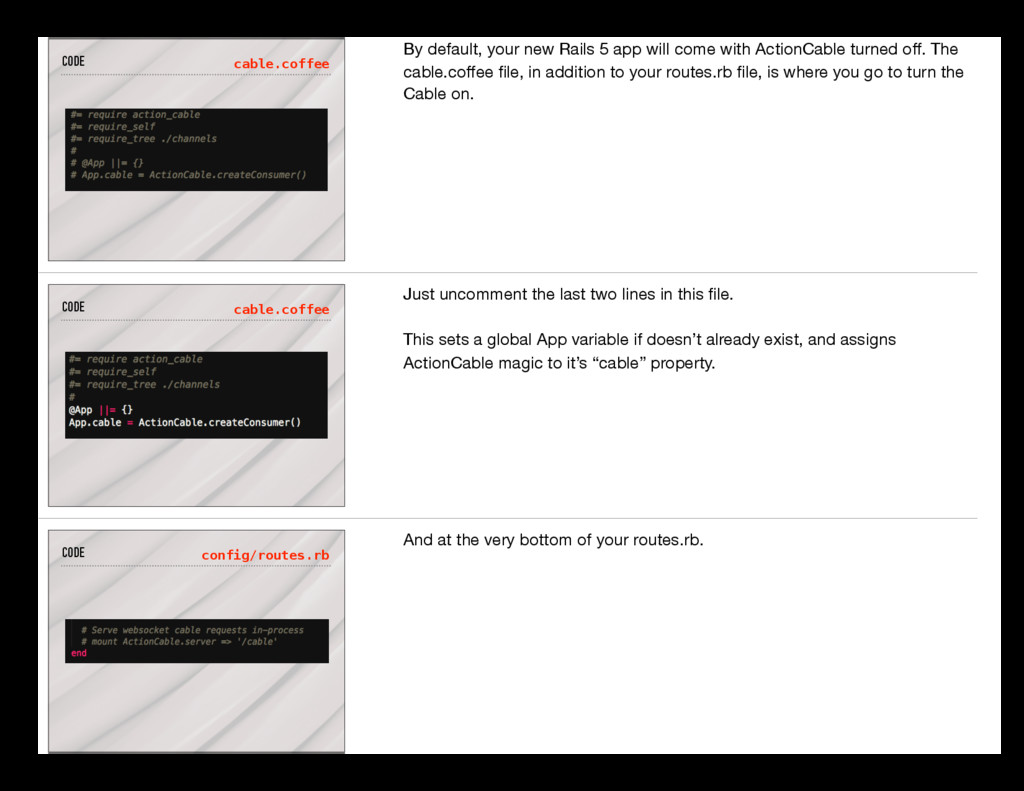
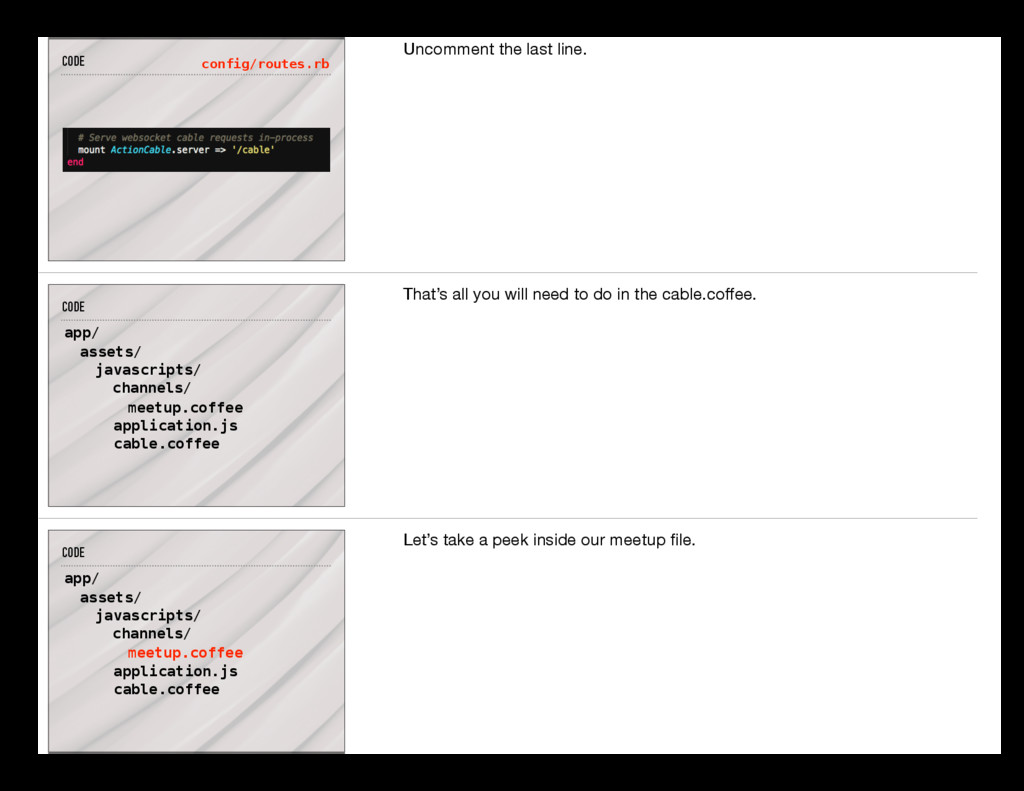
come with ActionCable turned off. The cable.coffee file, in addition to your routes.rb file, is where you go to turn the Cable on. CODE cable.coffee Just uncomment the last two lines in this file. This sets a global App variable if doesn’t already exist, and assigns ActionCable magic to it’s “cable” property. CODE config/routes.rb And at the very bottom of your routes.rb.
channels/ cable.coffee meetup.coffee application.js That’s all you will need to do in the cable.coffee. CODE app/ assets/ javascripts/ channels/ cable.coffee meetup.coffee application.js Let’s take a peek inside our meetup file.
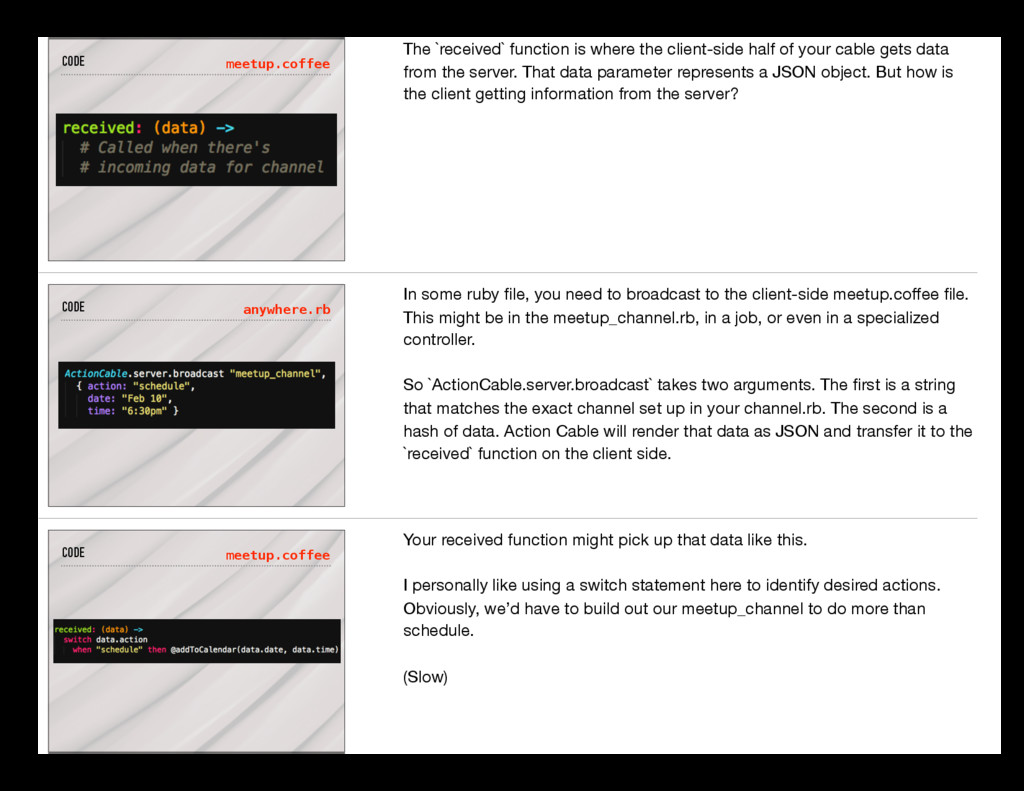
read those comments, they are very useful. Let’s take a closer look at two of these functions. CODE meetup.coffee The `connected` function will get called immediately when your client establishes a successful connection. This is a great place to do things like this: CODE meetup.coffee Whatever you want. You could make a call to the server, allocate work for a job, hit some other js functions like we are doing here. There is not an established “correct” way to code in this file yet. Just make it look clean.
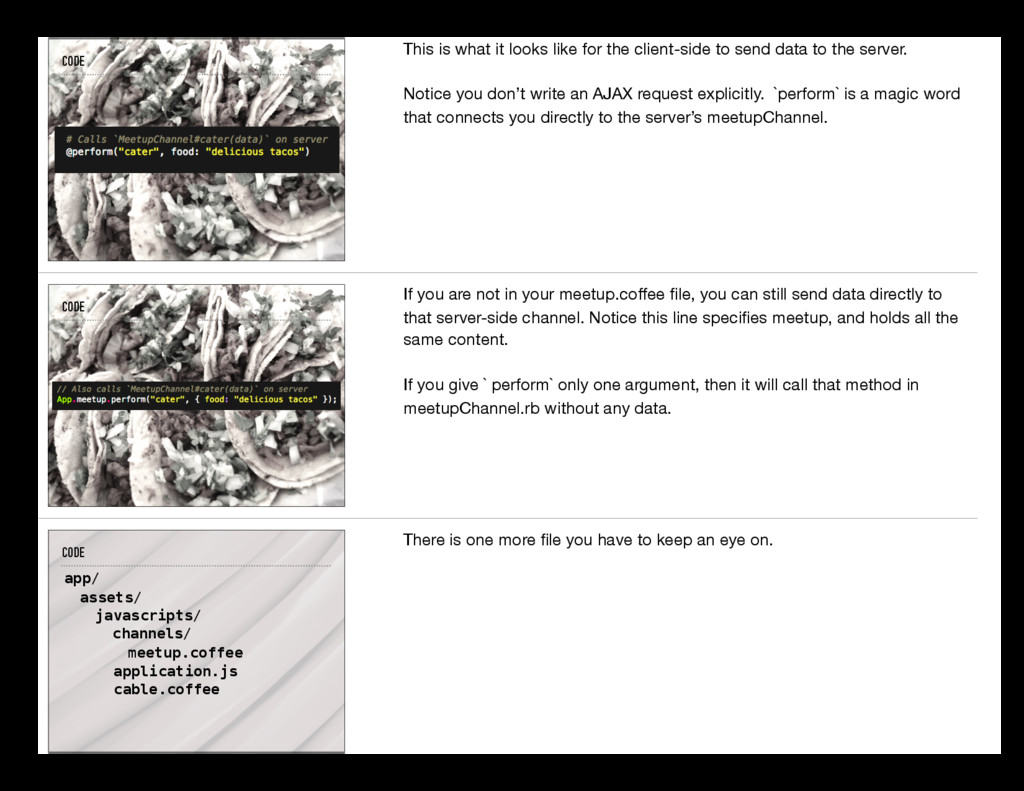
of your cable gets data from the server. That data parameter represents a JSON object. But how is the client getting information from the server? CODE anywhere.rb In some ruby file, you need to broadcast to the client-side meetup.coffee file. This might be in the meetup_channel.rb, in a job, or even in a specialized controller. So `ActionCable.server.broadcast` takes two arguments. The first is a string that matches the exact channel set up in your channel.rb. The second is a hash of data. Action Cable will render that data as JSON and transfer it to the `received` function on the client side. CODE meetup.coffee Your received function might pick up that data like this. I personally like using a switch statement here to identify desired actions. Obviously, we’d have to build out our meetup_channel to do more than schedule. (Slow)
to send data to the server. Notice you don’t write an AJAX request explicitly. `perform` is a magic word that connects you directly to the server’s meetupChannel. CODE If you are not in your meetup.coffee file, you can still send data directly to that server-side channel. Notice this line specifies meetup, and holds all the same content. If you give ` perform` only one argument, then it will call that method in meetupChannel.rb without any data. CODE app/ assets/ javascripts/ channels/ cable.coffee meetup.coffee application.js There is one more file you have to keep an eye on.
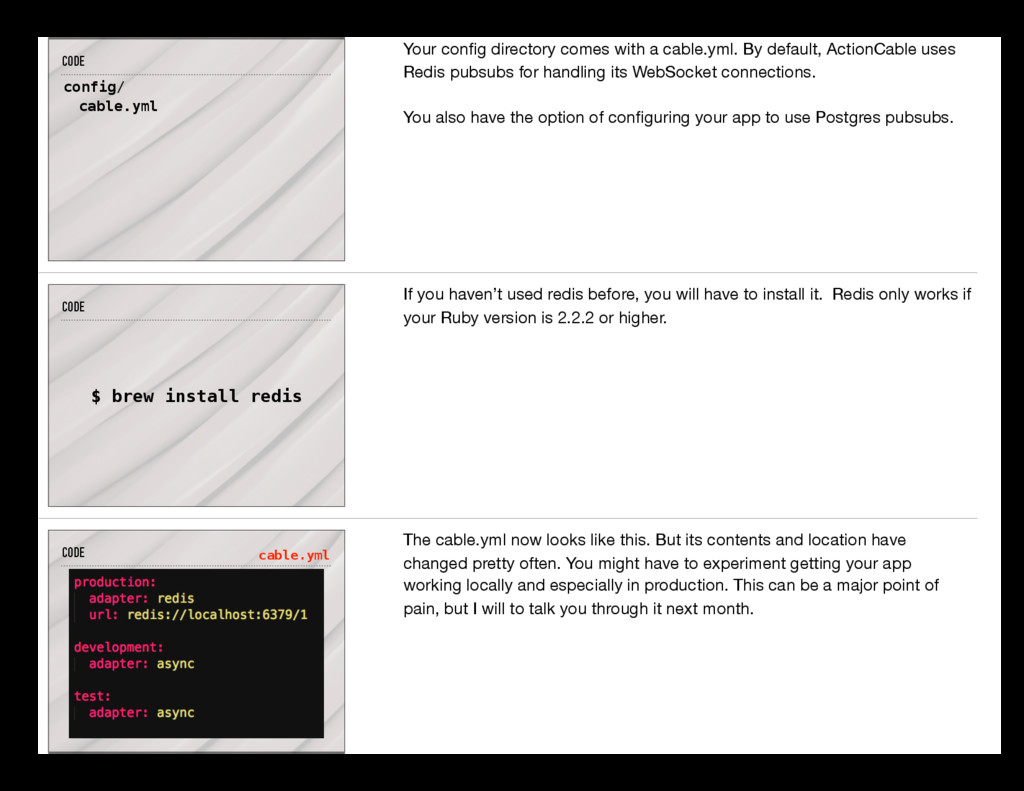
By default, ActionCable uses Redis pubsubs for handling its WebSocket connections. You also have the option of configuring your app to use Postgres pubsubs. CODE $ brew install redis If you haven’t used redis before, you will have to install it. Redis only works if your Ruby version is 2.2.2 or higher. CODE cable.yml The cable.yml now looks like this. But its contents and location have changed pretty often. You might have to experiment getting your app working locally and especially in production. This can be a major point of pain, but I will to talk you through it next month.
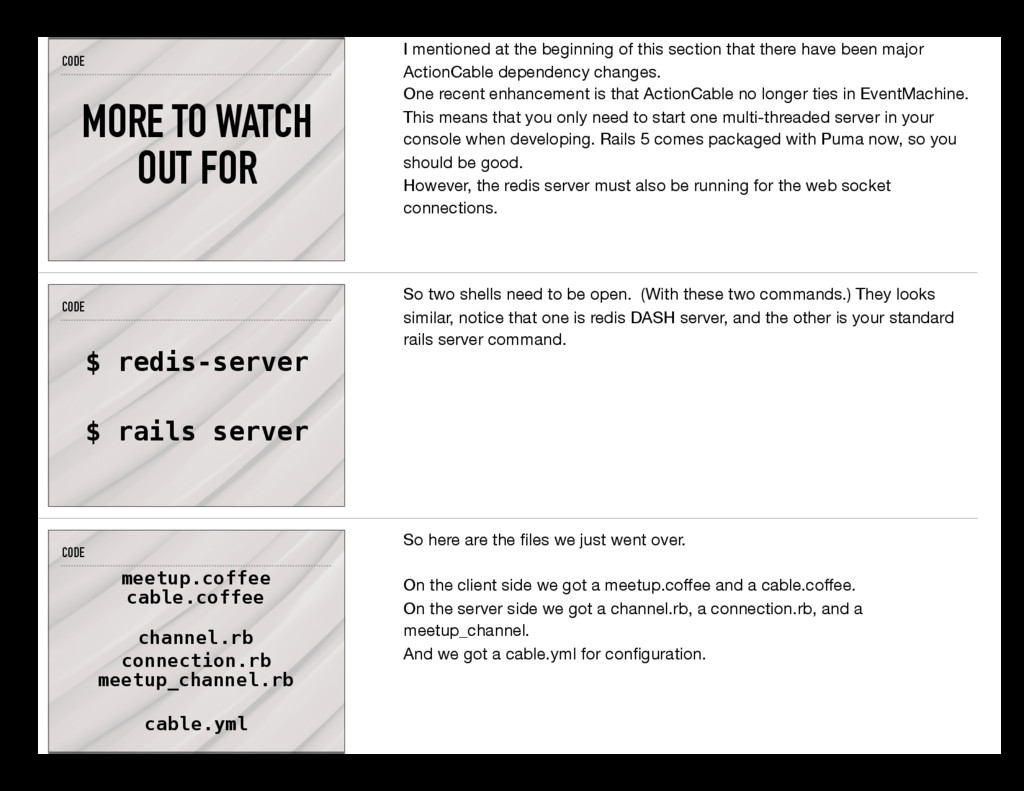
beginning of this section that there have been major ActionCable dependency changes. One recent enhancement is that ActionCable no longer ties in EventMachine. This means that you only need to start one multi-threaded server in your console when developing. Rails 5 comes packaged with Puma now, so you should be good. However, the redis server must also be running for the web socket connections. CODE $ redis-server $ rails server So two shells need to be open. (With these two commands.) They looks similar, notice that one is redis DASH server, and the other is your standard rails server command. CODE meetup.coffee cable.coffee channel.rb connection.rb meetup_channel.rb cable.yml So here are the files we just went over. On the client side we got a meetup.coffee and a cable.coffee. On the server side we got a channel.rb, a connection.rb, and a meetup_channel. And we got a cable.yml for configuration.
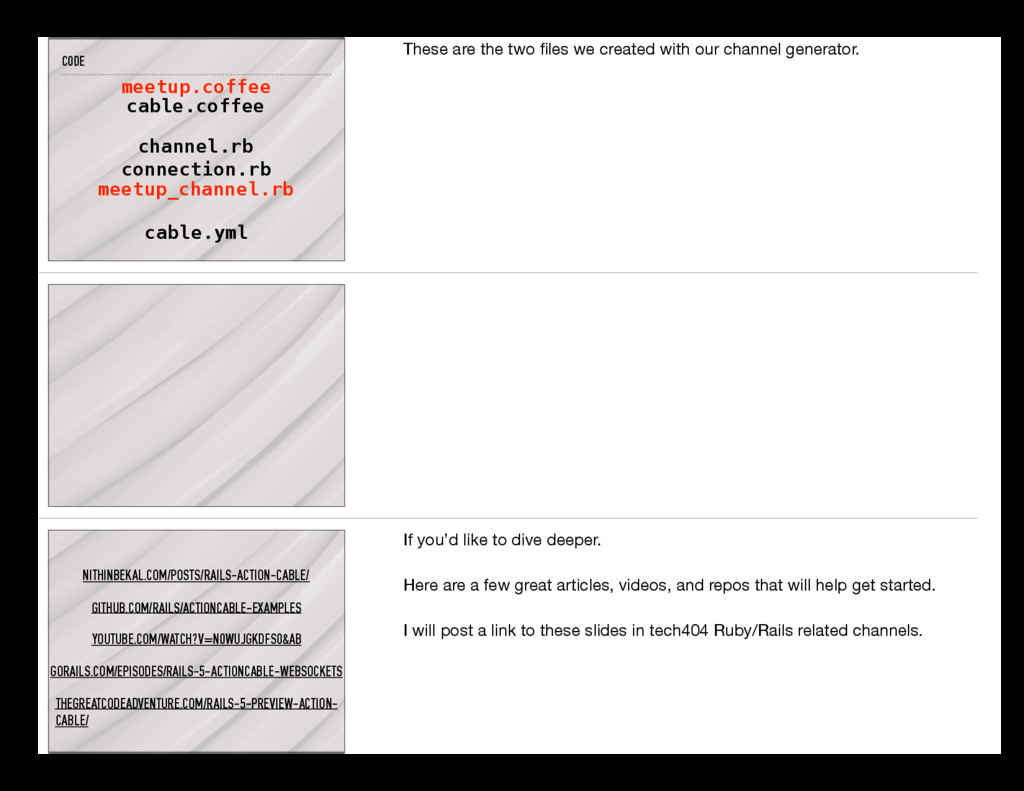
two files we created with our channel generator. NITHINBEKAL.COM/POSTS/RAILS-ACTION-CABLE/ GITHUB.COM/RAILS/ACTIONCABLE-EXAMPLES YOUTUBE.COM/WATCH?V=N0WUJGKDFS0&AB GORAILS.COM/EPISODES/RAILS-5-ACTIONCABLE-WEBSOCKETS THEGREATCODEADVENTURE.COM/RAILS-5-PREVIEW-ACTION- CABLE/ If you’d like to dive deeper. Here are a few great articles, videos, and repos that will help get started. I will post a link to these slides in tech404 Ruby/Rails related channels.


 garettarrowood
 persolserverworks
 teamlab
 kenichiodo
 bitkey
 usanchuu
 genda
genda
 shugo
shugo
 nttcom
 mhrtech
 recruitengineers
 makocchi
 dougneiner
 samanthasiow
 sarafernandez
 bluesmoon
 reverentgeek
 techseoconnect
 bethany
 soudai
 samlambert
 gr2m
gr2m
 lynnandtonic