Upgrade to Pro — share decks privately, control downloads, hide ads and more …

Building AI Agents with ADK (Agent Development ...

Sponsored · Your Podcast. Everywhere. Effortlessly. Share. Educate. Inspire. Entertain. You do you. We'll handle the rest.

Building AI Agents with ADK (Agent Development Kit) for Java

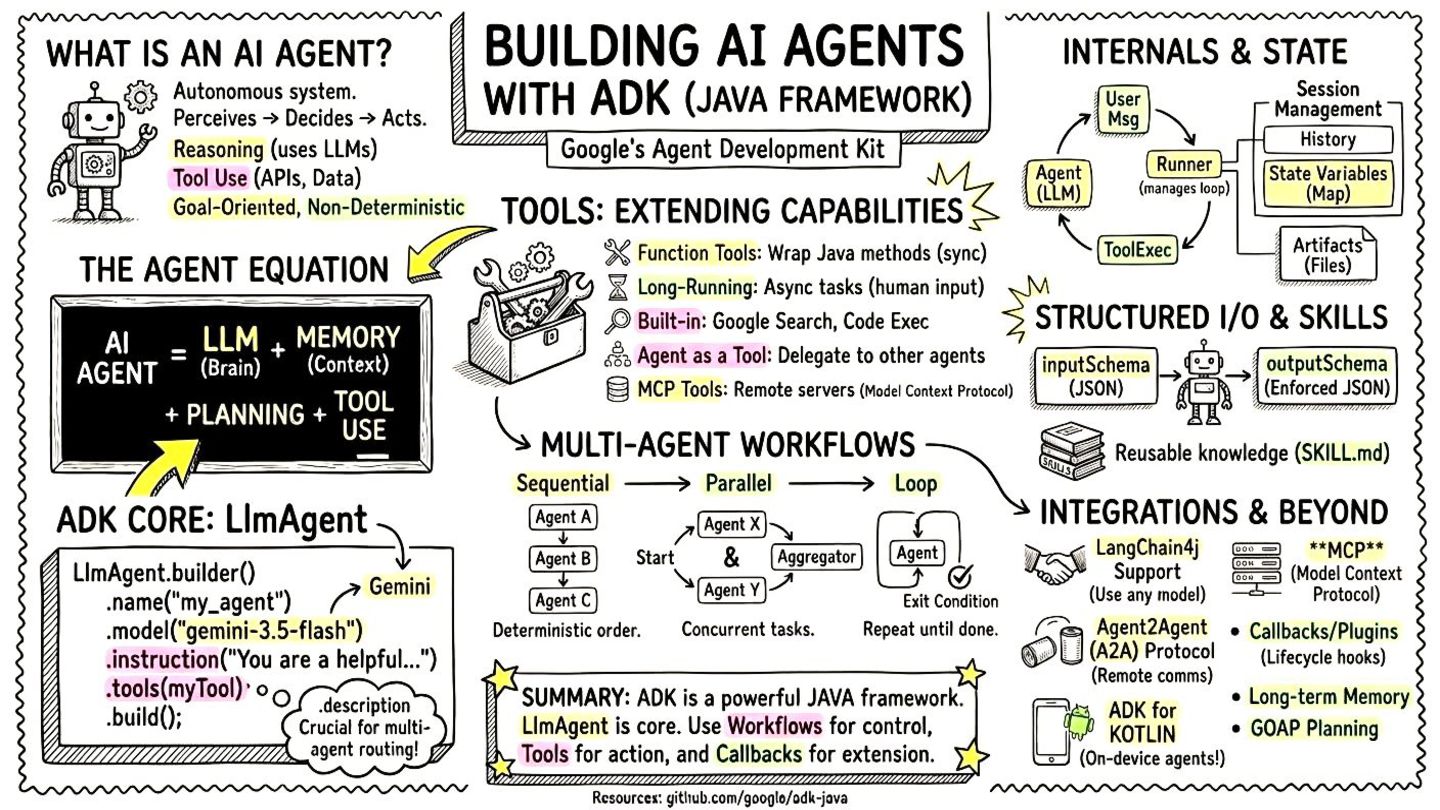
Buzzword of the year, AI agents are becoming mainstream. You don’t even need to use Python to create agents, you can develop them using Java! In this presentation, we’ll focus in particular on one framework: ADK, the Agent Development Kit released by Google.

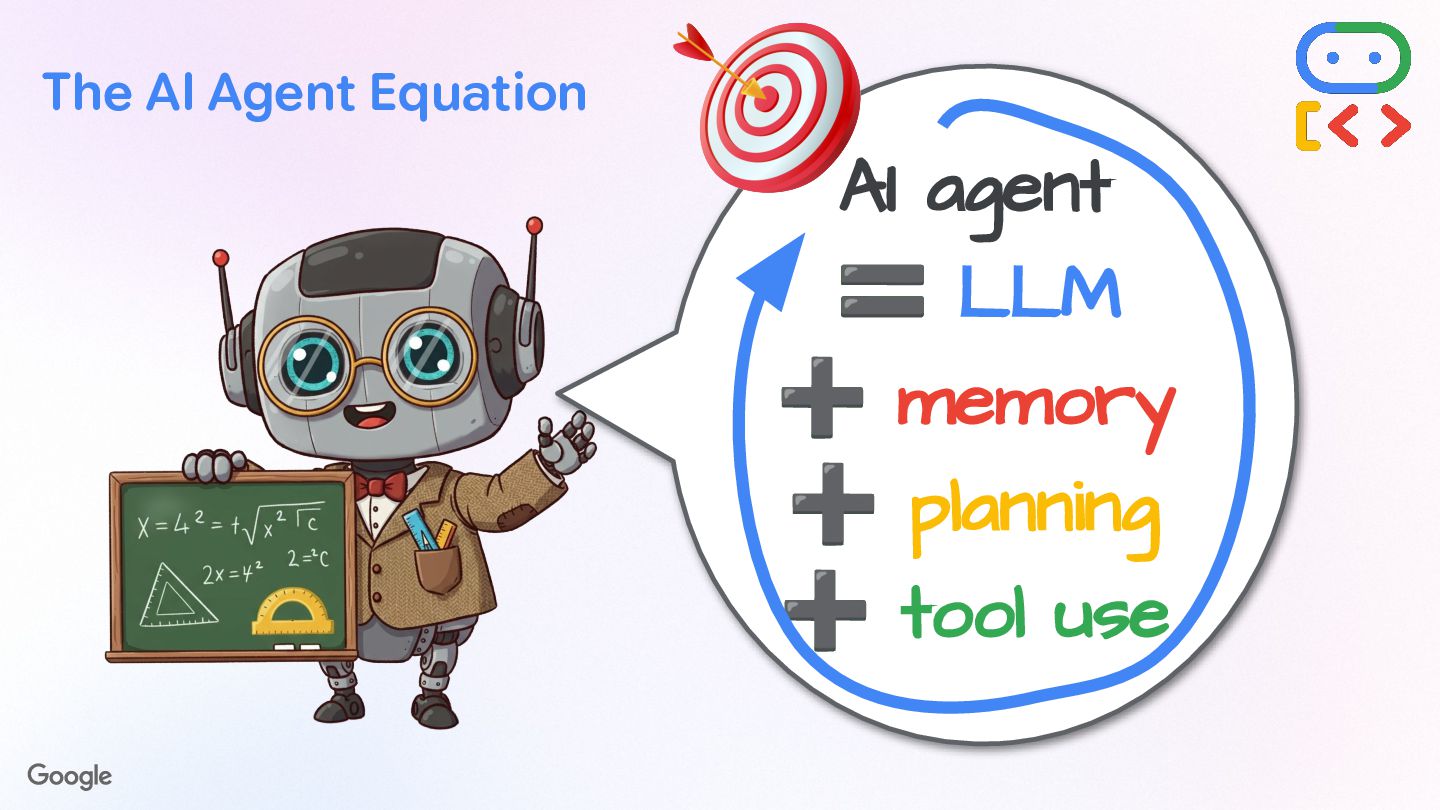
AI Agents perceive, decide, and act to achieve goals using LLMs and tools. We’ll explore the various tools at our disposal, including built-in ones like Google Search or sandboxed code execution, as well as custom Java code, or MCP servers. To make agents even smarter, skills can teach them the right knowledge and procedures to follow for complex actions.

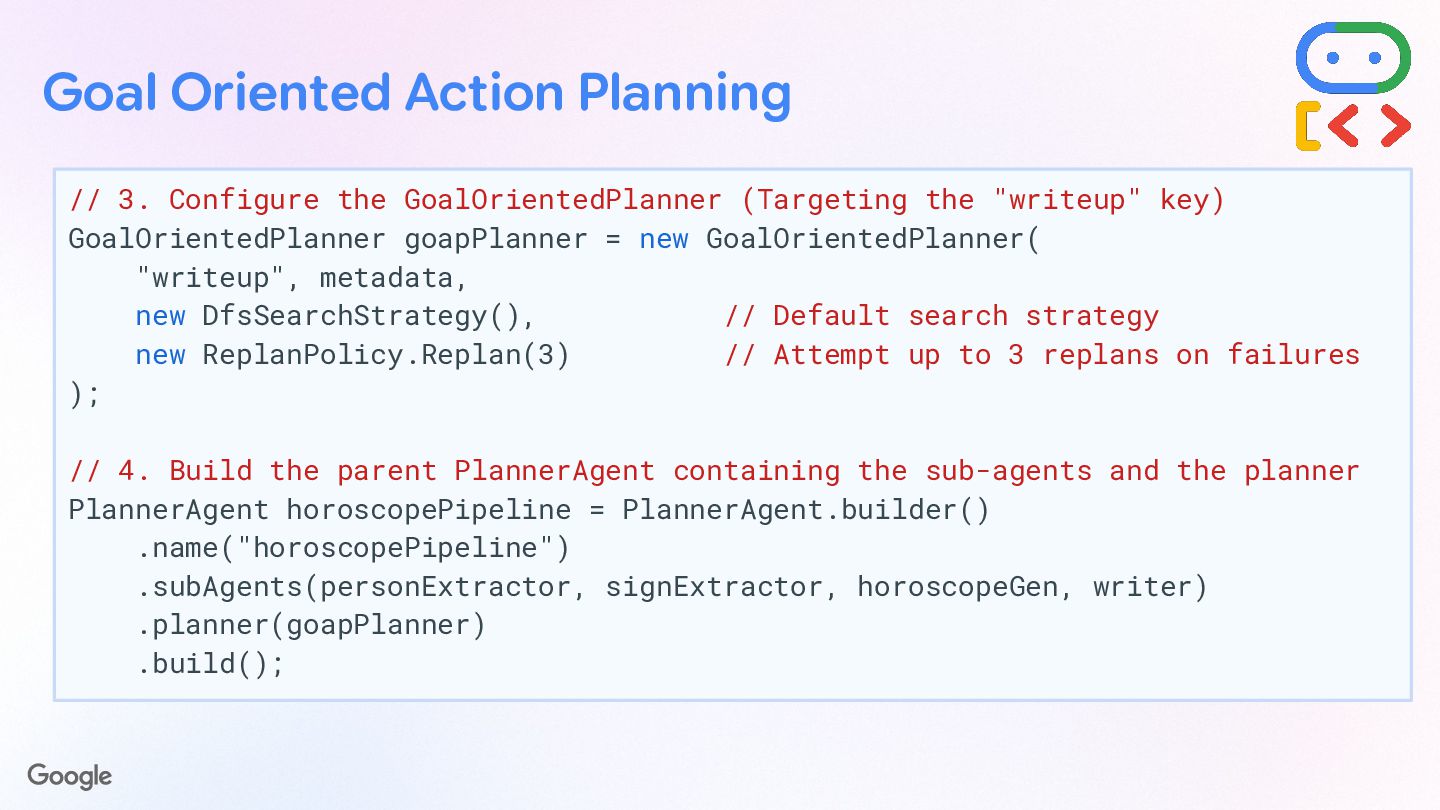
Multi-agent systems can be built by delegating tasks to more specialized sub-agents. We’ll see the various patterns at play to organize agents to work together, using sequential, parallel, or loop flows. Or how you can interact with remote A2A (Agent2Agent Protocol) agents or expose your own via A2A. Also, some multi-agent scenarios require more agency, and Goal Oriented Action Planning gives more flexibility to your systems.

That’s not all, we’ll also look into how callbacks allow you to plug into the AI agent workflow (including for hooking up guardrails), or how state can be shared and manipulated, and how events flow in our agentic systems or how they are persisted in memory.

At the end of this presentation, you’ll know everything about ADK for Java, and you’ll be able to build your first AI agents in no time!

Avatar for Guillaume Laforge

Guillaume Laforge

July 05, 2026

More Decks by Guillaume Laforge

Other Decks in Technology

Transcript

  1. Building AI Agents with ADK (Agent Development Kit) A Deep

    Dive into the Java Framework @glaforge — July 2026
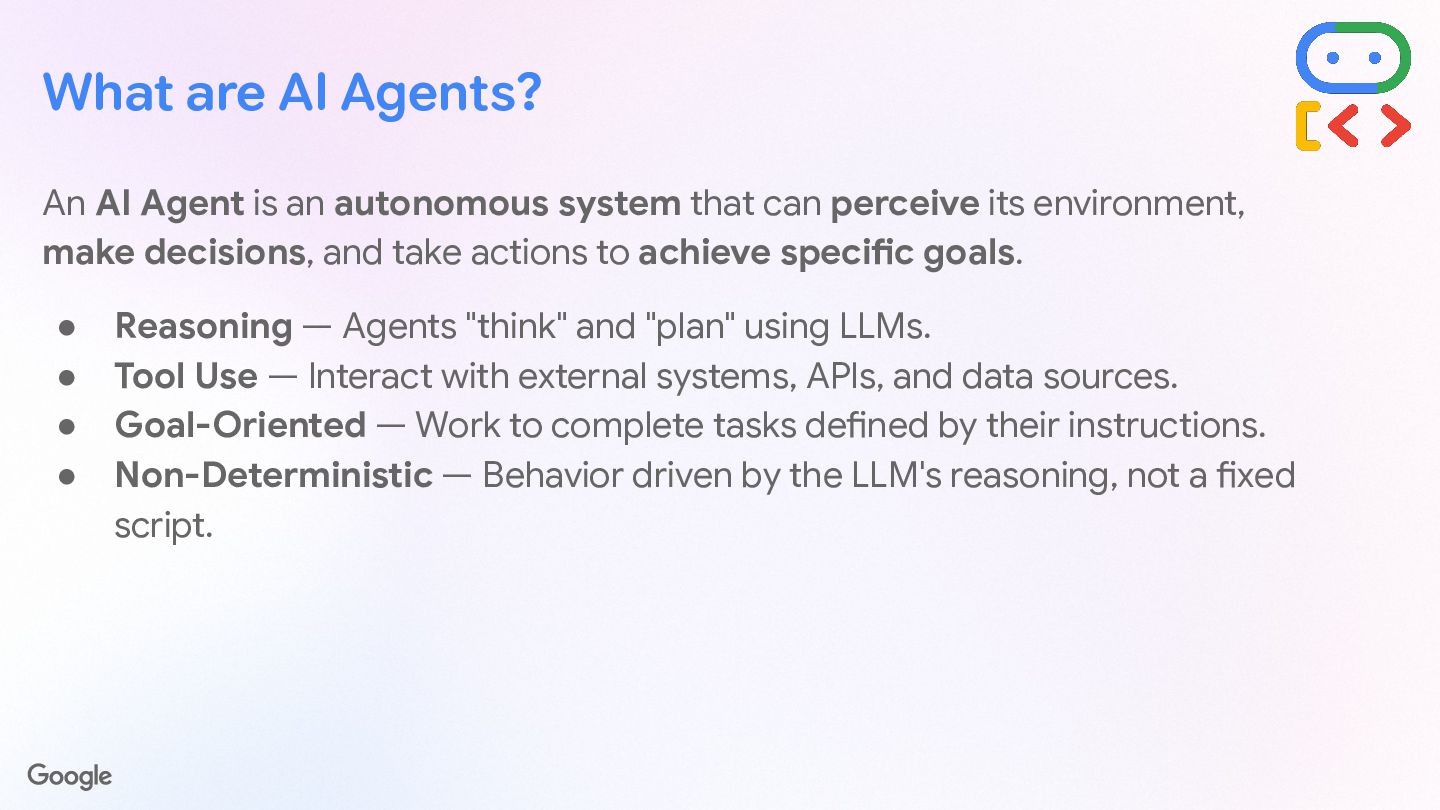
  2. What are AI Agents? An AI Agent is an autonomous

    system that can perceive its environment, make decisions, and take actions to achieve specific goals. • Reasoning — Agents "think" and "plan" using LLMs. • Tool Use — Interact with external systems, APIs, and data sources. • Goal-Oriented — Work to complete tasks defined by their instructions. • Non-Deterministic — Behavior driven by the LLM's reasoning, not a fixed script.
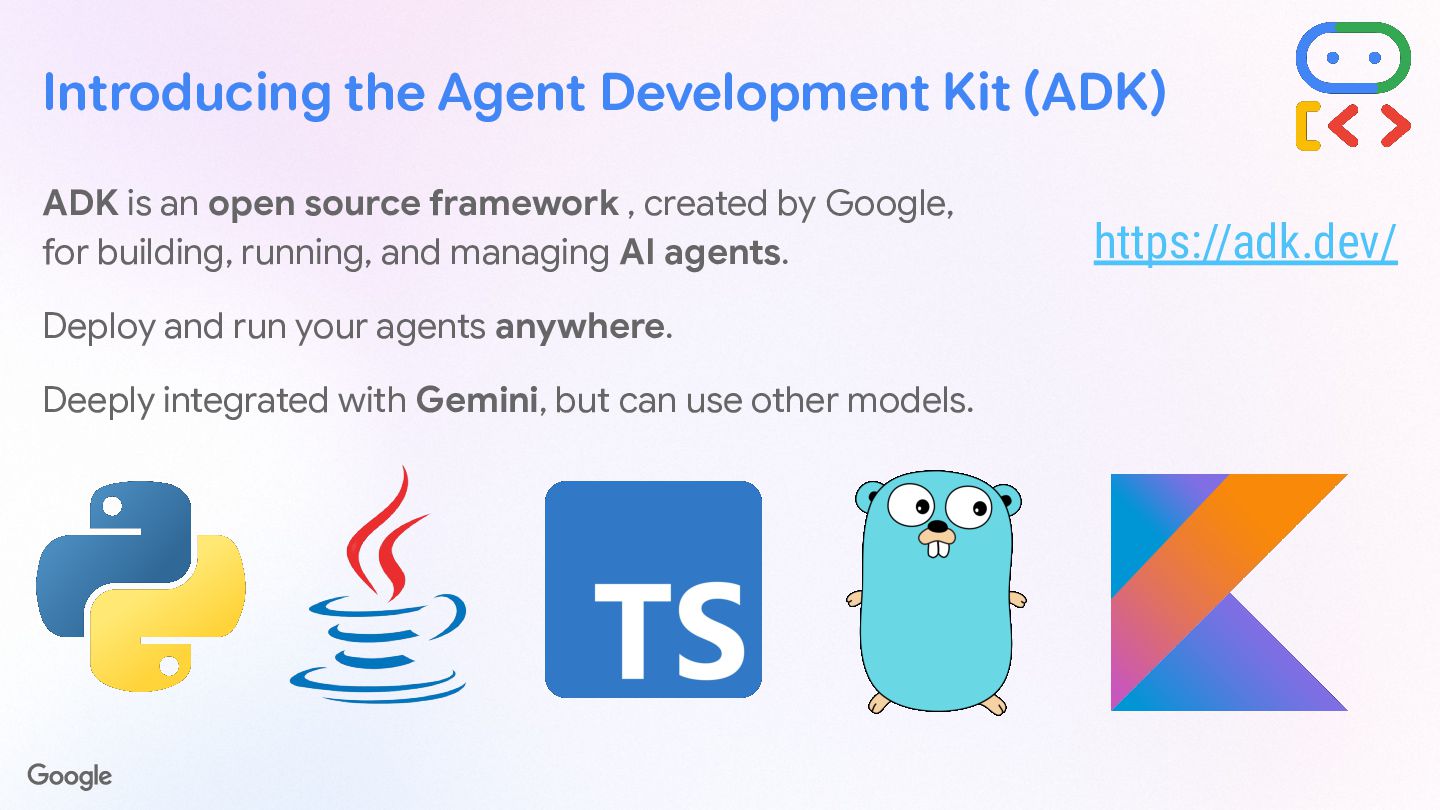
  3. Introducing the Agent Development Kit (ADK) ADK is an open

    source framework , created by Google, for building, running, and managing AI agents. Deploy and run your agents anywhere. Deeply integrated with Gemini, but can use other models. https://adk.dev/
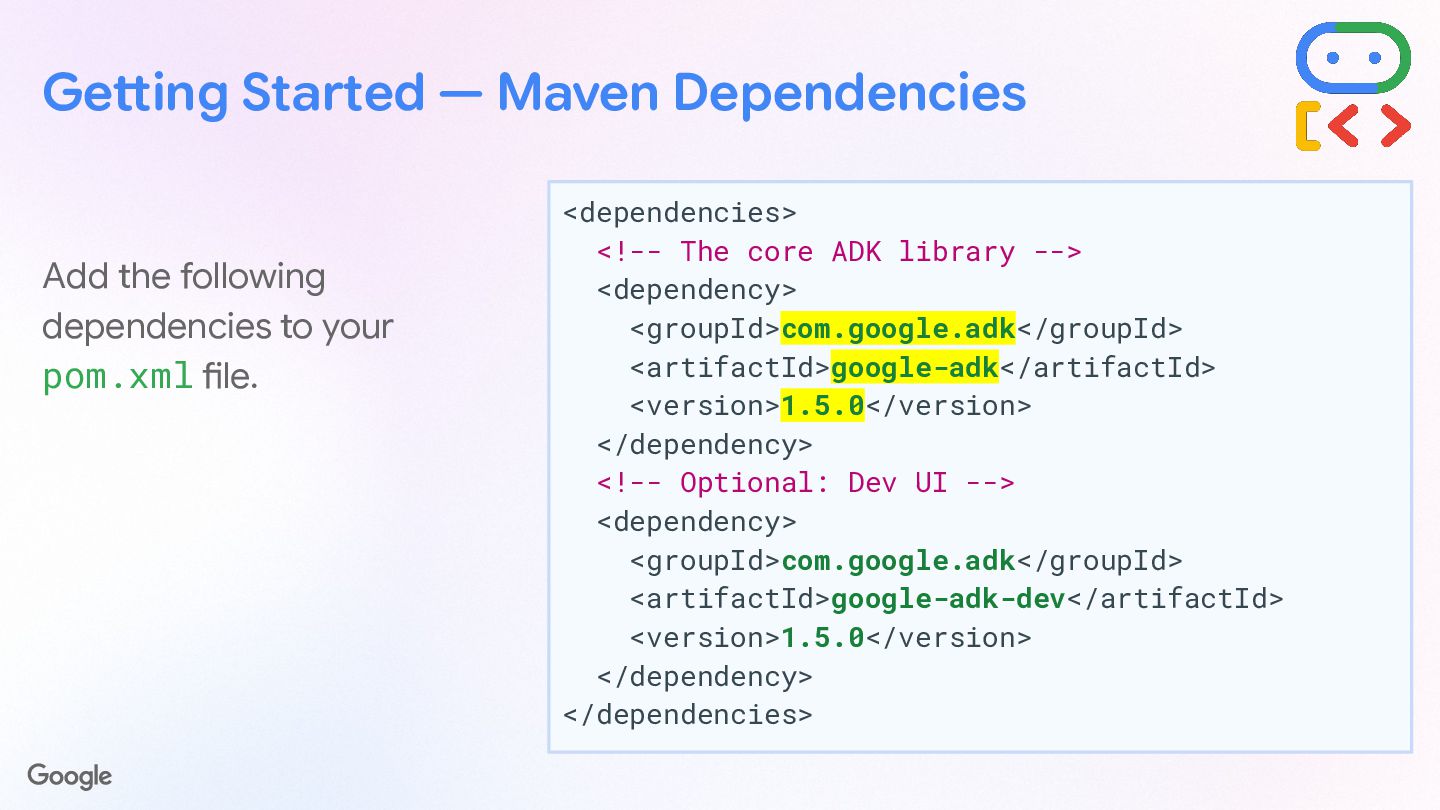
  4. Getting Started — Maven Dependencies Add the following dependencies to

    your pom.xml file. <dependencies> <!-- The core ADK library --> <dependency> <groupId>com.google.adk</groupId> <artifactId>google-adk</artifactId> <version>1.5.0</version> </dependency> <!-- Optional: Dev UI --> <dependency> <groupId>com.google.adk</groupId> <artifactId>google-adk-dev</artifactId> <version>1.5.0</version> </dependency> </dependencies>
  5. Getting Started — Creating Your First Agent First, define the

    agent's identity and purpose using the LlmAgent.builder(). • name: Unique string identifier for the agent. • description: Summary of its capabilities (important for multi-agent routing). • model: Underlying LLM to power the agent (e.g., "gemini-3.5-flash"). • instruction: Instructions give a goal, personality, constraints, and how to use its tools.
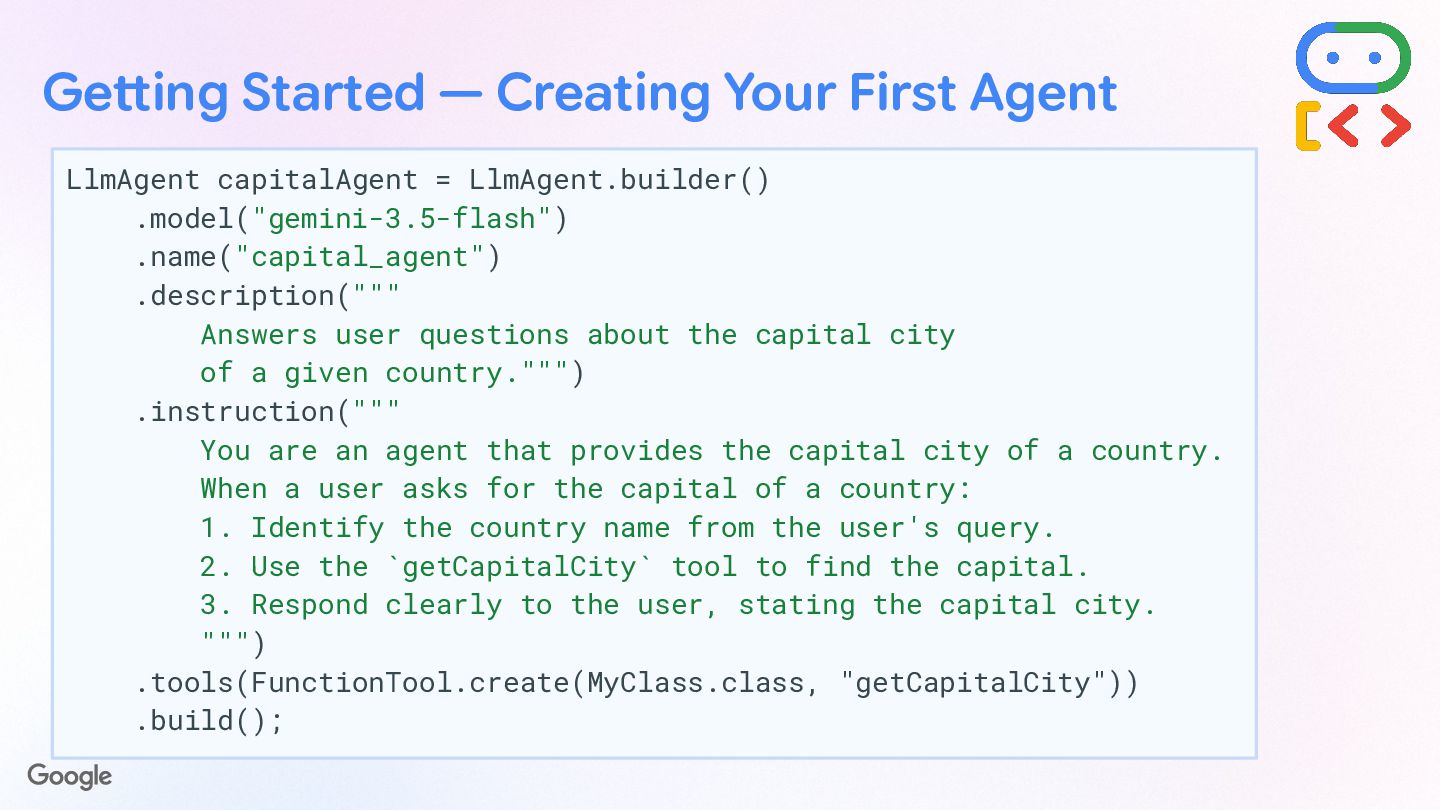
  6. Getting Started — Creating Your First Agent LlmAgent capitalAgent =

    LlmAgent.builder() .model("gemini-3.5-flash") .name("capital_agent") .description(""" Answers user questions about the capital city of a given country.""") .instruction(""" You are an agent that provides the capital city of a country. When a user asks for the capital of a country: 1. Identify the country name from the user's query. 2. Use the `getCapitalCity` tool to find the capital. 3. Respond clearly to the user, stating the capital city. """) .tools(FunctionTool.create(MyClass.class, "getCapitalCity")) .build();
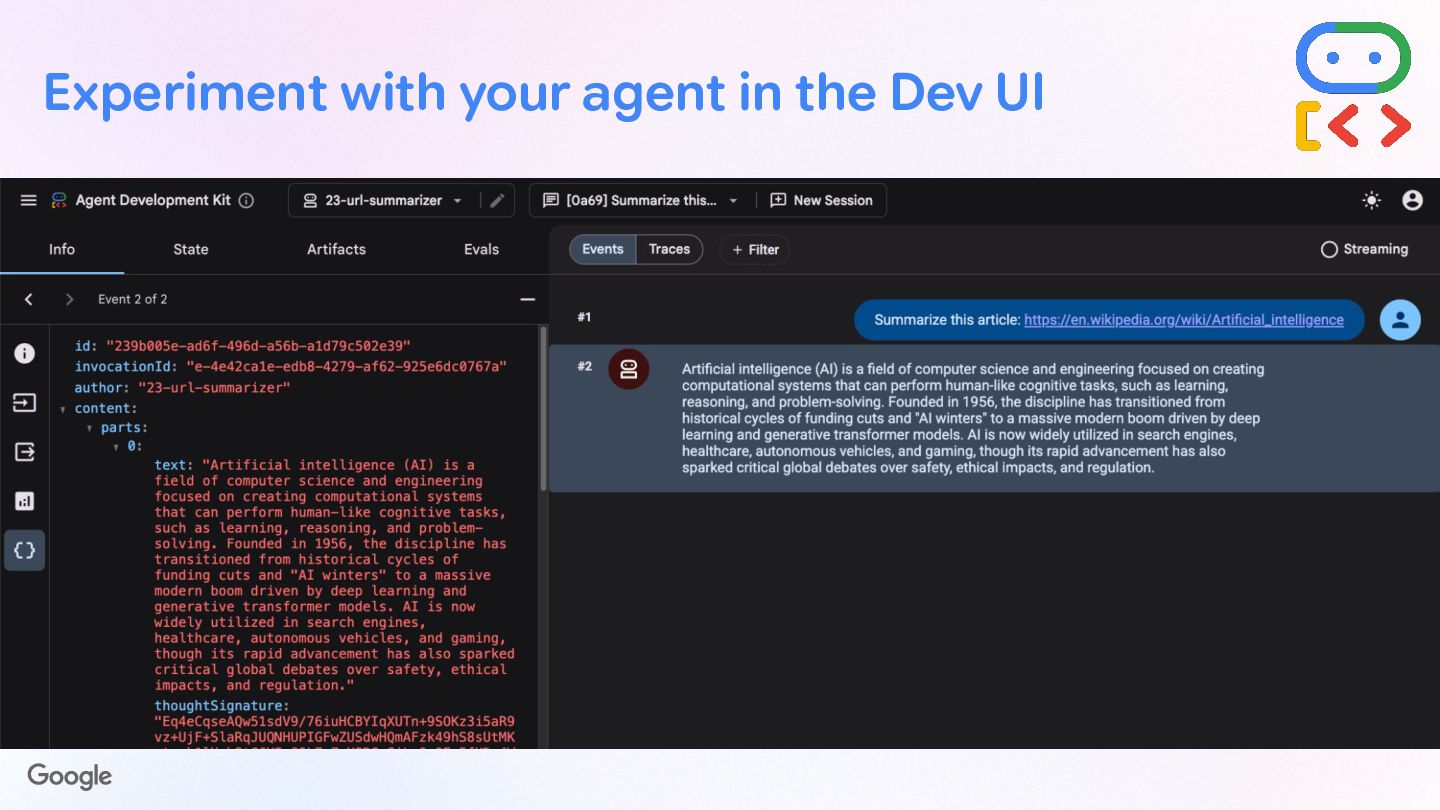
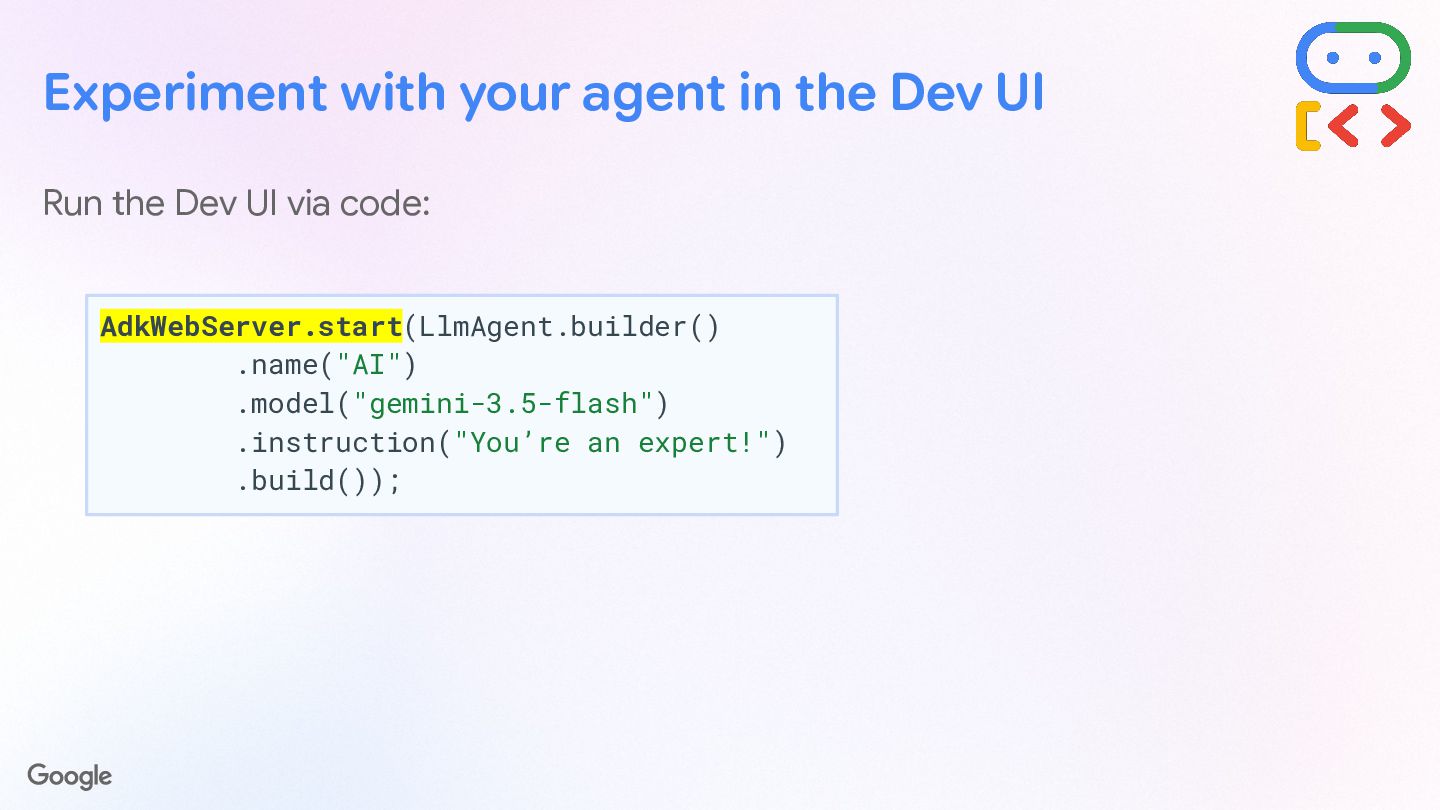
  7. Experiment with your agent in the Dev UI Run the

    Dev UI via code: AdkWebServer.start(LlmAgent.builder() .name("AI") .model("gemini-3.5-flash") .instruction("You’re an expert!") .build());
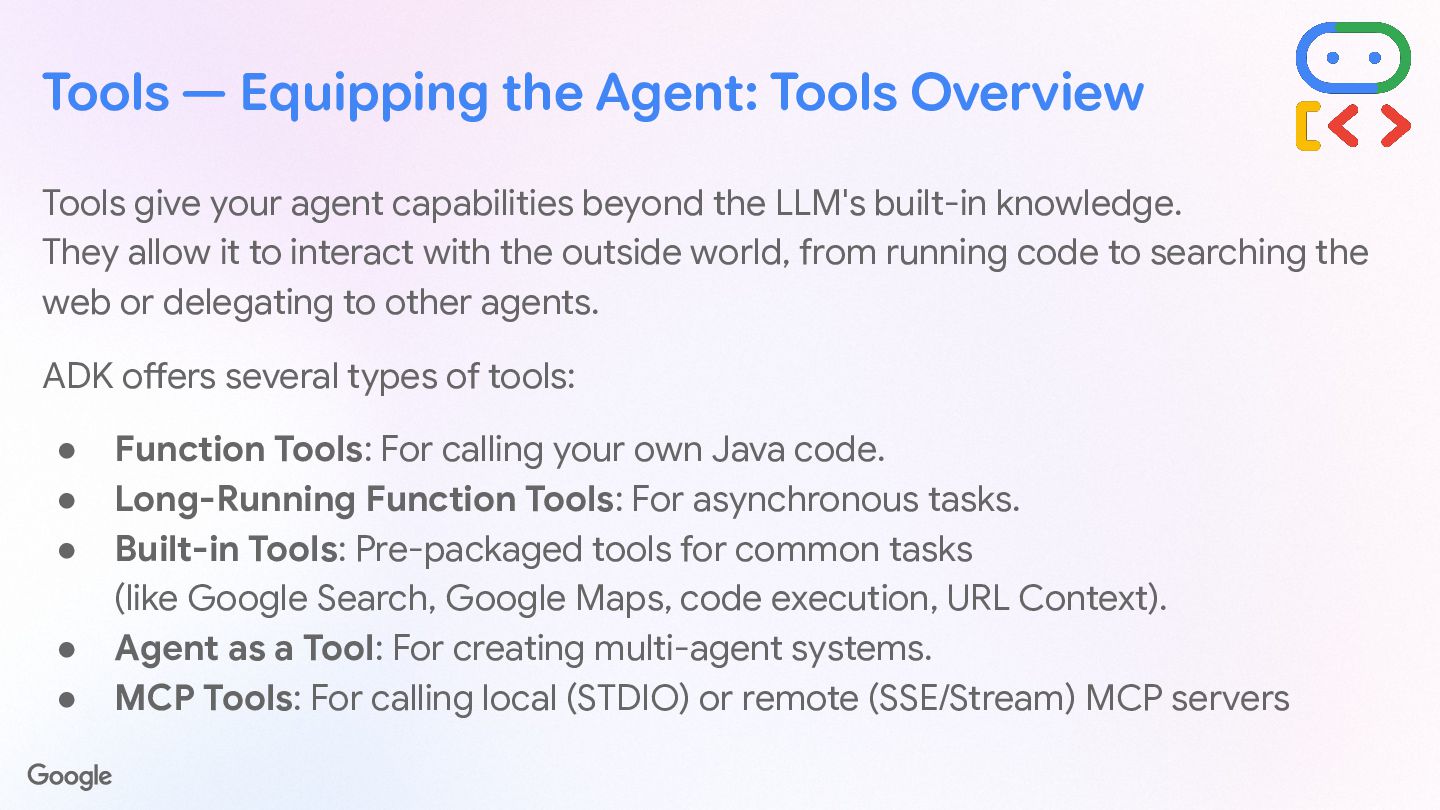
  8. Tools give your agent capabilities beyond the LLM's built-in knowledge.

    They allow it to interact with the outside world, from running code to searching the web or delegating to other agents. ADK offers several types of tools: • Function Tools: For calling your own Java code. • Long-Running Function Tools: For asynchronous tasks. • Built-in Tools: Pre-packaged tools for common tasks (like Google Search, Google Maps, code execution, URL Context). • Agent as a Tool: For creating multi-agent systems. • MCP Tools: For calling local (STDIO) or remote (SSE/Stream) MCP servers Tools — Equipping the Agent: Tools Overview
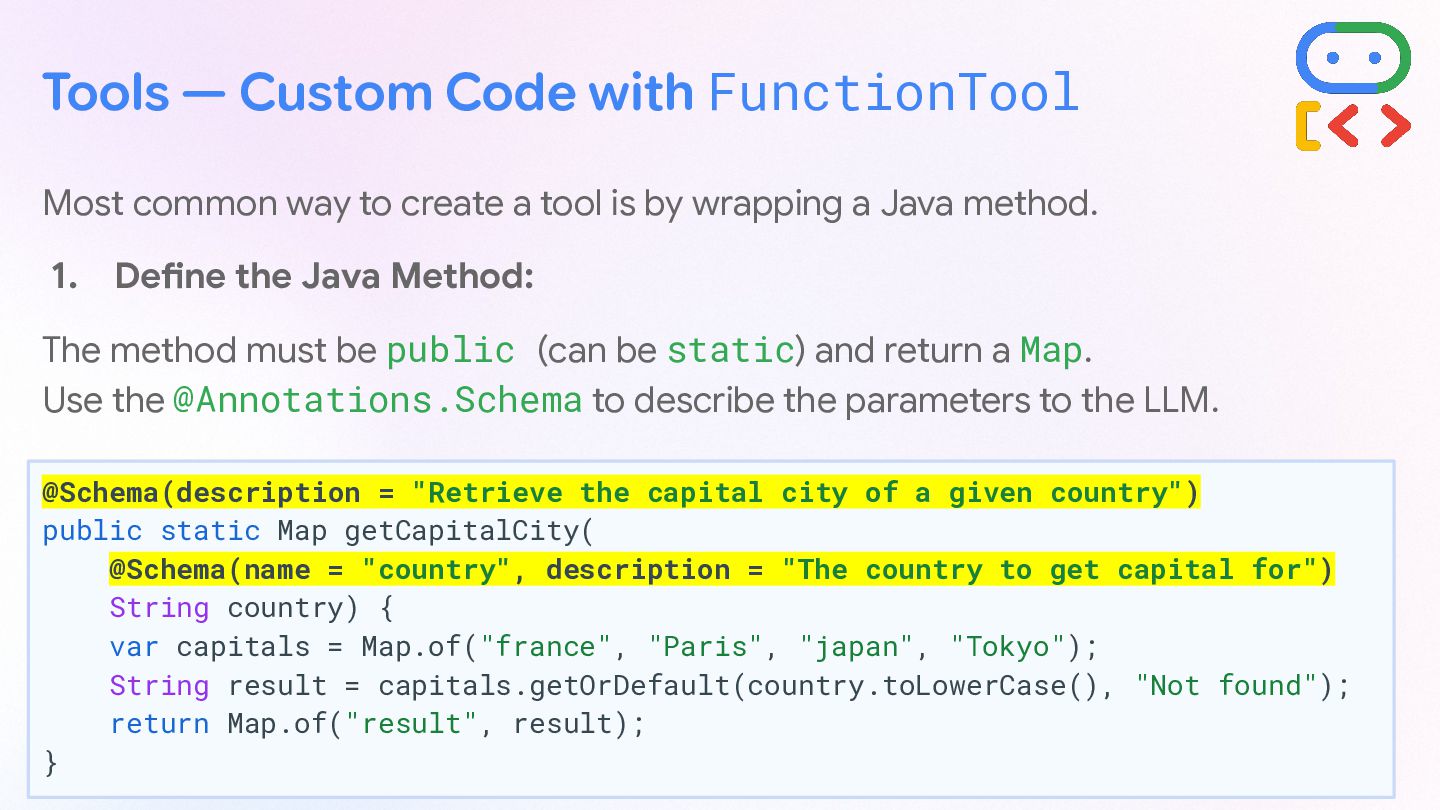
  9. Tools — Custom Code with FunctionTool Most common way to

    create a tool is by wrapping a Java method. 1. Define the Java Method: The method must be public (can be static) and return a Map. Use the @Annotations.Schema to describe the parameters to the LLM. @Schema(description = "Retrieve the capital city of a given country") public static Map getCapitalCity( @Schema(name = "country", description = "The country to get capital for") String country) { var capitals = Map.of("france", "Paris", "japan", "Tokyo"); String result = capitals.getOrDefault(country.toLowerCase(), "Not found"); return Map.of("result", result); }
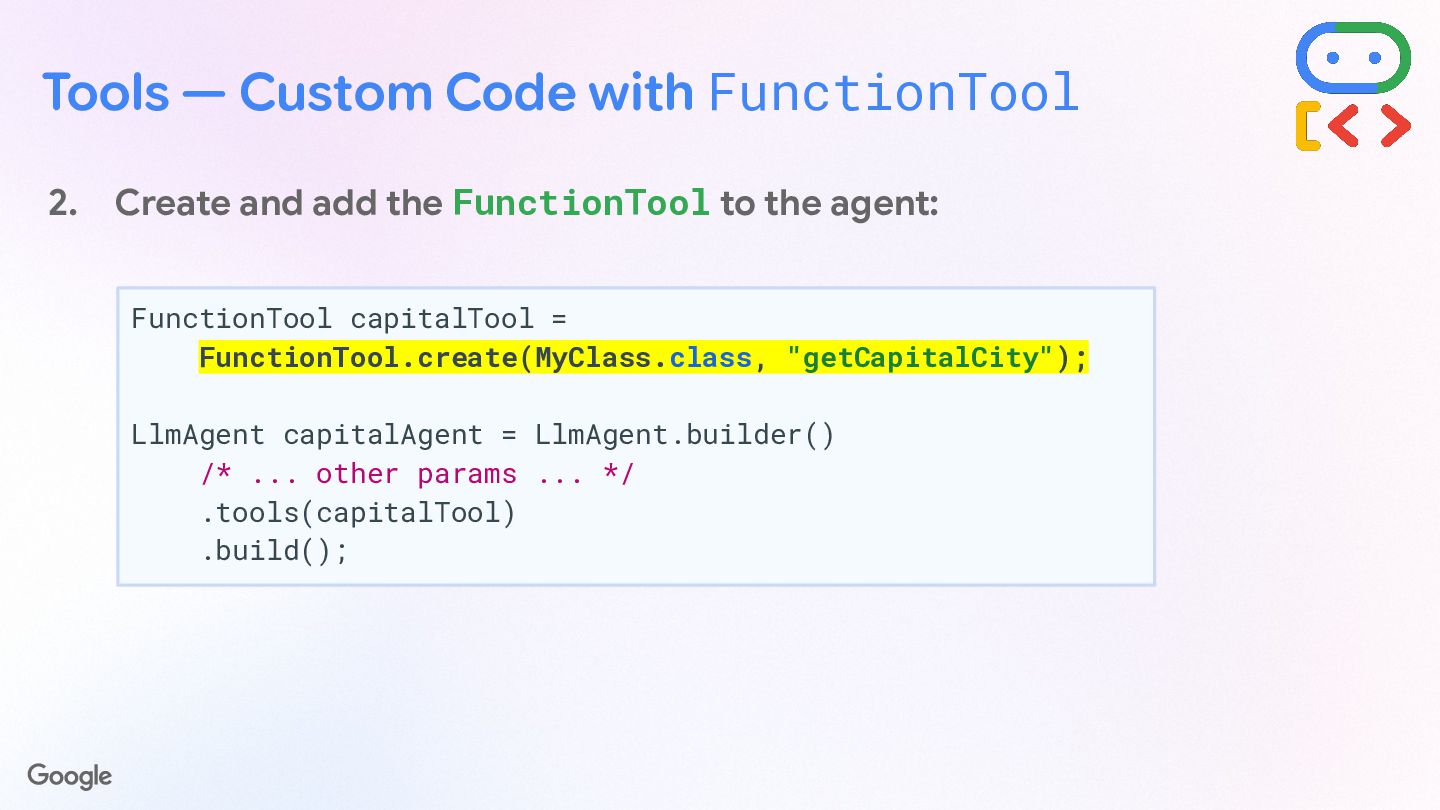
  10. Tools — Custom Code with FunctionTool 2. Create and add

    the FunctionTool to the agent: FunctionTool capitalTool = FunctionTool.create(MyClass.class, "getCapitalCity"); LlmAgent capitalAgent = LlmAgent.builder() /* ... other params ... */ .tools(capitalTool) .build();
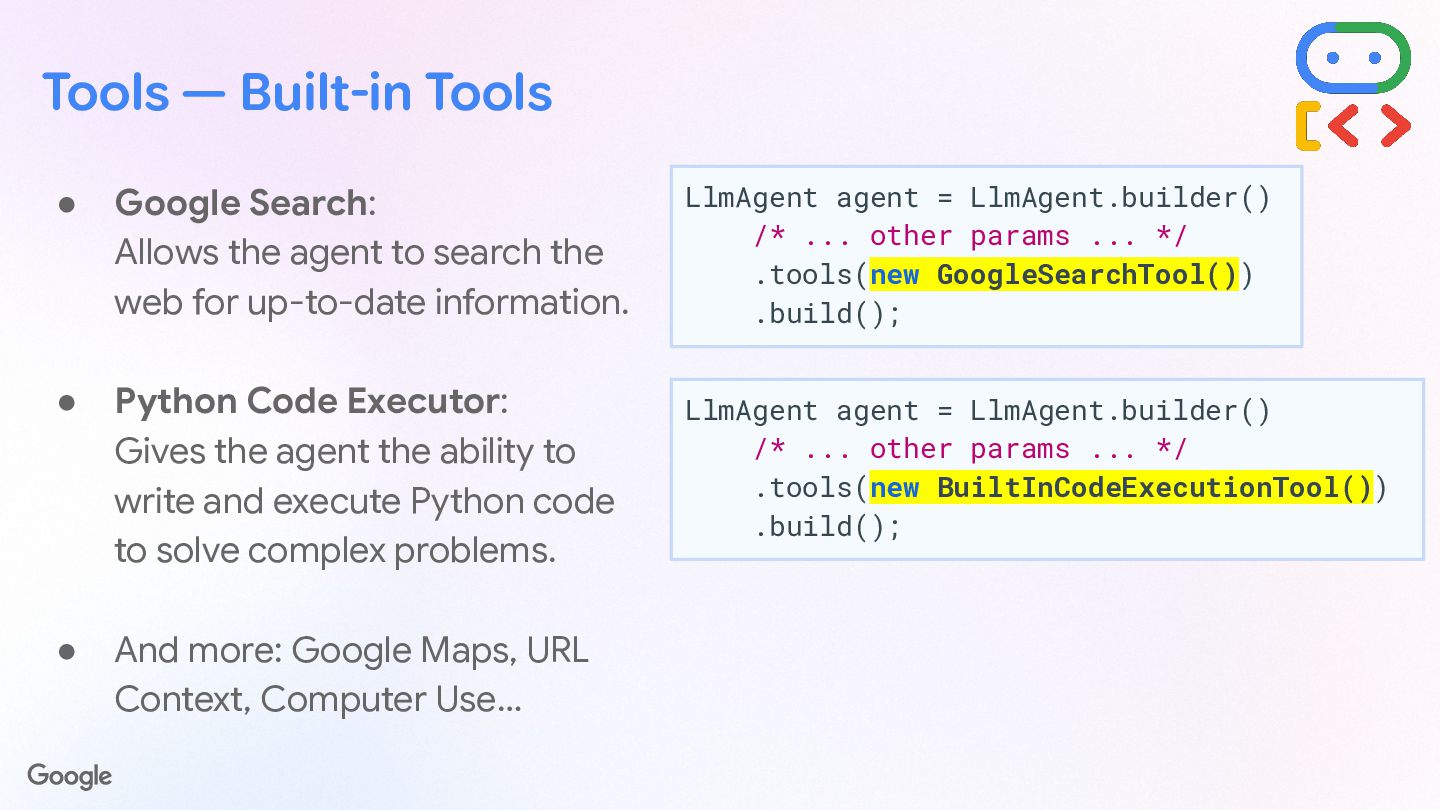
  11. Tools — Built-in Tools • Google Search: Allows the agent

    to search the web for up-to-date information. • Python Code Executor: Gives the agent the ability to write and execute Python code to solve complex problems. • And more: Google Maps, URL Context, Computer Use… LlmAgent agent = LlmAgent.builder() /* ... other params ... */ .tools(new GoogleSearchTool()) .build(); LlmAgent agent = LlmAgent.builder() /* ... other params ... */ .tools(new BuiltInCodeExecutionTool()) .build();
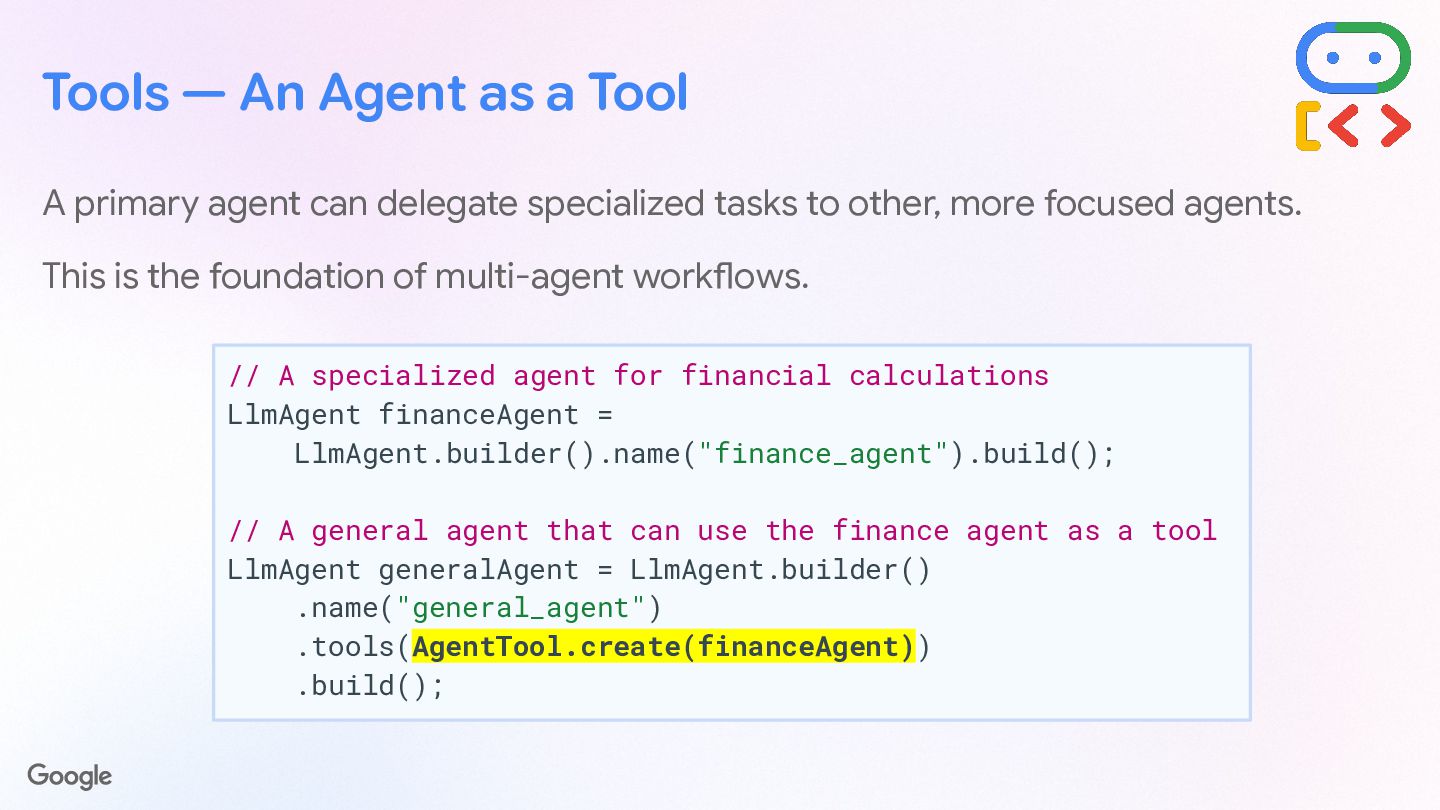
  12. Tools — An Agent as a Tool A primary agent

    can delegate specialized tasks to other, more focused agents. This is the foundation of multi-agent workflows. // A specialized agent for financial calculations LlmAgent financeAgent = LlmAgent.builder().name("finance_agent").build(); // A general agent that can use the finance agent as a tool LlmAgent generalAgent = LlmAgent.builder() .name("general_agent") .tools(AgentTool.create(financeAgent)) .build();
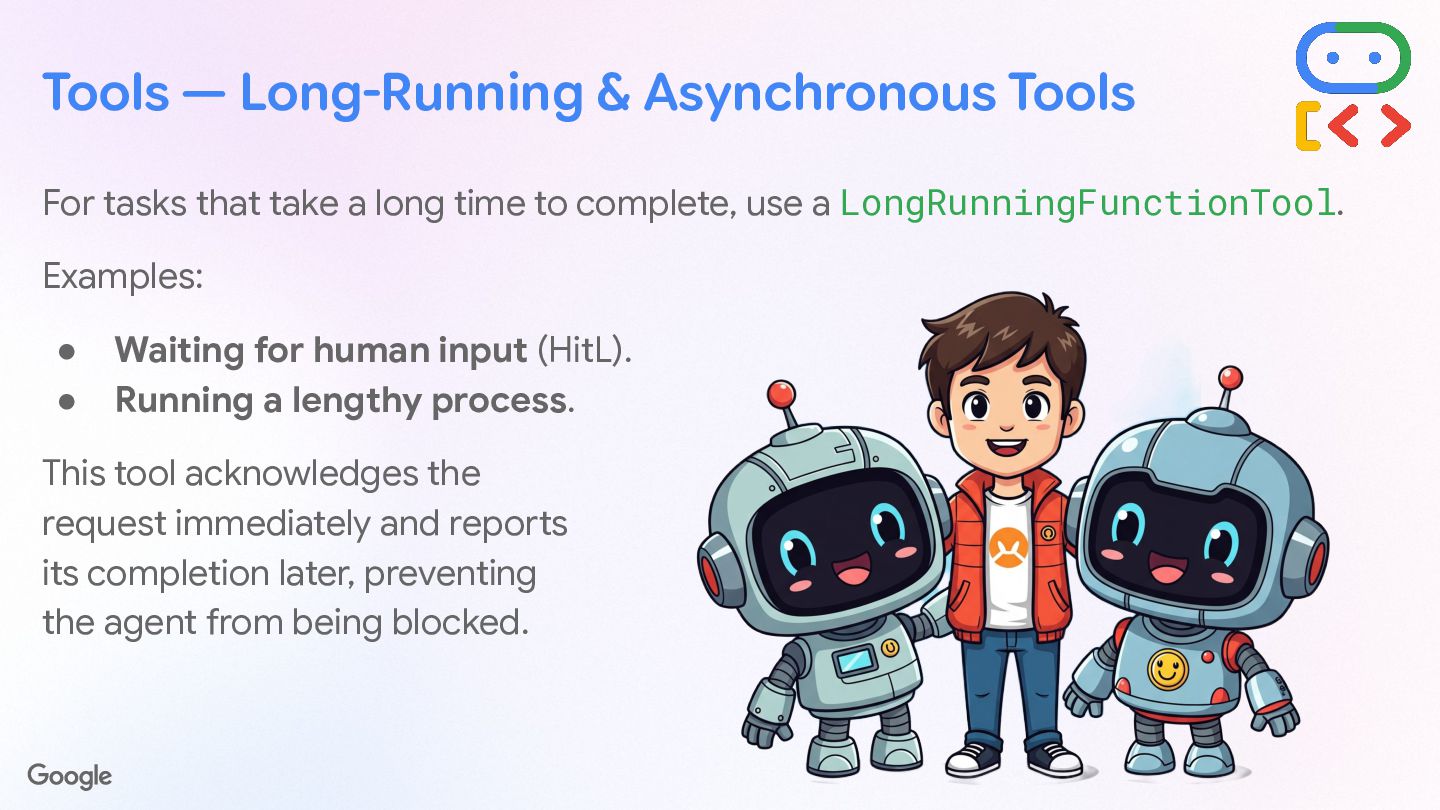
  13. Tools — Long-Running & Asynchronous Tools For tasks that take

    a long time to complete, use a LongRunningFunctionTool. Examples: • Waiting for human input (HitL). • Running a lengthy process. This tool acknowledges the request immediately and reports its completion later, preventing the agent from being blocked.
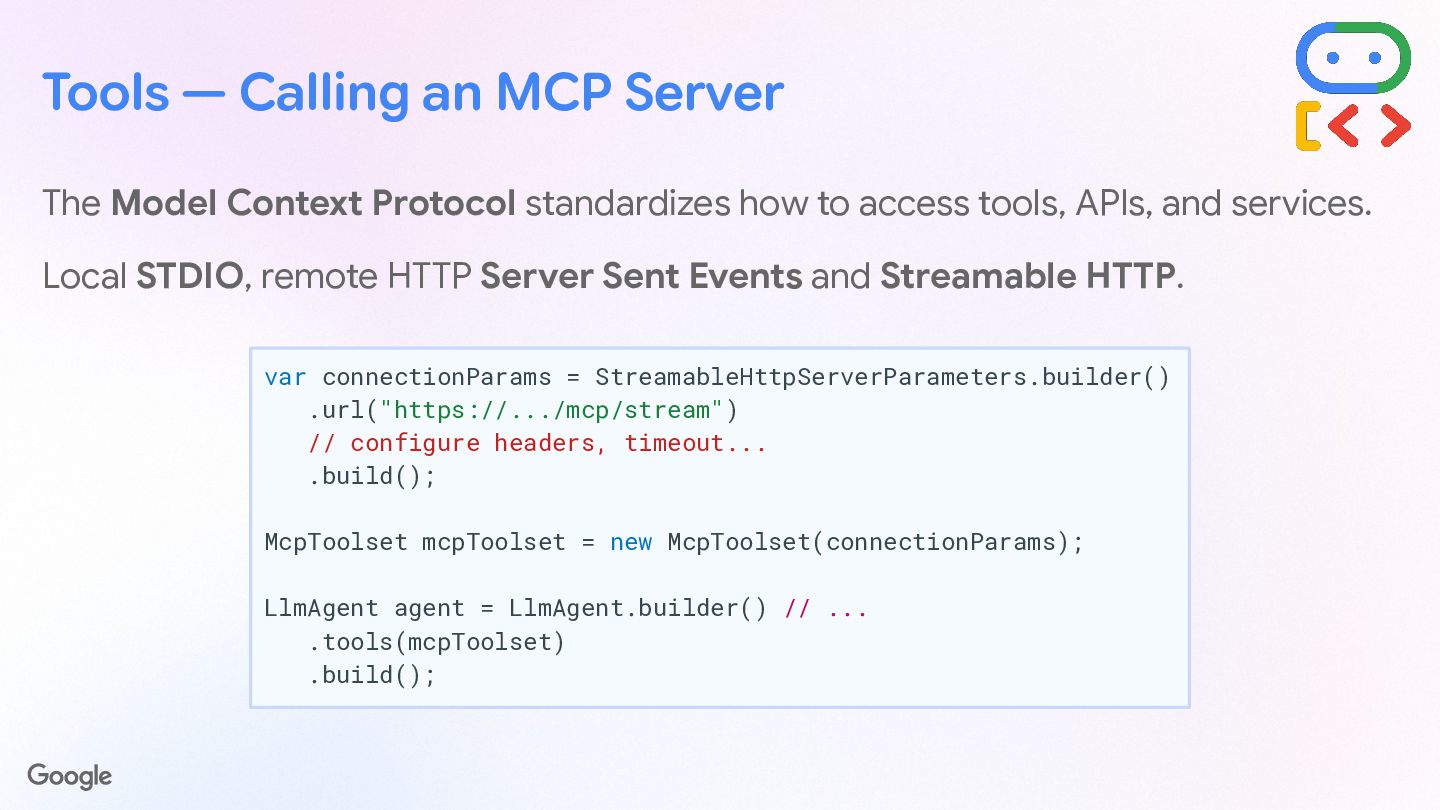
  14. Tools — Calling an MCP Server The Model Context Protocol

    standardizes how to access tools, APIs, and services. Local STDIO, remote HTTP Server Sent Events and Streamable HTTP. var connectionParams = StreamableHttpServerParameters.builder() .url("https://.../mcp/stream") // configure headers, timeout... .build(); McpToolset mcpToolset = new McpToolset(connectionParams); LlmAgent agent = LlmAgent.builder() // ... .tools(mcpToolset) .build();
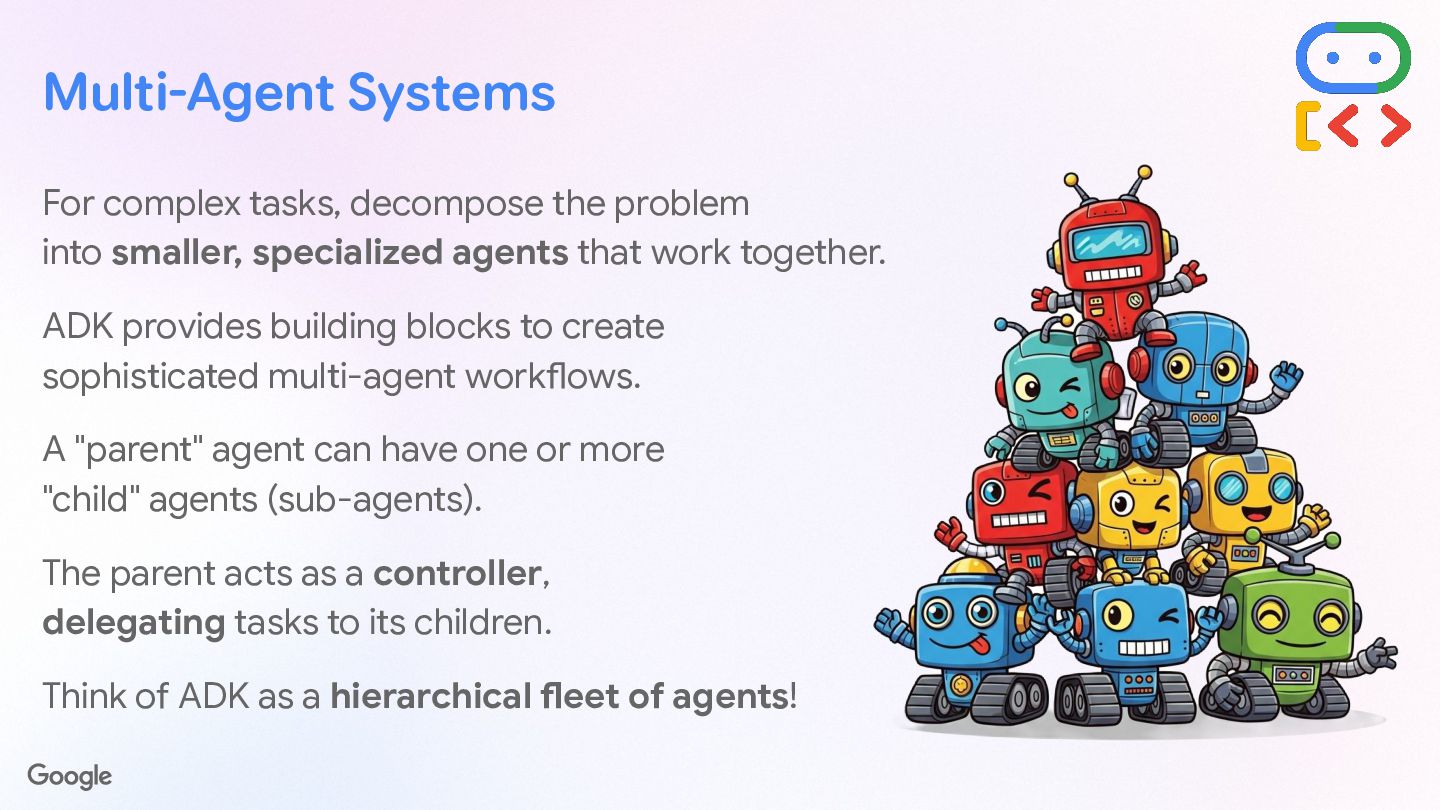
  15. Multi-Agent Systems For complex tasks, decompose the problem into smaller,

    specialized agents that work together. ADK provides building blocks to create sophisticated multi-agent workflows. A "parent" agent can have one or more "child" agents (sub-agents). The parent acts as a controller, delegating tasks to its children. Think of ADK as a hierarchical fleet of agents!
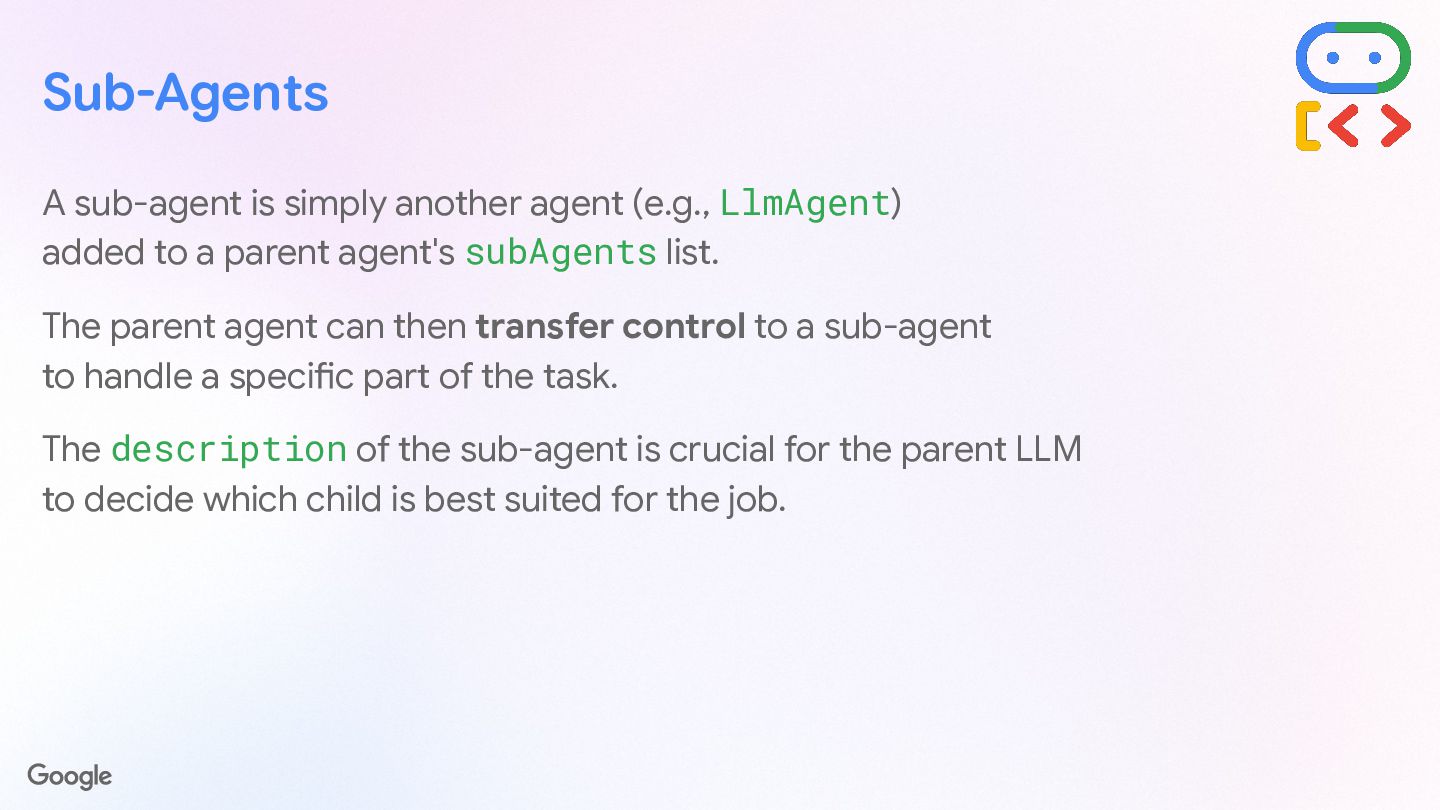
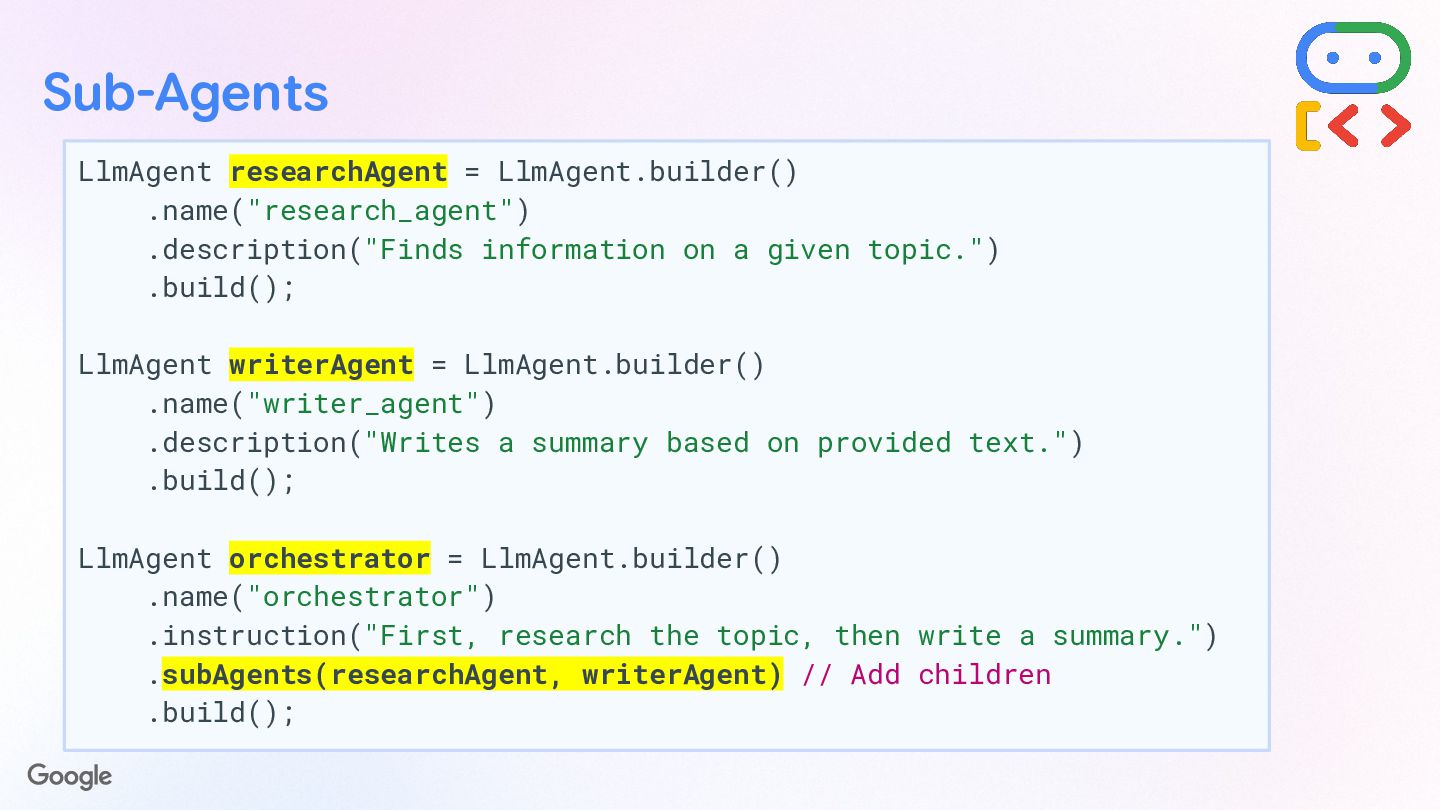
  16. Sub-Agents A sub-agent is simply another agent (e.g., LlmAgent) added

    to a parent agent's subAgents list. The parent agent can then transfer control to a sub-agent to handle a specific part of the task. The description of the sub-agent is crucial for the parent LLM to decide which child is best suited for the job.
  17. Sub-Agents LlmAgent researchAgent = LlmAgent.builder() .name("research_agent") .description("Finds information on a

    given topic.") .build(); LlmAgent writerAgent = LlmAgent.builder() .name("writer_agent") .description("Writes a summary based on provided text.") .build(); LlmAgent orchestrator = LlmAgent.builder() .name("orchestrator") .instruction("First, research the topic, then write a summary.") .subAgents(researchAgent, writerAgent) // Add children .build();
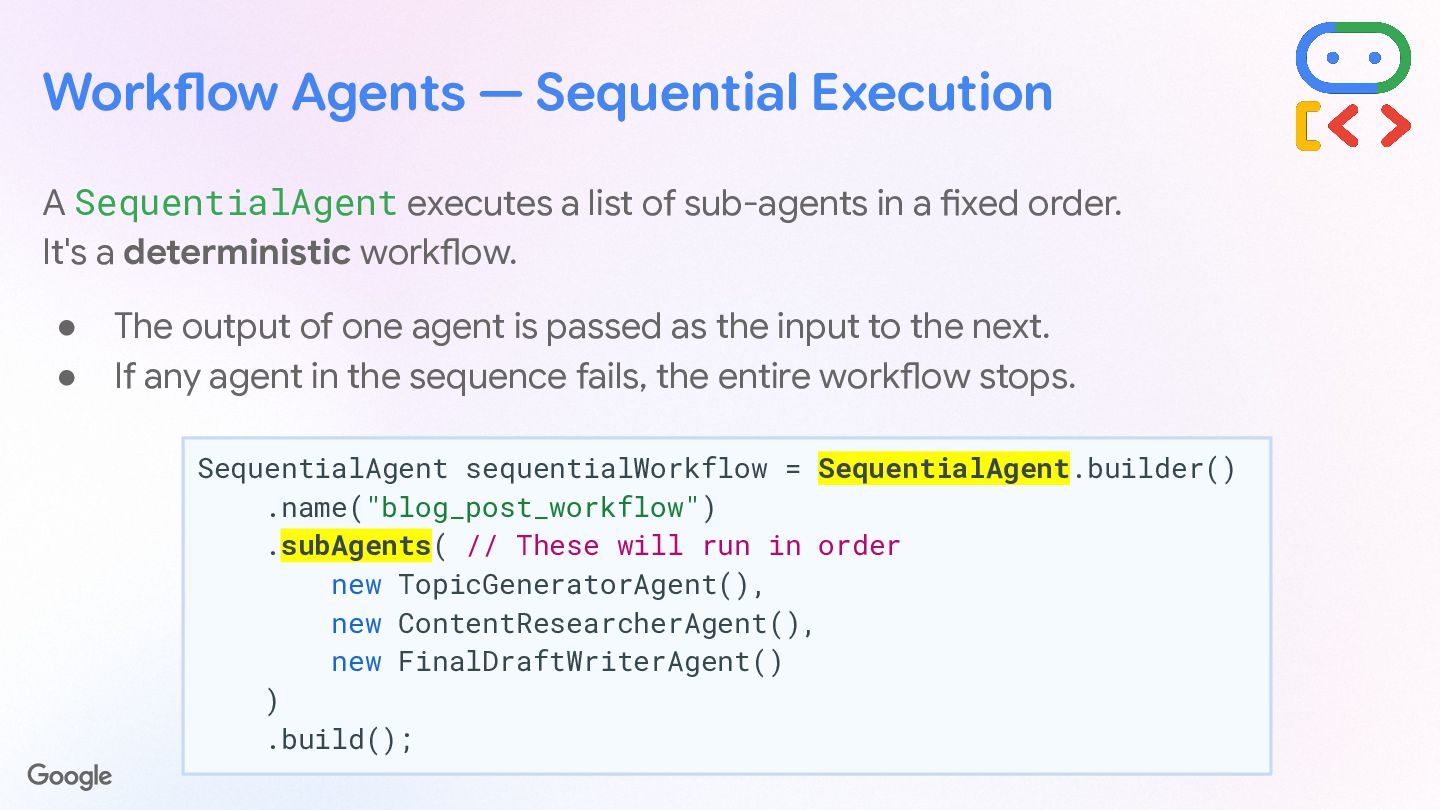
  18. Workflow Agents — Sequential Execution A SequentialAgent executes a list

    of sub-agents in a fixed order. It's a deterministic workflow. • The output of one agent is passed as the input to the next. • If any agent in the sequence fails, the entire workflow stops. SequentialAgent sequentialWorkflow = SequentialAgent.builder() .name("blog_post_workflow") .subAgents( // These will run in order new TopicGeneratorAgent(), new ContentResearcherAgent(), new FinalDraftWriterAgent() ) .build();
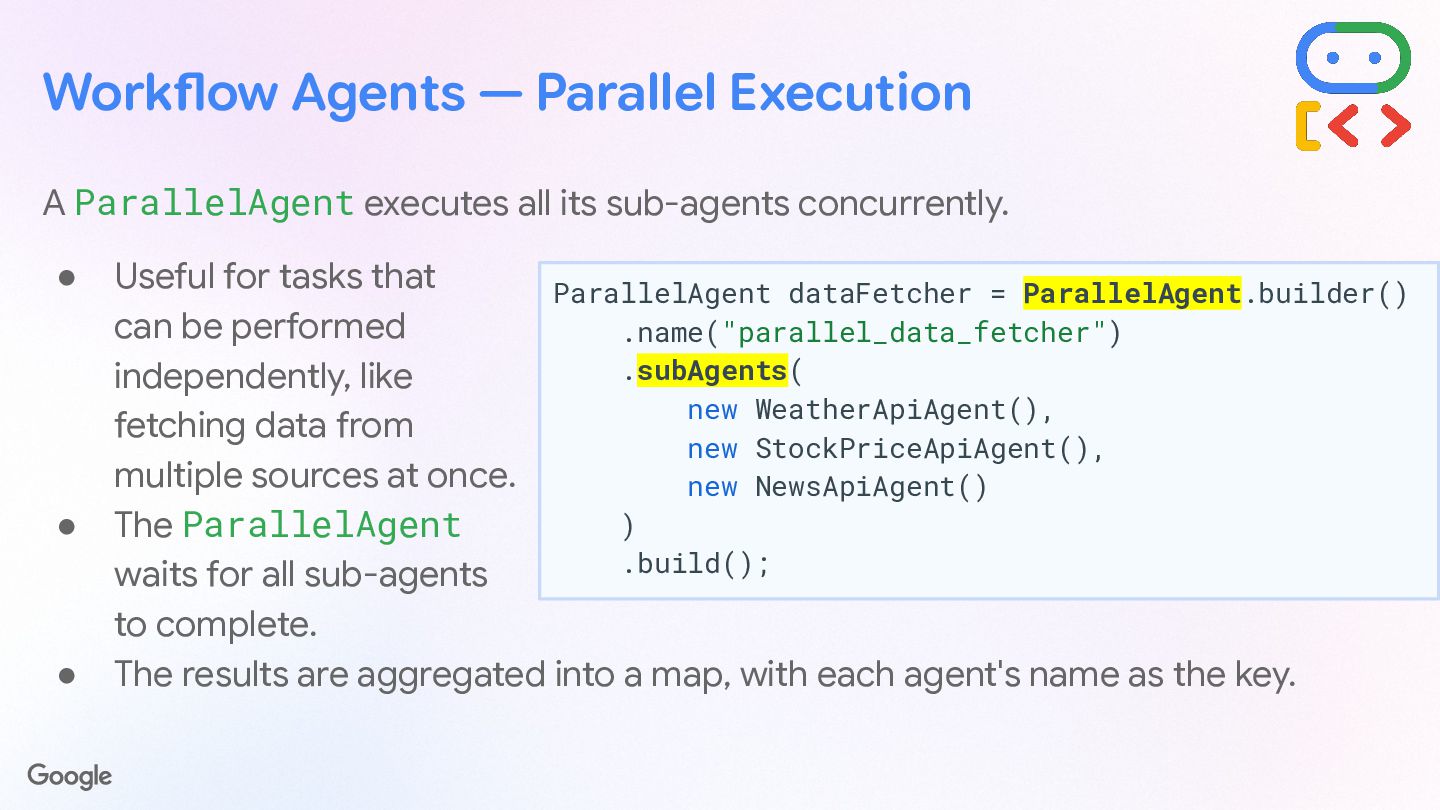
  19. Workflow Agents — Parallel Execution A ParallelAgent executes all its

    sub-agents concurrently. • Useful for tasks that can be performed independently, like fetching data from multiple sources at once. • The ParallelAgent waits for all sub-agents to complete. • The results are aggregated into a map, with each agent's name as the key. ParallelAgent dataFetcher = ParallelAgent.builder() .name("parallel_data_fetcher") .subAgents( new WeatherApiAgent(), new StockPriceApiAgent(), new NewsApiAgent() ) .build();
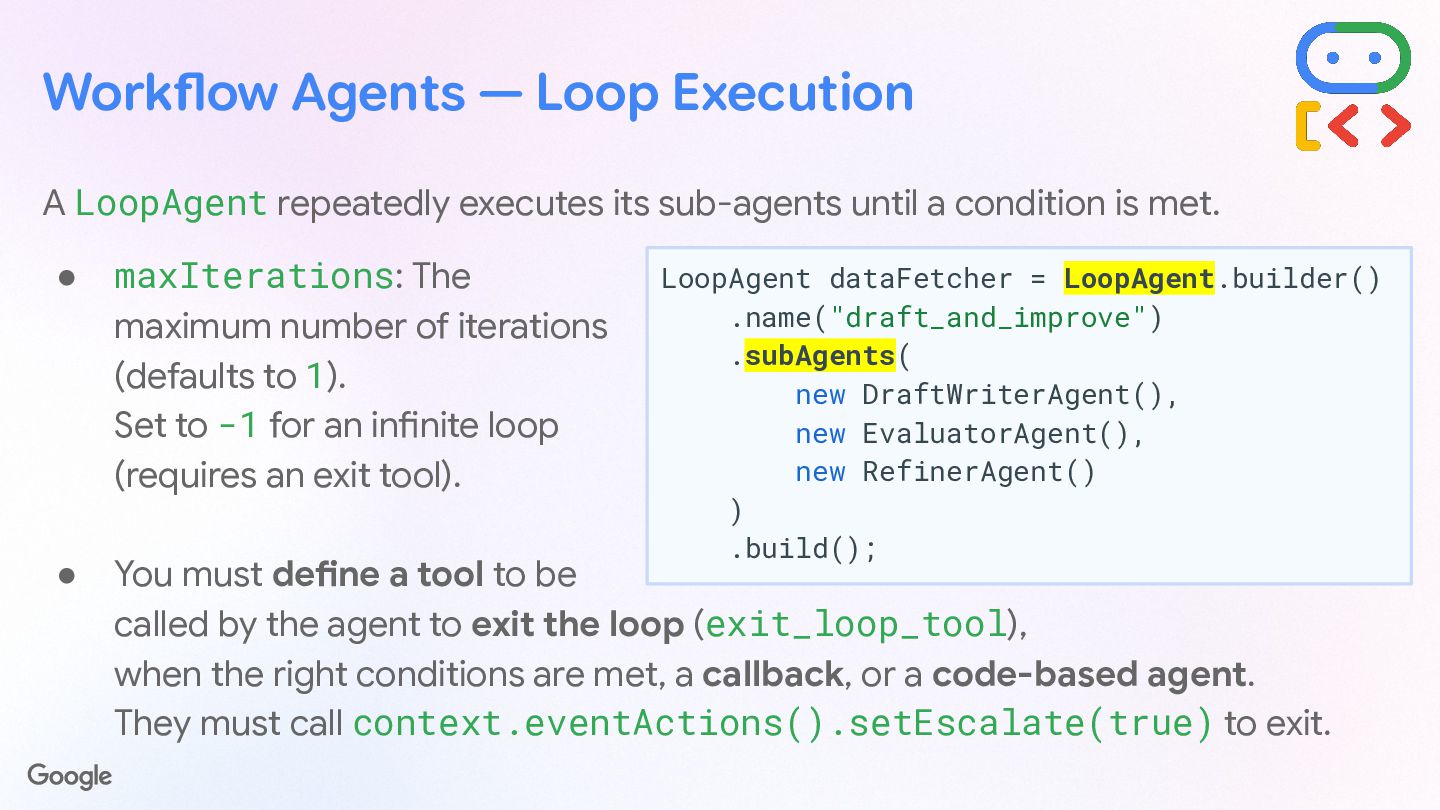
  20. Workflow Agents — Loop Execution A LoopAgent repeatedly executes its

    sub-agents until a condition is met. • maxIterations: The maximum number of iterations (defaults to 1). Set to -1 for an infinite loop (requires an exit tool). • You must define a tool to be called by the agent to exit the loop (exit_loop_tool), when the right conditions are met, a callback, or a code-based agent. They must call context.eventActions().setEscalate(true) to exit. LoopAgent dataFetcher = LoopAgent.builder() .name("draft_and_improve") .subAgents( new DraftWriterAgent(), new EvaluatorAgent(), new RefinerAgent() ) .build();
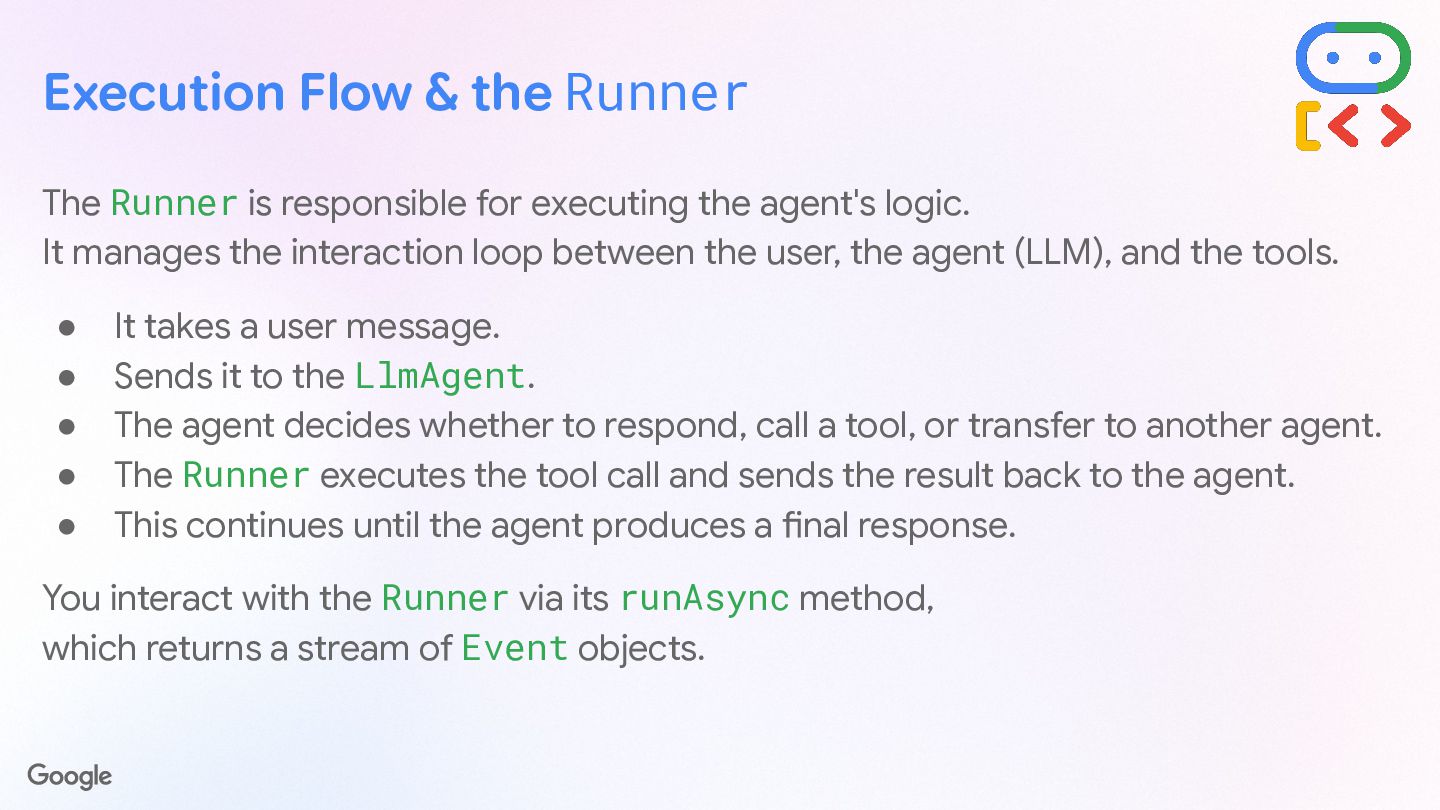
  21. Execution Flow & the Runner The Runner is responsible for

    executing the agent's logic. It manages the interaction loop between the user, the agent (LLM), and the tools. • It takes a user message. • Sends it to the LlmAgent. • The agent decides whether to respond, call a tool, or transfer to another agent. • The Runner executes the tool call and sends the result back to the agent. • This continues until the agent produces a final response. You interact with the Runner via its runAsync method, which returns a stream of Event objects.
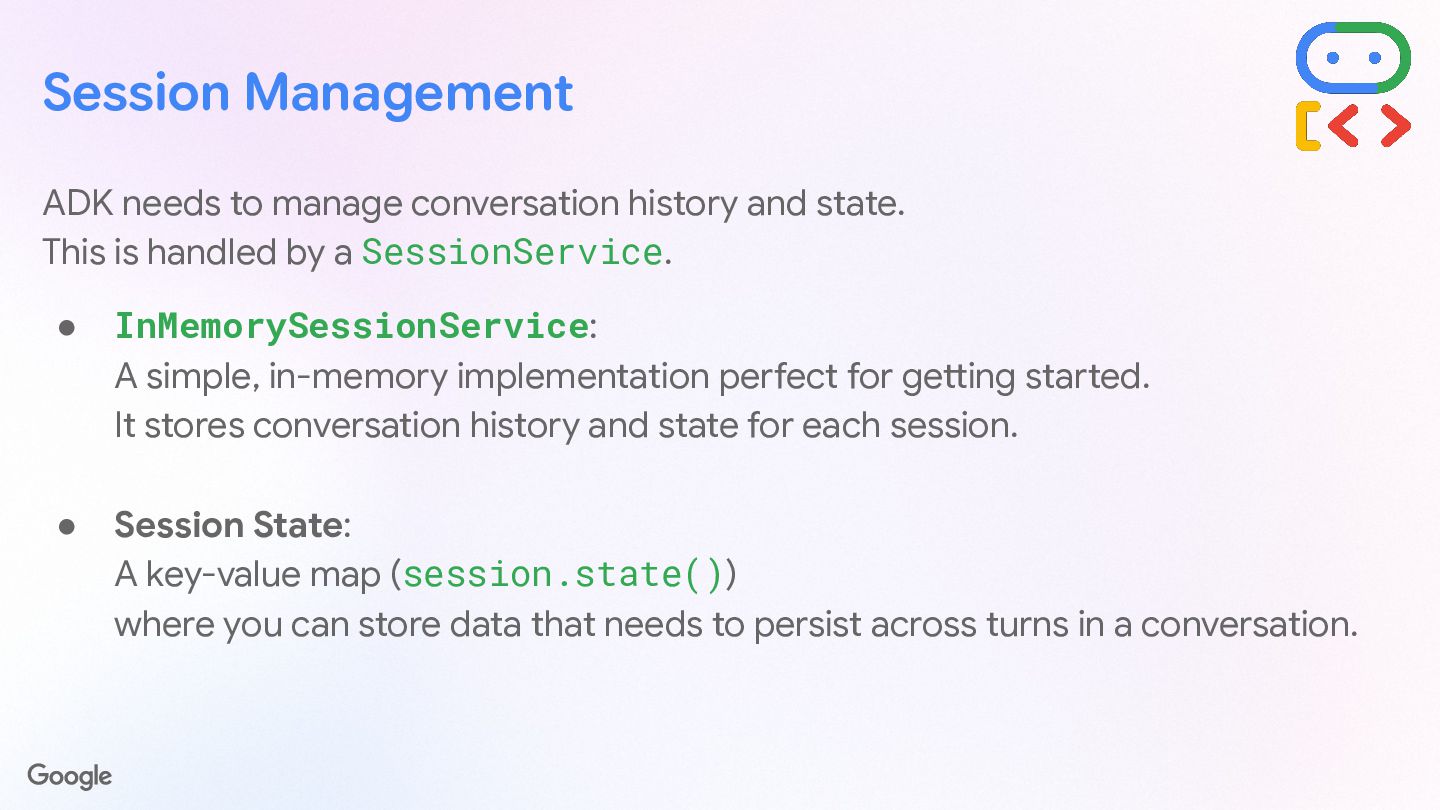
  22. Session Management ADK needs to manage conversation history and state.

    This is handled by a SessionService. • InMemorySessionService: A simple, in-memory implementation perfect for getting started. It stores conversation history and state for each session. • Session State: A key-value map (session.state()) where you can store data that needs to persist across turns in a conversation.
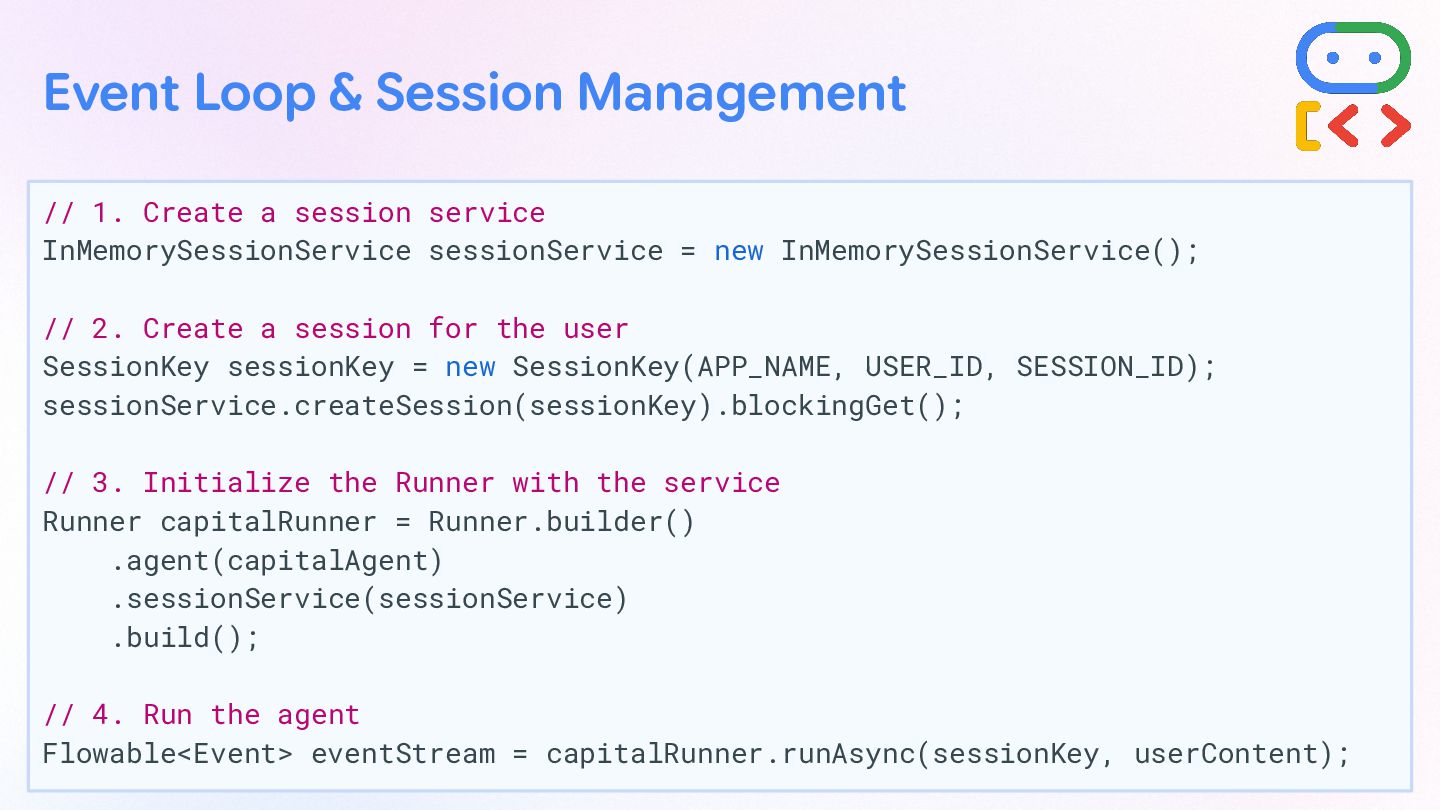
  23. // 1. Create a session service InMemorySessionService sessionService = new

    InMemorySessionService(); // 2. Create a session for the user SessionKey sessionKey = new SessionKey(APP_NAME, USER_ID, SESSION_ID); sessionService.createSession(sessionKey).blockingGet(); // 3. Initialize the Runner with the service Runner capitalRunner = Runner.builder() .agent(capitalAgent) .sessionService(sessionService) .build(); // 4. Run the agent Flowable<Event> eventStream = capitalRunner.runAsync(sessionKey, userContent); Event Loop & Session Management
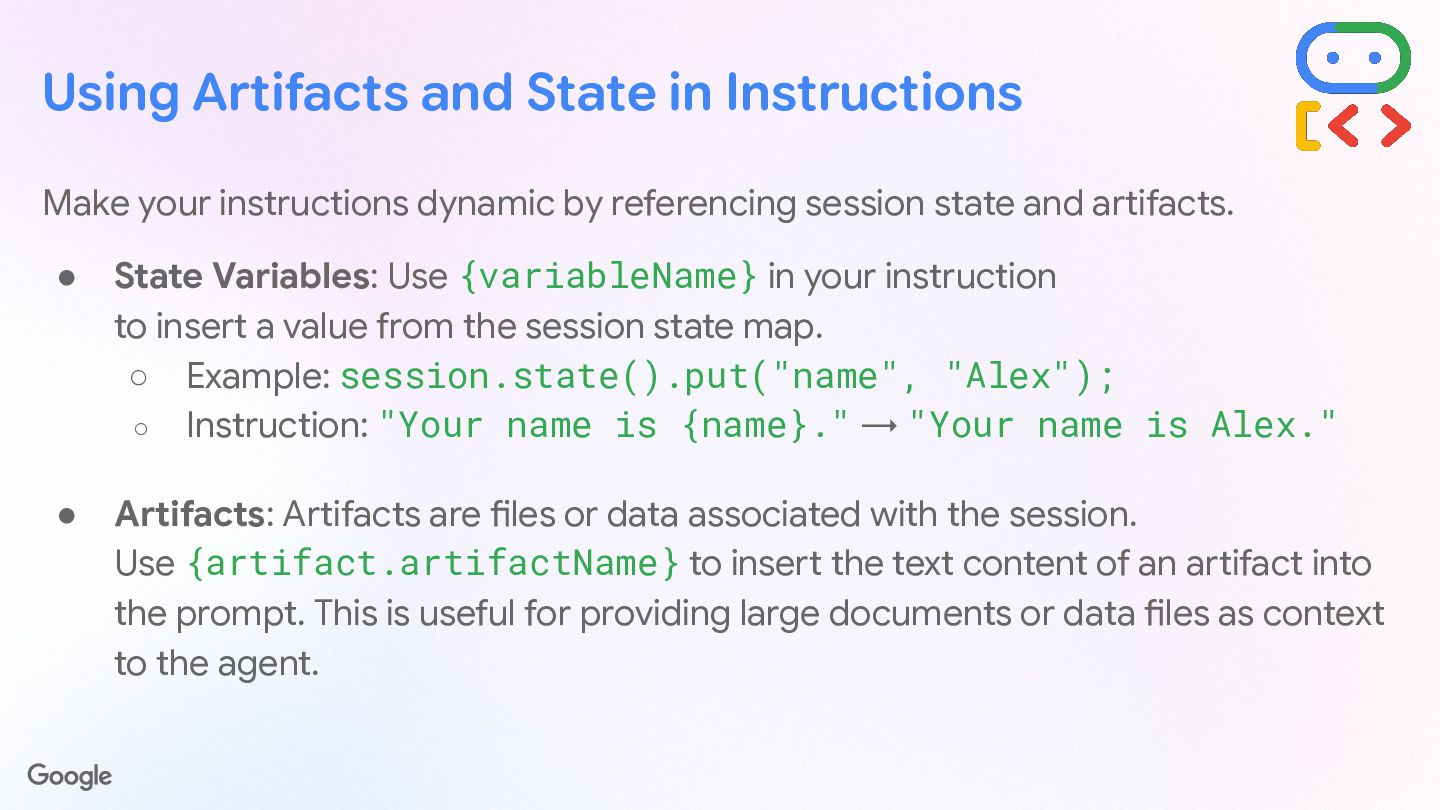
  24. Using Artifacts and State in Instructions Make your instructions dynamic

    by referencing session state and artifacts. • State Variables: Use {variableName} in your instruction to insert a value from the session state map. ◦ Example: session.state().put("name", "Alex"); ◦ Instruction: "Your name is {name}." → "Your name is Alex." • Artifacts: Artifacts are files or data associated with the session. Use {artifact.artifactName} to insert the text content of an artifact into the prompt. This is useful for providing large documents or data files as context to the agent.
  25. For tasks requiring structured data, define an inputSchema and outputSchema.

    • inputSchema: Enforces that the input to the agent is a JSON string conforming to a specific Schema. • outputSchema: Forces the agent's final response to be a JSON string conforming to the schema. Structured I/O with Schemas
  26. // Define an output schema Schema CAPITAL_INFO_OUTPUT_SCHEMA = Schema.builder() .type("OBJECT")

    .properties(Map.of("capital", Schema.builder().type("STRING").build())) .build(); // Build the agent LlmAgent structuredAgent = LlmAgent.builder() .instruction("Respond with the name of a capital.") .outputSchema(CAPITAL_INFO_OUTPUT_SCHEMA) .outputKey("structured_info_result") // Save result to session state .build(); Structured I/O with Schemas
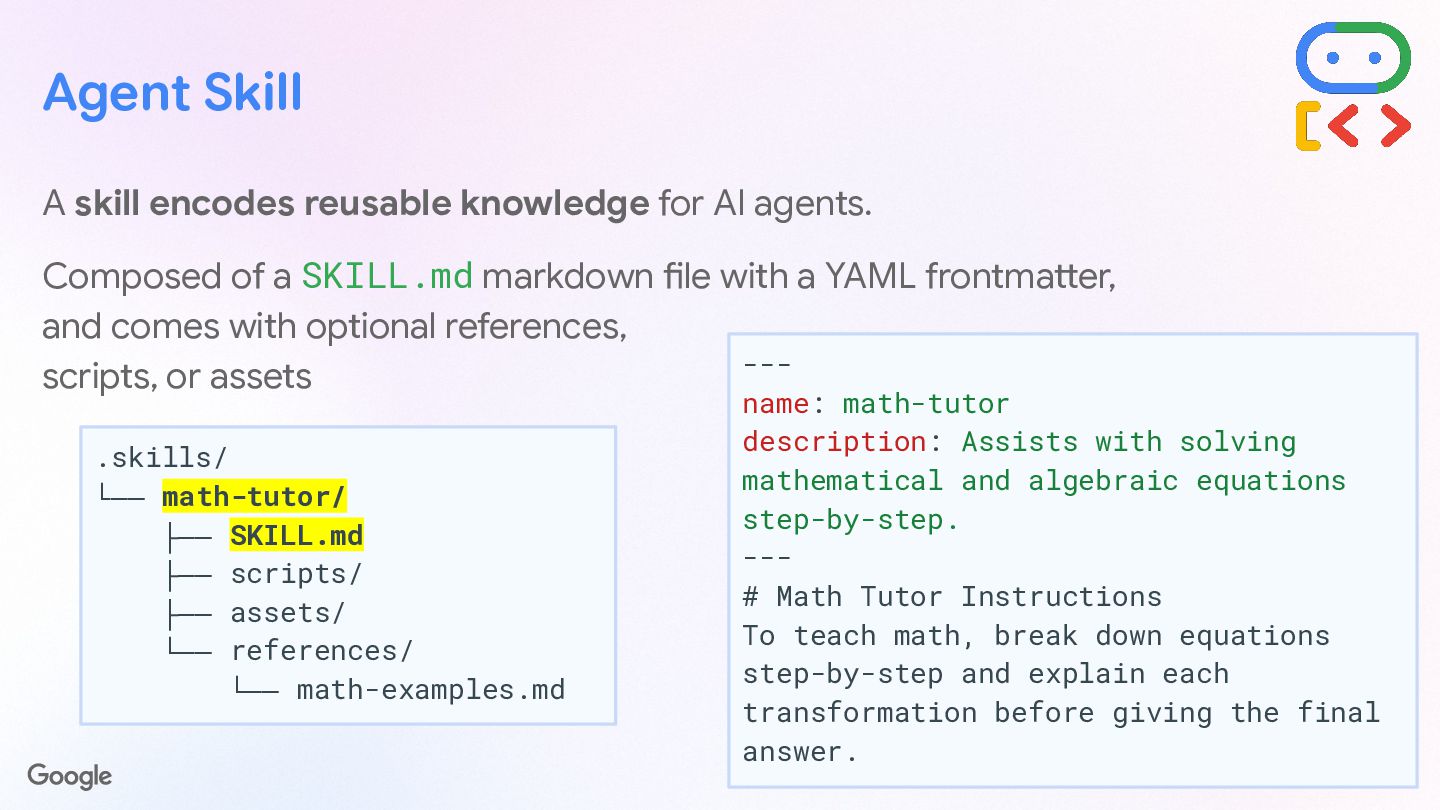
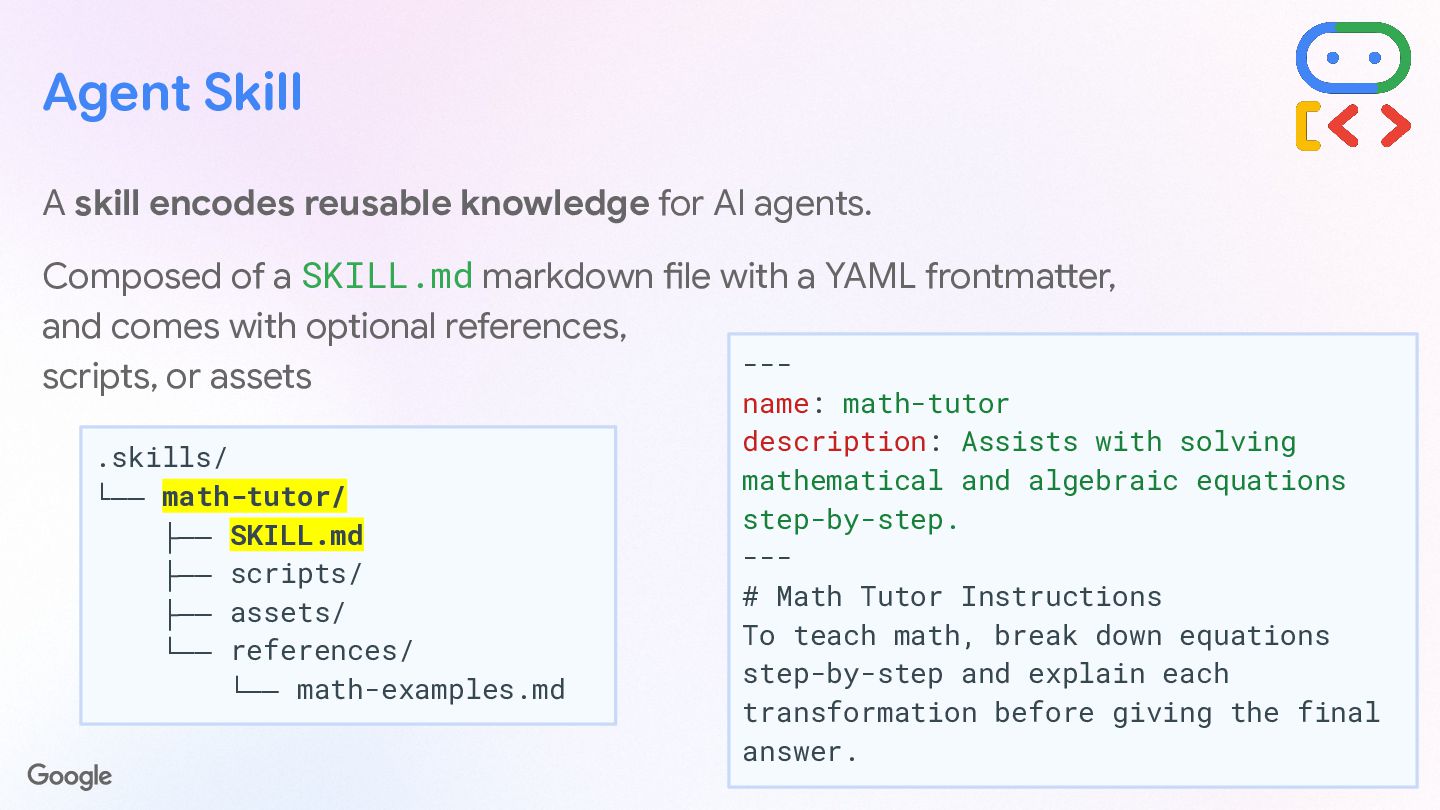
  27. Agent Skill A skill encodes reusable knowledge for AI agents.

    Composed of a SKILL.md markdown file with a YAML frontmatter, and comes with optional references, scripts, or assets .skills/ └── math-tutor/ ├── SKILL.md ├── scripts/ ├── assets/ └── references/ └── math-examples.md --- name: math-tutor description: Assists with solving mathematical and algebraic equations step-by-step. --- # Math Tutor Instructions To teach math, break down equations step-by-step and explain each transformation before giving the final answer.
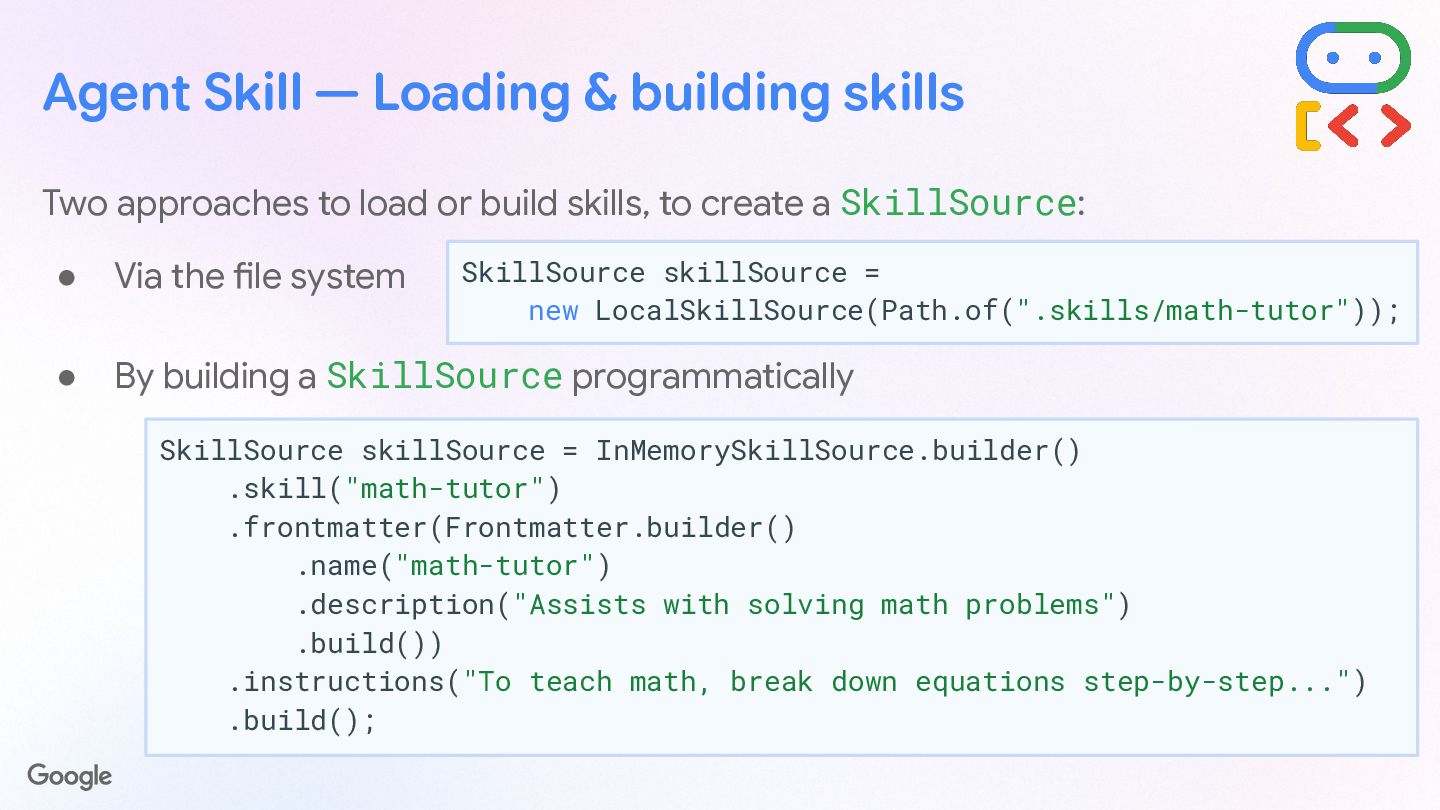
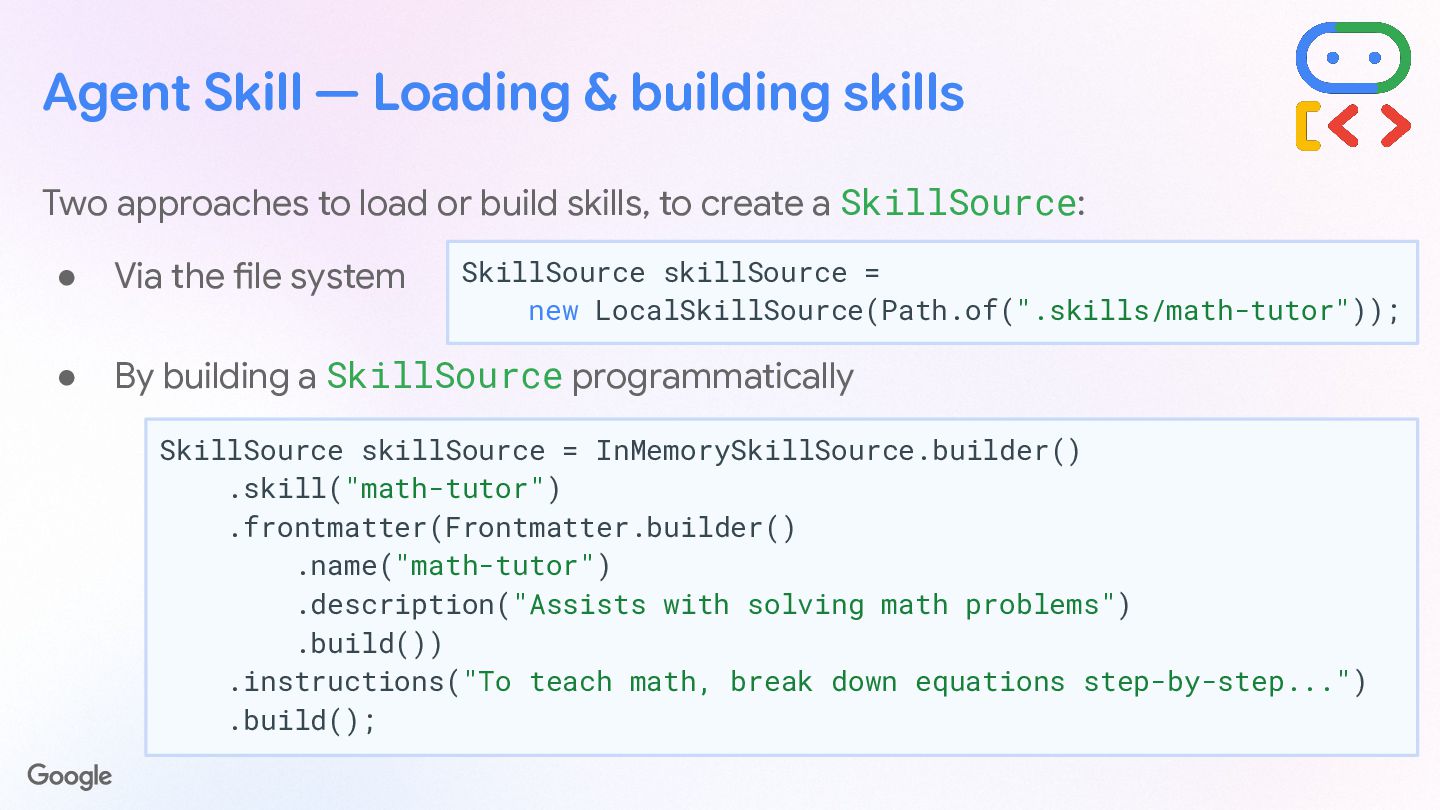
  28. Agent Skill — Loading & building skills Two approaches to

    load or build skills, to create a SkillSource: • Via the file system • By building a SkillSource programmatically SkillSource skillSource = new LocalSkillSource(Path.of(".skills/math-tutor")); SkillSource skillSource = InMemorySkillSource.builder() .skill("math-tutor") .frontmatter(Frontmatter.builder() .name("math-tutor") .description("Assists with solving math problems") .build()) .instructions("To teach math, break down equations step-by-step...") .build();
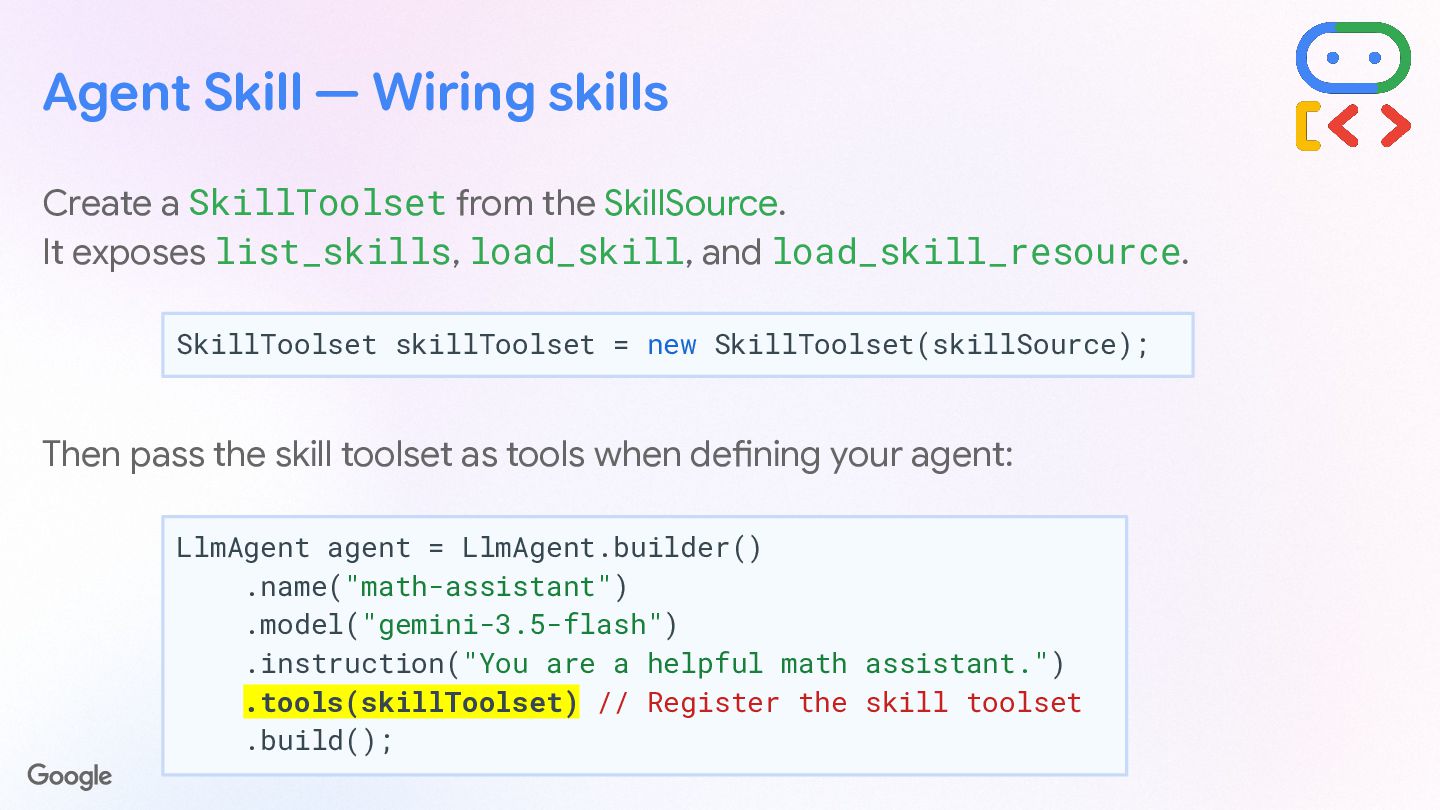
  29. Create a SkillToolset from the SkillSource. It exposes list_skills, load_skill,

    and load_skill_resource. Then pass the skill toolset as tools when defining your agent: SkillToolset skillToolset = new SkillToolset(skillSource); Agent Skill — Wiring skills LlmAgent agent = LlmAgent.builder() .name("math-assistant") .model("gemini-3.5-flash") .instruction("You are a helpful math assistant.") .tools(skillToolset) // Register the skill toolset .build();
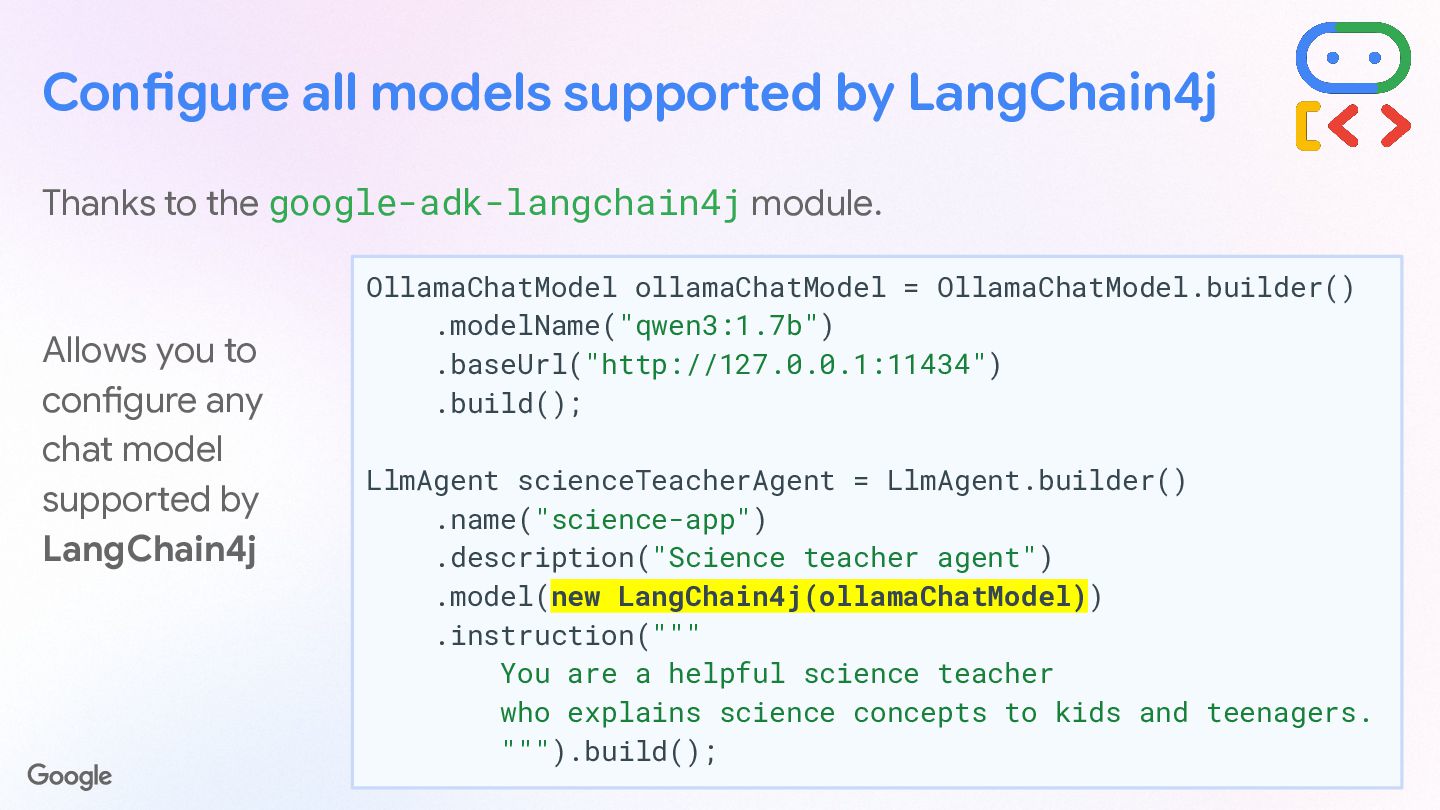
  30. Configure all models supported by LangChain4j Thanks to the google-adk-langchain4j

    module. Allows you to configure any chat model supported by LangChain4j OllamaChatModel ollamaChatModel = OllamaChatModel.builder() .modelName("qwen3:1.7b") .baseUrl("http://127.0.0.1:11434") .build(); LlmAgent scienceTeacherAgent = LlmAgent.builder() .name("science-app") .description("Science teacher agent") .model(new LangChain4j(ollamaChatModel)) .instruction(""" You are a helpful science teacher who explains science concepts to kids and teenagers. """).build();
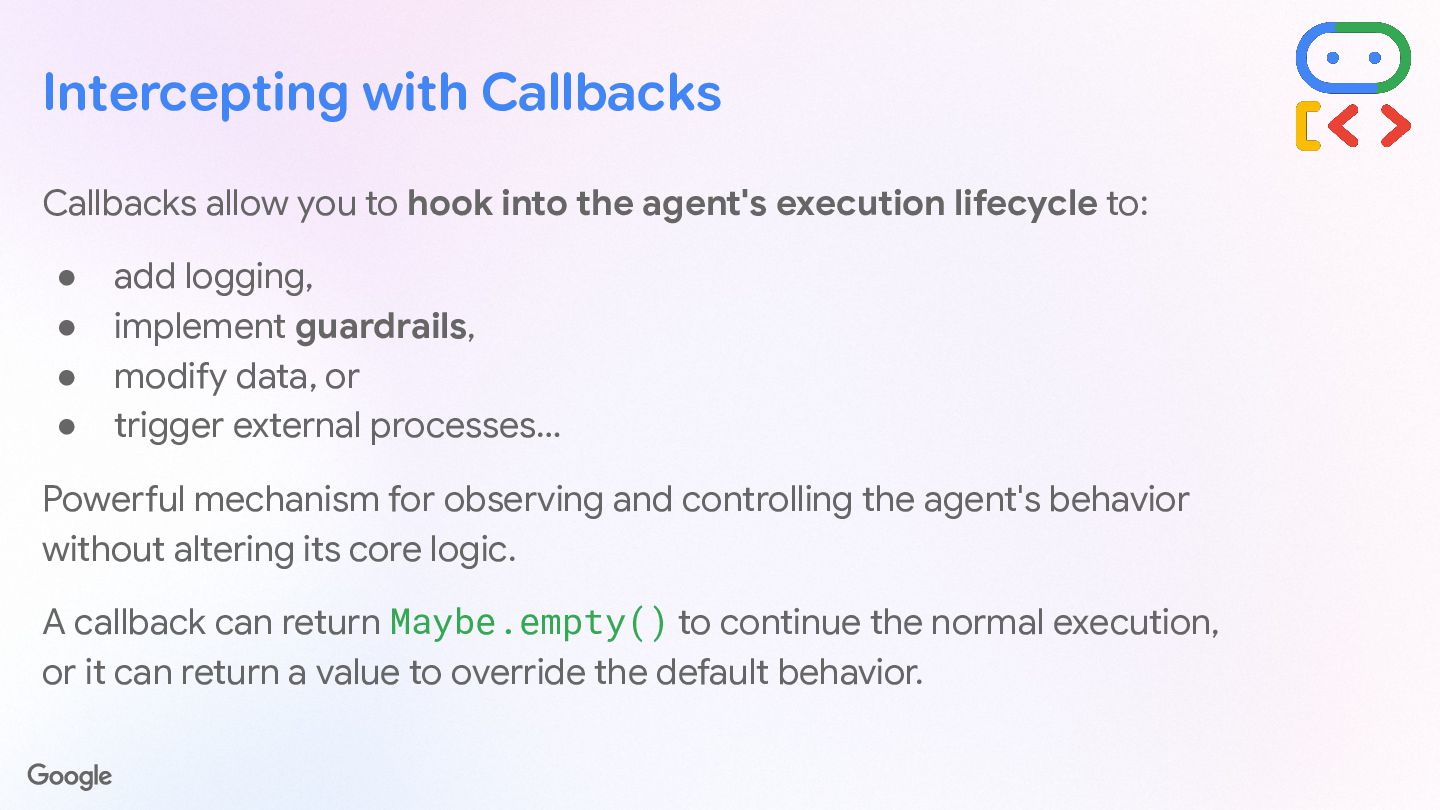
  31. Intercepting with Callbacks Callbacks allow you to hook into the

    agent's execution lifecycle to: • add logging, • implement guardrails, • modify data, or • trigger external processes… Powerful mechanism for observing and controlling the agent's behavior without altering its core logic. A callback can return Maybe.empty() to continue the normal execution, or it can return a value to override the default behavior.
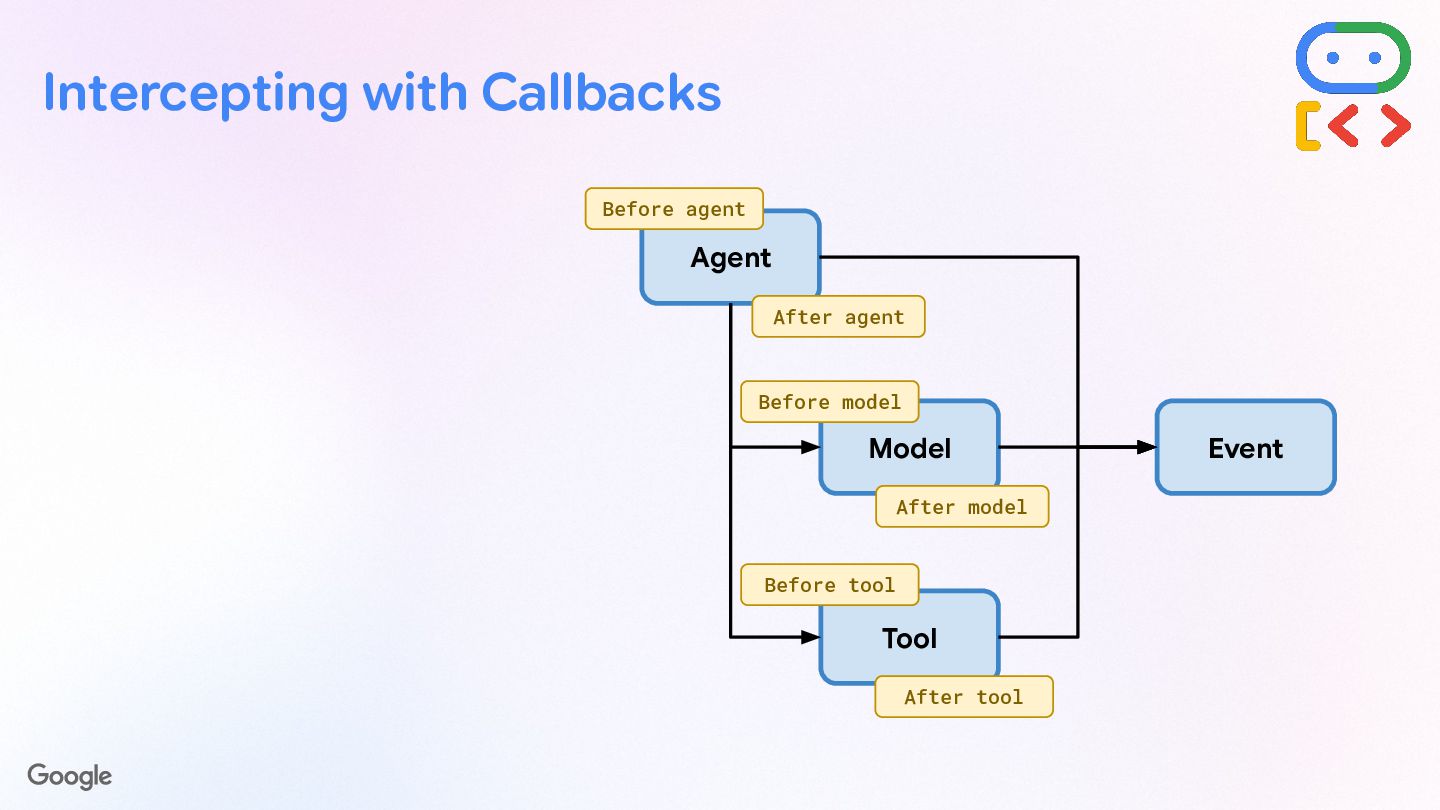
  32. Intercepting with Callbacks Agent Model Tool Event Before agent After

    agent Before model After model After tool Before tool
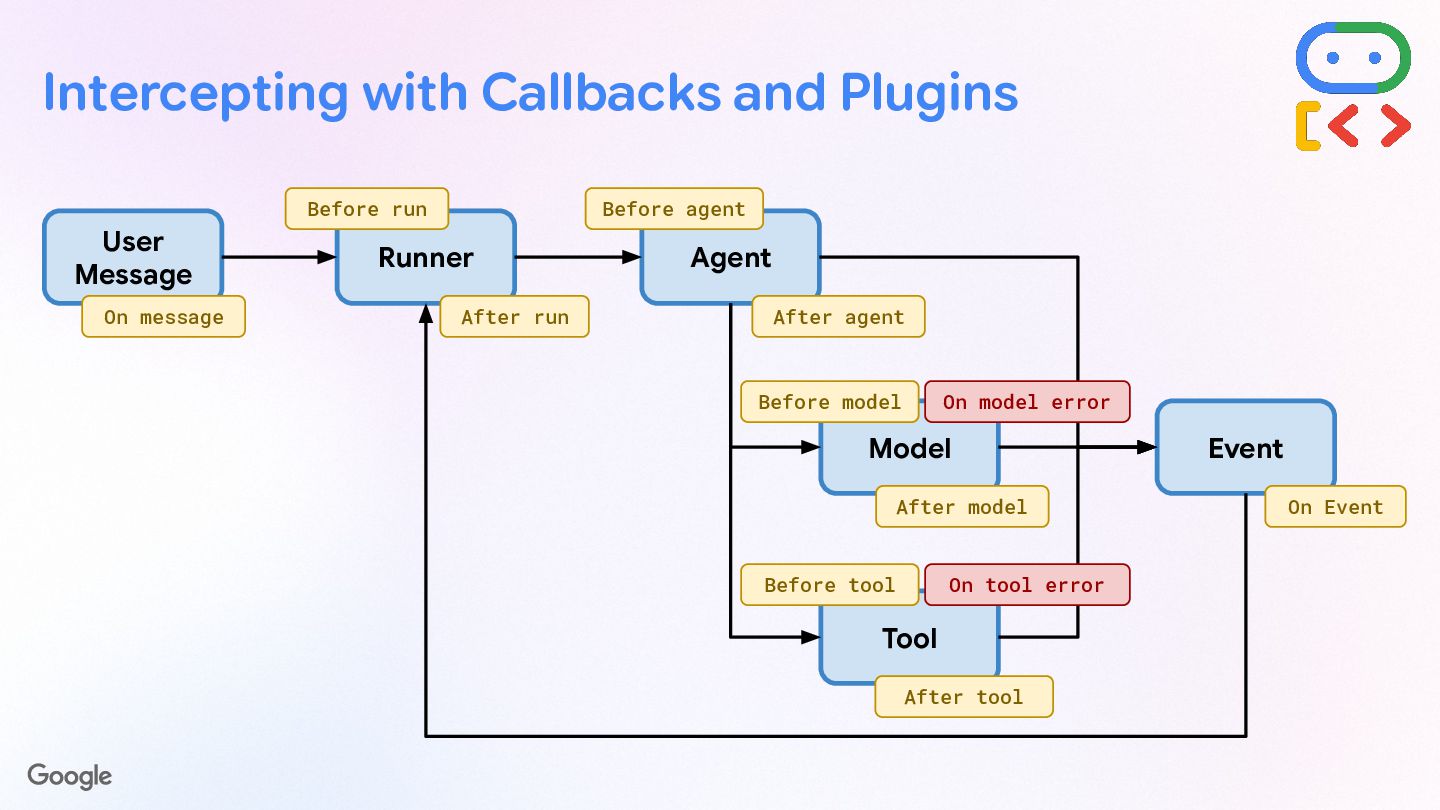
  33. Intercepting with Callbacks and Plugins User Message Runner Agent Model

    Tool Event On message Before run After run Before agent After agent Before model After model On Event After tool Before tool On model error On tool error
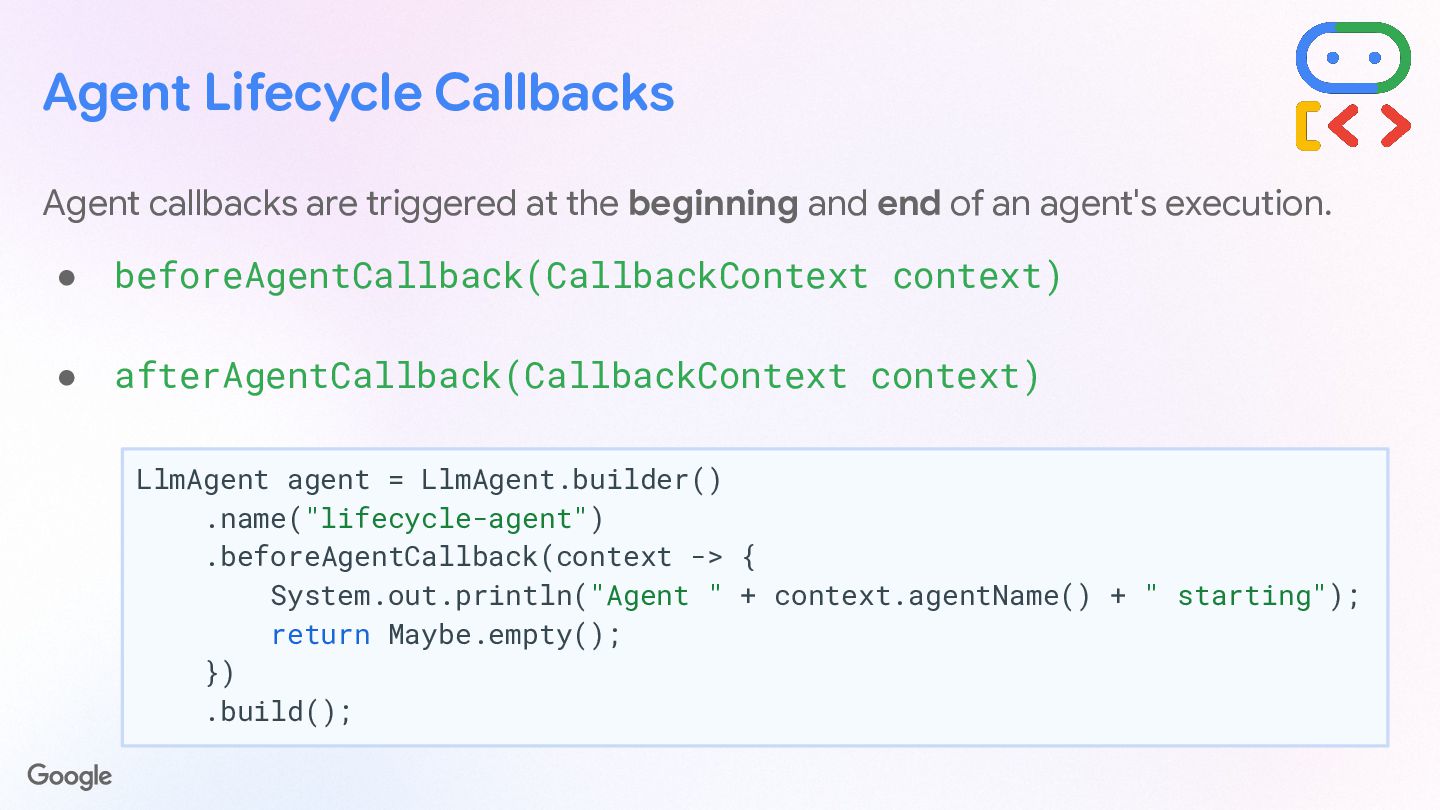
  34. Agent Lifecycle Callbacks Agent callbacks are triggered at the beginning

    and end of an agent's execution. • beforeAgentCallback(CallbackContext context) • afterAgentCallback(CallbackContext context) LlmAgent agent = LlmAgent.builder() .name("lifecycle-agent") .beforeAgentCallback(context -> { System.out.println("Agent " + context.agentName() + " starting"); return Maybe.empty(); }) .build();
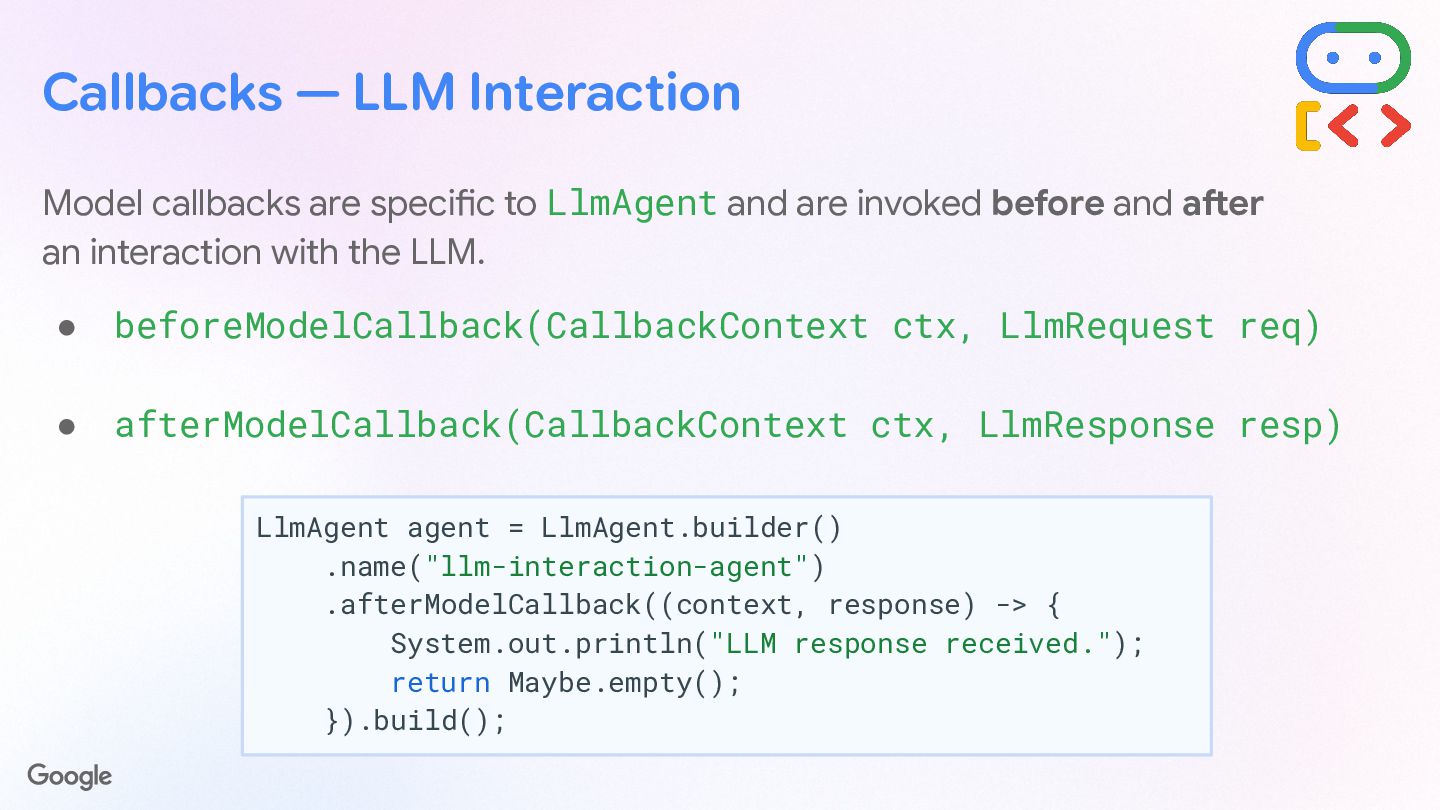
  35. Callbacks — LLM Interaction Model callbacks are specific to LlmAgent

    and are invoked before and after an interaction with the LLM. • beforeModelCallback(CallbackContext ctx, LlmRequest req) • afterModelCallback(CallbackContext ctx, LlmResponse resp) LlmAgent agent = LlmAgent.builder() .name("llm-interaction-agent") .afterModelCallback((context, response) -> { System.out.println("LLM response received."); return Maybe.empty(); }).build();
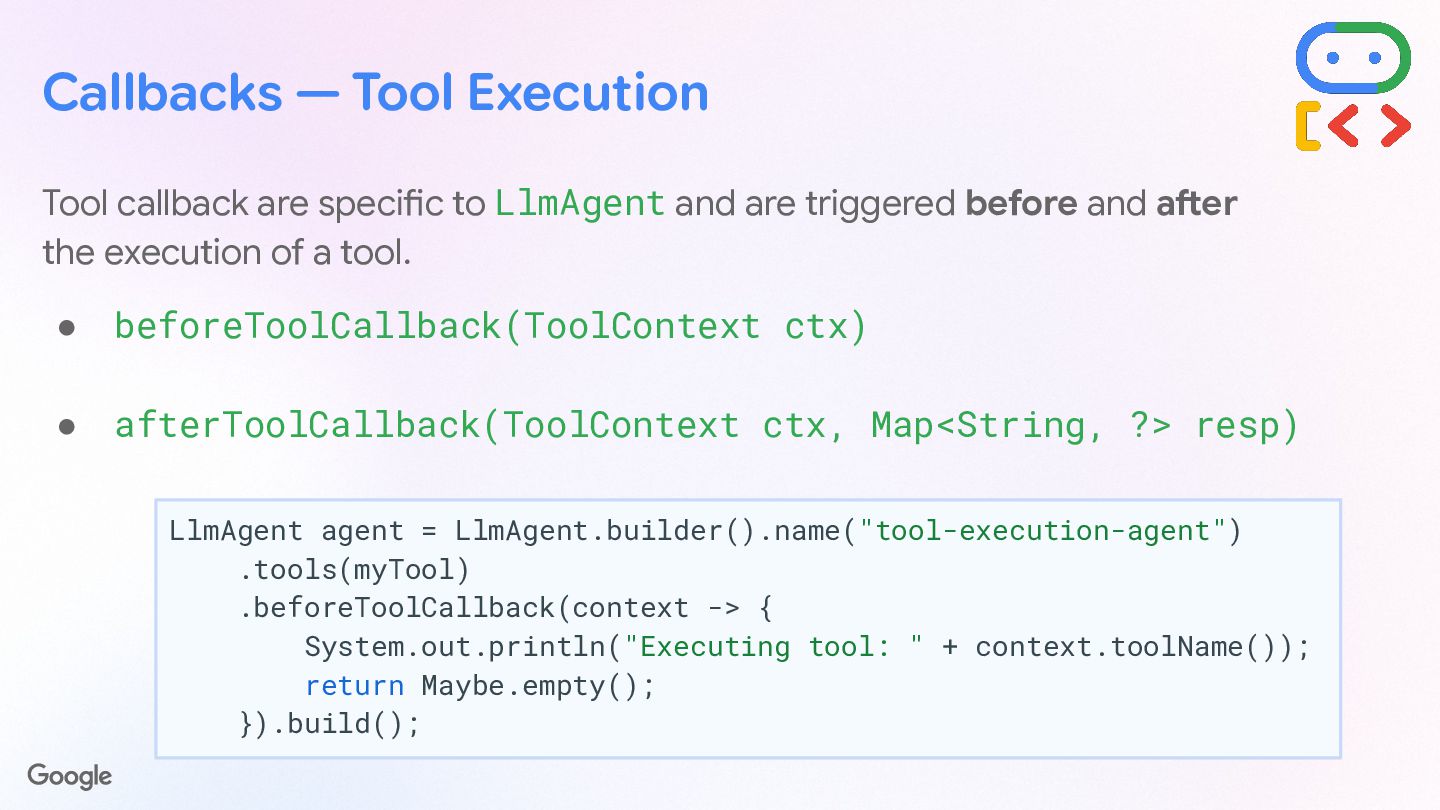
  36. Callbacks — Tool Execution Tool callback are specific to LlmAgent

    and are triggered before and after the execution of a tool. • beforeToolCallback(ToolContext ctx) • afterToolCallback(ToolContext ctx, Map<String, ?> resp) LlmAgent agent = LlmAgent.builder().name("tool-execution-agent") .tools(myTool) .beforeToolCallback(context -> { System.out.println("Executing tool: " + context.toolName()); return Maybe.empty(); }).build();
  37. Plugin system for extensibility Register & configure plugins to extend

    the agent lifecycle, with callbacks. • Define your plugin by extending BasePlugin public class LoggingPlugin extends BasePlugin { private static final Logger logger = ... public LoggingPlugin() { super("SimpleLogger"); } public Maybe<Content> beforeAgentCallback( BaseAgent agent, CallbackContext context) { logger.info("Agent starting: {}", agent.name()); return Maybe.empty(); // Continue execution } }
  38. Register & configure plugins to extend the agent lifecycle, with

    the usual LlmAgent callbacks, plus: • before/afterRunCallback(), • onUserMessageCallback(), • onEventCallback(), • onModelErrorCallback(), • onToolErrorCallback(). Runner runner = Runner.builder() .agent(mainAgent) .appName("comictrip") .plugins(loggingPlugin) .build(); Plugin system for extensibility App app = App.builder() .name("comictrip") .rootAgent(mainAgent) .plugins(loggingPlugin) .build();
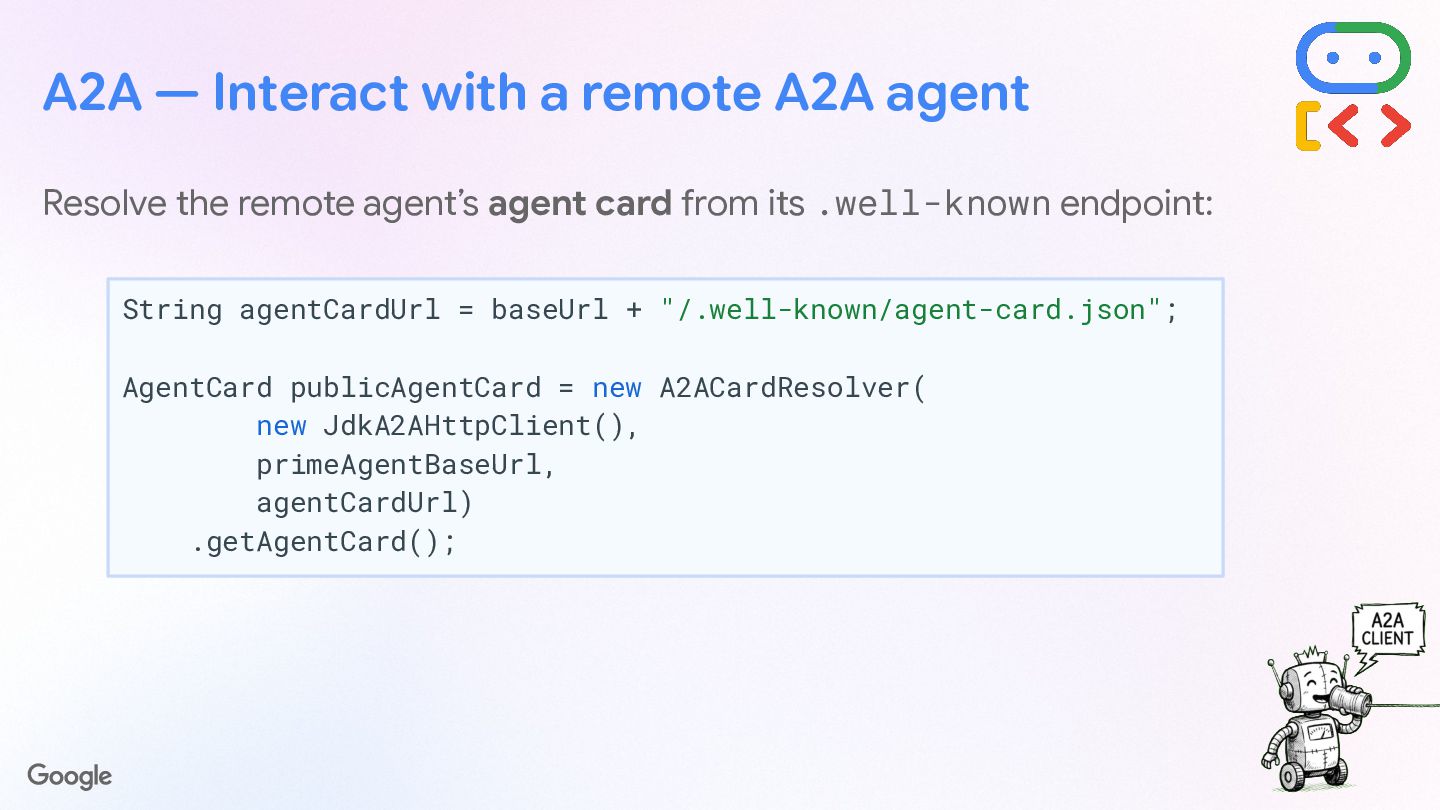
  39. Resolve the remote agent’s agent card from its .well-known endpoint:

    String agentCardUrl = baseUrl + "/.well-known/agent-card.json"; AgentCard publicAgentCard = new A2ACardResolver( new JdkA2AHttpClient(), primeAgentBaseUrl, agentCardUrl) .getAgentCard(); A2A — Interact with a remote A2A agent
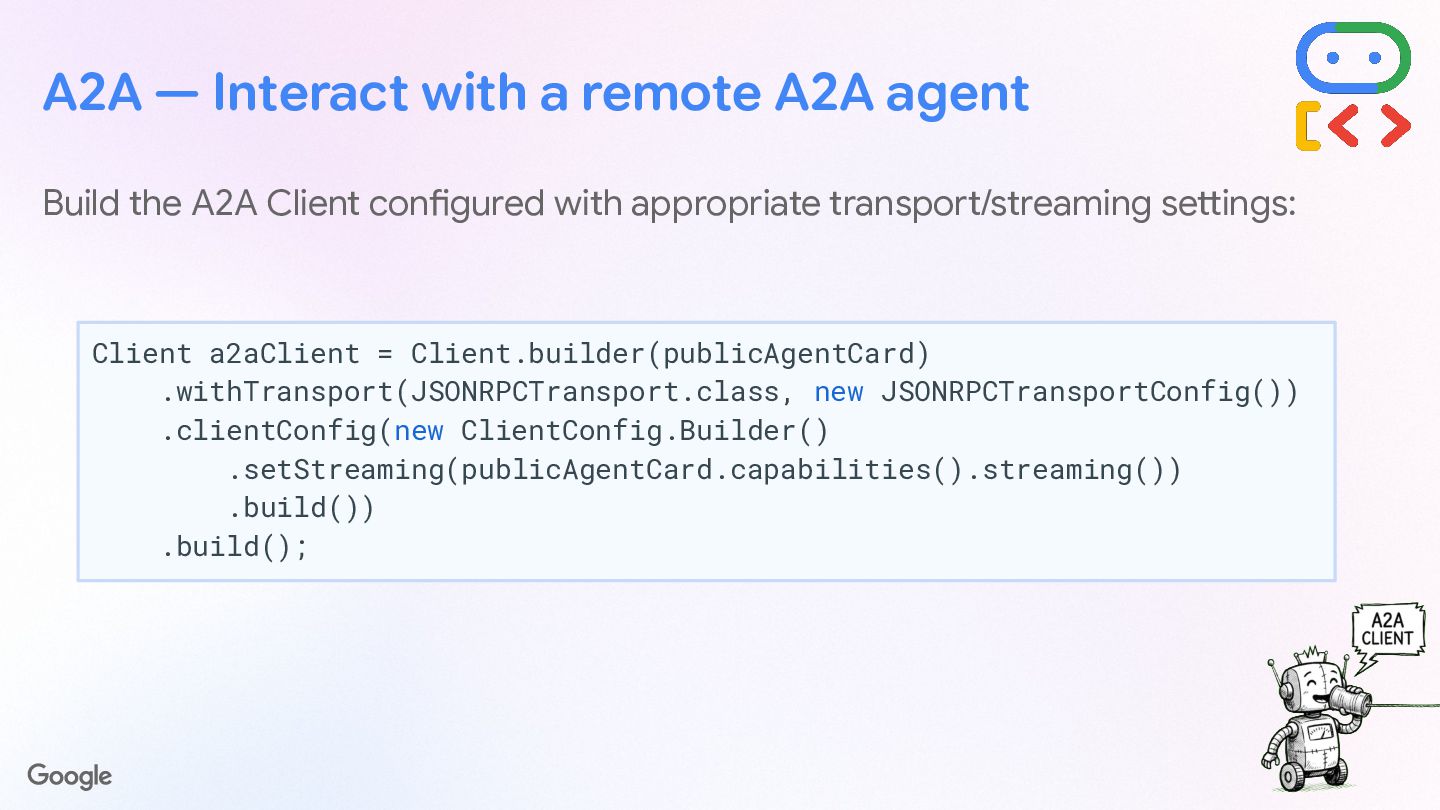
  40. Build the A2A Client configured with appropriate transport/streaming settings: A2A

    — Interact with a remote A2A agent Client a2aClient = Client.builder(publicAgentCard) .withTransport(JSONRPCTransport.class, new JSONRPCTransportConfig()) .clientConfig(new ClientConfig.Builder() .setStreaming(publicAgentCard.capabilities().streaming()) .build()) .build();
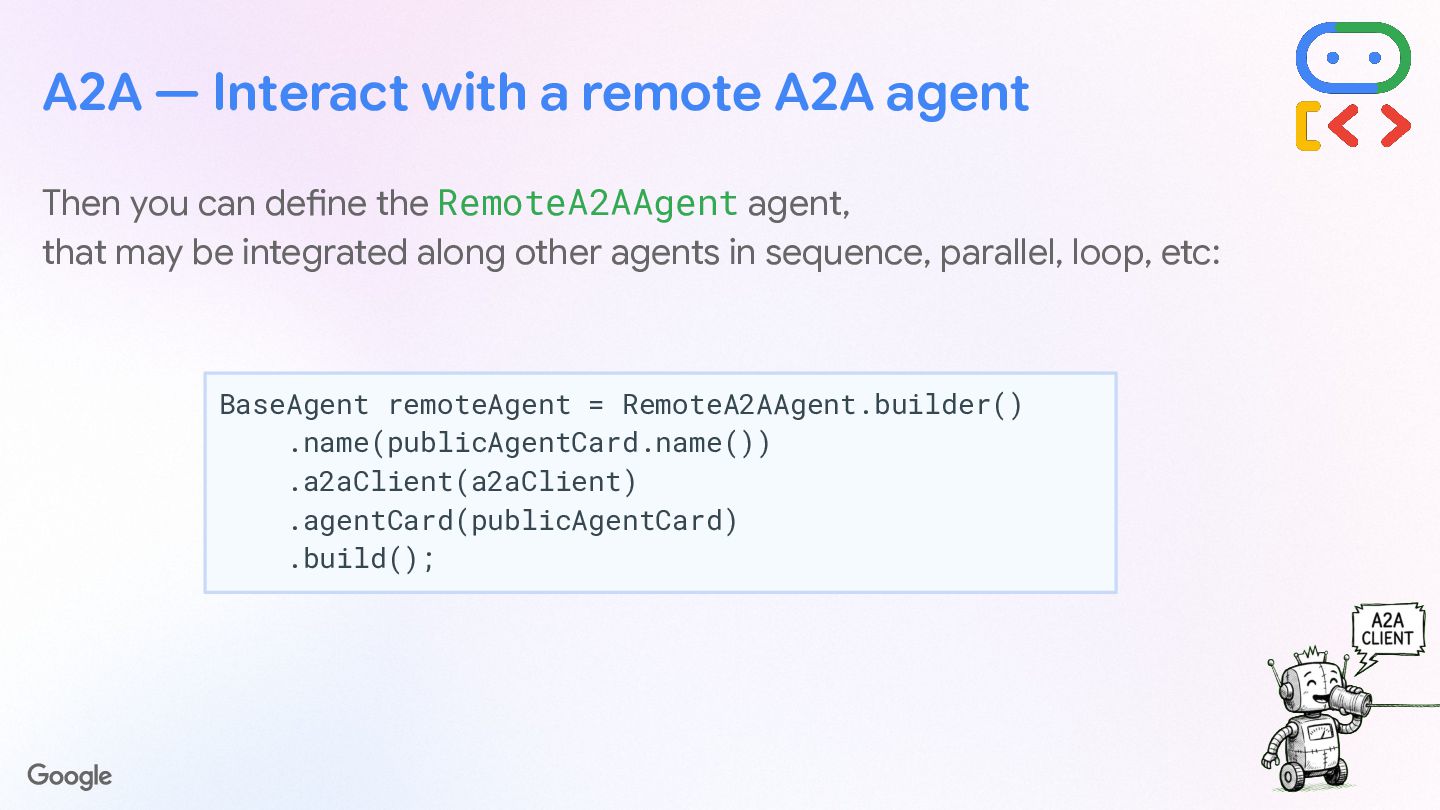
  41. A2A — Interact with a remote A2A agent Then you

    can define the RemoteA2AAgent agent, that may be integrated along other agents in sequence, parallel, loop, etc: BaseAgent remoteAgent = RemoteA2AAgent.builder() .name(publicAgentCard.name()) .a2aClient(a2aClient) .agentCard(publicAgentCard) .build();
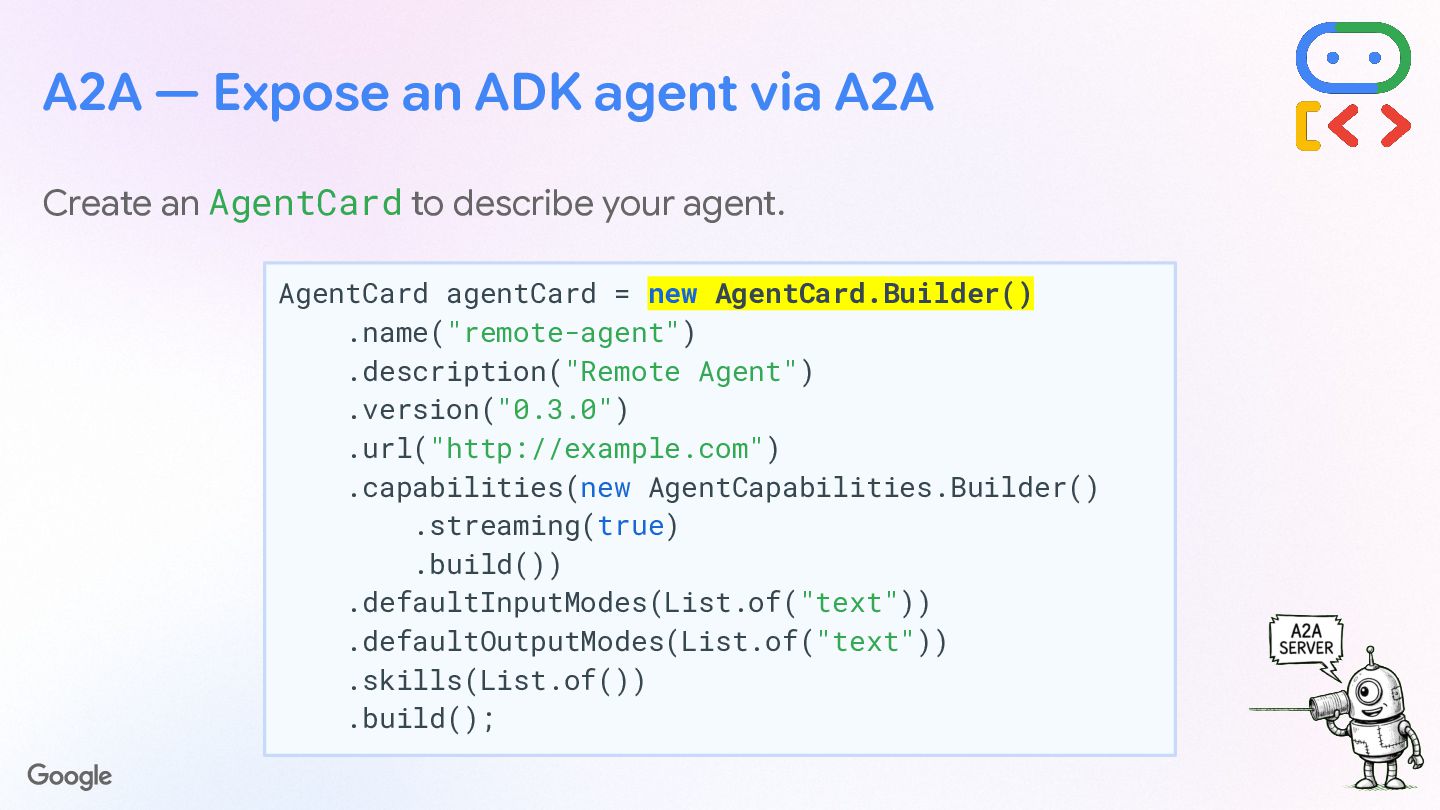
  42. A2A — Expose an ADK agent via A2A Create an

    AgentCard to describe your agent. AgentCard agentCard = new AgentCard.Builder() .name("remote-agent") .description("Remote Agent") .version("0.3.0") .url("http://example.com") .capabilities(new AgentCapabilities.Builder() .streaming(true) .build()) .defaultInputModes(List.of("text")) .defaultOutputModes(List.of("text")) .skills(List.of()) .build();
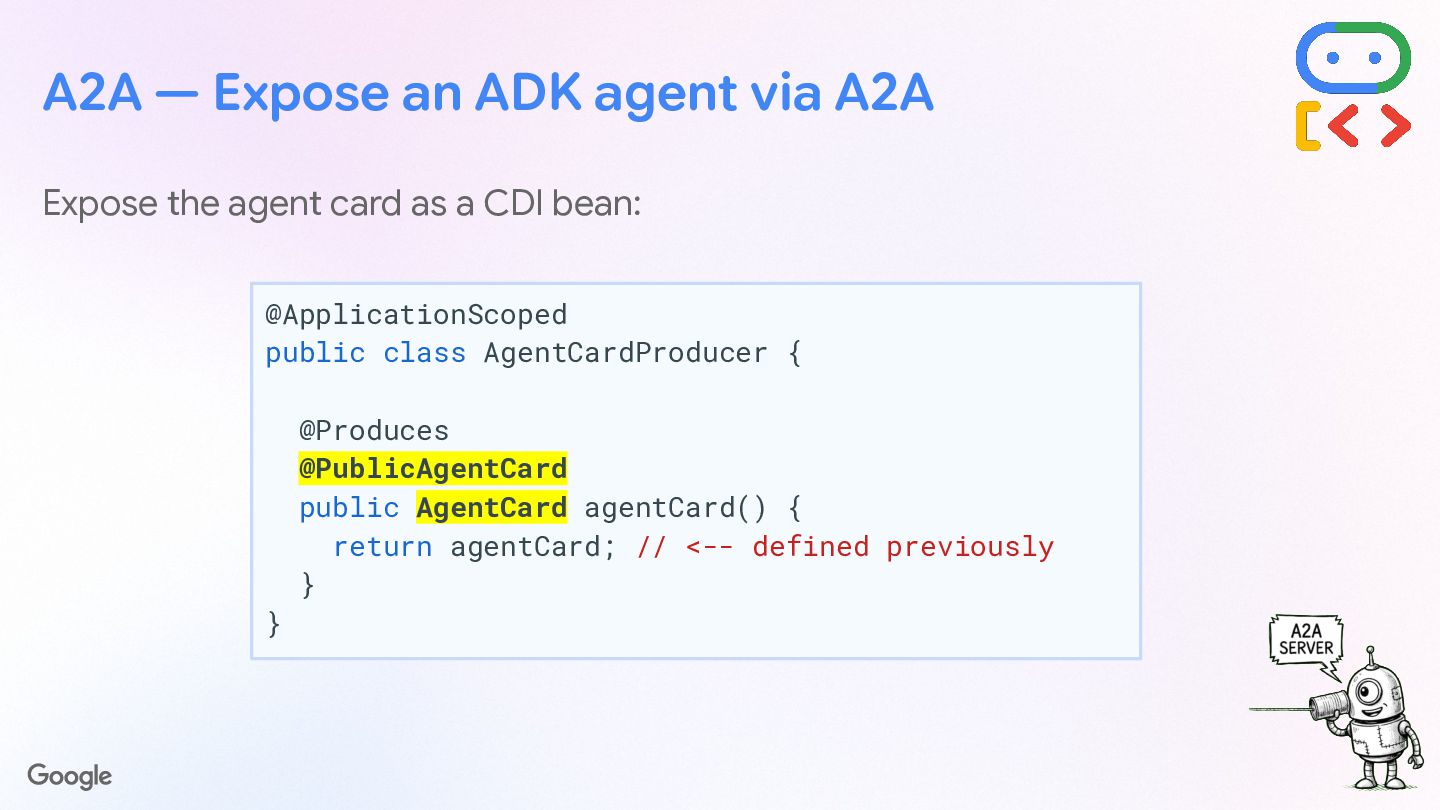
  43. A2A — Expose an ADK agent via A2A Expose the

    agent card as a CDI bean: @ApplicationScoped public class AgentCardProducer { @Produces @PublicAgentCard public AgentCard agentCard() { return agentCard; // <-- defined previously } }
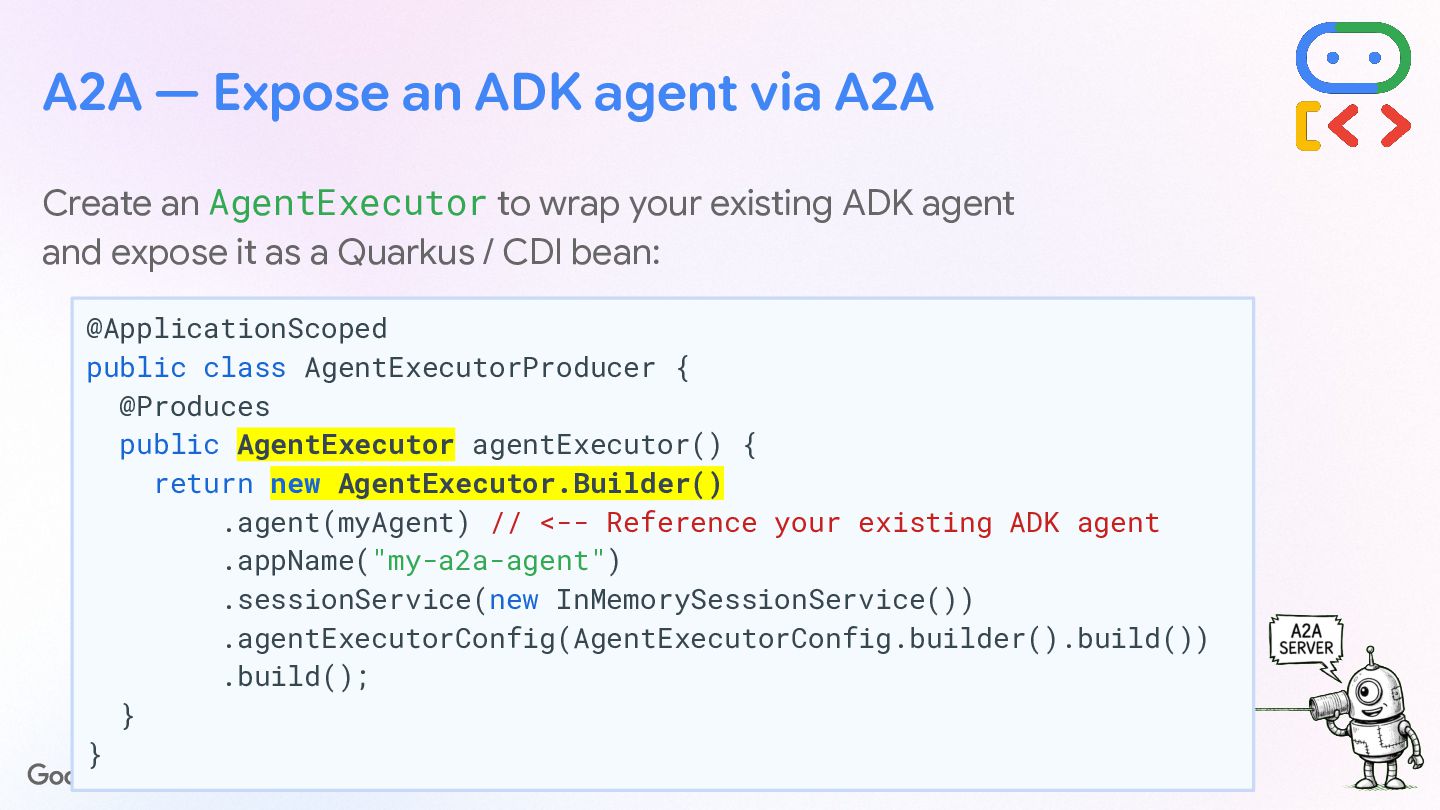
  44. A2A — Expose an ADK agent via A2A Create an

    AgentExecutor to wrap your existing ADK agent and expose it as a Quarkus / CDI bean: @ApplicationScoped public class AgentExecutorProducer { @Produces public AgentExecutor agentExecutor() { return new AgentExecutor.Builder() .agent(myAgent) // <-- Reference your existing ADK agent .appName("my-a2a-agent") .sessionService(new InMemorySessionService()) .agentExecutorConfig(AgentExecutorConfig.builder().build()) .build(); } }
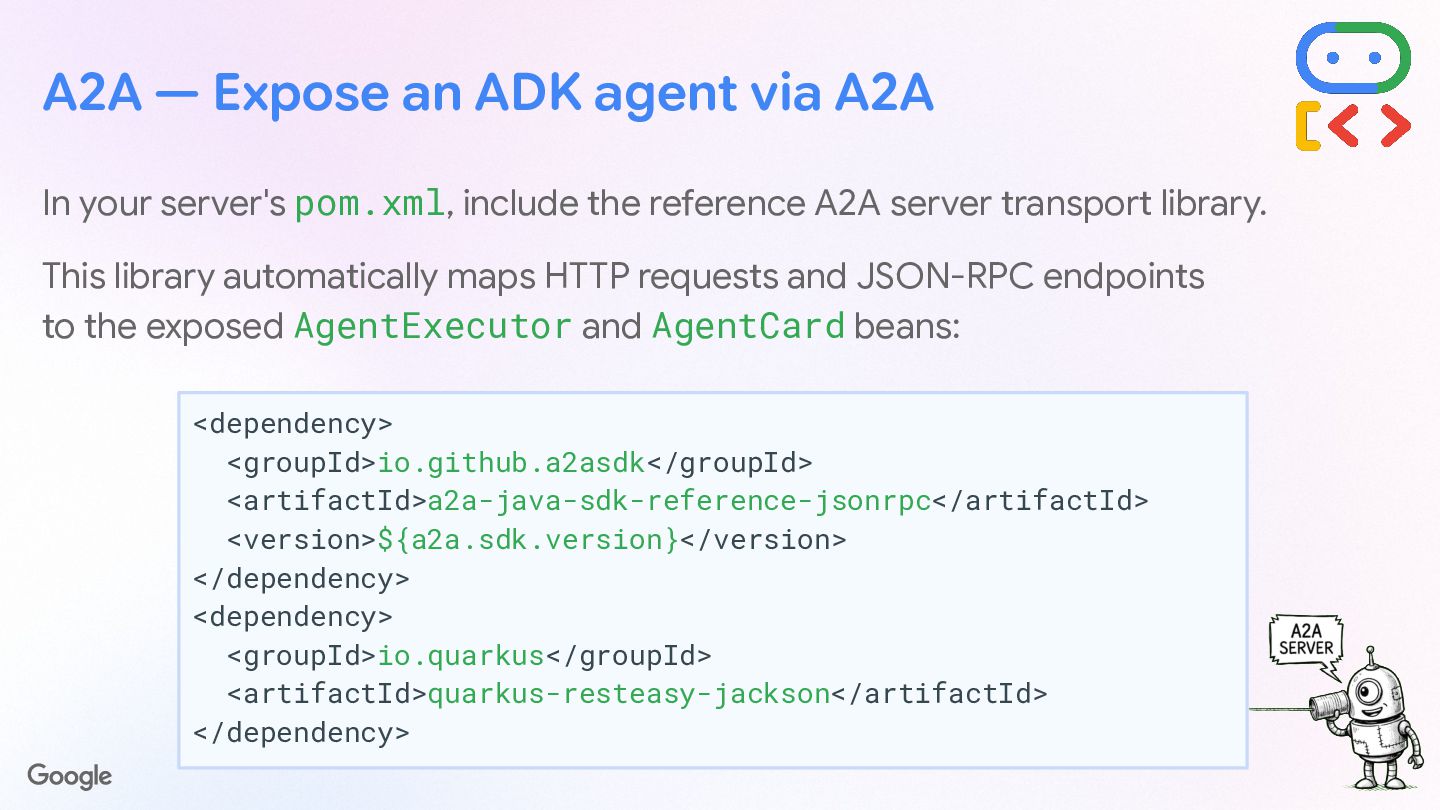
  45. A2A — Expose an ADK agent via A2A In your

    server's pom.xml, include the reference A2A server transport library. This library automatically maps HTTP requests and JSON-RPC endpoints to the exposed AgentExecutor and AgentCard beans: <dependency> <groupId>io.github.a2asdk</groupId> <artifactId>a2a-java-sdk-reference-jsonrpc</artifactId> <version>${a2a.sdk.version}</version> </dependency> <dependency> <groupId>io.quarkus</groupId> <artifactId>quarkus-resteasy-jackson</artifactId> </dependency>
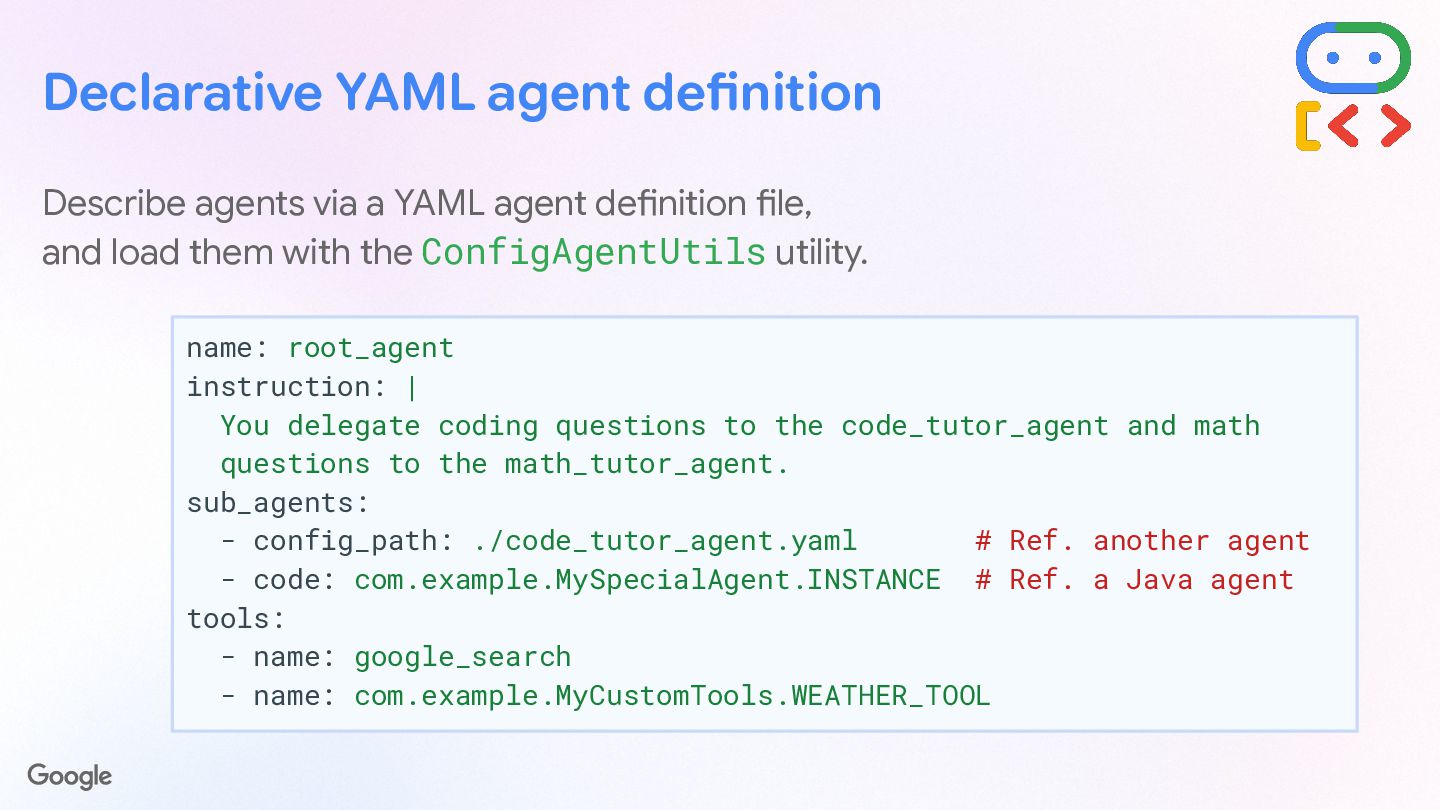
  46. Declarative YAML agent definition Describe agents via a YAML agent

    definition file, and load them with the ConfigAgentUtils utility. name: root_agent instruction: | You delegate coding questions to the code_tutor_agent and math questions to the math_tutor_agent. sub_agents: - config_path: ./code_tutor_agent.yaml # Ref. another agent - code: com.example.MySpecialAgent.INSTANCE # Ref. a Java agent tools: - name: google_search - name: com.example.MyCustomTools.WEATHER_TOOL
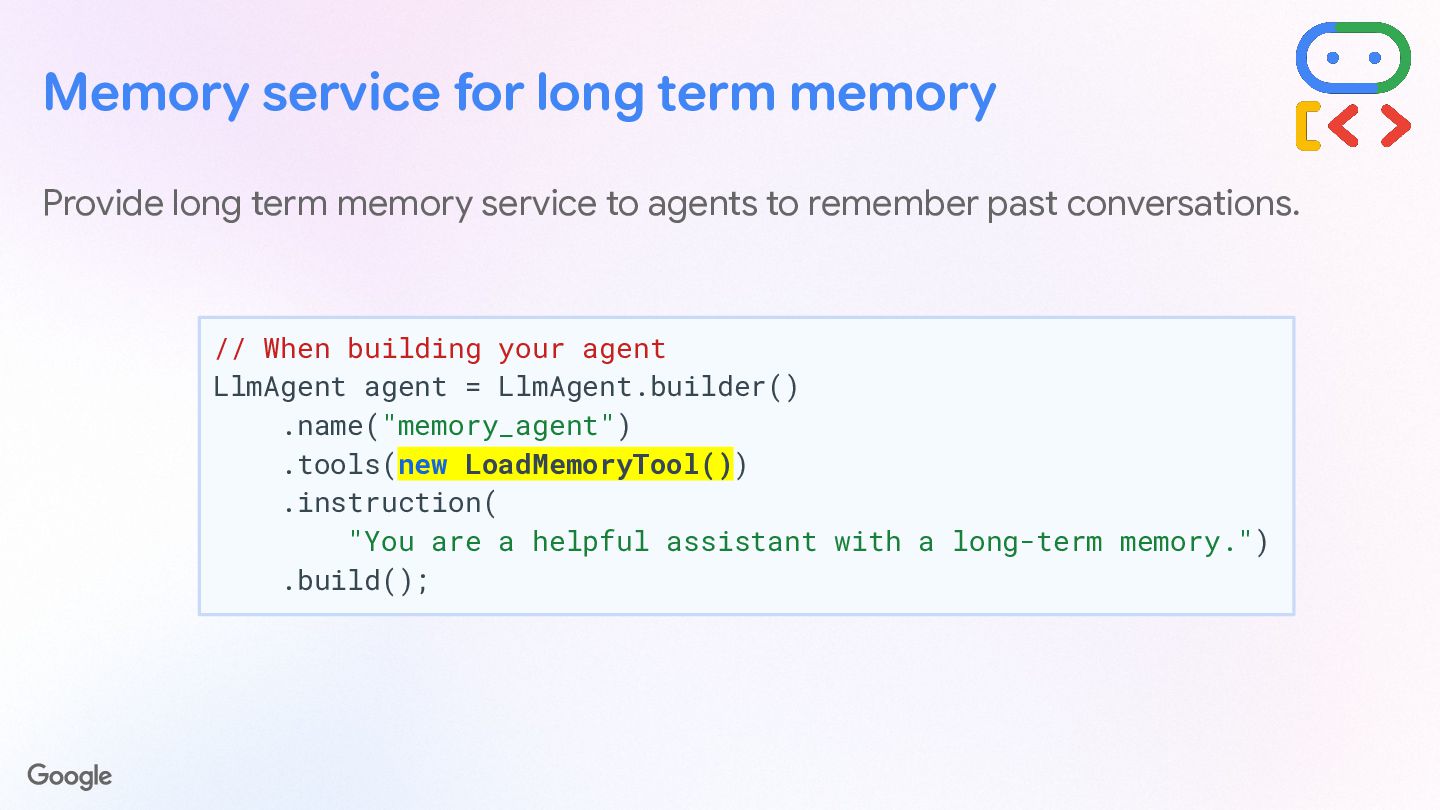
  47. Memory service for long term memory Provide long term memory

    service to agents to remember past conversations. // When building your agent LlmAgent agent = LlmAgent.builder() .name("memory_agent") .tools(new LoadMemoryTool()) .instruction( "You are a helpful assistant with a long-term memory.") .build();
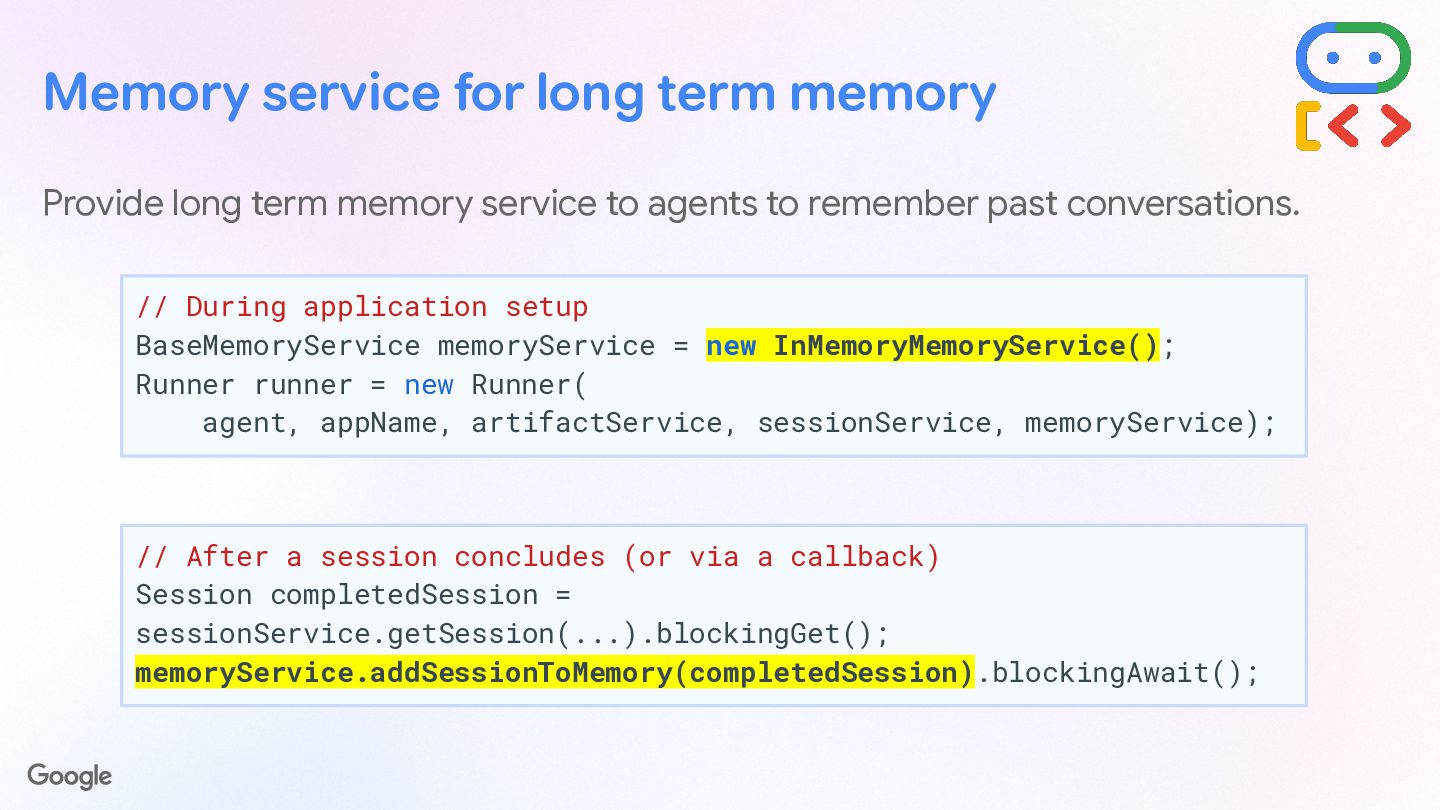
  48. Provide long term memory service to agents to remember past

    conversations. // During application setup BaseMemoryService memoryService = new InMemoryMemoryService(); Runner runner = new Runner( agent, appName, artifactService, sessionService, memoryService); Memory service for long term memory // After a session concludes (or via a callback) Session completedSession = sessionService.getSession(...).blockingGet(); memoryService.addSessionToMemory(completedSession).blockingAwait();
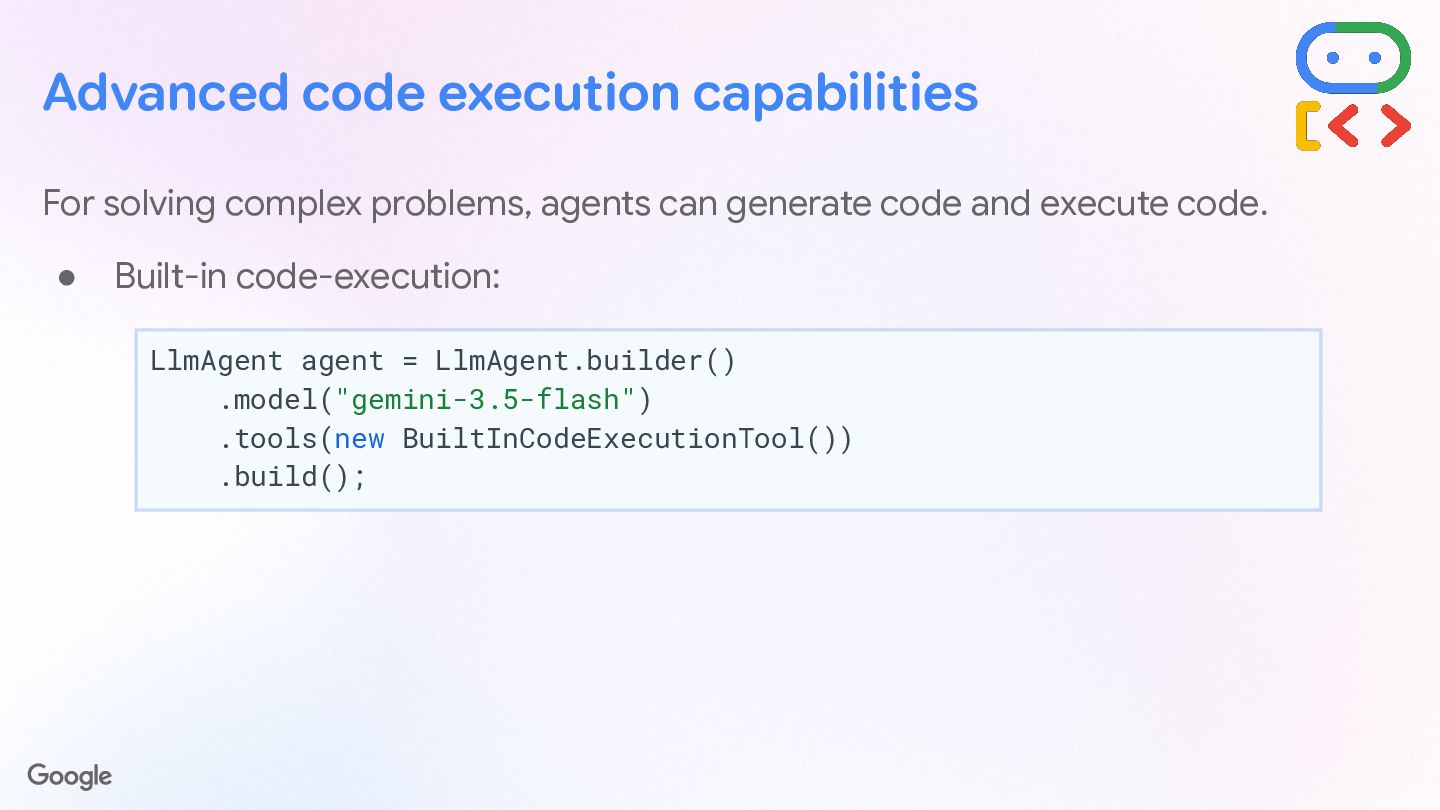
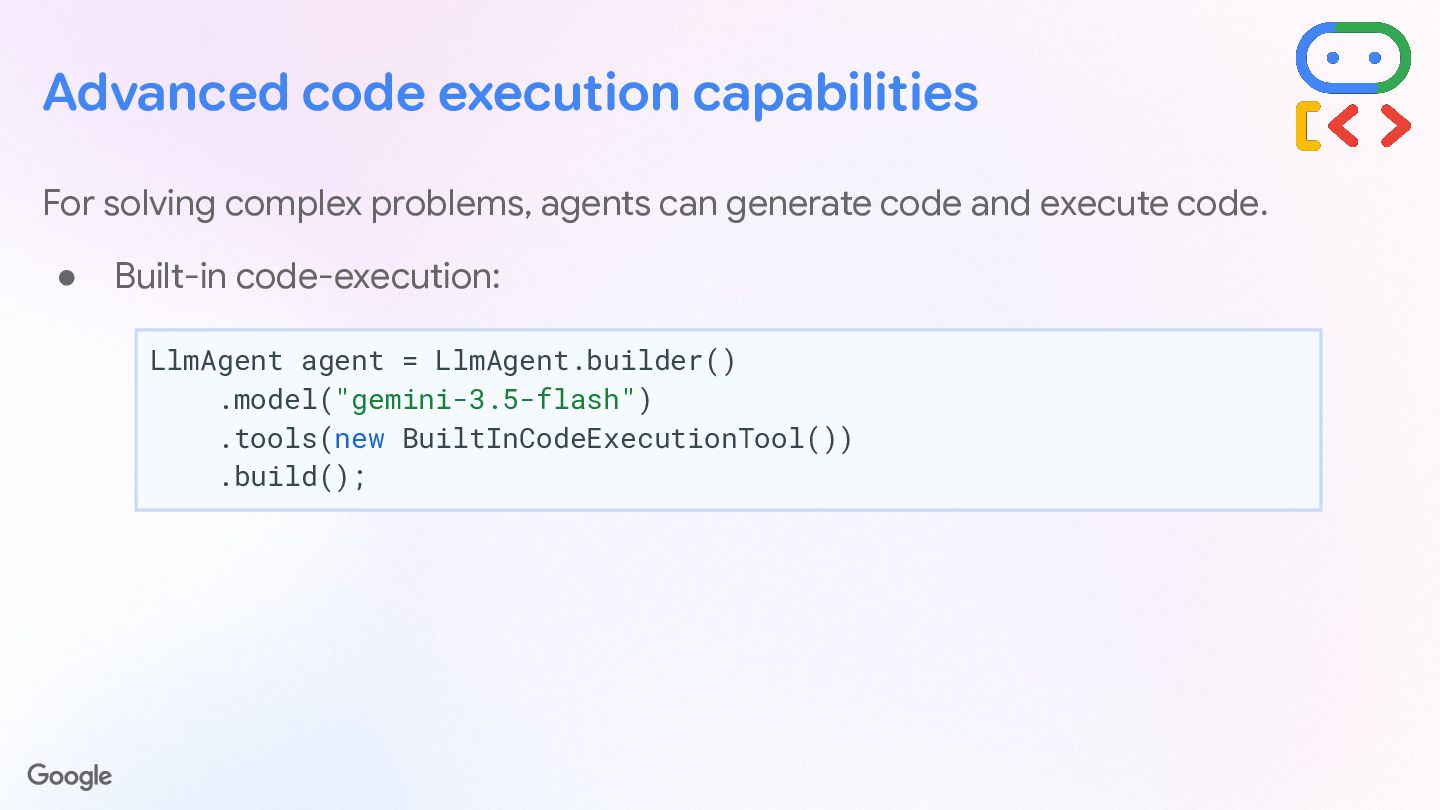
  49. Advanced code execution capabilities For solving complex problems, agents can

    generate code and execute code. • Built-in code-execution: LlmAgent agent = LlmAgent.builder() .model("gemini-3.5-flash") .tools(new BuiltInCodeExecutionTool()) .build();
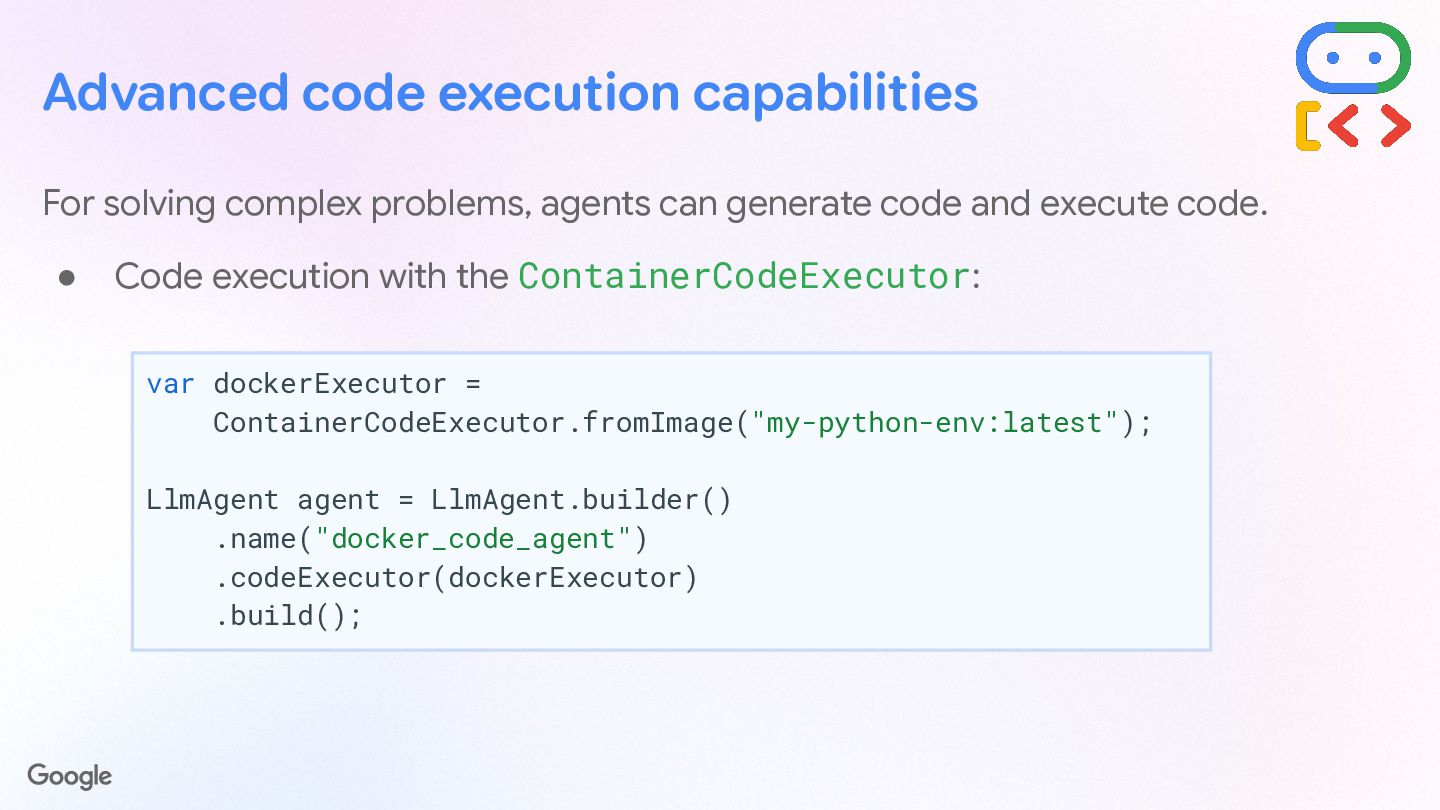
  50. Advanced code execution capabilities For solving complex problems, agents can

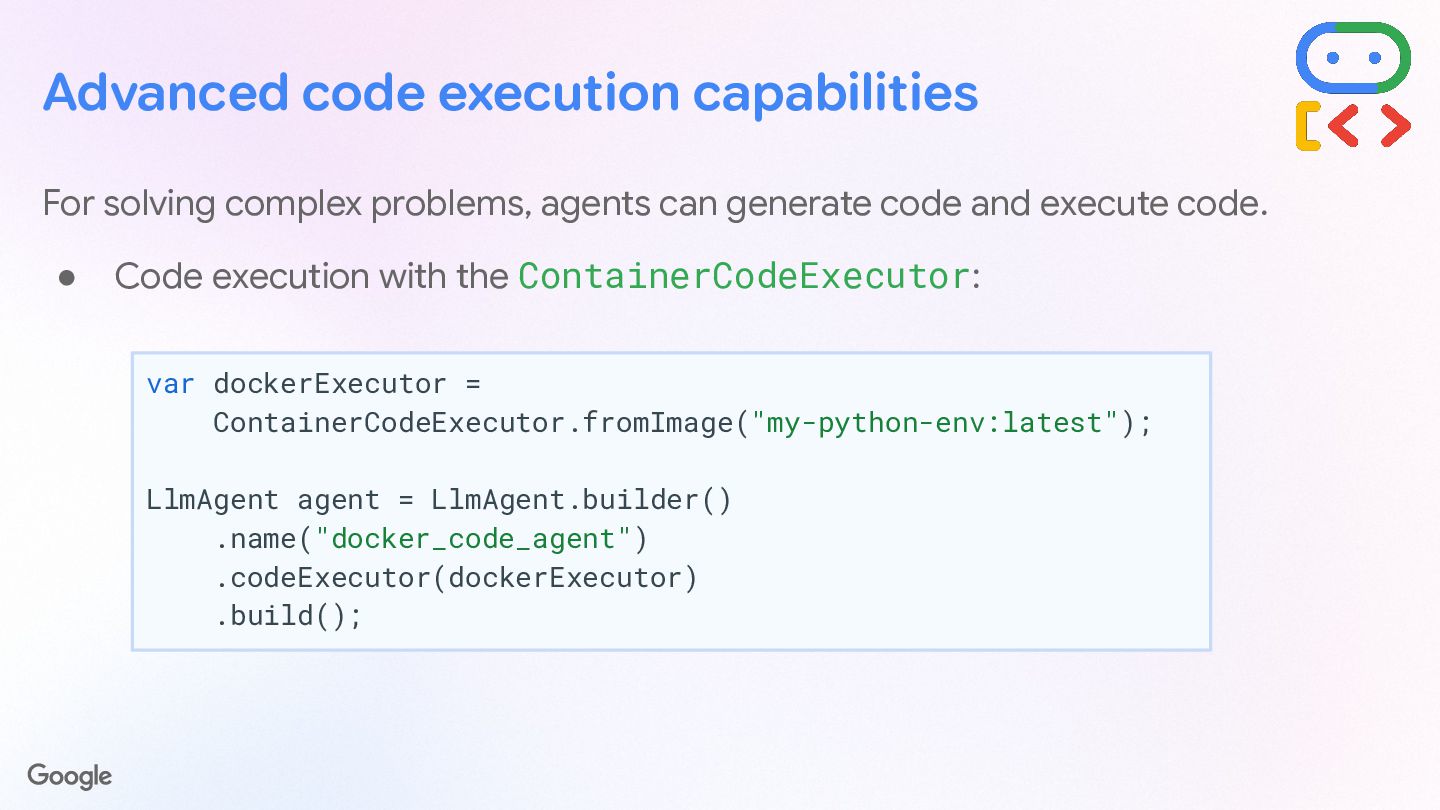
    generate code and execute code. • Code execution with the ContainerCodeExecutor: var dockerExecutor = ContainerCodeExecutor.fromImage("my-python-env:latest"); LlmAgent agent = LlmAgent.builder() .name("docker_code_agent") .codeExecutor(dockerExecutor) .build();
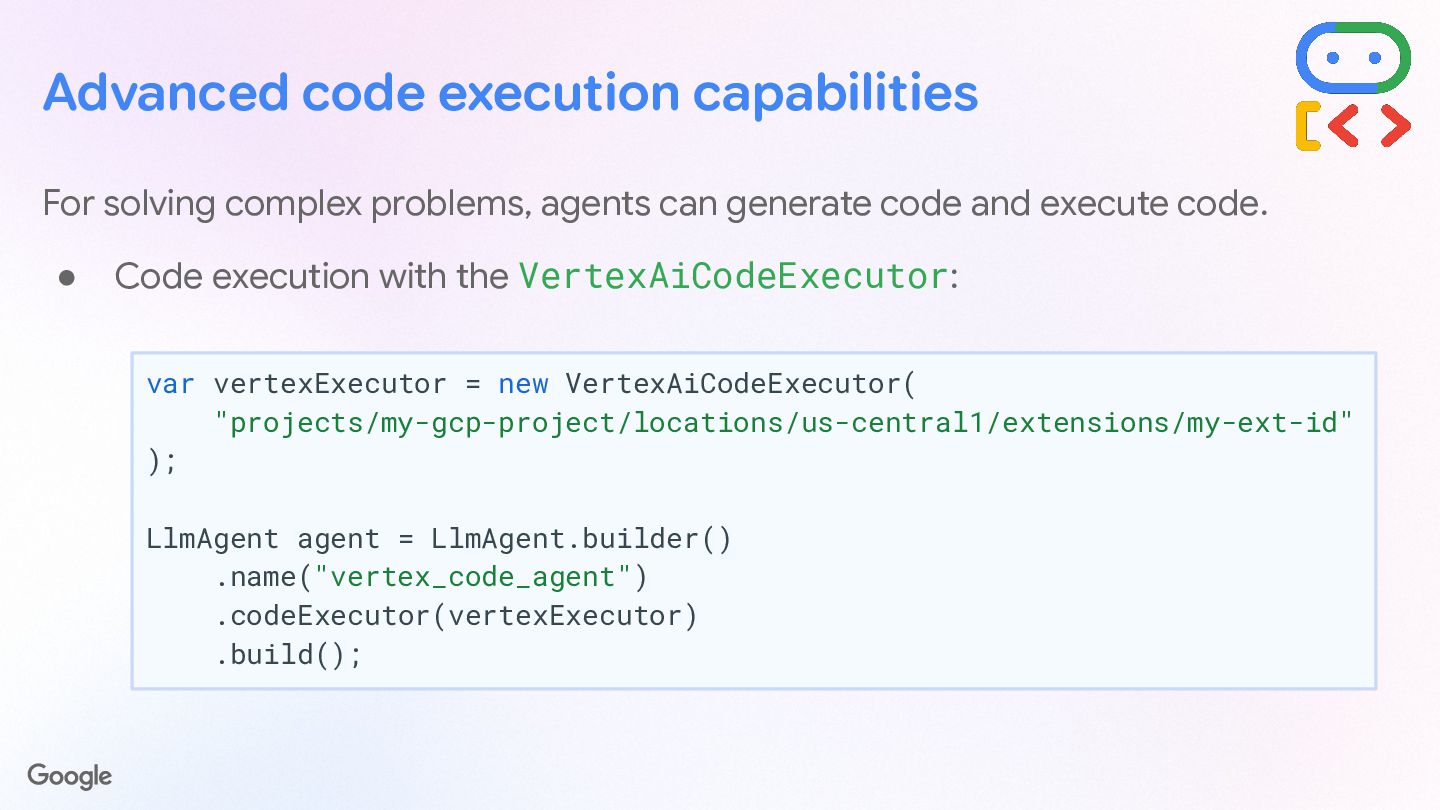
  51. Advanced code execution capabilities For solving complex problems, agents can

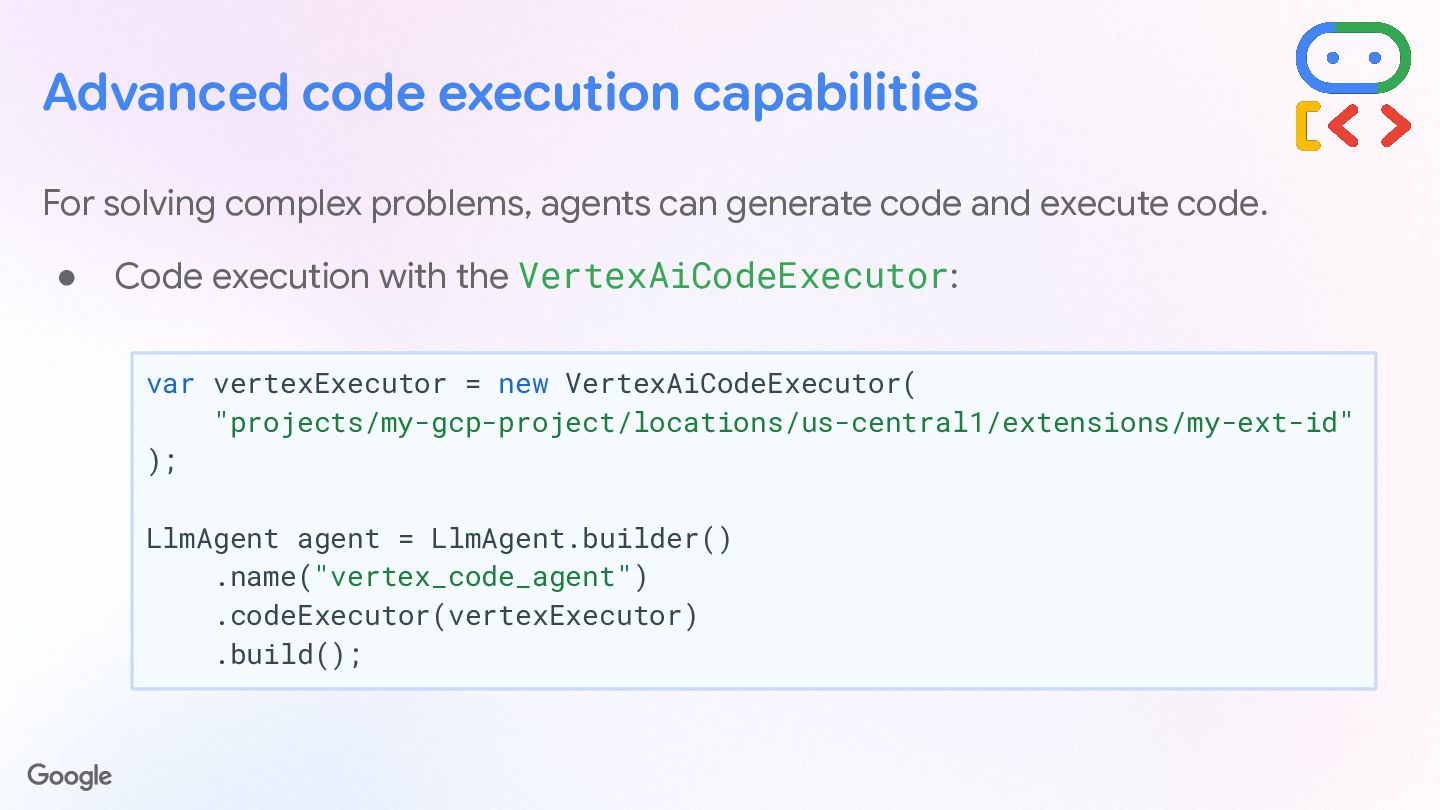
    generate code and execute code. • Code execution with the VertexAiCodeExecutor: var vertexExecutor = new VertexAiCodeExecutor( "projects/my-gcp-project/locations/us-central1/extensions/my-ext-id" ); LlmAgent agent = LlmAgent.builder() .name("vertex_code_agent") .codeExecutor(vertexExecutor) .build();
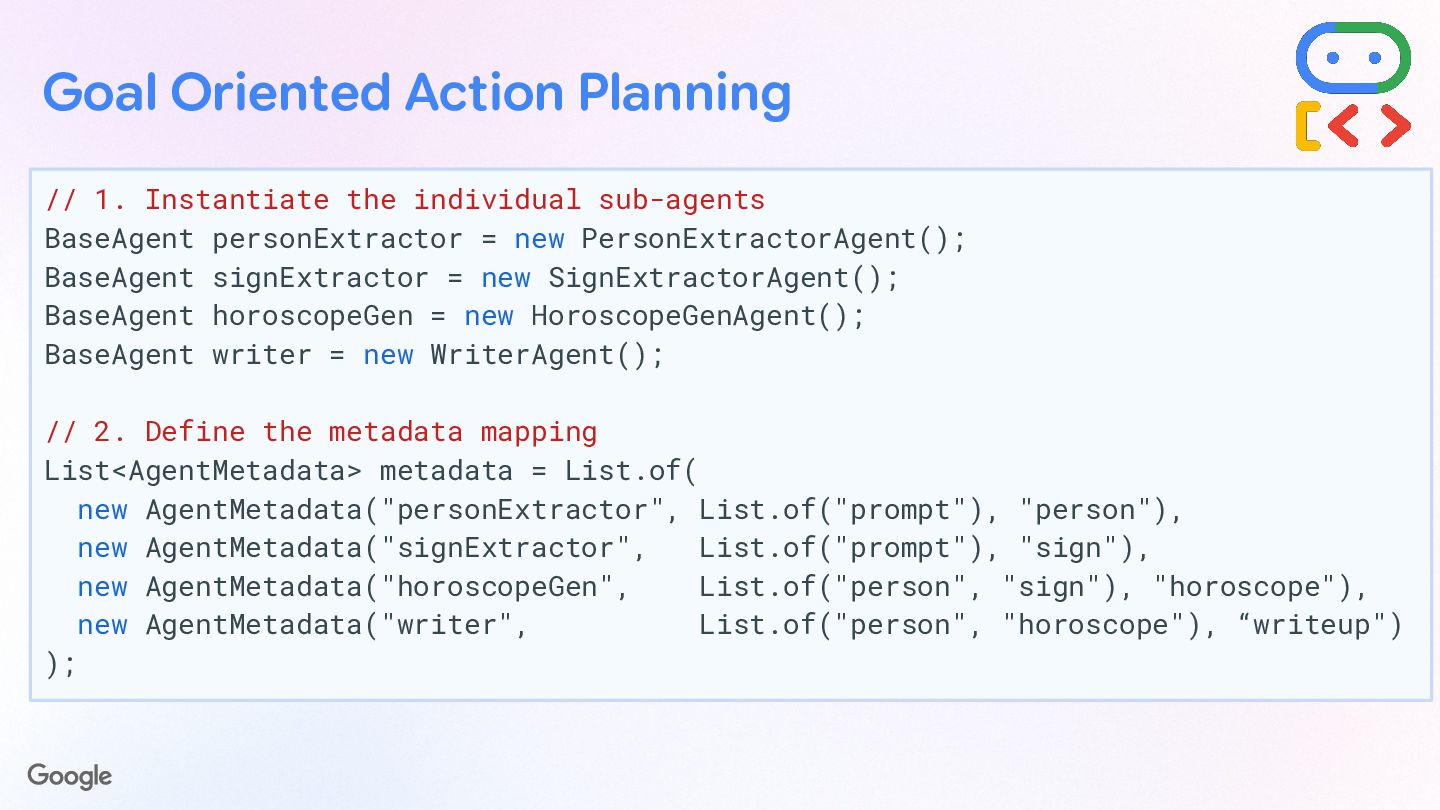
  52. Goal Oriented Action Planning // 1. Instantiate the individual sub-agents

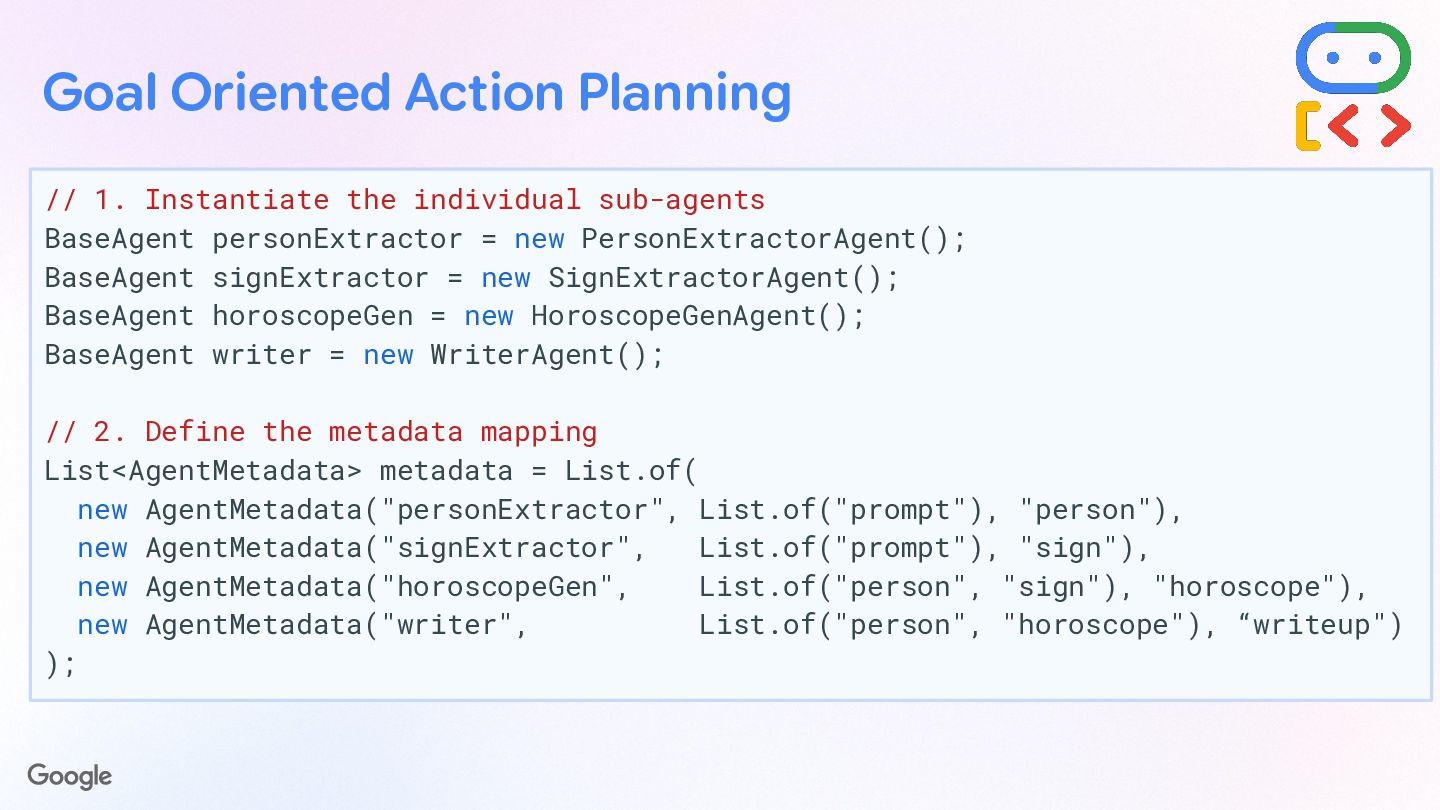
    BaseAgent personExtractor = new PersonExtractorAgent(); BaseAgent signExtractor = new SignExtractorAgent(); BaseAgent horoscopeGen = new HoroscopeGenAgent(); BaseAgent writer = new WriterAgent(); // 2. Define the metadata mapping List<AgentMetadata> metadata = List.of( new AgentMetadata("personExtractor", List.of("prompt"), "person"), new AgentMetadata("signExtractor", List.of("prompt"), "sign"), new AgentMetadata("horoscopeGen", List.of("person", "sign"), "horoscope"), new AgentMetadata("writer", List.of("person", "horoscope"), “writeup") );
  53. Goal Oriented Action Planning // 3. Configure the GoalOrientedPlanner (Targeting

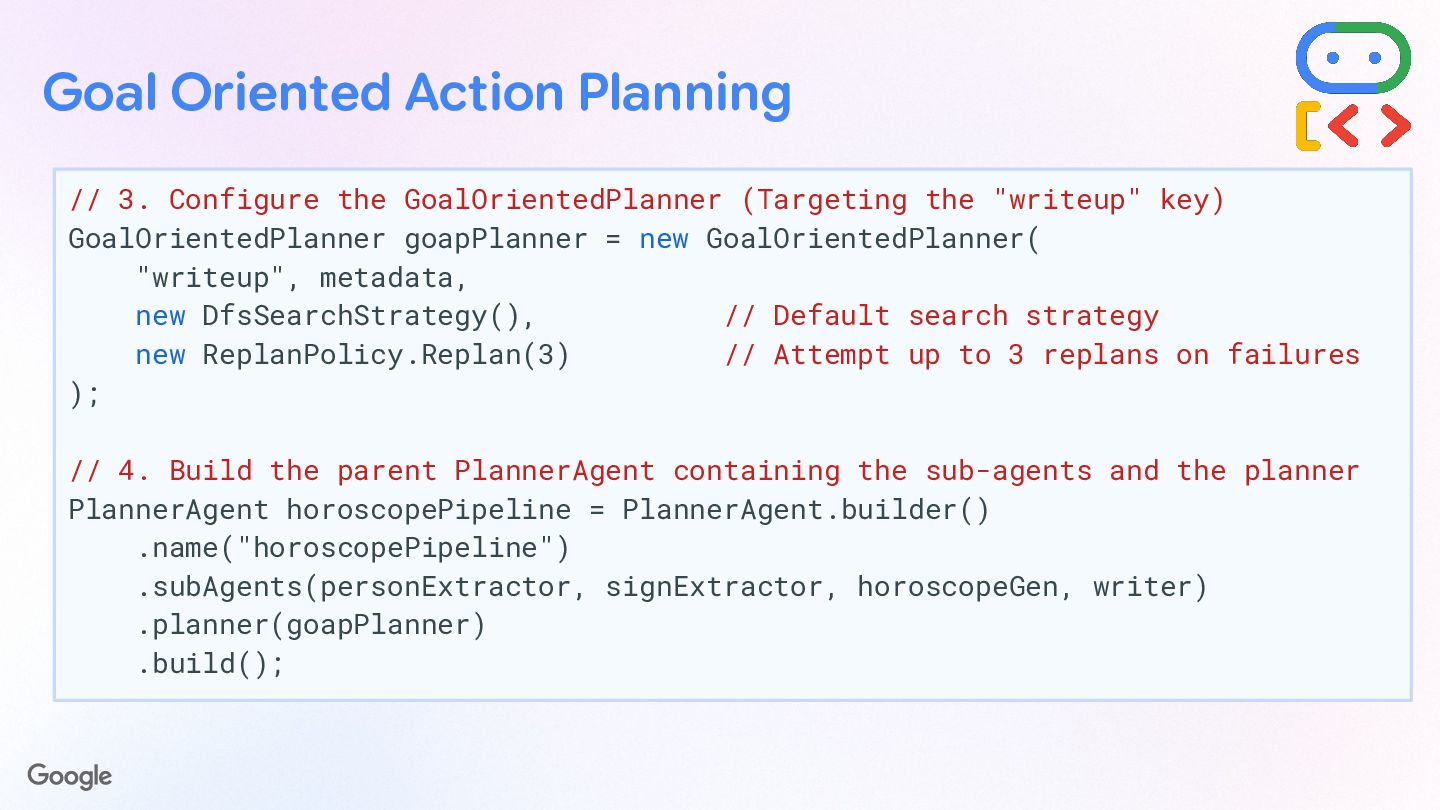
    the "writeup" key) GoalOrientedPlanner goapPlanner = new GoalOrientedPlanner( "writeup", metadata, new DfsSearchStrategy(), // Default search strategy new ReplanPolicy.Replan(3) // Attempt up to 3 replans on failures ); // 4. Build the parent PlannerAgent containing the sub-agents and the planner PlannerAgent horoscopePipeline = PlannerAgent.builder() .name("horoscopePipeline") .subAgents(personExtractor, signExtractor, horoscopeGen, writer) .planner(goapPlanner) .build();
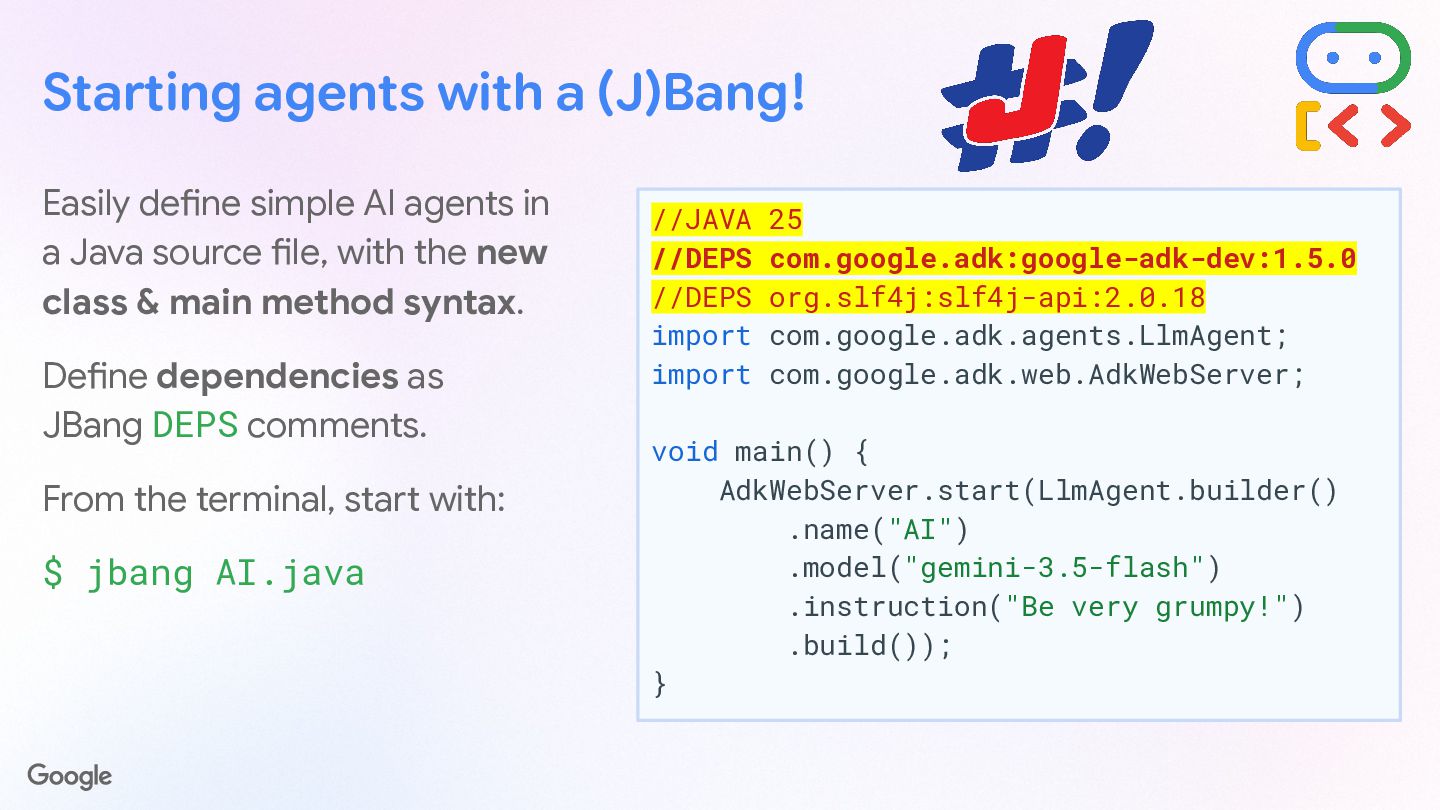
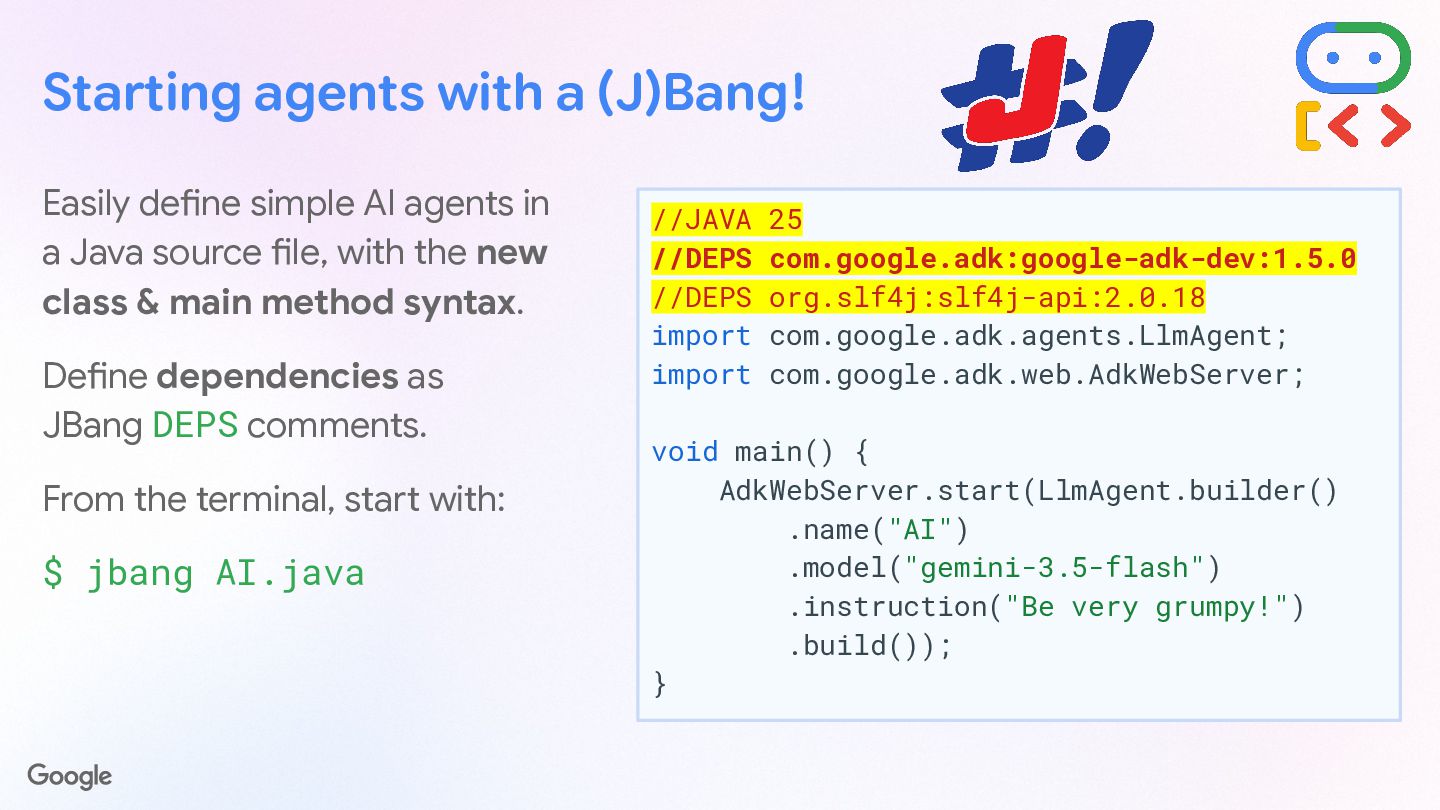
  54. Starting agents with a (J)Bang! Easily define simple AI agents

    in a Java source file, with the new class & main method syntax. Define dependencies as JBang DEPS comments. From the terminal, start with: $ jbang AI.java //JAVA 25 //DEPS com.google.adk:google-adk-dev:1.5.0 //DEPS org.slf4j:slf4j-api:2.0.18 import com.google.adk.agents.LlmAgent; import com.google.adk.web.AdkWebServer; void main() { AdkWebServer.start(LlmAgent.builder() .name("AI") .model("gemini-3.5-flash") .instruction("Be very grumpy!") .build()); }
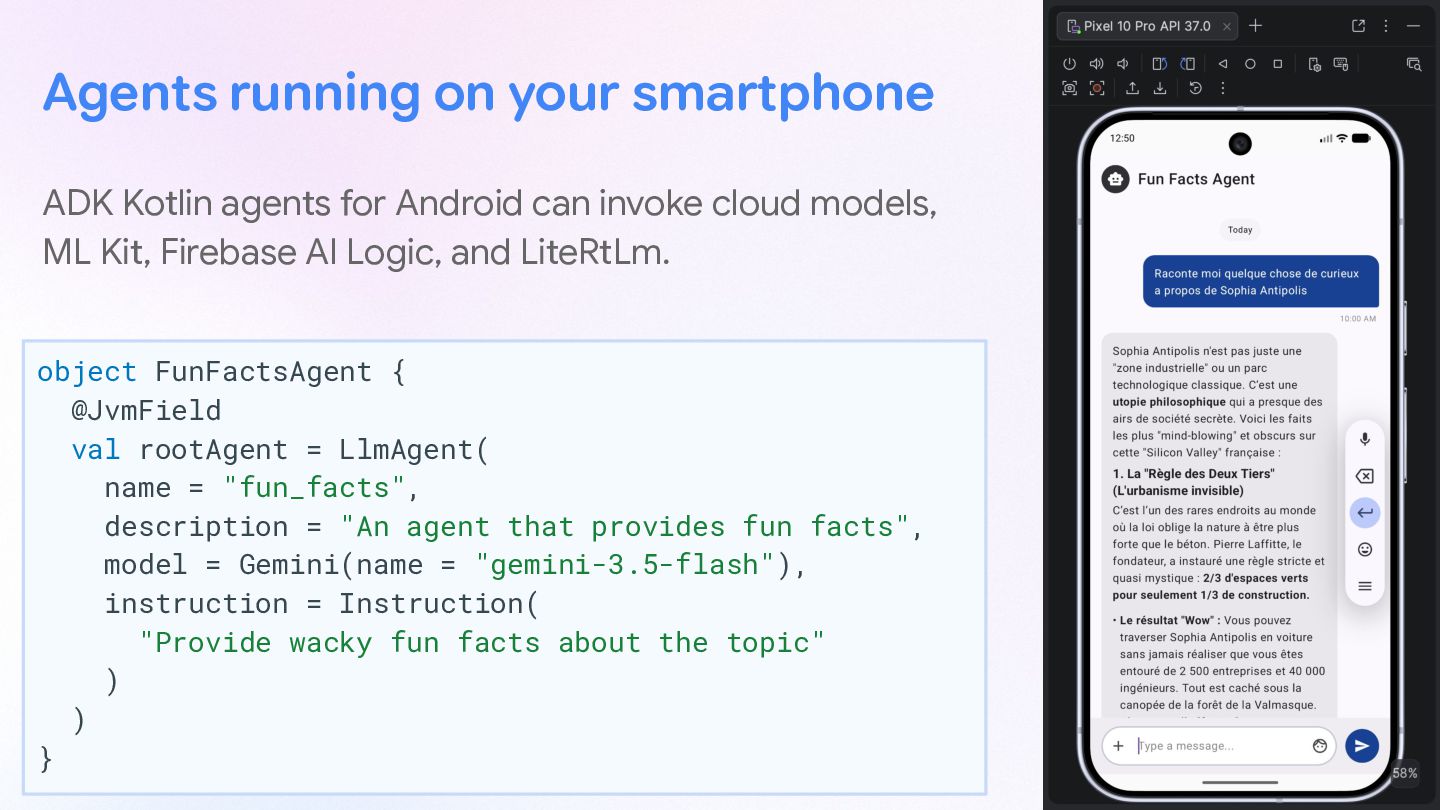
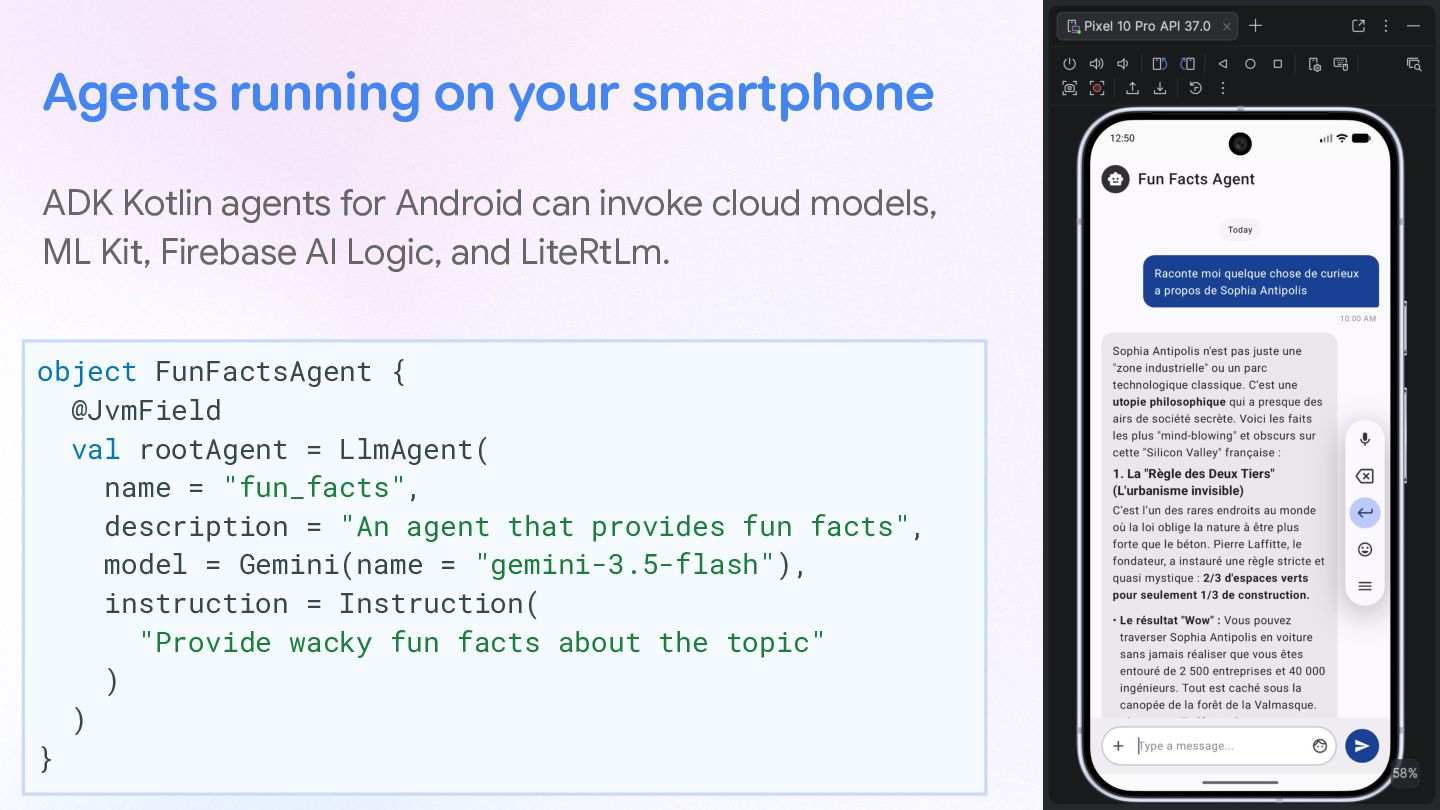
  55. Agents running on your smartphone ADK Kotlin agents for Android

    can invoke cloud models, ML Kit, Firebase AI Logic, and LiteRtLm. object FunFactsAgent { @JvmField val rootAgent = LlmAgent( name = "fun_facts", description = "An agent that provides fun facts", model = Gemini(name = "gemini-3.5-flash"), instruction = Instruction( "Provide wacky fun facts about the topic" ) ) }
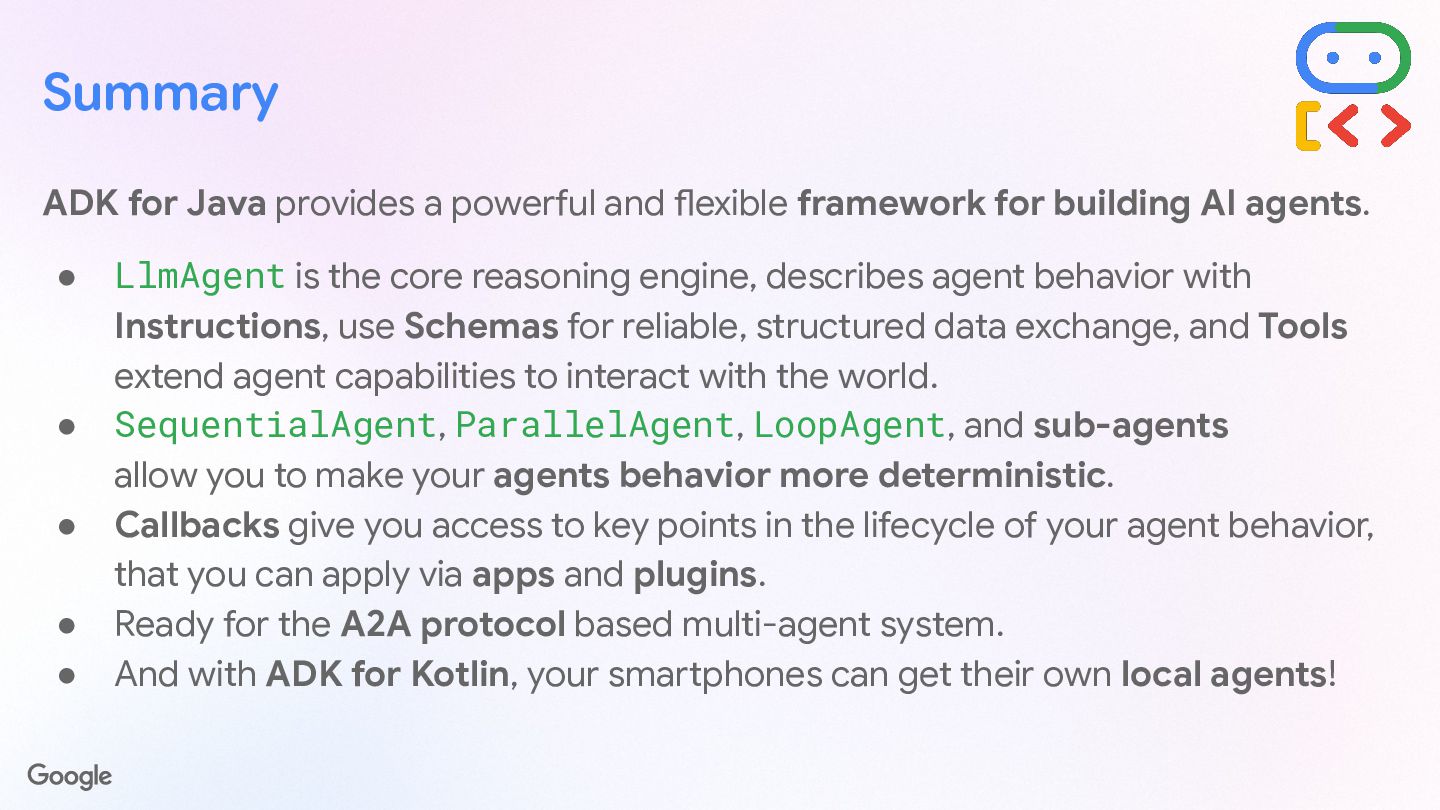
  56. Summary ADK for Java provides a powerful and flexible framework

    for building AI agents. • LlmAgent is the core reasoning engine, describes agent behavior with Instructions, use Schemas for reliable, structured data exchange, and Tools extend agent capabilities to interact with the world. • SequentialAgent, ParallelAgent, LoopAgent, and sub-agents allow you to make your agents behavior more deterministic. • Callbacks give you access to key points in the lifecycle of your agent behavior, that you can apply via apps and plugins. • Ready for the A2A protocol based multi-agent system. • And with ADK for Kotlin, your smartphones can get their own local agents!