Upgrade to Pro — share decks privately, control downloads, hide ads and more …

Migrating Hosting Accounts to a New Control Pan...

HPanel
October 27, 2026

Migrating Hosting Accounts to a New Control Panel: A 12-Step Checklist

A practical checklist for moving hosting accounts (files, databases, email, SSL, DNS and cron) from legacy control panels to a new server with minimal downtime. Full migration docs: https://hpanel.net/docs.php?section=migration · Buy now: https://hpanel.net/pricing.php

HPanel

October 27, 2026

Transcript

14 slides
  1. M I G R AT I O N C H

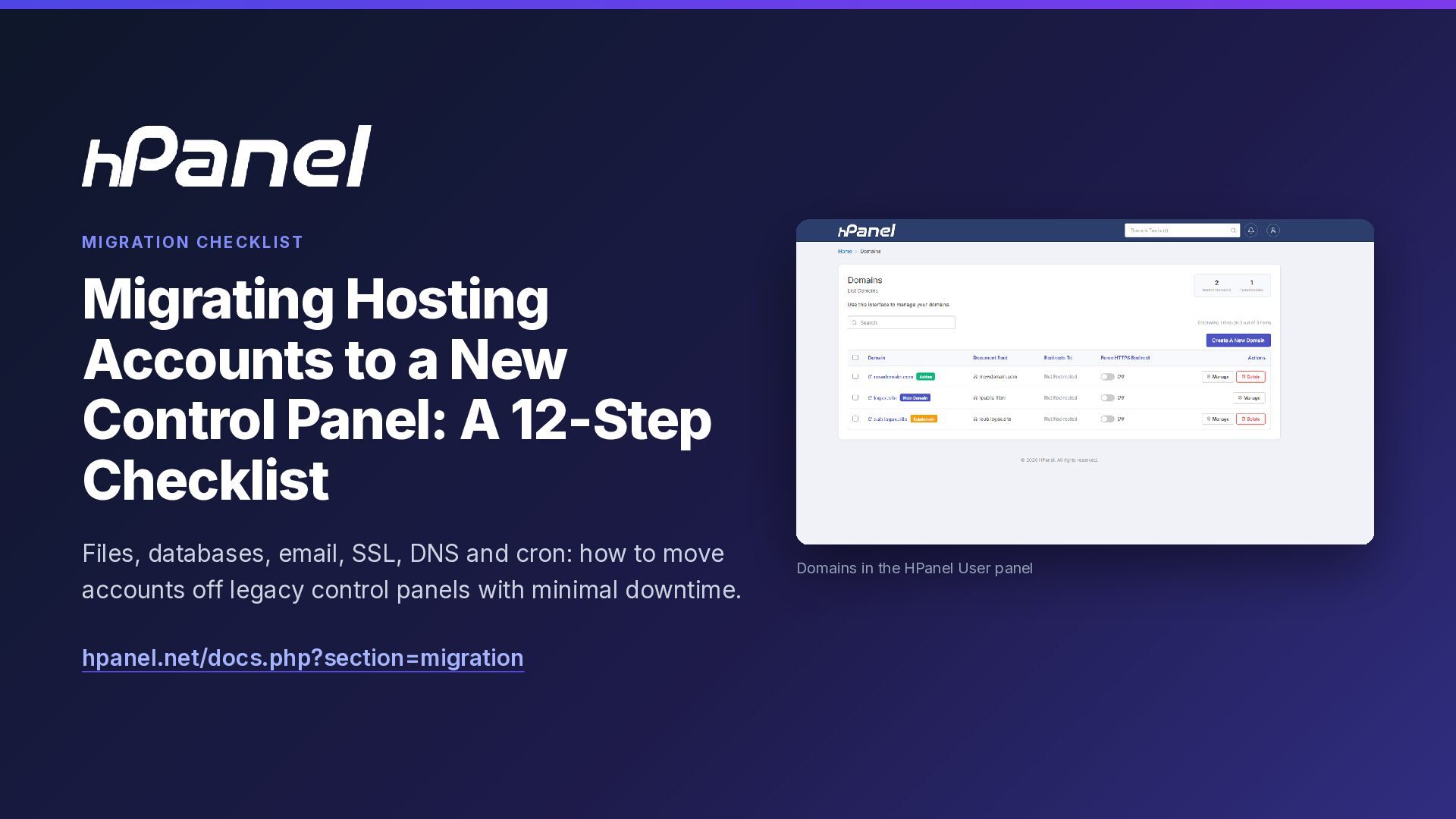
    E C K L I S T Migrating Hosting Accounts to a New Control Panel: A 12-Step Checklist Files, databases, email, SSL, DNS and cron: how to move accounts off legacy control panels with minimal downtime. hpanel.net/docs.php?section=migration Domains in the HPanel User panel
  2. THE PROBLEM 1 Why migrations fail Most failures aren't data

    loss. They're "we didn't know that existed" problems. DNS: long TTLs keep traffic on the old server for hours Mail: MX, SPF and DKIM records that don't match the new server Permissions and rules: file ownership, hand-written .htaccess rules, forgotten cron jobs 01 hpanel.net · 2 / 14
  3. P H A S E 1 · I N V

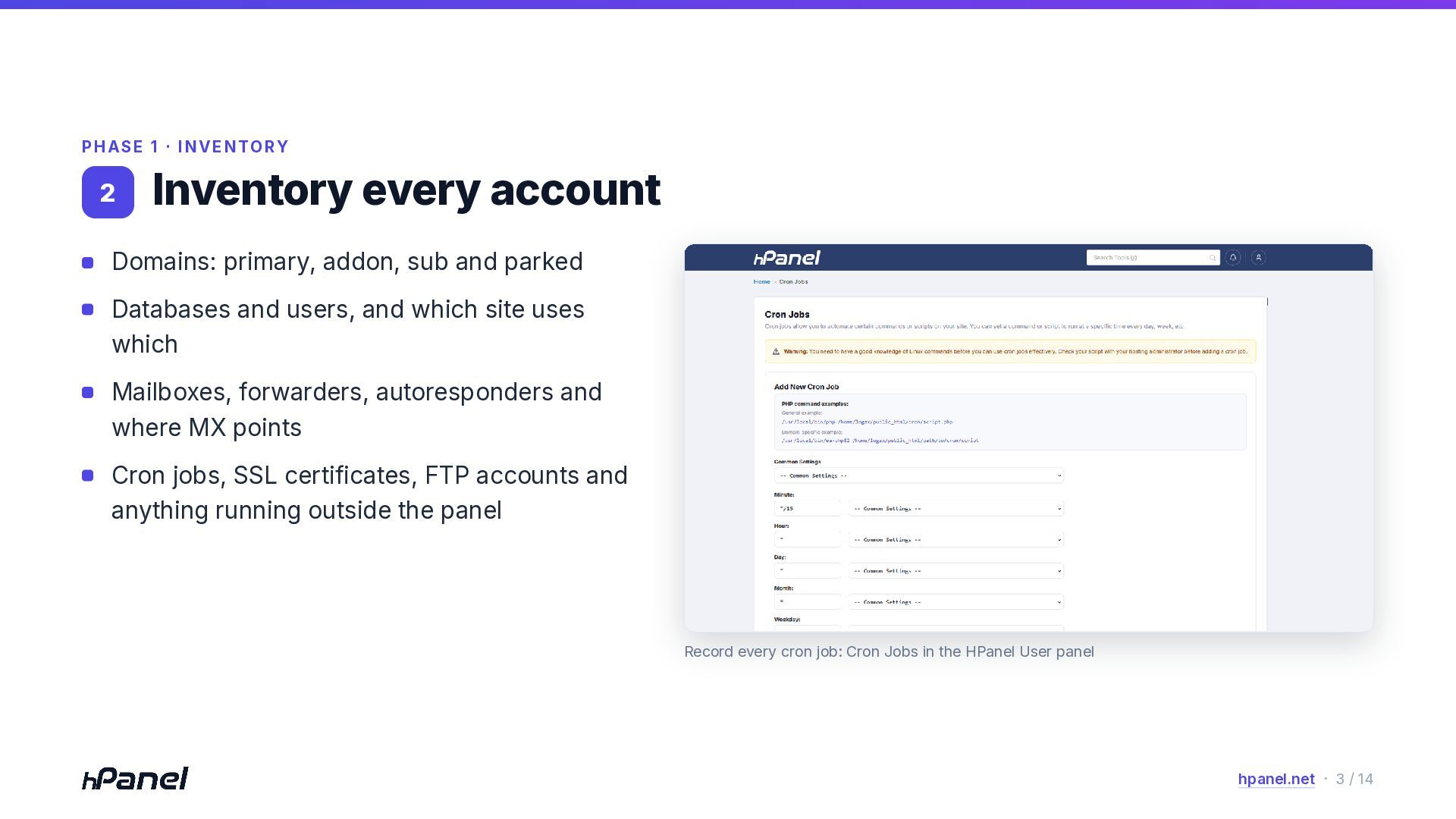
    E N TO RY 2 Inventory every account Domains: primary, addon, sub and parked Databases and users, and which site uses which Mailboxes, forwarders, autoresponders and where MX points Cron jobs, SSL certificates, FTP accounts and anything running outside the panel Record every cron job: Cron Jobs in the HPanel User panel hpanel.net · 3 / 14
  4. P H A S E 2 · P R E

    PA R E 3 Lower DNS TTLs 24–48 hours ahead Drop the TTL on A, AAAA and MX records to about 300 seconds Do it at least a day before migrating At cutover, resolvers pick up the new IP within minutes instead of hours The single best thing you can do for a smooth switch 03 hpanel.net · 4 / 14
  5. P H A S E 2 · P R E

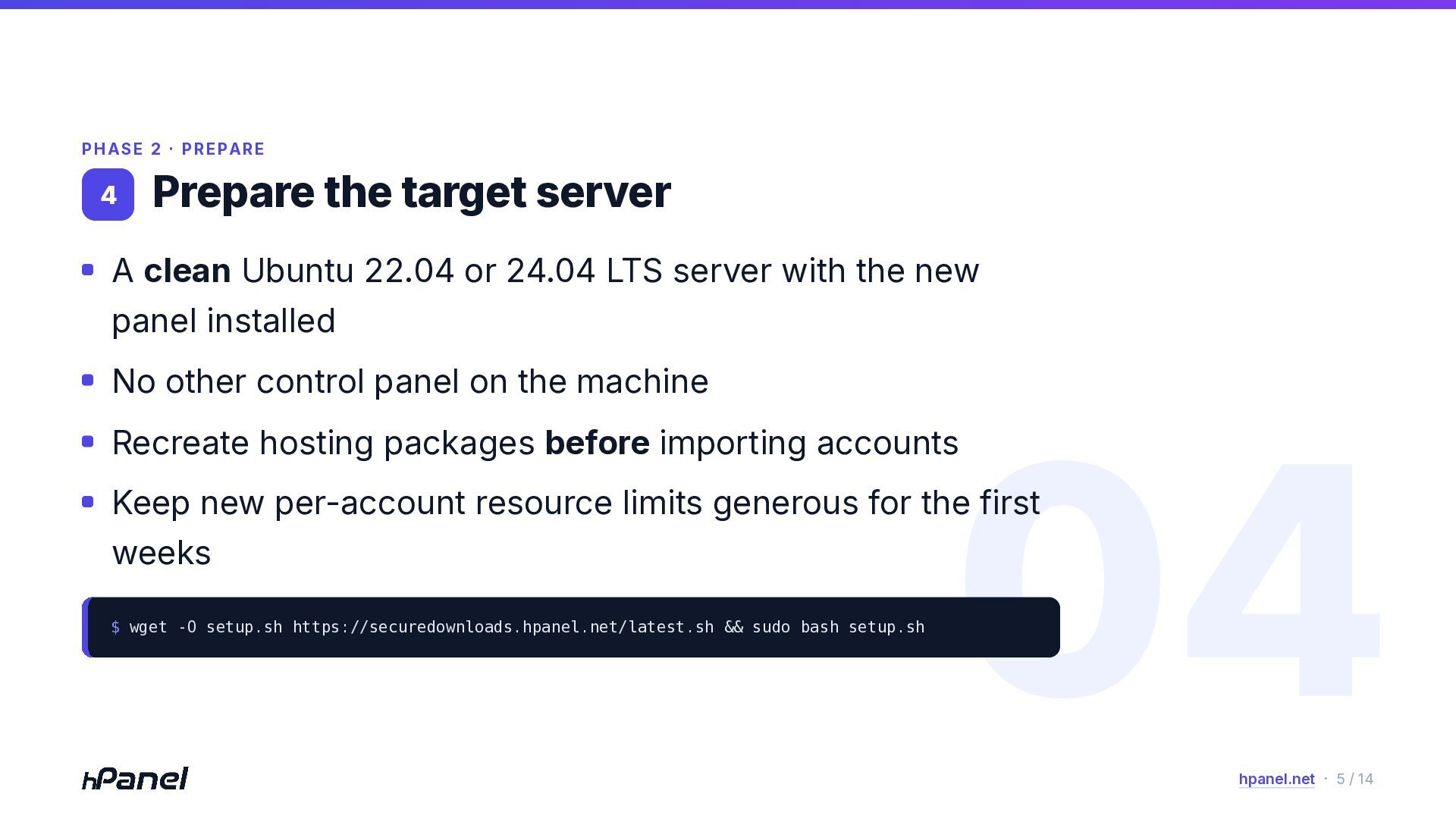
    PA R E 4 Prepare the target server A clean Ubuntu 22.04 or 24.04 LTS server with the new panel installed No other control panel on the machine 04 Recreate hosting packages before importing accounts Keep new per-account resource limits generous for the first weeks $ wget -O setup.sh https://securedownloads.hpanel.net/latest.sh && sudo bash setup.sh hpanel.net · 5 / 14
  6. P H A S E 3 · M I G

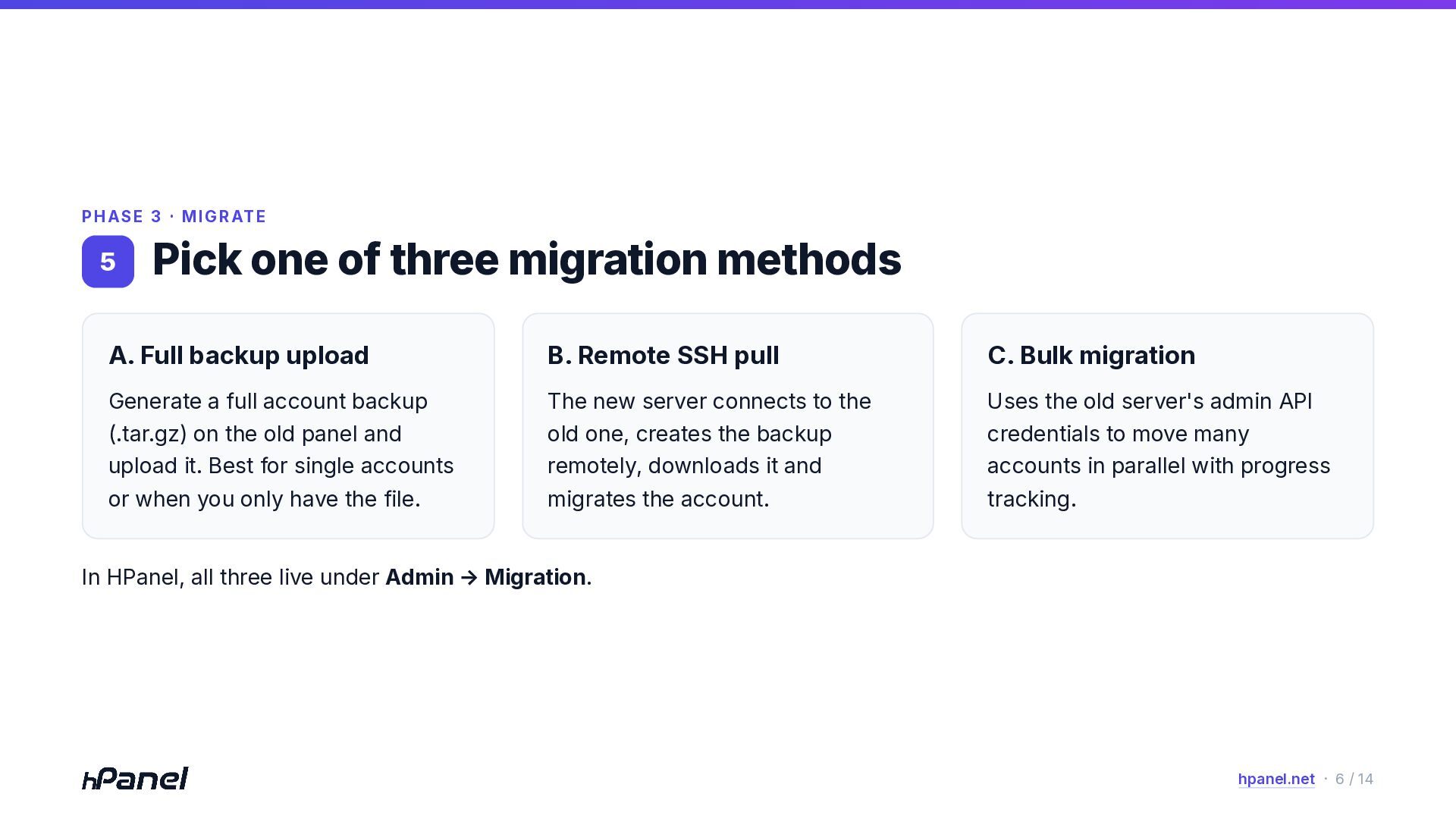
    R AT E 5 Pick one of three migration methods A. Full backup upload B. Remote SSH pull C. Bulk migration Generate a full account backup The new server connects to the Uses the old server's admin API (.tar.gz) on the old panel and upload it. Best for single accounts old one, creates the backup remotely, downloads it and credentials to move many accounts in parallel with progress or when you only have the file. migrates the account. tracking. In HPanel, all three live under Admin → Migration. hpanel.net · 6 / 14
  7. P H A S E 3 · M I G

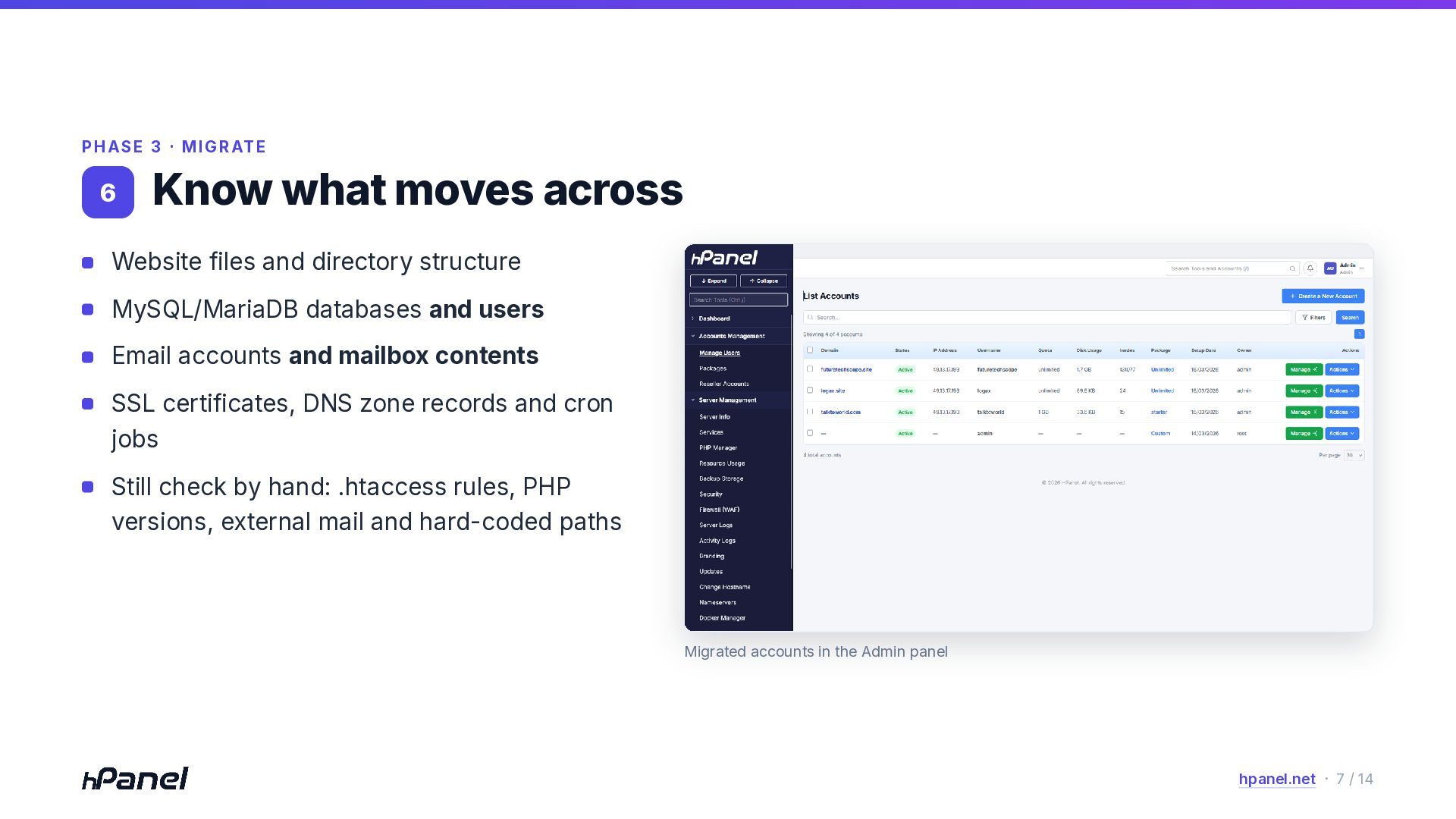
    R AT E 6 Know what moves across Website files and directory structure MySQL/MariaDB databases and users Email accounts and mailbox contents SSL certificates, DNS zone records and cron jobs Still check by hand: .htaccess rules, PHP versions, external mail and hard-coded paths Migrated accounts in the Admin panel hpanel.net · 7 / 14
  8. PHASE 4 · VERIFY 7 Test through your hosts file

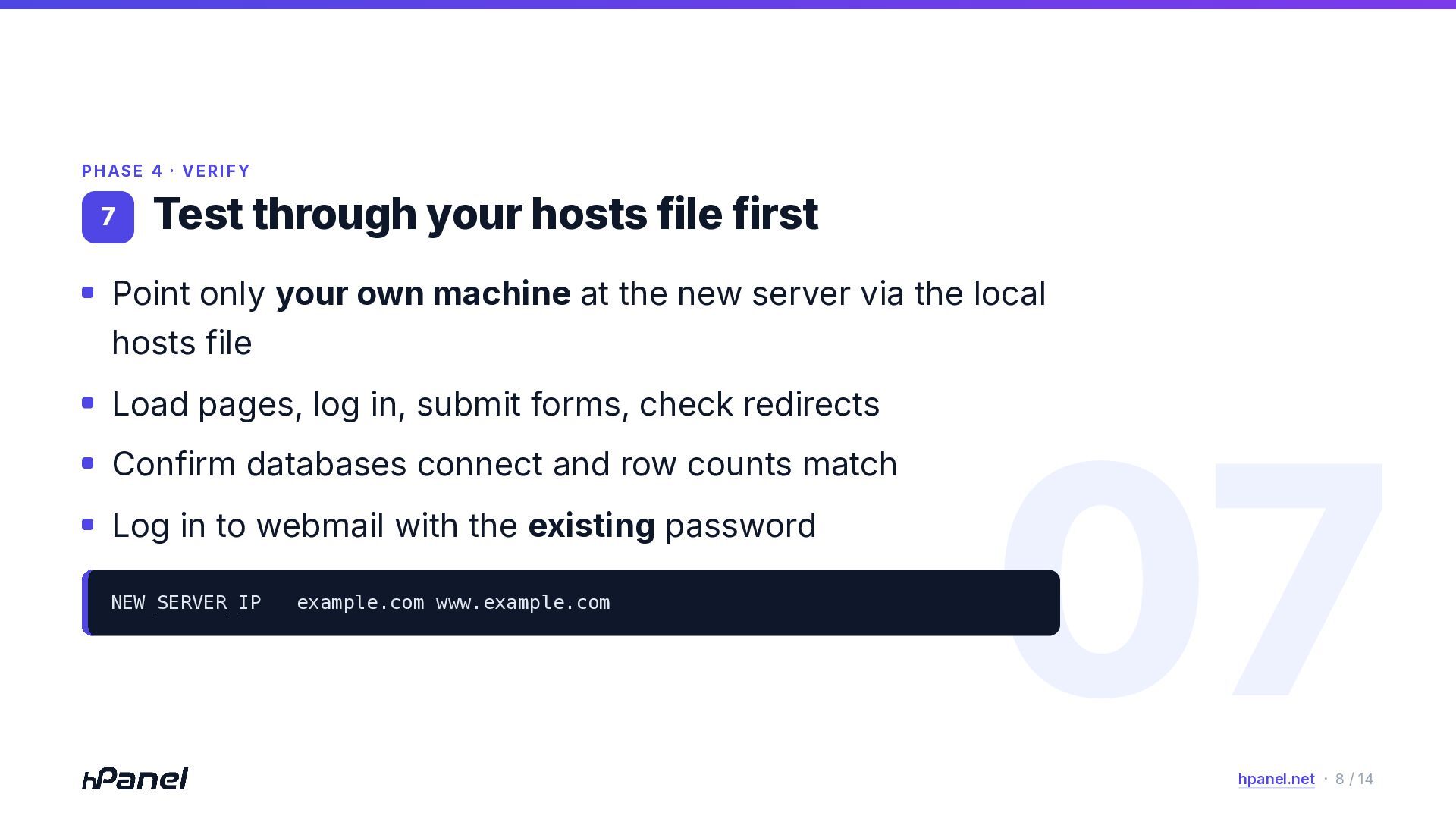
    first Point only your own machine at the new server via the local hosts file Load pages, log in, submit forms, check redirects Confirm databases connect and row counts match Log in to webmail with the existing password NEW_SERVER_IP example.com www.example.com 07 hpanel.net · 8 / 14
  9. P H A S E 5 · C U T

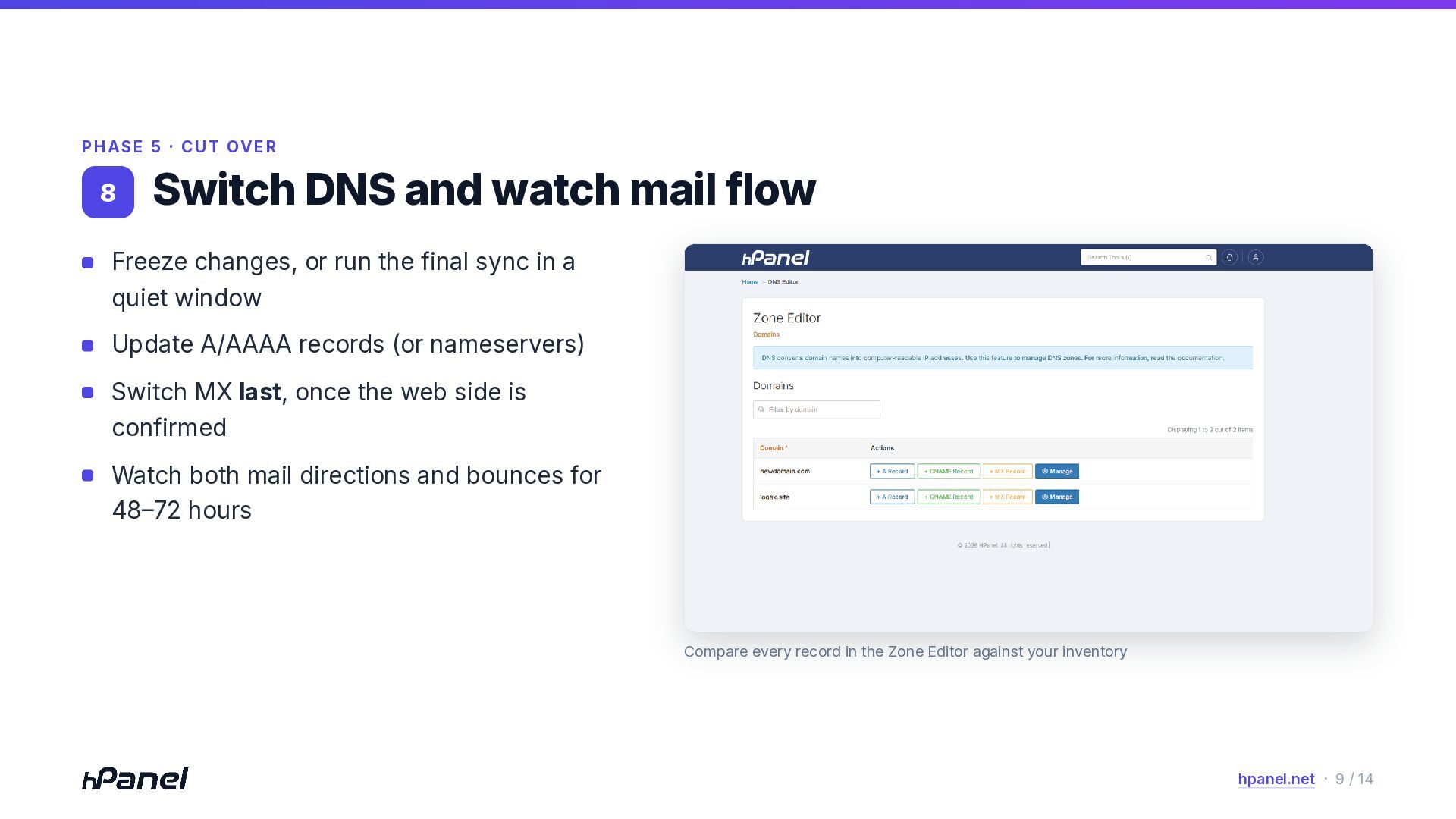
    OV E R 8 Switch DNS and watch mail flow Freeze changes, or run the final sync in a quiet window Update A/AAAA records (or nameservers) Switch MX last, once the web side is confirmed Watch both mail directions and bounces for 48–72 hours Compare every record in the Zone Editor against your inventory hpanel.net · 9 / 14
  10. P H A S E 5 · C U T

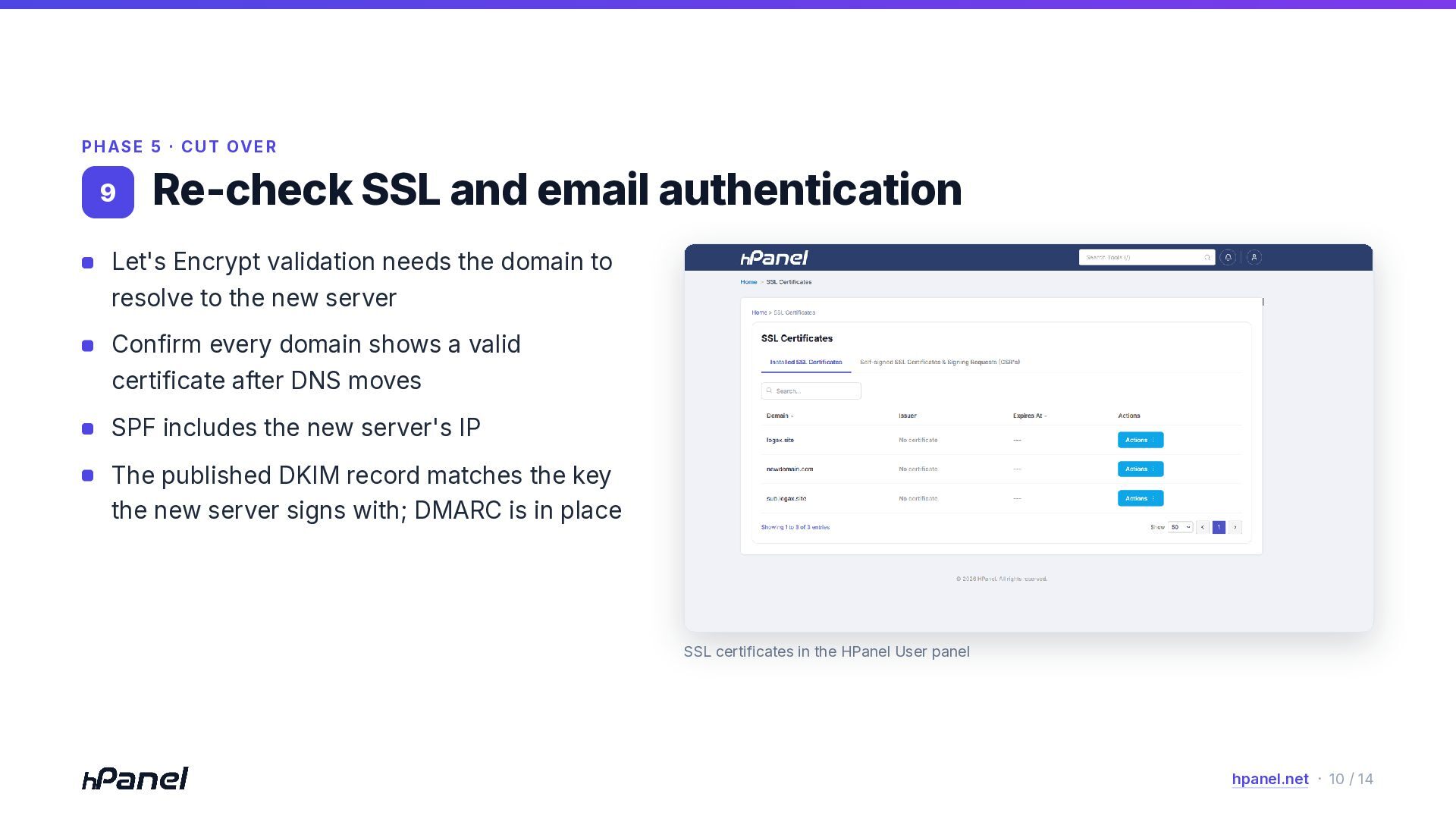
    OV E R 9 Re-check SSL and email authentication Let's Encrypt validation needs the domain to resolve to the new server Confirm every domain shows a valid certificate after DNS moves SPF includes the new server's IP The published DKIM record matches the key the new server signs with; DMARC is in place SSL certificates in the HPanel User panel hpanel.net · 10 / 14
  11. PHASE 5 · CLEAN UP 10 Keep a rollback window

    Leave the old server running, untouched, for at least a week Rolling back is then just a DNS change 10 Decommission only after mail has fully drained and nobody reports problems hpanel.net · 11 / 14
  12. PHASE 5 · CLEAN UP 11 Post-migration checklist Raise DNS

    TTLs back to normal Confirm scheduled backups are running Review error logs after real traffic arrives Watch the support inbox in the first hours Check accounts hitting their new resource limits Plan PHP upgrades now, not during cutover hpanel.net · 12 / 14
  13. D O C U M E N TAT I O

    N 12 Follow the full migration guide Every method, field and option is covered step by step in the official HPanel docs. Docs: hpanel.net/docs.php?section=migration New server first? Installation guide: hpanel.net/docs.php?section=installation hpanel.net · 13 / 14
  14. Move your accounts to HPanel One flat license per server,

    every feature included, with migration tooling for accounts on legacy control panels. Plans from $9/month. Buy now: https://hpanel.net/pricing.php hpanel.net · Published by Hostlic Webhosting Ltd, the company behind HPanel

Other Decks in Technology