Upgrade to Pro — share decks privately, control downloads, hide ads and more …

Getting started with OpenTelemetry instrumentat...

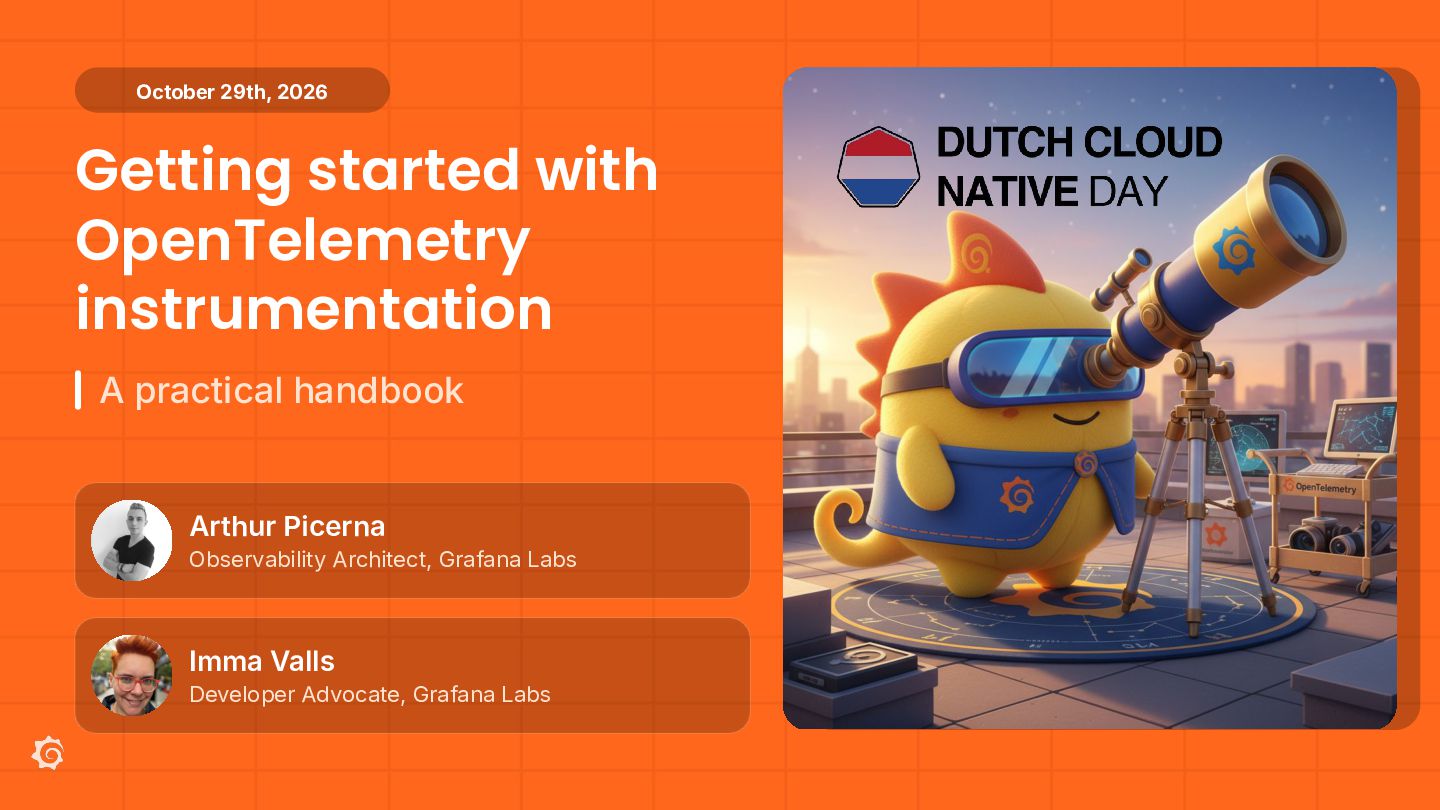
Getting started with OpenTelemetry instrumentation: A practical handbook

OpenTelemetry has become an essential open source framework for standardizing telemetry data. In this beginner-friendly hands-on lab, you’ll walk through the journey of instrumenting an application with OpenTelemetry and sending metrics, logs, and traces to the Grafana LGTM stack (Loki for logs, Grafana for visualization, Tempo for traces, and Prometheus for metrics).

You’ll learn common instrumentation approaches, such as adding application-level telemetry using the OpenTelemetry SDK, collecting basic infrastructure metrics with the OpenTelemetry Collector, and implementing cross-service communication with zero-code eBPF instrumentation. You’ll also apply practical customization techniques, such as enriching and sampling spans, tuning metrics, and adding your own signals when auto-instrumentation isn’t enough.

By instrumenting a sample application step by step, you’ll leave this lab with a clear roadmap for choosing the right OpenTelemetry instrumentation approach within your own environment.

By the end of the three hours, you will:

- Have a core understanding of the OpenTelemetry project and its key components
- Select the right level of instrumentation based on various use cases
- Understand how zero-code eBPF instrumentation helps reveal cross-service communication
- Instrument applications using OpenTelemetry SDKs
- Apply end-to-end instrumentation patterns to get started quickly and improve over time
- Send telemetry to the Grafana stack and understand how it’s used

Avatar for immavalls

immavalls

October 27, 2026

More Decks by immavalls

Other Decks in Technology

Transcript

  1. October 29th, 2026 Getting started with OpenTelemetry instrumentation A practical

    handbook Arthur Picerna Observability Architect, Grafana Labs Imma Valls Developer Advocate, Grafana Labs
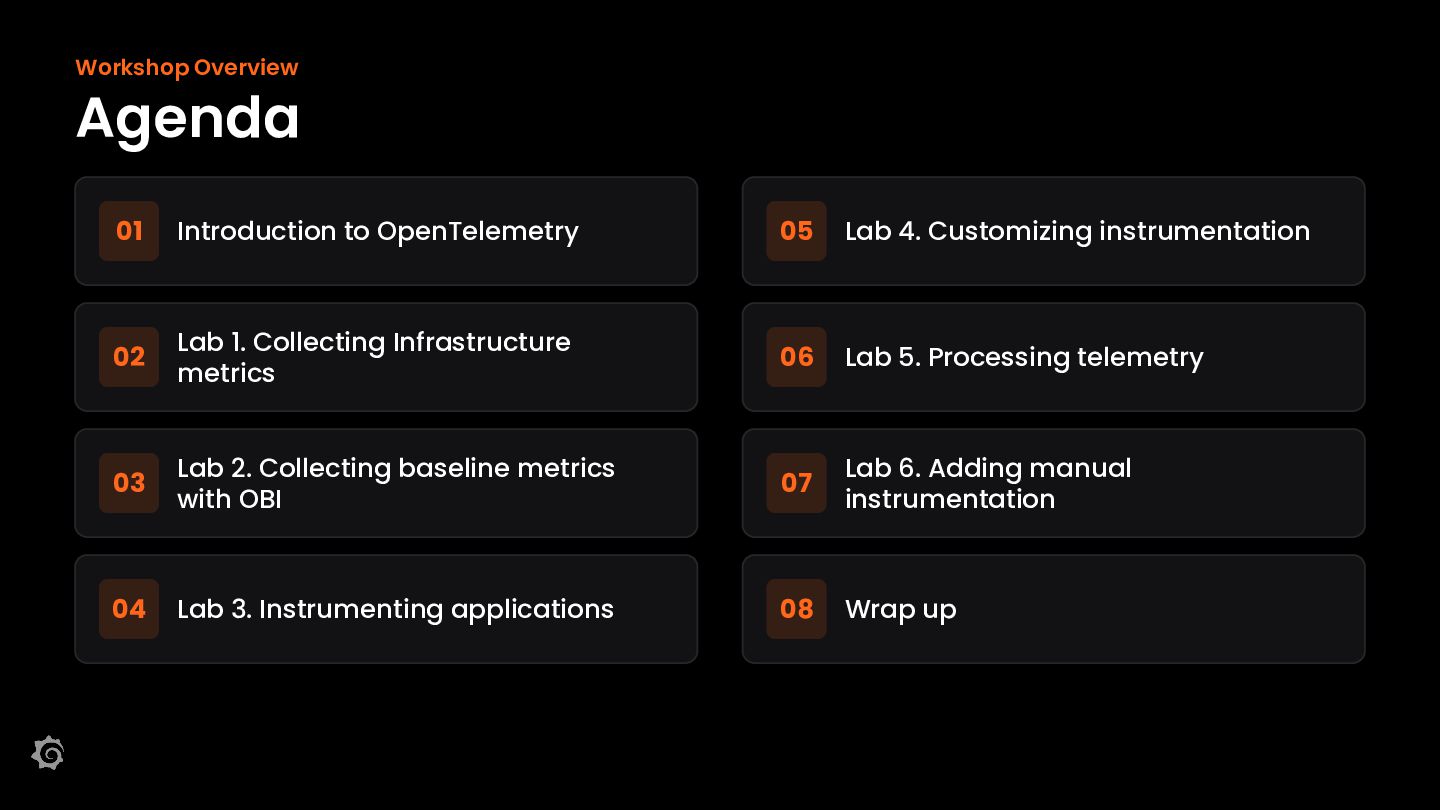
  2. Workshop Overview Agenda 01 Introduction to OpenTelemetry 05 Lab 4.

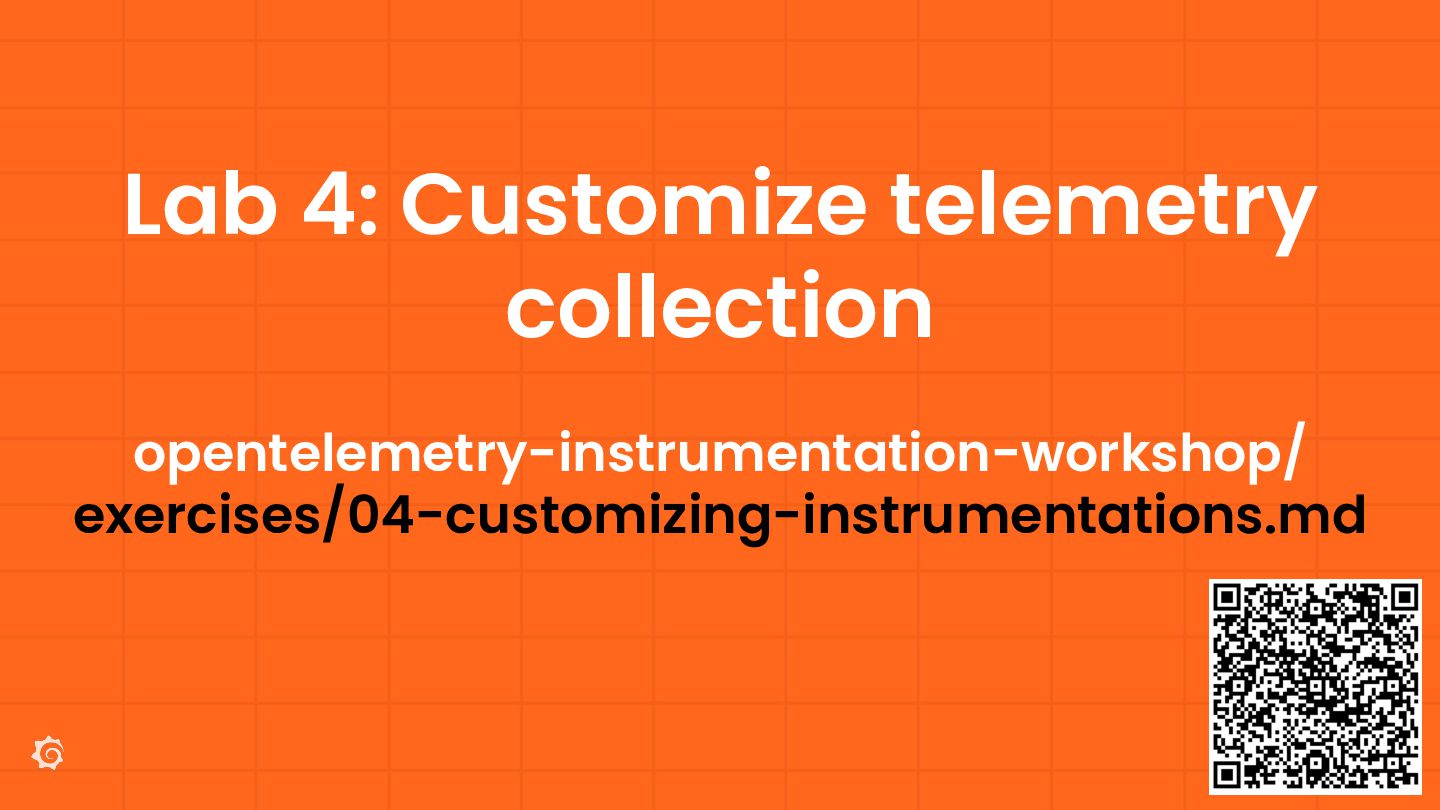
    Customizing instrumentation 02 Lab 1. Collecting Infrastructure metrics 06 Lab 5. Processing telemetry 03 Lab 2. Collecting baseline metrics with OBI 07 Lab 6. Adding manual instrumentation 04 Lab 3. Instrumenting applications 08 Wrap up
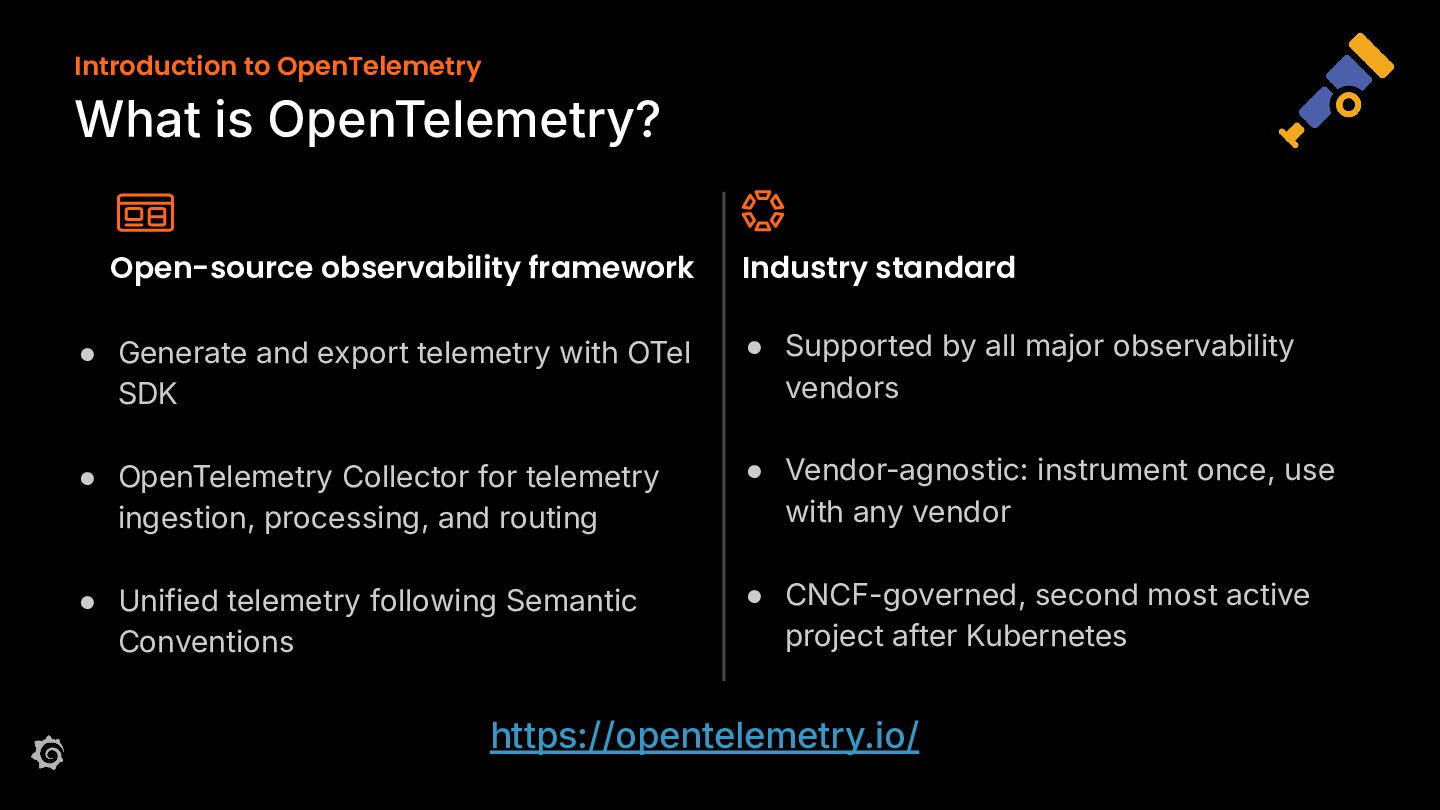
  3. Introduction to OpenTelemetry What is OpenTelemetry? Open-source observability framework Industry

    standard • Generate and export telemetry with OTel SDK • Supported by all major observability vendors • OpenTelemetry Collector for telemetry ingestion, processing, and routing • Vendor-agnostic: instrument once, use with any vendor • Unified telemetry following Semantic Conventions • CNCF-governed, second most active project after Kubernetes https://opentelemetry.io/
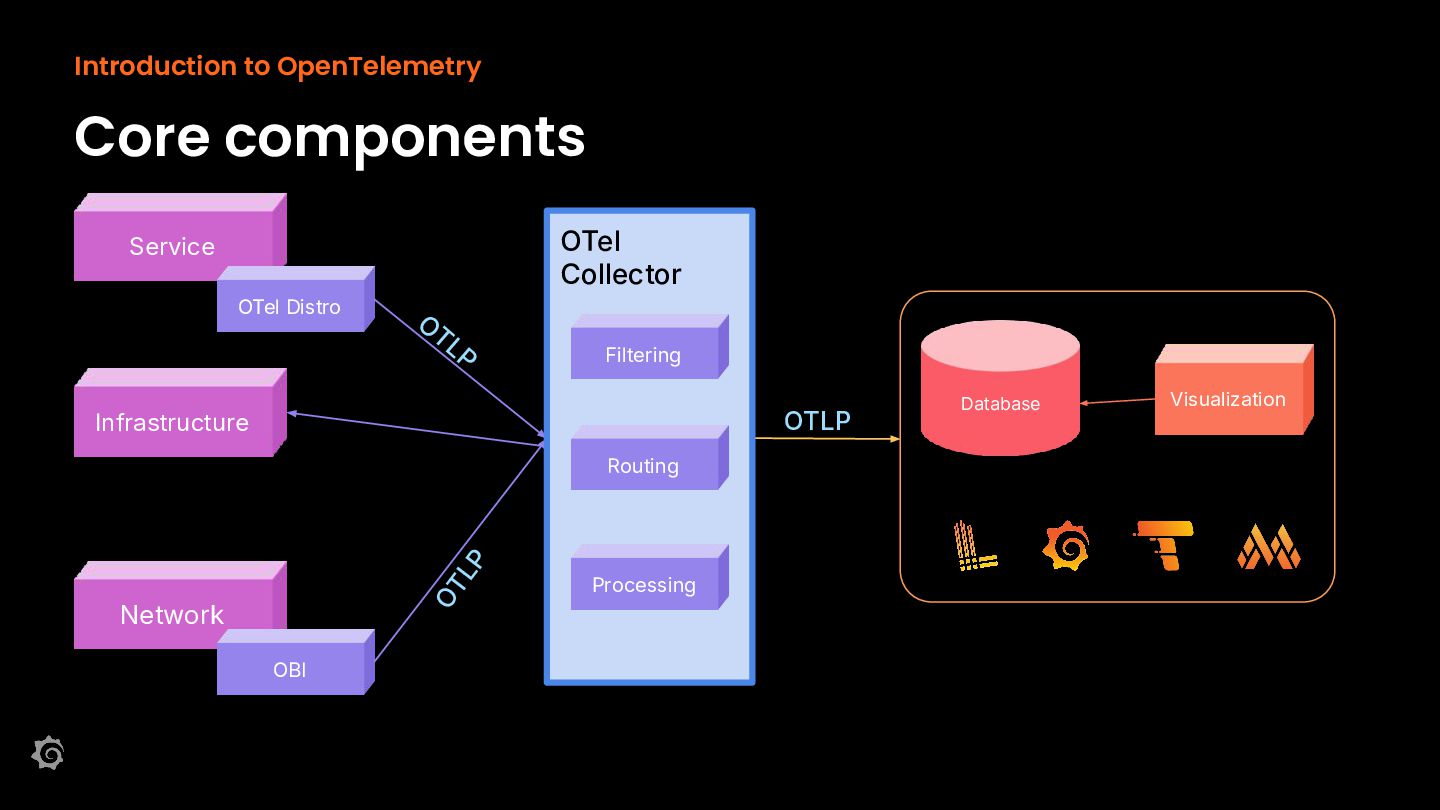
  4. Introduction to OpenTelemetry Core components OTel Collector Service OTel Distro

    OT L P Infrastructure Filtering Collector OT L P Routing Network OBI Processing OTLP Database Visualization
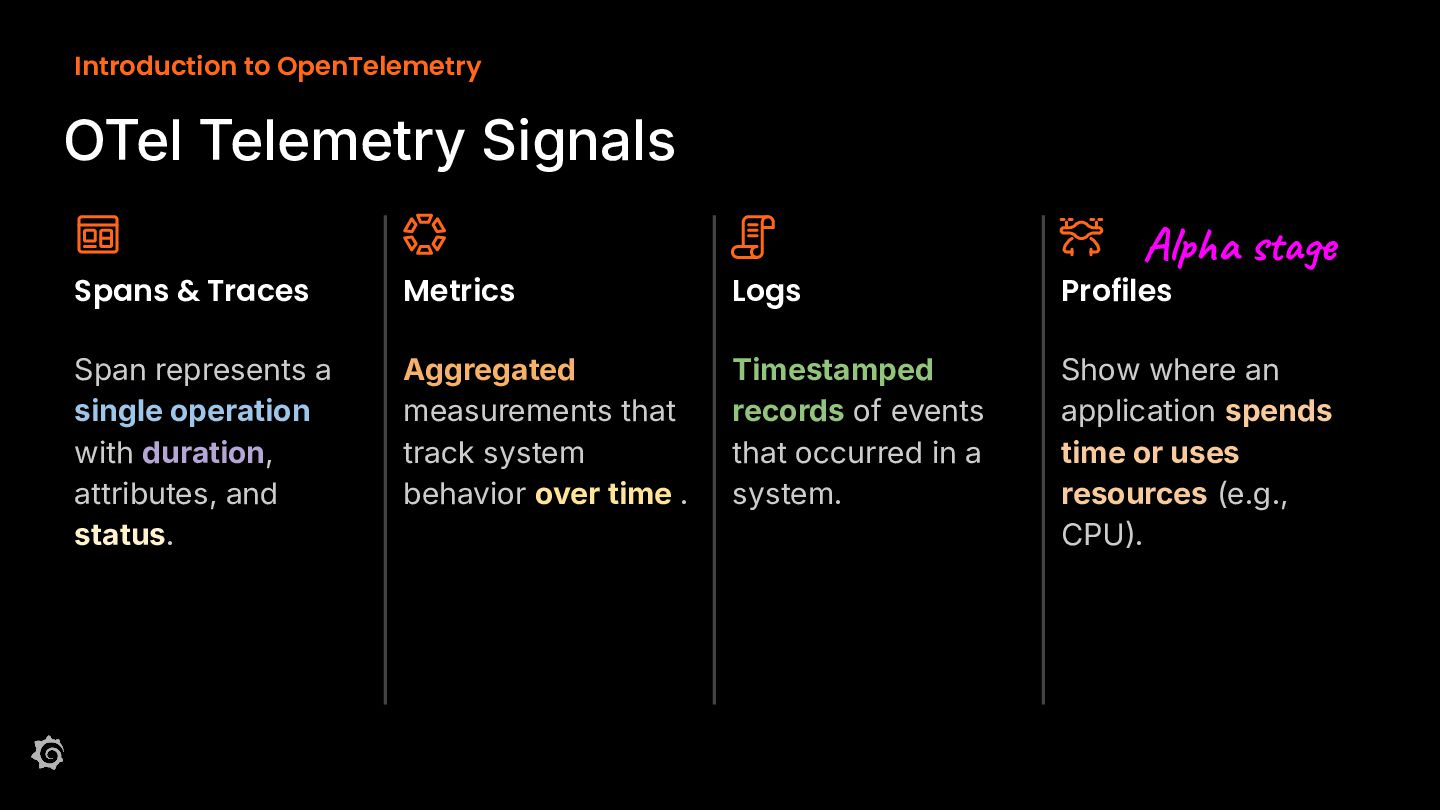
  5. Introduction to OpenTelemetry OTel Telemetry Signals Alpha stage Spans &

    Traces Metrics Logs Profiles Span represents a single operation with duration, attributes, and status. Aggregated measurements that track system behavior over time . Timestamped records of events that occurred in a system. Show where an application spends time or uses resources (e.g., CPU.
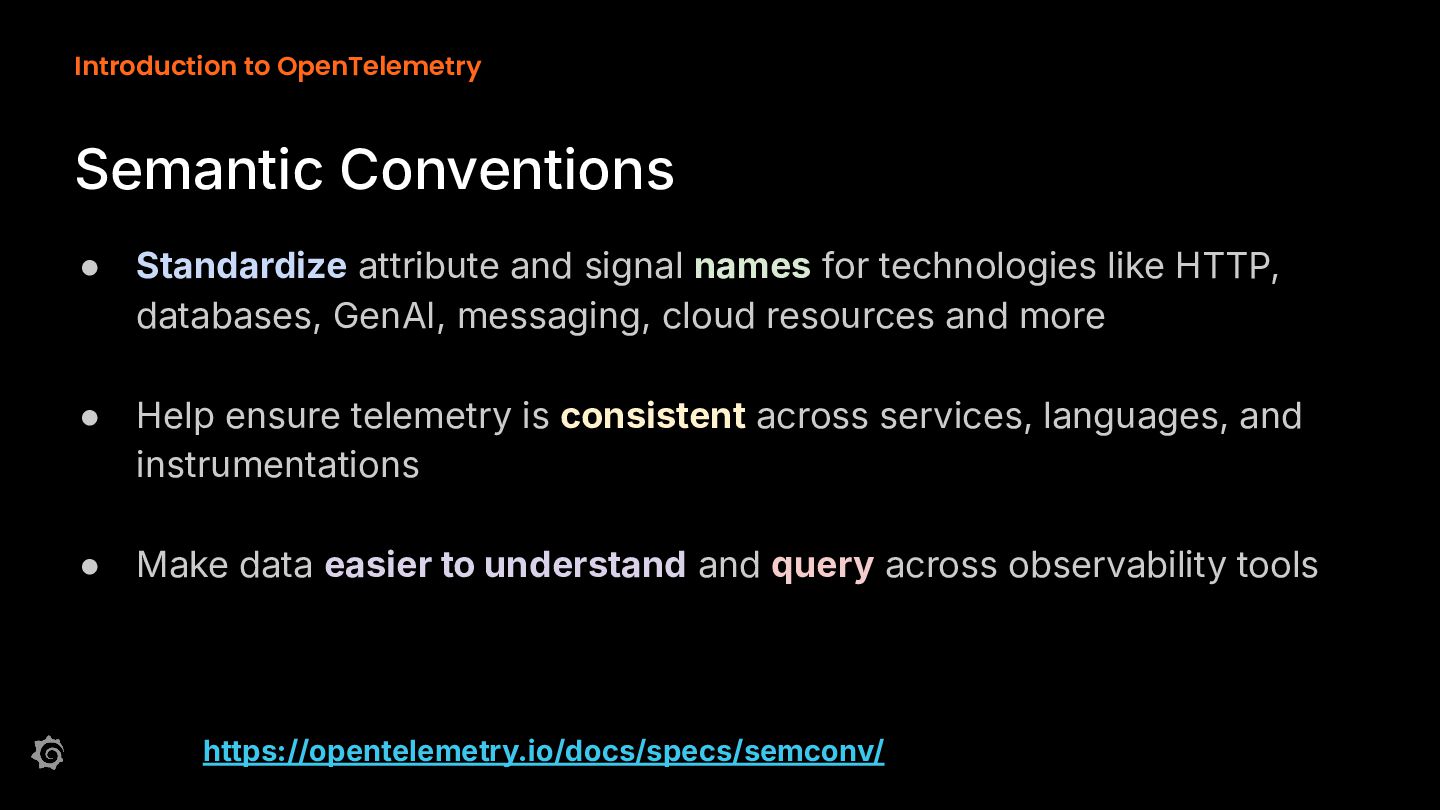
  6. Introduction to OpenTelemetry Semantic Conventions • Standardize attribute and signal

    names for technologies like HTTP, databases, GenAI, messaging, cloud resources and more • Help ensure telemetry is consistent across services, languages, and instrumentations • Make data easier to understand and query across observability tools https://opentelemetry.io/docs/specs/semconv/
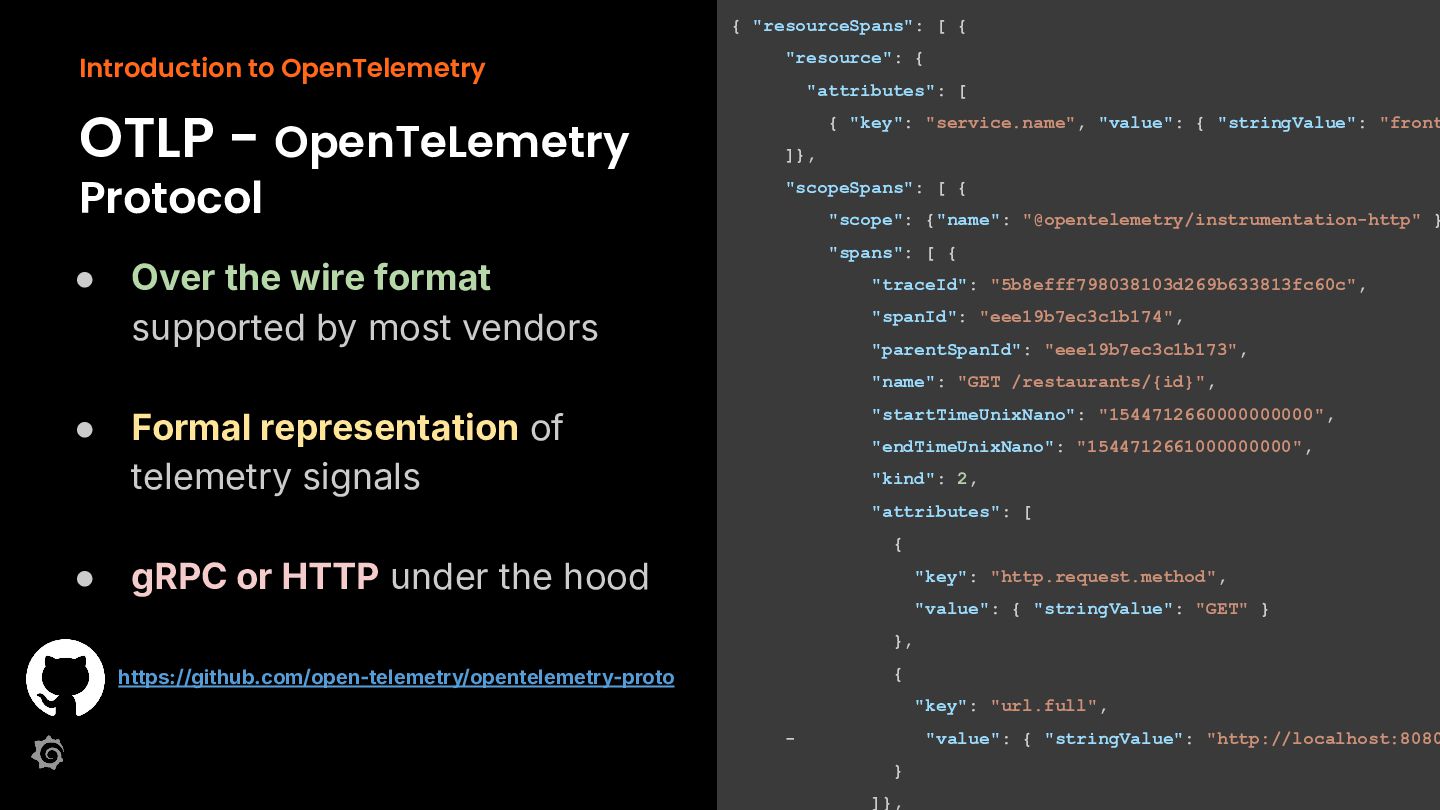
  7. { "resourceSpans": [ { Introduction to OpenTelemetry OTLP - OpenTeLemetry

    Protocol • "resource": { "attributes": [ { "key": "service.name", "value": { "stringValue": "front ]}, "scopeSpans": [ { "scope": {"name": "@opentelemetry/instrumentation-http" } "spans": [ { Over the wire format supported by most vendors "traceId": "5b8efff798038103d269b633813fc60c", "spanId": "eee19b7ec3c1b174", "parentSpanId": "eee19b7ec3c1b173", "name": "GET /restaurants/{id}", • Formal representation of telemetry signals "startTimeUnixNano": "1544712660000000000", "endTimeUnixNano": "1544712661000000000", "kind": 2, "attributes": [ { • gRPC or HTTP under the hood "key": "http.request.method", "value": { "stringValue": "GET" } }, https://github.com/open-telemetry/opentelemetry-proto { "key": "url.full", - "value": { "stringValue": "http://localhost:8080 } ]},
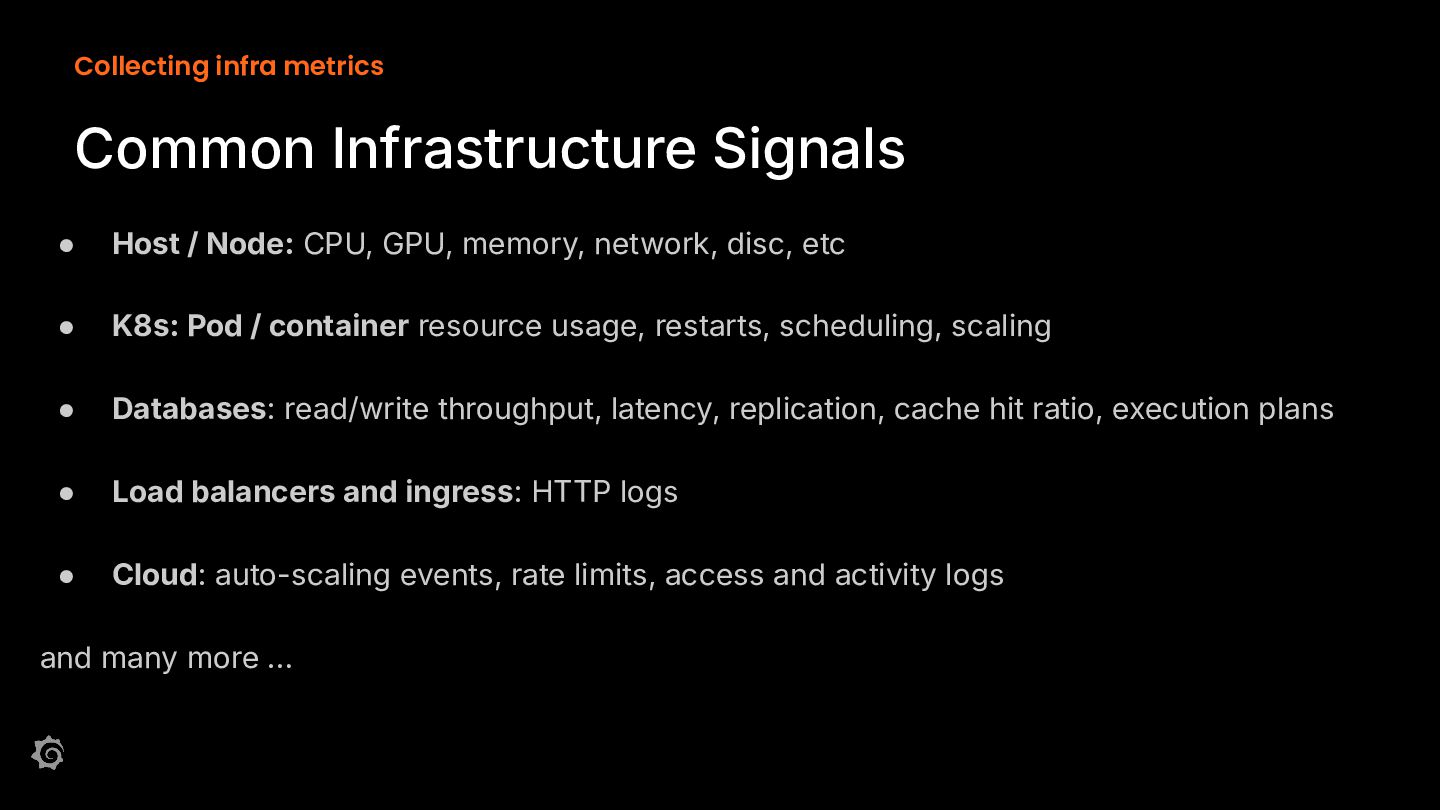
  8. Collecting infra metrics Common Infrastructure Signals • Host / Node:

    CPU, GPU, memory, network, disc, etc • K8s: Pod / container resource usage, restarts, scheduling, scaling • Databases: read/write throughput, latency, replication, cache hit ratio, execution plans • Load balancers and ingress: HTTP logs • Cloud: auto-scaling events, rate limits, access and activity logs and many more …
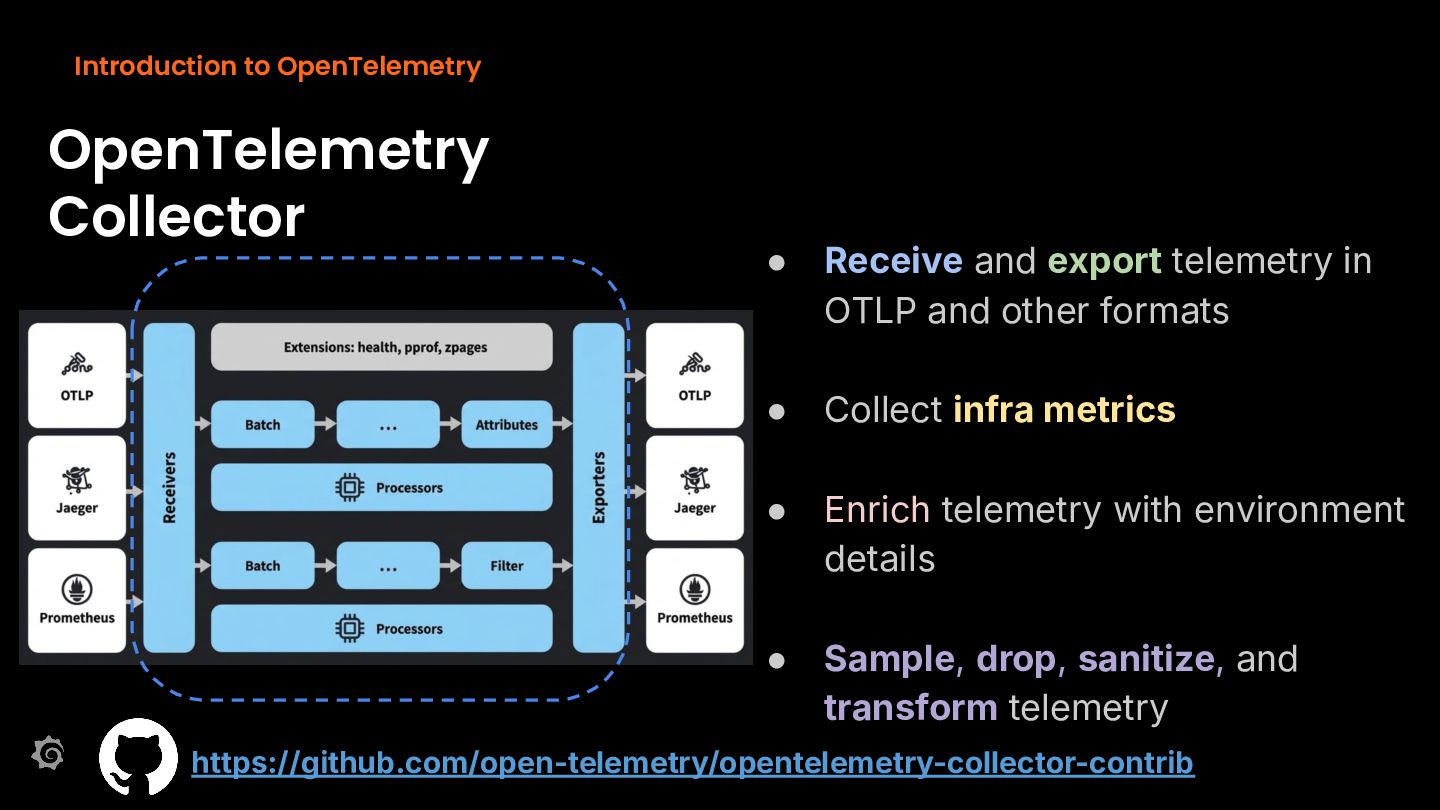
  9. Introduction to OpenTelemetry OpenTelemetry Collector • Receive and export telemetry

    in OTLP and other formats • Collect infra metrics • Enrich telemetry with environment details • Sample, drop, sanitize, and transform telemetry https://github.com/open-telemetry/opentelemetry-collector-contrib
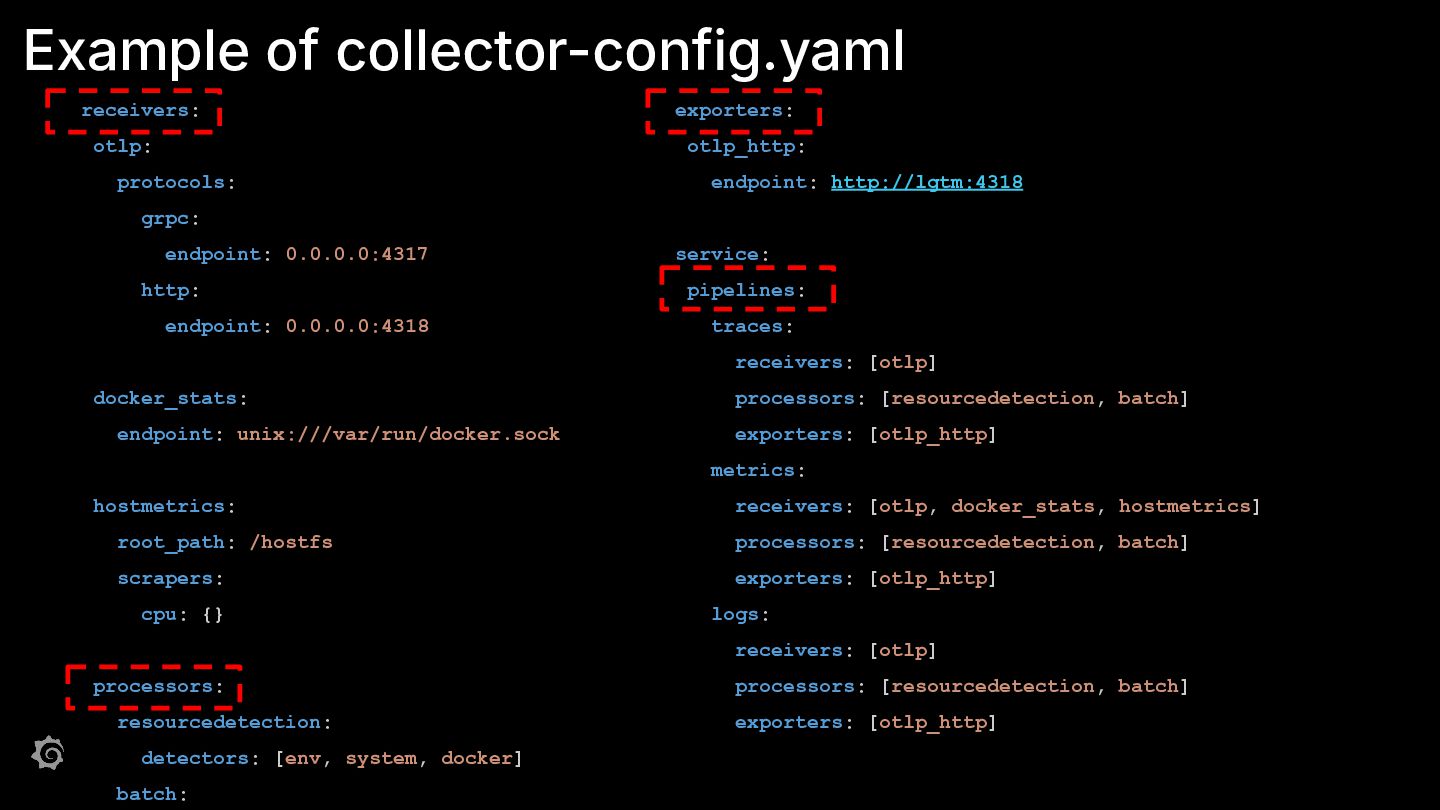
  10. Example of collector-config.yaml receivers: exporters: otlp: otlp_http: protocols: endpoint: http://lgtm:4318

    grpc: endpoint: 0.0.0.0:4317 http: endpoint: 0.0.0.0:4318 service: pipelines: traces: receivers: [otlp] docker_stats: endpoint: unix:///var/run/docker.sock processors: [resourcedetection, batch] exporters: [otlp_http] metrics: hostmetrics: receivers: [otlp, docker_stats, hostmetrics] root_path: /hostfs processors: [resourcedetection, batch] scrapers: exporters: [otlp_http] cpu: {} logs: receivers: [otlp] processors: resourcedetection: detectors: [env, system, docker] batch: processors: [resourcedetection, batch] exporters: [otlp_http]
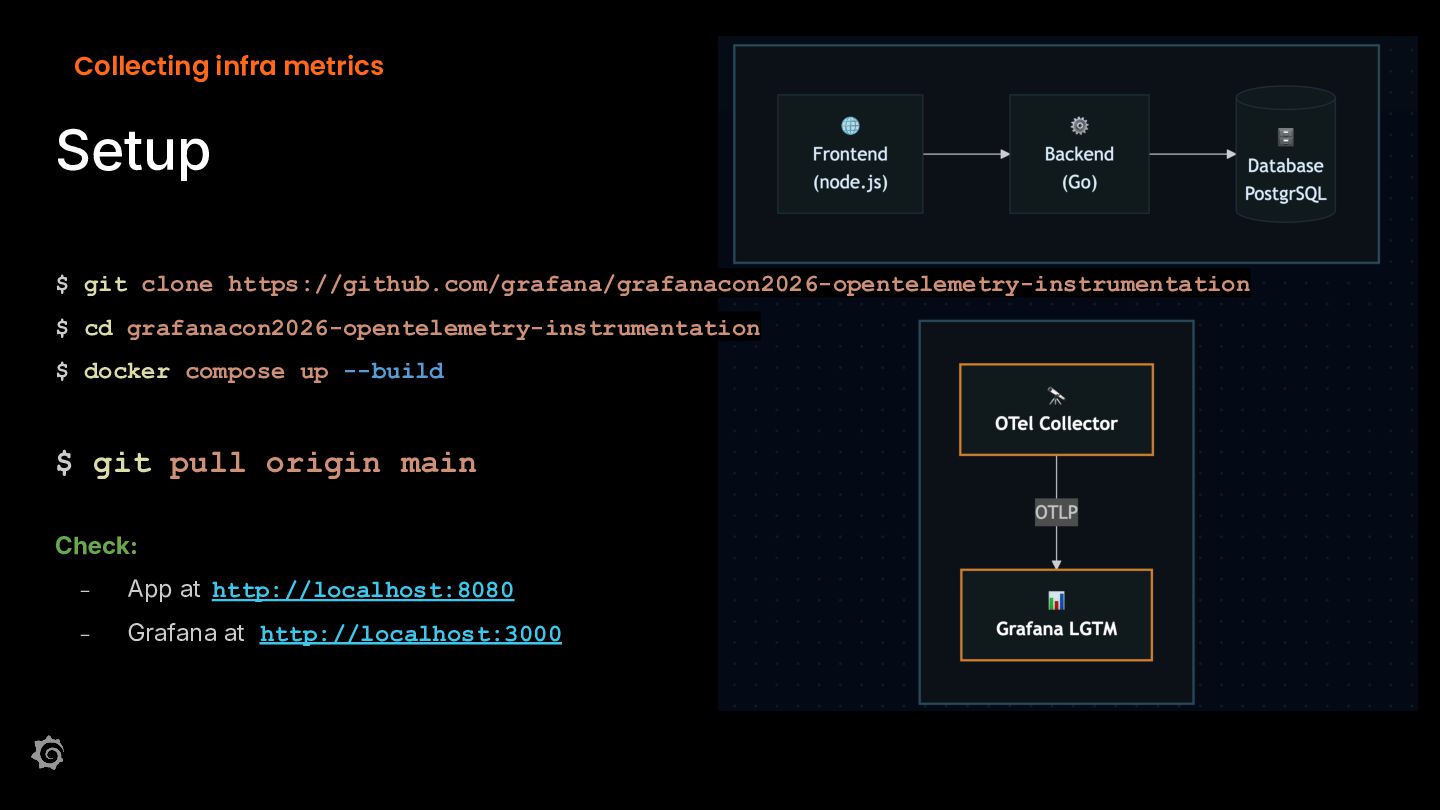
  11. Collecting infra metrics Setup $ git clone https://github.com/grafana/grafanacon2026-opentelemetry-instrumentation $ cd

    grafanacon2026-opentelemetry-instrumentation $ docker compose up --build $ git pull origin main Check: - App at http://localhost:8080 - Grafana at http://localhost:3000
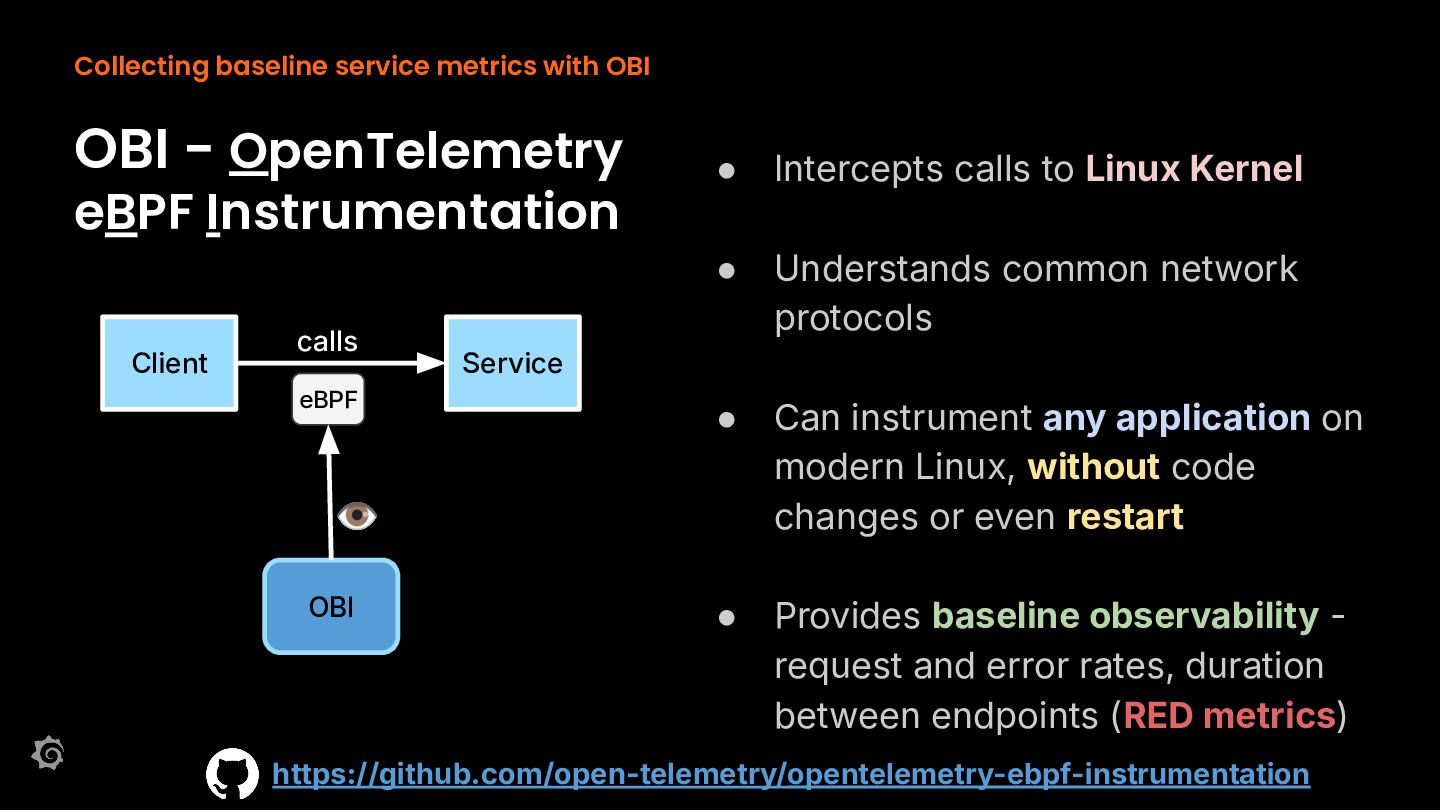
  12. Collecting baseline service metrics with OBI OBI - OpenTelemetry eBPF

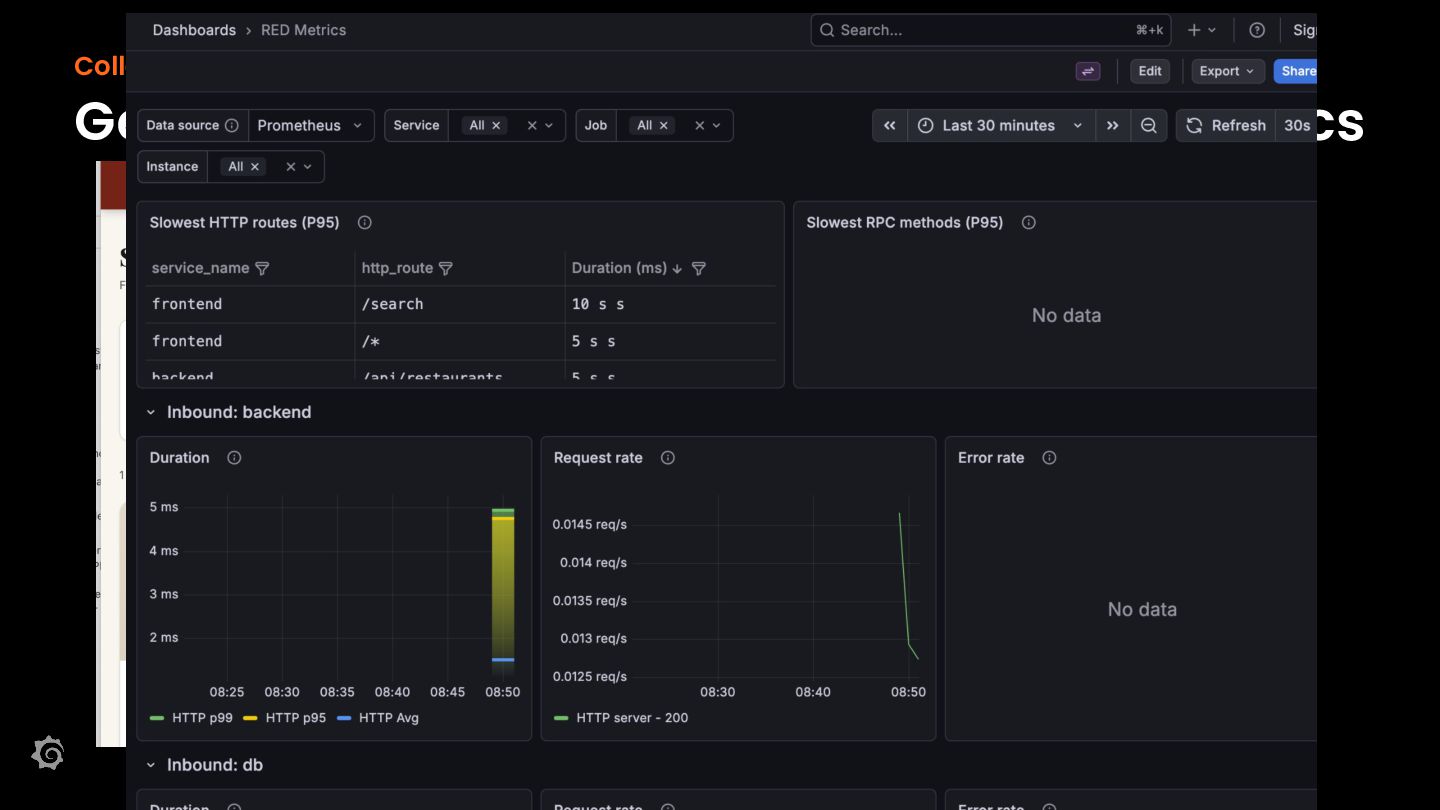
    Instrumentation Client calls eBPF • Intercepts calls to Linux Kernel • Understands common network protocols • Can instrument any application on modern Linux, without code changes or even restart • Provides baseline observability request and error rates, duration between endpoints (RED metrics) Service 👁 OBI https://github.com/open-telemetry/opentelemetry-ebpf-instrumentation
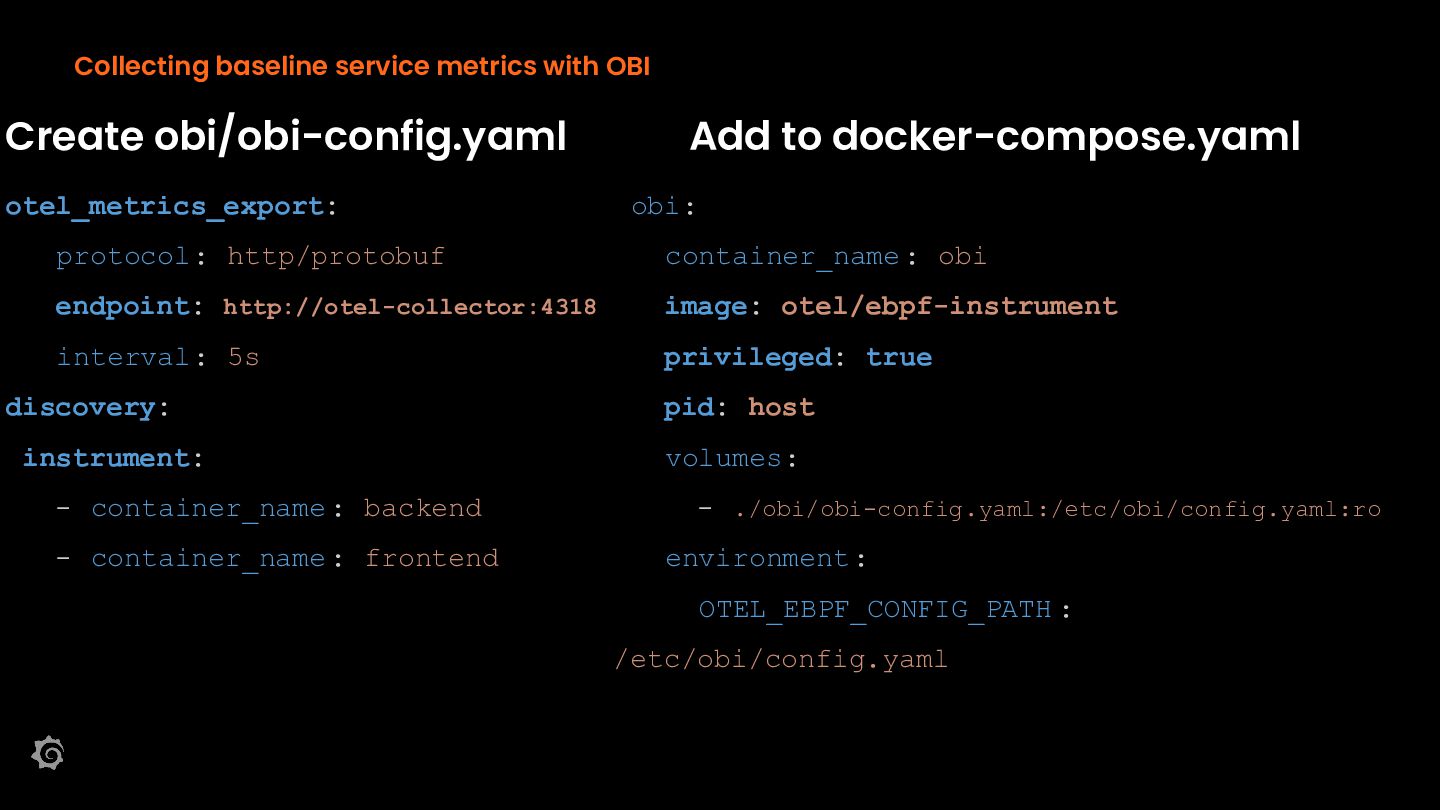
  13. Collecting baseline service metrics with OBI Create obi/obi-config.yaml otel_metrics_export: Add

    to docker-compose.yaml obi: protocol: http/protobuf container_name : obi endpoint: http://otel-collector:4318 image: otel/ebpf-instrument interval: 5s privileged: true discovery: pid: host instrument: volumes: - container_name : backend - container_name : frontend - ./obi/obi-config.yaml:/etc/obi/config.yaml:ro environment : OTEL_EBPF_CONFIG_PATH : /etc/obi/config.yaml
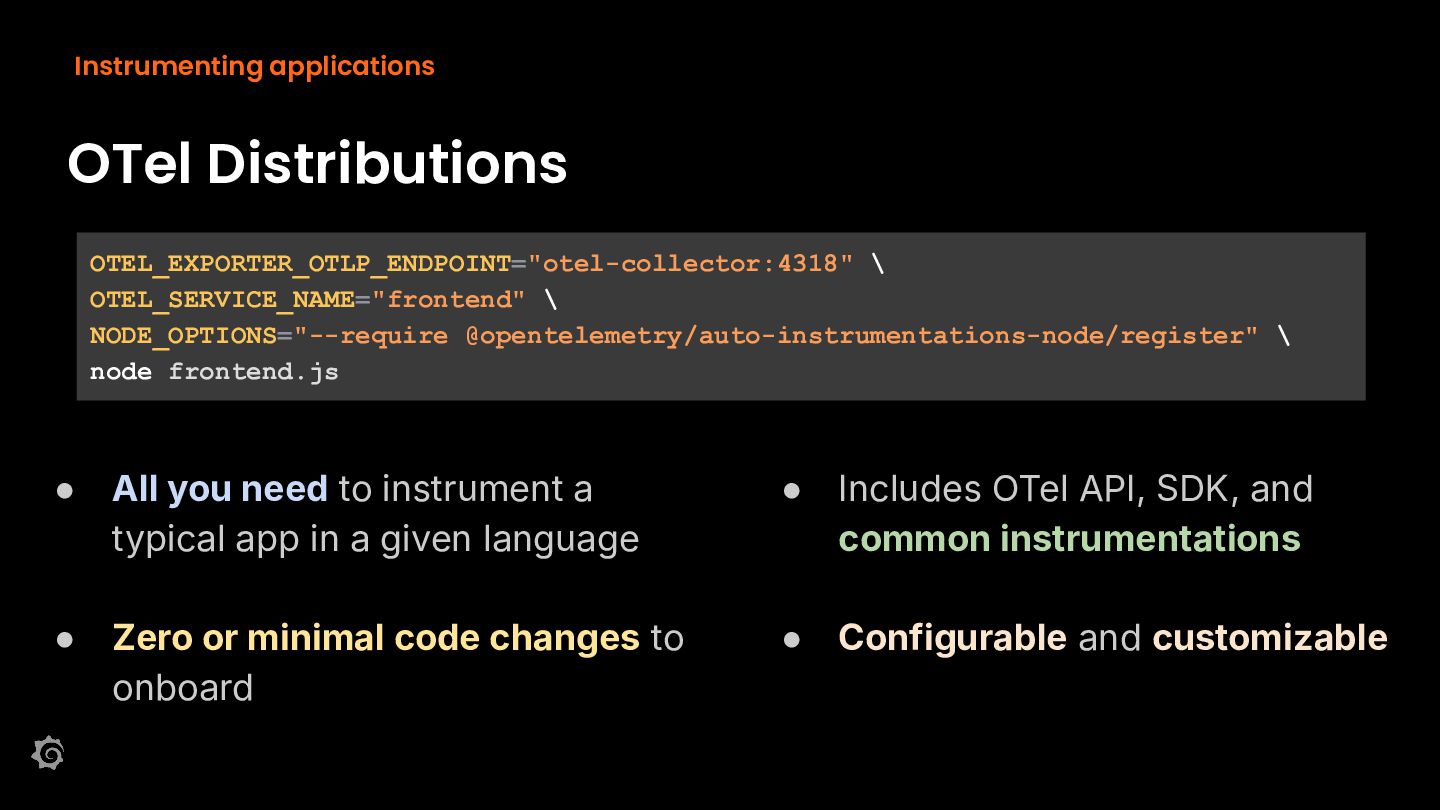
  14. Instrumenting applications OTel Distributions OTEL_EXPORTER_OTLP_ENDPOINT="otel-collector:4318" \ OTEL_SERVICE_NAME="frontend" \ NODE_OPTIONS="--require @opentelemetry/auto-instrumentations-node/register"

    \ node frontend.js • All you need to instrument a typical app in a given language • Includes OTel API, SDK, and common instrumentations • Zero or minimal code changes to onboard • Configurable and customizable
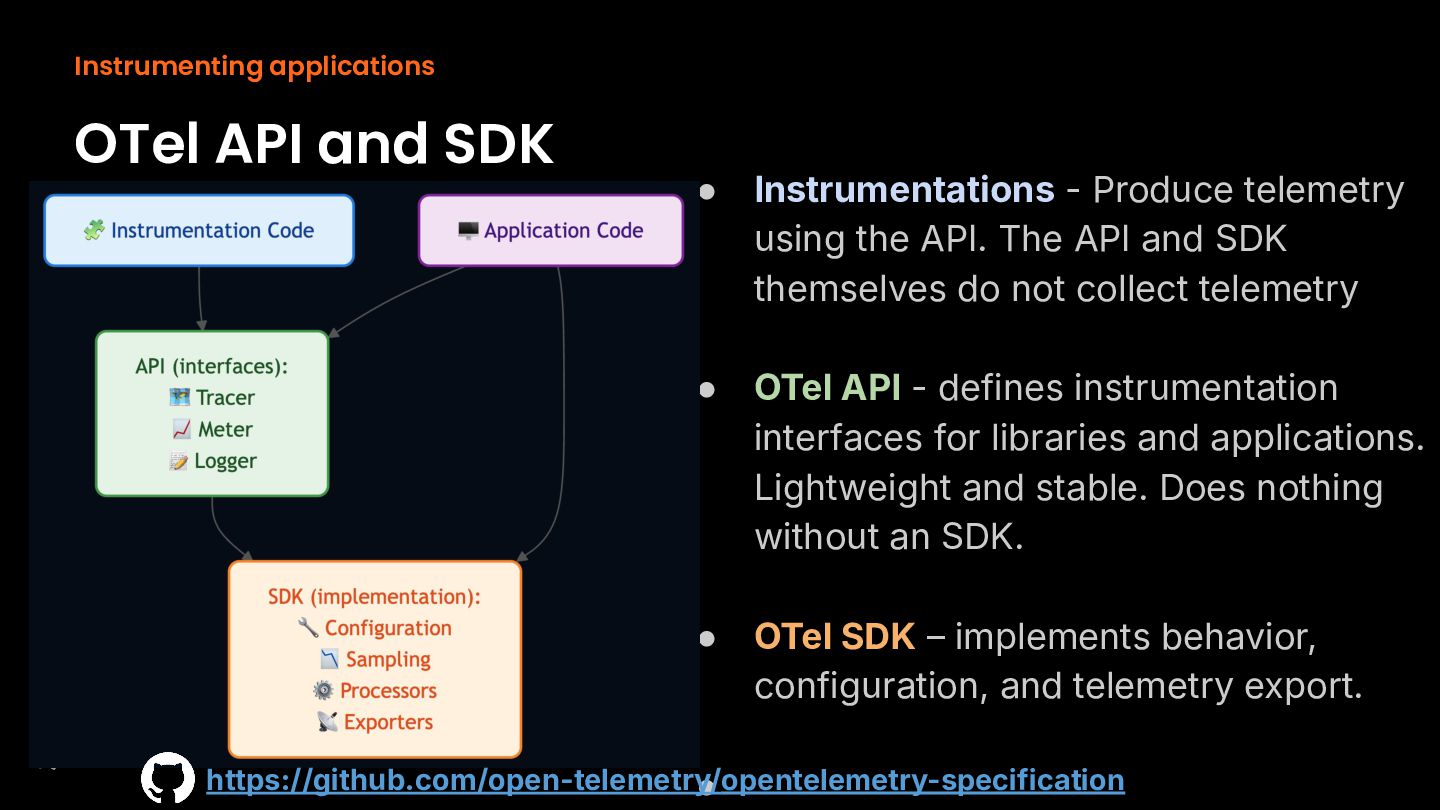
  15. Instrumenting applications OTel API and SDK • Instrumentations - Produce

    telemetry using the API. The API and SDK themselves do not collect telemetry • OTel API - defines instrumentation interfaces for libraries and applications. Lightweight and stable. Does nothing without an SDK. • OTel SDK – implements behavior, configuration, and telemetry export. https://github.com/open-telemetry/ • opentelemetry-specification
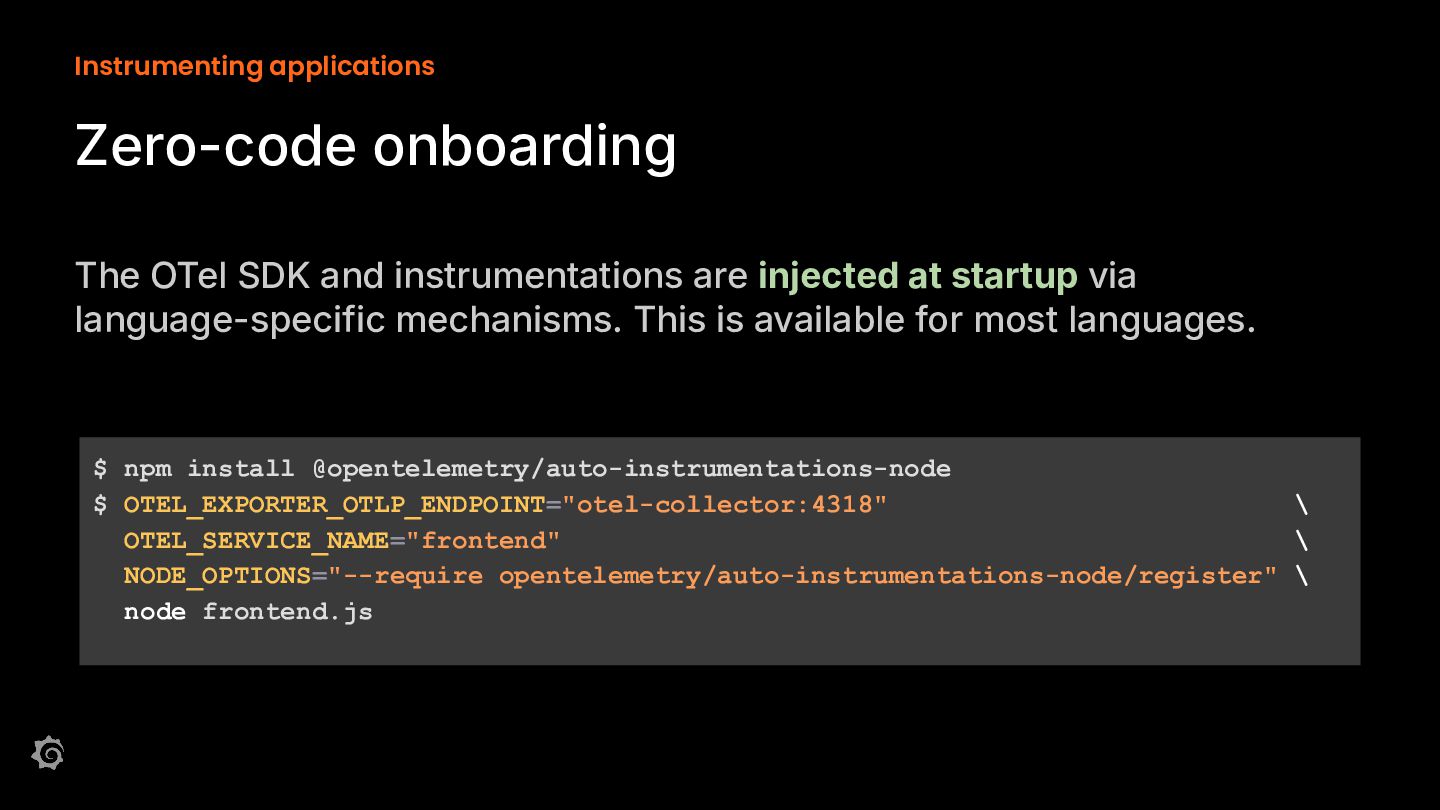
  16. Instrumenting applications Zero-code onboarding The OTel SDK and instrumentations are

    injected at startup via language-specific mechanisms. This is available for most languages. $ npm install @opentelemetry/auto-instrumentations-node $ OTEL_EXPORTER_OTLP_ENDPOINT="otel-collector:4318" \ OTEL_SERVICE_NAME="frontend" \ NODE_OPTIONS="--require opentelemetry/auto-instrumentations-node/register" \ node frontend.js
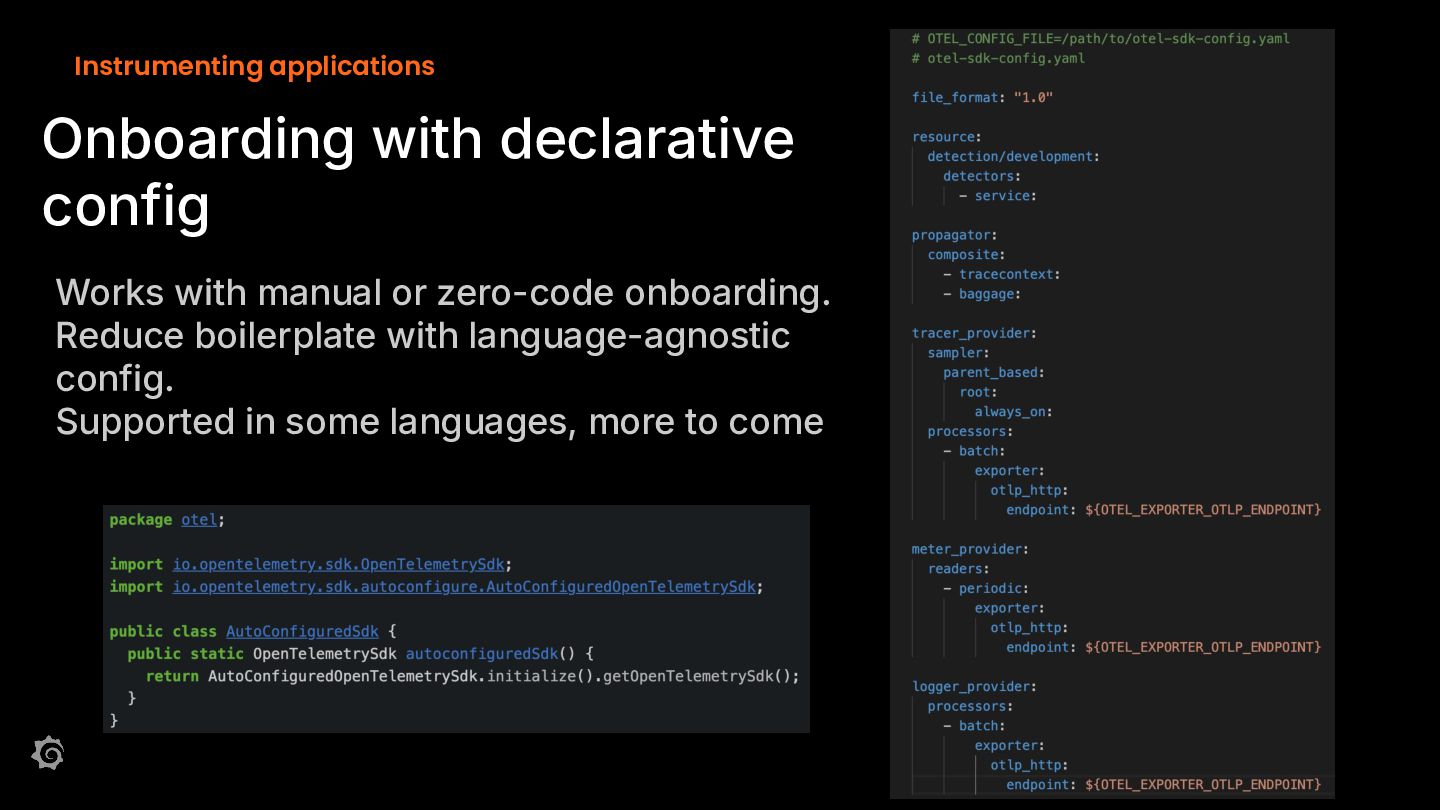
  17. Instrumenting applications Onboarding with declarative config Works with manual or

    zero-code onboarding. Reduce boilerplate with language-agnostic config. Supported in some languages, more to come
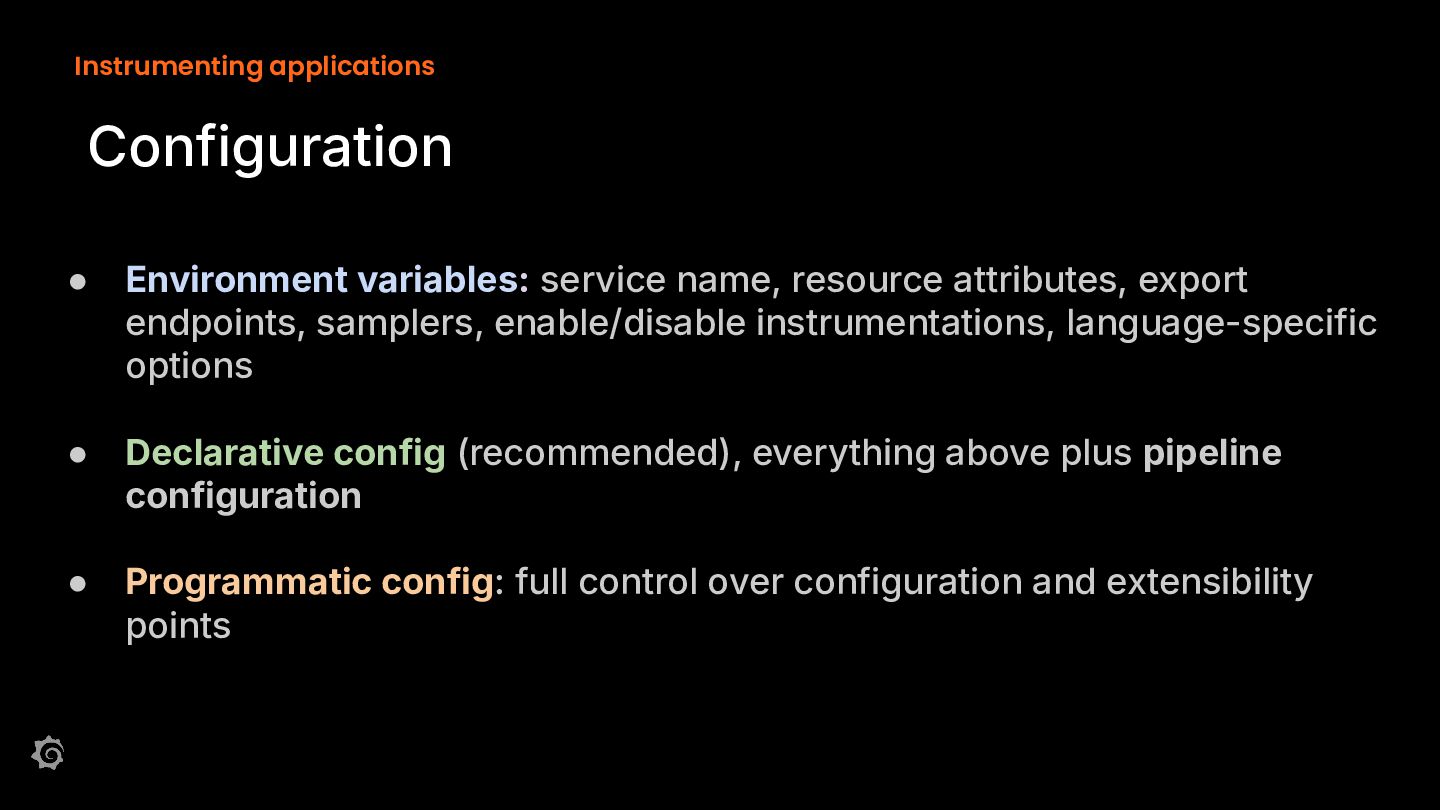
  18. Instrumenting applications Configuration • Environment variables: service name, resource attributes,

    export endpoints, samplers, enable/disable instrumentations, language-specific options • Declarative config (recommended), everything above plus pipeline configuration • Programmatic config: full control over configuration and extensibility points
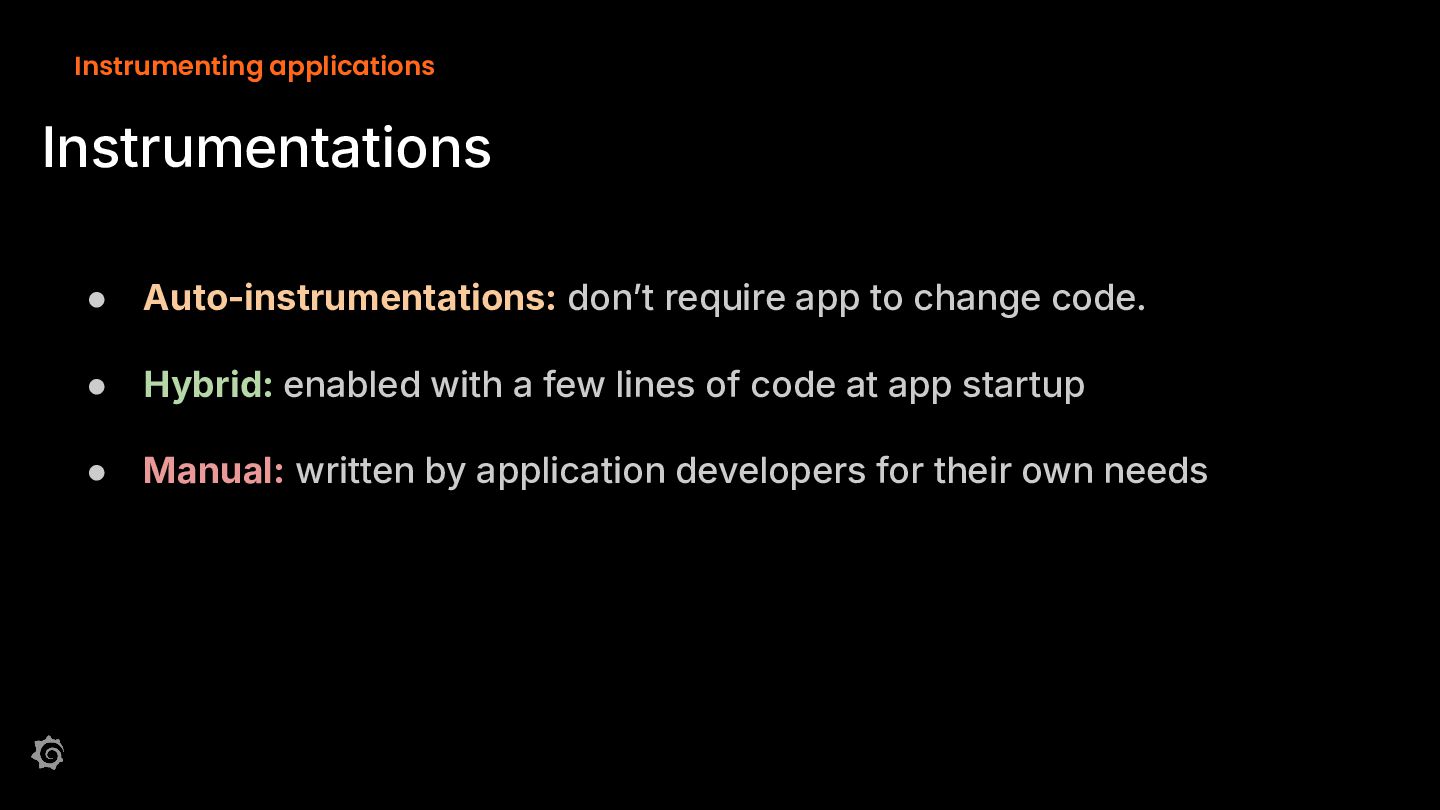
  19. Instrumenting applications Instrumentations • Auto-instrumentations: donʼt require app to change
    code. • Hybrid: enabled with a few lines of code at app startup • Manual: written by application developers for their own needs
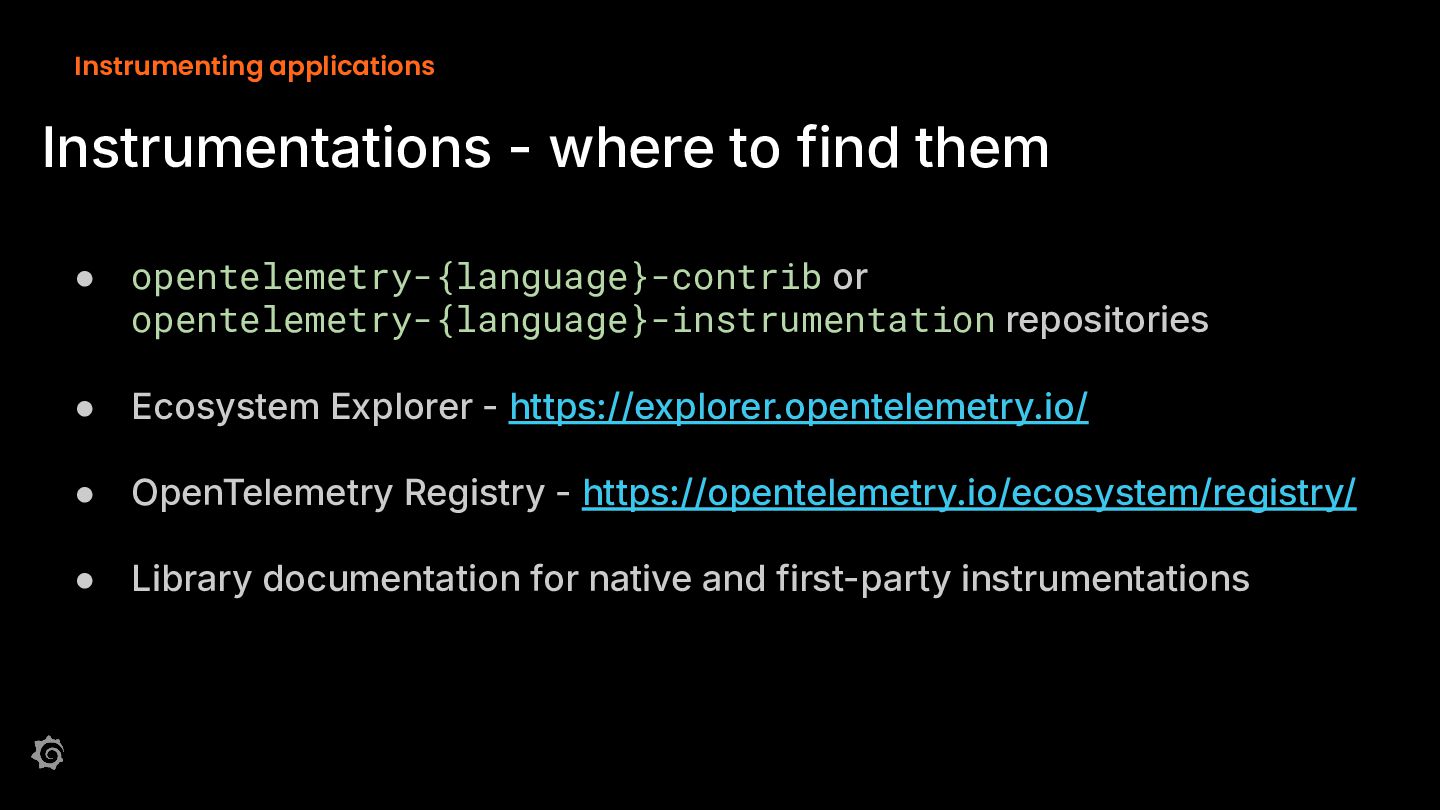
  20. Instrumenting applications Instrumentations - where to find them • opentelemetry-{language}-contrib

    or opentelemetry-{language}-instrumentation repositories • Ecosystem Explorer - https://explorer.opentelemetry.io/ • OpenTelemetry Registry - https://opentelemetry.io/ecosystem/registry/ • Library documentation for native and first-party instrumentations
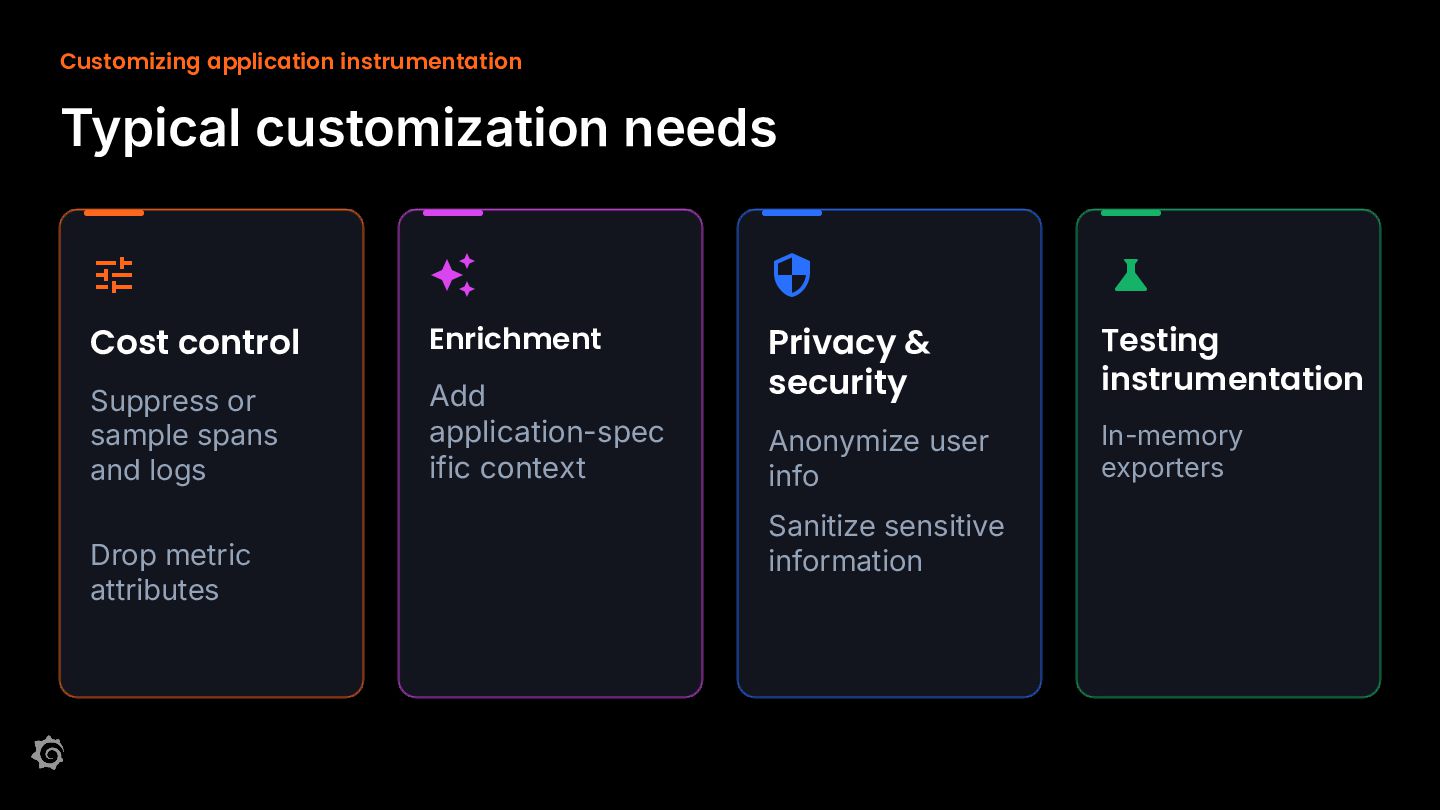
  21. Customizing application instrumentation Typical customization needs    

    Cost control Enrichment Suppress or sample spans and logs Add application-spec ific context Privacy & security Testing instrumentation Anonymize user info In-memory exporters Drop metric attributes Sanitize sensitive information
  22. Customizing application instrumentation Customization points SDK Configuration (env vars, yaml)

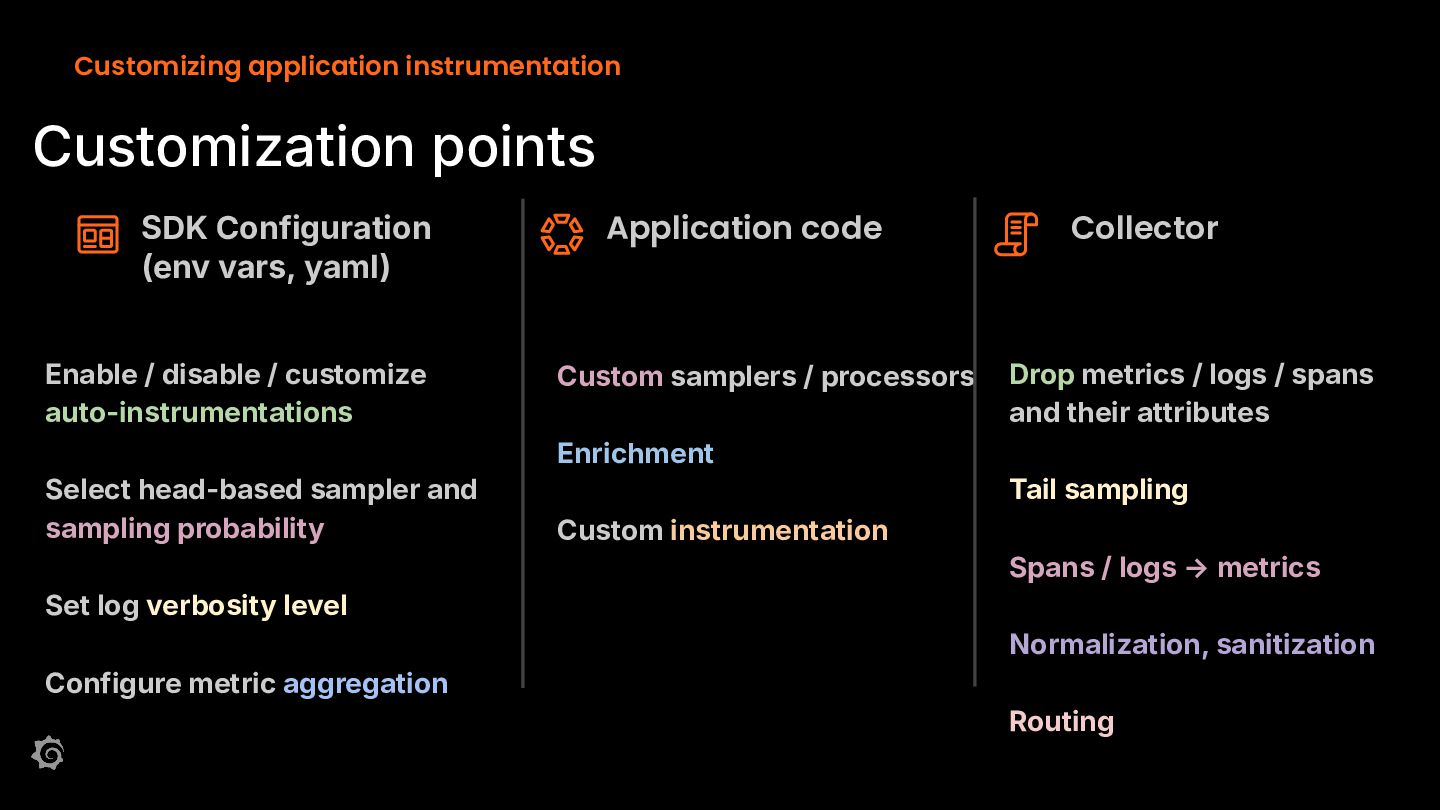
    Enable / disable / customize auto-instrumentations Application code Custom samplers / processors Collector Drop metrics / logs / spans and their attributes Enrichment Select head-based sampler and sampling probability Tail sampling Custom instrumentation Spans / logs → metrics Set log verbosity level Normalization, sanitization Configure metric aggregation Routing
  23. Customizing application instrumentation Example: Cost control with sampling Head-based sampling

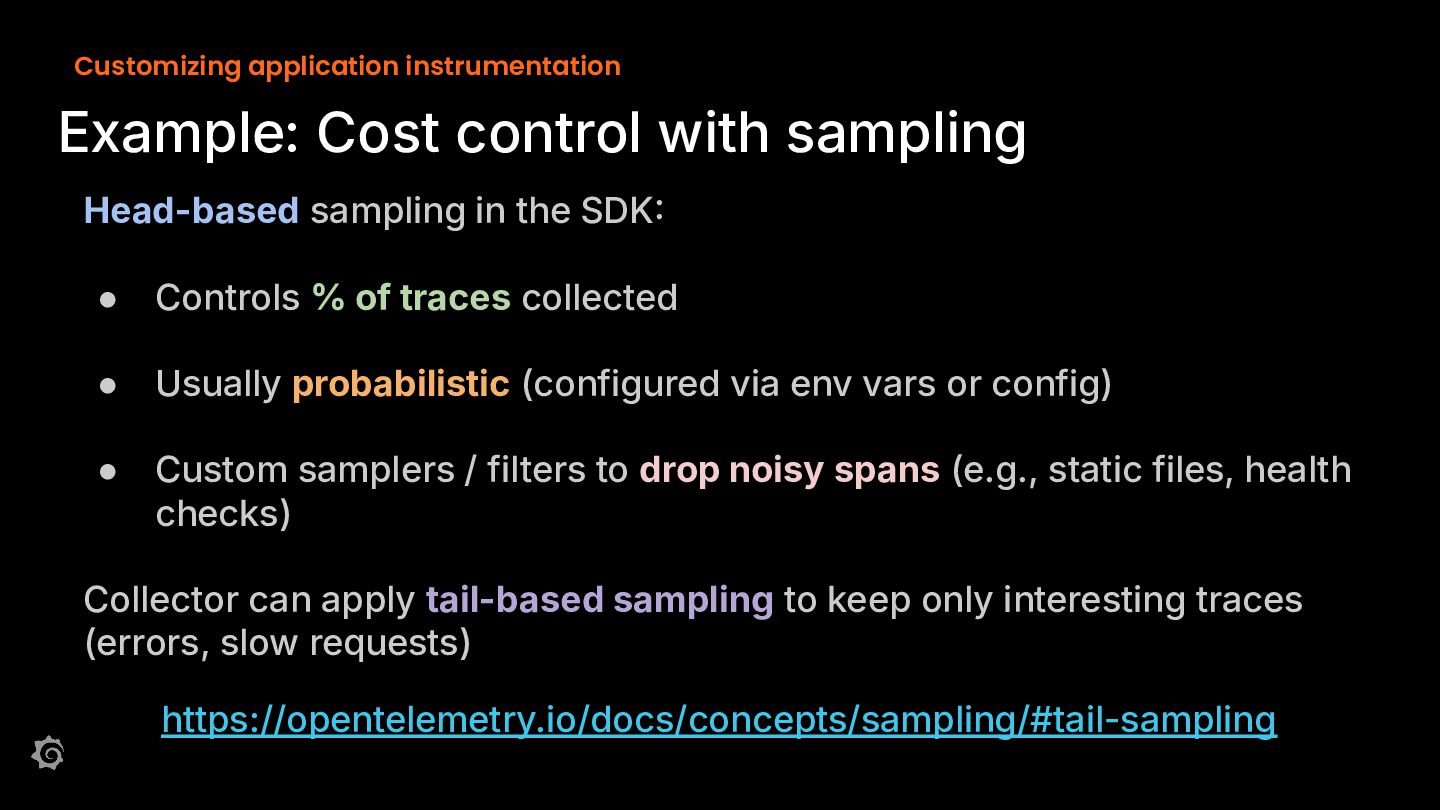
    in the SDK • Controls % of traces collected • Usually probabilistic (configured via env vars or config) • Custom samplers / filters to drop noisy spans (e.g., static files, health checks) Collector can apply tail-based sampling to keep only interesting traces (errors, slow requests) https://opentelemetry.io/docs/concepts/sampling/#tail-sampling
  24. Customizing application instrumentation Example: enrichment with app-specific context Auto-instrumentation captures

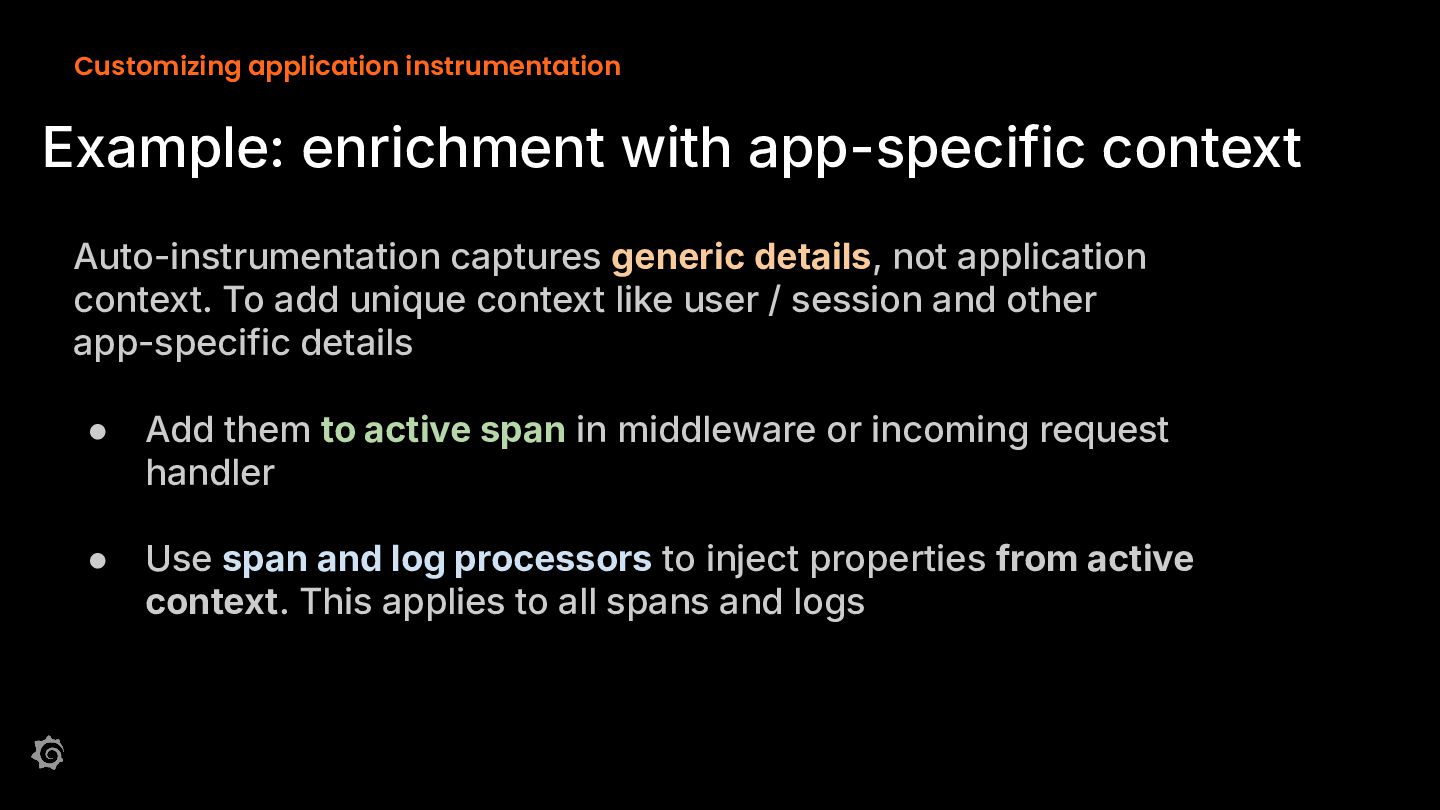
    generic details, not application context. To add unique context like user / session and other app-specific details • Add them to active span in middleware or incoming request handler • Use span and log processors to inject properties from active context. This applies to all spans and logs
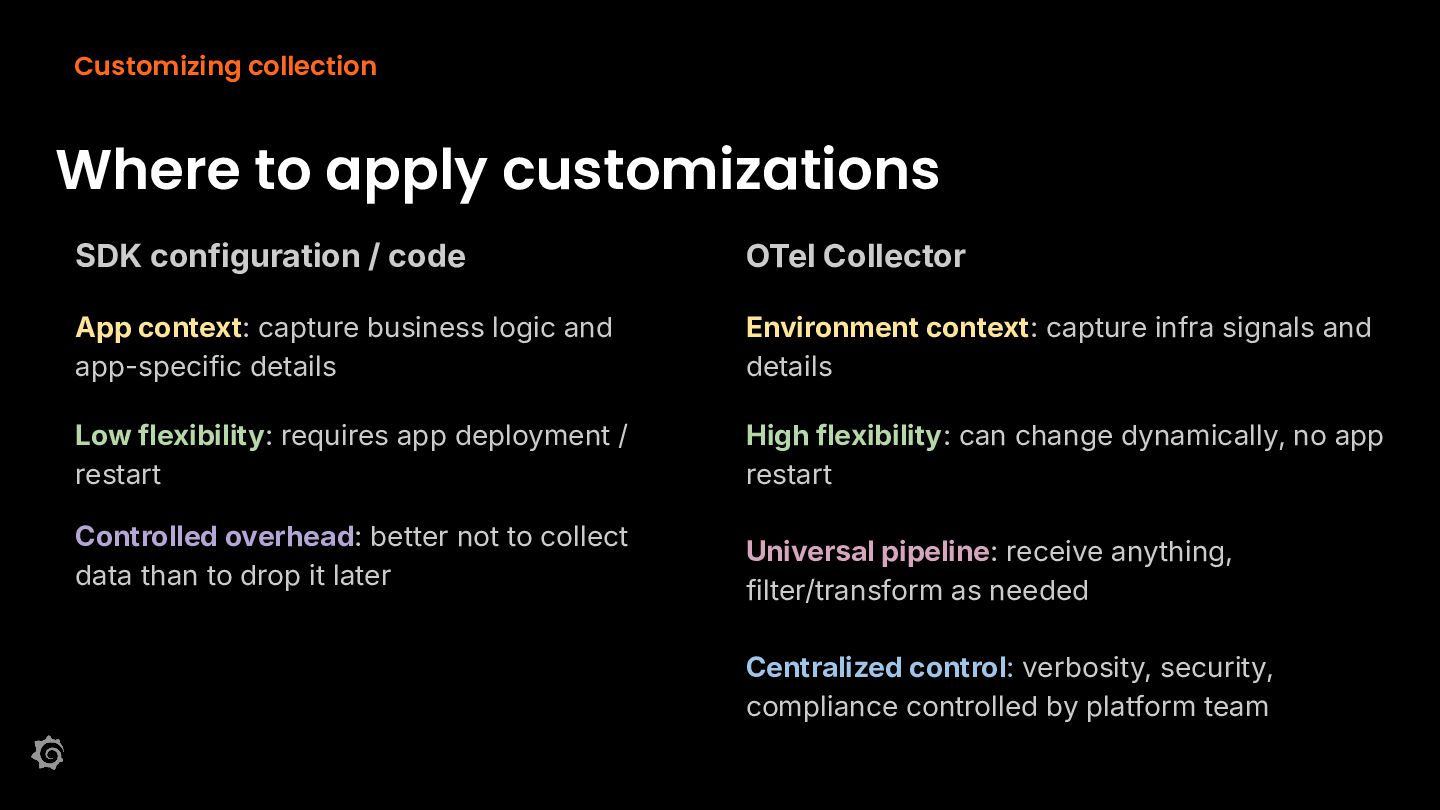
  25. Customizing collection Where to apply customizations SDK configuration / code

    OTel Collector App context: capture business logic and app-specific details Environment context: capture infra signals and details Low flexibility: requires app deployment / restart High flexibility: can change dynamically, no app restart Controlled overhead: better not to collect data than to drop it later Universal pipeline: receive anything, filter/transform as needed Centralized control: verbosity, security, compliance controlled by platform team
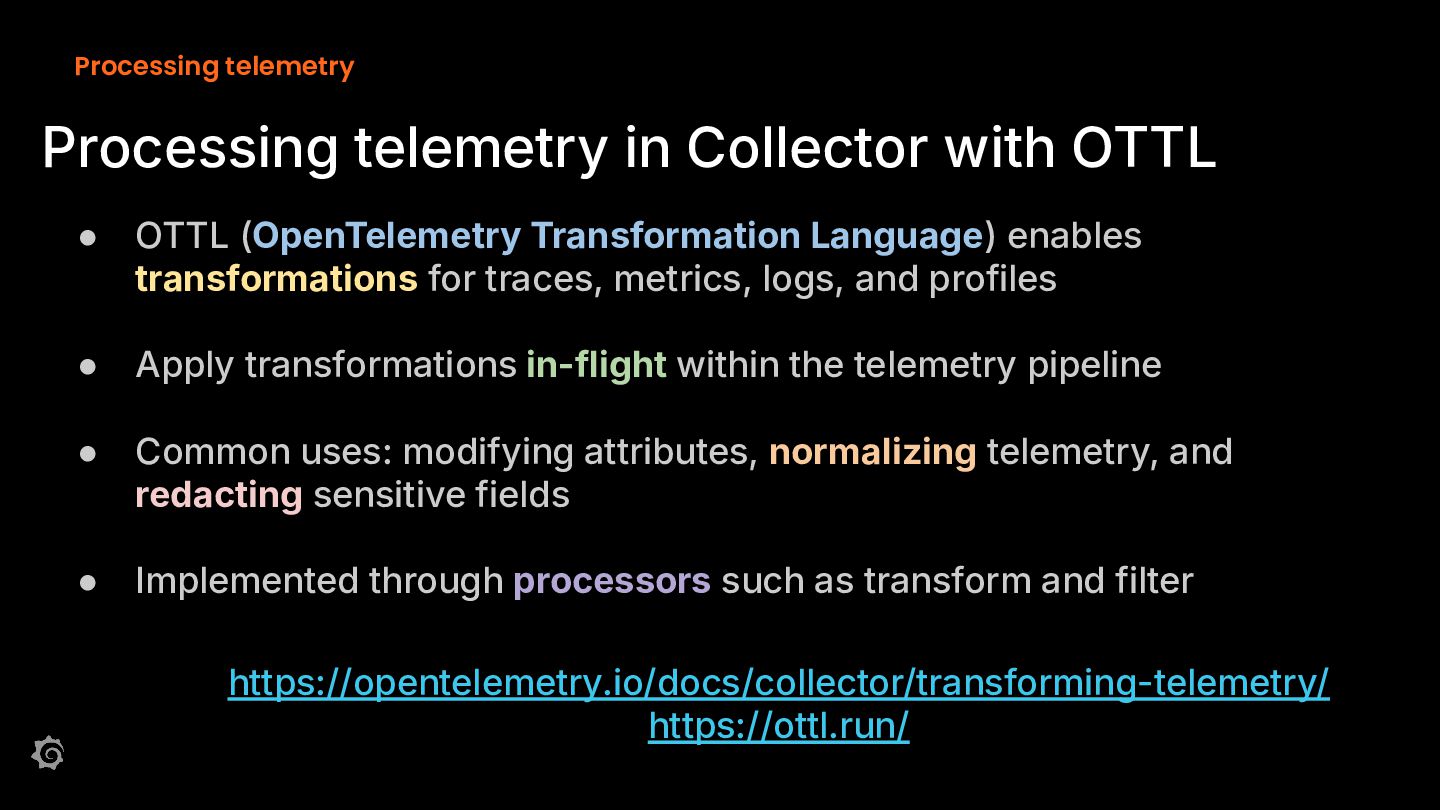
  26. Processing telemetry Processing telemetry in Collector with OTTL • OTTL

    (OpenTelemetry Transformation Language) enables transformations for traces, metrics, logs, and profiles • Apply transformations in-flight within the telemetry pipeline • Common uses: modifying attributes, normalizing telemetry, and redacting sensitive fields • Implemented through processors such as transform and filter https://opentelemetry.io/docs/collector/transforming-telemetry/ https://ottl.run/
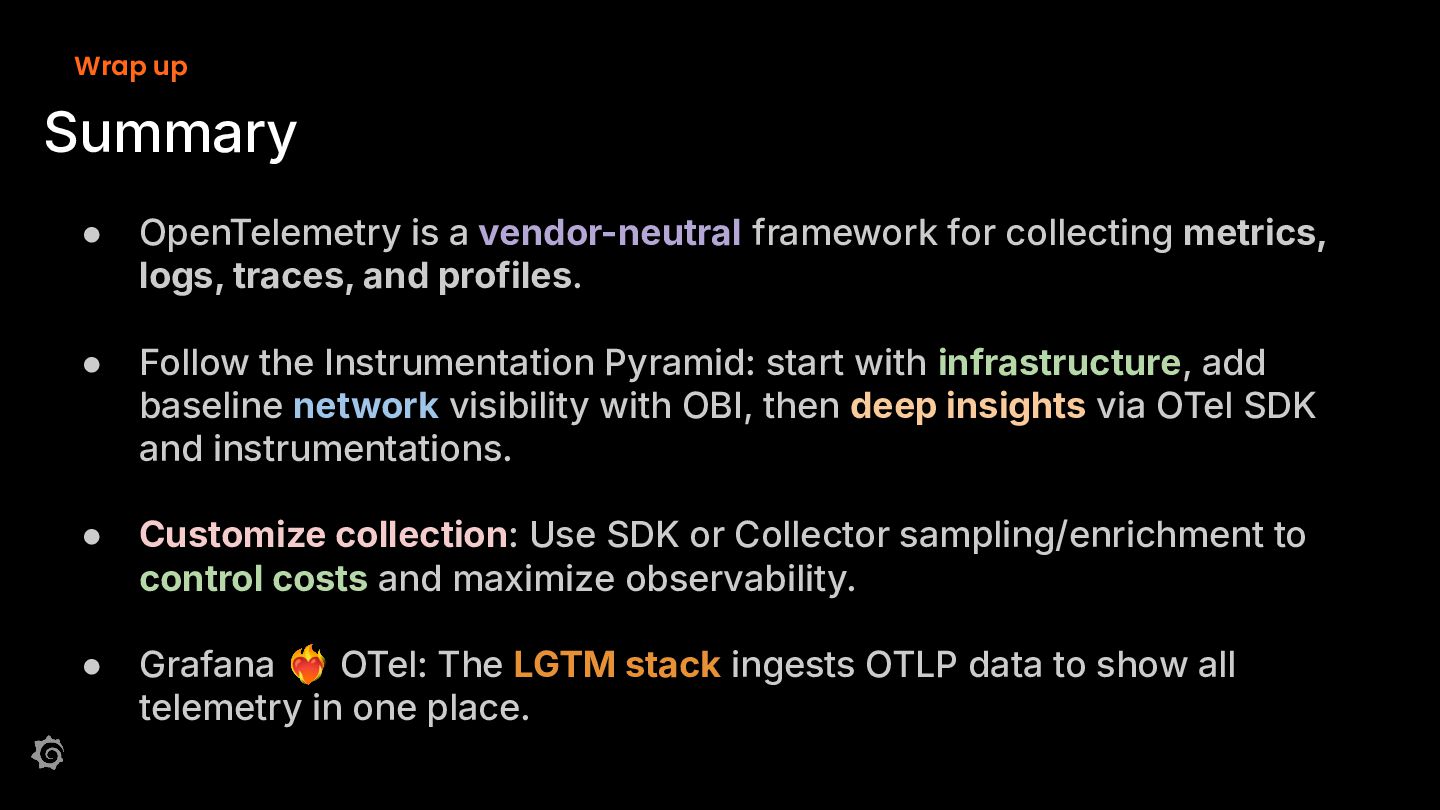
  27. Wrap up Summary • OpenTelemetry is a vendor-neutral framework for

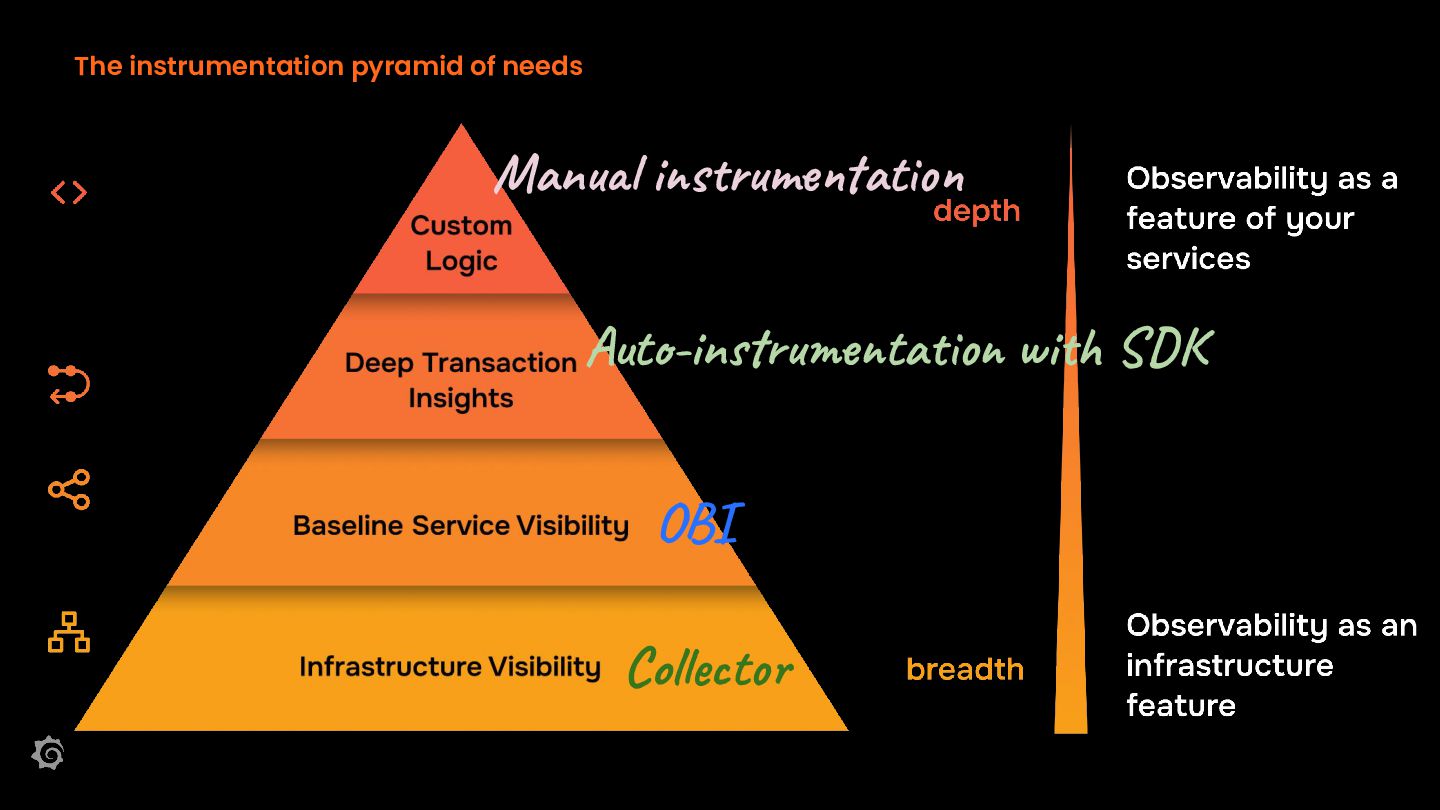
    collecting metrics, logs, traces, and profiles. • Follow the Instrumentation Pyramid: start with infrastructure, add baseline network visibility with OBI, then deep insights via OTel SDK and instrumentations. • Customize collection: Use SDK or Collector sampling/enrichment to control costs and maximize observability. • Grafana 󰵗 OTel: The LGTM stack ingests OTLP data to show all telemetry in one place.
  28. Workshop wrap-up Thank you Have more questions? Join us at

    community.grafana.com or Grafana public slack grafana.slack.com #grafana /grafana community.grafana.com