Upgrade to Pro — share decks privately, control downloads, hide ads and more …

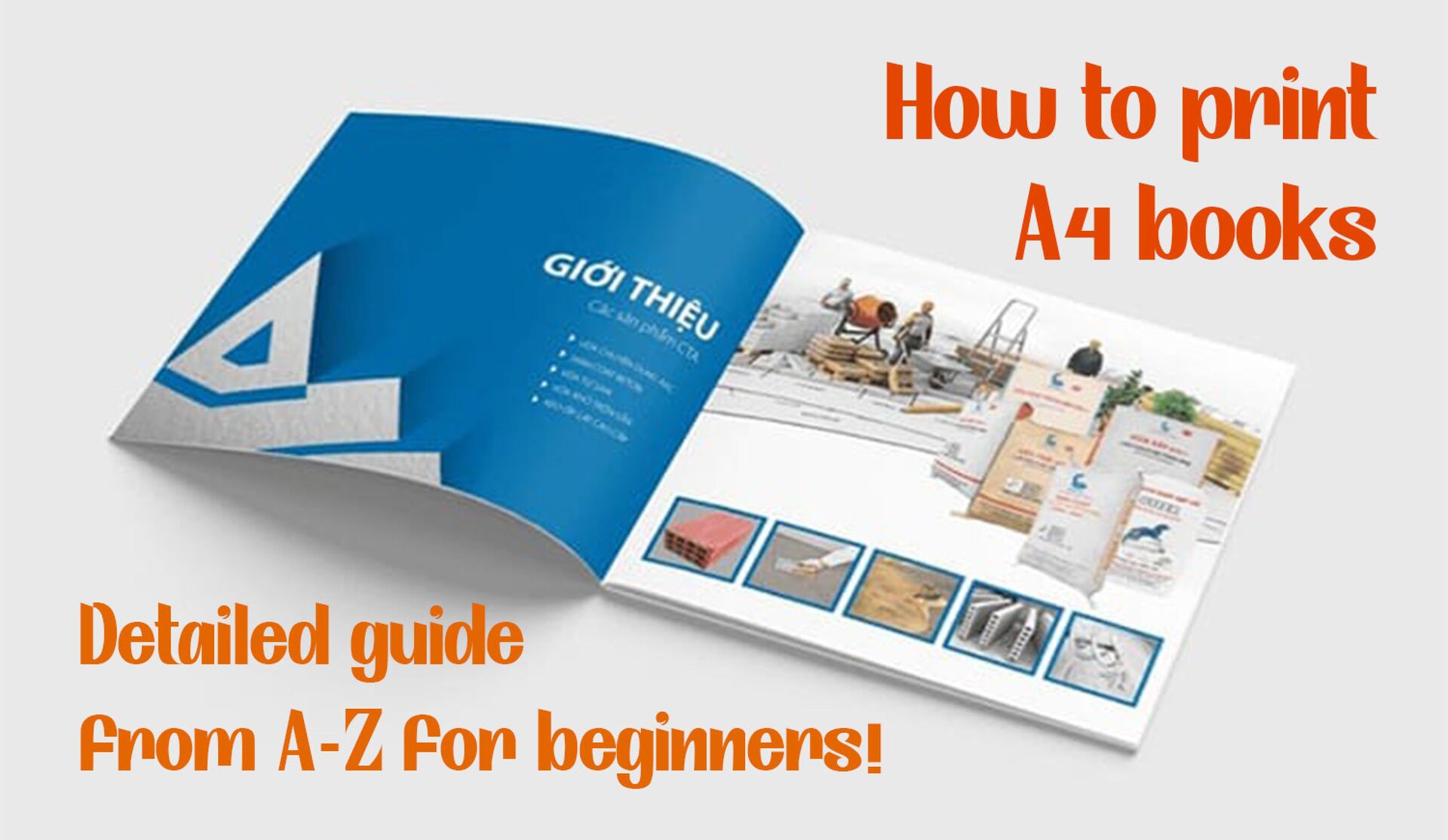
HOW TO PRINT A4 BOOKS

Sponsored · Your Podcast. Everywhere. Effortlessly. Share. Educate. Inspire. Entertain. You do you. We'll handle the rest.

HOW TO PRINT A4 BOOKS

Printing A4 books is a process that requires meticulousness from preparation to implementation steps. Mastering how to print A4 books will help you have beautiful, sharp and professional prints.
#book #print
More details: https://indepanhduong.com/tu-van/cach-in-sach-a4-huong-dan-chi-tiet.html

Avatar for In Đẹp Ánh Dương

In Đẹp Ánh Dương

July 14, 2025
Tweet

More Decks by In Đẹp Ánh Dương

Other Decks in How-to & DIY

Transcript

  1. Printing A4 books is not a very complicated process. Let

    Anh Duong Industrial Printing Services Co., Ltd. guide you how to print A4 books easily, whether your printer supports double-sided printing or not.
  2. Printing books at home not only saves you money but

    also allows you to customize to your personal taste. This article will provide you with a detailed guide on how to print A4 books from A-Z, helping you easily do it right at home. Printing A4 books is a process that requires meticulousness from preparation to implementation steps. Mastering how to print A4 books will help you have beautiful, sharp and professional prints.
  3. Choosing the Right Paper for A4 Books Choosing the right

    paper is an important first step in the A4 book printing process. The type of paper you choose will directly affect the print quality and overall feel of the book. There are many different types of paper to choose from, from glossy, matte to recycled. Each type of paper has its own characteristics and is suitable for different types of books.
  4. Reasons to choose A4 paper size A4 paper size is

    one of the most popular sizes today, suitable for many different purposes from learning materials, manuals, to work reports. Choosing A4 paper size brings convenience and ease when printing and storing.
  5. Preparing for Printing Before you start printing your book, you

    need to prepare all the necessary equipment and software.
  6. Designing Your A4 Book Designing your book is an important

    step in ensuring that your book is not only visually appealing but also easy to read. You can use a variety of book design tools such as Adobe InDesign, Microsoft Publisher or online tools such as Canva. When designing, pay attention to the layout and formatting to ensure that your book is easy for readers to follow.
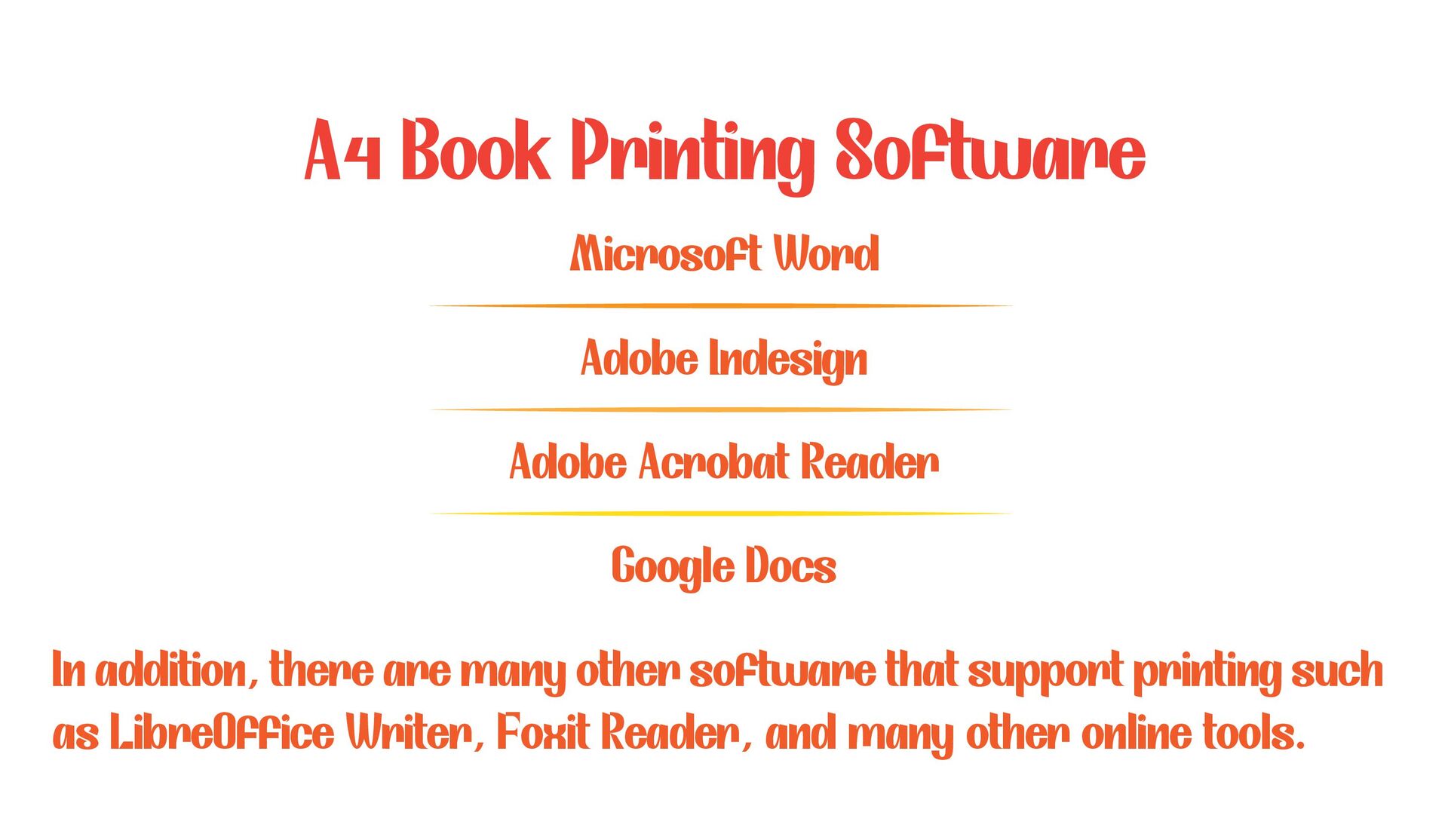
  7. In addition, there are many other software that support printing

    such as LibreOffice Writer, Foxit Reader, and many other online tools. A4 Book Printing Software Microsoft Word Adobe Acrobat Reader Adobe Indesign Google Docs
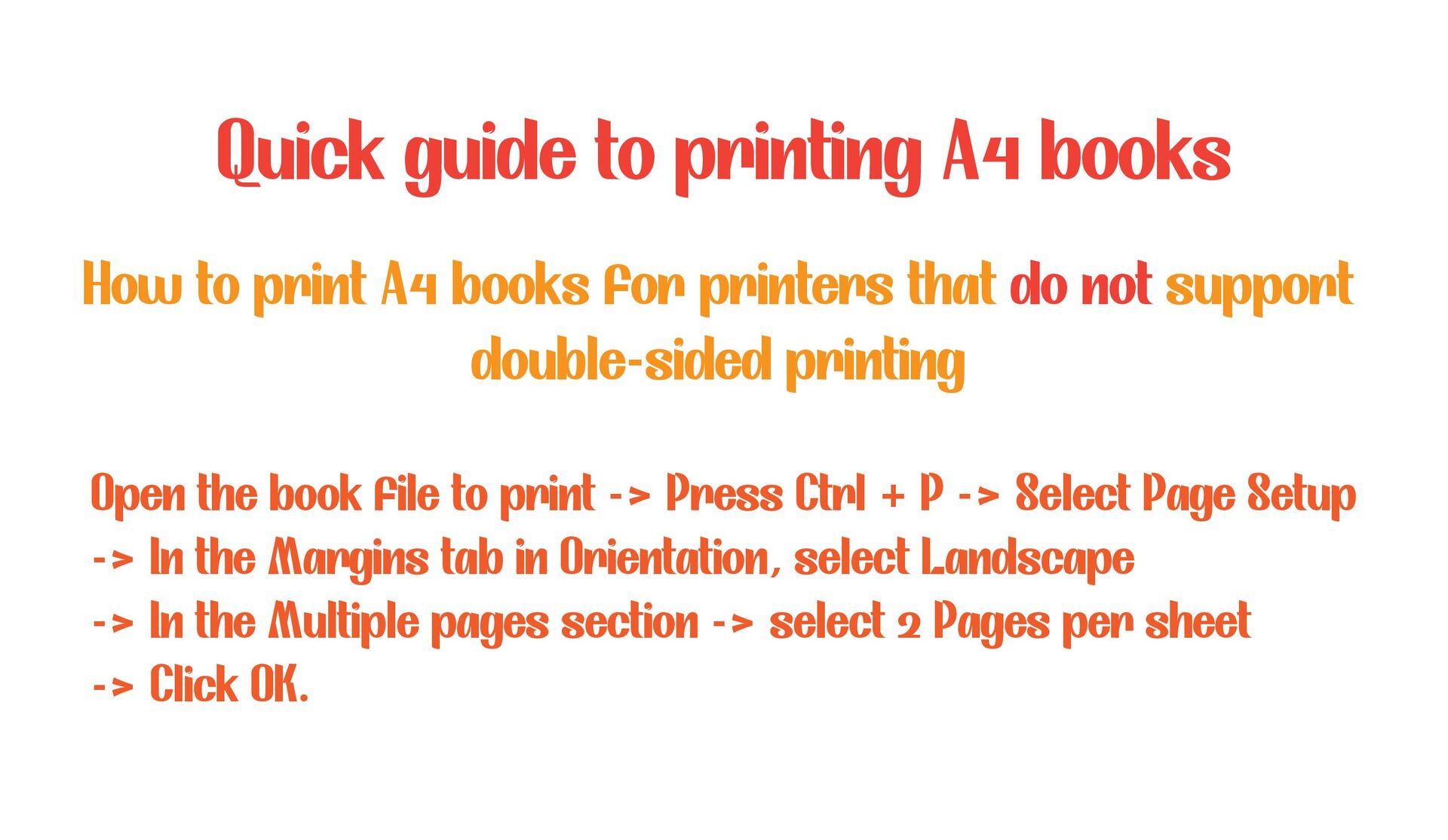
  8. How to print A4 books for printers that do not

    support double-sided printing Quick guide to printing A4 books Open the book file to print -> Press Ctrl + P -> Select Page Setup -> In the Margins tab in Orientation, select Landscape -> In the Multiple pages section -> select 2 Pages per sheet -> Click OK.
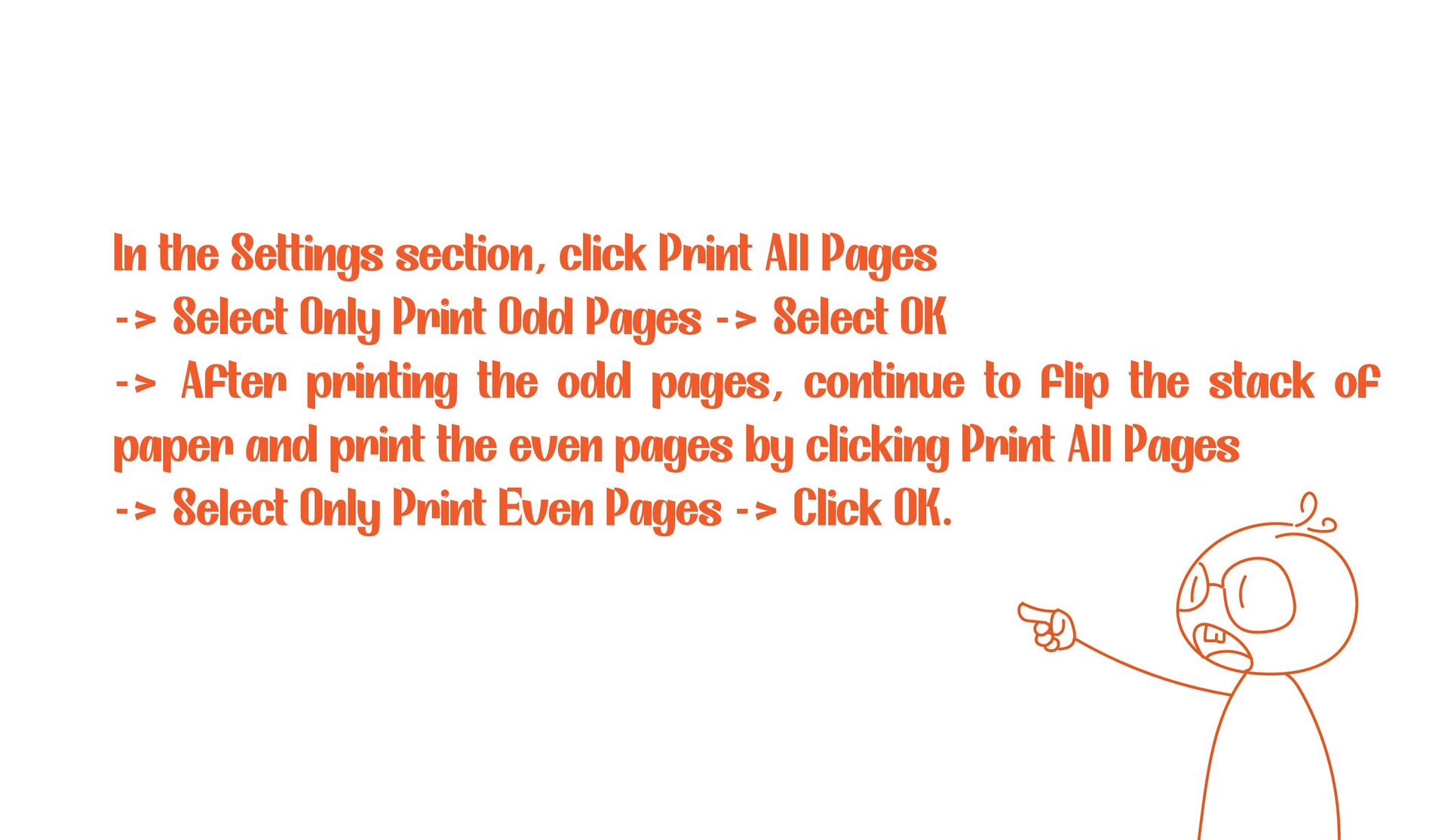
  9. In the Settings section, click Print All Pages -> Select

    Only Print Odd Pages -> Select OK -> After printing the odd pages, continue to flip the stack of paper and print the even pages by clicking Print All Pages -> Select Only Print Even Pages -> Click OK.
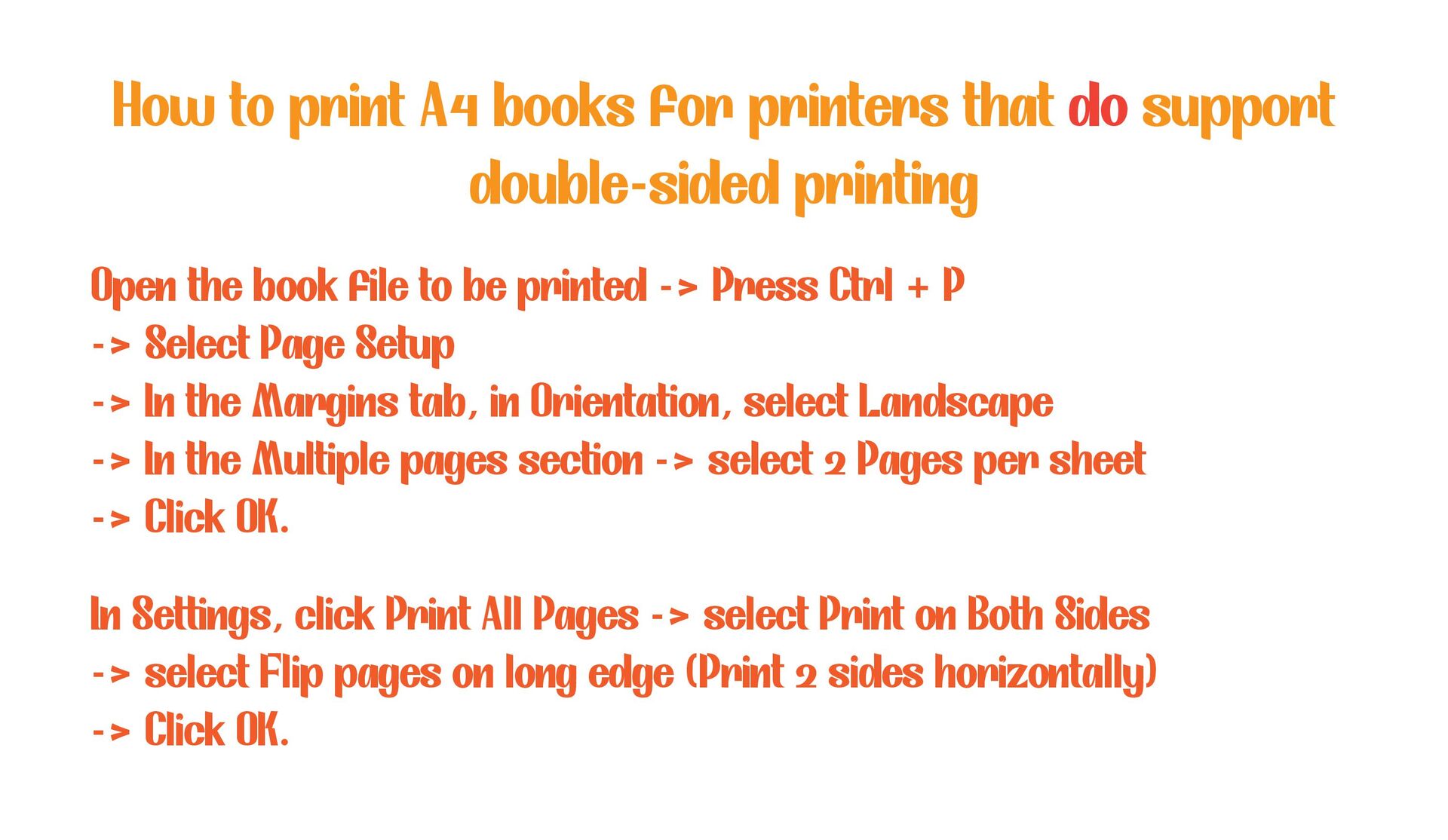
  10. How to print A4 books for printers that do support

    double-sided printing Open the book file to be printed -> Press Ctrl + P -> Select Page Setup -> In the Margins tab, in Orientation, select Landscape -> In the Multiple pages section -> select 2 Pages per sheet -> Click OK. In Settings, click Print All Pages -> select Print on Both Sides -> select Flip pages on long edge (Print 2 sides horizontally) -> Click OK.