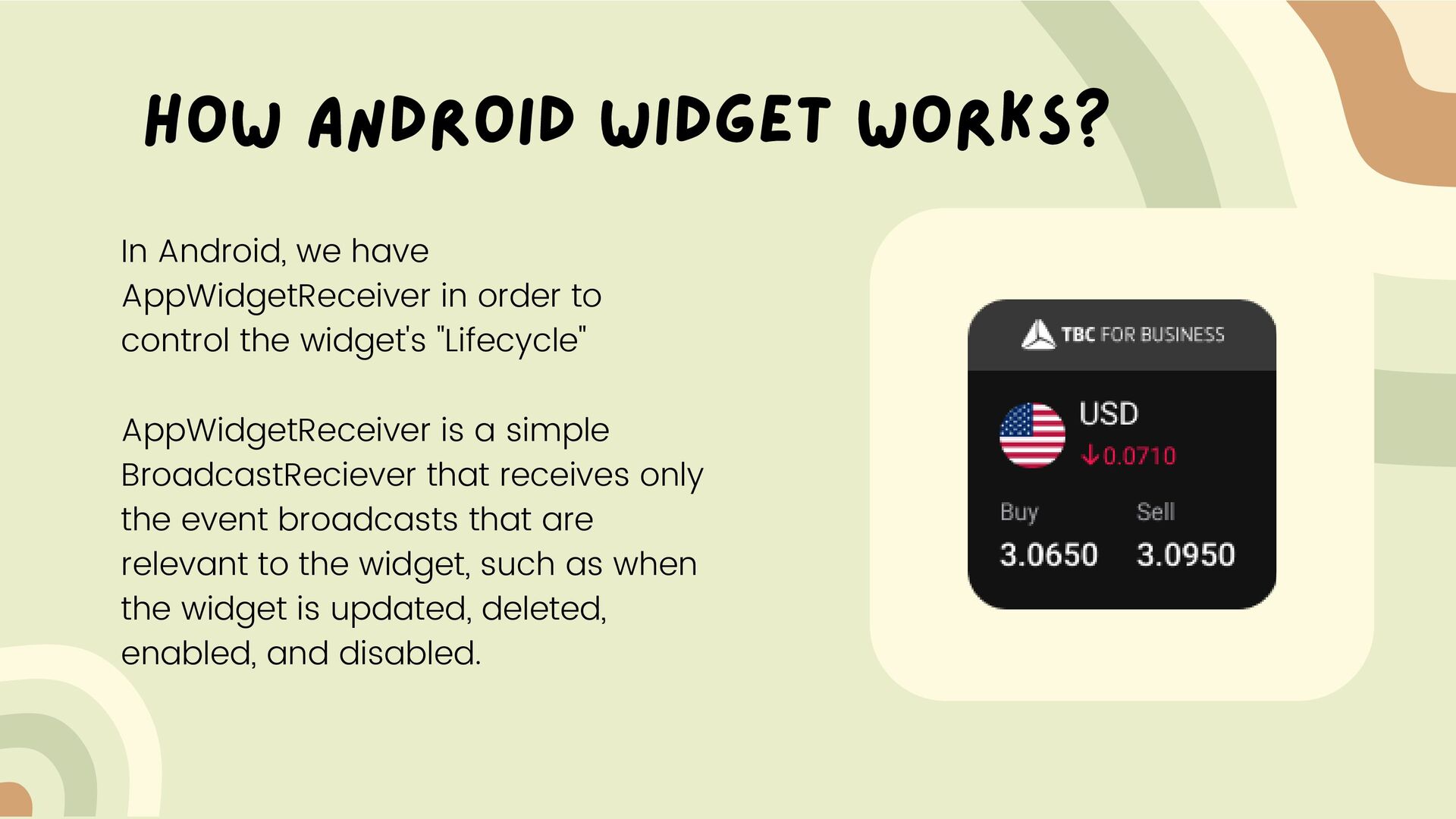
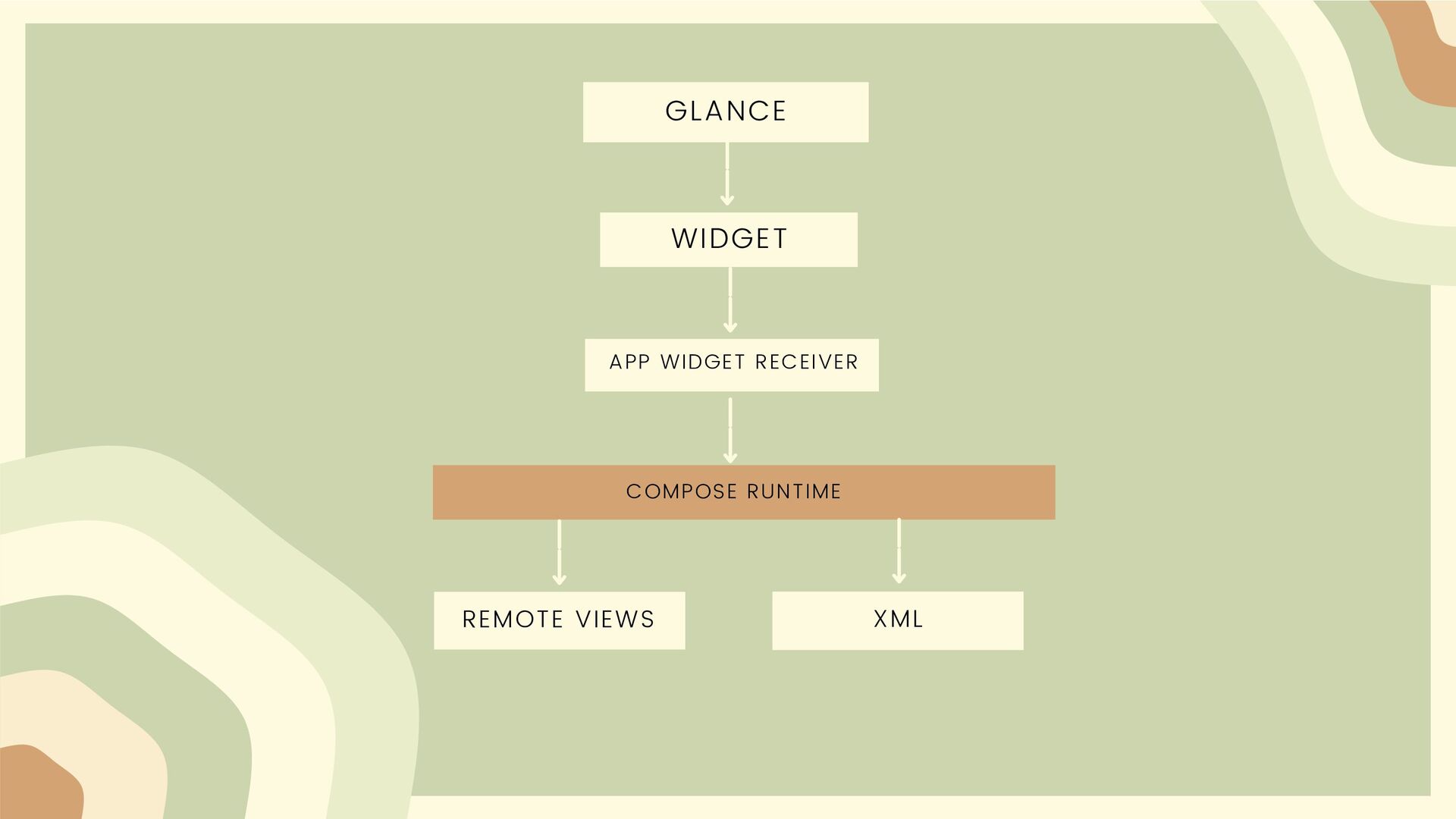
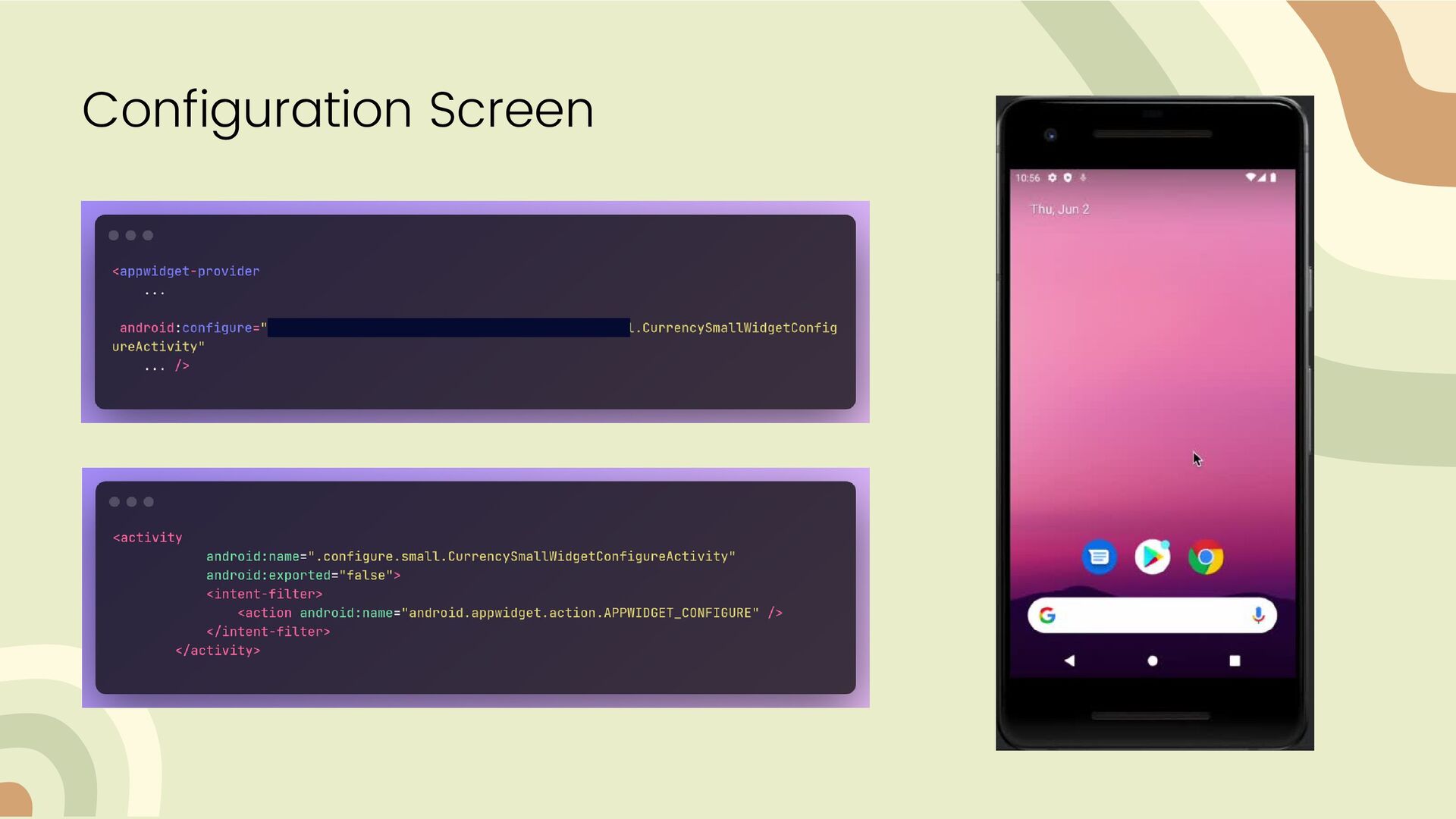
widget's "Lifecycle" AppWidgetReceiver is a simple BroadcastReciever that receives only the event broadcasts that are relevant to the widget, such as when the widget is updated, deleted, enabled, and disabled. How Android Widget Works?
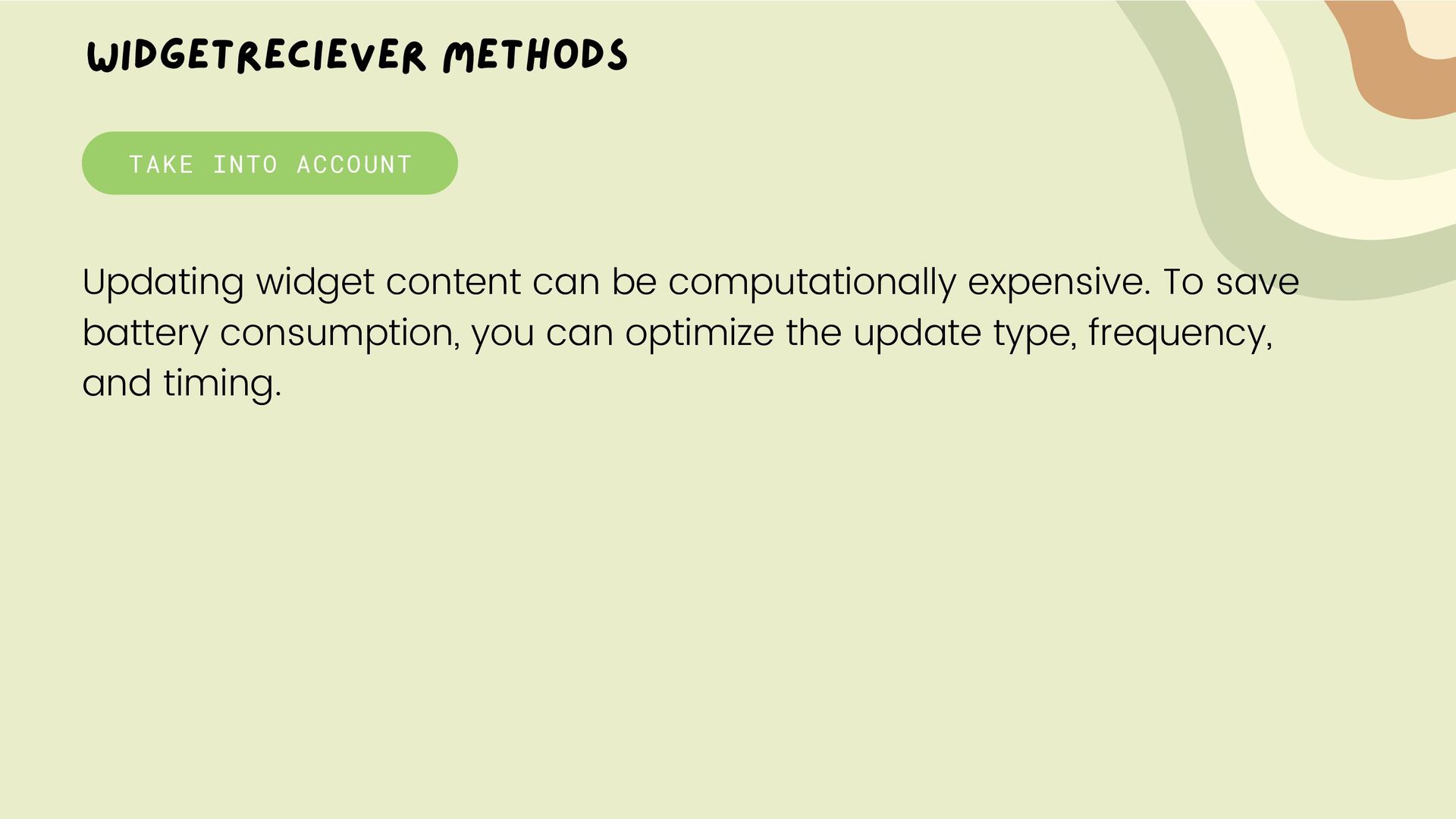
widget, so it should perform the essential setup. However, if you have declared a configuration activity without the configuration_optional flag, this method is not called when the user adds the widget, but is called for the subsequent updates. This is called to update the widget at intervals defined by the updatePeriodMillis attribute in the AppWidgetProviderInfo.
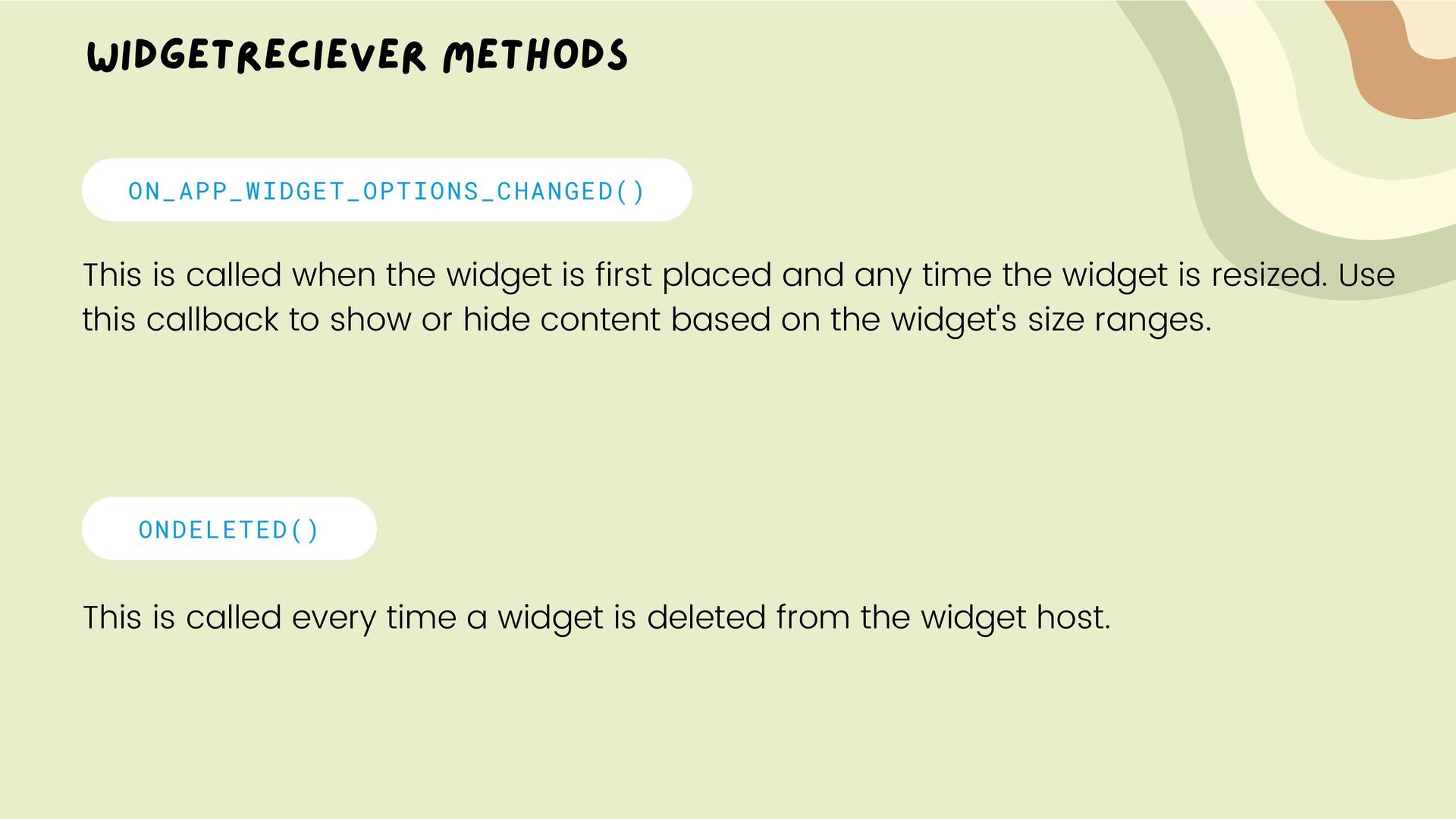
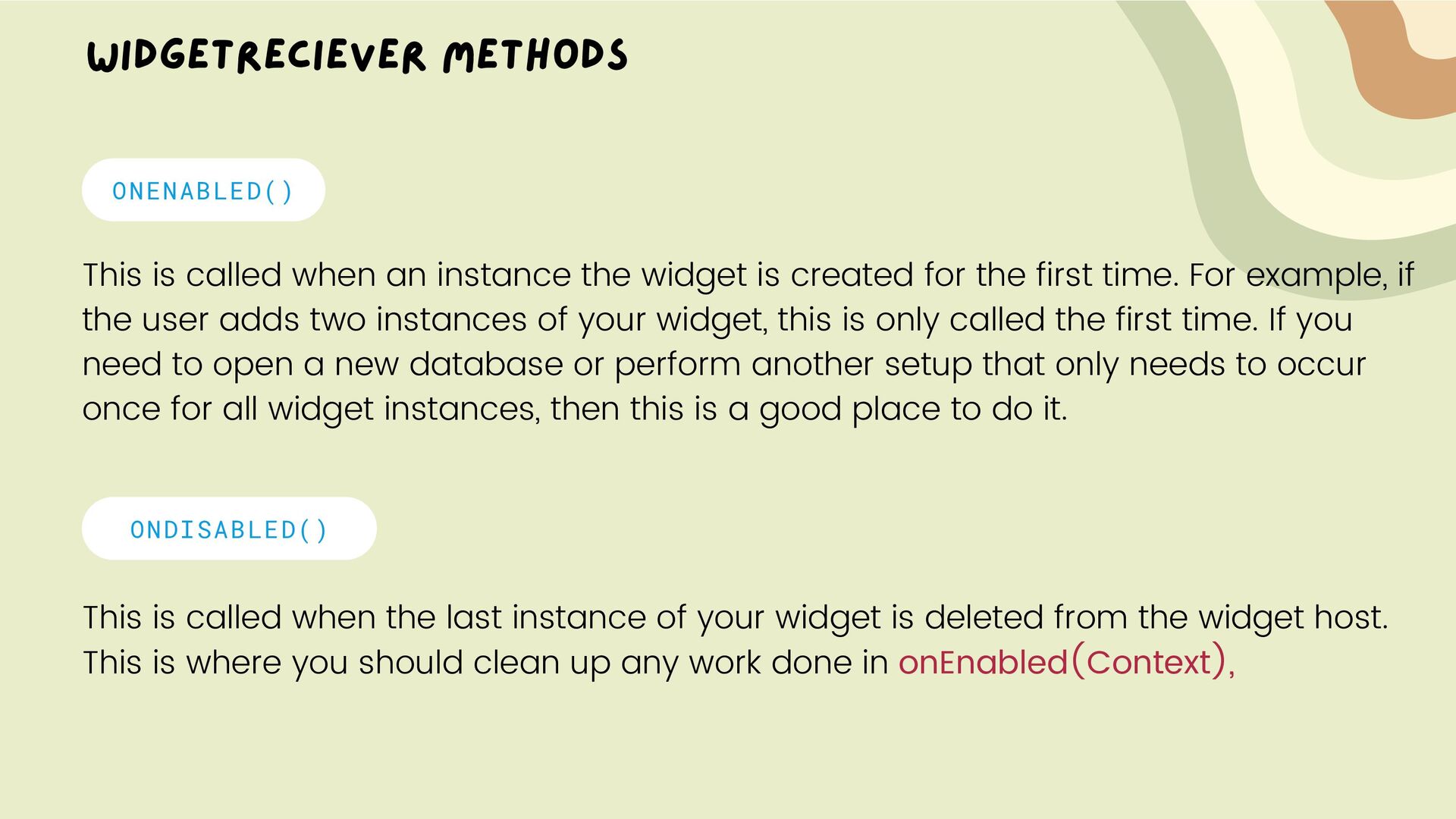
first placed and any time the widget is resized. Use this callback to show or hide content based on the widget's size ranges. ONDELETED() This is called every time a widget is deleted from the widget host.
widget is created for the first time. For example, if the user adds two instances of your widget, this is only called the first time. If you need to open a new database or perform another setup that only needs to occur once for all widget instances, then this is a good place to do it. ONDISABLED() This is called when the last instance of your widget is deleted from the widget host. This is where you should clean up any work done in onEnabled(Context),
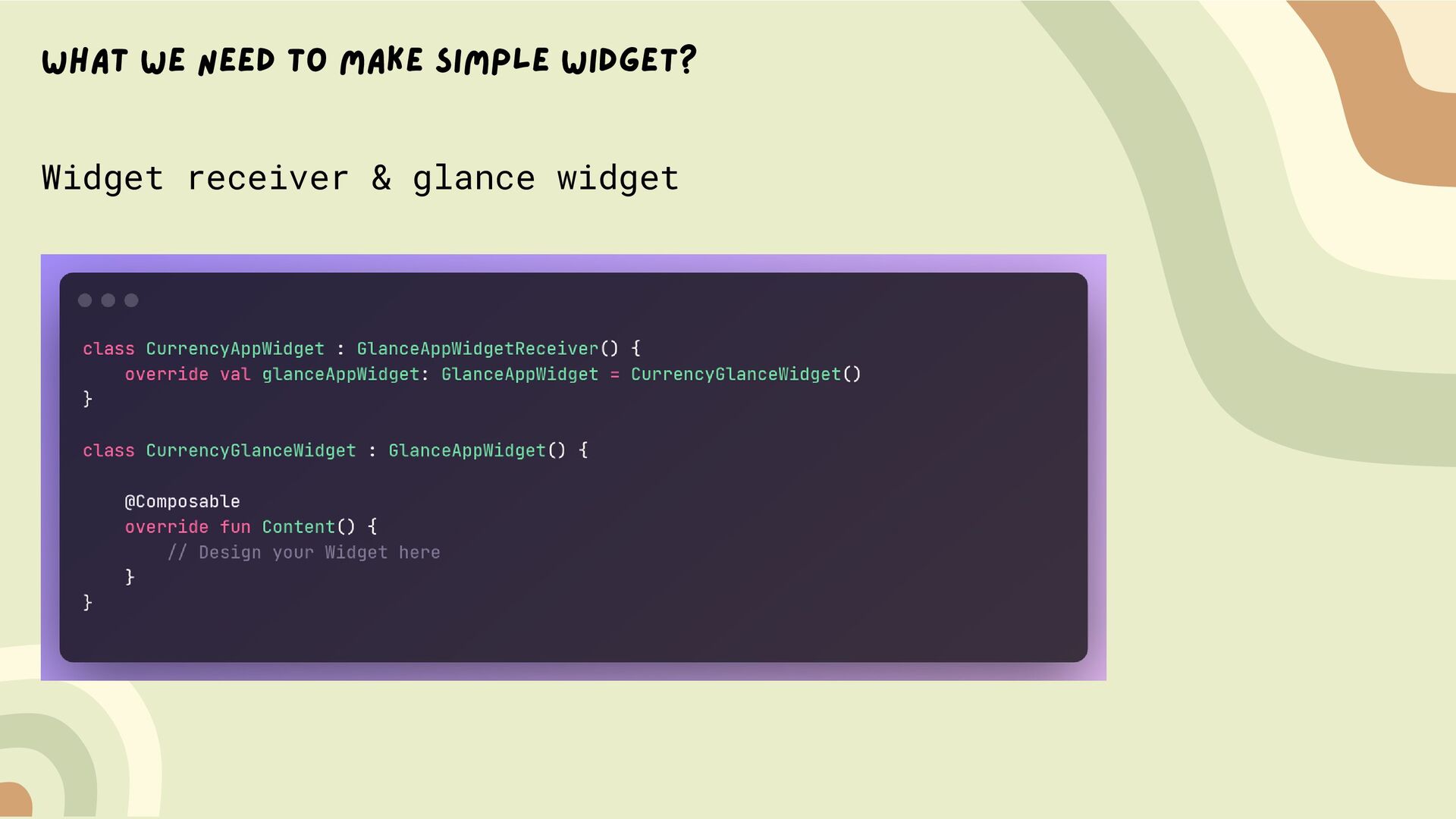
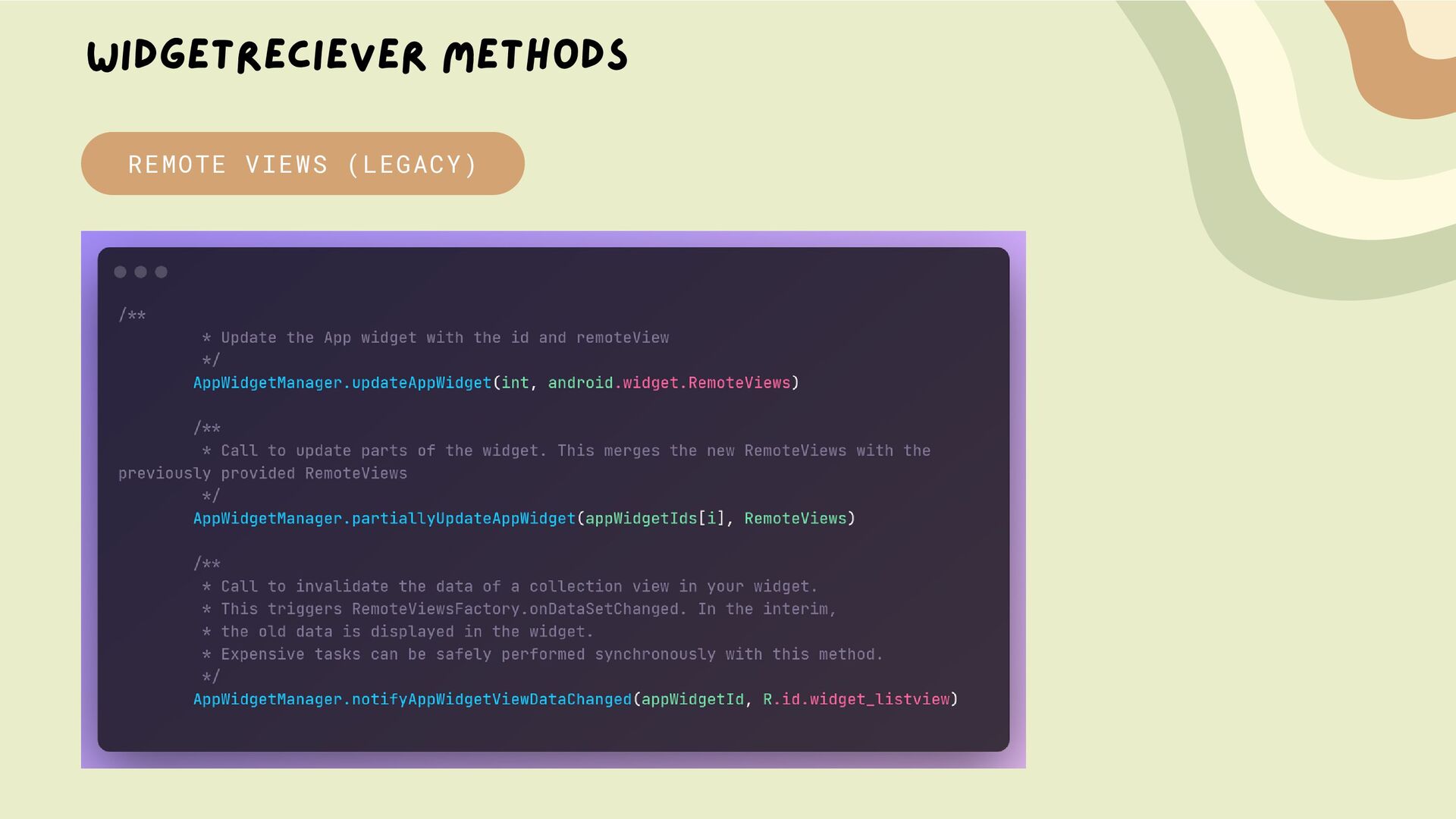
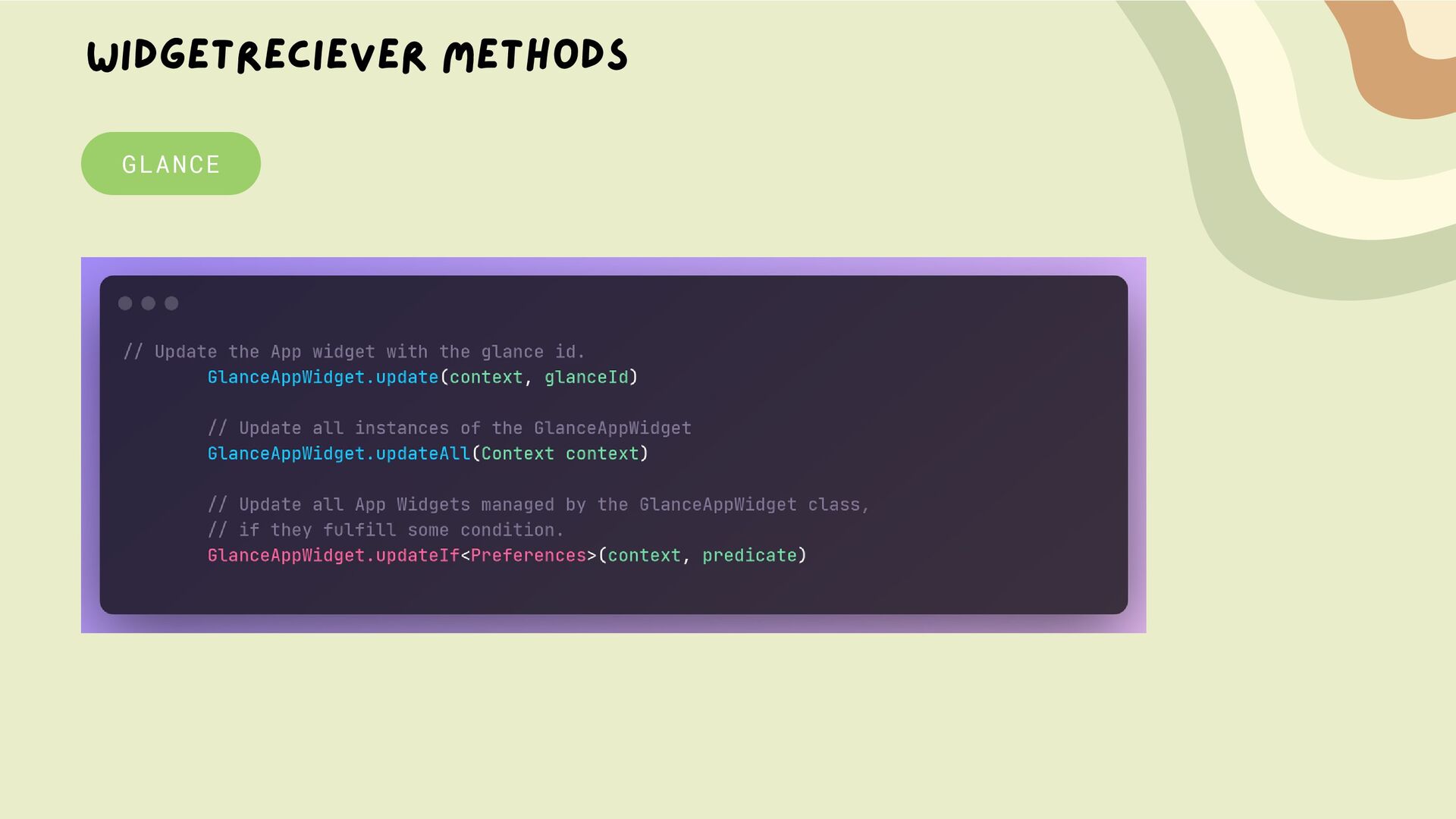
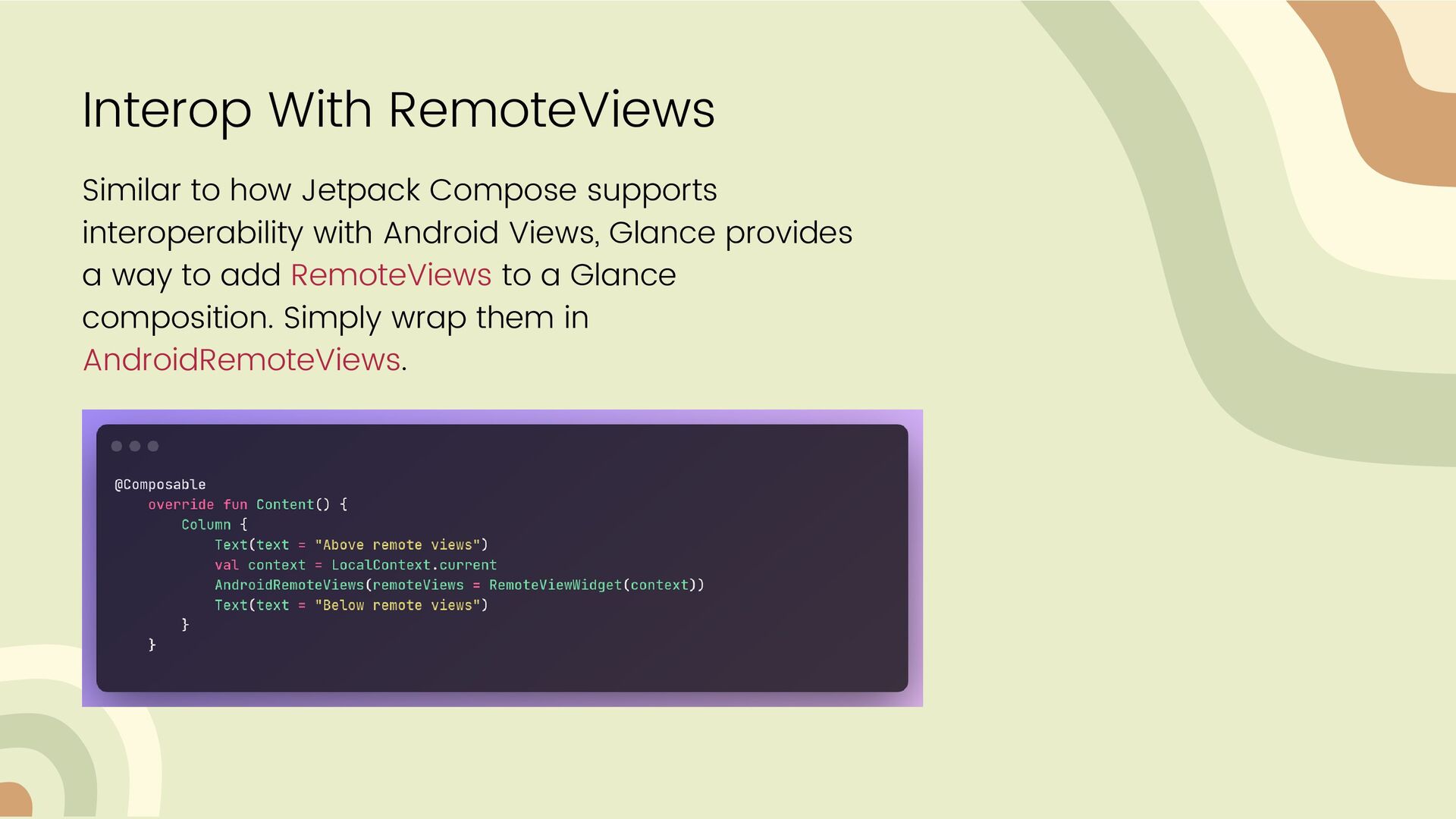
mapper bridge between compose syle code syntax and Legacy Android RemoteViews. So, we don't have composition, recomposition, sideEffects, no remember {} ...
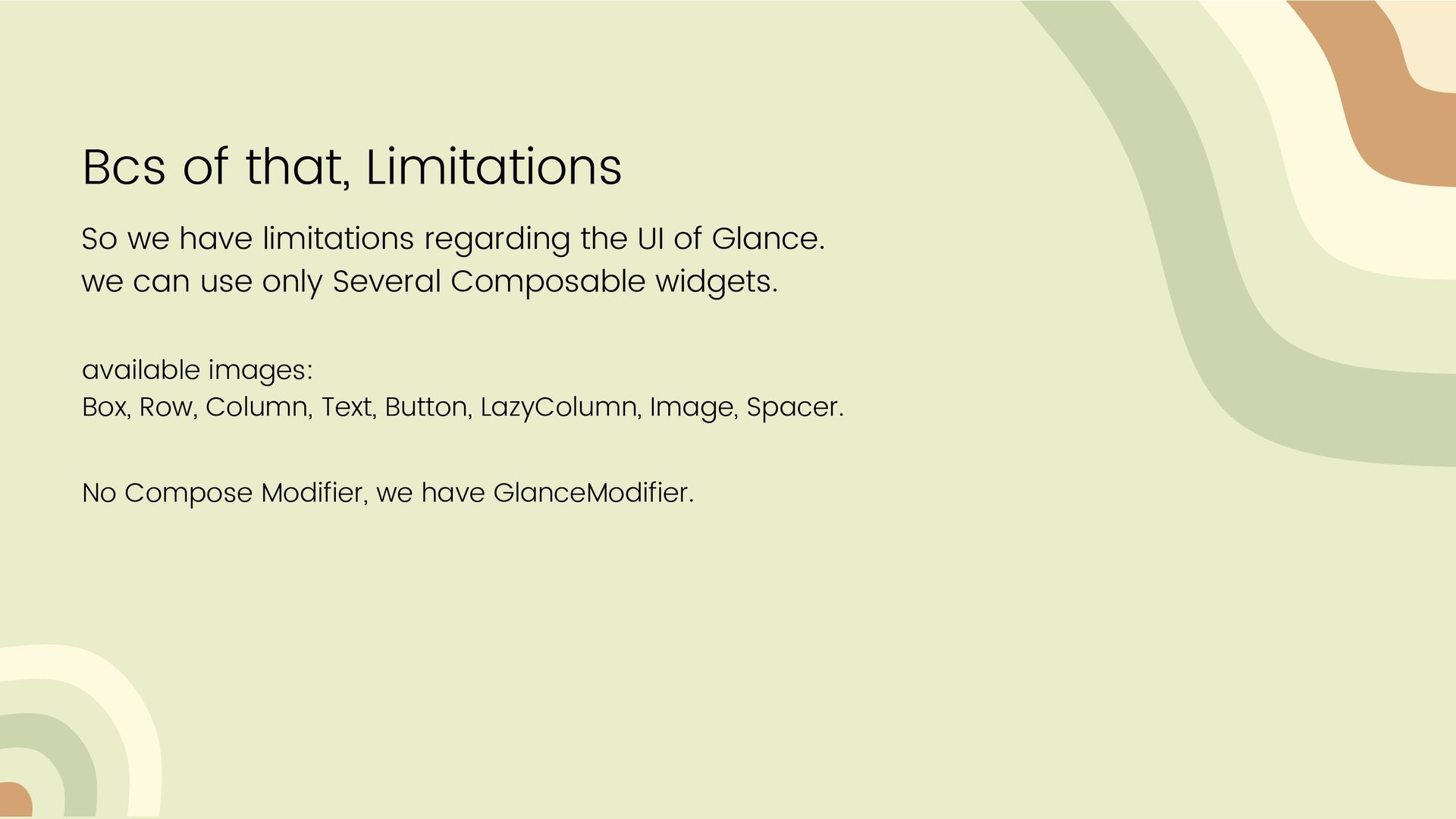
UI of Glance. we can use only Several Composable widgets. available images: Box, Row, Column, Text, Button, LazyColumn, Image, Spacer. No Compose Modifier, we have GlanceModifier.
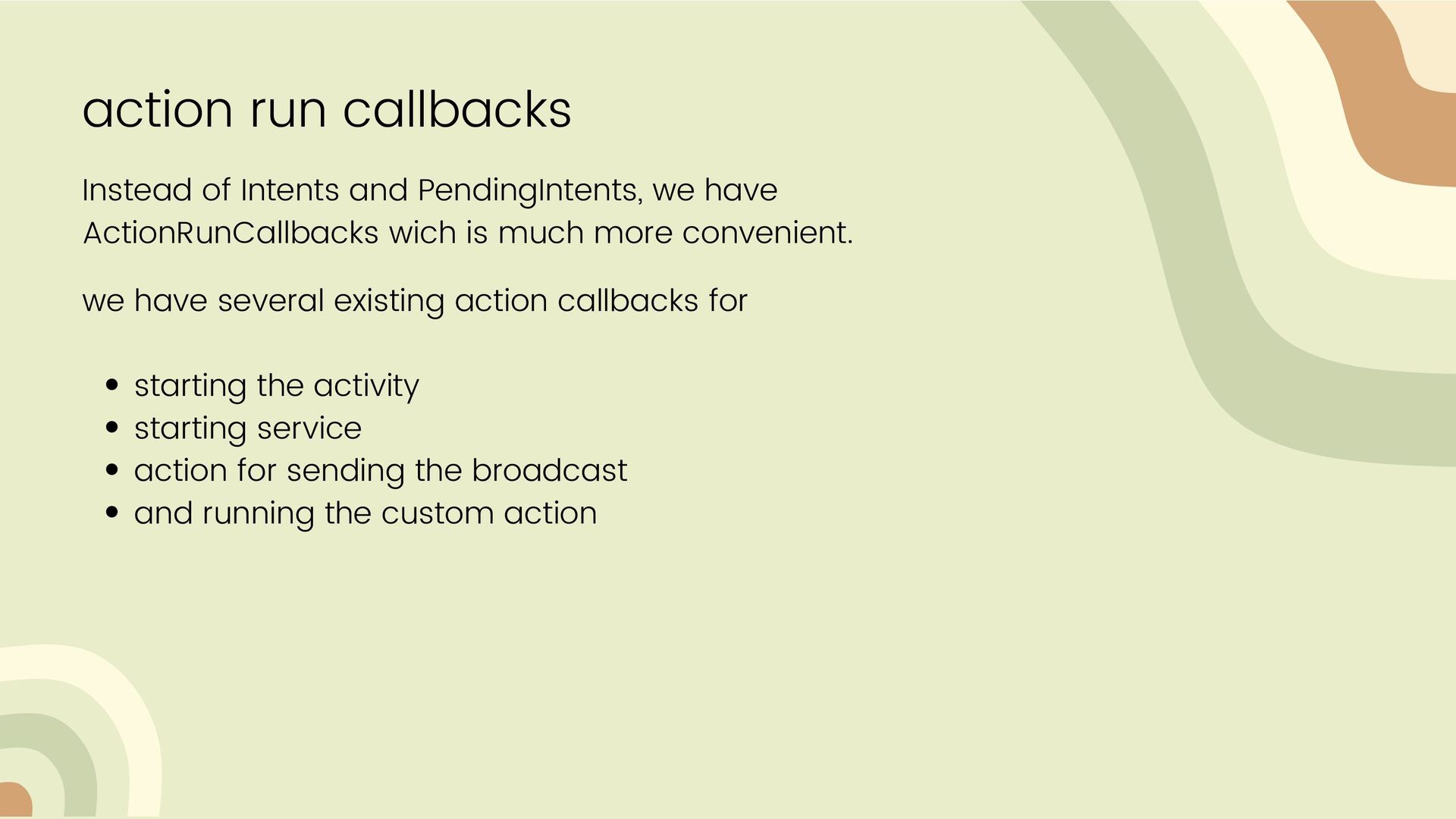
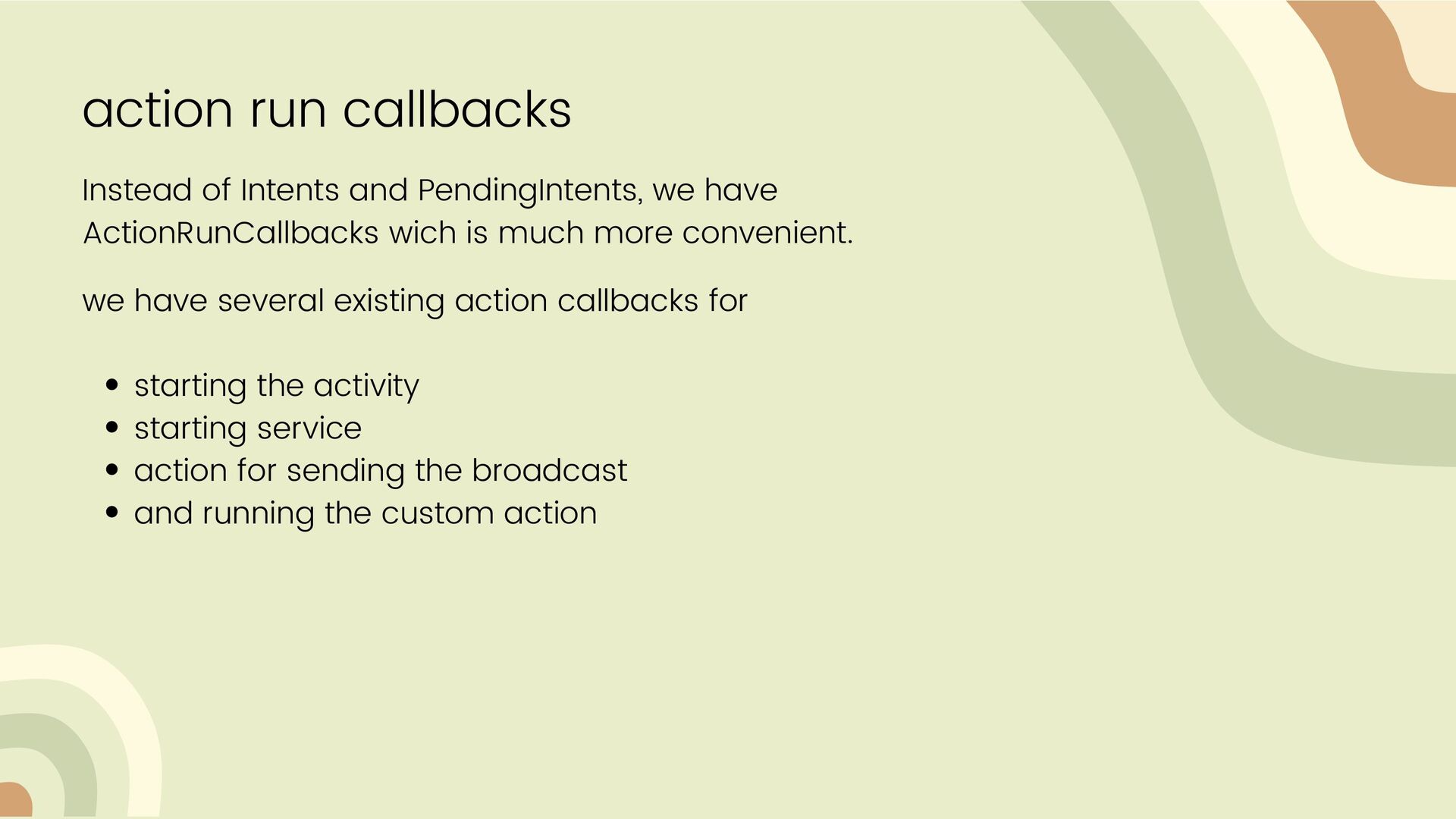
ActionRunCallbacks wich is much more convenient. starting the activity starting service action for sending the broadcast and running the custom action we have several existing action callbacks for
ActionRunCallbacks wich is much more convenient. starting the activity starting service action for sending the broadcast and running the custom action we have several existing action callbacks for
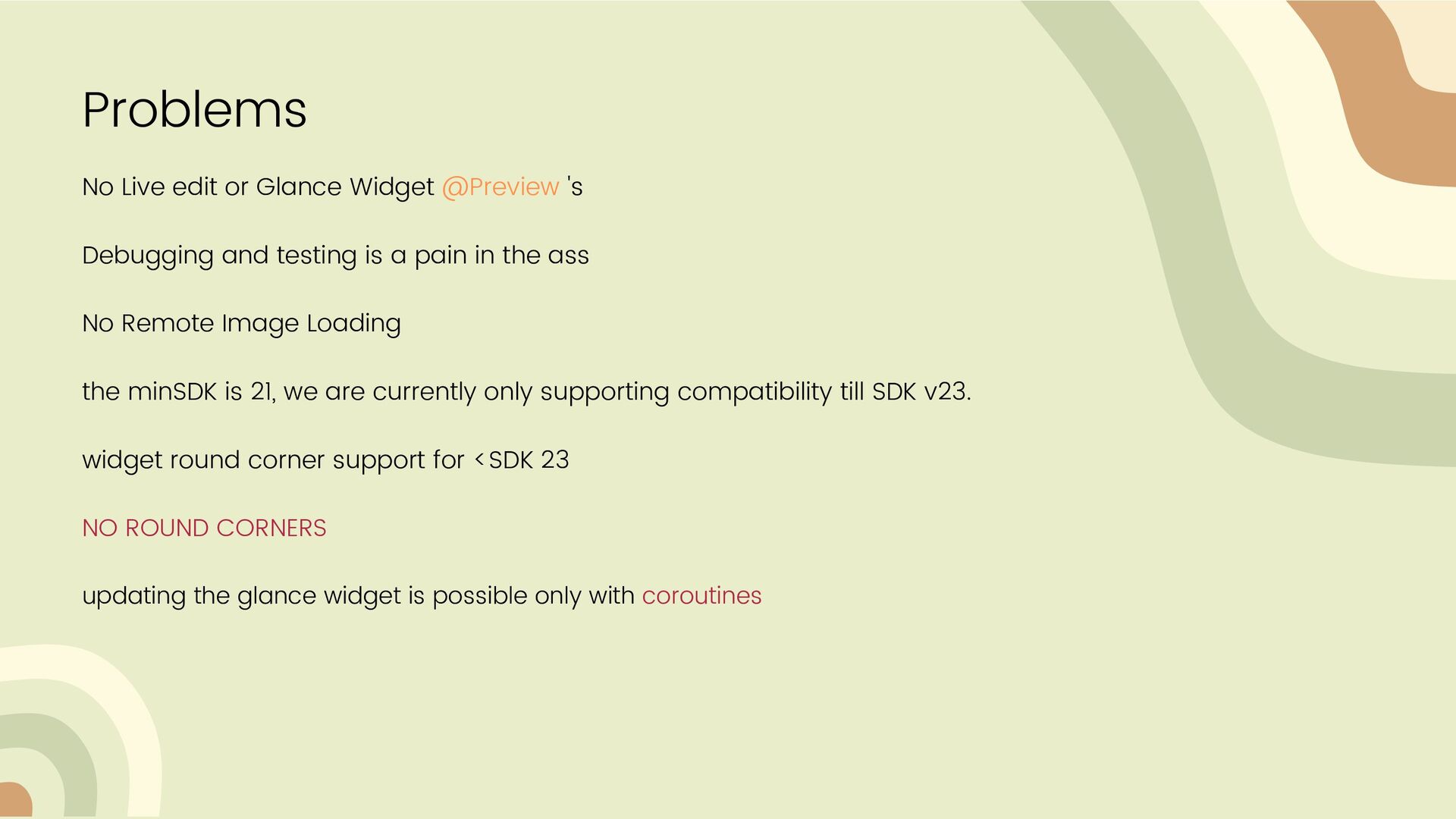
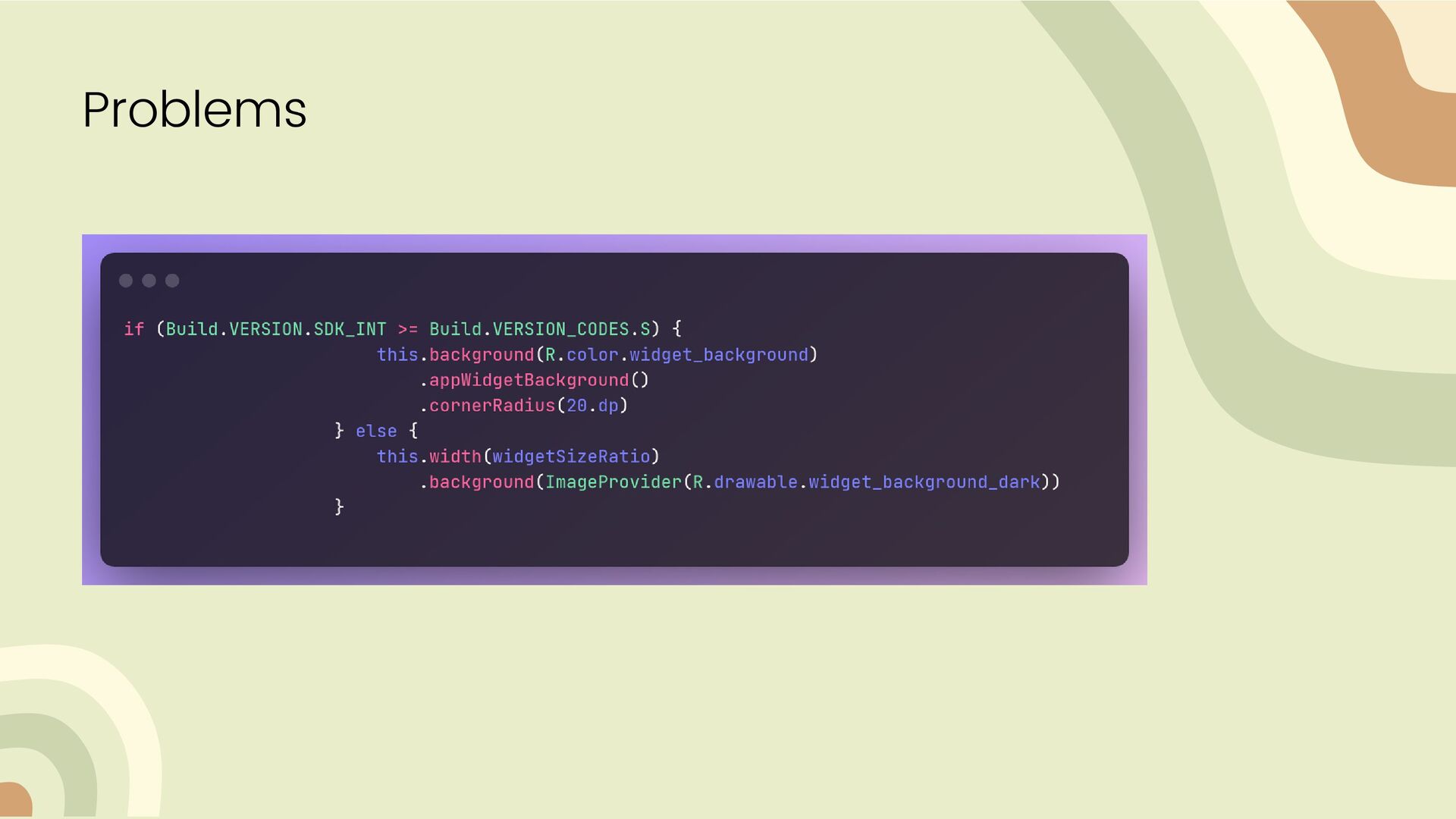
and testing is a pain in the ass No Remote Image Loading the minSDK is 21, we are currently only supporting compatibility till SDK v23. widget round corner support for <SDK 23 NO ROUND CORNERS updating the glance widget is possible only with coroutines


 onk
onk
 camiha
 ykanoh
 kenichiodo
 ivry_presentationmaterials
 occhi
occhi
 gionn
gionn
 yu23ki14
 ymotongpoo
 takanorip
 recruitengineers
 persolserverworks
 rabernat
 baasie
 jonoalderson
 morganepeng
 rakko
rakko
 hannesfritz
 tessaabrams
 aleyda
 mongodb
 marktimemedia
 productmarketing
 oripsolob