Upgrade to Pro — share decks privately, control downloads, hide ads and more …

Taming Container Chaos: A Practical Guide to Ku...

Taming Container Chaos: A Practical Guide to Kubernetes and GKE

The journey from physical servers to lightweight containers has revolutionized how we build software . But what happens when you need to deploy, update, and scale hundreds of containers without downtime ?
In this session, we will demystify Kubernetes, exploring its core objects and control plane architecture. We will then dive into Google Kubernetes Engine (GKE) , exploring how its managed capabilities and Autopilot mode provide a "serverless" Kubernetes experience. Complete with live demos , this talk will equip you with the knowledge to leverage best-in-class scaling and deep integration with Google Cloud services.

Avatar for Patrick Eichler

Patrick Eichler

June 26, 2026

More Decks by Patrick Eichler

Other Decks in Technology

Transcript

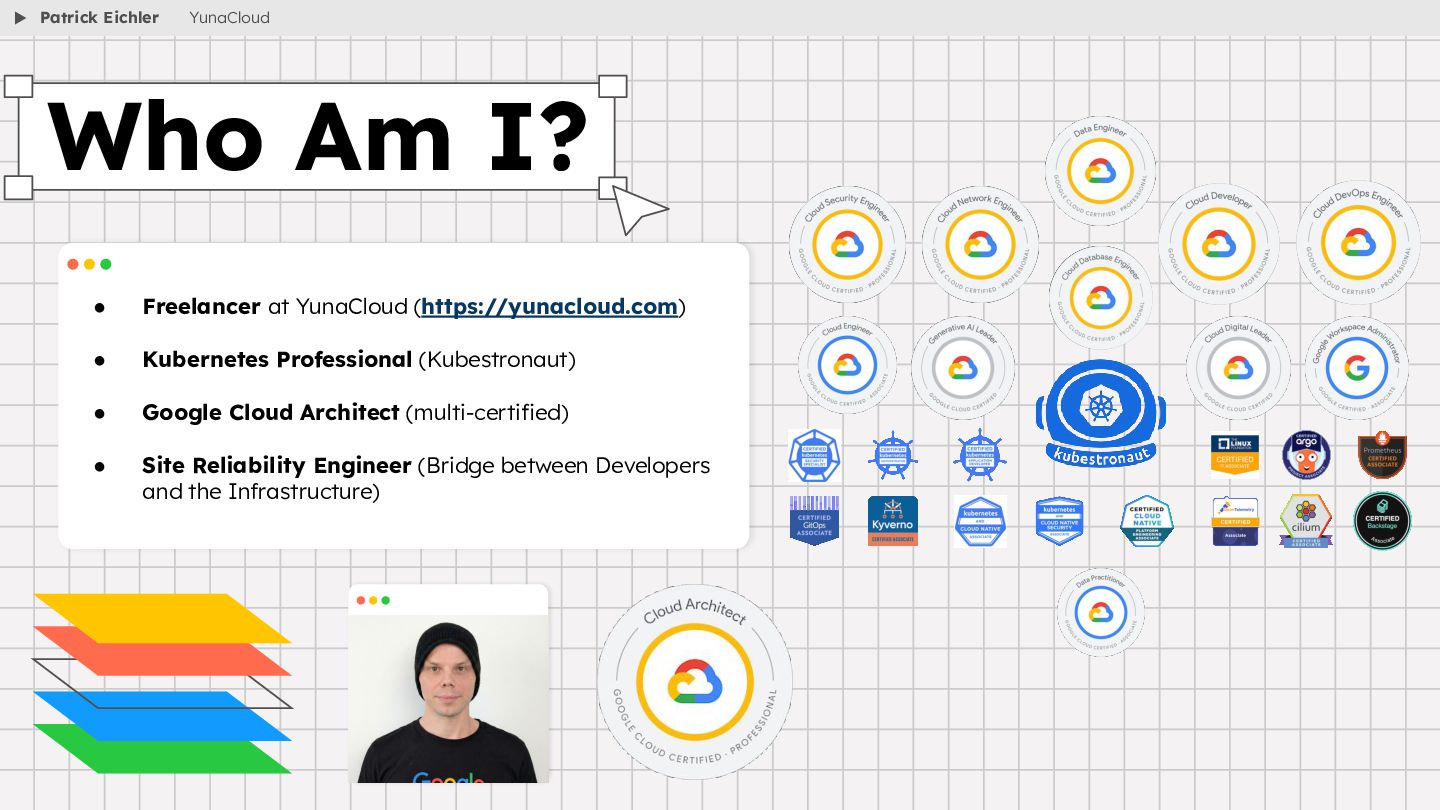
  1. • Freelancer at YunaCloud (https://yunacloud.com) • Kubernetes Professional (Kubestronaut) •

    Google Cloud Architect (multi-certified) • Site Reliability Engineer (Bridge between Developers and the Infrastructure) Who Am I? Patrick Eichler YunaCloud
  2. • Docker (Windows): https://docs.docker.com/desktop/setup/install/windows-install/ • Docker (MacOs): https://docs.docker.com/desktop/setup/install/mac-install/ • Kind:

    https://kind.sigs.k8s.io/docs/user/quick-start/#installation • Git Repository: https://github.com/YunaCloud-IT/academy • Kubectl Cheat Sheet: https://kubernetes.io/docs/reference/kubectl/quick-reference/ Requirements Patrick Eichler YunaCloud
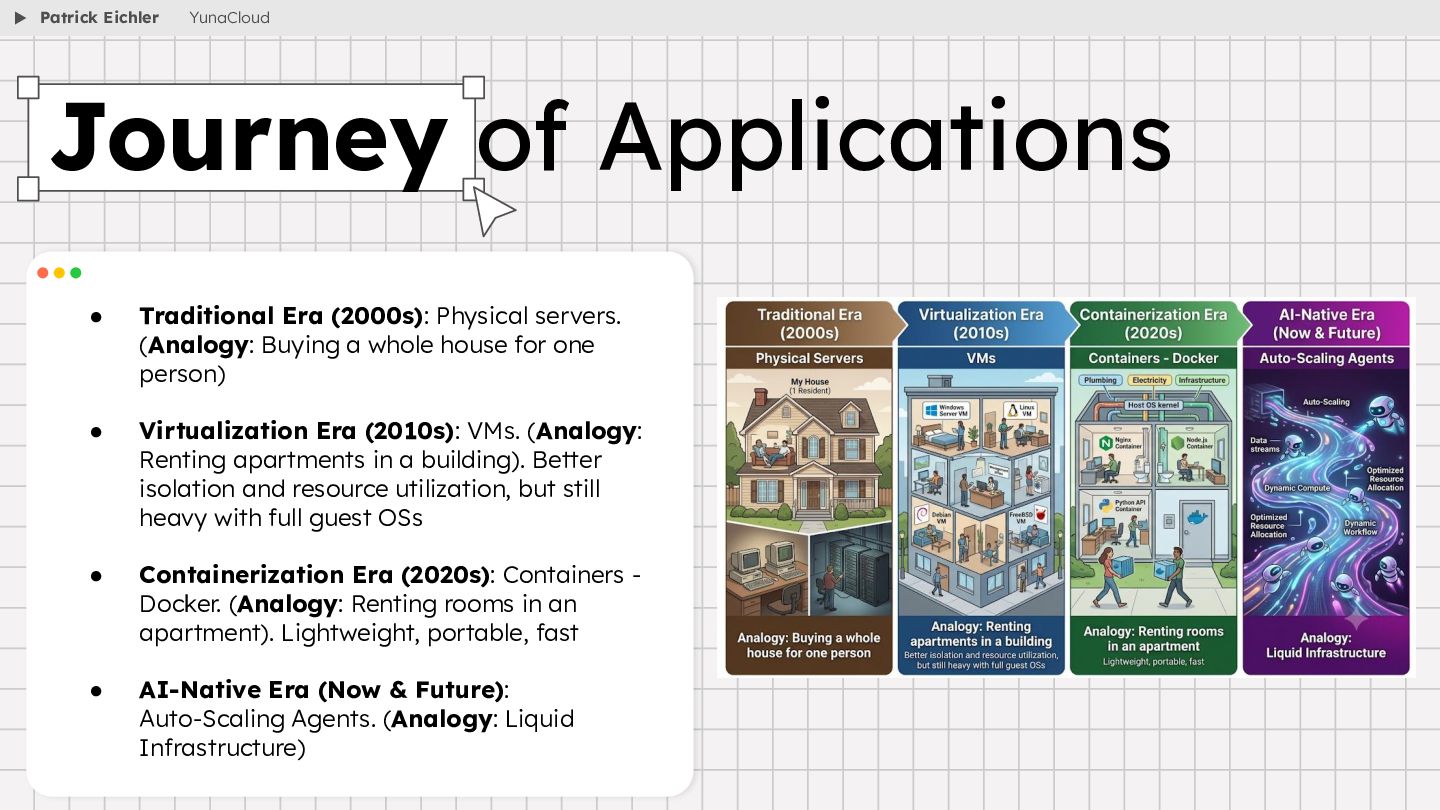
  3. • Traditional Era (2000s): Physical servers. (Analogy: Buying a whole

    house for one person) • Virtualization Era (2010s): VMs. (Analogy: Renting apartments in a building). Better isolation and resource utilization, but still heavy with full guest OSs • Containerization Era (2020s): Containers - Docker. (Analogy: Renting rooms in an apartment). Lightweight, portable, fast • AI-Native Era (Now & Future): Auto-Scaling Agents. (Analogy: Liquid Infrastructure) Journey of Applications Patrick Eichler YunaCloud
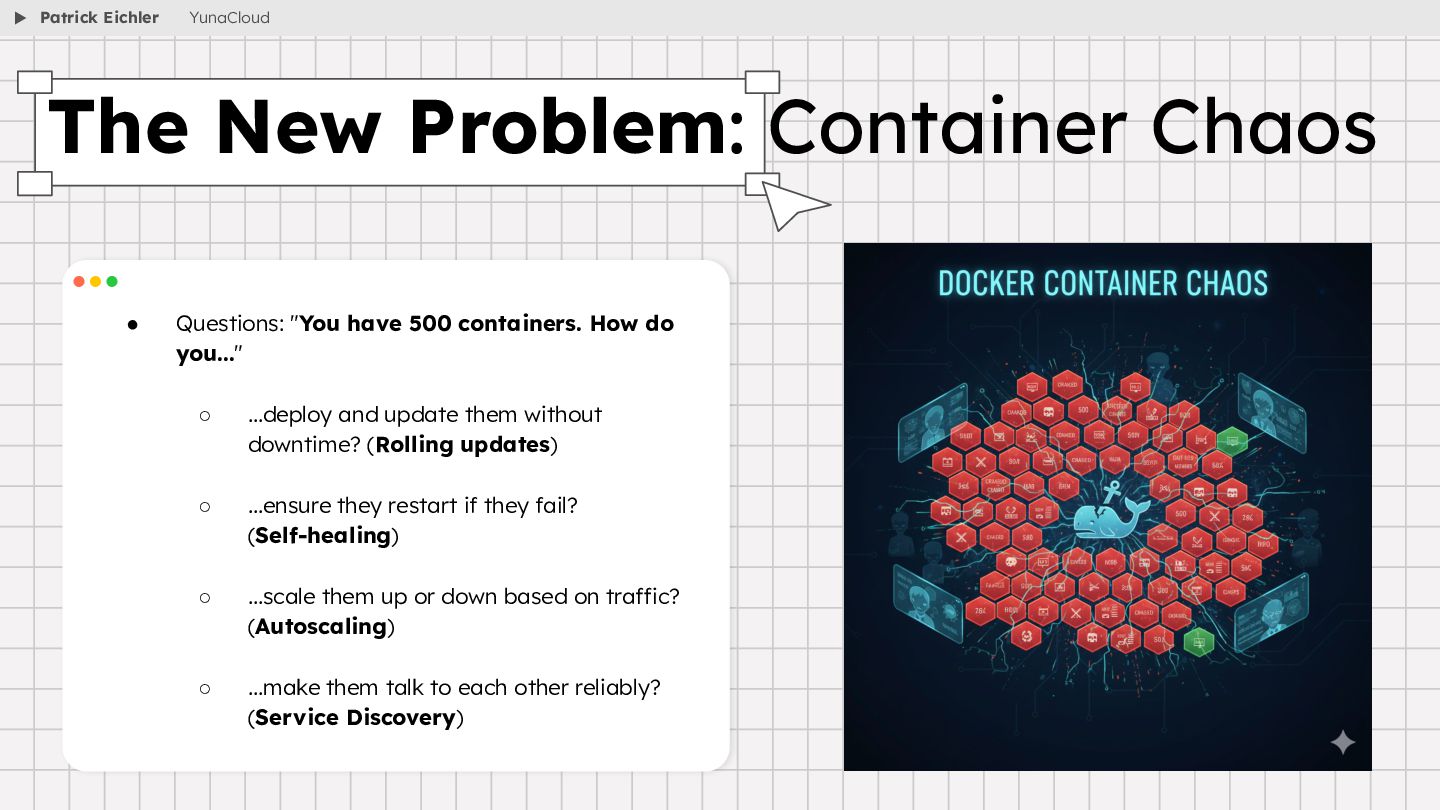
  4. • Questions: "You have 500 containers. How do you..." ◦

    ...deploy and update them without downtime? (Rolling updates) ◦ ...ensure they restart if they fail? (Self-healing) ◦ ...scale them up or down based on traffic? (Autoscaling) ◦ ...make them talk to each other reliably? (Service Discovery) The New Problem: Container Chaos Patrick Eichler YunaCloud
  5. • Open-source platform for managing containerized workloads and services •

    Stewardship by the CNCF (Cloud Native Computing Foundation) • Makes it easy to orchestrate many containers on many hosts, scale them as microservices, and deploy rollouts and rollbacks • Is a set of APIs to deploy containers on a set of nodes called a cluster • Divided into a set of primary components that run as the control plane and a set of nodes that run containers • You can describe a set of applications and how they should interact with each other and Kubernetes figures how to make that happen What is Kubernetes? Patrick Eichler YunaCloud
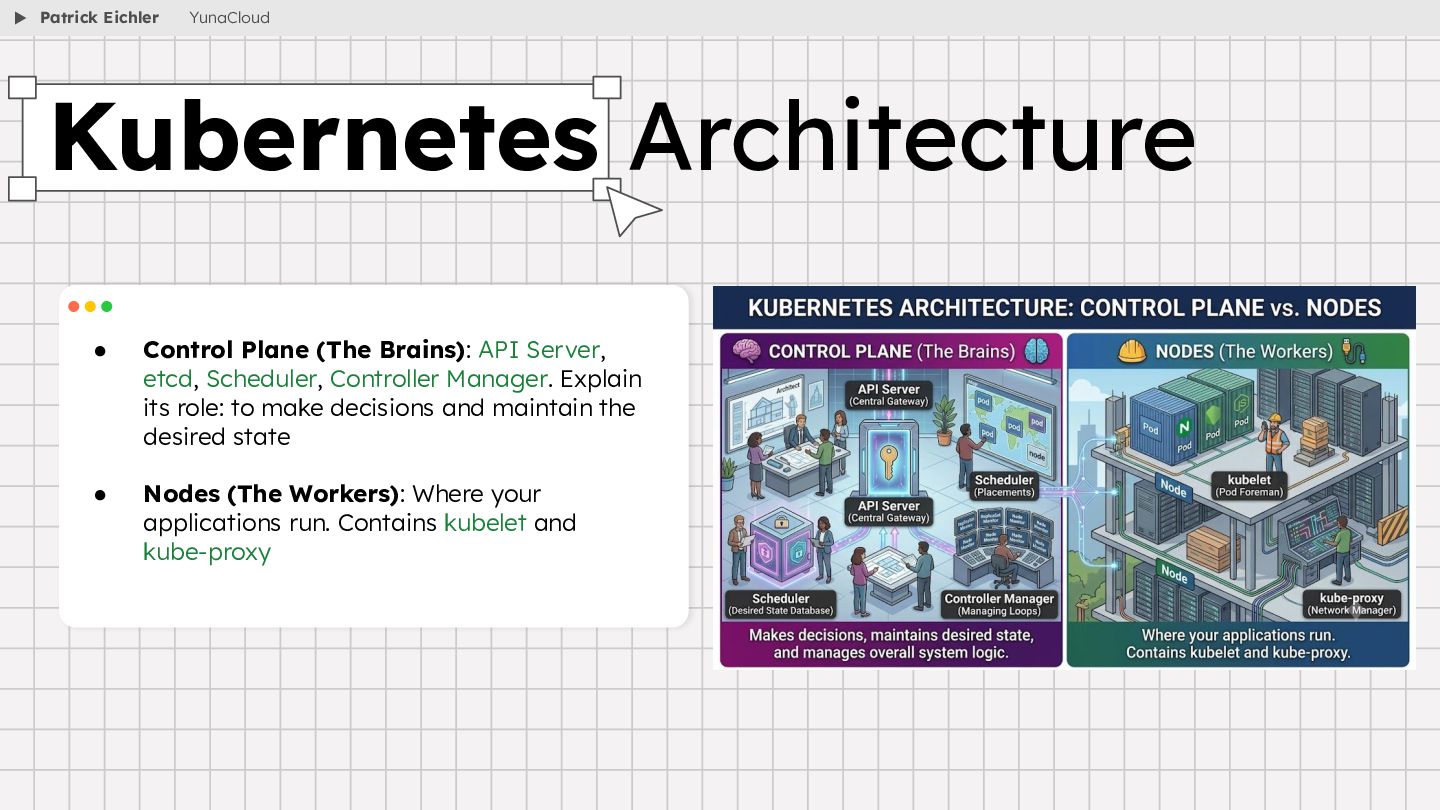
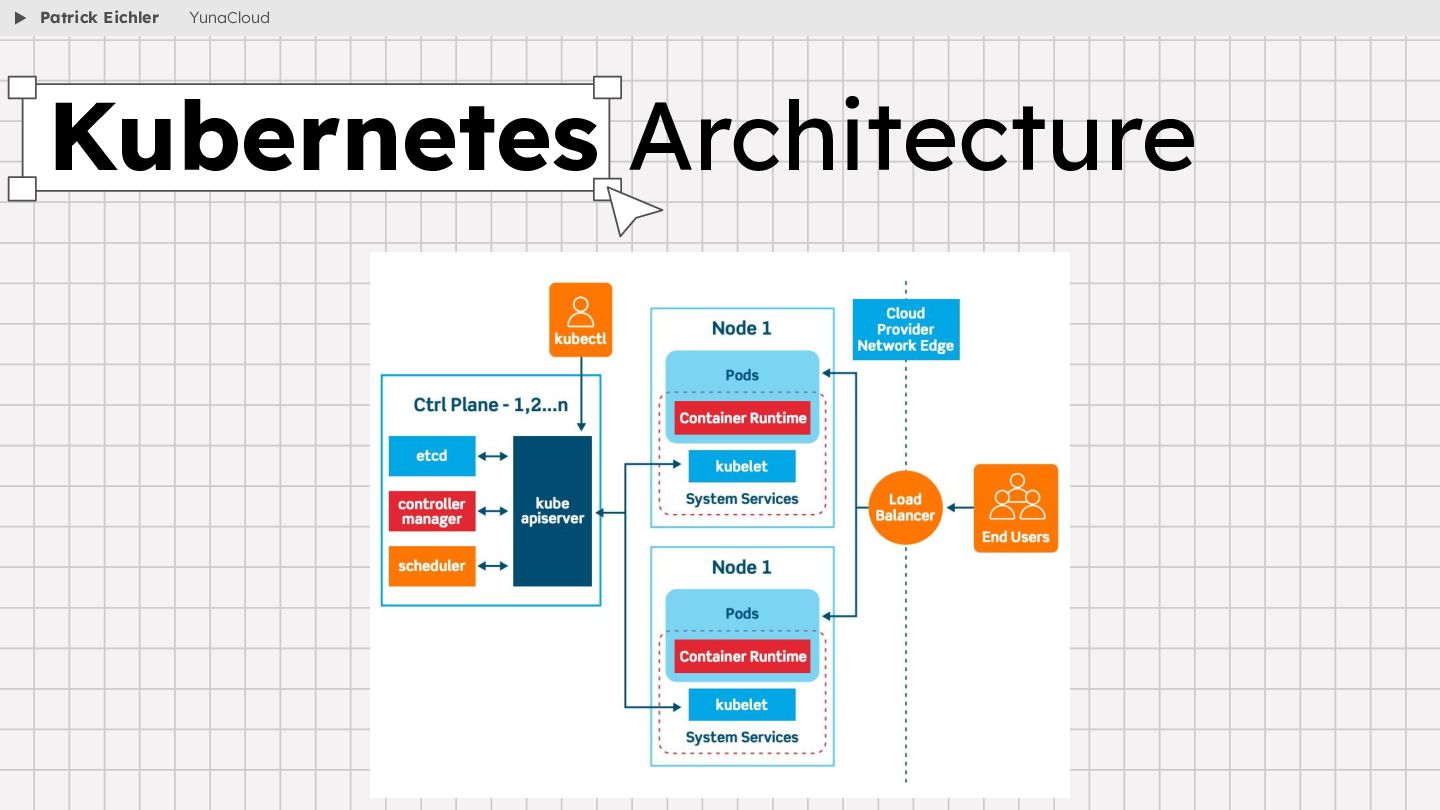
  6. • Control Plane (The Brains): API Server, etcd, Scheduler, Controller

    Manager. Explain its role: to make decisions and maintain the desired state • Nodes (The Workers): Where your applications run. Contains kubelet and kube-proxy Kubernetes Architecture Patrick Eichler YunaCloud
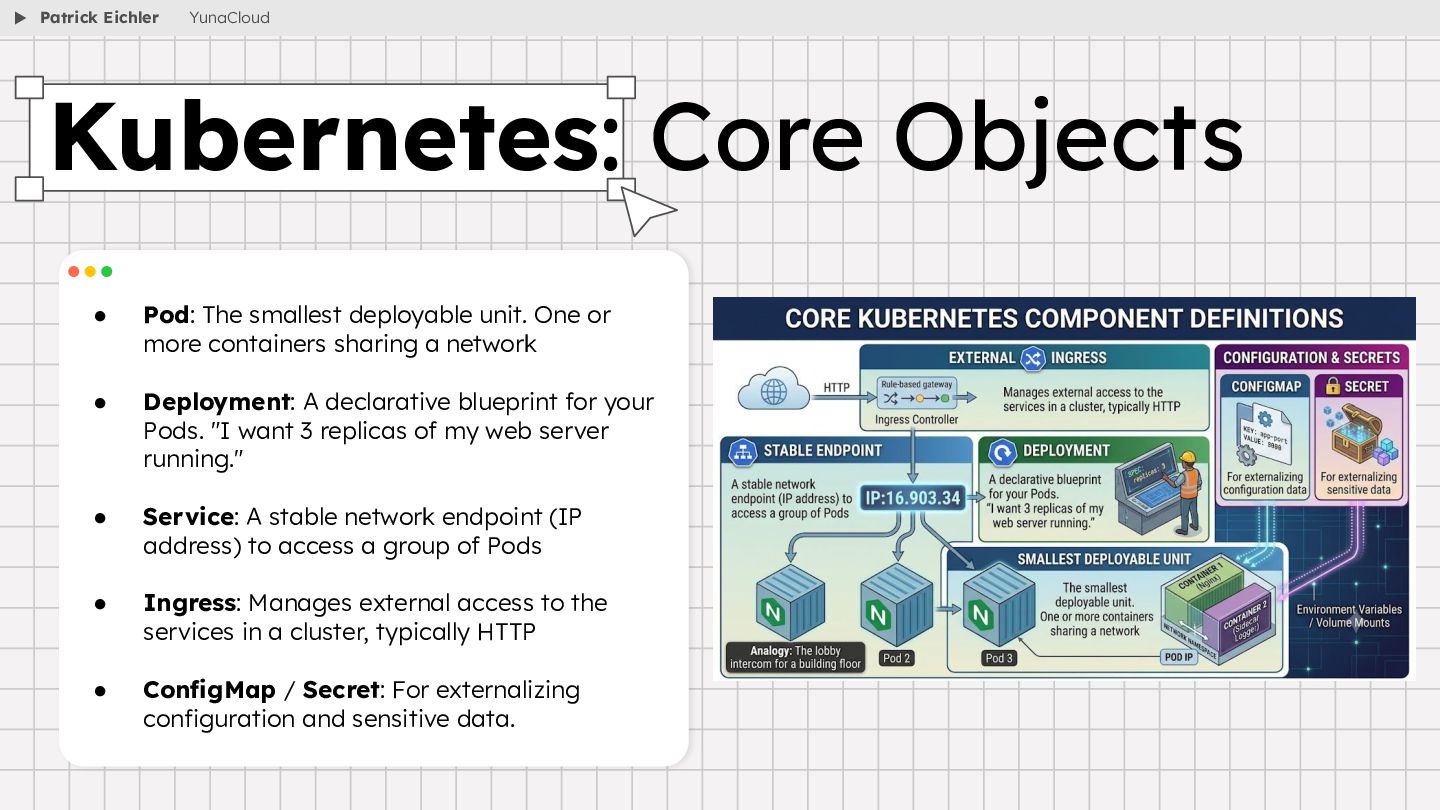
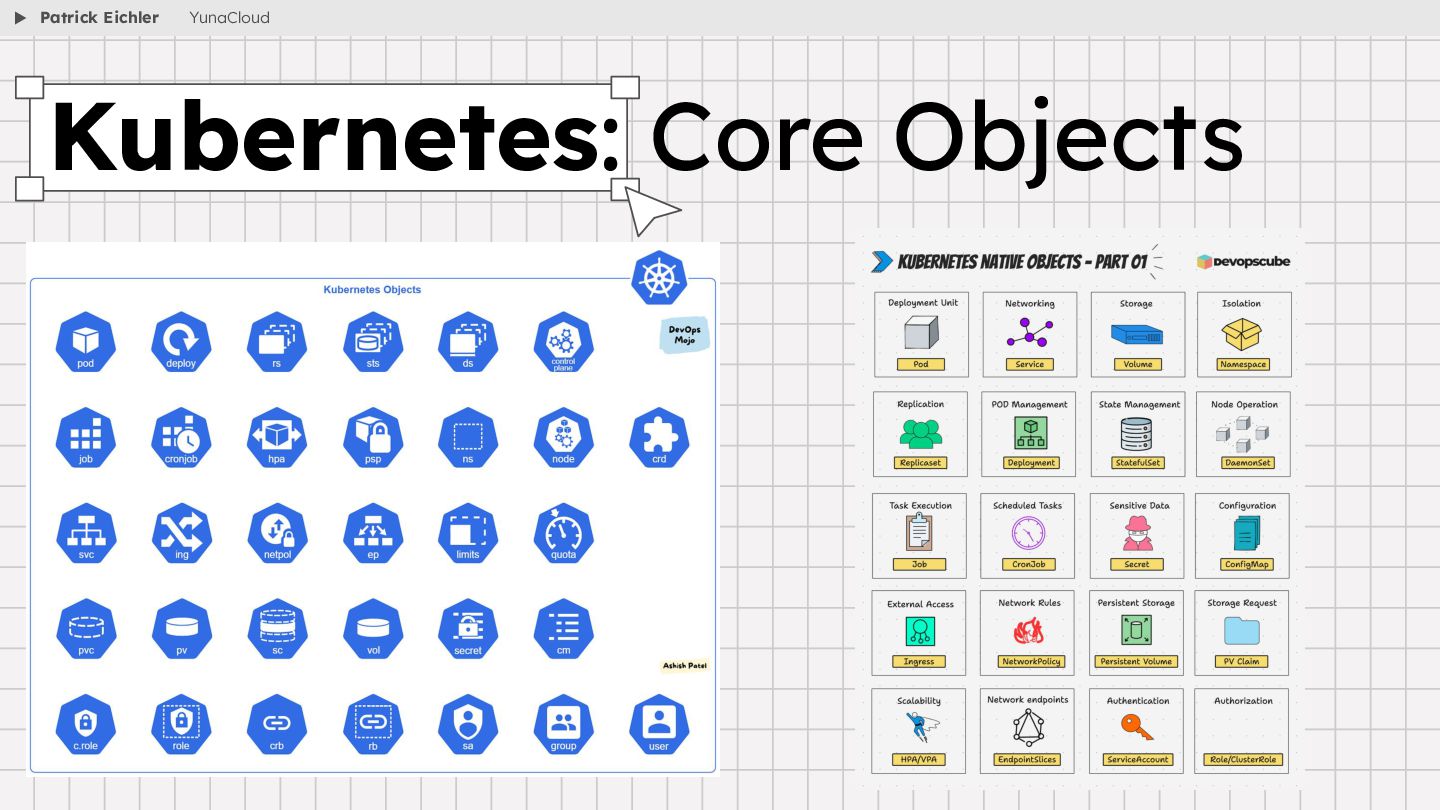
  7. • Pod: The smallest deployable unit. One or more containers

    sharing a network • Deployment: A declarative blueprint for your Pods. "I want 3 replicas of my web server running." • Service: A stable network endpoint (IP address) to access a group of Pods • Ingress: Manages external access to the services in a cluster, typically HTTP • ConfigMap / Secret: For externalizing configuration and sensitive data. Kubernetes: Core Objects Patrick Eichler YunaCloud
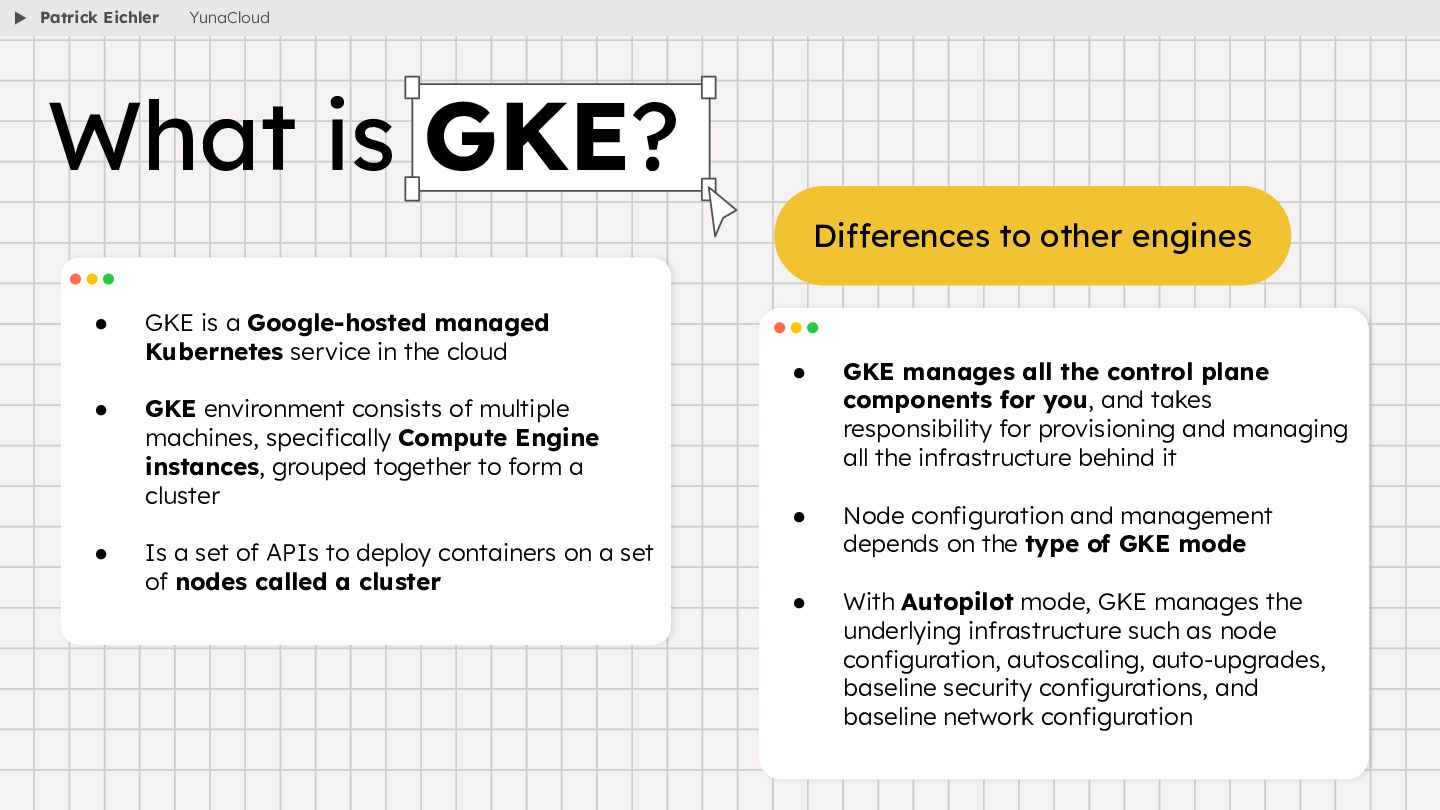
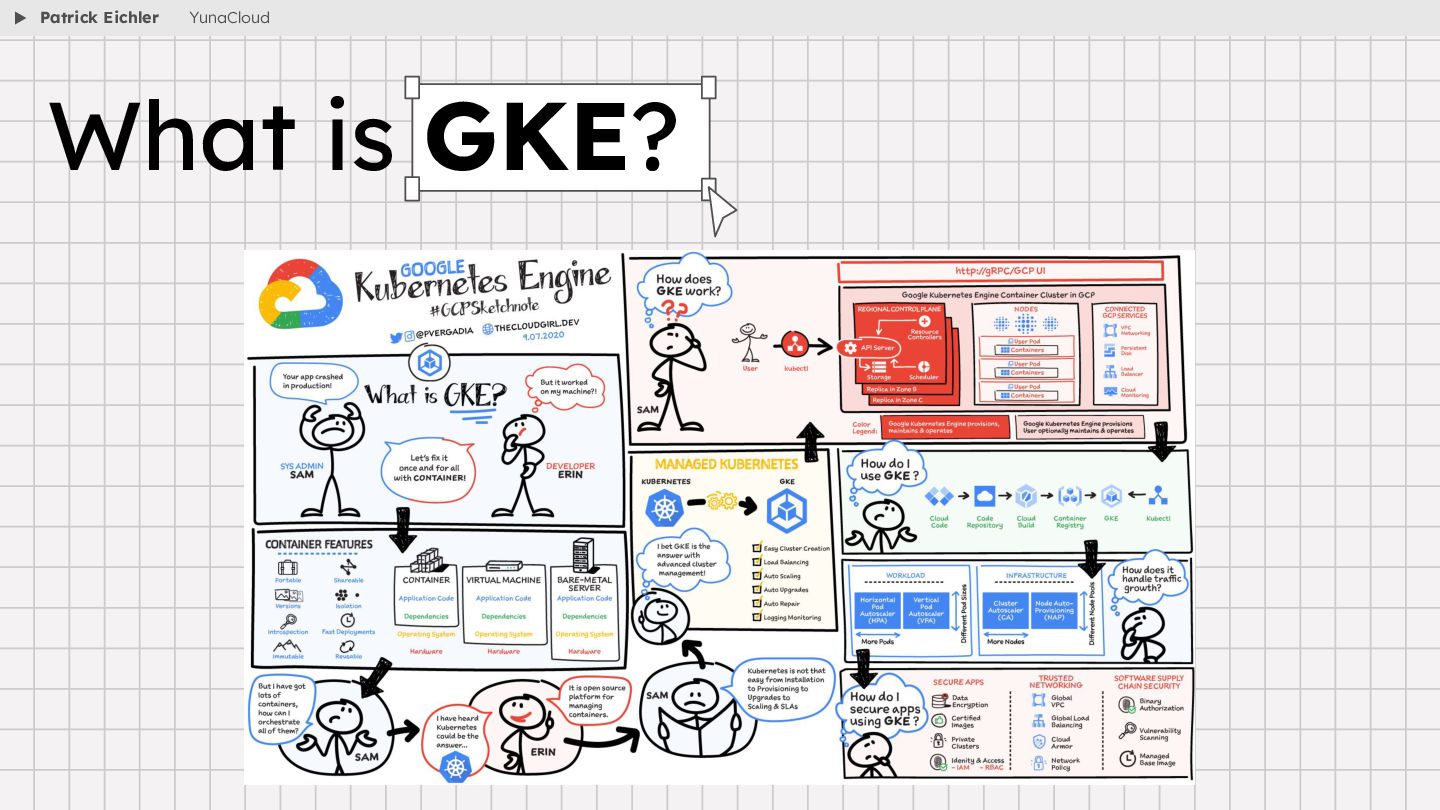
  8. • GKE is a Google-hosted managed Kubernetes service in the

    cloud • GKE environment consists of multiple machines, specifically Compute Engine instances, grouped together to form a cluster • Is a set of APIs to deploy containers on a set of nodes called a cluster • GKE manages all the control plane components for you, and takes responsibility for provisioning and managing all the infrastructure behind it • Node configuration and management depends on the type of GKE mode • With Autopilot mode, GKE manages the underlying infrastructure such as node configuration, autoscaling, auto-upgrades, baseline security configurations, and baseline network configuration What is GKE? Differences to other engines Patrick Eichler YunaCloud
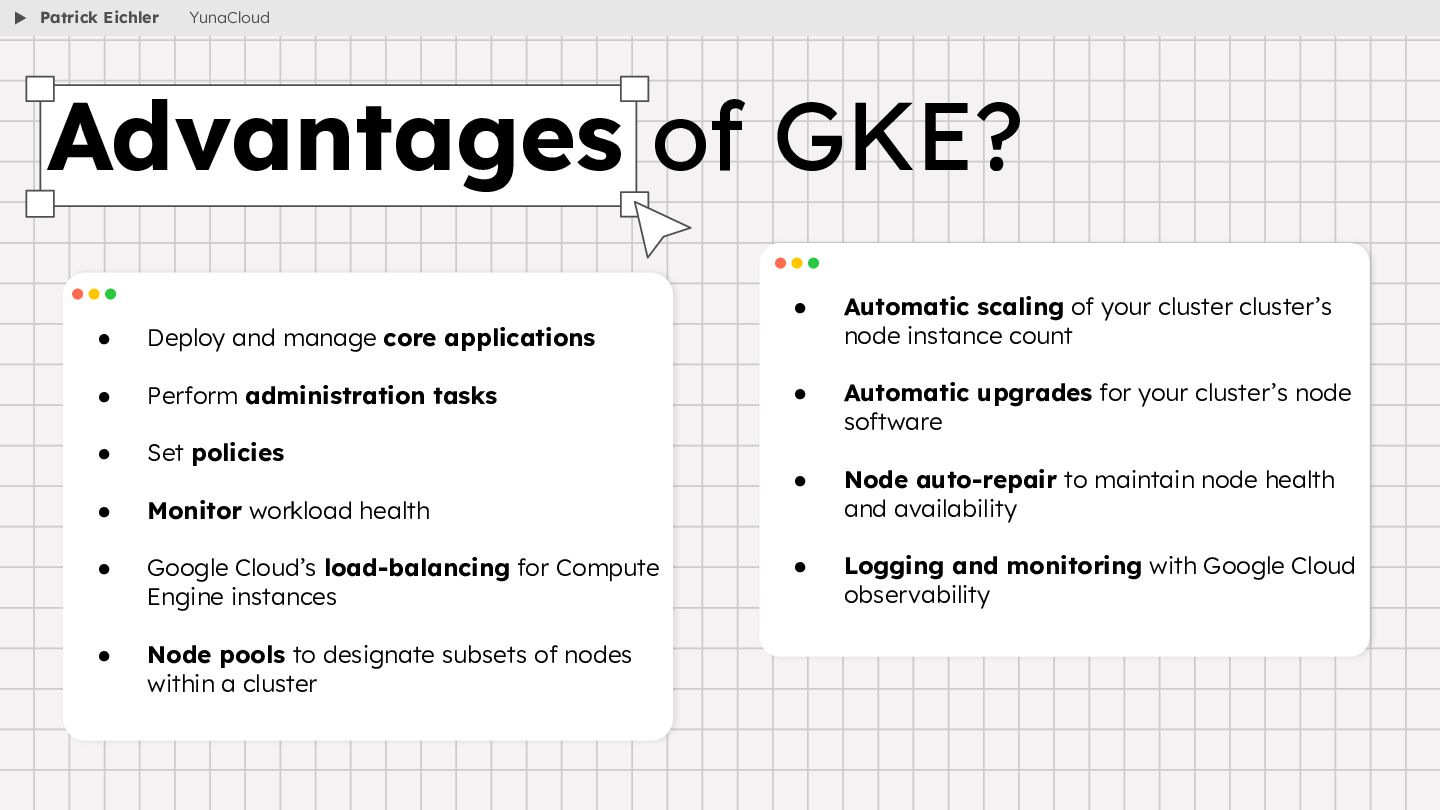
  9. • Deploy and manage core applications • Perform administration tasks

    • Set policies • Monitor workload health • Google Cloud’s load-balancing for Compute Engine instances • Node pools to designate subsets of nodes within a cluster • Automatic scaling of your cluster cluster’s node instance count • Automatic upgrades for your cluster’s node software • Node auto-repair to maintain node health and availability • Logging and monitoring with Google Cloud observability Advantages of GKE? Patrick Eichler YunaCloud
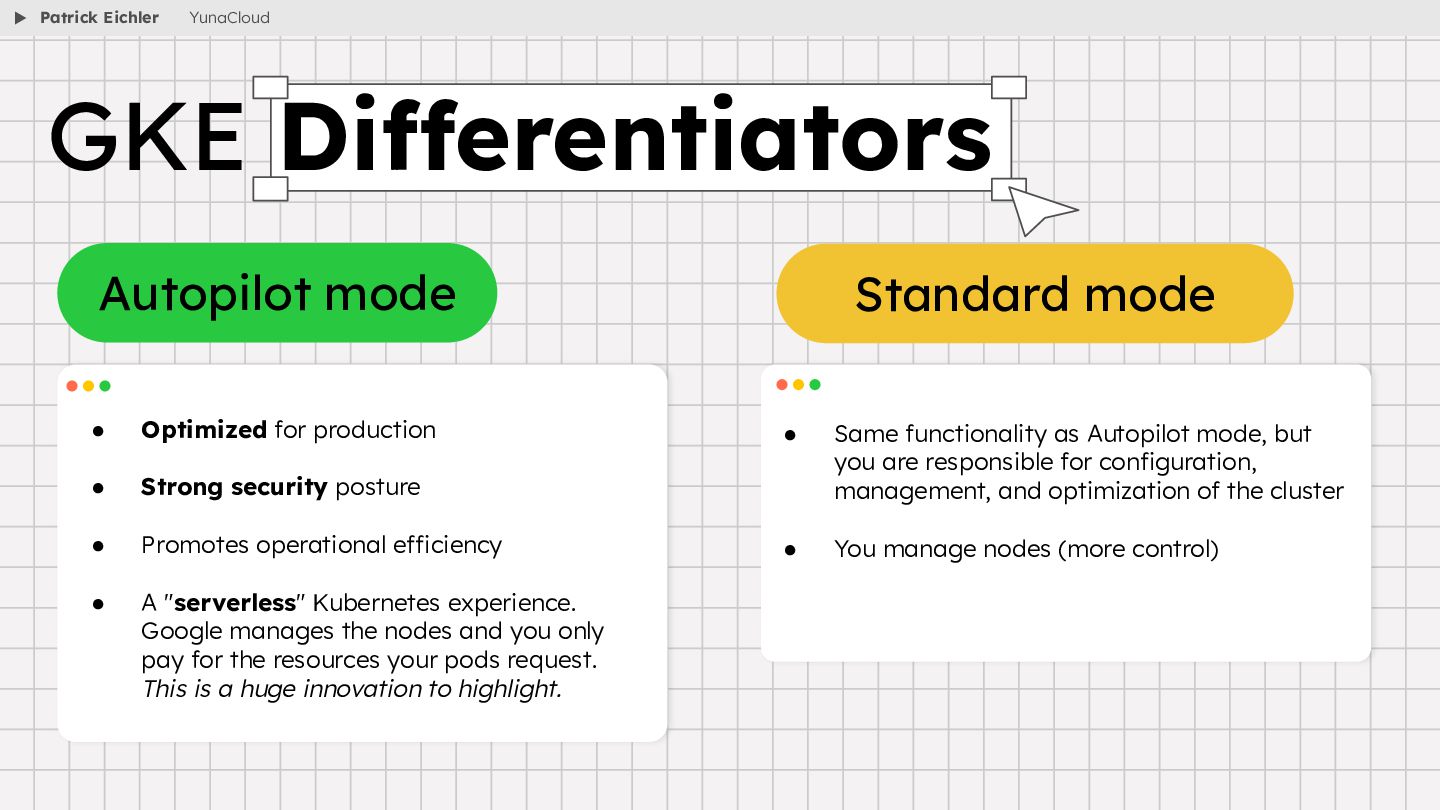
  10. • Optimized for production • Strong security posture • Promotes

    operational efficiency • A "serverless" Kubernetes experience. Google manages the nodes and you only pay for the resources your pods request. This is a huge innovation to highlight. • Same functionality as Autopilot mode, but you are responsible for configuration, management, and optimization of the cluster • You manage nodes (more control) GKE Differentiators Autopilot mode Standard mode Patrick Eichler YunaCloud
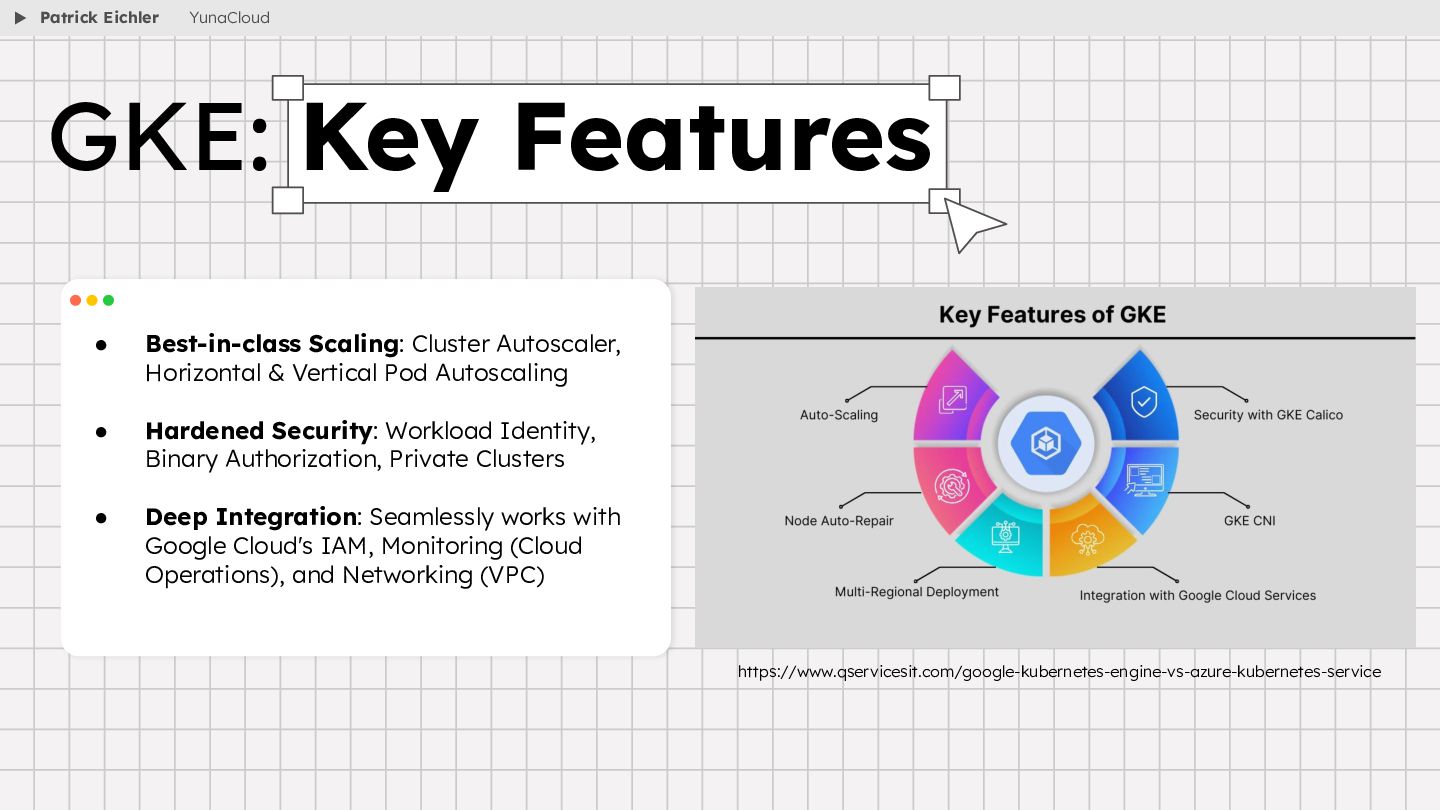
  11. • Best-in-class Scaling: Cluster Autoscaler, Horizontal & Vertical Pod Autoscaling

    • Hardened Security: Workload Identity, Binary Authorization, Private Clusters • Deep Integration: Seamlessly works with Google Cloud's IAM, Monitoring (Cloud Operations), and Networking (VPC) GKE: Key Features https://www.qservicesit.com/google-kubernetes-engine-vs-azure-kubernetes-service Patrick Eichler YunaCloud
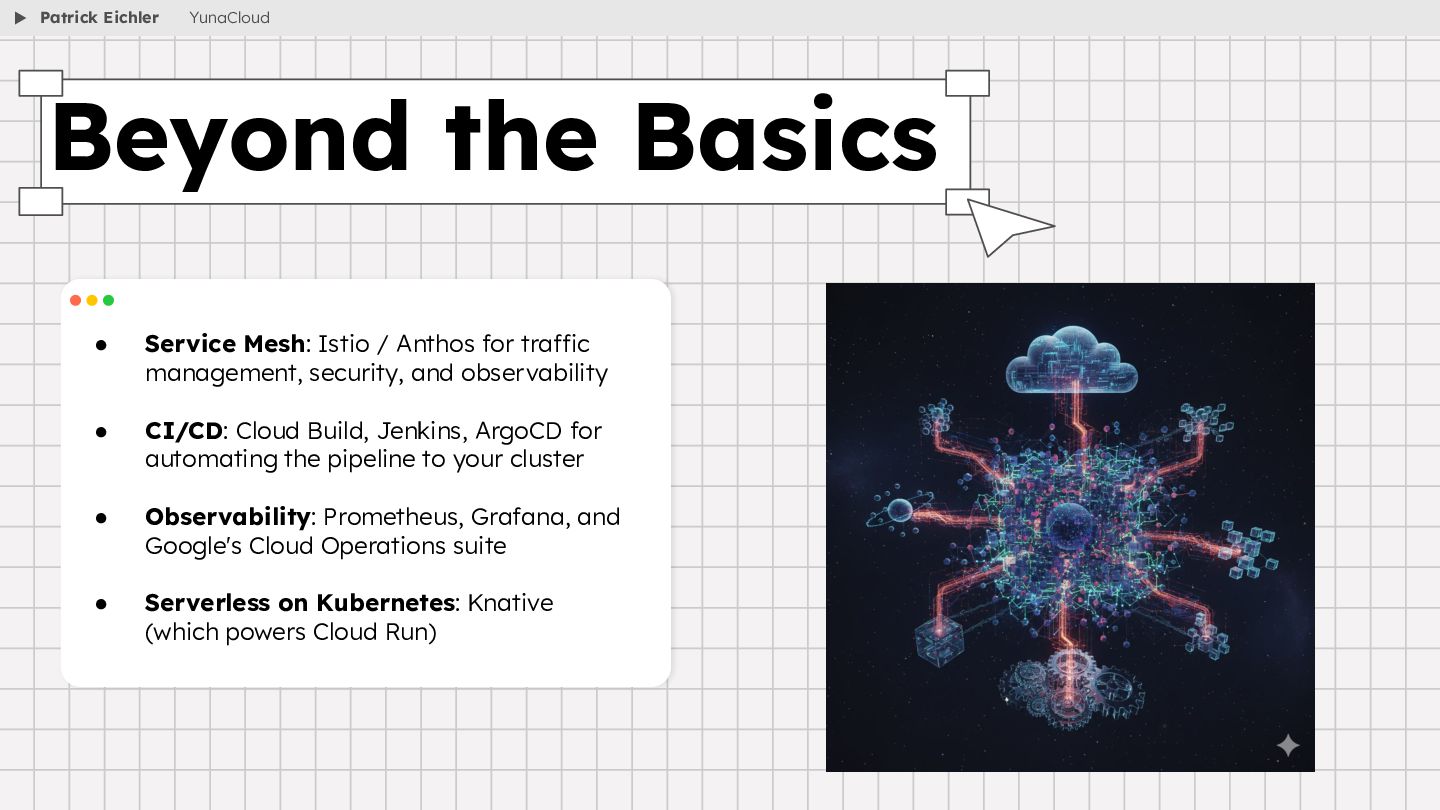
  12. • Service Mesh: Istio / Anthos for traffic management, security,

    and observability • CI/CD: Cloud Build, Jenkins, ArgoCD for automating the pipeline to your cluster • Observability: Prometheus, Grafana, and Google's Cloud Operations suite • Serverless on Kubernetes: Knative (which powers Cloud Run) Beyond the Basics Patrick Eichler YunaCloud
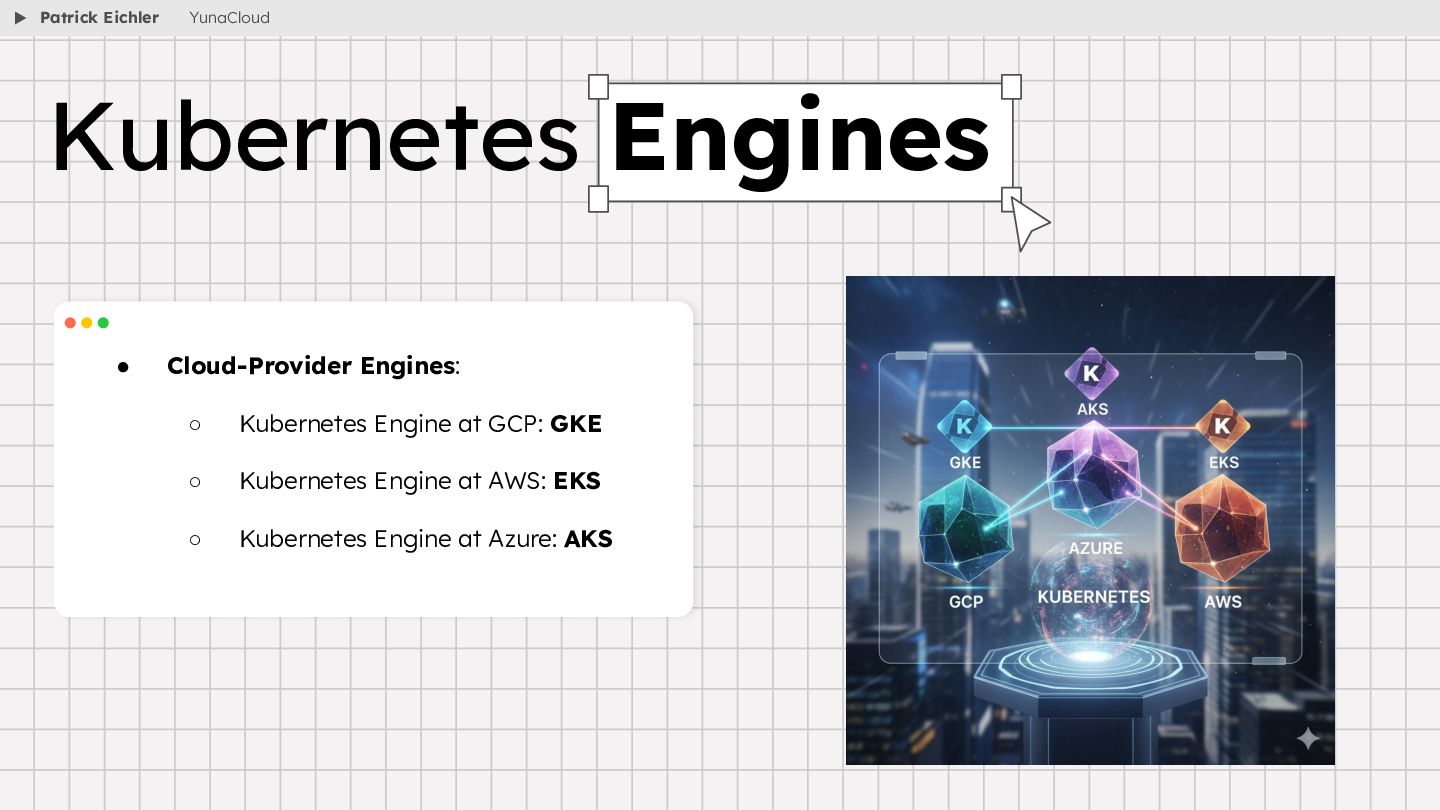
  13. • Cloud-Provider Engines: ◦ Kubernetes Engine at GCP: GKE ◦

    Kubernetes Engine at AWS: EKS ◦ Kubernetes Engine at Azure: AKS Kubernetes Engines Patrick Eichler YunaCloud