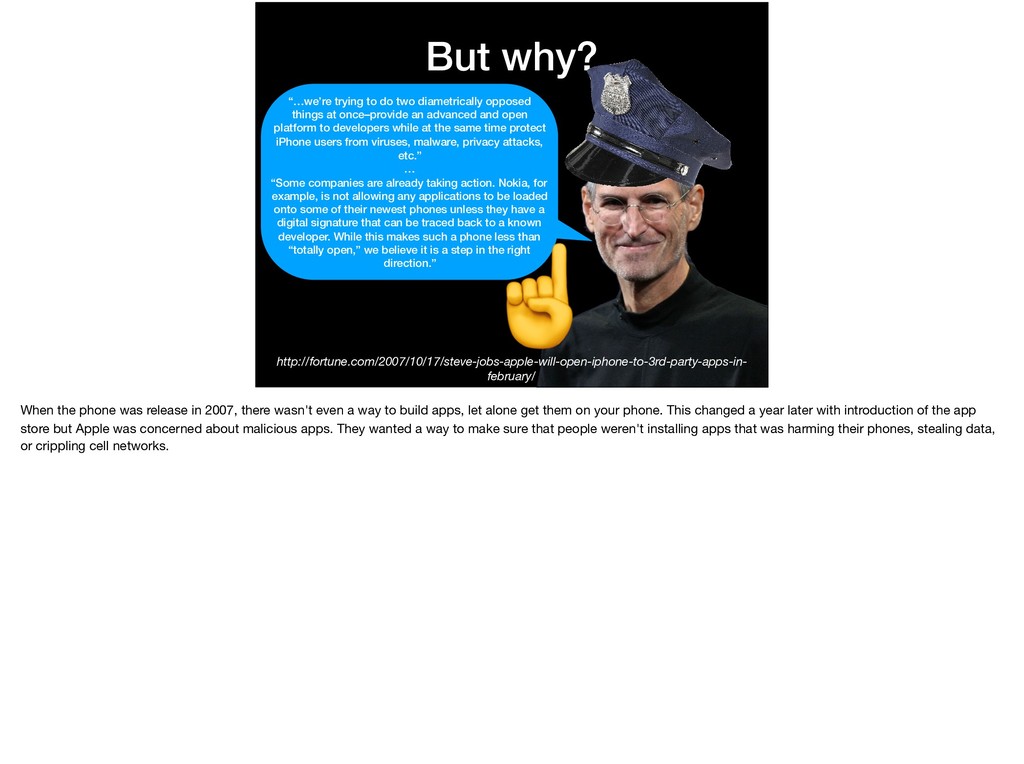
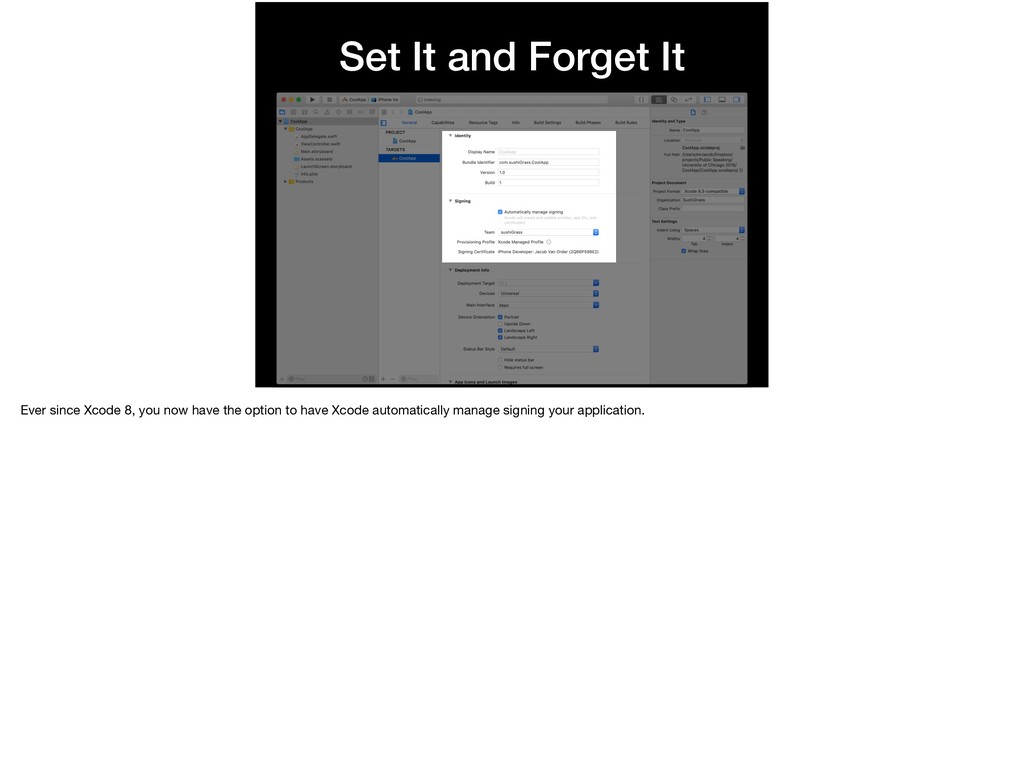
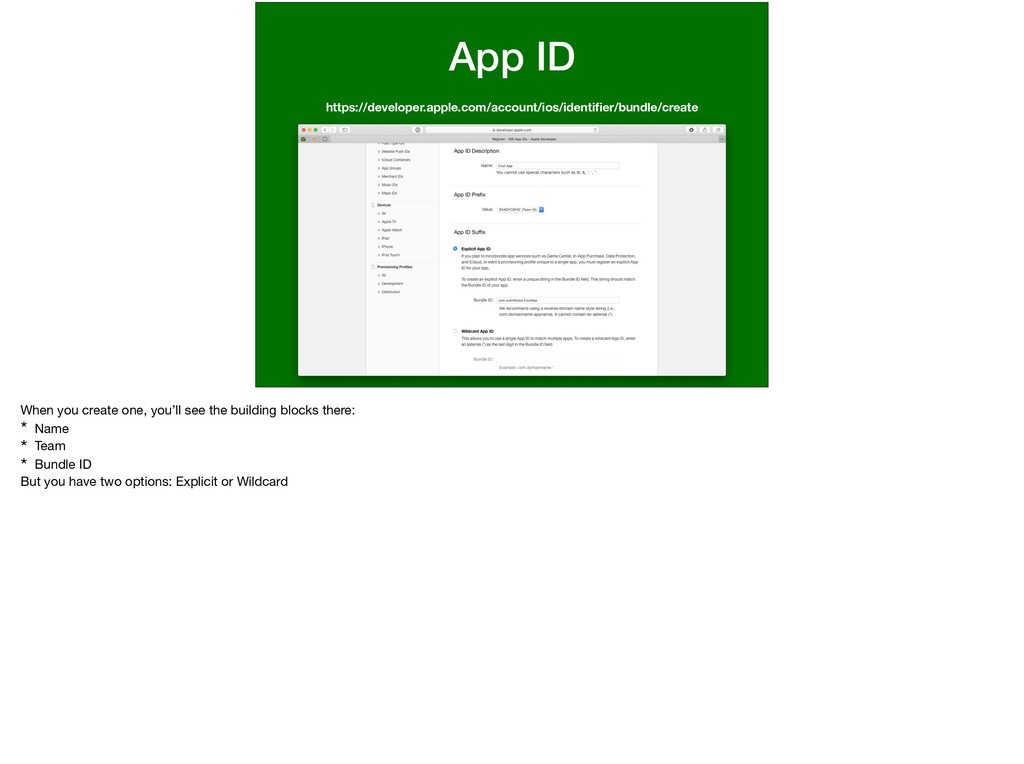
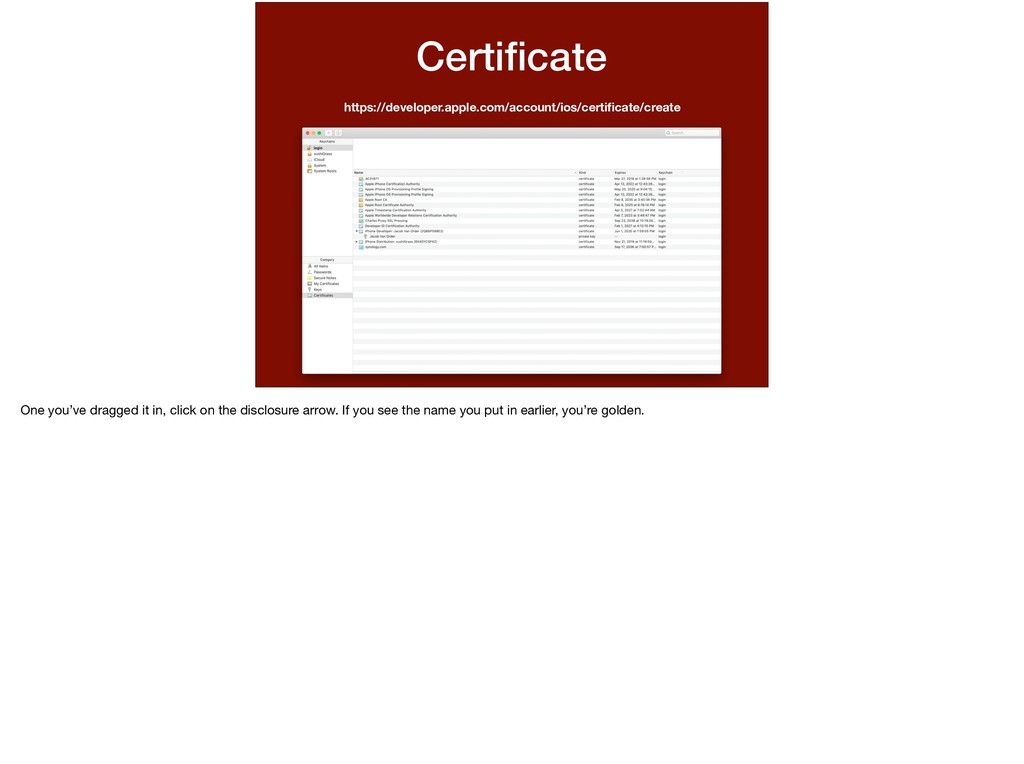
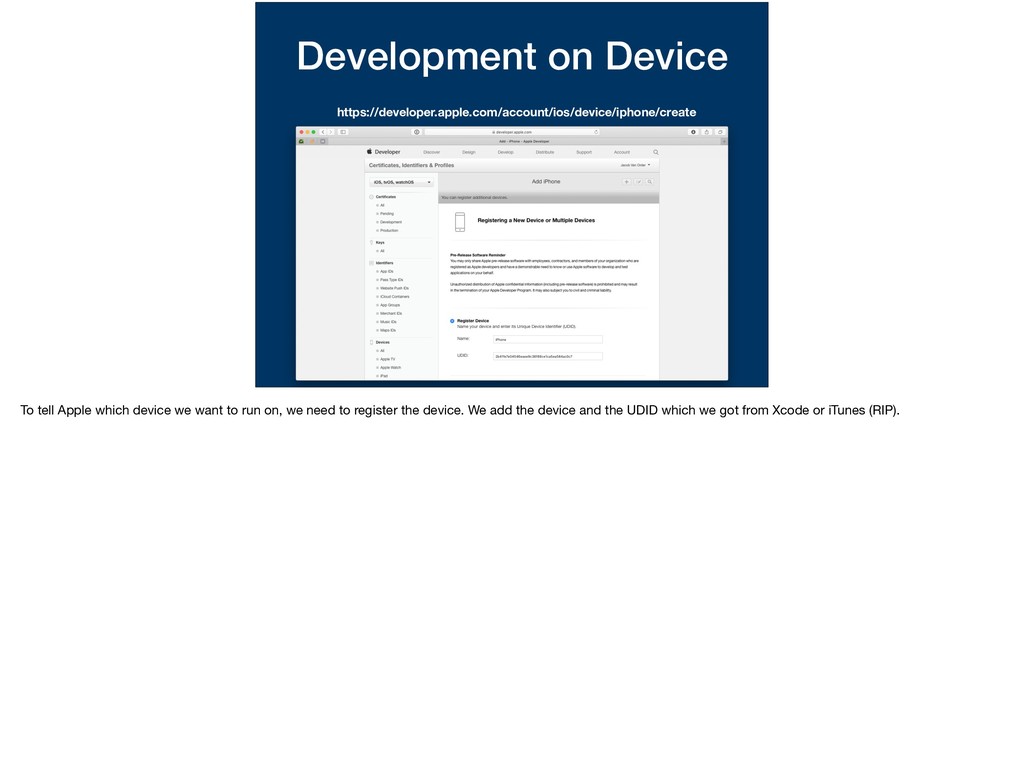
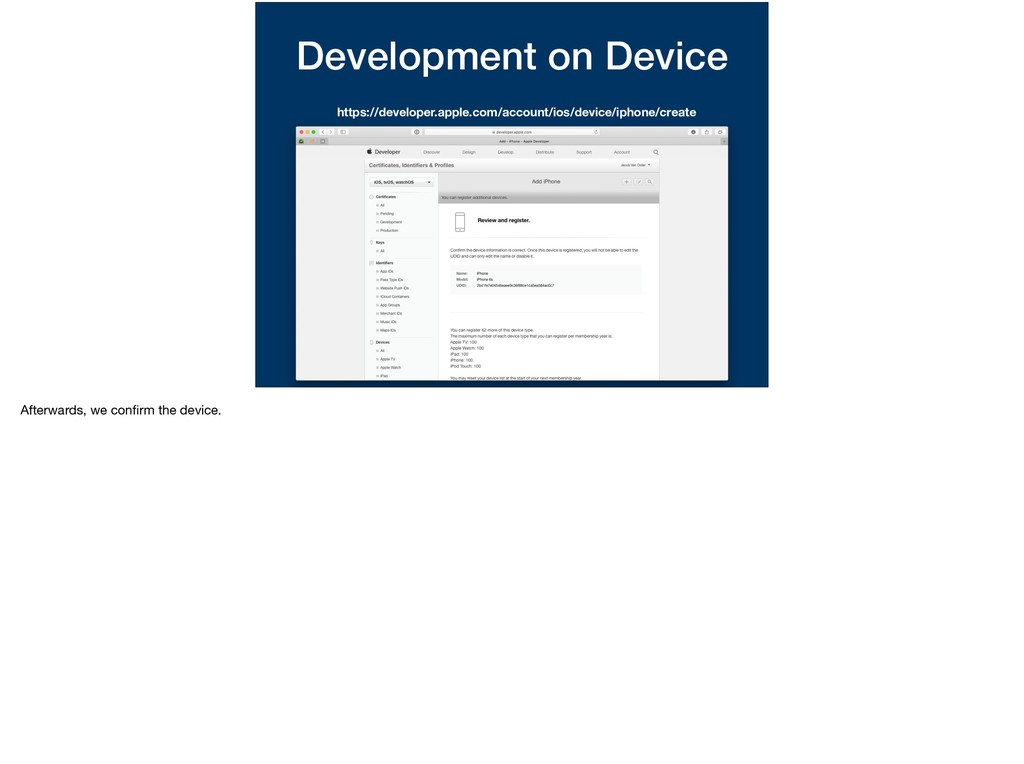
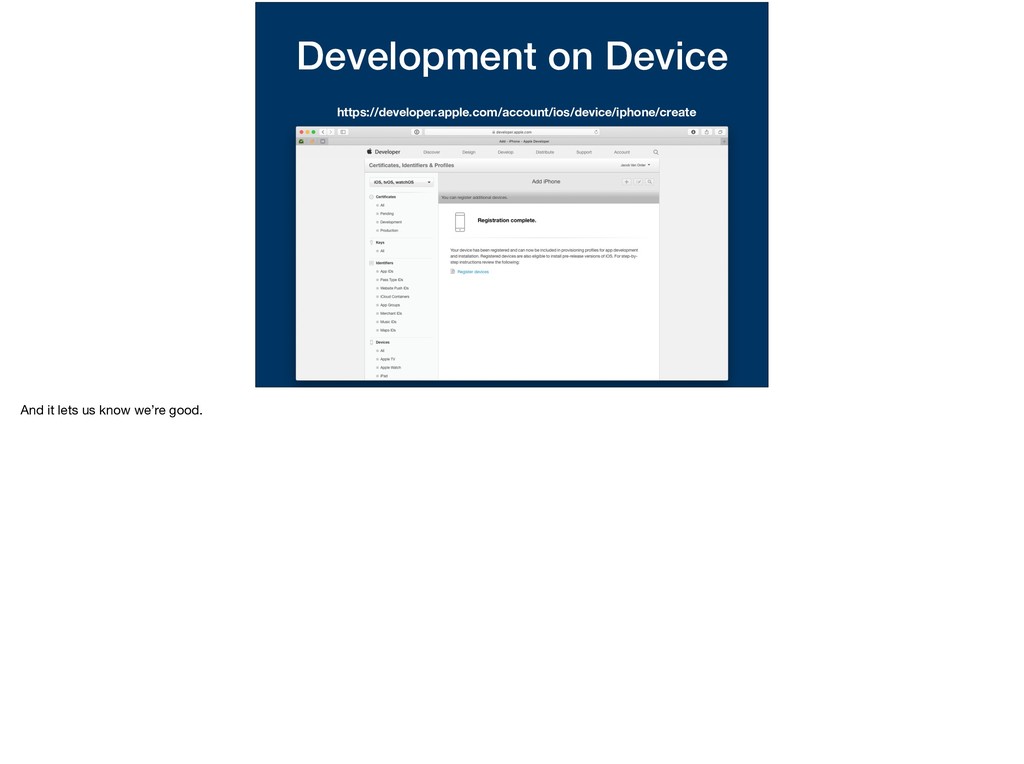
Apple it: “assures users that it is from a known source and the app hasn’t been modified since it was last signed. Before your app can integrate app services, be installed on a device, or be submitted to the App Store, it must be signed with a certificate issued by Apple.”
opposed things at once–provide an advanced and open platform to developers while at the same time protect iPhone users from viruses, malware, privacy attacks, etc.” … “Some companies are already taking action. Nokia, for example, is not allowing any applications to be loaded onto some of their newest phones unless they have a digital signature that can be traced back to a known developer. While this makes such a phone less than “totally open,” we believe it is a step in the right direction.” ☝ When the phone was release in 2007, there wasn't even a way to build apps, let alone get them on your phone. This changed a year later with introduction of the app store but Apple was concerned about malicious apps. They wanted a way to make sure that people weren't installing apps that was harming their phones, stealing data, or crippling cell networks.
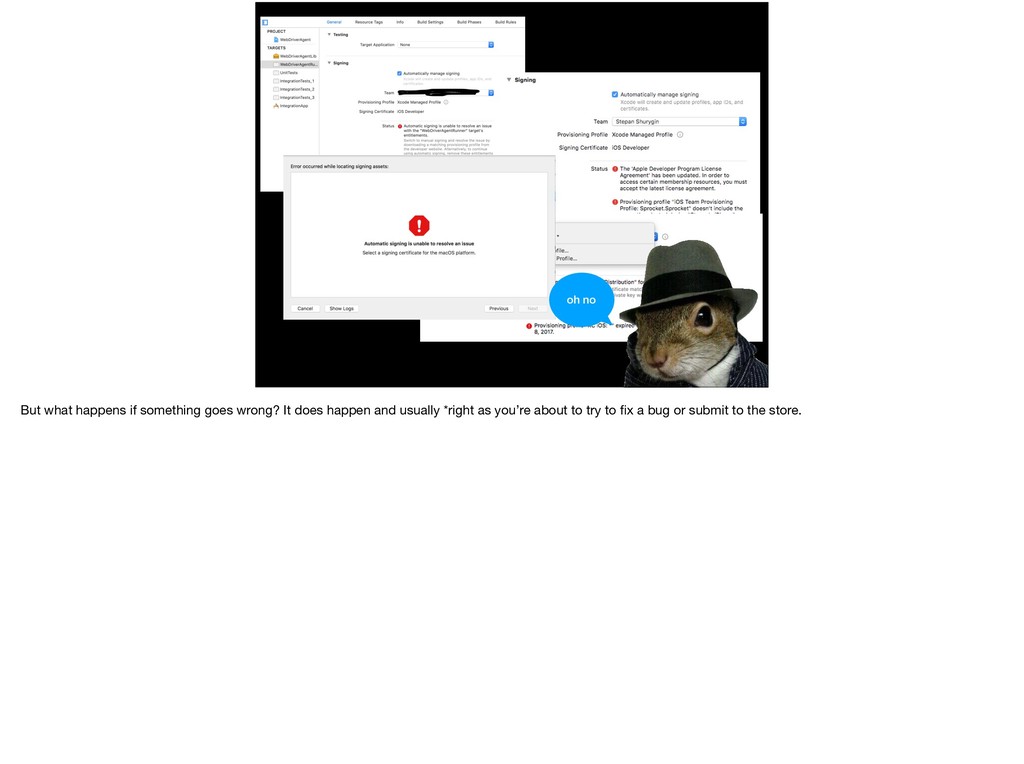
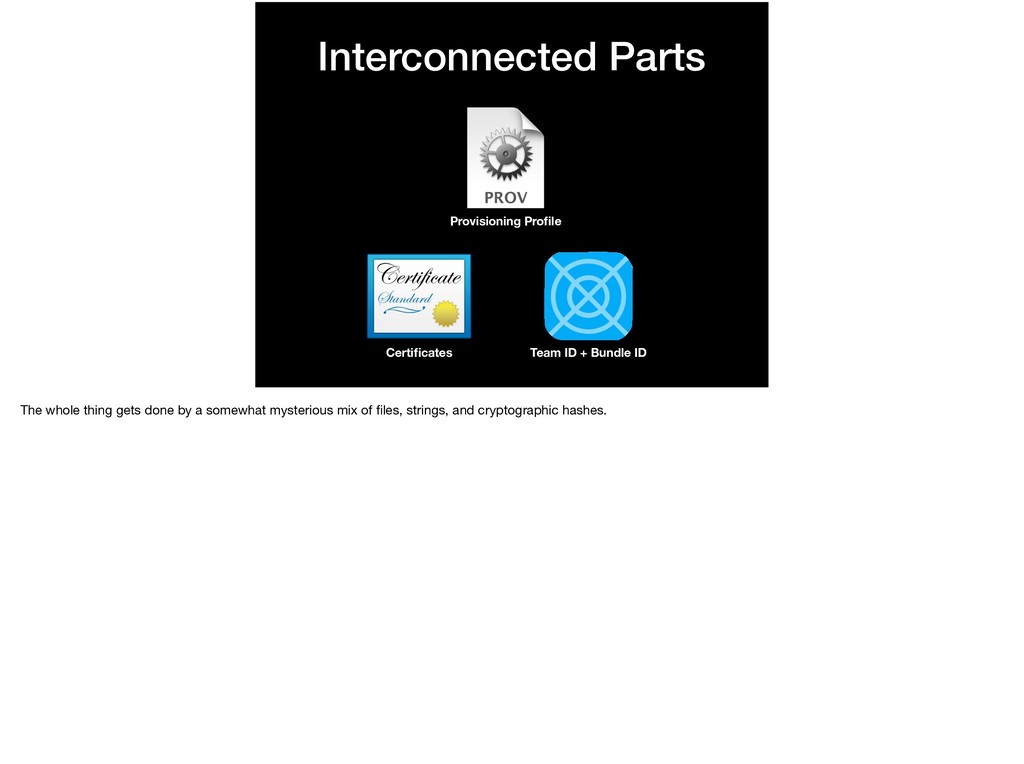
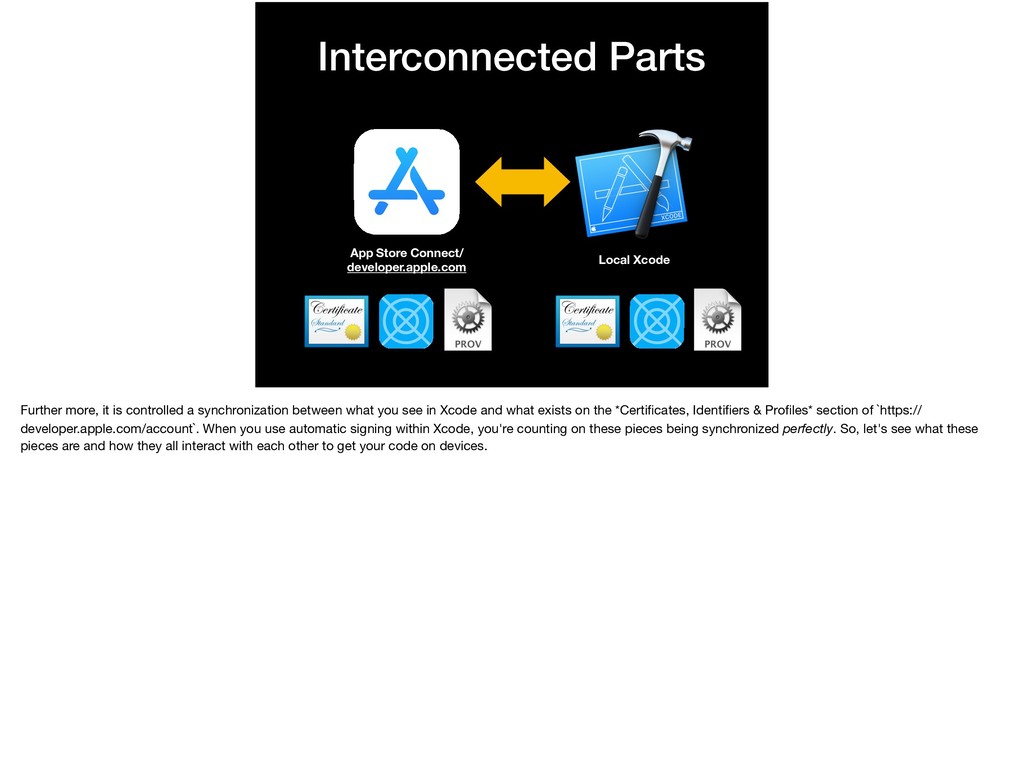
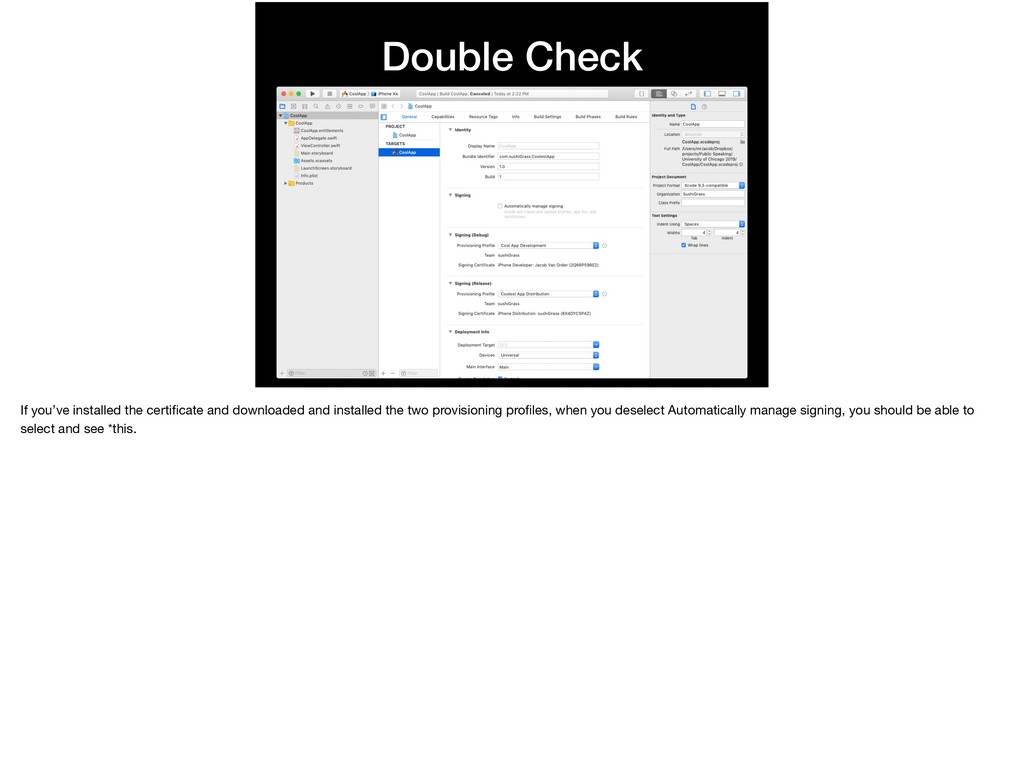
it is controlled a synchronization between what you see in Xcode and what exists on the *Certificates, Identifiers & Profiles* section of `https:// developer.apple.com/account`. When you use automatic signing within Xcode, you're counting on these pieces being synchronized perfectly. So, let's see what these pieces are and how they all interact with each other to get your code on devices.
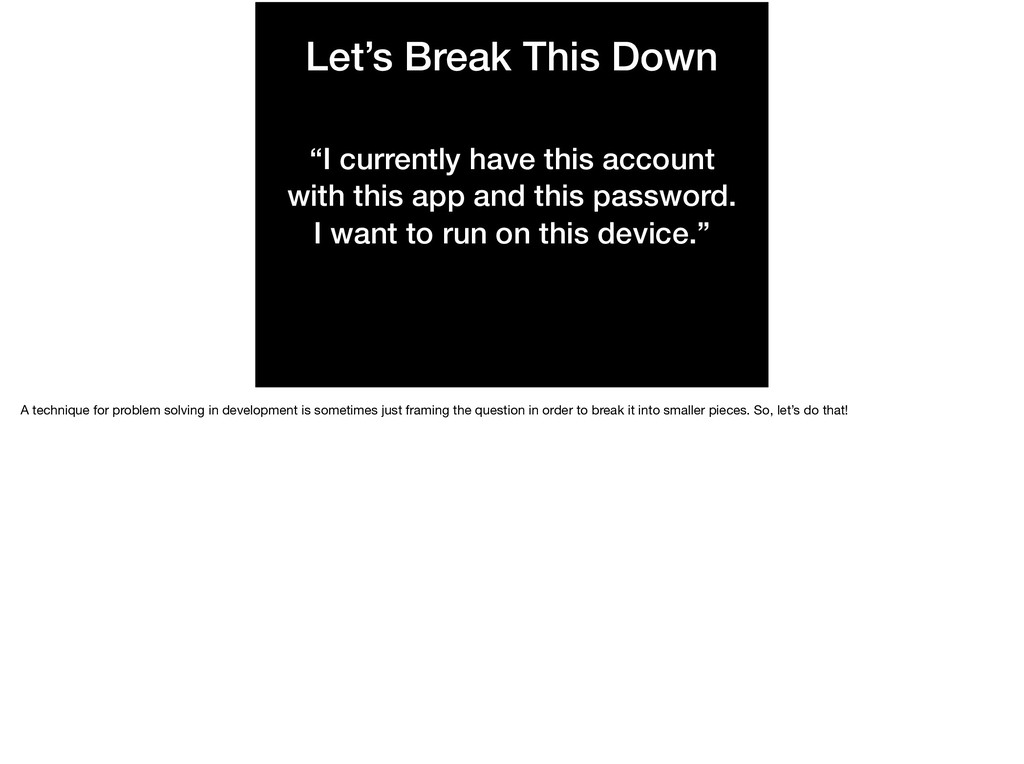
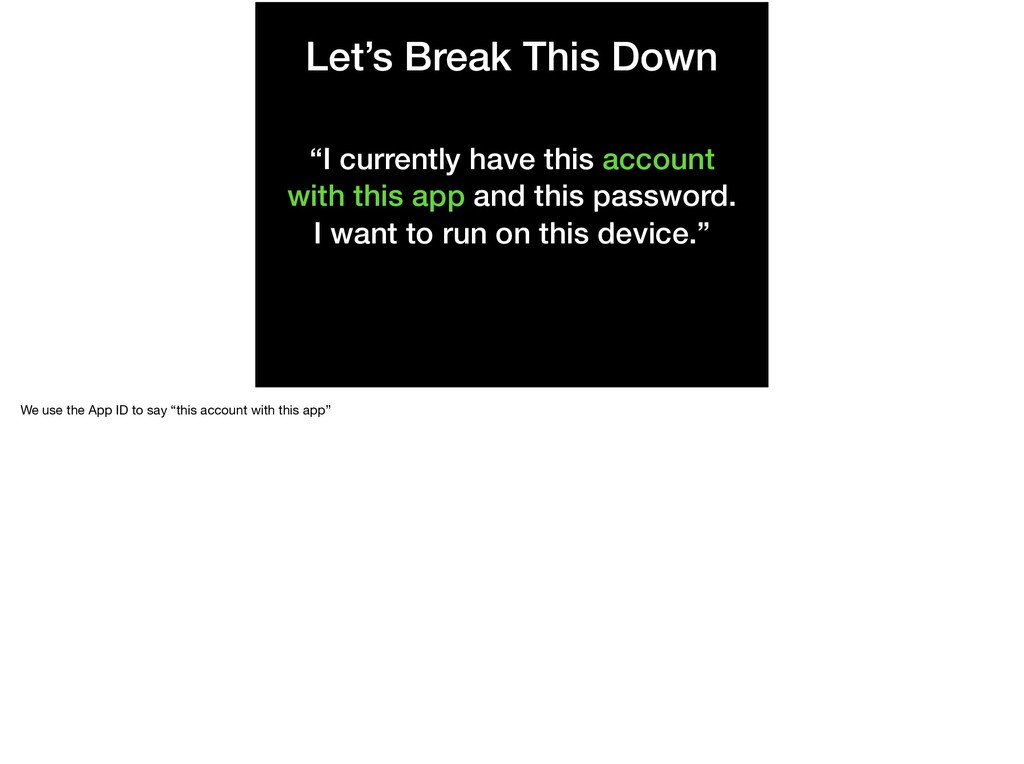
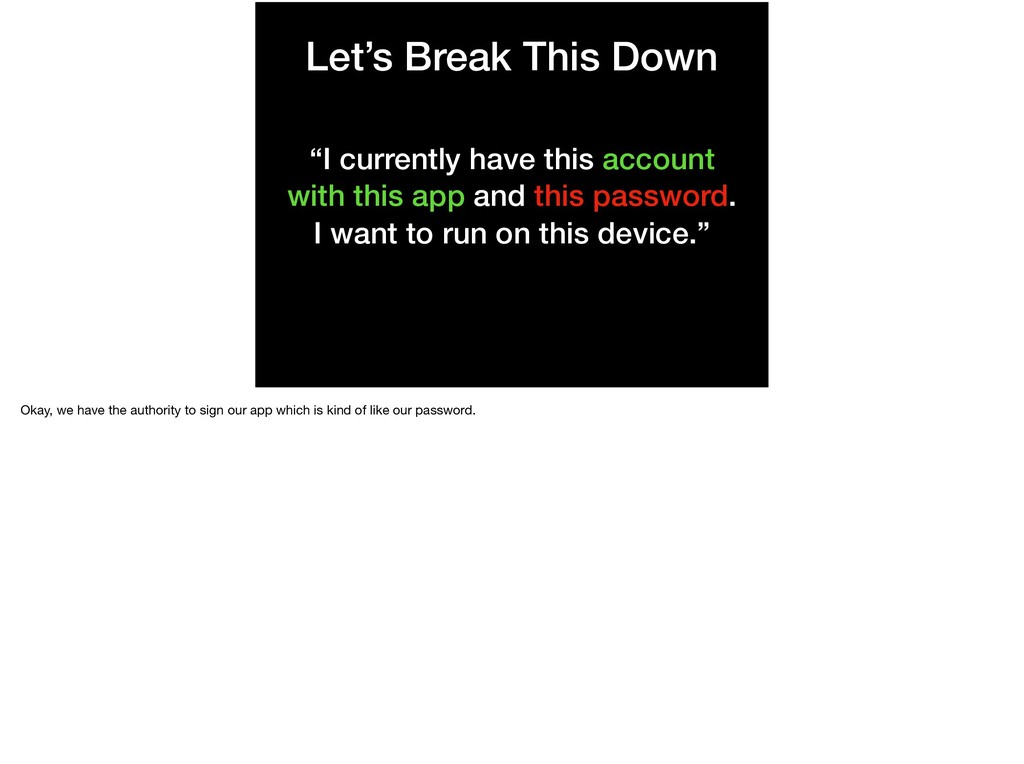
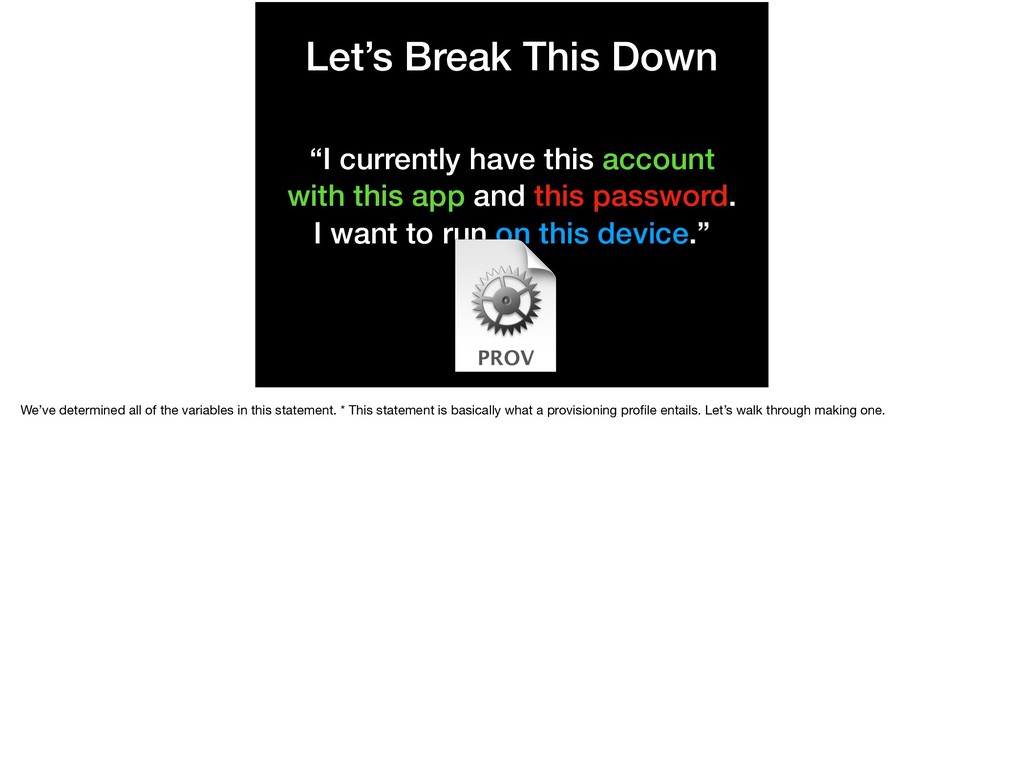
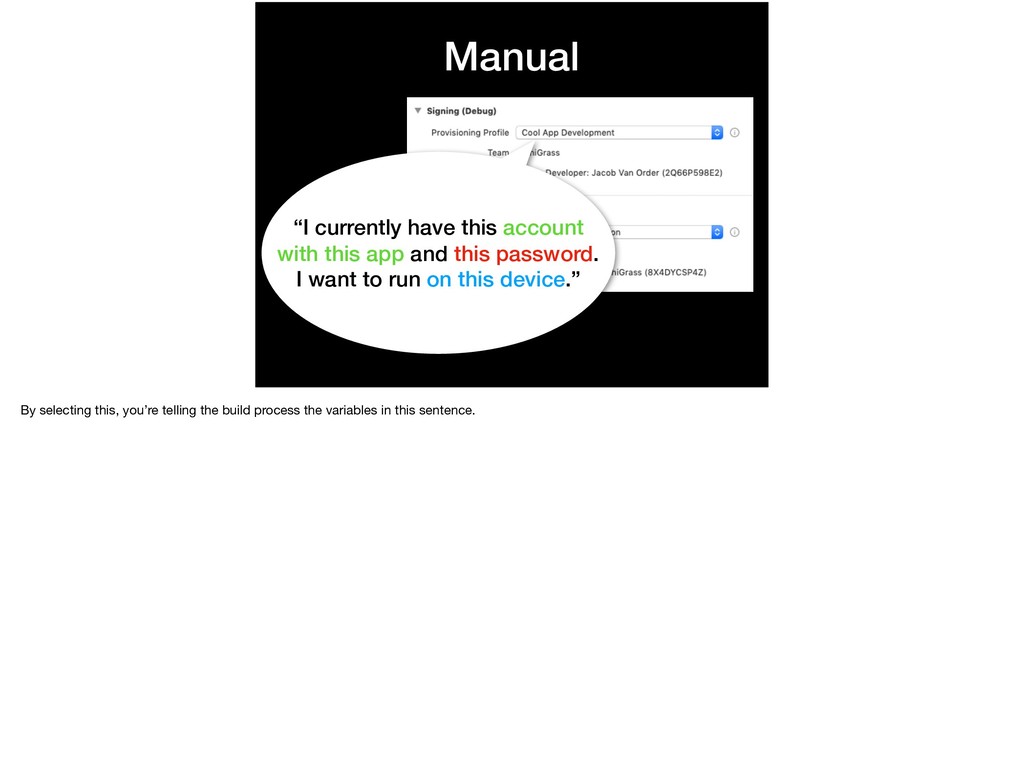
this app and this password. I want to run on this device.” A technique for problem solving in development is sometimes just framing the question in order to break it into smaller pieces. So, let’s do that!
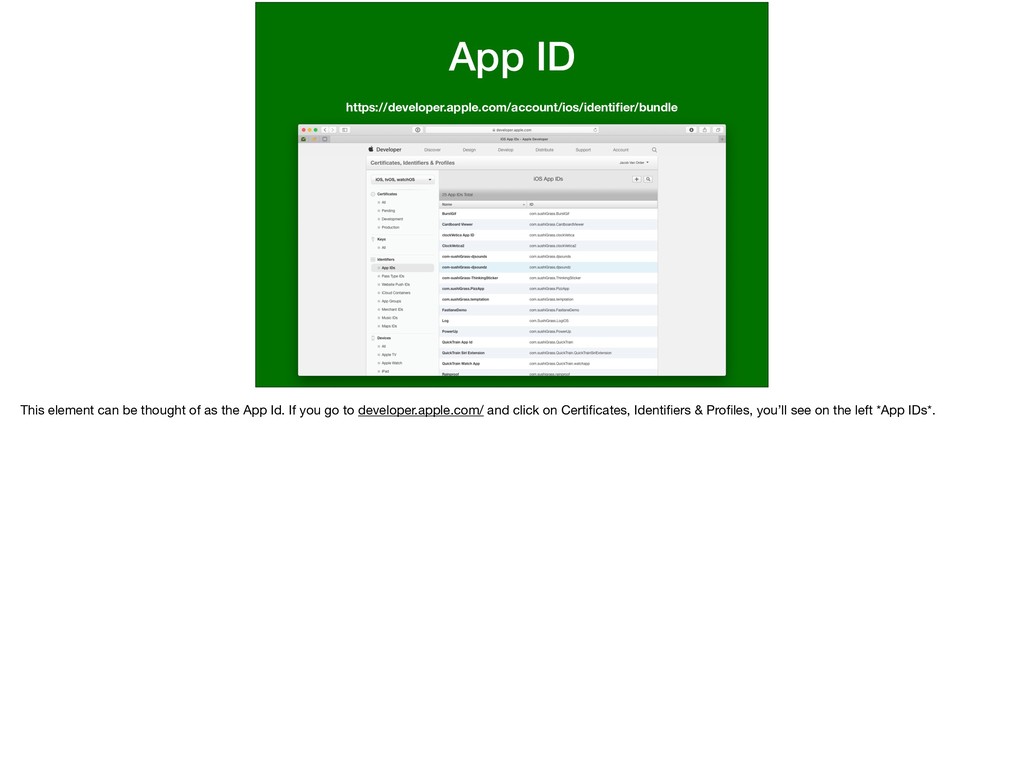
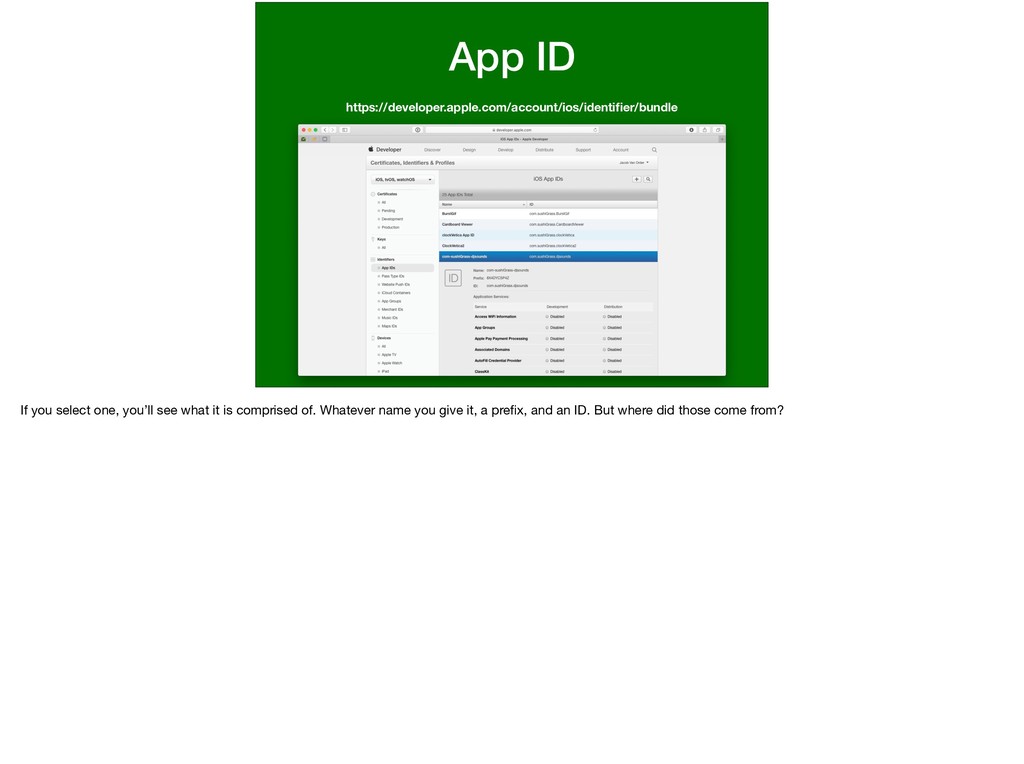
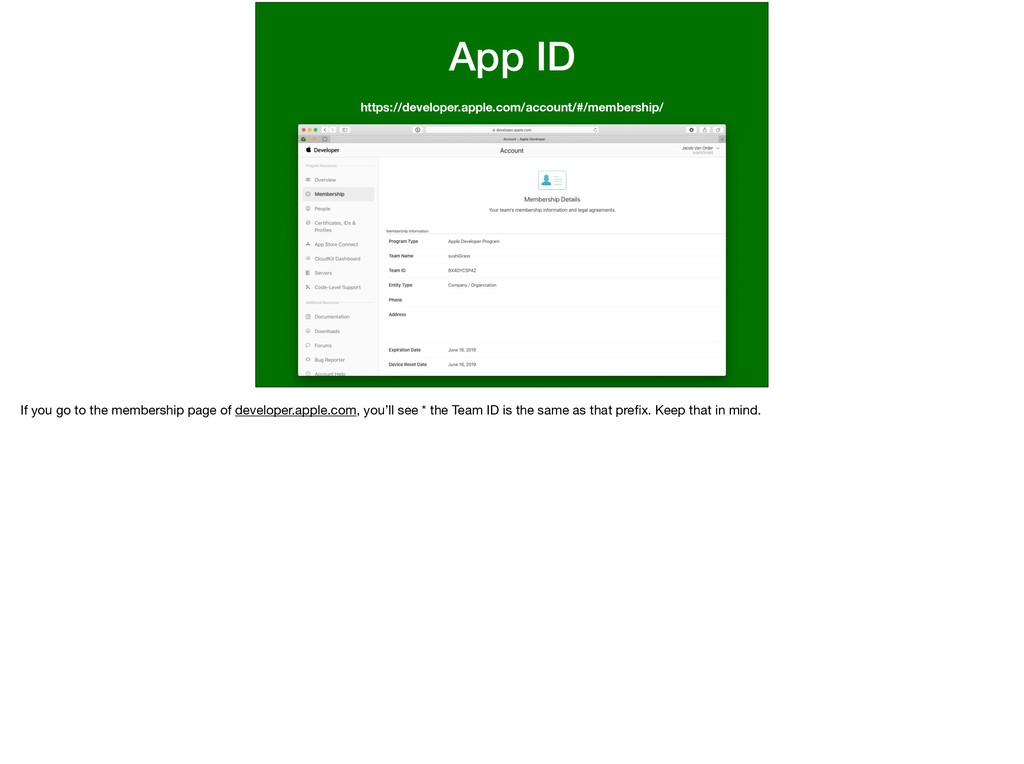
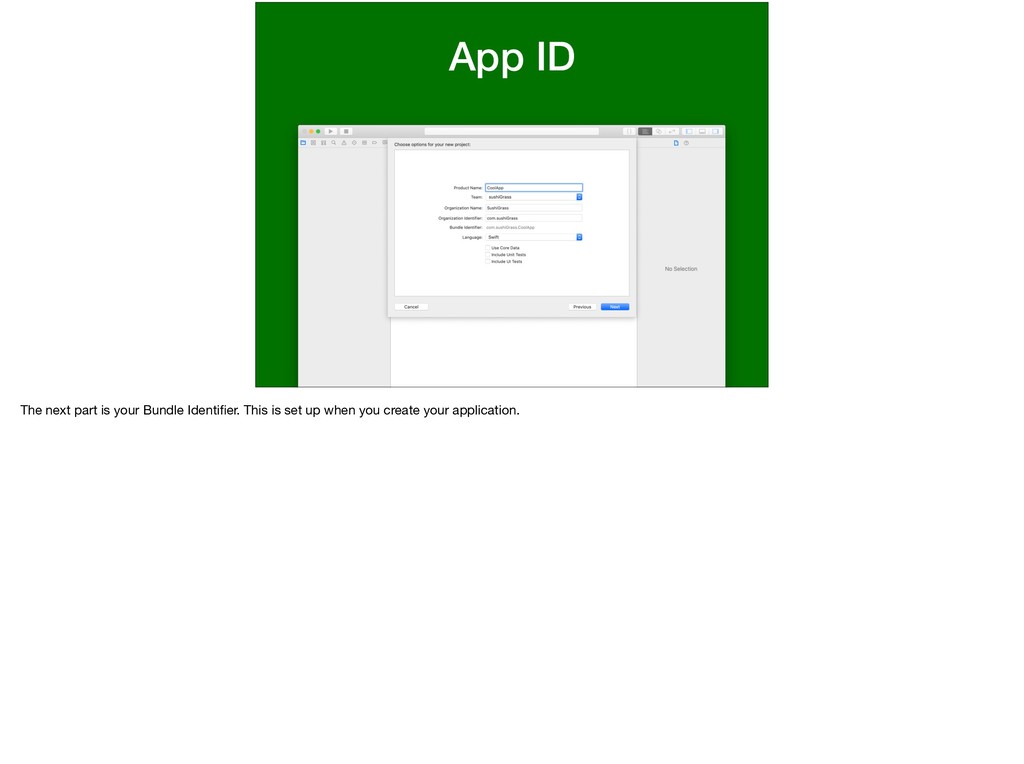
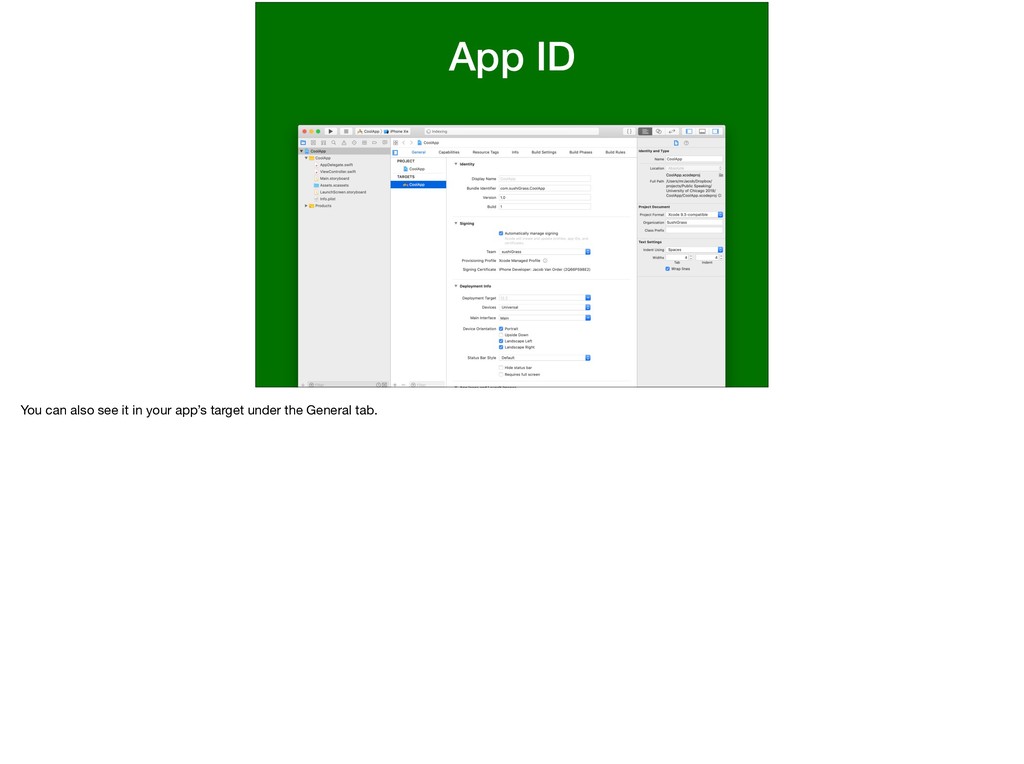
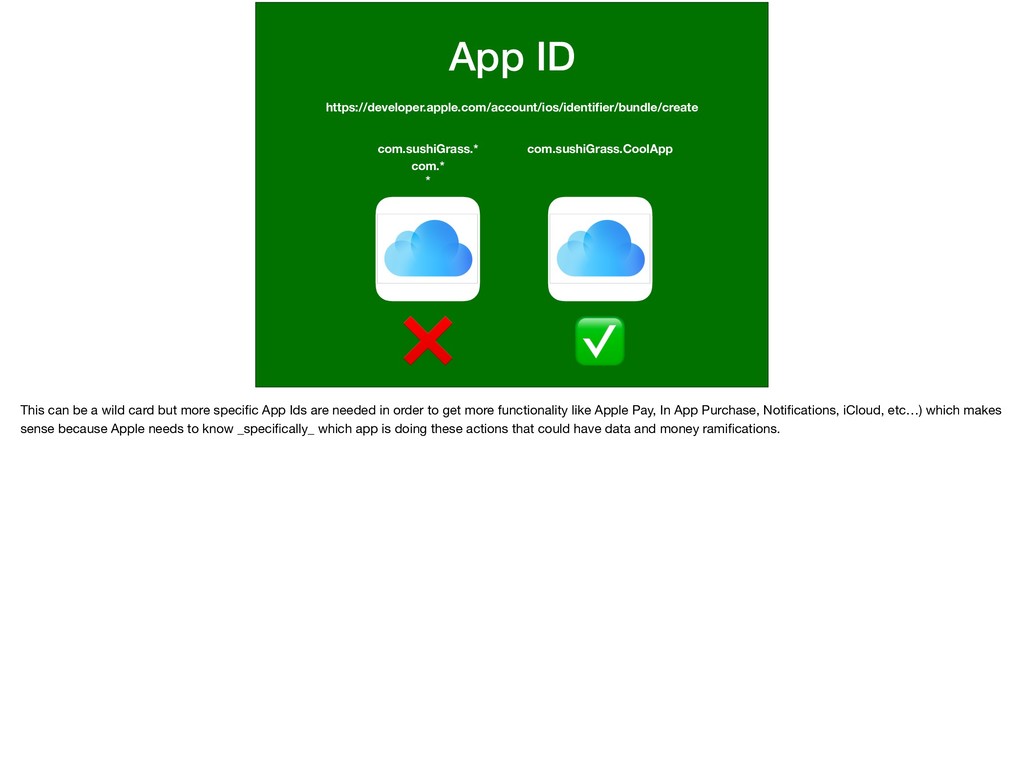
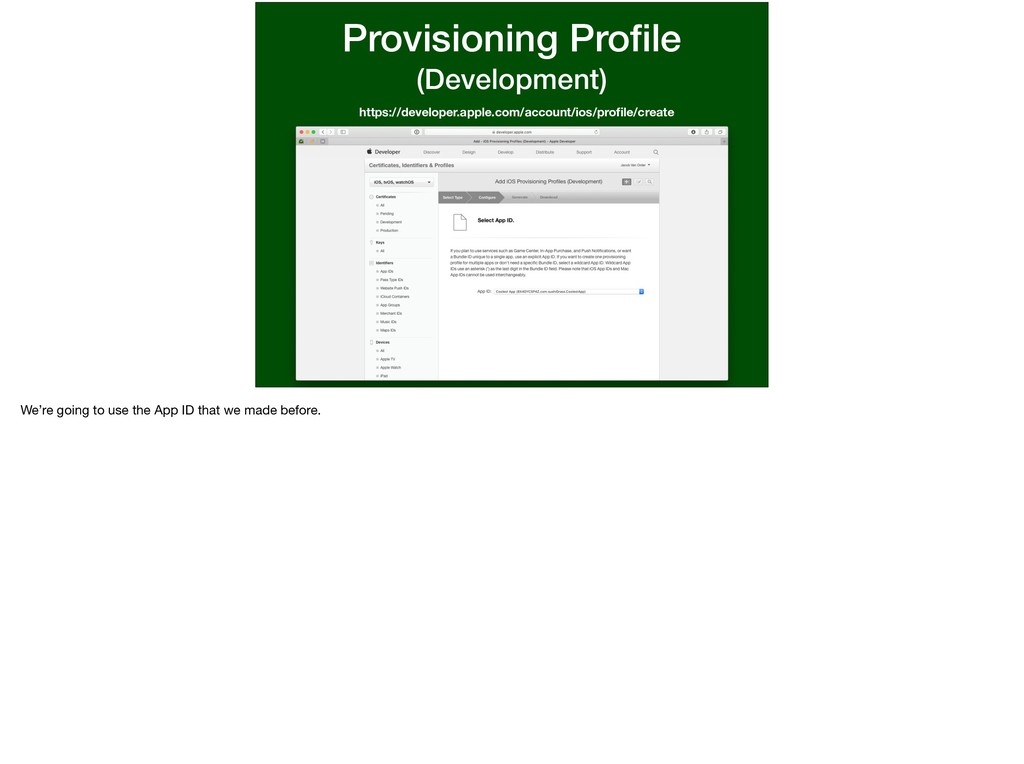
can be a wild card but more specific App Ids are needed in order to get more functionality like Apple Pay, In App Purchase, Notifications, iCloud, etc…) which makes sense because Apple needs to know _specifically_ which app is doing these actions that could have data and money ramifications.
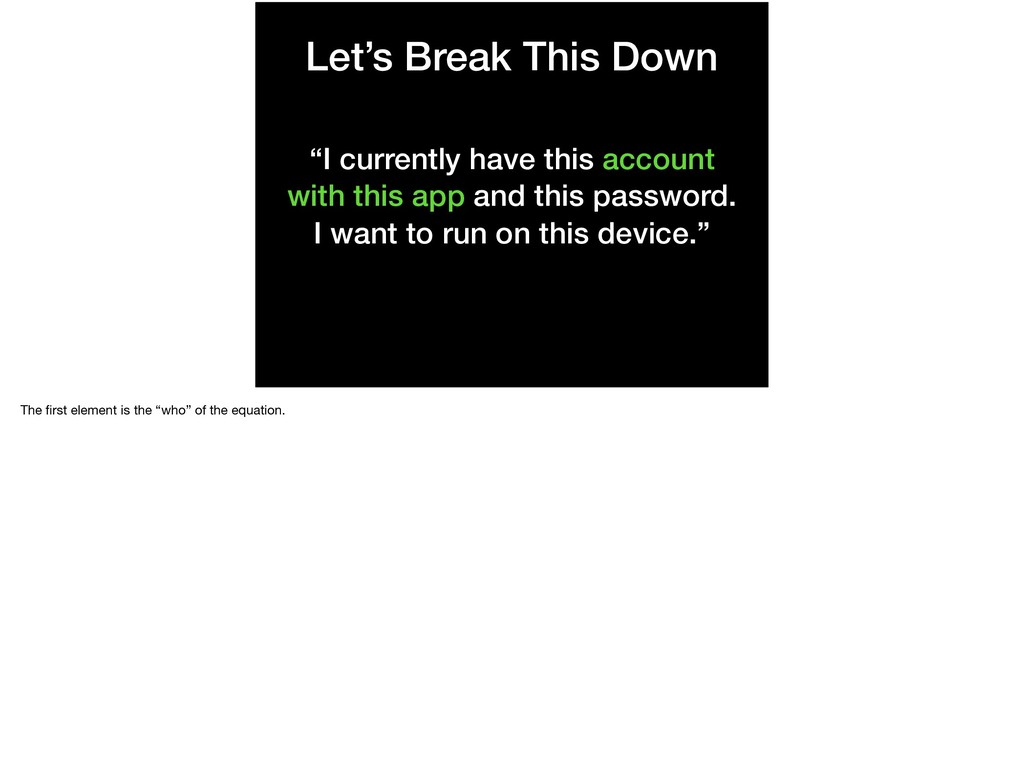
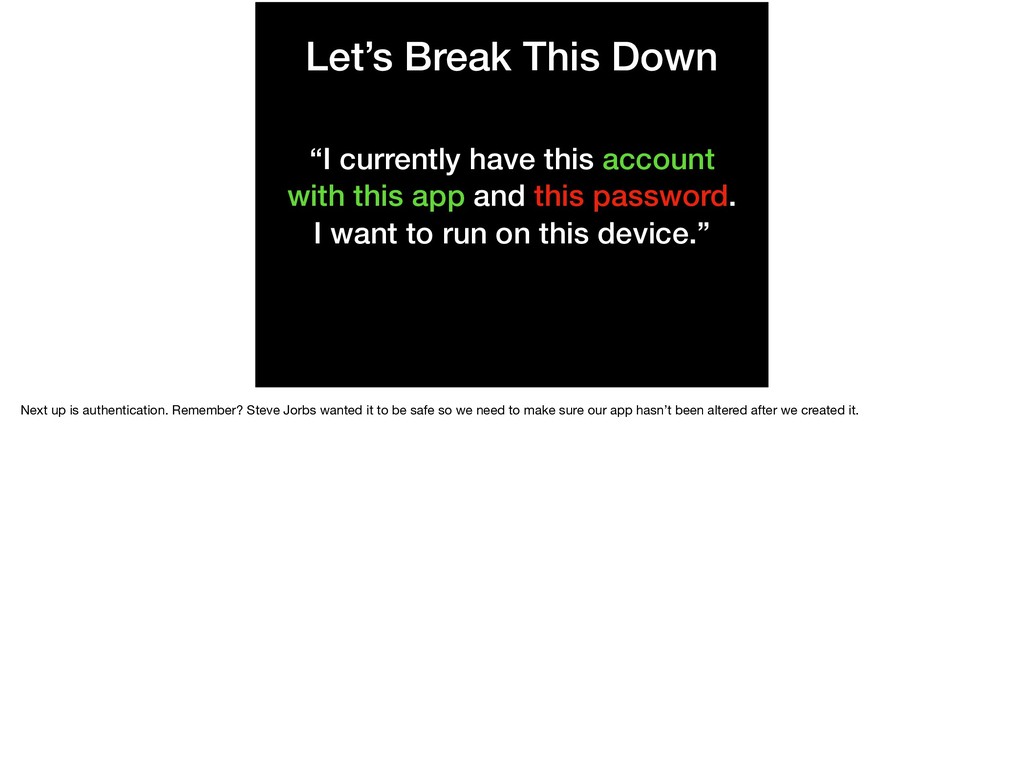
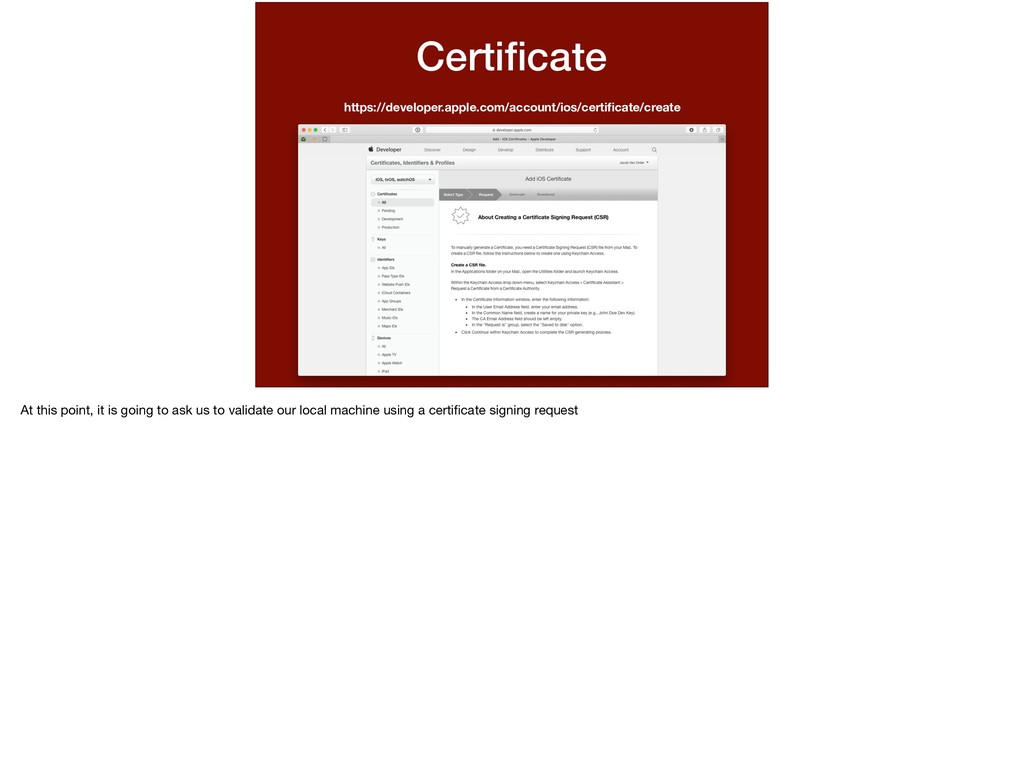
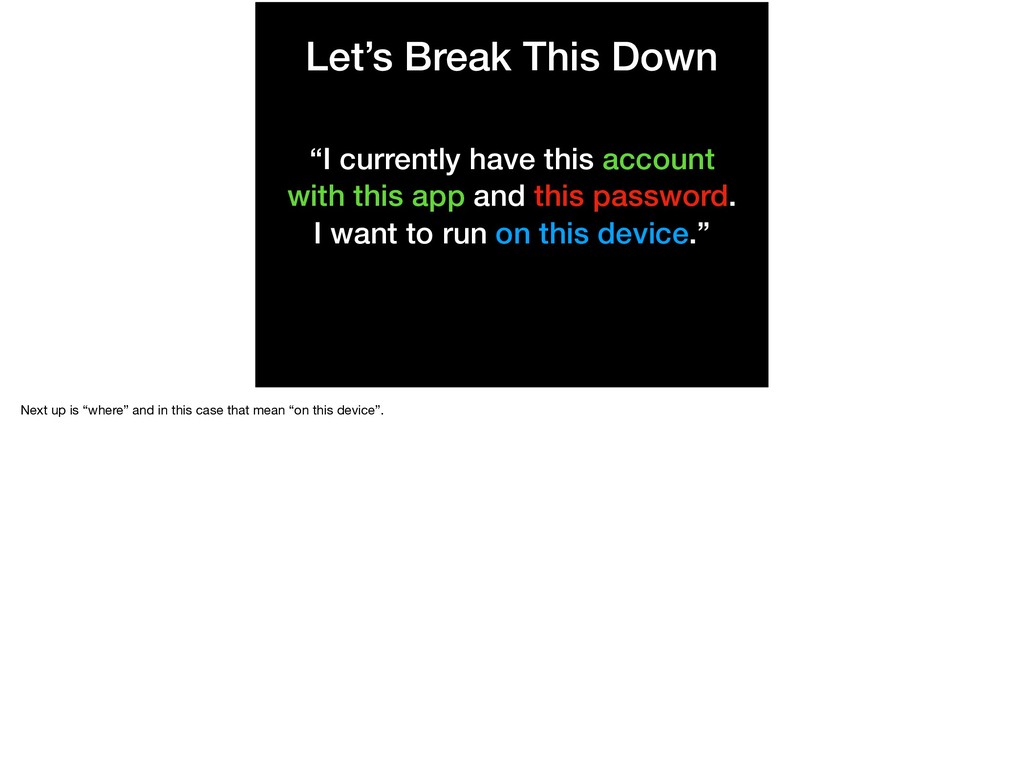
this app and this password. I want to run on this device.” Next up is authentication. Remember? Steve Jorbs wanted it to be safe so we need to make sure our app hasn’t been altered after we created it.
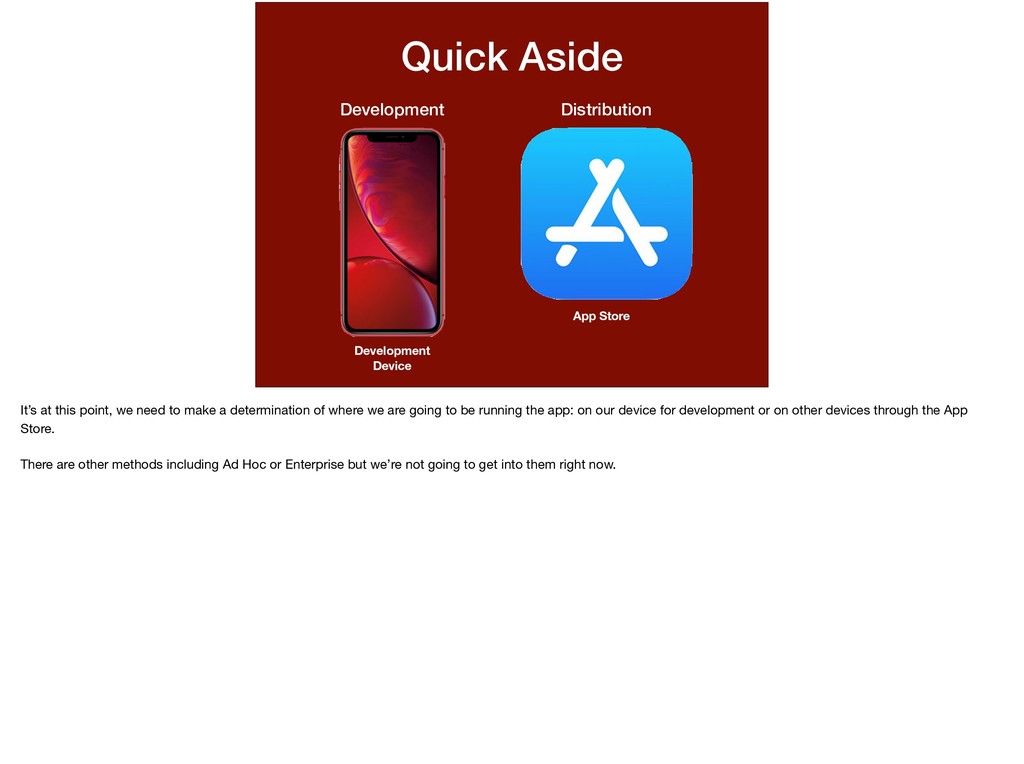
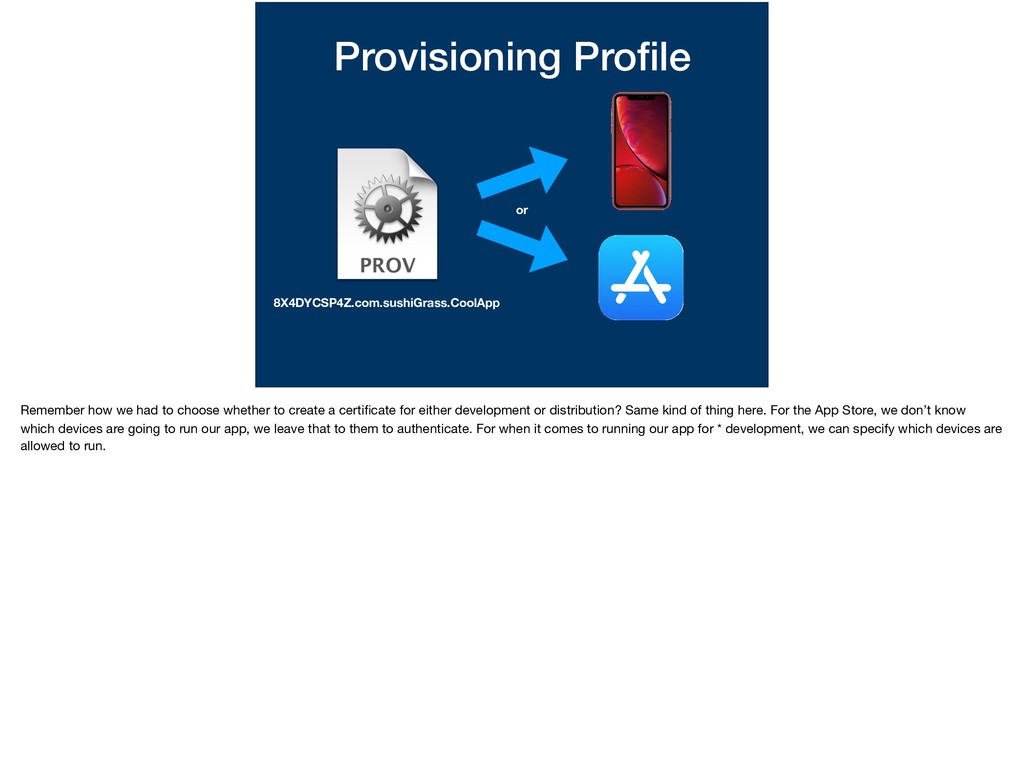
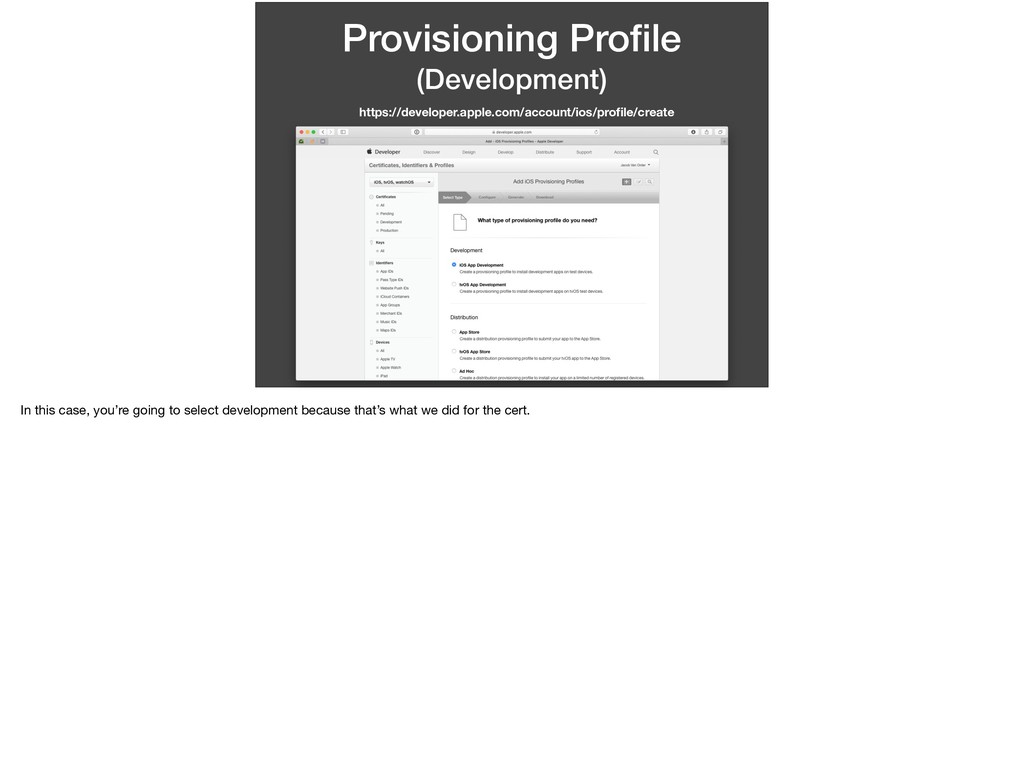
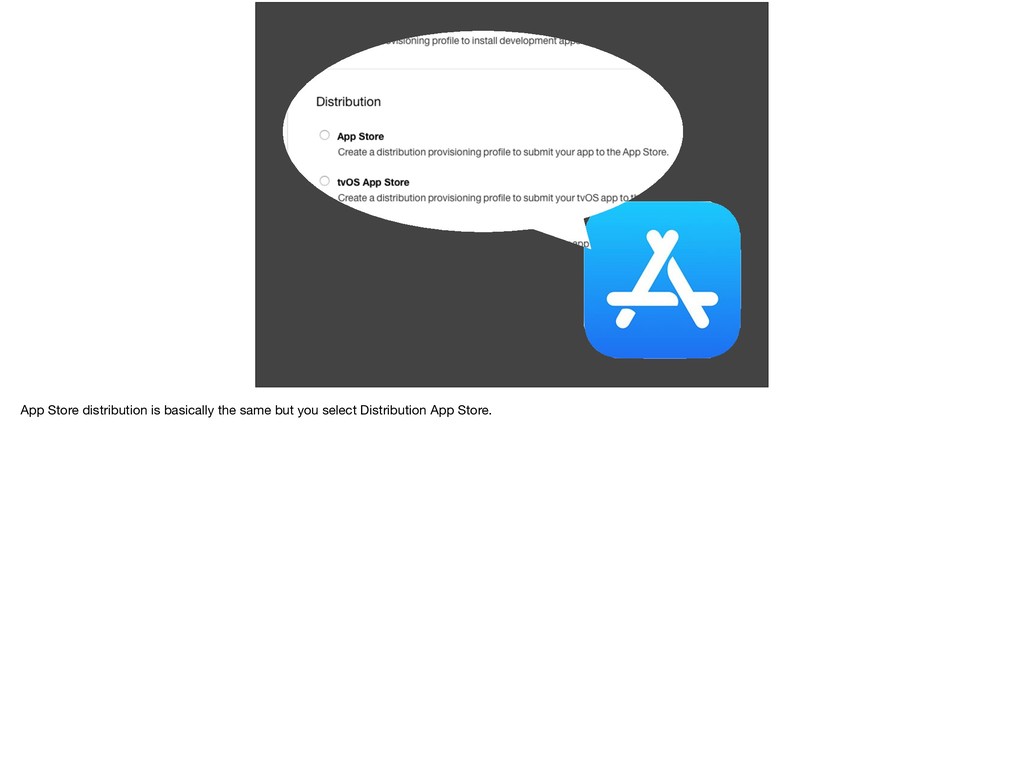
this point, we need to make a determination of where we are going to be running the app: on our device for development or on other devices through the App Store. There are other methods including Ad Hoc or Enterprise but we’re not going to get into them right now.
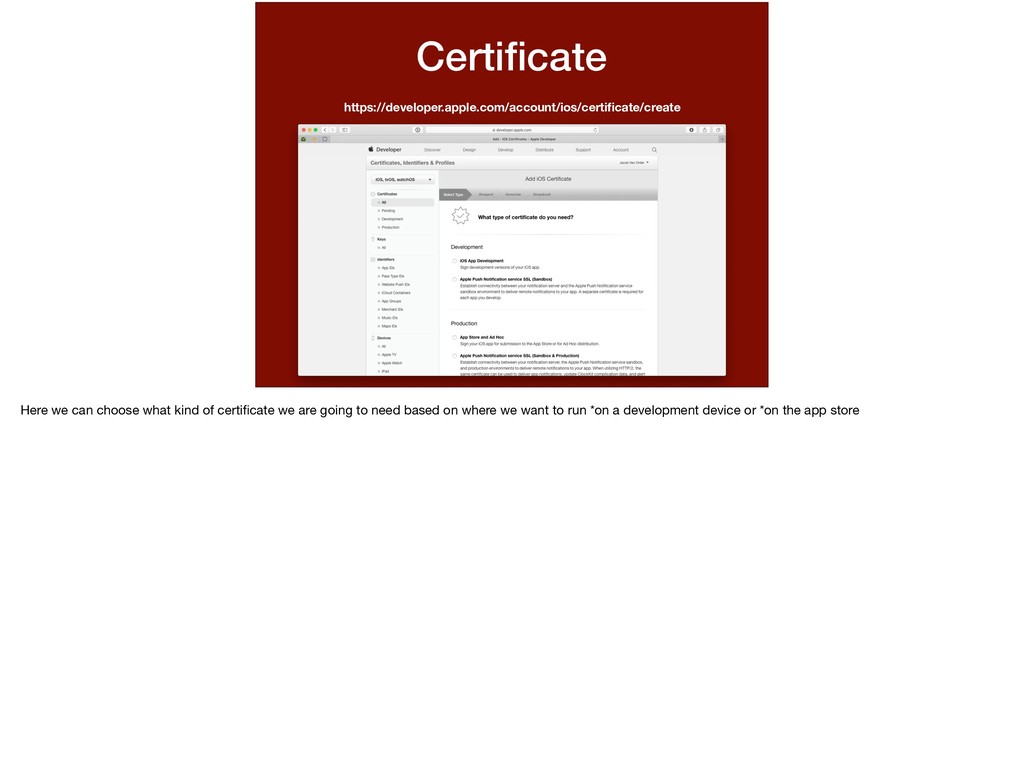
whether to create a certificate for either development or distribution? Same kind of thing here. For the App Store, we don’t know which devices are going to run our app, we leave that to them to authenticate. For when it comes to running our app for * development, we can specify which devices are allowed to run.
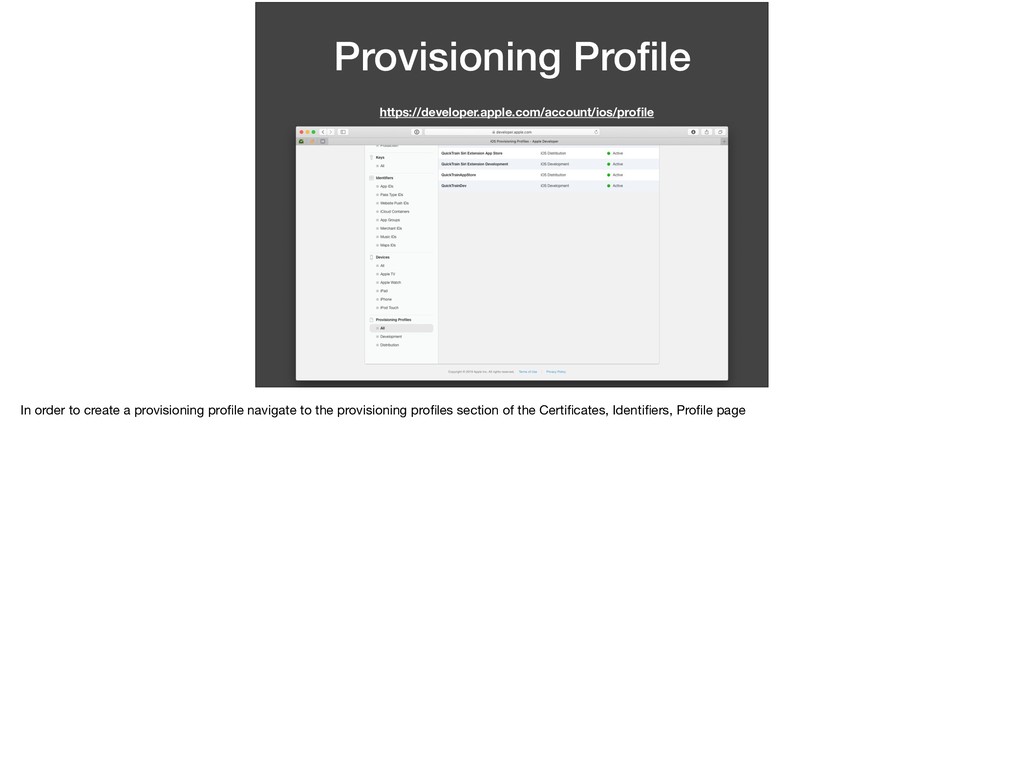
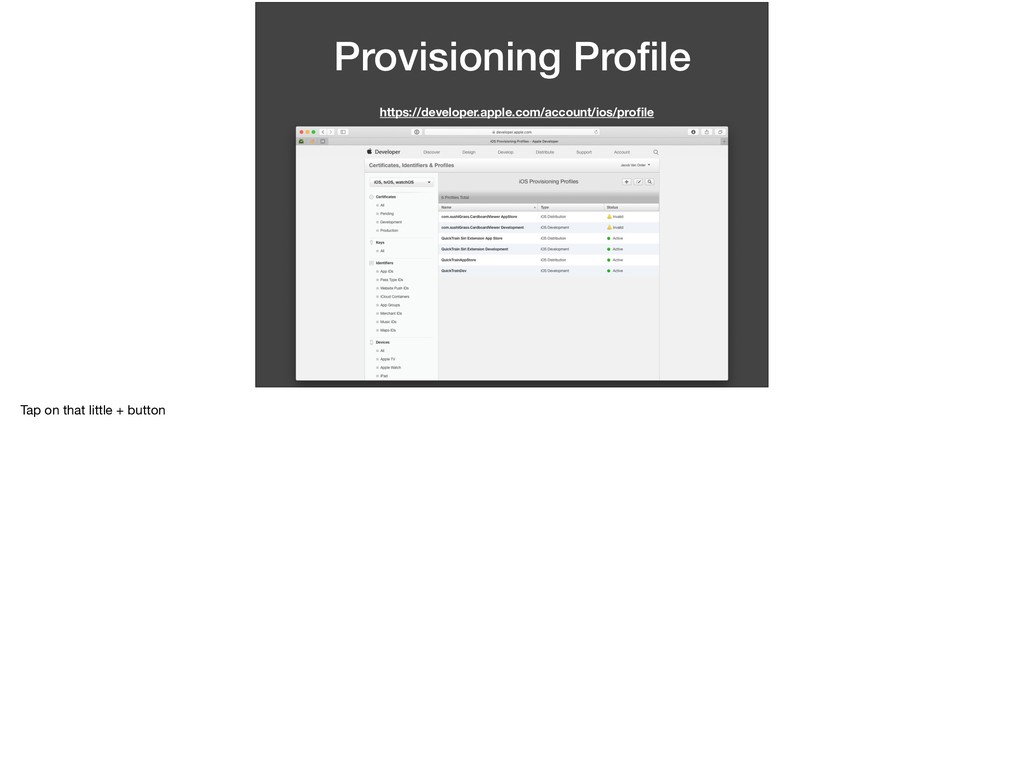
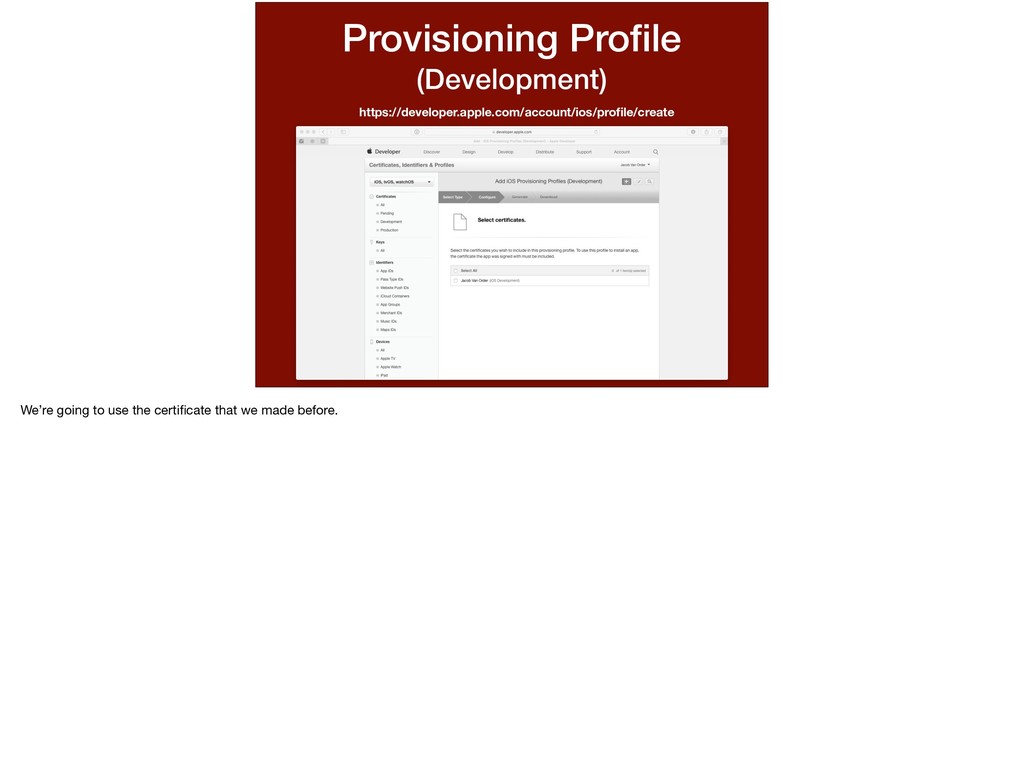
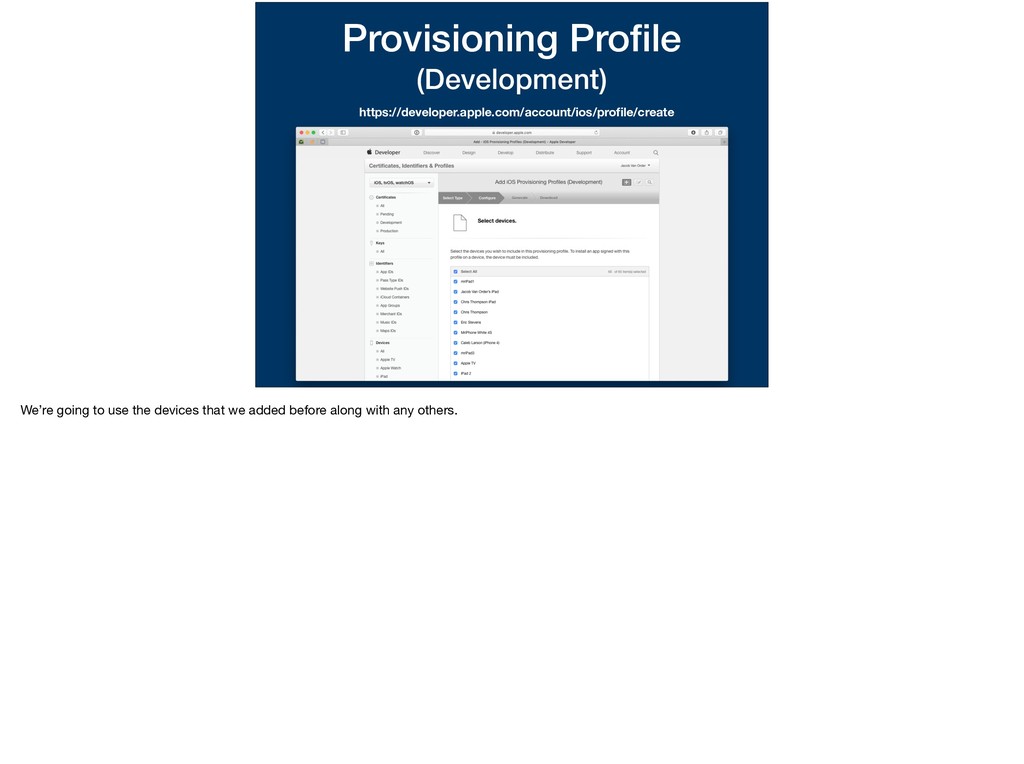
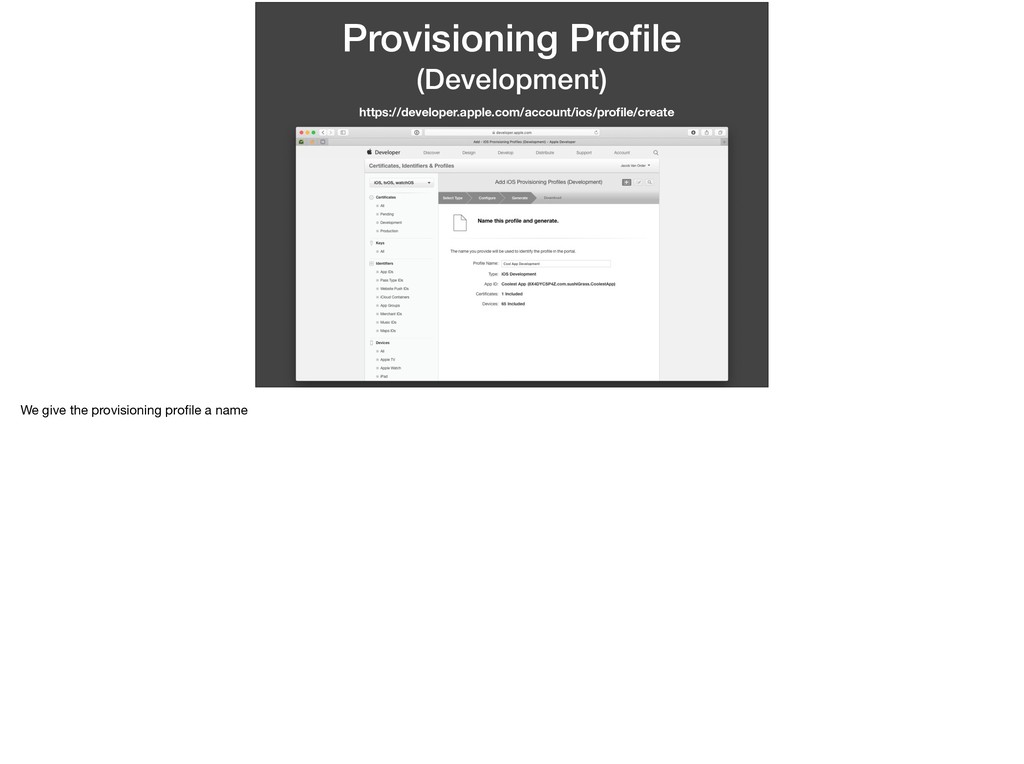
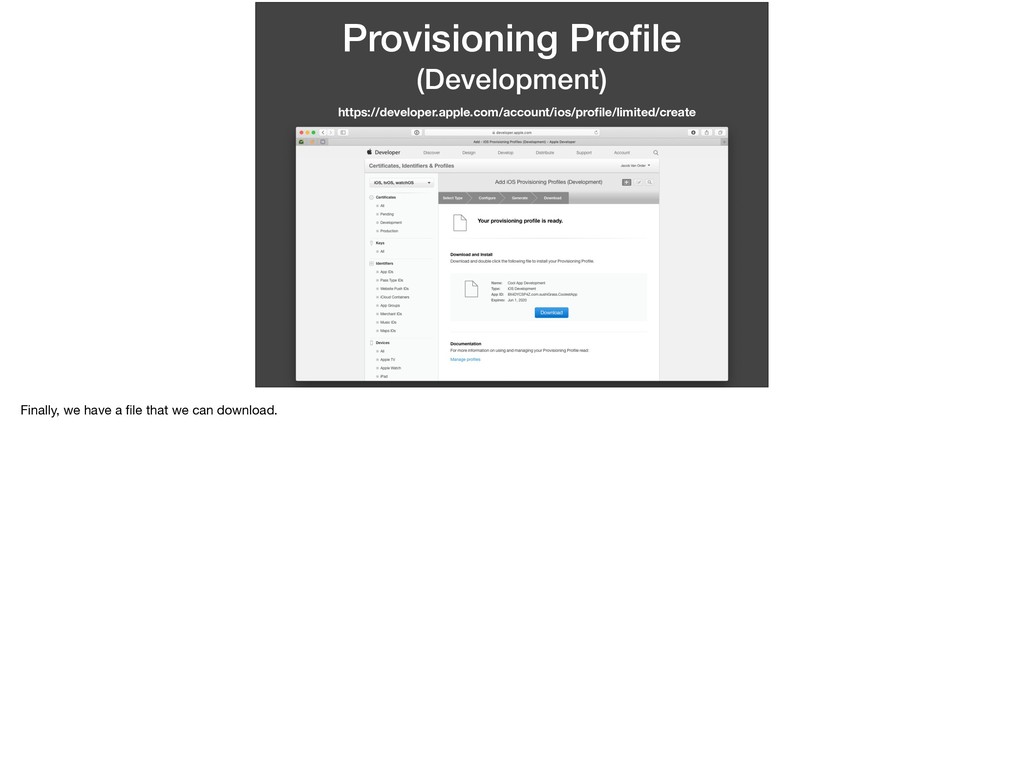
this app and this password. I want to run on this device.” We’ve determined all of the variables in this statement. * This statement is basically what a provisioning profile entails. Let’s walk through making one.
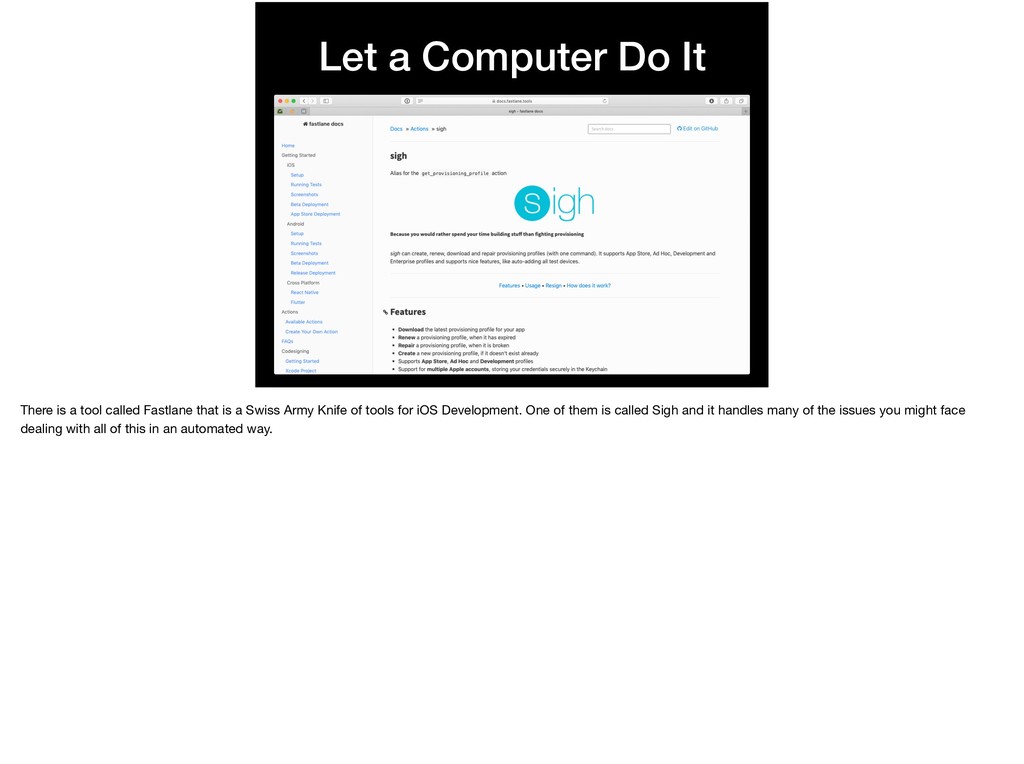
Fastlane that is a Swiss Army Knife of tools for iOS Development. One of them is called Sigh and it handles many of the issues you might face dealing with all of this in an automated way.
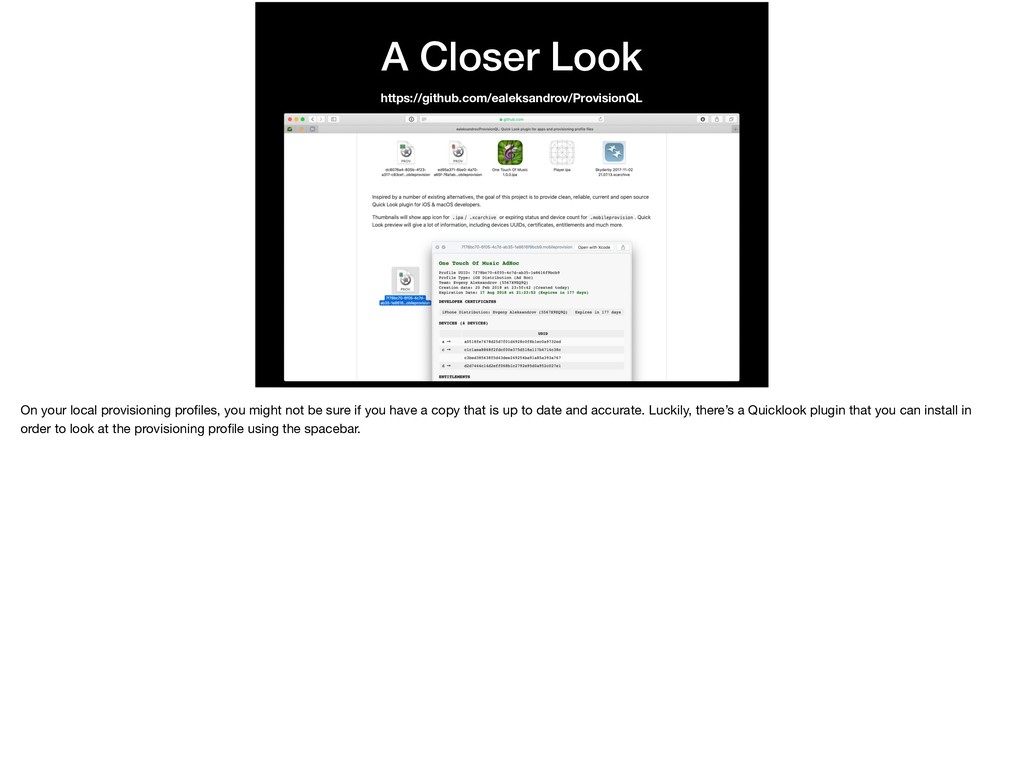
might not be sure if you have a copy that is up to date and accurate. Luckily, there’s a Quicklook plugin that you can install in order to look at the provisioning profile using the spacebar.


 jacobvanorder
 prota
prota
 clockmaker
 yasaichi
 satoshi256kbyte
 deka_morita
 nao_randd
 irinanazarova
.jpg) yumnumm
yumnumm
 minodriven
 optim
optim
 a_matsuda
 teyamagu
 gurzu
gurzu
 nwiizo
 emna__ayadi
 thekraken
 honzajavorek
 afnizarnur
 watany
 techseoconnect
 baasie
 kneath
 rabernat