Share
Embed
Transcript
71 slides
-
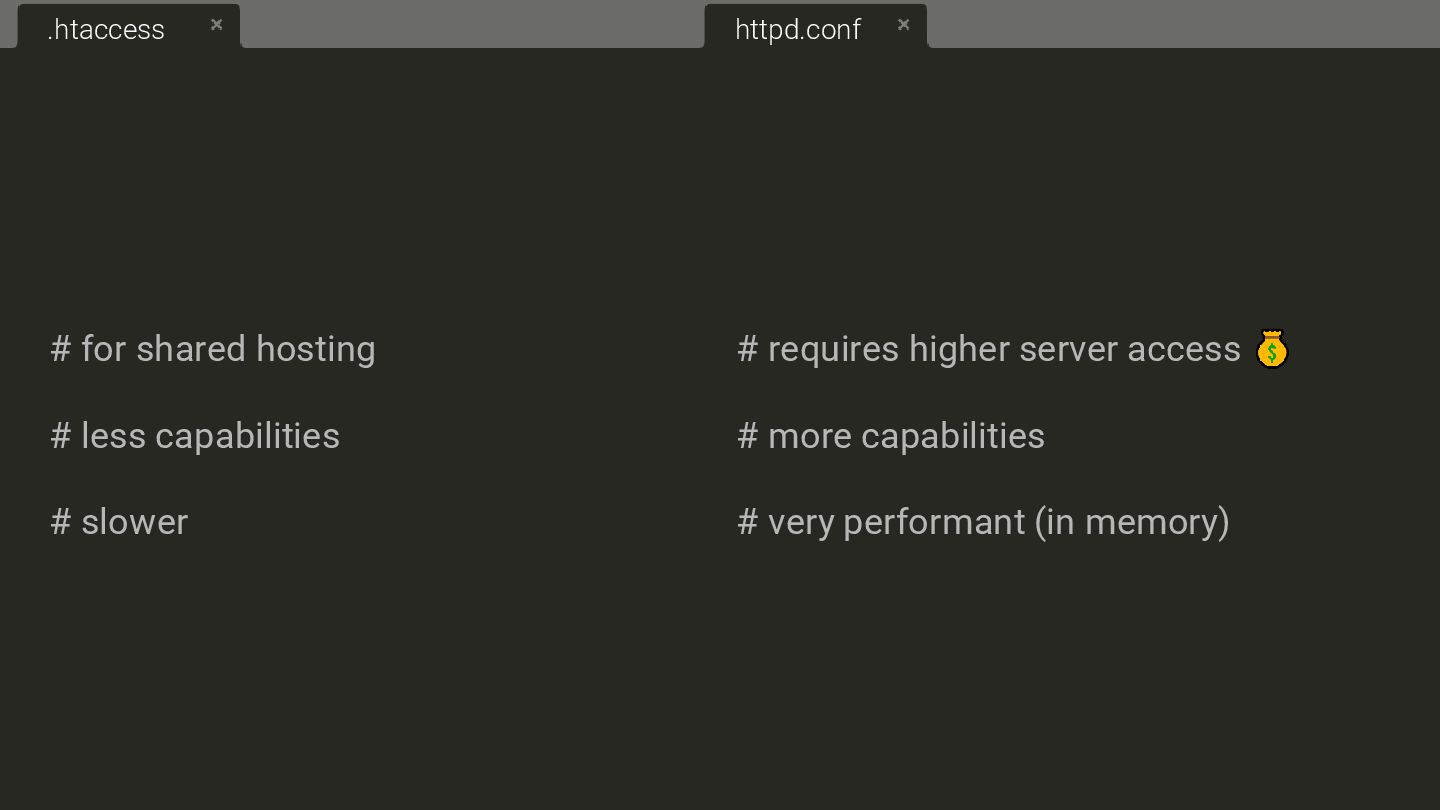
# for shared hosting # less capabilities # slower .htaccess
# requires higher server access # more capabilities # very performant (in memory) httpd.conf -
RewriteEngine On # With RewriteRule RewriteRule ^old-page$ /new-page [L,R=301] #
With RedirectMatch RedirectMatch 301 ^/old-page$ /new-page # Redirecting URL patterns RewriteRule ^shop/(.*)$ /products/$1 [R=301,L] .htaccess print("the basics"); -
RewriteEngine On # With RewriteRule RewriteRule ^old-page$ /new-page [L,R=301] #
With RedirectMatch RedirectMatch 301 ^/old-page$ /new-page # Redirecting URL patterns RewriteRule ^shop/(.*)$ /products/$1 [R=301,L] .htaccess print("the basics"); -
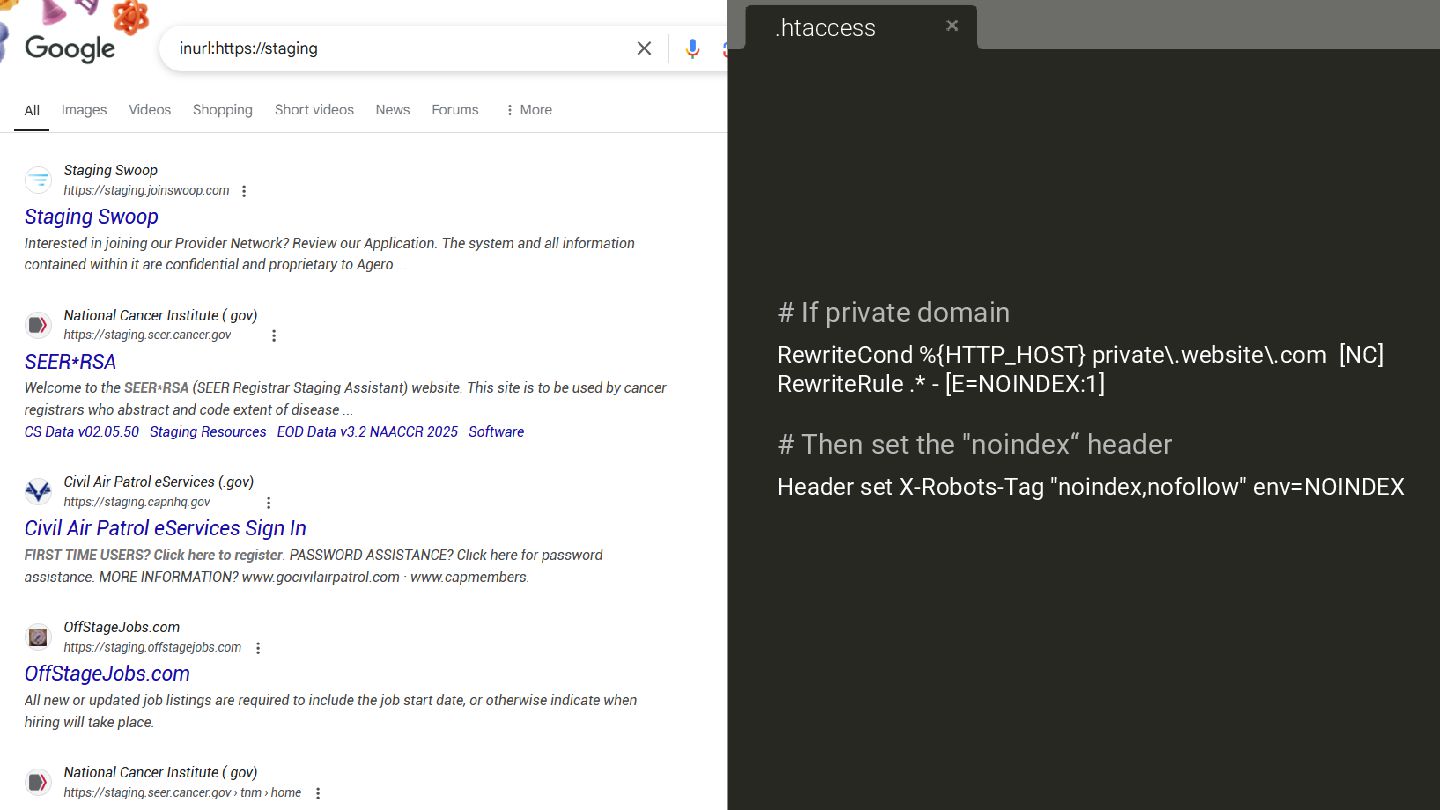
# If private domain RewriteCond %{HTTP_HOST} private\.website\.com [NC] RewriteRule .*
- [E=NOINDEX:1] # Then set the "noindex“ header Header set X-Robots-Tag "noindex,nofollow" env=NOINDEX .htaccess -
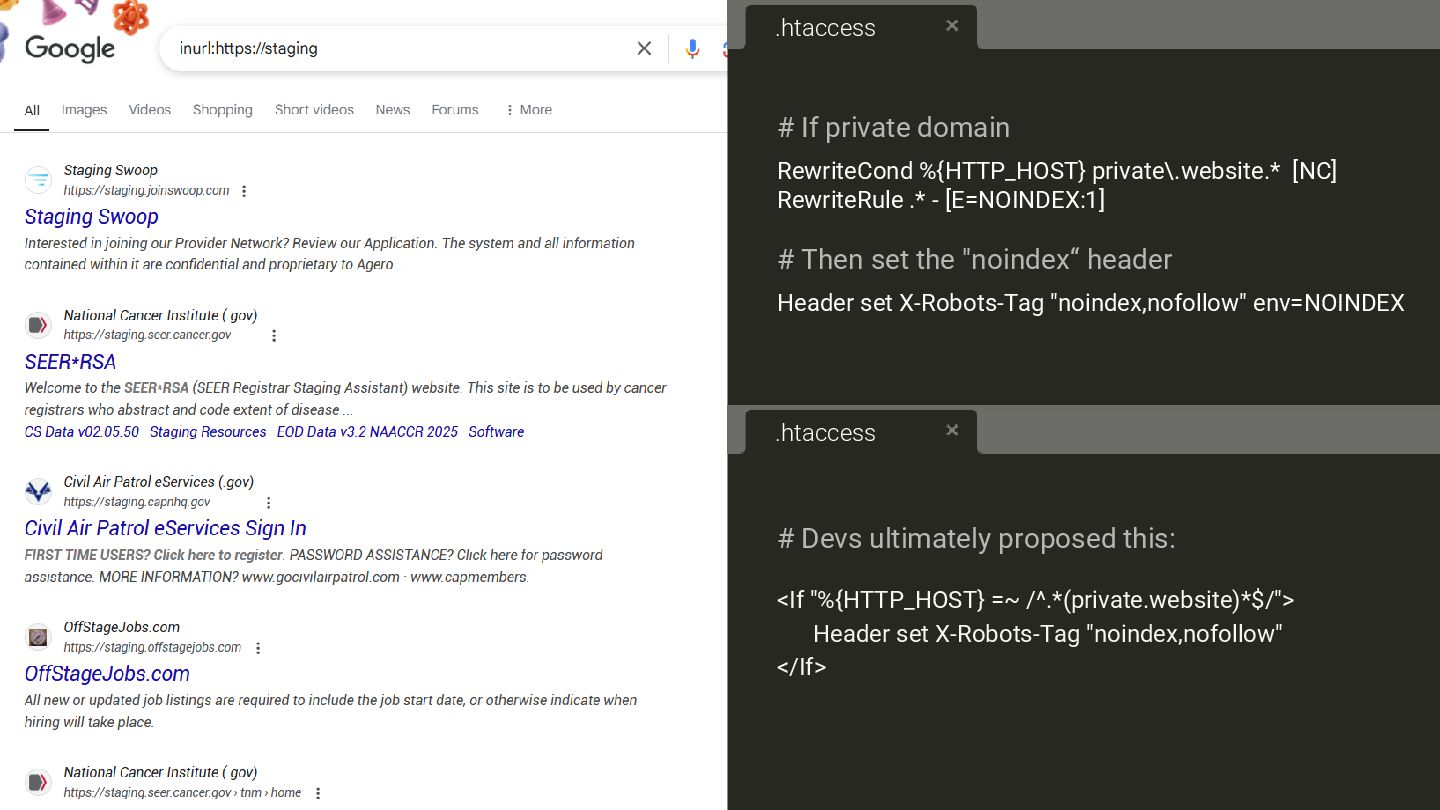
# If private domain RewriteCond %{HTTP_HOST} private\.website.* [NC] RewriteRule .*
- [E=NOINDEX:1] # Then set the "noindex“ header Header set X-Robots-Tag "noindex,nofollow" env=NOINDEX .htaccess # Devs ultimately proposed this: <If "%{HTTP_HOST} =~ /^.*(private.website)*$/"> Header set X-Robots-Tag "noindex,nofollow" </If> .htaccess -
So I casually check that website 4 hours after release
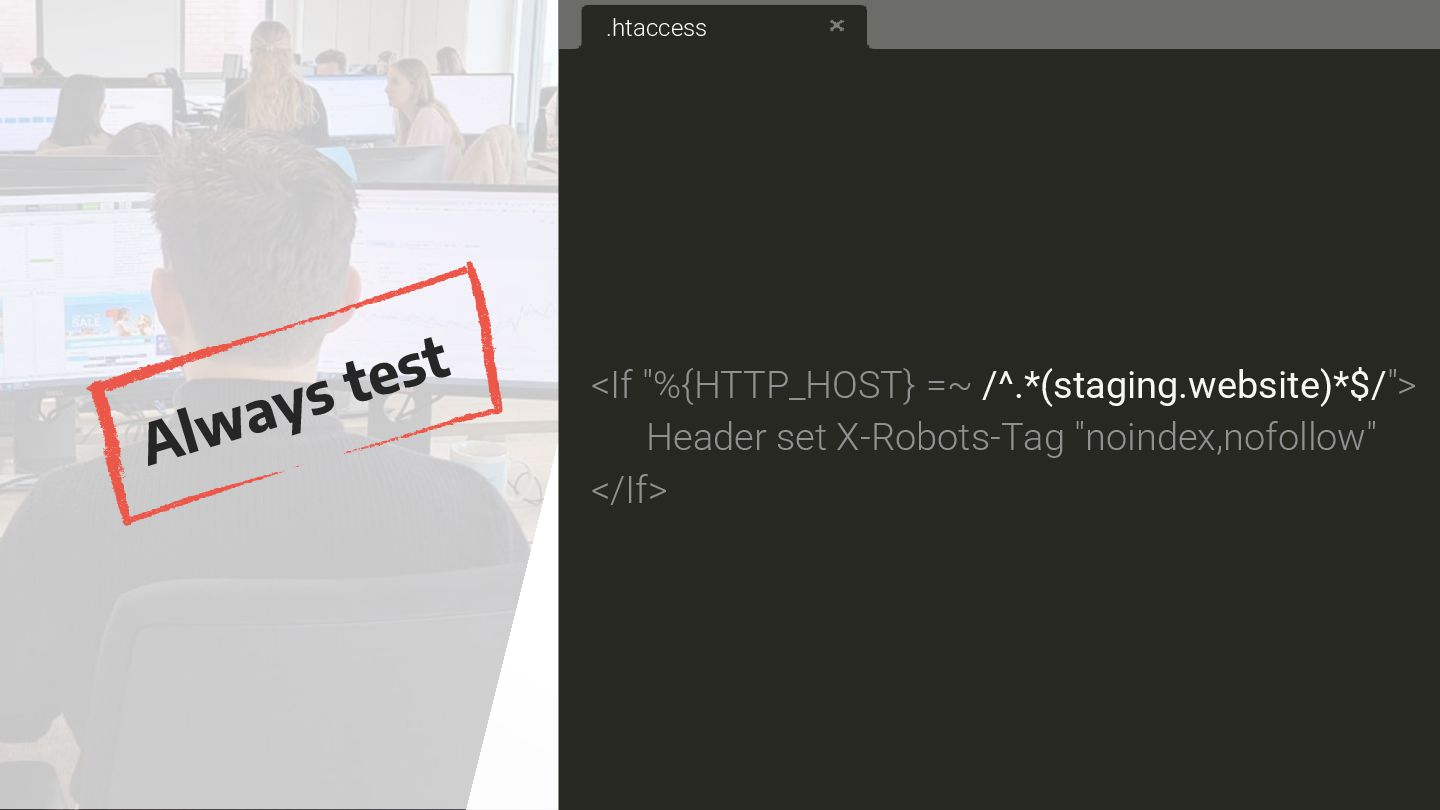
every page: <If "%{HTTP_HOST} =~ /^.*(staging.website)*$/"> Header set X-Robots-Tag "noindex,nofollow" </If> .htaccess -
So I casually check that website 4 hours after release
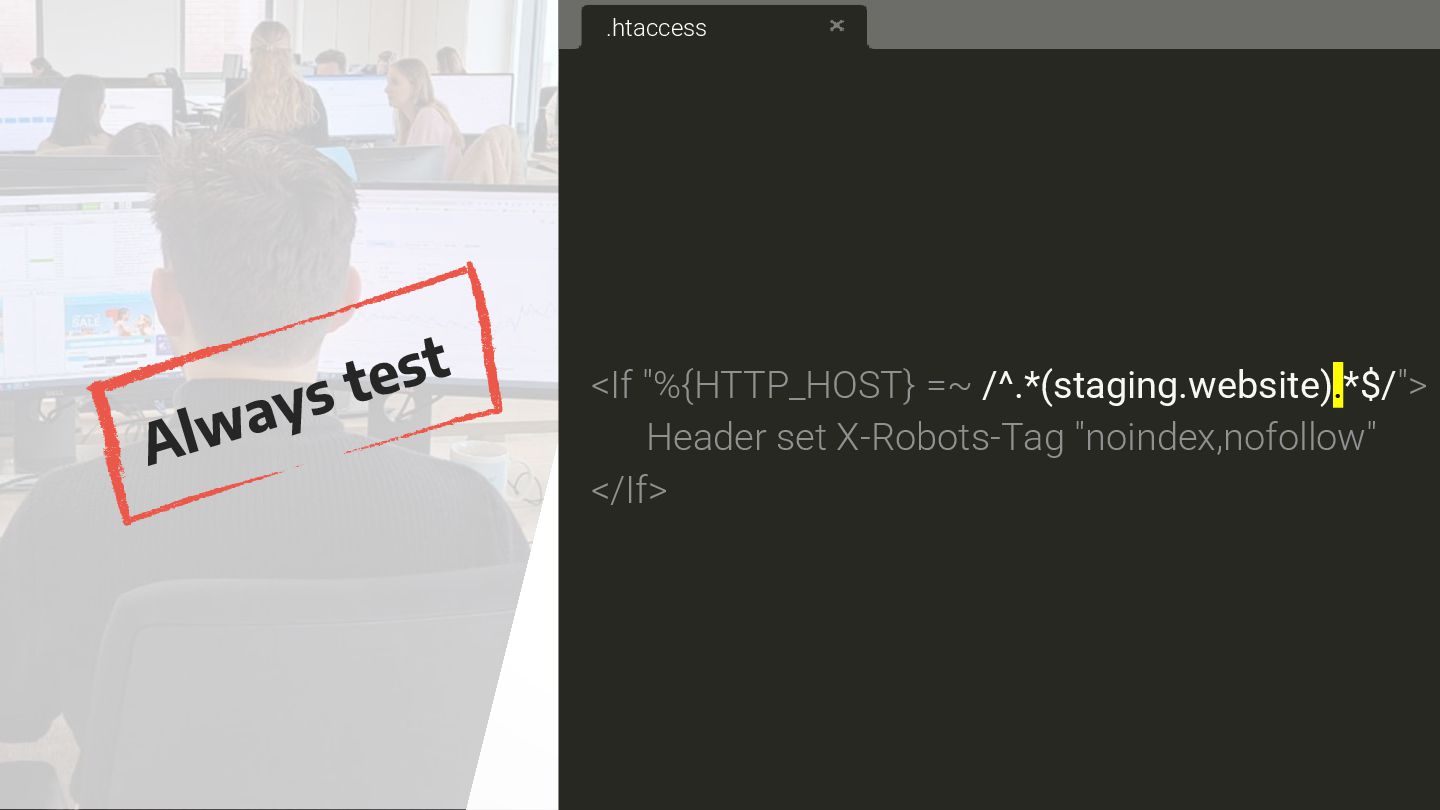
every page: .htaccess <If "%{HTTP_HOST} =~ /^.*(staging.website).*$/"> Header set X-Robots-Tag "noindex,nofollow" </If> -
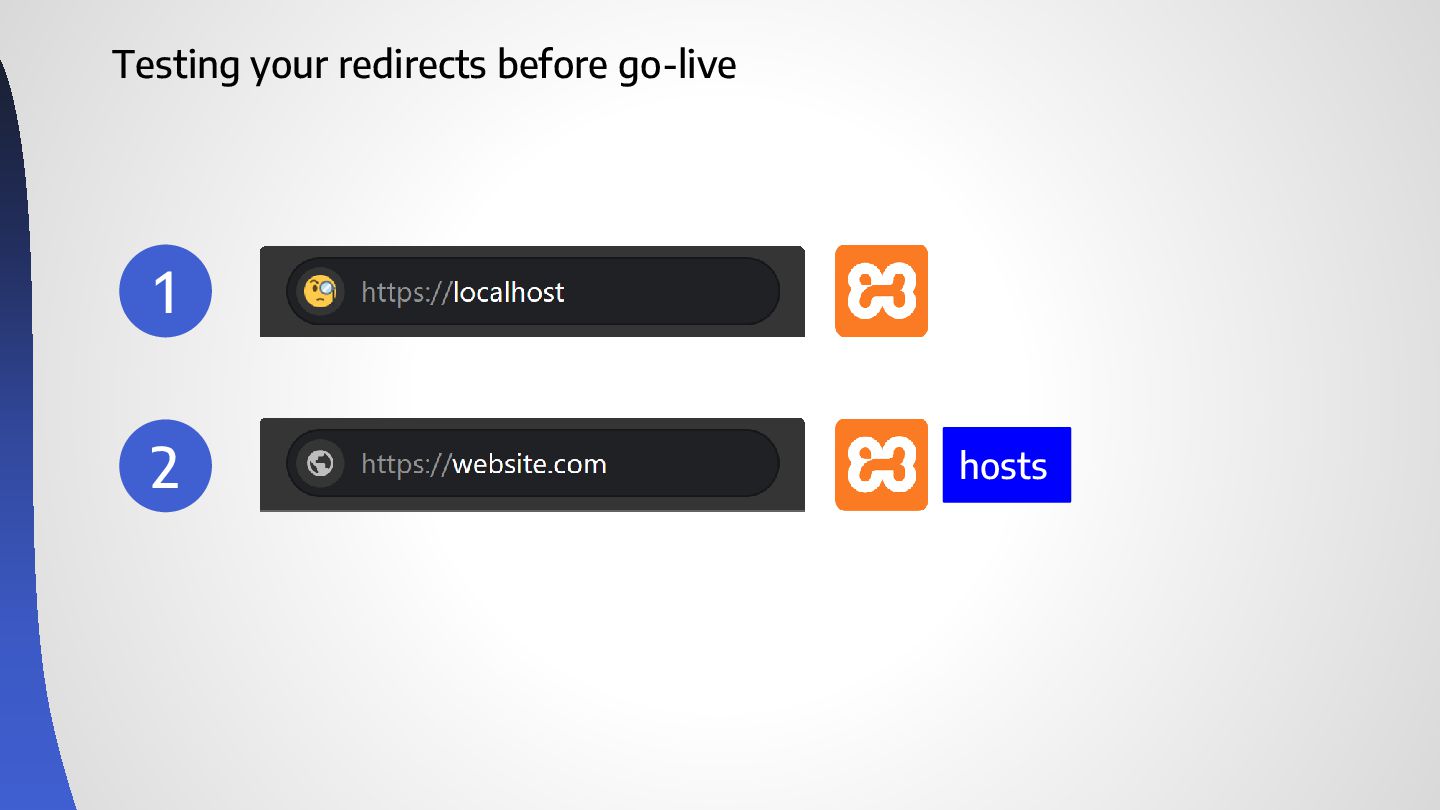
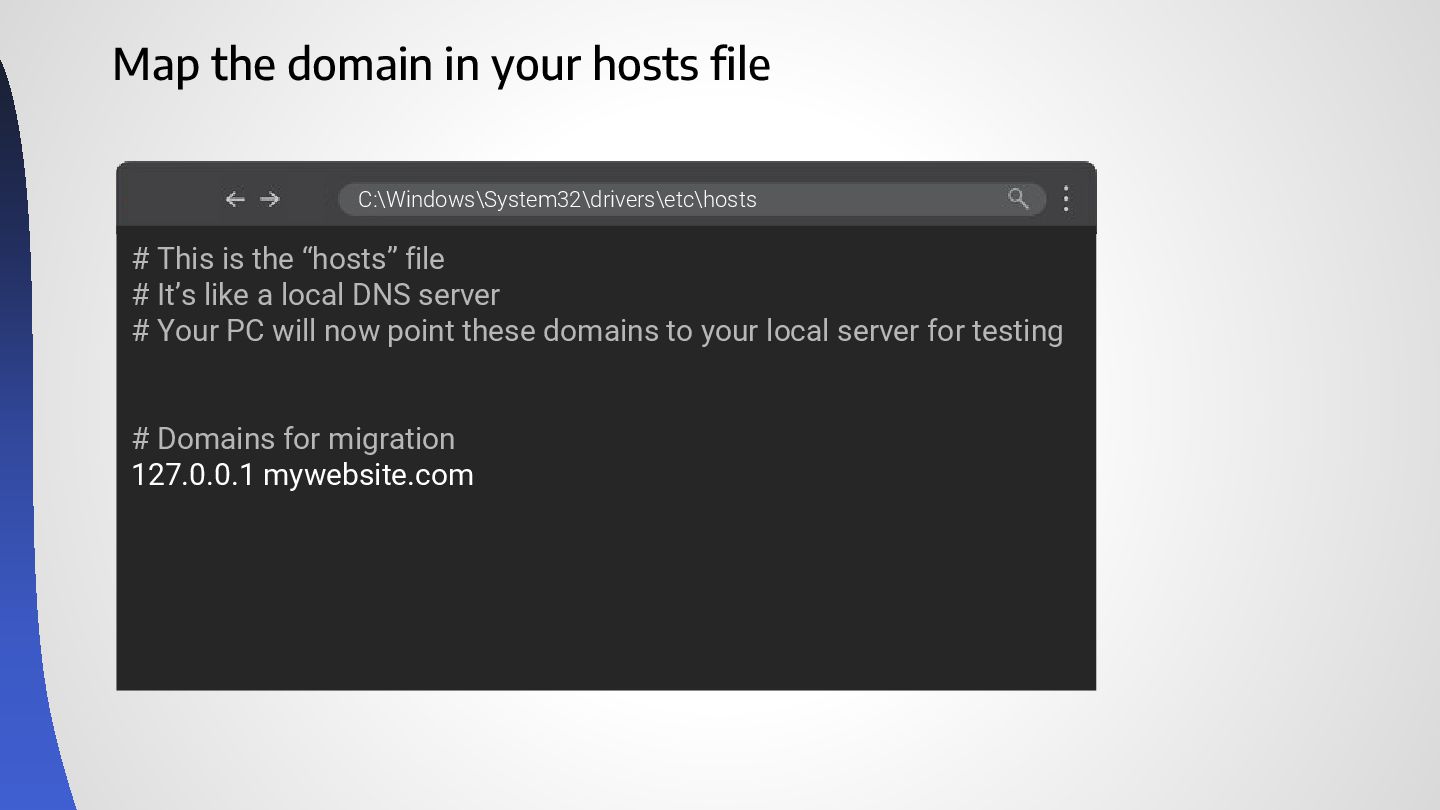
Map the domain in your hosts file # This is
the “hosts” file # It’s like a local DNS server # Your PC will now point these domains to your local server for testing # Domains for migration 127.0.0.1 mywebsite.com C:\Windows\System32\drivers\etc\hosts -
Ask the devs for an export of the PROD .htaccess
Existing lines var\www\.htaccess -
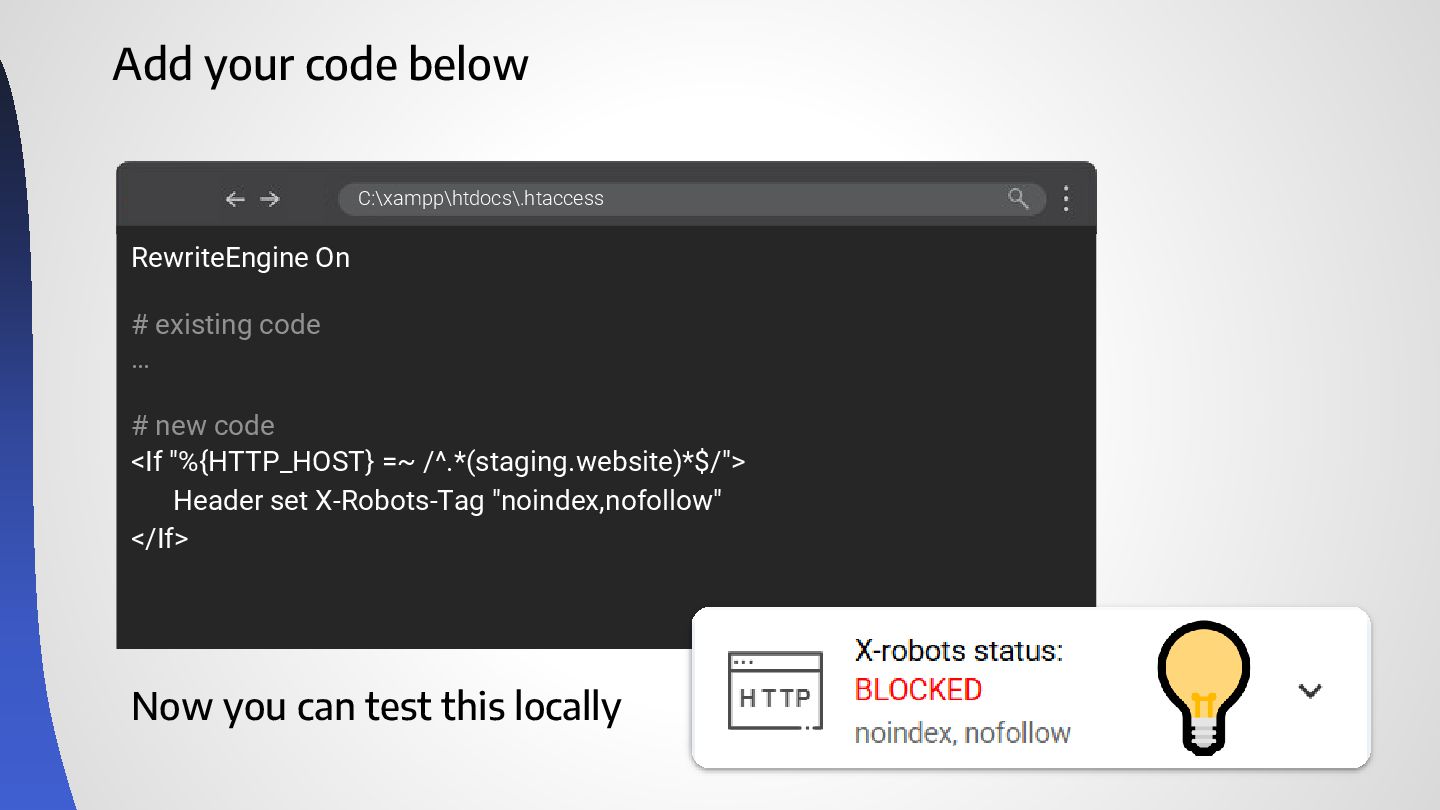
Add your code below RewriteEngine On # existing code …
# new code <If "%{HTTP_HOST} =~ /^.*(staging.website)*$/"> Header set X-Robots-Tag "noindex,nofollow" </If> C:\xampp\htdocs\.htaccess Now you can test this locally -
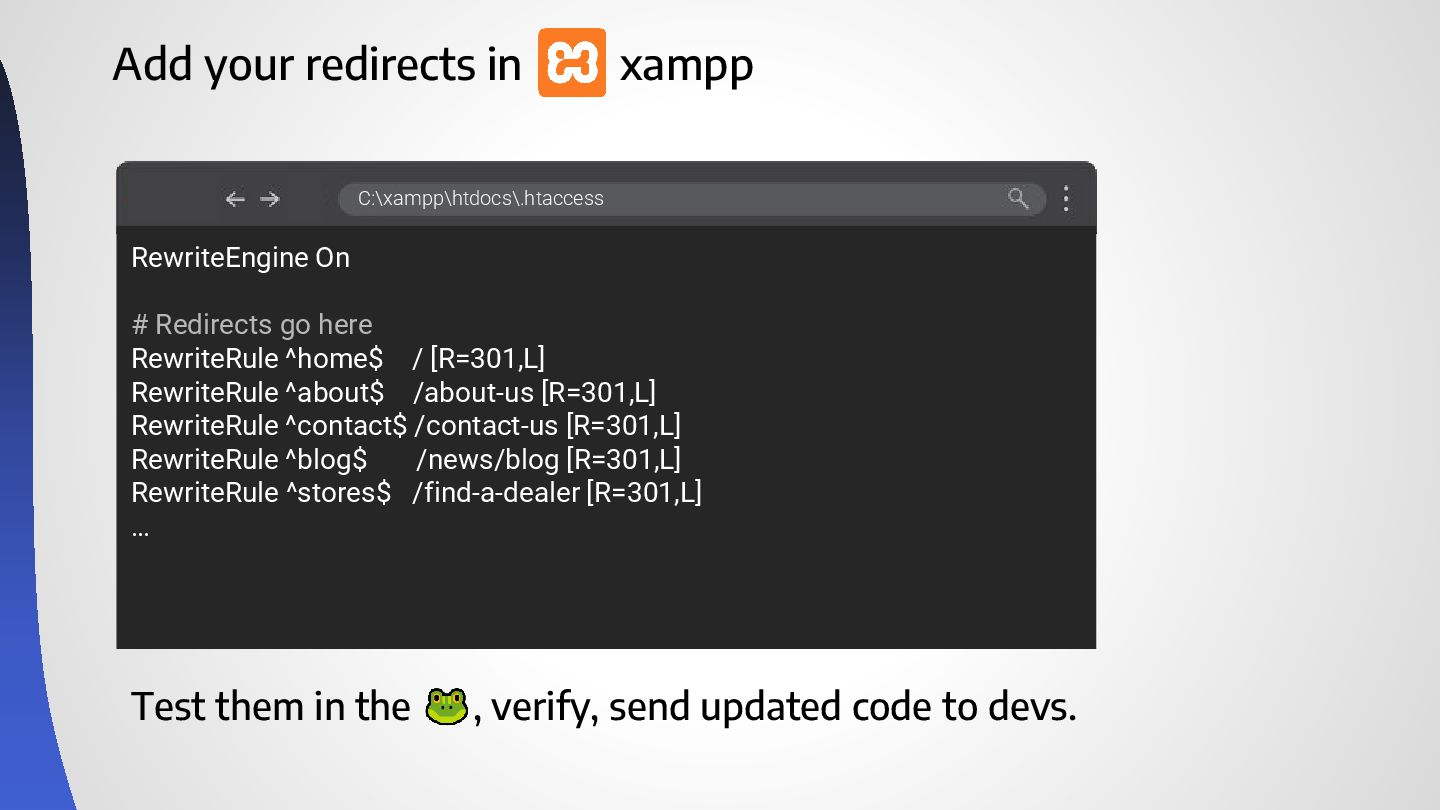
Add your redirects in xampp RewriteEngine On # Redirects go
here RewriteRule ^home$ / [R=301,L] RewriteRule ^about$ /about-us [R=301,L] RewriteRule ^contact$ /contact-us [R=301,L] RewriteRule ^blog$ /news/blog [R=301,L] RewriteRule ^stores$ /find-a-dealer [R=301,L] … C:\xampp\htdocs\.htaccess Test them in the , verify, send updated code to devs. -
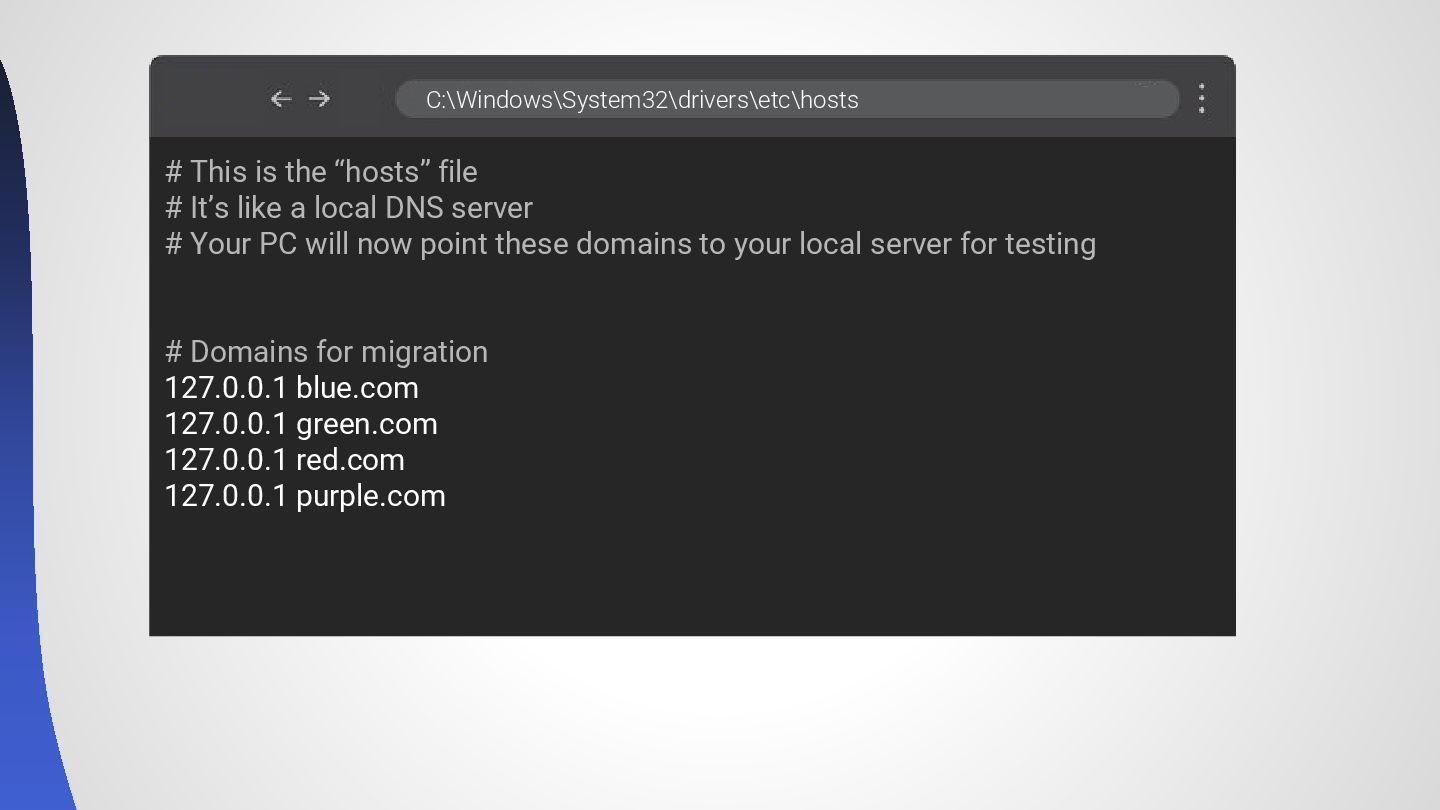
# This is the “hosts” file # It’s like a
local DNS server # Your PC will now point these domains to your local server for testing # Domains for migration 127.0.0.1 blue.com 127.0.0.1 green.com 127.0.0.1 red.com 127.0.0.1 purple.com C:\Windows\System32\drivers\etc\hosts -
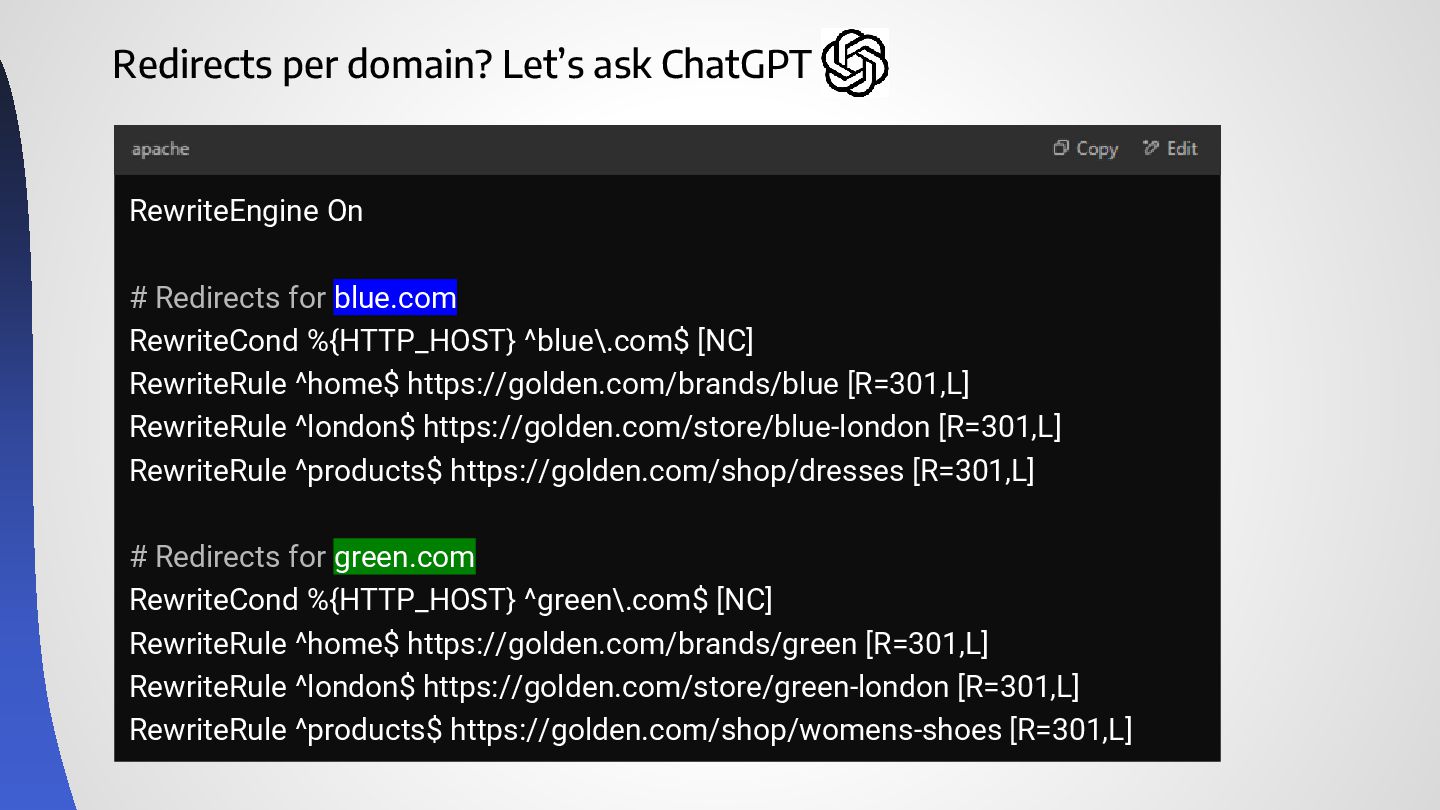
RewriteEngine On # Redirects for blue.com RewriteCond %{HTTP_HOST} ^blue\.com$ [NC]
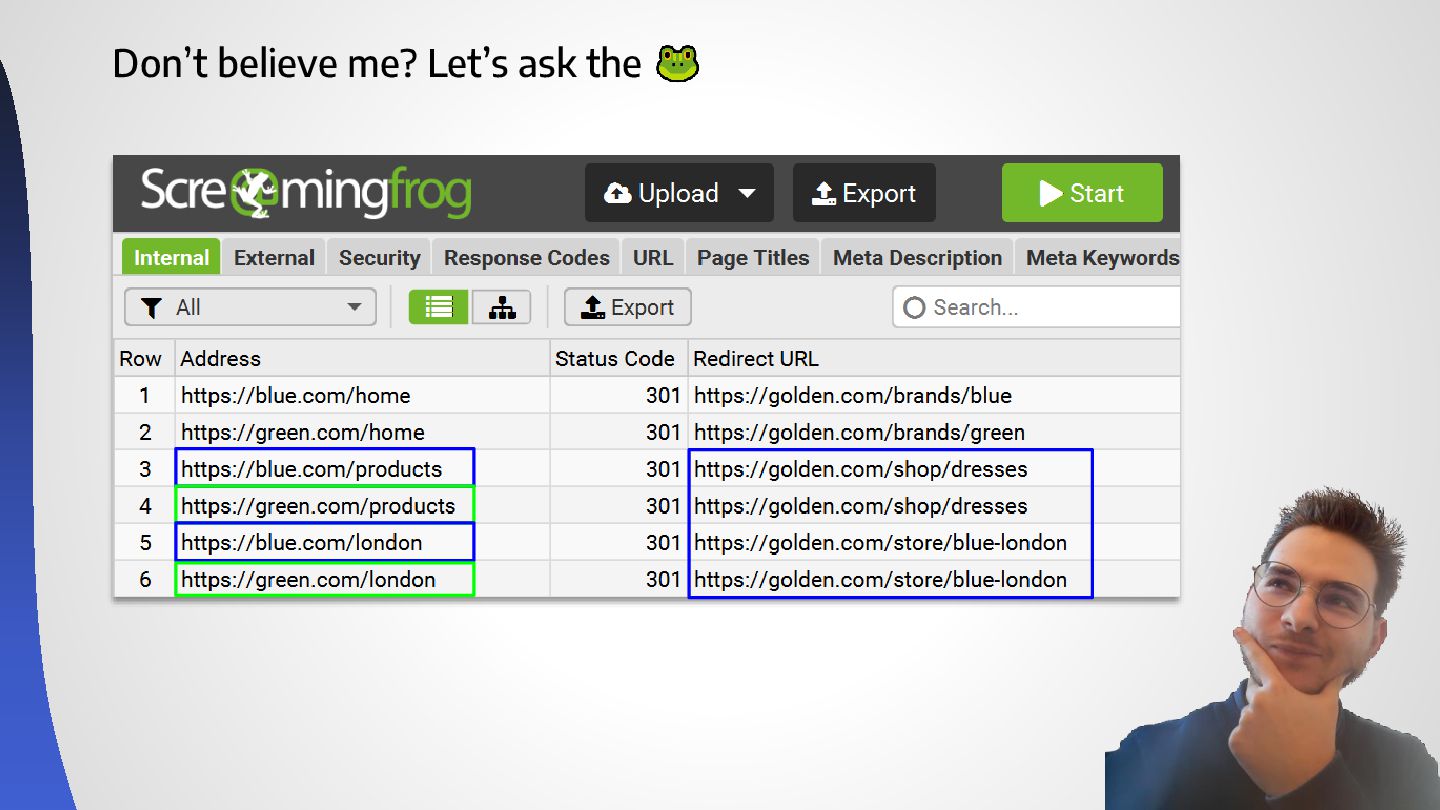
RewriteRule ^home$ https://golden.com/brands/blue [R=301,L] RewriteRule ^london$ https://golden.com/store/blue-london [R=301,L] RewriteRule ^products$ https://golden.com/shop/dresses [R=301,L] # Redirects for green.com RewriteCond %{HTTP_HOST} ^green\.com$ [NC] RewriteRule ^home$ https://golden.com/brands/green [R=301,L] RewriteRule ^london$ https://golden.com/store/green-london [R=301,L] RewriteRule ^products$ https://golden.com/shop/womens-shoes [R=301,L] Redirects per domain? Let’s ask ChatGPT -
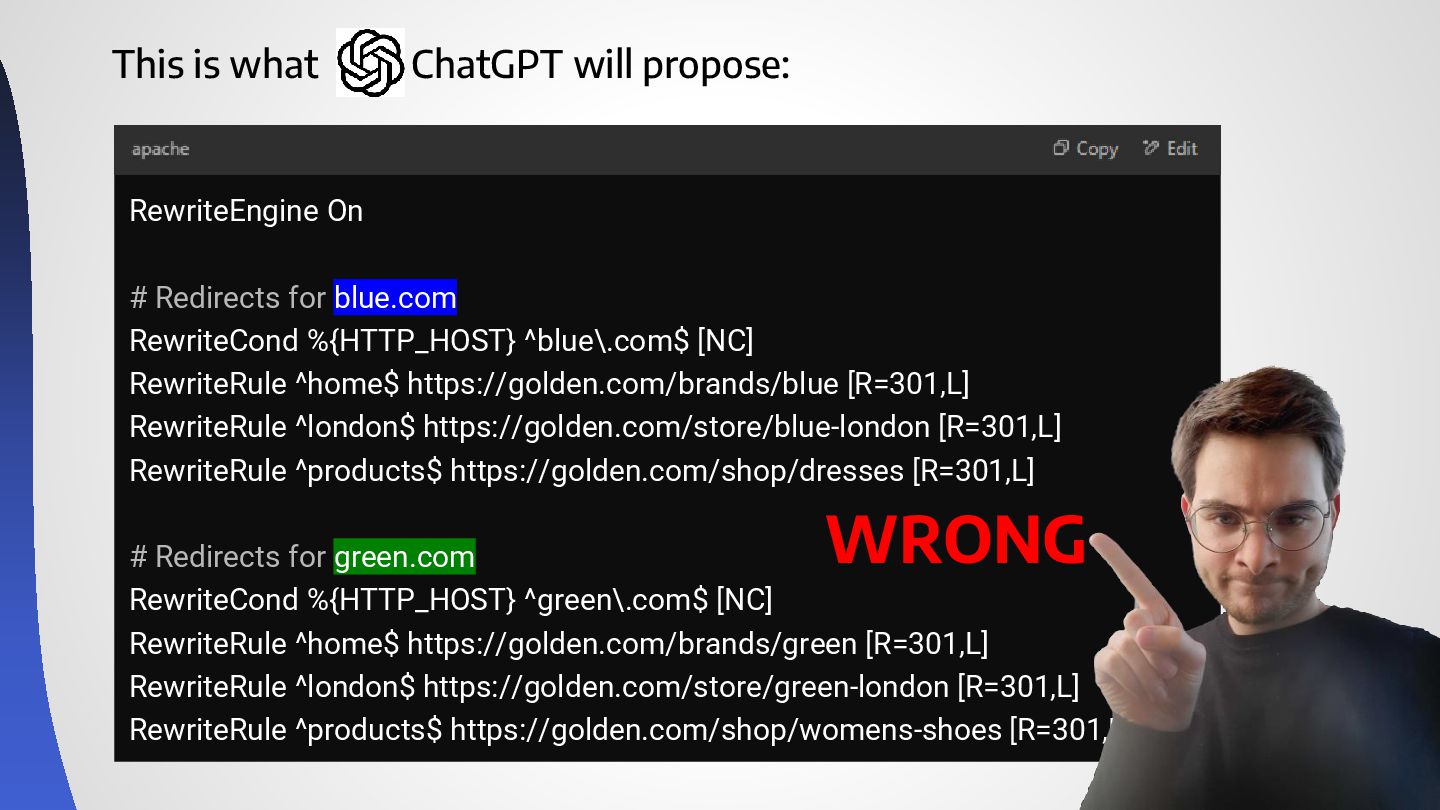
This is what ChatGPT will propose: RewriteEngine On # Redirects
for blue.com RewriteCond %{HTTP_HOST} ^blue\.com$ [NC] RewriteRule ^home$ https://golden.com/brands/blue [R=301,L] RewriteRule ^london$ https://golden.com/store/blue-london [R=301,L] RewriteRule ^products$ https://golden.com/shop/dresses [R=301,L] # Redirects for green.com RewriteCond %{HTTP_HOST} ^green\.com$ [NC] RewriteRule ^home$ https://golden.com/brands/green [R=301,L] RewriteRule ^london$ https://golden.com/store/green-london [R=301,L] RewriteRule ^products$ https://golden.com/shop/womens-shoes [R=301,L] WRONG -
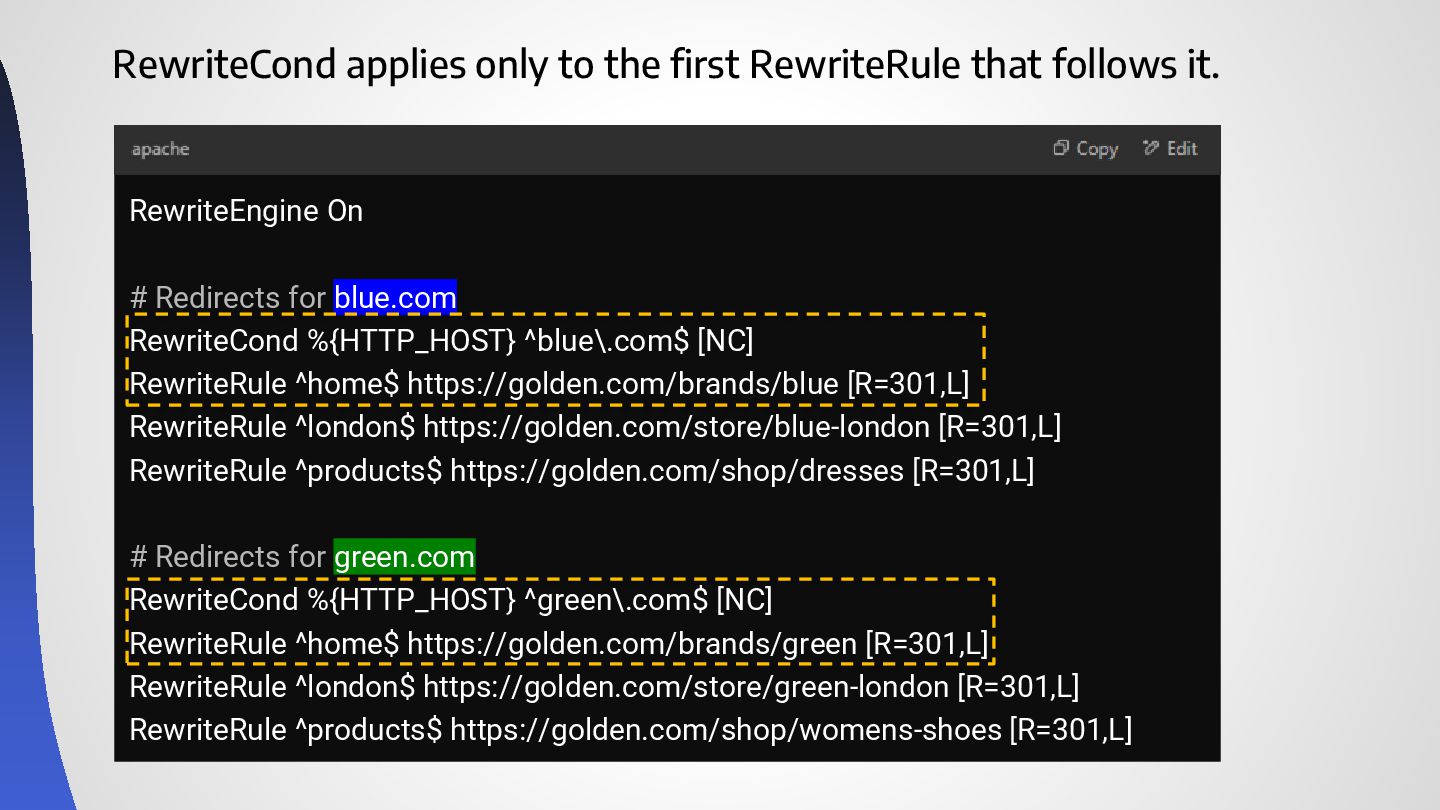
RewriteCond applies only to the first RewriteRule that follows it.
RewriteEngine On # Redirects for blue.com RewriteCond %{HTTP_HOST} ^blue\.com$ [NC] RewriteRule ^home$ https://golden.com/brands/blue [R=301,L] RewriteRule ^london$ https://golden.com/store/blue-london [R=301,L] RewriteRule ^products$ https://golden.com/shop/dresses [R=301,L] # Redirects for green.com RewriteCond %{HTTP_HOST} ^green\.com$ [NC] RewriteRule ^home$ https://golden.com/brands/green [R=301,L] RewriteRule ^london$ https://golden.com/store/green-london [R=301,L] RewriteRule ^products$ https://golden.com/shop/womens-shoes [R=301,L] -
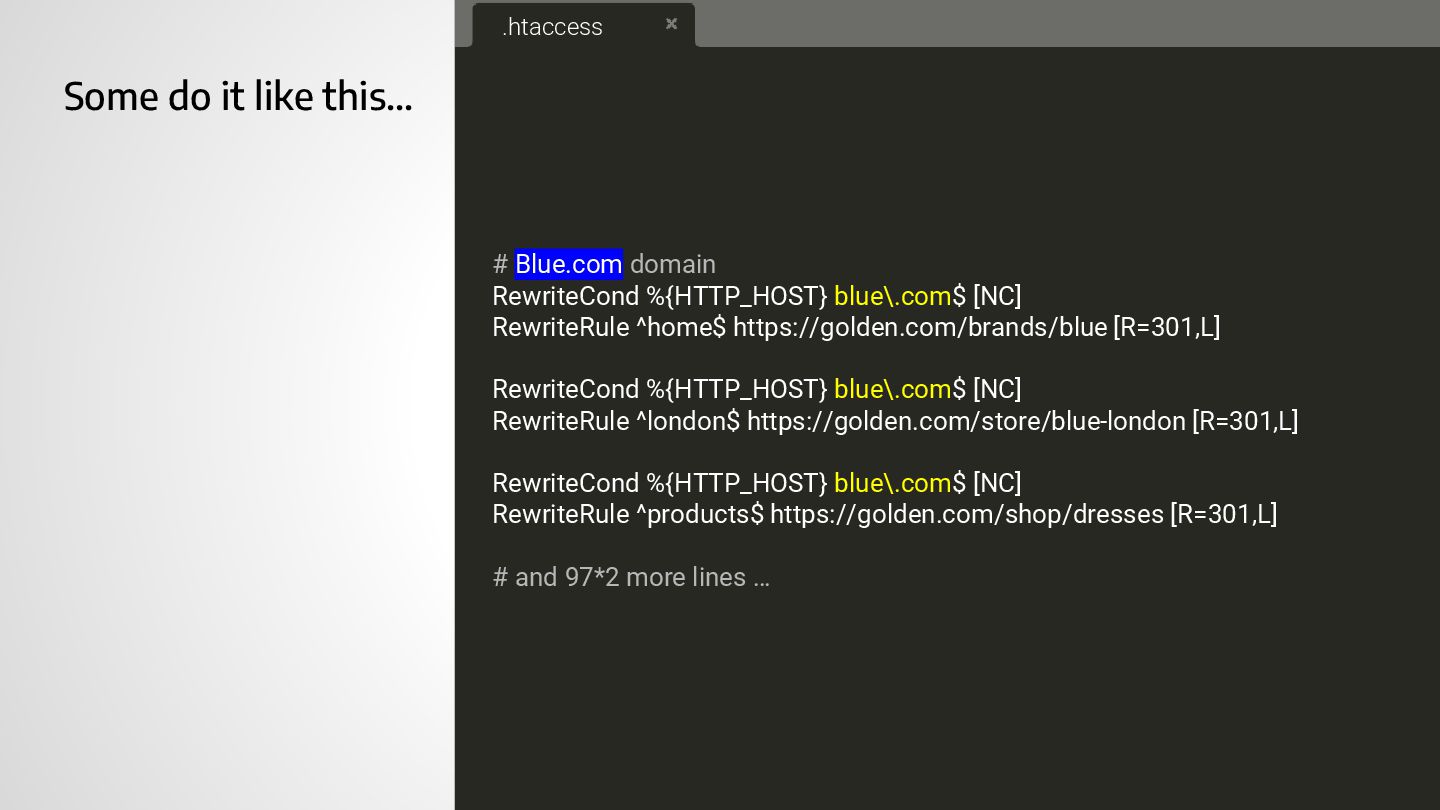
Some do it like this… .htaccess # Blue.com domain RewriteCond
%{HTTP_HOST} blue\.com$ [NC] RewriteRule ^home$ https://golden.com/brands/blue [R=301,L] RewriteCond %{HTTP_HOST} blue\.com$ [NC] RewriteRule ^london$ https://golden.com/store/blue-london [R=301,L] RewriteCond %{HTTP_HOST} blue\.com$ [NC] RewriteRule ^products$ https://golden.com/shop/dresses [R=301,L] # and 97*2 more lines … # Green.com domain RewriteCond %{HTTP_HOST} green\.com$ [NC] RewriteRule ^home$ https://golden.com/brands/green [R=301,L] RewriteCond %{HTTP_HOST} green\.com$ [NC] RewriteRule ^london$ https://golden.com/store/green-london [R=301,L] -
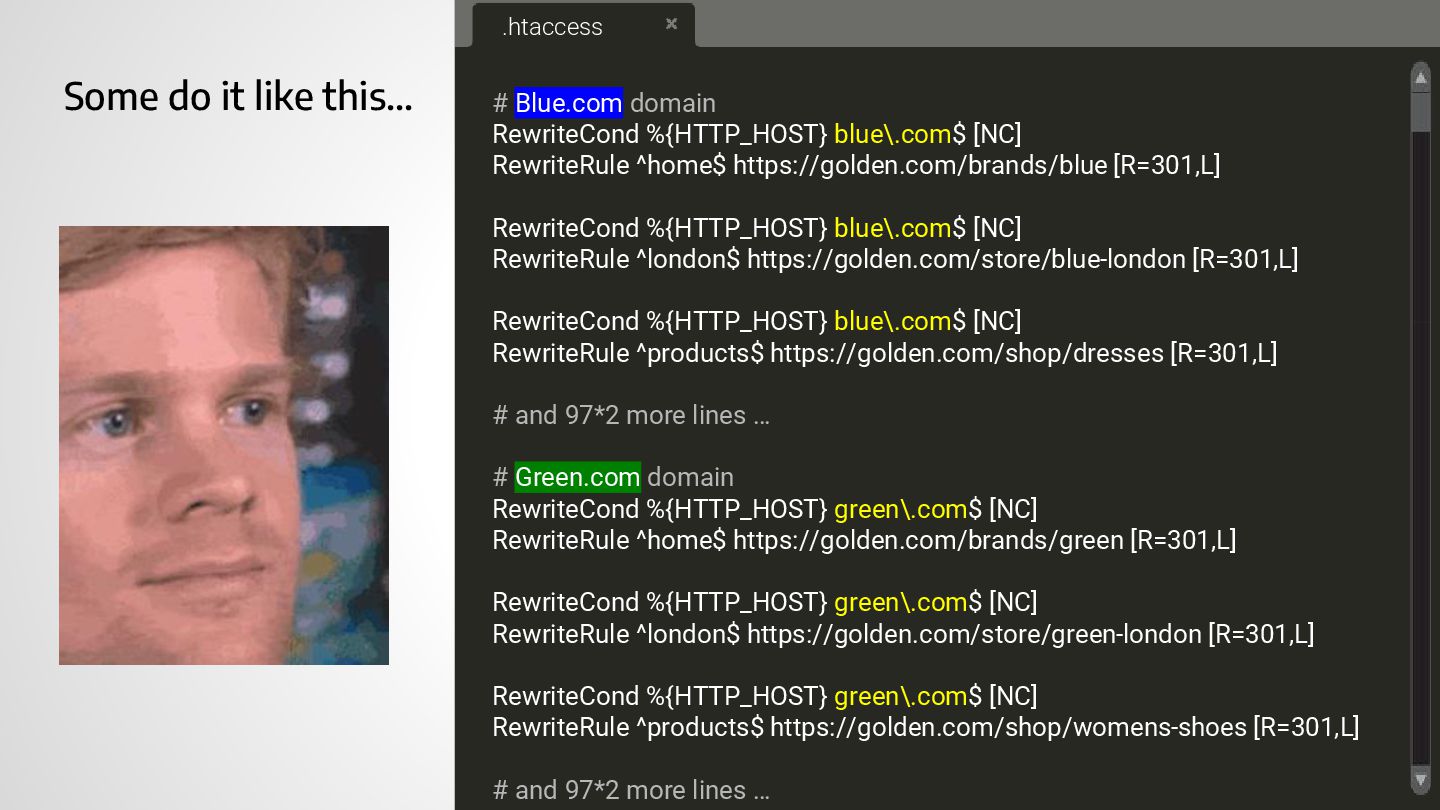
Some do it like this… .htaccess # Blue.com domain RewriteCond
%{HTTP_HOST} blue\.com$ [NC] RewriteRule ^home$ https://golden.com/brands/blue [R=301,L] RewriteCond %{HTTP_HOST} blue\.com$ [NC] RewriteRule ^london$ https://golden.com/store/blue-london [R=301,L] RewriteCond %{HTTP_HOST} blue\.com$ [NC] RewriteRule ^products$ https://golden.com/shop/dresses [R=301,L] # and 97*2 more lines … # Green.com domain RewriteCond %{HTTP_HOST} green\.com$ [NC] RewriteRule ^home$ https://golden.com/brands/green [R=301,L] RewriteCond %{HTTP_HOST} green\.com$ [NC] RewriteRule ^london$ https://golden.com/store/green-london [R=301,L] RewriteCond %{HTTP_HOST} green\.com$ [NC] RewriteRule ^products$ https://golden.com/shop/womens-shoes [R=301,L] # and 97*2 more lines … -
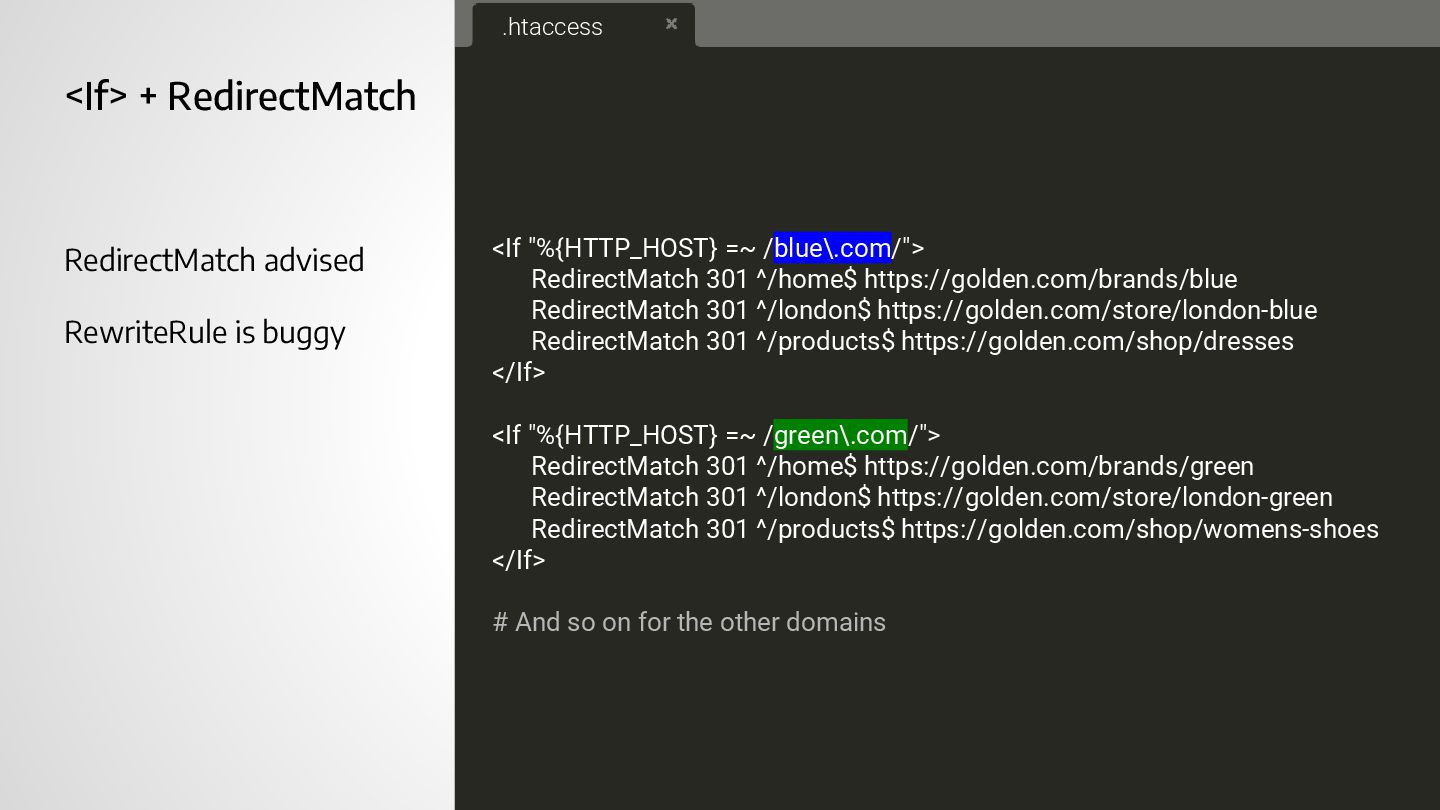
<If> + RedirectMatch RedirectMatch advised RewriteRule is buggy <If "%{HTTP_HOST}
=~ /blue\.com/"> RedirectMatch 301 ^/home$ https://golden.com/brands/blue RedirectMatch 301 ^/london$ https://golden.com/store/london-blue RedirectMatch 301 ^/products$ https://golden.com/shop/dresses </If> <If "%{HTTP_HOST} =~ /green\.com/"> RedirectMatch 301 ^/home$ https://golden.com/brands/green RedirectMatch 301 ^/london$ https://golden.com/store/london-green RedirectMatch 301 ^/products$ https://golden.com/shop/womens-shoes </If> # And so on for the other domains .htaccess -
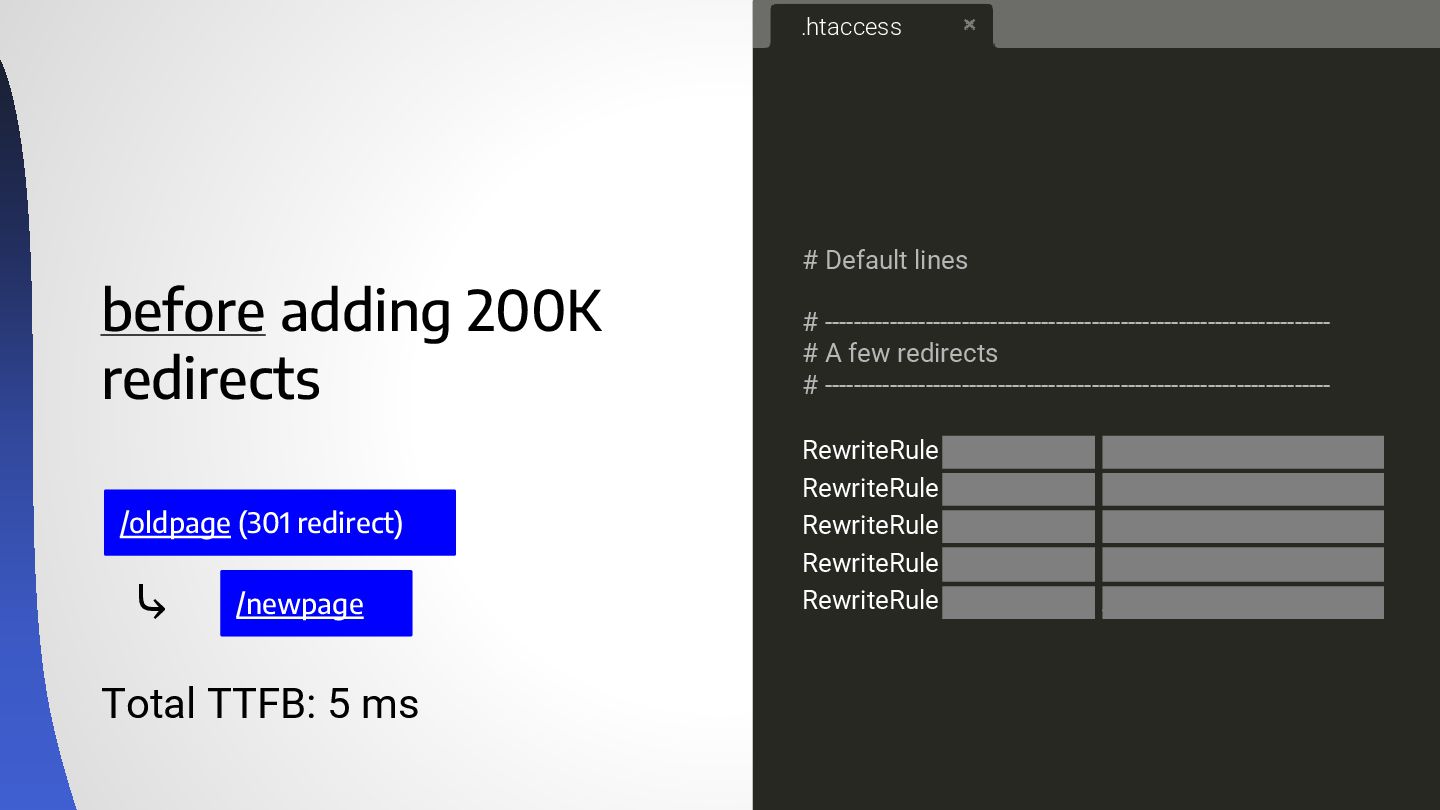
before adding 200K redirects /oldpage (301 redirect) Total TTFB: 5
ms /newpage # Default lines # ---------------------------------------------------------------------- # A few redirects # ---------------------------------------------------------------------- RewriteRule ^5p4mkfhe$ /r/lp1jy37g [R=301,L] RewriteRule ^23f7muoo$ /r/u85h4z9k [R=301,L] RewriteRule ^stazvw05$ /r/4mq4nu7e [R=301,L] RewriteRule ^mgs1ehq2$ /r/q49xifr6 [R=301,L] RewriteRule ^52zh8wfw$ /r/vs05vc0c [R=301,L] .htaccess ⤷ -
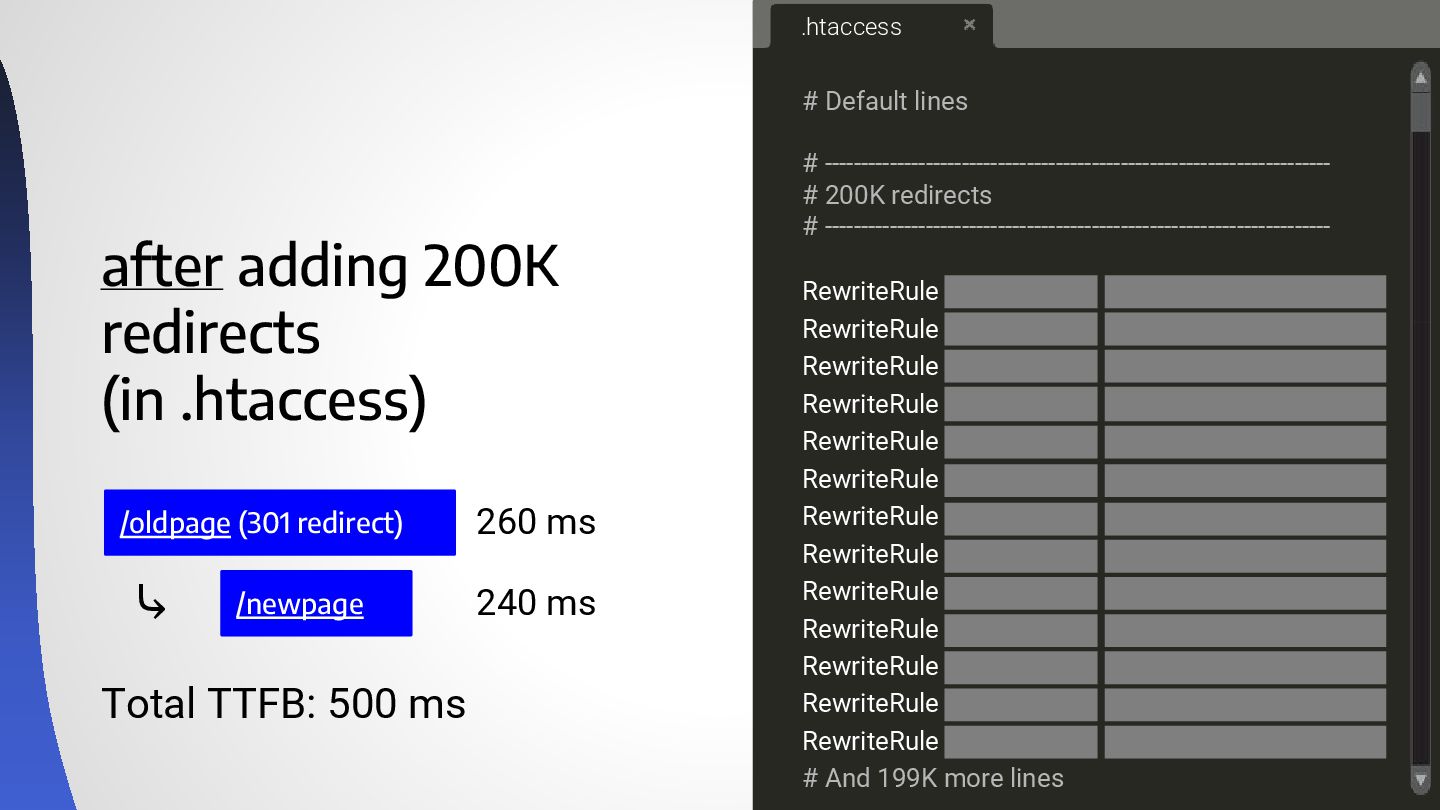
after adding 200K redirects (in .htaccess) # Default lines #
---------------------------------------------------------------------- # 200K redirects # ---------------------------------------------------------------------- RewriteRule ^5p4mkfhe$ /r/lp1jy37g [R=301,L] RewriteRule ^23f7muoo$ /r/u85h4z9k [R=301,L] RewriteRule ^stazvw05$ /r/4mq4nu7e [R=301,L] RewriteRule ^mgs1ehq2$ /r/q49xifr6 [R=301,L] RewriteRule ^52zh8wfw$ /r/vs05vc0c [R=301,L] RewriteRule ^1sdzhryy$ /r/htqgbxo9 [R=301,L] RewriteRule ^cqa1hh86$ /r/r4nep9nm [R=301,L] RewriteRule ^2uox3b9v$ /r/v4q34o49 [R=301,L] RewriteRule ^jhavpy16$ /r/vmq7qthw [R=301,L] RewriteRule ^ctd7hdkj$ /r/jtkanyzu [R=301,L] RewriteRule ^f80qhmu0$ /r/u3jnq3zv [R=301,L] RewriteRule ^pwihx1tq$ /r/rpvicikt [R=301,L] RewriteRule ^7k1w55v8$ /r/wgpxonx2 [R=301,L] # And 199K more lines .htaccess /oldpage (301 redirect) Total TTFB: 500 ms ⤷ 260 ms 240 ms /newpage -
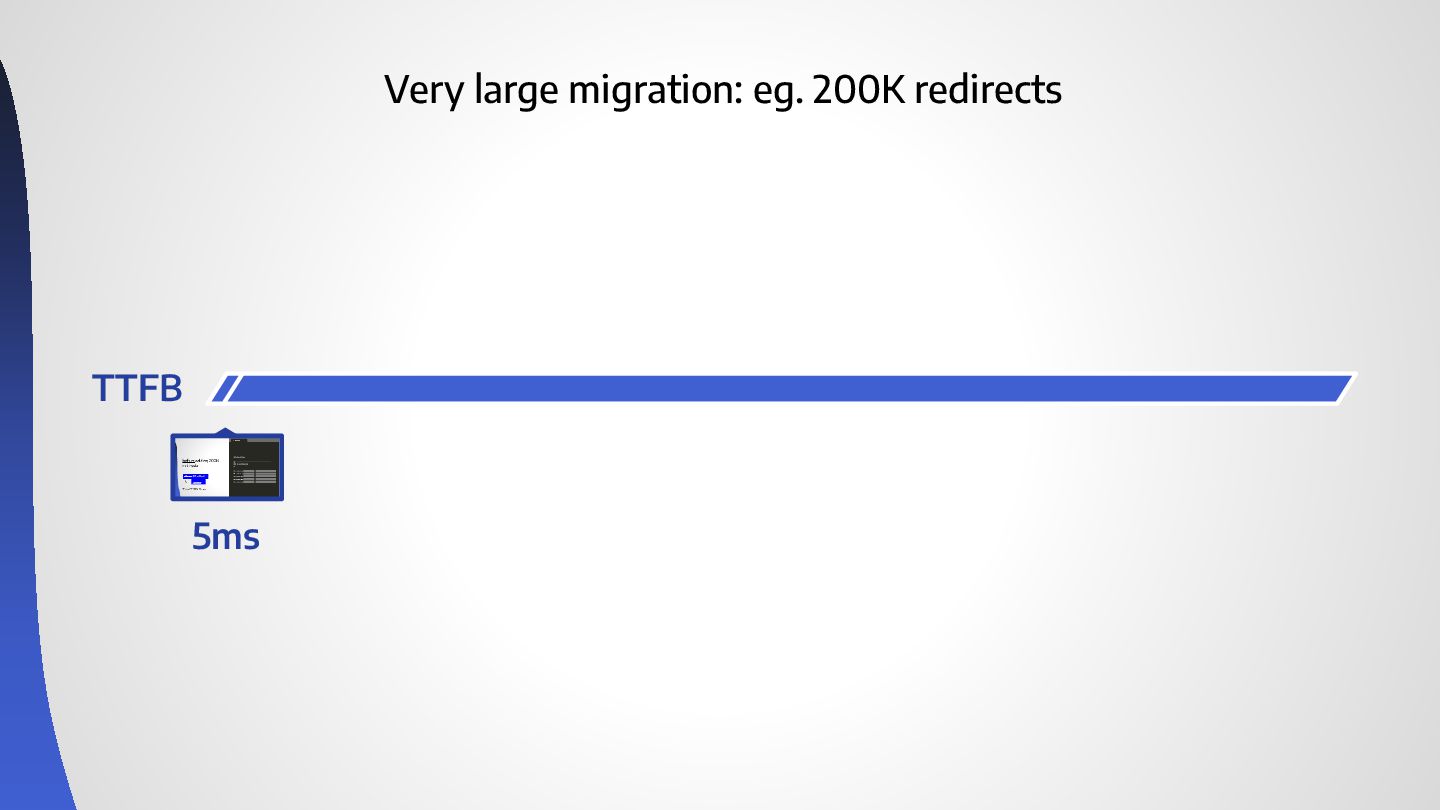
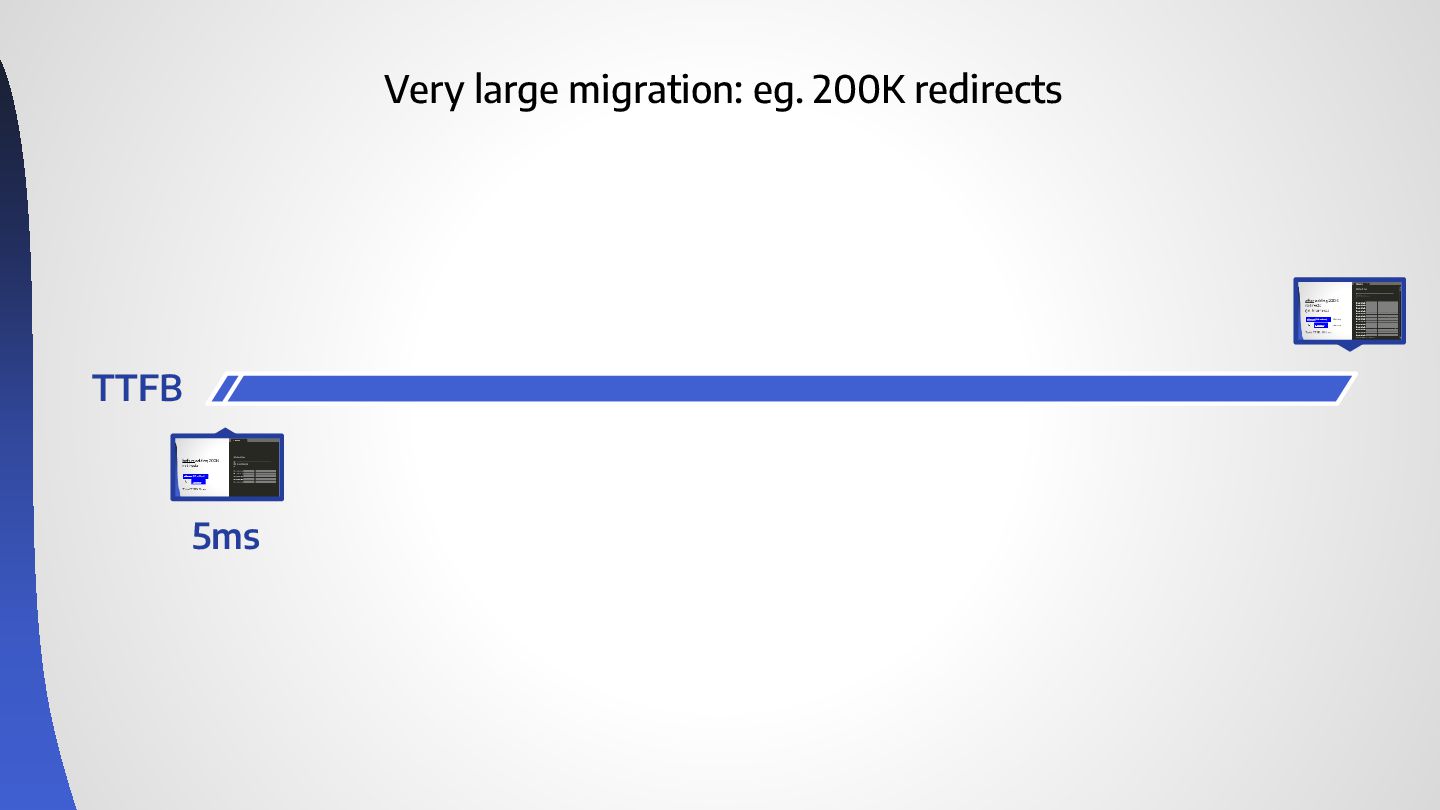
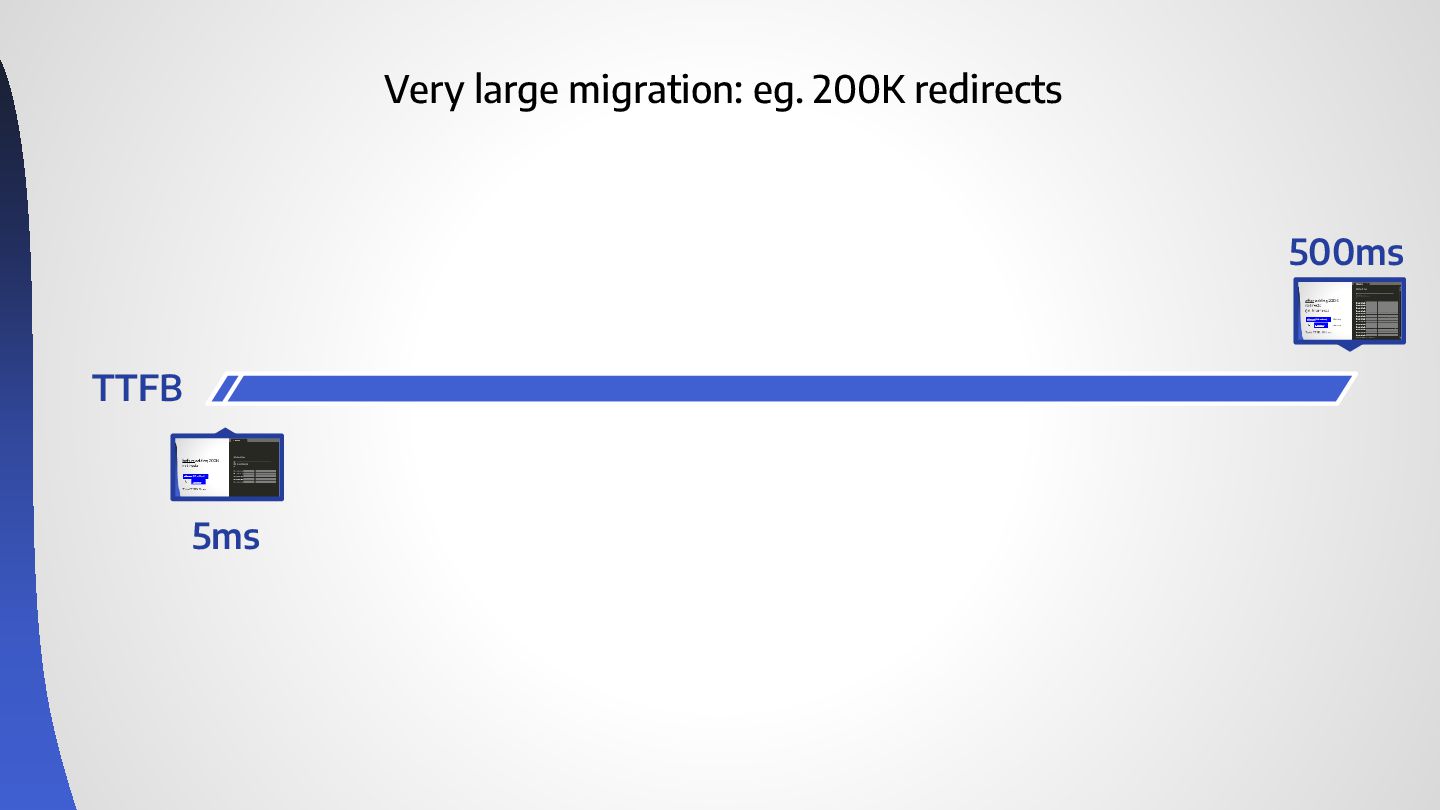
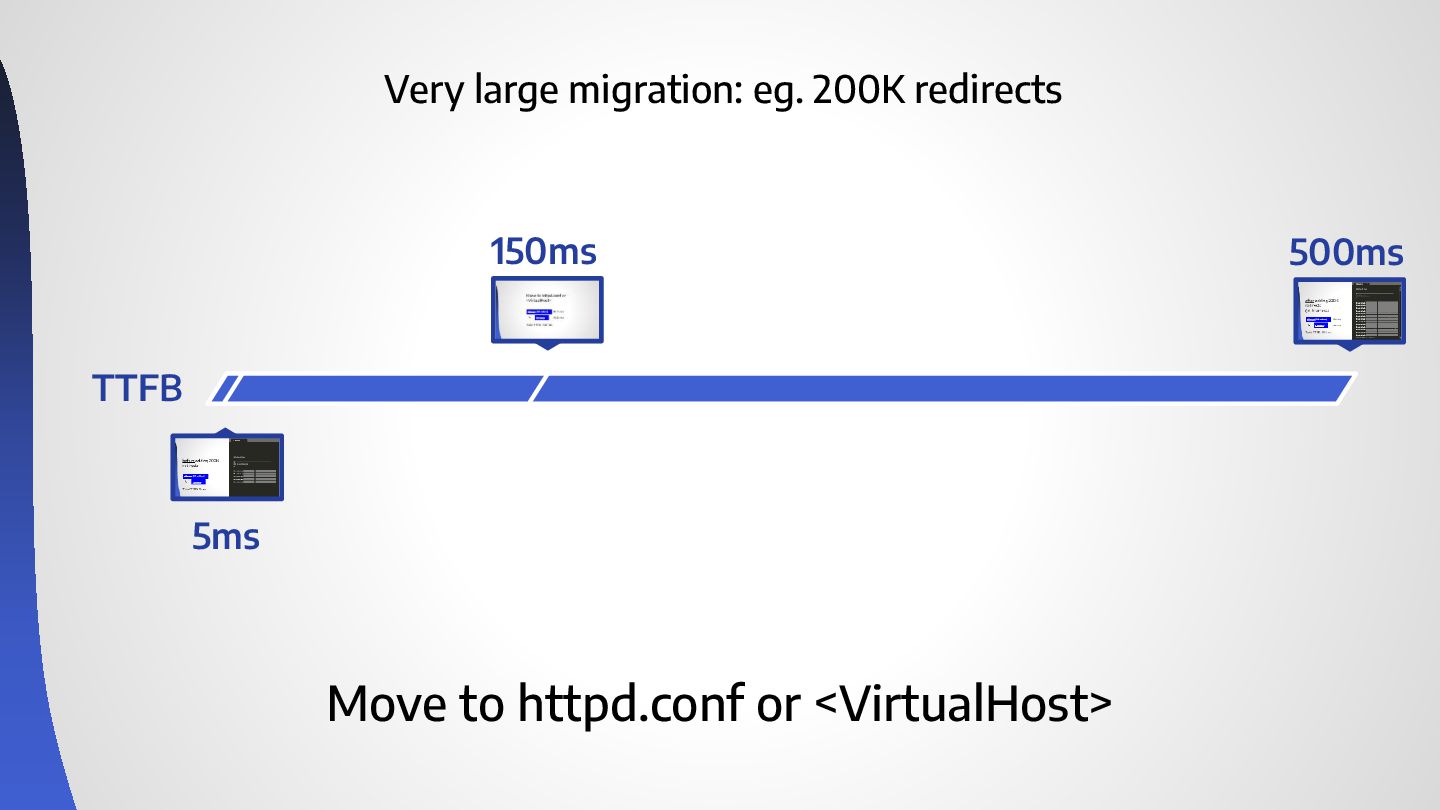
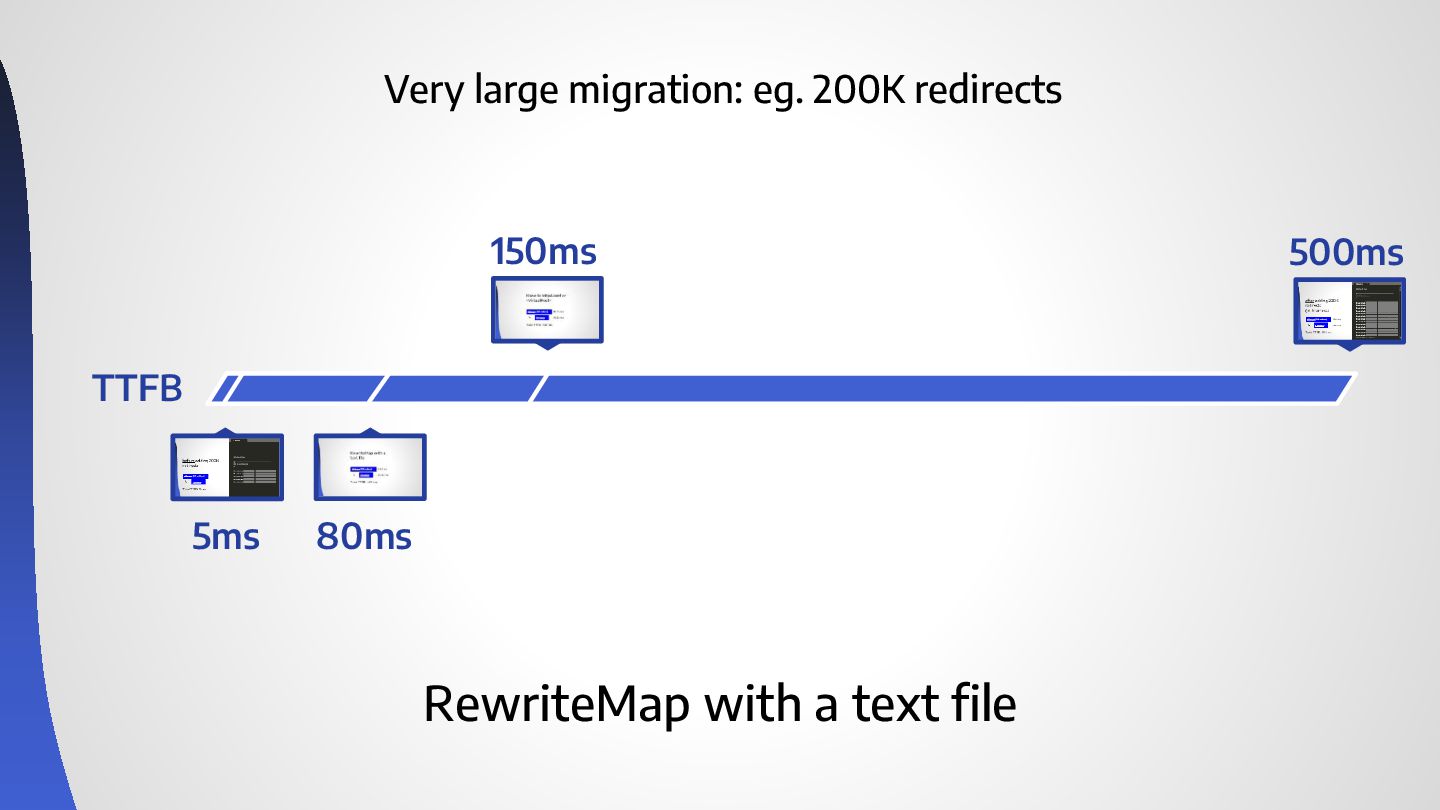
Very large migration: eg. 200K redirects 150ms 5ms TTFB 500ms
Move to httpd.conf or <VirtualHost> -
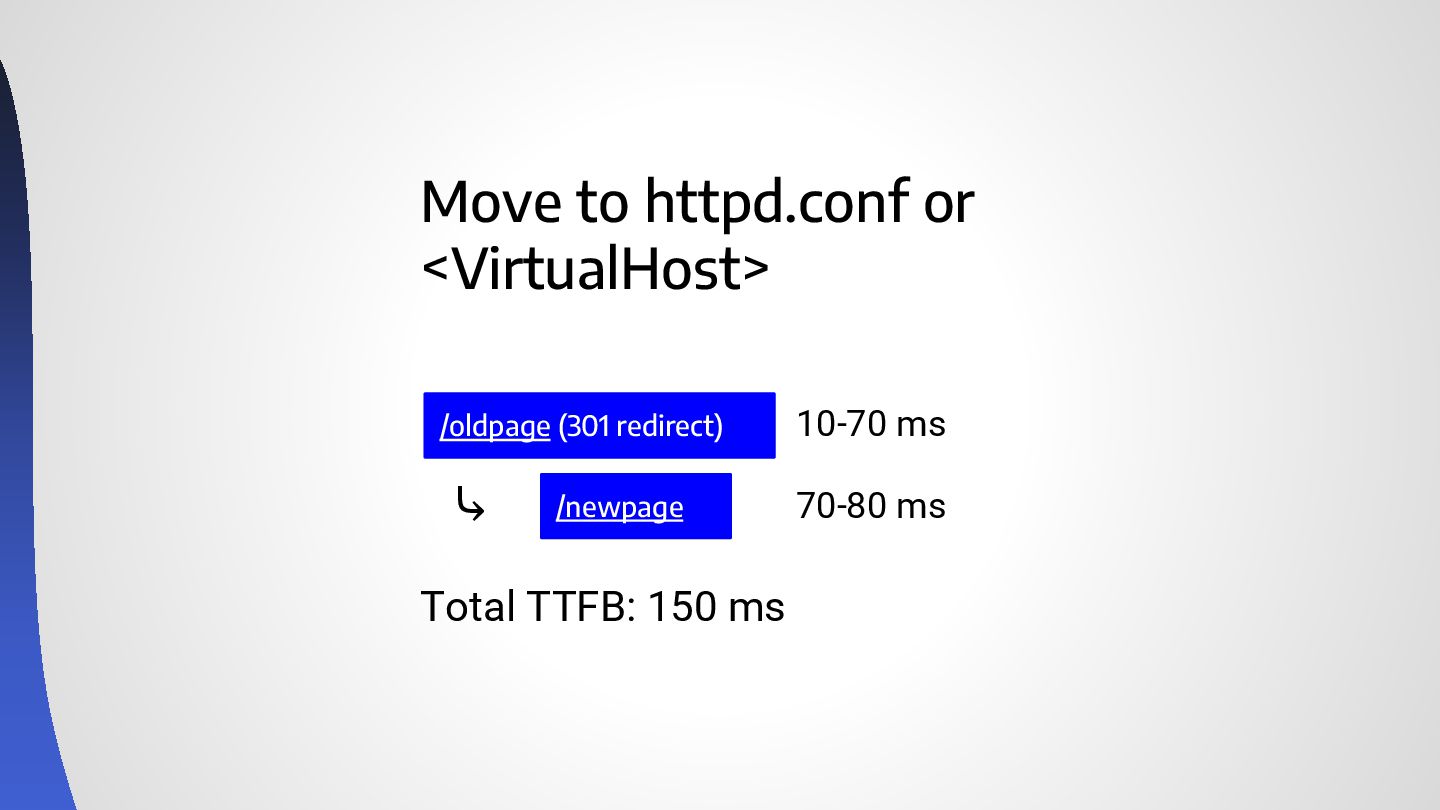
Move to httpd.conf or <VirtualHost> /oldpage (301 redirect) Total TTFB:
150 ms ⤷ 10-70 ms 70-80 ms /newpage -
Very large migration: eg. 200K redirects 150ms 5ms TTFB 500ms
80ms RewriteMap with a text file -
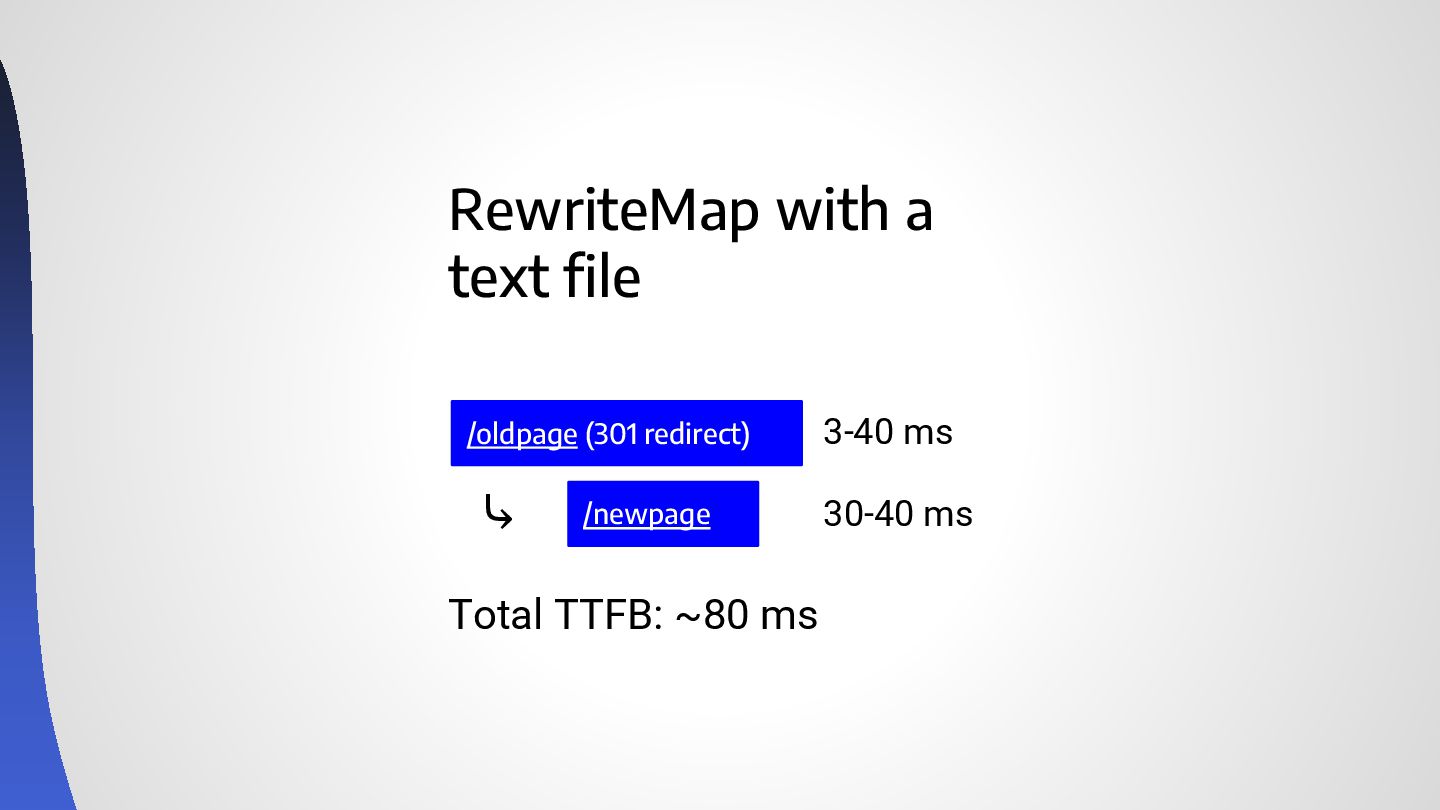
RewriteMap with a text file /oldpage (301 redirect) Total TTFB:
~80 ms ⤷ 3-40 ms 30-40 ms /newpage -
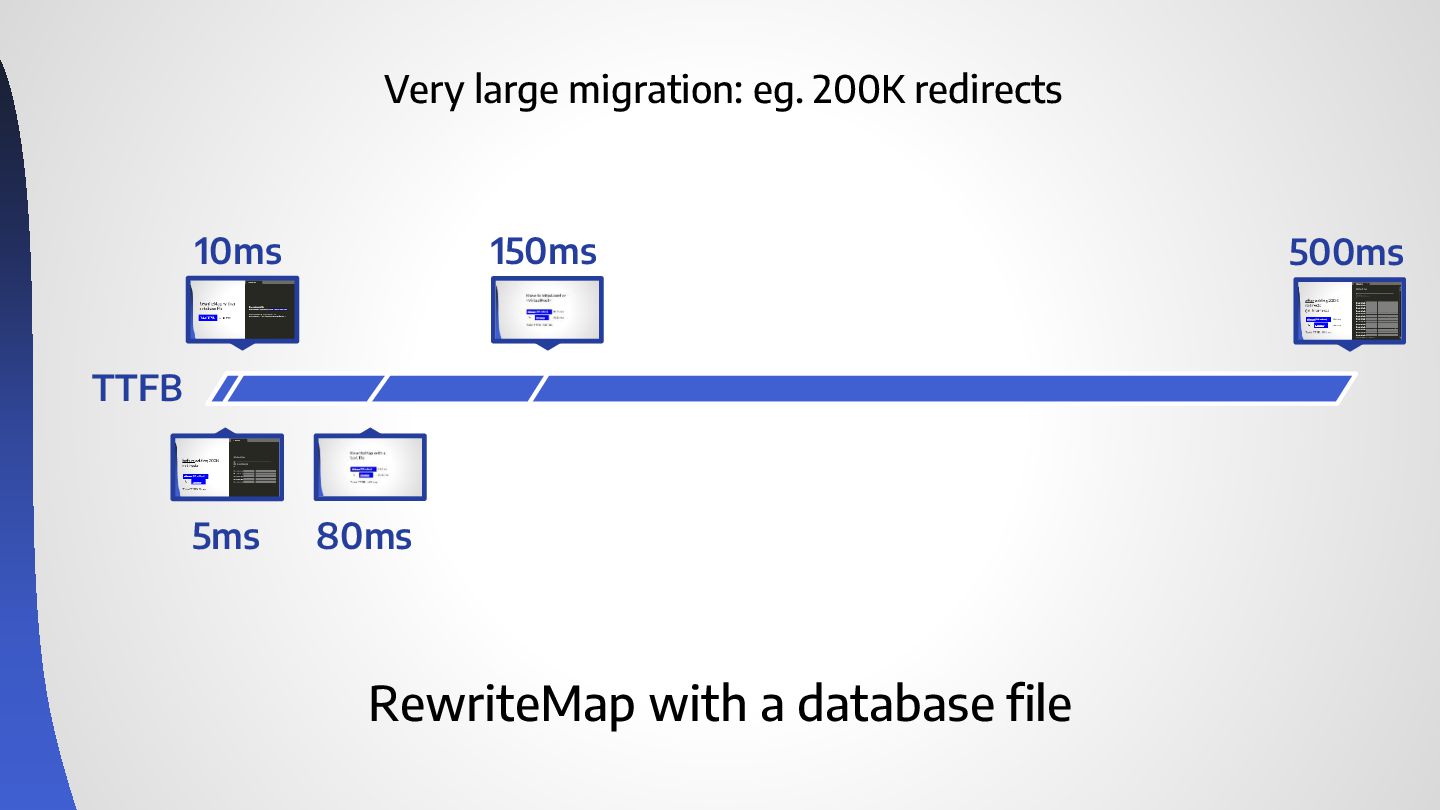
Very large migration: eg. 200K redirects 10ms 150ms 5ms TTFB
500ms 80ms RewriteMap with a database file -
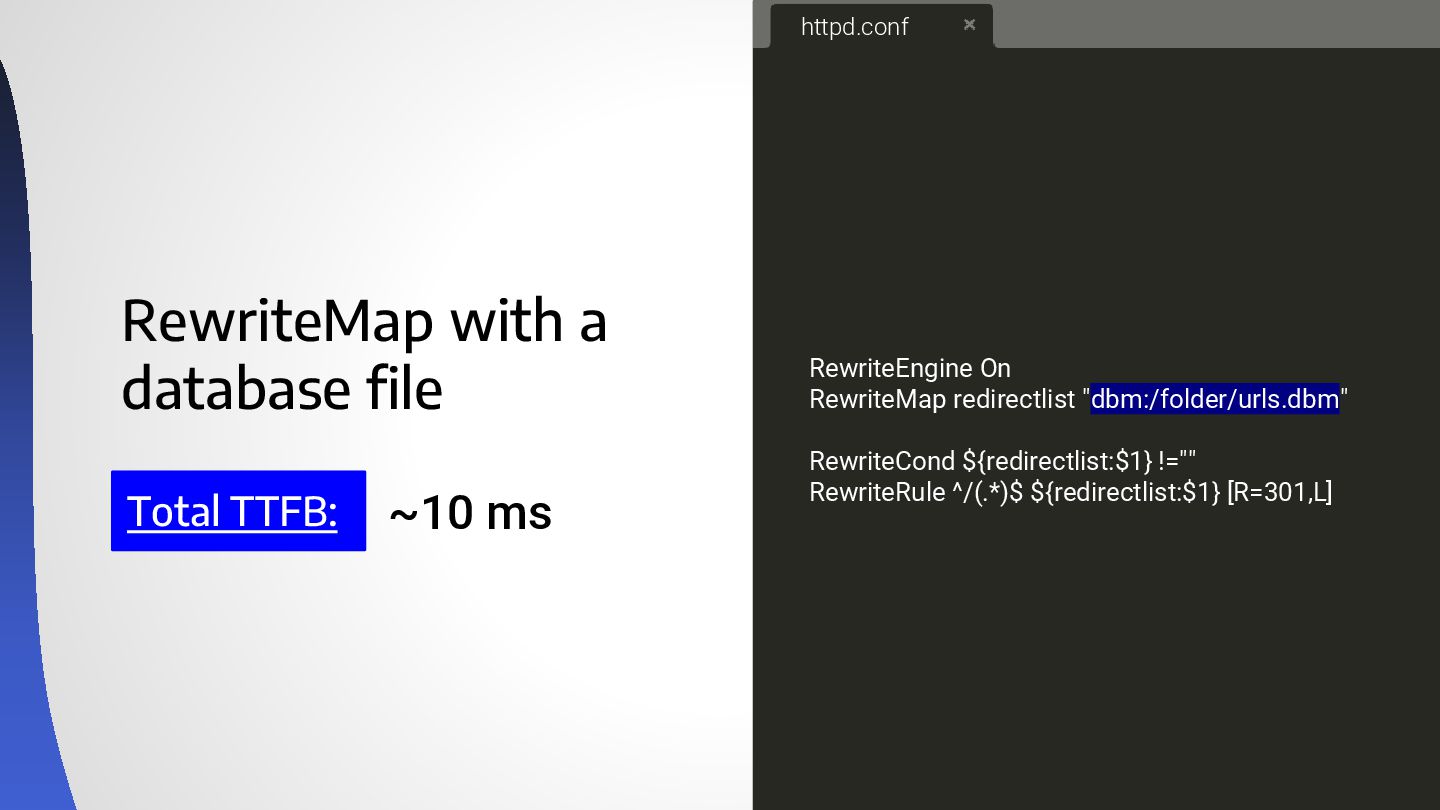
RewriteMap with a database file Total TTFB: RewriteEngine On RewriteMap
redirectlist "dbm:/folder/urls.dbm" RewriteCond ${redirectlist:$1} !="" RewriteRule ^/(.*)$ ${redirectlist:$1} [R=301,L] httpd.conf ~10 ms -
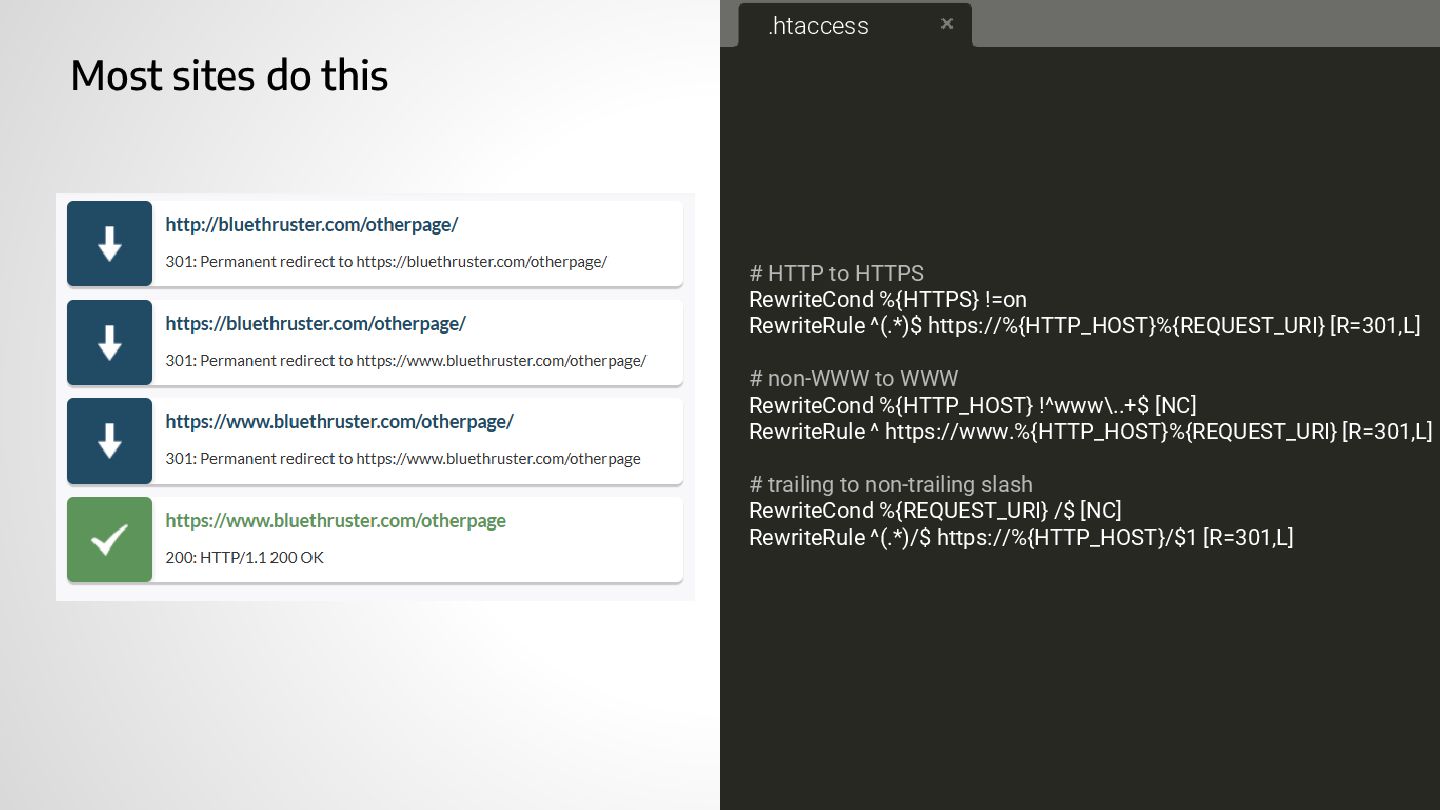
Most sites do this # HTTP to HTTPS RewriteCond %{HTTPS}
!=on RewriteRule ^(.*)$ https://%{HTTP_HOST}%{REQUEST_URI} [R=301,L] # non-WWW to WWW RewriteCond %{HTTP_HOST} !^www\..+$ [NC] RewriteRule ^ https://www.%{HTTP_HOST}%{REQUEST_URI} [R=301,L] # trailing to non-trailing slash RewriteCond %{REQUEST_URI} /$ [NC] RewriteRule ^(.*)/$ https://%{HTTP_HOST}/$1 [R=301,L] .htaccess -
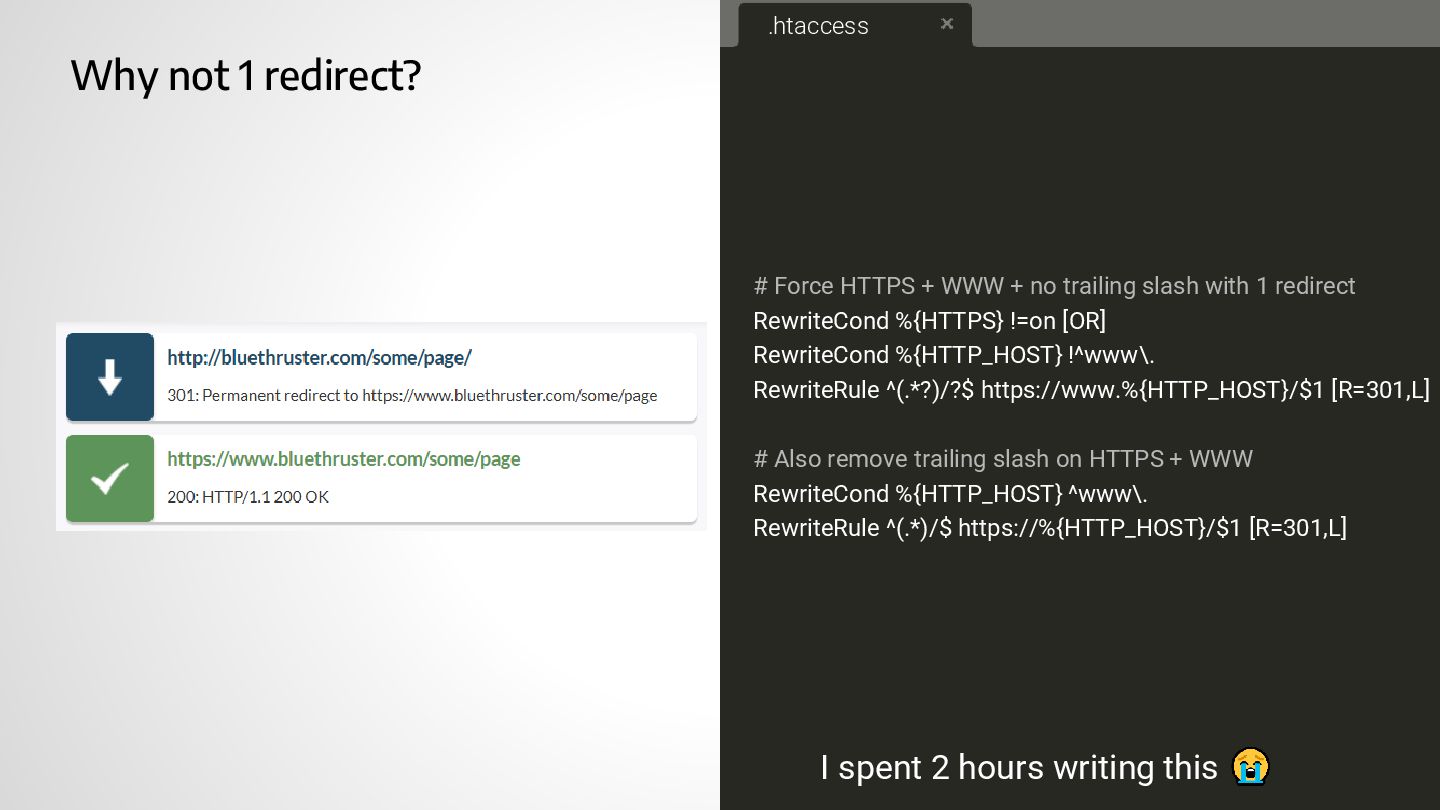
.htaccess Why not 1 redirect? # Force HTTPS + WWW
+ no trailing slash with 1 redirect RewriteCond %{HTTPS} !=on [OR] RewriteCond %{HTTP_HOST} !^www\. RewriteRule ^(.*?)/?$ https://www.%{HTTP_HOST}/$1 [R=301,L] # Also remove trailing slash on HTTPS + WWW RewriteCond %{HTTP_HOST} ^www\. RewriteRule ^(.*)/$ https://%{HTTP_HOST}/$1 [R=301,L] I spent 2 hours writing this -
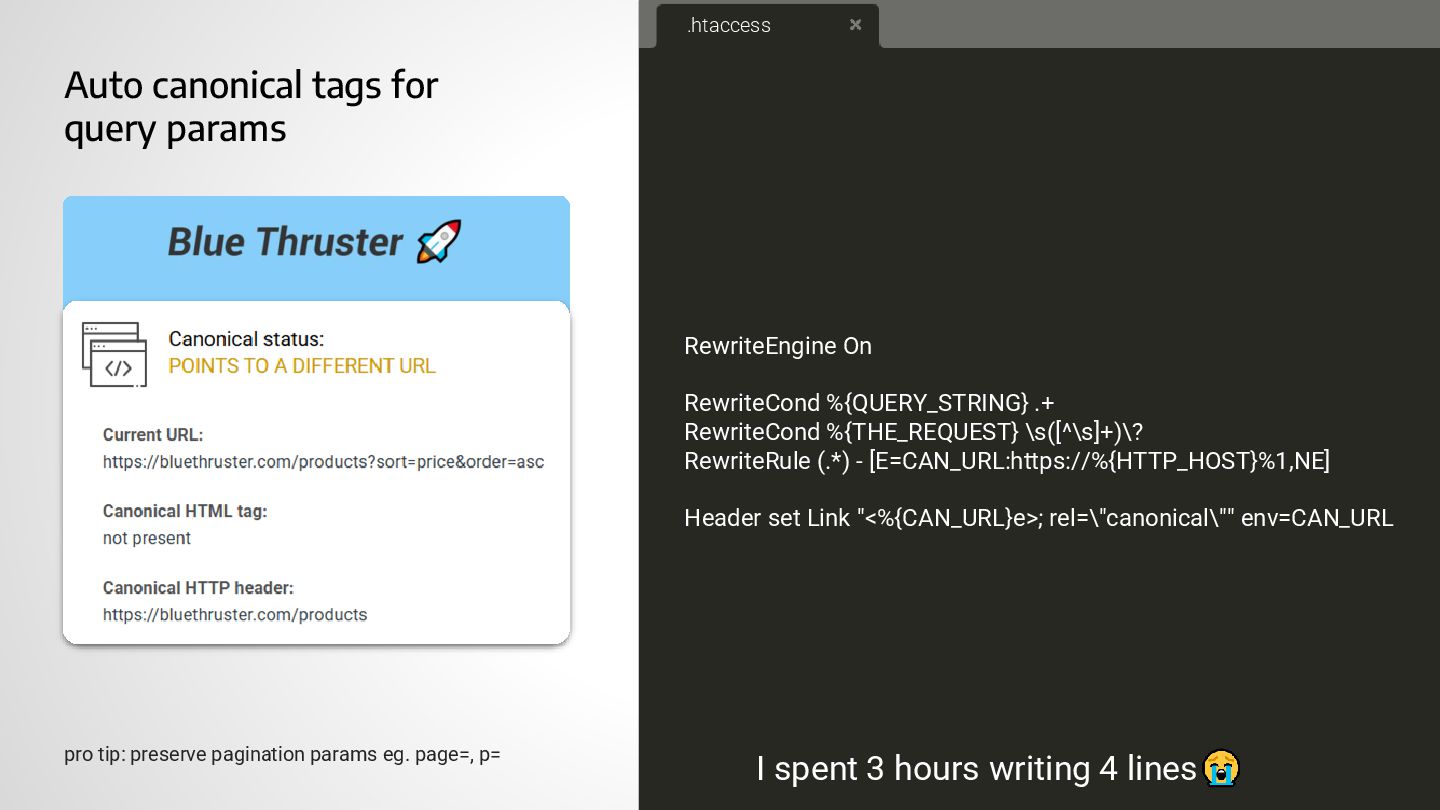
Auto canonical tags for query params RewriteEngine On RewriteCond %{QUERY_STRING}
.+ RewriteCond %{THE_REQUEST} \s([^\s]+)\? RewriteRule (.*) - [E=CAN_URL:https://%{HTTP_HOST}%1,NE] Header set Link "<%{CAN_URL}e>; rel=\"canonical\"" env=CAN_URL .htaccess I spent 3 hours writing 4 lines pro tip: preserve pagination params eg. page=, p= -
Block chinese spam for free # ---------------------------------------------------------------------- # Block Chinese
spammers via the referrer # ---------------------------------------------------------------------- RewriteEngine On <If "%{HTTP_COOKIE} =~ /(^|; )blockcookie\s*=\s*true(;|$)/> RewriteCond "%{REQUEST_URI}" !.*(leave).* RewriteRule ^ https://website.com/leave.php [R=301,L] </If> <If "%{REQUEST_URI} =~ /leave/> RewriteCond %{HTTP_COOKIE} !^.*blockcookie.*$ [NC] RewriteRule ^(.*)$ - [CO=blockcookie:true:%{HTTP_HOST}:600:/] </If> RewriteCond "%{HTTP_REFERER}" "baidu\.com" [OR] RewriteCond "%{HTTP_REFERER}" "cn\.bing\.com" [OR] RewriteCond "%{HTTP_REFERER}" "crm.xiaoman.cn" [OR] RewriteCond "%{HTTP_REFERER}" "waimaosou.com" RewriteRule ^ https://website.com/leave.php [CO=blockcookie:true:%{HTTP_HOST},R=301,L] .htaccess -
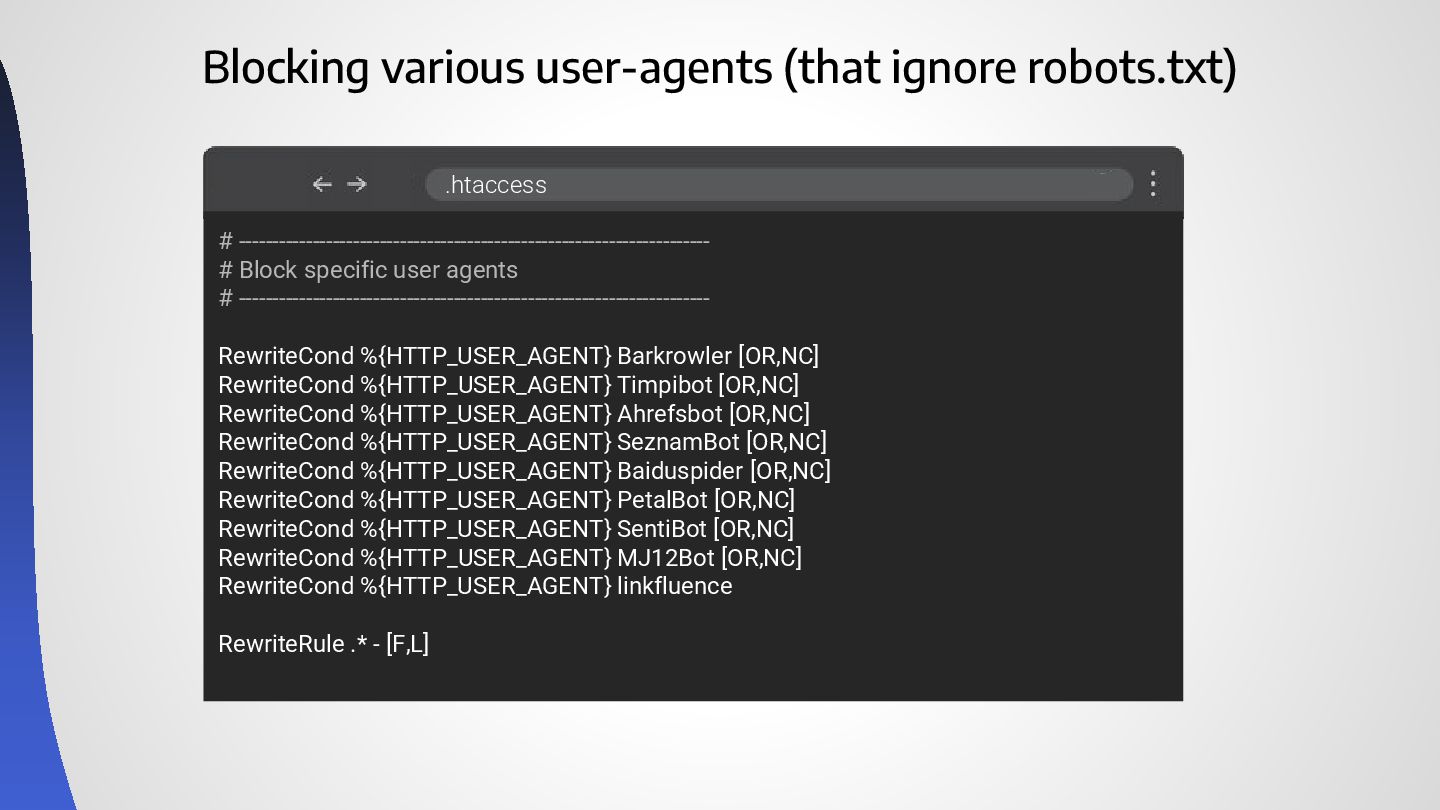
Blocking various user-agents (that ignore robots.txt) # ---------------------------------------------------------------------- # Block
specific user agents # ---------------------------------------------------------------------- RewriteCond %{HTTP_USER_AGENT} Barkrowler [OR,NC] RewriteCond %{HTTP_USER_AGENT} Timpibot [OR,NC] RewriteCond %{HTTP_USER_AGENT} Ahrefsbot [OR,NC] RewriteCond %{HTTP_USER_AGENT} SeznamBot [OR,NC] RewriteCond %{HTTP_USER_AGENT} Baiduspider [OR,NC] RewriteCond %{HTTP_USER_AGENT} PetalBot [OR,NC] RewriteCond %{HTTP_USER_AGENT} SentiBot [OR,NC] RewriteCond %{HTTP_USER_AGENT} MJ12Bot [OR,NC] RewriteCond %{HTTP_USER_AGENT} linkfluence RewriteRule .* - [F,L] .htaccess -
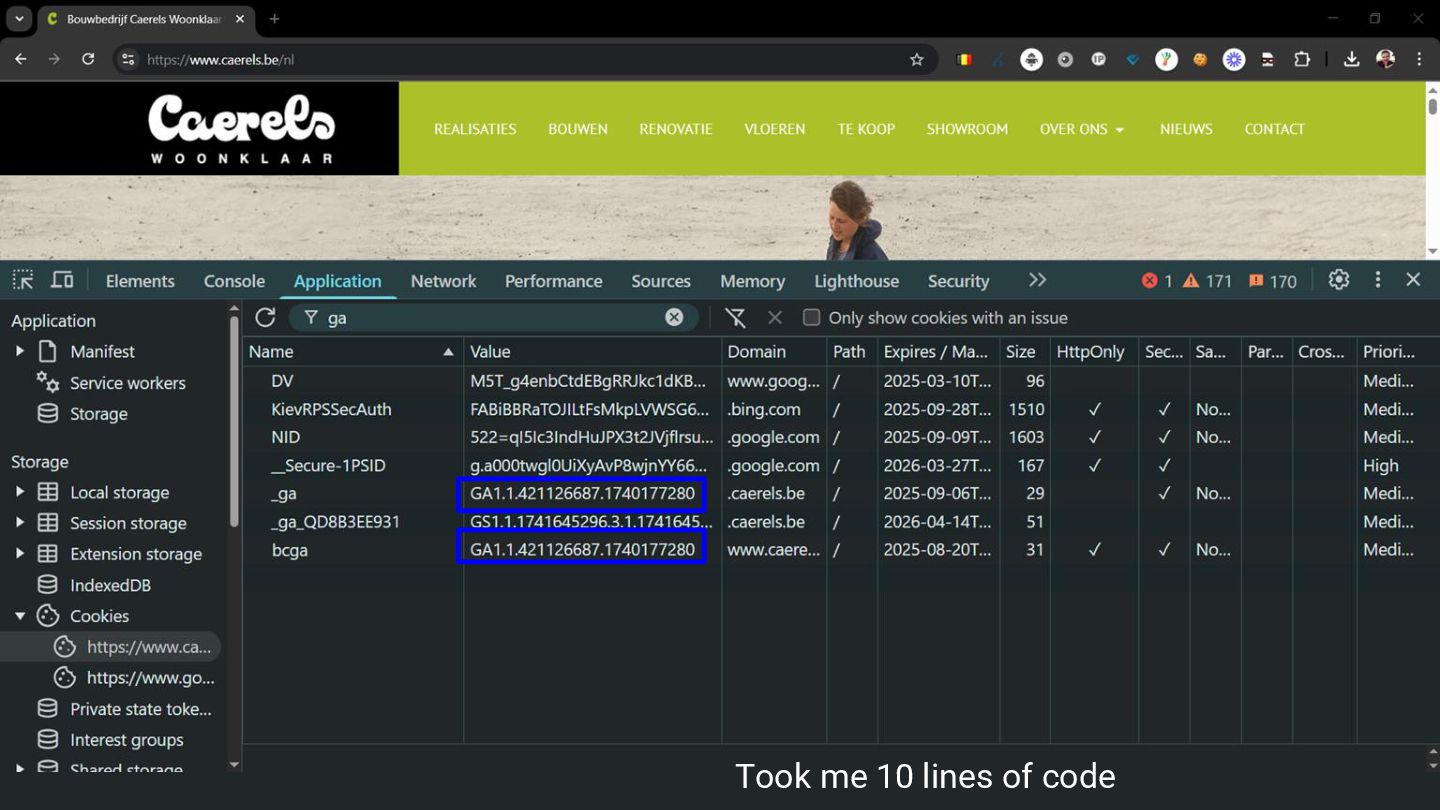
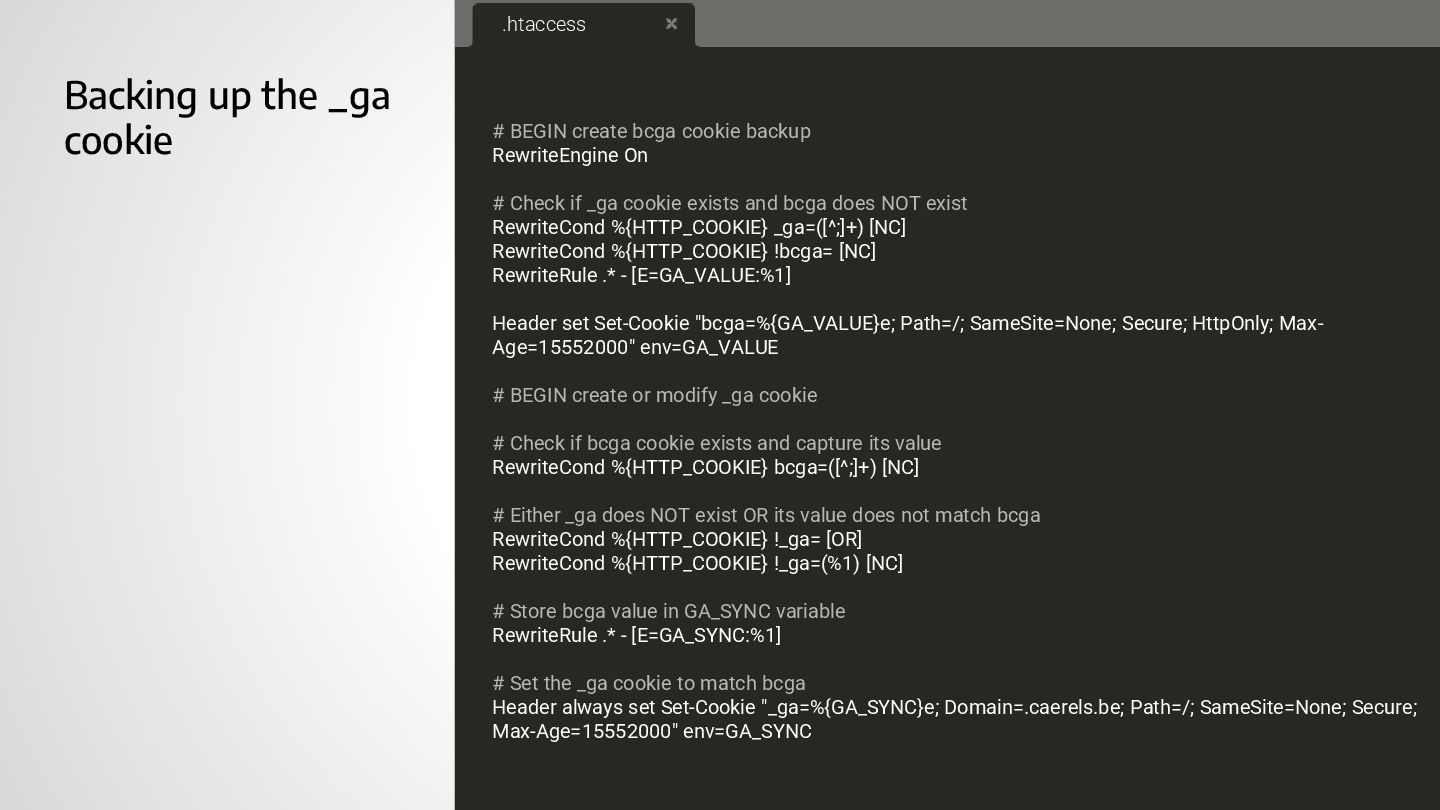
Backing up the _ga cookie # BEGIN create bcga cookie
backup RewriteEngine On # Check if _ga cookie exists and bcga does NOT exist RewriteCond %{HTTP_COOKIE} _ga=([^;]+) [NC] RewriteCond %{HTTP_COOKIE} !bcga= [NC] RewriteRule .* - [E=GA_VALUE:%1] Header set Set-Cookie "bcga=%{GA_VALUE}e; Path=/; SameSite=None; Secure; HttpOnly; Max- Age=15552000" env=GA_VALUE # BEGIN create or modify _ga cookie # Check if bcga cookie exists and capture its value RewriteCond %{HTTP_COOKIE} bcga=([^;]+) [NC] # Either _ga does NOT exist OR its value does not match bcga RewriteCond %{HTTP_COOKIE} !_ga= [OR] RewriteCond %{HTTP_COOKIE} !_ga=(%1) [NC] # Store bcga value in GA_SYNC variable RewriteRule .* - [E=GA_SYNC:%1] # Set the _ga cookie to match bcga Header always set Set-Cookie "_ga=%{GA_SYNC}e; Domain=.caerels.be; Path=/; SameSite=None; Secure; Max-Age=15552000" env=GA_SYNC .htaccess -
Wrapping it up ✓ Always test your .htaccess code ✓
Large migration: Use RewriteMap ✓ RewriteCond applies only to the next RewriteRule ✓ Redirect efficiently ✓ Know what’s possible