Upgrade to Pro — share decks privately, control downloads, hide ads and more …

How to Build an AI Skill for your SEO Workflow:...

Sponsored · Your Podcast. Everywhere. Effortlessly. Share. Educate. Inspire. Entertain. You do you. We'll handle the rest.

How to Build an AI Skill for your SEO Workflow: A Sitebulb Webinar

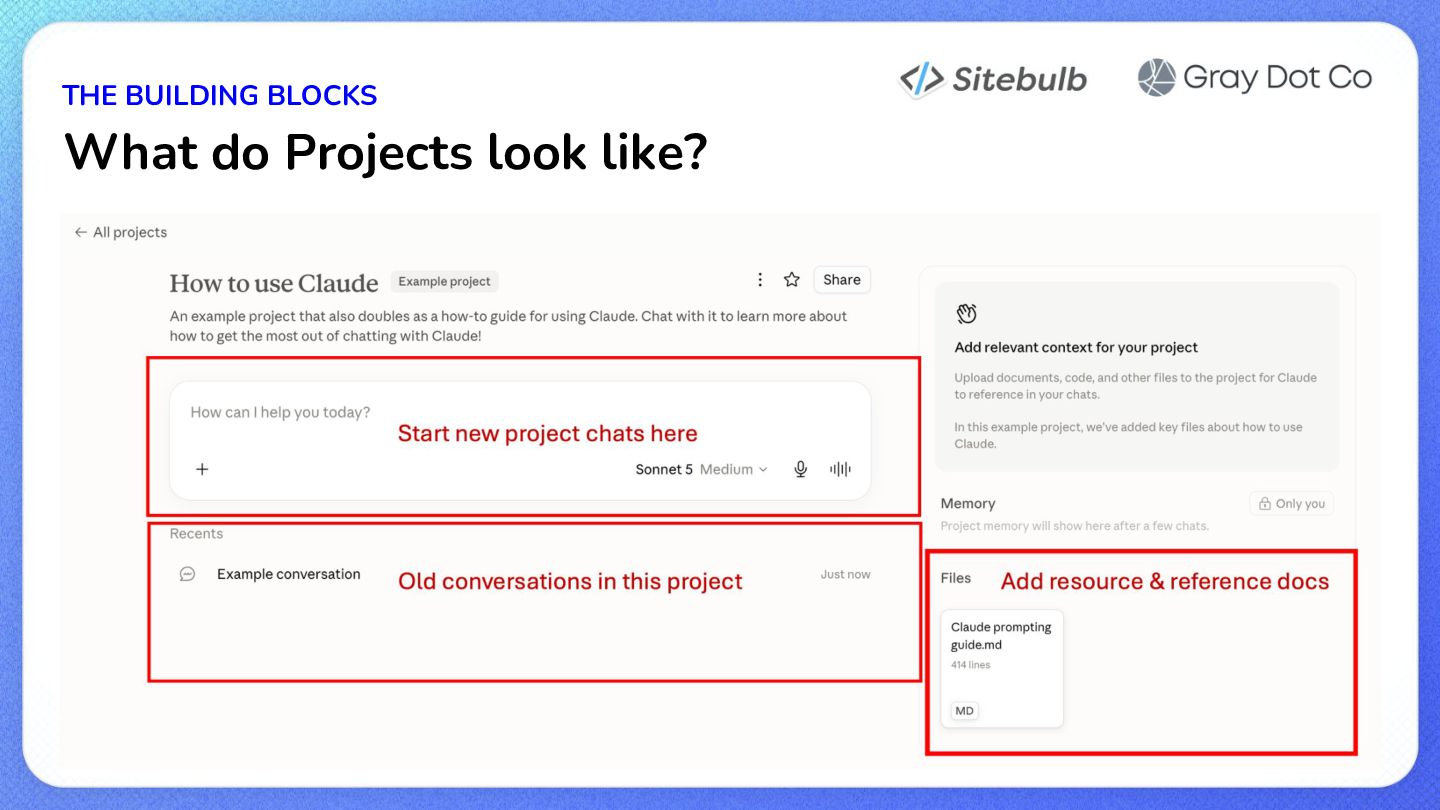
Follow along with Tory as she presents foundational insights into getting started with building your first Skill for SEO in your AI tool of choice. We'll cover topics like:
- what is a skill, and why does it matter?
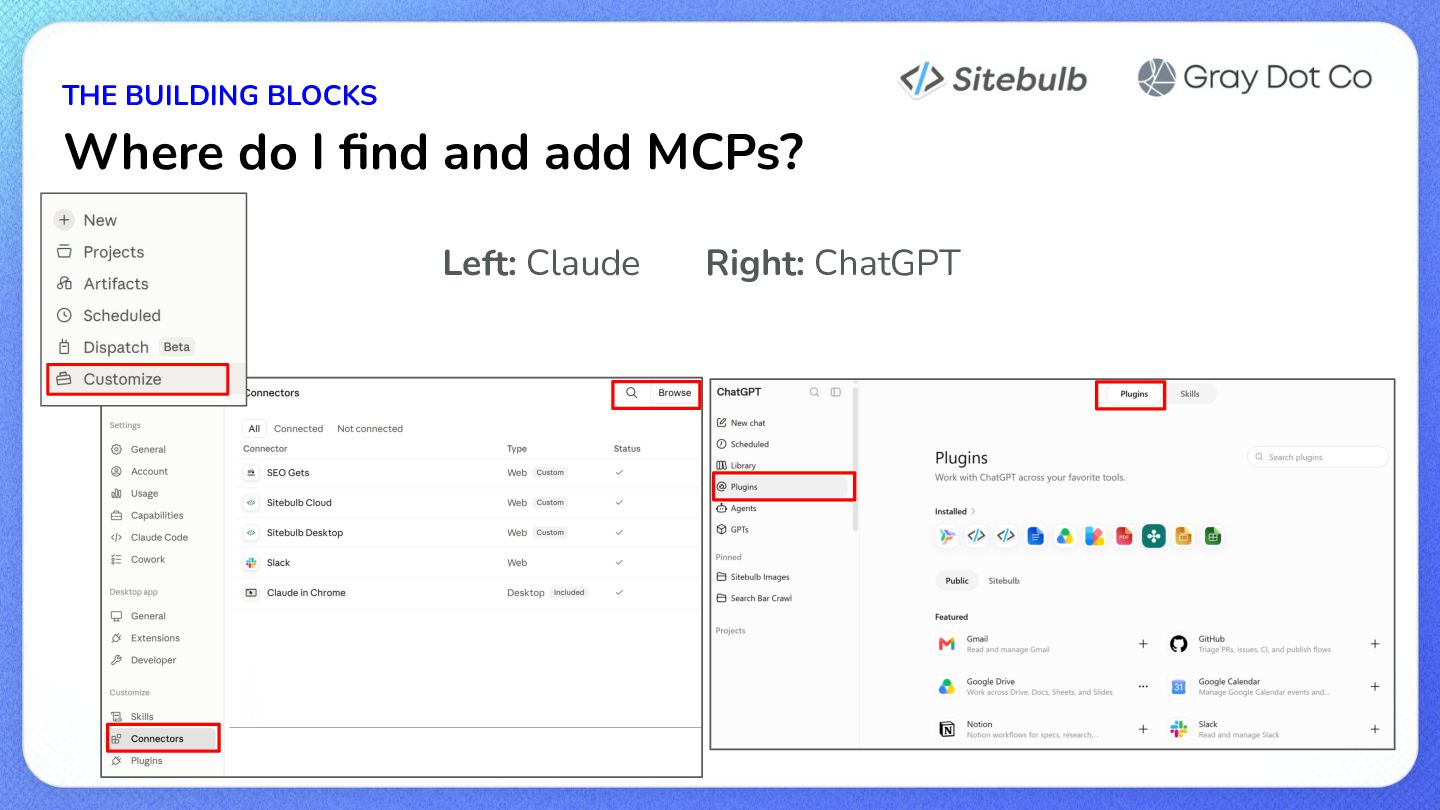
- what about Projects, MCPs, and Cowork (Work)?
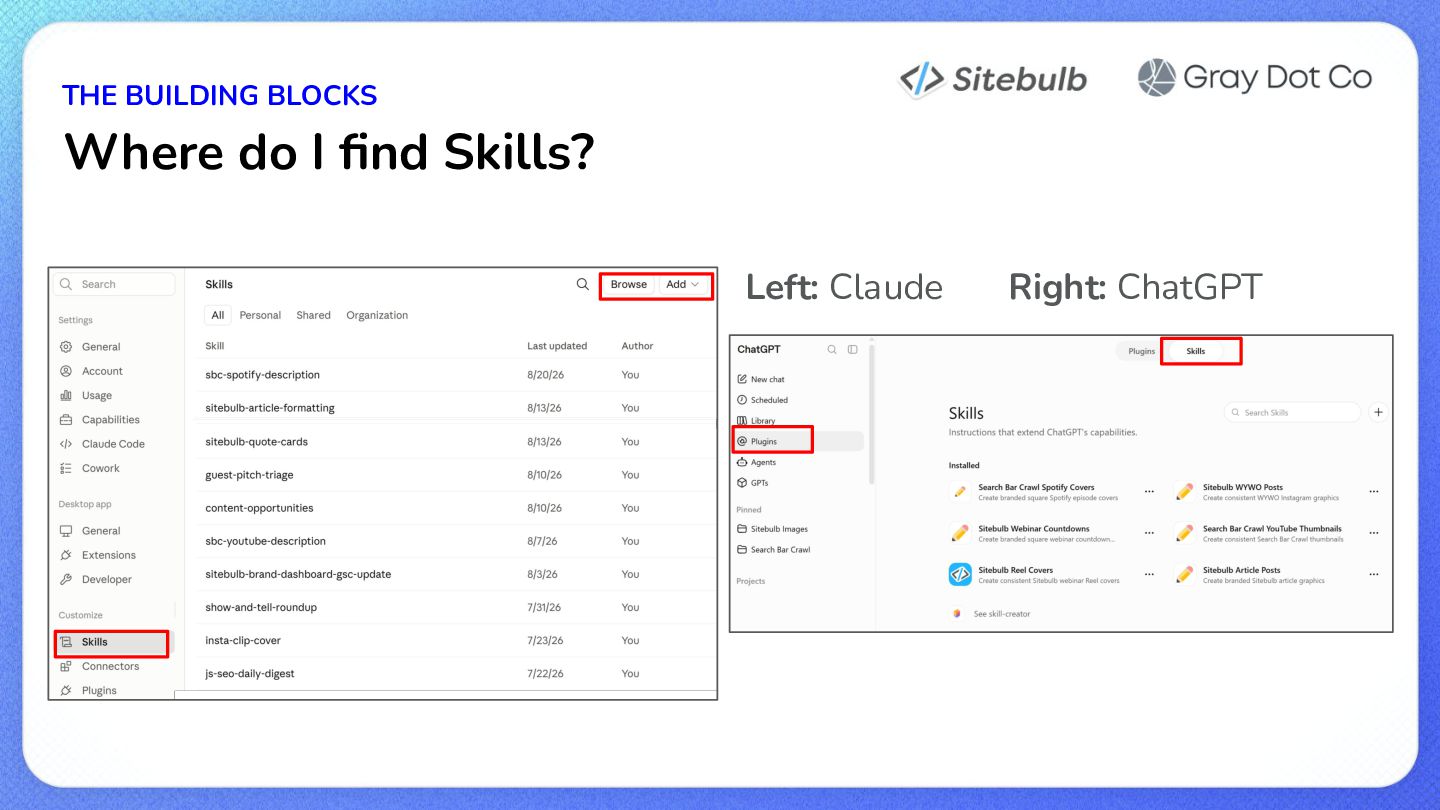
- where do we find them?
- when should we use them?
- how should we structure them (together, or separately)
- how do we "call" or "trigger" them
- how to generate ideas what what processes to make
- when to use one Skill vs. a cluster of Skills
- when to trust information about what the LLM tells you about itself
- what makes a skill "good"
- 5 example SEO AI processes
- how to build a Skill, and what the required inputs should be
- 5 detailed Skills that are live, for review (use them and study/learn from them!)
- tips for testing & validating & QAing the outputs
- tips for maintaining them over time
- tips for ensuring that the Skills, MCPs etc that you use properly consider Security & Privacy
- how to use your AI tool to help you do all of this

Avatar for Tory Gray

Tory Gray

August 26, 2026

More Decks by Tory Gray

Other Decks in Marketing & SEO
Transcript

  1. How to Build an AI Skill for your SEO Workflow
    A simple guide to AI processes
  2. As long as you can get past THE FEAR 😱

    Luckily, skills are one of those easier-than-you-thought scenarios. So, let’s get into the basics!
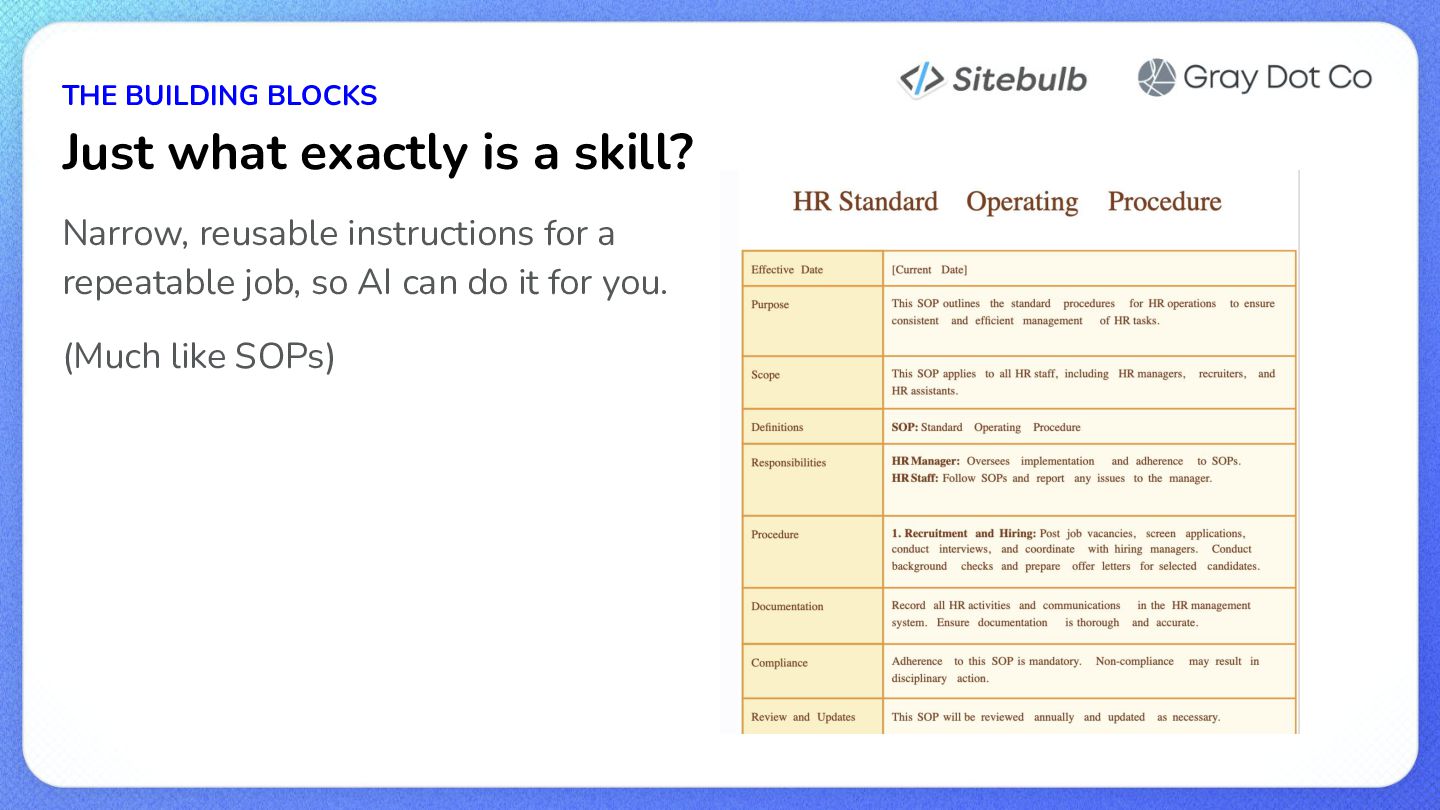
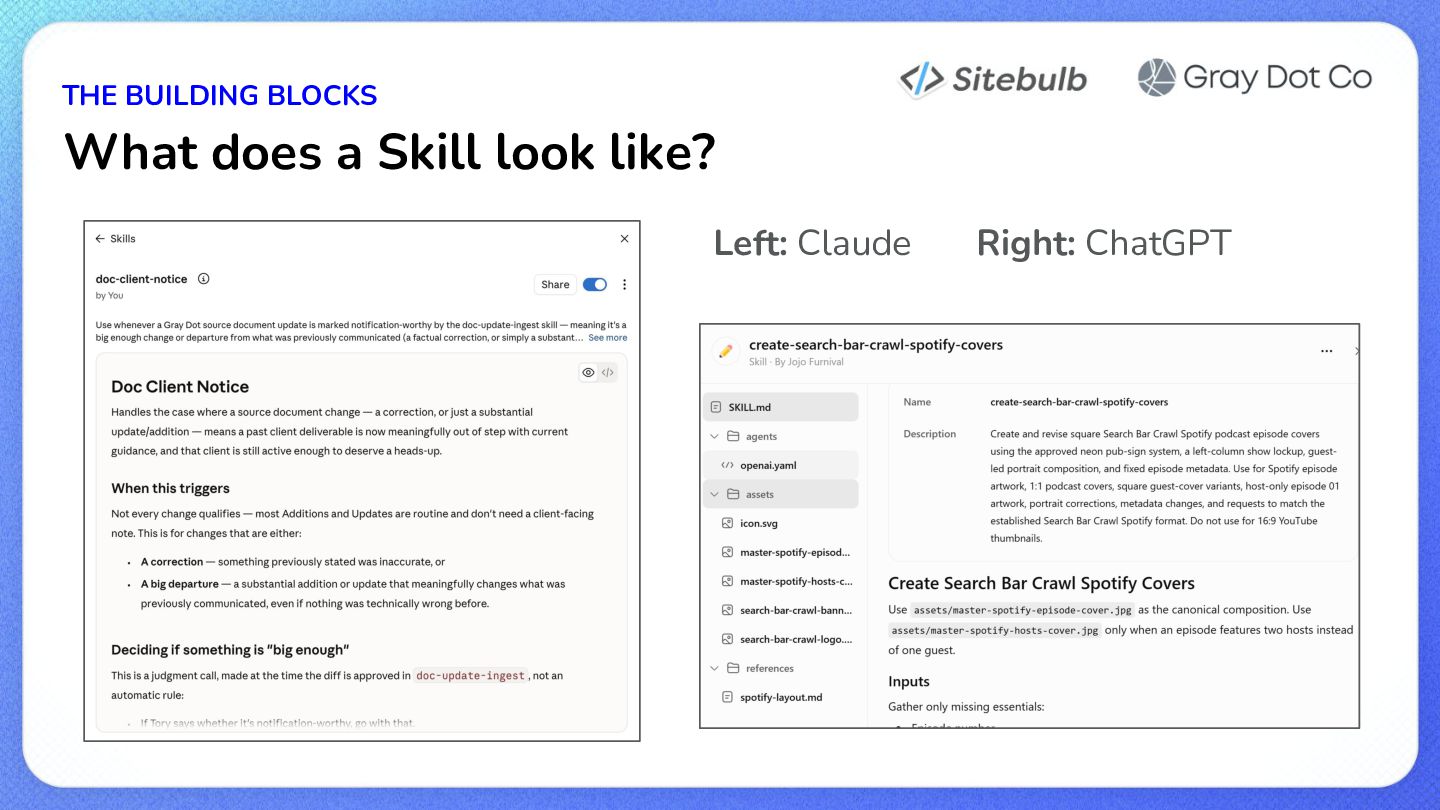
  3. THE BUILDING BLOCKS Just what exactly is a skill? Narrow,

    reusable instructions for a repeatable job, so AI can do it for you. (Much like SOPs)
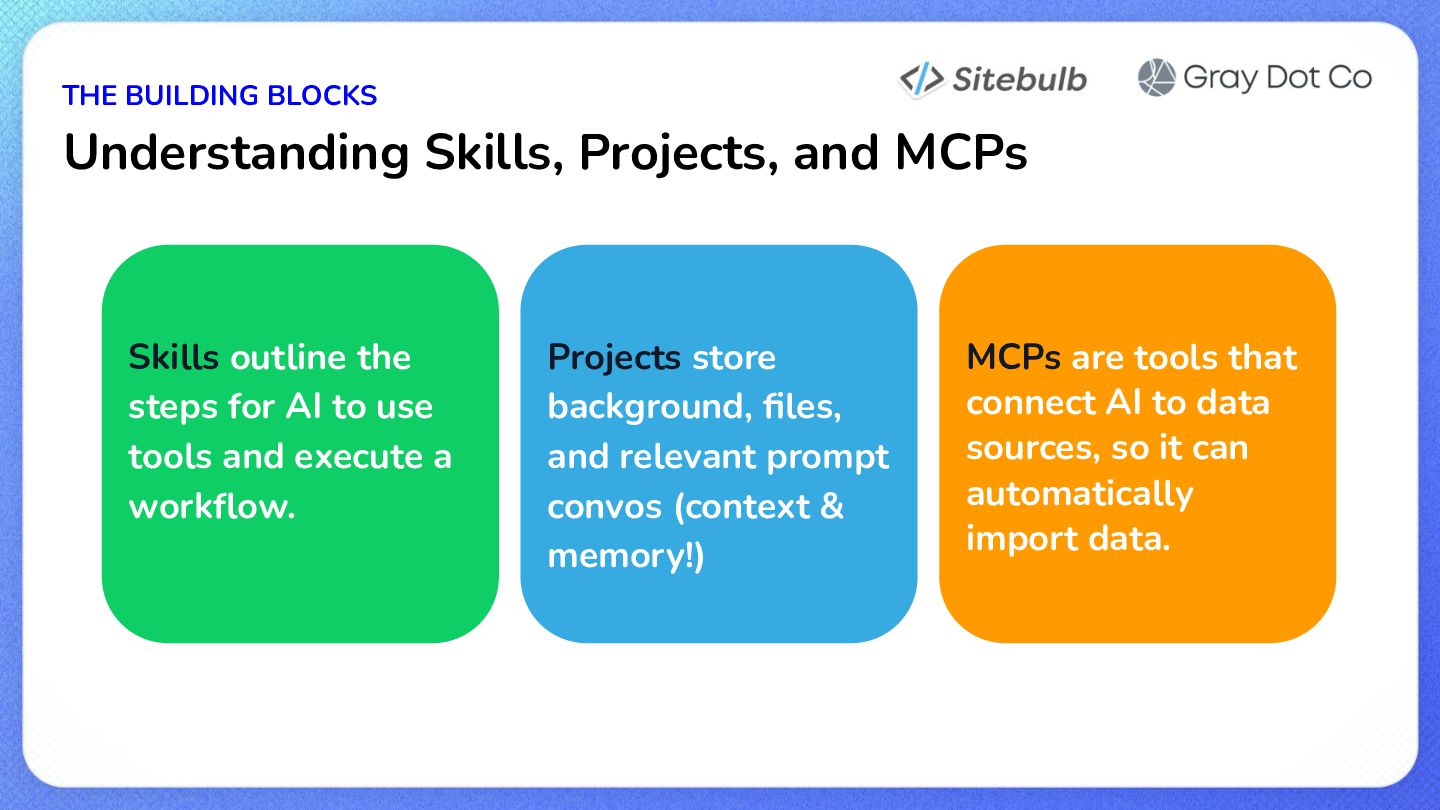
  4. THE BUILDING BLOCKS Understanding Skills, Projects, and MCPs Skills outline

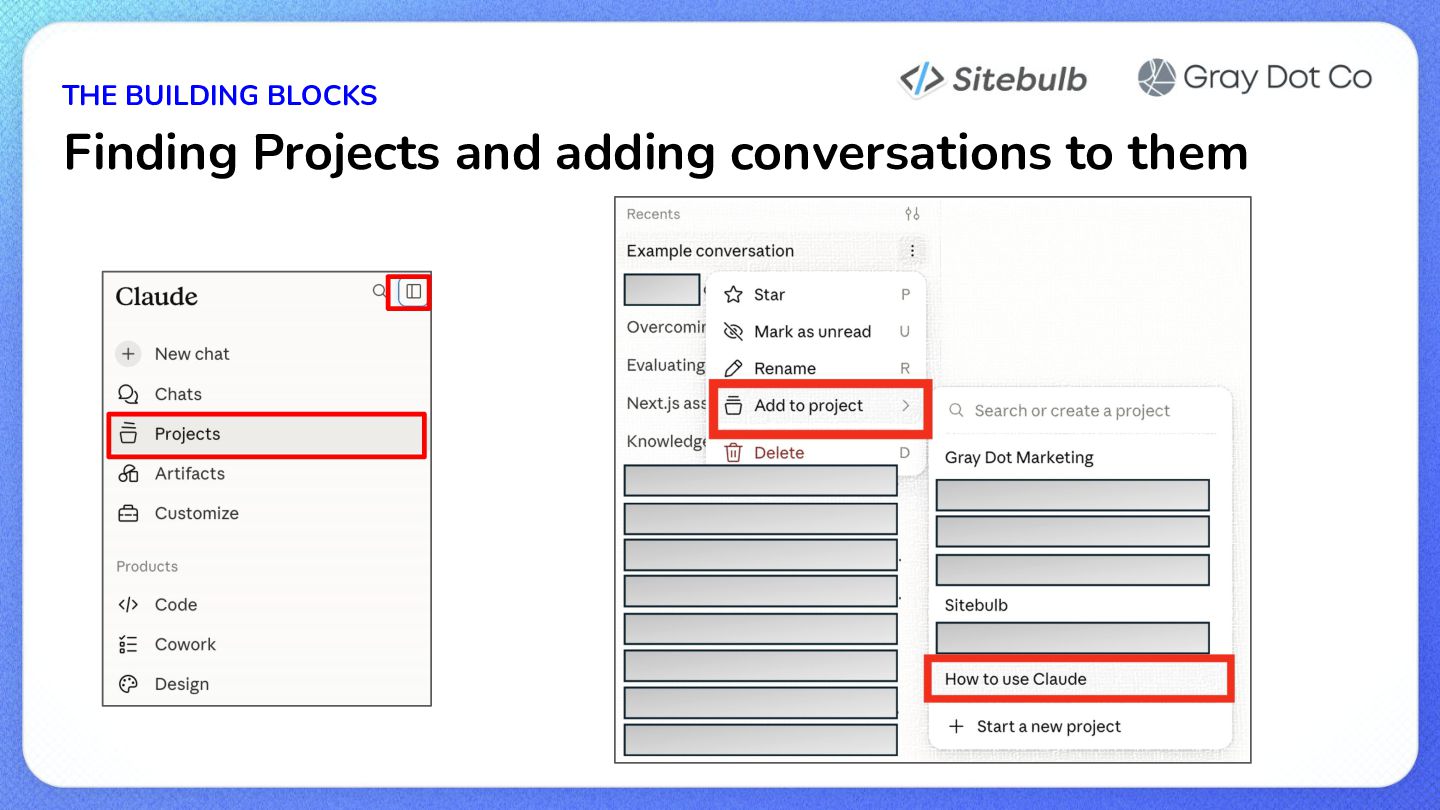
    the steps for AI to use tools and execute a workflow. Projects store background, files, and relevant prompt convos (context & memory!) MCPs are tools that connect AI to data sources, so it can automatically import data.
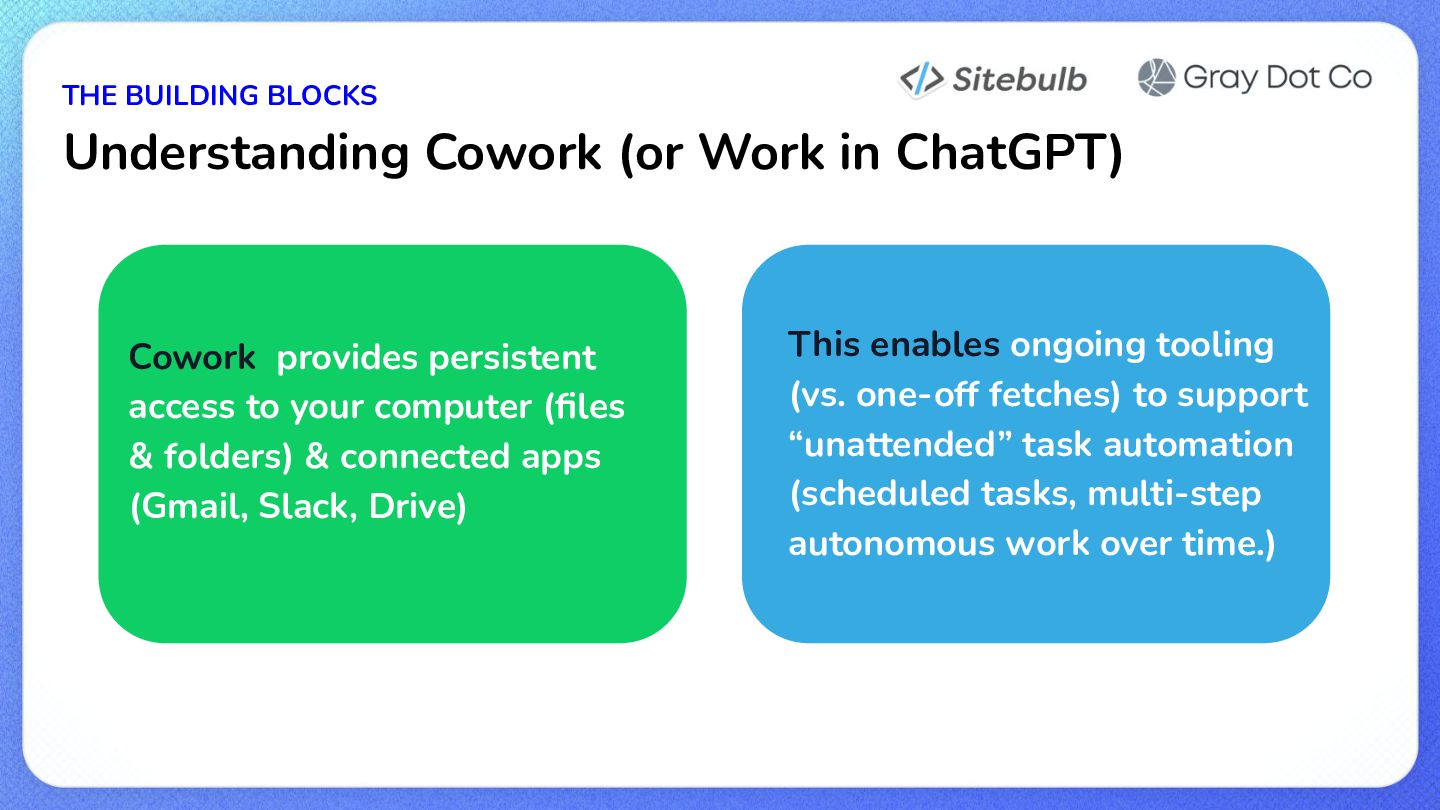
  5. THE BUILDING BLOCKS Understanding Cowork (or Work in ChatGPT) Cowork

    provides persistent access to your computer (files & folders) & connected apps (Gmail, Slack, Drive) This enables ongoing tooling (vs. one-off fetches) to support “unattended” task automation (scheduled tasks, multi-step autonomous work over time.)
  6. STRATEGIC THINKING Where do I get ideas for a skill?

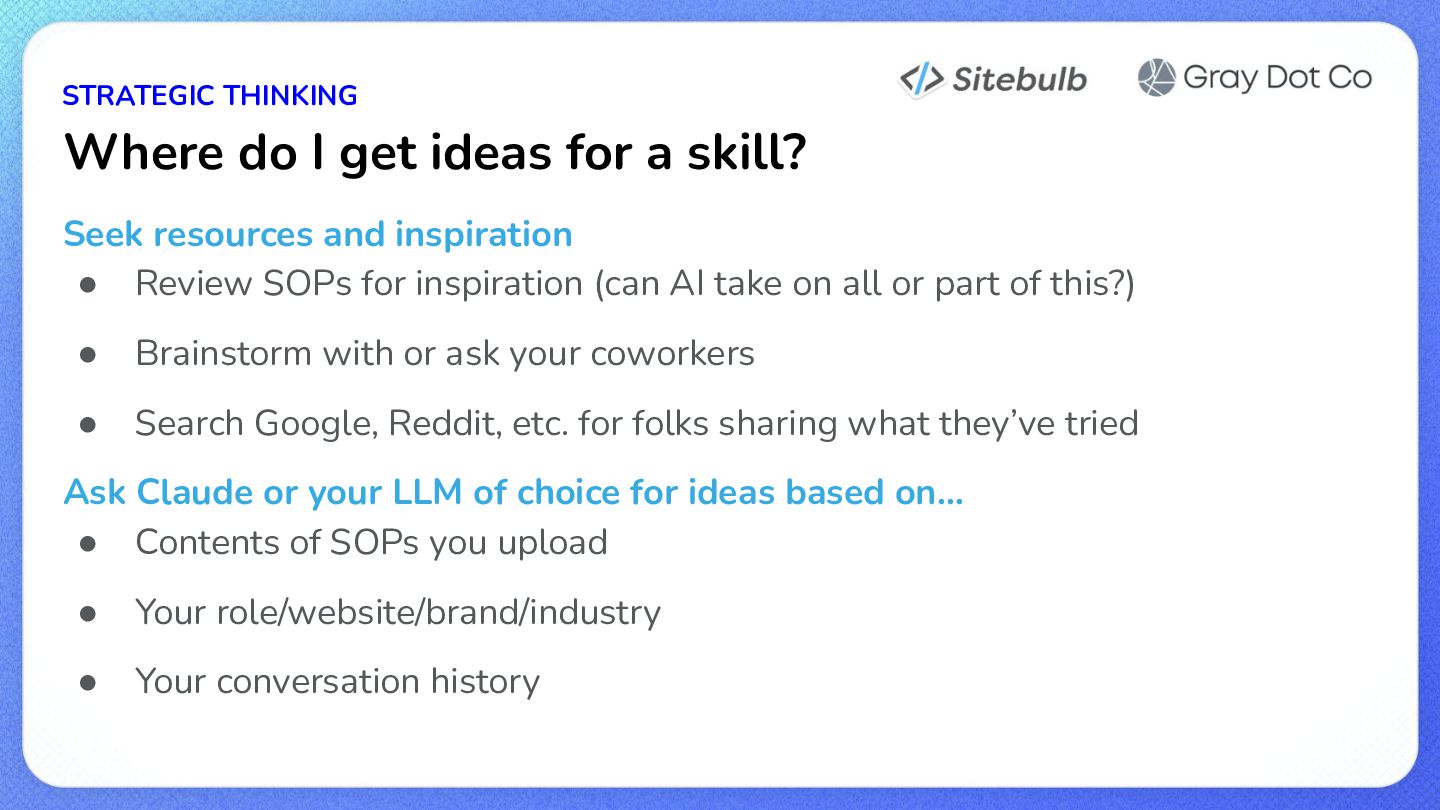
    Seek resources and inspiration • Review SOPs for inspiration (can AI take on all or part of this?) • Brainstorm with or ask your coworkers • Search Google, Reddit, etc. for folks sharing what they’ve tried Ask Claude or your LLM of choice for ideas based on… • Contents of SOPs you upload • Your role/website/brand/industry • Your conversation history
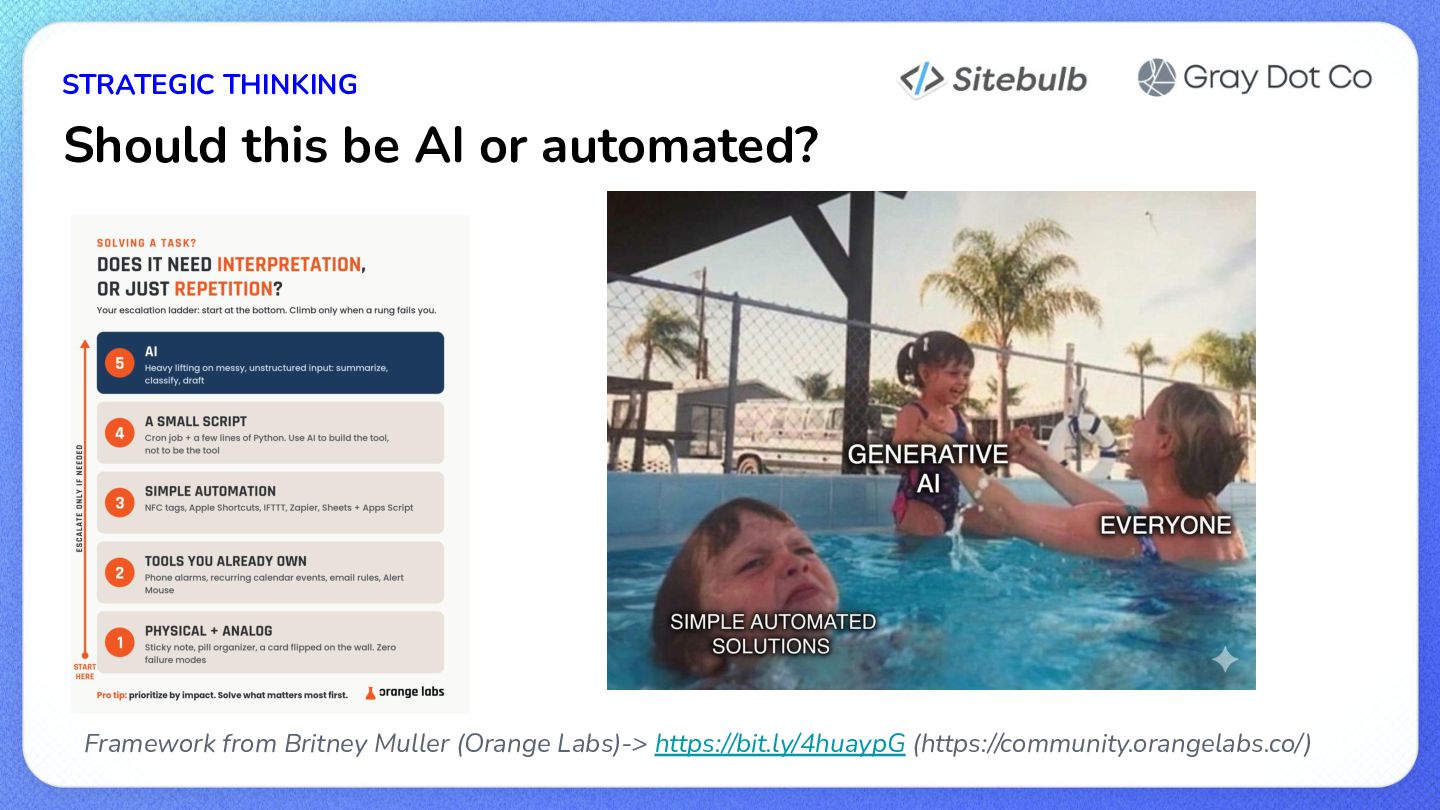
  7. STRATEGIC THINKING Should this be AI or automated? Framework from

    Britney Muller (Orange Labs)-> https://bit.ly/4huaypG (https://community.orangelabs.co/)
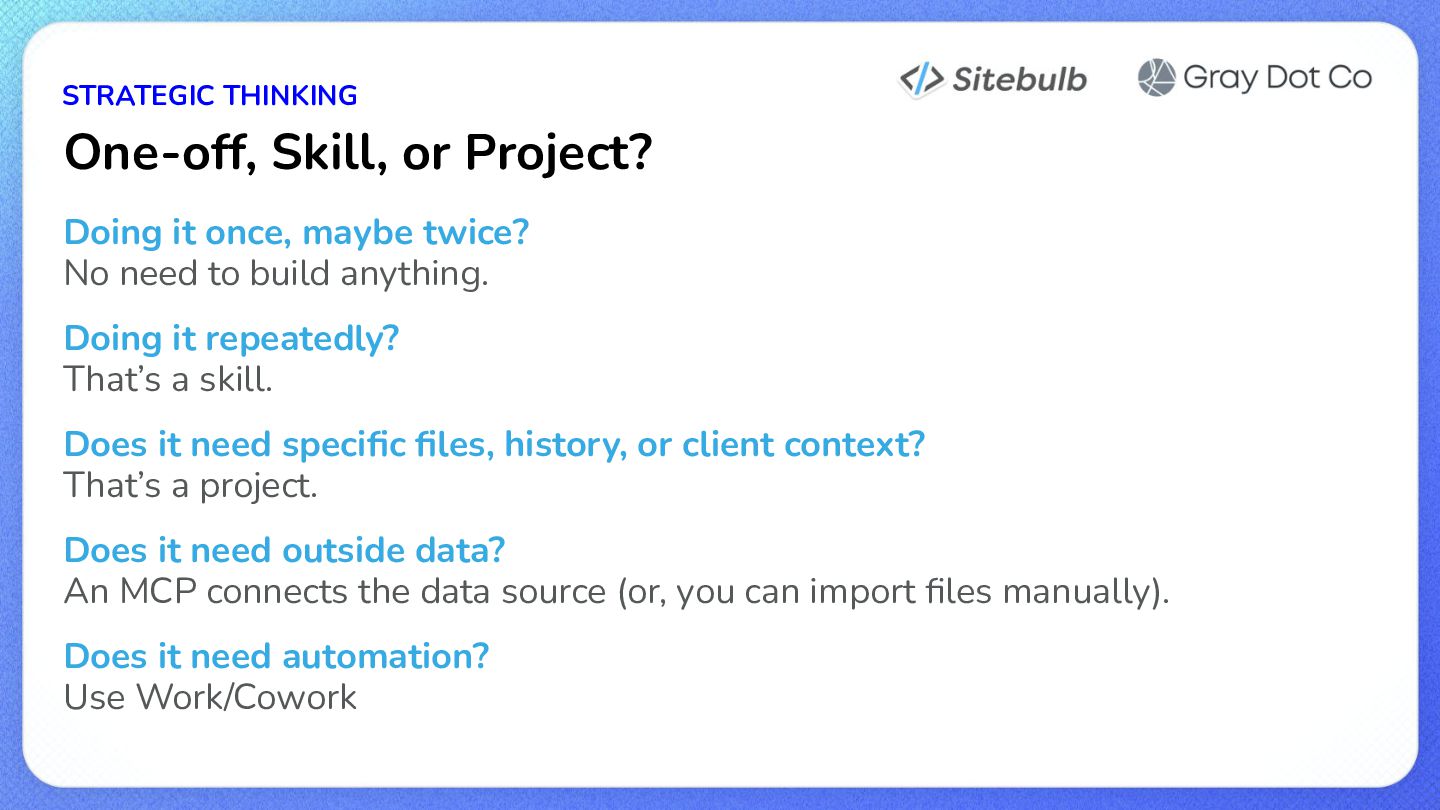
  8. STRATEGIC THINKING One-off, Skill, or Project? Doing it once, maybe

    twice? No need to build anything. Doing it repeatedly? That’s a skill. Does it need specific files, history, or client context? That’s a project. Does it need outside data? An MCP connects the data source (or, you can import files manually). Does it need automation? Use Work/Cowork
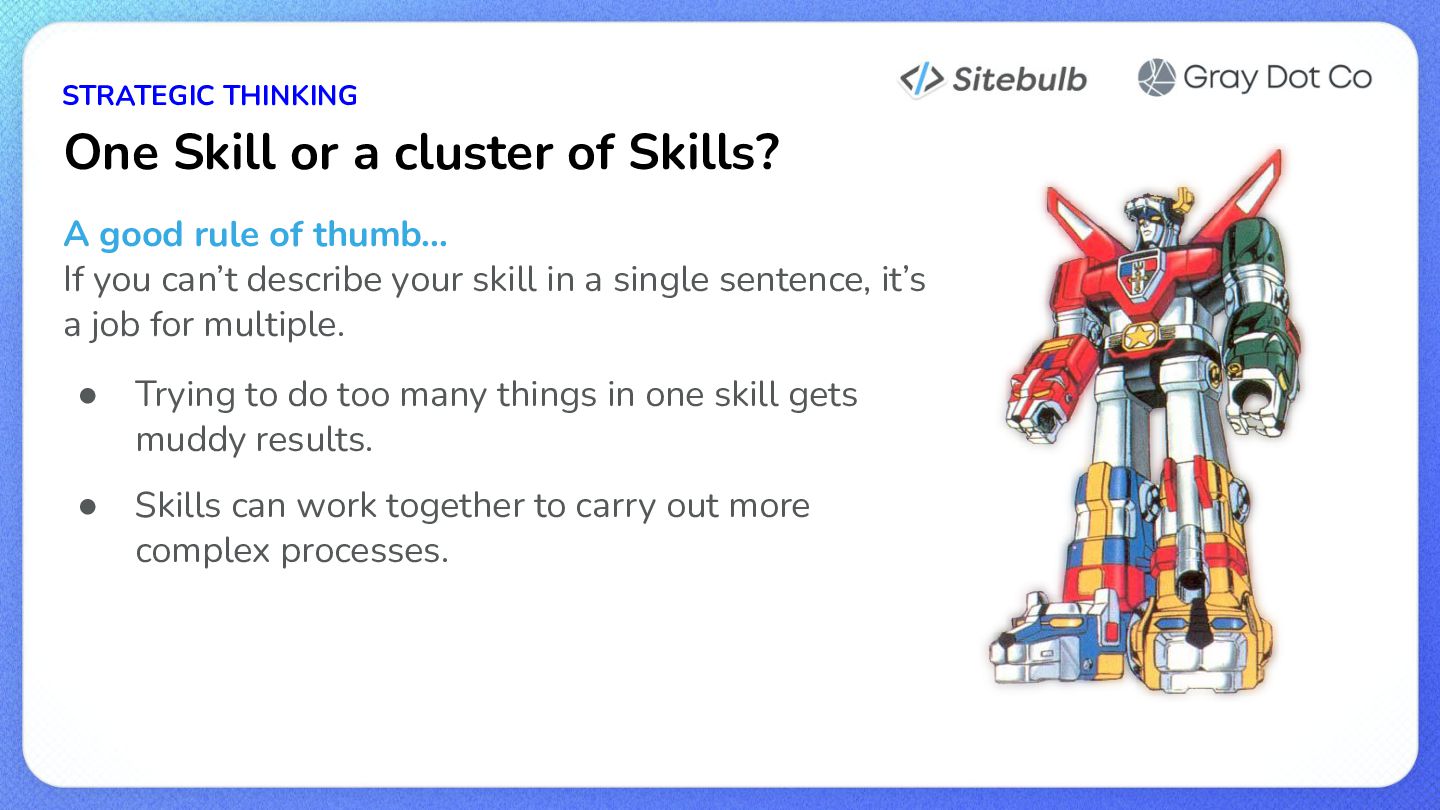
  9. STRATEGIC THINKING One Skill or a cluster of Skills? A

    good rule of thumb… If you can’t describe your skill in a single sentence, it’s a job for multiple. • Trying to do too many things in one skill gets muddy results. • Skills can work together to carry out more complex processes.
  10. STRATEGIC THINKING When in doubt, ask the tool. • “Should

    this be a Skill or a Project?” • “Should this be one skill or 2+?” • If it’s not helpful, you’ve lost 10 minutes, not a client relationship.
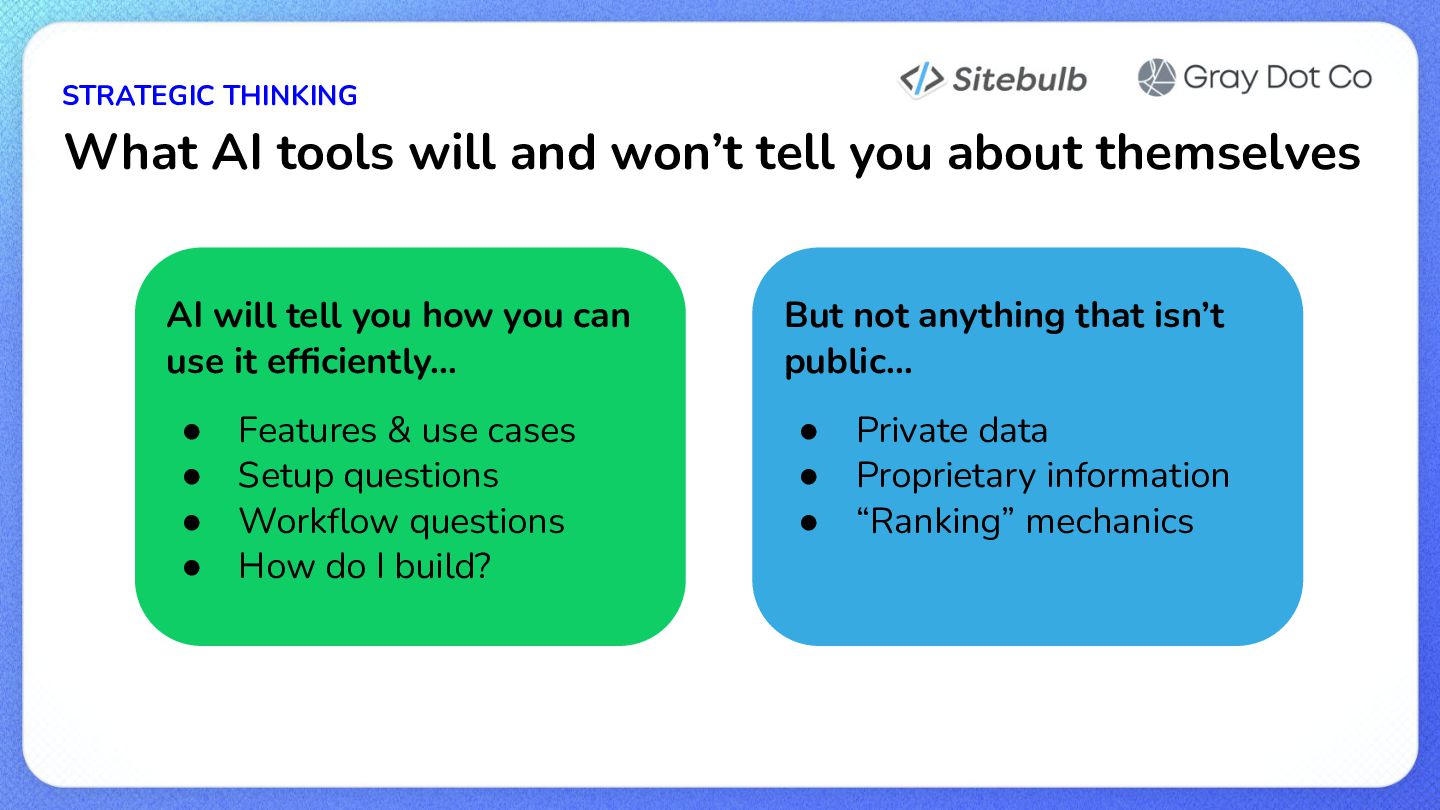
  11. STRATEGIC THINKING What AI tools will and won’t tell you

    about themselves AI will tell you how you can use it efficiently… • • • • Features & use cases Setup questions Workflow questions How do I build? But not anything that isn’t public… • • • Private data Proprietary information “Ranking” mechanics
  12. STRATEGIC THINKING What makes a Skill good? • Solves one

    clear, repeatable job • Has enough context that you don’t need to repeat (or c+p) things • Produces consistent and predictable results • Is written clearly enough for anyone on your team to read & understand • Gets better over time (because you steer it)
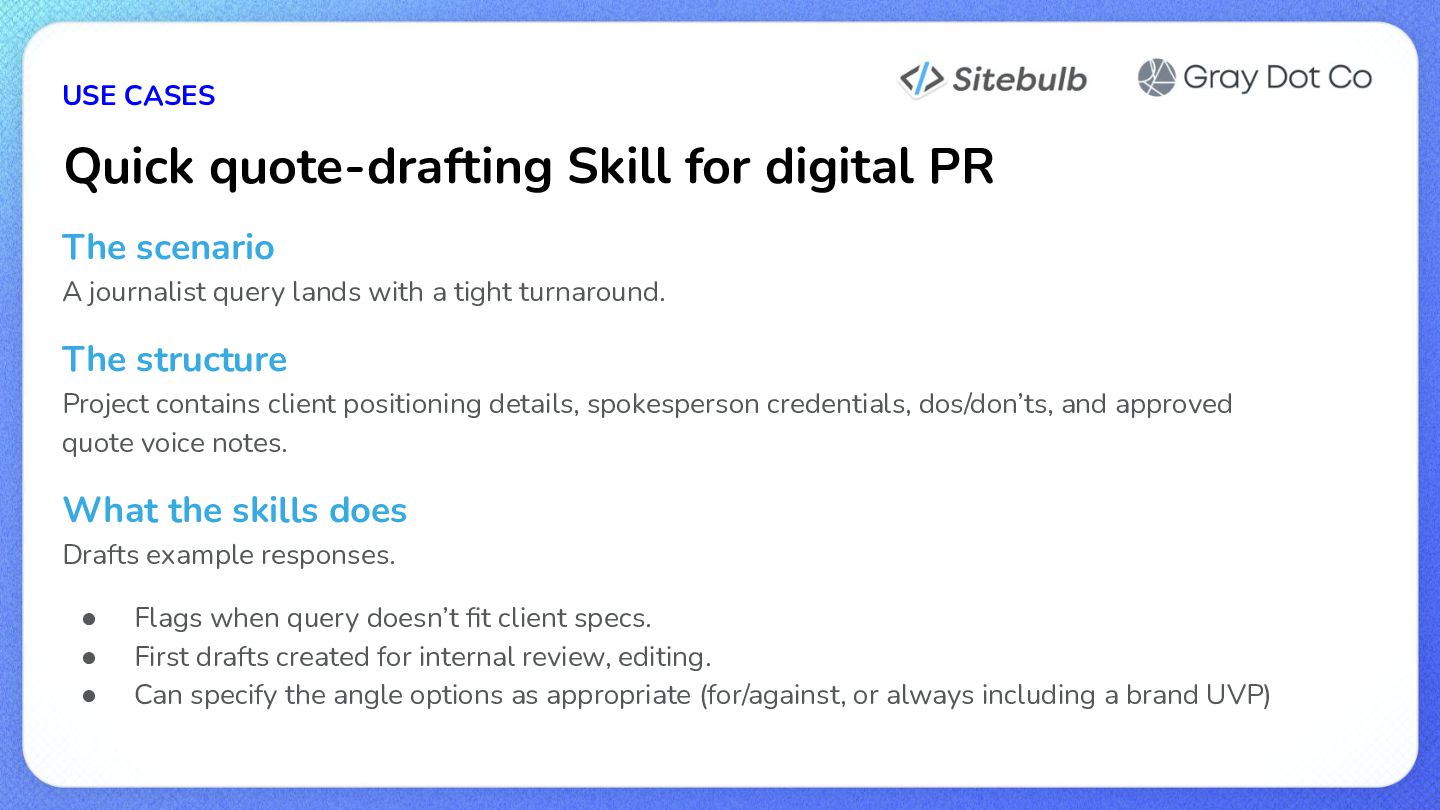
  13. USE CASES Quick quote-drafting Skill for digital PR The scenario

    A journalist query lands with a tight turnaround. The structure Project contains client positioning details, spokesperson credentials, dos/don’ts, and approved quote voice notes. What the skills does Drafts example responses. • • • Flags when query doesn’t fit client specs. First drafts created for internal review, editing. Can specify the angle options as appropriate (for/against, or always including a brand UVP)
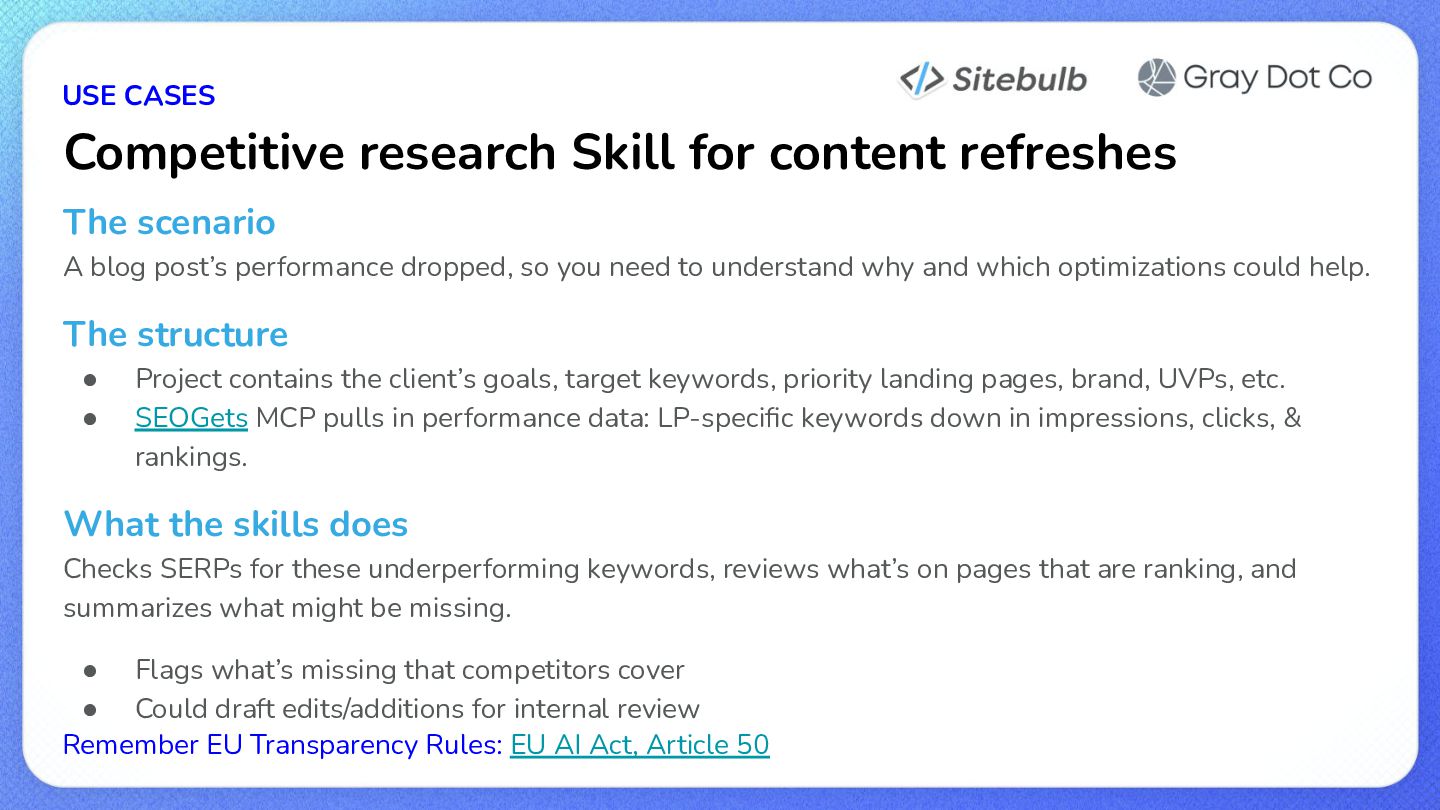
  14. USE CASES Competitive research Skill for content refreshes The scenario

    A blog post’s performance dropped, so you need to understand why and which optimizations could help. The structure • • Project contains the client’s goals, target keywords, priority landing pages, brand, UVPs, etc. SEOGets MCP pulls in performance data: LP-specific keywords down in impressions, clicks, & rankings. What the skills does Checks SERPs for these underperforming keywords, reviews what’s on pages that are ranking, and summarizes what might be missing. • Flags what’s missing that competitors cover • Could draft edits/additions for internal review Remember EU Transparency Rules: EU AI Act, Article 50
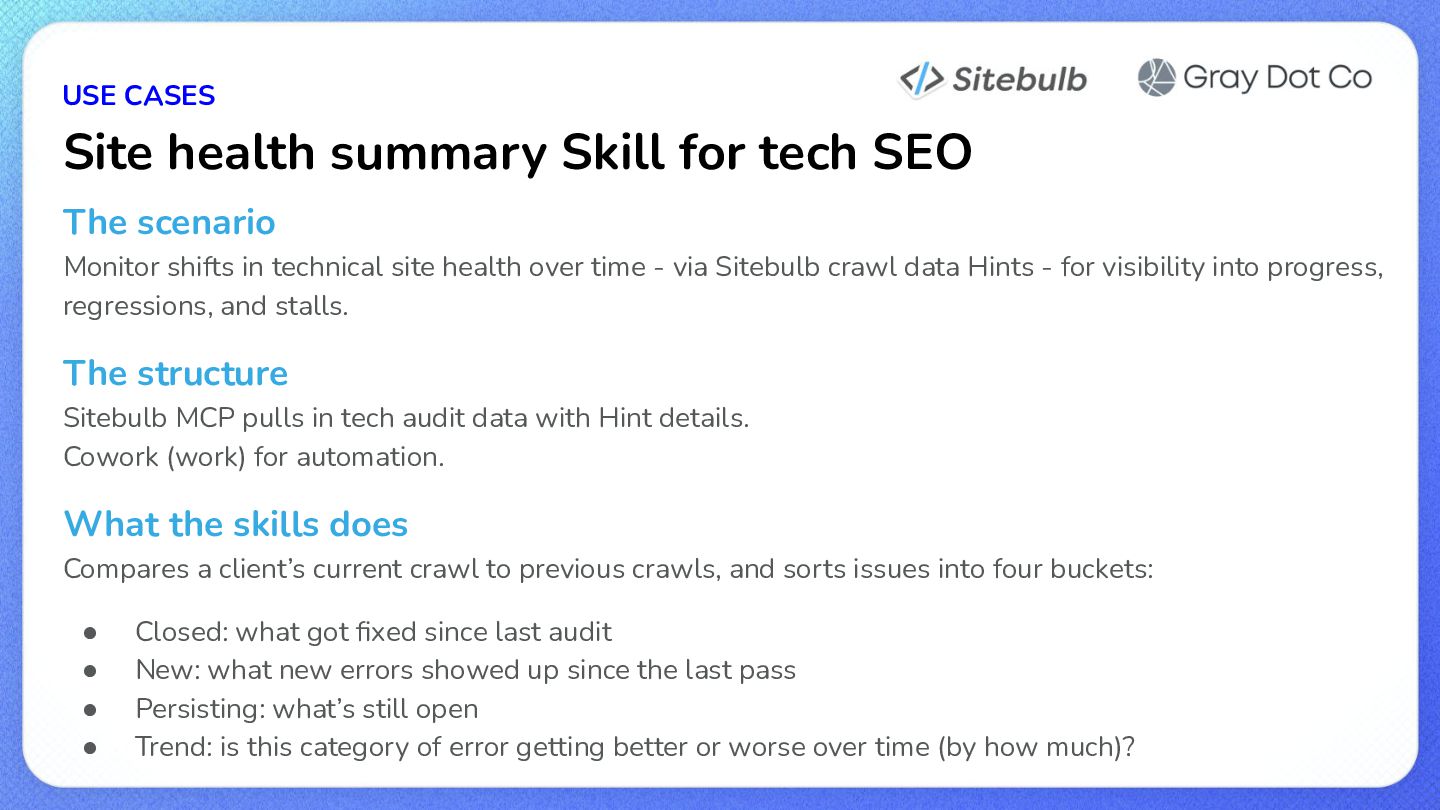
  15. USE CASES Site health summary Skill for tech SEO The

    scenario Monitor shifts in technical site health over time - via Sitebulb crawl data Hints - for visibility into progress, regressions, and stalls. The structure Sitebulb MCP pulls in tech audit data with Hint details. Cowork (work) for automation. What the skills does Compares a client’s current crawl to previous crawls, and sorts issues into four buckets: • • • • Closed: what got fixed since last audit New: what new errors showed up since the last pass Persisting: what’s still open Trend: is this category of error getting better or worse over time (by how much)?
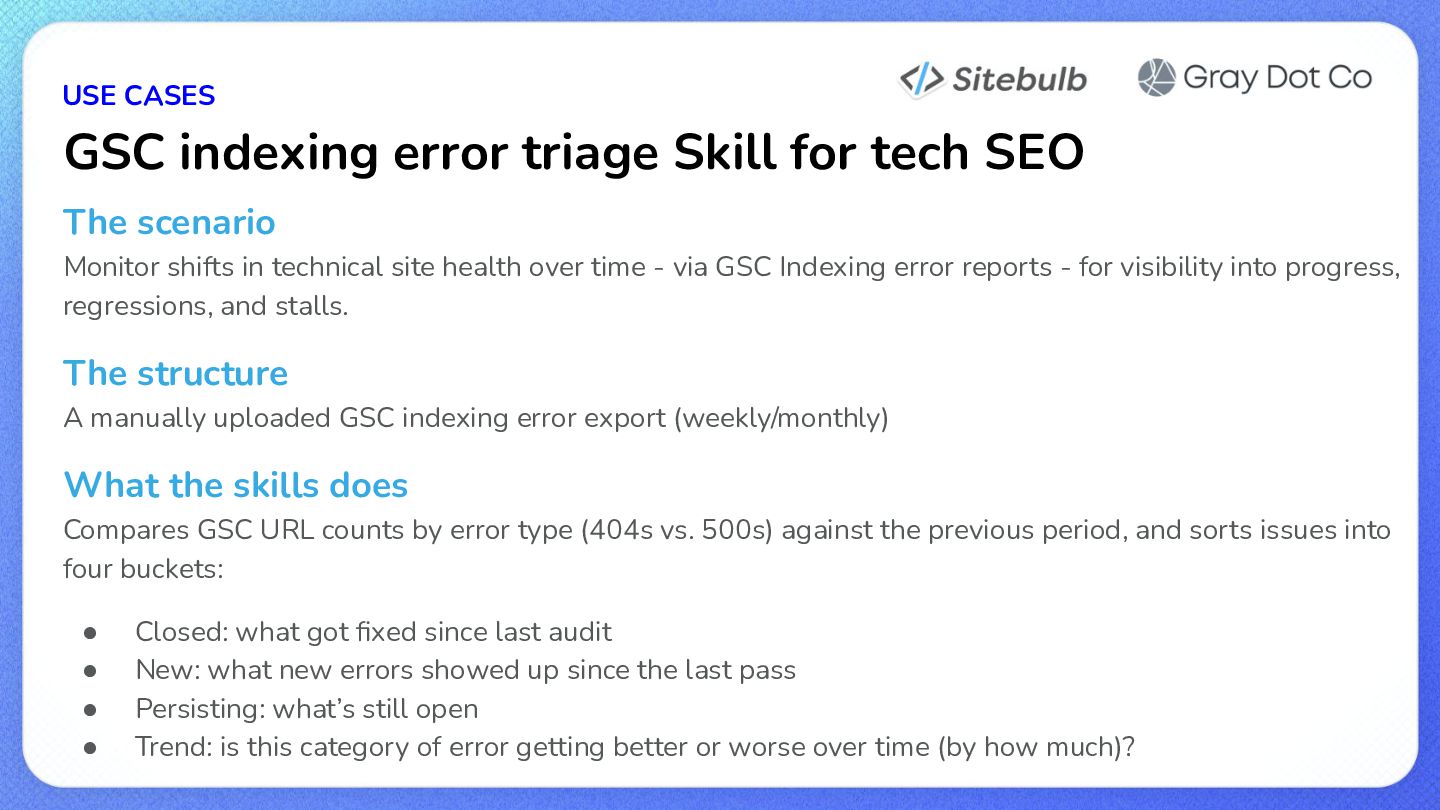
  16. USE CASES GSC indexing error triage Skill for tech SEO

    The scenario Monitor shifts in technical site health over time - via GSC Indexing error reports - for visibility into progress, regressions, and stalls. The structure A manually uploaded GSC indexing error export (weekly/monthly) What the skills does Compares GSC URL counts by error type (404s vs. 500s) against the previous period, and sorts issues into four buckets: • • • • Closed: what got fixed since last audit New: what new errors showed up since the last pass Persisting: what’s still open Trend: is this category of error getting better or worse over time (by how much)?
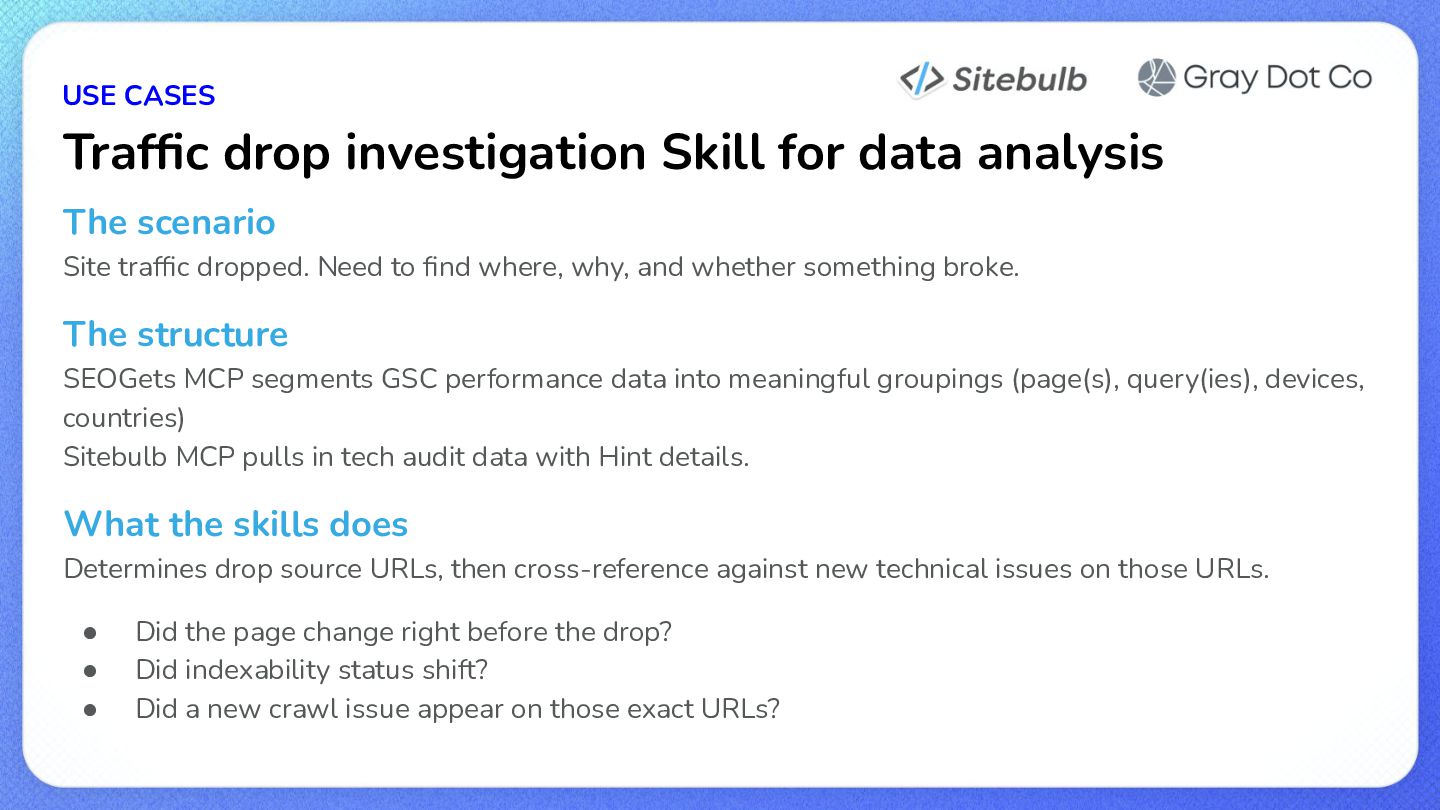
  17. USE CASES Traffic drop investigation Skill for data analysis The

    scenario Site traffic dropped. Need to find where, why, and whether something broke. The structure SEOGets MCP segments GSC performance data into meaningful groupings (page(s), query(ies), devices, countries) Sitebulb MCP pulls in tech audit data with Hint details. What the skills does Determines drop source URLs, then cross-reference against new technical issues on those URLs. • • • Did the page change right before the drop? Did indexability status shift? Did a new crawl issue appear on those exact URLs?
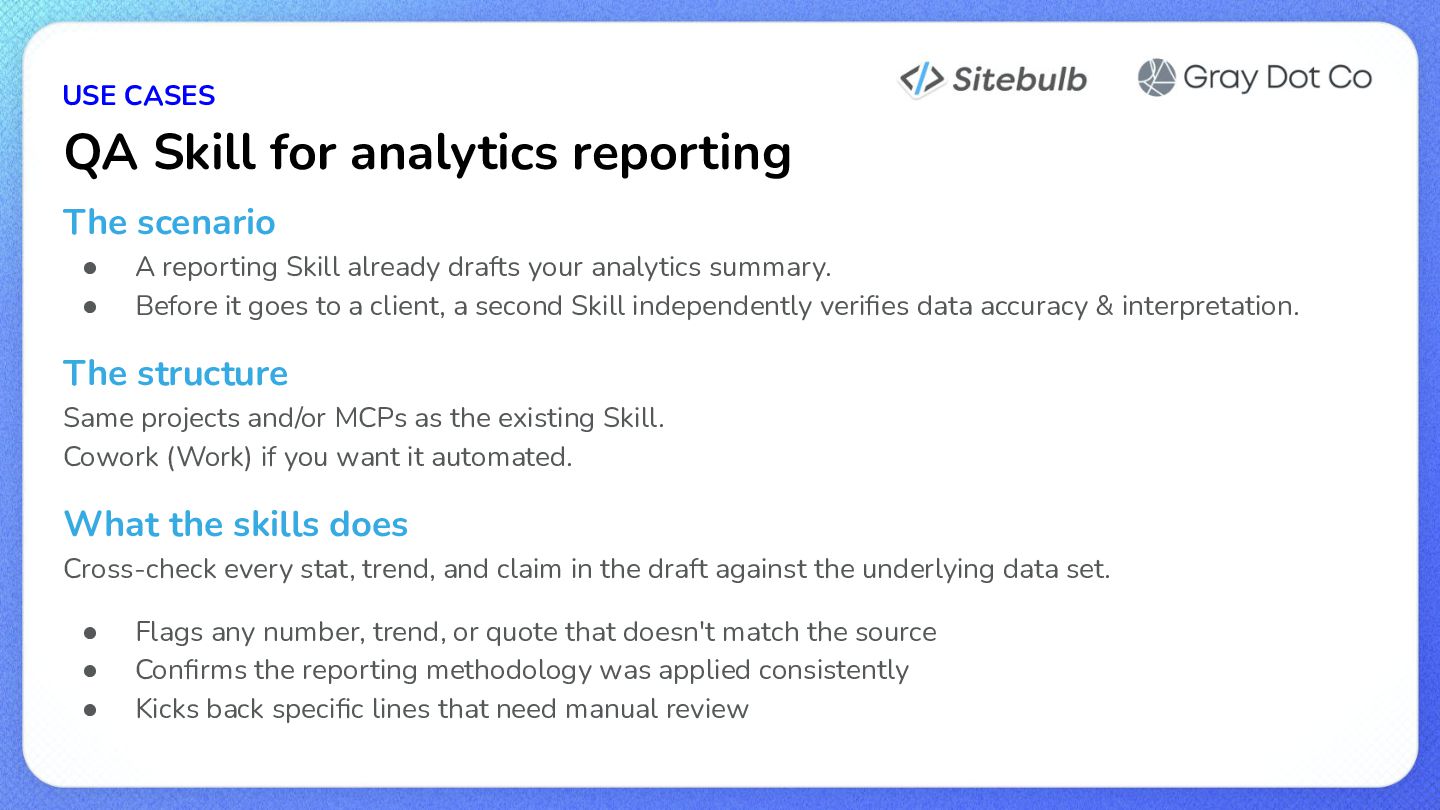
  18. USE CASES QA Skill for analytics reporting The scenario •

    • A reporting Skill already drafts your analytics summary. Before it goes to a client, a second Skill independently verifies data accuracy & interpretation. The structure Same projects and/or MCPs as the existing Skill. Cowork (Work) if you want it automated. What the skills does Cross-check every stat, trend, and claim in the draft against the underlying data set. • • • Flags any number, trend, or quote that doesn't match the source Confirms the reporting methodology was applied consistently Kicks back specific lines that need manual review
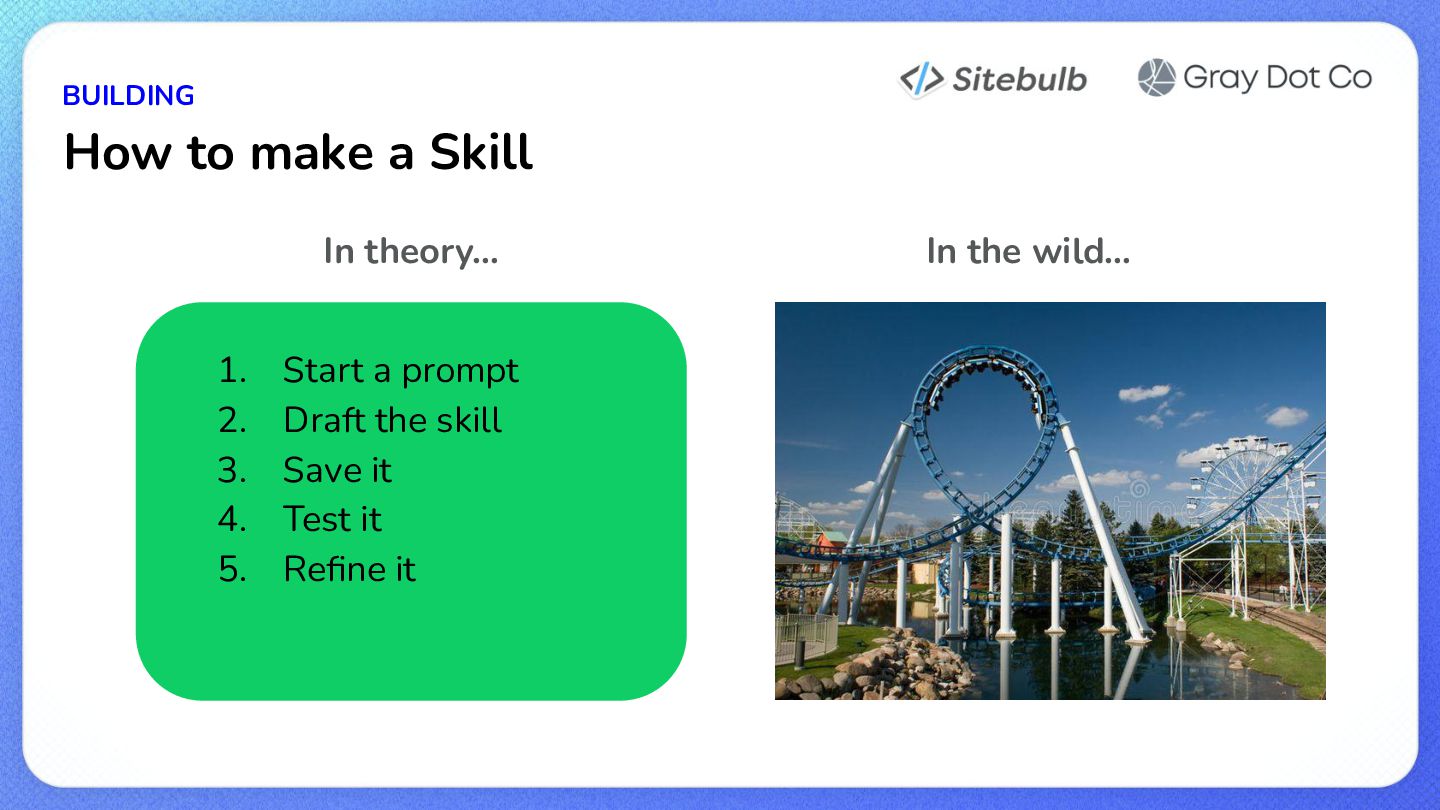
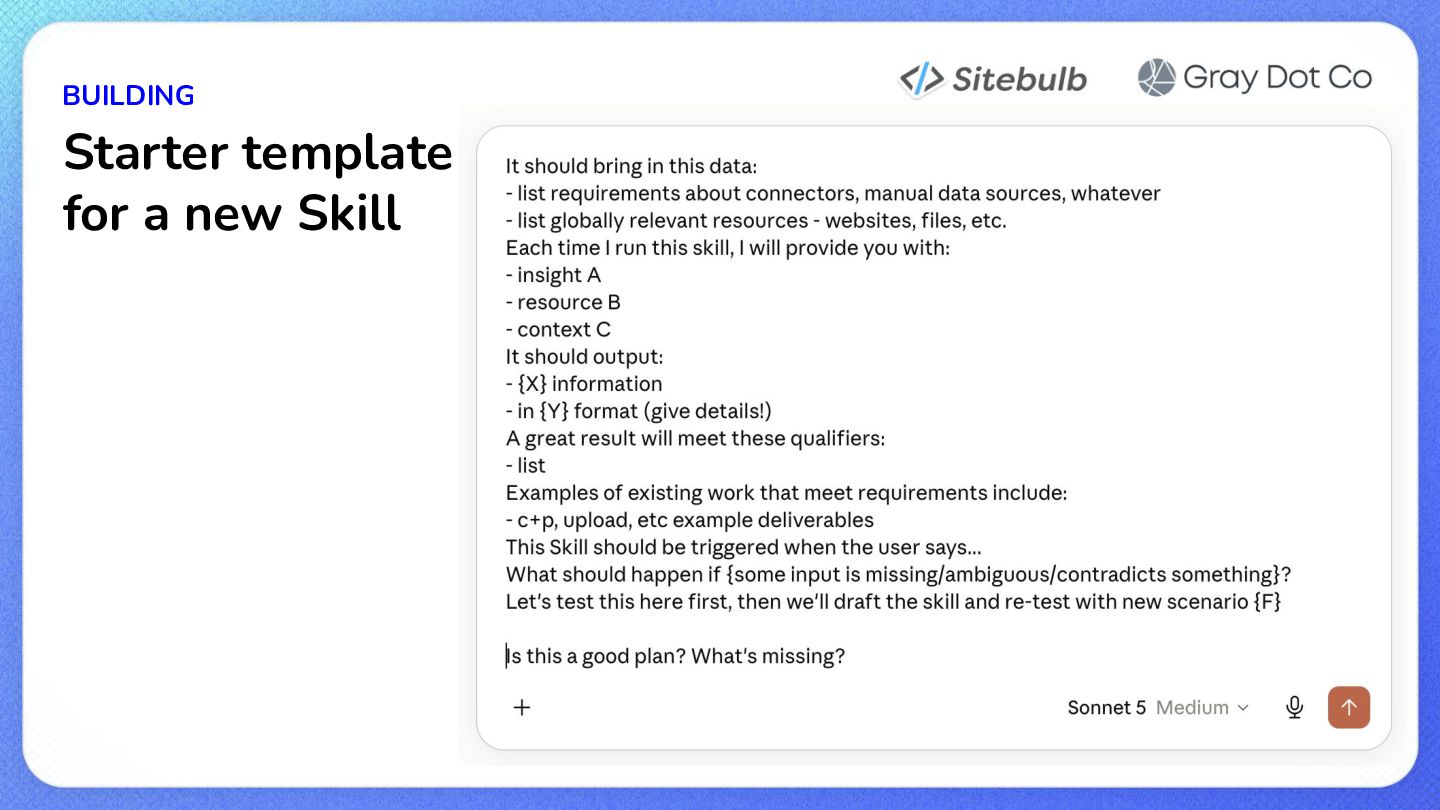
  19. BUILDING How to make a Skill In theory… 1. 2.

    3. 4. 5. Start a prompt Draft the skill Save it Test it Refine it In the wild…
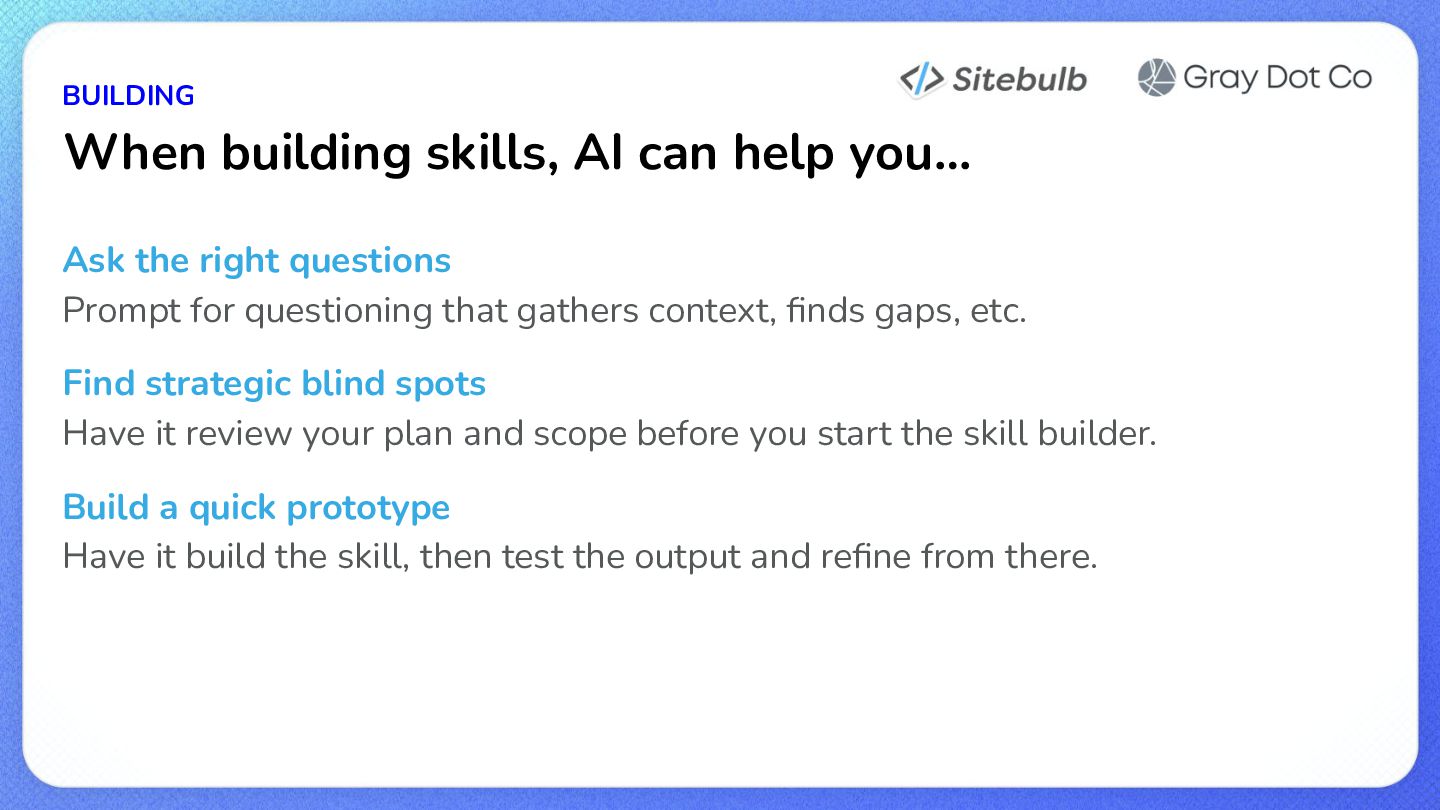
  20. BUILDING When building skills, AI can help you… Ask the

    right questions Prompt for questioning that gathers context, finds gaps, etc. Find strategic blind spots Have it review your plan and scope before you start the skill builder. Build a quick prototype Have it build the skill, then test the output and refine from there.
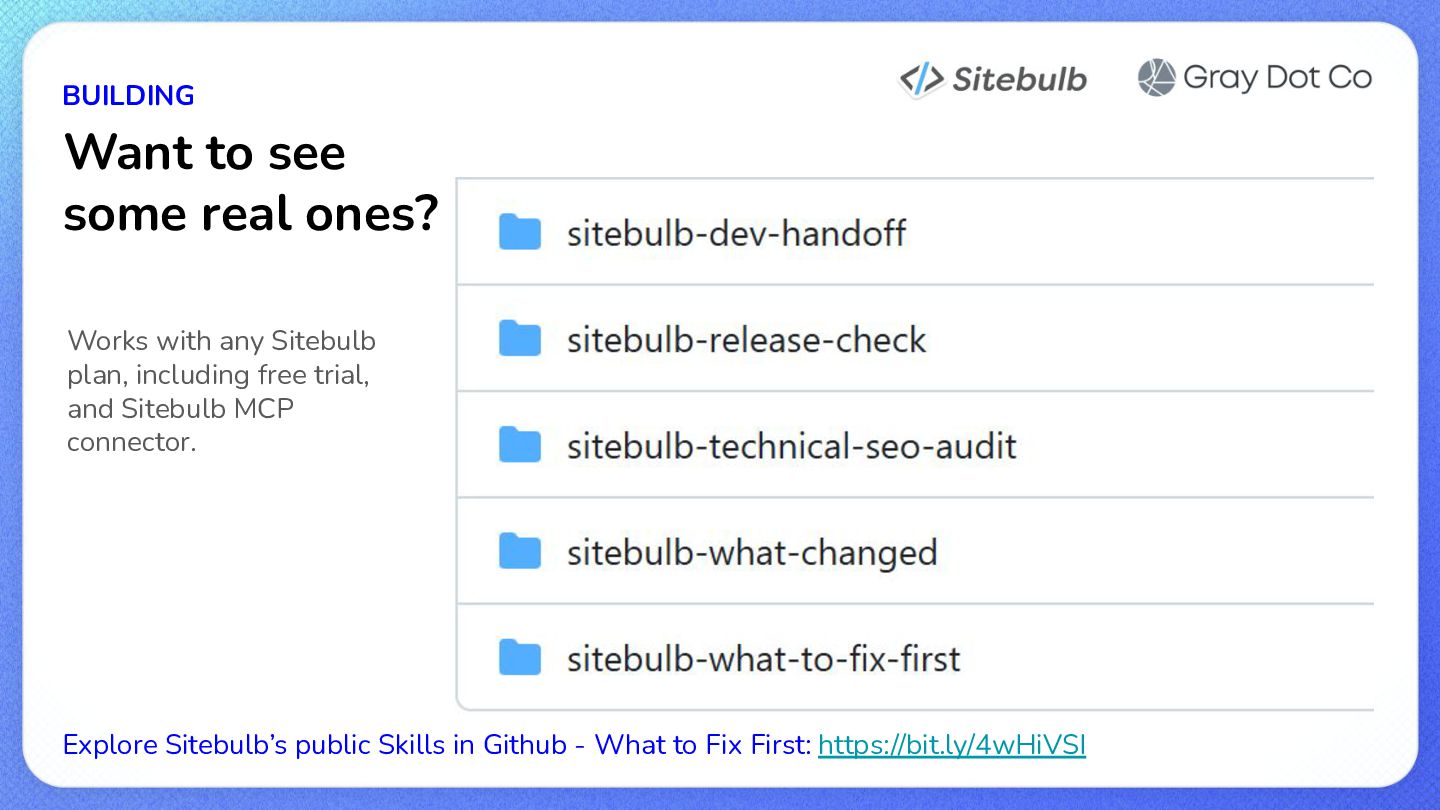
  21. BUILDING Want to see some real ones? Works with any

    Sitebulb plan, including free trial, and Sitebulb MCP connector. Explore Sitebulb’s public Skills in Github - What to Fix First: https://bit.ly/4wHiVSI
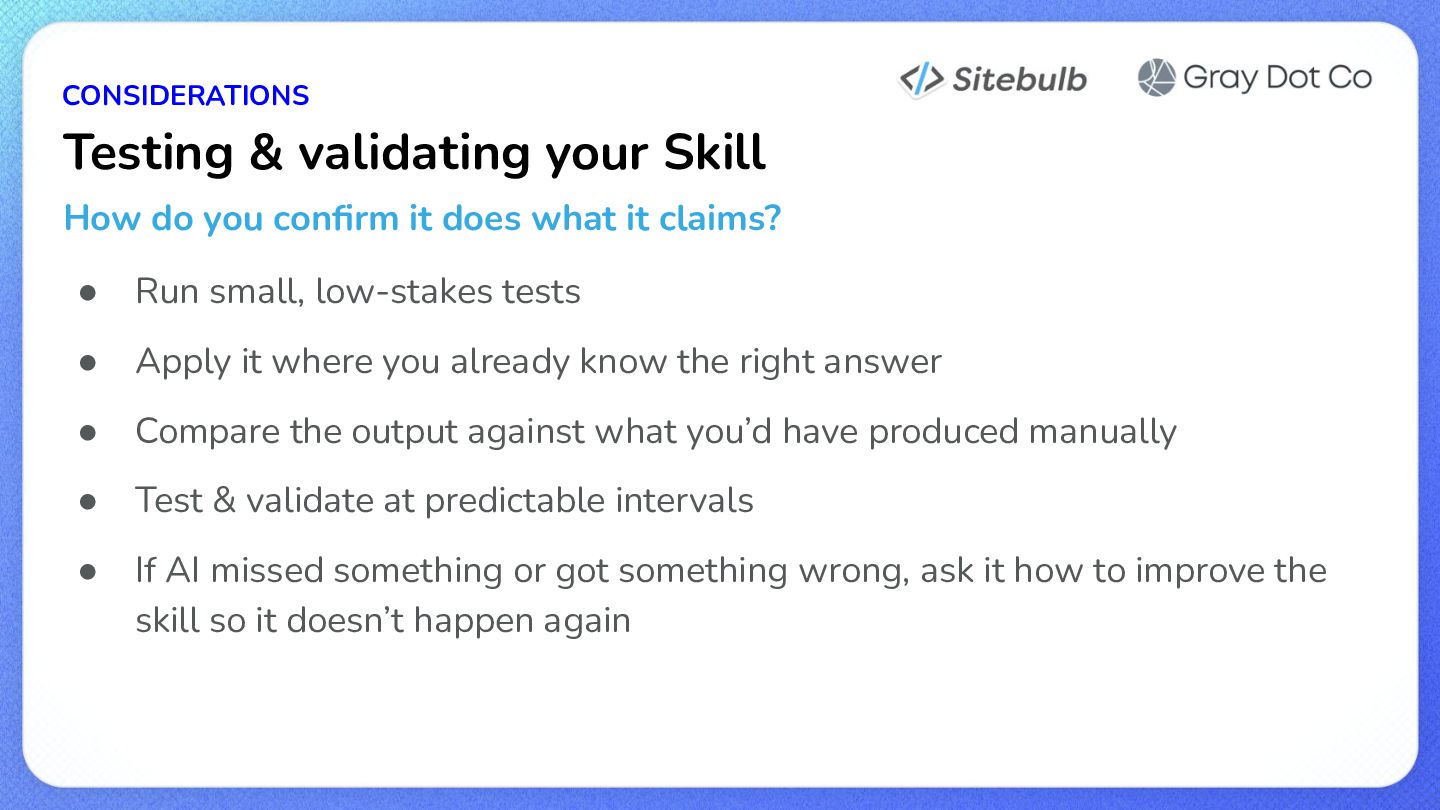
  22. CONSIDERATIONS Testing & validating your Skill How do you confirm

    it does what it claims? • Run small, low-stakes tests • Apply it where you already know the right answer • Compare the output against what you’d have produced manually • Test & validate at predictable intervals • If AI missed something or got something wrong, ask it how to improve the skill so it doesn’t happen again
  23. CONSIDERATIONS Understanding Skill limitations • AI trust varies from agency

    to agency, brand to brand, and customer to customer • Layer in a human check anywhere judgment, tone, or relationship history matters
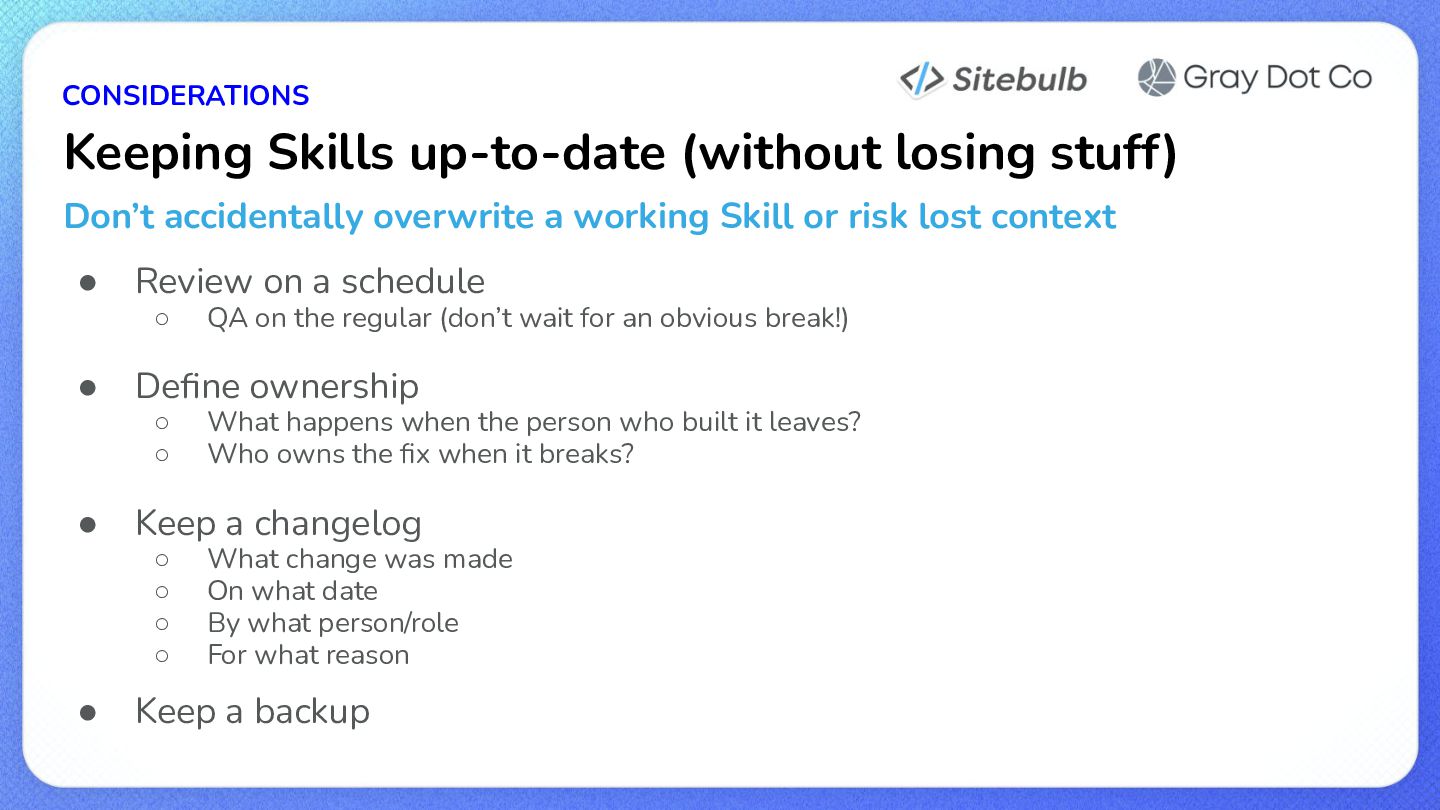
  24. CONSIDERATIONS Keeping Skills up-to-date (without losing stuff) Don’t accidentally overwrite

    a working Skill or risk lost context • Review on a schedule ◦ • Define ownership ◦ ◦ • What happens when the person who built it leaves? Who owns the fix when it breaks? Keep a changelog ◦ ◦ ◦ ◦ • QA on the regular (don’t wait for an obvious break!) What change was made On what date By what person/role For what reason Keep a backup
  25. CONSIDERATIONS Security, privacy, and you Steps to reduce or eliminate

    risks when using public Skills & Connectors • Who made it? ◦ • What’s it connected to? ◦ • Specifically for this brand, to this tool? What could go wrong? ◦ • And what can it do there? Do you have permission to share this data? ◦ • Do you trust them and is it official? Can you turn it off, quickly? Is it reversible? ◦ Versioning and backups?
  26. Remember… There’s no harm in just trying something! You can

    always change it later. Next up: Try the Sitebulb MCP yourself! Existing customers: Download Sitebulb latest version Non-customers: Start the free trial Then start here for MCP: https://bit.ly/4cYhojT Also keep any eye out for our upcoming webinar on MCPs and AI workflows!