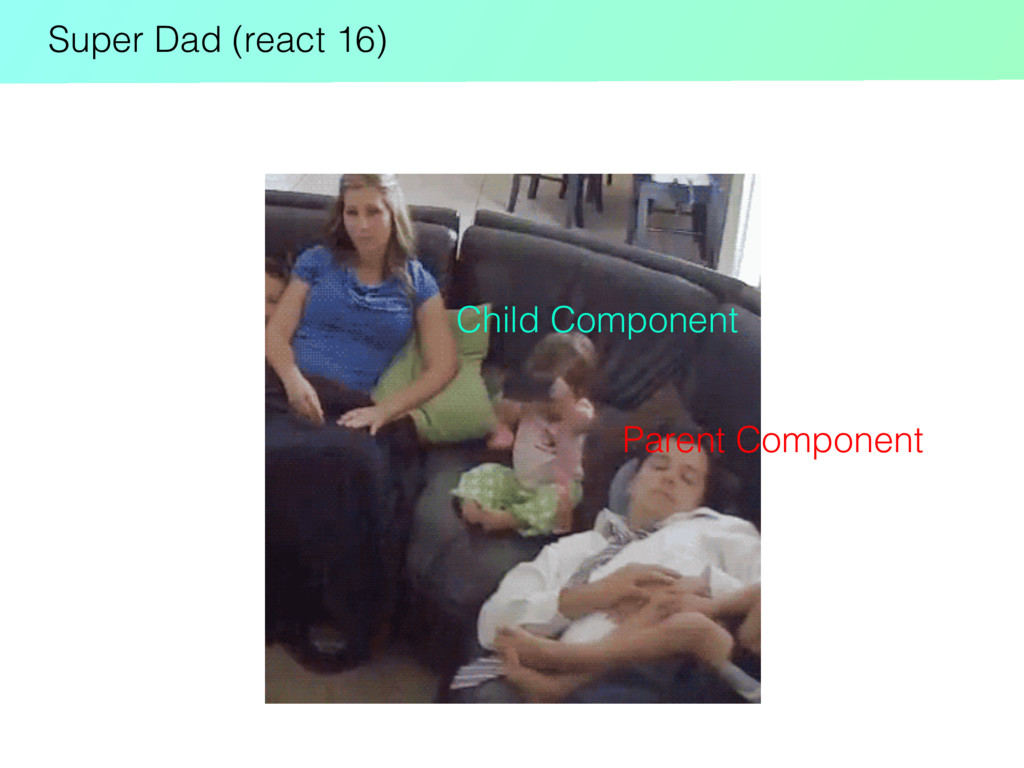
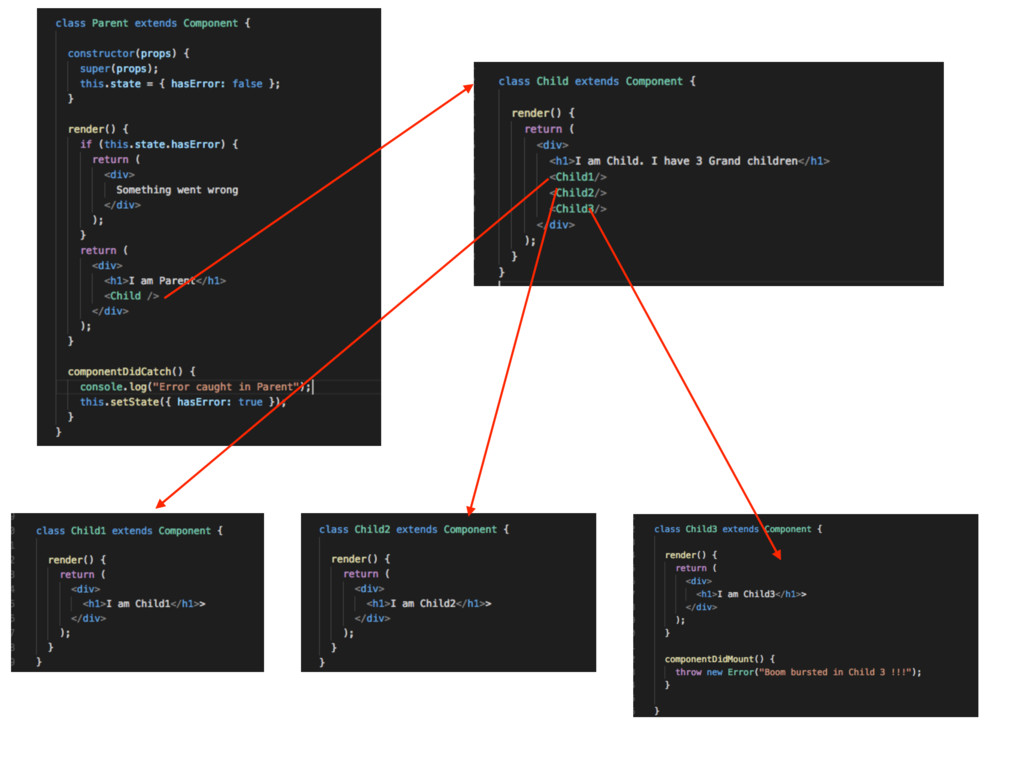
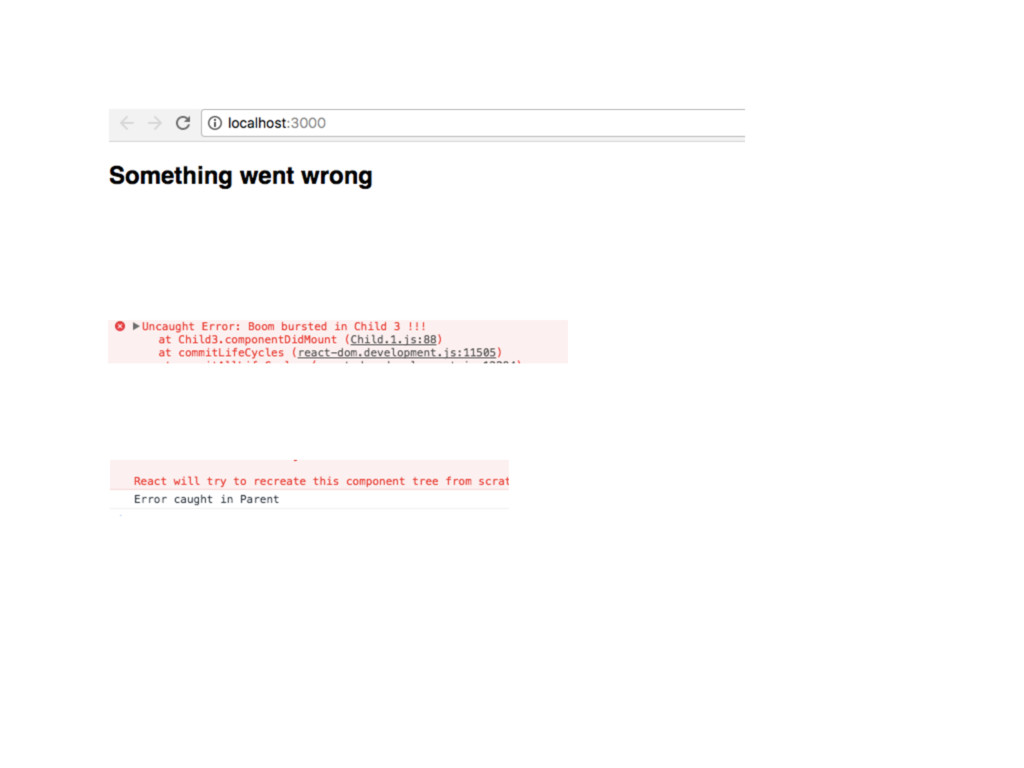
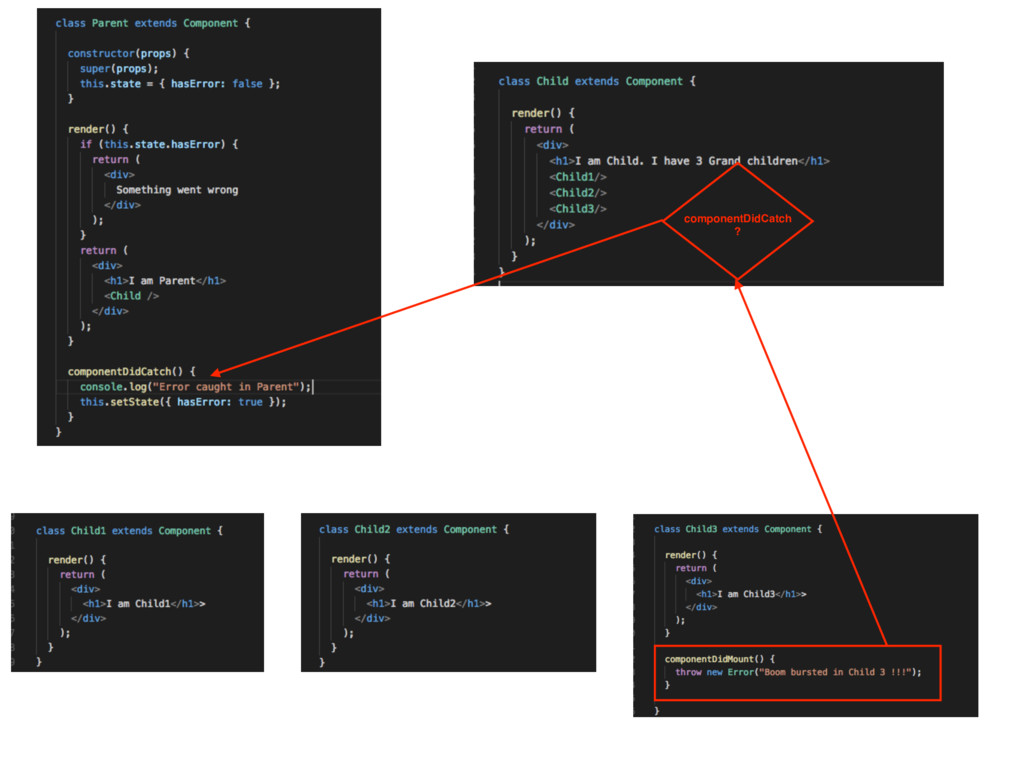
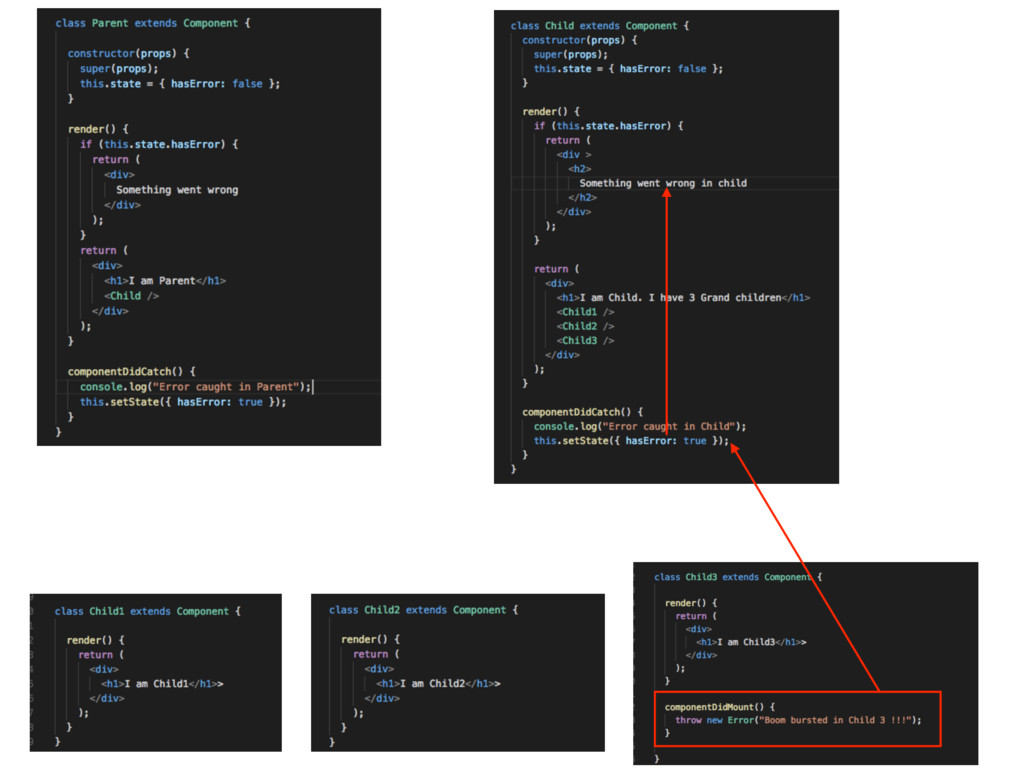
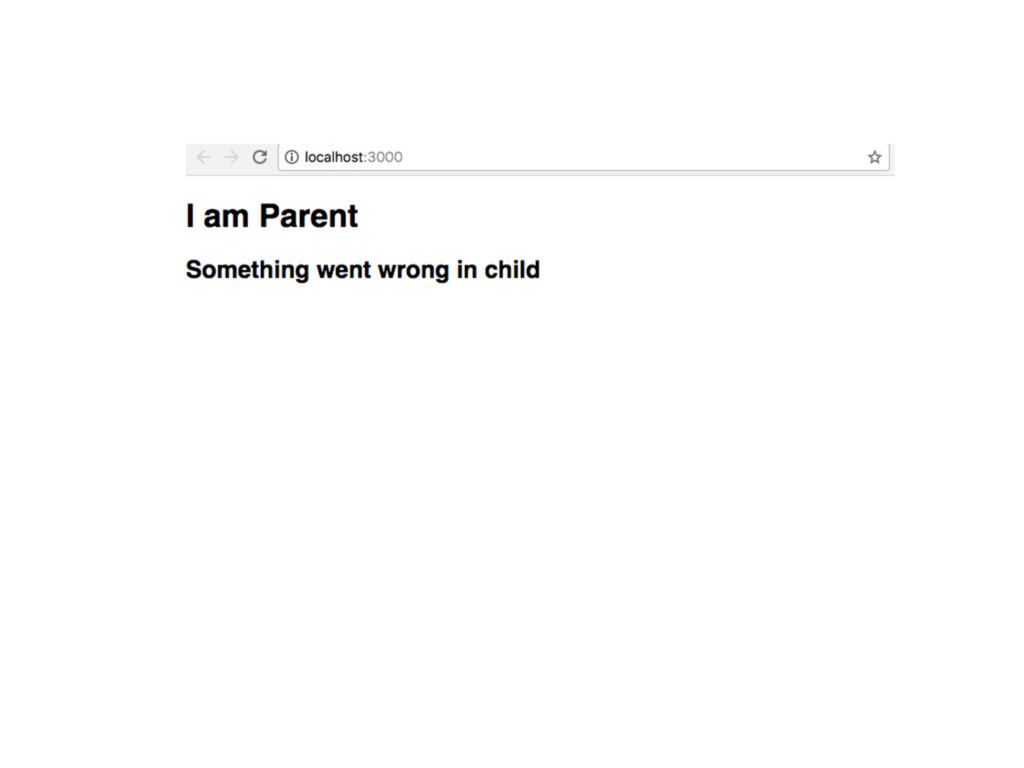
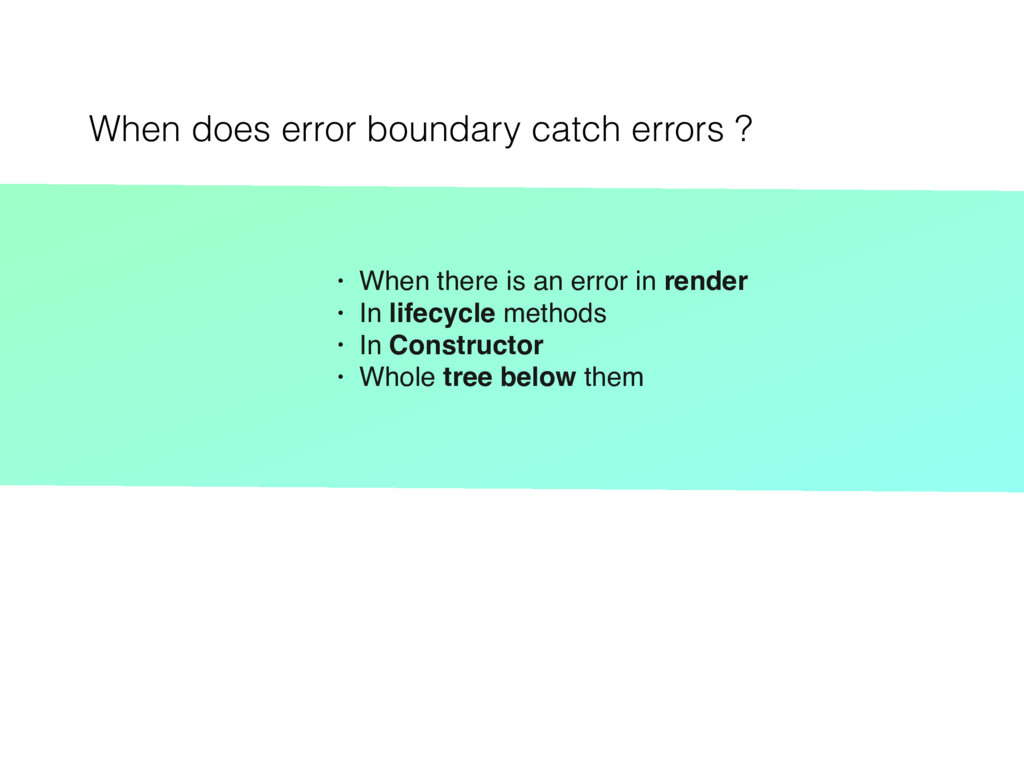
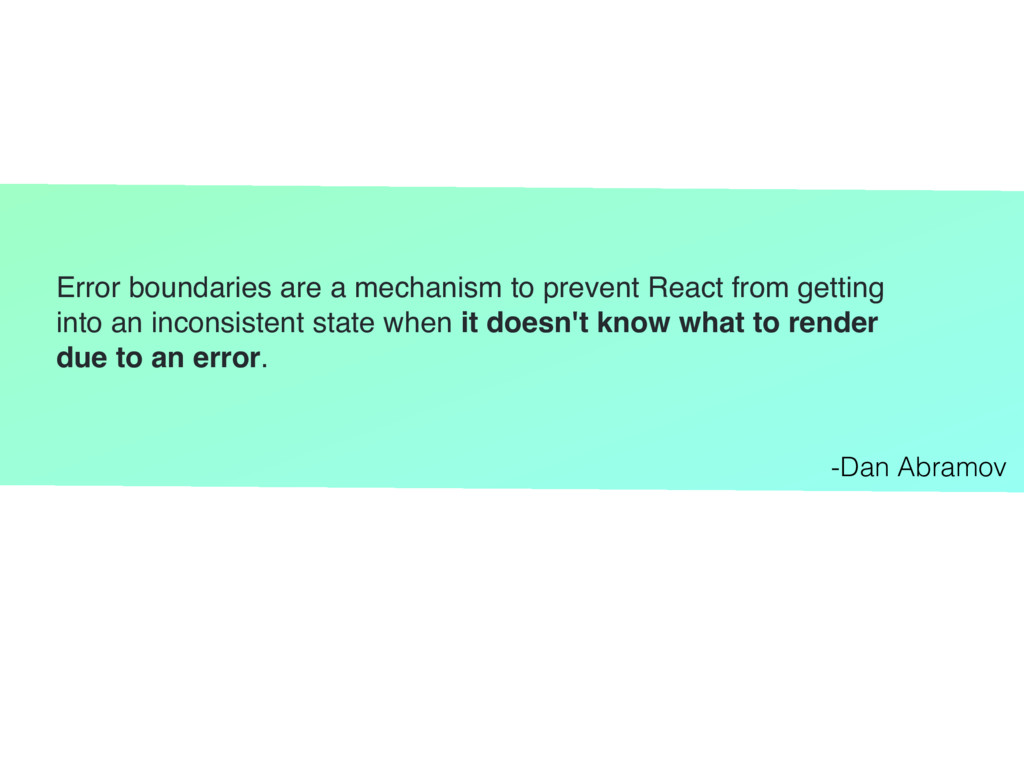
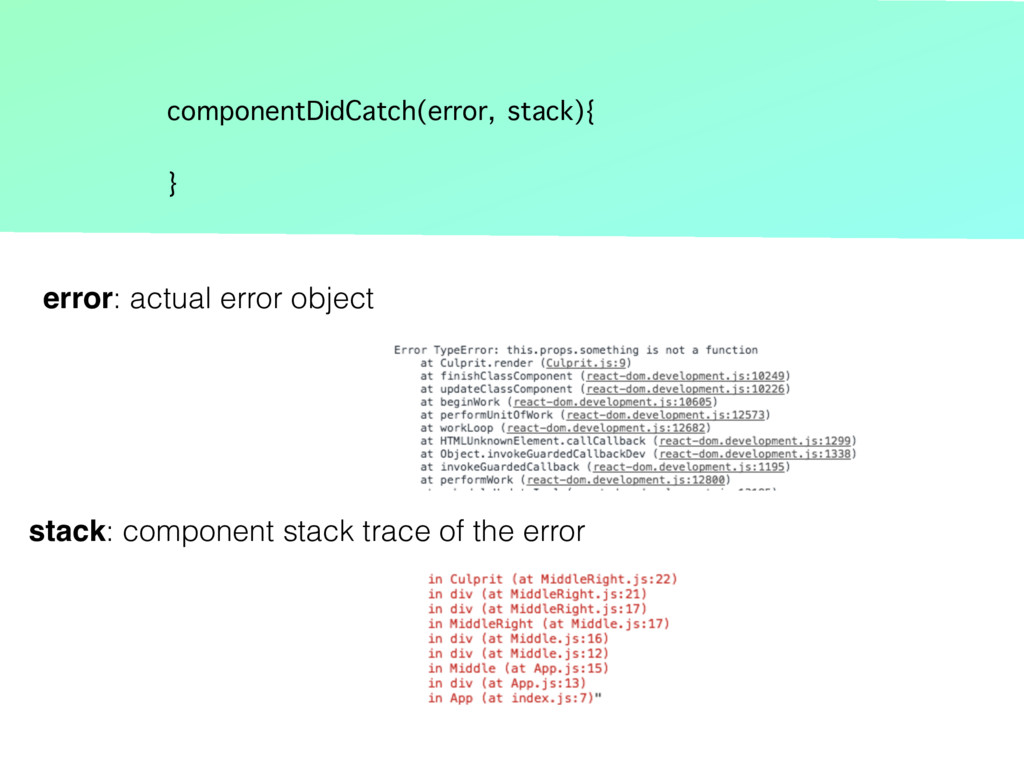
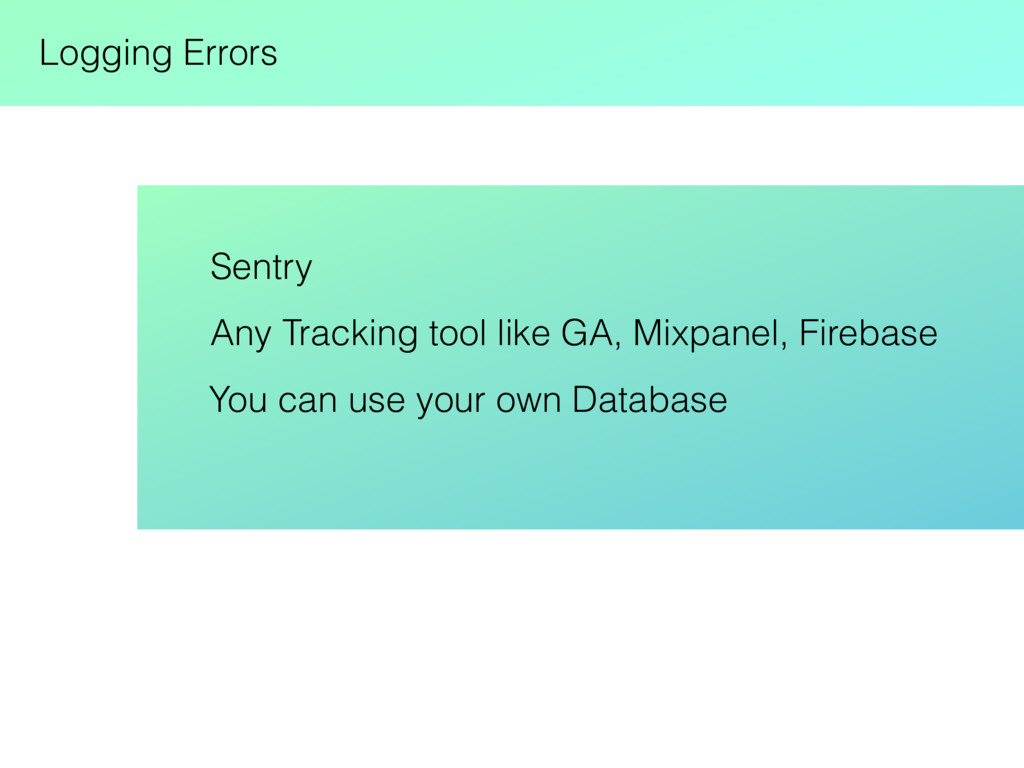
There is a new component lifecycle method componentDidCatch() in react 16 which will get called when there is an error in child component. This presentation explain how we can use Error Boundary to capture errors
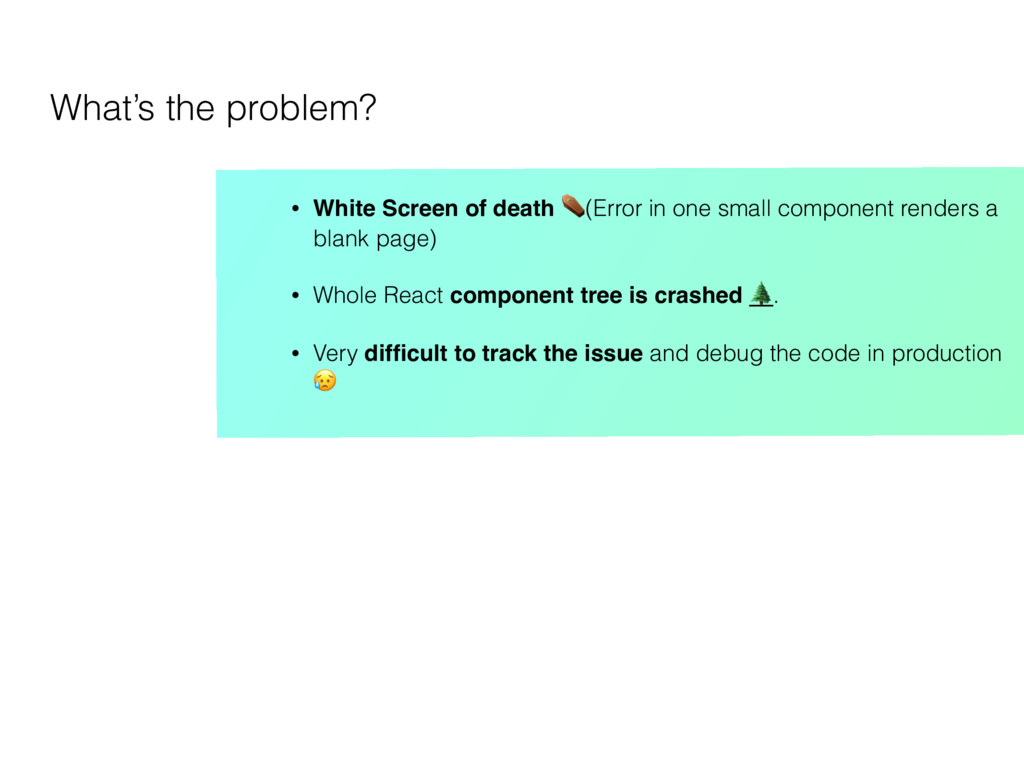
one small component renders a blank page) • Whole React component tree is crashed . • Very difficult to track the issue and debug the code in production
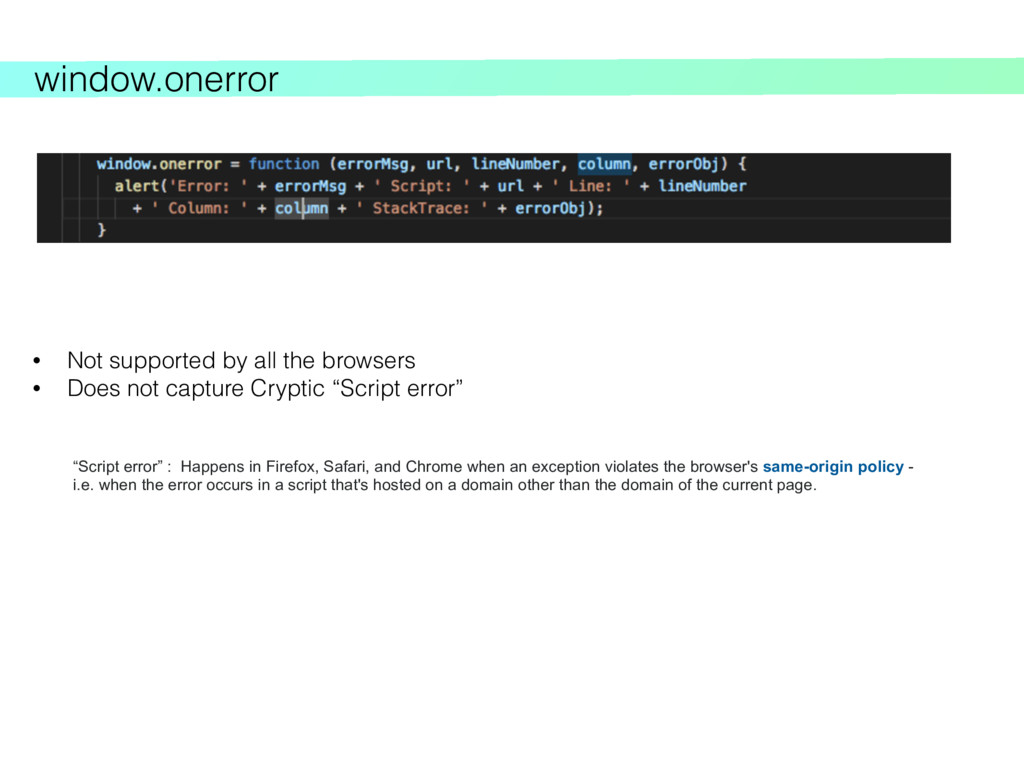
not capture Cryptic “Script error” “Script error” : Happens in Firefox, Safari, and Chrome when an exception violates the browser's same-origin policy - i.e. when the error occurs in a script that's hosted on a domain other than the domain of the current page.
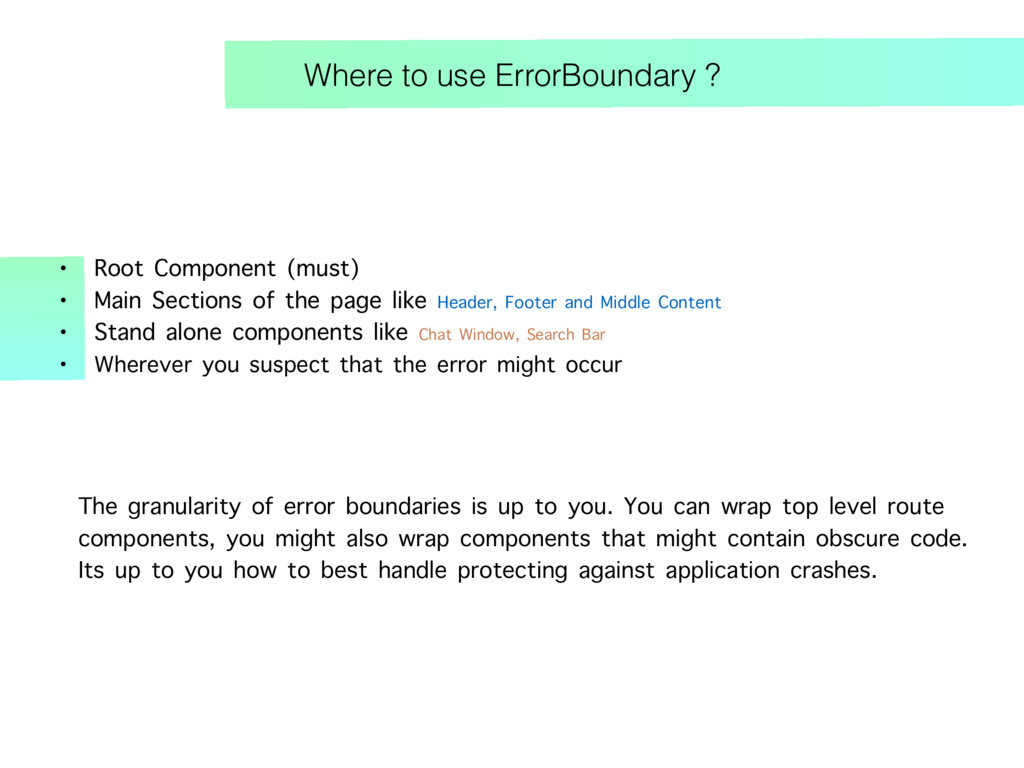
Main Sections of the page like Header, Footer and Middle Content • Stand alone components like Chat Window, Search Bar • Wherever you suspect that the error might occur The granularity of error boundaries is up to you. You can wrap top level route components, you might also wrap components that might contain obscure code. Its up to you how to best handle protecting against application crashes.
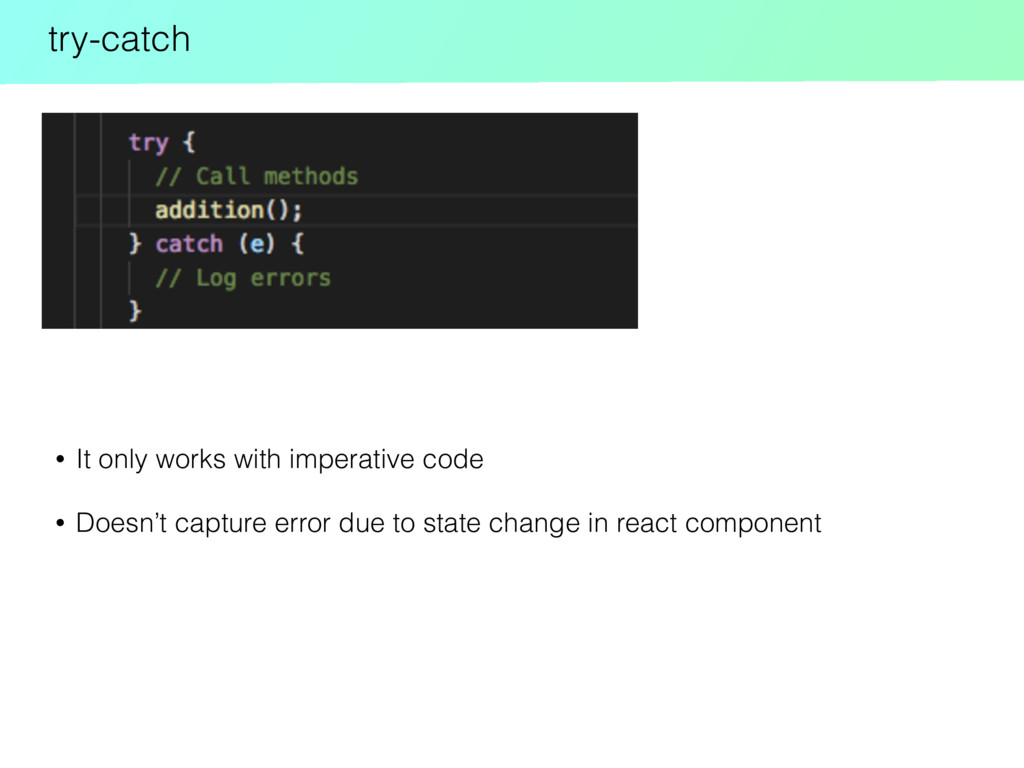
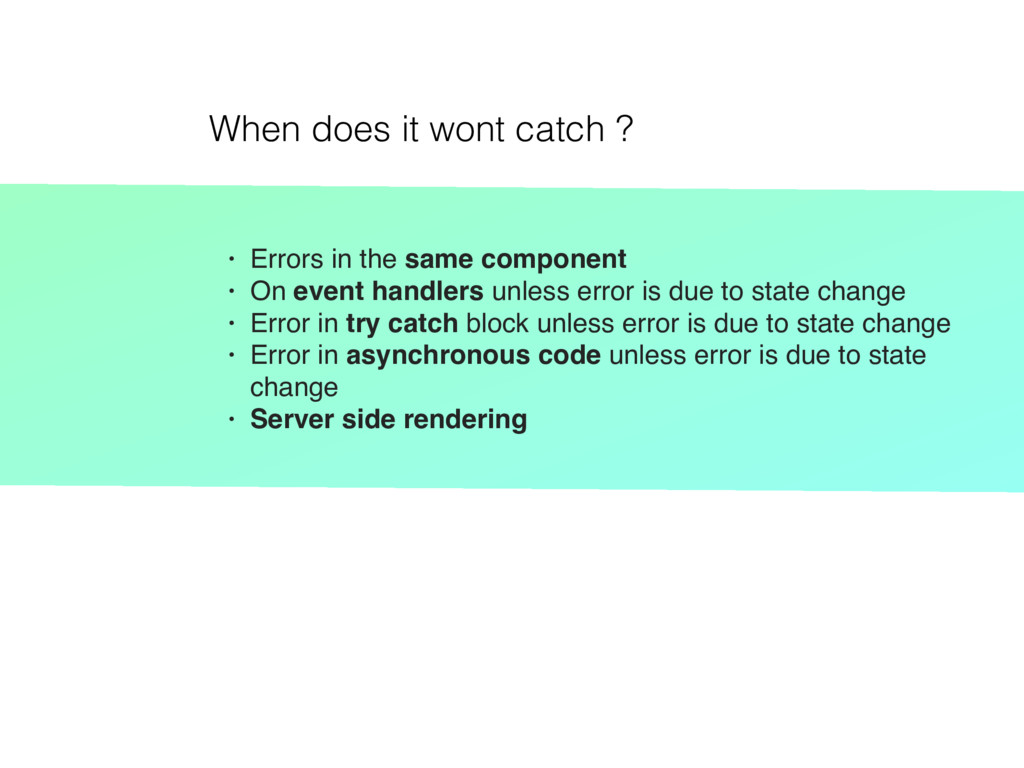
same component • On event handlers unless error is due to state change • Error in try catch block unless error is due to state change • Error in asynchronous code unless error is due to state change • Server side rendering
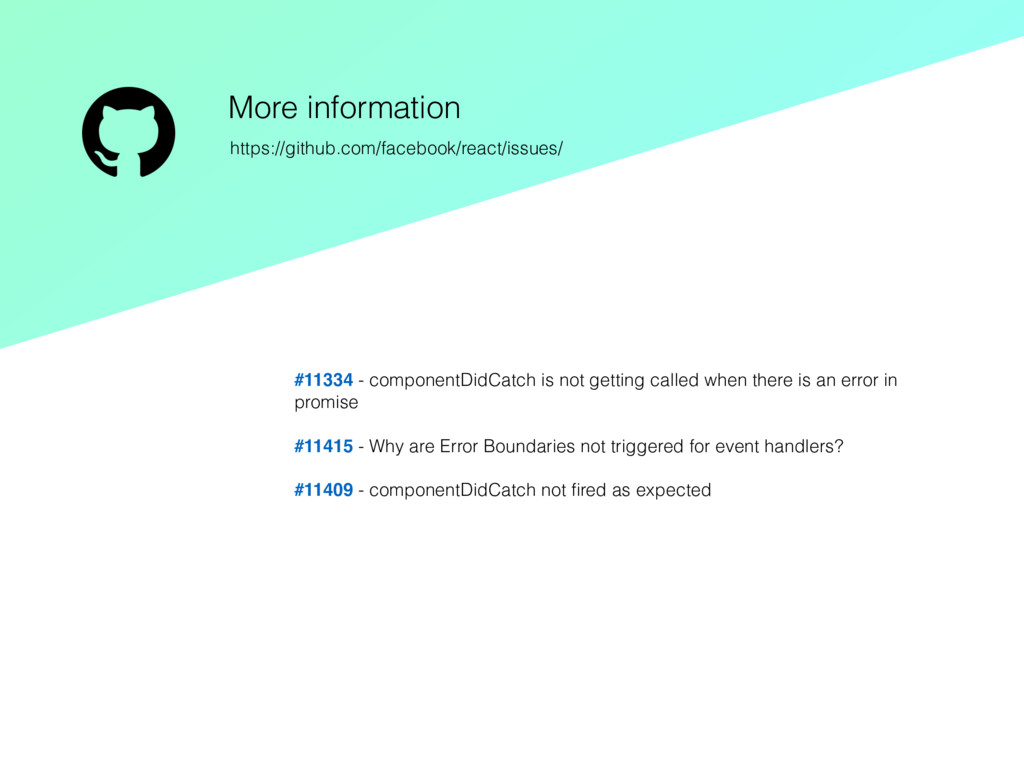
an error in promise #11415 - Why are Error Boundaries not triggered for event handlers? #11409 - componentDidCatch not fired as expected More information https://github.com/facebook/react/issues/


 john1jan
 satomasahiro2005
 teamlab
 ishikawa_satoru
 usanchuu
 codmoninc
 shugo
shugo
 shogo4131
 ezaki
ezaki
 terapyon
 4o1sobblue
 kentarofujii
 techtekt
 holman
 mfonobong
 baasie
 danielanewman
 marktimemedia
 gr2m
gr2m
 ryanjones
 stuffmc
 greggifford
 denniskardys
 addyosmani
 tmiket