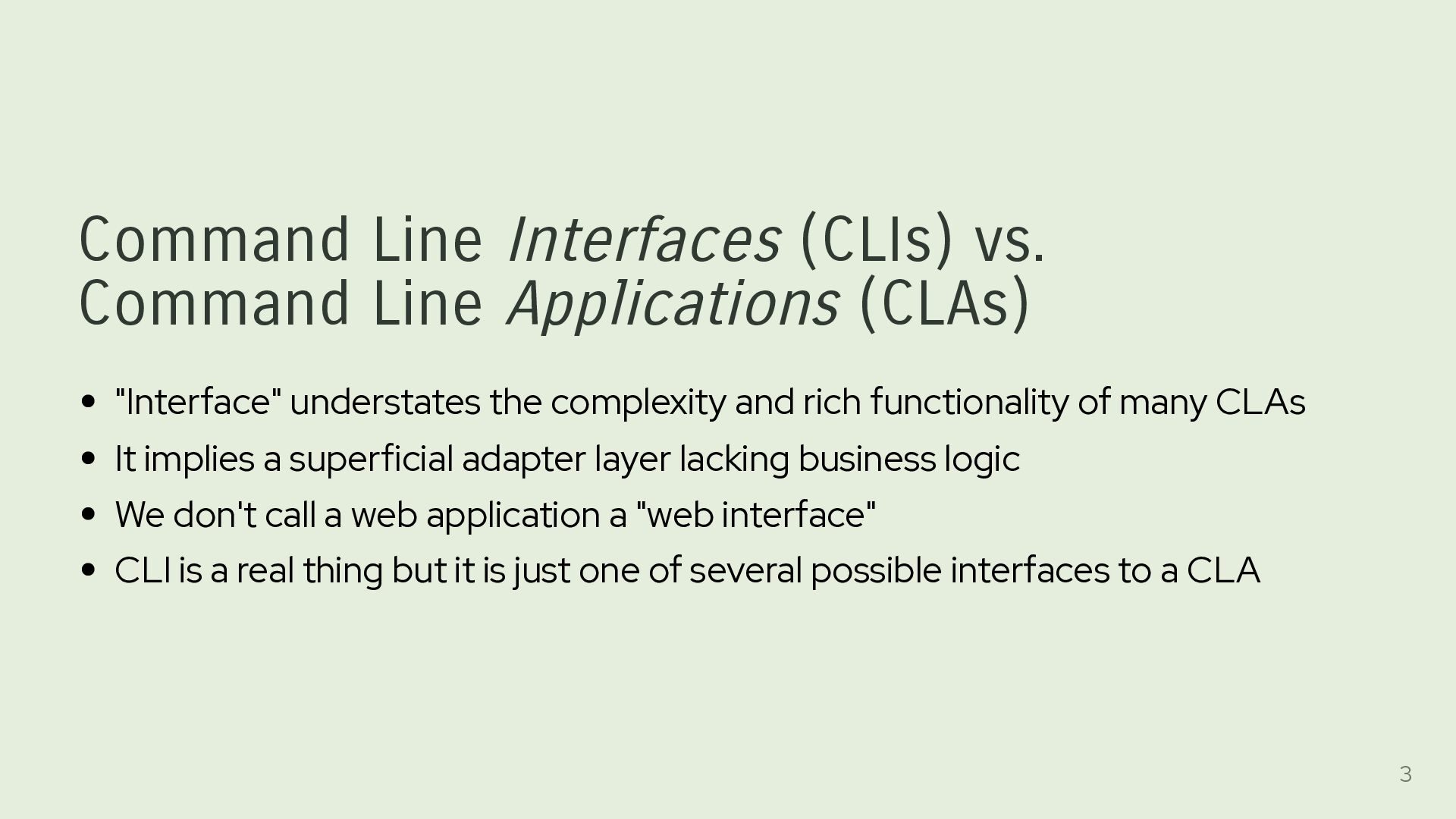
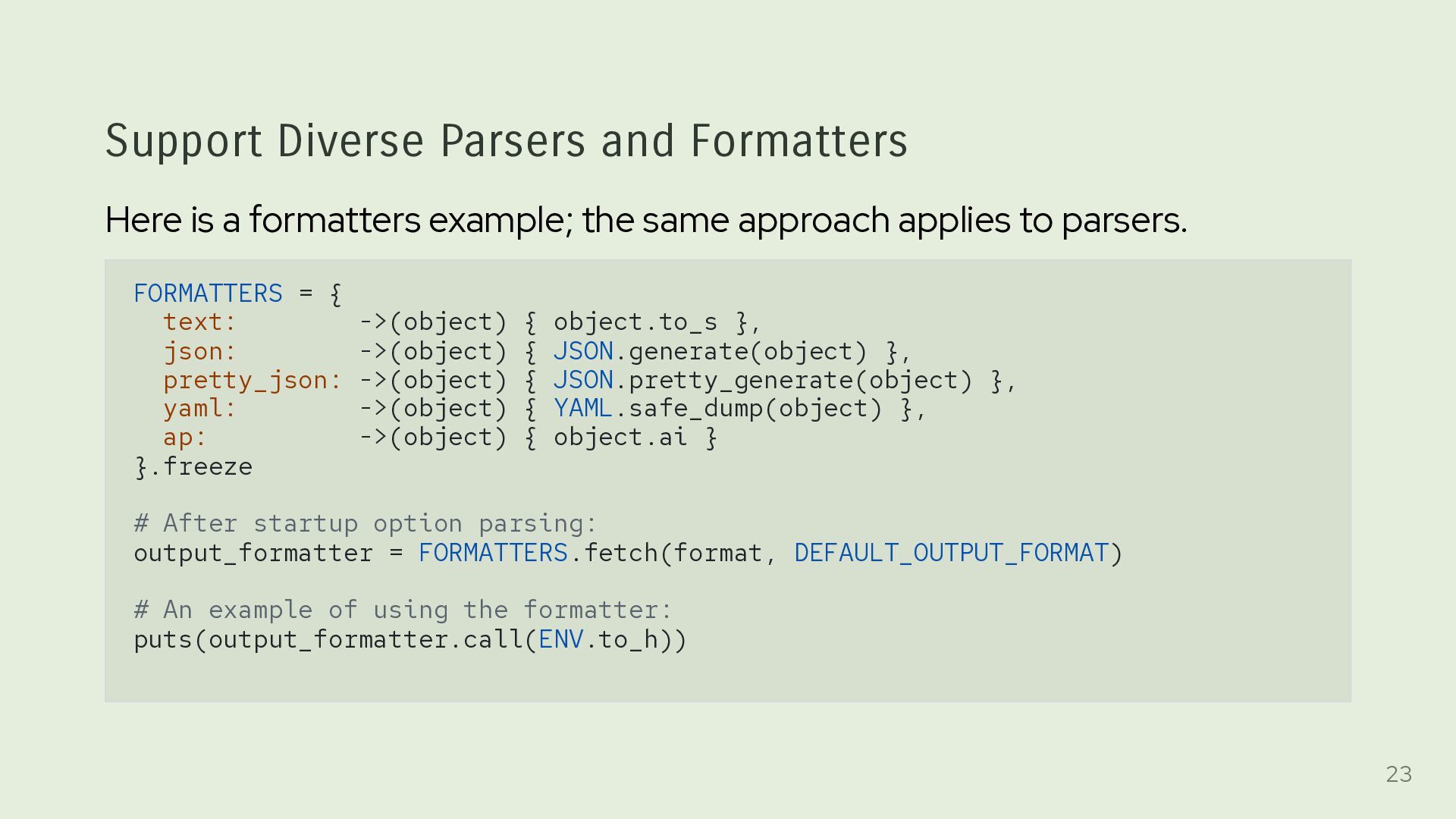
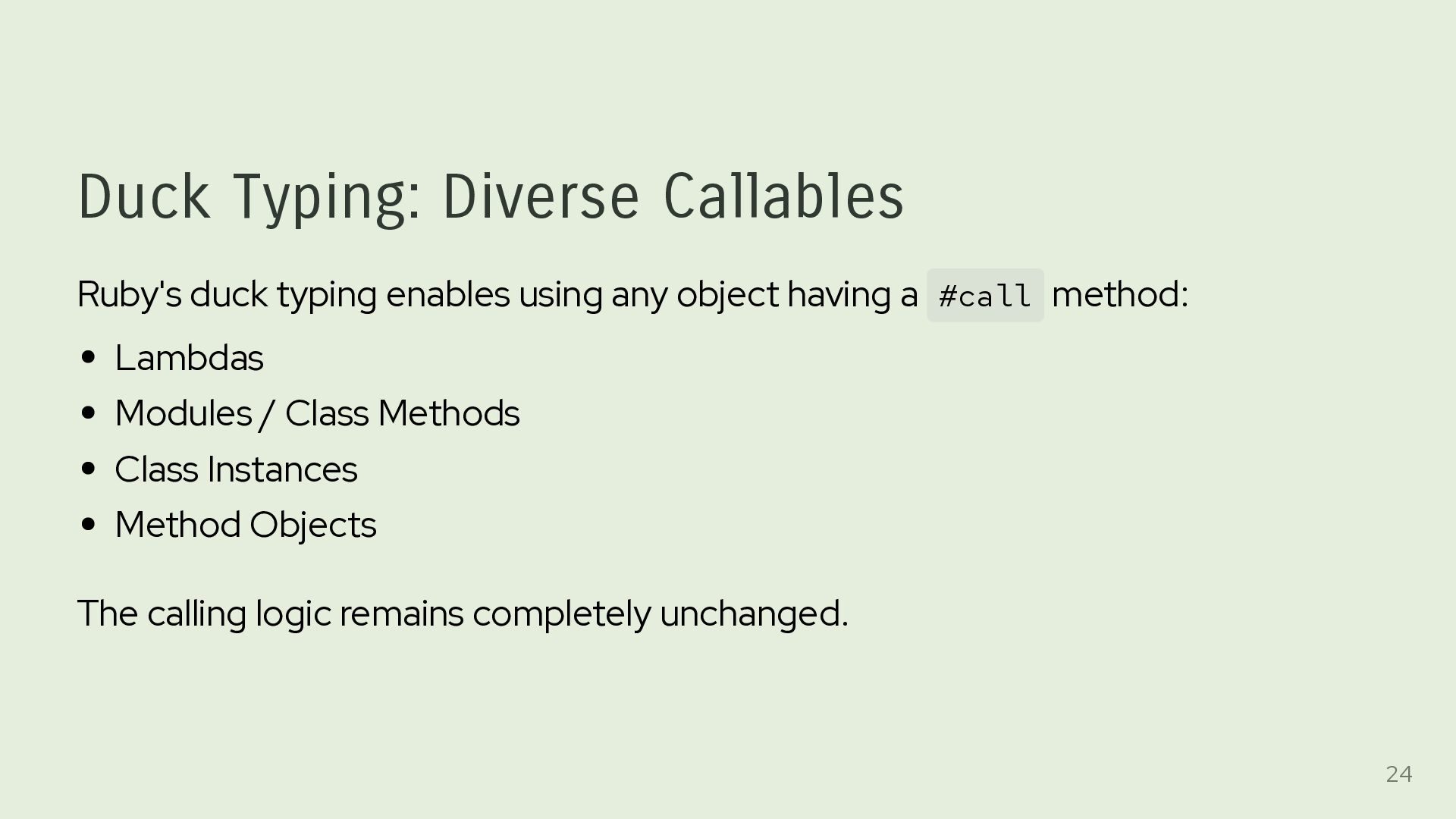
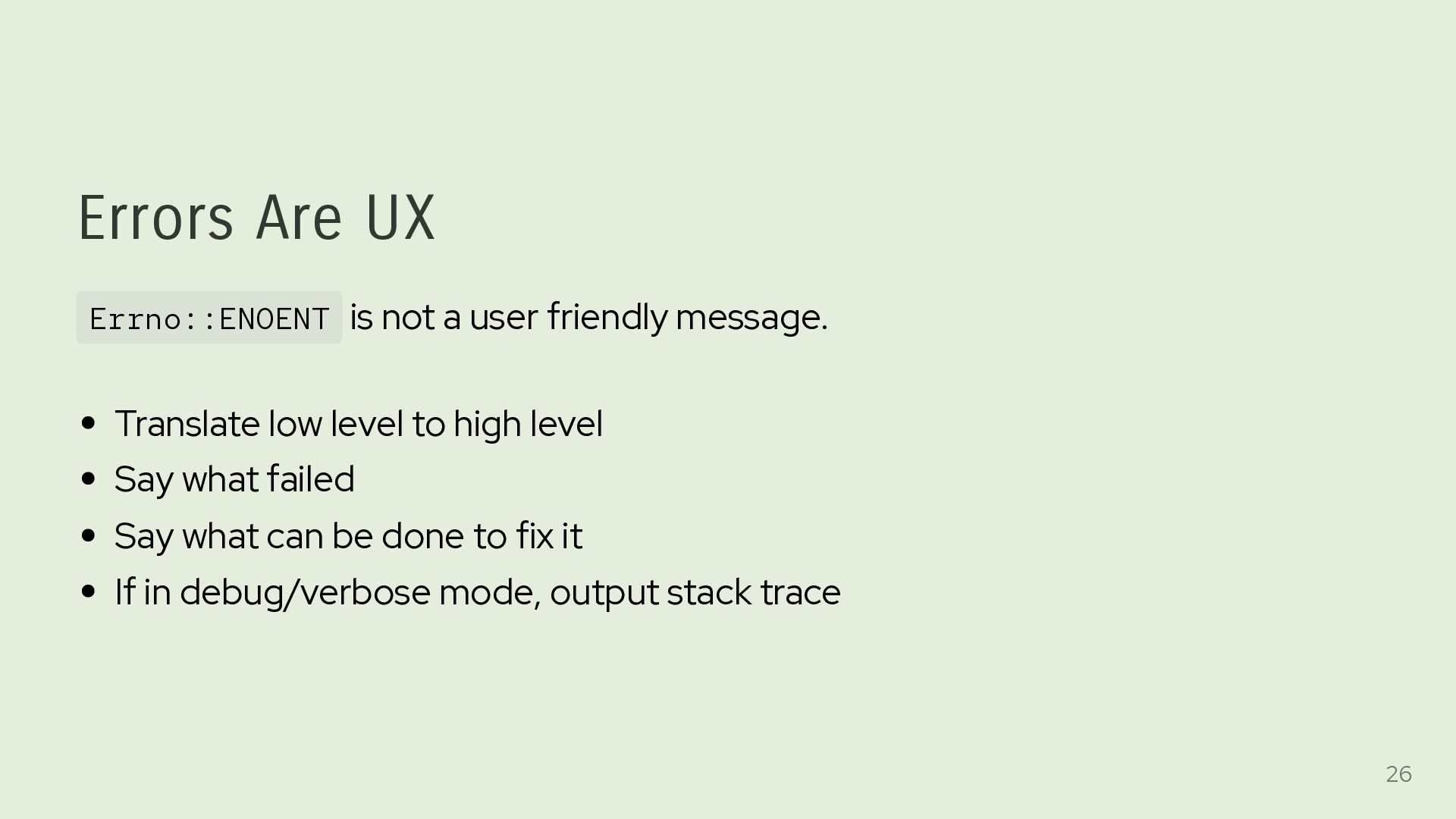
understates the complexity and rich functionality of many CLAs It implies a superficial adapter layer lacking business logic We don't call a web application a "web interface" CLI is a real thing but it is just one of several possible interfaces to a CLA 3
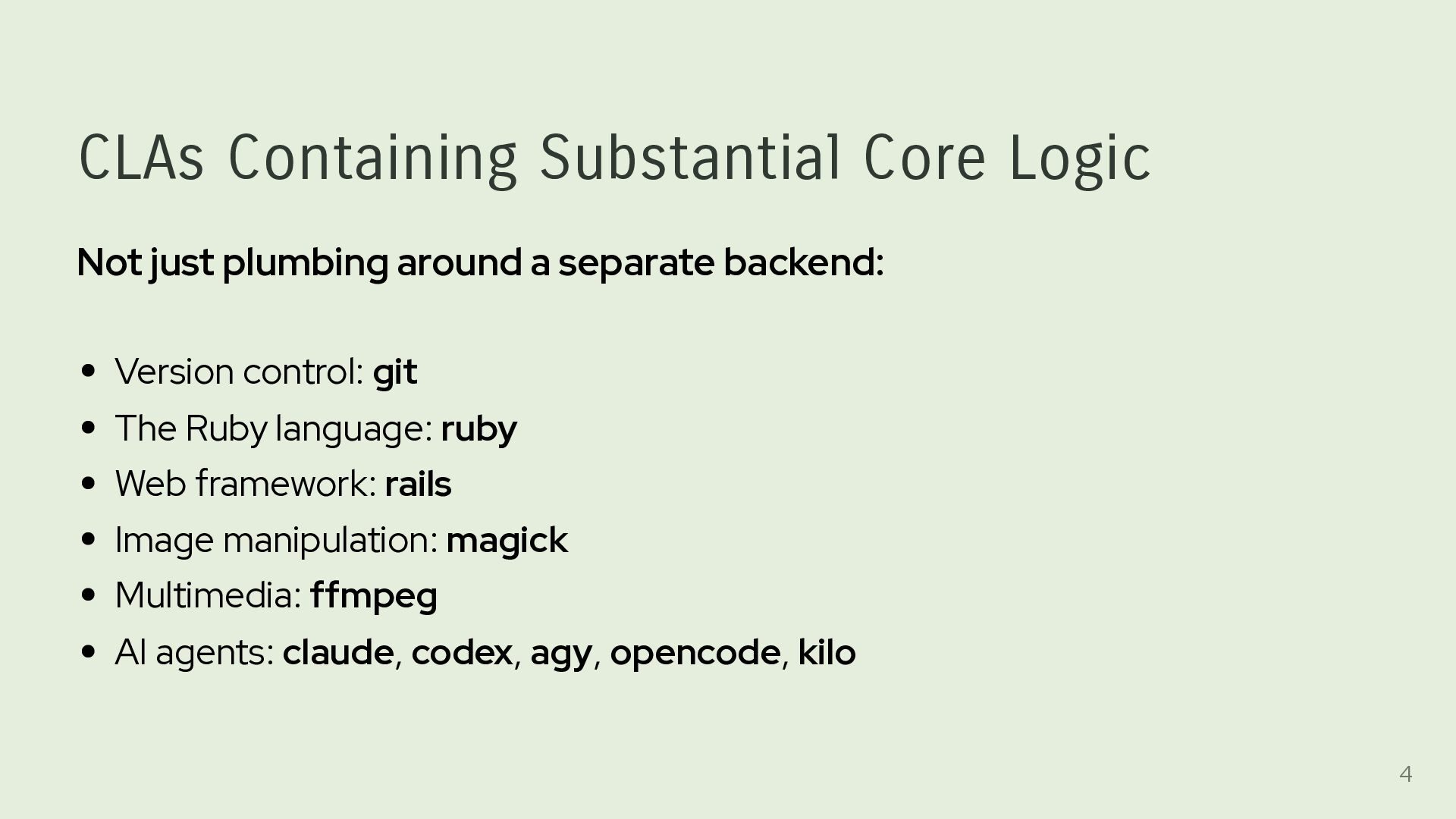
separate backend: Version control: git The Ruby language: ruby Web framework: rails Image manipulation: magick Multimedia: ffmpeg AI agents: claude, codex, agy, opencode, kilo 4
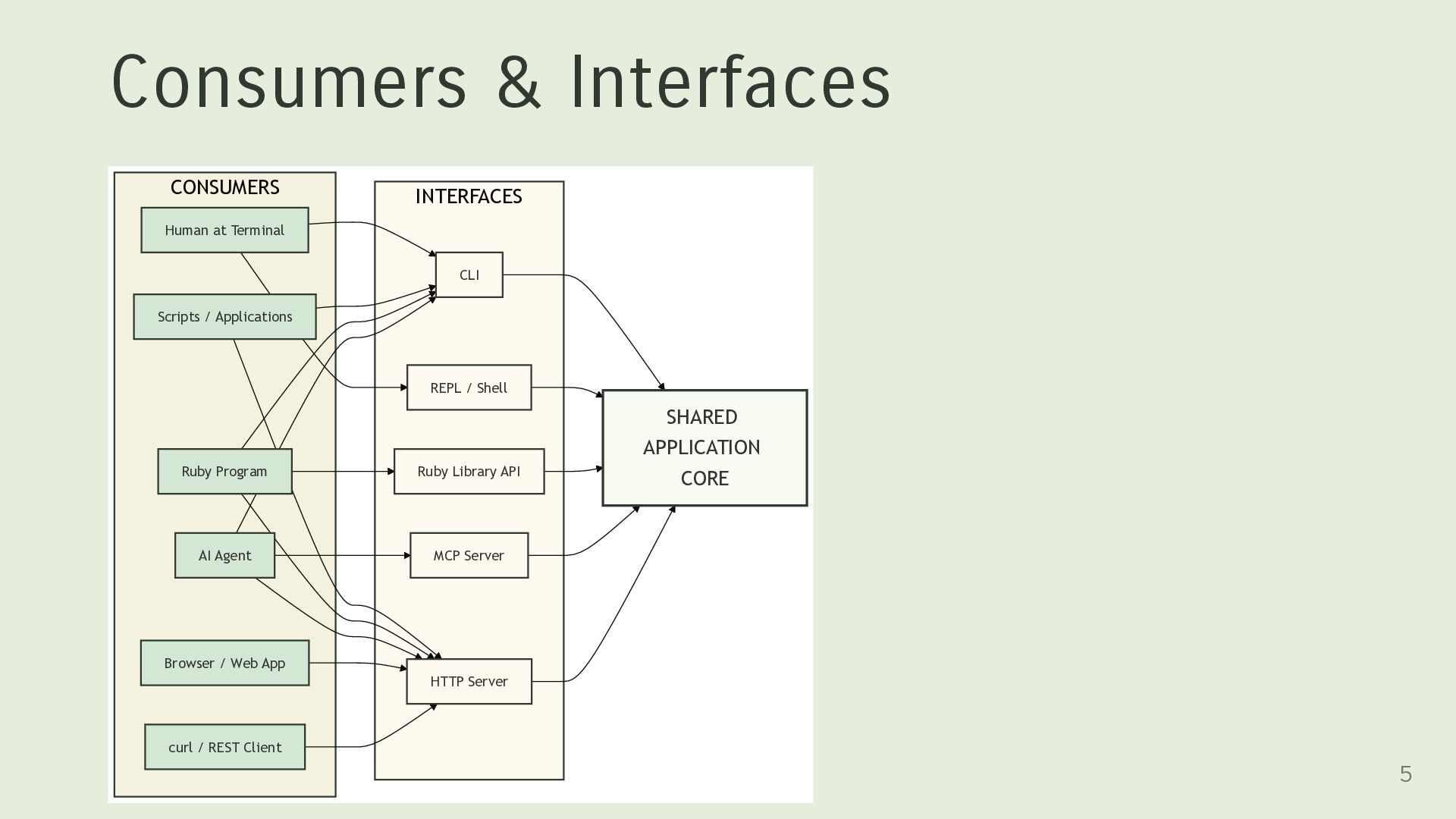
Applications Ruby Program AI Agent Browser / Web App curl / REST Client CLI REPL / Shell Ruby Library API MCP Server HTTP Server SHARED APPLICATION CORE 5
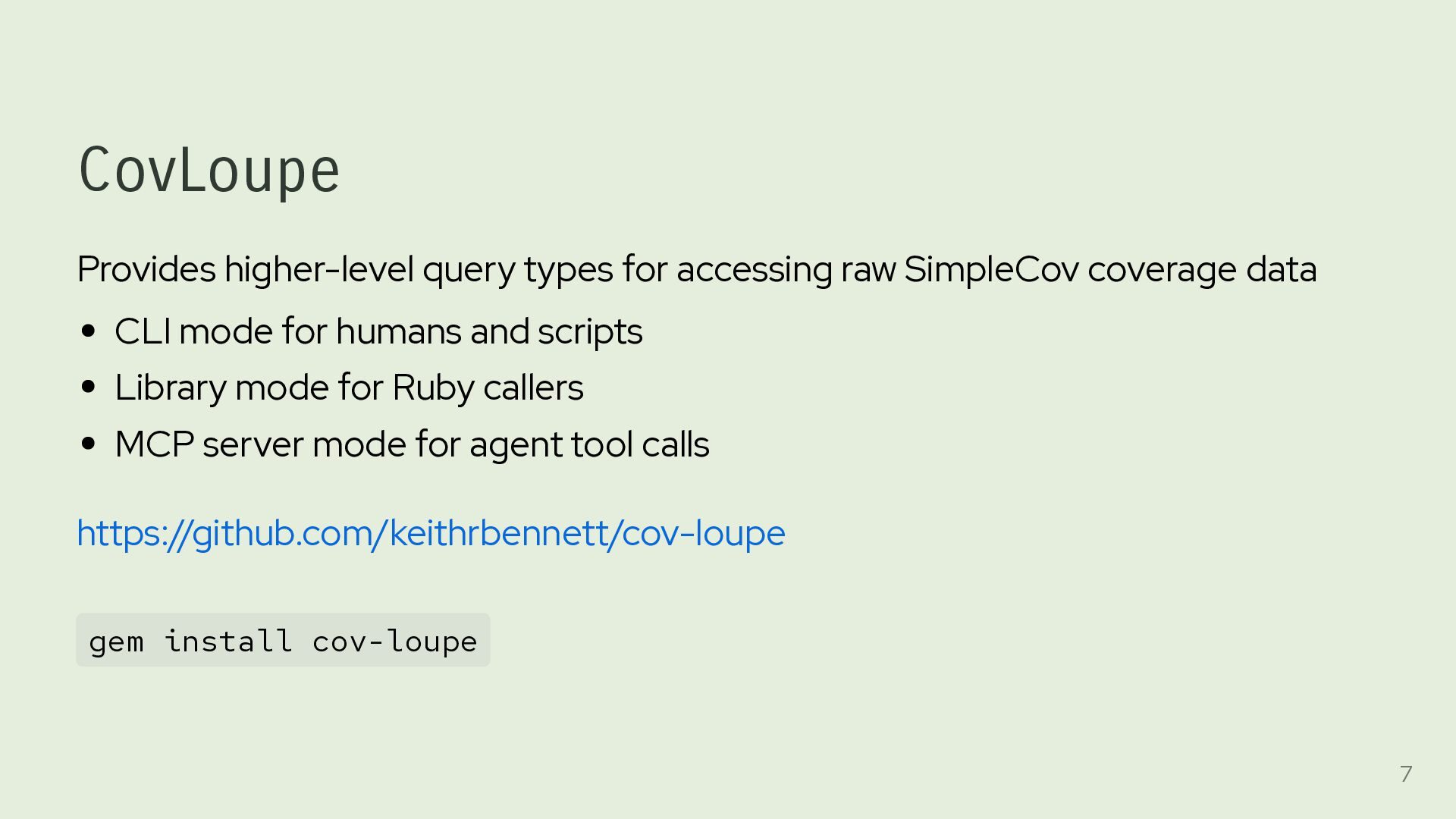
data CLI mode for humans and scripts Library mode for Ruby callers MCP server mode for agent tool calls https://github.com/keithrbennett/cov-loupe gem install cov-loupe 7
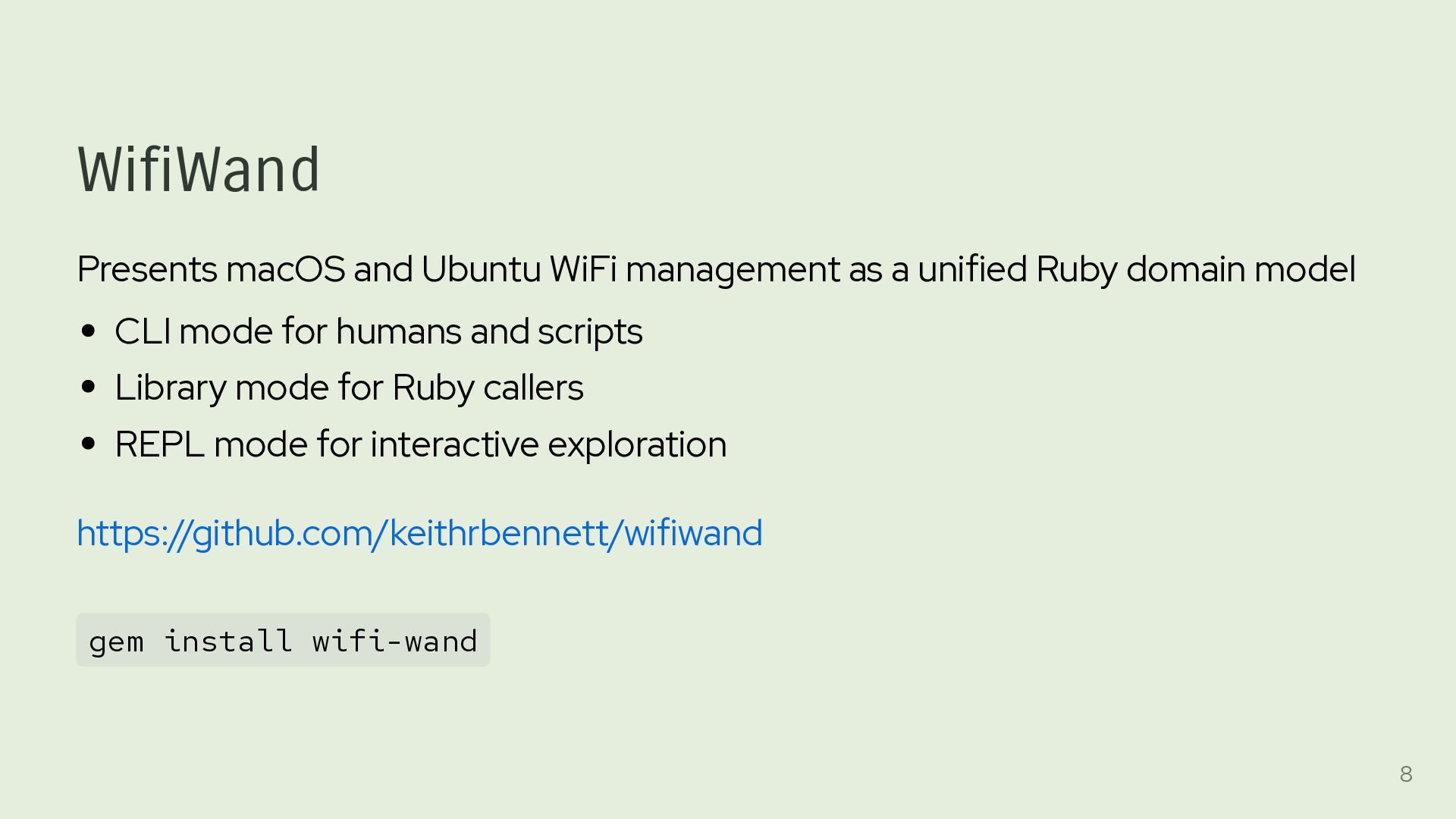
Ruby domain model CLI mode for humans and scripts Library mode for Ruby callers REPL mode for interactive exploration https://github.com/keithrbennett/wifiwand gem install wifi-wand 8
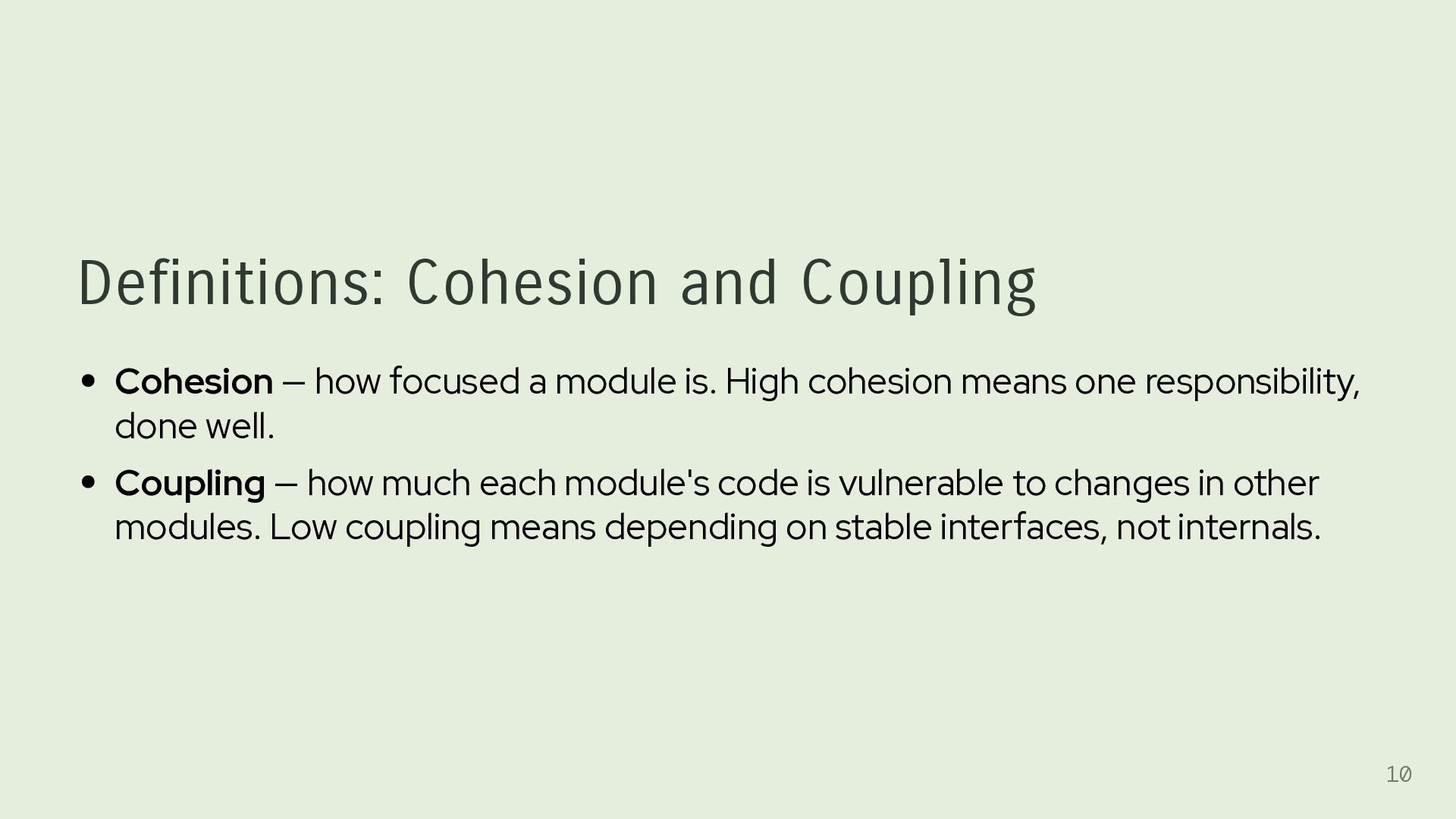
is. High cohesion means one responsibility, done well. Coupling — how much each module's code is vulnerable to changes in other modules. Low coupling means depending on stable interfaces, not internals. 10
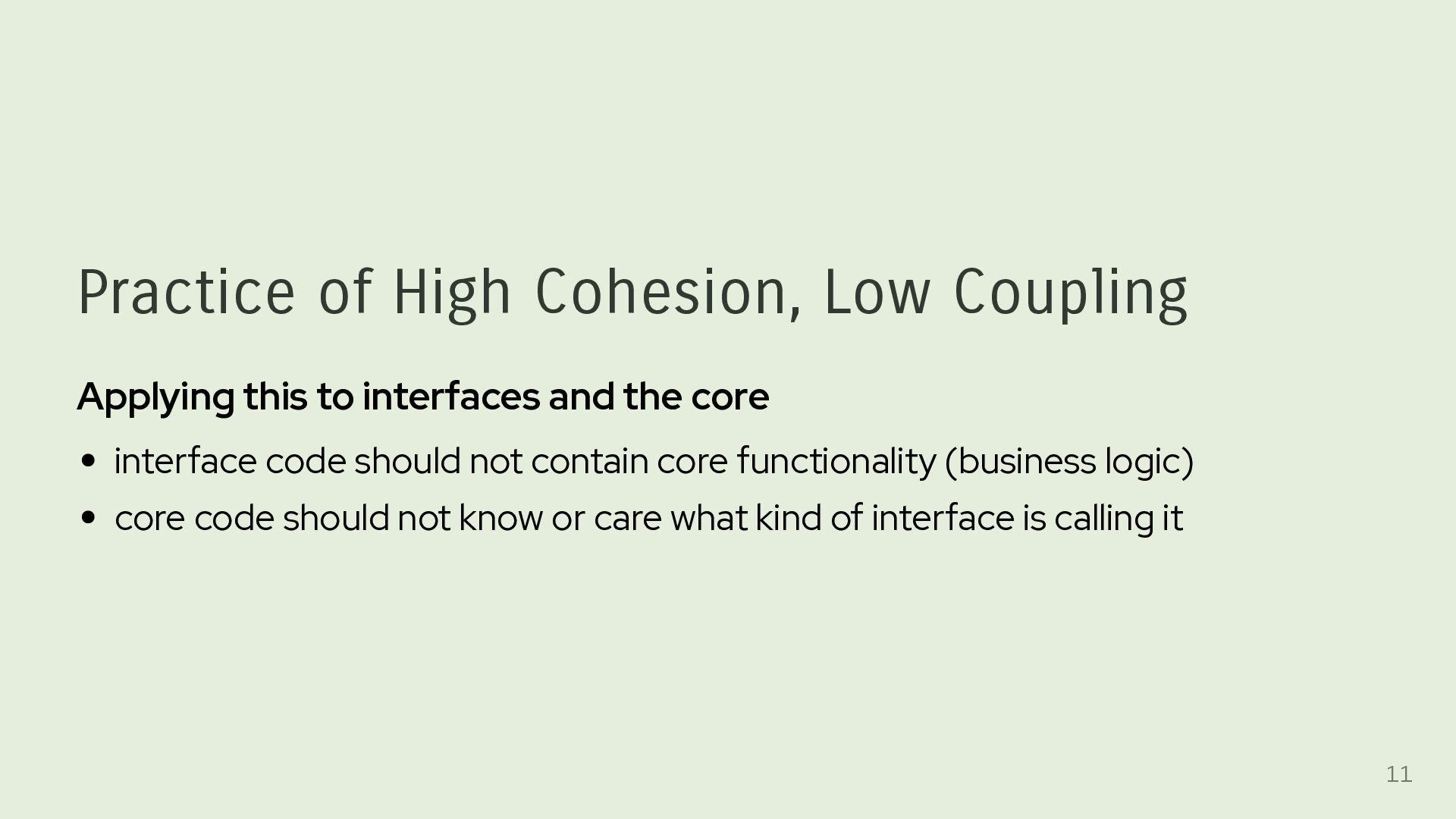
and the core interface code should not contain core functionality (business logic) core code should not know or care what kind of interface is calling it 11
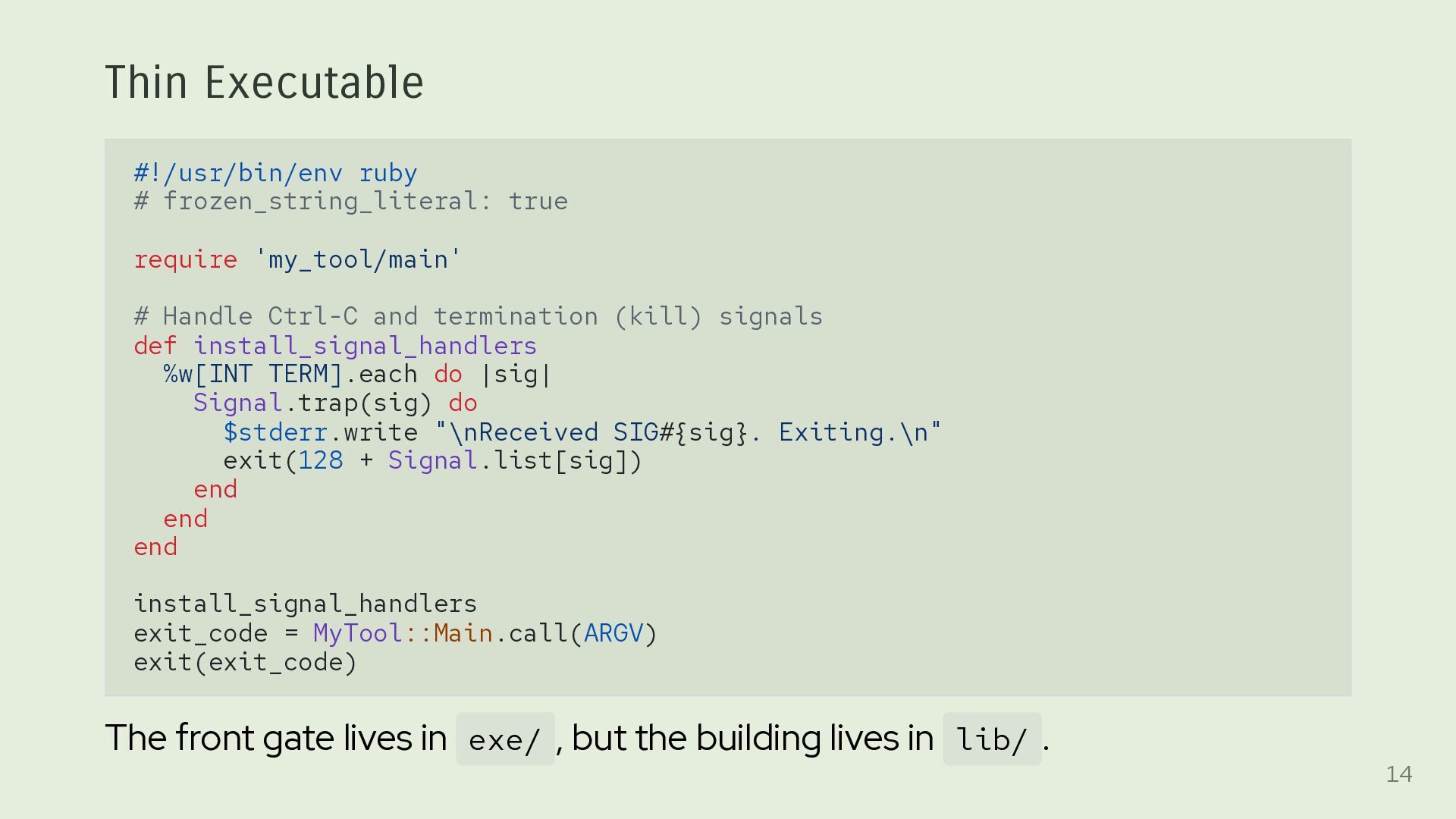
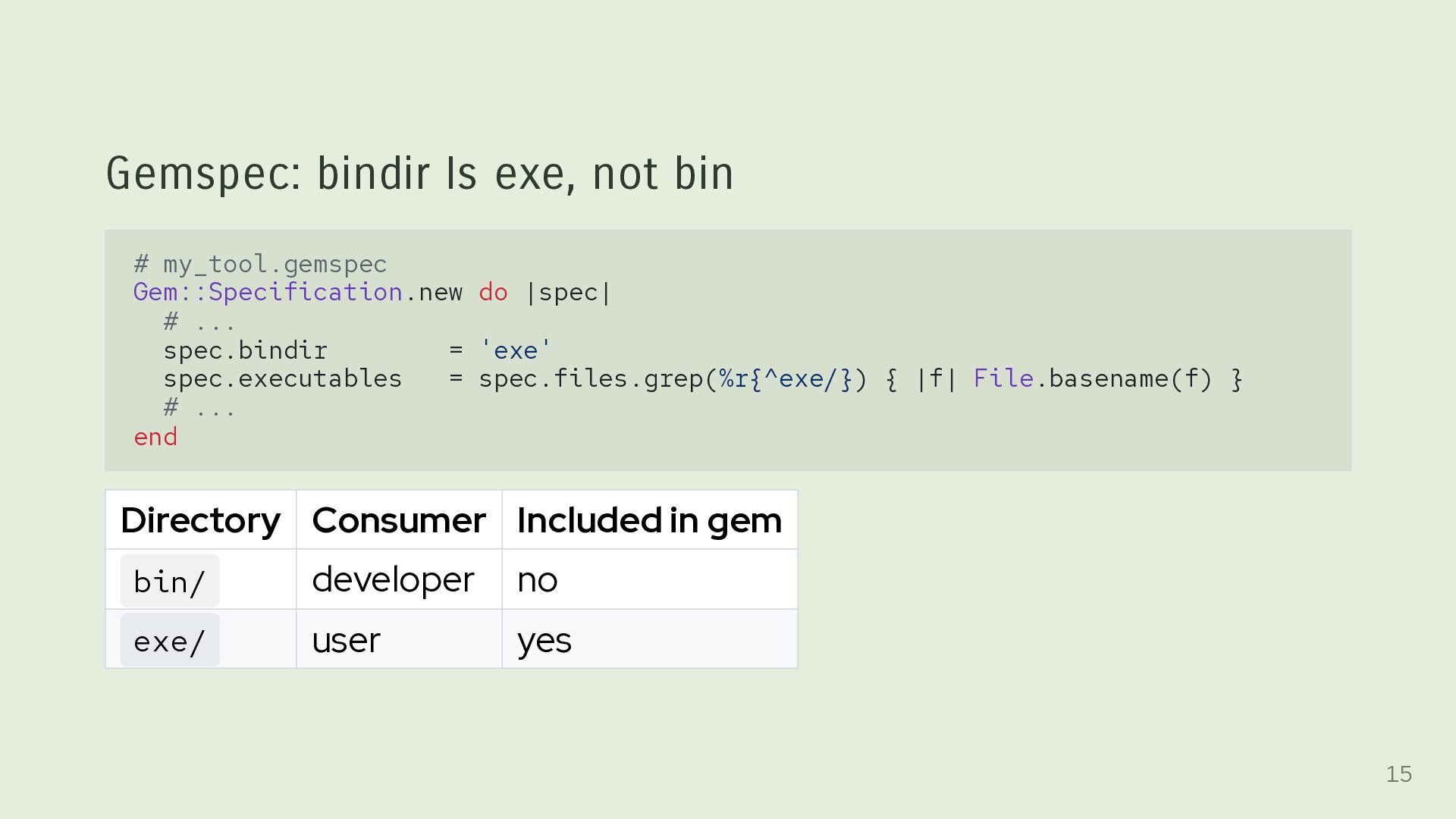
Handle Ctrl-C and termination (kill) signals def install_signal_handlers %w[INT TERM].each do |sig| Signal.trap(sig) do $stderr.write "\nReceived SIG#{sig}. Exiting.\n" exit(128 + Signal.list[sig]) end end end install_signal_handlers exit_code = MyTool::Main.call(ARGV) exit(exit_code) The front gate lives in exe/ , but the building lives in lib/ . 14
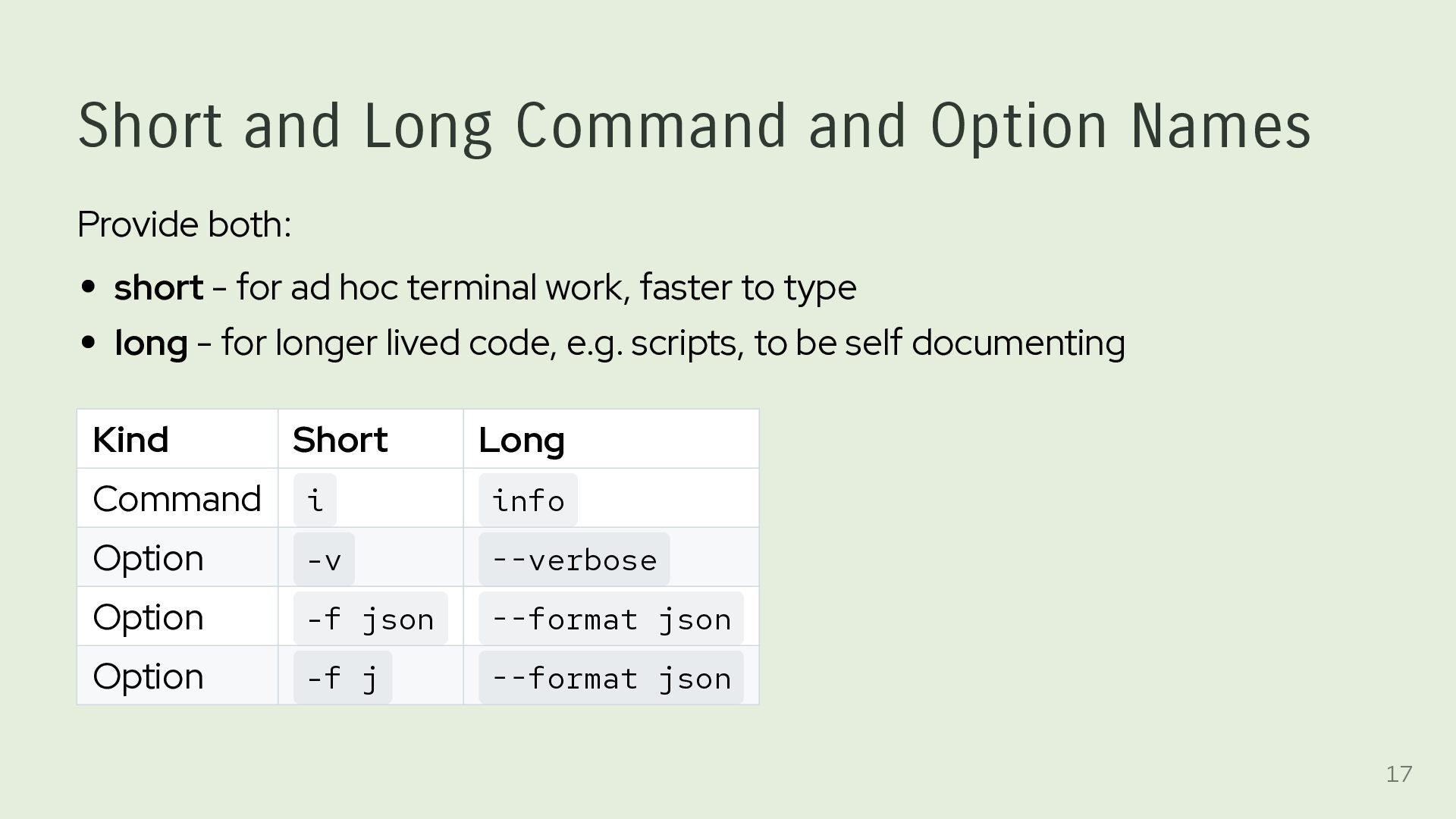
- for ad hoc terminal work, faster to type long - for longer lived code, e.g. scripts, to be self documenting Kind Short Long Command i info Option -v --verbose Option -f json --format json Option -f j --format json 17
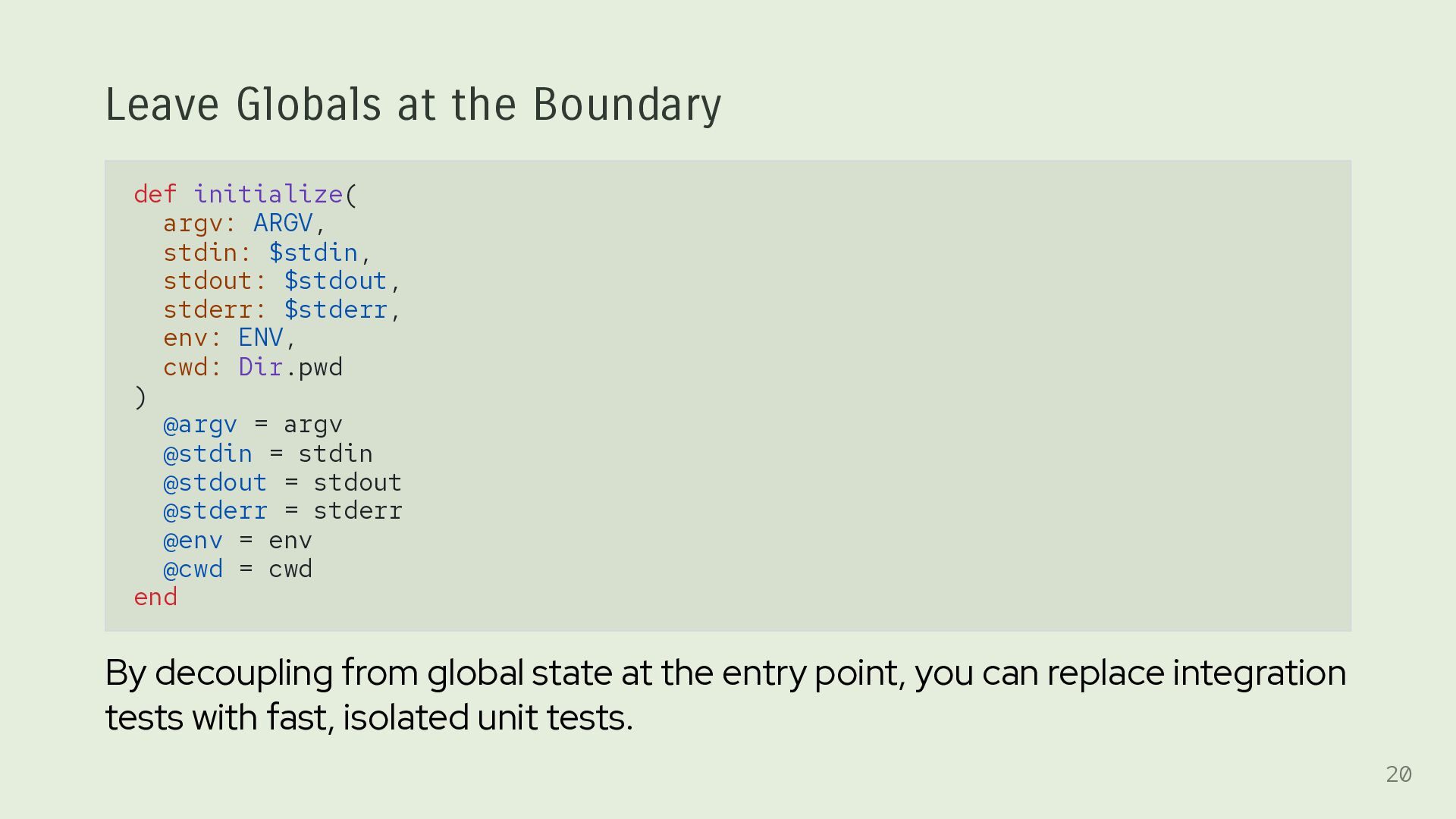
$stdin, stdout: $stdout, stderr: $stderr, env: ENV, cwd: Dir.pwd ) @argv = argv @stdin = stdin @stdout = stdout @stderr = stderr @env = env @cwd = cwd end By decoupling from global state at the entry point, you can replace integration tests with fast, isolated unit tests. 20
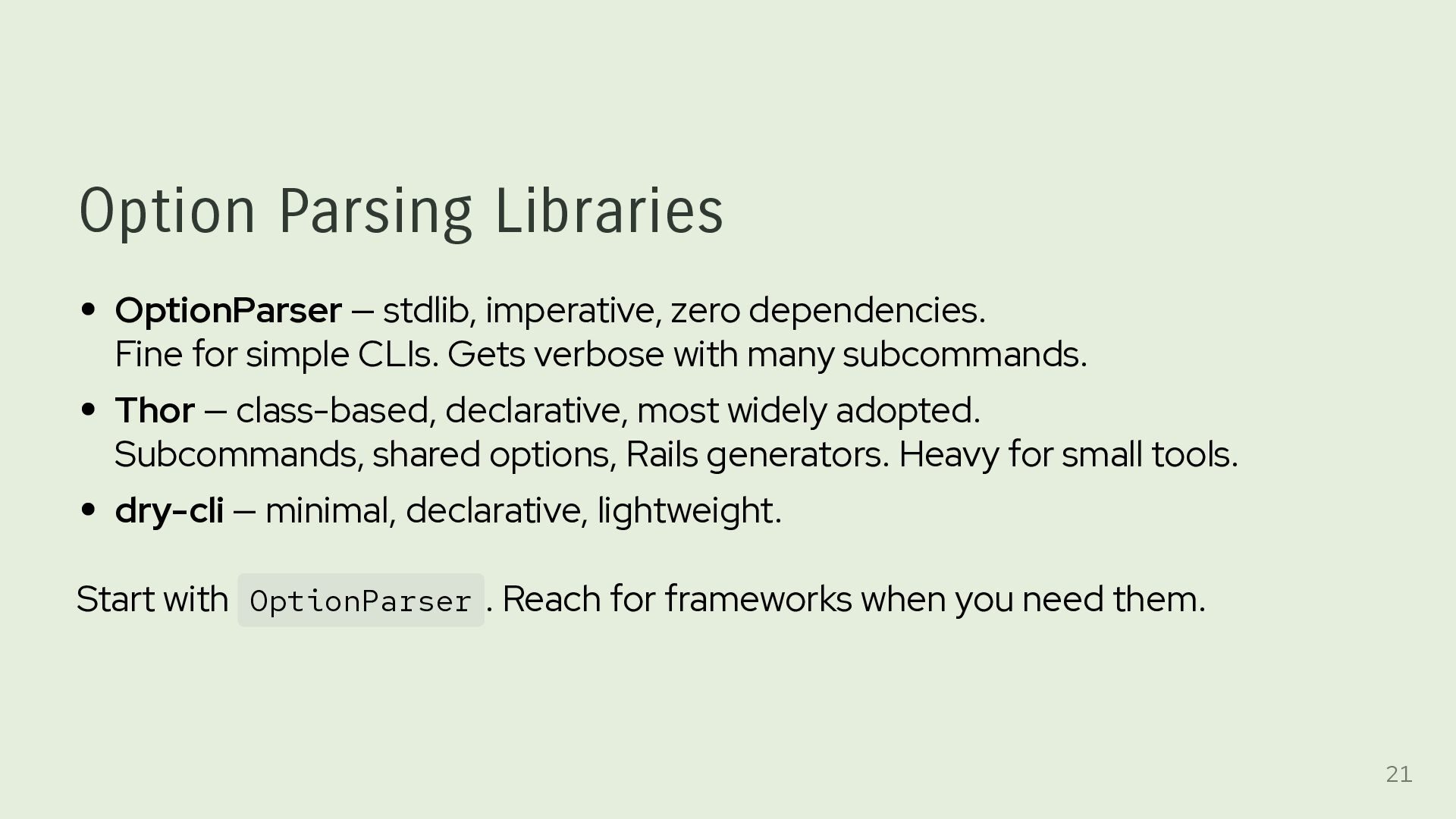
for simple CLIs. Gets verbose with many subcommands. Thor — class-based, declarative, most widely adopted. Subcommands, shared options, Rails generators. Heavy for small tools. dry-cli — minimal, declarative, lightweight. Start with OptionParser . Reach for frameworks when you need them. 21
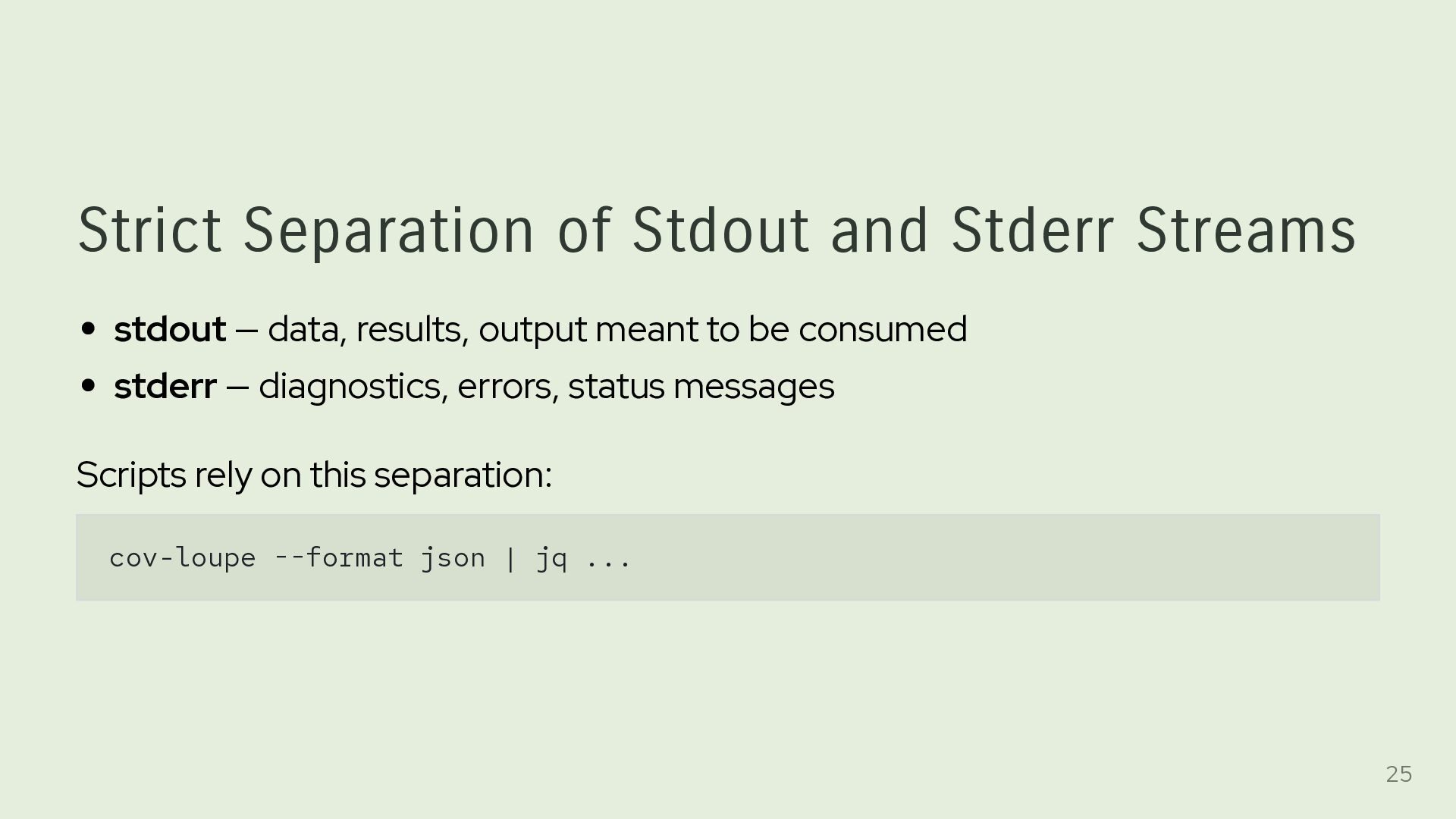
results, output meant to be consumed stderr — diagnostics, errors, status messages Scripts rely on this separation: cov-loupe --format json | jq ... 25
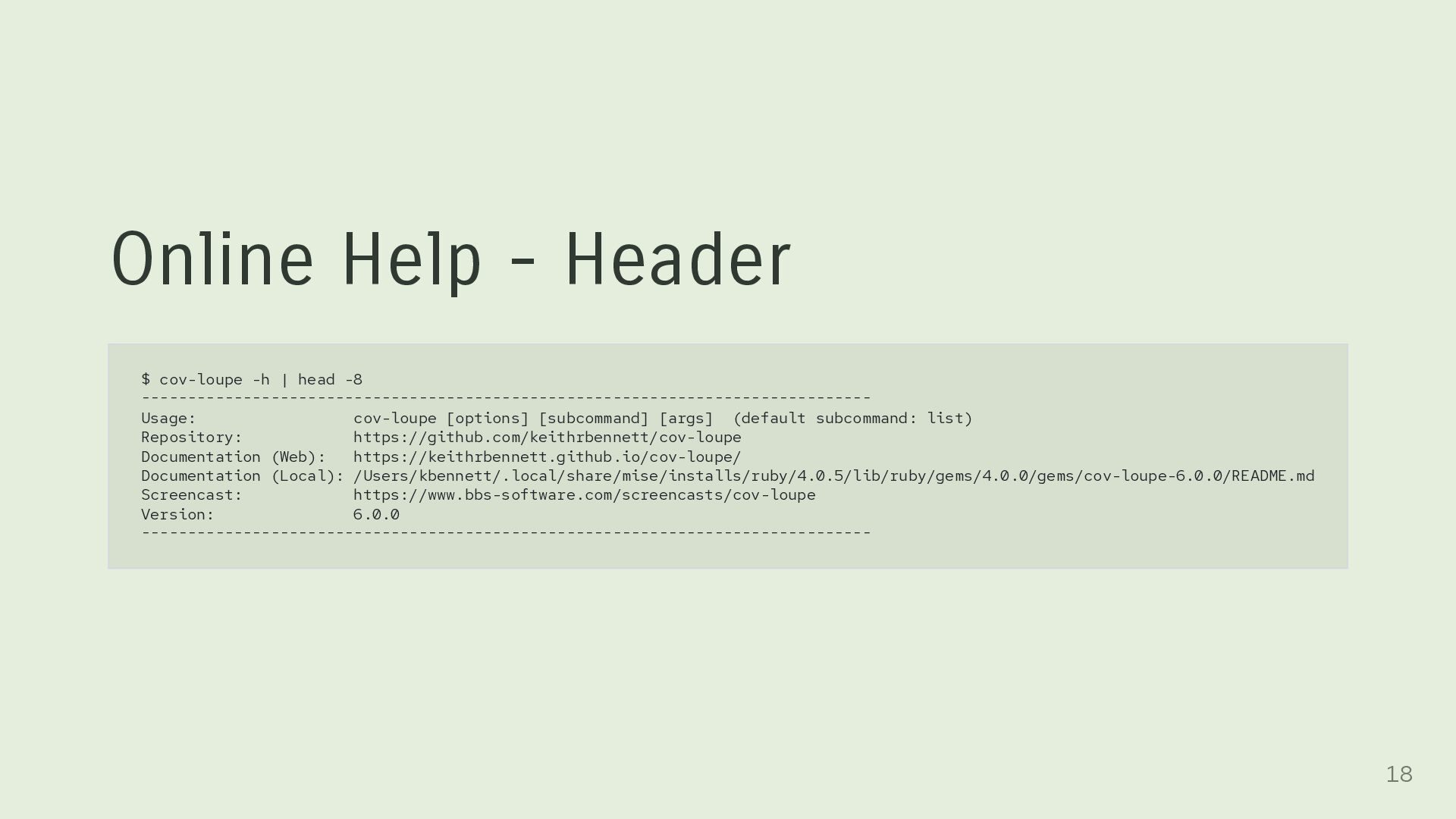
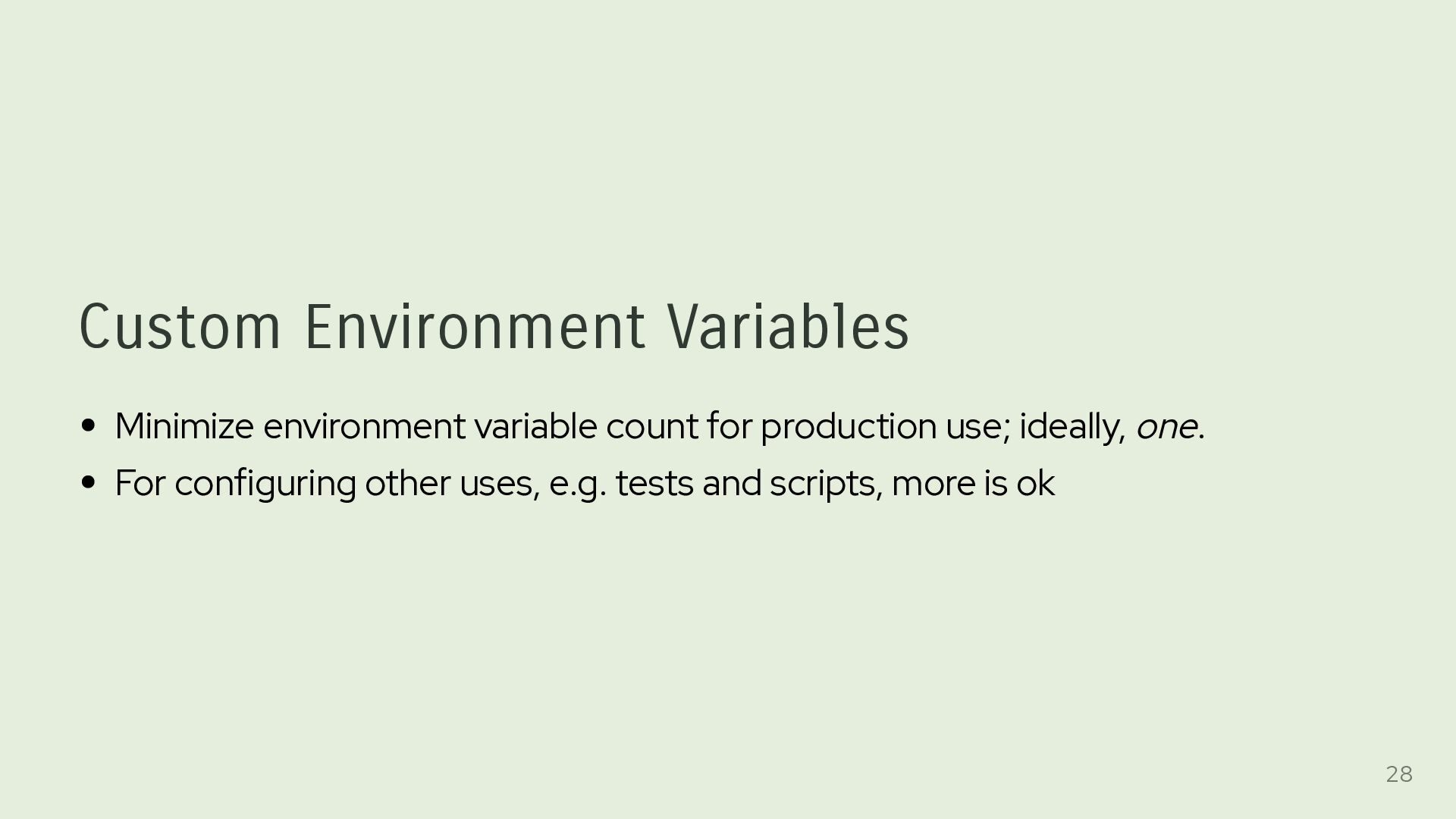
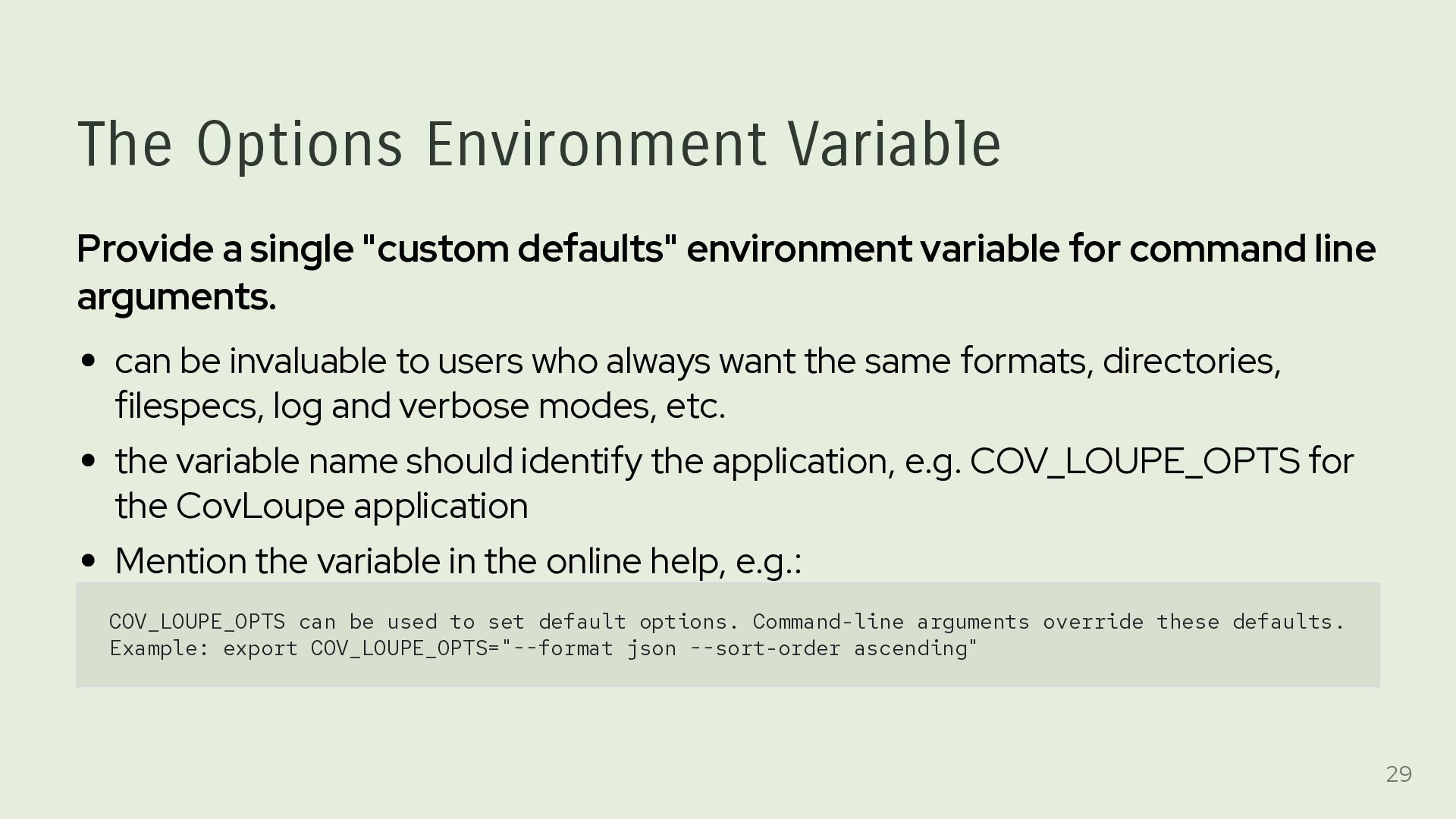
variable for command line arguments. can be invaluable to users who always want the same formats, directories, filespecs, log and verbose modes, etc. the variable name should identify the application, e.g. COV_LOUPE_OPTS for the CovLoupe application Mention the variable in the online help, e.g.: COV_LOUPE_OPTS can be used to set default options. Command-line arguments override these defaults. Example: export COV_LOUPE_OPTS="--format json --sort-order ascending" 29
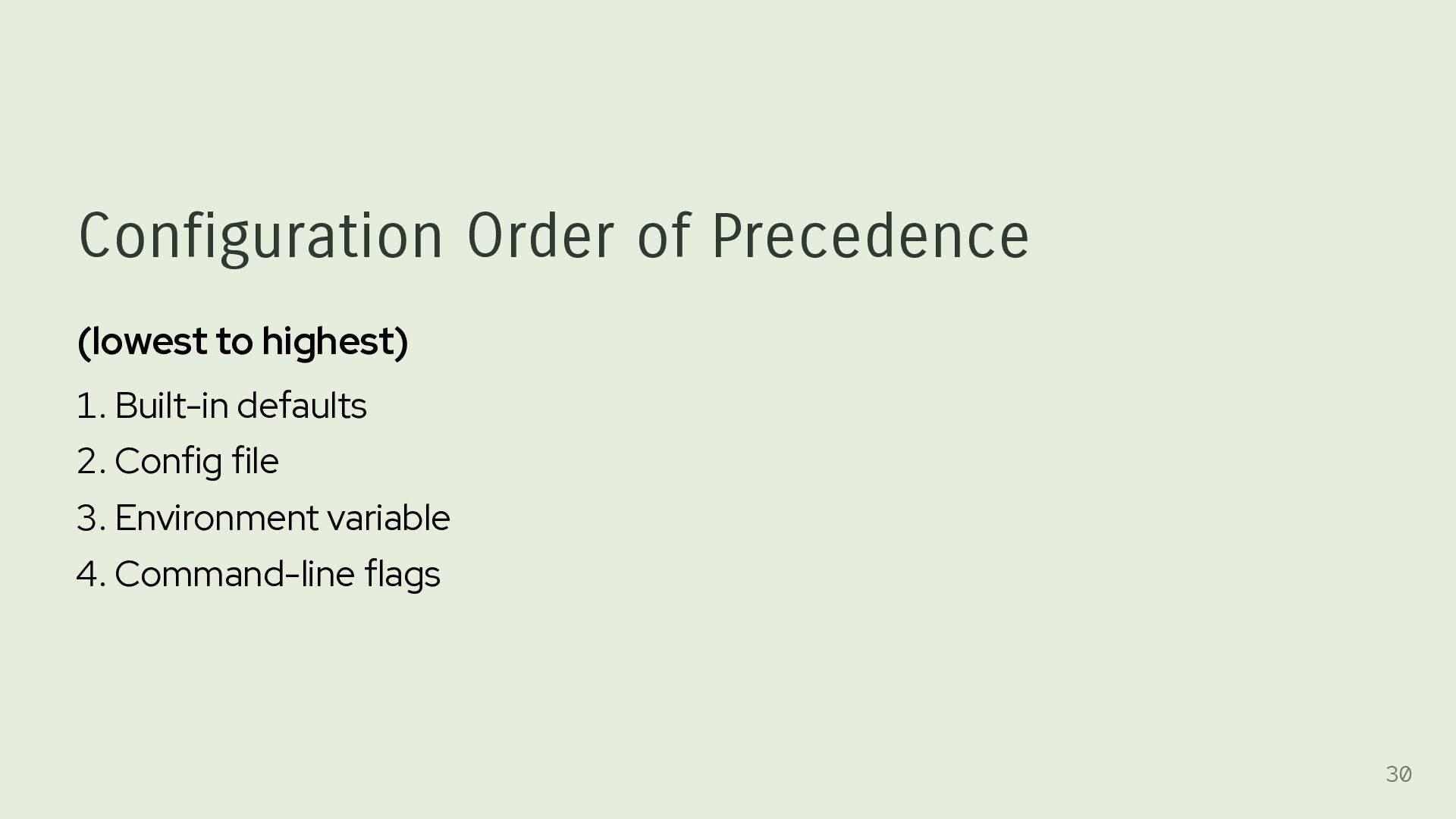
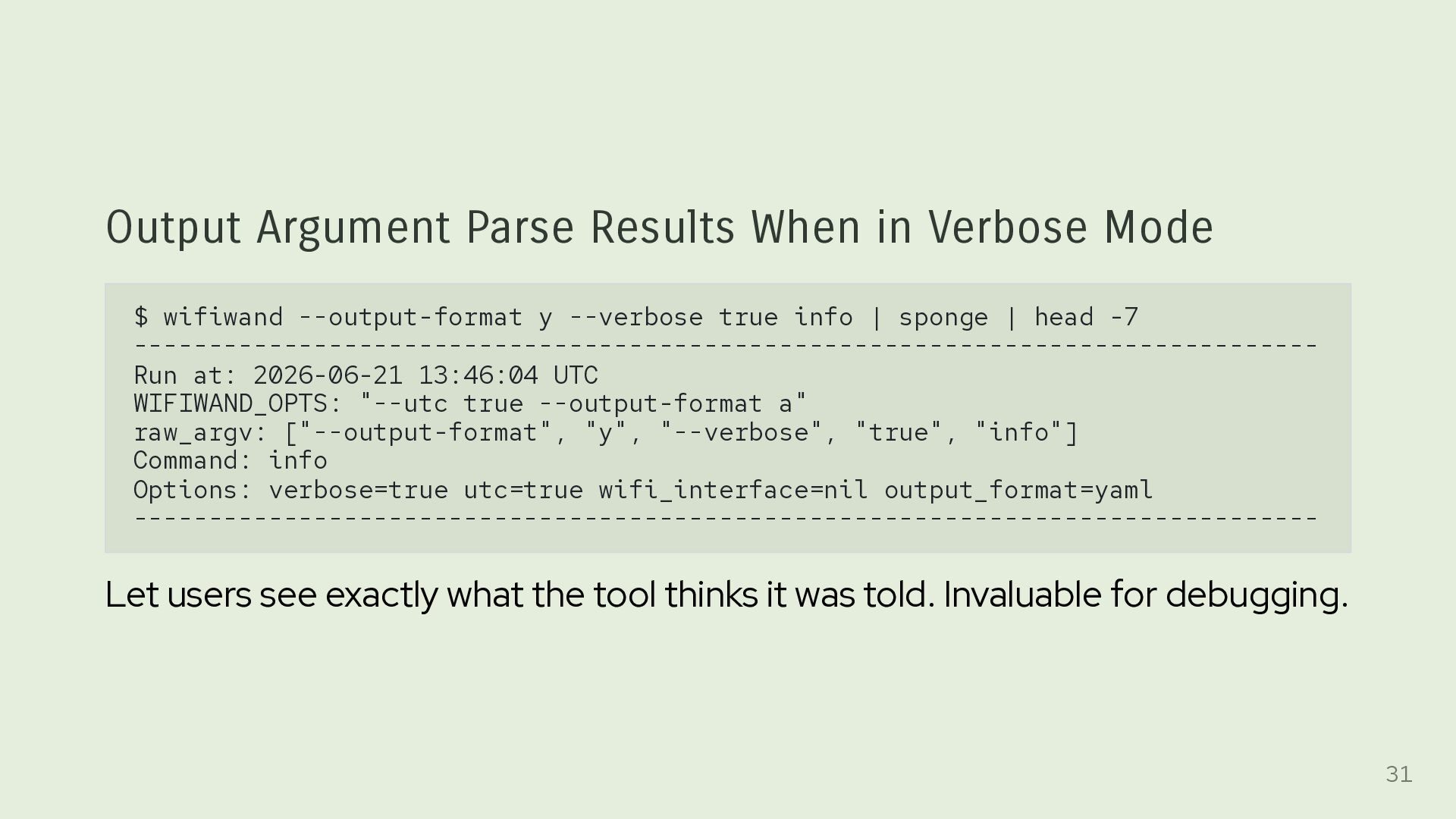
--output-format y --verbose true info | sponge | head -7 ------------------------------------------------------------------------------- Run at: 2026-06-21 13:46:04 UTC WIFIWAND_OPTS: "--utc true --output-format a" raw_argv: ["--output-format", "y", "--verbose", "true", "info"] Command: info Options: verbose=true utc=true wifi_interface=nil output_format=yaml ------------------------------------------------------------------------------- Let users see exactly what the tool thinks it was told. Invaluable for debugging. 31
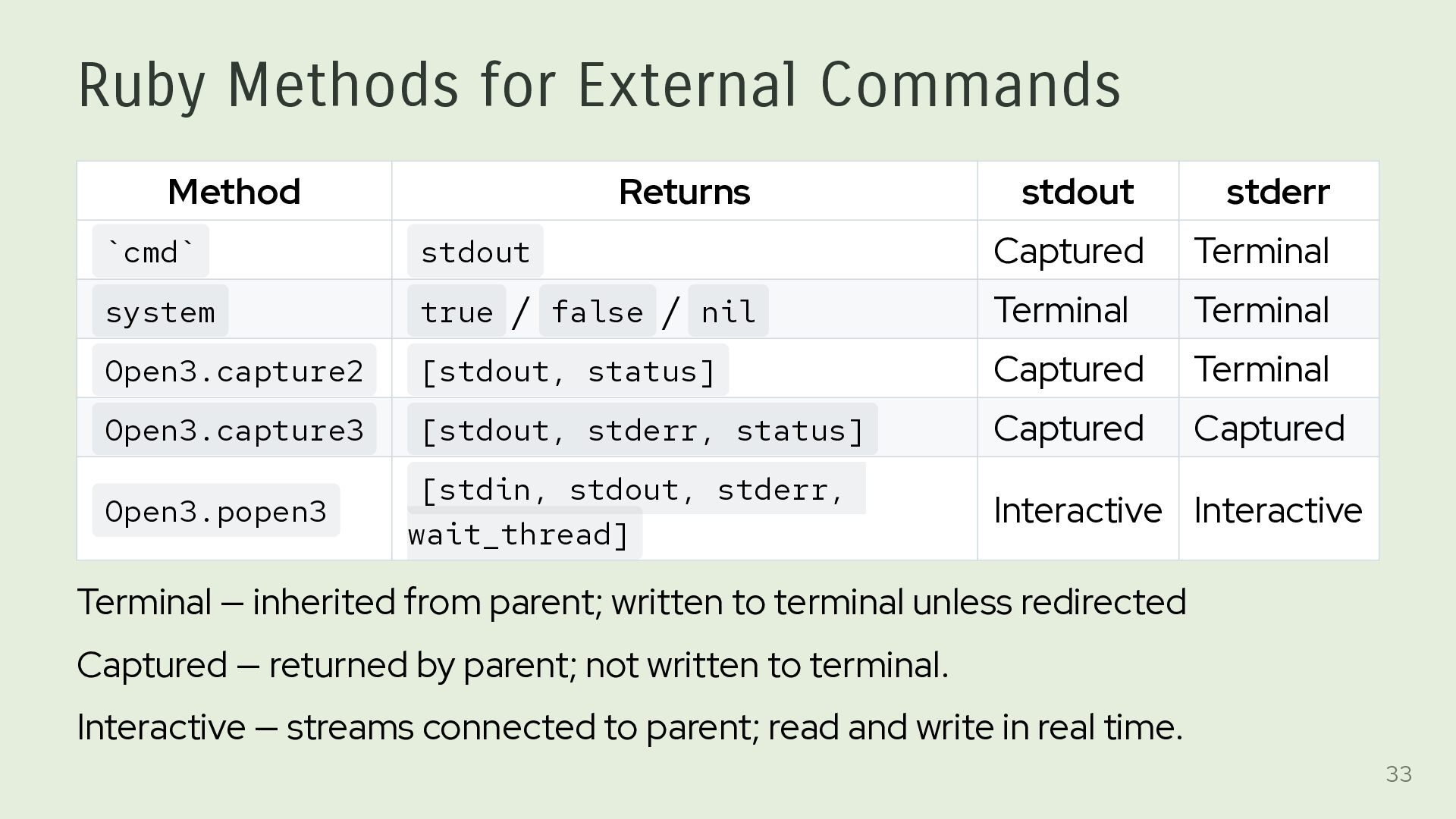
stdout Captured Terminal system true / false / nil Terminal Terminal Open3.capture2 [stdout, status] Captured Terminal Open3.capture3 [stdout, stderr, status] Captured Captured Open3.popen3 [stdin, stdout, stderr, wait_thread] Interactive Interactive Terminal — inherited from parent; written to terminal unless redirected Captured — returned by parent; not written to terminal. Interactive — streams connected to parent; read and write in real time. 33
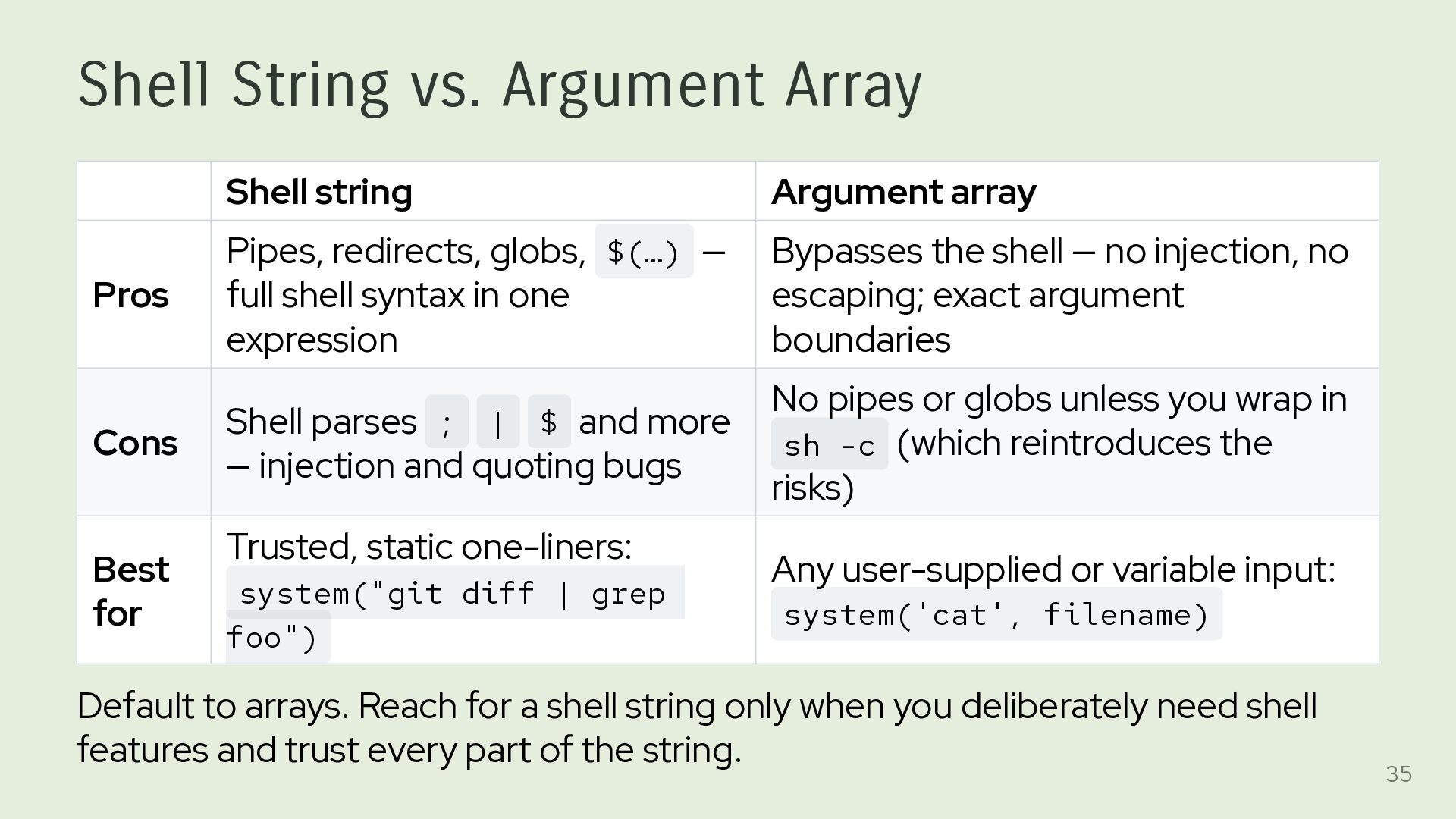
Pipes, redirects, globs, $(…) — full shell syntax in one expression Bypasses the shell — no injection, no escaping; exact argument boundaries Cons Shell parses ; | $ and more — injection and quoting bugs No pipes or globs unless you wrap in sh -c (which reintroduces the risks) Best for Trusted, static one-liners: system("git diff | grep foo") Any user-supplied or variable input: system('cat', filename) Default to arrays. Reach for a shell string only when you deliberately need shell features and trust every part of the string. 35
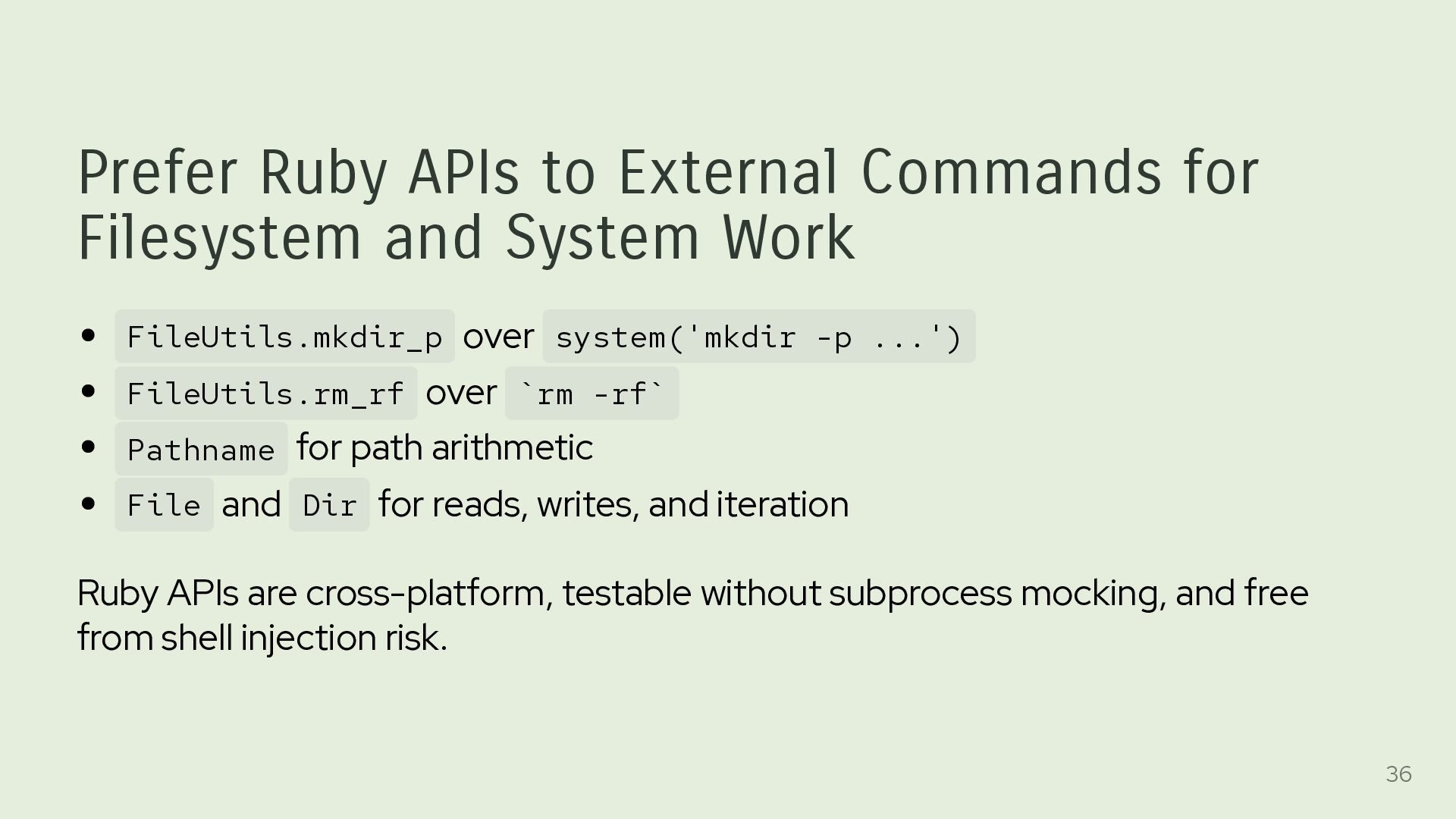
Work FileUtils.mkdir_p over system('mkdir -p ...') FileUtils.rm_rf over `rm -rf` Pathname for path arithmetic File and Dir for reads, writes, and iteration Ruby APIs are cross-platform, testable without subprocess mocking, and free from shell injection risk. 36
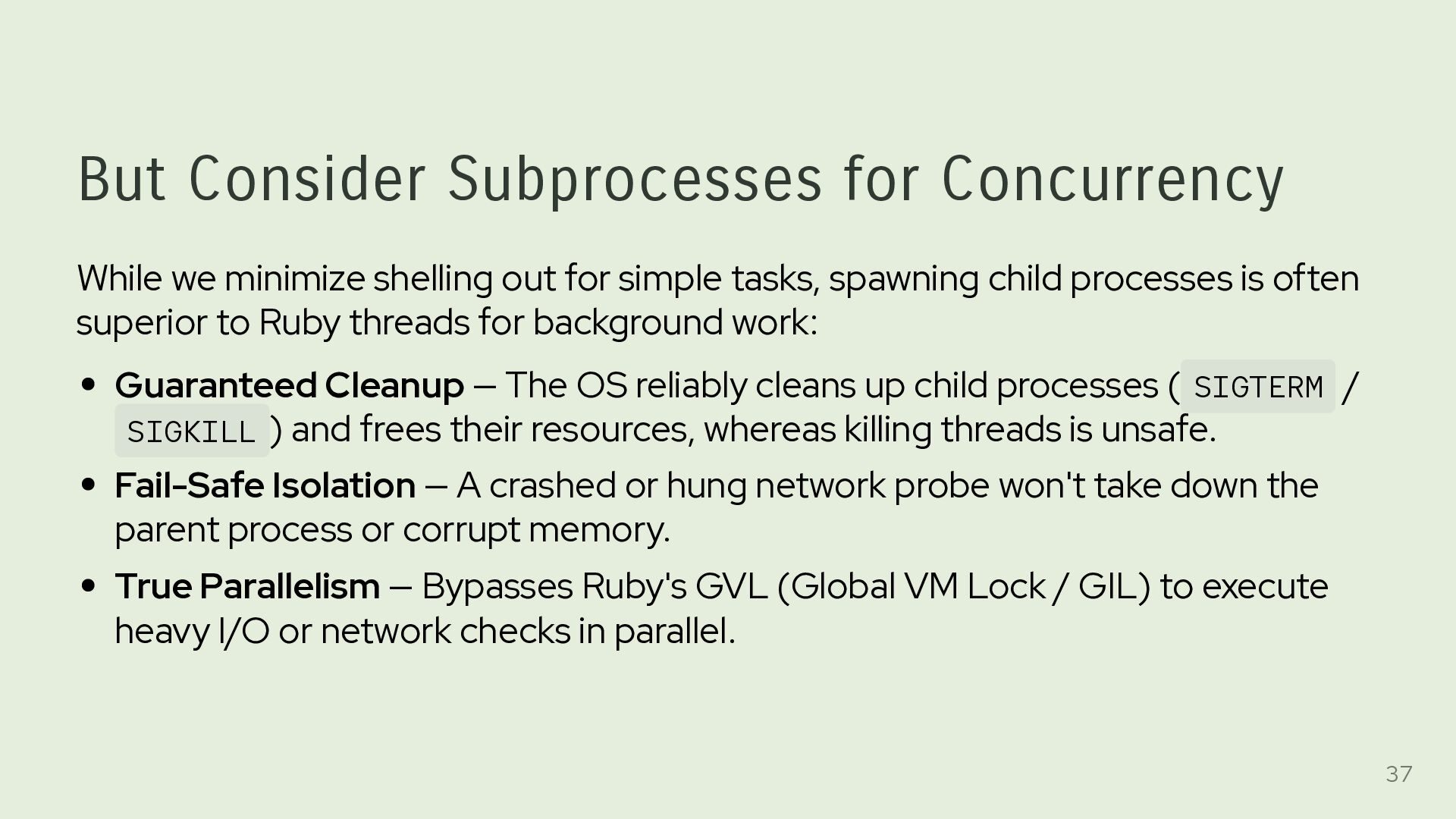
for simple tasks, spawning child processes is often superior to Ruby threads for background work: Guaranteed Cleanup — The OS reliably cleans up child processes ( SIGTERM / SIGKILL ) and frees their resources, whereas killing threads is unsafe. Fail-Safe Isolation — A crashed or hung network probe won't take down the parent process or corrupt memory. True Parallelism — Bypasses Ruby's GVL (Global VM Lock / GIL) to execute heavy I/O or network checks in parallel. 37
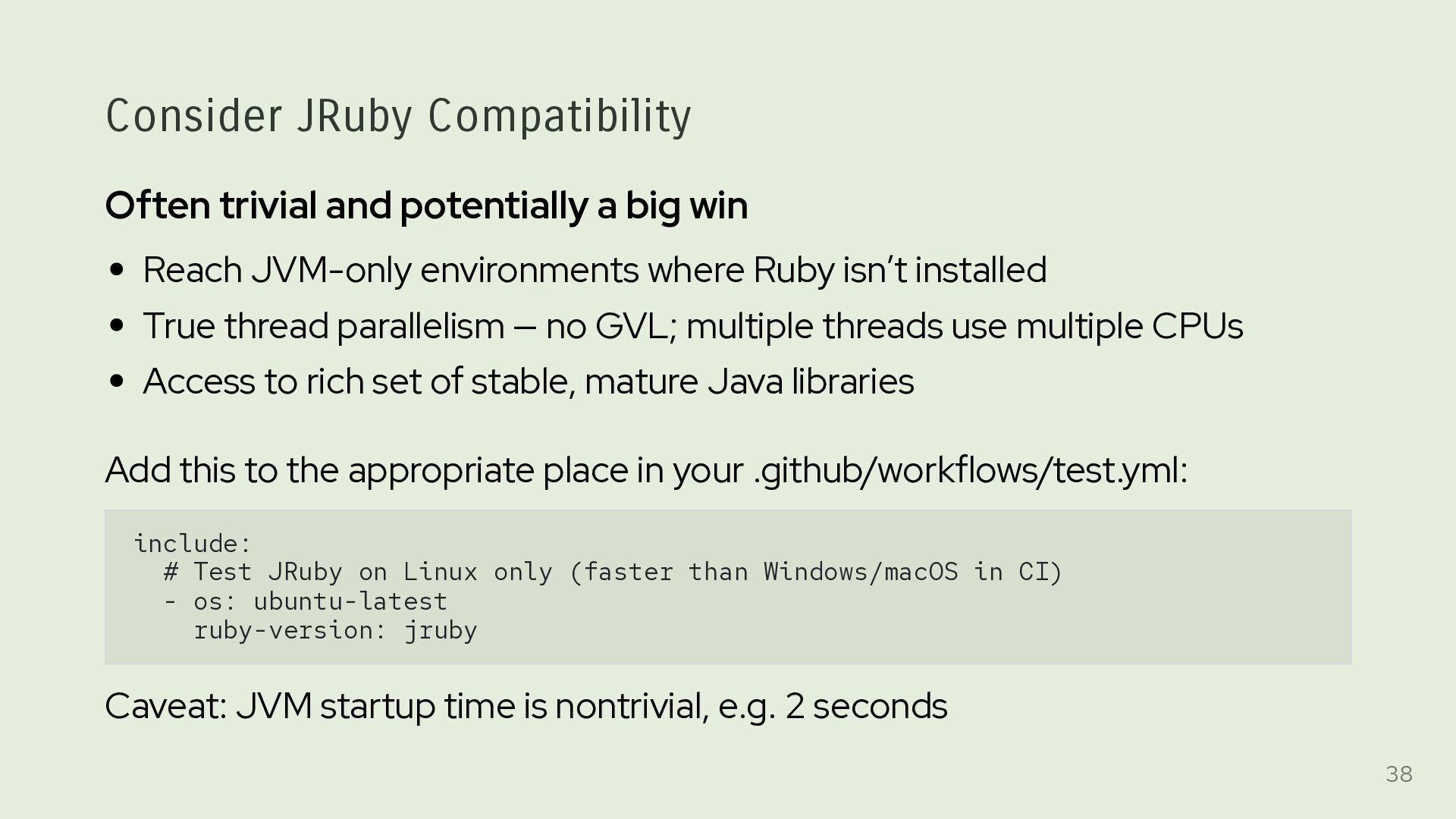
Reach JVM-only environments where Ruby isn’t installed True thread parallelism — no GVL; multiple threads use multiple CPUs Access to rich set of stable, mature Java libraries Add this to the appropriate place in your .github/workflows/test.yml: include: # Test JRuby on Linux only (faster than Windows/macOS in CI) - os: ubuntu-latest ruby-version: jruby Caveat: JVM startup time is nontrivial, e.g. 2 seconds 38
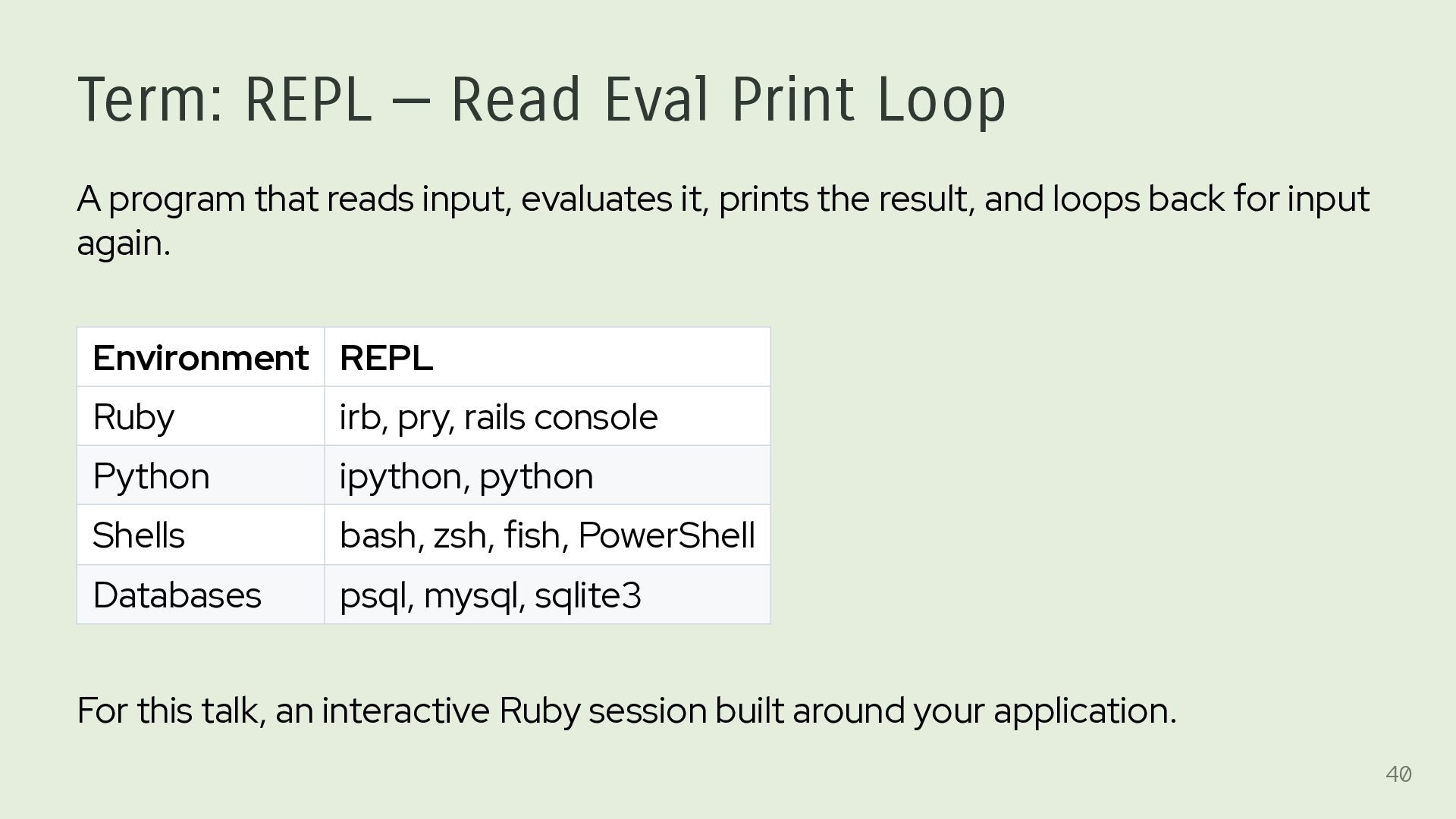
reads input, evaluates it, prints the result, and loops back for input again. Environment REPL Ruby irb, pry, rails console Python ipython, python Shells bash, zsh, fish, PowerShell Databases psql, mysql, sqlite3 For this talk, an interactive Ruby session built around your application. 40
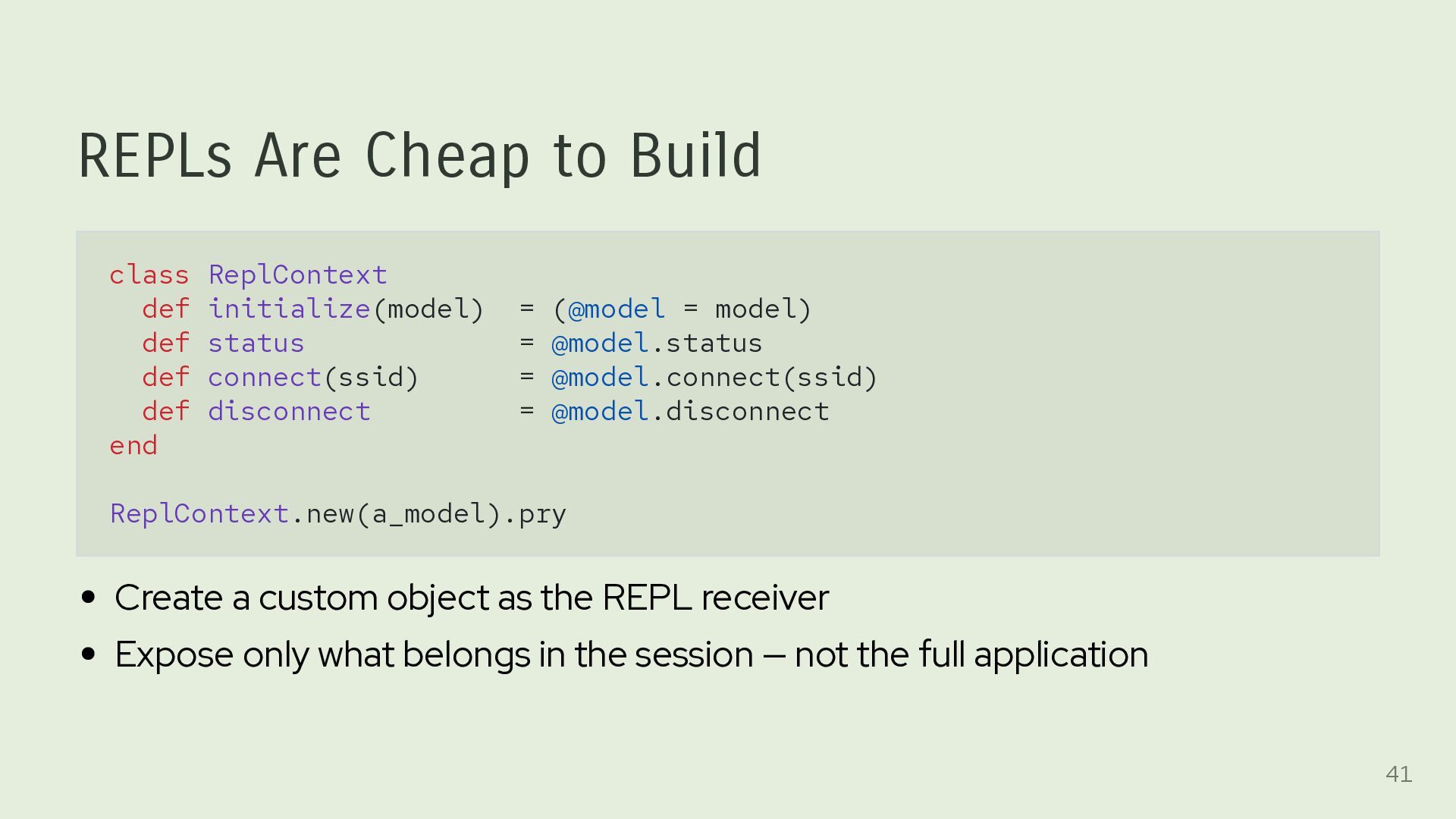
(@model = model) def status = @model.status def connect(ssid) = @model.connect(ssid) def disconnect = @model.disconnect end ReplContext.new(a_model).pry Create a custom object as the REPL receiver Expose only what belongs in the session — not the full application 41
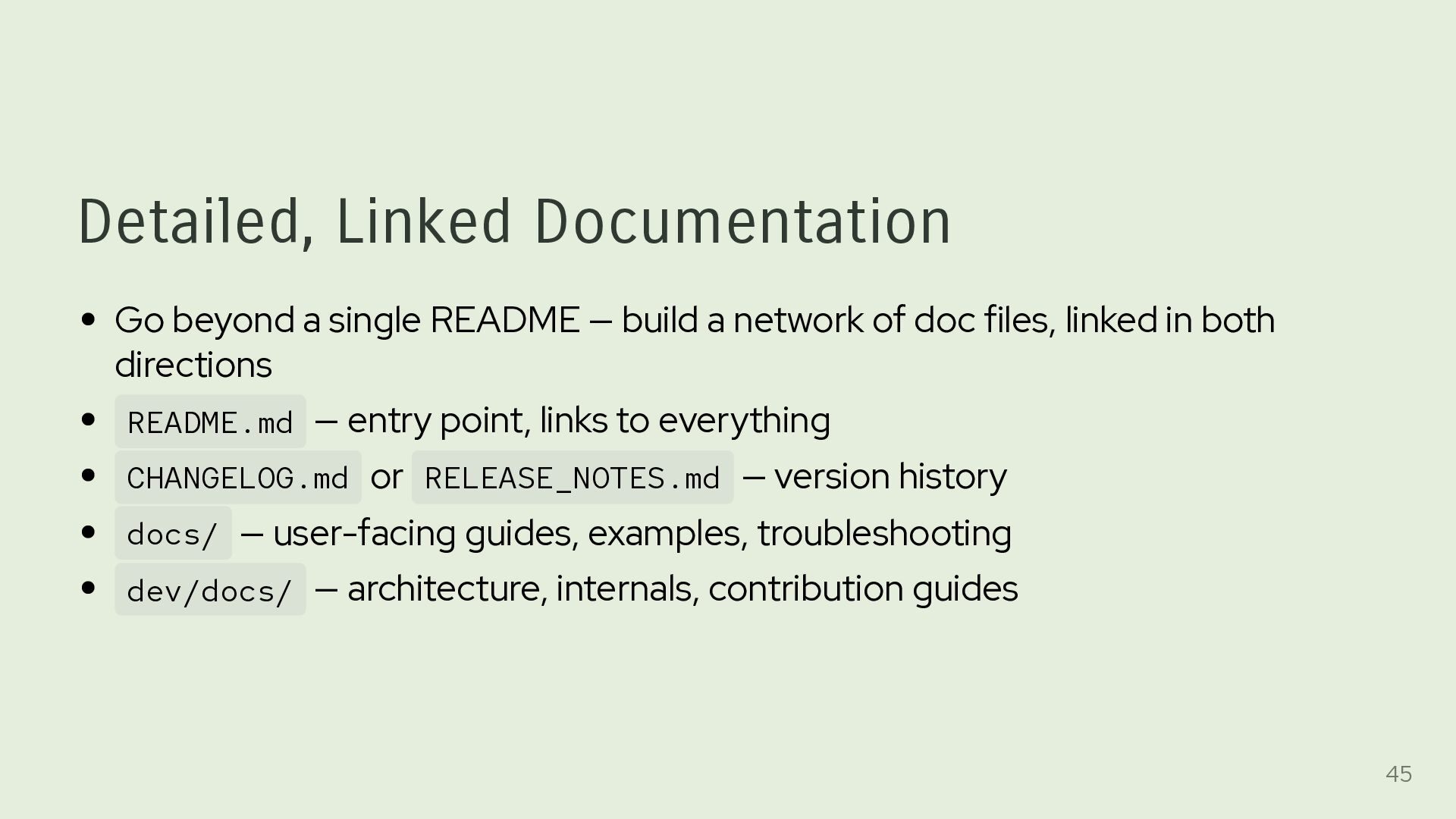
a network of doc files, linked in both directions README.md — entry point, links to everything CHANGELOG.md or RELEASE_NOTES.md — version history docs/ — user-facing guides, examples, troubleshooting dev/docs/ — architecture, internals, contribution guides 45
dev/docs/**/* with the gem Users and AI agents can read docs from the local filesystem — no Internet access needed The docs are the exact docs for the installed version The small cost of the additional storage is well worth the benefit. 46
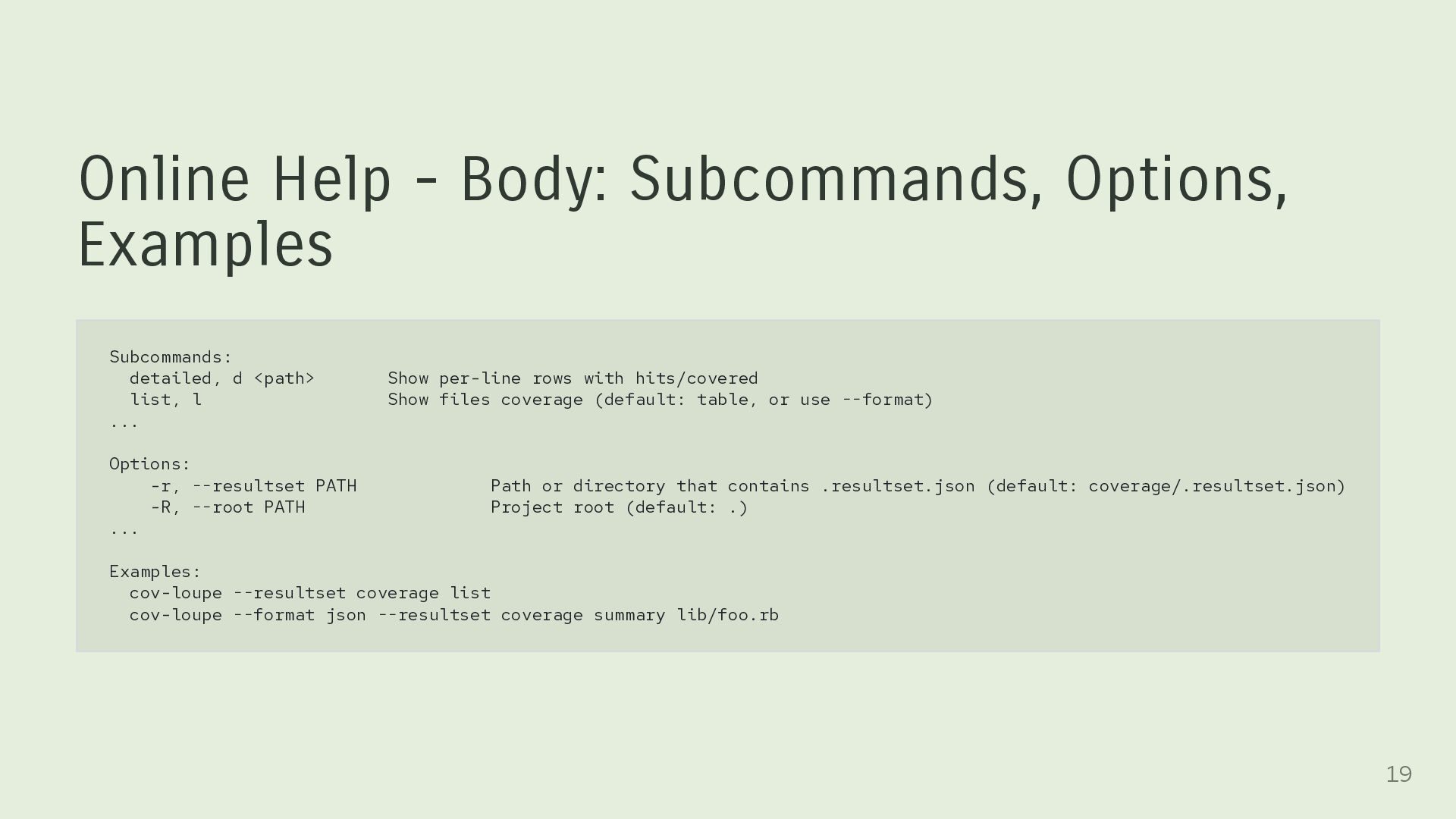
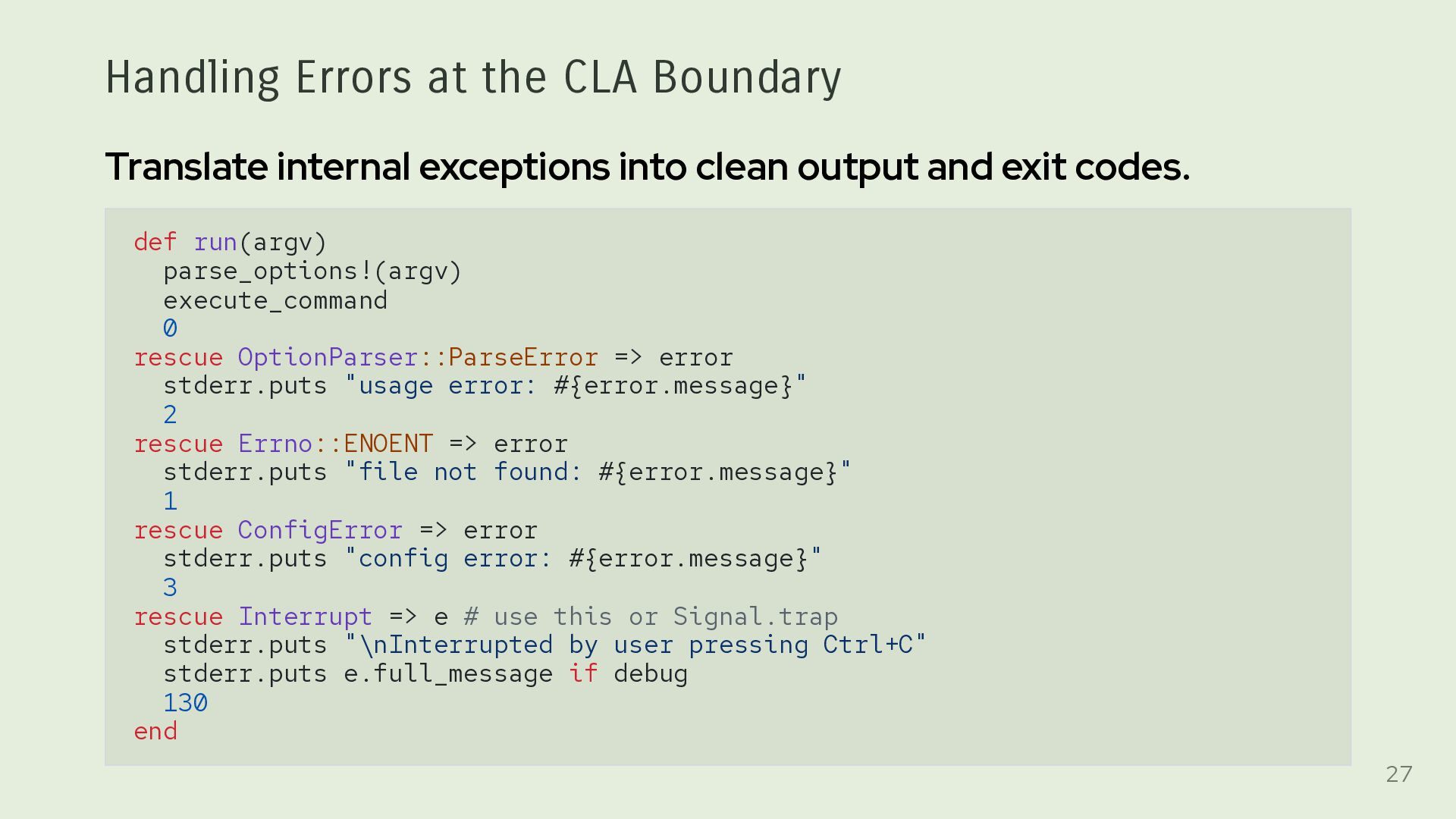
multiple interfaces, not just a CLI: library, REPL (shell), and MCP server. Build cohesive, loosely coupled systems with core logic shared across those interfaces. Treat stdout, stderr, errors, output formats, and exit codes as part of the public API. Reduce user friction through custom defaults, multiple input and output formats, and effective diagnostics. Make the application easy to discover through detailed help and documentation available to both users and AI agents. Choose deliberately among Ruby APIs, subprocesses, and shell commands. 47


 keithrbennett
 headius
 kenjiyoneyama
 yukiny
 minodriven
 mofurune
 gonta
gonta
 dske104
 colorful12
 taiseiue
 uyuki234
 elmetal
 kishida
 szymonslowik
 paigeccino
 uxyall
 techseoconnect
 dugsong
 cassininazir
 marktimemedia
 quramy
 lara
lara
 aleyda