Upgrade to Pro
— share decks privately, control downloads, hide ads and more …
Speaker Deck
Sign up for free
Menu
Search
Features
All features
Private URLs
Password Protection
Custom URLS
Scheduled publishing
Remove Branding
Restrict embedding
Deck Collections
Notes
Features
All features
Private URLs
Password Protection
Custom URLS
Scheduled publishing
Remove Branding
Restrict embedding
Deck Collections
Notes
Explore
Featured decks
Featured speakers
Programming
Technology
Storyboards
Explore
Featured decks
Featured speakers
Programming
Technology
Storyboards
Pricing
Search
Sign in
Sign up for free
Raspberry Pi のプリントサーバをアップデートしたかっただけなのに・・・
Search
kenkino
October 10, 2026
Programming
51
0
Share
Embed
Copy iframe code
Copy JS code
Copy link
Start on current slide
Raspberry Pi のプリントサーバをアップデートしたかっただけなのに・・・
kenkino
October 10, 2026
More Decks by kenkino
See All by kenkino
FreeBSDでZabbixを動かす
kenkino
0
380
PiKVMを構築してみた
kenkino
0
150
Protonについて解説してみる
kenkino
0
79
RPIネットワークモニタ復旧
kenkino
0
98
Intel Mac で雑にローカルLLM その2 ~~雑にGPUも使ってみた~~
kenkino
0
1.7k
応用情報処理試験「よくわかんないけど、何か受かった」ので考察してみる
kenkino
0
120
猟銃所持許可を取ってみた
kenkino
2
210
Rasberry Pi が吹っ飛んだのでTime MachineサーバをSambaで作り直してみた
kenkino
0
370
Raspberry Pi でMac のTimeMachineサーバを作ってみる
kenkino
0
280
Other Decks in Programming
See All in Programming
Vue Fes Japan の “作る側”に関わってみて
naokihaba
1
200
dotNET_vulnclicker_intro.pdf
deka_morita
0
150
ActionController meets Protocol Buffers
sorah
1
730
Herb in Rails 8.2: Your ERB views, now HTML-aware @ Kaigi on Rails 2026, Tokyo, Japan
marcoroth
2
360
AI時代のIaC入門 〜なぜインフラをコードで管理したいのか?〜 / Introduction to IaC in the AI Era
akihisaikeda
5
1.1k
HTML-in-Canvasで作る未来のWeb UI表現
clockmaker
5
5.8k
作って学ぶSpring BootのAuto Configuration / JJUG Night Seminar 2026-10-19
rshindo
0
210
Compiling a real-world CLI tool to native with Static Hermes
tmikov2023
0
130
AI-Powered Domain-Driven Design
ziobrando
0
340
[2026-10-09]一枚の布で作らなくてもいい。 信頼性は「パッチワーク」で紡がれる~既存の運用と新しい可能性をつなぎ合わせてきたCREの話~
tosite
0
110
GraphQL の onError と Nullability のこれから
quramy
0
190
Next.js: The final boss of Web Performance
guaca
0
350
Featured
See All Featured
Being A Developer After 40
akosma
PRO
92
590k
Bridging the Design Gap: How Collaborative Modelling removes blockers to flow between stakeholders and teams @FastFlow conf
baasie
0
740
Why Your Marketing Sucks and What You Can Do About It - Sophie Logan
marketingsoph
0
440
30 Presentation Tips
portentint
PRO
1
440
Bootstrapping a Software Product
garrettdimon
PRO
306
120k
Impact Scores and Hybrid Strategies: The future of link building
tamaranovitovic
0
470
A designer walks into a library…
pauljervisheath
211
25k
Skip the Path - Find Your Career Trail
mkilby
1
260
The Invisible Side of Design
smashingmag
301
52k
Balancing Empowerment & Direction
lara
6
1.3k
Designing Experiences People Love
moore
143
24k
From π to Pie charts
rasagy
1
420
Transcript
Raspberry Piのプリントサーバをアップデートしたか っただけなのに・・・ 1
このスライド Raspberry Pi で動かしているプリントサーバのアップ デートで地雷を踏みまくった経験を記録したスライド • 遭遇した事態については自分の環境だけかもしれないの で、参考程度に •
自己紹介 氏名:木下兼一 現在はインフラ関係のお仕事やってます OSCや、下記イベントのお手伝いもしてます TechLION
LLイベント 明日の開発カンファレンス イベントの手伝い以外に、いくつかのNPOの会員やってます 先月日本Zabbixユーザー会でLTしたらFreeBSDおじさん呼ばわりさ れてしまった・・・ 技術相談・執筆相談等あったらお伺いいたします。
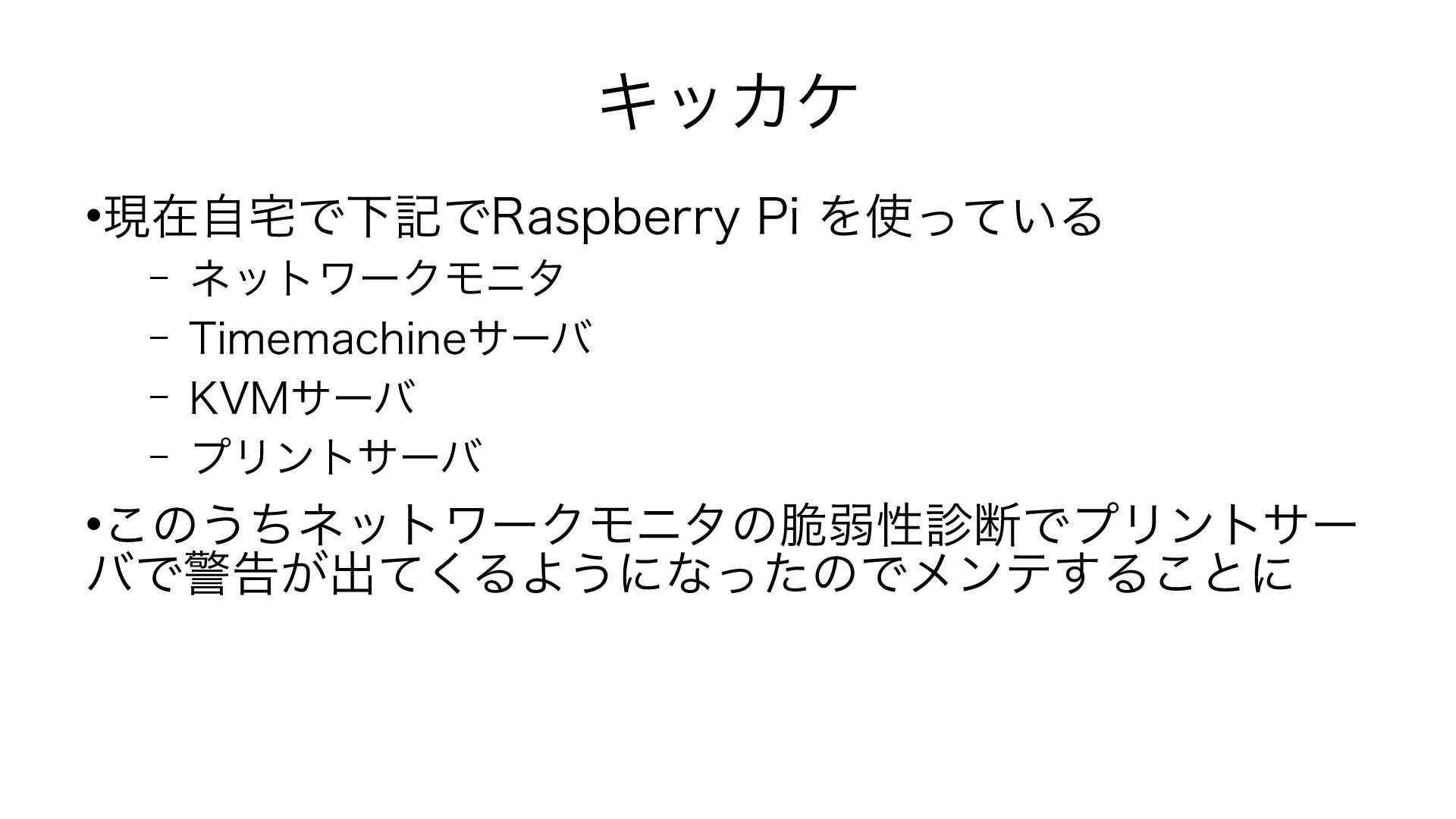
キッカケ 現在自宅で下記でRaspberry Pi を使っている – ネットワークモニタ – Timemachineサーバ –
KVMサーバ – プリントサーバ このうちネットワークモニタの脆弱性診断でプリントサー バで警告が出てくるようになったのでメンテすることに
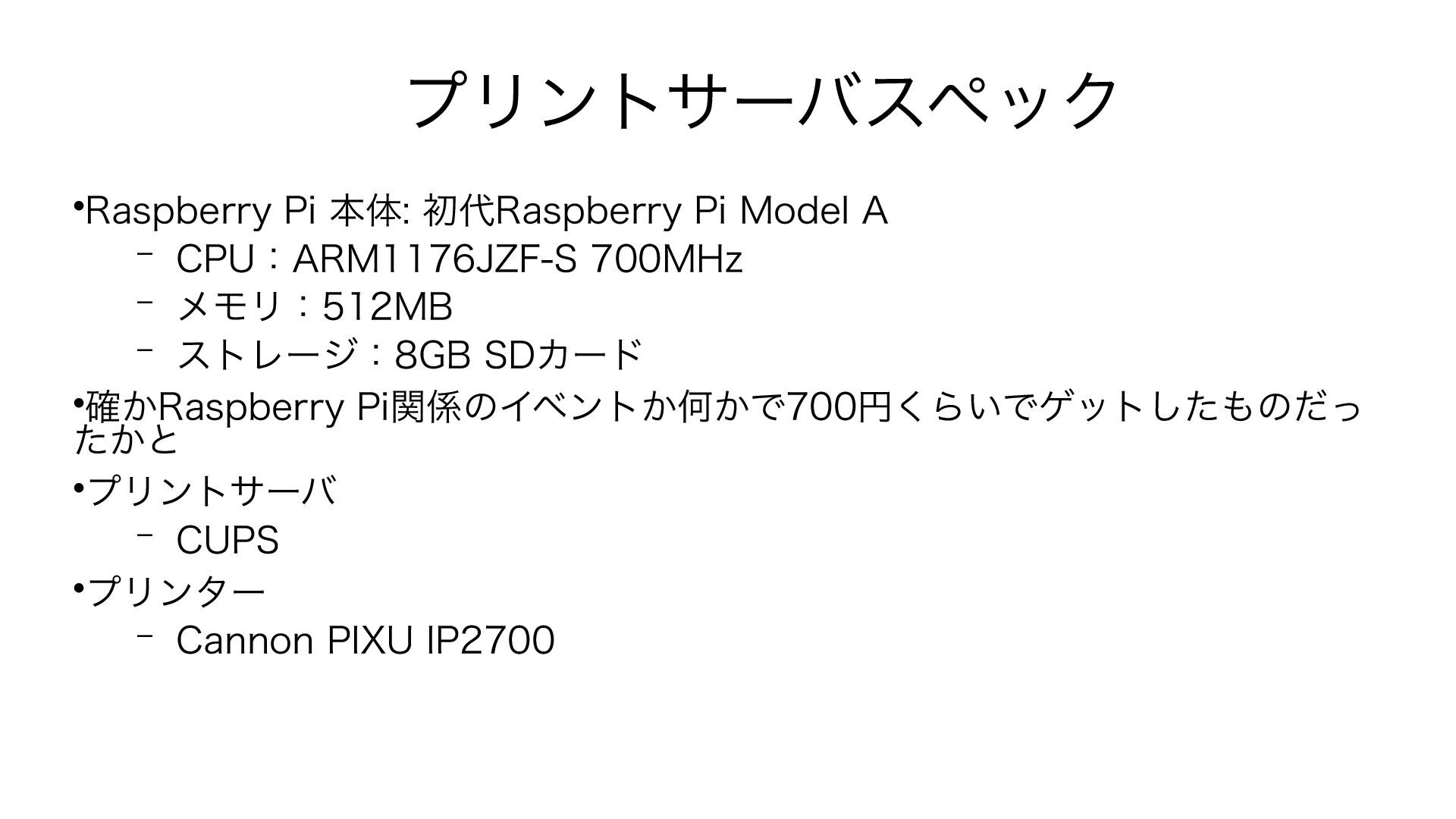
プリントサーバスペック Raspberry Pi 本体: 初代Raspberry Pi Model A – CPU:ARM1176JZF-S
700MHz – メモリ:512MB – ストレージ:8GB SDカード 確かRaspberry Pi関係のイベントか何かで700円くらいでゲットしたものだっ たかと プリントサーバ – CUPS プリンター – Cannon PIXU IP2700
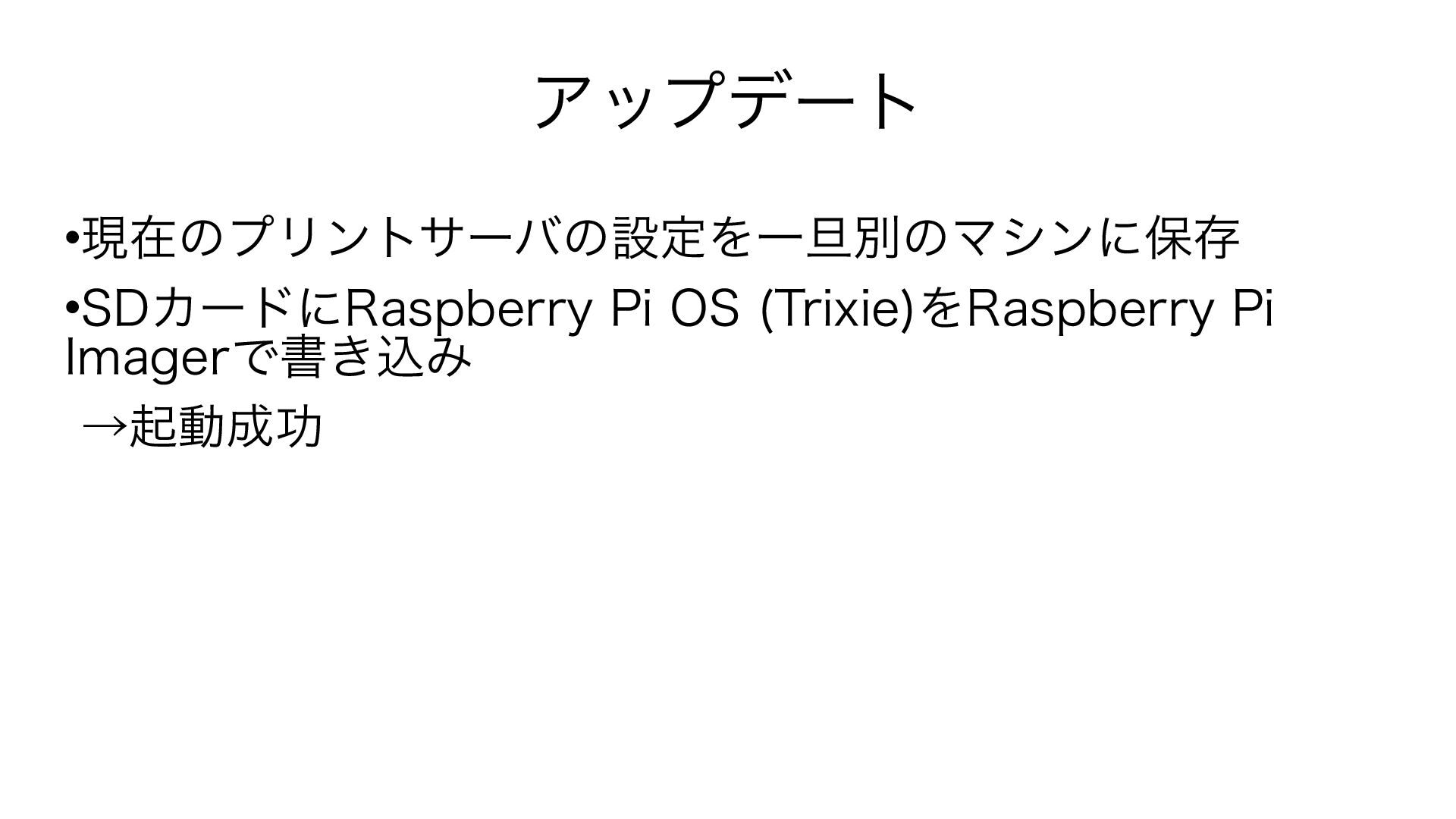
アップデート 現在のプリントサーバの設定を一旦別のマシンに保存 SDカードにRaspberry Pi OS (Trixie)をRaspberry Pi Imagerで書き込み →起動成功
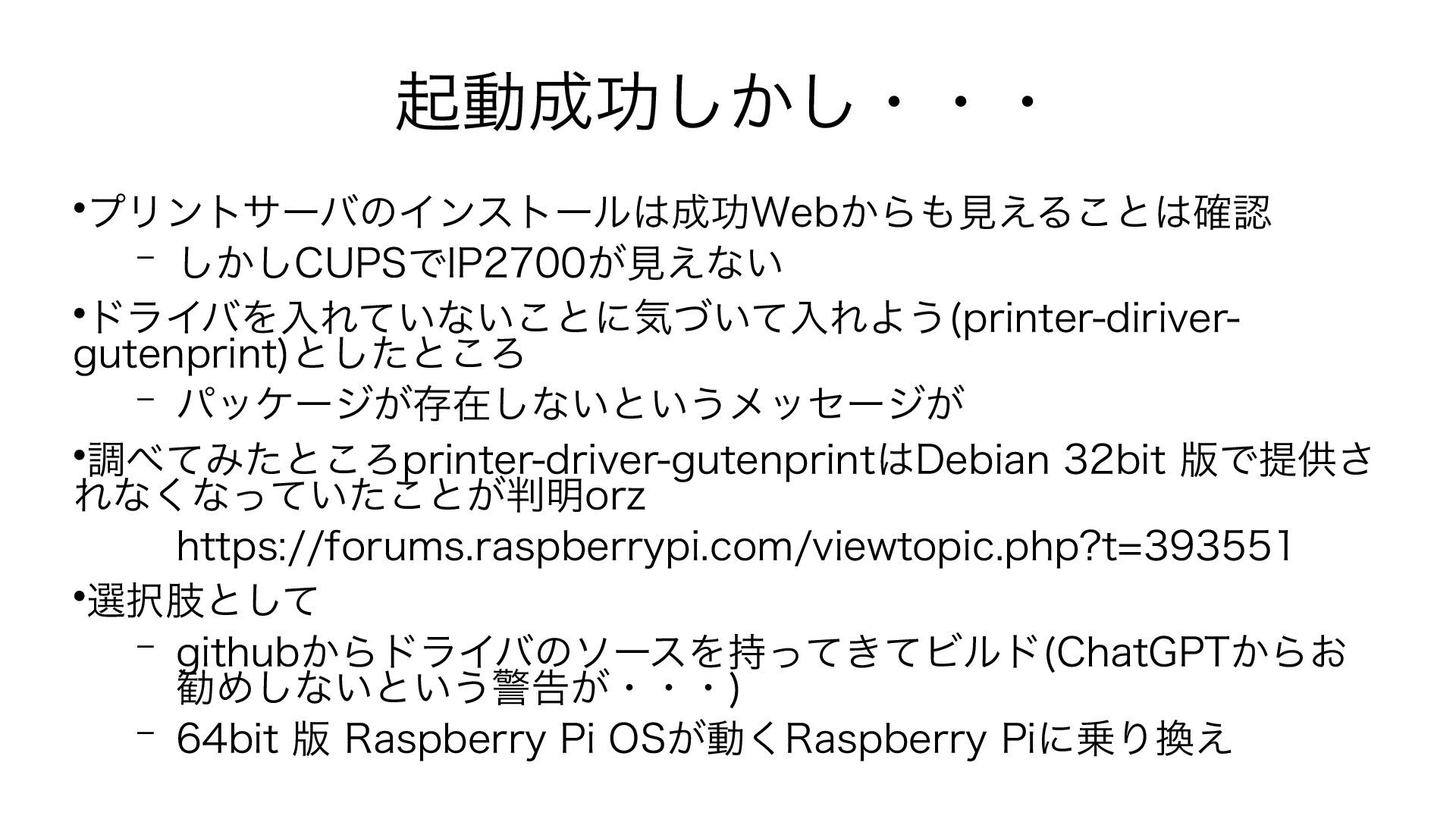
起動成功しかし・・・ プリントサーバのインストールは成功Webからも見 えることは確認 – しかしCUPSでIP2700が見えない ドライバを入れていないことに気づいて入れよう (printer-diriver-gutenprint)としたところ – パッケージが存在しないというメッセージが
何と!! 調べてみたところprinter-driver-gutenprintはDebian 32bit 版で提供さ れなくなっていたことが判明 https://forums.raspberrypi.com/viewtopic.php?t=393551 その煽りを喰らってRaspberry
Pi OS でも提供されなくなった模様orz 選択肢として – githubからドライバのソースを持ってきてビルド(ChatGPTからお 勧めしないという警告が・・・) – 64bit 版 Raspberry Pi OSが動くRaspberry Piに乗り換え
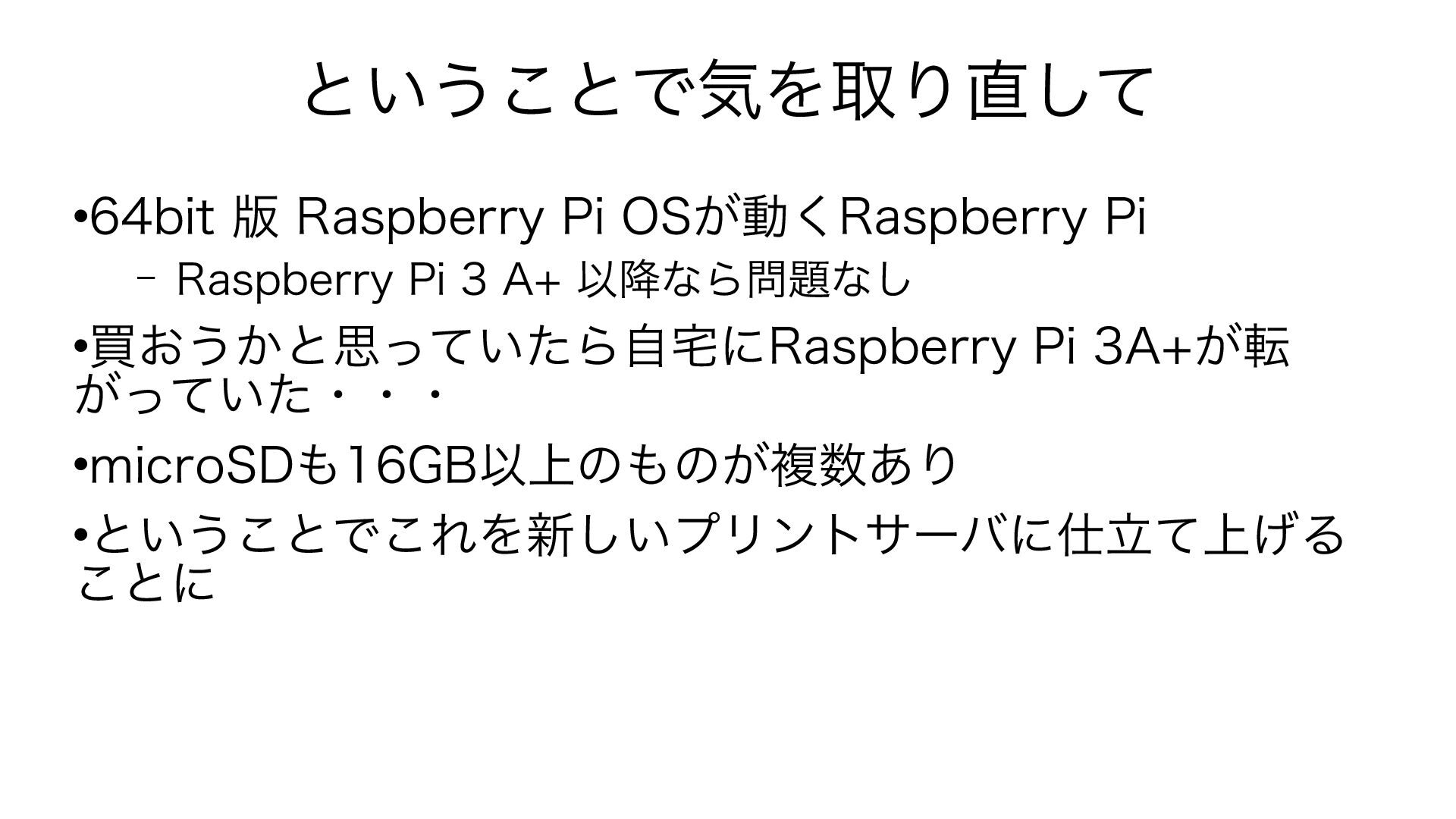
ということで気を取り直して 64bit 版 Raspberry Pi OSが動くRaspberry Pi – Raspberry
Pi 3 A+ 以降なら問題なし 買おうかと思っていたら自宅にRaspberry Pi 3 Bが転がっ ていた・・・ microSDも16GB以上のものが複数あり ということでこれを新しいプリントサーバに仕立て上げる ことに
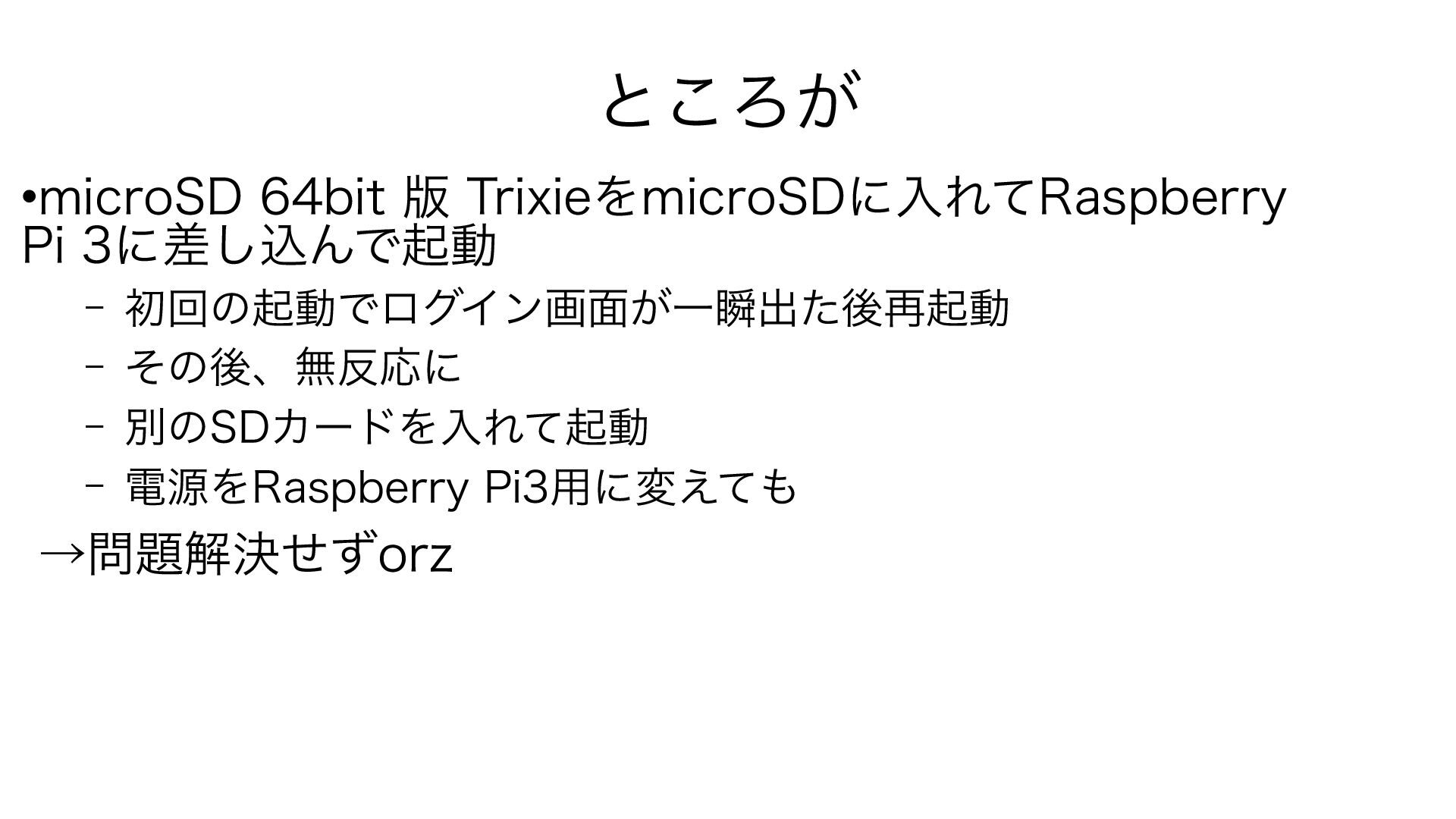
ところが microSD 64bit 版 TrixieをmicroSDに書き込み Raspberry Pi 3に差し込んで起動
– 初回の起動でログイン画面が一瞬出た後再起動 – その後、無反応に – 別のSDカードを入れて起動 – 電源をRaspberry Pi3用に変えても →問題解決せずorz
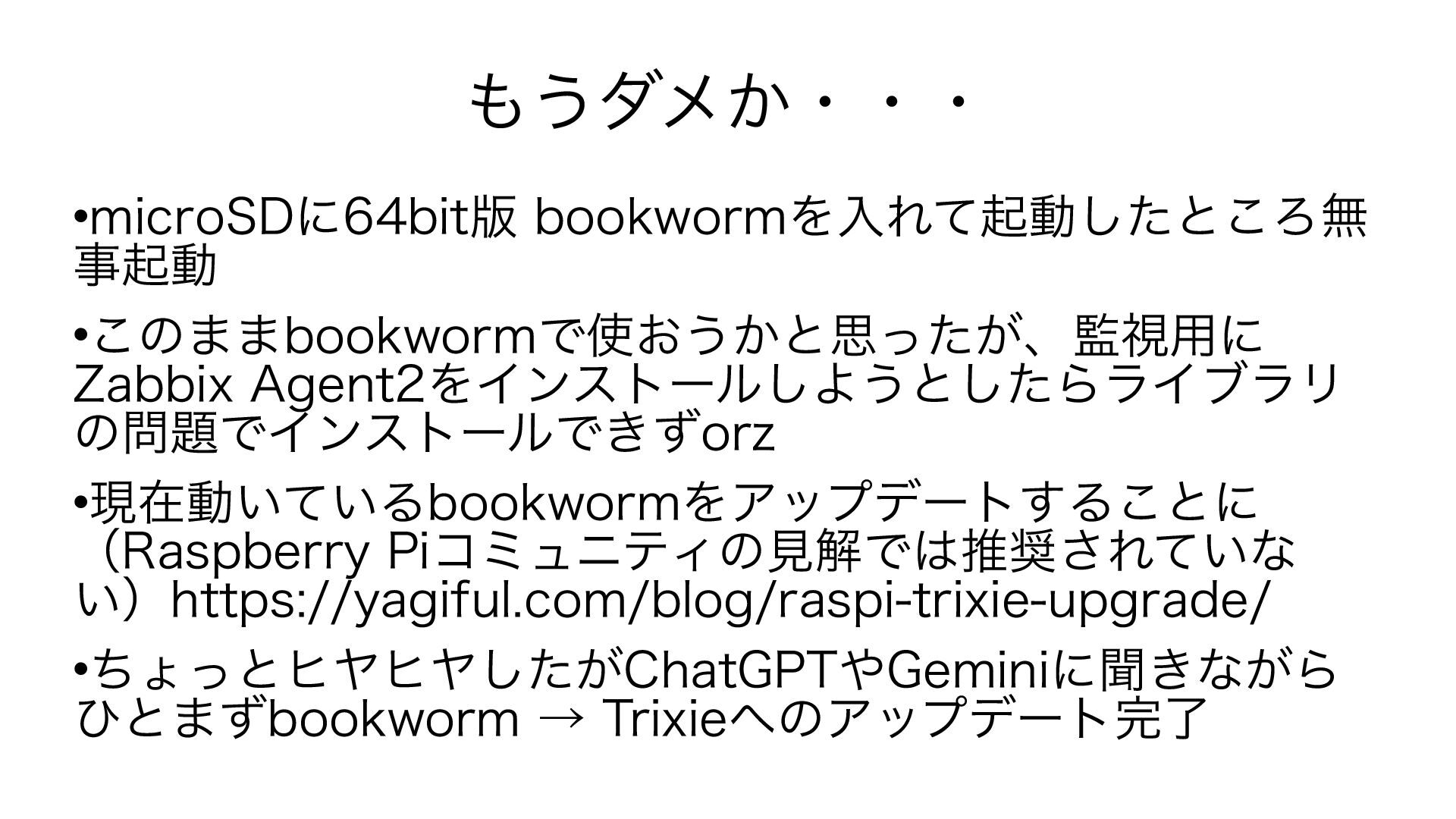
もうダメか・・・ microSDに64bit版 bookwormを入れて起動したところ無事起動 このままbookwormで使おうかと思ったが、監視用にZabbix Agent2をインストールしようとしたらライブラリの問題でインス トールできずorz 現在動いているbookwormをアップデートすることに(Raspberry Piコミュニティの見解では推奨されていない)
https://yagiful.com/blog/raspi-trixie-upgrade/ https://forums.raspberrypi.com/viewtopic.php?t=392376 ちょっとヒヤヒヤしたがChatGPTやGeminiに聞きながらひとまず bookworm → Trixieへのアップデート完了
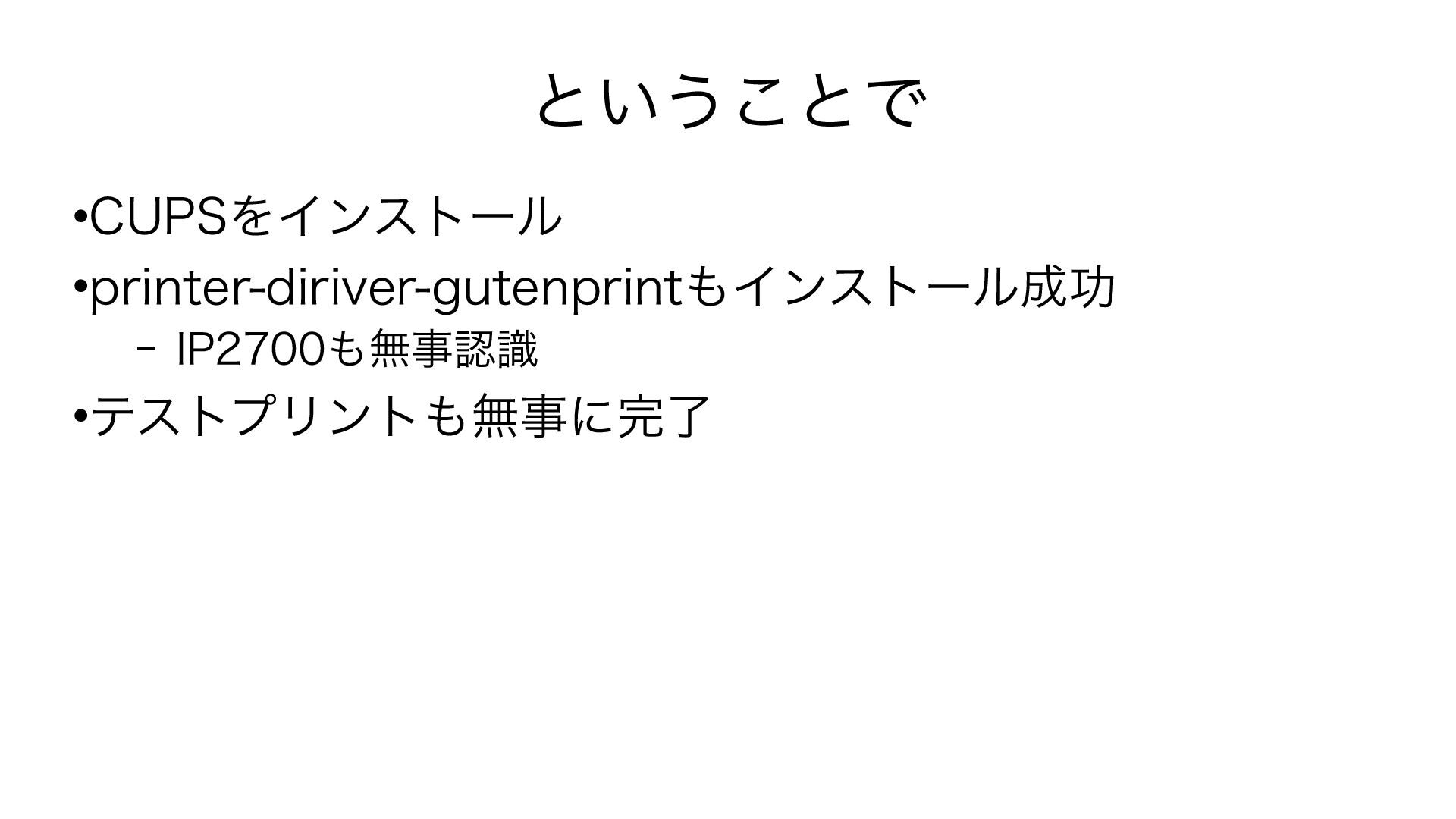
ということで CUPSをインストール printer-diriver-gutenprintもインストール成功 – IP2700も無事認識 テストプリントも無事に完了
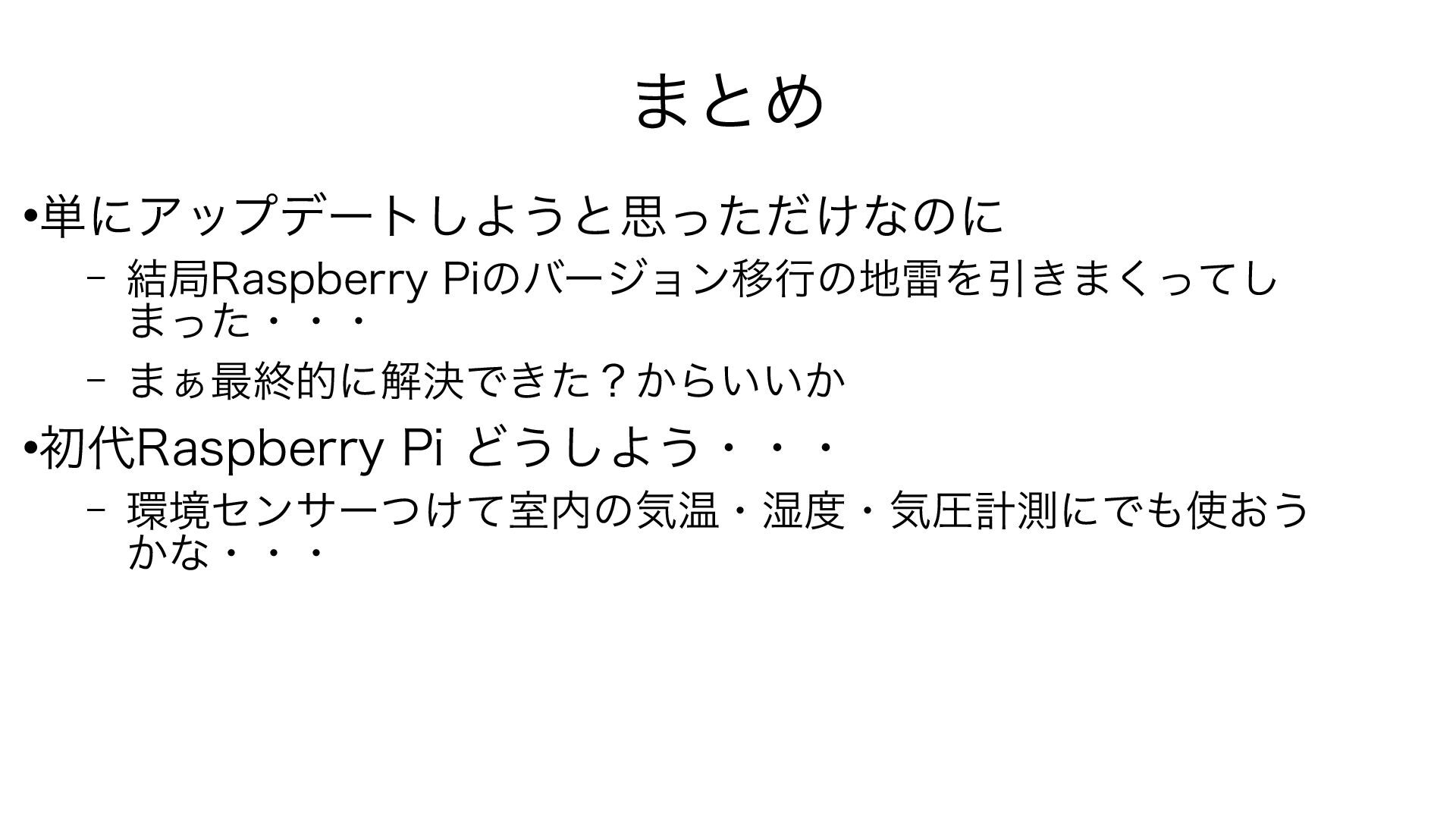
まとめ 単にアップデートしようと思っただけなのに – 結局Raspberry Piのバージョン移行の地雷を引きまくってし まった・・・ – まぁ最終的に解決できた?からいいか 初代Raspberry
Pi どうしよう・・・ – 環境センサーつけて室内の気温・湿度・気圧計測にでも使おう かな・・・
ご清聴ありがとうございました!!


 kenkino
 naokihaba
 deka_morita
 sorah
sorah
 marcoroth
 akihisaikeda
 clockmaker
 rshindo
 tmikov2023
 ziobrando
 tosite
 quramy
 guaca
guaca
 akosma
 baasie
 marketingsoph
 portentint
 garrettdimon
 tamaranovitovic
 pauljervisheath
 mkilby
 smashingmag
 lara
lara
 moore
moore
 rasagy