Upgrade to Pro
— share decks privately, control downloads, hide ads and more …
Speaker Deck
Sign up for free
Menu
Search
Features
All features
Private URLs
Password Protection
Custom URLS
Scheduled publishing
Remove Branding
Restrict embedding
Deck Collections
Notes
Features
All features
Private URLs
Password Protection
Custom URLS
Scheduled publishing
Remove Branding
Restrict embedding
Deck Collections
Notes
Explore
Featured decks
Featured speakers
Programming
Technology
Storyboards
Explore
Featured decks
Featured speakers
Programming
Technology
Storyboards
Pricing
Search
Sign in
Sign up for free
Introduction to Django
Search
Kien Nguyen
October 05, 2013
Technology
130
0
Share
Embed
Copy iframe code
Copy JS code
Copy link
Start on current slide
Introduction to Django
Django and Heroku
Kien Nguyen
October 05, 2013
More Decks by Kien Nguyen
See All by Kien Nguyen
Introduction
kiennt
0
71
Facebook Login Security
kiennt
0
67
Introduction to Django v2
kiennt
0
130
Clean code
kiennt
8
430
Unix_Process.pdf
kiennt
2
8.3k
Happiness
kiennt
1
490
RTMP and RTMPE protocols
kiennt
2
690
Other Decks in Technology
See All in Technology
Railsで挑む大量データ永続化 〜600億件を永続化するための設計とボトルネックとの戦い〜
occhi
1
1.1k
Claude Code をローカルとサーバー上で利用した際の Bedrock 利用料をユーザー単位で一本化してみる
ohorig
0
120
局所最適は悪ではない。壊れているのは指標です。量と質を同時に見る先行指標の設計
recruitengineers
PRO
2
820
JAWSUG TOHOKU 青森支部 「LoGoチャット」のAWS移行で 乗り越えたこと
taketakekaho
0
380
トークン化預金DCJPYの取り組みと活用ユースケース
finengine
0
240
Metadata - Section 2: Simple Metadata & Meta Tags
mohab1
0
130
Steerable Visual Representations
sansantech
PRO
0
300
[EMNLP26] RIGEL: Self-Distilled Score Adaptation for Image and Video Captioning Evaluation
keio_smilab
PRO
0
120
Adversary Infrastructure Hunting101
disconinja
0
110
20年間 SNS サービス「GREE」 を支えた技術の刷新と、長期運用サービスの Kubernetes へのリアーキテクト
gree_tech
PRO
0
120
顧客価値を追いかけたら、プライシングにたどり着いた
sansantech
PRO
2
790
AI コーディングと人間の認知スループット / CTO Night & Day 2026 Morning Session / AI Coding and Human Cognitive Throughput
prog893
5
1.5k
Featured
See All Featured
Dominate Local Search Results - an insider guide to GBP, reviews, and Local SEO
greggifford
PRO
0
380
Heart Work Chapter 1 - Part 1
lfama
PRO
10
37k
The State of eCommerce SEO: How to Win in Today's Products SERPs - #SEOweek
aleyda
2
12k
A Guide to Academic Writing Using Generative AI - A Workshop
ks91
PRO
1
530
Building Better People: How to give real-time feedback that sticks.
wjessup
371
20k
GraphQLとの向き合い方2022年版
quramy
50
15k
職位にかかわらず全員がリーダーシップを発揮するチーム作り / Building a team where everyone can demonstrate leadership regardless of position
madoxten
69
67k
Large-scale JavaScript Application Architecture
addyosmani
516
110k
Leo the Paperboy
mayatellez
10
2.4k
Product Roadmaps are Hard
iamctodd
55
13k
Rails Girls Zürich Keynote
gr2m
96
14k
RailsConf 2023
tenderlove
30
1.6k
Transcript
Introduction to Django Kien Nguyen Trung
Kien Nguyen Trung github.com/kiennt kiennt.com
What is django
Django is high-level Python Web framework that encourages rapid development
and clean, pragmatics design.
Philosophy Rapid Development Loosely coupled Reusable Applications Dont Repeat Yourself
(DRY)
Django sites instagram.com pinterest.com disqus.com bitbucket.com rdio.com addons.mozilla.org
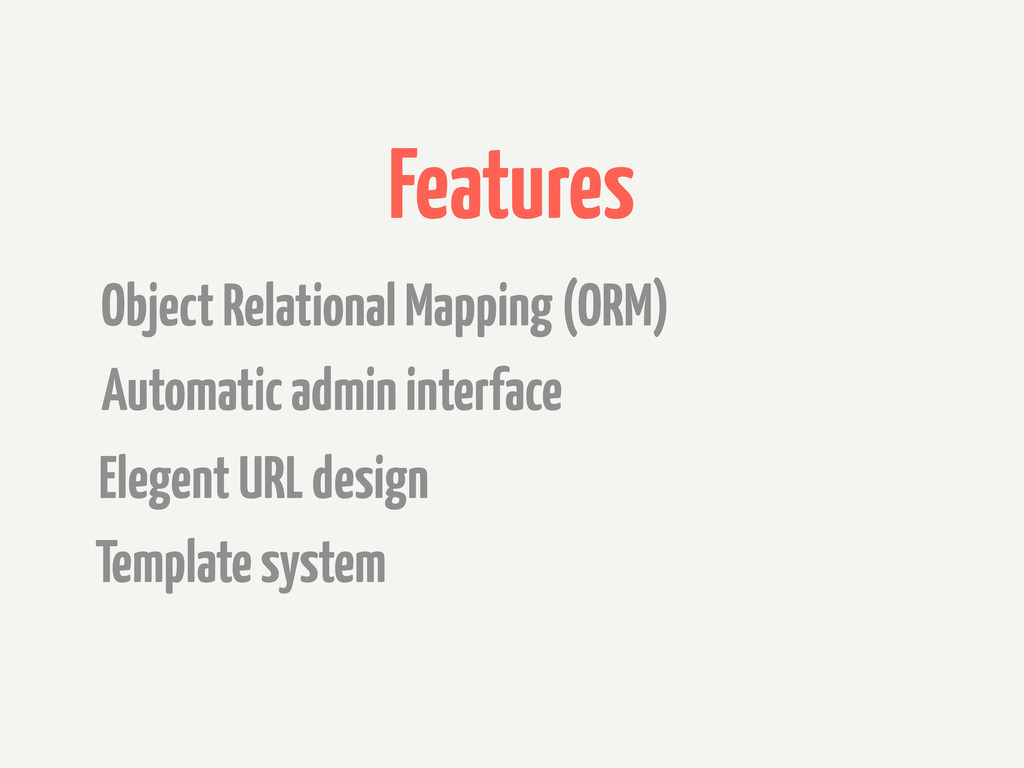
Features Object Relational Mapping (ORM) Automatic admin interface Elegent URL
design Template system
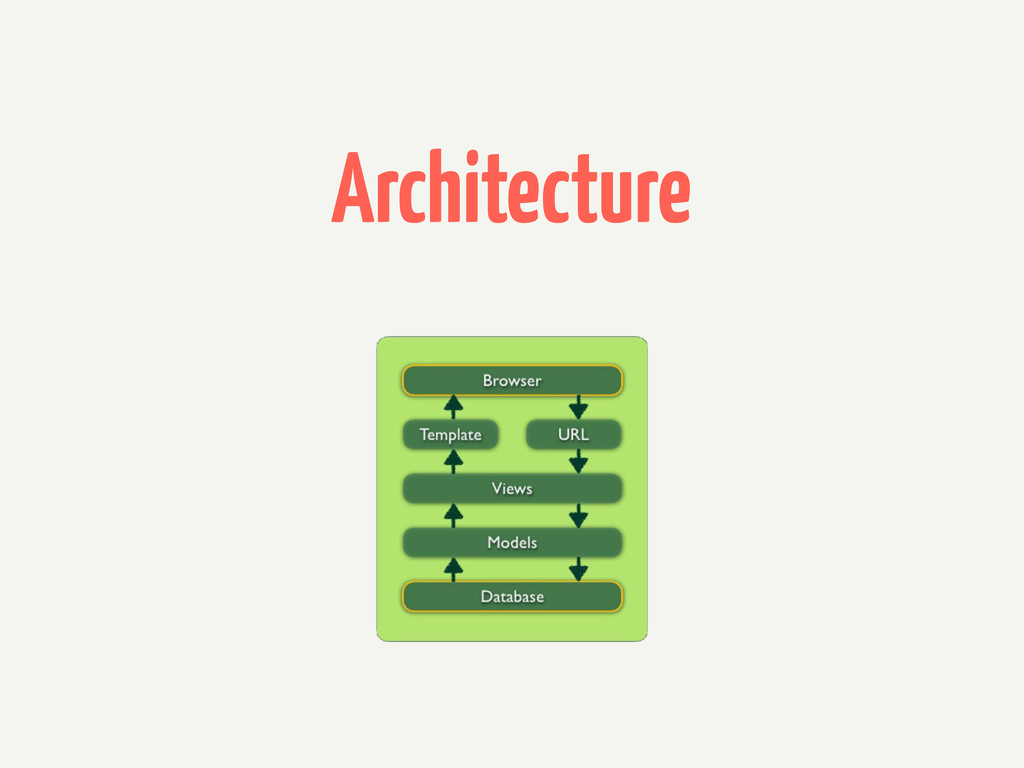
Architecture
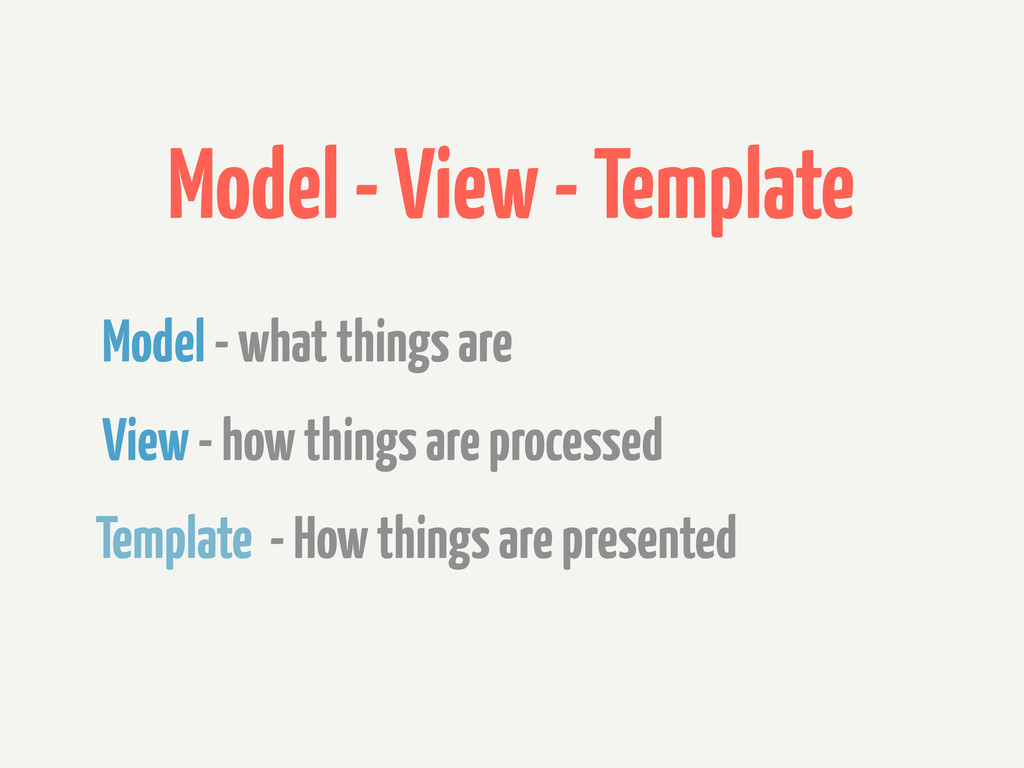
Model - View - Template Model - what things are
View - how things are processed Template - How things are presented
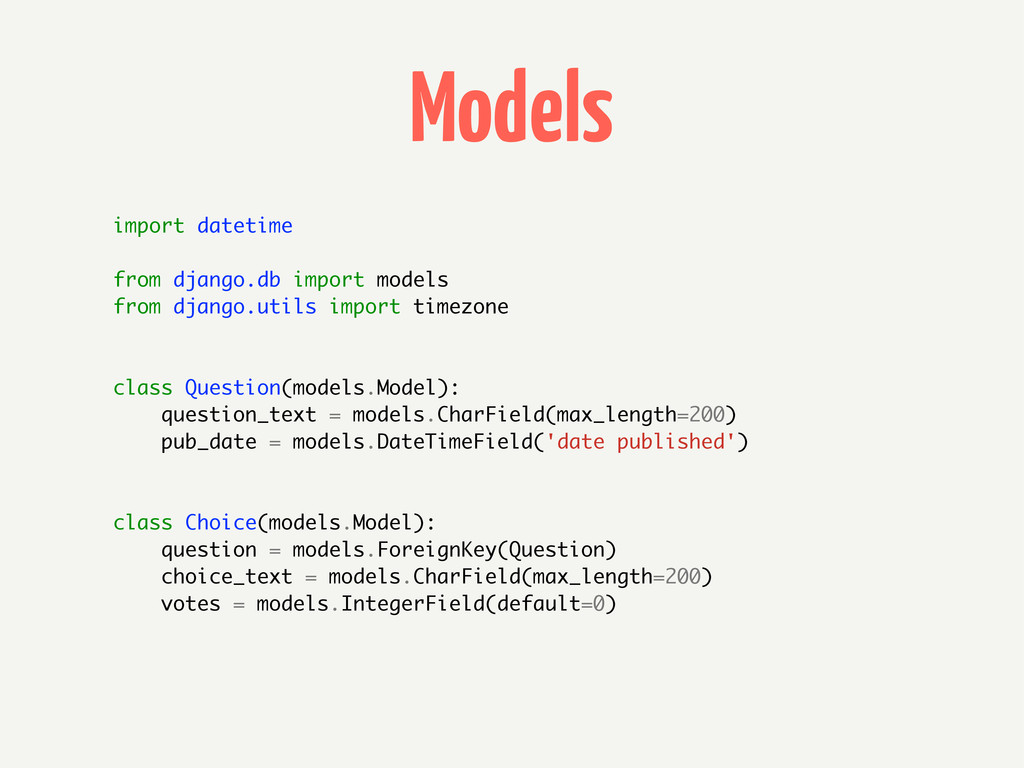
Models import datetime from django.db import models from django.utils import
timezone class Question(models.Model): question_text = models.CharField(max_length=200) pub_date = models.DateTimeField('date published') class Choice(models.Model): question = models.ForeignKey(Question) choice_text = models.CharField(max_length=200) votes = models.IntegerField(default=0)
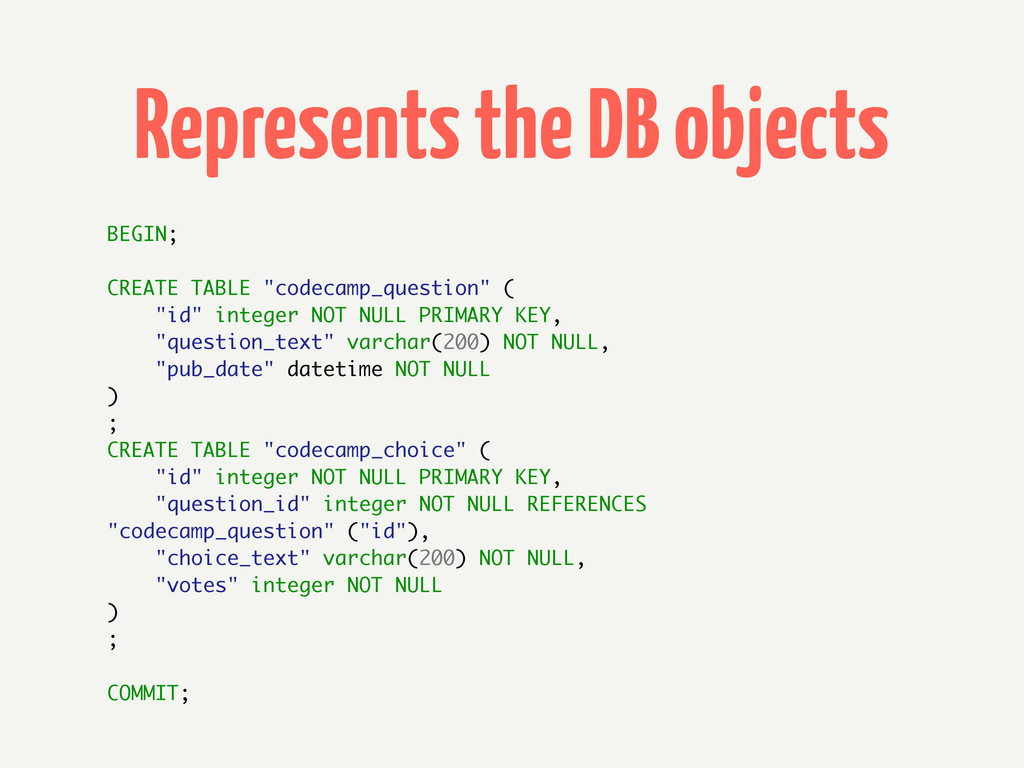
Represents the DB objects BEGIN; CREATE TABLE "codecamp_question" ( "id"
integer NOT NULL PRIMARY KEY, "question_text" varchar(200) NOT NULL, "pub_date" datetime NOT NULL ) ; CREATE TABLE "codecamp_choice" ( "id" integer NOT NULL PRIMARY KEY, "question_id" integer NOT NULL REFERENCES "codecamp_question" ("id"), "choice_text" varchar(200) NOT NULL, "votes" integer NOT NULL ) ; COMMIT;
ORM latest_question_list = Question.objects.order_by('-pub_date')[:5] q = Question.objects.get(pk=question_id) selected_choice = q.choice_set.get(pk=choice_id)
selected_choice.votes += 1 selected_choice.save() Never write SQL - unless you really need
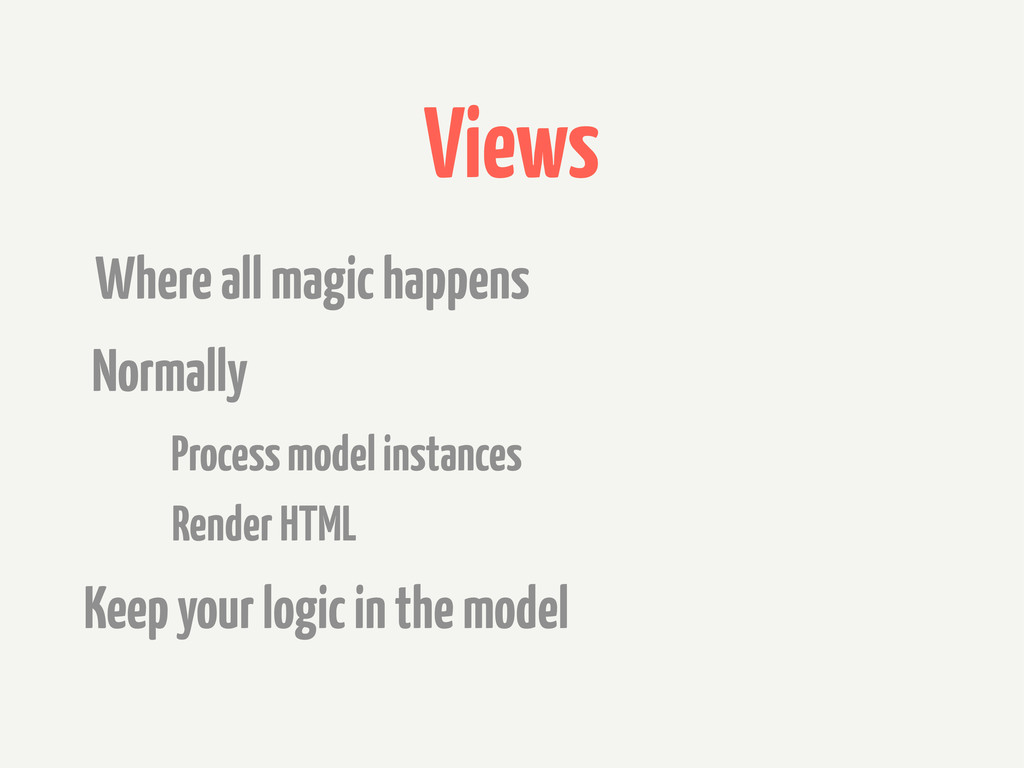
Views Where all magic happens Normally Keep your logic in
the model Process model instances Render HTML
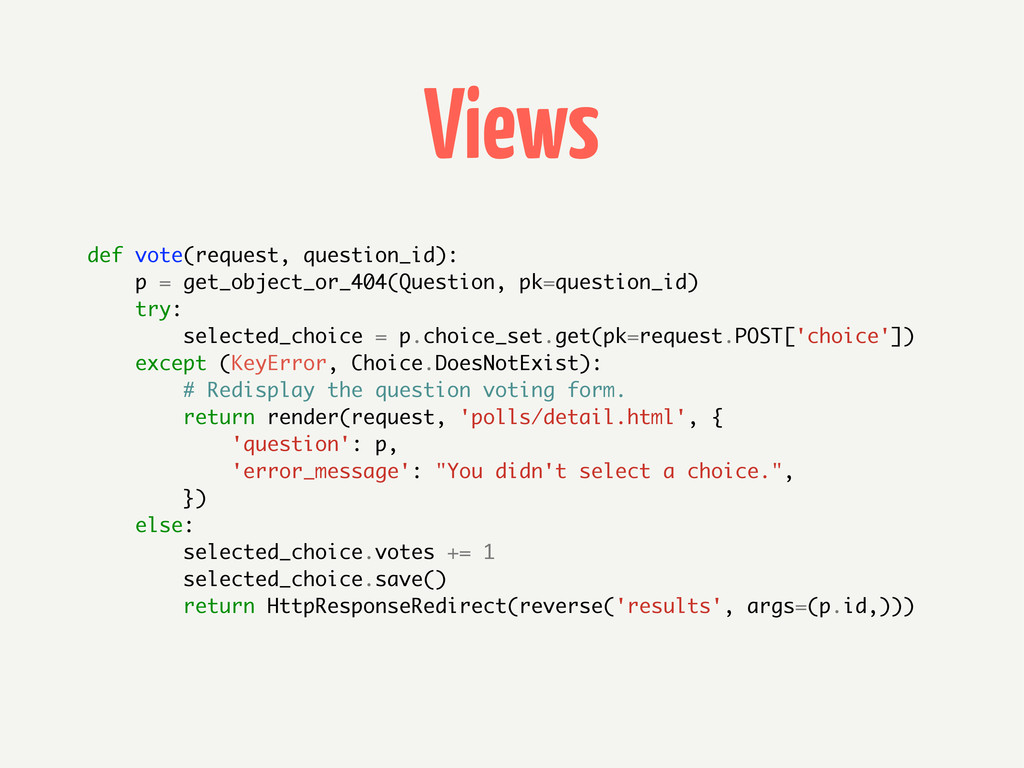
Views def vote(request, question_id): p = get_object_or_404(Question, pk=question_id) try: selected_choice
= p.choice_set.get(pk=request.POST['choice']) except (KeyError, Choice.DoesNotExist): # Redisplay the question voting form. return render(request, 'polls/detail.html', { 'question': p, 'error_message': "You didn't select a choice.", }) else: selected_choice.votes += 1 selected_choice.save() return HttpResponseRedirect(reverse('results', args=(p.id,)))
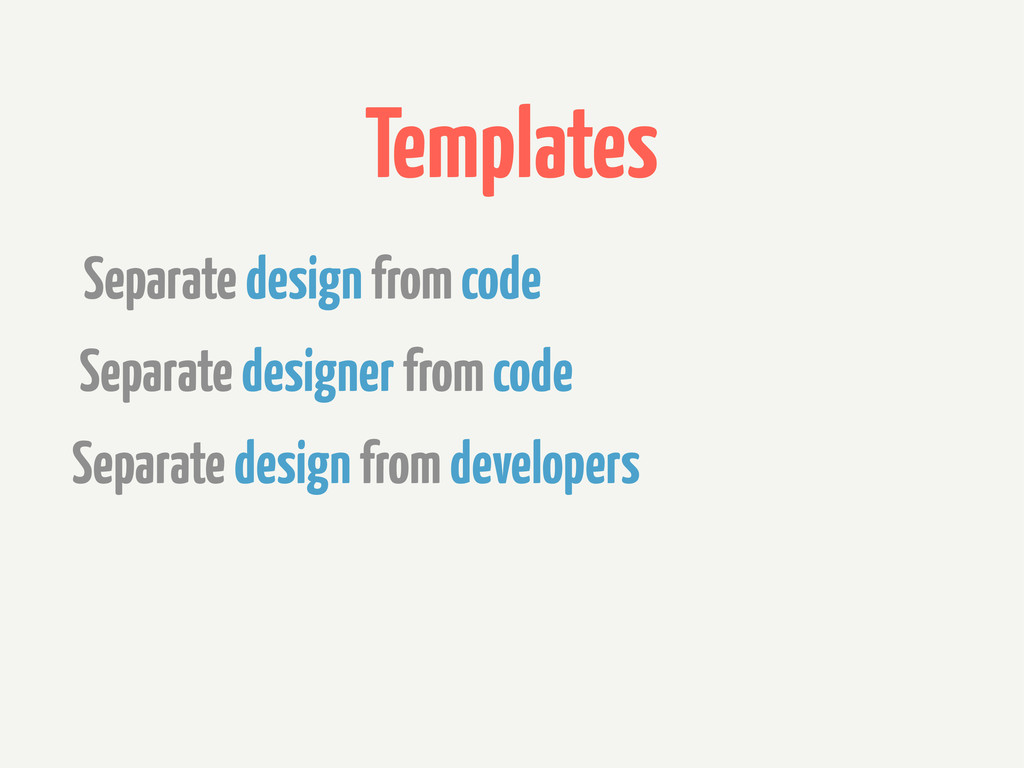
Templates Separate design from code Separate designer from code Separate
design from developers
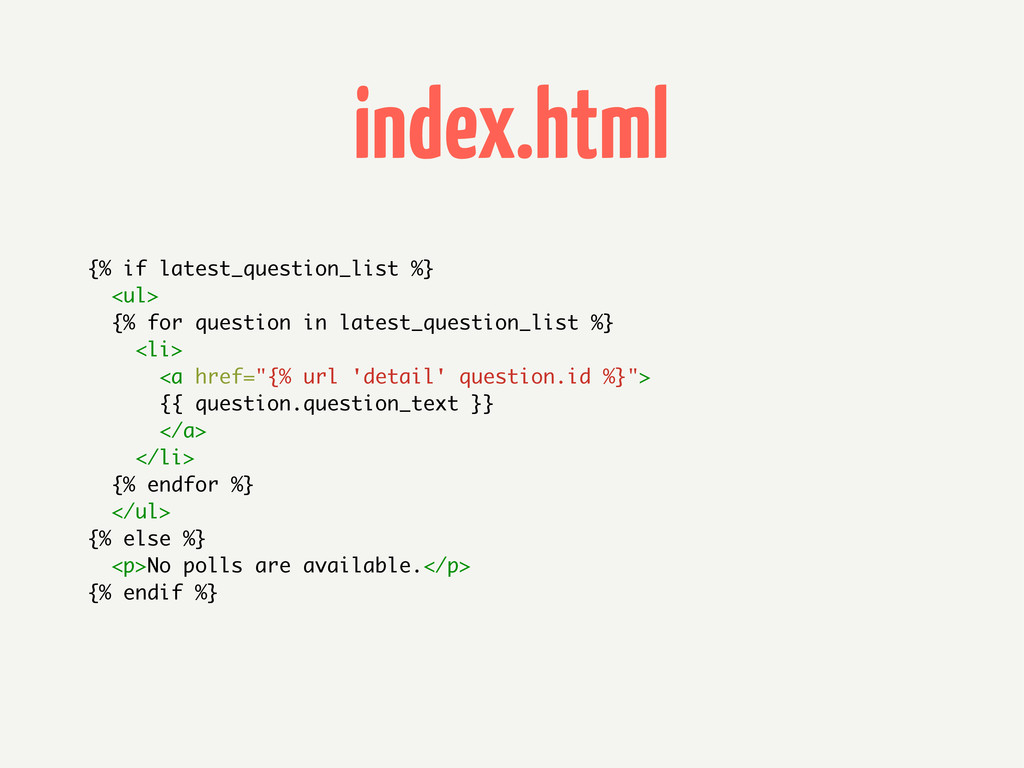
index.html {% if latest_question_list %} <ul> {% for question in
latest_question_list %} <li> <a href="{% url 'detail' question.id %}"> {{ question.question_text }} </a> </li> {% endfor %} </ul> {% else %} <p>No polls are available.</p> {% endif %}
views.py from django.shortcuts import render, get_object_or_404 from django.http import HttpResponseRedirect,
HttpResponse from django.core.urlresolvers import reverse from codecamp.models import Question def index(request): latest_question_list = Question.objects.order_by('-pub_date')[:5] context = {'latest_question_list': latest_question_list} return render(request, 'polls/index.html', context)
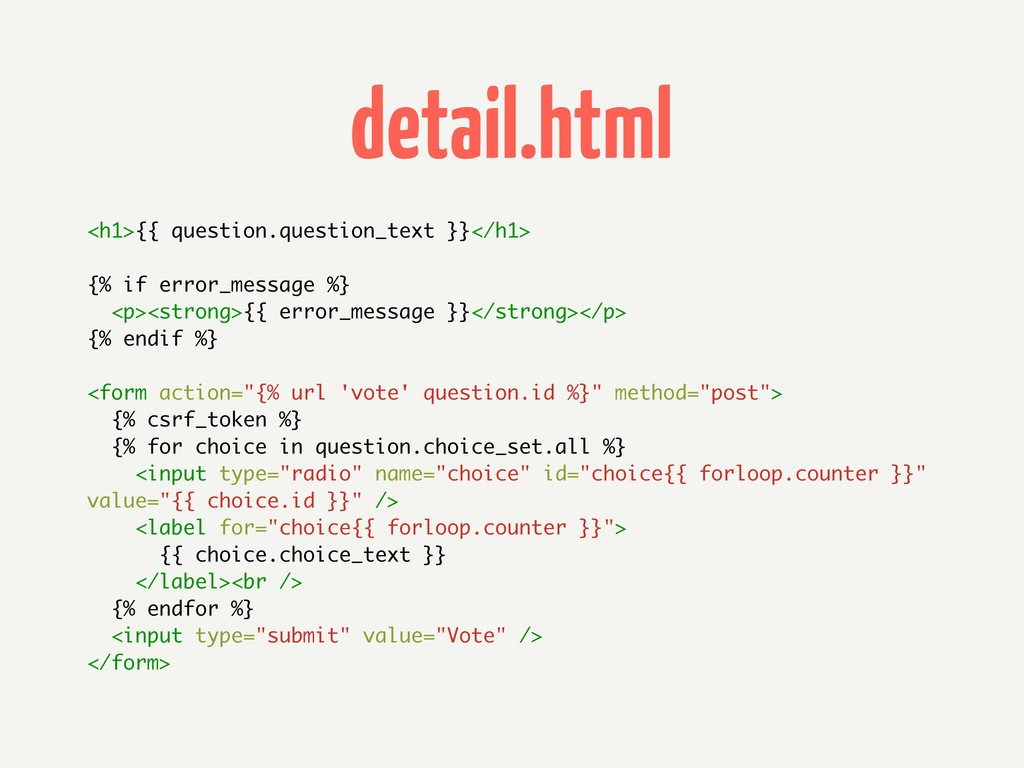
detail.html <h1>{{ question.question_text }}</h1> {% if error_message %} <p><strong>{{ error_message
}}</strong></p> {% endif %} <form action="{% url 'vote' question.id %}" method="post"> {% csrf_token %} {% for choice in question.choice_set.all %} <input type="radio" name="choice" id="choice{{ forloop.counter }}" value="{{ choice.id }}" /> <label for="choice{{ forloop.counter }}"> {{ choice.choice_text }} </label><br /> {% endfor %} <input type="submit" value="Vote" /> </form>
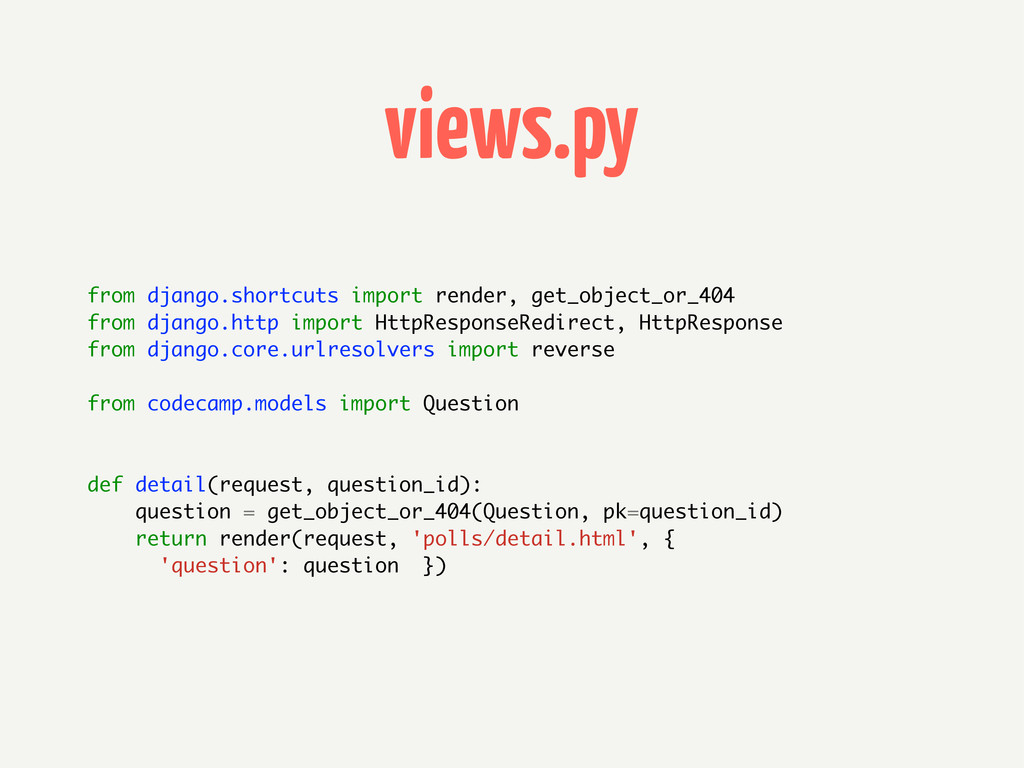
views.py from django.shortcuts import render, get_object_or_404 from django.http import HttpResponseRedirect,
HttpResponse from django.core.urlresolvers import reverse from codecamp.models import Question def detail(request, question_id): question = get_object_or_404(Question, pk=question_id) return render(request, 'polls/detail.html', { 'question': question })
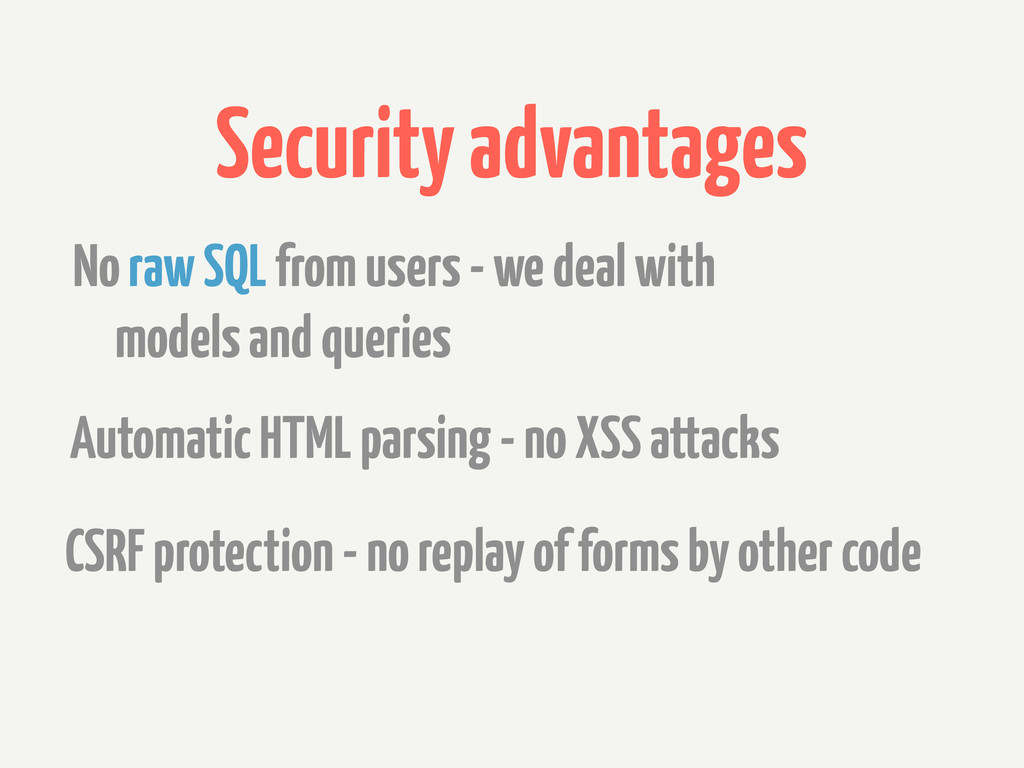
Security advantages No raw SQL from users - we deal
with models and queries Automatic HTML parsing - no XSS attacks CSRF protection - no replay of forms by other code
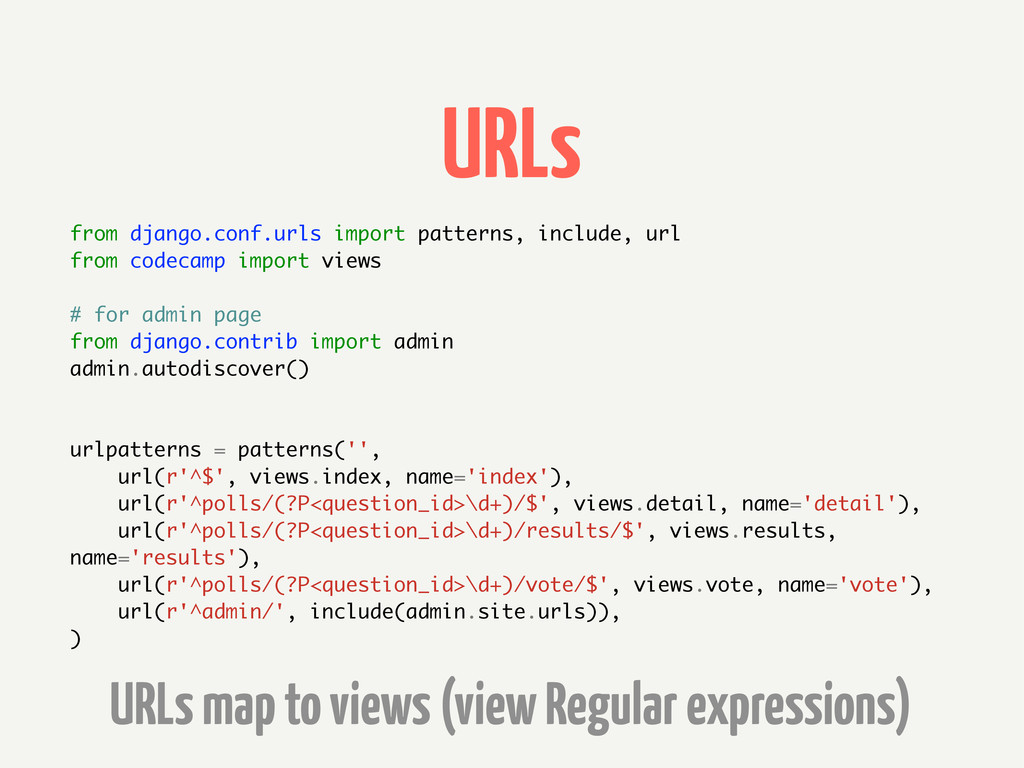
URLs from django.conf.urls import patterns, include, url from codecamp import
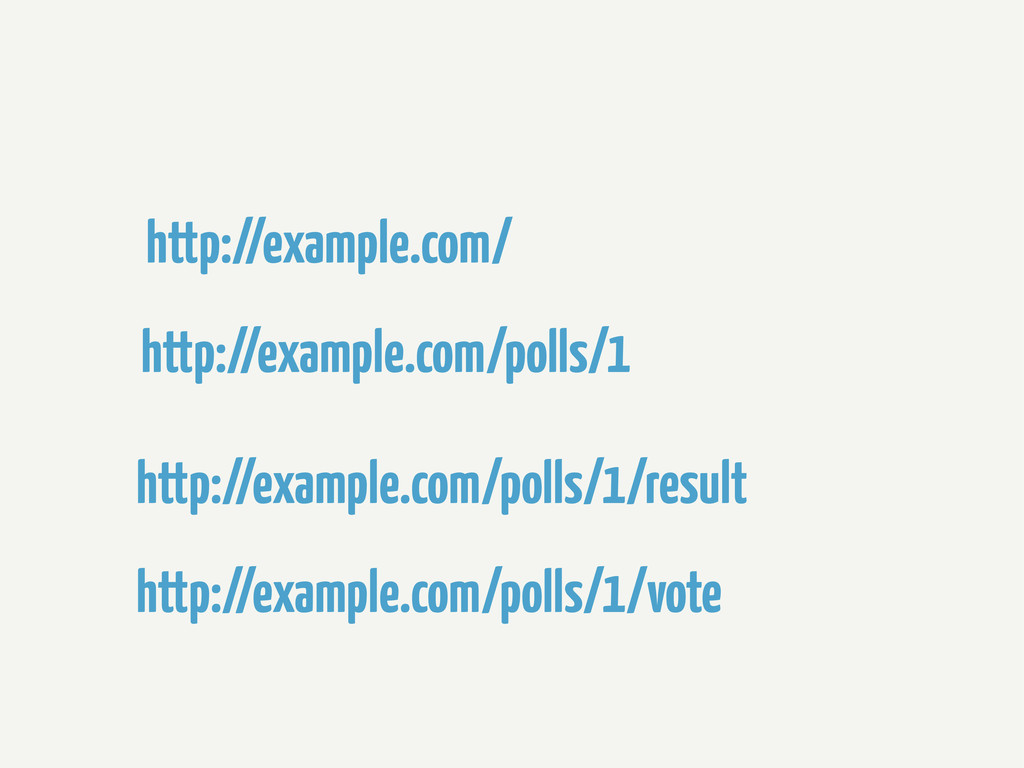
views # for admin page from django.contrib import admin admin.autodiscover() urlpatterns = patterns('', url(r'^$', views.index, name='index'), url(r'^polls/(?P<question_id>\d+)/$', views.detail, name='detail'), url(r'^polls/(?P<question_id>\d+)/results/$', views.results, name='results'), url(r'^polls/(?P<question_id>\d+)/vote/$', views.vote, name='vote'), url(r'^admin/', include(admin.site.urls)), ) URLs map to views (view Regular expressions)
http://example.com/ http://example.com/polls/1 http://example.com/polls/1/result http://example.com/polls/1/vote
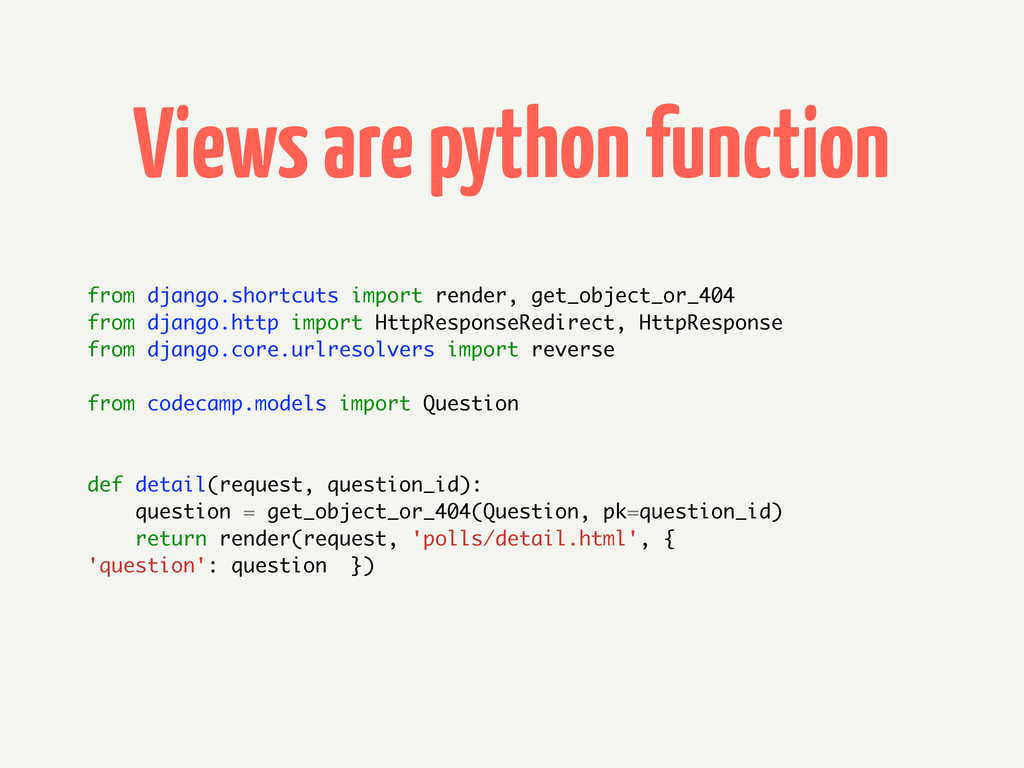
Views are python function from django.shortcuts import render, get_object_or_404 from
django.http import HttpResponseRedirect, HttpResponse from django.core.urlresolvers import reverse from codecamp.models import Question def detail(request, question_id): question = get_object_or_404(Question, pk=question_id) return render(request, 'polls/detail.html', { 'question': question })
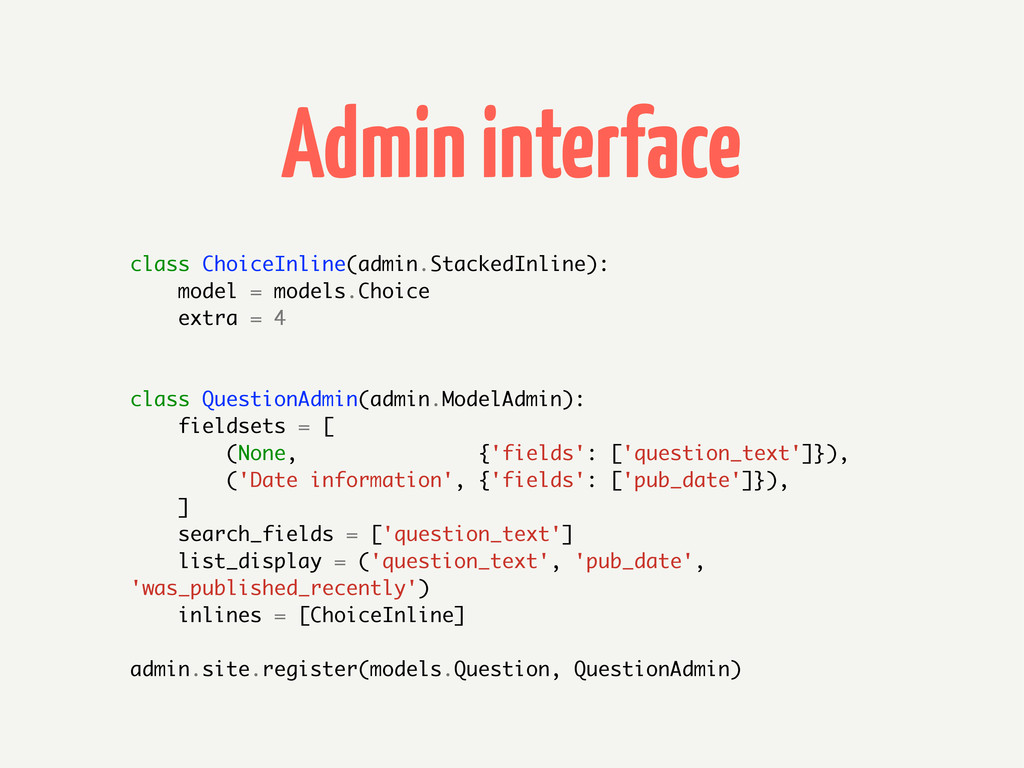
Admin interface class ChoiceInline(admin.StackedInline): model = models.Choice extra = 4
class QuestionAdmin(admin.ModelAdmin): fieldsets = [ (None, {'fields': ['question_text']}), ('Date information', {'fields': ['pub_date']}), ] search_fields = ['question_text'] list_display = ('question_text', 'pub_date', 'was_published_recently') inlines = [ChoiceInline] admin.site.register(models.Question, QuestionAdmin)
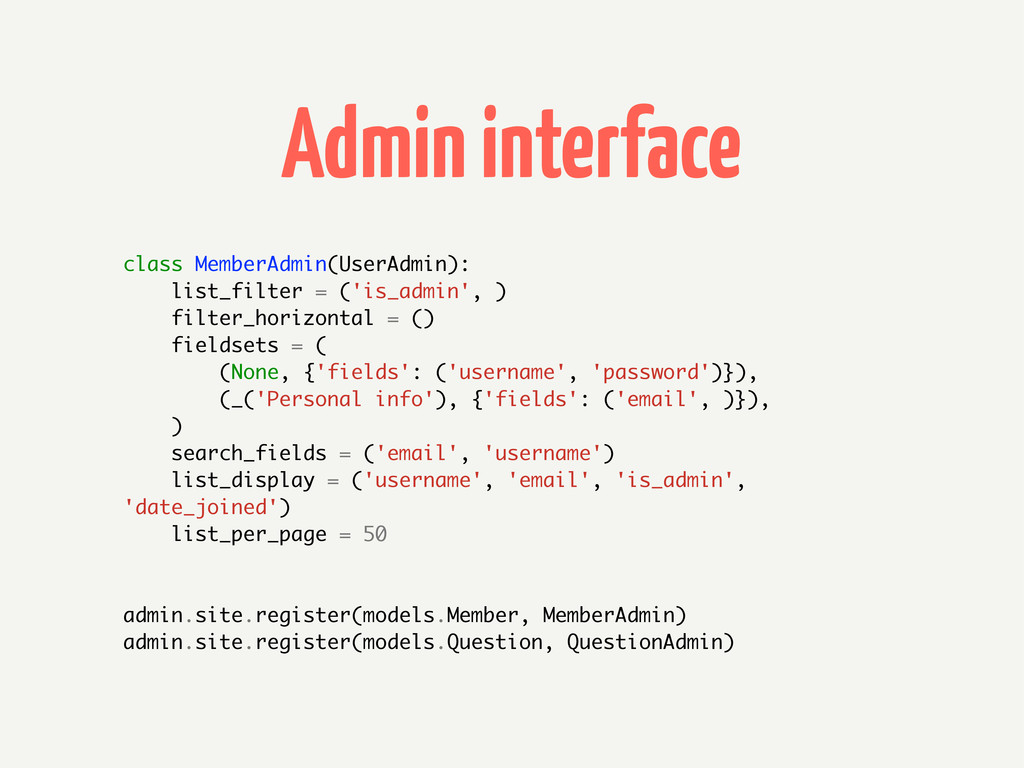
Admin interface class MemberAdmin(UserAdmin): list_filter = ('is_admin', ) filter_horizontal =
() fieldsets = ( (None, {'fields': ('username', 'password')}), (_('Personal info'), {'fields': ('email', )}), ) search_fields = ('email', 'username') list_display = ('username', 'email', 'is_admin', 'date_joined') list_per_page = 50 admin.site.register(models.Member, MemberAdmin) admin.site.register(models.Question, QuestionAdmin)
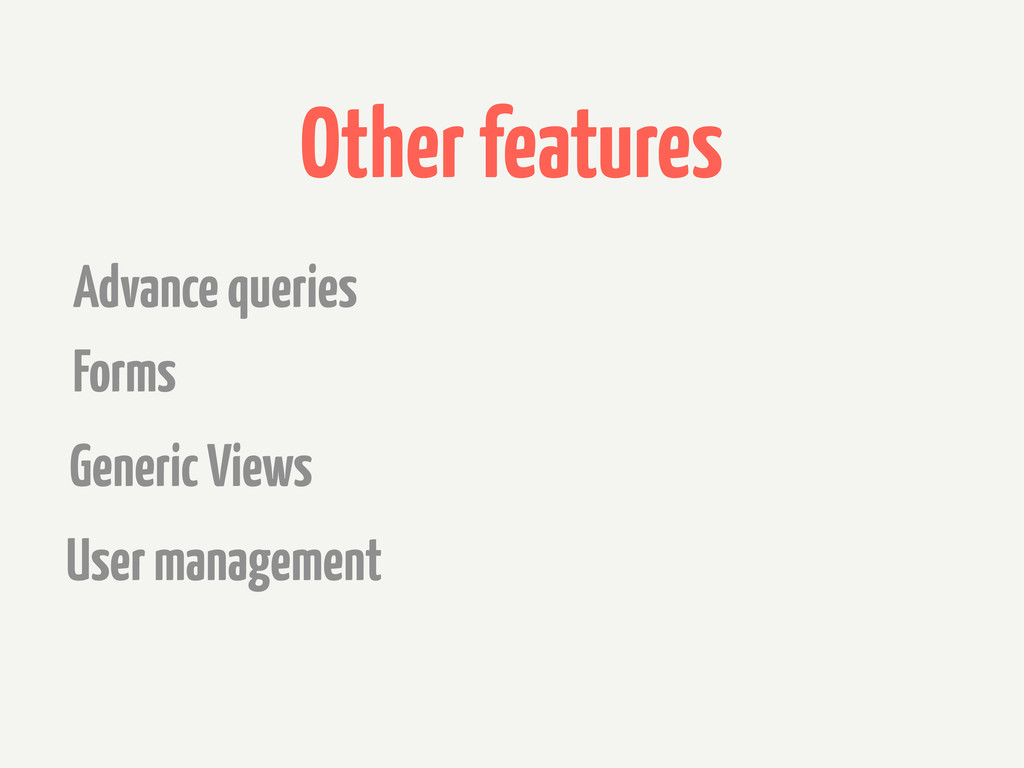
Other features Forms Generic Views User management Advance queries
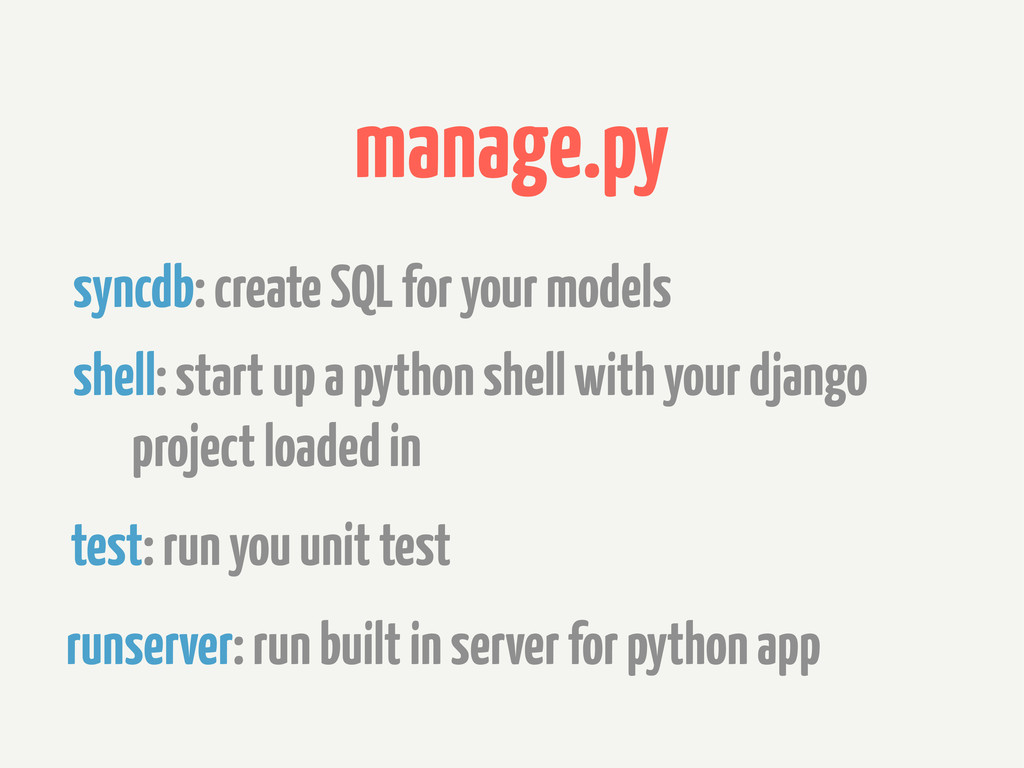
manage.py shell: start up a python shell with your django
project loaded in test: run you unit test runserver: run built in server for python app syncdb: create SQL for your models
Heroku
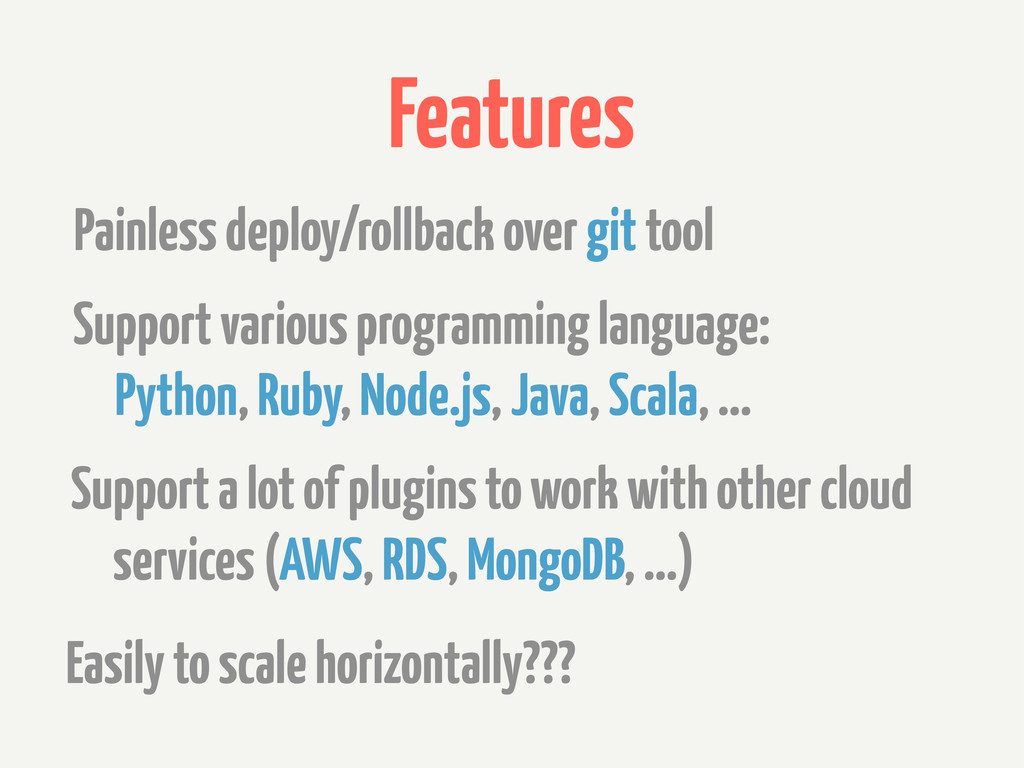
Features Support various programming language: Python, Ruby, Node.js, Java, Scala,
... Support a lot of plugins to work with other cloud services (AWS, RDS, MongoDB, ...) Painless deploy/rollback over git tool Easily to scale horizontally???
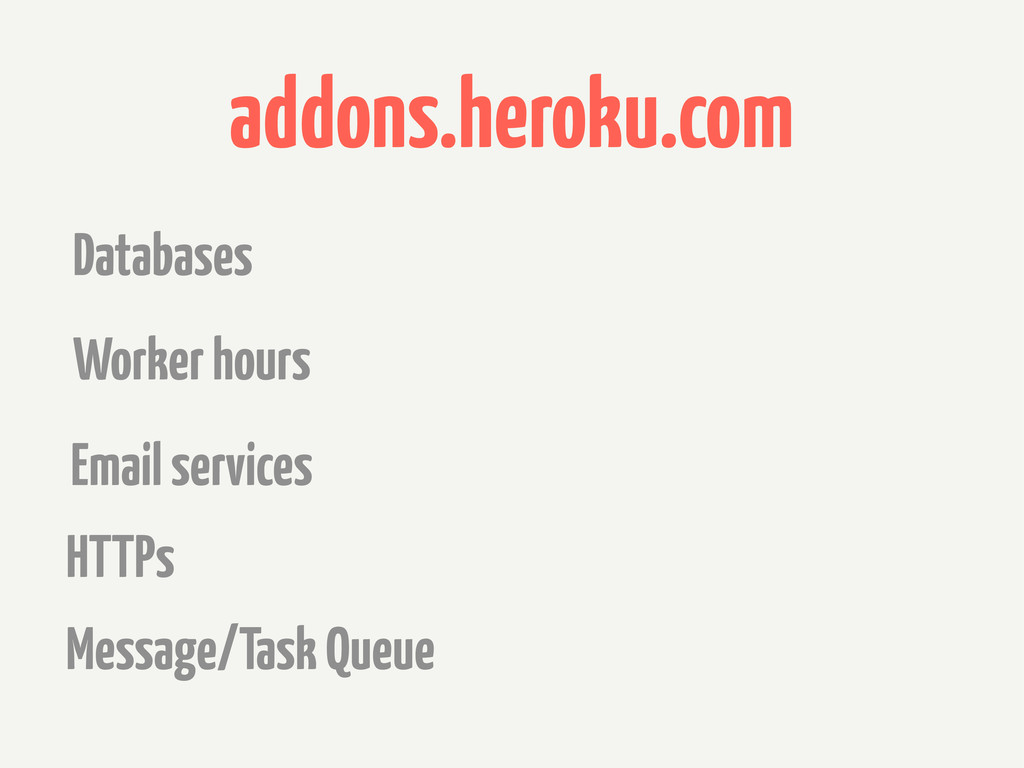
addons.heroku.com Worker hours Email services HTTPs Databases Message/Task Queue
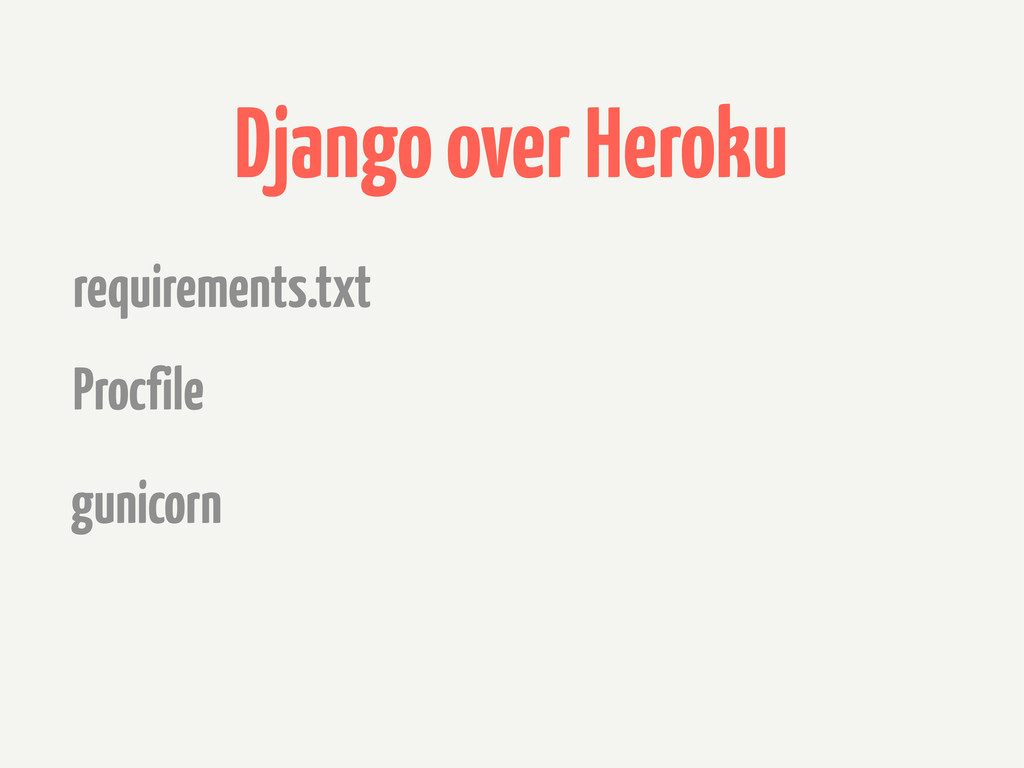
Django over Heroku Procfile gunicorn requirements.txt
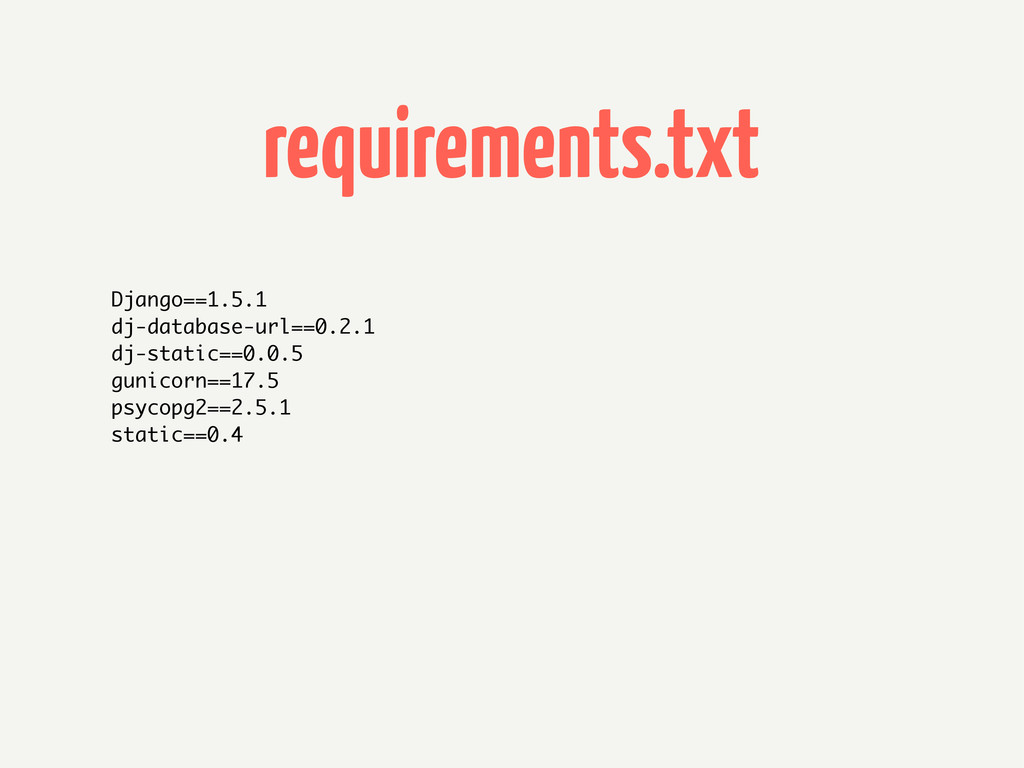
requirements.txt Django==1.5.1 dj-database-url==0.2.1 dj-static==0.0.5 gunicorn==17.5 psycopg2==2.5.1 static==0.4
Procfile web: gunicorn codecamp.wsgi
QA
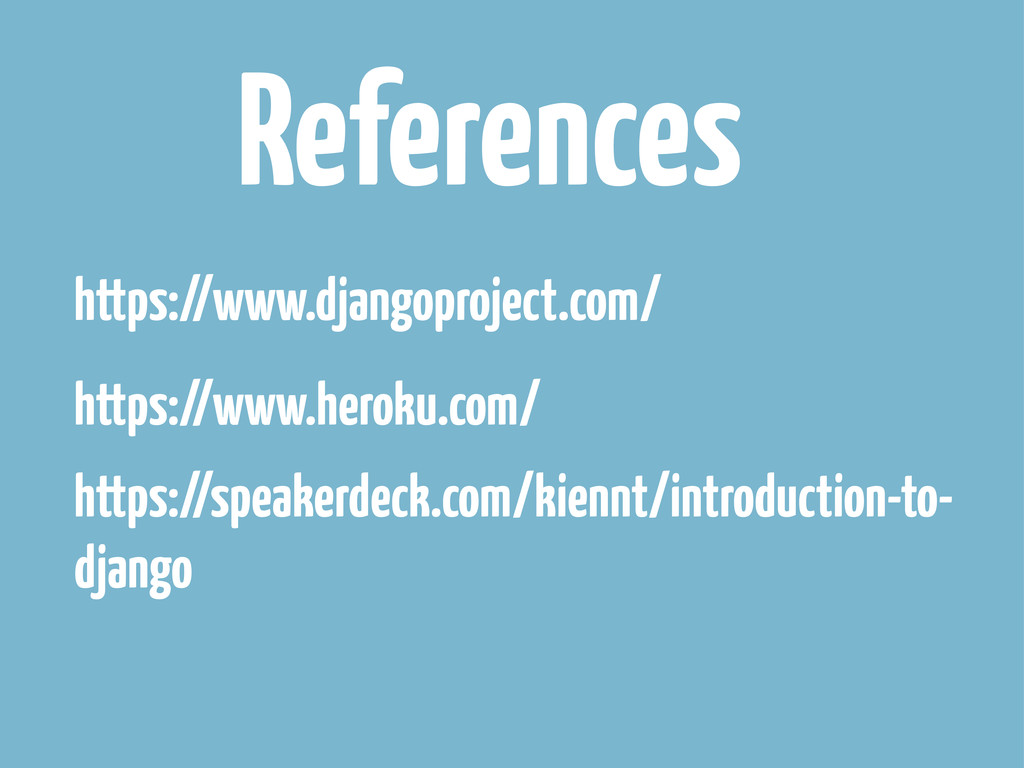
References https://www.heroku.com/ https://www.djangoproject.com/ https://speakerdeck.com/kiennt/introduction-to- django


 kiennt
 occhi
occhi
 ohorig
 recruitengineers
 taketakekaho
 finengine
 mohab1
 sansantech
 keio_smilab
 disconinja
 gree_tech
 prog893
 greggifford
 lfama
lfama
 aleyda
 ks91
ks91
 wjessup
 quramy
 madoxten
 addyosmani
 mayatellez
 iamctodd
 gr2m
gr2m
 tenderlove

![ORM latest_question_list = Question.objects.order_by('-pub_date')[:5] q = Question.objects.get(pk=question_id) selected_choice = q.choice_set.get(pk=choice_id)](https://files.speakerdeck.com/presentations/773b03000f8701319db21e8df61cf546/slide_11.jpg)