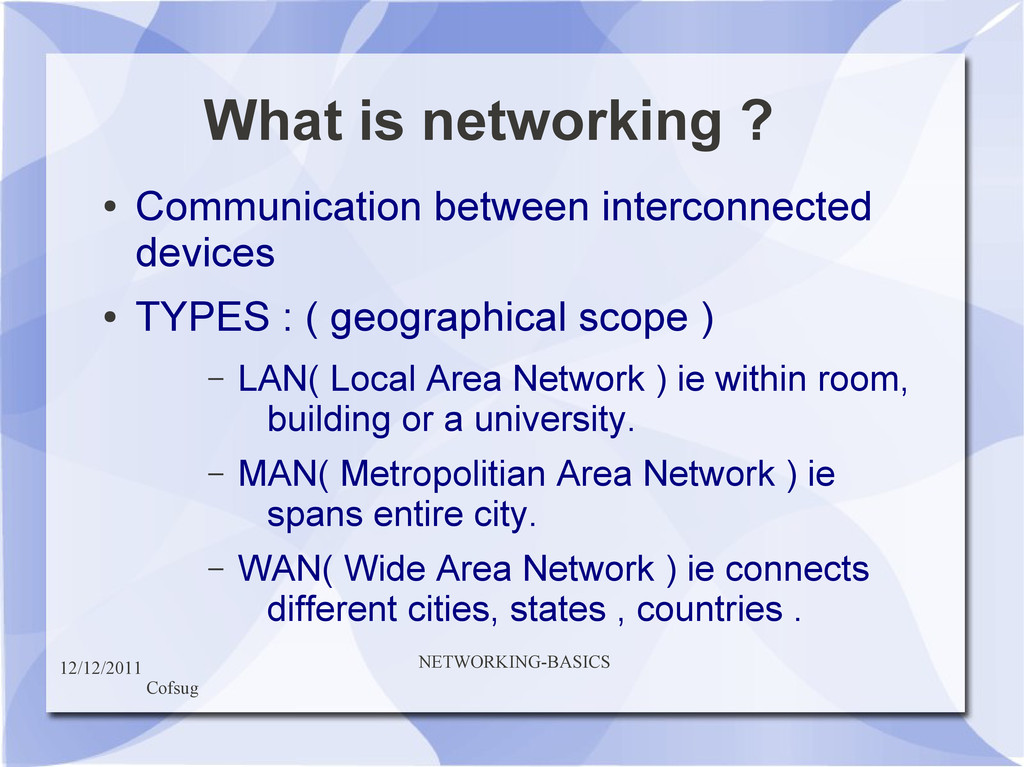
interconnected devices • TYPES : ( geographical scope ) – LAN( Local Area Network ) ie within room, building or a university. – MAN( Metropolitian Area Network ) ie spans entire city. – WAN( Wide Area Network ) ie connects different cities, states , countries .
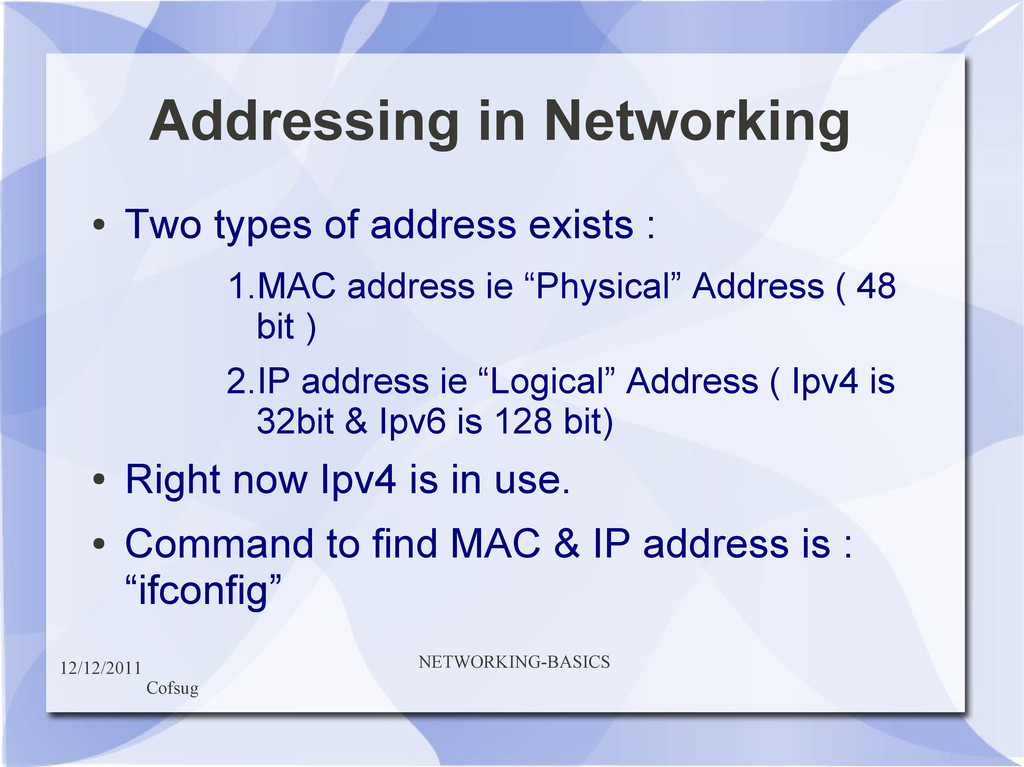
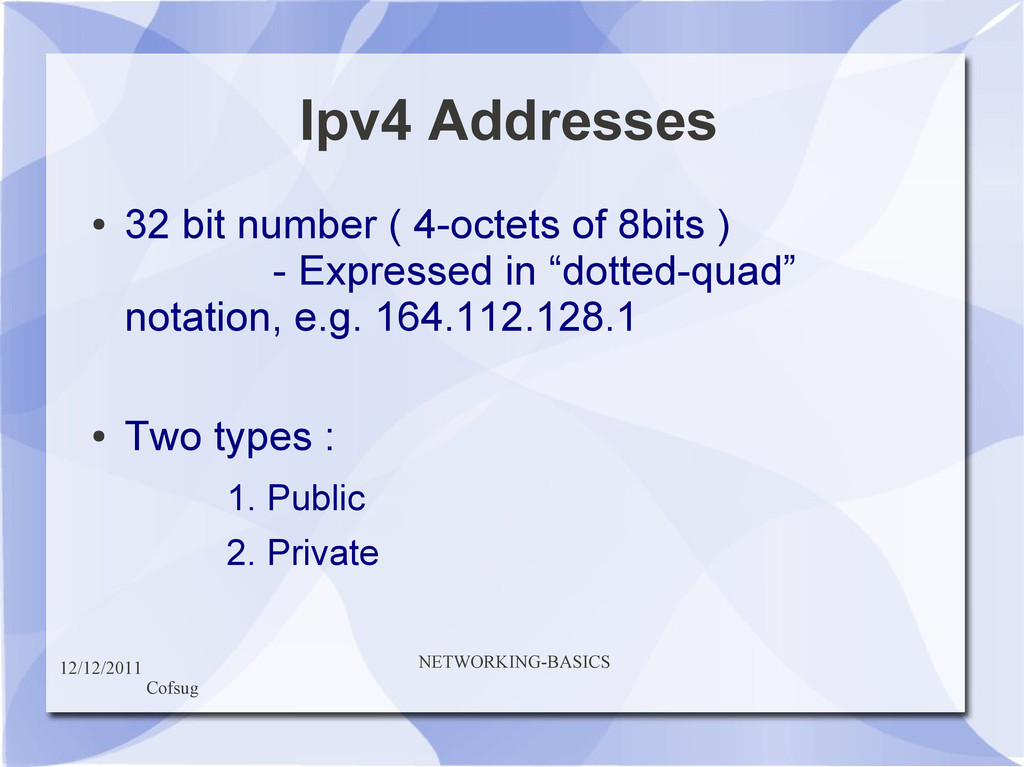
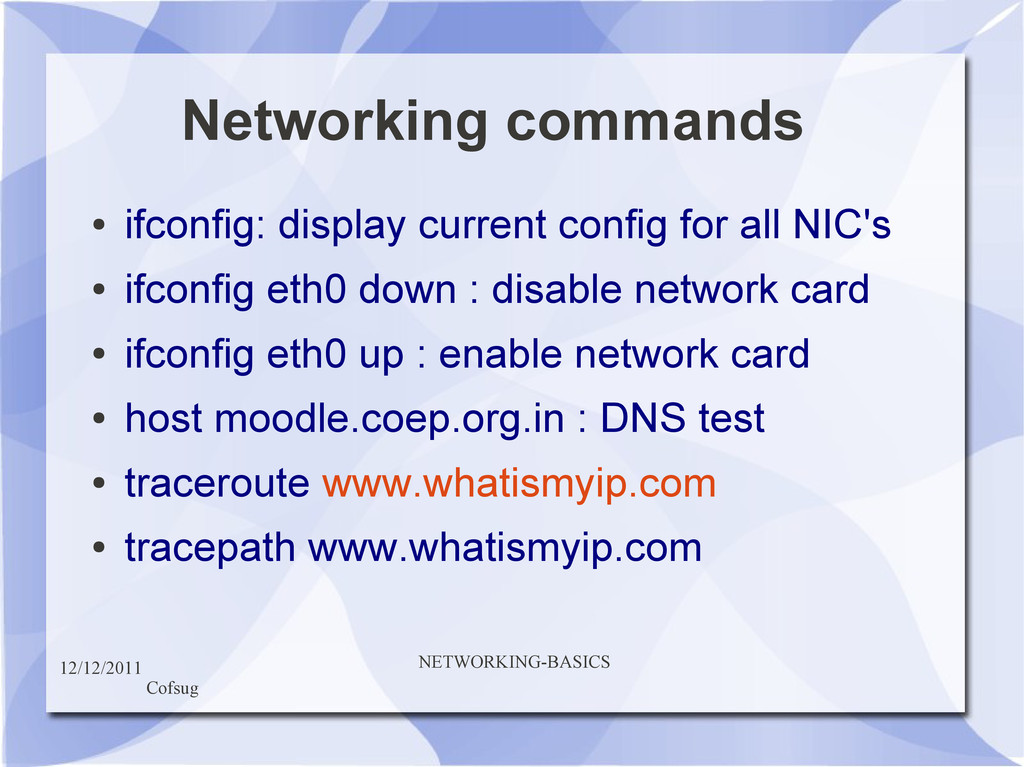
address exists : 1.MAC address ie “Physical” Address ( 48 bit ) 2.IP address ie “Logical” Address ( Ipv4 is 32bit & Ipv6 is 128 bit) • Right now Ipv4 is in use. • Command to find MAC & IP address is : “ifconfig”
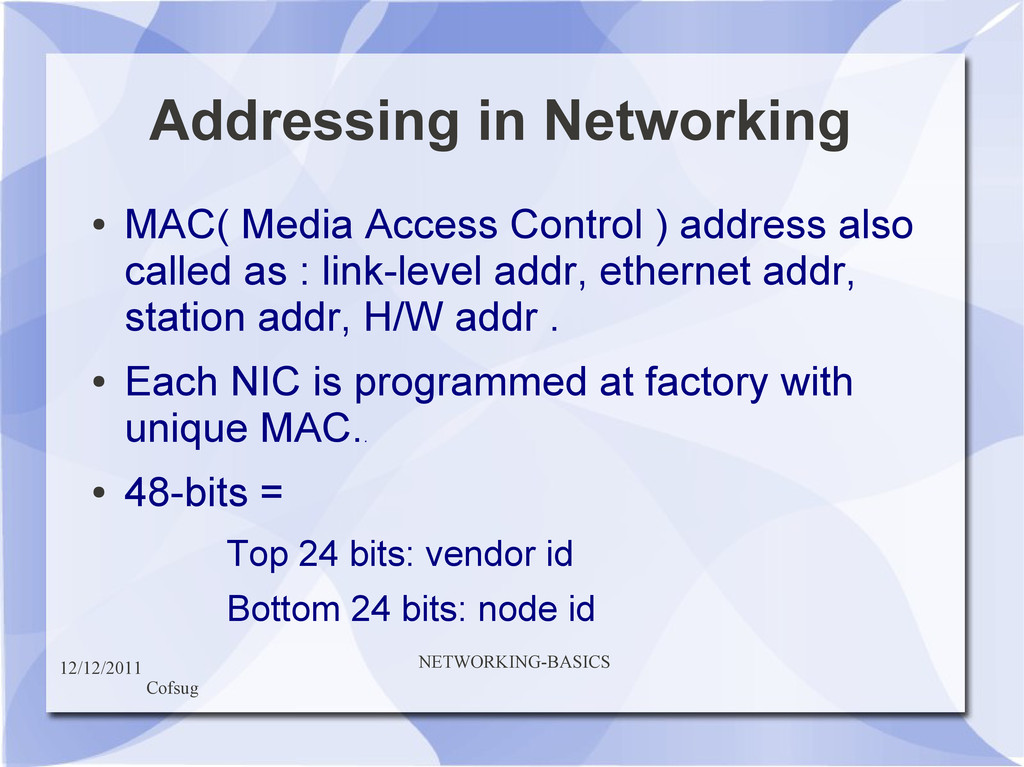
Control ) address also called as : link-level addr, ethernet addr, station addr, H/W addr . • Each NIC is programmed at factory with unique MAC. . • 48-bits = Top 24 bits: vendor id Bottom 24 bits: node id
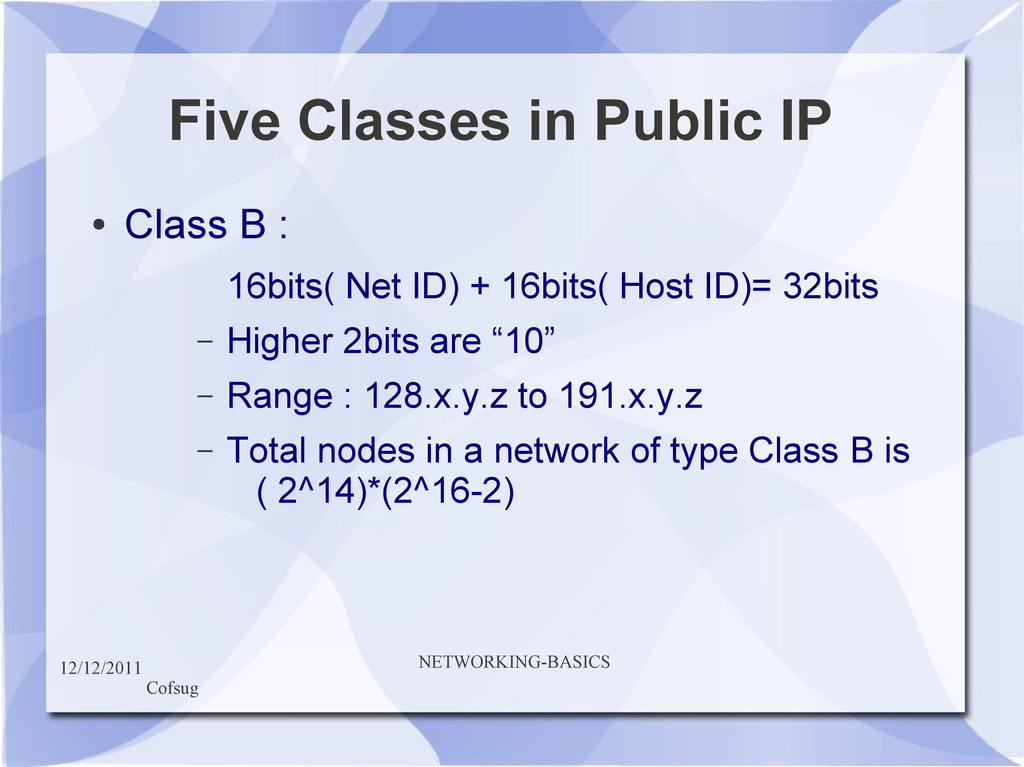
B : 16bits( Net ID) + 16bits( Host ID)= 32bits – Higher 2bits are “10” – Range : 128.x.y.z to 191.x.y.z – Total nodes in a network of type Class B is ( 2^14)*(2^16-2)
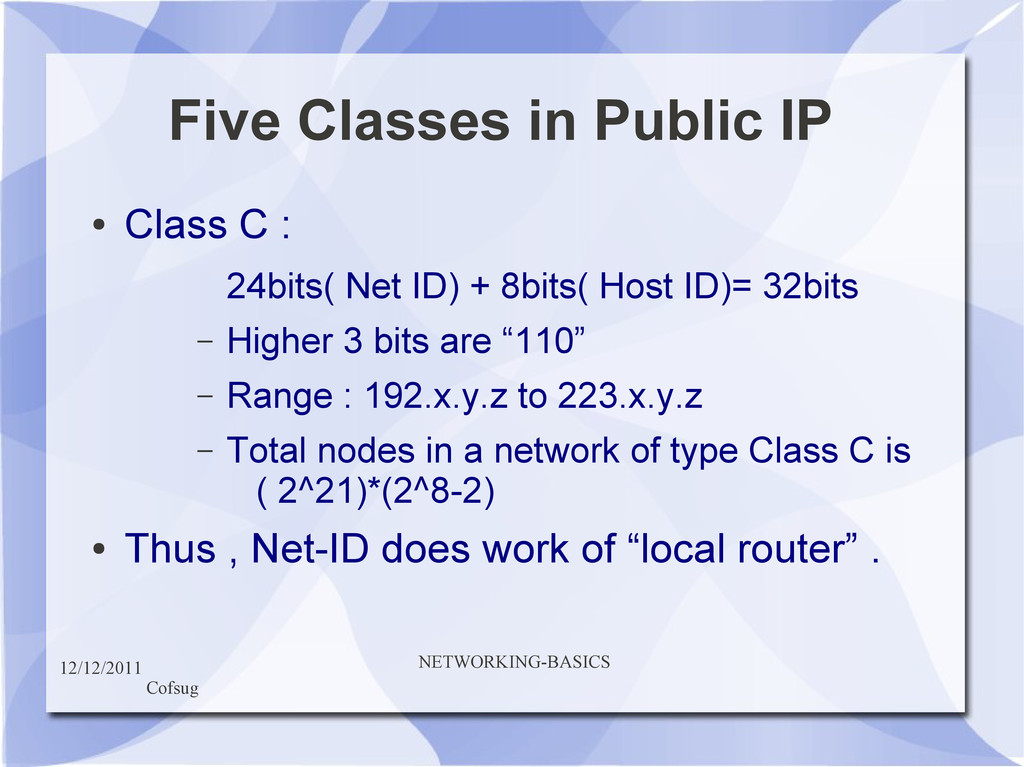
C : 24bits( Net ID) + 8bits( Host ID)= 32bits – Higher 3 bits are “110” – Range : 192.x.y.z to 223.x.y.z – Total nodes in a network of type Class C is ( 2^21)*(2^8-2) • Thus , Net-ID does work of “local router” .
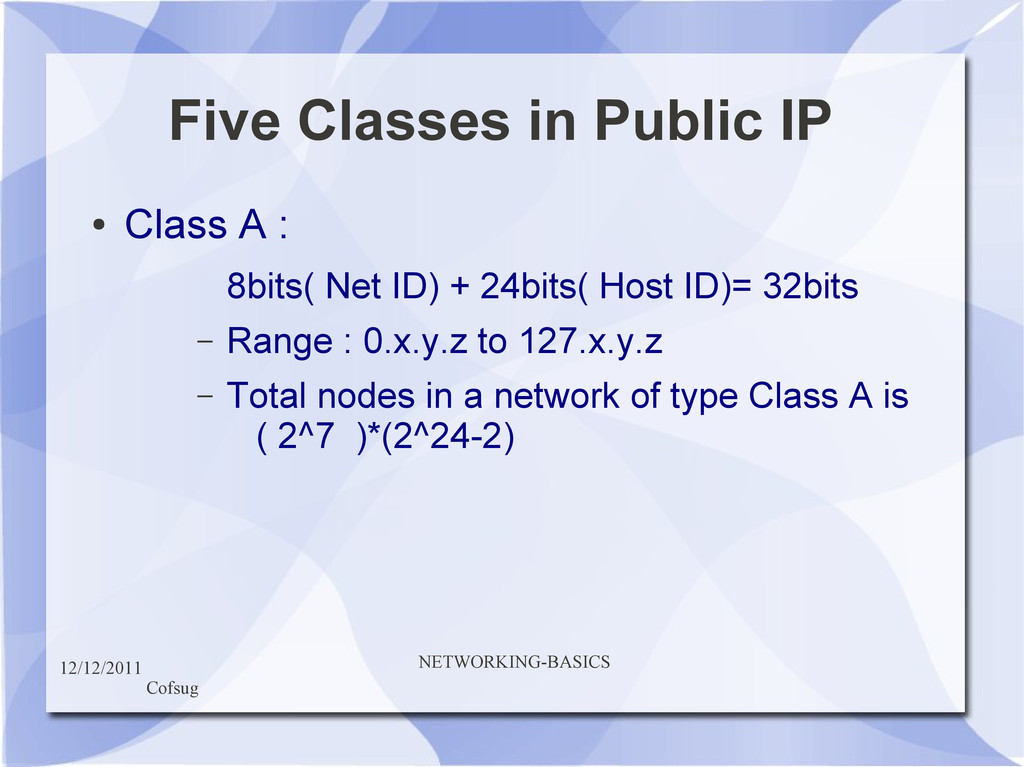
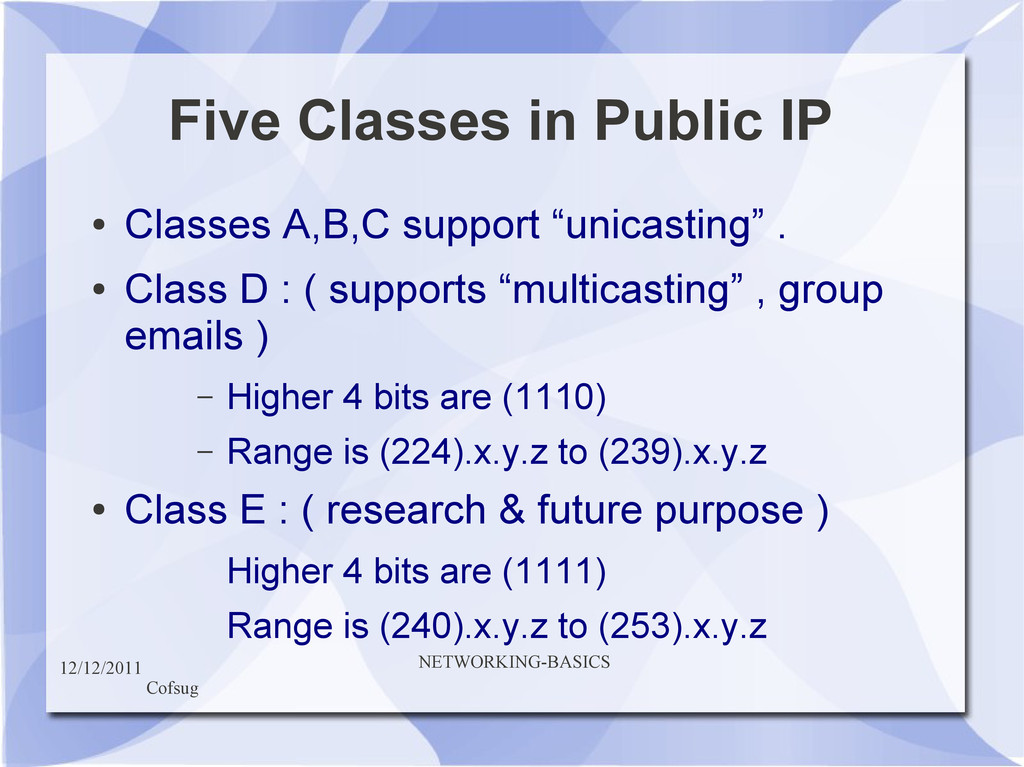
A,B,C support “unicasting” . • Class D : ( supports “multicasting” , group emails ) – Higher 4 bits are (1110) – Range is (224).x.y.z to (239).x.y.z • Class E : ( research & future purpose ) Higher 4 bits are (1111) Range is (240).x.y.z to (253).x.y.z
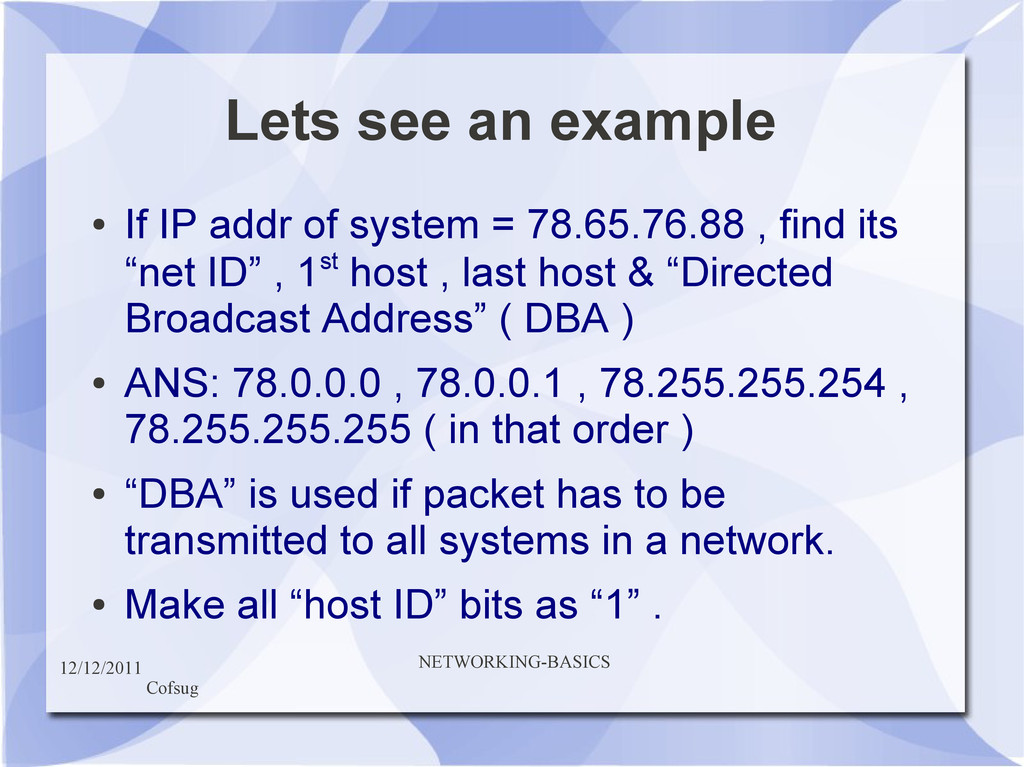
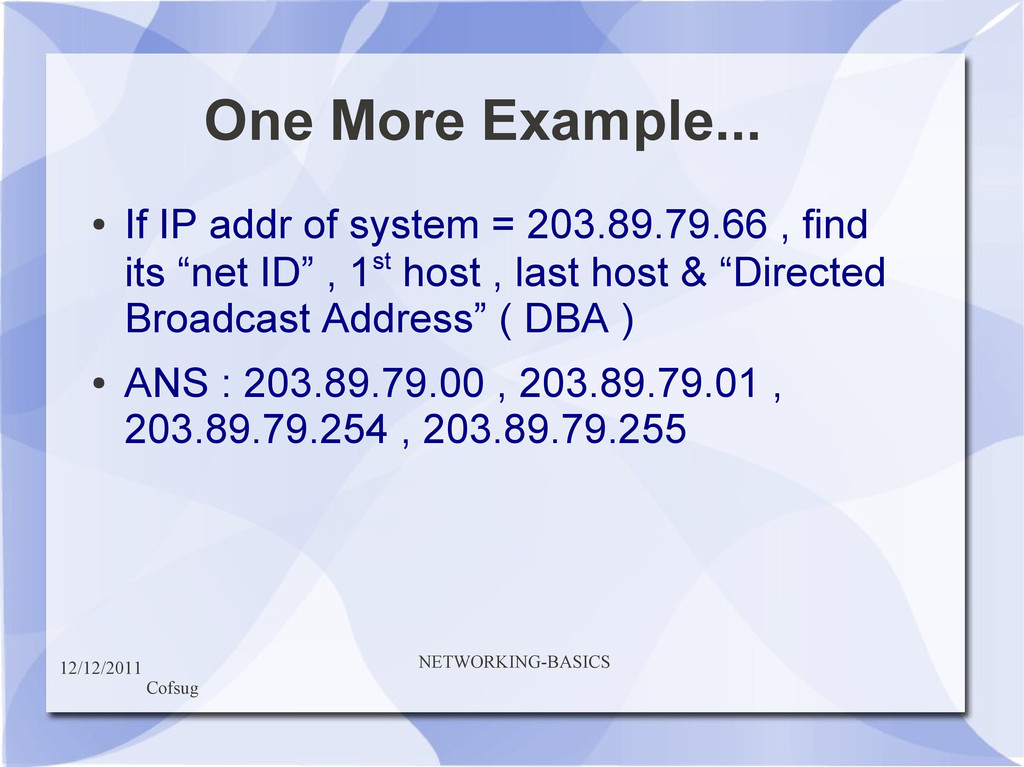
addr of system = 78.65.76.88 , find its “net ID” , 1st host , last host & “Directed Broadcast Address” ( DBA ) • ANS: 78.0.0.0 , 78.0.0.1 , 78.255.255.254 , 78.255.255.255 ( in that order ) • “DBA” is used if packet has to be transmitted to all systems in a network. • Make all “host ID” bits as “1” .
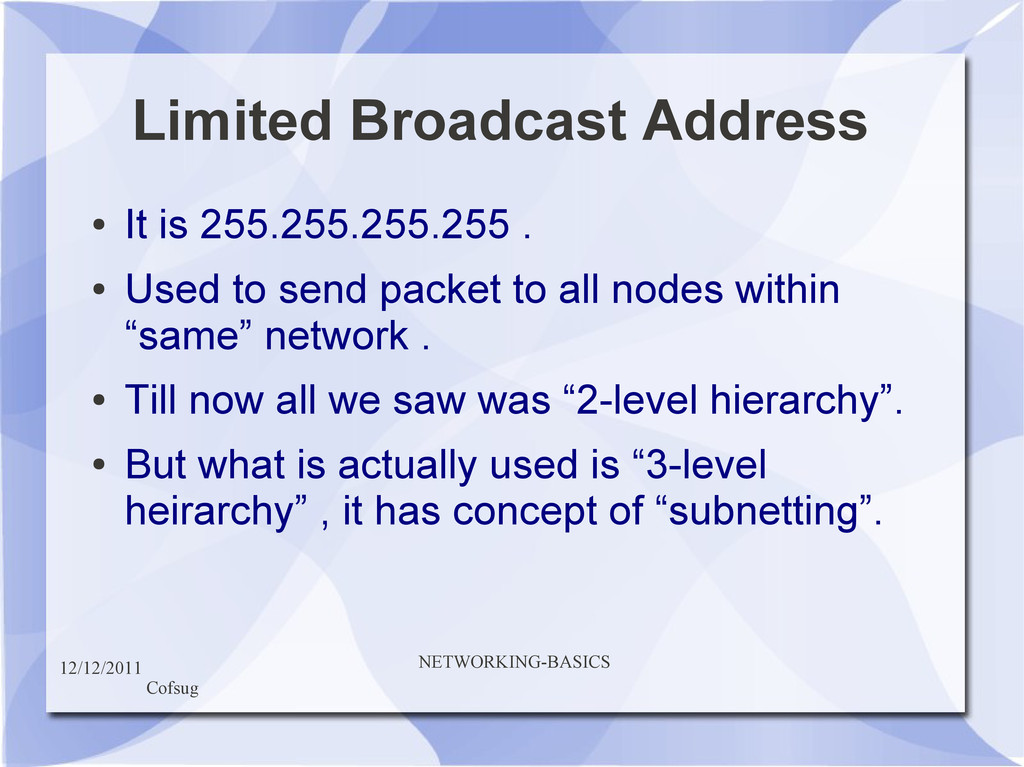
. • Used to send packet to all nodes within “same” network . • Till now all we saw was “2-level hierarchy”. • But what is actually used is “3-level heirarchy” , it has concept of “subnetting”.
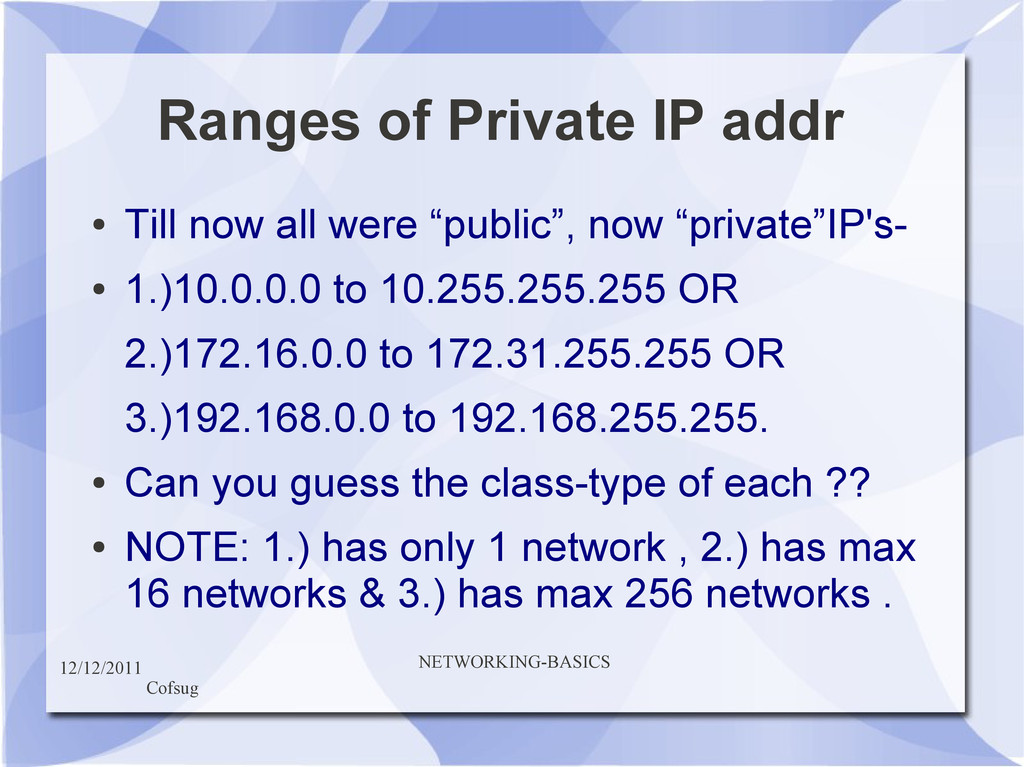
now all were “public”, now “private”IP's- • 1.)10.0.0.0 to 10.255.255.255 OR 2.)172.16.0.0 to 172.31.255.255 OR 3.)192.168.0.0 to 192.168.255.255. • Can you guess the class-type of each ?? • NOTE: 1.) has only 1 network , 2.) has max 16 networks & 3.) has max 256 networks .
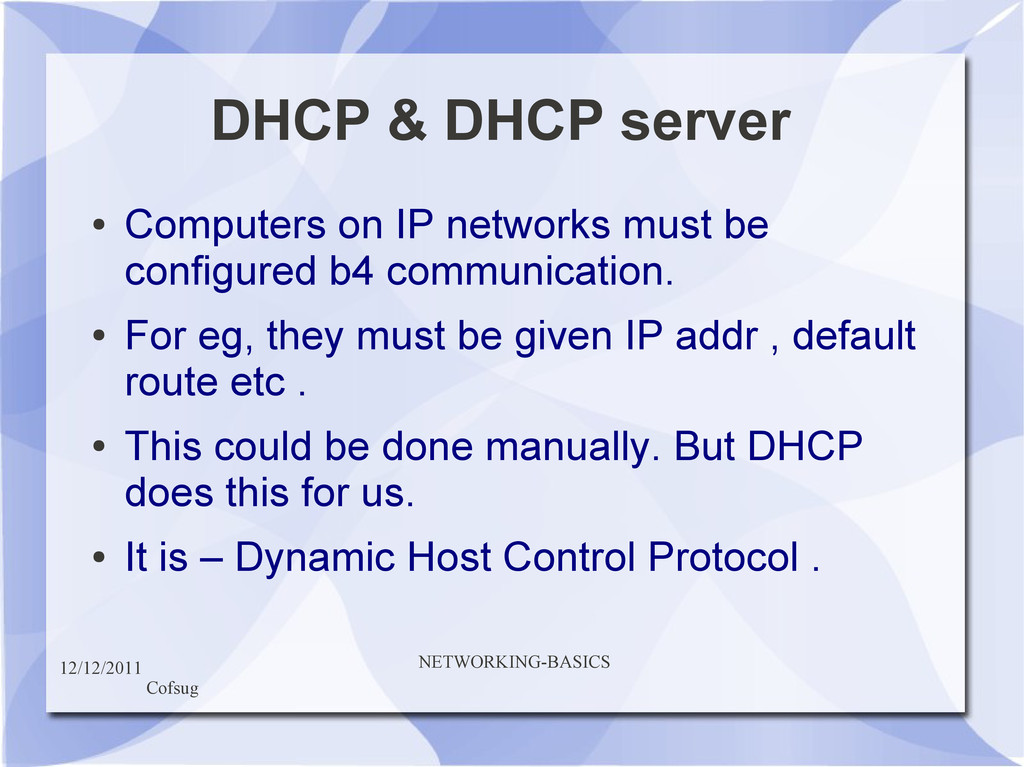
IP networks must be configured b4 communication. • For eg, they must be given IP addr , default route etc . • This could be done manually. But DHCP does this for us. • It is – Dynamic Host Control Protocol .
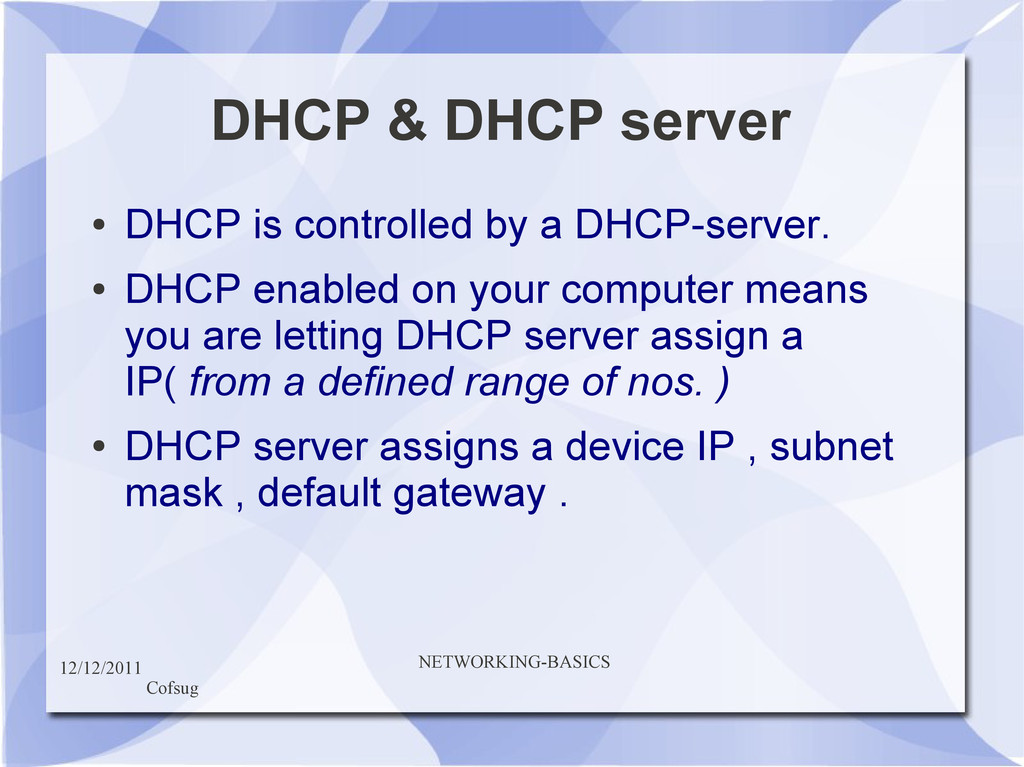
controlled by a DHCP-server. • DHCP enabled on your computer means you are letting DHCP server assign a IP( from a defined range of nos. ) • DHCP server assigns a device IP , subnet mask , default gateway .
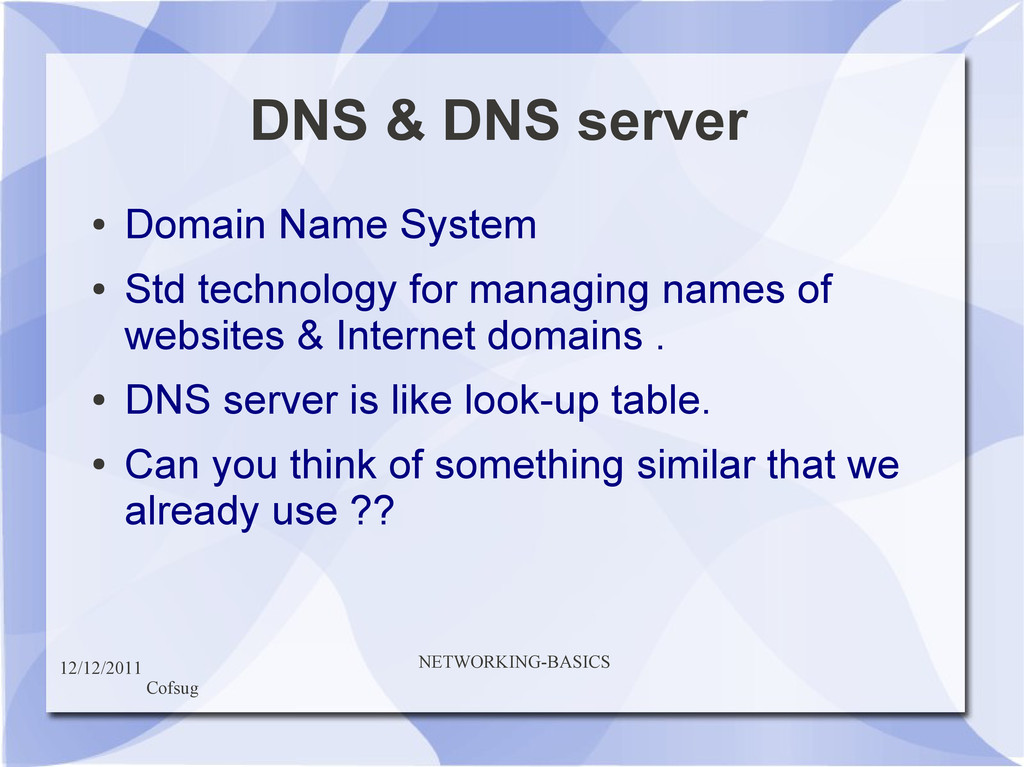
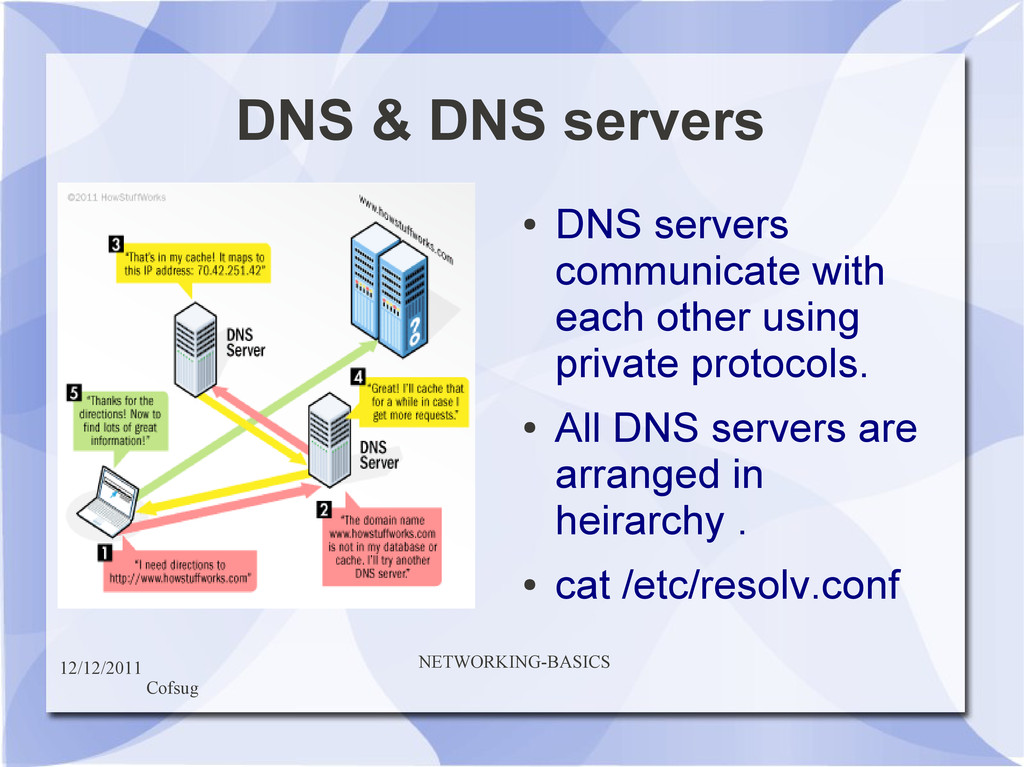
System • Std technology for managing names of websites & Internet domains . • DNS server is like look-up table. • Can you think of something similar that we already use ??
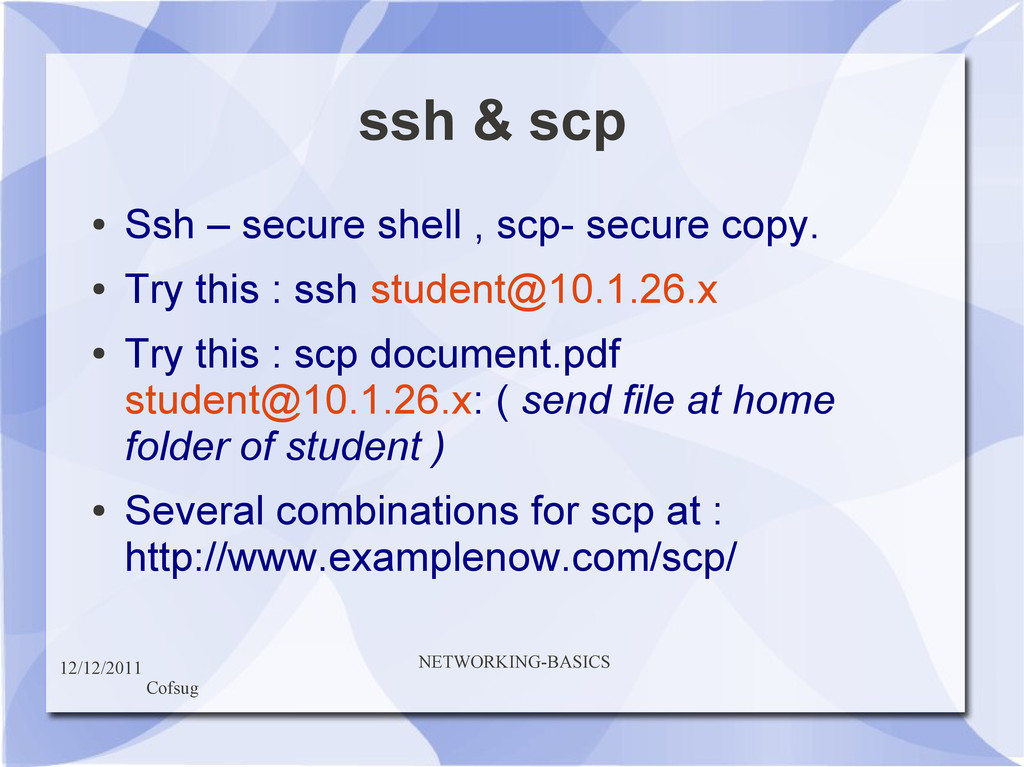
shell , scp- secure copy. • Try this : ssh [email protected] • Try this : scp document.pdf [email protected]: ( send file at home folder of student ) • Several combinations for scp at : http://www.examplenow.com/scp/


 naoji_taniguchi_ksk_0827
 akiraasano
 camel_404
 tasusu
 juanmartin2026
 kaityo256
 cbtlibrary
 auctria
 2720japanoke
 pawan_pharm
 robintux
 eileencodes
 geshan
 tonyrice
 palkan
 codingconduct
 quramy
 addyosmani
 tammielis
 badams
 nonsquared
 bluesmoon
 sarafernandez