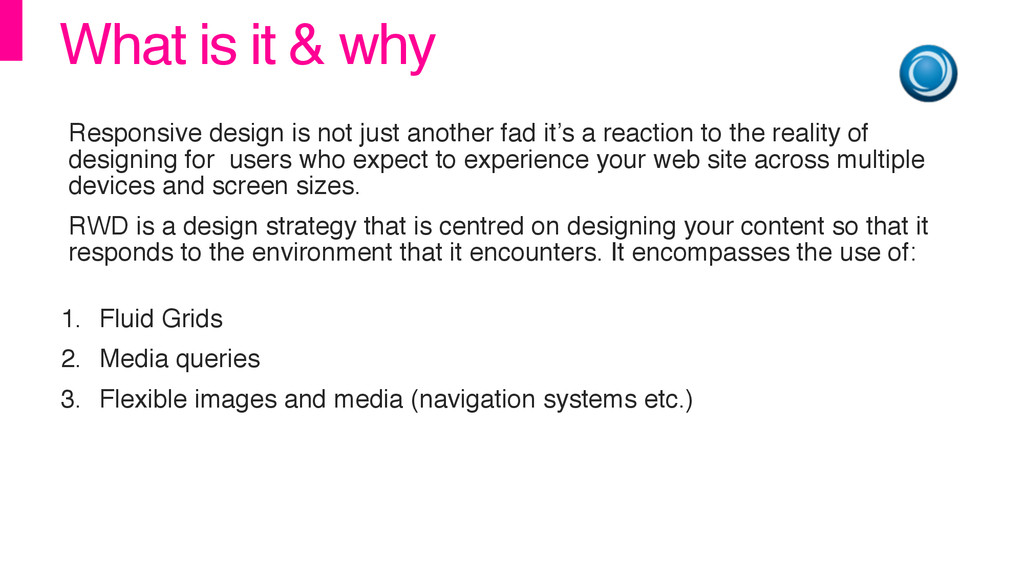
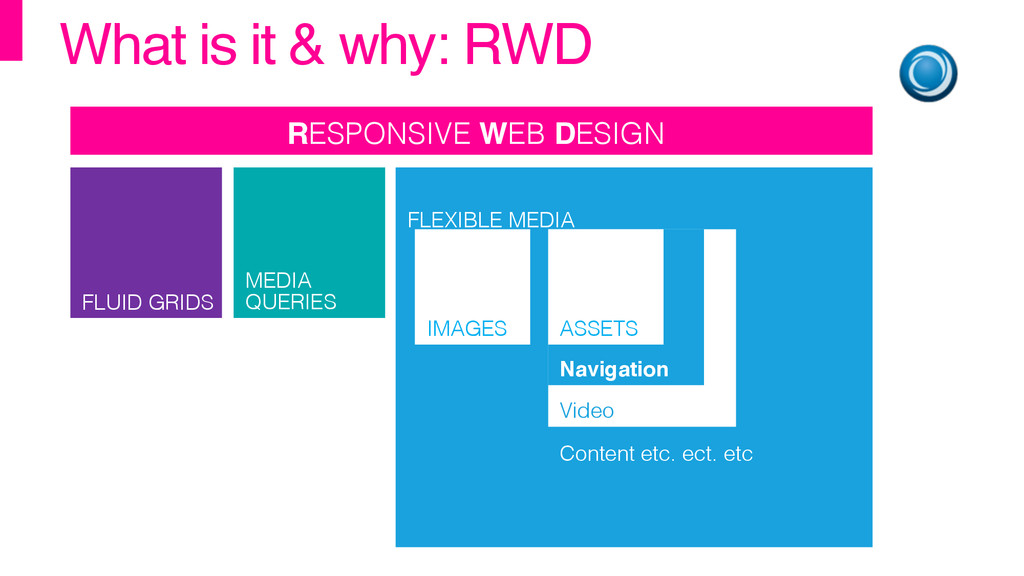
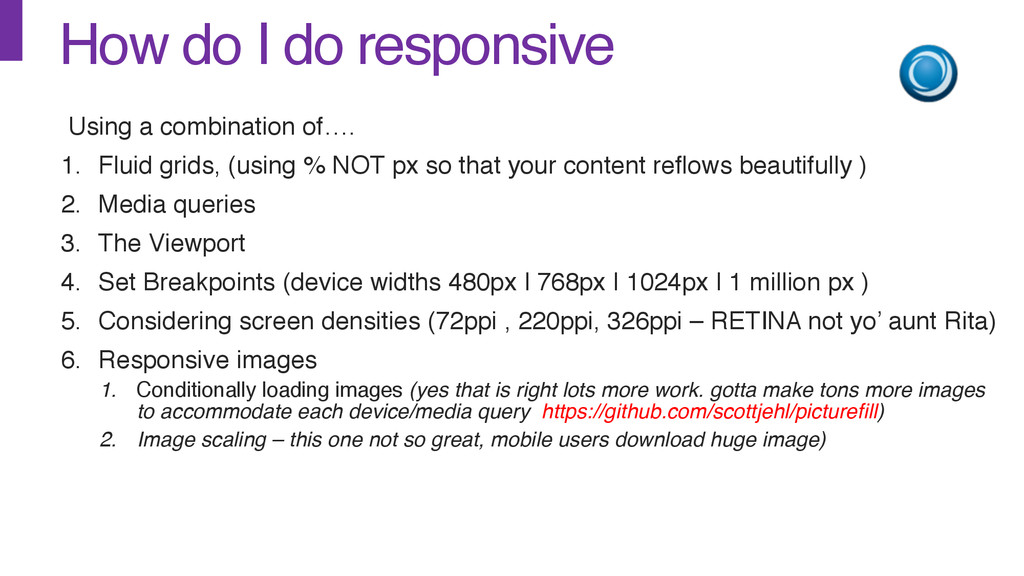
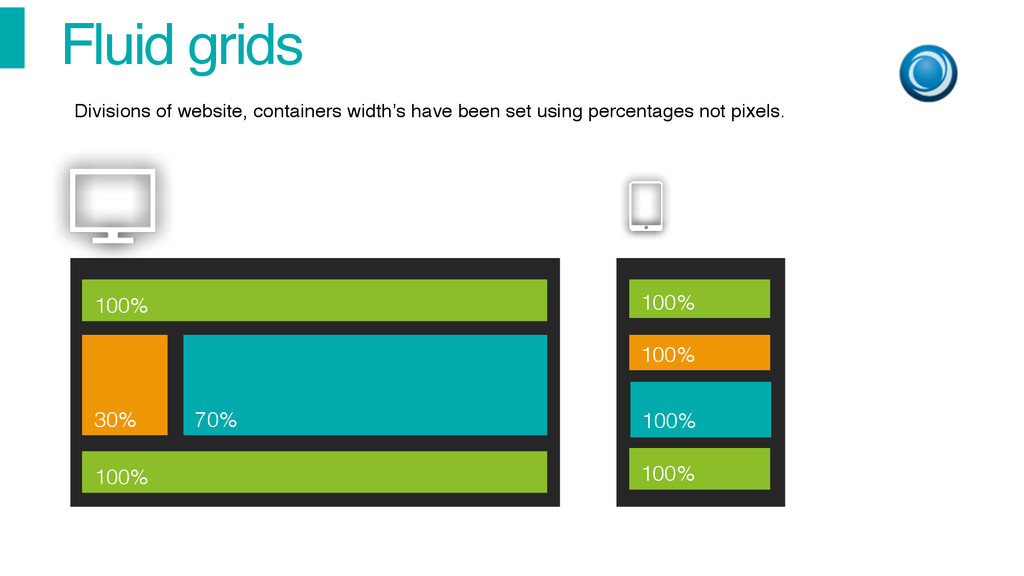
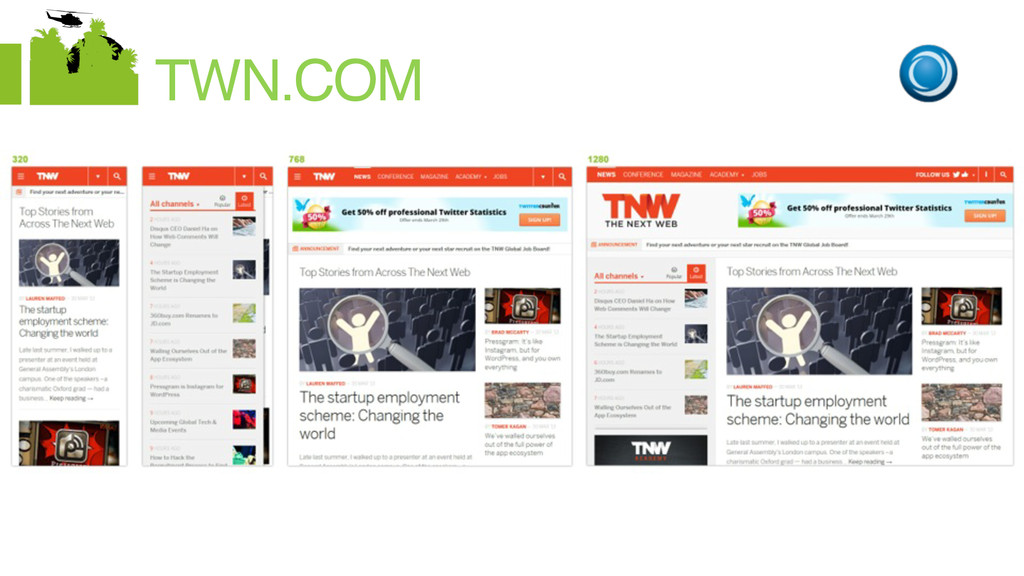
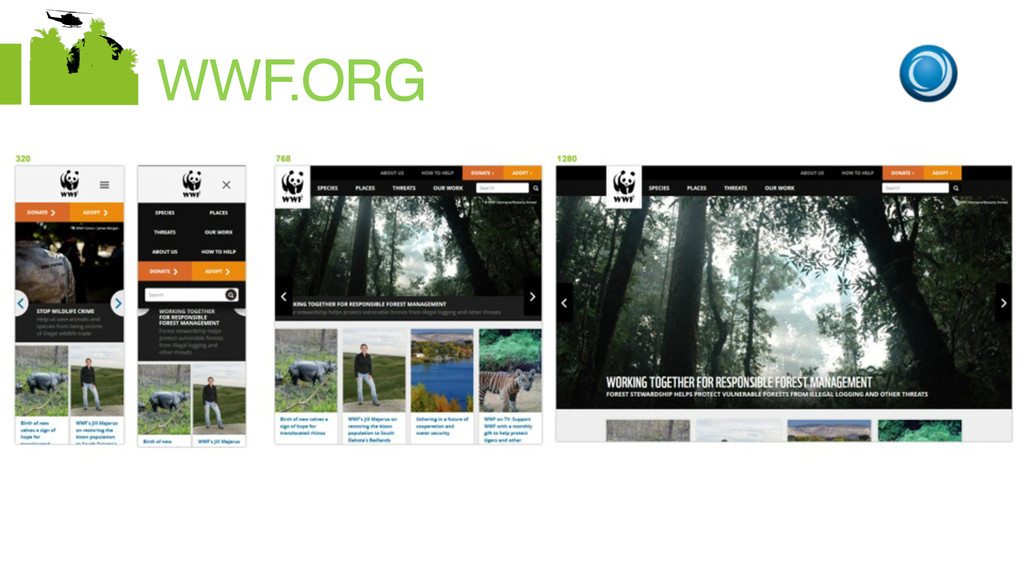
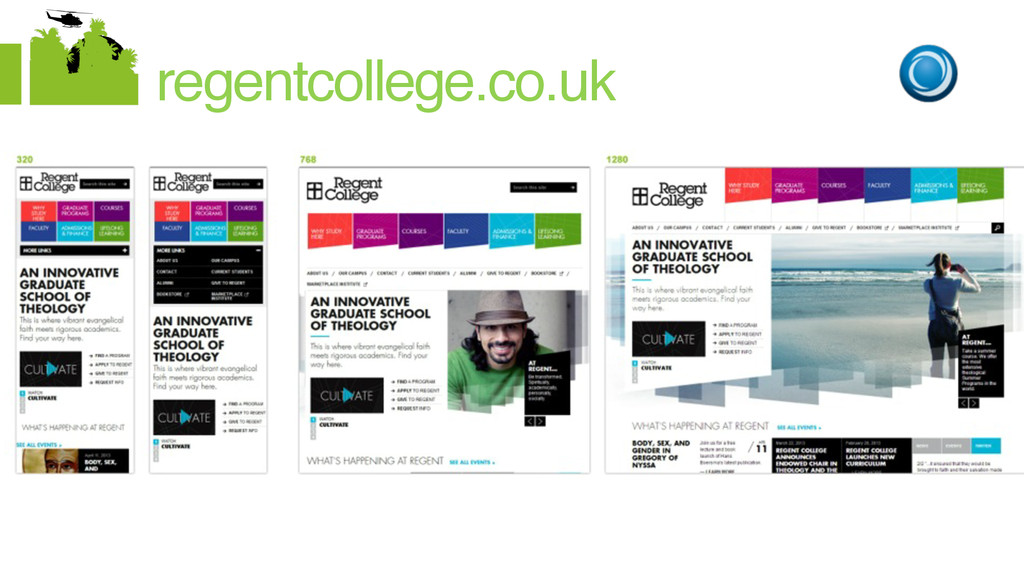
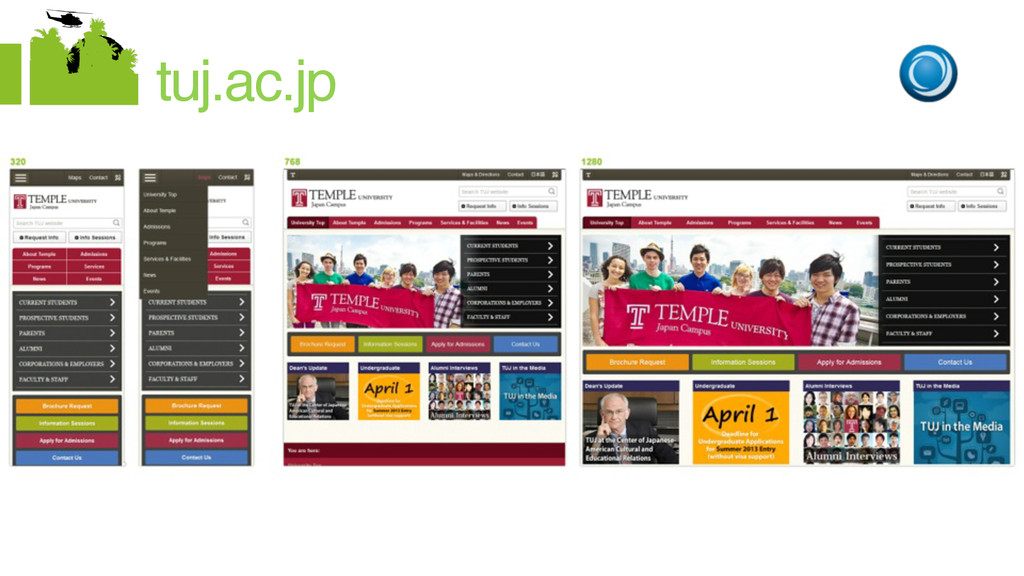
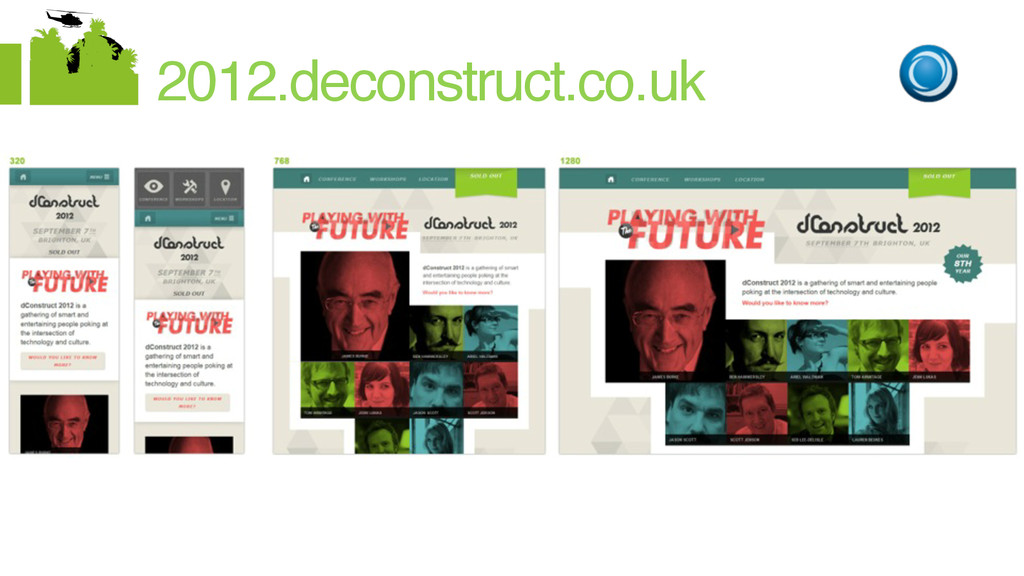
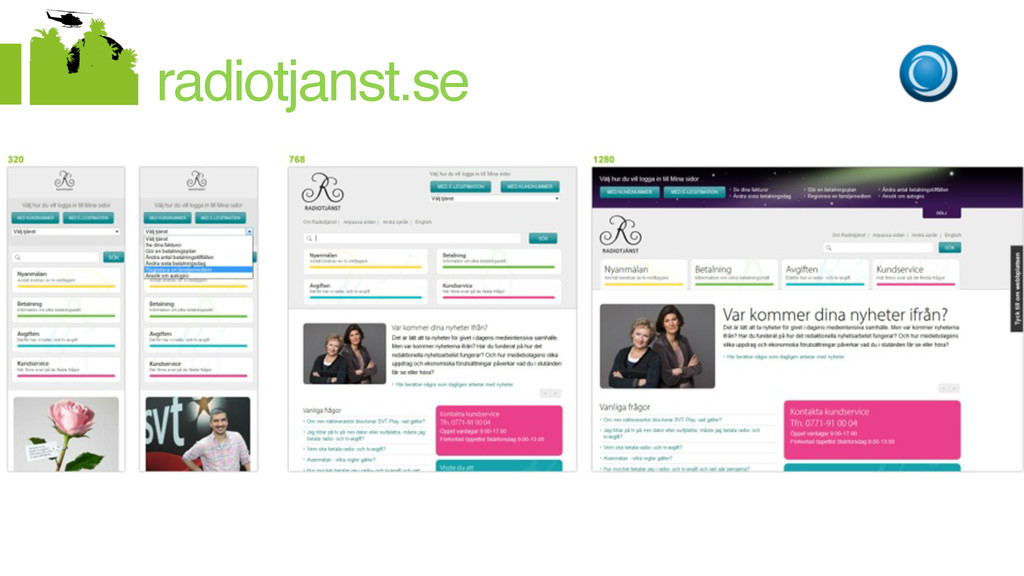
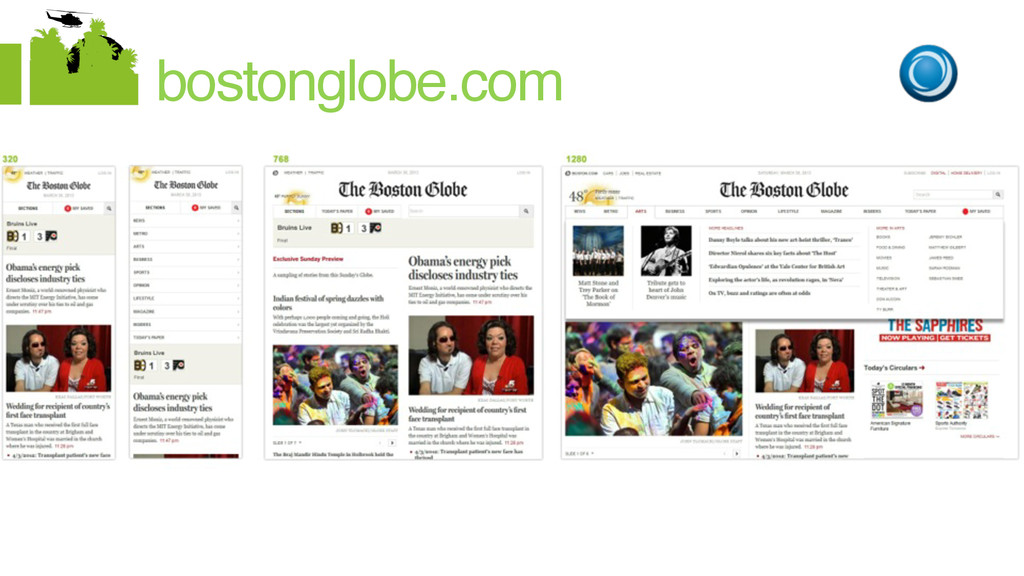
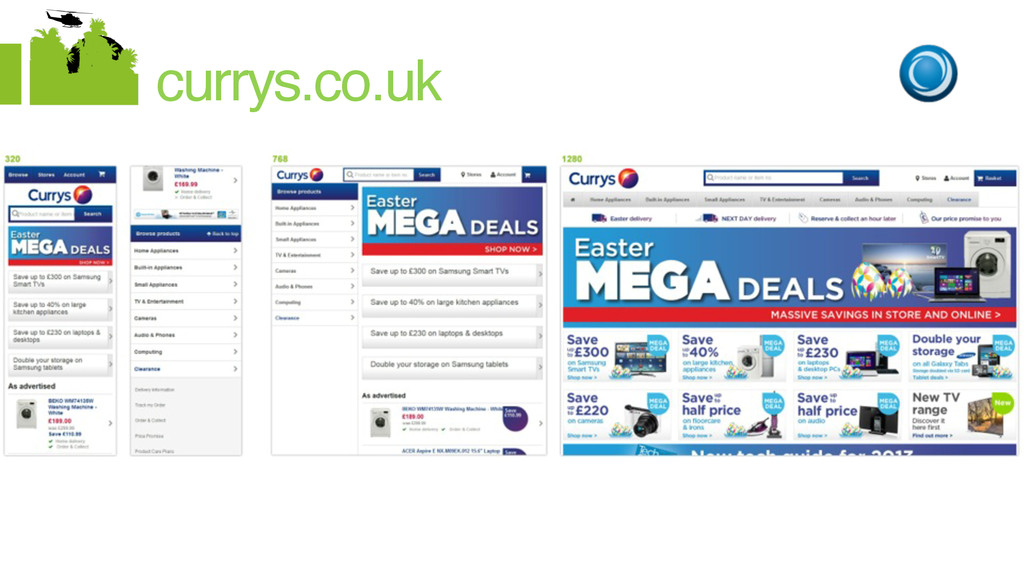
another fad it’s a reaction to the reality of designing for users who expect to experience your web site across multiple devices and screen sizes.! RWD is a design strategy that is centred on designing your content so that it responds to the environment that it encounters. It encompasses the use of: 1. Fluid Grids! 2. Media queries! 3. Flexible images and media (navigation systems etc.)
Fluid grids, (using % NOT px so that your content reflows beautifully )! 2. Media queries! 3. The Viewport! 4. Set Breakpoints (device widths 480px | 768px | 1024px | 1 million px )! 5. Considering screen densities (72ppi , 220ppi, 326ppi – RETINA not yo’ aunt Rita)! 6. Responsive images ! 1. Conditionally loading images (yes that is right lots more work. gotta make tons more images to accommodate each device/media query https://github.com/scottjehl/picturefill)! 2. Image scaling – this one not so great, mobile users download huge image)
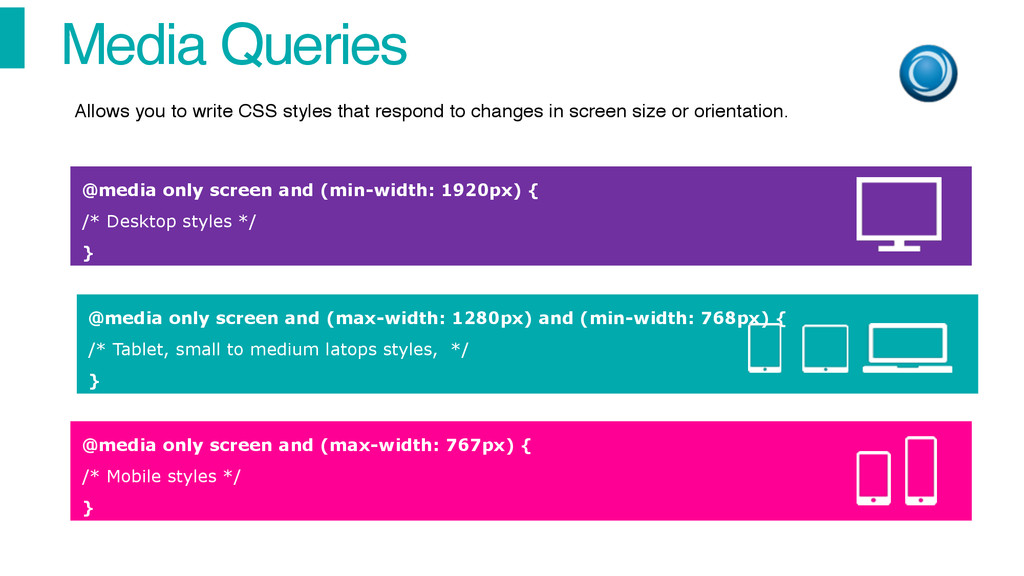
Desktop styles */ } @media only screen and (max-width: 1280px) and (min-width: 768px) { /* Tablet, small to medium latops styles, */ } @media only screen and (max-width: 767px) { /* Mobile styles */ } Allows you to write CSS styles that respond to changes in screen size or orientation.
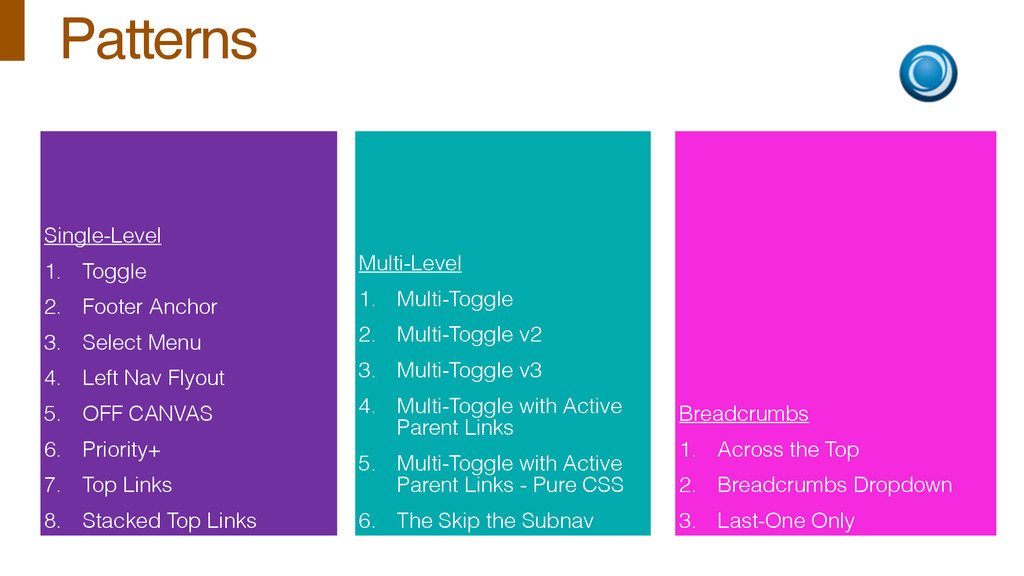
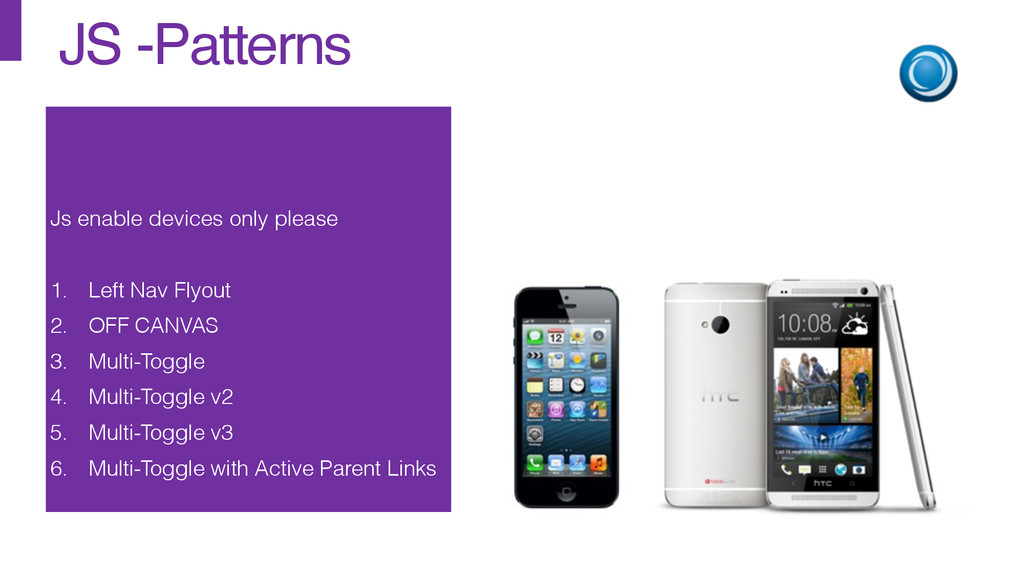
4. Left Nav Flyout 5. OFF CANVAS 6. Priority+ 7. Top Links 8. Stacked Top Links Multi-Level 1. Multi-Toggle 2. Multi-Toggle v2 3. Multi-Toggle v3 4. Multi-Toggle with Active Parent Links 5. Multi-Toggle with Active Parent Links - Pure CSS 6. The Skip the Subnav Breadcrumbs 1. Across the Top 2. Breadcrumbs Dropdown 3. Last-One Only


 nealle
 moznion
 kworkdev
 taketakekaho
 recruitengineers
 ivry_presentationmaterials
 endonanana
 jyouryuusui
 sansantech
 yahonda
 shogo4131
 sugarenia
 reverentgeek
 morganepeng
 pwiseman
 thirion
 aleyda
 katiecoart
 inesmontani
 palkan
 chriscoyier
 schlessera
 jonoalderson