Upgrade to Pro — share decks privately, control downloads, hide ads and more …

SQL Datasources in Grafana

Sponsored · Your Podcast. Everywhere. Effortlessly. Share. Educate. Inspire. Entertain. You do you. We'll handle the rest. →

SQL Datasources in Grafana

Introduction to using SQL datasources in Grafana. Recap up until Grafana v5.0 and what major features that have been added for SQL datasources up until Grafana v6.0. Also some best practices/gotchas regarding using SQL datasources in Grafana.

Finally, a walk through and demo of a project for gathering Grafana Labs GitHub statistics and how to visualize it in Grafana.

Presented by Carl Bergquist & Marcus Efraimsson

Avatar for Marcus Efraimsson

Marcus Efraimsson

February 26, 2019

Other Decks in Technology

Transcript

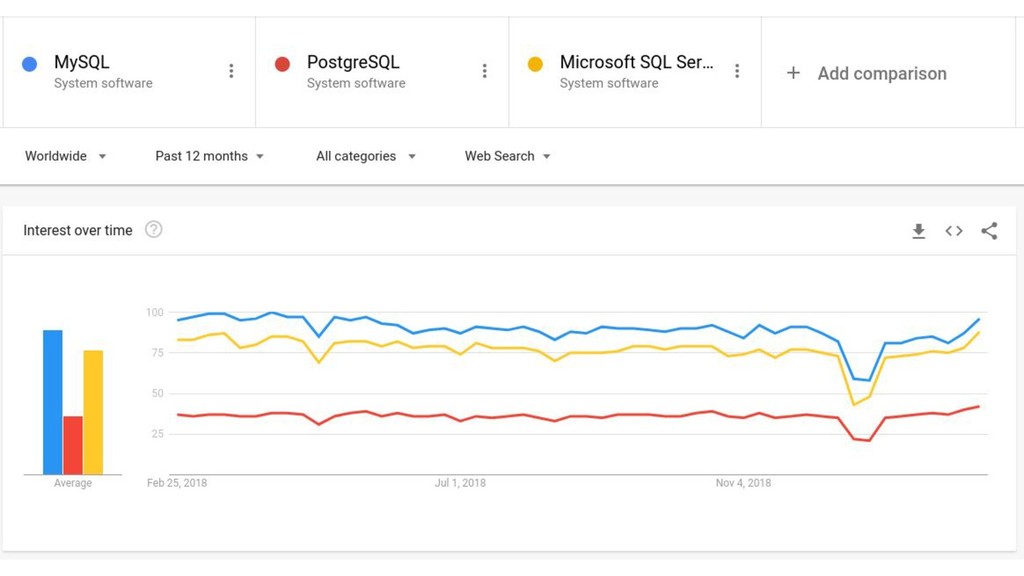
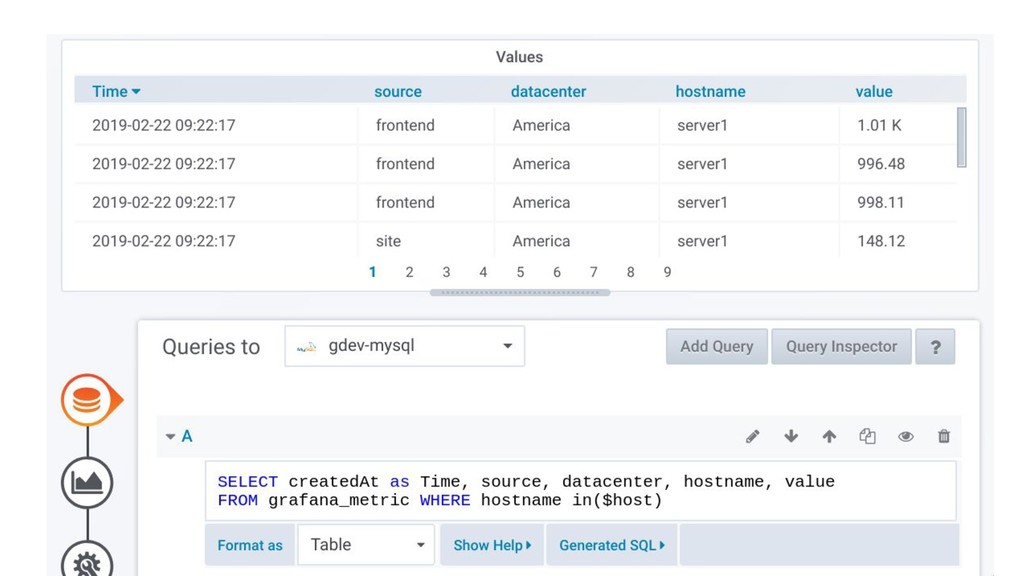
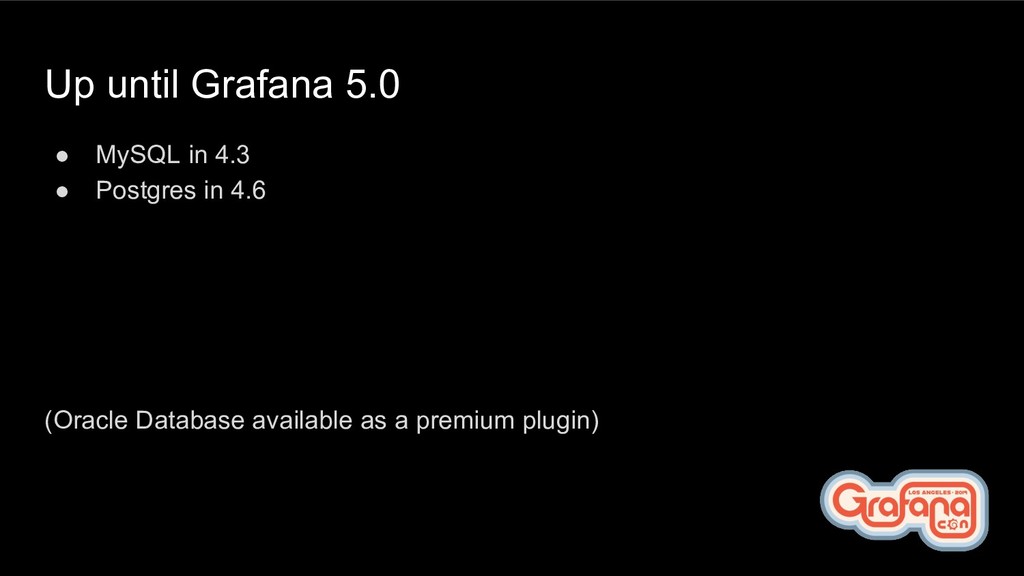
  1. Up until Grafana 5.0 • MySQL in 4.3 • Postgres
    in 4.6 (Oracle Database available as a premium plugin)
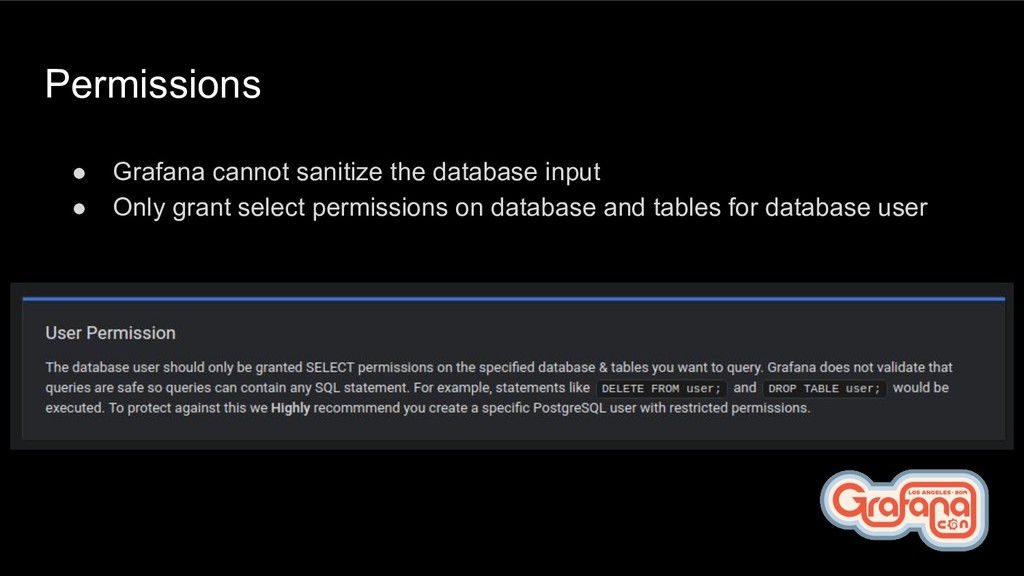
  2. Permissions • Grafana cannot sanitize the database input • Only

    grant select permissions on database and tables for database user
  3. Performance • Easy to write really expensive queries (SELECT *

    FROM) • Can slow database server down • Can hang browser where Grafana is used • Use a separate database from production/data warehouse
  4. Time zones • Run Grafana and database server on UTC

    time zone • Use time zone-aware data types for storing dates • Use epochs (seconds since 1970)
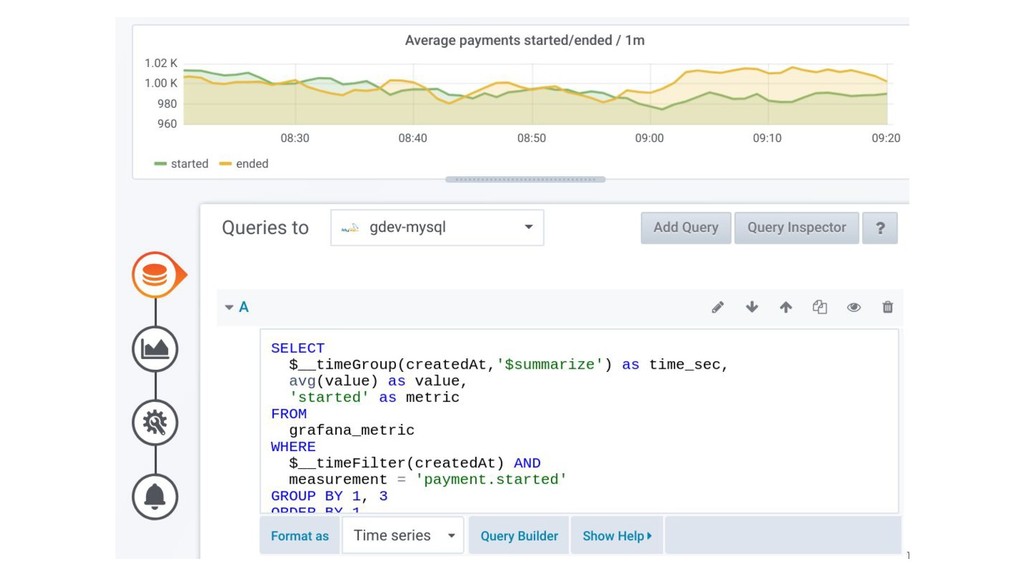
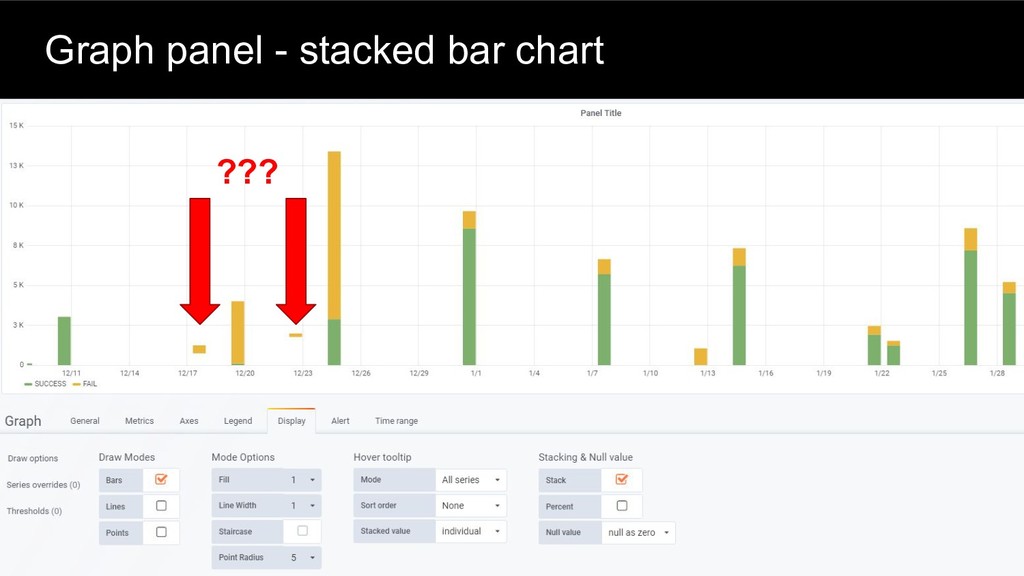
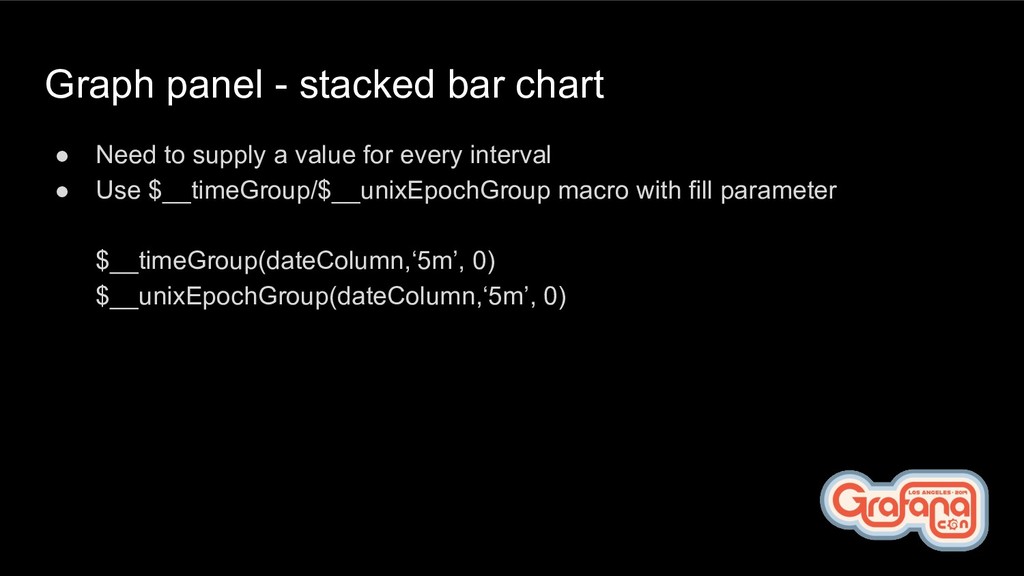
  5. Graph panel - stacked bar chart • Need to supply

    a value for every interval • Use $__timeGroup/$__unixEpochGroup macro with fill parameter $__timeGroup(dateColumn,‘5m’, 0) $__unixEpochGroup(dateColumn,‘5m’, 0)
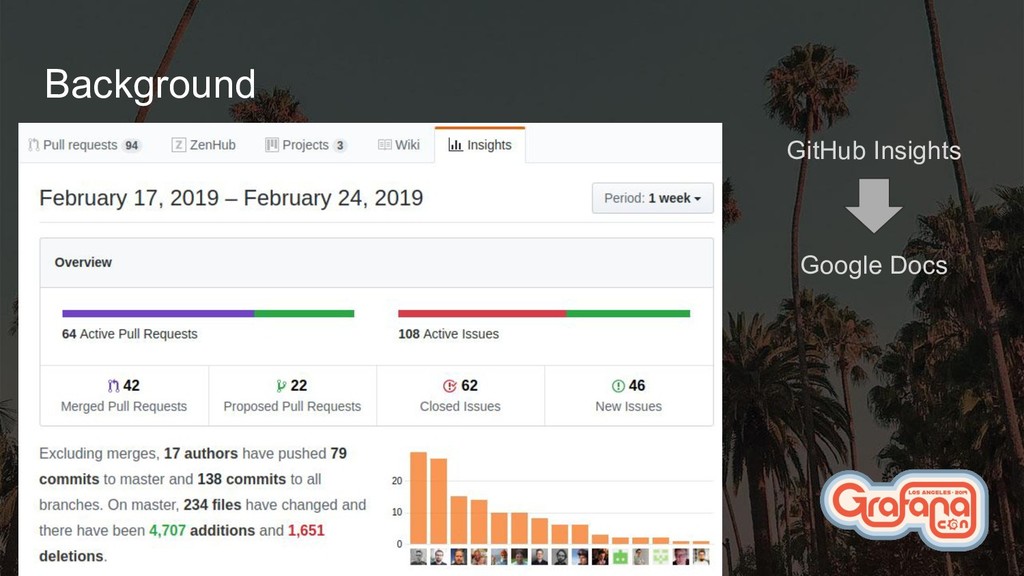
  6. Background cont. • Pull request activity kept growing • WHY?

    ◦ Probably because Grafana Labs are growing? ◦ We maybe have a lot of new contributors? ◦ Non-Grafana Labs contributors are probably as active as before? • Clearly needed a solution to remove the uncertainty!
  7. Problem description We want to measure and visualize GitHub activity

    of Grafana Labs vs contributors over time to make sure we have a healthy community and keep growing the contributor base
  8. Solution • Process GitHub events • Build pre-aggregated views •

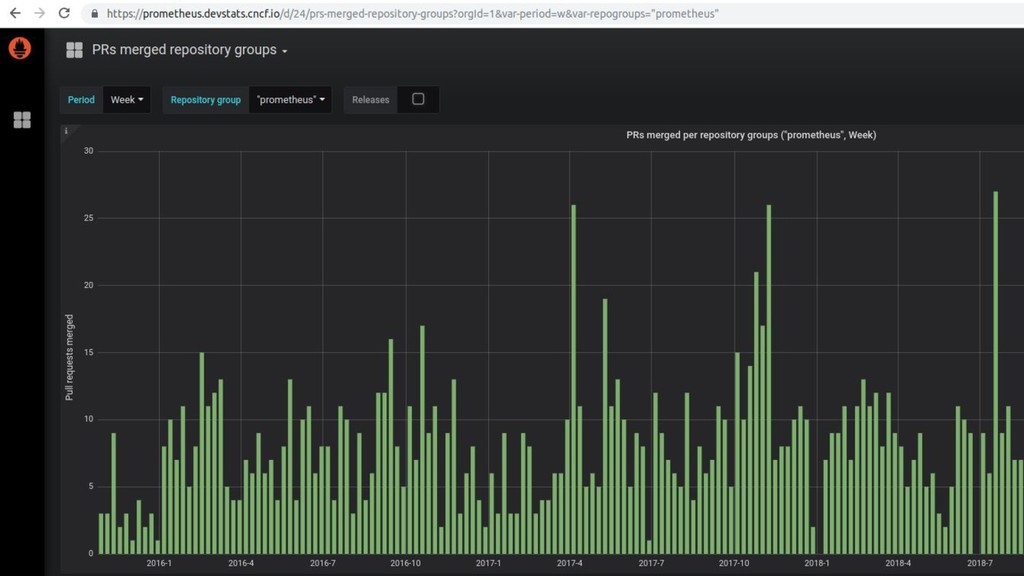
    Store in a relational database • Visualize in Grafana • Highly inspired by CNCF devstats
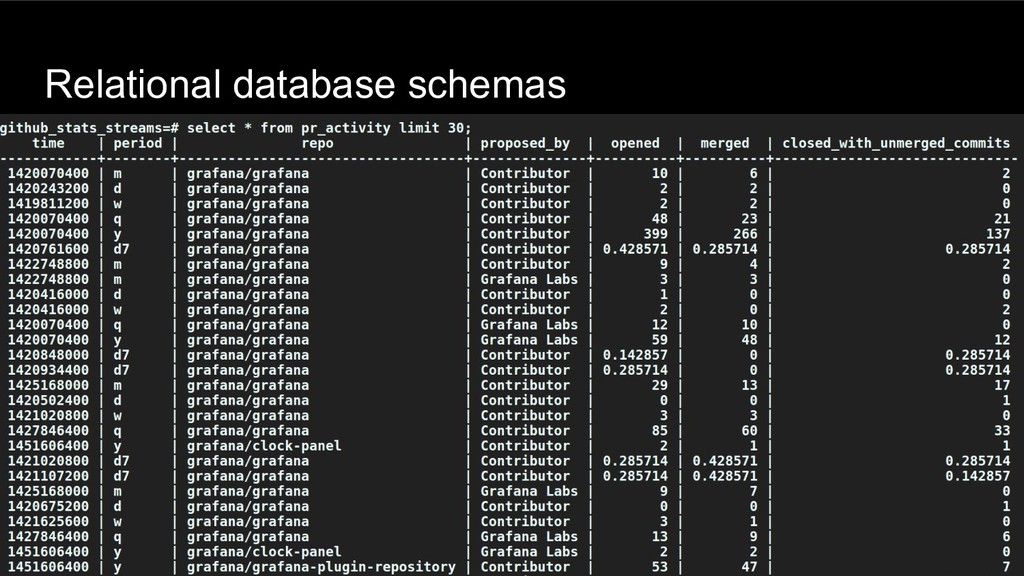
  9. Relational database schemas optimized for • Ease of use in

    Grafana • Separation of “business logic” and visualization logic • Performance
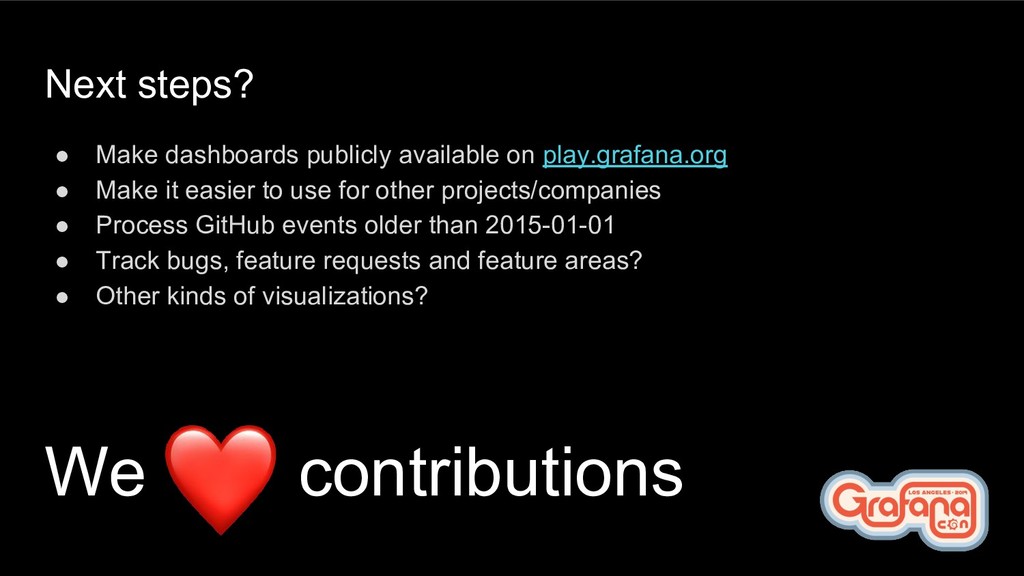
  10. Next steps? • Make dashboards publicly available on play.grafana.org •

    Make it easier to use for other projects/companies • Process GitHub events older than 2015-01-01 • Track bugs, feature requests and feature areas? • Other kinds of visualizations? We contributions
  11. Resources • Soon available on https://play.grafana.org • Source code: https://github.com/grafana/devtools

    • Public GitHub events archive: https://www.gharchive.org/ • https://all.devstats.cncf.io • https://github.com/cncf/devstats