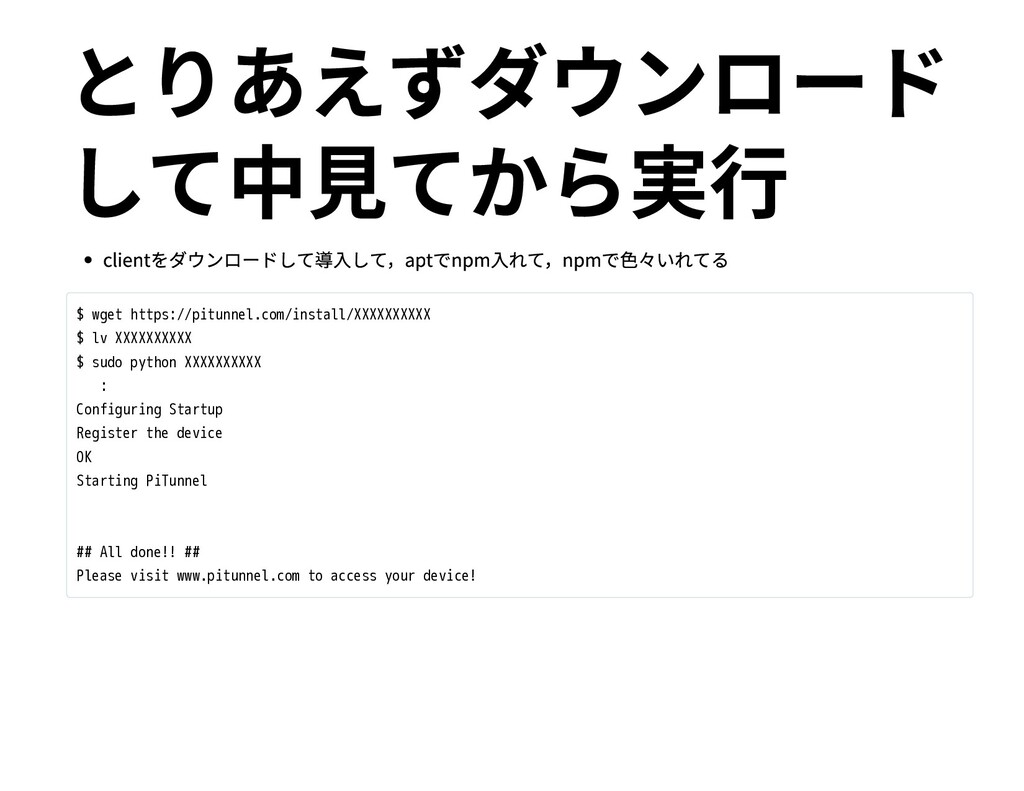
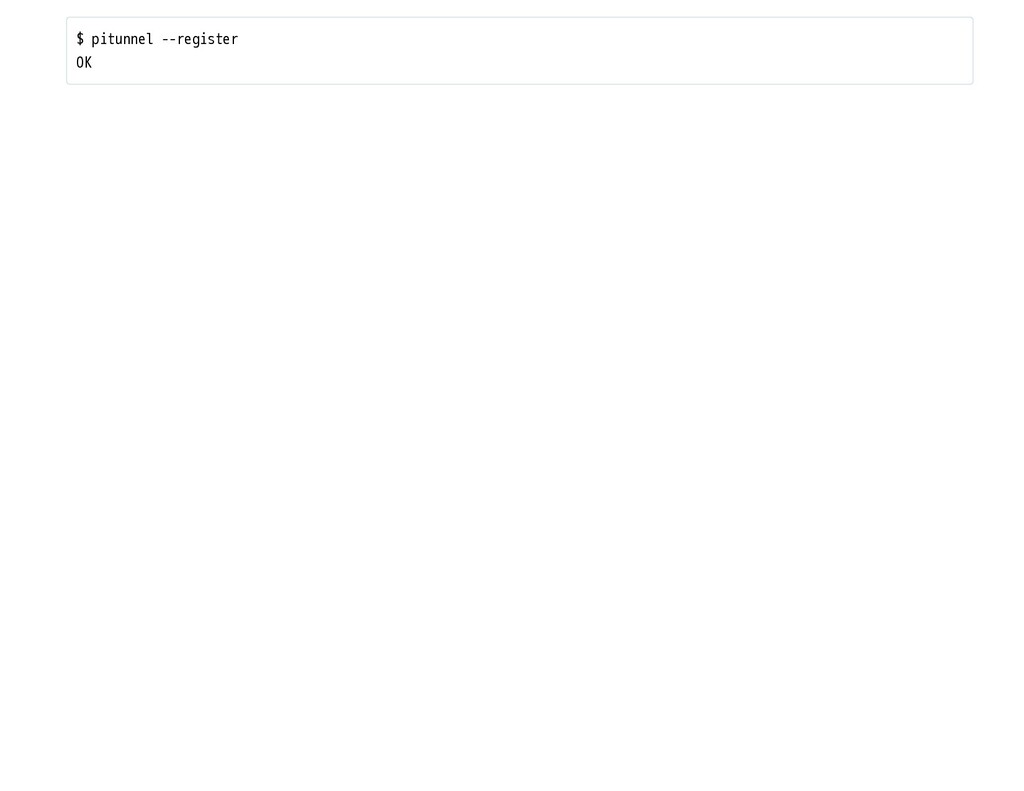
sudo python XXXXXXXXXX : Configuring Startup Register the device OK Starting PiTunnel ## All done!! ## Please visit www.pitunnel.com to access your device!
HOST] [--name NAME] [--token TOKEN] [--http] [--register] [--type TYPE] [--private] [--http-auth HTTP_AUTH] [--quiet] optional arguments: -h, --help show this help message and exit --port PORT Port Number --host HOST Hostname or IP Address (default: localhost) --name NAME Display name, for reference and subdomain creation. --token TOKEN Optinal user tunnel token. Not required if installed from website. --http Indicates that a tunnel is for a HTTP service. Will create http links on tunnels list and subdomains for named tunnels. --register Register a new device. Only needs to be called on first use by install script. --type TYPE Used to identify system tunnels like device_monitor. --private Specifies that the tunnel wont except external connections. It can only receive connections from localhost. E.g. for device_monitor. --http-auth HTTP_AUTH Add HTTP authorization to external access for this tunnel: 'user:pass' --quiet Quite Mode. Doesn't output messages to standard out.
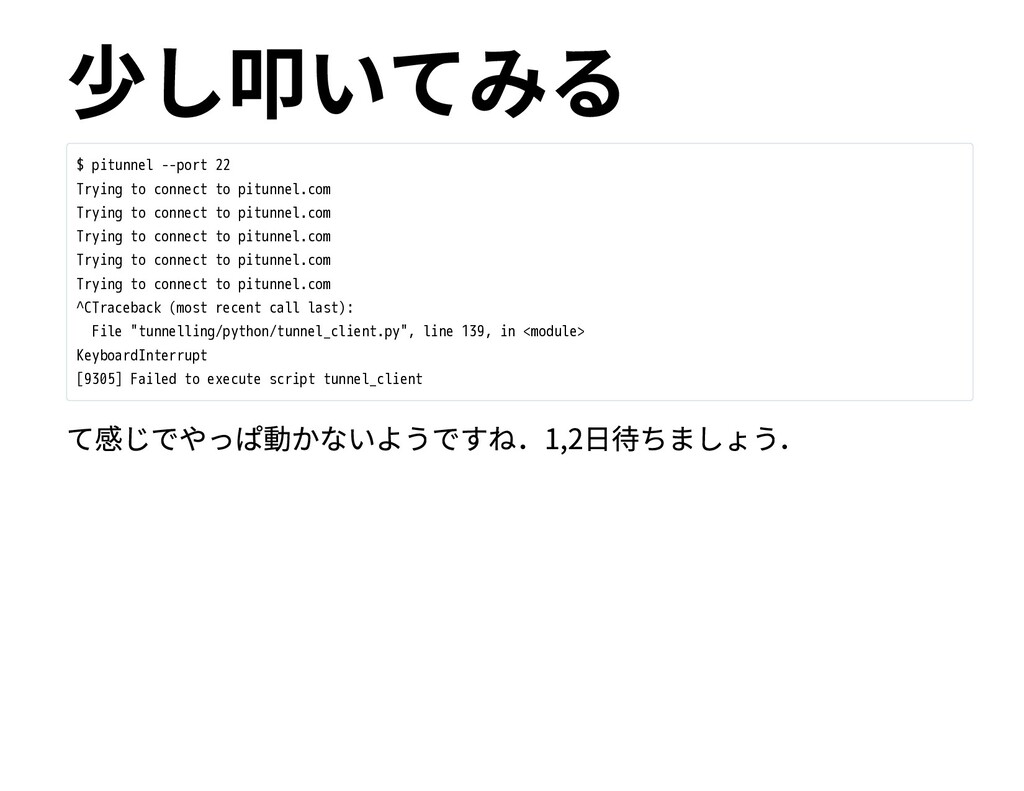
pitunnel.com Trying to connect to pitunnel.com Trying to connect to pitunnel.com Trying to connect to pitunnel.com Trying to connect to pitunnel.com ^CTraceback (most recent call last): File "tunnelling/python/tunnel_client.py", line 139, in <module> KeyboardInterrupt [9305] Failed to execute script tunnel_client


 matoken
 pfn
pfn
 ivry_presentationmaterials
 yahonda
 bitkey
 yamanoku
 takahashim
 teamlab
 satoshi7
 nttcom
 sh_fk2
 kakehashi
 ykanoh
 ipullrank
 trallard
 mkilby
 oripsolob
 reverentgeek
 chikuwait
 holman
 marcelosomers
 nonsquared
 marktimemedia
 lara
lara
 iamctodd
![clientを少し叩いてみる $ pitunnel -h usage: pitunnel [-h] [--port PORT] [--host](https://files.speakerdeck.com/presentations/21d432beff994bd09852a568fba036e6/slide_8.jpg)
![ngrokとかについてはこ の辺参照 [KagoLUG: Re: ローカルのサービスをお⼿軽に外部公開できるngrokを試してみた]](https://files.speakerdeck.com/presentations/21d432beff994bd09852a568fba036e6/slide_12.jpg)
![license等 Copyright: Kenichiro MATOHARA <[email protected]> License : https://creativecommons.org/licenses/by-nc-sa/ . /(CC](https://files.speakerdeck.com/presentations/21d432beff994bd09852a568fba036e6/slide_14.jpg)